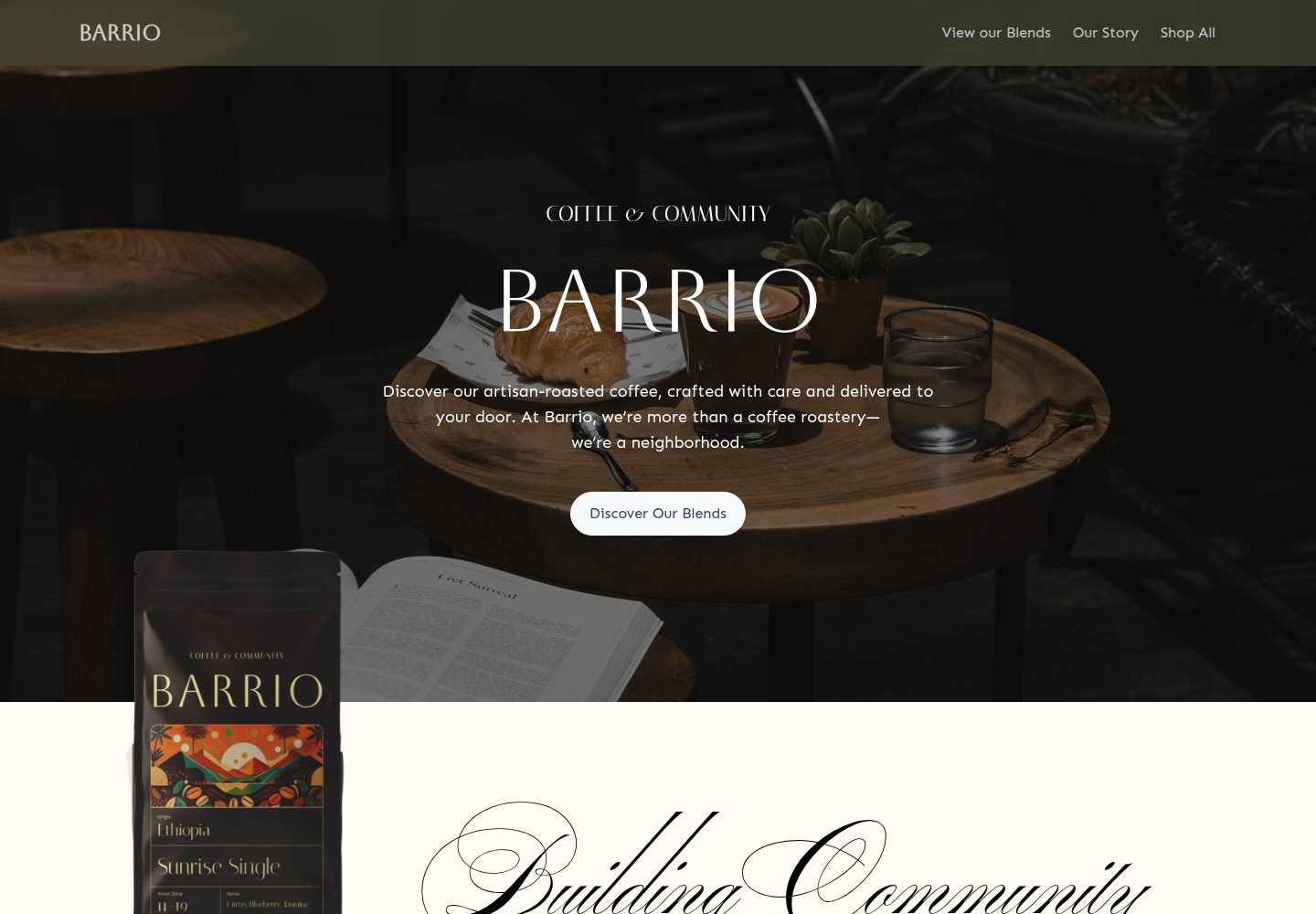
Turborepo monorepo,同时包含 Medusa2 后端与 Remix 前端
RemixReact电商启动器
medusa2-starter — Remix 电商模板
作者 lambda-curry
基于 Turborepo 的 Medusa2 + Remix 电商启动模板,含 Stripe 支付与 Coffee Roast 主题店面。
看看你的网站会是什么样
浏览真实页面截图,比较内容排版与手机效果。点击下方缩略图切换,放大查看整页细节。
全部页面与视图 3
截图用于了解视觉与布局,交互效果请以实际项目为准。
采集于 2026-09-30查看来源
值得关注的模板亮点
从已有项目资料中,快速了解它的特点。
内置 Coffee Roast 主题的动态店面示例
集成 Stripe 支付,并提供 Express Checkout 的开启说明
支持不限数量的产品、集合、分类与标签
使用 TypeScript 与 Biome 组织代码
提供本地开发、数据库初始化与重置的完整步骤
模板详细介绍
这是一个 Turborepo monorepo 模板,把 Medusa2 后端与 Remix 前端组合在一起,用于搭建电商店面。仓库自带一个 Coffee Roast 主题的动态店面作为示例,演示如何通过 Medusa2 的无头商务能力配合 Remix 的数据驱动界面呈现商品与分类。支付方面集成了 Stripe,README 说明结账需要配置 Stripe 密钥,并提供了开启 Express Checkout 的步骤(包括 Apple Pay 域名关联文件与支付方式注册)。商品侧支持不限数量的产品、集合、分类和标签。代码使用 TypeScript 与 Biome,仓库包含本地开发、数据库初始化与重置、发布密钥配置等说明。
使用前需要准备 Node.js 20+、Yarn 4.5.0、Remix 以及 Docker 与 Docker Compose。本地流程大致为:安装依赖、生成 Medusa 与 storefront 的 .env、填入 Stripe 密钥、初始化并填充 Medusa 数据库(内置 [email protected] / supersecret 账号)、启动开发服务、在 Medusa 后台创建 Publishable API Key 并写入 storefront 的 .env,然后重启。演示站点的截图与素材属于第三方内容,需自行核对许可;域名、托管、数据库与支付等外部服务可能产生费用。
Remix电商启动器
适合你的项目吗?
适用场景
- 以 Medusa2 作为后端快速搭建 Remix 电商店面
- 在现有模板基础上替换为自有品牌主题与商品数据
- 需要 Stripe 结账与 Express Checkout 的电商项目
- 希望用 monorepo 统一管理前后端代码的团队
适合人群
- 熟悉 Remix 与 Medusa2 的开发者
- 需要无头电商架构的前端或全栈团队
- 本地已具备 Docker 与 Node.js 20+ 环境的使用者
上手与定制指南
结合仓库当前版本的说明,按下面的资料检查内容、配置与运行要求。
- 1
需安装 Node.js 20+、Yarn 4.5.0、Remix 以及 Docker 与 Docker Compose
- 2
运行 yarn run generate-env 生成 apps/medusa/.env 与 apps/storefront/.env
- 3
在 apps/medusa/.env 填入 STRIPE_API_KEY,在 apps/storefront/.env 填入 MEDUSA_PUBLISHABLE_KEY、STRIPE_PUBLIC_KEY 与 STRIPE_SECRET_KEY
- 4
运行 yarn run medusa:init 初始化并填充数据库,默认管理员为 [email protected] / supersecret
- 5
Express Checkout 需自行准备 Apple Pay 域名关联文件并在 Stripe 注册支付方式与域名
授权与来源资料
使用条件与限制
免费使用 · 保留许可声明本次收录的是公开仓库中采用 MIT 许可的免费版本;免费范围为该版本代码,不代表外部服务或第三方素材免费。
使用时需要遵守
- 允许免费使用、修改、商用和分发该版本代码。
- 分发代码副本或实质性部分时,保留原作者版权声明和完整 MIT 许可声明。
- 代码按现状提供;担保与责任限制以原许可证及适用法律为准。
额外费用与待核对事项
- 结账功能依赖 Stripe 支付服务,必须自行注册 Stripe 账号并提供密钥,否则无法完成支付流程。
- 店面运行前需在 Medusa 后台手动创建 Publishable API Key 并写入环境变量,属于必须的账户与配置步骤。
- 启用 Express Checkout 需自行创建 Apple Pay 域名关联文件并替换模板内容,且需在 Stripe 注册域名与支付方式。
- 生产环境使用 Express Checkout 必须拥有并配置支持 HTTPS 的自有域名。
- 演示图片、字体、图标及其他第三方素材需按各自许可核对,不能仅凭代码的 MIT 许可判断。
- 域名、托管、数据库、支付或 AI 等外部服务可能另外收费。
查看原文依据
Permission is hereby granted, free of charge
许可证原文
STRIPE_API_KEY` # Your Stripe secret key. Required to checkout.
README 原文
Create a Publishable API Key for your storefront:
README 原文
Create your own [domain association file](https://docs.stripe.com/apple-pay?platform=web#verify-domain) to verify your domain
README 原文
https://github.com/lambda-curry/medusa2-starter/blob/main/LICENSEhttps://github.com/lambda-curry/medusa2-starter/blob/main/README.mdfor production, a domain with `https` is required.
README 原文
DeepSeek 根据仓库许可证和 README 整理 ·2026-10-01。结果仅覆盖已读取资料,依赖、图片、字体及后续条款变更以各自原文为准。
项目核对记录与介绍依据
模板资料
- 来源平台
- GitHub
- 资料与维护参考分
- 资料较完整 · 96 / 100
- 技术栈
- Remix · React
- 网站类型
- 电商 · 启动器
这个分数如何计算
本站按许可资料(最高30分)、演示链接(12分)、预览图(10分)、Star数(15分)、记录的维护时间(15分)、描述完整度(8分)、功能记录(5分)和分类资料(5分)计算。它不是代码、安全或性能测试,也不是 Google 评分;有链接不代表已实测可用。
这个项目需要核对什么
- 记录的仓库更新时间
- 2026-07-01
- 截图检查日期
- 2026-10-01
已收录演示链接。请用你的内容与屏幕尺寸检查;有演示不代表表单、认证或支付已经可用。
目录记录的主要技术栈是 Remix。请通过依赖清单和锁文件核对实际版本与托管要求。这些说明基于收录资料,不代表代码审计或部署实测。
查看具体选型方法 →介绍的制作与核对状态
介绍由 AI 辅助整理目录与仓库资料。仓库作者不等于这篇介绍的审核者。
已完成服务器许可规则与 AI 来源核对;未经过人工编辑审核。
查看当时使用的来源资料
SHA-256: e22125cf4cc76365dba688214e8cffc821da9b6cb397dc5944663187bc392871
2026-10-01T15:11:47.419Z
来源文件 / 仓库<h1 align="center"> <a href="https://barrio.lambdacurry.dev"><img src="https://barrio.lambdacurry.dev/favicon.svg" alt="Medusa 2 Starter with Remix Storefront" width="80" height="80"></a> <br> <br> Medusa 2 Starter with Remix Storefront <br> </h1> This is an official Turborepo monorepo integrating a Medusa2 backend with a Remix frontend. Showcasing a Coffee Roast themed dynamic storefront, it features Stripe payment integration, scalability with unlimited products and categories, and a developer-friendly setup using TypeScript and Biome. Ideal for rapidly building dynamic, scalable e-commerce stores. https://github.com/user-attachments/assets/3c10d2f5-91b8-405c-a47c-c8ae8a4be575 ## Table - [Prerequisites](#prerequisites) - [Project Overview](#project-overview) - [Key Features](#key-features) - [Demo](#demo) - [Getting Started](#getting-started) - [Local Development Setup](#local-development-setup) - [Resetting the Database](#resetting-the-database) - [Enabling Express Checkout](#enabling-express-checkout) - [Useful Links](#useful-links) - [Contributors](#contributors) ## Prerequisites Before you begin, ensure you have the following installed: - ✅ Node.js 20+ - ✅ Yarn 4.5.0 - ✅ Remix - ✅ Docker and Docker Compose ## Project Overview ### Key Features - **Dynamic Storefront**: Leverages Medusa2's robust headless commerce capabilities and Remix's fast, data-driven UI for modern e-commerce experiences. - **Advanced Payment Integration**: Out-of-the-box support for Stripe enables secure and reliable transaction processing. - **Scalability**: Supports unlimited products, collections, categories, and tags, accommodating businesses as they expand their inventory. - **Developer Experience**: Built with TypeScript and Biome, enhancing code quality, consistency, and maintainability. ## Demo You can view a live demo of the project [here](https://barrio.lambdacurry.dev/). ## Getting Started 1. Clone this repository 2. Install dependencies: ``` yarn ``` 3. Test the setup: ``` yarn build ``` ## Local Development Setup 1. Generate `.env` files for both the Medusa backend and the Remix storefront. ``` yarn run generate-env ``` > This will generate the `apps/medusa/.env` and `apps/storefront/.env` files. 2. Replace the following environment variables in your `apps/medusa/.env` file: - `STRIPE_API_KEY` # Your Stripe secret key. Required to checkout. 3. Run the following command to initialize the Medusa database: ``` yarn run medusa:init ``` > This will set up the database and seed it with some initial data, including a user with the email `[email protected]` and password `supersecret`. 4. Start the development servers: ``` yarn dev ``` > This will start both the Medusa backend and the Remix storefront in development mode. 5. Create a Publishable API Key for your storefront: - Log in to the [Medusa admin](http://localhost:9000/app/login) using the credentials `[email protected]` / `supersecret` - Navigate to the [_Publishable API Keys_ settings](http://localhost:9000/app/settings/publishable-api-keys) and **copy** an exisiting API Key or create a new one with at least one Sales Channel. 6. Replace the environment variables in the `apps/storefront/.env` file: - `MEDUSA_PUBLISHABLE_KEY` # API key from previous step - `STRIPE_PUBLIC_KEY` # starts with `pk_` - `STRIPE_SECRET_KEY` # starts with `sk_` 7. Restart your storefront and medusa backend: ``` yarn dev ``` ## Resetting the Database In order to reset the database, follow the steps from 3 to 7 in the Local Development Setup section. ## Enabling Express Checkout > For a more complete guide on how to enable Express Checkout, see the Stripe [documentation](https://docs.stripe.com/elements/express-checkout-element). To enable Express Checkout in the Medusa Storefront, follow these steps: 1. Enable the payment methods you want to use to during Express Checkout in the Stripe [payment methods settings](https://dashboard.stripe.com/settings/payment_methods). - Learn more about Apple Pay integration [here](https://docs.stripe.com/apple-pay) - Learn more about Google Pay integration [here](https://docs.stripe.com/google-pay). 2. Create your own [domain association file](https://docs.stripe.com/apple-pay?platform=web#verify-domain) to verify your domain, and replace the content in the `apps/storefront/app/routes/[.well-known].apple-developer-merchantid-domain-association.tsx` file with your own domain association file content. 3. Register your domain for payment methods - see [this stripe guide](https://docs.stripe.com/payments/payment-methods/pmd-registration) for more information. - for development, you may want to use a service like [ngrok](https://ngrok.com). - for production, a domain with `https` is required. ## Useful Links - [Medusa Documentation](https://docs.medusajs.com/) - [Remix Documentation](https://remix.run/docs/en/main) - [Turborepo Documentation](https://turbo.build/repo/docs) - [Stripe Express Checkout](https://docs.stripe.com/elements/express-checkout-element) ## Contributors Made with ❤️ by the Lambda Curry team. <a href = "https://github.com/lambda-curry/medusa2-starter/graphs/contributors"> <img src = "https://contrib.rocks/image?repo=lambda-curry/medusa2-starter"/> </a>
看看同类模板
对比同技术栈与用途的模板,找到更适合的视觉与内容结构。
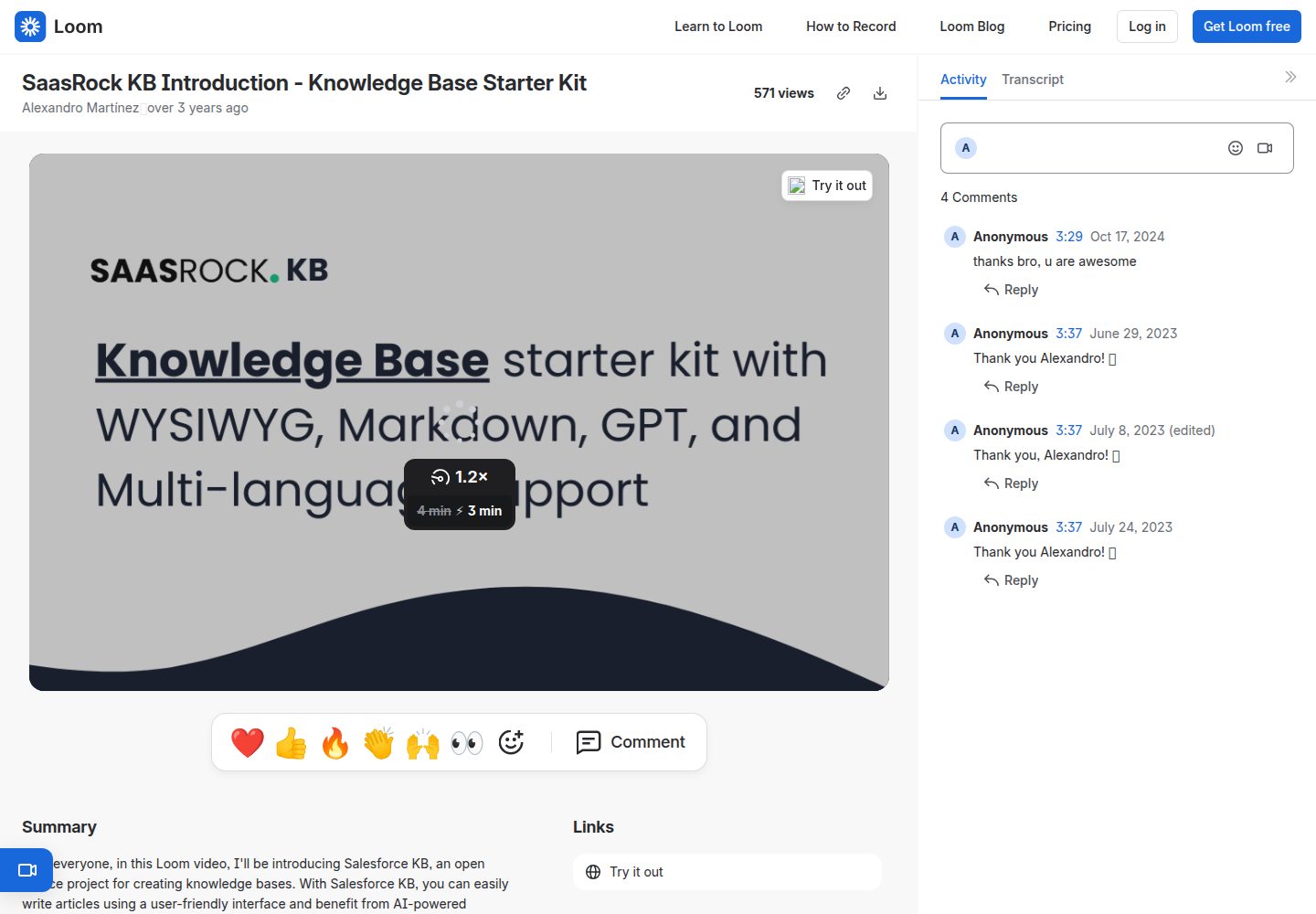
remix-knowledge-base
Knowledge Base starter kit with WYSIWYG, Markdown, GPT, and Multi-language support. Built with Remix, Tailwind…
Remix · 启动器
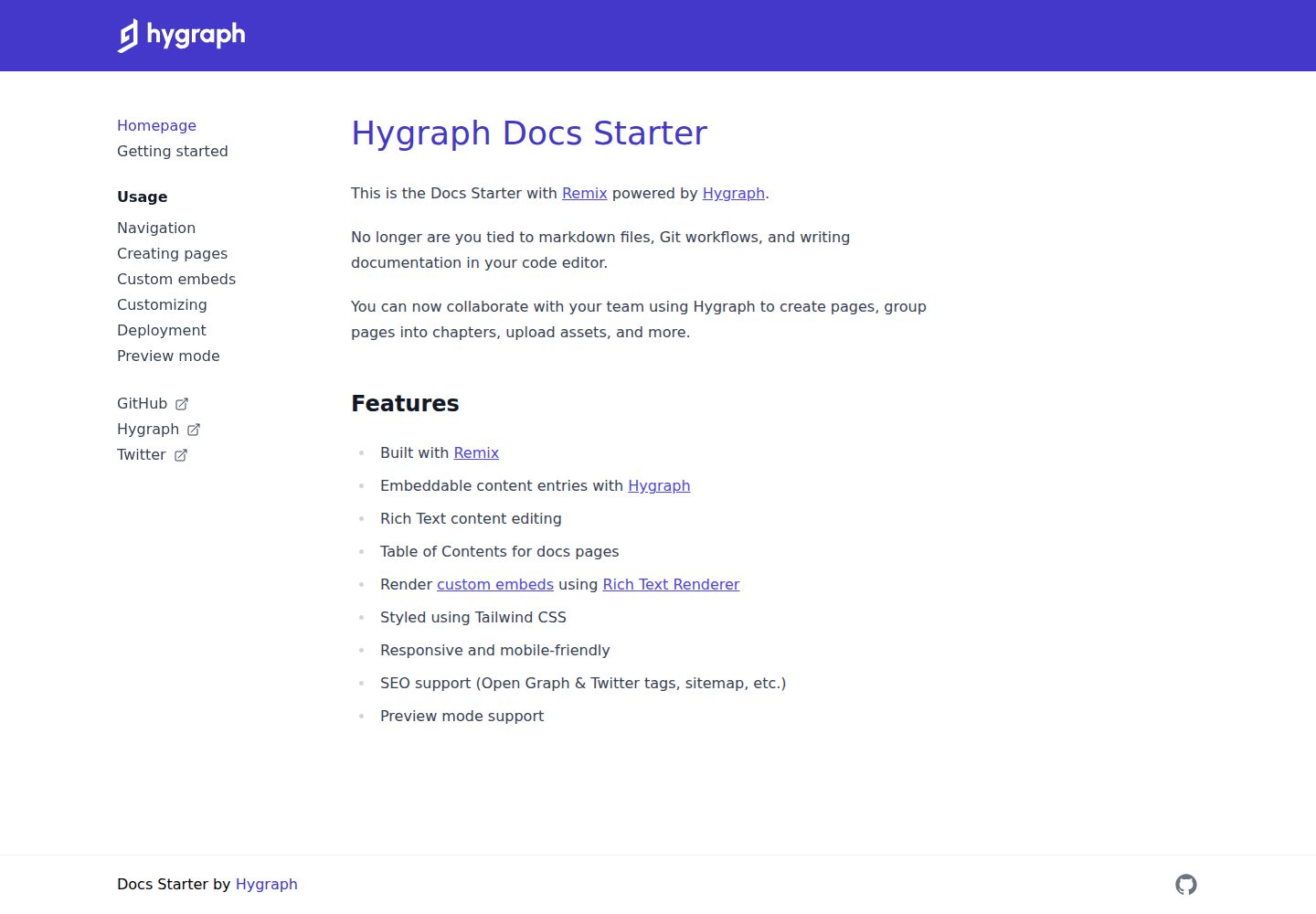
docs-starter
Remix starter for creating documentation websites with Hygraph
Remix · 文档
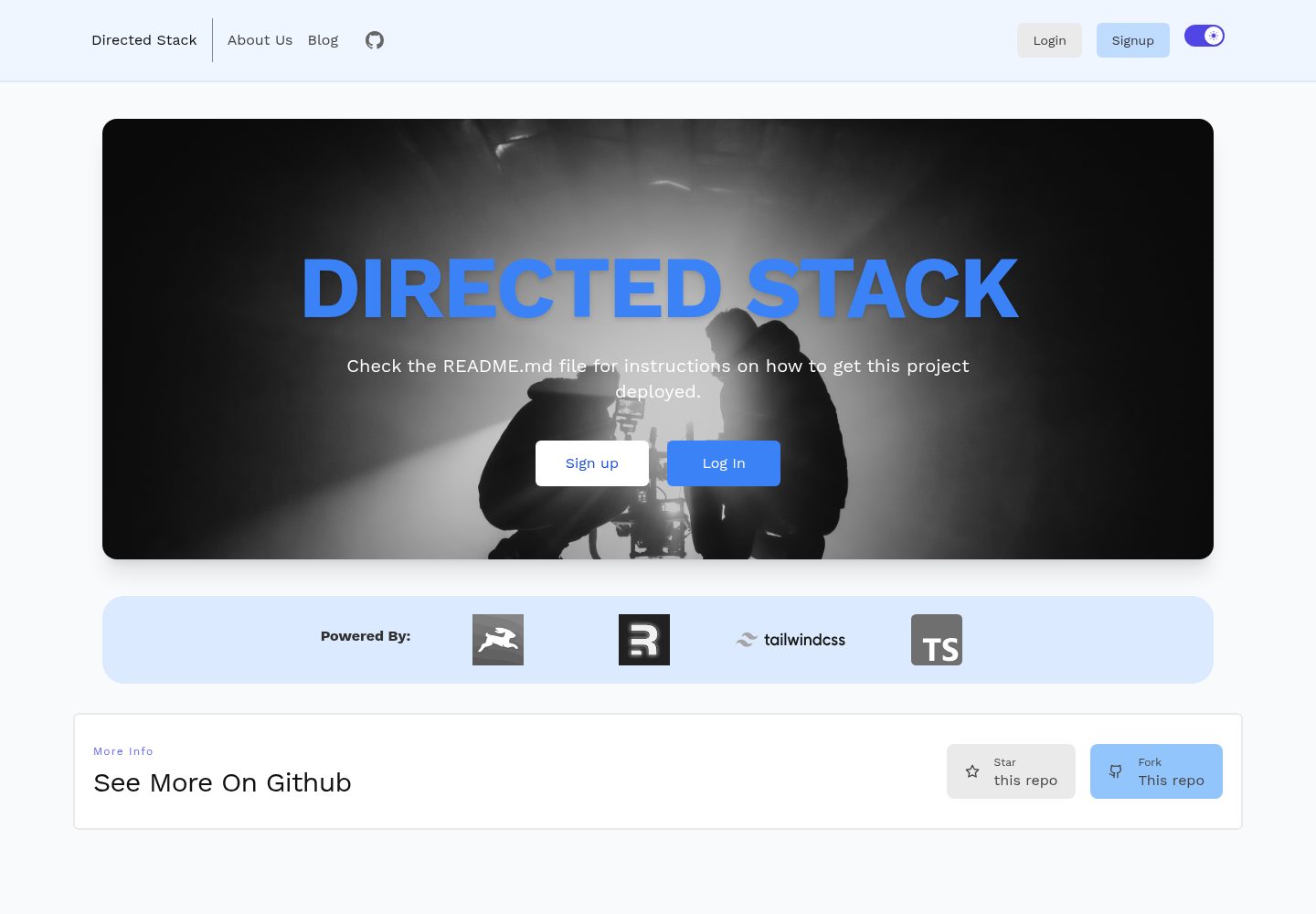
directed-stack
Directus + Remix full-stack starter
Remix · 启动器

remix-wasmer-starter
Wasmer Edge JS template for Remix
Remix · 启动器
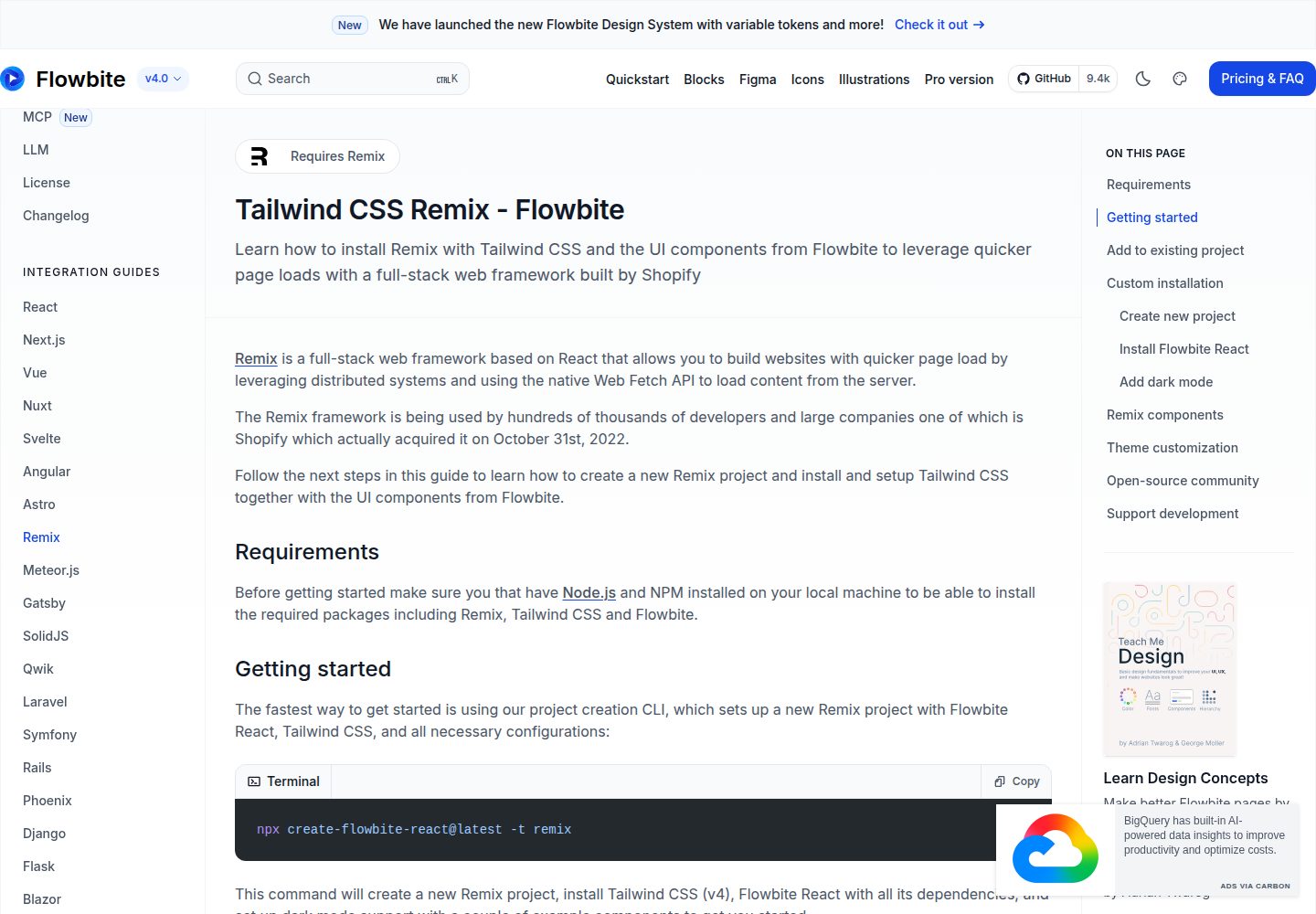
tailwind-remix-starter
Free and open-source starter kit that helps you get started with Tailwind CSS, Remix and Flowbite React
Remix · 启动器

remix-vite-markdown-pwa
A RemixJS starter template focused on performance, offering dynamic content, optimized loading, and PWA featur…
Remix · 博客