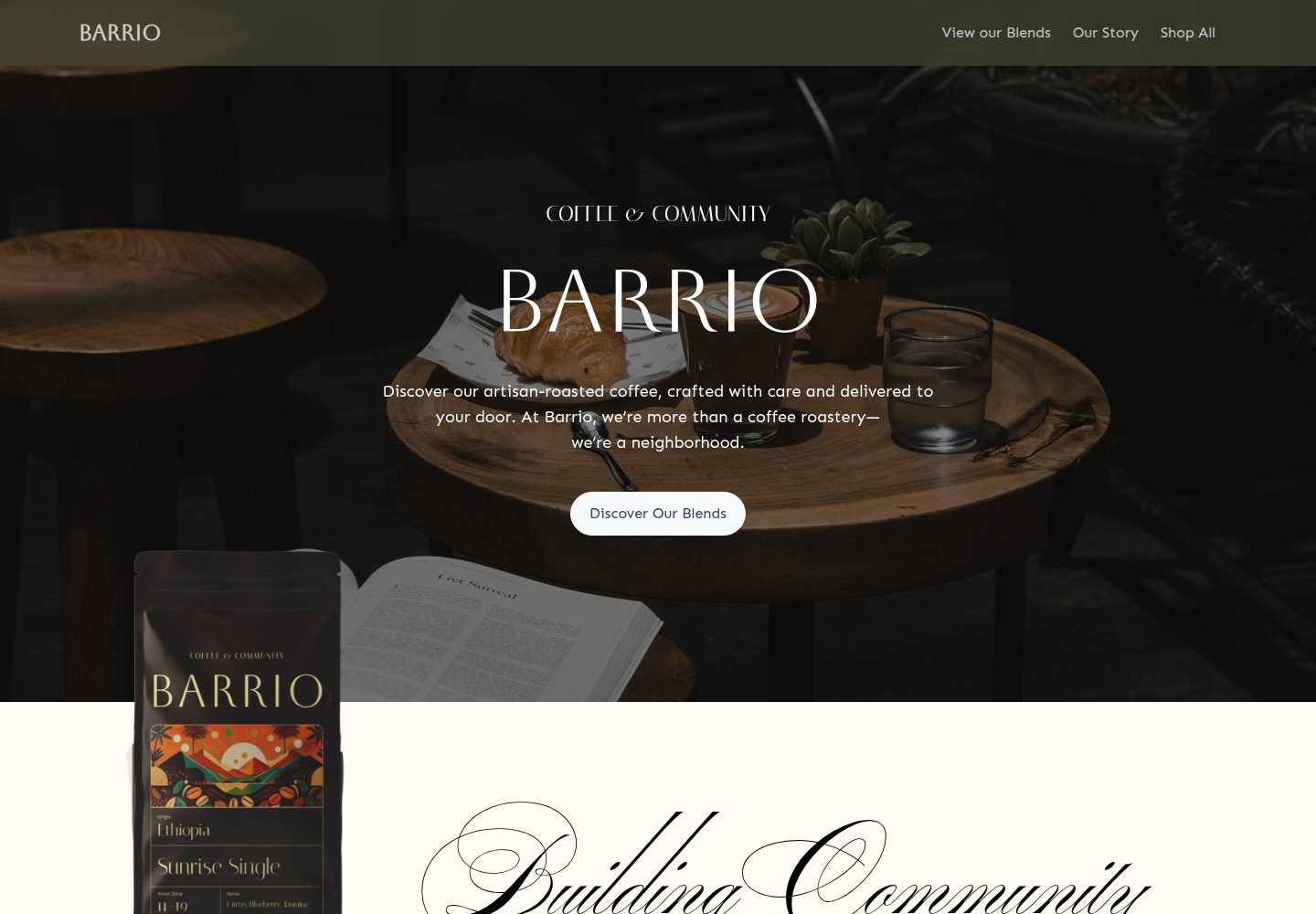
Turborepo monorepo containing both a Medusa2 backend and a Remix frontend
RemixReactE-commerceStarter
medusa2-starter — Remix Ecommerce Template
By lambda-curry
A Turborepo-based Medusa2 + Remix e-commerce starter template with Stripe payments and a Coffee Roast themed storefront.
Explore the design
Compare the page layouts and mobile experience. Open any screenshot for a closer look.
Desktop homepage1 / 3
Desktop captureTop of page
Actual screenshot captured by the server browser.
All pages & views 3
Screenshots show visual appearance; interactive behavior may differ.
Recorded 2026-09-30View source
What stands out
A quick read of the recorded project description.
Built-in Coffee Roast themed dynamic storefront example
Stripe payment integration with instructions for enabling Express Checkout
Supports an unlimited number of products, collections, categories, and tags
Code organized with TypeScript and Biome
Complete steps for local development, database initialization, and reset
Template Details
This is a Turborepo monorepo template that combines a Medusa2 backend with a Remix frontend for building e-commerce storefronts. The repository includes a Coffee Roast themed dynamic storefront as an example, demonstrating how to present products and categories using Medusa2's headless commerce capabilities alongside Remix's data-driven interface. For payments, Stripe is integrated; the README states that checkout requires configuring Stripe keys and provides steps to enable Express Checkout (including Apple Pay domain association files and payment method registration). On the product side, it supports an unlimited number of products, collections, categories, and tags. The code uses TypeScript and Biome, and the repository includes instructions for local development, database initialization and reset, and publishable key configuration.
Before use, you need Node.js 20+, Yarn 4.5.0, Remix, and Docker with Docker Compose. The local workflow is roughly: install dependencies, generate .env files for Medusa and the storefront, fill in Stripe keys, initialize and seed the Medusa database (with built-in [email protected] / supersecret account), start the development services, create a Publishable API Key in the Medusa admin and write it to the storefront's .env, then restart. Screenshots and assets of the demo site are third-party content and their licenses must be verified independently; external services such as domain, hosting, database, and payment may incur costs.
RemixE-commerceStarter
Is it right for your project?
Use Cases
- Quickly building a Remix e-commerce storefront with Medusa2 as the backend
- Replacing the existing template with your own brand theme and product data
- E-commerce projects that require Stripe checkout and Express Checkout
- Teams looking to manage frontend and backend code together in a monorepo
Suitable For
- Developers familiar with Remix and Medusa2
- Frontend or full-stack teams needing a headless e-commerce architecture
- Users with Docker and Node.js 20+ already set up locally
Getting started & customization
Use these recorded setup notes alongside the repository instructions for your chosen version.
- 1
Requires Node.js 20+, Yarn 4.5.0, Remix, and Docker with Docker Compose
- 2
Run yarn run generate-env to generate apps/medusa/.env and apps/storefront/.env
- 3
Fill in STRIPE_API_KEY in apps/medusa/.env, and MEDUSA_PUBLISHABLE_KEY, STRIPE_PUBLIC_KEY, and STRIPE_SECRET_KEY in apps/storefront/.env
- 4
Run yarn run medusa:init to initialize and seed the database; the default admin is [email protected] / supersecret
- 5
Express Checkout requires you to prepare Apple Pay domain association files and register payment methods and domains with Stripe
License & source material
Usage conditions & limitations
Free to use · keep license noticeThis entry covers the free version under the MIT license in the public repository; the free scope applies to that version's code and does not imply that external services or third-party assets are free.
Must comply with when using
- Permits free use, modification, commercial use, and distribution of this version's code.
- When distributing copies or substantial portions of the code, retain the original author's copyright notice and the full MIT license notice.
- The code is provided as-is; warranties and limitations of liability are governed by the original license and applicable law.
Additional costs & items to verify
- Checkout functionality depends on the Stripe payment service; you must register a Stripe account and provide keys yourself, otherwise the payment flow cannot be completed.
- Before the storefront runs, you must manually create a Publishable API Key in the Medusa admin and write it to environment variables; this is a required account and configuration step.
- Enabling Express Checkout requires you to create Apple Pay domain association files and replace the template content, and to register the domain and payment methods with Stripe.
- Using Express Checkout in production requires owning and configuring your own domain with HTTPS support.
- Demo images, fonts, icons, and other third-party assets must be checked against their respective licenses; the code's MIT license alone cannot be used to judge them.
- External services such as domain, hosting, database, payment, or AI may incur additional charges.
View Original Text Basis
Permission is hereby granted, free of charge
Original License Text
STRIPE_API_KEY` # Your Stripe secret key. Required to checkout.
Original README
Create a Publishable API Key for your storefront:
Original README
Create your own [domain association file](https://docs.stripe.com/apple-pay?platform=web#verify-domain) to verify your domain
Original README
https://github.com/lambda-curry/medusa2-starter/blob/main/LICENSEhttps://github.com/lambda-curry/medusa2-starter/blob/main/README.mdfor production, a domain with `https` is required.
Original README
Compiled by DeepSeek based on repository license and README ·2026-10-01. Results only cover the materials read; dependencies, images, fonts, and subsequent term changes are subject to their respective original texts.
Project checks & description sources
Template Information
- Source platforms
- GitHub
- Documentation and maintenance reference score
- More documented · 96 / 100
- Technologies
- Remix · React
- Website type
- E-commerce · Starter
How this score is calculated
Our heuristic uses license records (up to 30), a demo link (12), a preview (10), stars (15), recorded maintenance (15), description completeness (8), feature records (5) and classification data (5). It is not a code, security or performance test, or a Google score. A link does not establish tested functionality.
What to verify for this project
- Repository update recorded
- 2026-07-01
- Screenshot last checked
- 2026-10-01
A demo link is listed. Check it with your own content and viewport sizes; its presence does not confirm that forms, authentication or payments work.
The catalog identifies Remix as the primary stack. Check the actual dependency manifest and lockfile for versions and hosting requirements. These notes use recorded metadata, not a code audit or a deployment test.
Use a selection guide →How this description was prepared
AI-assisted description based on catalog records and repository material. Repository authors are not automatically the reviewers of this description.
Automatically checked against source and license rules; no manual editorial review.
Inspect the recorded source material
SHA-256: e22125cf4cc76365dba688214e8cffc821da9b6cb397dc5944663187bc392871
2026-10-01T15:11:47.419Z
Source file / repository<h1 align="center"> <a href="https://barrio.lambdacurry.dev"><img src="https://barrio.lambdacurry.dev/favicon.svg" alt="Medusa 2 Starter with Remix Storefront" width="80" height="80"></a> <br> <br> Medusa 2 Starter with Remix Storefront <br> </h1> This is an official Turborepo monorepo integrating a Medusa2 backend with a Remix frontend. Showcasing a Coffee Roast themed dynamic storefront, it features Stripe payment integration, scalability with unlimited products and categories, and a developer-friendly setup using TypeScript and Biome. Ideal for rapidly building dynamic, scalable e-commerce stores. https://github.com/user-attachments/assets/3c10d2f5-91b8-405c-a47c-c8ae8a4be575 ## Table - [Prerequisites](#prerequisites) - [Project Overview](#project-overview) - [Key Features](#key-features) - [Demo](#demo) - [Getting Started](#getting-started) - [Local Development Setup](#local-development-setup) - [Resetting the Database](#resetting-the-database) - [Enabling Express Checkout](#enabling-express-checkout) - [Useful Links](#useful-links) - [Contributors](#contributors) ## Prerequisites Before you begin, ensure you have the following installed: - ✅ Node.js 20+ - ✅ Yarn 4.5.0 - ✅ Remix - ✅ Docker and Docker Compose ## Project Overview ### Key Features - **Dynamic Storefront**: Leverages Medusa2's robust headless commerce capabilities and Remix's fast, data-driven UI for modern e-commerce experiences. - **Advanced Payment Integration**: Out-of-the-box support for Stripe enables secure and reliable transaction processing. - **Scalability**: Supports unlimited products, collections, categories, and tags, accommodating businesses as they expand their inventory. - **Developer Experience**: Built with TypeScript and Biome, enhancing code quality, consistency, and maintainability. ## Demo You can view a live demo of the project [here](https://barrio.lambdacurry.dev/). ## Getting Started 1. Clone this repository 2. Install dependencies: ``` yarn ``` 3. Test the setup: ``` yarn build ``` ## Local Development Setup 1. Generate `.env` files for both the Medusa backend and the Remix storefront. ``` yarn run generate-env ``` > This will generate the `apps/medusa/.env` and `apps/storefront/.env` files. 2. Replace the following environment variables in your `apps/medusa/.env` file: - `STRIPE_API_KEY` # Your Stripe secret key. Required to checkout. 3. Run the following command to initialize the Medusa database: ``` yarn run medusa:init ``` > This will set up the database and seed it with some initial data, including a user with the email `[email protected]` and password `supersecret`. 4. Start the development servers: ``` yarn dev ``` > This will start both the Medusa backend and the Remix storefront in development mode. 5. Create a Publishable API Key for your storefront: - Log in to the [Medusa admin](http://localhost:9000/app/login) using the credentials `[email protected]` / `supersecret` - Navigate to the [_Publishable API Keys_ settings](http://localhost:9000/app/settings/publishable-api-keys) and **copy** an exisiting API Key or create a new one with at least one Sales Channel. 6. Replace the environment variables in the `apps/storefront/.env` file: - `MEDUSA_PUBLISHABLE_KEY` # API key from previous step - `STRIPE_PUBLIC_KEY` # starts with `pk_` - `STRIPE_SECRET_KEY` # starts with `sk_` 7. Restart your storefront and medusa backend: ``` yarn dev ``` ## Resetting the Database In order to reset the database, follow the steps from 3 to 7 in the Local Development Setup section. ## Enabling Express Checkout > For a more complete guide on how to enable Express Checkout, see the Stripe [documentation](https://docs.stripe.com/elements/express-checkout-element). To enable Express Checkout in the Medusa Storefront, follow these steps: 1. Enable the payment methods you want to use to during Express Checkout in the Stripe [payment methods settings](https://dashboard.stripe.com/settings/payment_methods). - Learn more about Apple Pay integration [here](https://docs.stripe.com/apple-pay) - Learn more about Google Pay integration [here](https://docs.stripe.com/google-pay). 2. Create your own [domain association file](https://docs.stripe.com/apple-pay?platform=web#verify-domain) to verify your domain, and replace the content in the `apps/storefront/app/routes/[.well-known].apple-developer-merchantid-domain-association.tsx` file with your own domain association file content. 3. Register your domain for payment methods - see [this stripe guide](https://docs.stripe.com/payments/payment-methods/pmd-registration) for more information. - for development, you may want to use a service like [ngrok](https://ngrok.com). - for production, a domain with `https` is required. ## Useful Links - [Medusa Documentation](https://docs.medusajs.com/) - [Remix Documentation](https://remix.run/docs/en/main) - [Turborepo Documentation](https://turbo.build/repo/docs) - [Stripe Express Checkout](https://docs.stripe.com/elements/express-checkout-element) ## Contributors Made with ❤️ by the Lambda Curry team. <a href = "https://github.com/lambda-curry/medusa2-starter/graphs/contributors"> <img src = "https://contrib.rocks/image?repo=lambda-curry/medusa2-starter"/> </a>
Explore similar templates
Compare previews and descriptions within the same stack and category.
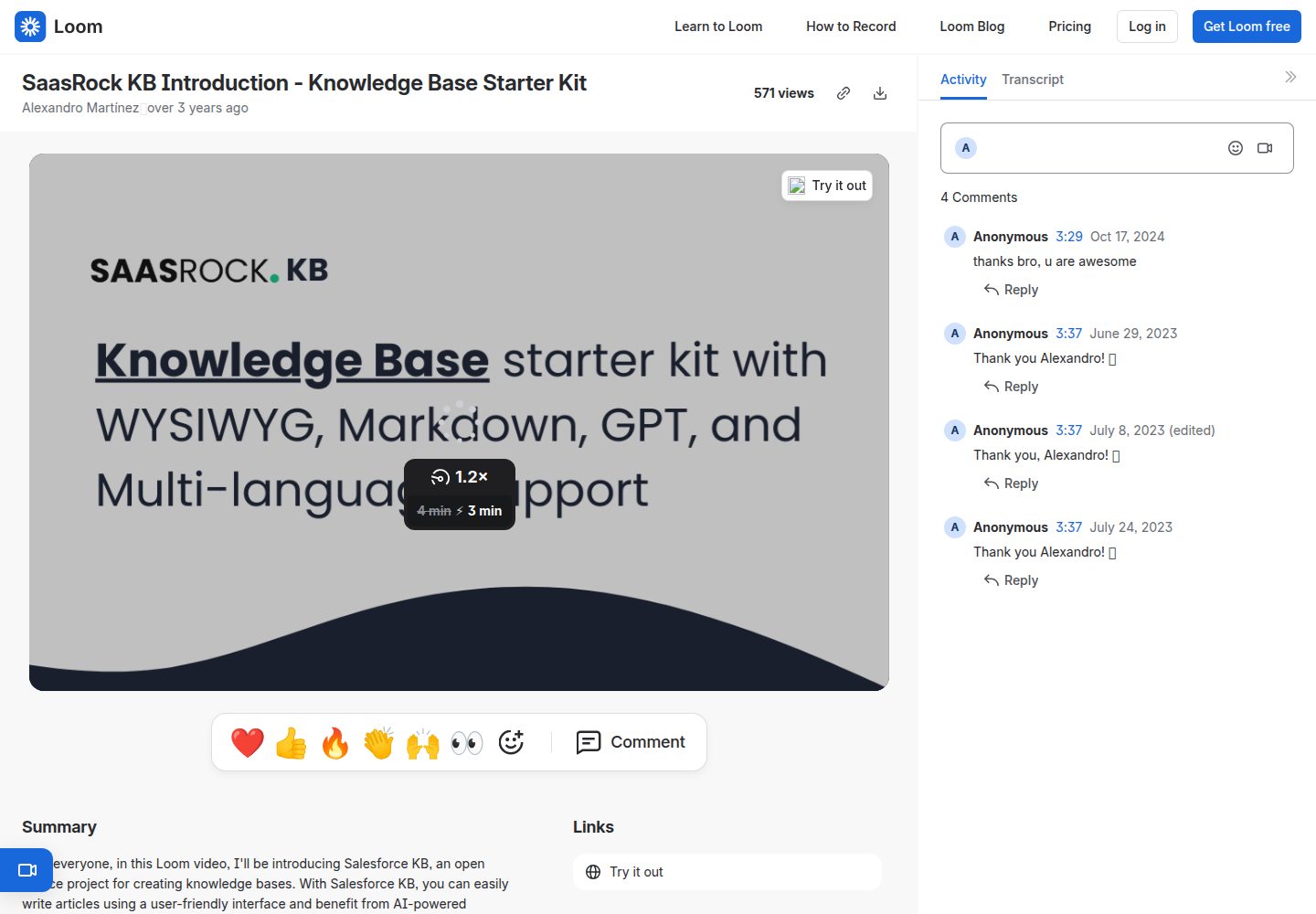
remix-knowledge-base
A Remix-based knowledge base starter kit with Tailwind CSS and Prisma, offering Tiptap WYSIWYG and Monaco Markdown editors, multiple knowledge bases, multi-language support, drafts, SEO settings, simple statistics, and Supabase image storage.
Remix · Starter
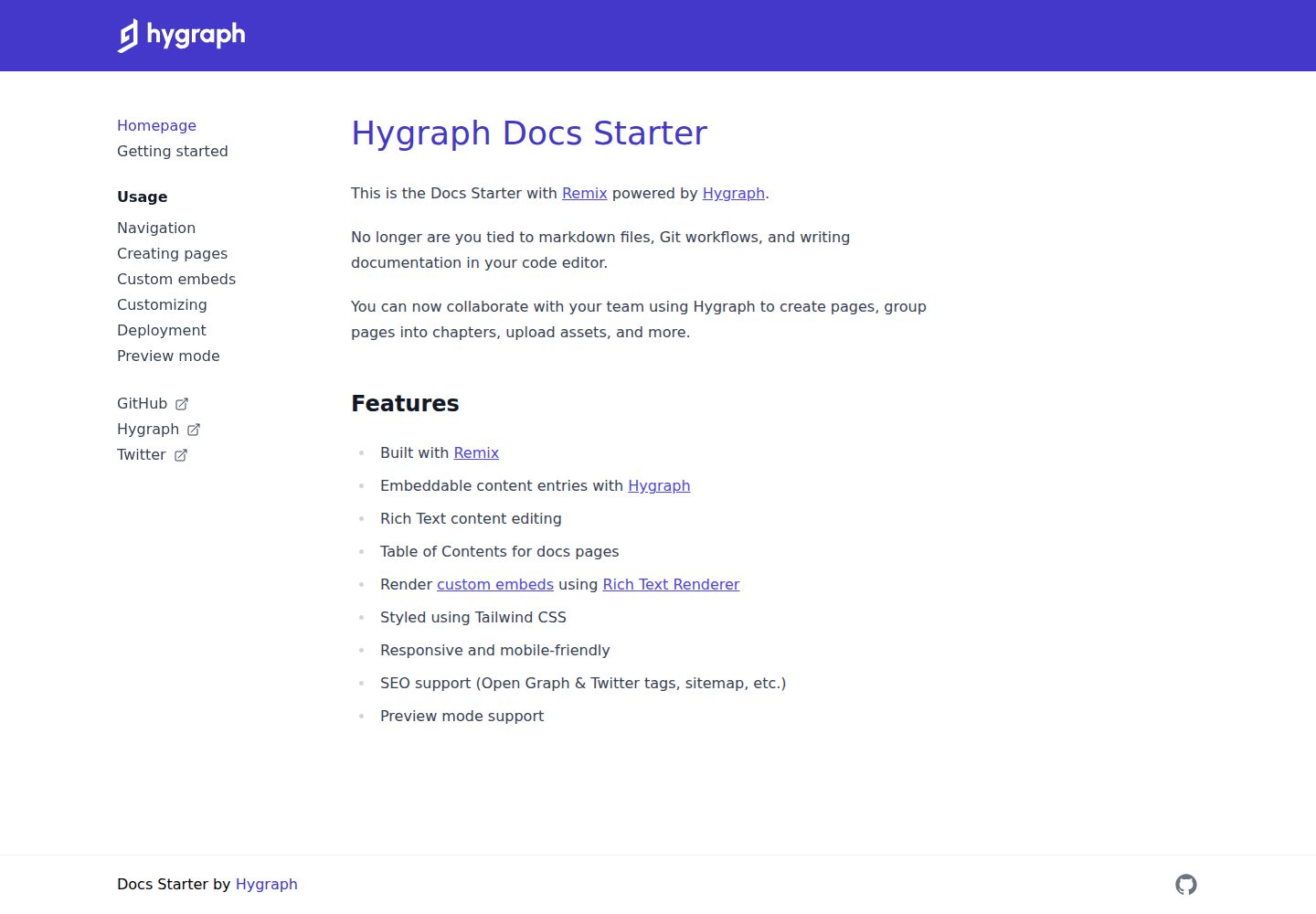
docs-starter
A Remix-based documentation site starter with content from the Hygraph headless CMS, styled with Tailwind CSS. It supports rich text editing, automatic table of contents, custom embeds, preview mode, and SEO output.
Remix · Documentation
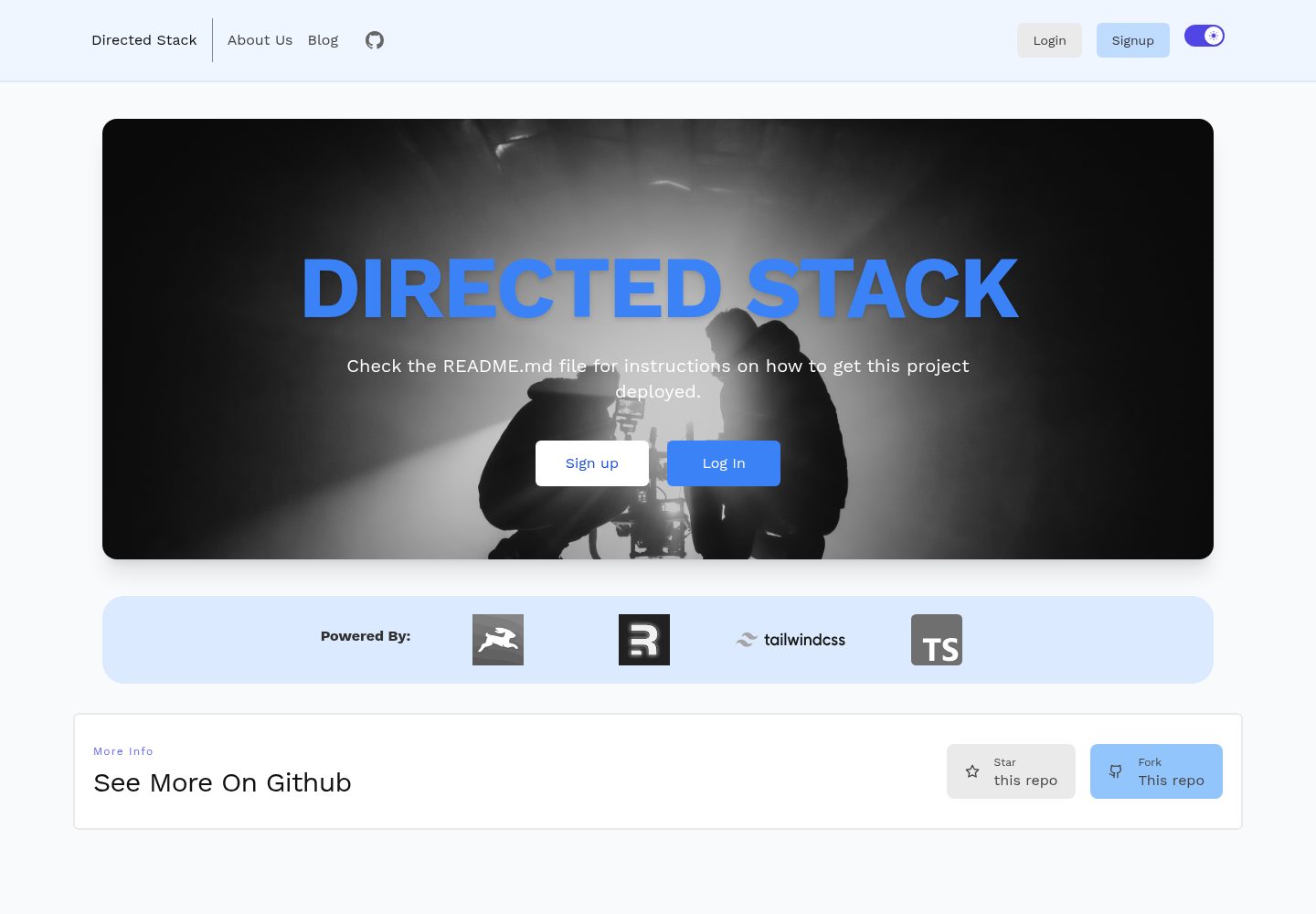
directed-stack
Directed Stack is an MIT-licensed Remix starter that uses Directus as a headless CMS for authentication, blog, pages, and backend storage. It includes cookie-session email/password auth, an /api/healthcheck endpoint, Tailwind, Markdoc rendering with custom components, Prettier, ESLint, and TypeScript.
Remix · Starter

remix-wasmer-starter
A Remix-based static site starter for Wasmer Edge. It uses getStaticPaths() to generate the root path at build time, sets serverBuildTarget to "wasmer" in remix.config.js, and outputs static assets to build/client for direct static hosting.
Remix · Starter
tailwind-remix-starter
A free, MIT-licensed Remix starter maintained by themesberg that combines Remix, React, Tailwind CSS, and Flowbite React into a ready-to-develop project skeleton.
Remix · Starter

remix-vite-markdown-pwa
A Remix and Vite Markdown blog starter template with dynamic post and tag lists, pagination via infinite scroll or click-to-load-more, built-in PWA, RSS, sitemap, and a customizable Markdown pipeline using unified and rehype.
Remix · Blog