
Built with React, TypeScript, and Tailwind CSS
ViteReactPortfolio
Aryans-portfolio — Vite Portfolio Template
By Aryan-202
A personal portfolio template built with React, TypeScript, and Tailwind CSS, including an Aceternity UI background, dark/light theme switching, and responsive layout.
Explore the design
Compare the page layouts and mobile experience. Open any screenshot for a closer look.
Desktop homepage1 / 2
Desktop captureTop of page
Actual screenshot captured by the server browser.
All pages & views 2
Screenshots show visual appearance; interactive behavior may differ.
Recorded 2026-10-16View source
What stands out
A quick read of the recorded project description.
Integrates an Aceternity UI background with Shadcn/ui and Radix UI components
Supports dark/light theme switching, saved to localStorage
Responsive design covers mobile, tablet, and desktop breakpoints
Centralizes personal information, projects, and skills in data files under src/data
Uses Vite as the build tool and React Router DOM for routing
Template Details
This template is a personal portfolio website built with React, TypeScript, and Tailwind CSS, with code located in the client directory. The README states that it includes homepage sections such as Hero, About, and Contact, as well as components including Header, Layout, Button, Card, Modal, and Footer, and integrates an Aceternity UI background, Shadcn/ui, Radix UI, and Lucide React icons. The theme system supports following system preference, manual switching, and saving to localStorage. The template provides personal information, project, and skill data through personalInfo.ts, projects.ts, and skills.ts under src/data, making content replacement easy. The build tool is Vite, routing uses React Router DOM, and the package manager is npm. The README does not describe backend, database, or form submission handling, nor does it provide information on performance or production readiness.
ViteReactPortfolio
Is it right for your project?
Use Cases
- Building a personal developer portfolio website
- Displaying a project list and skill categories
- Providing a Contact section that includes a contact form
- Switching between dark and light themes to suit different browsing preferences
Suitable For
- Developers who need a portfolio template with a React and TypeScript stack
- Users who want to quickly replace personal information, project, and skill data
- Personal website projects that need responsive layout and theme switching
Getting started & customization
Use these recorded setup notes alongside the repository instructions for your chosen version.
- 1
Requires Node.js 18 or higher, and npm or yarn
- 2
After cloning the repository, enter the client directory and run npm install
- 3
Run npm run dev to start the development server, with the default address at http://localhost:5173
- 4
Replace personal information, projects, and skills in src/data/personalInfo.ts, projects.ts, and skills.ts
- 5
Build output is written to the dist directory and can be deployed to static hosting services such as Vercel, Netlify, or GitHub Pages
License & source material
Usage conditions & limitations
Free to use · keep license noticeThis entry covers the free version under the MIT license in the public repository; the free scope is the code of this version and does not mean external services or third-party assets are free.
Must comply with when using
- Free use, modification, commercial use, and distribution of this version's code are permitted.
- When distributing copies or substantial portions of the code, retain the original author's copyright notice and the full MIT license notice.
- The code is provided as is; warranties and limitations of liability are governed by the original license and applicable law.
Additional costs & items to verify
- Demo images, fonts, icons, and other third-party assets must be checked against their respective licenses and cannot be judged solely by the code's MIT license.
- External services such as domains, hosting, databases, payments, or AI may incur separate charges.
View Original Text Basis
https://github.com/Aryan-202/Aryans-portfolio/blob/master/LICENSEhttps://github.com/Aryan-202/Aryans-portfolio/blob/master/README.mdPermission is hereby granted, free of charge
Original License Text
Compiled by DeepSeek based on repository license and README ·2026-10-16. Results only cover the materials read; dependencies, images, fonts, and subsequent term changes are subject to their respective original texts.
Project checks & description sources
Template Information
- Source platforms
- GitHub
- Documentation and maintenance reference score
- More documented · 88 / 100
- Technologies
- Vite · React
- Website type
- Portfolio
How this score is calculated
Our heuristic uses license records (up to 30), a demo link (12), a preview (10), stars (15), recorded maintenance (15), description completeness (8), feature records (5) and classification data (5). It is not a code, security or performance test, or a Google score. A link does not establish tested functionality.
What to verify for this project
- Repository update recorded
- 2026-01-10
- Screenshot last checked
- 2026-10-16
A demo link is listed. Check it with your own content and viewport sizes; its presence does not confirm that forms, authentication or payments work.
The catalog identifies Vite as the primary stack. Check the actual dependency manifest and lockfile for versions and hosting requirements. These notes use recorded metadata, not a code audit or a deployment test.
Use a selection guide →How this description was prepared
AI-assisted description based on catalog records and repository material. Repository authors are not automatically the reviewers of this description.
Review declaration: codex-user-requested-batch-review-20261017 · 2026-10-16
Inspect the recorded source material
SHA-256: 426712b2319ad846cf276e5646c50684f6987bc3fce41477d4ac07dc1ef2a0ab
2026-10-16T12:17:15.963Z
Source file / repository
# Portfolio Website
A modern, responsive portfolio website built with React, TypeScript, and Tailwind CSS. Features a beautiful Aceternity UI background with smooth animations and dark/light theme support.
## 🚀 Features
- **Modern Design**: Clean and professional portfolio layout
- **Responsive**: Fully responsive design that works on all devices
- **Dark/Light Theme**: Toggle between dark and light modes
- **Smooth Animations**: CSS animations and transitions for better user experience
- **TypeScript**: Fully typed for better development experience
- **Tailwind CSS**: Utility-first CSS framework for rapid UI development
- **Aceternity UI**: Beautiful background effects and components
- **React 19**: Latest React features and performance improvements
## 🛠️ Tech Stack
- **Frontend**: React 19, TypeScript
- **Styling**: Tailwind CSS, CSS Modules
- **UI Components**: Shadcn/ui, Aceternity UI, Radix UI
- **Icons**: Lucide React
- **Build Tool**: Vite
- **Routing**: React Router DOM
- **Package Manager**: npm
## 📁 Project Structure
```text
client/
├── src/
│ ├── components/
│ │ ├── layouts/ # Header, Layout components
│ │ ├── sections/ # Home page sections (Hero, About, Contact)
│ │ ├── ui/ # Reusable UI components (Button, Card, Modal, Footer)
│ │ └── Background.tsx # Aceternity UI background component
│ ├── pages/ # Page components
│ ├── hooks/ # Custom React hooks
│ ├── data/ # Static data (personal info, projects, skills)
│ ├── types/ # TypeScript type definitions
│ ├── utils/ # Utility functions
│ ├── styles/ # Global styles and CSS variables
│ └── lib/ # Library configurations
├── public/ # Static assets
└── package.json # Dependencies and scripts
```
## 🎨 Components Overview
### Layout Components
- **Layout**: Main layout wrapper with background and header
- **Header**: Navigation header with theme toggle
- **Background**: Aceternity UI animated background
### Page Sections
- **Hero**: Introduction section with call-to-action
- **About**: Personal information and skills
- **Contact**: Contact form and information
### UI Components
- **Button**: Customizable button component
- **Card**: Content card with various styles
- **Modal**: Dialog and modal components
- **Footer**: Site footer with links
## 🚀 Getting Started
### Prerequisites
- Node.js (version 18 or higher)
- npm or yarn package manager
### Installation
1. **Clone the repository**
```bash
git clone https://github.com/Aryan-202/portfolio-website.git
cd portfolio-website/client
```
2. **Install dependencies**
```bash
npm install
```
3. **Start the development server**
```bash
npm run dev
```
4. **Open your browser**
Navigate to `http://localhost:5173`
### Available Scripts
- `npm run dev` - Start development server
- `npm run build` - Build for production
- `npm run lint` - Run ESLint
- `npm run preview` - Preview production build
## 🎯 Customization
### Personal Information
Update your personal details in `src/data/personalInfo.ts`:
```typescript
export const personalInfo = {
name: "Aryan Vishwakarma",
title: "Full Stack Developer",
email: "[email protected]",
// ... other details
}
```
### Projects
Add your projects in `src/data/projects.ts`:
```typescript
export const projects = [
{
title: "Project Name",
description: "Project description",
technologies: ["React", "TypeScript"],
// ... other project details
}
]
```
### Skills
Update your skills in `src/data/skills.ts`:
```typescript
export const skills = [
{
category: "Frontend",
items: ["React", "TypeScript", "Tailwind CSS"]
}
]
```
## 🌙 Theme System
The portfolio includes a built-in theme system with dark/light mode support:
- **Automatic detection**: Uses system preference by default
- **Manual toggle**: Theme toggle button in header
- **Persistence**: Theme preference saved in localStorage
### Adding New Themes
Extend the theme system by updating:
- `src/hooks/useTheme.ts`
- `src/index.css` (CSS variables)
- Component styles
## 📱 Responsive Design
The portfolio is fully responsive with breakpoints for:
- Mobile: < 768px
- Tablet: 768px - 1024px
- Desktop: > 1024px
## 🎨 Styling Guidelines
- Use Tailwind CSS classes for most styling
- CSS Modules for component-specific styles
- Global styles in `src/styles/` directory
- CSS variables for consistent theming
## 🔧 Development
### Adding New Components
1. Create component in appropriate directory
2. Export from `index.ts` for clean imports
3. Add TypeScript types in `src/types/`
4. Use CSS Modules for styling
### Code Quality
- ESLint for code linting
- TypeScript for type safety
- Prettier for code formatting (if configured)
## 📦 Building for Production
bash
npm run build
The build artifacts will be stored in the `dist/` directory.
## 🌐 Deployment
The project can be deployed to any static hosting service:
- **Vercel**: Connect your GitHub repository
- **Netlify**: Drag and drop the `dist` folder
- **GitHub Pages**: Use GitHub Actions for deployment
## 👨💻 About Me
I'm Aryan Vishwakarma, a passionate Full Stack Developer with experience in modern web technologies. I love creating efficient, scalable, and user-friendly applications.
## 📞 Connect With Me
- **GitHub**: [Aryan-202](https://github.com/Aryan-202)
- **LinkedIn**: [Aryan Vishwakarma](https://linkedin.com/in/aryan-vishwakarma-387927321/)
- **Portfolio**: [Live Demo](https://your-portfolio-link.com/)
## 📄 License
This project is licensed under the MIT License - see the [LICENSE](https://license/) file for details.
## 🤝 Contributing
1. Fork the project
2. Create your feature branch (`git checkout -b feature/AmazingFeature`)
3. Commit your changes (`git commit -m 'Add some AmazingFeature'`)
4. Push to the branch (`git push origin feature/AmazingFeature`)
5. Open a Pull Request
## 🙏 Acknowledgments
- [Aceternity UI](https://ui.aceternity.com/) for beautiful background components
- [Shadcn/ui](https://ui.shadcn.com/) for accessible UI components
- [Tailwind CSS](https://tailwindcss.com/) for utility-first CSS
- [Lucide](https://lucide.dev/) for beautiful icons
---
**Note**: Remember to update the personal information, project details, and contact information in the respective data files to customize the portfolio for your own use.Explore similar templates
Compare previews and descriptions within the same stack and category.

Resumify
Resumify is a browser-based resume builder built with React, TypeScript, and Vite.
Vite · Portfolio

showlit
Showlit is a personal website template built with React, Vite, TypeScript, Tailwind CSS, and shadcn/ui.
Vite · Portfolio

folium
A developer portfolio template built with Vite, React, TypeScript, and Tailwind CSS.
Vite · Portfolio

kurizu-discord
A personal portfolio website built with React and Vite that mimics the Discord desktop app, organizing projects, skills, and experience into customizable channels, threads, a member list, and emoji reactions.
Vite · Portfolio
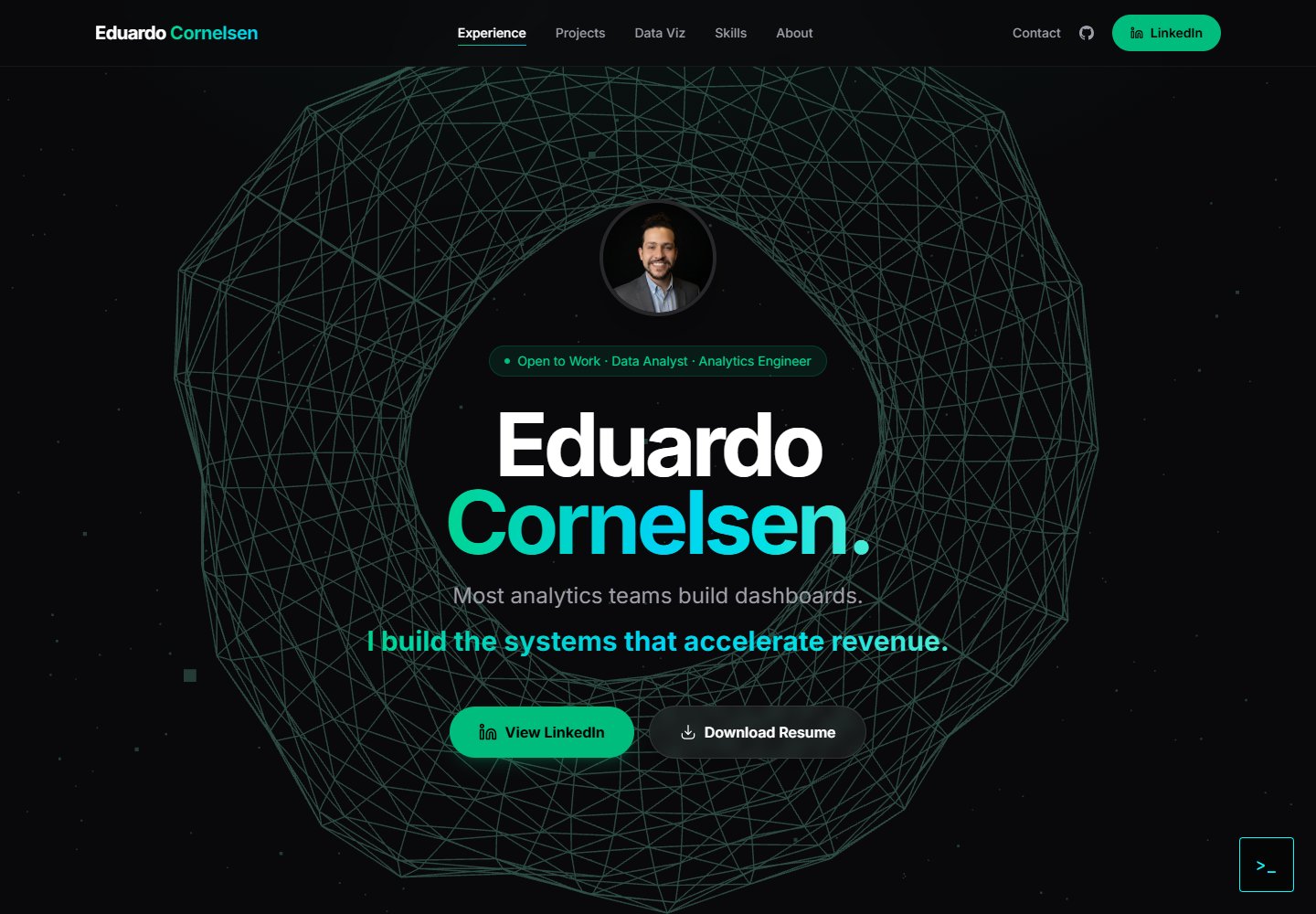
cv-educornelsen
A React + TypeScript personal portfolio template built with Vite, featuring a streaming AI chatbot powered by Google Gemini. An Express backend proxies requests to keep the API key server-side, with rate limiting, IP throttling, canary token injection, and LangFuse tracing.
Vite · Portfolio

about-me-personal-portfolio-website-template
AboutMe is a free personal website template built with Bootstrap and Vite, released under the MIT license. It provides a single-page index.html with organized src directories for images, JavaScript, and SCSS, along with npm scripts for development and build.
Vite · Portfolio