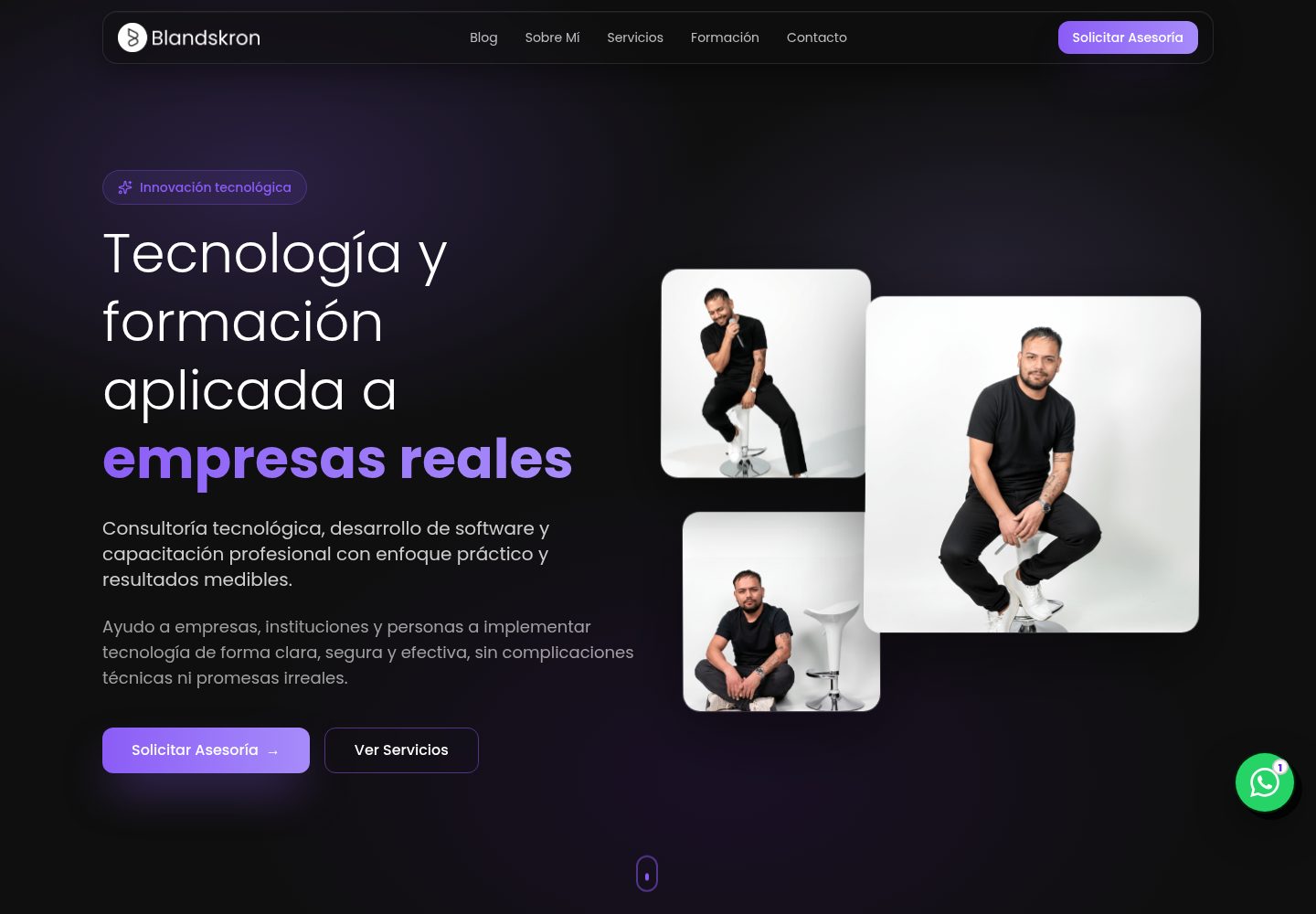
Provides a virtual environment terminal simulator that shows venv commands and environment changes step by step
DjangoAdmin dashboard
m6-l1-p2-introduccion-django — Django Admin dashboard Template
By Blandskron
An interactive teaching website built on Django that demonstrates virtual environments, request-response, routing, and template syntax, suitable for course presentations and practice.
Explore the design
Compare the page layouts and mobile experience. Open any screenshot for a closer look.
Desktop homepage1 / 3
Desktop captureTop of page
Actual screenshot captured by the server browser.
All pages & views 3
Screenshots show visual appearance; interactive behavior may differ.
Recorded 2026-10-14View source
What stands out
A quick read of the recorded project description.
Uses code comparisons to show the differences between Python sockets and Django views and routing
Uses animations to explain the process of browser requests, routing, and view handling
Provides a URL route resolution display and a Django template syntax practice area
The source includes a teaching app, static styles, and inheritable HTML templates
Template Details
This is a runnable website whose content is an introductory Django course; the source directory contains a Django project, a teaching app, HTML templates, and static styles. The README covers topics such as virtual environments, a comparison between Python HTTP sockets and Django, ORM and databases, route resolution, MVC/MTV structure, and development and deployment configuration.
The interactive interface includes a virtual environment terminal simulator, code comparisons, request-response animations, a URL route resolution display, and a template syntax practice area handled by the Django server. It is suitable as a teaching course website or for adapting into your own interactive tutorial; these are the demonstration purposes documented in the README, and specific features still need to be verified against the actual environment.
The local startup process is to create and activate a Python virtual environment, install requirements.txt, then enter djangotutorial to run migrations and the development server. The README also provides a Docker Compose startup method whose instructions include installing dependencies, mounting directories, running migrations, and starting services; before going live, you should still verify DEBUG, ALLOWED_HOSTS, SECRET_KEY, and static resource configuration yourself.
DjangoBackend
Is it right for your project?
Use Cases
- Django introductory course website
- Interactive teaching content presentation
- Python web development practice
Suitable For
- Django beginners
- Course instructors
- Authors creating development tutorials
Getting started & customization
Use these recorded setup notes alongside the repository instructions for your chosen version.
- 1
Create and activate a Python virtual environment, then run pip install -r requirements.txt
- 2
After entering djangotutorial, run python manage.py migrate, then run python manage.py runserver
- 3
Alternatively, per the README, run docker-compose up --build in the project root; Docker and Docker Compose must be installed beforehand
- 4
Before public deployment, verify DEBUG, ALLOWED_HOSTS, SECRET_KEY, and static resource configuration
License & source material
Usage conditions & limitations
Free to use · keep license noticeWhat is included here is the free version under the MIT license from a public repository; the free scope covers that version's code and does not mean external services or third-party assets are free.
Must comply with when using
- Free use, modification, commercial use, and distribution of that version's code are permitted.
- When distributing copies or substantial portions of the code, the original author's copyright notice and the complete MIT license notice must retain.
- The code is provided as is; warranties and limitations of liability are governed by the original license and applicable law.
Additional costs & items to verify
- Demo images, fonts, icons, and other third-party assets must be checked against their respective licenses and cannot be judged solely by the code's MIT license.
- External services such as domains, hosting, databases, payments, or AI may incur separate charges.
View Original Text Basis
https://github.com/Blandskron/m6-l1-p2-introduccion-django/blob/main/LICENSEhttps://github.com/Blandskron/m6-l1-p2-introduccion-django/blob/main/README.mdPermission is hereby granted, free of charge
Original License Text
Compiled by DeepSeek based on repository license and README ·2026-10-14. Results only cover the materials read; dependencies, images, fonts, and subsequent term changes are subject to their respective original texts.
Project checks & description sources
Template Information
- Source platforms
- GitHub
- Documentation and maintenance reference score
- More documented · 83 / 100
- Technologies
- Django
- Website type
- Admin dashboard
How this score is calculated
Our heuristic uses license records (up to 30), a demo link (12), a preview (10), stars (15), recorded maintenance (15), description completeness (8), feature records (5) and classification data (5). It is not a code, security or performance test, or a Google score. A link does not establish tested functionality.
What to verify for this project
- Repository update recorded
- 2026-06-07
- Screenshot last checked
- 2026-10-14
A demo link is listed. Check it with your own content and viewport sizes; its presence does not confirm that forms, authentication or payments work.
The catalog identifies Django as the primary stack. Check the actual dependency manifest and lockfile for versions and hosting requirements. These notes use recorded metadata, not a code audit or a deployment test.
Use a selection guide →How this description was prepared
AI-assisted description based on catalog records and repository material. Repository authors are not automatically the reviewers of this description.
Review declaration: codex-user-requested-batch-review-20261017 · 2026-10-16
Inspect the recorded source material
SHA-256: f878ea53ecf70dc43a0265911d4e6a634163919b5f51dcb49e646be4fd68c1d6
2026-10-14T19:32:05.959Z
Source file / repository# 🐍 M6-L1 — Introducción a Django y Entorno de Desarrollo
¡Bienvenido a la plataforma educativa interactiva de **Django (Módulo 6 - Lección 1)**!
Este repositorio ha sido diseñado y transformado para servir como una guía teórico-práctica completa e interactiva. En lugar de ser un proyecto vacío, implementa una aplicación web Django con diseño premium que expone y demuestra en tiempo real todos los conceptos fundamentales del framework.
---
## 📚 Temas de la Lección 1 Cubiertos al 100%
1. **Introducción a Django:** Qué es, sus características fundamentales, utilidad en proyectos empresariales y flexibilidad de instalación.
2. **Entornos Virtuales en Python (`venv`):** Aislamiento de entornos, uso e inicio con el comando `venv`, activación/desactivación y manejo de librerías locales por proyecto.
3. **Python Puro v/s Django Integrado:** Comparativa detallada de sockets TCP frente a la abstracción de alto nivel de Django.
4. **Estructura Web y Bases de Datos:** El funcionamiento del ORM de Django, motores relacionales (SQLite en desarrollo vs PostgreSQL/MySQL en producción).
5. **El Enrutador de Django:** Mapeo de rutas dinámicas y estáticas mediante `urls.py`.
6. **Arquitectura MVC / MTV:** Modelo, Vista y Plantilla (Template), uso del principio **DRY (Don't Repeat Yourself)** y herencia de componentes HTML.
7. **Entornos de Desarrollo v/s Producción:** Configuración crítica de seguridad de variables como `DEBUG`, `ALLOWED_HOSTS`, `SECRET_KEY` y carga de archivos estáticos.
---
## 🎮 Características Interactivas de la Aplicación
La aplicación web cuenta con las siguientes herramientas dinámicas creadas en Javascript y Django Server-Side:
- **Simulador de Terminal de Entornos Virtuales:** Ejecuta comandos interactivos de `venv` paso a paso y visualiza gráficamente qué ocurre en los site-packages y variables del sistema.
- **Comparador de Código:** Visualiza de forma paralela la implementación de un socket HTTP en Python puro contra las vistas/rutas limpias de Django.
- **Simulador de Ciclo Request-Response:** Ejecuta una animación que ilustra cómo viaja una petición desde el navegador y cómo la procesa el enrutador y la vista de Django.
- **Visualizador del Enrutador (URL Resolver):** Introduce una URL y observa en tiempo real cómo Django busca coincidencias en `urls.py` hasta resolver qué vista llamar.
- **Playground de Plantillas Django (DTL):** Escribe código con sintaxis de plantillas (variables `{{ nombre }}`, condicionales `{% if %}`, bucles `{% for %}`) y observa el resultado HTML renderizado directamente por el motor del servidor Django.
---
## 🚀 Cómo Iniciar la Aplicación (Dos Métodos)
Elige el método que mejor se adapte a tu flujo de trabajo:
### 🔹 Método A — Uso Local con Entorno Virtual (Recomendado para estudiantes)
#### 1. Crear el entorno virtual en la raíz del proyecto
```bash
python -m venv venv
```
#### 2. Activar el entorno virtual
* **En Windows:**
```bash
venv\Scripts\activate
```
* **En macOS / Linux:**
```bash
source venv/bin/activate
```
#### 3. Instalar dependencias
```bash
pip install -r requirements.txt
```
#### 4. Ejecutar migraciones e iniciar el servidor
```bash
# Entrar a la carpeta del proyecto
cd djangotutorial
# Aplicar migraciones
python manage.py migrate
# Iniciar servidor
python manage.py runserver
```
Visita la aplicación en: 👉 [http://127.0.0.1:8000/](http://127.0.0.1:8000/)
---
### 🔹 Método B — Despliegue Automatizado con Docker 🐳 (Recomendado para Producción/QA)
El proyecto cuenta con dockerización completa para que no necesites configurar Python de forma local.
#### 1. Requisitos previos
Asegúrate de tener instalado [Docker](https://www.docker.com/) y Docker Compose en tu máquina.
#### 2. Levantar el proyecto en un solo comando
Desde la carpeta raíz del proyecto, ejecuta:
```bash
docker-compose up --build
```
#### 3. Qué hace Docker automáticamente:
- Descarga una imagen ligera de Python 3.13.
- Instala todas las dependencias listadas en `requirements.txt`.
- Copia y monta los volúmenes para habilitar **Live Reload** (cualquier cambio en el código se reflejará instantáneamente dentro del contenedor).
- Ejecuta el script de entrada `docker-entrypoint.sh`, el cual aplica migraciones de base de datos, valida la integridad de Django y levanta el servidor web.
Visita la aplicación en: 👉 [http://localhost:8000/](http://localhost:8000/)
---
## 📂 Estructura de Directorios Clave
```
.
├── Dockerfile # Receta para construir la imagen del contenedor
├── docker-compose.yml # Orquestación de contenedores y volúmenes
├── docker-entrypoint.sh # Script automatizado de inicio para el contenedor
├── .dockerignore # Evita copiar archivos innecesarios al contenedor
├── requirements.txt # Dependencias oficiales de Python/Django
├── LICENSE # Licencia del proyecto (MIT)
└── djangotutorial/ # Directorio del proyecto Django
├── manage.py # Script de control de Django
├── mysite/ # Configuración del proyecto
└── leccion1/ # Aplicación educativa interactiva
├── static/ # Archivos CSS y diseño premium
└── templates/ # Vistas HTML con herencia base (DRY)
```
---
## 📄 Licencia
Este proyecto está bajo la Licencia **MIT**. Consulta el archivo [LICENSE](file:///c:/Users/BlandskronNotebook/Documents/updatesGitHubs/Django/M6/M6-L1-D1-IntroduccionDjango/LICENSE) para más detalles.
---
Desarrollado como recurso educativo para el **Módulo de Desarrollo de Aplicaciones Web con Django**. ¡Éxito en tu aprendizaje! 🚀
Explore similar templates
Compare previews and descriptions within the same stack and category.
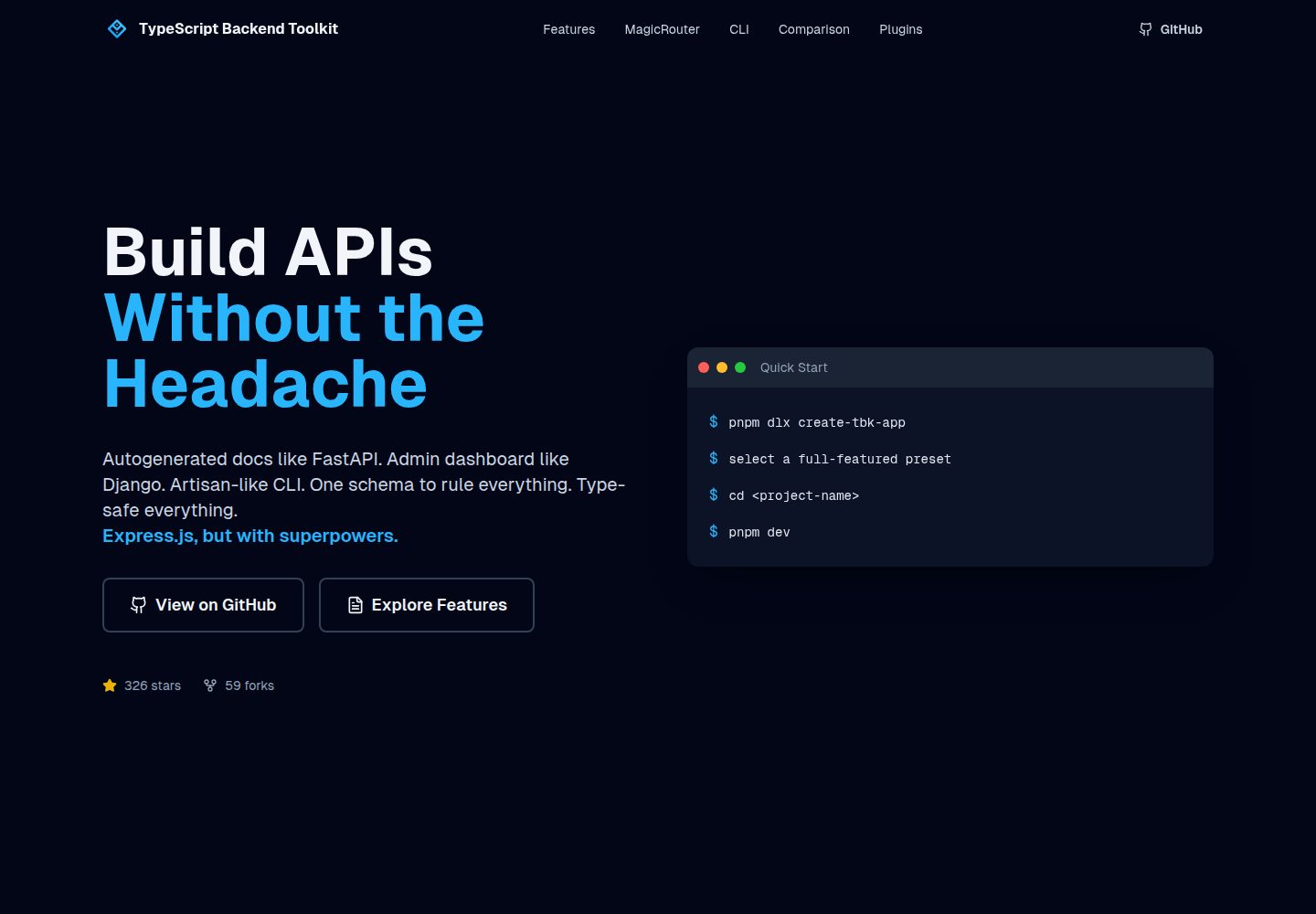
typescript-backend-toolkit
An Express.js and TypeScript backend toolkit with auto-generated OpenAPI documentation, a Django-style admin panel, an Artisan-style tbk CLI, and a plugin architecture. It integrates Zod validation, JWT and Google login, BullMQ queues with BullBoard, Socket.IO, and multi-provider storage/cache/email.
Django · Admin dashboard
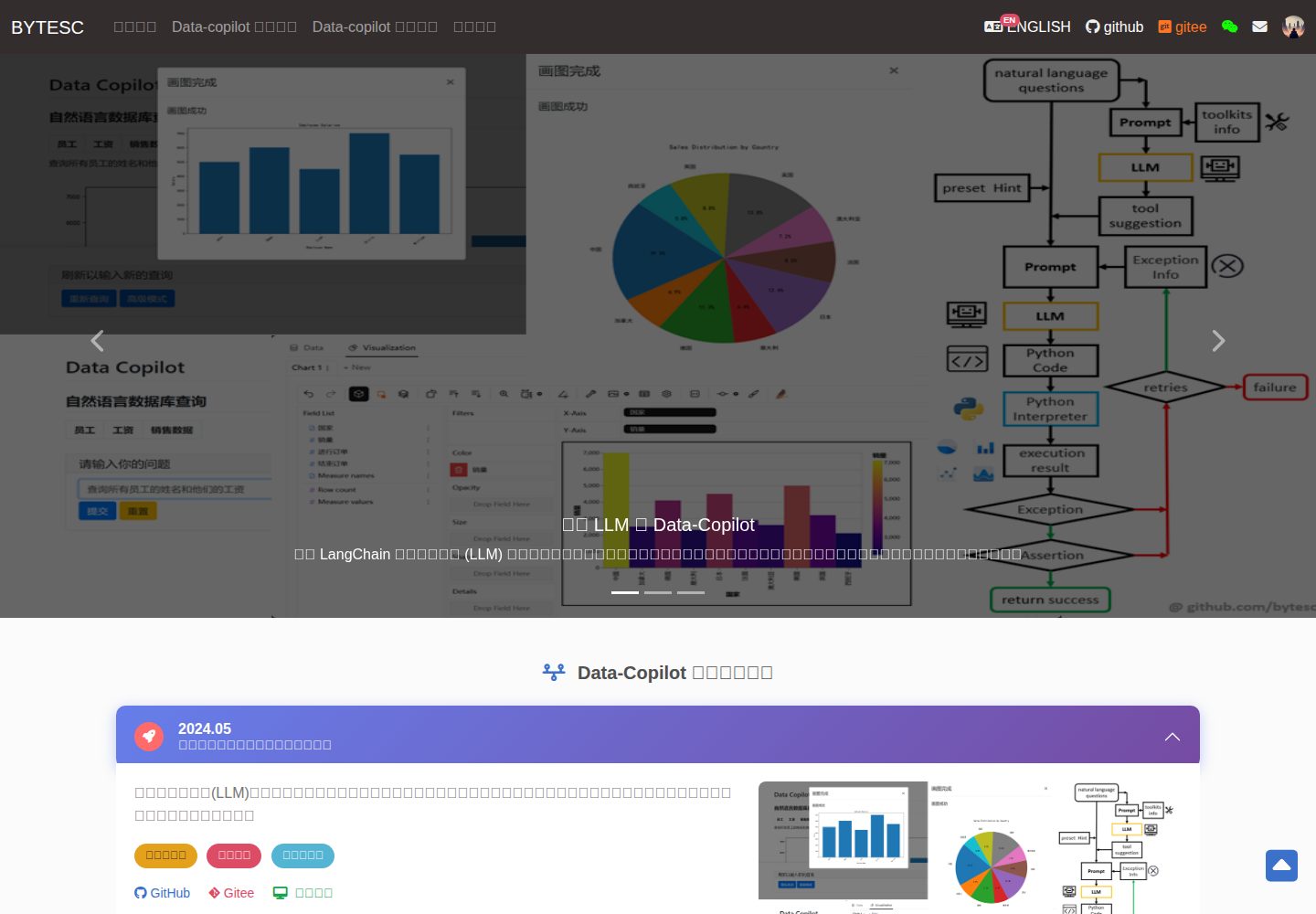
Django_Management_System_template
A Django and MySQL-based non-separated frontend-backend information management system template. It includes CRUD pages and forms for users, departments, numbers, and tasks, cookie-based login authentication with middleware redirection, pagination navigation, MD5 encryption, and Bootstrap form utilities.
Django · Admin dashboard
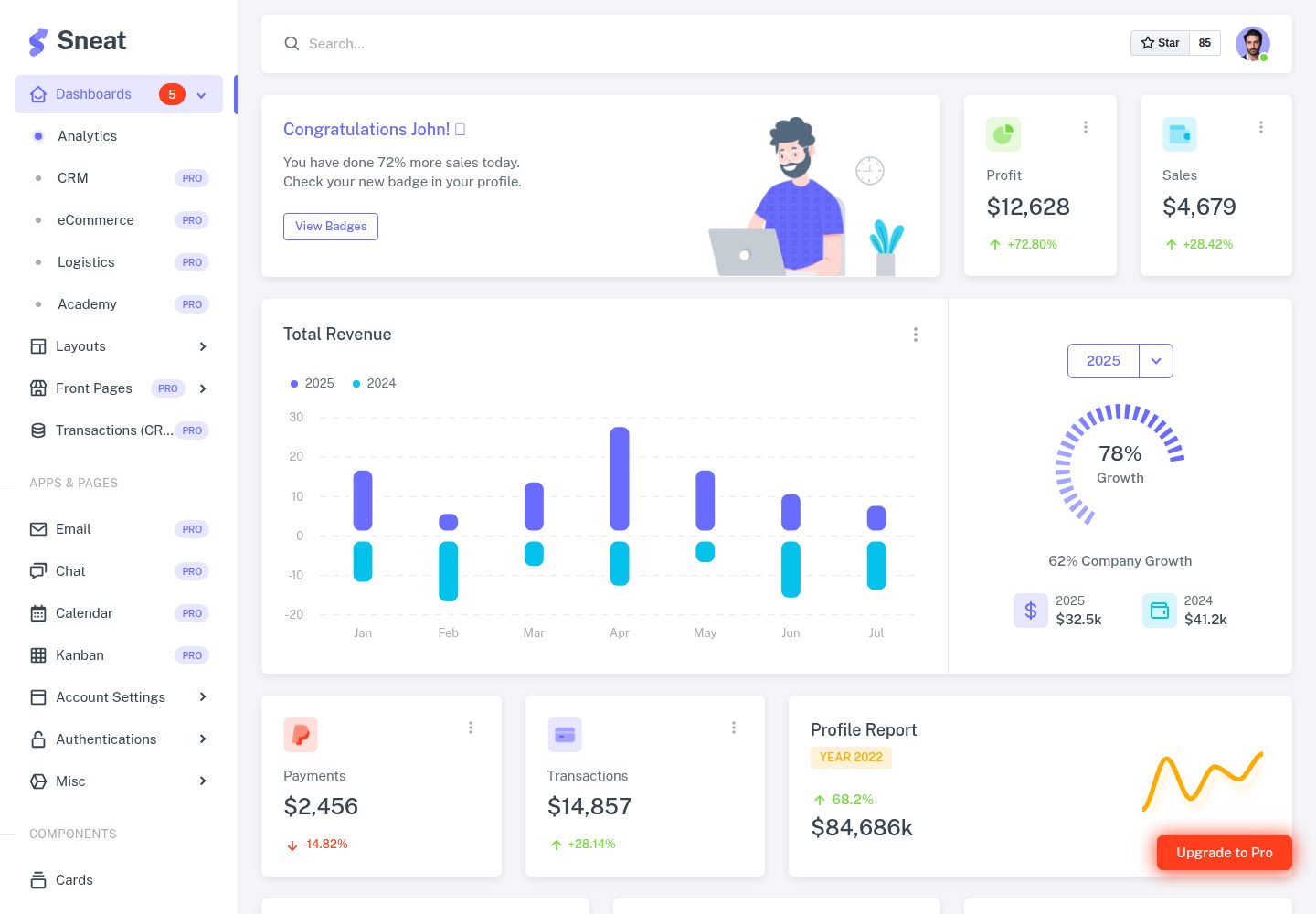
sneat-bootstrap-html-django-admin-template-free
Sneat Free is a Django and Bootstrap 5 admin template under the MIT license, offering an Analytics dashboard, multiple layouts, authentication pages, forms, tables, and extended UI.
Django · Admin dashboard
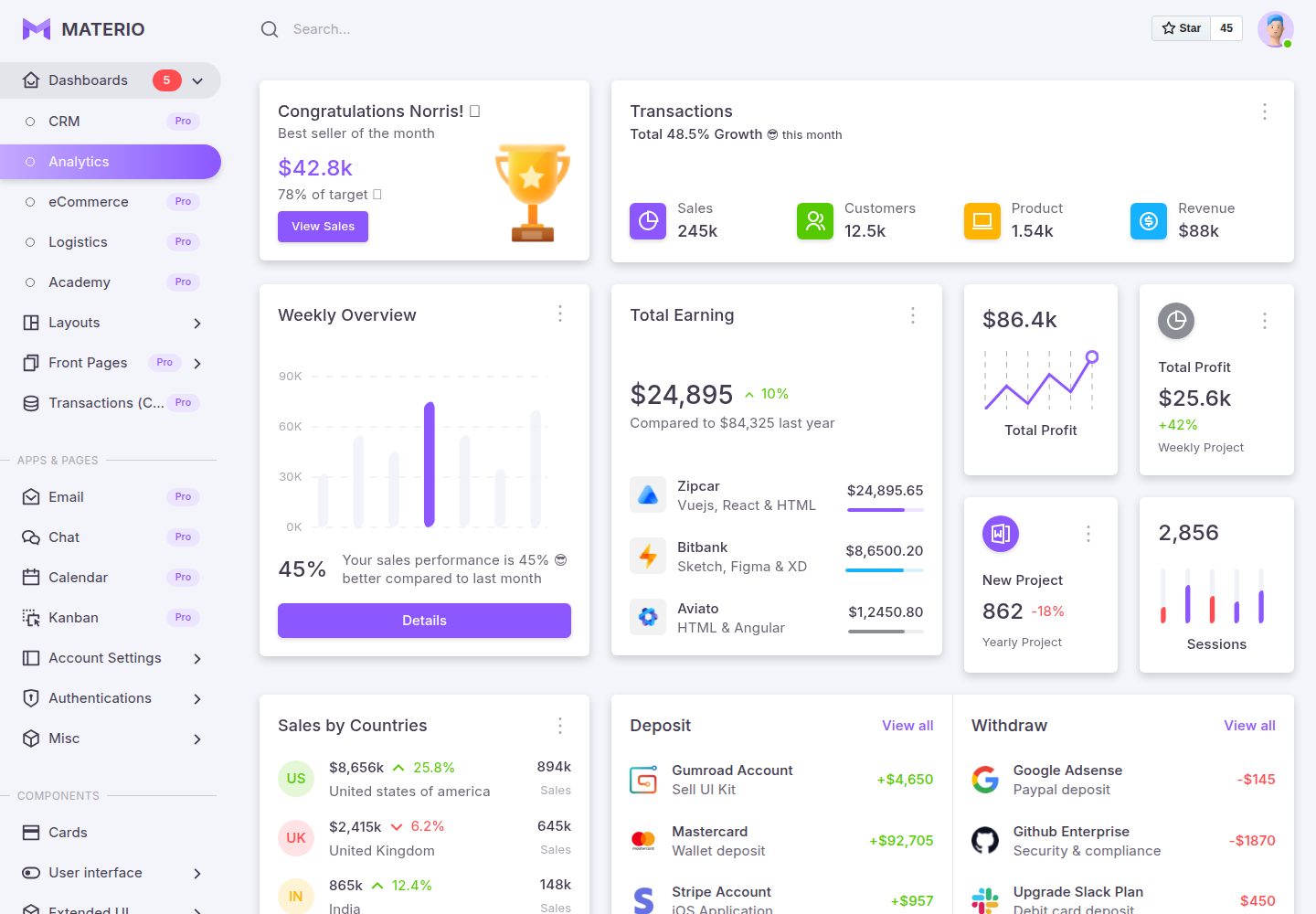
materio-bootstrap-html-django-admin-template-free
Materio Free is a Django admin template with a Bootstrap frontend, released under the MIT license.
Django · Admin dashboard
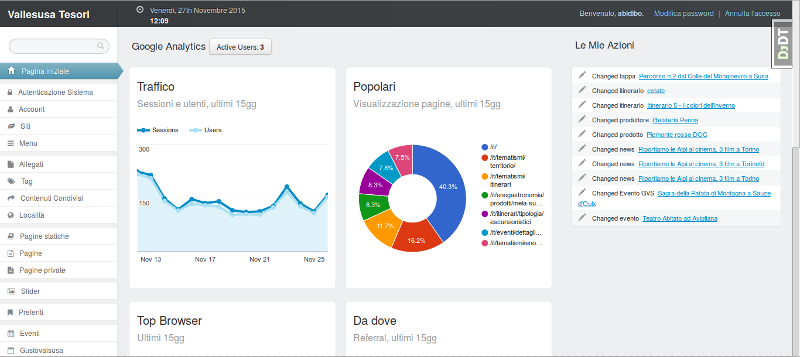
django-otto-admin
An MIT-licensed Django admin customization app that embeds a Google Analytics data panel into the django-suit admin index page. It shows real-time active users, last-15-day traffic, top pages, browsers, referrals, visitor countries, and social interactions via the Google Analytics Embed API.
Django · Admin dashboard
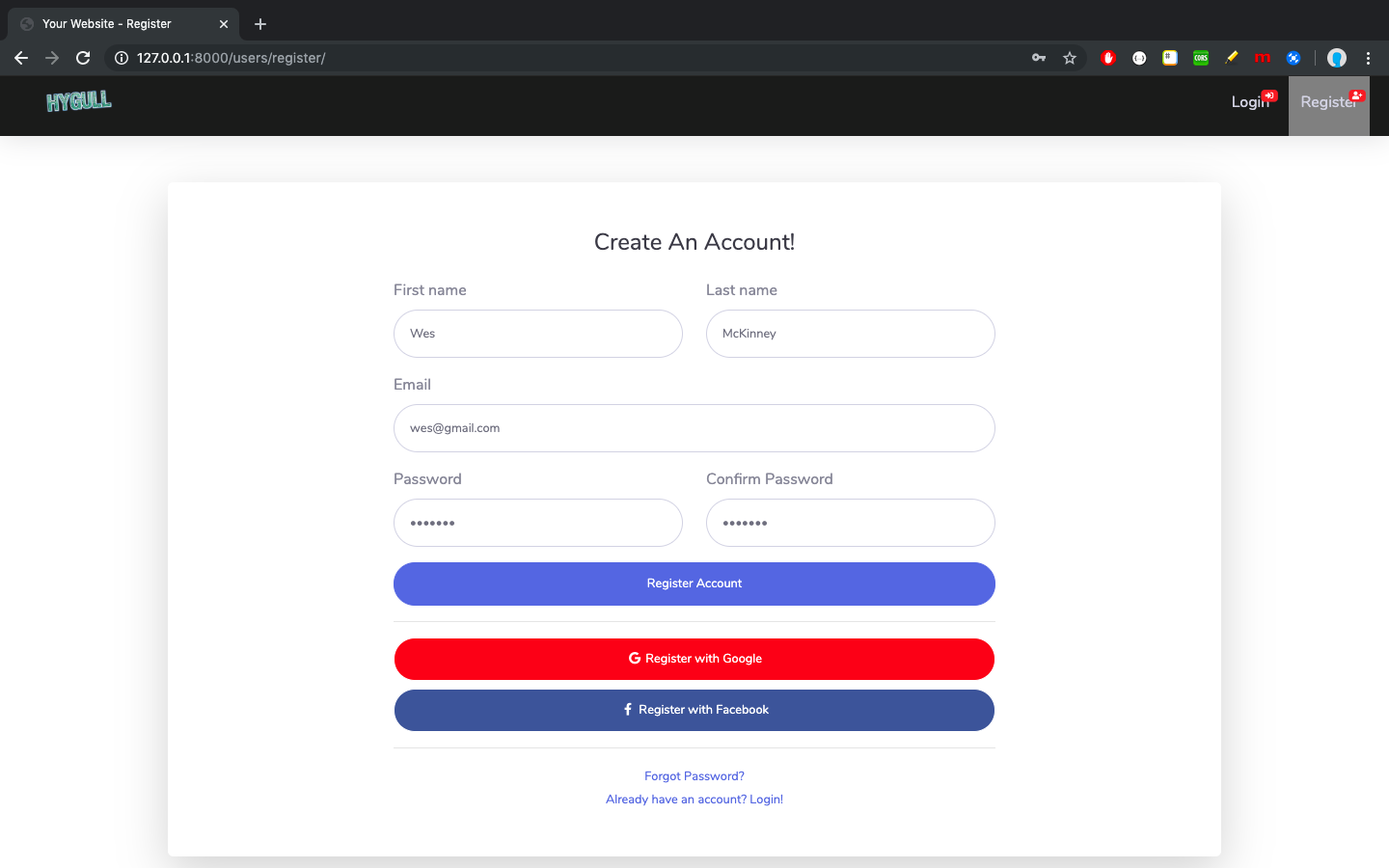
sbadmin
A Django sample project that integrates all pages of the free Bootstrap admin theme SB Admin 2 into Django templates, covering login, registration, password recovery, dashboard, tables, and charts.
Django · Admin dashboard