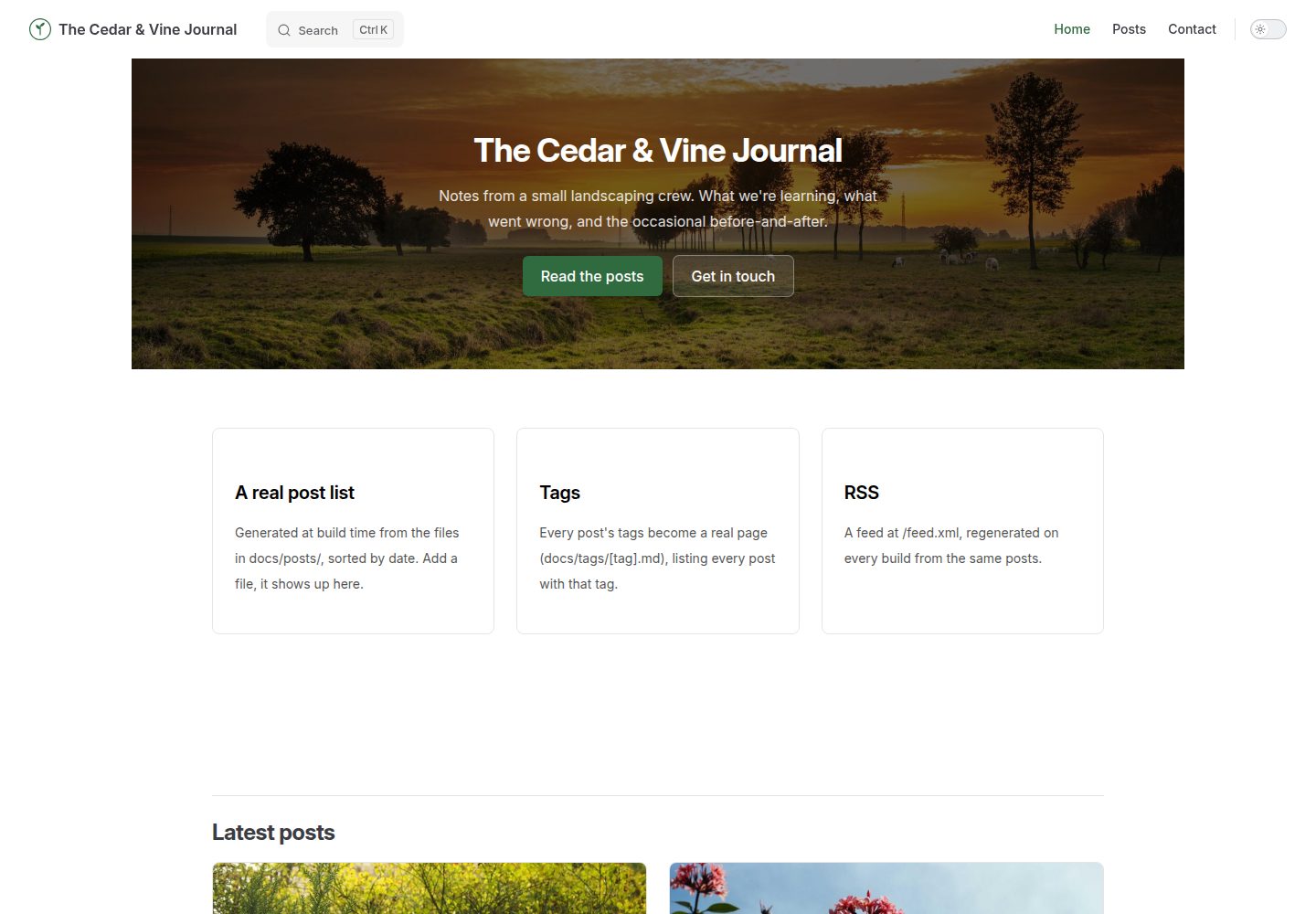
Provides a post list, tag pages, RSS feed and author information beyond VitePress's default capabilities
VueVitePressBlog
vitepress-blog — Vue Blog Template
By BootForm
A VitePress-based blog template that adds the blog features VitePress lacks by default: post list, tag pages, RSS, author information and full-text search.
Explore the design
Compare the page layouts and mobile experience. Open any screenshot for a closer look.
Desktop homepage1 / 3
Desktop captureTop of page
Actual screenshot captured by the server browser.
All pages & views 3
Screenshots show visual appearance; interactive behavior may differ.
Recorded 2026-10-07View source
What stands out
A quick read of the recorded project description.
Enables VitePress's built-in full-text search, indexing page titles and body text, running entirely in the browser
The post list, tag pages, RSS and search index are all automatically generated from Markdown in the docs/posts directory
Authors are defined centrally in authors.ts; posts reference them by key, so renaming updates all related posts
Includes a GitHub Actions workflow: pushing to the main branch builds and deploys to GitHub Pages
Provides a usable contact form integration; you must generate and claim your own form ID
Template Details
This is a blog template for VitePress. VitePress does not provide a post list, tags, RSS feeds or author information by default; this template fills in these blog mechanisms and enables VitePress's built-in search. The repository description positions it as the next step after vitepress-marketing: for when the blog itself is the focus, rather than a small section of a marketing site.
The template includes three sample posts. The post list, tag pages, RSS and search index are all regenerated from Markdown files in the docs/posts directory. To add a post, copy a sample file and edit the title, date, author and tags in the frontmatter. Author information is centralized in docs/.vitepress/authors.ts, and posts reference authors by key. The contact form requires you to generate and enter your own form ID; submissions are retained for 48 hours before claiming. Deployment uses GitHub Actions: pushing to the main branch builds and publishes, and the RSS output is feed.xml.
Before use, note the following: if the repository name differs from vitepress-blog, you must update the base and favicon paths in config.mts, as well as SITE_URL in scripts/generate-rss.mjs, otherwise the live site or RSS links will break. Tags must be a YAML list, not a bare string; posts without their own # heading will not appear in search; the tag page path file cannot use createContentLoader like posts.data.ts. Search runs entirely in the browser, with no external service or API key.
VueVitePressBlog
Is it right for your project?
Use Cases
- A personal technical blog or writing site that needs post archives, tags and subscription capabilities
- A VitePress project where the blog is the main body rather than a subsidiary section of a marketing site
- A content site where you want to write in Markdown and have lists and indexes generated automatically by the build process
- A static blog deployed on GitHub Pages that needs RSS output
Suitable For
- Developers familiar with basic terminal operations and using Node.js 20 or higher
- Individual authors who want to write primarily with VitePress and Markdown
- Blog projects that need tag categorization, RSS subscription and site search
- Users who accept deployment to GitHub Pages via GitHub Actions
Getting started & customization
Use these recorded setup notes alongside the repository instructions for your chosen version.
- 1
Requires a free GitHub account, Node.js 20 or higher, and basic terminal operation skills
- 2
If the repository name is not vitepress-blog, you must update the base and favicon paths in config.mts, as well as SITE_URL in scripts/generate-rss.mjs
- 3
The contact form requires you to generate a UUID and replace the placeholder in contact.md, and it should be claimed before the site goes public
- 4
Post tags must be written as a YAML list; posts without a # heading will not be indexed by search
- 5
For GitHub Pages, Source must be set to GitHub Actions, not deploy from a branch
License & source material
Usage conditions & limitations
Free to use · keep license noticeThis entry covers the free version in the public repository under the MIT license; the free scope is the code of that version and does not imply that external services or third-party assets are free.
Must comply with when using
- You may use, modify, commercialize and distribute the code of this version for free.
- When distributing copies or substantial portions of the code, retain the original author's copyright notice and the full MIT license notice.
- The code is provided as is; warranties and limitations of liability are governed by the original license and applicable law.
Additional costs & items to verify
- Demo images, fonts, icons and other third-party assets must be checked against their respective licenses; they cannot be judged solely by the code's MIT license.
- External services such as domains, hosting, databases, payments or AI may incur separate charges.
- The contact form must use your own generated form ID, not the sample ID or someone else's ID; the first person to claim a form ID owns it, and content sent to that ID belongs to them.
- The contact form must be claimed via the claim link before the site goes public; submissions stored while unclaimed are retained for only 48 hours and then deleted.
- If the repository name is not vitepress-blog, you must update the base and favicon paths in config.mts, as well as SITE_URL in scripts/generate-rss.mjs, otherwise the live site or RSS links will break.
- The tags in post frontmatter must be a true YAML list (e.g. tags: [a, b] or one - a per line); writing them as a bare string will cause tag pages to 404 or tags not to display.
- Posts without their own # heading will not appear in search results; you must add a heading to the post.
- docs/tags/[tag].paths.js cannot use createContentLoader like posts/posts.data.ts, otherwise the build will fail with a content loader error.
- The GitHub Actions workflow uses Node 20; if the local Node major version differs from the workflow, a local build may succeed while the Actions deployment fails.
View Original Text Basis
Permission is hereby granted, free of charge
Original License Text
**Use your own.** Do not use `11111111-1111-4111-8111-111111111111` (the example shown on > BootForm's own docs) or a friend's. Whoever claims a form ID first owns it, and everything sent > to it goes to them.
Original README
**3c. Try it, then claim it** at the claim link it gives you, **before** the site goes live publicly. Held submissions are kept for 48 hours before they're deleted.
Original README
> **Naming it something other than `vitepress-blog`?** Open `docs/.vitepress/config.mts` and > change `base: '/vitepress-blog/'` (and the favicon path under `head`, in the same file) to match (`/your-repo-name/`), and do the same for `SITE_URL` > in `scripts/generate-rss.mjs`. Miss either and the deployed site or the RSS feed's links break, > while everything still looks fine locally.
Original README
**A tag page 404s, or a post's tag doesn't show up anywhere.** Check the post's frontmatter: `tags` needs to be a real YAML list (`tags: [a, b]` or one `- a` per line), not a bare string.
Original README
A post with no `#` heading of its own won't show up: give it one.
Original README
**`npm run build` fails with something about a content loader.** If you're editing `docs/tags/[tag].paths.js`, see `AGENTS.md`'s section on why it can't use `createContentLoader` the way `posts/posts.data.ts` does.
Original README
https://github.com/BootForm/vitepress-blog/blob/main/LICENSEhttps://github.com/BootForm/vitepress-blog/blob/main/README.md**The Actions deploy fails but `npm run build` works locally.** Compare Node versions: the workflow pins Node 20 (`.github/workflows/deploy.yml`). Different Node major versions occasionally disagree on something.
Original README
Compiled by DeepSeek based on repository license and README ·2026-10-07. Results only cover the materials read; dependencies, images, fonts, and subsequent term changes are subject to their respective original texts.
Project checks & description sources
Template Information
- Source platforms
- GitHub
- Documentation and maintenance reference score
- More documented · 88 / 100
- Technologies
- Vue · VitePress
- Website type
- Blog
How this score is calculated
Our heuristic uses license records (up to 30), a demo link (12), a preview (10), stars (15), recorded maintenance (15), description completeness (8), feature records (5) and classification data (5). It is not a code, security or performance test, or a Google score. A link does not establish tested functionality.
What to verify for this project
- Repository update recorded
- 2026-10-07
- Screenshot last checked
- 2026-10-07
A demo link is listed. Check it with your own content and viewport sizes; its presence does not confirm that forms, authentication or payments work.
The catalog identifies Vue as the primary stack. Check the actual dependency manifest and lockfile for versions and hosting requirements. These notes use recorded metadata, not a code audit or a deployment test.
Use a selection guide →How this description was prepared
AI-assisted description based on catalog records and repository material. Repository authors are not automatically the reviewers of this description.
Review declaration: [email protected] · 2026-10-08
Inspect the recorded source material
SHA-256: 494f4b2e6db69b2e7da30e21b36cc24ec447e544073342aeaf7a6e9eb75d4ed7
2026-10-07T19:05:02.908Z
Source file / repository# A real blog engine for VitePress VitePress ships none of what an actual blog needs out of the box: a post list, tags, an RSS feed, authors. This template does, and turns on VitePress's built-in search too. It's the next step after [vitepress-marketing](https://github.com/BootForm/vitepress-marketing), for when the blog itself is the point, not a small section of a bigger marketing site. By the end you will have a blog with a generated post list, working tag pages, an RSS feed, full-text search, and a working contact form. **[See what you are building →](https://bootform.github.io/vitepress-blog/)** --- ## Before you start You need: - A free GitHub account. - [Node.js](https://nodejs.org) 20 or later. - Some comfort with a terminal. Don't have some of this yet, or not sure how? [Setting up your computer](https://bootform.com/docs/computer-setup) walks through installing Git and Node.js, a basic terminal tutorial, and installing and using VS Code, from scratch. If you want a lighter starting point with a home page, pricing, and just a couple of hand-written posts, [vitepress-marketing](https://github.com/BootForm/vitepress-marketing) is that; this repo assumes you specifically want the blog mechanics. --- ## Step 1: Make your own copy Click **Use this template**, then **Create a new repository**. > **Naming it something other than `vitepress-blog`?** Open `docs/.vitepress/config.mts` and > change `base: '/vitepress-blog/'` (and the favicon path under `head`, in the same file) to match (`/your-repo-name/`), and do the same for `SITE_URL` > in `scripts/generate-rss.mjs`. Miss either and the deployed site or the RSS feed's links break, > while everything still looks fine locally. Then: ```bash git clone https://github.com/yourname/vitepress-blog.git cd vitepress-blog npm install npm run dev ``` Open the address it prints. That's your blog, running locally. --- ## Step 2: Make it yours Look for `CHANGE ME` across a few files: - **`docs/.vitepress/config.mts`**: your blog's title, description, and nav. - **`docs/.vitepress/theme/style.css`**: your brand colour. - **`docs/.vitepress/authors.ts`**: your real authors. A post references one by key (`author: priya`); change the name here and every post using that key updates. - **`docs/index.md`**: the home page hero. - **`docs/posts/*.md`**: the three example posts. Each one's frontmatter sets its title, date, author, and tags: ```md --- layout: page title: Your post title date: 2026-09-20 author: priya tags: [some-tag, another-tag] --- ``` Add a new post by copying one of these files. The post list, the tag pages, the RSS feed and the search index all regenerate from whatever's actually in this folder, no other file to update. --- ## Step 3: Make the contact form actually work **3a. Generate your form ID.** Open BootForm's own [UUID generator](https://bootform.com/uuidgenerator), or run `crypto.randomUUID()` in any browser console. > **Use your own.** Do not use `11111111-1111-4111-8111-111111111111` (the example shown on > BootForm's own docs) or a friend's. Whoever claims a form ID first owns it, and everything sent > to it goes to them. **3b. Paste it into `docs/contact.md`**, replacing `__YOUR_FORM_ID__` in the `action` attribute. **3c. Try it, then claim it** at the claim link it gives you, **before** the site goes live publicly. Held submissions are kept for 48 hours before they're deleted. --- ## Step 4: Deploy it ```bash git add -A git commit -m "Make it mine" git push ``` In your repository, **Settings → Pages → Source → GitHub Actions** (not "deploy from a branch"). The included workflow (`.github/workflows/deploy.yml`) builds and deploys on every push to `main`. Your feed is live at `https://yourname.github.io/vitepress-blog/feed.xml` once it deploys. --- ## Frequently hit problems **A tag page 404s, or a post's tag doesn't show up anywhere.** Check the post's frontmatter: `tags` needs to be a real YAML list (`tags: [a, b]` or one `- a` per line), not a bare string. **The RSS feed is empty, or a link in it 404s.** Run `node scripts/generate-rss.mjs` on its own and read what it prints; it's a plain script, easiest debugged directly rather than through the full `npm run build`. A 404'ing link almost always means `SITE_URL` doesn't match `base`. **Search finds a page you don't want in the results, or misses a post.** Search indexes each page's Markdown headings and text, and runs entirely in the browser (no service, no API key). Keep a page out with `search: false` in its frontmatter, as `docs/posts/index.md` and `docs/tags/[tag].md` do. A post with no `#` heading of its own won't show up: give it one. **`npm run build` fails with something about a content loader.** If you're editing `docs/tags/[tag].paths.js`, see `AGENTS.md`'s section on why it can't use `createContentLoader` the way `posts/posts.data.ts` does. **The Actions deploy fails but `npm run build` works locally.** Compare Node versions: the workflow pins Node 20 (`.github/workflows/deploy.yml`). Different Node major versions occasionally disagree on something. ## Licence MIT. Do whatever you like with it, including using it for a real business.
Explore similar templates
Compare previews and descriptions within the same stack and category.
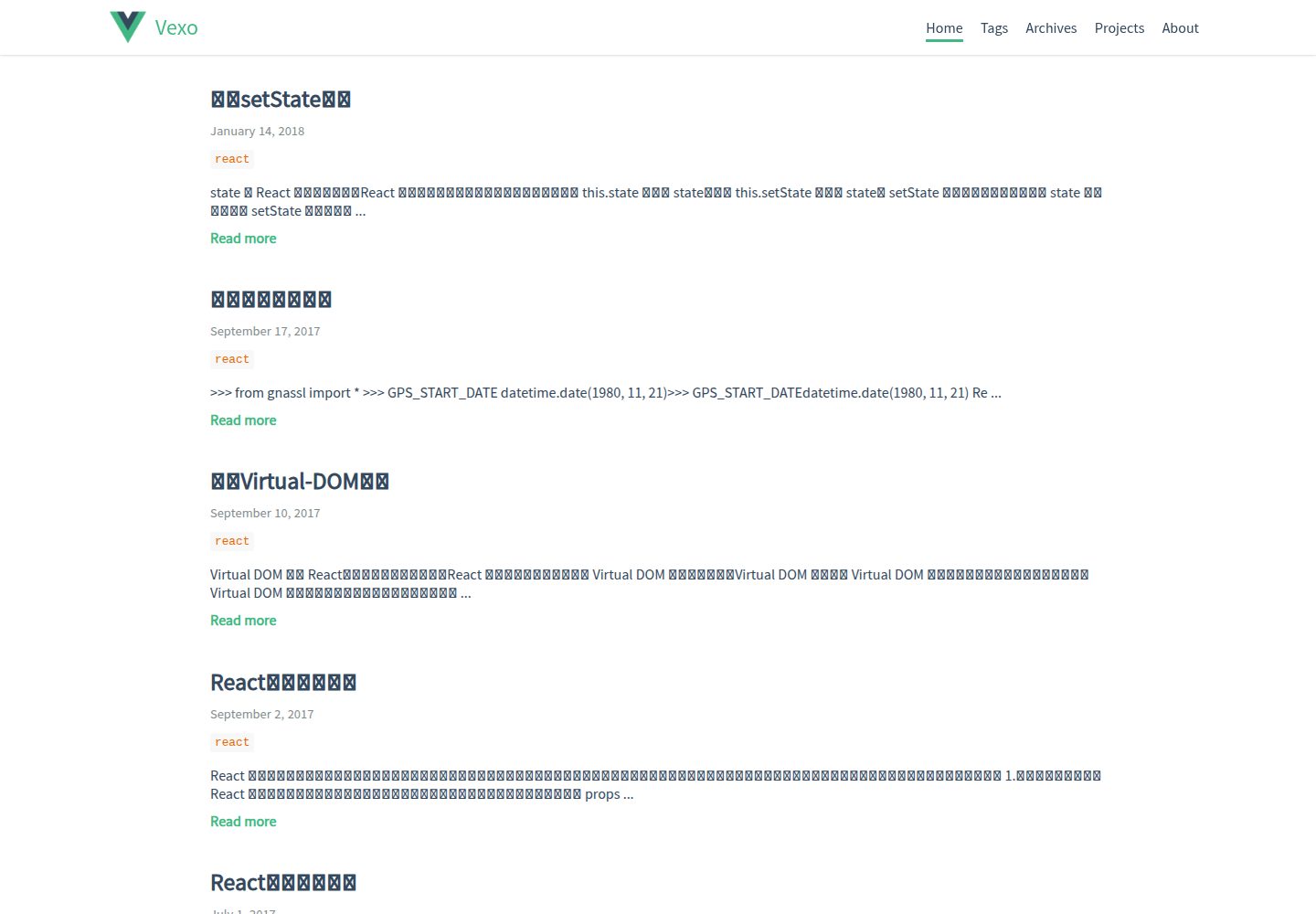
hexo-theme-vexo
Vexo is a Hexo blog theme inspired by the Vue.js official website, offering responsive layout, article table of contents, sharing QR codes, SEO configuration, Baidu Analytics, and switchable comment systems including Gitment, Utterances, Youyan, and Disqus. Local search requires installing hexo-generator-searchdb.
Vue · Blog
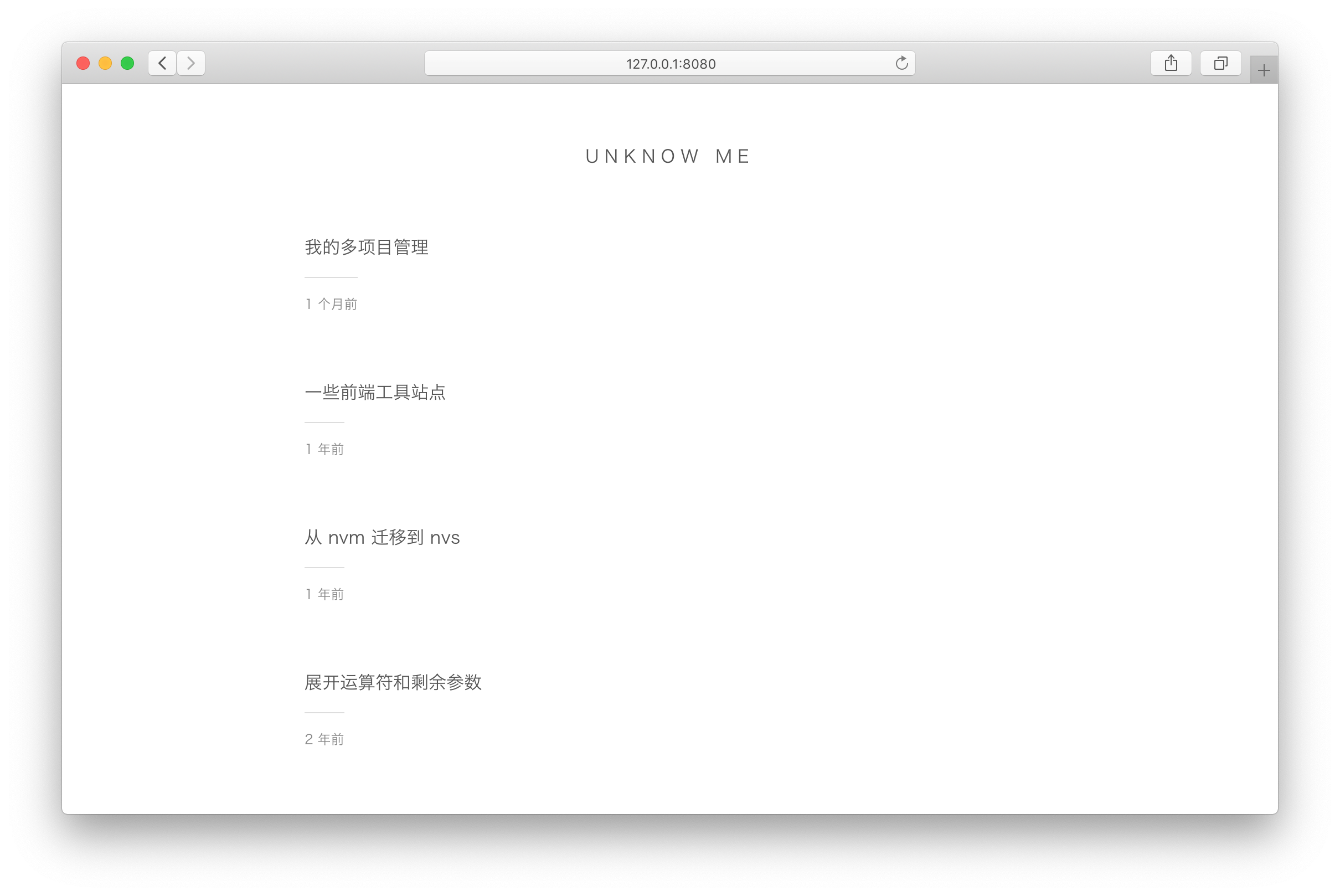
vuepress-theme-simple
A minimalist blog theme for VuePress 1.x that replaces the homepage README with an article list sorted by Git commit time or FrontMatter date.
Vue · Blog
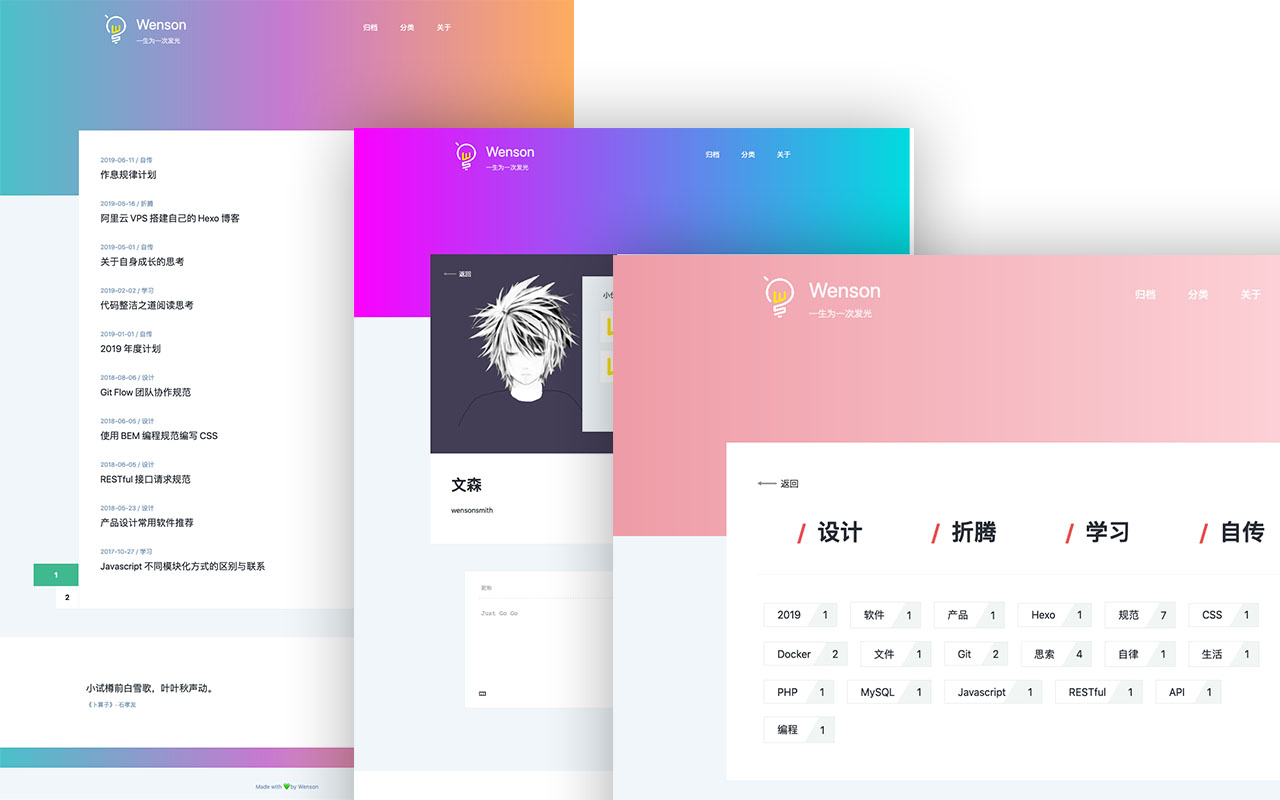
vuepress-theme-seeker
Seeker is a VuePress blog theme built around "colorful minimalism": each refresh randomly generates a color scheme, and the footer randomly shows classical Chinese poetry.
Vue · Blog
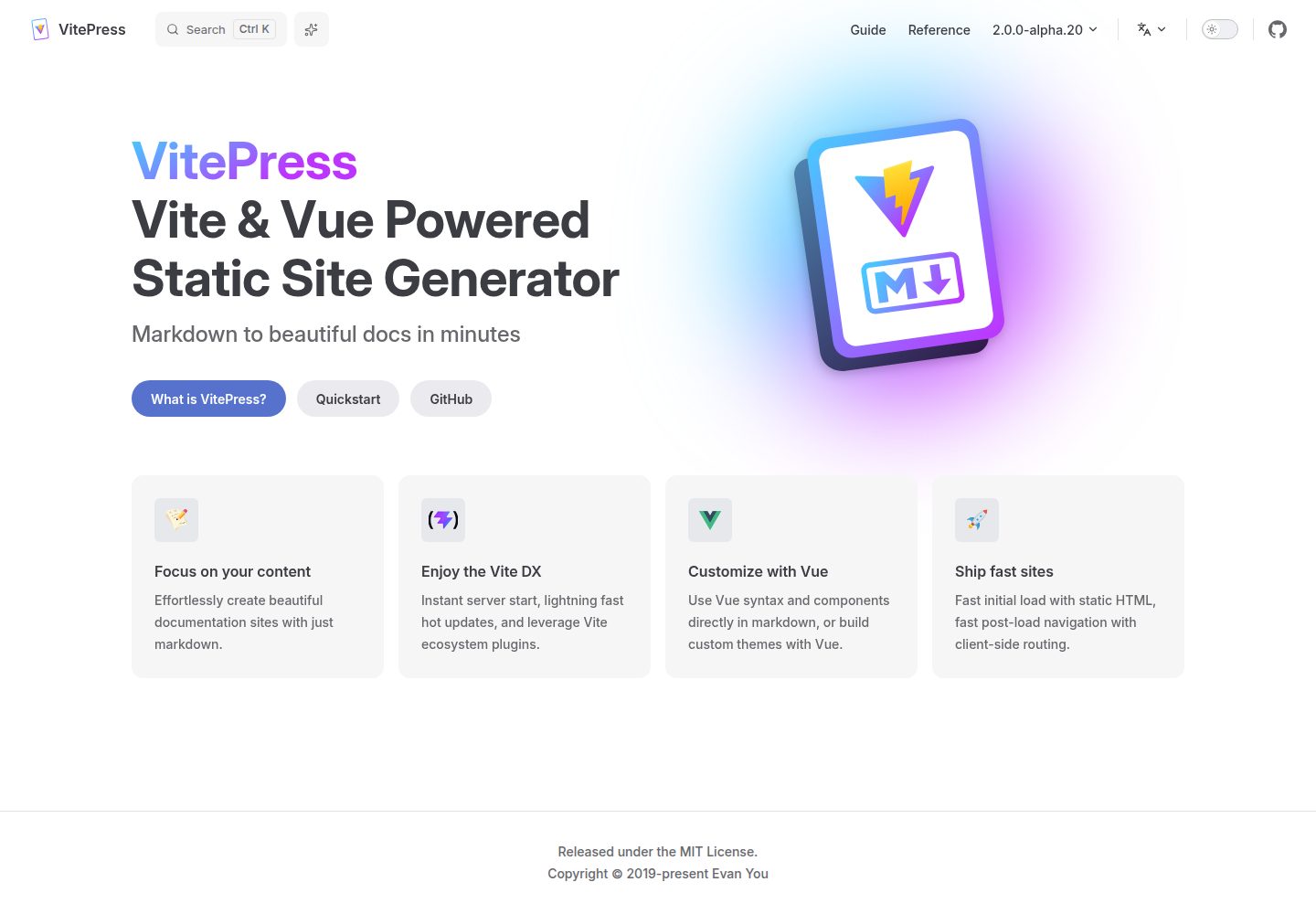
vitepress-template
A VitePress-based template for static sites and blogs, built with Vue and Vite, with pnpm dev/build/serve scripts and support for using Vue components and setup syntax sugar directly in Markdown.
Vue · Blog
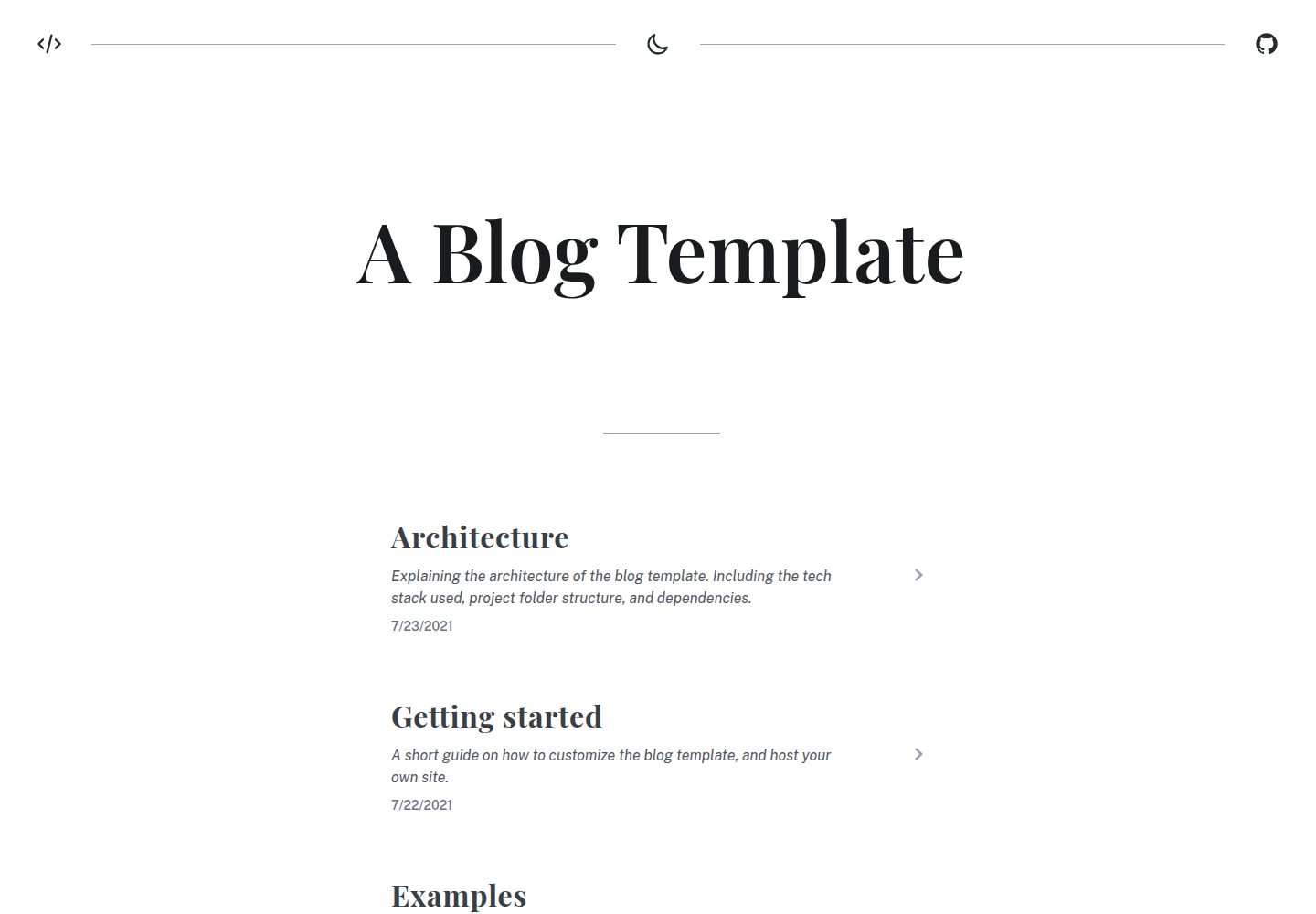
blog
A static blog template built with Vue 3 and Vite, using Markdown for writing with optional Vue components.
Vue · Blog
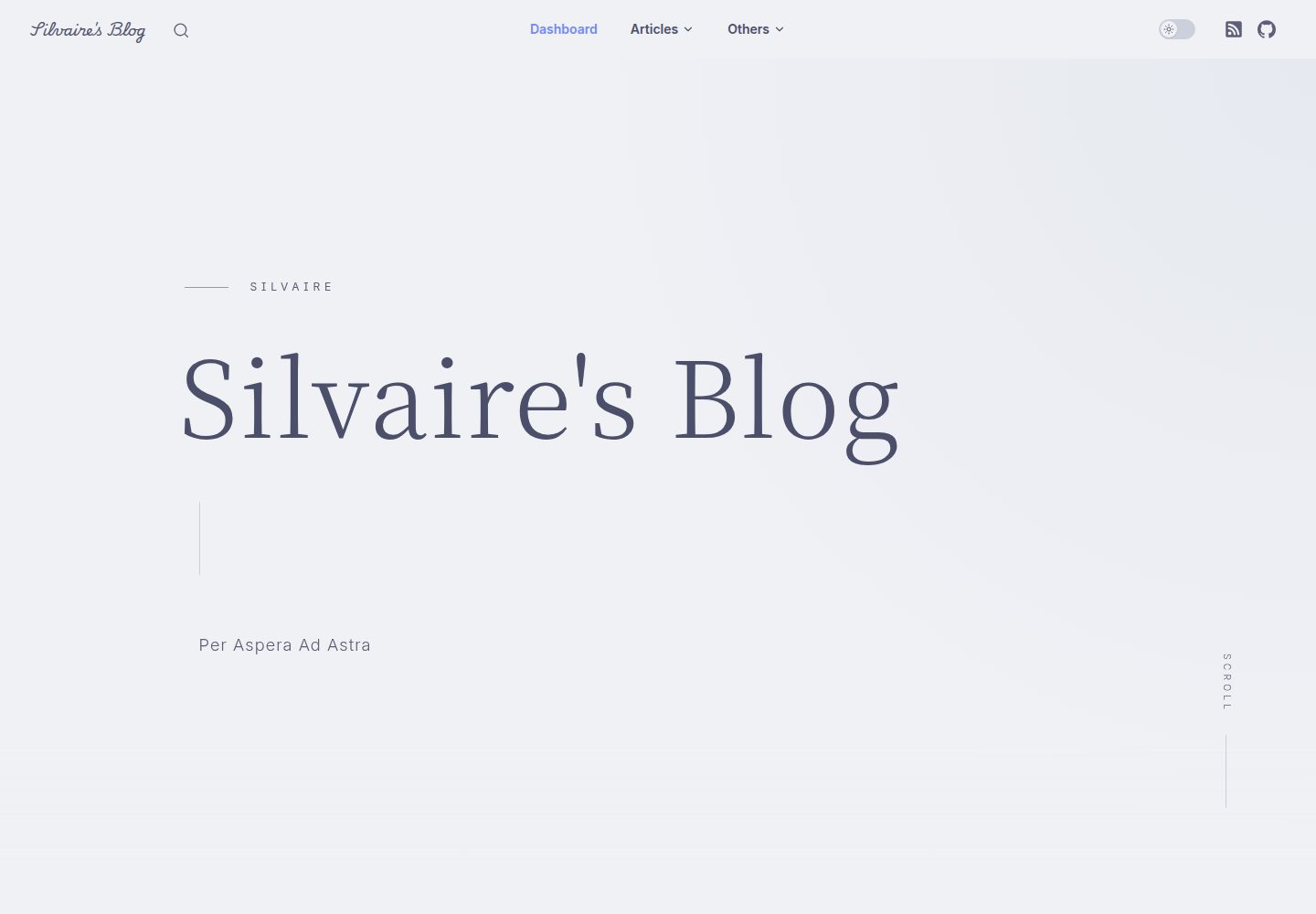
Miracle
Miracle is a Vue blog theme built on VitePress and released under the MIT license. It can be generated from a template repository or forked, cloned locally, and customized through config.ts.
Vue · Blog