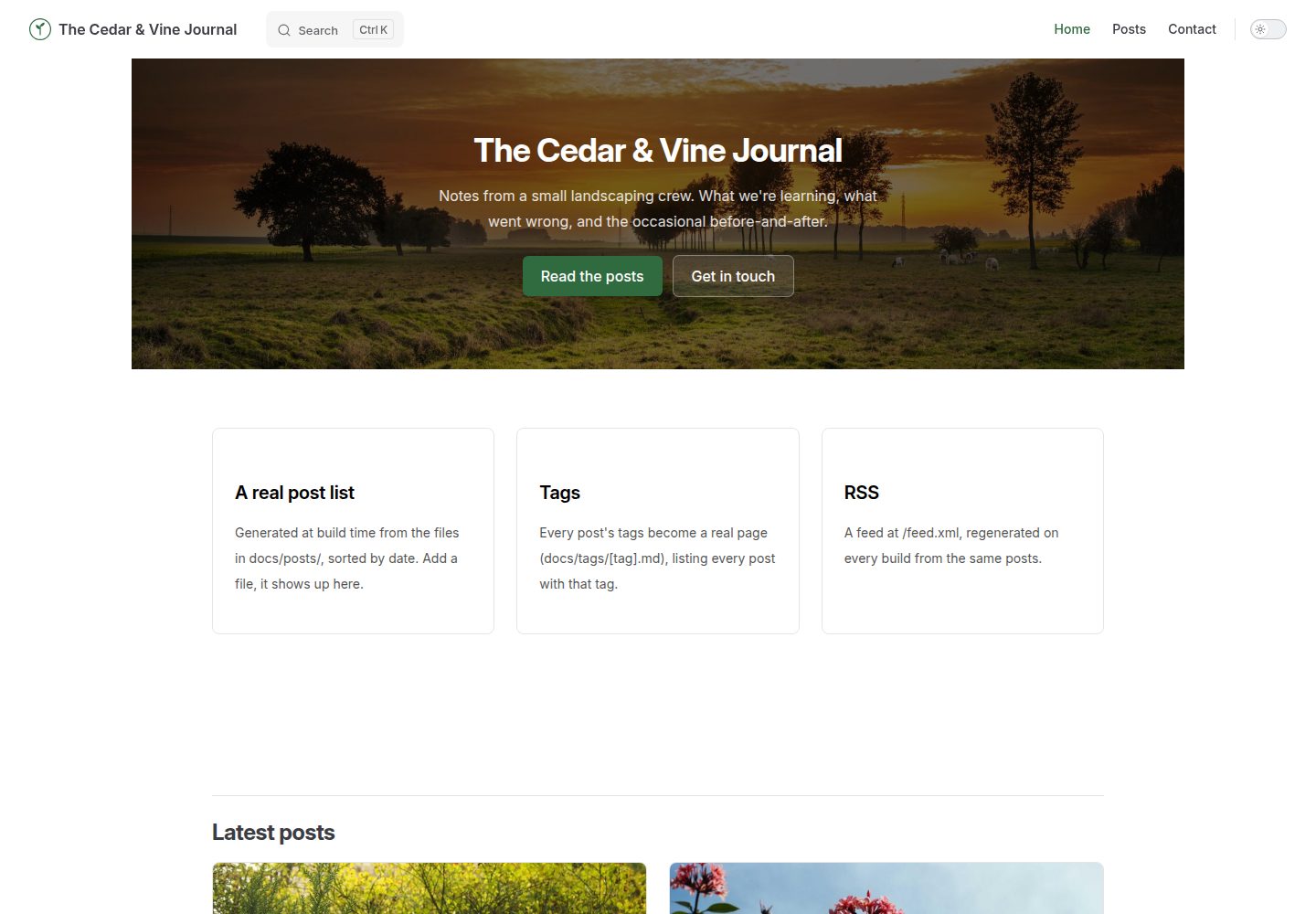
在 VitePress 默认能力之外提供文章列表、标签页、RSS 订阅与作者信息
VueVitePress博客
vitepress-blog — Vue 博客模板
作者 BootForm
基于 VitePress 的博客模板,补齐文章列表、标签页、RSS、作者与全文搜索等默认缺失的博客功能。
看看你的网站会是什么样
浏览真实页面截图,比较内容排版与手机效果。点击下方缩略图切换,放大查看整页细节。
全部页面与视图 3
截图用于了解视觉与布局,交互效果请以实际项目为准。
采集于 2026-10-07查看来源
值得关注的模板亮点
从已有项目资料中,快速了解它的特点。
启用 VitePress 内置全文搜索,索引页面标题与正文,纯浏览器端运行
文章列表、标签页、RSS 与搜索索引均从 docs/posts 目录的 Markdown 自动生成
作者集中定义在 authors.ts,文章通过 key 引用,改名后所有相关文章同步更新
附带 GitHub Actions 工作流,推送到 main 分支即构建并部署到 GitHub Pages
提供可用的联系表单接入方式,需自行生成并认领表单 ID
模板详细介绍
这是一个面向 VitePress 的博客模板。VitePress 默认不提供文章列表、标签、RSS 订阅和作者信息,该模板把这些博客机制补齐,并启用 VitePress 自带搜索。仓库说明中将其定位为 vitepress-marketing 之后的下一步:当博客本身就是重点,而不是营销站点的一个小栏目时使用。
模板自带三篇示例文章,文章列表、标签页、RSS 与搜索索引都从 docs/posts 目录下的 Markdown 文件重新生成,新增文章只需复制示例文件并修改 frontmatter 中的 title、date、author、tags。作者信息集中在 docs/.vitepress/authors.ts,文章通过 key 引用作者。联系表单需要自行生成并填入表单 ID,提交内容在认领前保留 48 小时。部署走 GitHub Actions,推送到 main 分支即构建发布,RSS 输出为 feed.xml。
使用前需注意:仓库名若与 vitepress-blog 不同,必须同步修改 config.mts 中的 base 与 favicon 路径,以及 scripts/generate-rss.mjs 中的 SITE_URL,否则线上站点或 RSS 链接会失效。标签必须是 YAML 列表而非裸字符串;没有自身 # 标题的文章不会出现在搜索中;标签页路径文件不能像 posts.data.ts 那样使用 createContentLoader。搜索完全在浏览器端运行,不依赖外部服务或 API key。
VueVitePress博客
适合你的项目吗?
适用场景
- 个人技术博客或写作站点,需要文章归档、标签与订阅能力
- 以博客为主体而非营销站点附属栏目的 VitePress 项目
- 希望用 Markdown 写作、由构建流程自动生成列表与索引的内容站点
- 部署在 GitHub Pages 并需要 RSS 输出的静态博客
适合人群
- 熟悉终端基本操作、使用 Node.js 20 或更高版本的开发者
- 希望以 VitePress 和 Markdown 为主要写作方式的个人作者
- 需要标签分类、RSS 订阅和站内搜索的博客项目
- 接受通过 GitHub Actions 部署到 GitHub Pages 的使用者
上手与定制指南
结合仓库当前版本的说明,按下面的资料检查内容、配置与运行要求。
- 1
需要免费 GitHub 账户、Node.js 20 或更高版本,以及基本的终端操作能力
- 2
仓库名不是 vitepress-blog 时,需同步修改 config.mts 中的 base 与 favicon 路径,以及 scripts/generate-rss.mjs 中的 SITE_URL
- 3
联系表单需自行生成 UUID 并替换 contact.md 中的占位符,且应在站点公开前完成认领
- 4
文章 tags 必须写成 YAML 列表;没有 # 标题的文章不会被搜索索引收录
- 5
GitHub Pages 的 Source 需选择 GitHub Actions,而非从分支部署
授权与来源资料
使用条件与限制
免费使用 · 保留许可声明本次收录的是公开仓库中采用 MIT 许可的免费版本;免费范围为该版本代码,不代表外部服务或第三方素材免费。
使用时需要遵守
- 允许免费使用、修改、商用和分发该版本代码。
- 分发代码副本或实质性部分时,保留原作者版权声明和完整 MIT 许可声明。
- 代码按现状提供;担保与责任限制以原许可证及适用法律为准。
额外费用与待核对事项
- 演示图片、字体、图标及其他第三方素材需按各自许可核对,不能仅凭代码的 MIT 许可判断。
- 域名、托管、数据库、支付或 AI 等外部服务可能另外收费。
- 联系表单必须使用自己生成的表单 ID,不能使用示例 ID 或他人的 ID;表单 ID 先认领者拥有,发送到该 ID 的内容会归其所有。
- 联系表单需在站点公开上线前通过认领链接完成认领;未认领期间暂存的提交内容仅保留 48 小时后删除。
- 若仓库名不是 vitepress-blog,必须同步修改 config.mts 中的 base 与 favicon 路径,以及 scripts/generate-rss.mjs 中的 SITE_URL,否则线上站点或 RSS 链接会失效。
- 文章 frontmatter 中的 tags 必须是真正的 YAML 列表(如 tags: [a, b] 或每行一个 - a),写成裸字符串会导致标签页 404 或标签不显示。
- 没有自身 # 标题的文章不会出现在搜索结果中,必须为文章添加标题。
- docs/tags/[tag].paths.js 不能像 posts/posts.data.ts 那样使用 createContentLoader,否则构建会因 content loader 报错失败。
- GitHub Actions 工作流固定使用 Node 20;本地与工作流 Node 主版本不一致时,可能出现本地构建成功而 Actions 部署失败。
查看原文依据
Permission is hereby granted, free of charge
许可证原文
**Use your own.** Do not use `11111111-1111-4111-8111-111111111111` (the example shown on > BootForm's own docs) or a friend's. Whoever claims a form ID first owns it, and everything sent > to it goes to them.
README 原文
**3c. Try it, then claim it** at the claim link it gives you, **before** the site goes live publicly. Held submissions are kept for 48 hours before they're deleted.
README 原文
> **Naming it something other than `vitepress-blog`?** Open `docs/.vitepress/config.mts` and > change `base: '/vitepress-blog/'` (and the favicon path under `head`, in the same file) to match (`/your-repo-name/`), and do the same for `SITE_URL` > in `scripts/generate-rss.mjs`. Miss either and the deployed site or the RSS feed's links break, > while everything still looks fine locally.
README 原文
**A tag page 404s, or a post's tag doesn't show up anywhere.** Check the post's frontmatter: `tags` needs to be a real YAML list (`tags: [a, b]` or one `- a` per line), not a bare string.
README 原文
A post with no `#` heading of its own won't show up: give it one.
README 原文
**`npm run build` fails with something about a content loader.** If you're editing `docs/tags/[tag].paths.js`, see `AGENTS.md`'s section on why it can't use `createContentLoader` the way `posts/posts.data.ts` does.
README 原文
https://github.com/BootForm/vitepress-blog/blob/main/LICENSEhttps://github.com/BootForm/vitepress-blog/blob/main/README.md**The Actions deploy fails but `npm run build` works locally.** Compare Node versions: the workflow pins Node 20 (`.github/workflows/deploy.yml`). Different Node major versions occasionally disagree on something.
README 原文
DeepSeek 根据仓库许可证和 README 整理 ·2026-10-07。结果仅覆盖已读取资料,依赖、图片、字体及后续条款变更以各自原文为准。
项目核对记录与介绍依据
模板资料
- 来源平台
- GitHub
- 资料与维护参考分
- 资料较完整 · 88 / 100
- 技术栈
- Vue · VitePress
- 网站类型
- 博客
这个分数如何计算
本站按许可资料(最高30分)、演示链接(12分)、预览图(10分)、Star数(15分)、记录的维护时间(15分)、描述完整度(8分)、功能记录(5分)和分类资料(5分)计算。它不是代码、安全或性能测试,也不是 Google 评分;有链接不代表已实测可用。
这个项目需要核对什么
- 记录的仓库更新时间
- 2026-10-07
- 截图检查日期
- 2026-10-07
已收录演示链接。请用你的内容与屏幕尺寸检查;有演示不代表表单、认证或支付已经可用。
目录记录的主要技术栈是 Vue。请通过依赖清单和锁文件核对实际版本与托管要求。这些说明基于收录资料,不代表代码审计或部署实测。
查看具体选型方法 →介绍的制作与核对状态
介绍由 AI 辅助整理目录与仓库资料。仓库作者不等于这篇介绍的审核者。
审核声明: [email protected] · 2026-10-08
查看当时使用的来源资料
SHA-256: 494f4b2e6db69b2e7da30e21b36cc24ec447e544073342aeaf7a6e9eb75d4ed7
2026-10-07T19:05:02.908Z
来源文件 / 仓库# A real blog engine for VitePress VitePress ships none of what an actual blog needs out of the box: a post list, tags, an RSS feed, authors. This template does, and turns on VitePress's built-in search too. It's the next step after [vitepress-marketing](https://github.com/BootForm/vitepress-marketing), for when the blog itself is the point, not a small section of a bigger marketing site. By the end you will have a blog with a generated post list, working tag pages, an RSS feed, full-text search, and a working contact form. **[See what you are building →](https://bootform.github.io/vitepress-blog/)** --- ## Before you start You need: - A free GitHub account. - [Node.js](https://nodejs.org) 20 or later. - Some comfort with a terminal. Don't have some of this yet, or not sure how? [Setting up your computer](https://bootform.com/docs/computer-setup) walks through installing Git and Node.js, a basic terminal tutorial, and installing and using VS Code, from scratch. If you want a lighter starting point with a home page, pricing, and just a couple of hand-written posts, [vitepress-marketing](https://github.com/BootForm/vitepress-marketing) is that; this repo assumes you specifically want the blog mechanics. --- ## Step 1: Make your own copy Click **Use this template**, then **Create a new repository**. > **Naming it something other than `vitepress-blog`?** Open `docs/.vitepress/config.mts` and > change `base: '/vitepress-blog/'` (and the favicon path under `head`, in the same file) to match (`/your-repo-name/`), and do the same for `SITE_URL` > in `scripts/generate-rss.mjs`. Miss either and the deployed site or the RSS feed's links break, > while everything still looks fine locally. Then: ```bash git clone https://github.com/yourname/vitepress-blog.git cd vitepress-blog npm install npm run dev ``` Open the address it prints. That's your blog, running locally. --- ## Step 2: Make it yours Look for `CHANGE ME` across a few files: - **`docs/.vitepress/config.mts`**: your blog's title, description, and nav. - **`docs/.vitepress/theme/style.css`**: your brand colour. - **`docs/.vitepress/authors.ts`**: your real authors. A post references one by key (`author: priya`); change the name here and every post using that key updates. - **`docs/index.md`**: the home page hero. - **`docs/posts/*.md`**: the three example posts. Each one's frontmatter sets its title, date, author, and tags: ```md --- layout: page title: Your post title date: 2026-09-20 author: priya tags: [some-tag, another-tag] --- ``` Add a new post by copying one of these files. The post list, the tag pages, the RSS feed and the search index all regenerate from whatever's actually in this folder, no other file to update. --- ## Step 3: Make the contact form actually work **3a. Generate your form ID.** Open BootForm's own [UUID generator](https://bootform.com/uuidgenerator), or run `crypto.randomUUID()` in any browser console. > **Use your own.** Do not use `11111111-1111-4111-8111-111111111111` (the example shown on > BootForm's own docs) or a friend's. Whoever claims a form ID first owns it, and everything sent > to it goes to them. **3b. Paste it into `docs/contact.md`**, replacing `__YOUR_FORM_ID__` in the `action` attribute. **3c. Try it, then claim it** at the claim link it gives you, **before** the site goes live publicly. Held submissions are kept for 48 hours before they're deleted. --- ## Step 4: Deploy it ```bash git add -A git commit -m "Make it mine" git push ``` In your repository, **Settings → Pages → Source → GitHub Actions** (not "deploy from a branch"). The included workflow (`.github/workflows/deploy.yml`) builds and deploys on every push to `main`. Your feed is live at `https://yourname.github.io/vitepress-blog/feed.xml` once it deploys. --- ## Frequently hit problems **A tag page 404s, or a post's tag doesn't show up anywhere.** Check the post's frontmatter: `tags` needs to be a real YAML list (`tags: [a, b]` or one `- a` per line), not a bare string. **The RSS feed is empty, or a link in it 404s.** Run `node scripts/generate-rss.mjs` on its own and read what it prints; it's a plain script, easiest debugged directly rather than through the full `npm run build`. A 404'ing link almost always means `SITE_URL` doesn't match `base`. **Search finds a page you don't want in the results, or misses a post.** Search indexes each page's Markdown headings and text, and runs entirely in the browser (no service, no API key). Keep a page out with `search: false` in its frontmatter, as `docs/posts/index.md` and `docs/tags/[tag].md` do. A post with no `#` heading of its own won't show up: give it one. **`npm run build` fails with something about a content loader.** If you're editing `docs/tags/[tag].paths.js`, see `AGENTS.md`'s section on why it can't use `createContentLoader` the way `posts/posts.data.ts` does. **The Actions deploy fails but `npm run build` works locally.** Compare Node versions: the workflow pins Node 20 (`.github/workflows/deploy.yml`). Different Node major versions occasionally disagree on something. ## Licence MIT. Do whatever you like with it, including using it for a real business.
看看同类模板
对比同技术栈与用途的模板,找到更适合的视觉与内容结构。
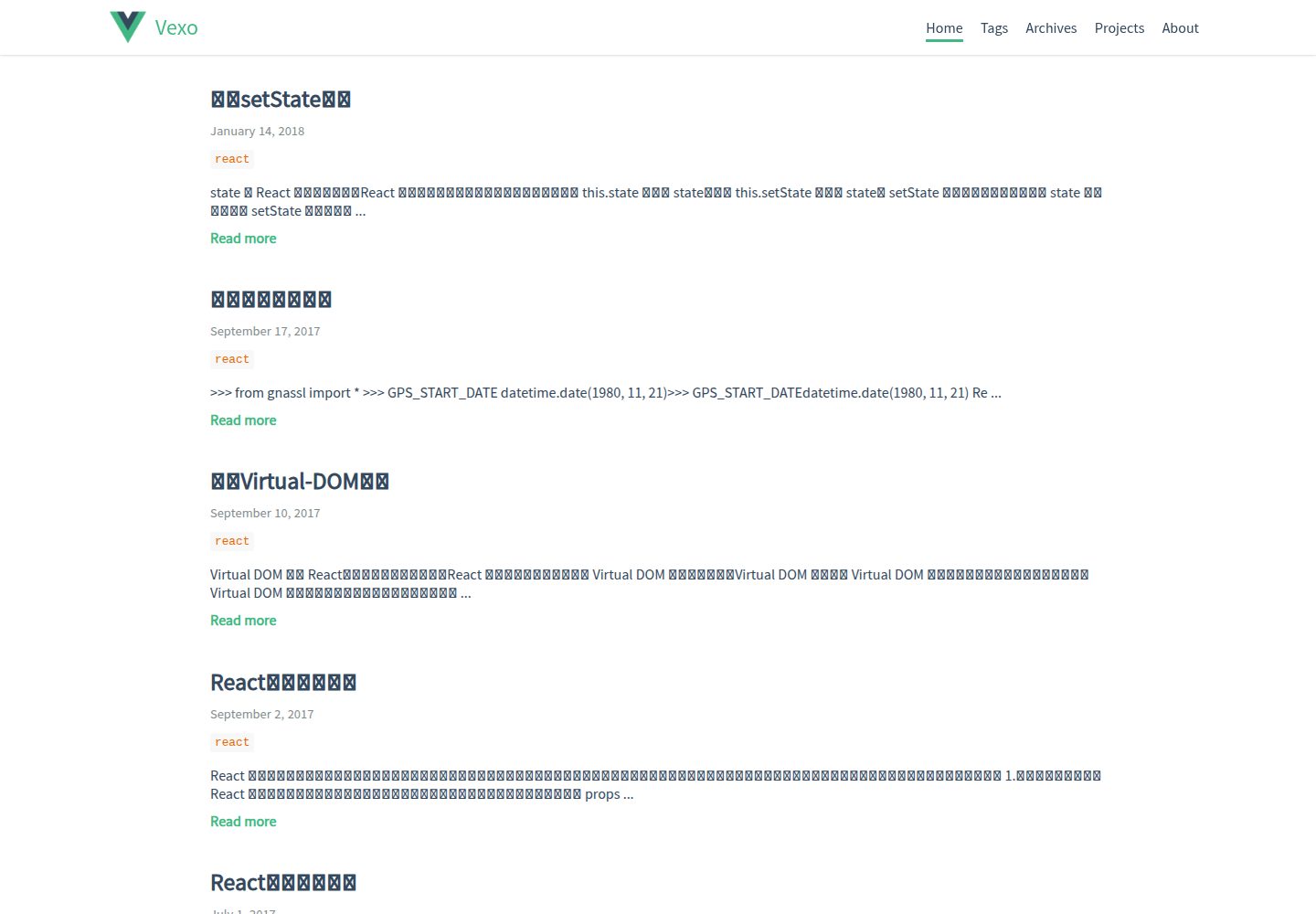
hexo-theme-vexo
🍟 Vexo is a Hexo theme inspired by Vue's official website.
Vue · 博客
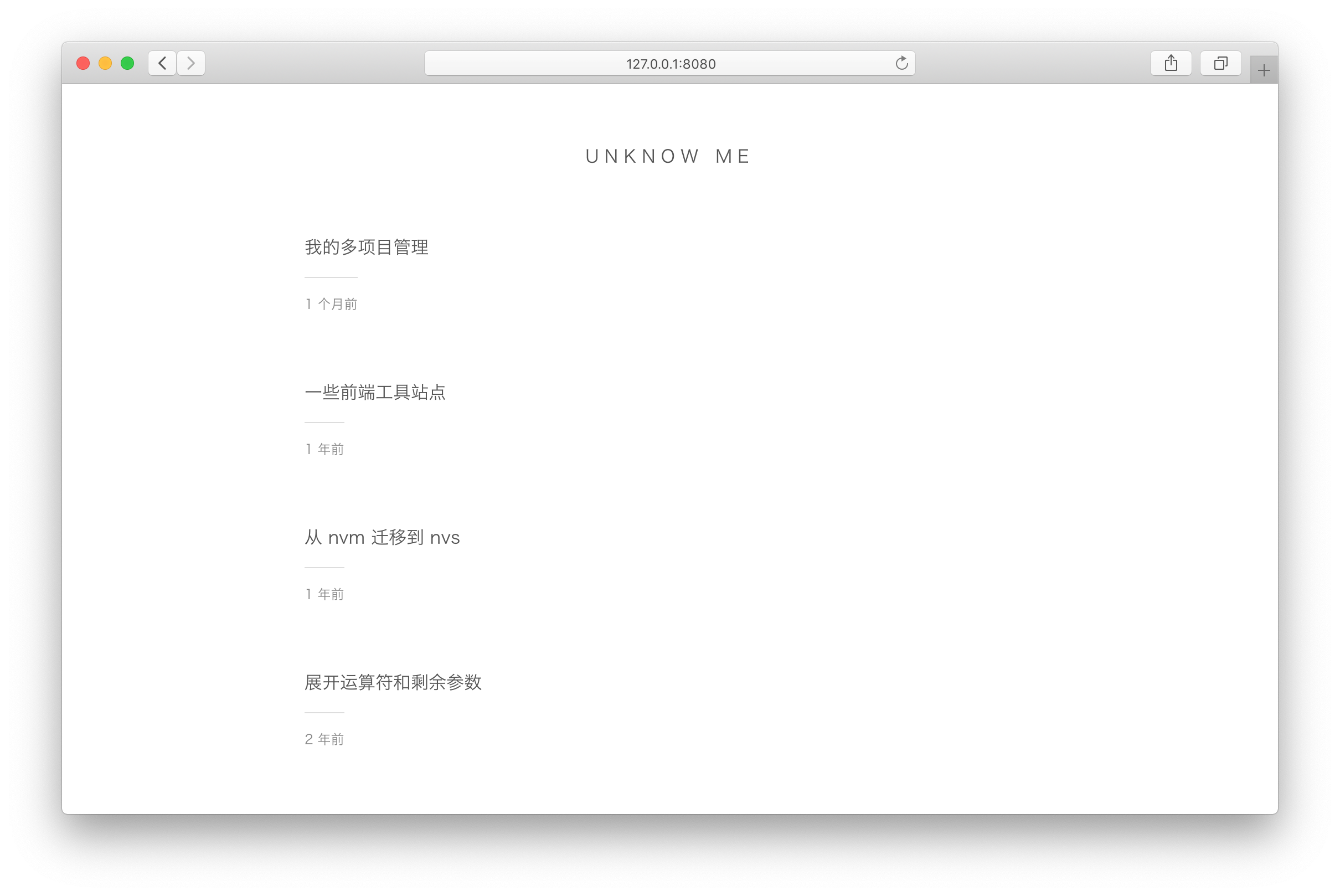
vuepress-theme-simple
vuepress-theme-simple 是一个为 VuePress 1.x 设计的博客主题,定位非常明确:把 VuePress 默认的文档站首页改造成文章列表。
Vue · 博客
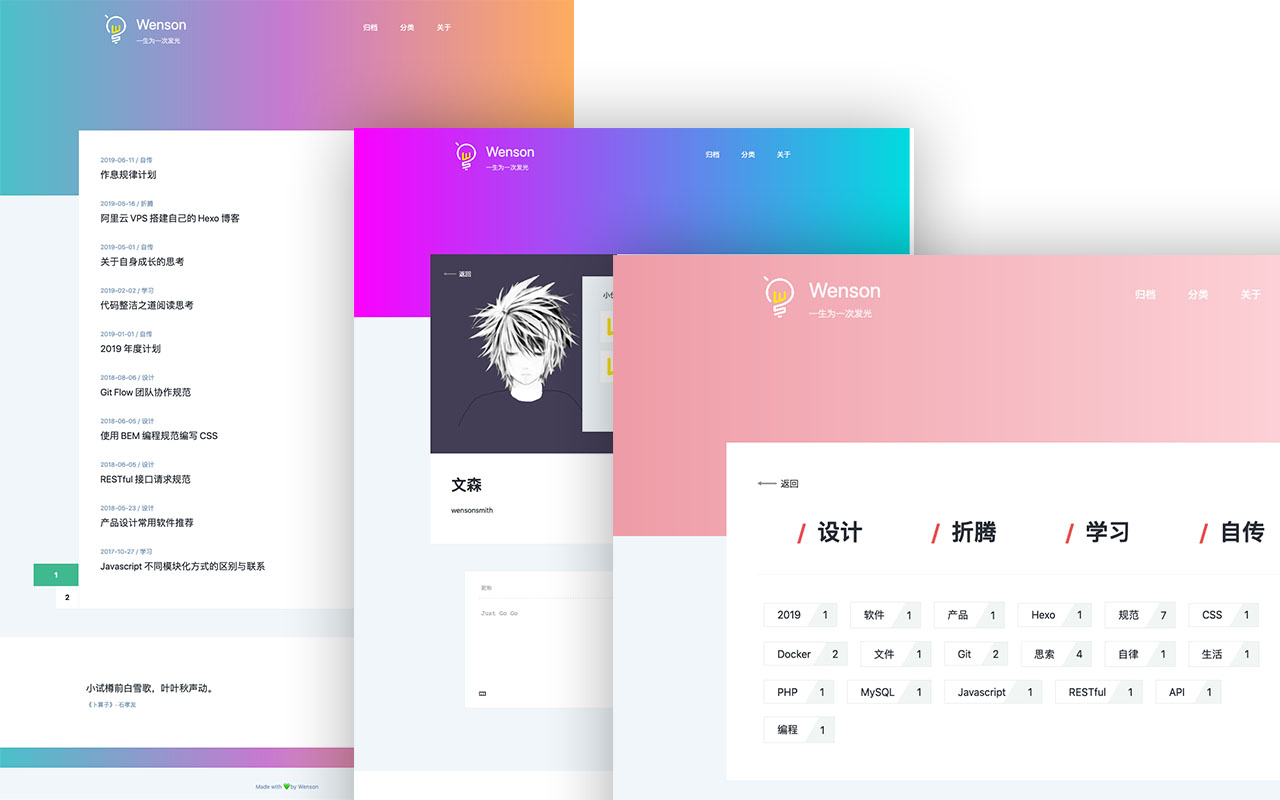
vuepress-theme-seeker
Seeker 是一款面向 VuePress 的博客主题,主打「五彩斑斓的简约」:每次刷新页面会随机生成一套配色,页脚则随机展示古诗词,这两点构成了它区别于多数静态博客主题的辨识度。
Vue · 博客
vitepress-template
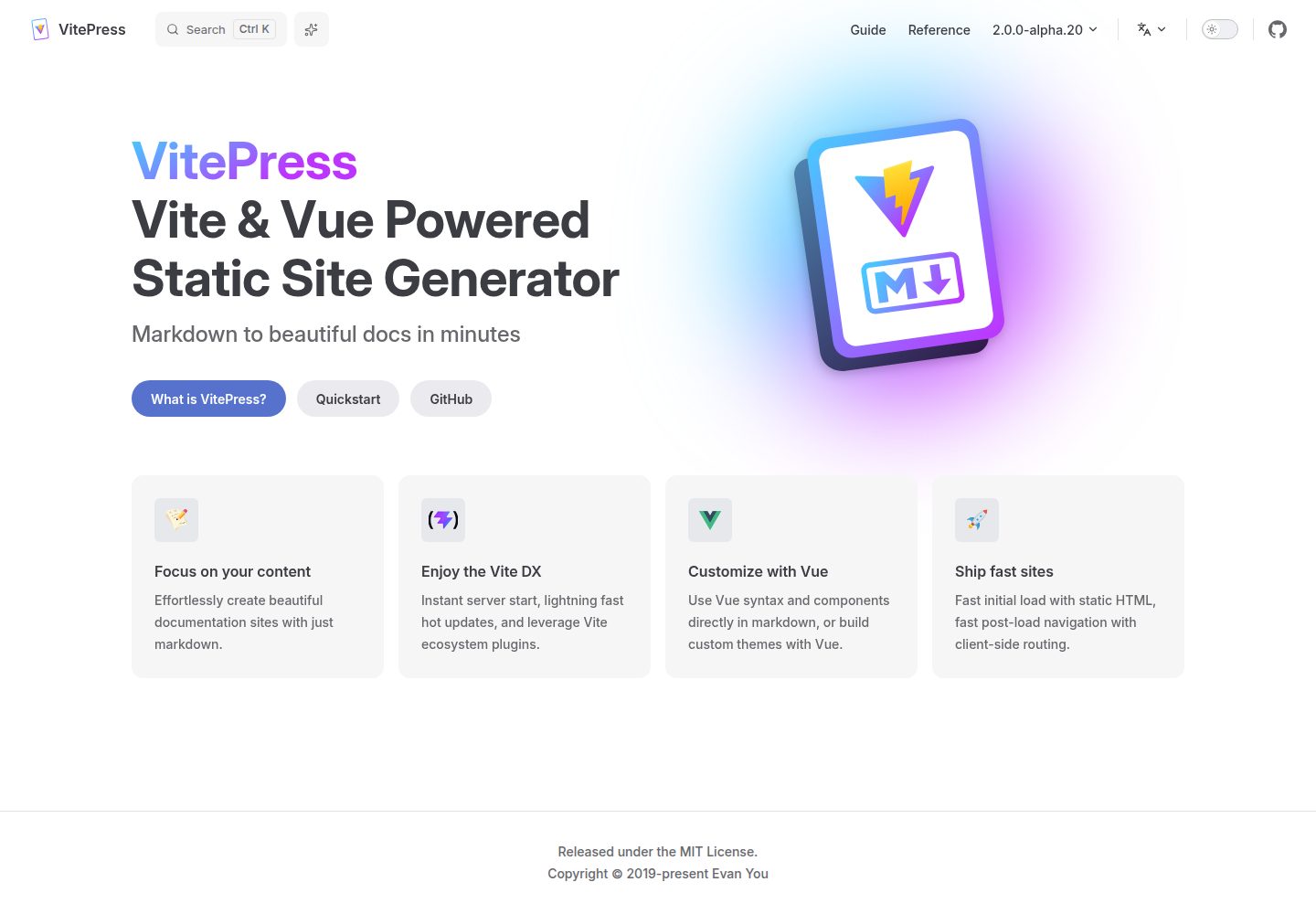
🍀 Vitepress 模板,开箱即用,快速搭建你的静态网站和博客。
Vue · 博客
blog
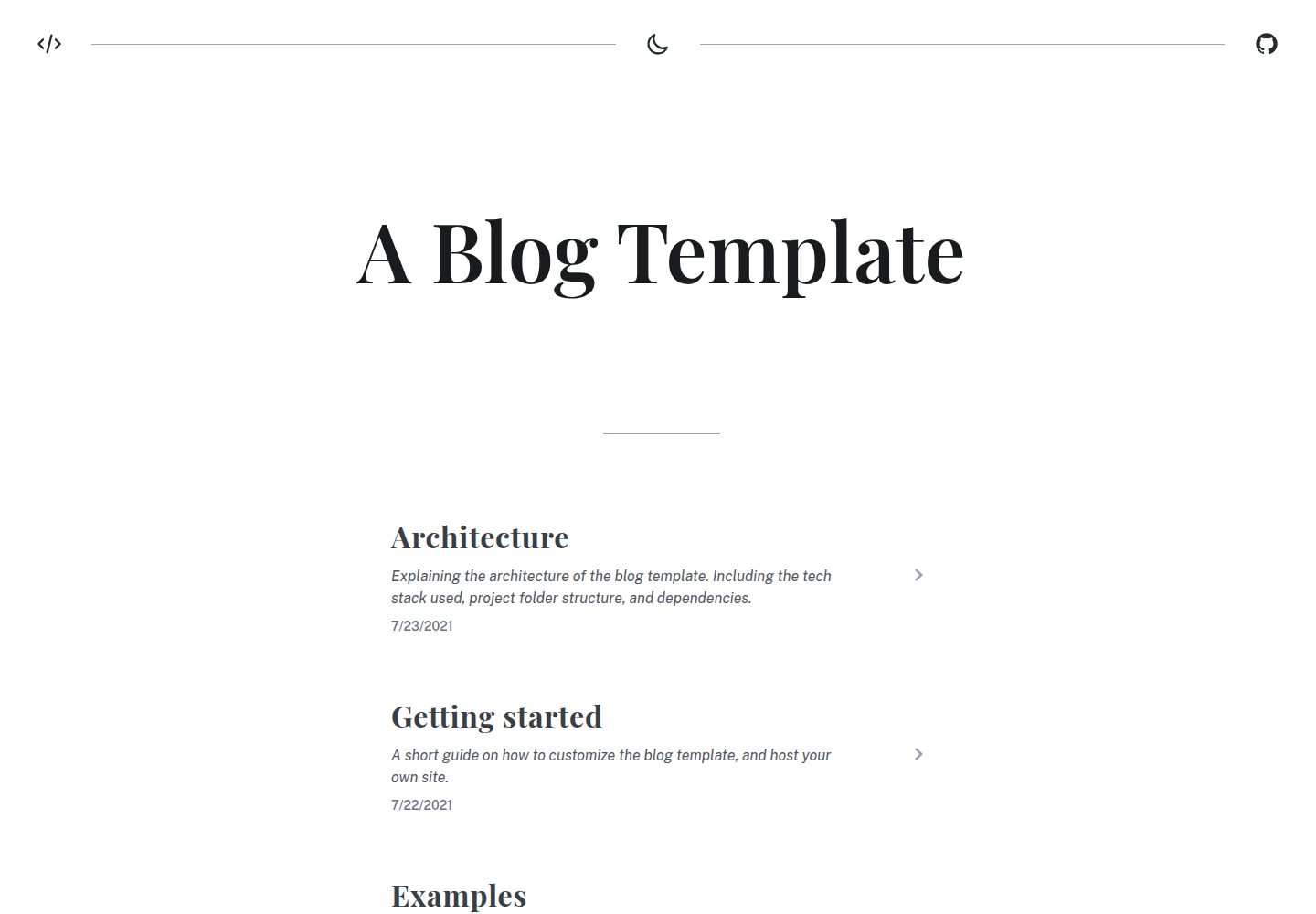
A generated static site blog template, with Vite, Vue 3, markdown-it, and syntax highlighting.
Vue · 博客
Miracle
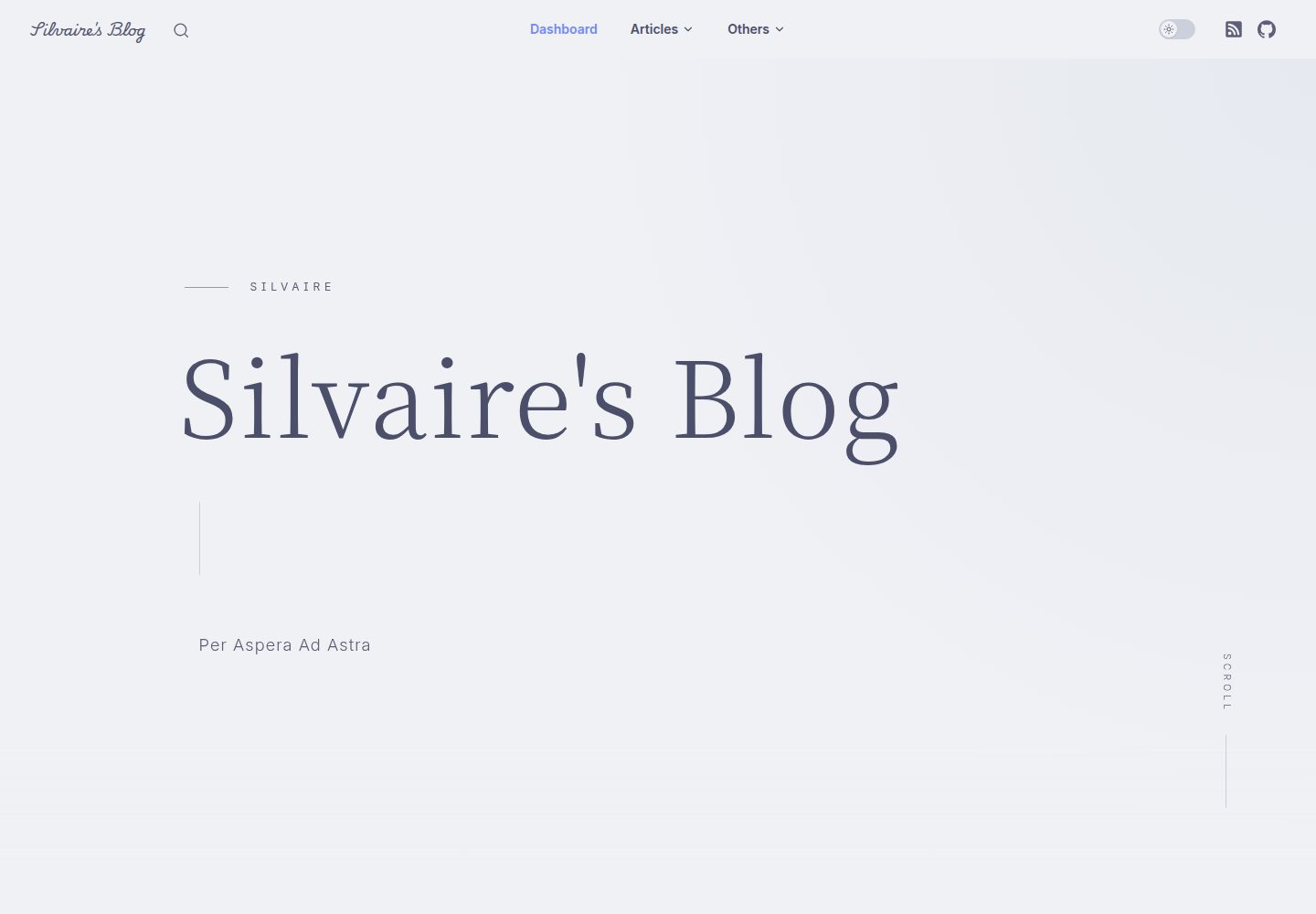
A miracle blog theme based on VitePress after deleting accidentally.
Vue · 博客