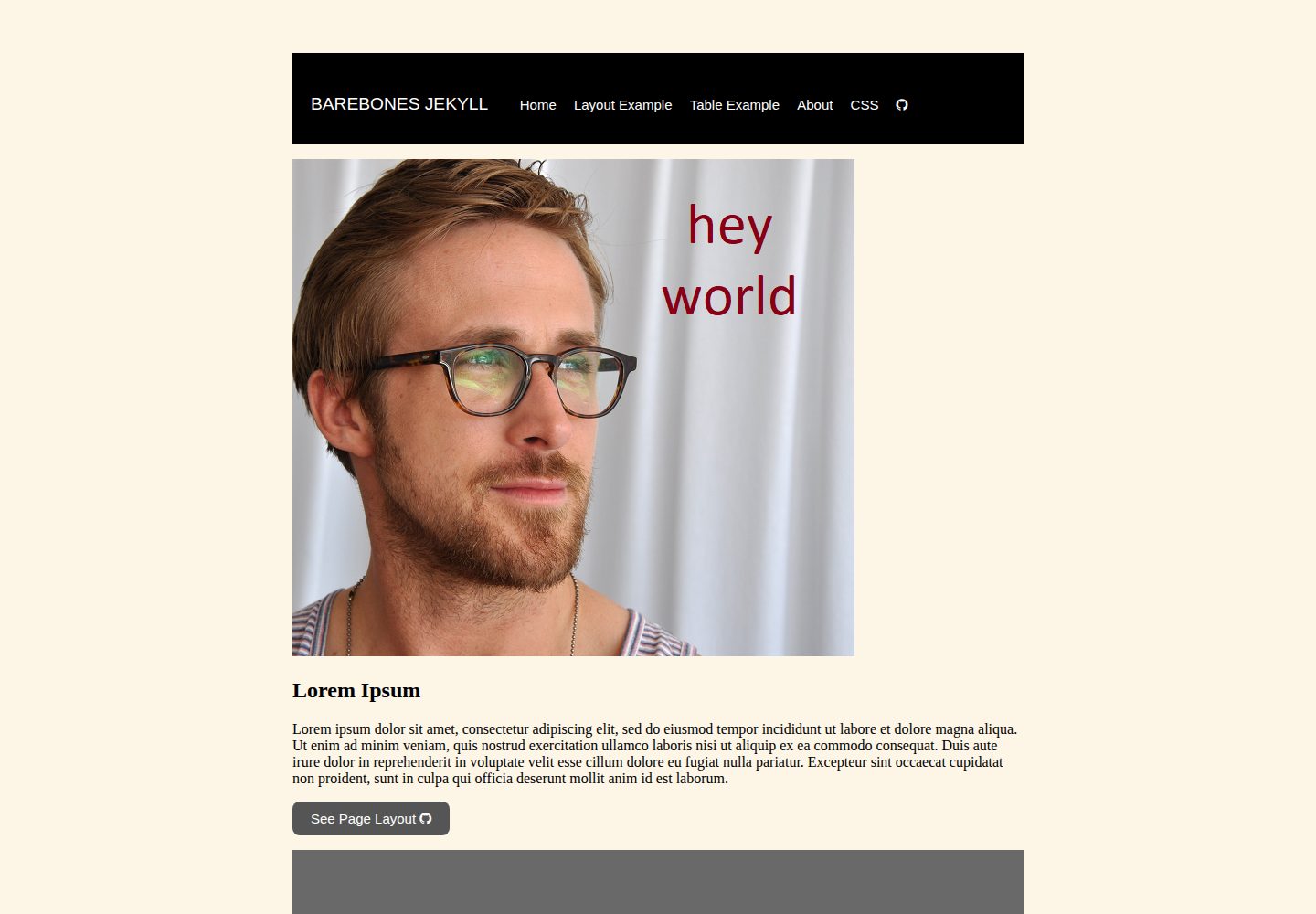
A minimal Jekyll template for students to fork and practice building a GitHub website
JekyllStarter
barebones-jekyll — Jekyll Starter Template
By DS4PS
A minimal Jekyll website template for students, intended for learners to fork and practice building a GitHub website; the README explains the directory structure and provides configuration file examples.
Explore the design
Compare the page layouts and mobile experience. Open any screenshot for a closer look.
Desktop homepage1 / 3
Desktop captureTop of page
Actual screenshot captured by the server browser.
All pages & views 3
Screenshots show visual appearance; interactive behavior may differ.
Recorded 2026-10-14View source
What stands out
A quick read of the recorded project description.
Clear directory structure: index.md, config.yml, assets, _layouts, _includes
_includes provides page component HTML such as head, header, navbar, footer
_layouts provides two types of page templates: default.html and page.html
The README references the Jekyll configuration example from GitLab Pages and links to a longer example
Template Details
barebones-jekyll is a minimal Jekyll website template intended for students to fork, with the purpose of learning how to build a GitHub website. The README states that this template can help learners understand how to use themes such as contrast, polar bear theme, and lanyon.
The template's directory structure includes index.md (landing page), config.yml, an assets folder (containing images and CSS files), a _layouts folder (containing default.html and page.html), and an _includes folder (containing head.html, header.html, navbar.html, footer.html). The README explains that _includes stores website resources, namely HTML code that provides the basic structure for each page component; _layouts stores HTML/Jekyll templates for different types of pages, and lists common page template types: landing page or homepage, content page, about page, product image gallery page, blog or journal index page.
For the configuration file section, the README references the Jekyll basics example from GitLab Pages, including site title, email, description, baseurl, url, social account fields, and build settings (theme, plugins, exclude, etc.), and provides a link to a more complete academicpages configuration example. The README does not provide installation, build, or deployment commands, nor does it specify a dependency list and concrete versions, so these steps need to be confirmed by referring to the official Jekyll documentation.
JekyllStarter
Is it right for your project?
Use Cases
- Learning how Jekyll templates organize directories and split page components
- Using it as a course exercise repository: fork it, modify it step by step, and publish a GitHub website
- Referencing the _includes and _layouts structure to understand how themes (such as contrast, lanyon) are implemented
Suitable For
- Students who are learning how to build a GitHub website
- Beginners who want to start from a minimal structure to understand Jekyll templates
- People who need a forkable exercise repository for teaching or self-study
Getting started & customization
Use these recorded setup notes alongside the repository instructions for your chosen version.
- 1
The README does not provide installation, build, or deployment commands; refer to the official Jekyll documentation
- 2
The README does not list dependencies or concrete versions, so runtime environment requirements cannot be confirmed from it
- 3
The config.yml in the README is a referenced example; actual fields need to be modified for your own site
- 4
The README does not state whether this template can be used directly in a production environment
License & source material
Usage conditions & limitations
Free to use · keep license noticeThis entry covers the free version under the MIT license in a public repository; the free scope is the code of that version and does not mean external services or third-party assets are free.
Must comply with when using
- Free use, modification, commercial use, and distribution of this version's code are permitted.
- When distributing copies or substantial portions of the code, retain the original author's copyright notice and the complete MIT license notice.
- The code is provided as is; warranties and limitations of liability are governed by the original license and applicable law.
Additional costs & items to verify
- Demo images, fonts, icons, and other third-party assets must be checked against their respective licenses and cannot be judged solely by the code's MIT license.
- External services such as domains, hosting, databases, payments, or AI may incur separate charges.
View Original Text Basis
https://github.com/DS4PS/barebones-jekyll/blob/master/LICENSEhttps://github.com/DS4PS/barebones-jekyll/blob/master/README.mdPermission is hereby granted, free of charge
Original License Text
Compiled by DeepSeek based on repository license and README ·2026-10-14. Results only cover the materials read; dependencies, images, fonts, and subsequent term changes are subject to their respective original texts.
Project checks & description sources
Template Information
- Source platforms
- GitHub
- Documentation and maintenance reference score
- More documented · 77 / 100
- Technologies
- Jekyll
- Website type
- Starter
How this score is calculated
Our heuristic uses license records (up to 30), a demo link (12), a preview (10), stars (15), recorded maintenance (15), description completeness (8), feature records (5) and classification data (5). It is not a code, security or performance test, or a Google score. A link does not establish tested functionality.
What to verify for this project
- Repository update recorded
- 2025-09-22
- Screenshot last checked
- 2026-10-14
A demo link is listed. Check it with your own content and viewport sizes; its presence does not confirm that forms, authentication or payments work.
The catalog identifies Jekyll as the primary stack. Check the actual dependency manifest and lockfile for versions and hosting requirements. These notes use recorded metadata, not a code audit or a deployment test.
Use a selection guide →How this description was prepared
AI-assisted description based on catalog records and repository material. Repository authors are not automatically the reviewers of this description.
Review declaration: codex-user-requested-batch-review-20261015 · 2026-10-15
Inspect the recorded source material
SHA-256: 8c78b7a46b9b264a12e004285741bda778eefea6e0a09460282c68e7c6d6250f
2026-10-14T07:21:17.467Z
Source file / repository# barebones-jekyll
A barebones website template for students to fork while learning how to build a GitHub website.
## Will teach you how to use themes like these:
* [contrast](https://github.com/niklasbuschmann/contrast)
* [polar bear theme](https://github.com/diezcami/polar-bear-theme)
* [lanyon](http://lanyon.getpoole.com/)
# your minimal site:
```
site
├── index.md
├── config.yml
├── assets folder
│ └── images
│ └── CSS files
├── _layouts folder
│ └── default.html
│ └── page.html
└── _includes folder
├── head.html
├── header.html
├── navbar.html
└── footer.html
```
The **_includes** folder contains **website assets**, HTML code that provides the basic structure for each component of a page.
<img width="700" height="531" alt="image" src="https://github.com/user-attachments/assets/c5780a7a-eef7-44d5-81ad-a348072b3ccf" />
The **_layouts** folder contains the HTML/jekyll template for different types of website pages. Some common page templates across sites are:
- landing page or index
- content page
- about page
- gallery page for products or images
- contents page for a blog site or periodical
## index.md
Landing page.
## config file
Basic example from [GitLab](https://gitlab.com/pages/jekyll/blob/master/_config.yml):
````
# Welcome to Jekyll!
#
# This config file is meant for settings that affect your whole blog, values
# which you are expected to set up once and rarely edit after that. If you find
# yourself editing this file very often, consider using Jekyll's data files
# feature for the data you need to update frequently.
#
# For technical reasons, this file is *NOT* reloaded automatically when you use
# 'bundle exec jekyll serve'. If you change this file, please restart the server process.
#
# If you need help with YAML syntax, here are some quick references for you:
# https://learn-the-web.algonquindesign.ca/topics/markdown-yaml-cheat-sheet/#yaml
# https://learnxinyminutes.com/docs/yaml/
#
# Site settings
# These are used to personalize your new site. If you look in the HTML files,
# you will see them accessed via {{ site.title }}, {{ site.email }}, and so on.
# You can create any custom variable you would like, and they will be accessible
# in the templates via {{ site.myvariable }}.
title: Example Jekyll site using GitLab Pages
email: [email protected]
description: >- # this means to ignore newlines until "baseurl:"
Write an awesome description for your new site here. You can edit this
line in _config.yml. It will appear in your document head meta (for
Google search results) and in your feed.xml site description.
baseurl: "/jekyll" # the subpath of your site, e.g. /blog
url: "/" # the base hostname & protocol for your site, e.g. http://example.com
twitter_username: jekyllrb
github_username: jekyll
gitlab_username: pages
# Build settings
theme: minima
plugins:
- jekyll-feed
# Exclude from processing.
# The following items will not be processed, by default.
# Any item listed under the `exclude:` key here will be automatically added to
# the internal "default list".
#
# Excluded items can be processed by explicitly listing the directories or
# their entries' file path in the `include:` list.
#
# exclude:
# - .sass-cache/
# - .jekyll-cache/
# - gemfiles/
# - Gemfile
# - Gemfile.lock
# - node_modules/
# - vendor/bundle/
# - vendor/cache/
# - vendor/gems/
# - vendor/ruby/
````
Longer example: https://github.com/academicpages/academicpages.github.io/blob/master/_config.yml
Explore similar templates
Compare previews and descriptions within the same stack and category.
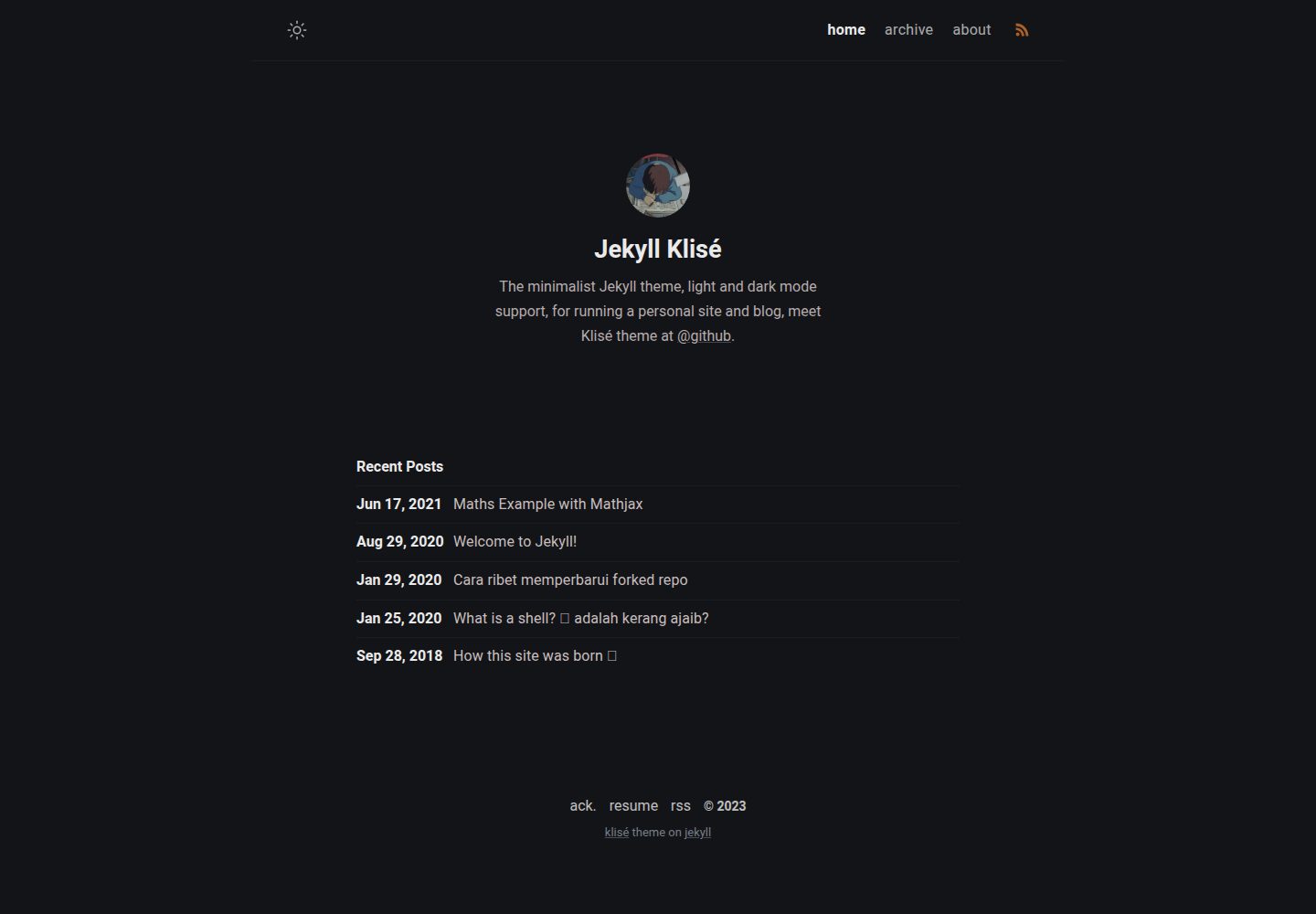
jekyll-klise
Klisé is a minimalist Jekyll theme for personal sites and blogs, with light and dark modes, a mobile-first responsive layout, and .scss-based styling.
Jekyll · Blog
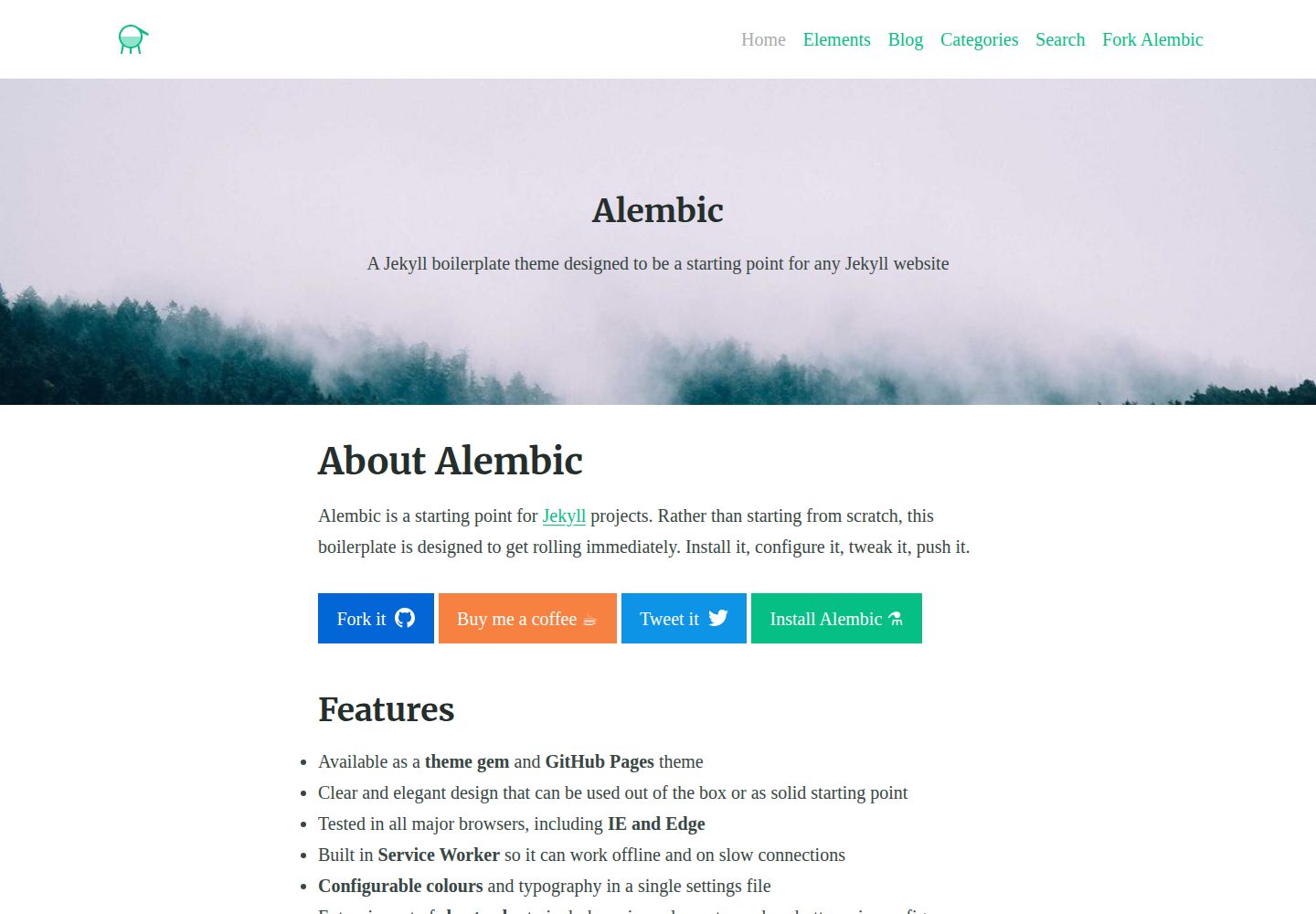
alembic
Alembic is an MIT-licensed Jekyll starter theme for quickly setting up a Jekyll site. It can be installed as a theme gem or a GitHub Pages remote theme, with centralized configuration via _config.yml for navigation, colors, fonts, language, and site information.
Jekyll · Starter
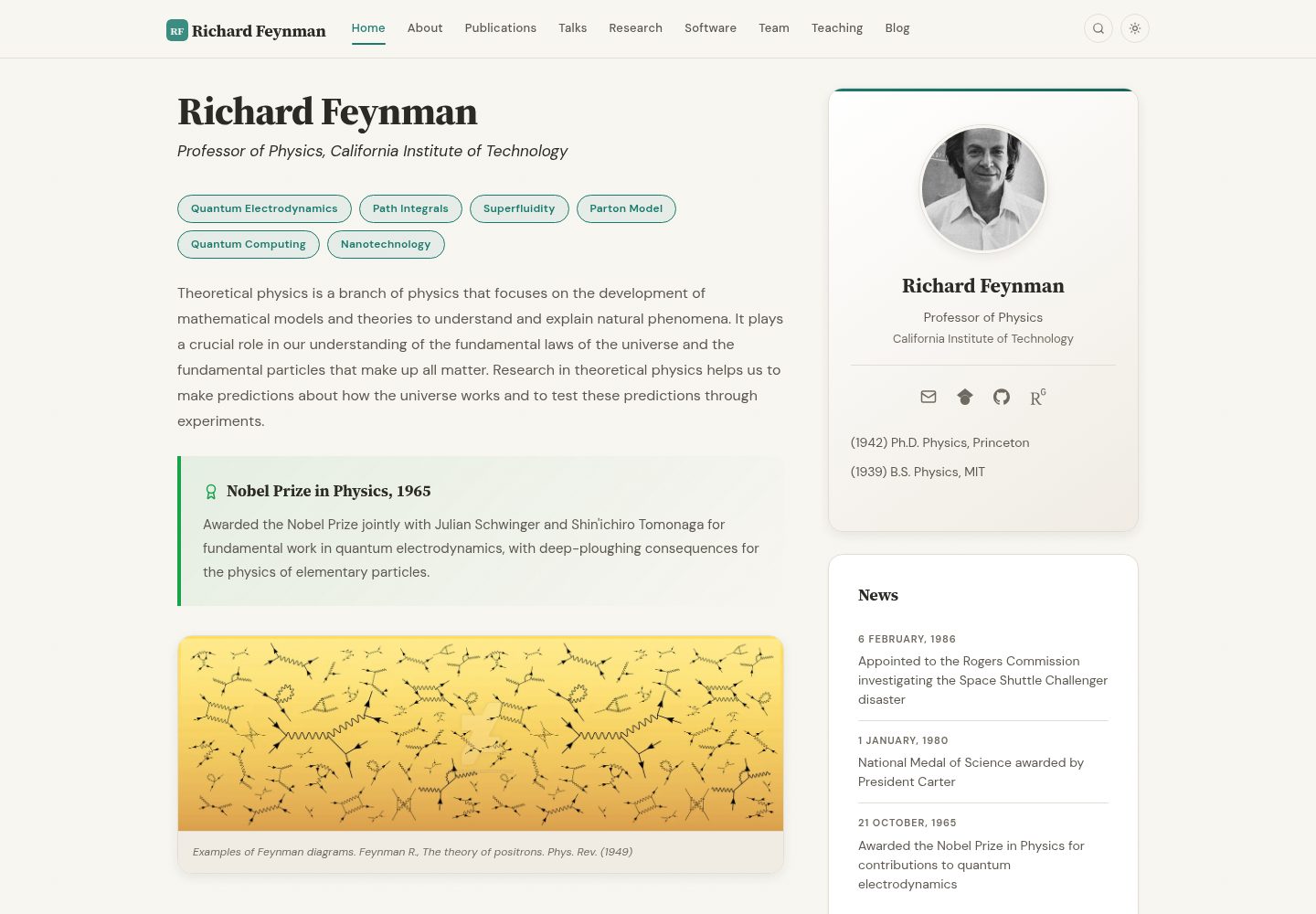
academic-website-template
A Jekyll static site template for academics and research groups, providing homepage, bio, and publication list pages. Content is maintained via configuration and data files, with a GitHub Actions workflow for deployment to GitHub Pages.
Jekyll · Starter
jekyll-course-website-template
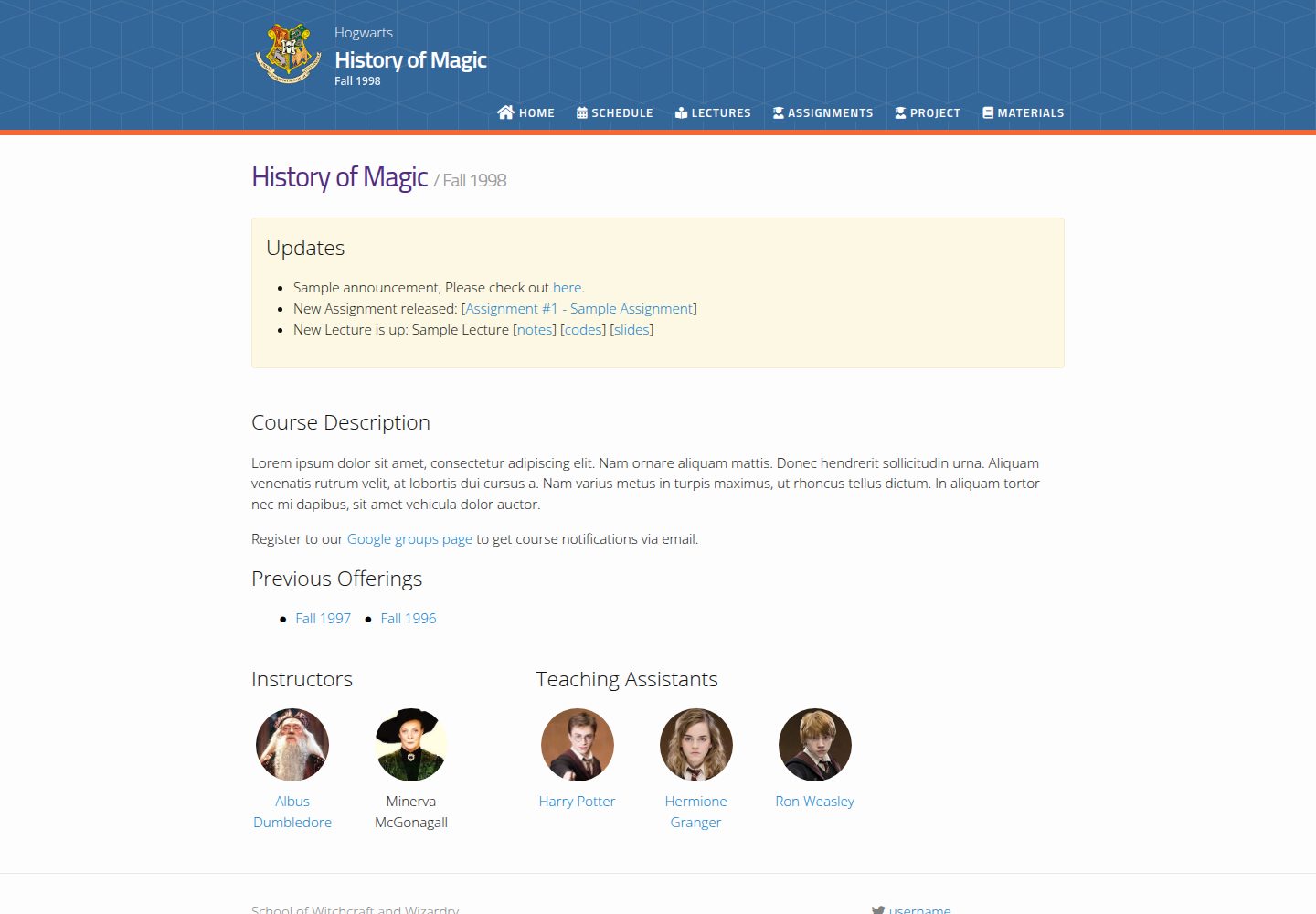
A Jekyll-based academic course website template with separate pages for lectures, assignments, schedule, course materials, and announcements, plus auto-generated schedule and updates sections. It is configured through _config.yml, _data/people.yml, and _sass/_user_vars.scss, and content is organized as Markdown with YAML front matter.
Jekyll · Starter

agency-jekyll-theme-starter
A Jekyll-based Agency theme starter template for GitHub Pages. Generate a repository via the template button, replace the sample content, and configure baseurl or a custom domain.
Jekyll · Corporate Website
research-lab-website
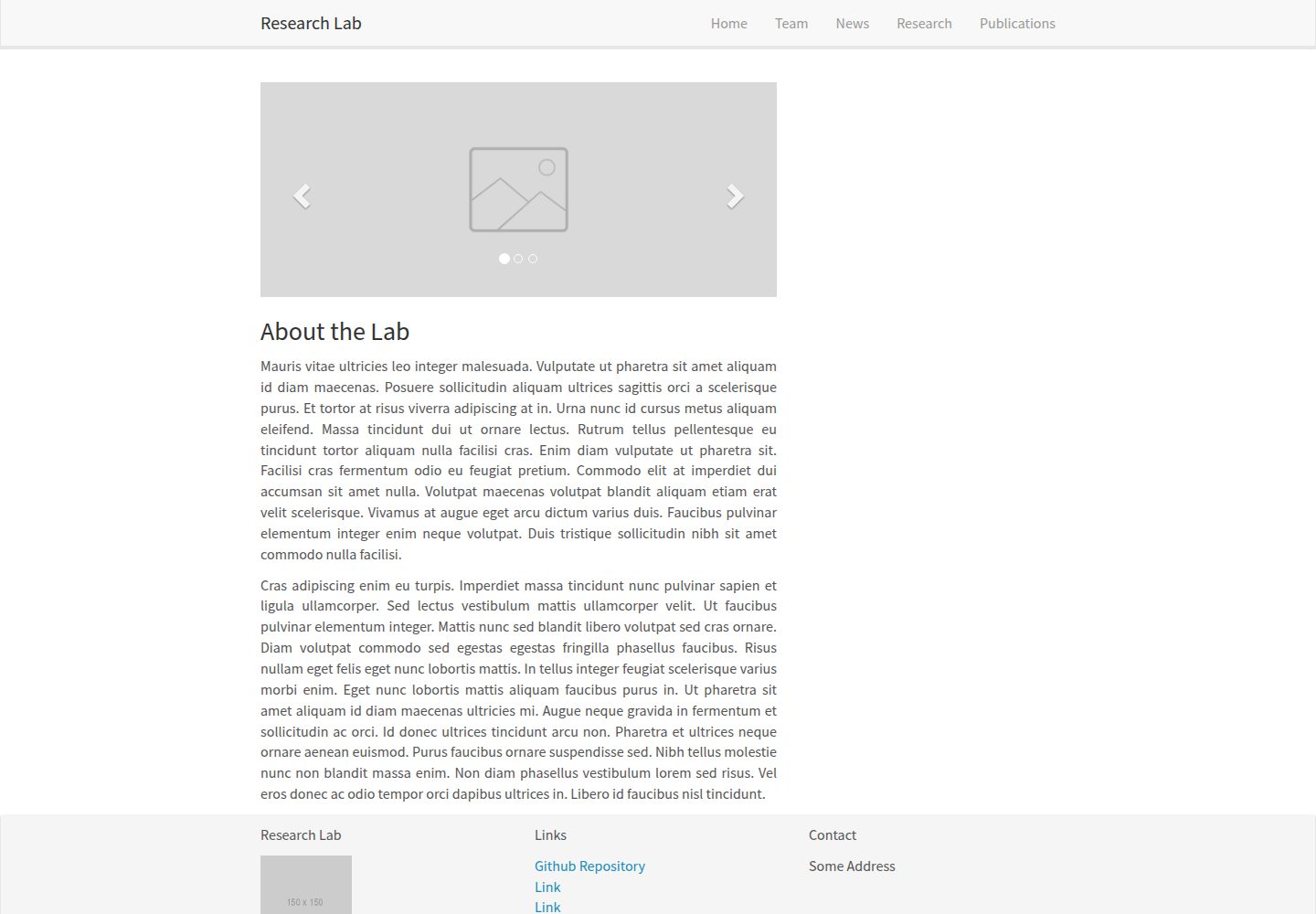
A Jekyll-based research lab website template derived from the Allan Lab template at Leiden University.
Jekyll · Starter