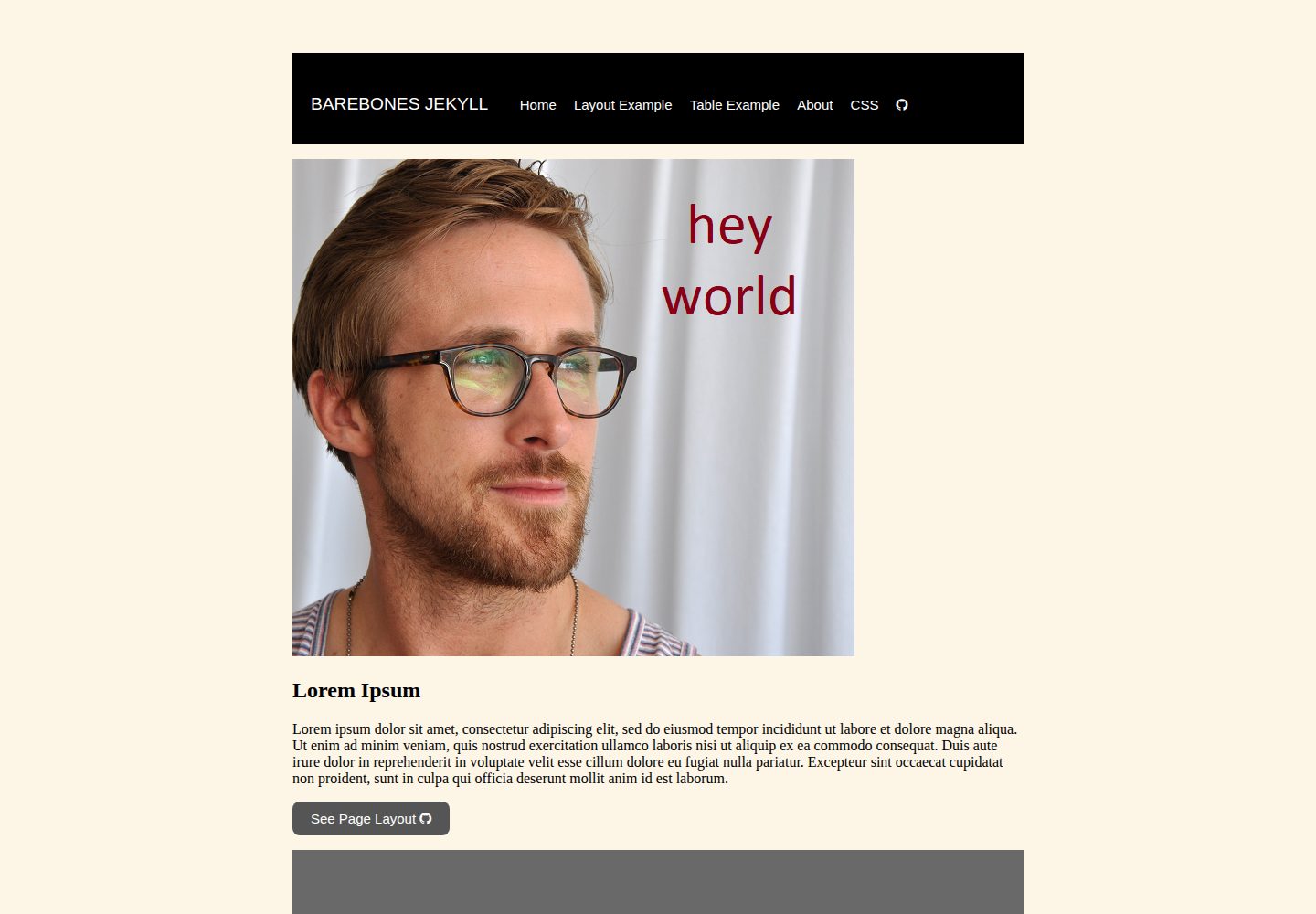
供学生 fork 后练习搭建 GitHub 网站的极简 Jekyll 模板
Jekyll启动器
barebones-jekyll — Jekyll 启动器模板
作者 DS4PS
面向学生的极简 Jekyll 网站模板,供学习者 fork 后练习搭建 GitHub 网站,README 说明了目录结构与配置文件示例。
看看你的网站会是什么样
浏览真实页面截图,比较内容排版与手机效果。点击下方缩略图切换,放大查看整页细节。
全部页面与视图 3
截图用于了解视觉与布局,交互效果请以实际项目为准。
采集于 2026-10-14查看来源
值得关注的模板亮点
从已有项目资料中,快速了解它的特点。
目录结构清晰:index.md、config.yml、assets、_layouts、_includes
_includes 提供 head、header、navbar、footer 等页面组件 HTML
_layouts 提供 default.html 与 page.html 两类页面模板
README 引用 GitLab Pages 的 Jekyll 配置示例并附更长示例链接
模板详细介绍
barebones-jekyll 是一个供学生 fork 使用的极简 Jekyll 网站模板,用途是学习如何搭建 GitHub 网站。README 说明该模板可以帮助学习者理解 contrast、polar bear theme、lanyon 这类主题的使用方式。
模板的目录结构包含 index.md(落地页)、config.yml、assets 文件夹(内含 images 与 CSS 文件)、_layouts 文件夹(内含 default.html 与 page.html)以及 _includes 文件夹(内含 head.html、header.html、navbar.html、footer.html)。README 解释 _includes 存放网站资源,即为页面各组件提供基本结构的 HTML 代码;_layouts 存放不同类型页面的 HTML/Jekyll 模板,并列举了常见的页面模板类型:落地页或首页、内容页、关于页、产品图片画廊页、博客或期刊目录页。
配置文件部分,README 引用了 GitLab Pages 的 Jekyll 基础示例,包含站点标题、邮箱、描述、baseurl、url、社交账号字段以及构建设置(theme、plugins、exclude 等),并给出一个更完整的 academicpages 配置示例链接。README 未提供安装、构建或部署命令,也未说明依赖清单与具体版本,因此这些步骤需参考 Jekyll 官方文档自行确认。
Jekyll启动器
适合你的项目吗?
适用场景
- 学习 Jekyll 模板的目录组织与页面组件拆分方式
- 作为课程练习仓库,fork 后逐步修改并发布 GitHub 网站
- 参考 _includes 与 _layouts 结构理解主题(如 contrast、lanyon)的实现方式
适合人群
- 正在学习如何搭建 GitHub 网站的学生
- 希望从最小结构入手理解 Jekyll 模板的初学者
- 需要可 fork 的练习仓库用于教学或自学的人
上手与定制指南
结合仓库当前版本的说明,按下面的资料检查内容、配置与运行要求。
- 1
README 未提供安装、构建或部署命令,需参考 Jekyll 官方文档
- 2
README 未列出依赖清单与具体版本,无法据此确认运行环境要求
- 3
README 中的 config.yml 为引用示例,实际字段需按自己的站点修改
- 4
README 未说明该模板是否可直接用于生产环境
授权与来源资料
使用条件与限制
免费使用 · 保留许可声明本次收录的是公开仓库中采用 MIT 许可的免费版本;免费范围为该版本代码,不代表外部服务或第三方素材免费。
使用时需要遵守
- 允许免费使用、修改、商用和分发该版本代码。
- 分发代码副本或实质性部分时,保留原作者版权声明和完整 MIT 许可声明。
- 代码按现状提供;担保与责任限制以原许可证及适用法律为准。
额外费用与待核对事项
- 演示图片、字体、图标及其他第三方素材需按各自许可核对,不能仅凭代码的 MIT 许可判断。
- 域名、托管、数据库、支付或 AI 等外部服务可能另外收费。
查看原文依据
https://github.com/DS4PS/barebones-jekyll/blob/master/LICENSEhttps://github.com/DS4PS/barebones-jekyll/blob/master/README.mdPermission is hereby granted, free of charge
许可证原文
DeepSeek 根据仓库许可证和 README 整理 ·2026-10-14。结果仅覆盖已读取资料,依赖、图片、字体及后续条款变更以各自原文为准。
项目核对记录与介绍依据
模板资料
- 来源平台
- GitHub
- 资料与维护参考分
- 资料较完整 · 77 / 100
- 技术栈
- Jekyll
- 网站类型
- 启动器
这个分数如何计算
本站按许可资料(最高30分)、演示链接(12分)、预览图(10分)、Star数(15分)、记录的维护时间(15分)、描述完整度(8分)、功能记录(5分)和分类资料(5分)计算。它不是代码、安全或性能测试,也不是 Google 评分;有链接不代表已实测可用。
这个项目需要核对什么
- 记录的仓库更新时间
- 2025-09-22
- 截图检查日期
- 2026-10-14
已收录演示链接。请用你的内容与屏幕尺寸检查;有演示不代表表单、认证或支付已经可用。
目录记录的主要技术栈是 Jekyll。请通过依赖清单和锁文件核对实际版本与托管要求。这些说明基于收录资料,不代表代码审计或部署实测。
查看具体选型方法 →介绍的制作与核对状态
介绍由 AI 辅助整理目录与仓库资料。仓库作者不等于这篇介绍的审核者。
审核声明: codex-user-requested-batch-review-20261015 · 2026-10-15
查看当时使用的来源资料
SHA-256: 8c78b7a46b9b264a12e004285741bda778eefea6e0a09460282c68e7c6d6250f
2026-10-14T07:21:17.467Z
来源文件 / 仓库# barebones-jekyll
A barebones website template for students to fork while learning how to build a GitHub website.
## Will teach you how to use themes like these:
* [contrast](https://github.com/niklasbuschmann/contrast)
* [polar bear theme](https://github.com/diezcami/polar-bear-theme)
* [lanyon](http://lanyon.getpoole.com/)
# your minimal site:
```
site
├── index.md
├── config.yml
├── assets folder
│ └── images
│ └── CSS files
├── _layouts folder
│ └── default.html
│ └── page.html
└── _includes folder
├── head.html
├── header.html
├── navbar.html
└── footer.html
```
The **_includes** folder contains **website assets**, HTML code that provides the basic structure for each component of a page.
<img width="700" height="531" alt="image" src="https://github.com/user-attachments/assets/c5780a7a-eef7-44d5-81ad-a348072b3ccf" />
The **_layouts** folder contains the HTML/jekyll template for different types of website pages. Some common page templates across sites are:
- landing page or index
- content page
- about page
- gallery page for products or images
- contents page for a blog site or periodical
## index.md
Landing page.
## config file
Basic example from [GitLab](https://gitlab.com/pages/jekyll/blob/master/_config.yml):
````
# Welcome to Jekyll!
#
# This config file is meant for settings that affect your whole blog, values
# which you are expected to set up once and rarely edit after that. If you find
# yourself editing this file very often, consider using Jekyll's data files
# feature for the data you need to update frequently.
#
# For technical reasons, this file is *NOT* reloaded automatically when you use
# 'bundle exec jekyll serve'. If you change this file, please restart the server process.
#
# If you need help with YAML syntax, here are some quick references for you:
# https://learn-the-web.algonquindesign.ca/topics/markdown-yaml-cheat-sheet/#yaml
# https://learnxinyminutes.com/docs/yaml/
#
# Site settings
# These are used to personalize your new site. If you look in the HTML files,
# you will see them accessed via {{ site.title }}, {{ site.email }}, and so on.
# You can create any custom variable you would like, and they will be accessible
# in the templates via {{ site.myvariable }}.
title: Example Jekyll site using GitLab Pages
email: [email protected]
description: >- # this means to ignore newlines until "baseurl:"
Write an awesome description for your new site here. You can edit this
line in _config.yml. It will appear in your document head meta (for
Google search results) and in your feed.xml site description.
baseurl: "/jekyll" # the subpath of your site, e.g. /blog
url: "/" # the base hostname & protocol for your site, e.g. http://example.com
twitter_username: jekyllrb
github_username: jekyll
gitlab_username: pages
# Build settings
theme: minima
plugins:
- jekyll-feed
# Exclude from processing.
# The following items will not be processed, by default.
# Any item listed under the `exclude:` key here will be automatically added to
# the internal "default list".
#
# Excluded items can be processed by explicitly listing the directories or
# their entries' file path in the `include:` list.
#
# exclude:
# - .sass-cache/
# - .jekyll-cache/
# - gemfiles/
# - Gemfile
# - Gemfile.lock
# - node_modules/
# - vendor/bundle/
# - vendor/cache/
# - vendor/gems/
# - vendor/ruby/
````
Longer example: https://github.com/academicpages/academicpages.github.io/blob/master/_config.yml
看看同类模板
对比同技术栈与用途的模板,找到更适合的视觉与内容结构。
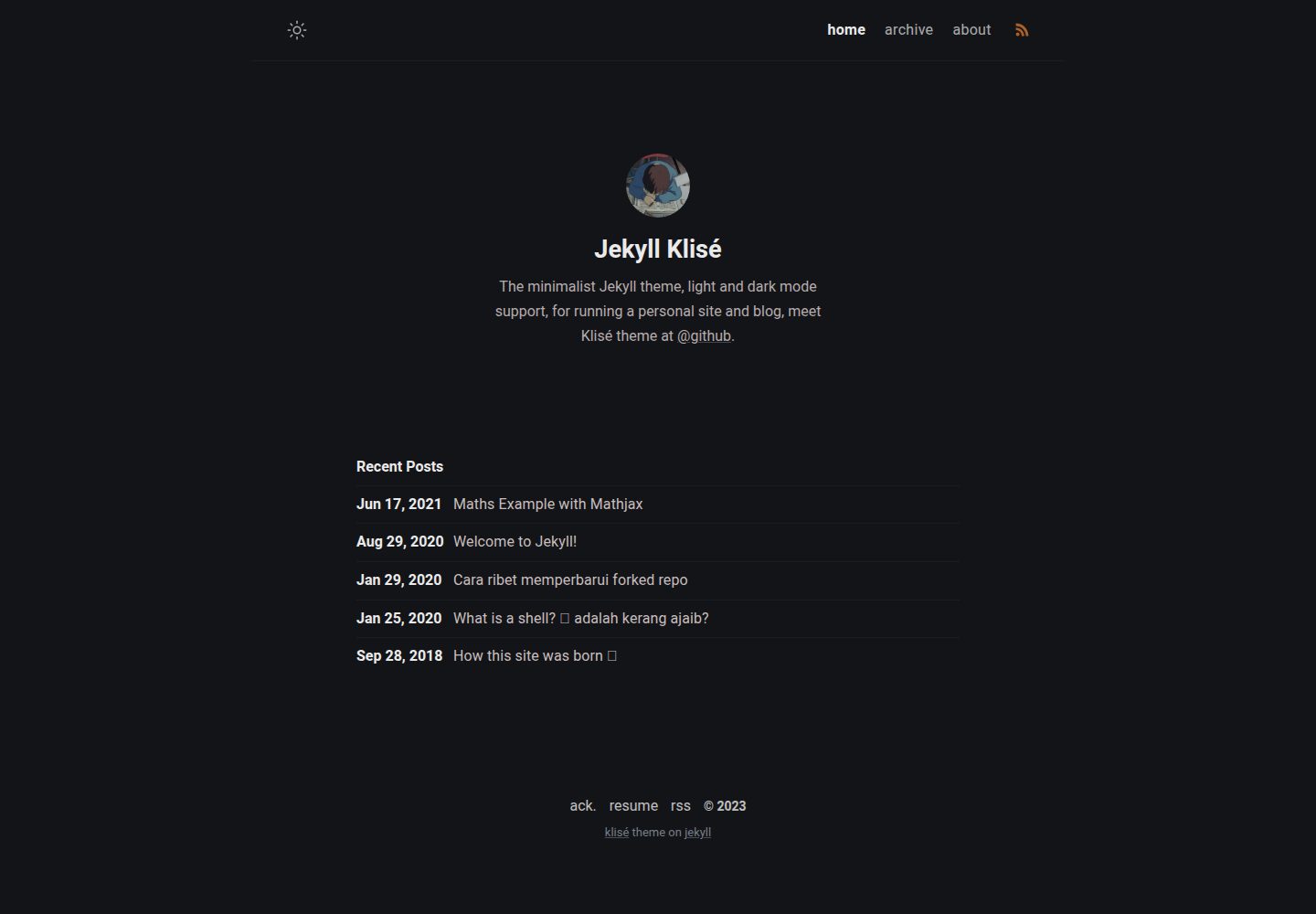
jekyll-klise
:beach_umbrella: Klisé is a minimalist Jekyll theme for running a personal site or blog, light & dark mode sup…
Jekyll · 博客
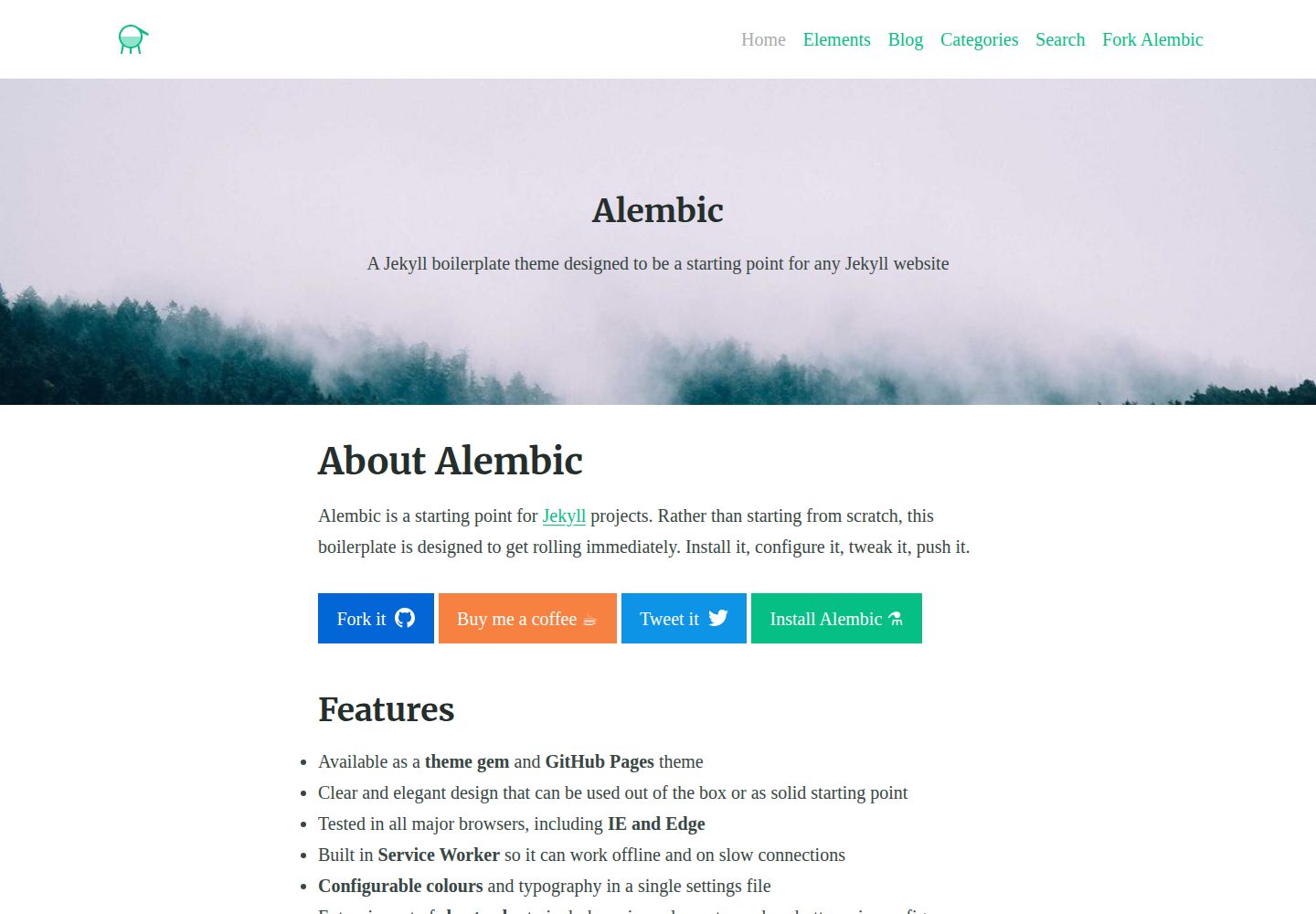
alembic
⚗️ A Jekyll boilerplate theme designed to be a starting point for any Jekyll website
Jekyll · 启动器
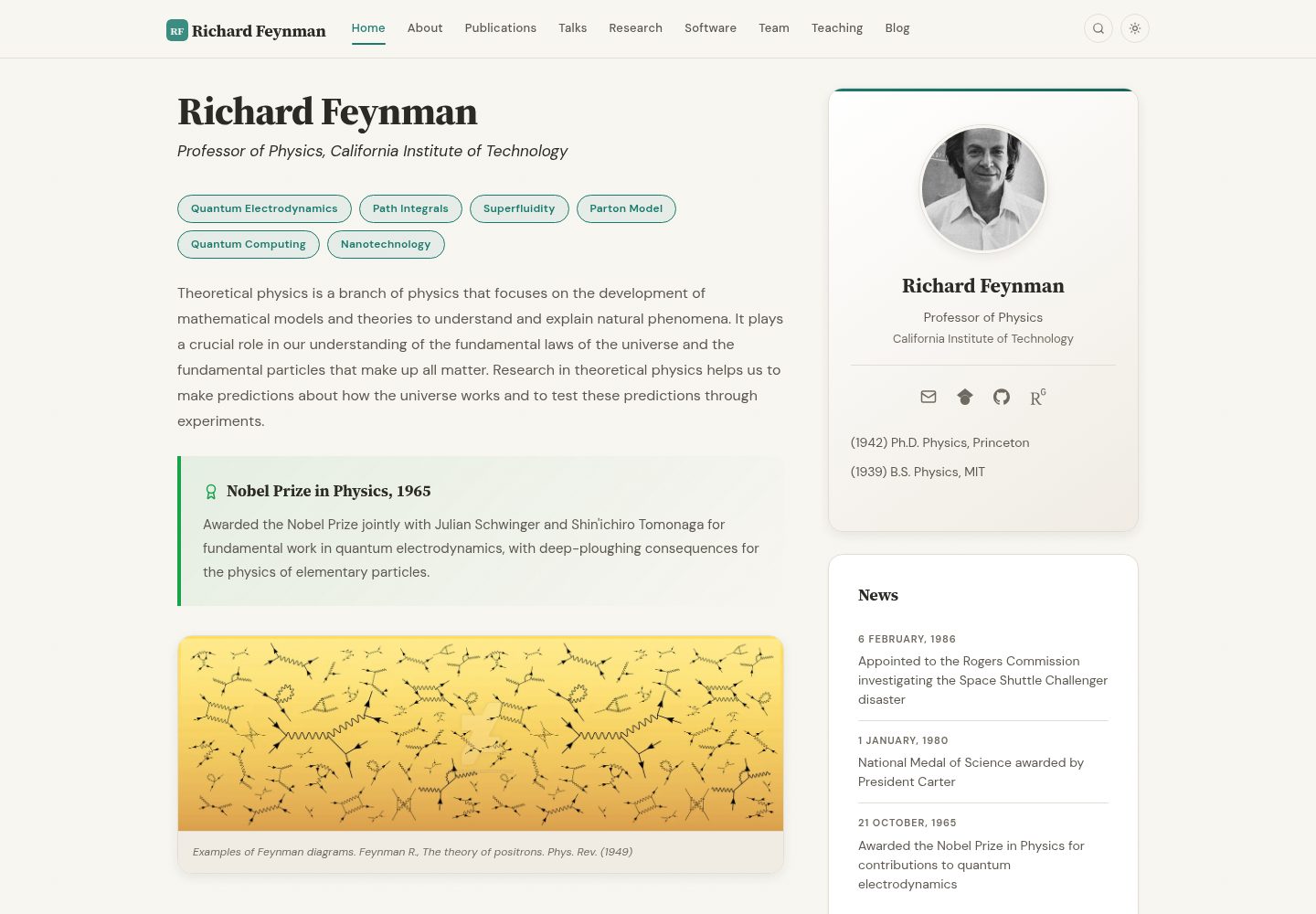
academic-website-template
Static web template for academics/research groups
Jekyll · 启动器
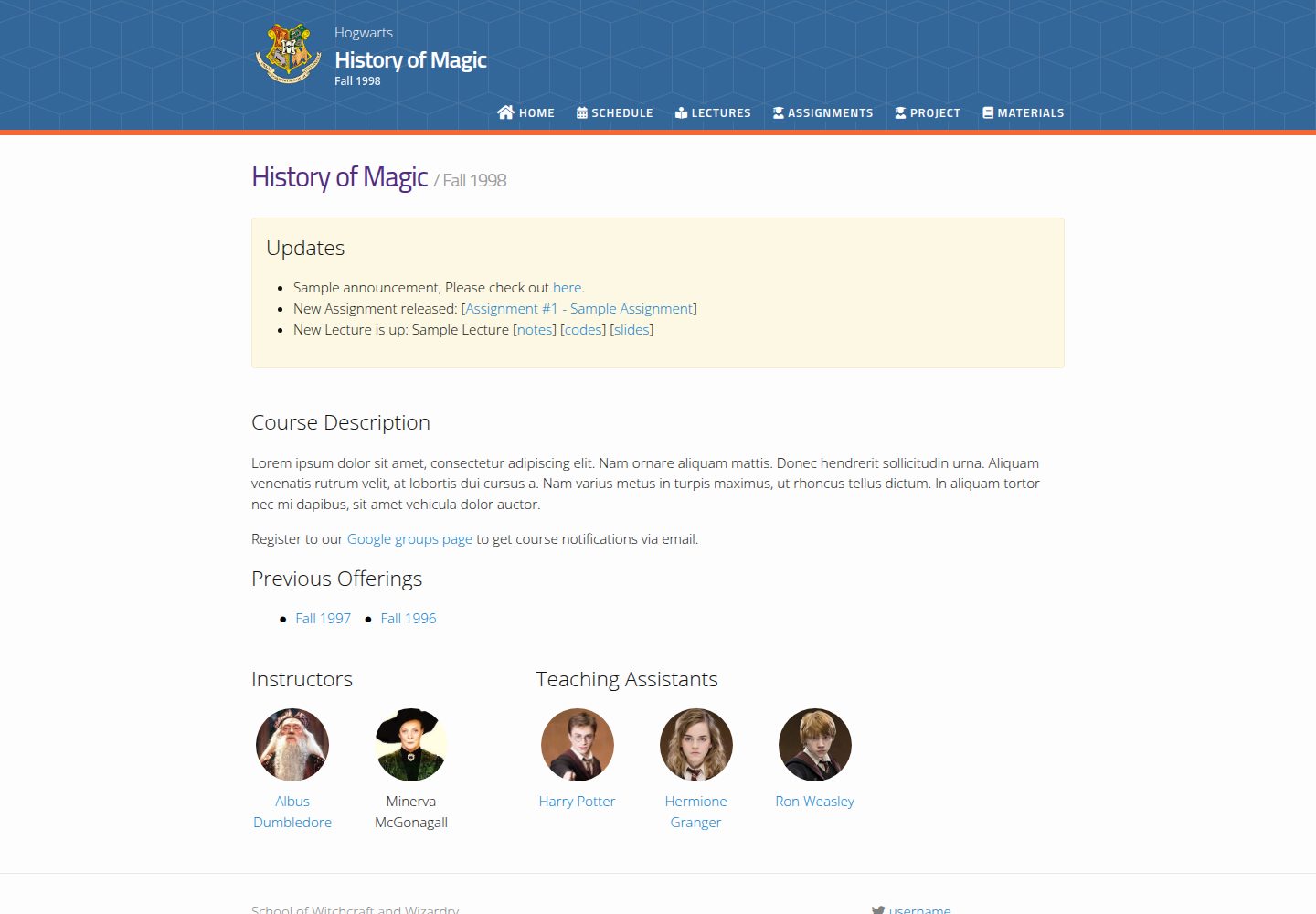
jekyll-course-website-template
Feature-rich and easy-to-use Jekyll website template for academic courses
Jekyll · 启动器

agency-jekyll-theme-starter
Agency Jekyll Theme starter template (optimized for GitHub Pages)
Jekyll · 企业官网
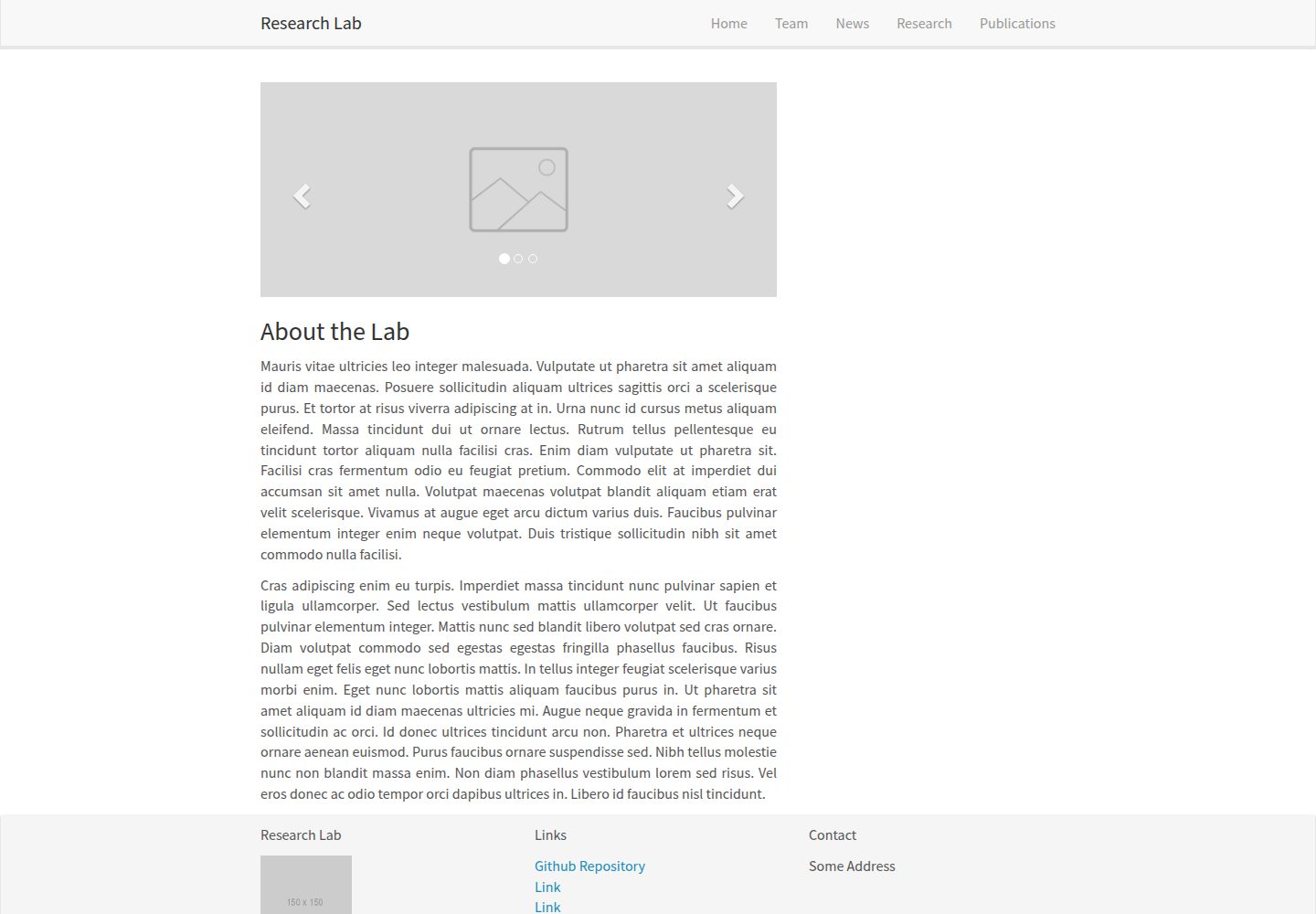
research-lab-website
A template for a Research Lab website, built with Jekyll.
Jekyll · 启动器