Uses React.js and React Router DOM to build page routing
ViteReactE-commerce
BerryBliss — Vite Ecommerce Template
By ElenBlackwood
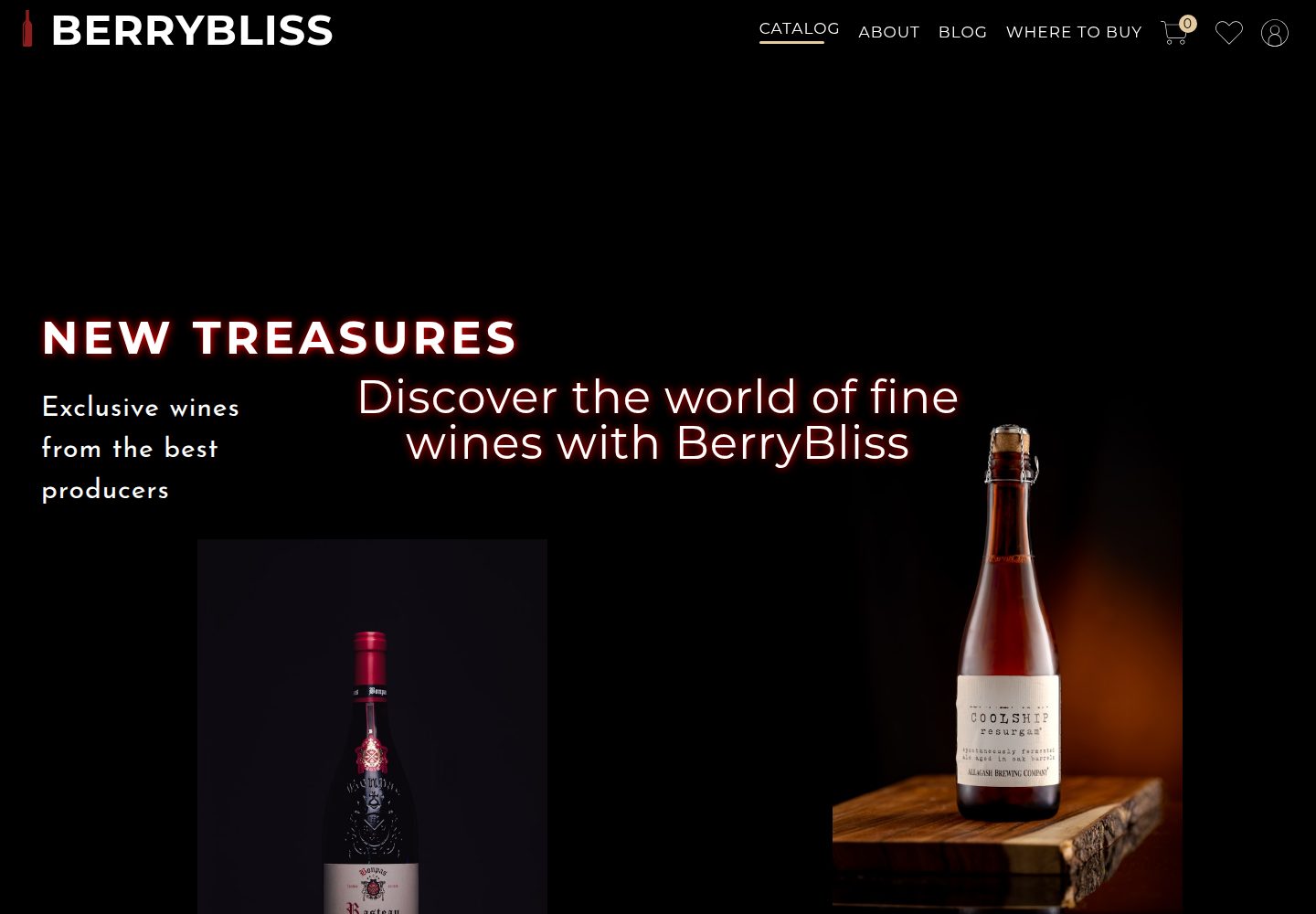
BerryBliss is an online store template built with React.js, React Router DOM, and Vite, including pages for product catalog, shopping cart, favorites, user profile, and Google Maps address display.
Explore the design
Compare the page layouts and mobile experience. Open any screenshot for a closer look.
Desktop homepage1 / 2
Desktop captureTop of page
Actual screenshot captured by the server browser.
All pages & views 2
Screenshots show visual appearance; interactive behavior may differ.
Recorded 2026-10-15View source
What stands out
A quick read of the recorded project description.
Uses Vite as the development server, supporting JSX and hot module replacement
Integrates API data and manages state through React hooks and components
Provides product catalog browsing, add to cart, and favorites functionality
Integrates Google Maps for address viewing and linking
Employs responsive design, including a responsive menu adapted for mobile phones and tablets
Template Details
BerryBliss is an online store template. The README states that it is built with React.js, React Router DOM, and Vite, and integrates API data, React hooks and components, responsive web design, and Google Maps. The template allows users to browse the product catalog, add products to favorites or the shopping cart, view or link to addresses on a map, and create a private profile. The README also mentions that the website can be used on mobile phones or tablets and provides a responsive menu.
For development, the README requires Node.js and Git to be installed locally. After obtaining the code via git clone, run npm install, then run npm run dev to start the project. The README does not provide further information about data sources, backend services, payment processes, deployment methods, or production environment configuration.
ViteReactE-commerce
Is it right for your project?
Use Cases
- As an online store frontend template for demonstrating product catalog and shopping cart interactions
- For learning to develop multi-page applications with React Router DOM and Vite
- For demonstrating the integration of Google Maps to display addresses in a React project
- For referencing the implementation of responsive menus and mobile layouts
Suitable For
- Developers who want to quickly set up an online store frontend interface
- Beginners learning React, React Router DOM, and Vite
- Projects that need reference structures for shopping cart, favorites, and user profile pages
Getting started & customization
Use these recorded setup notes alongside the repository instructions for your chosen version.
- 1
Running locally requires Node.js and Git to be installed in advance
- 2
Obtain the code via git clone https://github.com/ElenBlackwood/BerryBliss.git and enter the BerryBliss directory
- 3
Run npm install in the project root directory to install dependencies
- 4
Run npm run dev to start the development server and view it in the browser
- 5
The README does not explain the API data source, environment variables, or how to configure the Google Maps API key
License & source material
Usage conditions & limitations
Free to use · keep license noticeThis entry covers the free version under the MIT license in the public repository; the free scope is the code of this version and does not mean that external services or third-party assets are free.
Must comply with when using
- Permits free use, modification, commercial use, and distribution of this version's code.
- When distributing copies or substantial portions of the code, retain the original author's copyright notice and the full MIT license notice.
- The code is provided as is; warranties and limitations of liability are governed by the original license and applicable law.
Additional costs & items to verify
- Demo images, fonts, icons, and other third-party assets must be checked against their respective licenses and cannot be judged solely by the code's MIT license.
- External services such as domains, hosting, databases, payments, or AI may incur additional charges.
- Integrates Google Maps for address verification and location linking; actual use may require a Google Maps API key and is subject to Google's terms of service and fees.
- The project relies on external API data; actual operation may require providing or configuring the corresponding data interface yourself.
- The online demo provided in the README is hosted on Netlify and is for demonstration purposes only, and does not mean it can be directly used for production deployment.
View Original Text Basis
Permission is hereby granted, free of charge
Original License Text
- **Google Maps Integration**: Integrating Google Maps for address verification and location linking.
Original README
- **API Data Integration**: Integrating API data into the website.
Original README
https://github.com/ElenBlackwood/BerryBliss/blob/BERRYBLISS-Project/LICENSEhttps://github.com/ElenBlackwood/BerryBliss/blob/BERRYBLISS-Project/README.mdCheck out the live website: [BERRYBLISS WEBSITE](https://berrybliss.netlify.app/)
Original README
Compiled by DeepSeek based on repository license and README ·2026-10-15. Results only cover the materials read; dependencies, images, fonts, and subsequent term changes are subject to their respective original texts.
Project checks & description sources
Template Information
- Source platforms
- GitHub
- Documentation and maintenance reference score
- Partly documented · 73 / 100
- Technologies
- Vite · React
- Website type
- E-commerce
How this score is calculated
Our heuristic uses license records (up to 30), a demo link (12), a preview (10), stars (15), recorded maintenance (15), description completeness (8), feature records (5) and classification data (5). It is not a code, security or performance test, or a Google score. A link does not establish tested functionality.
What to verify for this project
- Repository update recorded
- 2024-04-29
- Screenshot last checked
- 2026-10-15
A demo link is listed. Check it with your own content and viewport sizes; its presence does not confirm that forms, authentication or payments work.
The catalog identifies Vite as the primary stack. Check the actual dependency manifest and lockfile for versions and hosting requirements. These notes use recorded metadata, not a code audit or a deployment test.
Use a selection guide →How this description was prepared
AI-assisted description based on catalog records and repository material. Repository authors are not automatically the reviewers of this description.
Review declaration: codex-user-requested-batch-review-20261015 · 2026-10-15
Inspect the recorded source material
SHA-256: 702e2a98416783a46e09d6a4ea0ff68587f7d3f7415b39dfed9cc20fa855ce44
2026-10-15T00:34:52.645Z
Source file / repository# BERRYBLISS WEBSITE <img src="berryblis-layout.PNG" width=1000px*1000px> ## Live Demo Check out the live website: [BERRYBLISS WEBSITE](https://berrybliss.netlify.app/) ## Description Welcome to my project! This is a BERRYBLISS WEBSITE made in React.js and React Router DOM library with Vite server. Vite.js supports JSX and helps to check and make changes to the code and see the results in the browser without waiting for a full build process. API data, React hooks and components, responsive web design, and Google Maps were used for building. This project is an online store template that allows users to see the catalog and add items to the saved items or shopping cart. Users can check or link to the address on the maps and create a private profile. It also allows the website to be used on phones or tablets, with a responsive menu. ### Key features of this website include: - **React.js and React Router DOM**: Utilizing React.js and React Router DOM library for building the website. - **Vite Server**: Employing Vite server for fast development and hot module replacement. - **API Data Integration**: Integrating API data into the website. <img src="berrybliss-catalog-section.PNG" width=1000px*1000px> - **React Hooks and Components**: Utilizing React hooks and components for efficient state management and modular design. <img src="berrybliss-cart.PNG" width=1000px*1000px> <img src="berrybliss-favourites.PNG" width=1000px*1000px> - **Responsive Web Design**: Implementing responsive web design principles to ensure optimal viewing experience across different devices. Responsive Menu: Implementing a responsive menu for seamless navigation on phones and tablets. <img src="berrybliss-layout-mf.PNG" width=1000px*1000px> - **Google Maps Integration**: Integrating Google Maps for address verification and location linking. <img src="berrybliss-location-section.PNG" width=1000px*1000px> - **Online Store Template**: Providing an online store template with catalog browsing, item addition to cart, and saved items functionality. - **User Profiles**: Allowing users to create private profiles for personalized experience. ## Development Alternatively, instead of using the hosted version of the project, BERRYBLISS WEBSITE can be run locally for code generation purposes or contributions. To be able to start development on Amplication, make sure that you have the following prerequisites installed: - Node.js - Git ## Instructions To get started with the project, follow these steps: 1. **Download**: Download the code from the branch or clone the repository and install dependencies: ```shell git clone https://github.com/ElenBlackwood/BerryBliss.git && cd ./BerryBliss && npm install ``` 3. **Open**: Open the downloaded code in any code editor. 4. **Terminal**: Open the terminal. 5. **Navigate**: Navigate to the main folder in the terminal. Make sure you are in the right folder: ```shell cd ./BerryBliss ``` 6. **Start**: Start the project with the following command: ```shell npm run dev ``` This will start the project and you can view it in your browser. ## Contributing BERRYBLIS WEBSITE is an open-source project. If you would like to contribute to this project, feel free to fork the repository and submit a pull request. ## License Distributed under the MIT License. See LICENSE.txt for more information.
Explore similar templates
Compare previews and descriptions within the same stack and category.
free.website.templates
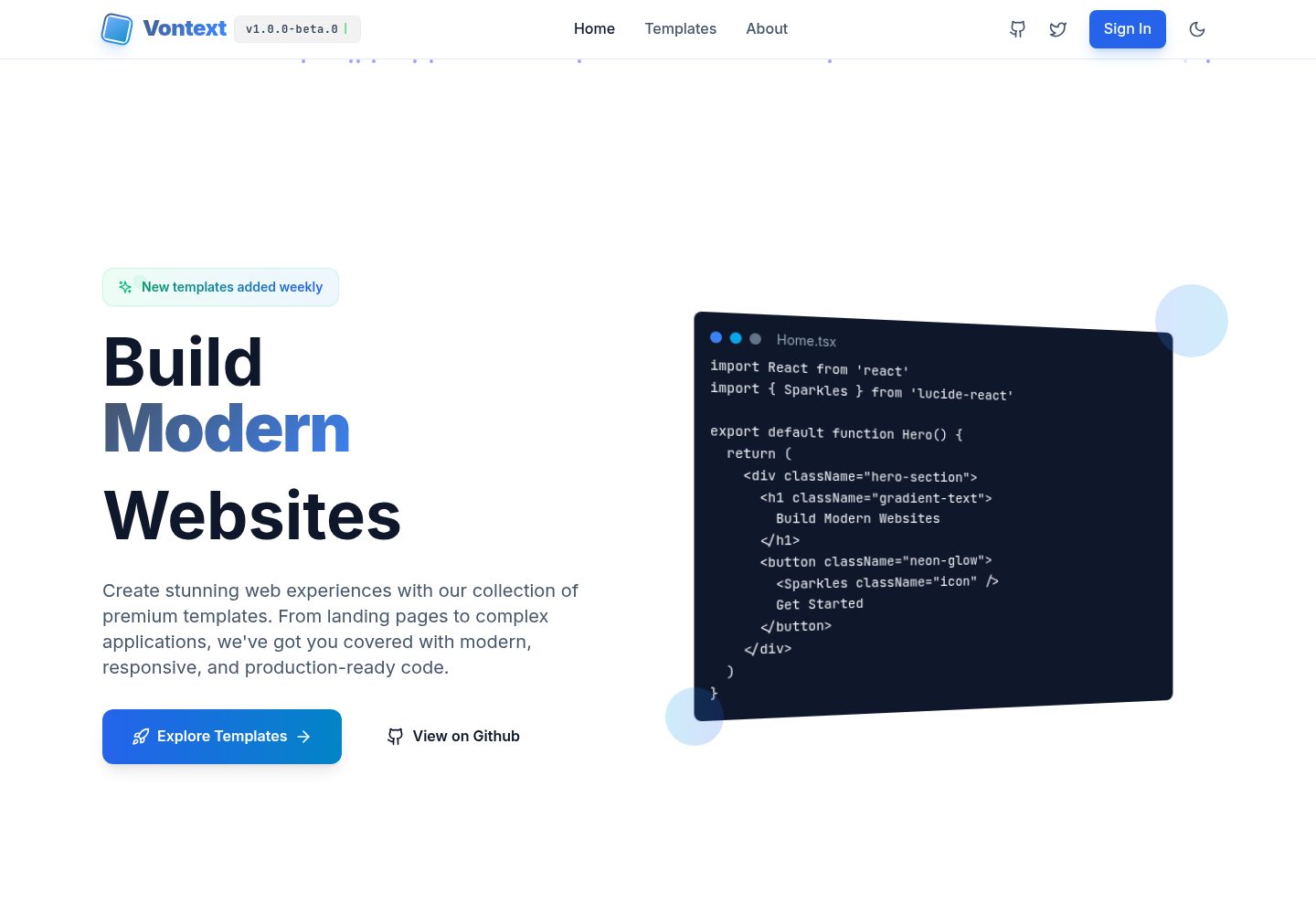
A free open-source web template collection maintained by Vontext, built on Vite, React, TypeScript, and TailwindCSS. It currently offers 8 independent landing page templates covering SaaS, AI, blogs, design tools, and more, each installable and runnable separately.
Vite · Admin dashboard
react-flower-shop-website-template
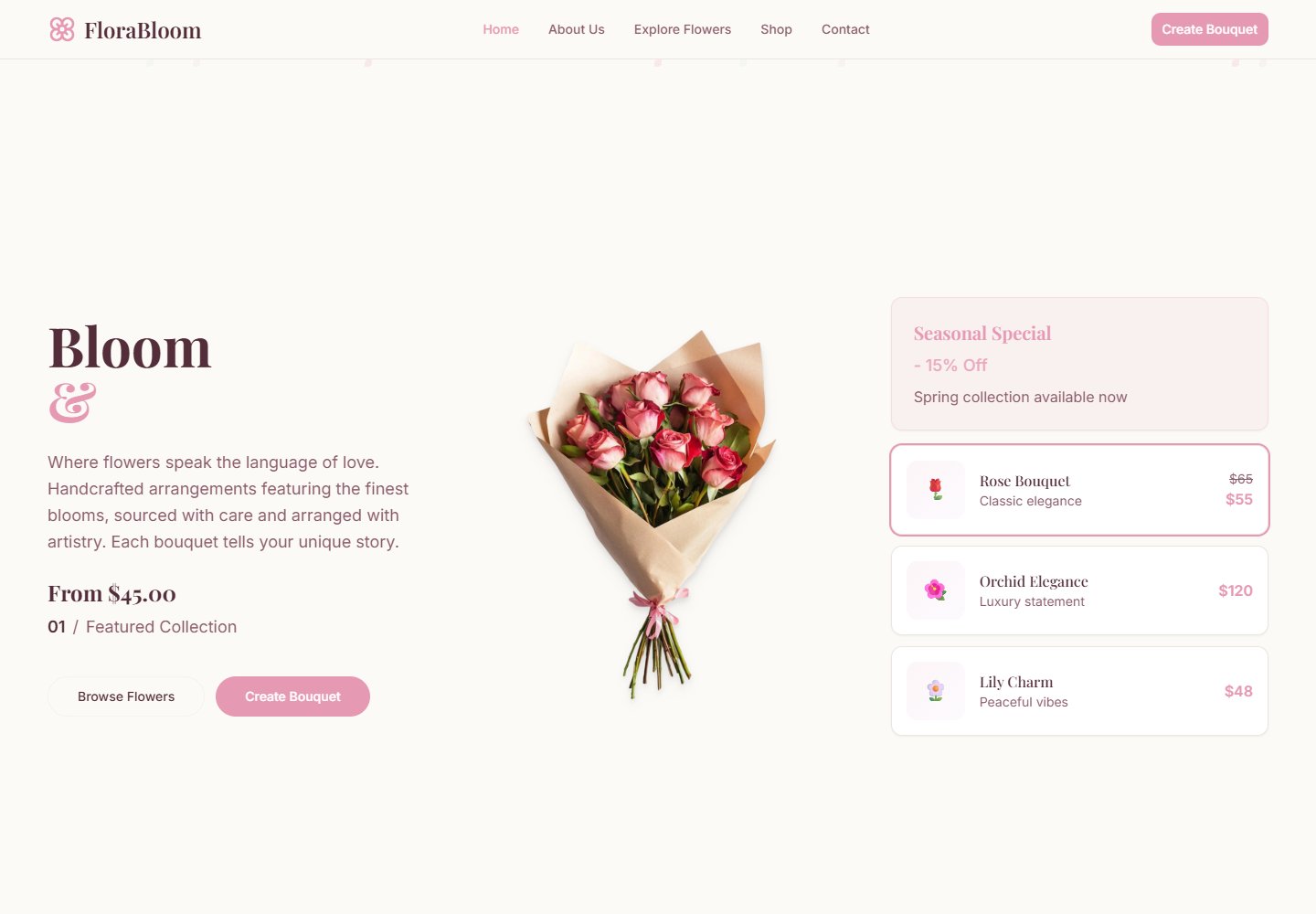
Flora Bloom is a React, TypeScript, Vite, and Tailwind CSS template for flower shops, florists, and bouquet stores.
Vite · E-commerce
alexkpotstore
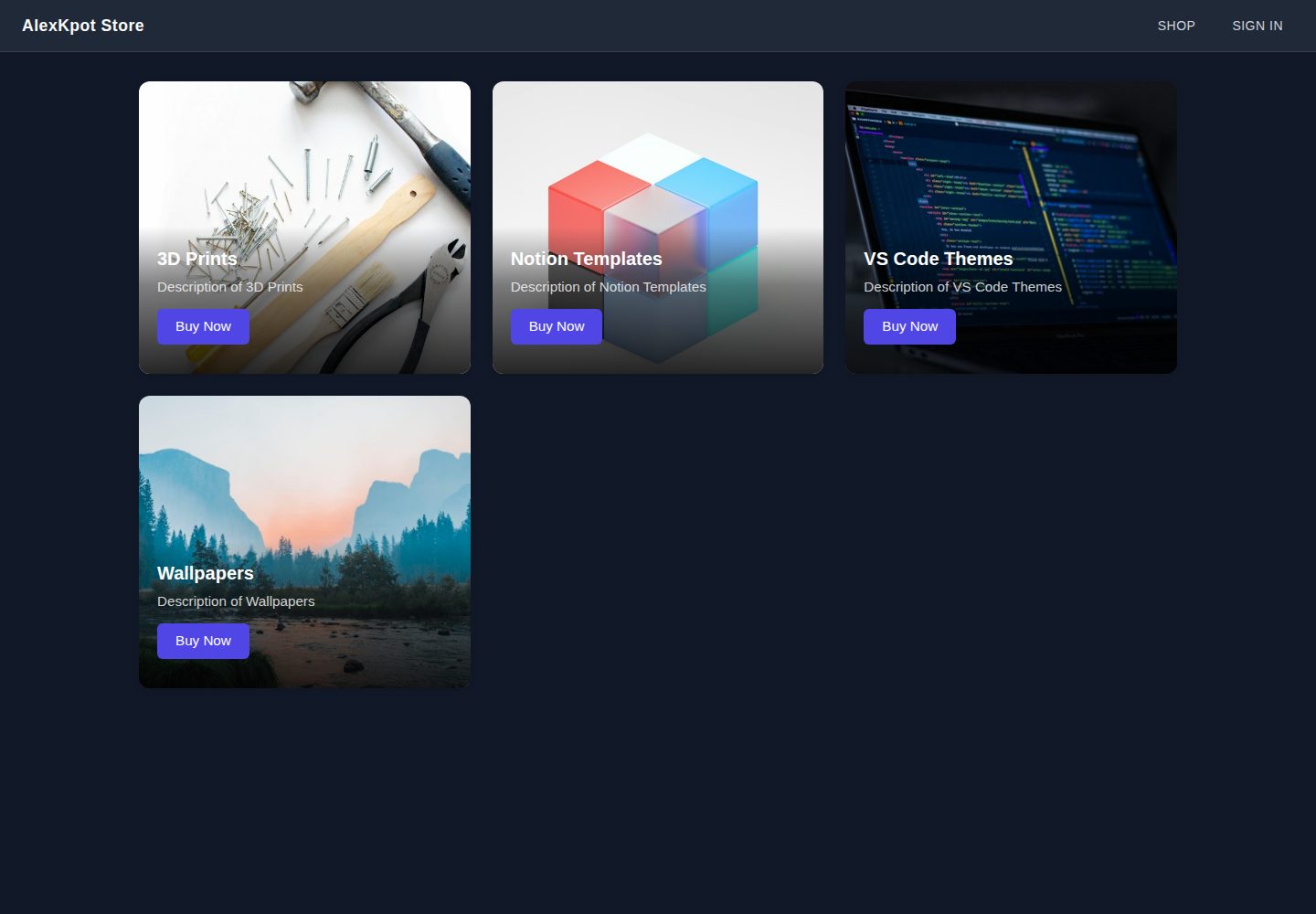
A React and Vite e-commerce front-end learning project that presents 3D prints, Notion templates, VS Code themes, and wallpapers in a responsive homepage grid, with React Router layout routes, SCSS theming, and Firebase Google sign-in plus Firestore user documents.
Vite · E-commerce
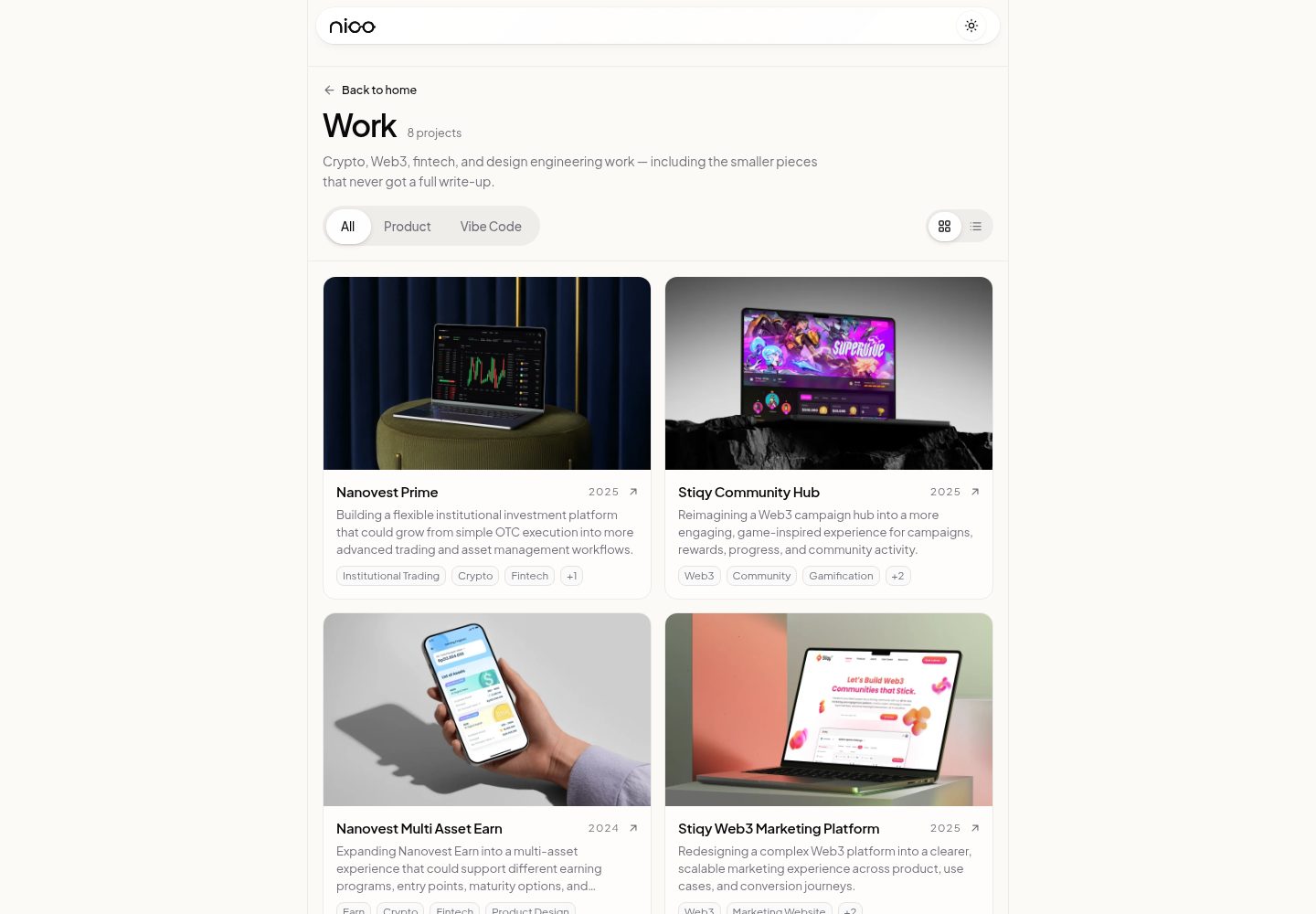
templatevibecode
A free, MIT-licensed collection of four independent React website templates under apps/: a SaaS landing page, a beauty storefront, a fashion editorial page, and an interior design company profile.
Vite · E-commerce
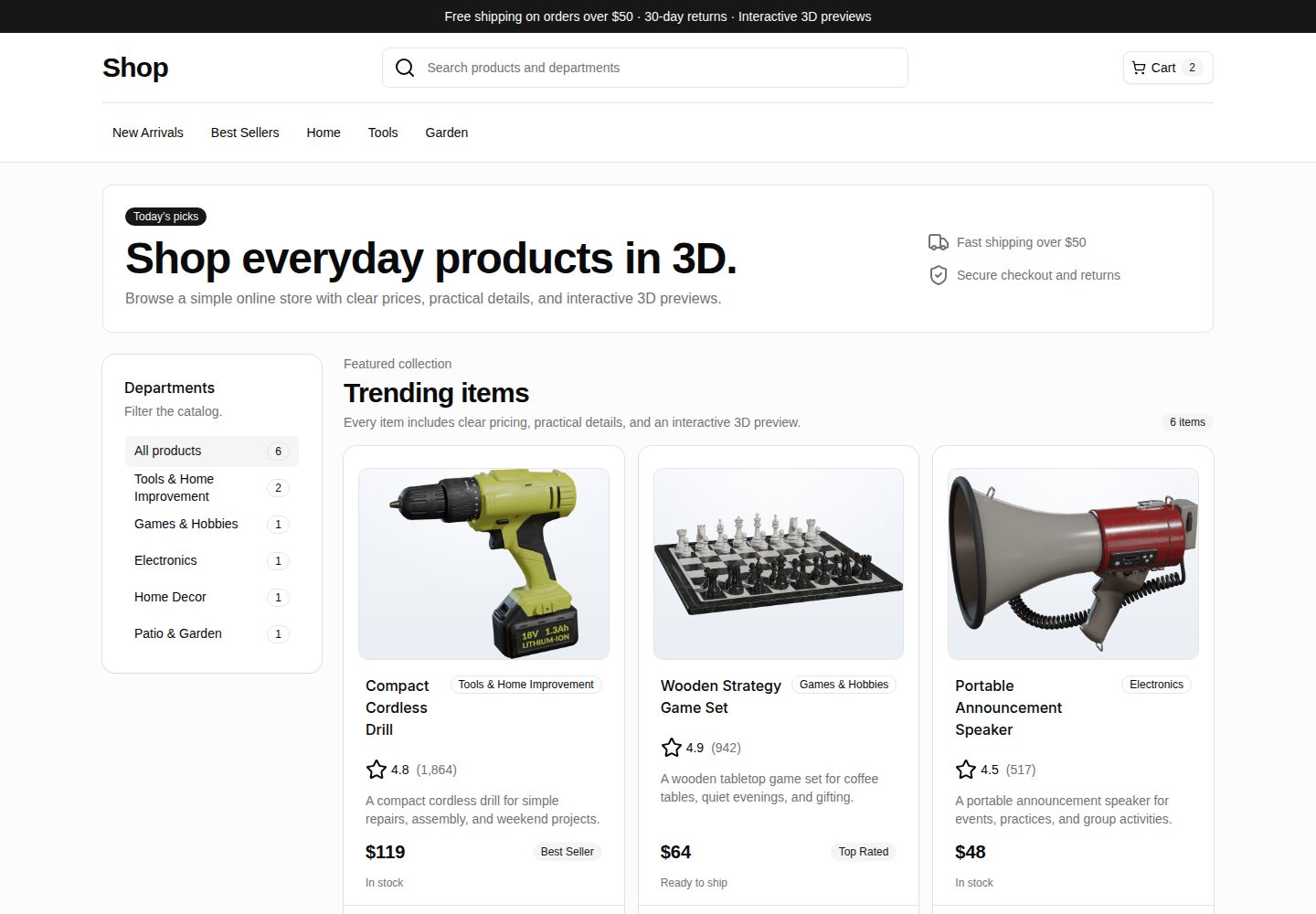
webspatial-shop
WebSpatial Shop is a Vite and React e-commerce storefront starter that shows a product catalog with responsive browsing, category filtering, product cards, and detail routes.
Vite · E-commerce
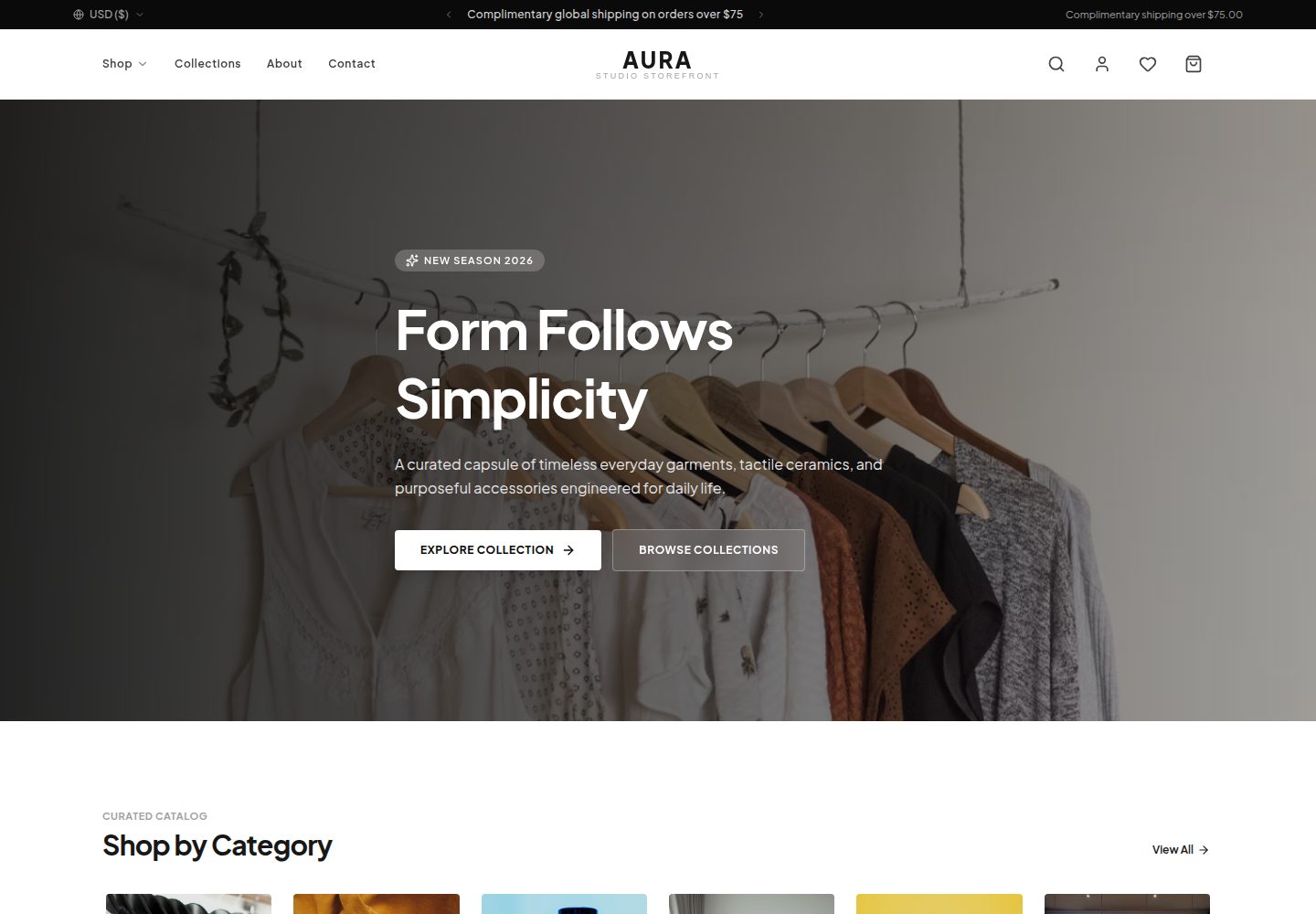
aura-storefront
AURA is a front-end e-commerce storefront template built with React 19, TypeScript, Vite, and Tailwind CSS v4. It offers a responsive product grid, faceted filtering, product detail pages, a slide-out cart, a wishlist, quick view, search, and a multi-step simulated checkout.
Vite · E-commerce