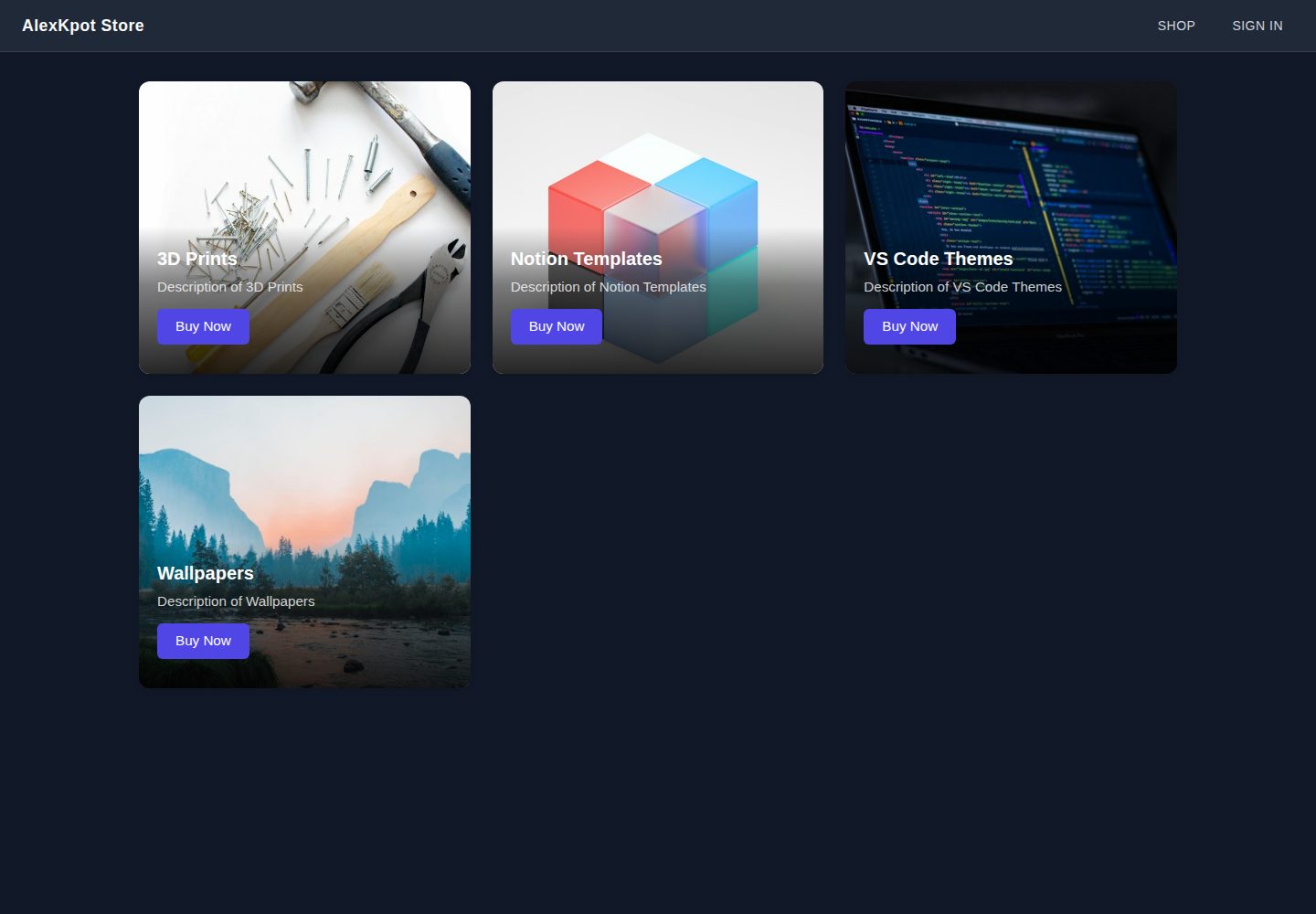
The homepage displays four product categories in a responsive grid: 3D prints, Notion templates, VS Code themes, and wallpapers
ViteReactE-commerce
alexkpotstore — Vite Ecommerce Template
By ManuelCapote
A React and Vite e-commerce front-end learning project whose homepage displays four product categories—3D prints, Notion templates, VS Code themes, and wallpapers—and integrates Firebase Google sign-in.
Explore the design
Compare the page layouts and mobile experience. Open any screenshot for a closer look.
Desktop homepage1 / 2
Desktop captureTop of page
Actual screenshot captured by the server browser.
All pages & views 2
Screenshots show visual appearance; interactive behavior may differ.
Recorded 2026-10-01View source
What stands out
A quick read of the recorded project description.
Uses React Router layout routes with <Outlet /> to share a navigation bar and support client-side routing
Implements a Google sign-in popup via Firebase Authentication and automatically creates a user document in Firestore after sign-in
Firebase configuration is injected through VITE_FIREBASE_* environment variables, and no keys are committed to the repository
Uses Sass (SCSS) with a shared variables file to organize component styles, and imports SVGs via vite-plugin-svgr
Includes a vercel.json SPA rewrite configuration to simplify deploying client-side routing on Vercel
Template Details
AlexKpot Store is a small e-commerce front end built with React and Vite. The author positions it as a learning project for practicing modern React, client-side routing, SCSS theming, and end-to-end Firebase integration. The homepage presents four product categories in a responsive grid: 3D prints, Notion templates, VS Code themes, and wallpapers.
The project uses React Router layout routes with the <Outlet /> pattern to share a navigation bar, implements a Google sign-in popup via Firebase Authentication, and automatically creates a user document in Firestore after sign-in. Firebase configuration is injected through environment variables, and no keys are committed to the repository. Styling uses Sass (SCSS), with shared variables centralized in _variables.scss, and SVG icons and the logo are handled through vite-plugin-svgr.
Note that the author explicitly states this is an in-progress learning project: the homepage and sign-in flow work, the product/cart sections are not yet complete, and the store page is intentionally left as a “coming soon” placeholder. The repository includes a vercel.json configuration for SPA rewrites, making it easy to deploy client-side routing on Vercel.
ViteReactE-commerce
Is it right for your project?
Use Cases
- Learning React and Vite project structure, routing, and component decomposition
- Practicing the integration flow for Firebase Authentication and Firestore
- Using it as a starting skeleton for an e-commerce front-end category page and sign-in flow
- Referencing how to organize SCSS variables and handle SVG icons
Suitable For
- Developers learning React, Vite, and client-side routing
- Developers who need an example of Firebase sign-in and Firestore integration
- Front-end learners who want to see how an e-commerce front-end category page and layout routes are written
Getting started & customization
Use these recorded setup notes alongside the repository instructions for your chosen version.
- 1
Run npm install to install dependencies, copy .env.example to .env.local, and fill in your Firebase project configuration
- 2
Enable the Google provider in Firebase Authentication and turn on Firestore
- 3
The development server runs at http://localhost:5173 by default
- 4
After deploying to Vercel, add the production domain in the Firebase console under Authentication → Settings → Authorized domains, otherwise Google sign-in will fail
- 5
The README states that the product/cart sections are not yet complete and the store page is a placeholder
License & source material
Usage conditions & limitations
Free to use · keep license noticeThis entry covers the free version in the public repository under the MIT license; the free scope is the code of that version and does not mean external services or third-party assets are free.
Must comply with when using
- You may use, modify, commercialize, and distribute the code of this version for free.
- When distributing copies or substantial portions of the code, retain the original author's copyright notice and the full MIT license notice.
- The code is provided as is; warranties and limitations of liability are governed by the original license and applicable law.
Additional costs & items to verify
- Using this template requires creating your own Firebase project and enabling the Google sign-in provider in Authentication and a Firestore database; otherwise sign-in and user document features will not work.
- After deploying to your own domain, you must add that production domain in the Firebase console under Authentication → Settings → Authorized domains, otherwise online Google sign-in will fail.
- The product and cart sections are not yet implemented, and the store page is only a “coming soon” placeholder, so it cannot be used as complete, working e-commerce functionality.
- The README mentions Firebase integration; before enabling related dynamic features, you must configure it yourself and check Firebase quotas and pricing.
- Demo images, fonts, icons, and other third-party assets must be checked against their respective licenses and cannot be judged solely by the code's MIT license.
- External services such as domains, hosting, databases, payments, or AI may incur separate charges.
View Original Text Basis
Permission is hereby granted, free of charge
Original License Text
You'll need a Firebase project with **Authentication** (Google provider enabled) and **Firestore** turned on.
Original README
In the Firebase console, add your production domain under **Authentication → Settings → Authorized domains**, otherwise Google sign-in will fail on the deployed site.
Original README
https://github.com/ManuelCapote/alexkpotstore/blob/master/LICENSEhttps://github.com/ManuelCapote/alexkpotstore/blob/master/README.mdthe shop page is intentionally stubbed out as "coming soon" while the product/cart side is being built.
Original README
Compiled by DeepSeek based on repository license and README ·2026-10-01. Results only cover the materials read; dependencies, images, fonts, and subsequent term changes are subject to their respective original texts.
Project checks & description sources
Template Information
- Source platforms
- GitHub
- Documentation and maintenance reference score
- More documented · 88 / 100
- Technologies
- Vite · React
- Website type
- E-commerce
How this score is calculated
Our heuristic uses license records (up to 30), a demo link (12), a preview (10), stars (15), recorded maintenance (15), description completeness (8), feature records (5) and classification data (5). It is not a code, security or performance test, or a Google score. A link does not establish tested functionality.
What to verify for this project
- Repository update recorded
- 2026-06-18
- Screenshot last checked
- 2026-10-01
A demo link is listed. Check it with your own content and viewport sizes; its presence does not confirm that forms, authentication or payments work.
The catalog identifies Vite as the primary stack. Check the actual dependency manifest and lockfile for versions and hosting requirements. These notes use recorded metadata, not a code audit or a deployment test.
Use a selection guide →How this description was prepared
AI-assisted description based on catalog records and repository material. Repository authors are not automatically the reviewers of this description.
Automatically checked against source and license rules; no manual editorial review.
Inspect the recorded source material
SHA-256: 11971bf7a888c7aae7c43f2b679037ed2c66e5d8bdcc443298da3f362f7321b1
2026-10-01T01:33:34.862Z
Source file / repository# AlexKpot Store A small e-commerce front-end built with React and Vite, featuring a landing page of product categories (3D Prints, Notion Templates, VS Code Themes, Wallpapers) and Google sign-in powered by Firebase Authentication. Built as a learning project to practice modern React, client-side routing, SCSS theming, and Firebase integration end-to-end. **Live demo:** [alexkpotstore.vercel.app](https://alexkpotstore.vercel.app) ## Tech stack - **React 19** + **Vite 8** — fast HMR dev environment, modern React features - **React Router v6** — nested routes, layout routes, client-side navigation - **Firebase** — Authentication (Google sign-in) + Firestore (user documents) - **Sass (SCSS)** — scoped component styles with a shared variables module - **ESLint** — flat config with React Hooks and React Refresh rules ## Features - Responsive category grid on the home page - Layout route with shared navigation bar (`<Outlet />` pattern) - Google sign-in popup flow with automatic user-document creation in Firestore - Environment-driven Firebase config (no secrets committed) - SVG icon + logo pipeline via `vite-plugin-svgr` ## Project structure ``` src/ assets/ static images & SVGs components/ reusable UI (categories, category-item) routes/ page-level components (home, navigation, sign-in) utils/firebase/ Firebase init + auth/Firestore helpers _variables.scss shared SCSS tokens App.jsx route definitions main.jsx app entry + BrowserRouter ``` ## Running locally ```bash # 1. Install dependencies npm install # 2. Copy the env template and fill in your Firebase project values cp .env.example .env.local # 3. Start the dev server npm run dev ``` The app will be available at `http://localhost:5173`. ### Required environment variables See `.env.example`. You'll need a Firebase project with **Authentication** (Google provider enabled) and **Firestore** turned on. ``` VITE_FIREBASE_API_KEY= VITE_FIREBASE_AUTH_DOMAIN= VITE_FIREBASE_PROJECT_ID= VITE_FIREBASE_STORAGE_BUCKET= VITE_FIREBASE_MESSAGING_SENDER_ID= VITE_FIREBASE_APP_ID= ``` ## Scripts | Script | What it does | | ----------------- | ------------------------------------- | | `npm run dev` | Start the Vite dev server | | `npm run build` | Build the production bundle to `dist` | | `npm run preview` | Preview the production build locally | | `npm run lint` | Run ESLint across the project | ## Deployment The repo ships with a `vercel.json` that configures SPA rewrites so client-side routes (e.g. `/sign-in`) resolve correctly when accessed directly. To deploy on Vercel: 1. Import the repo from GitHub into Vercel. 2. Add the `VITE_FIREBASE_*` environment variables in **Project Settings → Environment Variables**. 3. Deploy. Vercel auto-detects Vite and runs `npm run build`. 4. In the Firebase console, add your production domain under **Authentication → Settings → Authorized domains**, otherwise Google sign-in will fail on the deployed site. ## Status This is an ongoing learning project. The home page and sign-in flow are functional; the shop page is intentionally stubbed out as "coming soon" while the product/cart side is being built. ## Author **Manuel Capote** — [@ManuelCapote](https://github.com/ManuelCapote) ## License MIT — see [LICENSE](./LICENSE).
Explore similar templates
Compare previews and descriptions within the same stack and category.
free.website.templates
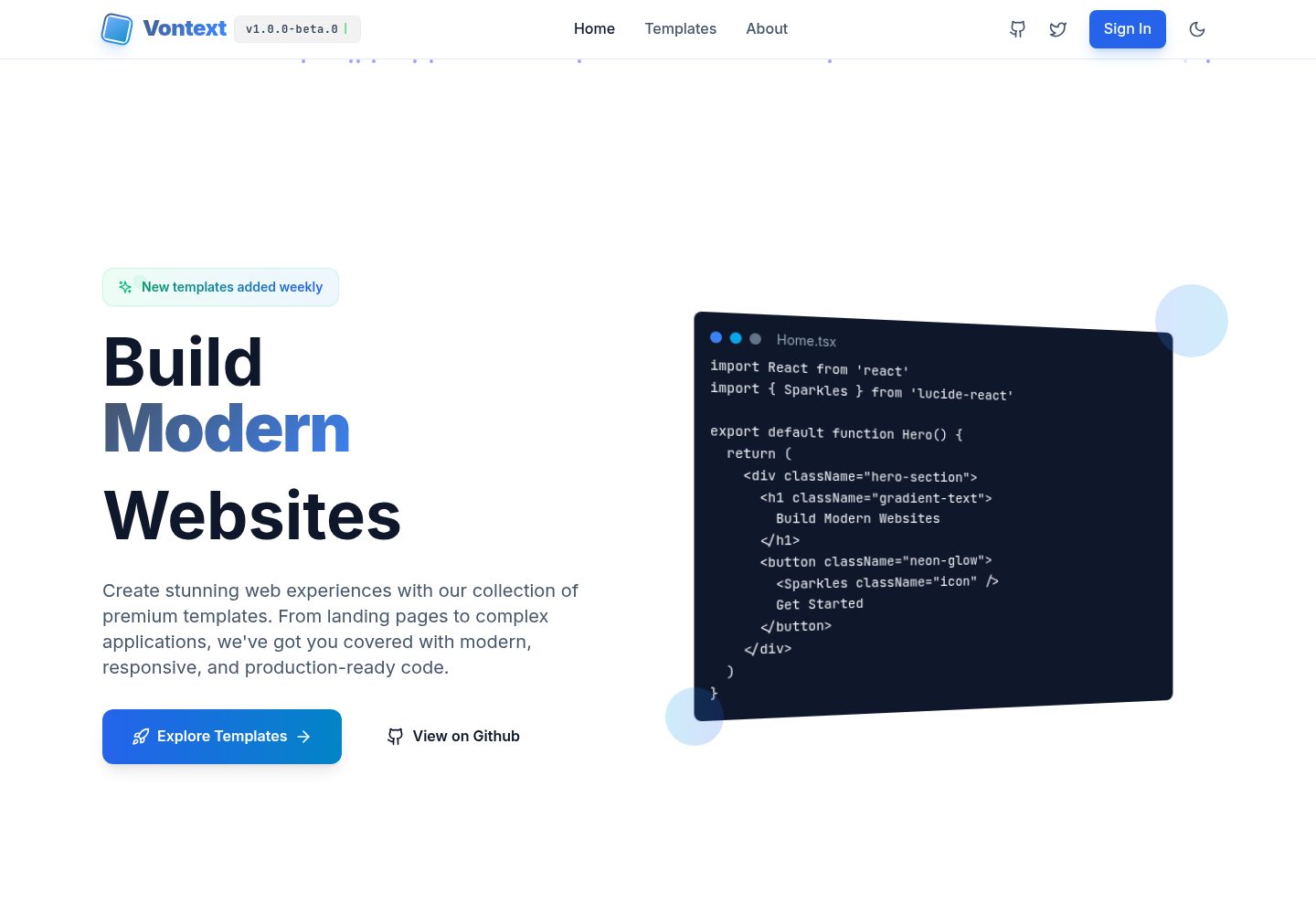
A free open-source web template collection maintained by Vontext, built on Vite, React, TypeScript, and TailwindCSS. It currently offers 8 independent landing page templates covering SaaS, AI, blogs, design tools, and more, each installable and runnable separately.
Vite · Admin dashboard
templatevibecode
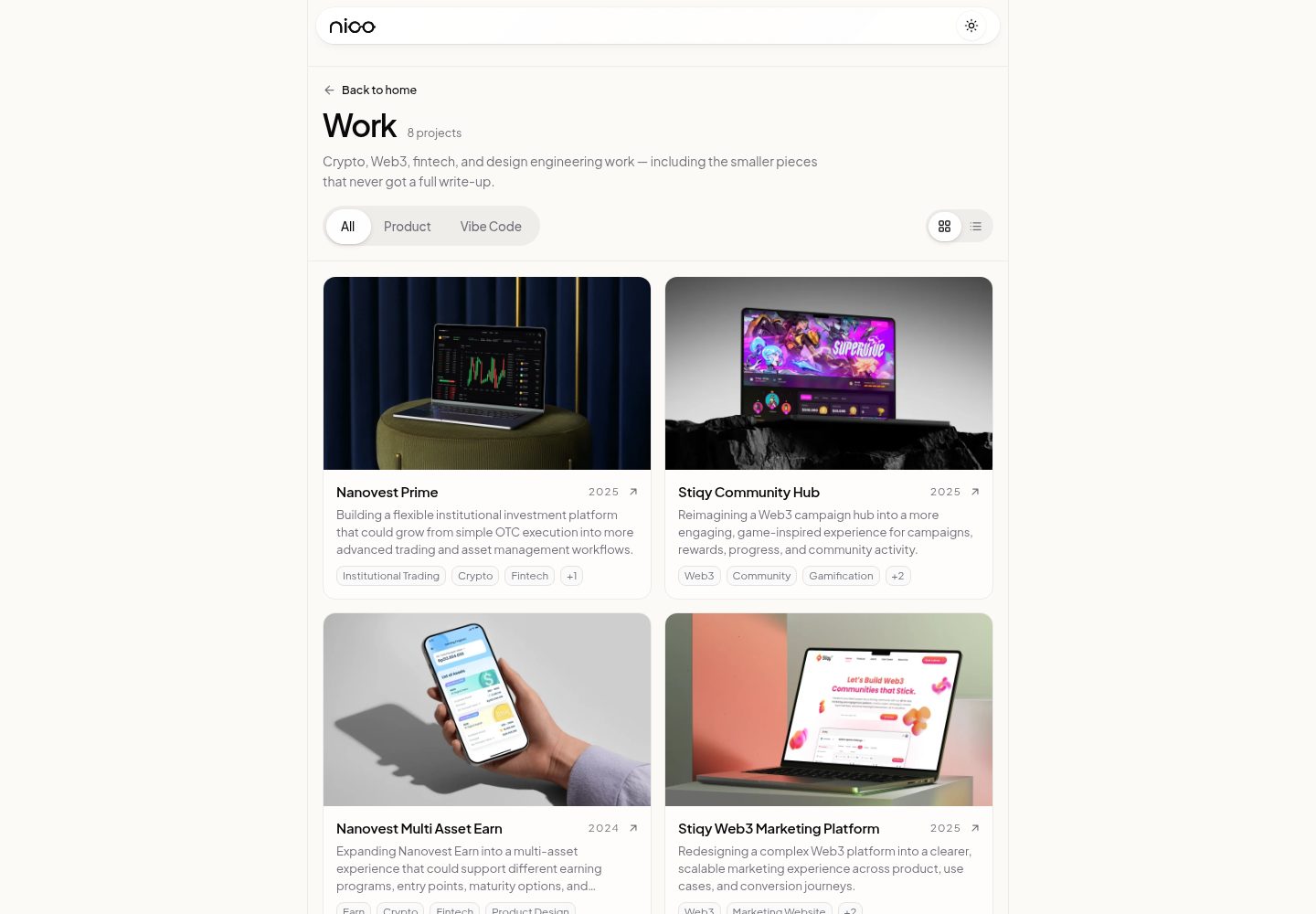
A free, MIT-licensed collection of four independent React website templates under apps/: a SaaS landing page, a beauty storefront, a fashion editorial page, and an interior design company profile.
Vite · E-commerce
webspatial-shop
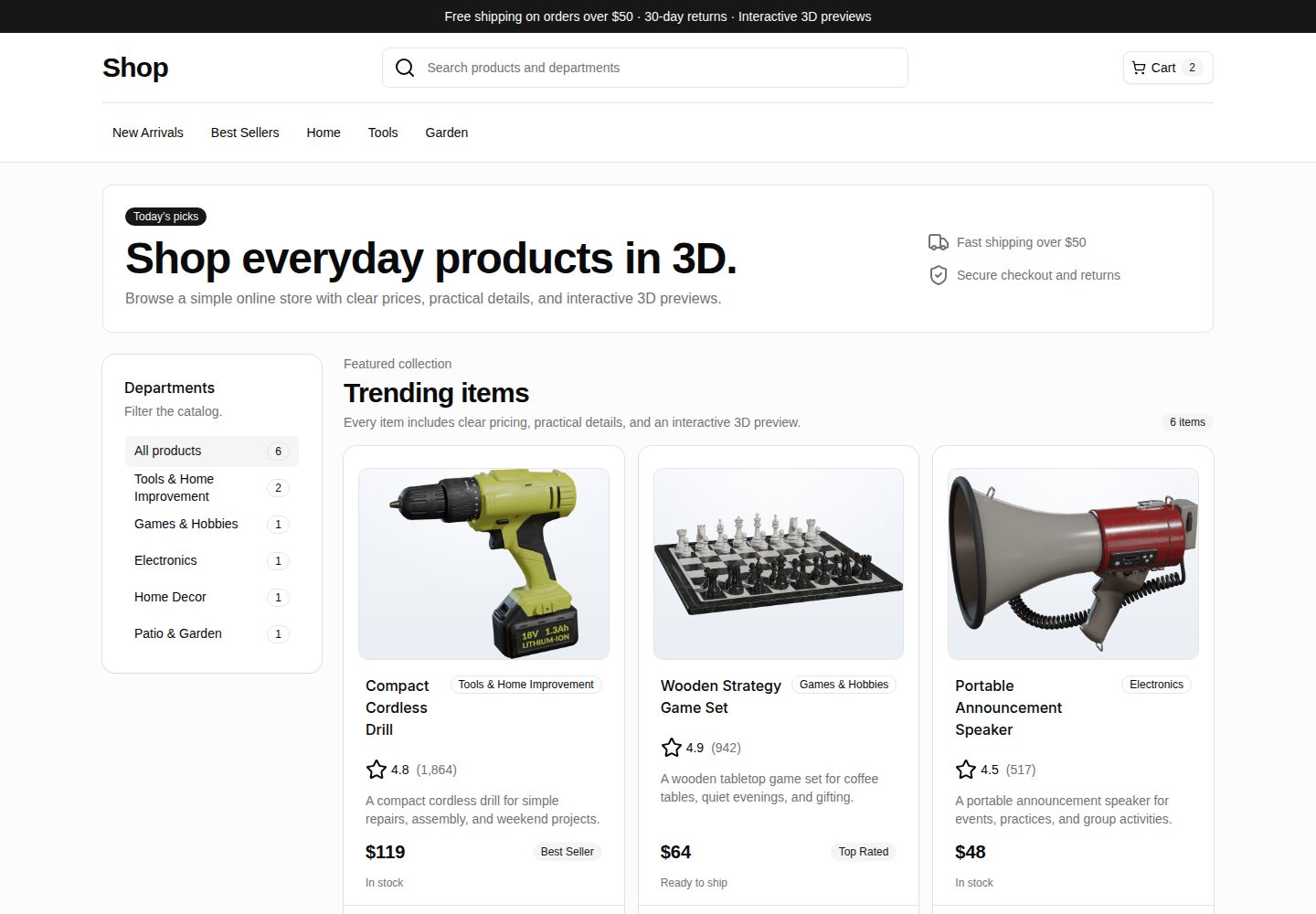
WebSpatial Shop is a Vite and React e-commerce storefront starter that shows a product catalog with responsive browsing, category filtering, product cards, and detail routes.
Vite · E-commerce

TakMarket-public
A fully static Persian electronics store template built with Vite + React, featuring 33 products, 8 categories, full-text search, multi-criteria filtering, sorting, pagination, and cart/wishlist persistence via localStorage. No backend; login, order, and subscription forms only show notices.
Vite · E-commerce

Next.js Commerce
Vercel's officially maintained Next.js App Router ecommerce starter with deep Shopify integration, offering a complete product catalog, cart, and checkout flow. Core logic is modular for swapping backends, and community provider versions exist for BigCommerce, Medusa, and Saleor.
Next.js · E-commerce
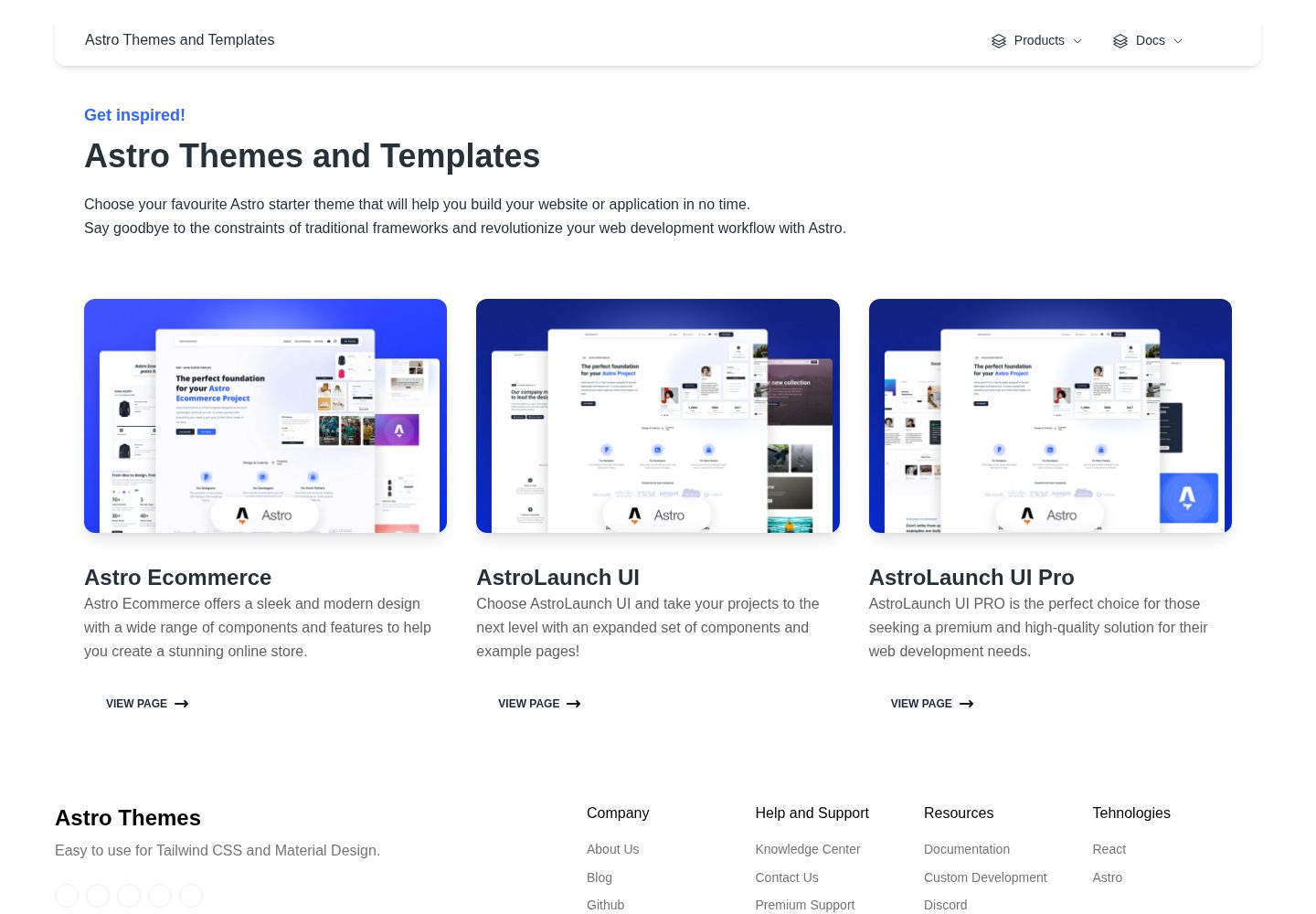
astro-ecommerce
Astro Ecommerce is a Creative Tim e-commerce Astro starter template under the MIT license, with 70+ coded elements, 30+ blocks, and landing, product, and shopping cart example pages.
Astro · E-commerce