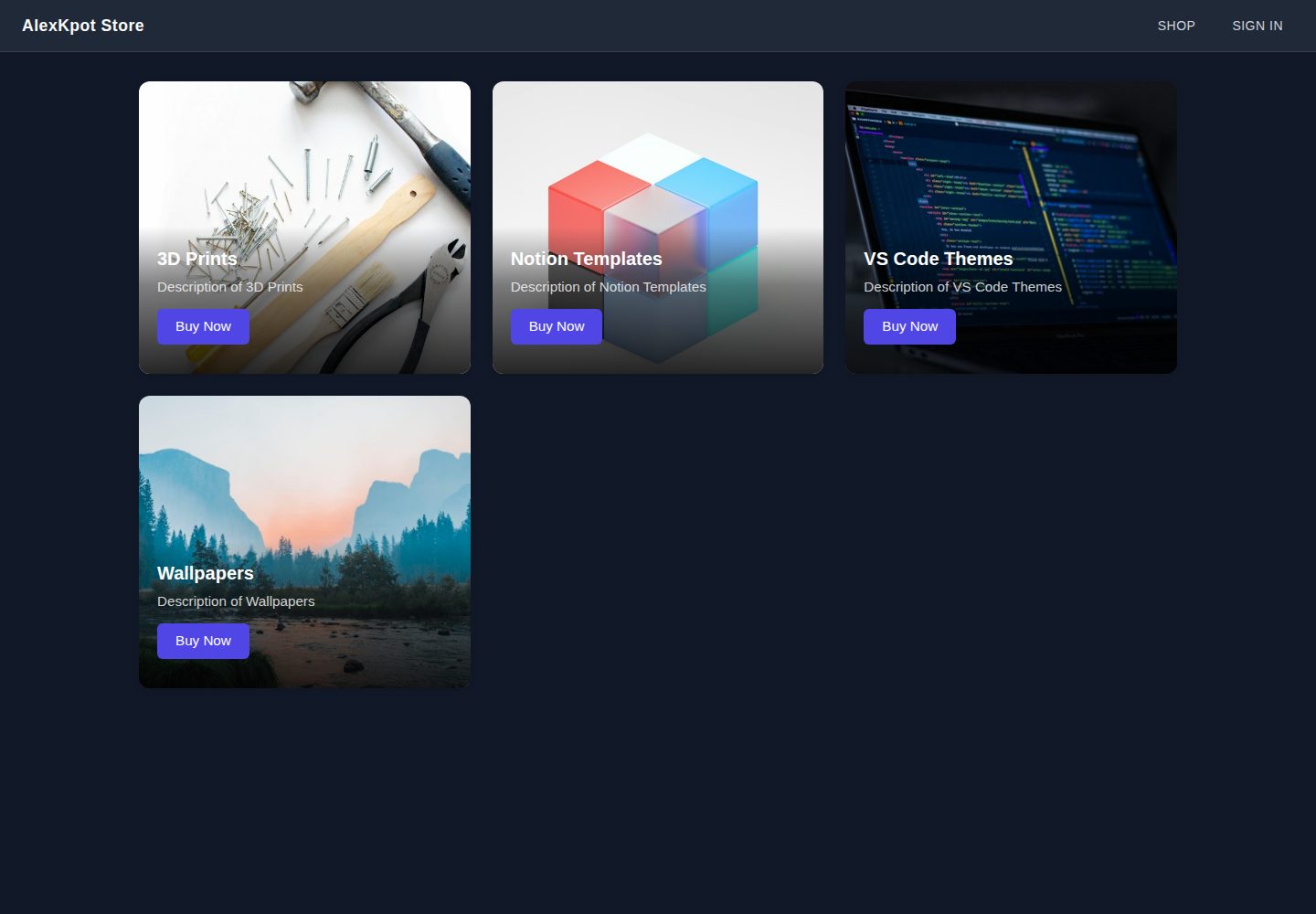
首页以响应式网格展示 3D 打印、Notion 模板、VS Code 主题、壁纸四个商品分类
ViteReact电商
alexkpotstore — Vite 电商模板
作者 ManuelCapote
基于 React 与 Vite 的电商前端学习项目,首页展示 3D 打印、Notion 模板、VS Code 主题与壁纸四类商品,并集成 Firebase Google 登录。
看看你的网站会是什么样
浏览真实页面截图,比较内容排版与手机效果。点击下方缩略图切换,放大查看整页细节。
全部页面与视图 2
截图用于了解视觉与布局,交互效果请以实际项目为准。
采集于 2026-10-01查看来源
值得关注的模板亮点
从已有项目资料中,快速了解它的特点。
使用 React Router 布局路由与 <Outlet /> 共享导航栏,支持客户端路由
通过 Firebase Authentication 实现 Google 登录弹窗,登录后自动在 Firestore 创建用户文档
Firebase 配置由 VITE_FIREBASE_* 环境变量注入,仓库不提交密钥
使用 Sass(SCSS)与共享变量文件组织组件样式,SVG 经 vite-plugin-svgr 导入
附带 vercel.json 的 SPA 重写配置,便于在 Vercel 部署客户端路由
模板详细介绍
AlexKpot Store 是一个用 React 和 Vite 搭建的小型电商前端,作者将其定位为学习项目,用于练习现代 React、客户端路由、SCSS 主题与 Firebase 端到端集成。首页以响应式网格呈现四个商品分类:3D 打印、Notion 模板、VS Code 主题和壁纸。
项目使用 React Router 的布局路由与 <Outlet /> 模式共享导航栏,通过 Firebase Authentication 实现 Google 登录弹窗,并在登录后自动在 Firestore 中创建用户文档。Firebase 配置由环境变量注入,仓库中不提交密钥。样式使用 Sass(SCSS),共享变量集中在 _variables.scss,SVG 图标与 Logo 通过 vite-plugin-svgr 处理。
需要留意的是,作者明确说明这是进行中的学习项目:首页与登录流程可用,商品/购物车部分尚未完成,商店页面被有意留为“coming soon”占位。仓库附带 vercel.json 配置 SPA 重写,便于在 Vercel 部署客户端路由。
ViteReact电商
适合你的项目吗?
适用场景
- 学习 React 与 Vite 项目结构、路由与组件拆分方式
- 练习 Firebase Authentication 与 Firestore 的接入流程
- 作为电商前端分类页与登录流程的起步骨架
- 参考 SCSS 变量组织与 SVG 图标处理方式
适合人群
- 正在学习 React、Vite 与客户端路由的开发者
- 需要 Firebase 登录与 Firestore 集成示例的开发者
- 想查看电商前端分类页与布局路由写法的前端学习者
上手与定制指南
结合仓库当前版本的说明,按下面的资料检查内容、配置与运行要求。
- 1
运行 npm install 安装依赖,复制 .env.example 为 .env.local 并填入 Firebase 项目配置
- 2
需在 Firebase 中启用 Authentication 的 Google 提供商并开启 Firestore
- 3
开发服务器默认运行在 http://localhost:5173
- 4
部署到 Vercel 后,需在 Firebase 控制台的 Authentication → Settings → Authorized domains 添加生产域名,否则 Google 登录会失败
- 5
README 说明商品/购物车部分尚未完成,商店页面为占位状态
授权与来源资料
使用条件与限制
免费使用 · 保留许可声明本次收录的是公开仓库中采用 MIT 许可的免费版本;免费范围为该版本代码,不代表外部服务或第三方素材免费。
使用时需要遵守
- 允许免费使用、修改、商用和分发该版本代码。
- 分发代码副本或实质性部分时,保留原作者版权声明和完整 MIT 许可声明。
- 代码按现状提供;担保与责任限制以原许可证及适用法律为准。
额外费用与待核对事项
- 使用该模板必须自行创建 Firebase 项目,并启用 Authentication 的 Google 登录提供商与 Firestore 数据库,否则登录与用户文档功能无法运行。
- 部署到自有域名后,必须在 Firebase 控制台的 Authentication → Settings → Authorized domains 中添加该生产域名,否则线上 Google 登录会失败。
- 商品与购物车部分尚未实现,商店页面仅为“coming soon”占位,不能作为完整可用的电商功能使用。
- README 提及 Firebase 集成;启用相关动态功能前需自行配置,并核对 Firebase 的额度与收费。
- 演示图片、字体、图标及其他第三方素材需按各自许可核对,不能仅凭代码的 MIT 许可判断。
- 域名、托管、数据库、支付或 AI 等外部服务可能另外收费。
查看原文依据
Permission is hereby granted, free of charge
许可证原文
You'll need a Firebase project with **Authentication** (Google provider enabled) and **Firestore** turned on.
README 原文
In the Firebase console, add your production domain under **Authentication → Settings → Authorized domains**, otherwise Google sign-in will fail on the deployed site.
README 原文
https://github.com/ManuelCapote/alexkpotstore/blob/master/LICENSEhttps://github.com/ManuelCapote/alexkpotstore/blob/master/README.mdthe shop page is intentionally stubbed out as "coming soon" while the product/cart side is being built.
README 原文
DeepSeek 根据仓库许可证和 README 整理 ·2026-10-01。结果仅覆盖已读取资料,依赖、图片、字体及后续条款变更以各自原文为准。
项目核对记录与介绍依据
模板资料
- 来源平台
- GitHub
- 资料与维护参考分
- 资料较完整 · 88 / 100
- 技术栈
- Vite · React
- 网站类型
- 电商
这个分数如何计算
本站按许可资料(最高30分)、演示链接(12分)、预览图(10分)、Star数(15分)、记录的维护时间(15分)、描述完整度(8分)、功能记录(5分)和分类资料(5分)计算。它不是代码、安全或性能测试,也不是 Google 评分;有链接不代表已实测可用。
这个项目需要核对什么
- 记录的仓库更新时间
- 2026-06-18
- 截图检查日期
- 2026-10-01
已收录演示链接。请用你的内容与屏幕尺寸检查;有演示不代表表单、认证或支付已经可用。
目录记录的主要技术栈是 Vite。请通过依赖清单和锁文件核对实际版本与托管要求。这些说明基于收录资料,不代表代码审计或部署实测。
查看具体选型方法 →介绍的制作与核对状态
介绍由 AI 辅助整理目录与仓库资料。仓库作者不等于这篇介绍的审核者。
已完成服务器许可规则与 AI 来源核对;未经过人工编辑审核。
查看当时使用的来源资料
SHA-256: 11971bf7a888c7aae7c43f2b679037ed2c66e5d8bdcc443298da3f362f7321b1
2026-10-01T01:33:34.862Z
来源文件 / 仓库# AlexKpot Store A small e-commerce front-end built with React and Vite, featuring a landing page of product categories (3D Prints, Notion Templates, VS Code Themes, Wallpapers) and Google sign-in powered by Firebase Authentication. Built as a learning project to practice modern React, client-side routing, SCSS theming, and Firebase integration end-to-end. **Live demo:** [alexkpotstore.vercel.app](https://alexkpotstore.vercel.app) ## Tech stack - **React 19** + **Vite 8** — fast HMR dev environment, modern React features - **React Router v6** — nested routes, layout routes, client-side navigation - **Firebase** — Authentication (Google sign-in) + Firestore (user documents) - **Sass (SCSS)** — scoped component styles with a shared variables module - **ESLint** — flat config with React Hooks and React Refresh rules ## Features - Responsive category grid on the home page - Layout route with shared navigation bar (`<Outlet />` pattern) - Google sign-in popup flow with automatic user-document creation in Firestore - Environment-driven Firebase config (no secrets committed) - SVG icon + logo pipeline via `vite-plugin-svgr` ## Project structure ``` src/ assets/ static images & SVGs components/ reusable UI (categories, category-item) routes/ page-level components (home, navigation, sign-in) utils/firebase/ Firebase init + auth/Firestore helpers _variables.scss shared SCSS tokens App.jsx route definitions main.jsx app entry + BrowserRouter ``` ## Running locally ```bash # 1. Install dependencies npm install # 2. Copy the env template and fill in your Firebase project values cp .env.example .env.local # 3. Start the dev server npm run dev ``` The app will be available at `http://localhost:5173`. ### Required environment variables See `.env.example`. You'll need a Firebase project with **Authentication** (Google provider enabled) and **Firestore** turned on. ``` VITE_FIREBASE_API_KEY= VITE_FIREBASE_AUTH_DOMAIN= VITE_FIREBASE_PROJECT_ID= VITE_FIREBASE_STORAGE_BUCKET= VITE_FIREBASE_MESSAGING_SENDER_ID= VITE_FIREBASE_APP_ID= ``` ## Scripts | Script | What it does | | ----------------- | ------------------------------------- | | `npm run dev` | Start the Vite dev server | | `npm run build` | Build the production bundle to `dist` | | `npm run preview` | Preview the production build locally | | `npm run lint` | Run ESLint across the project | ## Deployment The repo ships with a `vercel.json` that configures SPA rewrites so client-side routes (e.g. `/sign-in`) resolve correctly when accessed directly. To deploy on Vercel: 1. Import the repo from GitHub into Vercel. 2. Add the `VITE_FIREBASE_*` environment variables in **Project Settings → Environment Variables**. 3. Deploy. Vercel auto-detects Vite and runs `npm run build`. 4. In the Firebase console, add your production domain under **Authentication → Settings → Authorized domains**, otherwise Google sign-in will fail on the deployed site. ## Status This is an ongoing learning project. The home page and sign-in flow are functional; the shop page is intentionally stubbed out as "coming soon" while the product/cart side is being built. ## Author **Manuel Capote** — [@ManuelCapote](https://github.com/ManuelCapote) ## License MIT — see [LICENSE](./LICENSE).
看看同类模板
对比同技术栈与用途的模板,找到更适合的视觉与内容结构。
free.website.templates
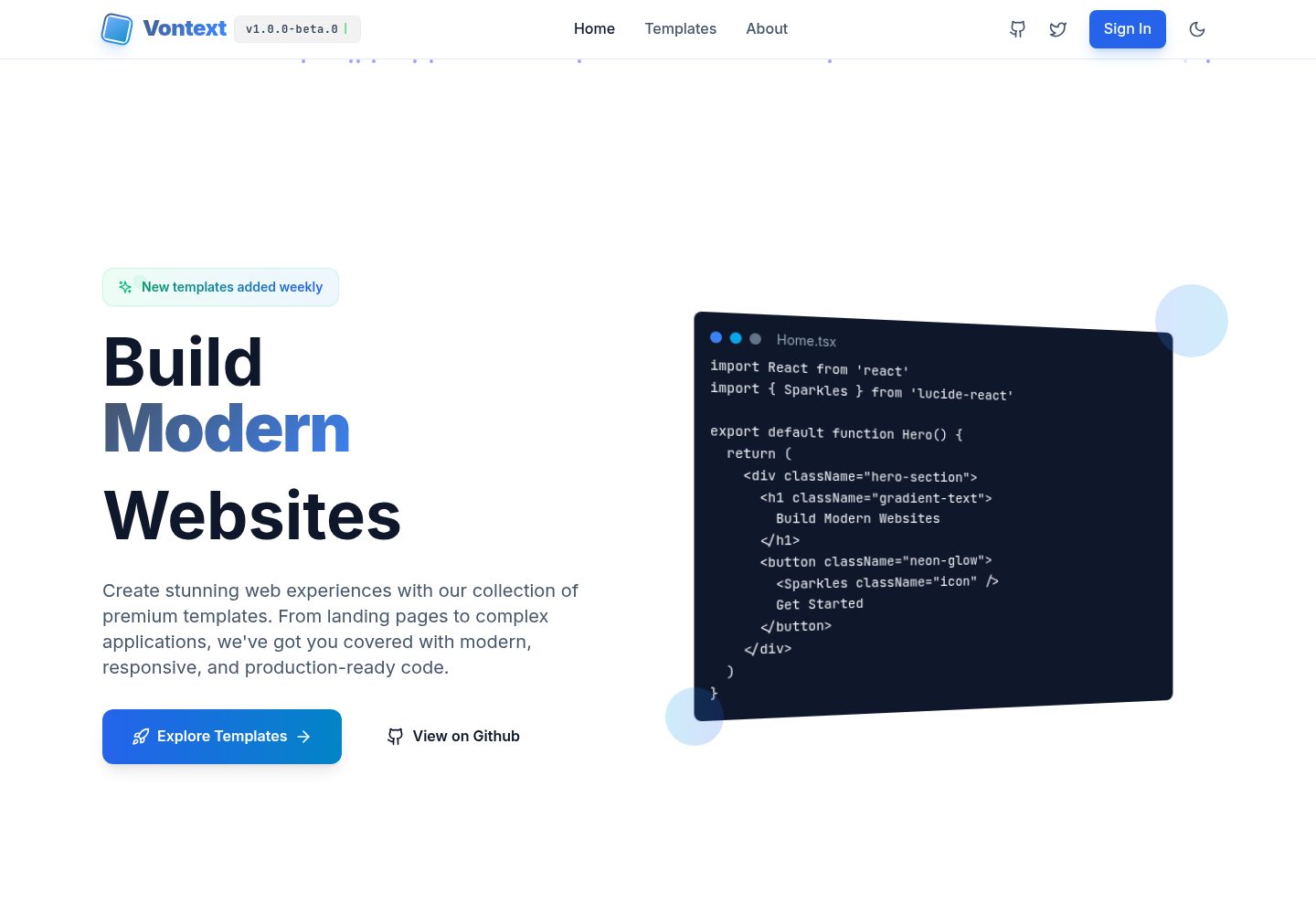
Free OpenSource Website Page Templates Collection by Vontext: Vite + React + TypeScript + TailwindCSS
Vite · 后台
templatevibecode
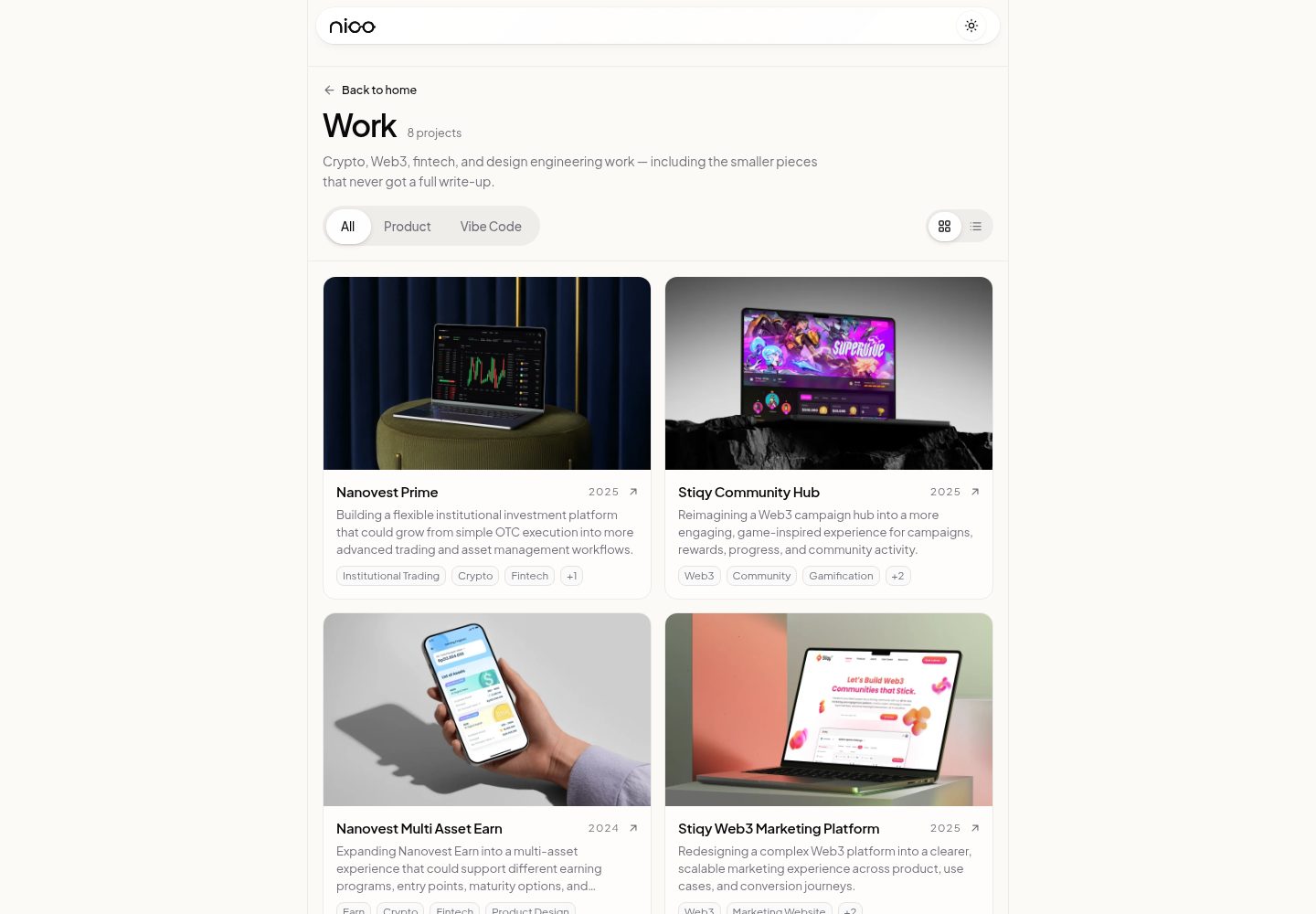
Free, MIT-licensed website templates (landing pages, company profile, storefront) built with React, Vite and T…
Vite · 电商
webspatial-shop
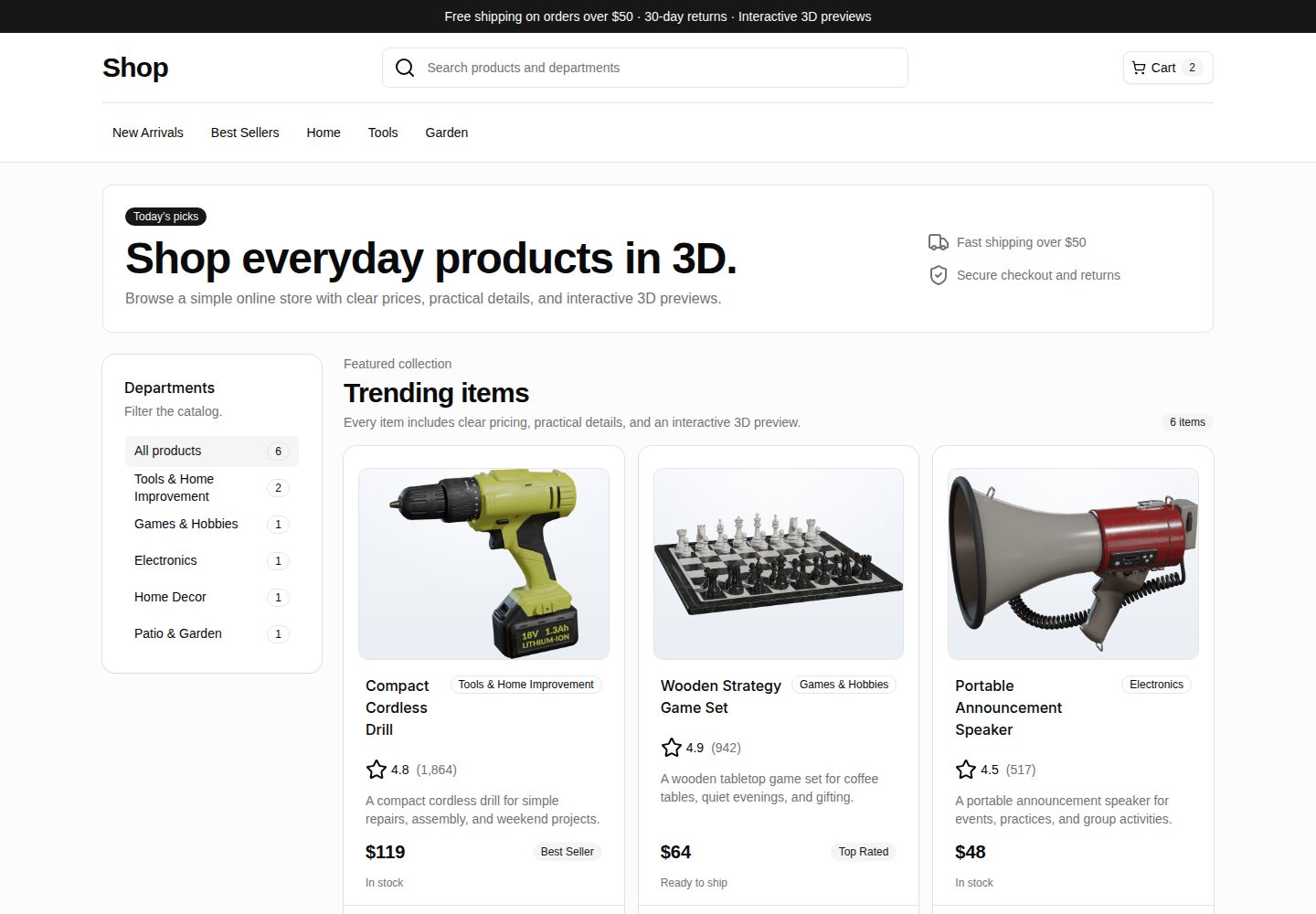
WebSpatial storefront starter with React and 3D product previews.
Vite · 电商
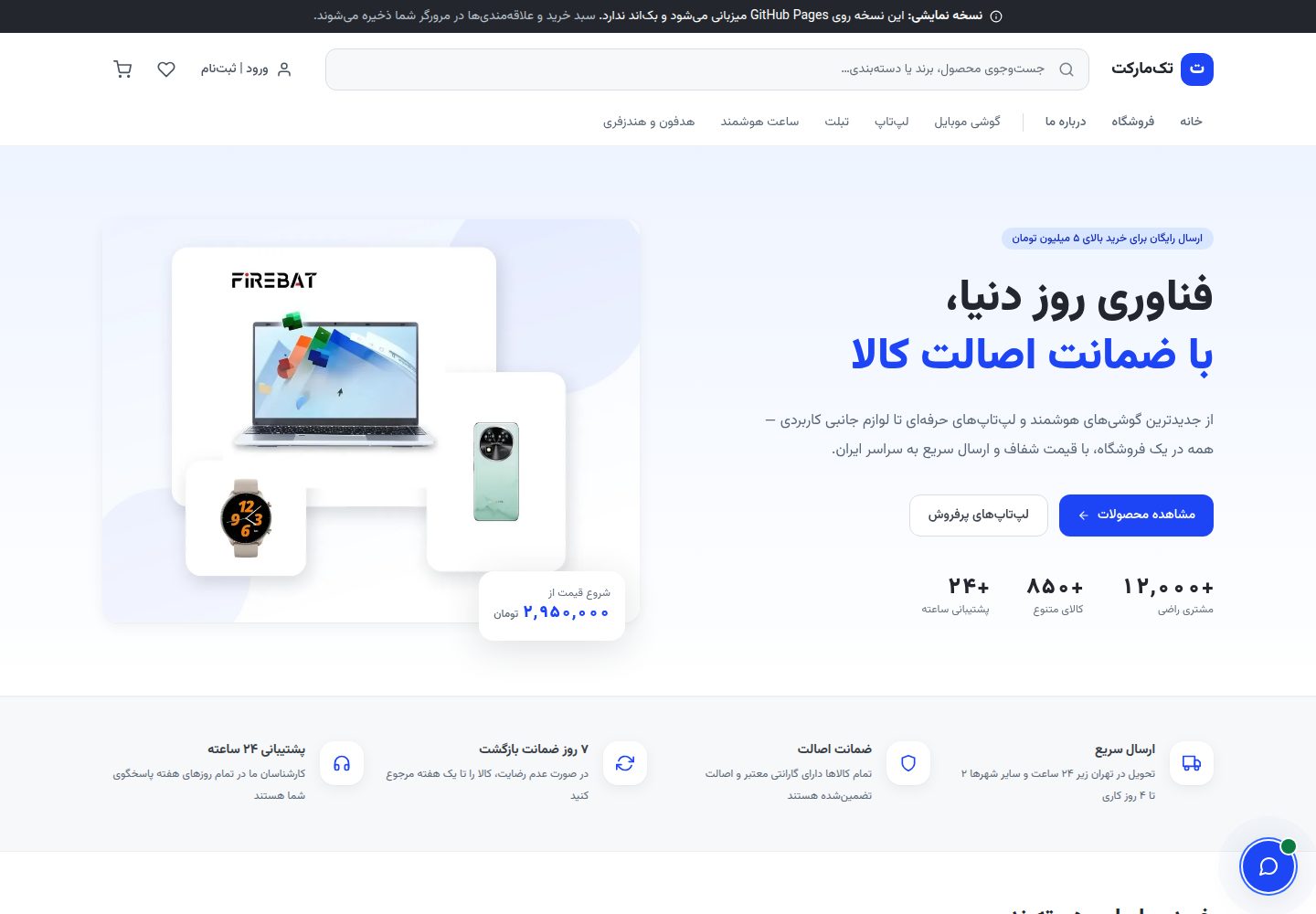
TakMarket-public
A fully static Persian electronics store built with Vite + React. Shop, filter, cart, wishlist — all in your b…
Vite · 电商

Next.js Commerce
Next.js Commerce 是 Vercel 团队维护的电商启动模板,基于 Next.js App Router 构建,采用服务端渲染、React Server Components、Server Actions …
Next.js · 电商
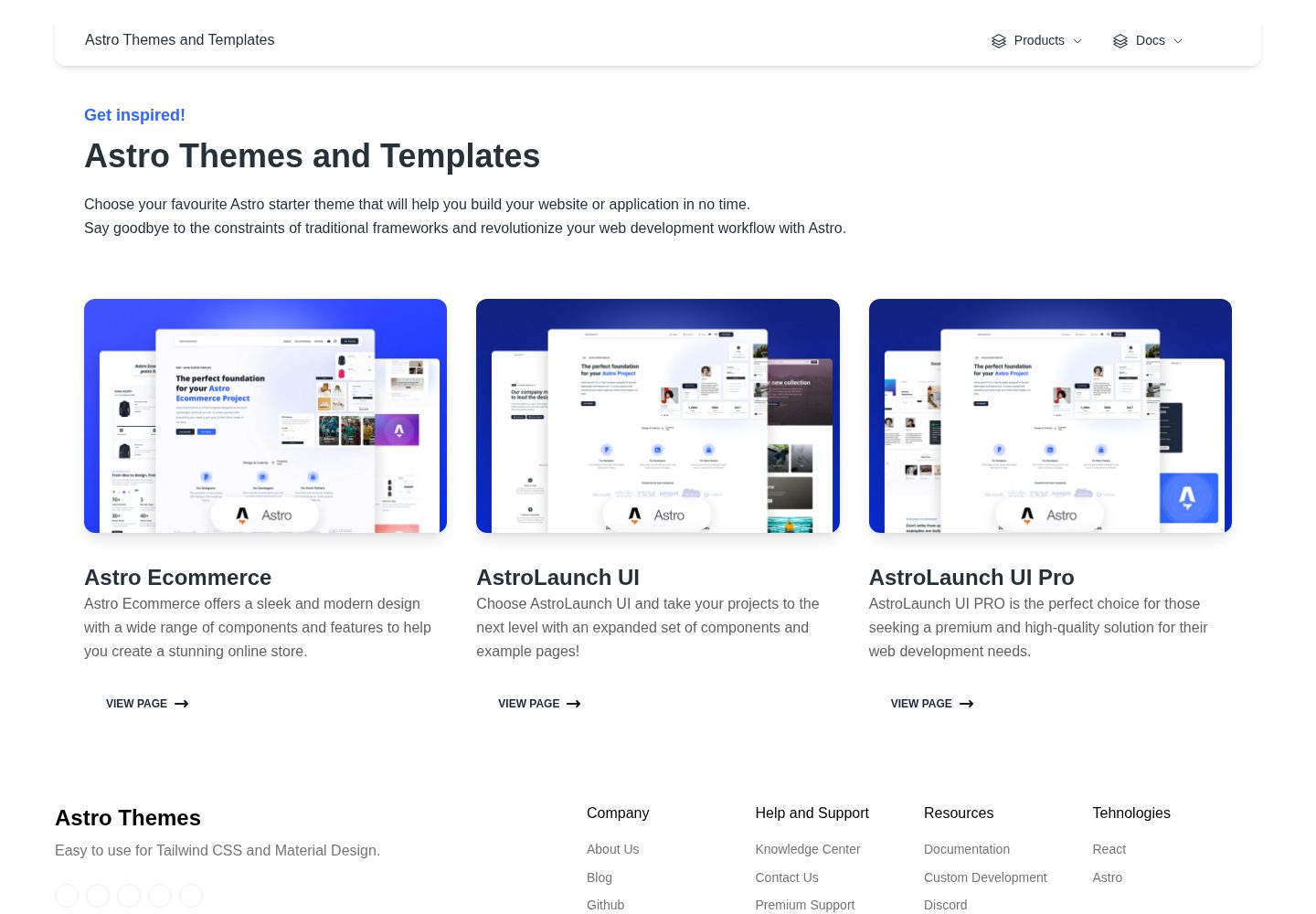
astro-ecommerce
Astro Ecommerce - Ready to use components
Astro · 电商