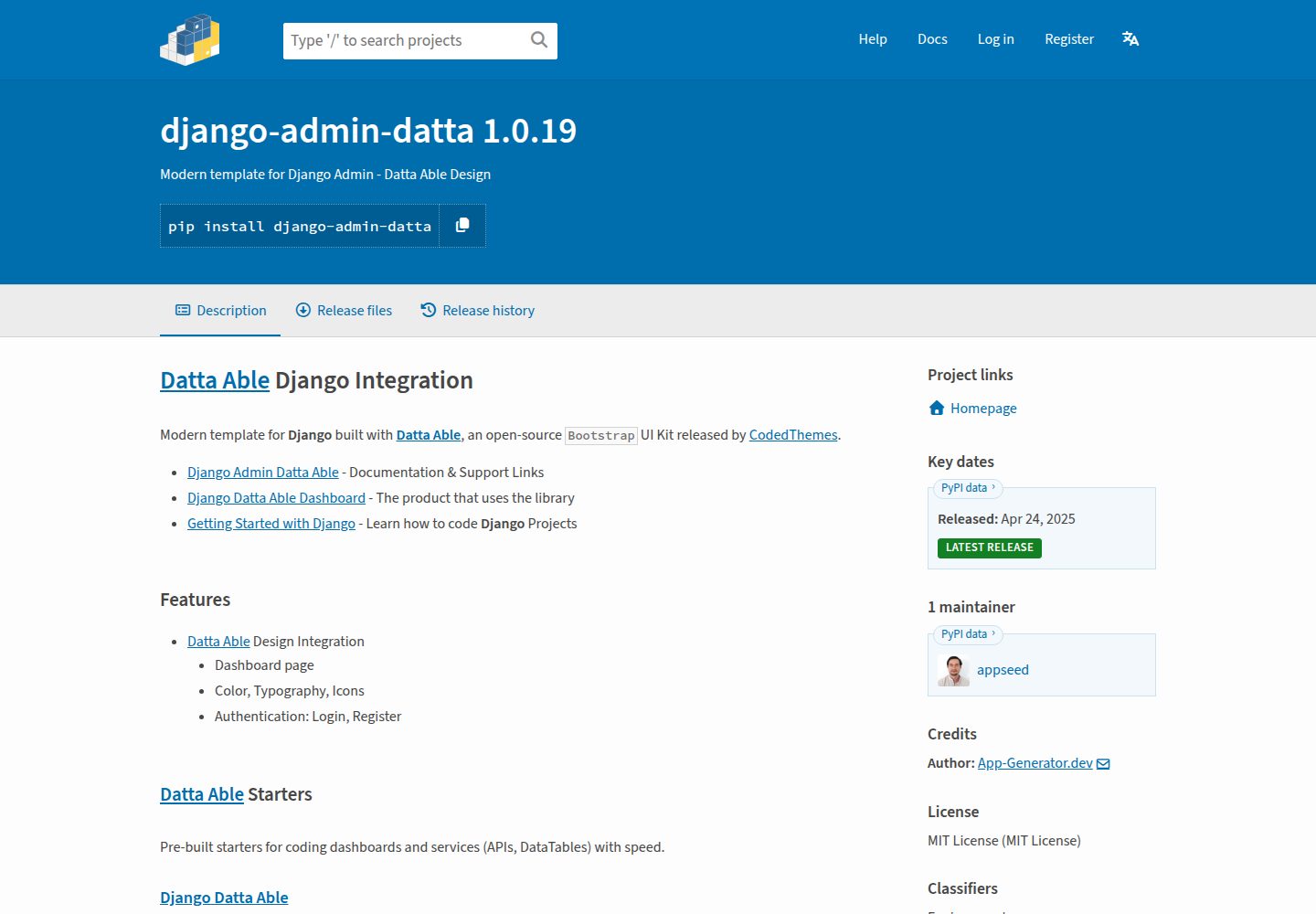
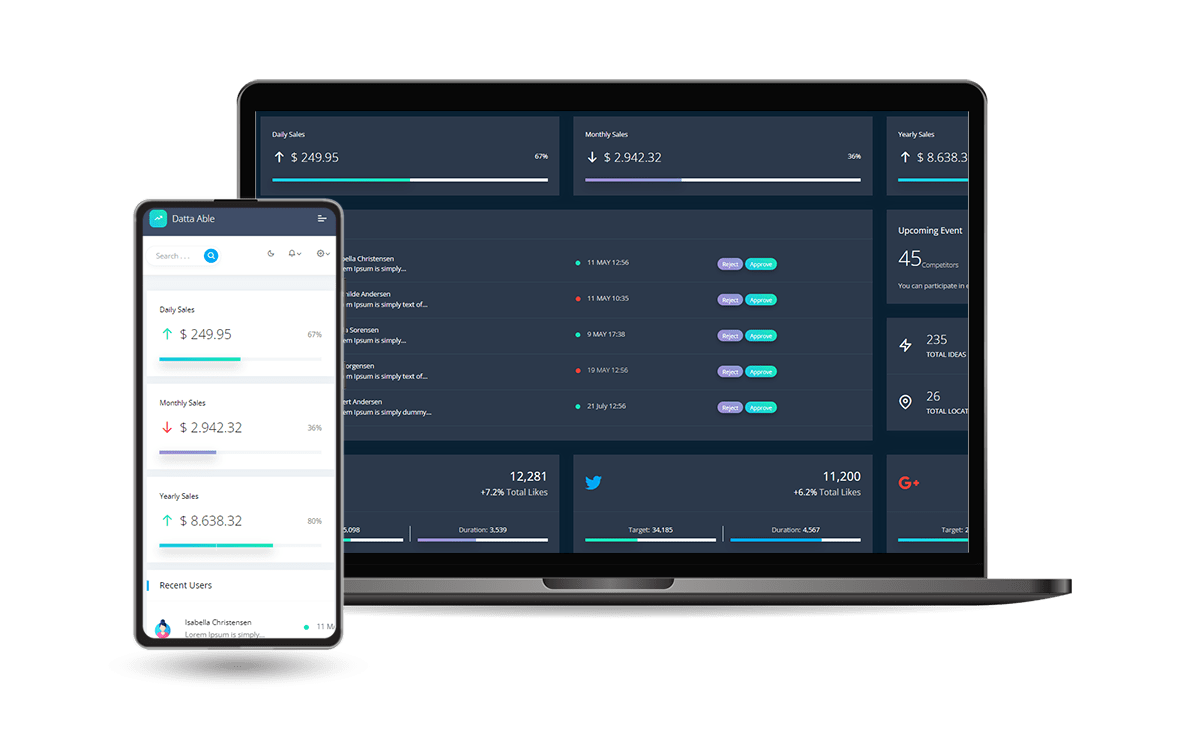
Django Admin interface built on the open-source Bootstrap design Datta Able
DjangoAdmin dashboard
django-admin-datta — Django Admin dashboard Template
By jhalak23
A Django Admin interface template based on Datta Able, covering the admin section, authentication and registration pages, built with Bootstrap, and installed as a reusable app via pip.
Explore the design
Compare the page layouts and mobile experience. Open any screenshot for a closer look.
Desktop homepage1 / 3
Desktop captureTop of page
Actual screenshot captured by the server browser.
All pages & views 3
Screenshots show visual appearance; interactive behavior may differ.
Recorded 2026-10-04View source
What stands out
A quick read of the recorded project description.
Covers Admin Section, authentication pages, registration page, and miscellaneous pages such as colors/icons/typography
Installed as the admin_datta app via pip and integrated into existing Django projects
Responsive interface with dark mode support
Template files organized under accounts, includes, layouts, and pages, customizable by copying and overriding
Template Details
django-admin-datta is an Admin interface template for Django, built by AppSeed based on the open-source Bootstrap design Datta Able by CodedThemes. It is provided as an installable app admin_datta, which upon installation takes over the Django admin section and authentication-related pages.
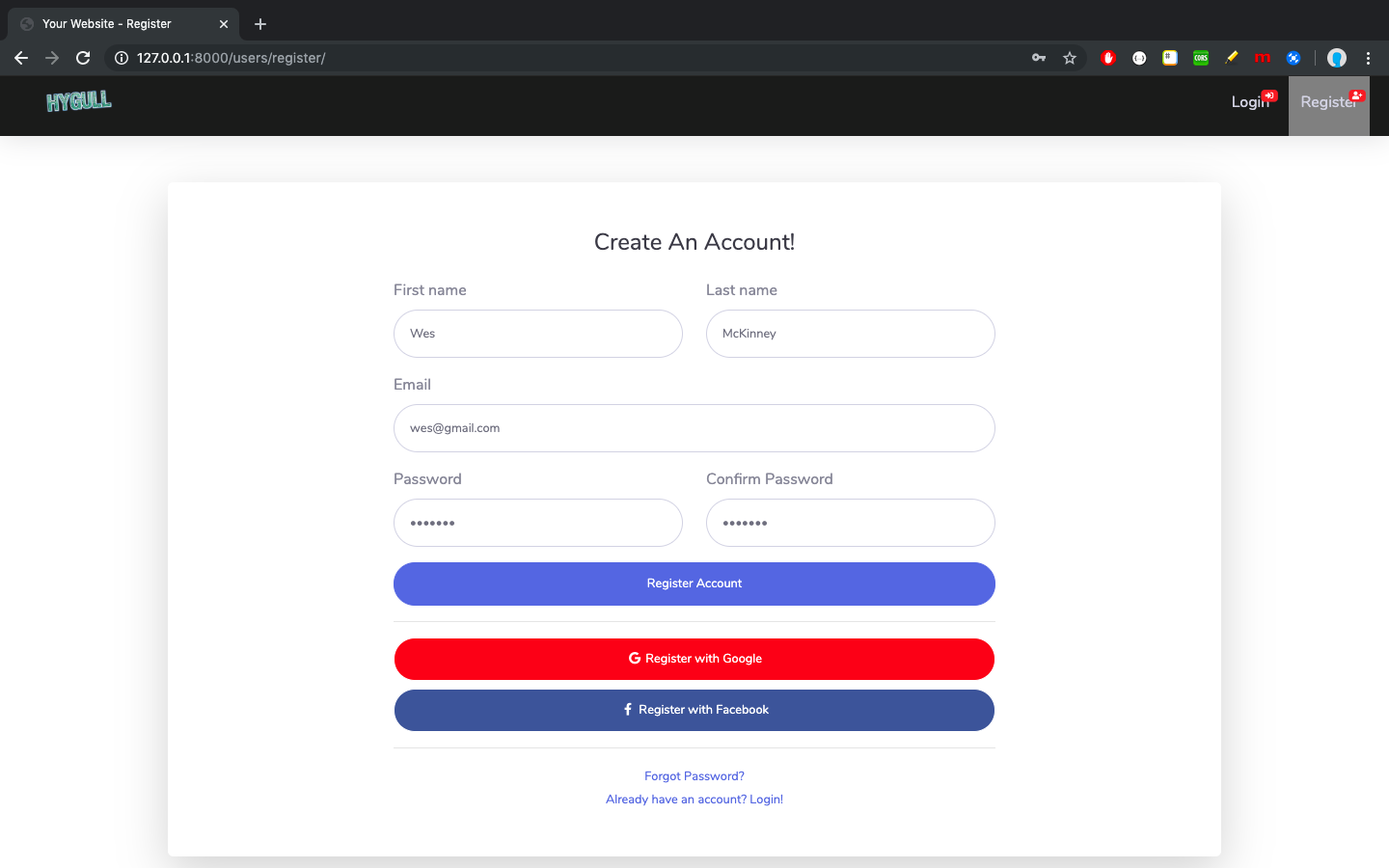
The template covers: the Admin Section accessible only to superusers, all authentication pages managed by django.contrib.auth, the registration page, and miscellaneous pages such as colors, icons, typography, and blank pages. The interface is responsive and includes a dark mode.
Usage involves placing admin_datta before django.contrib.admin in the Django project's INSTALLED_APPS, and configuring LOGIN_REDIRECT_URL, EMAIL_BACKEND, and URL inclusion. Template files are located in the library's templates directory, including subdirectories such as accounts, includes, layouts, and pages; for customization, copy the corresponding files to the project's own templates directory while maintaining the same path, and Django will prioritize the project's versions.
The repository is MIT licensed, allowing free use, modification, commercial use, and distribution, provided the copyright and license notices are retained. The README mentions a paid PRO version with more features; this listing includes only the public free code and does not include paid upgrades; third-party assets such as demo images, fonts, and icons require separate license verification.
DjangoAdmin
Is it right for your project?
Use Cases
- Replacing the default admin interface for a Django project
- Setting up a backend entry point that includes registration and login flows
- Serving as a starting point for an admin interface that requires responsiveness and dark mode
Suitable For
- Developers using Django who want to change the Admin appearance
- Projects that need ready-made authentication and registration page templates
- Teams that accept customizing the interface by copying template files
Getting started & customization
Use these recorded setup notes alongside the repository instructions for your chosen version.
- 1
Install via pip install django-admin-datta, or place admin_datta before django.contrib.admin in INSTALLED_APPS
- 2
Configure LOGIN_REDIRECT_URL and EMAIL_BACKEND in settings.py
- 3
Mount routes in urls.py via include('admin_datta.urls')
- 4
Run python manage.py collectstatic in production
- 5
When customizing templates, copy the corresponding files from the library's templates directory to the project's templates directory while maintaining the same path
License & source material
Usage conditions & limitations
Free to use · keep license noticeThis listing covers the free version under the MIT license from the public repository; the free scope applies to that version's code and does not imply that external services or third-party assets are free.
Must comply with when using
- Free use, modification, commercial use, and distribution of this version's code are permitted.
- When distributing copies or substantial portions of the code, retain the original author's copyright notice and the full MIT license notice.
- The code is provided as is; warranties and limitations of liability are governed by the original license and applicable law.
Additional costs & items to verify
- The README clearly distinguishes between the free version and the paid PRO version: the PRO version offers more pages, components, and priority support, is a paid upgrade, and is not within the scope of this free code.
- More components, pages, and priority support are available through the paid PRO version and are not included in the free version.
- Priority support is a feature of the paid PRO version; the free version does not provide this support level.
- The project materials mention optional paid versions or features; this listing includes only the public free code and does not include paid upgrades.
- Demo images, fonts, icons, and other third-party assets must be checked against their respective licenses and cannot be judged solely by the code's MIT license.
- External services such as domain, hosting, database, payment, or AI may incur additional charges.
View Original Text Basis
Permission is hereby granted, free of charge
Original License Text
## [Datta Able](https://appseed.us/product/datta-able-pro/django/) `PRO Version`
Original README
For more components, pages and priority on support, feel free to take a look at this **Django** starter:
Original README
https://github.com/jhalak23/django-admin-datta/blob/main/LICENSE.mdhttps://github.com/jhalak23/django-admin-datta/blob/main/README.md`Priority` on support
Original README
Compiled by DeepSeek based on repository license and README ·2026-10-04. Results only cover the materials read; dependencies, images, fonts, and subsequent term changes are subject to their respective original texts.
Project checks & description sources
Template Information
- Source platforms
- GitHub
- Documentation and maintenance reference score
- Partly documented · 65 / 100
- Technologies
- Django
- Website type
- Admin dashboard
How this score is calculated
Our heuristic uses license records (up to 30), a demo link (12), a preview (10), stars (15), recorded maintenance (15), description completeness (8), feature records (5) and classification data (5). It is not a code, security or performance test, or a Google score. A link does not establish tested functionality.
What to verify for this project
- Repository update recorded
- 2023-04-01
- Screenshot last checked
- 2026-10-04
A demo link is listed. Check it with your own content and viewport sizes; its presence does not confirm that forms, authentication or payments work.
The catalog identifies Django as the primary stack. Check the actual dependency manifest and lockfile for versions and hosting requirements. These notes use recorded metadata, not a code audit or a deployment test.
Use a selection guide →How this description was prepared
AI-assisted description based on catalog records and repository material. Repository authors are not automatically the reviewers of this description.
Review declaration: [email protected] · 2026-10-04
Inspect the recorded source material
SHA-256: a478ad1211a6fd1cdb9a714856f068a2fe345a289798ff0bd698fab0b001ab47
2026-10-04T02:40:42.013Z
Source file / repository# [Django Admin Datta](https://appseed.us/product/datta-able/django/)
Modern template for **Django** that covers `Admin Section`, all authentication pages (registration included) crafted on top of **[Datta Able](https://appseed.us/product/datta-able/django/)**,
an open-source `Bootstrap` design from [CodedThemes](https://bit.ly/37fF9RT).
> Actively supported by [AppSeed](https://appseed.us/) via `Email` and `Discord`.
<br />
**Links & Resources**
- [Django Datta Able](https://appseed.us/product/datta-able/django/) - `Product page`
- `Features`: Fully-configured, `CI/CD` via Render
- UI Kit: **Datta Able** (open-source, Bootstrap 4 version) by [CodedThemes](https://bit.ly/37fF9RT)
- **Sections Covered**:
- `Admin Section`, reserved for `superusers`
- `All pages` managed by `Django.contrib.AUTH`
- `Registration` page
- `Misc pages`: colors, icons, typography, blank-page
<br />
<br />
## Why [Django Datta Able](https://appseed.us/product/datta-able/django/)
- Modern [Bootstrap](https://www.admin-dashboards.com/bootstrap-5-templates/) Design
- `Responsive Interface`
- `Minimal Template` overriding
- `Easy integration`
<br />
## How to use it
<br />
> **Install the package** via `PIP`
```bash
$ pip install django-admin-datta
// OR
$ pip install git+https://github.com/app-generator/django-admin-datta.git
```
<br />
> Add `admin_datta` application to the `INSTALLED_APPS` setting of your Django project `settings.py` file (note it should be before `django.contrib.admin`):
```python
INSTALLED_APPS = (
...
'admin_datta.apps.AdminDattaConfig',
'django.contrib.admin',
)
```
<br />
> Add `LOGIN_REDIRECT_URL` and `EMAIL_BACKEND` of your Django project `settings.py` file:
```python
LOGIN_REDIRECT_URL = '/'
# EMAIL_BACKEND = 'django.core.mail.backends.smtp.EmailBackend'
EMAIL_BACKEND = 'django.core.mail.backends.console.EmailBackend'
```
<br />
> Add `admin_datta` urls in your Django Project `urls.py` file
```python
from django.urls import path, include
urlpatterns = [
...
path('', include('admin_datta.urls')),
]
```
<br />
> **Collect static** if you are in `production environment`:
```bash
$ python manage.py collectstatic
```
<br />
> **Start the app**
```bash
$ # Set up the database
$ python manage.py makemigrations
$ python manage.py migrate
$
$ # Create the superuser
$ python manage.py createsuperuser
$
$ # Start the application (development mode)
$ python manage.py runserver # default port 8000
```
Access the `admin` section in the browser: `http://127.0.0.1:8000/`
<br />
## How to Customize
When a template file is loaded, `Django` scans all template directories starting from the ones defined by the user, and returns the first match or an error in case the template is not found.
The theme used to style this starter provides the following files:
```bash
# This exists in ENV: LIB/admin_datta
< UI_LIBRARY_ROOT >
|
|-- templates/ # Root Templates Folder
| |
| |-- accounts/
| | |-- auth-signin.html # Sign IN Page
| | |-- auth-signup.html # Sign UP Page
| |
| |-- includes/
| | |-- footer.html # Footer component
| | |-- sidebar.html # Sidebar component
| | |-- navigation.html # Navigation Bar
| | |-- scripts.html # Scripts Component
| |
| |-- layouts/
| | |-- base.html # Masterpage
| | |-- base-auth.html # Masterpage for Auth Pages
| |
| |-- pages/
| |-- index.html # Dashboard Page
| |-- profile.html # Profile Page
| |-- *.html # All other pages
|
|-- ************************************************************************
```
When the project requires customization, we need to copy the original file that needs an update (from the virtual environment) and place it in the template folder using the same path.
For instance, if we want to customize the `index.html` these are the steps:
- `Step 1`: create the `templates` DIRECTORY inside your app
- `Step 2`: configure the project to use this new template directory
- Edit `settings.py` TEMPLATES section
- `Step 3`: copy the `footer.html` from the original location (inside your ENV) and save it to the `YOUR_APP/templates` DIR
- Source PATH: `<YOUR_ENV>/LIB/admin_datta/templates/pages/index.html`
- Destination PATH: `YOUR_APP/templates/pages/index.html`
- Edit the `index.html` (Destination PATH)
At this point, the default version of the `index.html` shipped in the library is ignored by Django.
In a similar way, all other files and components can be customized easily.
<br />
## [Datta Able](https://appseed.us/product/datta-able-pro/django/) `PRO Version`
> For more components, pages and priority on support, feel free to take a look at this **Django** starter:
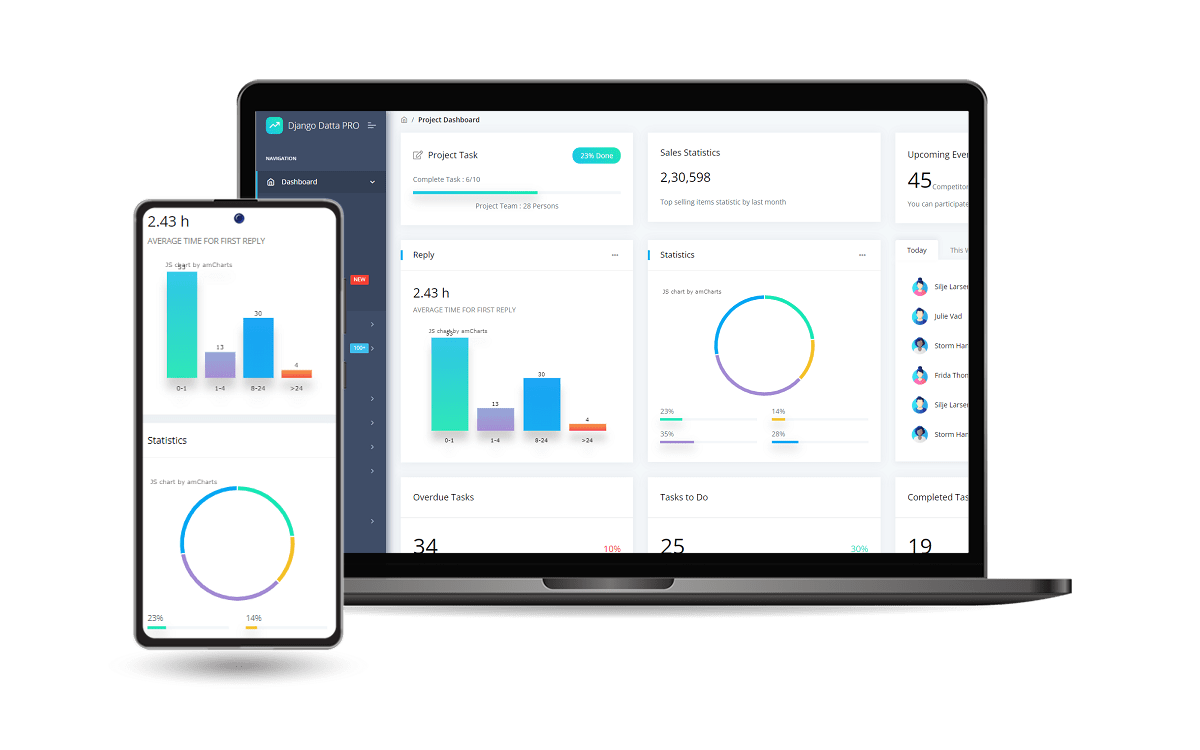
Designed for those who like bold elements and beautiful websites, **[Datta Able](https://appseed.us/product/datta-able-pro/django/)** is the most stylish Admin Design compare to all other Bootstrap Templates.
It comes with high feature-rich pages and components with fully developer-centric code.
- [Django Datta PRO](https://appseed.us/product/datta-able-pro/django/) - product page
- `Enhanced UI` - more pages and components
- `Priority` on support
<br >
<br />
---
**[Django Admin Datta](https://appseed.us/product/datta-able/django/)** - Modern Admin Interface provided by **[AppSeed](https://appseed.us/)**
Explore similar templates
Compare previews and descriptions within the same stack and category.
typescript-backend-toolkit
An Express.js and TypeScript backend toolkit with auto-generated OpenAPI documentation, a Django-style admin panel, an Artisan-style tbk CLI, and a plugin architecture. It integrates Zod validation, JWT and Google login, BullMQ queues with BullBoard, Socket.IO, and multi-provider storage/cache/email.
Django · Admin dashboard
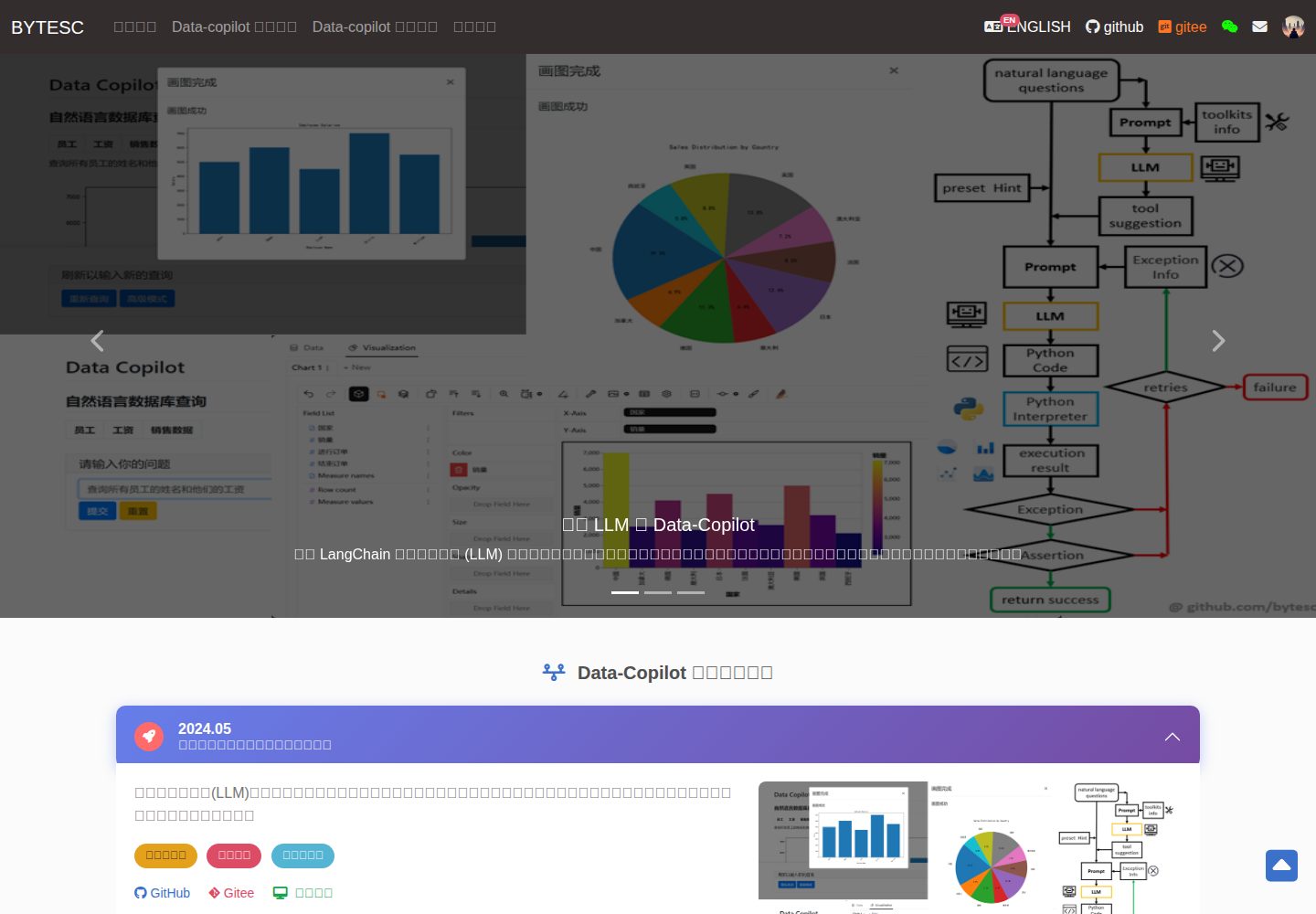
Django_Management_System_template
A Django and MySQL-based non-separated frontend-backend information management system template. It includes CRUD pages and forms for users, departments, numbers, and tasks, cookie-based login authentication with middleware redirection, pagination navigation, MD5 encryption, and Bootstrap form utilities.
Django · Admin dashboard
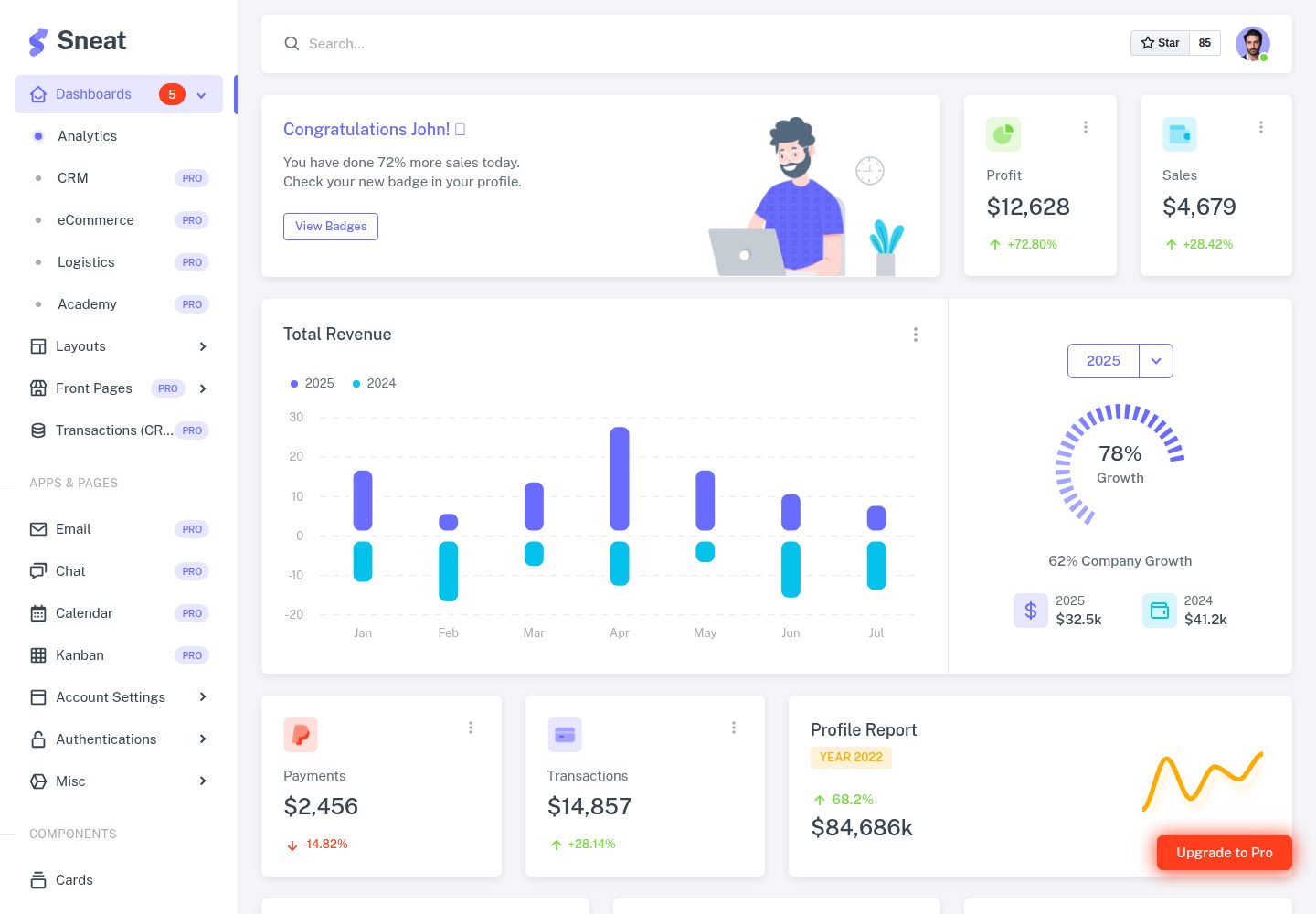
sneat-bootstrap-html-django-admin-template-free
Sneat Free is a Django and Bootstrap 5 admin template under the MIT license, offering an Analytics dashboard, multiple layouts, authentication pages, forms, tables, and extended UI.
Django · Admin dashboard
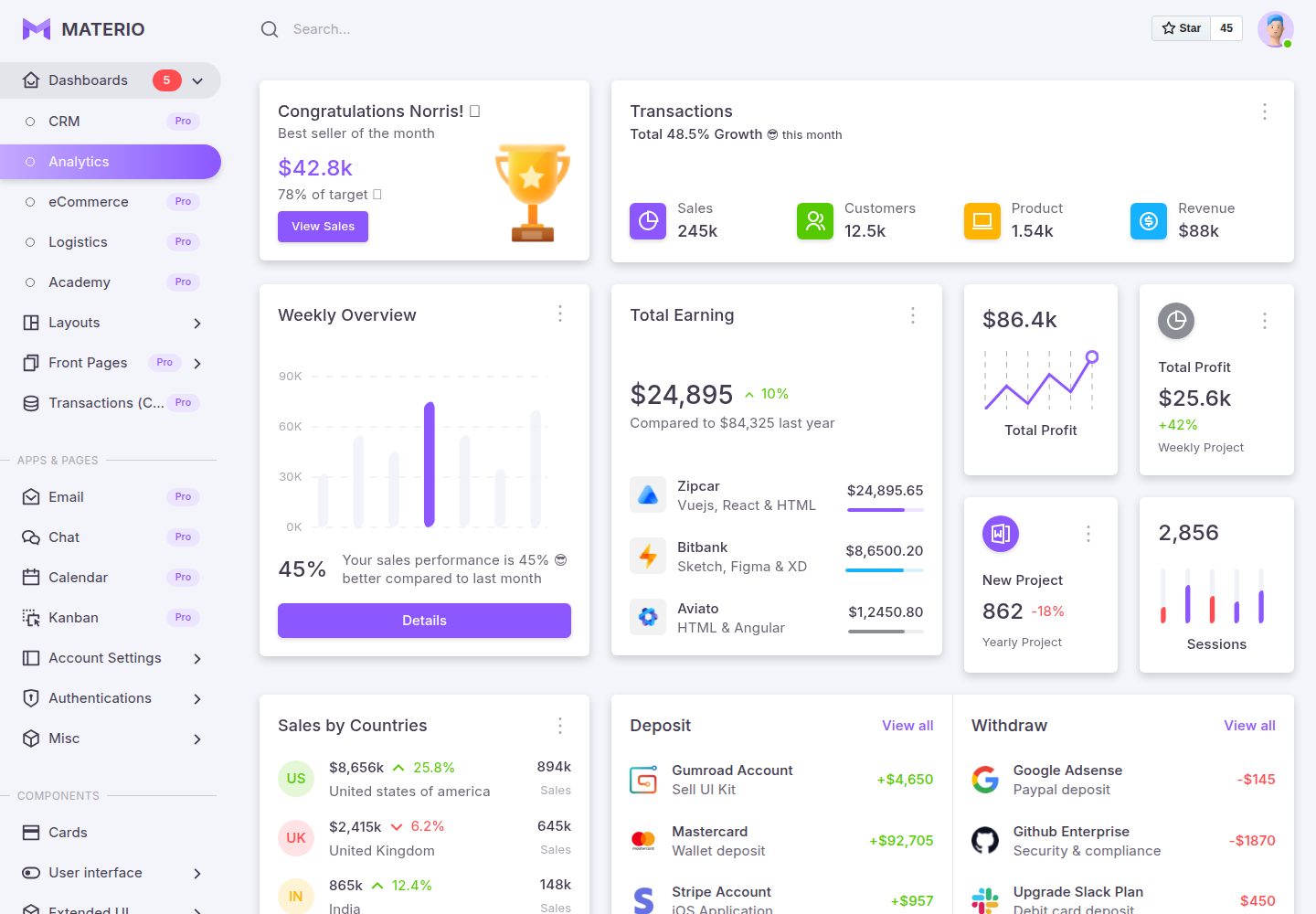
materio-bootstrap-html-django-admin-template-free
Materio Free is a Django admin template with a Bootstrap frontend, released under the MIT license.
Django · Admin dashboard
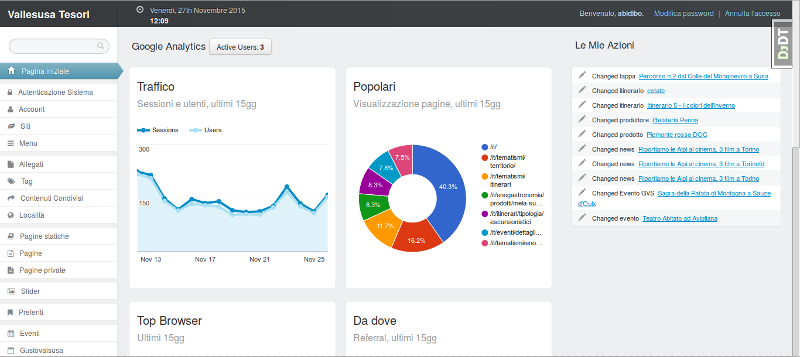
django-otto-admin
An MIT-licensed Django admin customization app that embeds a Google Analytics data panel into the django-suit admin index page. It shows real-time active users, last-15-day traffic, top pages, browsers, referrals, visitor countries, and social interactions via the Google Analytics Embed API.
Django · Admin dashboard
sbadmin
A Django sample project that integrates all pages of the free Bootstrap admin theme SB Admin 2 into Django templates, covering login, registration, password recovery, dashboard, tables, and charts.
Django · Admin dashboard