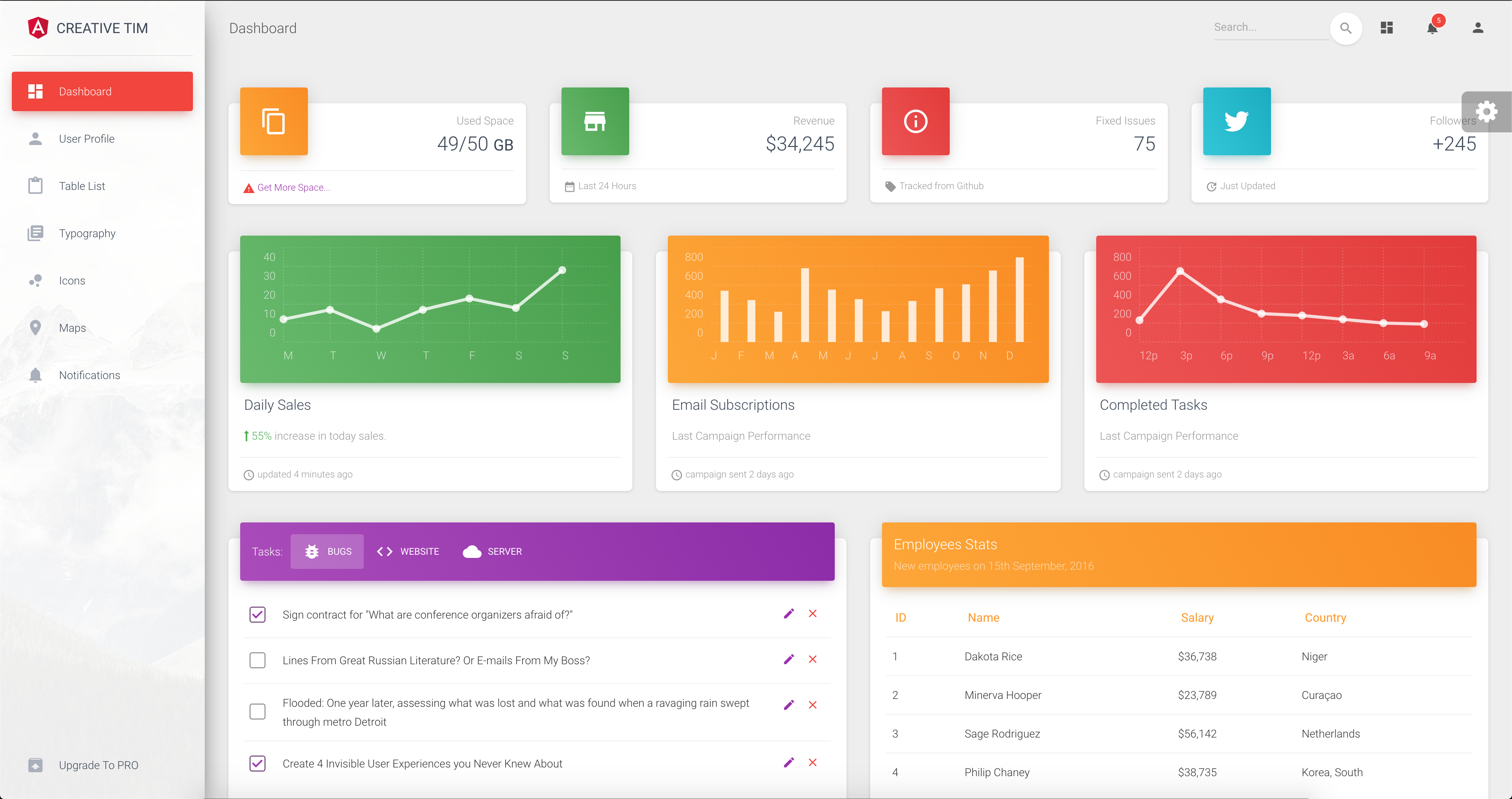
Material Design admin template based on Angular and Bootstrap
AngularHTMLAdmin dashboard
template-material-dashboard-angular — Angular Admin dashboard Template
By jtejadavilca
A Material Design admin template built on Angular and Bootstrap, derived from Creative Tim's Material Dashboard Angular, offering pages such as dashboard, tables, icons, maps, notifications, and user profile.
Explore the design
Compare the page layouts and mobile experience. Open any screenshot for a closer look.
Author preview
Author-provided preview
Preview provided in the project README.
One original preview is available. Open the full image to inspect the design.
Screenshots show visual appearance; interactive behavior may differ.
Recorded 2026-10-12View source
What stands out
A quick read of the recorded project description.
Includes pages for dashboard, user profile, tables, icons, maps, notifications, typography, and more
Provides layout components such as sidebar, navbar, and footer
Sidebar and card headers support five colors (blue, green, orange, red, purple) and sidebar background image
Under MIT license; free to use, modify, commercialize, and distribute this version of the code
Template Details
This is an Angular admin template using Bootstrap and Material Design, with code from the free version of Creative Tim's Material Dashboard Angular. The repository is hosted by jtejadavilca and is under the MIT license.
The template provides page components for dashboard, user profile, table list, icons, maps, notifications, typography, and upgrade, along with layout components such as sidebar, navbar, and footer. The sidebar and card headers offer five color choices: blue, green, orange, red, and purple; the sidebar also supports a background image. The project was generated with Angular CLI, and the README commands are npm install to install dependencies and ng serve to start the development server.
Note that the repository description mentions Angular 8, which conflicts with the README's statement of "Angular CLI 1.0.0 and angular 4.x"; the actual version should be based on the dependency manifest. Third-party assets such as demo images, fonts, and icons require separate license verification; the MIT license covers only this version of the code.
AngularHTMLBackend
Is it right for your project?
Use Cases
- Building UI prototypes for admin panels
- As a frontend starting point for a content management system or CRM
- Learning Angular component-based layout and Material Design style organization
Suitable For
- Developers needing an Angular admin interface starting point
- Frontend personnel looking to reference Material Design admin layouts
- Teams evaluating free admin templates
Getting started & customization
Use these recorded setup notes alongside the repository instructions for your chosen version.
- 1
The README process: install Node.js and Angular CLI, enter the project directory, run npm install, then run ng serve to start the development server at http://localhost:4200/
- 2
The repository description and README disagree on the Angular version; refer to the dependency manifest for the actual version
- 3
Third-party assets such as demo images, fonts, and icons require separate license verification; the MIT license does not cover these assets
License & source material
Usage conditions & limitations
Free to use · keep license noticeThis entry covers the free version under MIT license in a public repository; the free scope is this version of the code and does not imply that external services or third-party assets are free.
Must comply with when using
- Permits free use, modification, commercialization, and distribution of this version of the code.
- When distributing copies or substantial portions of the code, retain the original copyright notice and the full MIT license notice.
- The code is provided as is; warranties and limitations of liability are governed by the original license and applicable law.
Additional costs & items to verify
- Demo images, fonts, icons, and other third-party assets require separate license verification and cannot be judged solely by the code's MIT license.
- External services such as domain, hosting, database, payment, or AI may incur additional charges.
View Original Text Basis
Compiled by DeepSeek based on repository license and README ·2026-10-12. Results only cover the materials read; dependencies, images, fonts, and subsequent term changes are subject to their respective original texts.
Project checks & description sources
Template Information
- Source platforms
- GitHub
- Documentation and maintenance reference score
- Partly documented · 58 / 100
- Technologies
- Angular · HTML
- Website type
- Admin dashboard
How this score is calculated
Our heuristic uses license records (up to 30), a demo link (12), a preview (10), stars (15), recorded maintenance (15), description completeness (8), feature records (5) and classification data (5). It is not a code, security or performance test, or a Google score. A link does not establish tested functionality.
What to verify for this project
- Repository update recorded
- 2023-01-07
- Screenshot last checked
- 2026-10-12
No demo link is recorded. Use the repository instructions to evaluate the project locally; the screenshot alone cannot establish interactive behavior.
The catalog identifies Angular as the primary stack. Check the actual dependency manifest and lockfile for versions and hosting requirements. These notes use recorded metadata, not a code audit or a deployment test.
Use a selection guide →How this description was prepared
AI-assisted description based on catalog records and repository material. Repository authors are not automatically the reviewers of this description.
Review declaration: [email protected] · 2026-10-13
Inspect the recorded source material
SHA-256: 92ba4b3bc194a451391fb068472e29476d5c567ceb046443b53b041fe0622075
2026-10-12T17:02:21.039Z
Source file / repository# [Material Dashboard Angular - Free Bootstrap Material Design Admin](https://www.creative-tim.com/product/material-dashboard-angular2)[![version][version-badge]][CHANGELOG] 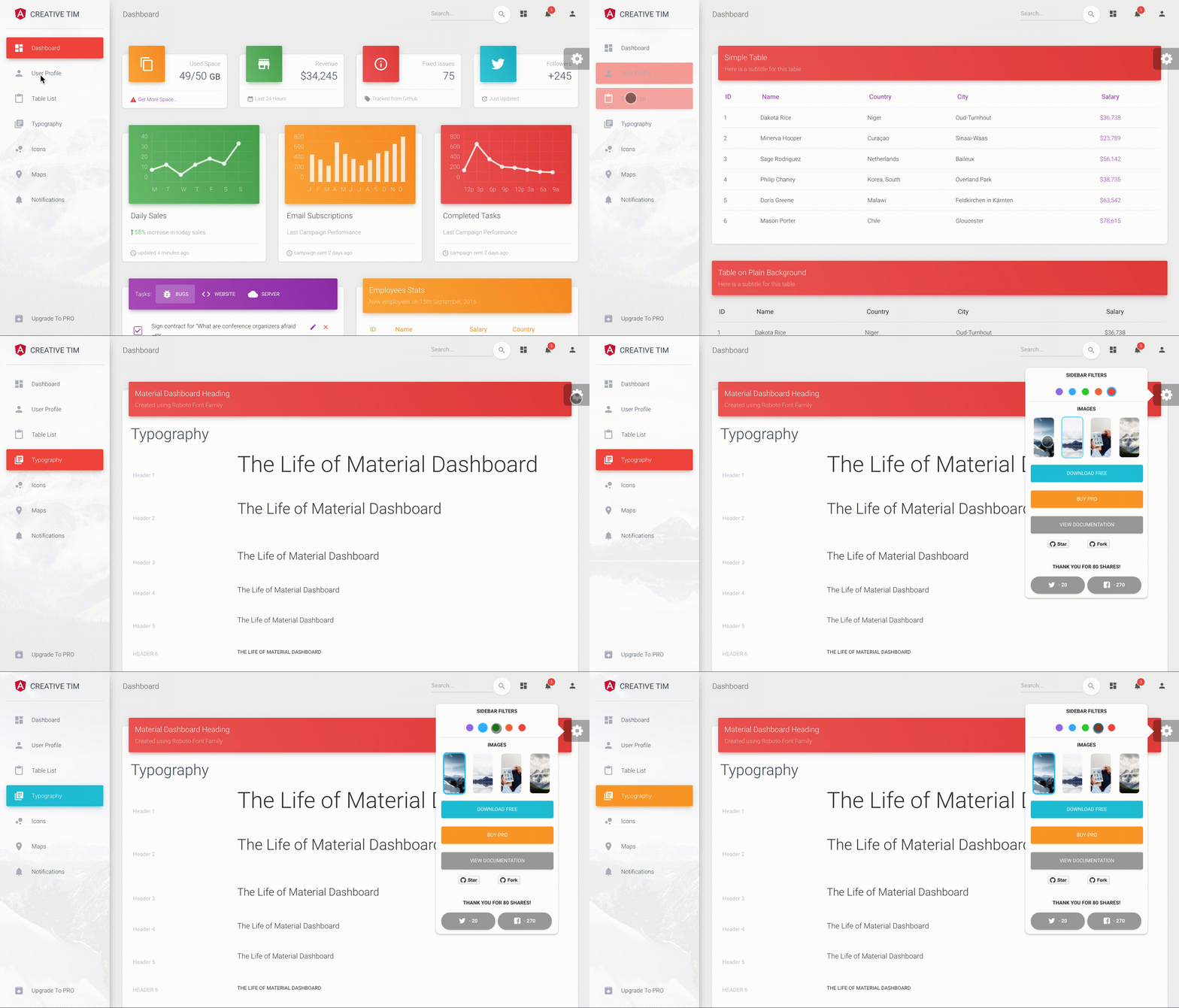 **[Material Dashboard Angular](https://www.creative-tim.com/product/material-dashboard-angular2/)** is a free Material Bootstrap Admin with a fresh, new design inspired by Google's Material Design. We are very excited to introduce our take on the material concepts through an easy to use and beautiful set of components. Material Dashboard was built over the popular Bootstrap framework and it comes with a couple of third-party plugins redesigned to fit in with the rest of the elements. Material Dashboard makes use of light, surface and movement. The general layout resembles sheets of paper following multiple different layers, so that the depth and order is obvious. The navigation stays mainly on the left sidebar and the content is on the right inside the main panel. This product came as a result of users asking for a material dashboard after we released our successful [Material Kit](http://www.creative-tim.com/product/material-kit). We developed it based on your feedback and it is a powerful bootstrap admin dashboard, which allows you to build products like admin panels, content managements systems and CRMs. Material Dashboard comes with 5 color filter choices for both the sidebar and the card headers (blue, green, orange, red and purple) and an option to have a background image on the sidebar. Material Dashboard uses a framework built by our friend [Federico - Bootstrap Material Design](http://fezvrasta.github.io/bootstrap-material-design/), who did an amazing job creating the backbone for the material effects, animations, ripples and transitions. Big thanks to his team for the effort and forward thinking they put into it. Special thanks go to: [Robert McIntosh](https://github.com/mouse0270/bootstrap-notify) for the notification system. [Chartist](https://gionkunz.github.io/chartist-js/) for the wonderful charts. We are very excited to share this dashboard with you and we look forward to hearing your feedback! You can find the Github Repo here. ## Table of Contents * [Versions](#versions) * [Demo](#demo) * [Quick Start](#quick-start) * [Documentation](#documentation) * [File Structure](#file-structure) * [Browser Support](#browser-support) * [Resources](#resources) * [Reporting Issues](#reporting-issues) * [Technical Support or Questions](#technical-support-or-questions) * [Licensing](#licensing) * [Useful Links](#useful-links) ## Versions [<img src="https://github.com/creativetimofficial/public-assets/blob/master/logos/html-logo.jpg?raw=true" width="60" height="60" />](https://www.creative-tim.com/product/material-dashboard) [<img src="https://github.com/creativetimofficial/public-assets/blob/master/logos/angular-logo.jpg?raw=true" width="60" height="60" />](https://www.creative-tim.com/product/material-dashboard-angular2) [<img src="https://github.com/creativetimofficial/public-assets/blob/master/logos/vue-logo.jpg?raw=true" width="60" height="60" />](https://www.creative-tim.com/product/vue-material-dashboard) [<img src="https://github.com/creativetimofficial/public-assets/blob/master/logos/react-logo.jpg?raw=true" width="60" height="60" />](https://www.creative-tim.com/product/material-dashboard-react) | HTML | Angular | Vue | React | | --- | --- | --- | --- | | [](https://www.creative-tim.com/product/material-dashboard) | [](https://www.creative-tim.com/product/material-dashboard-angular2) | [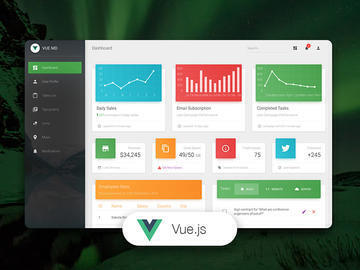](https://www.creative-tim.com/product/vue-material-dashboard) | [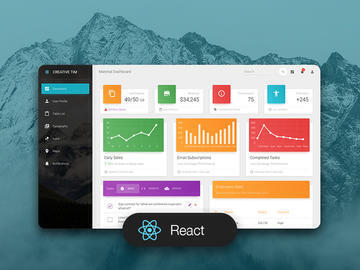](https://www.creative-tim.com/product/material-dashboard-react) ## Demo | Dashboard | User Profile | Tables | Icons | Notifications | | --- | --- | --- | --- | --- | | [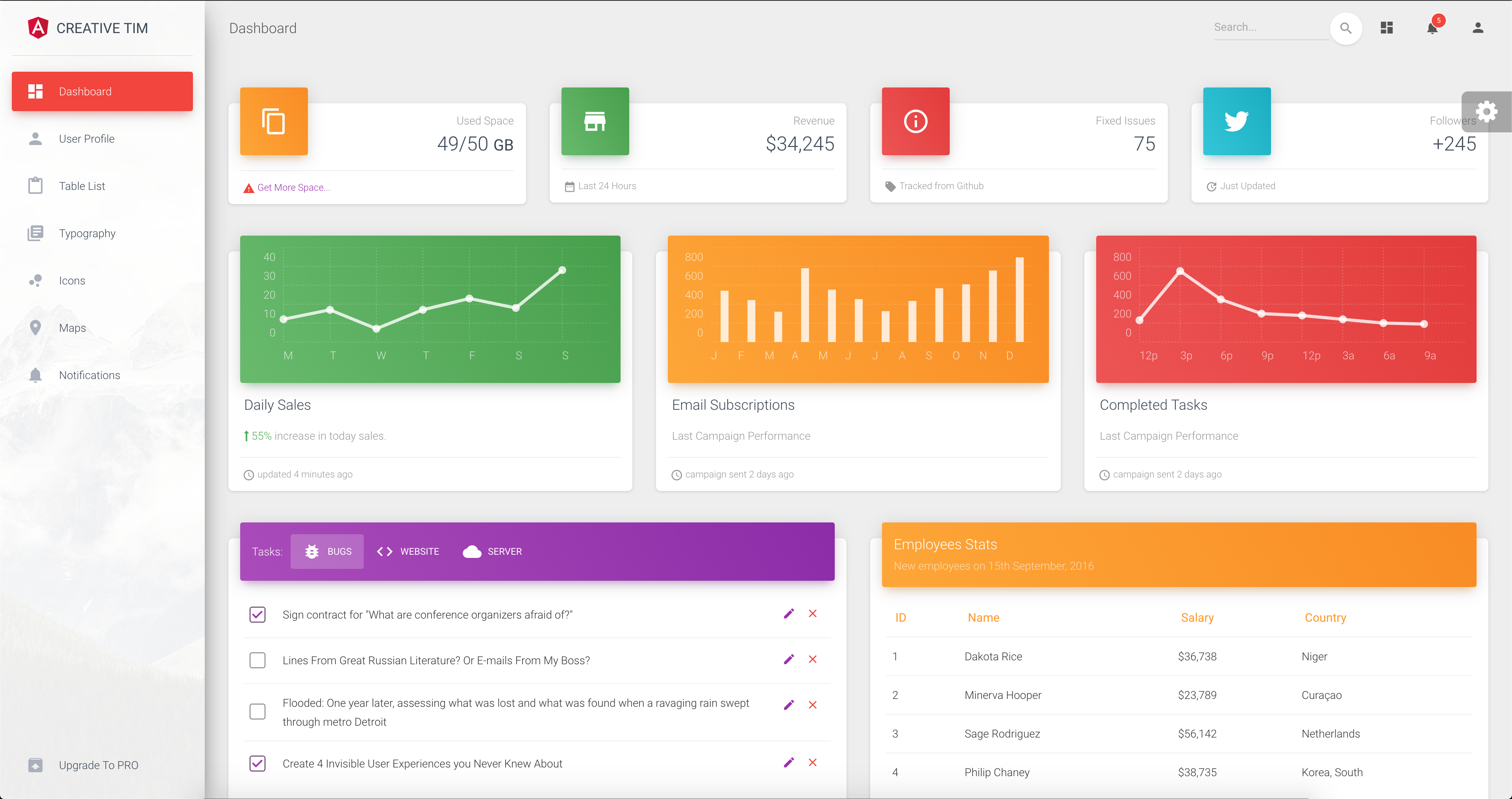](https://demos.creative-tim.com/material-dashboard-angular2/#/dashboard) | [](https://demos.creative-tim.com/material-dashboard-angular2/#/user-profile) | [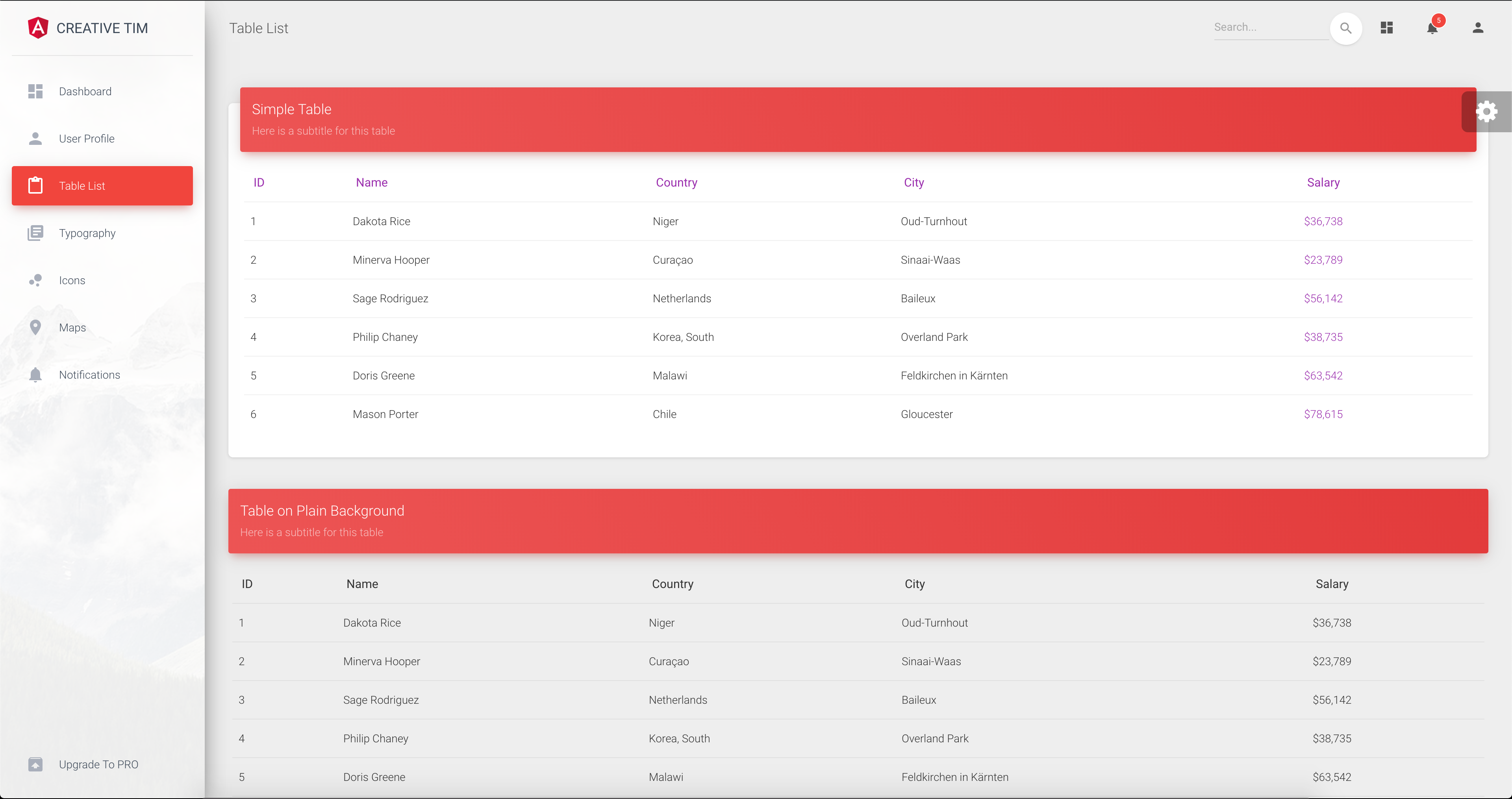](https://demos.creative-tim.com/material-dashboard-angular2/#/table-list) | [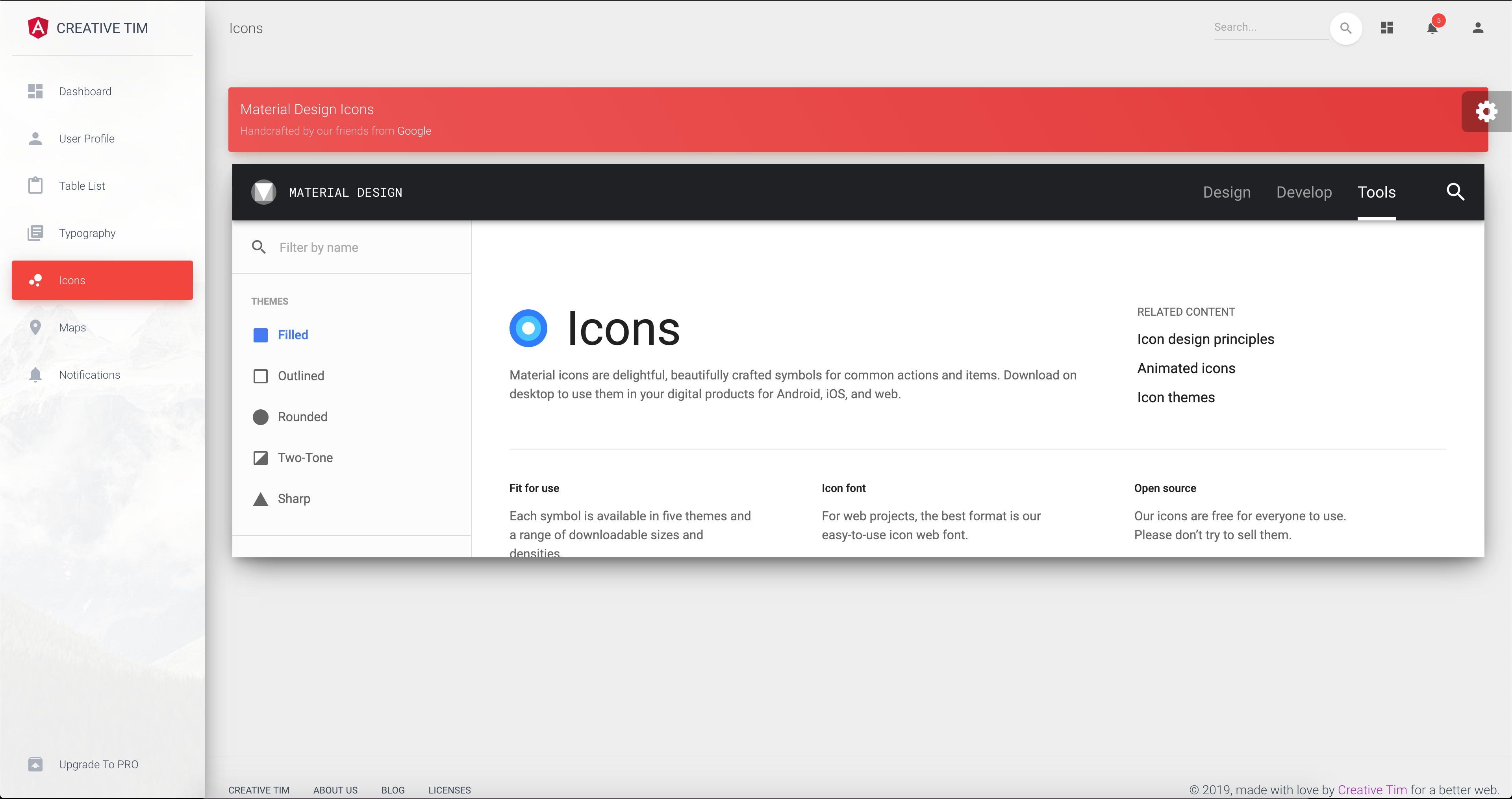](https://demos.creative-tim.com/material-dashboard-angular2/#/maps) | [](https://demos.creative-tim.com/material-dashboard-angular2/#/notifications) [View More](https://demos.creative-tim.com/material-dashboard-angular2/#/dashboard). ## Quick start Quick start options: - [Download from Github](https://github.com/tiniestory/material-dashboard-angular2/archive/master.zip). - [Download from Creative Tim](http://www.creative-tim.com/product/material-dashboard-angular2). ## Terminal Commands This project was generated with [Angular CLI](https://github.com/angular/angular-cli) version 1.0.0 and angular 4.x. 1. Install NodeJs from [NodeJs Official Page](https://nodejs.org/en). 2. Open Terminal 3. Go to your file project 4. Make sure you have installed [Angular CLI](https://github.com/angular/angular-cli) already. If not, please install. 5. Run in terminal: ```npm install``` 6. Run `ng serve` for a dev server. Navigate to `http://localhost:4200/`. The app will automatically reload if you change any of the source files. To get more help on the Angular CLI use `ng help` or go check out the [Angular CLI README](https://github.com/angular/angular-cli/blob/master/README.md). ### What's included Within the download you'll find the following directories and files: ``` material-dashboard-angular ├── CHANGELOG.md ├── LICENSE.md ├── README.md ├── angular-cli.json ├── documentation ├── e2e ├── karma.conf.js ├── package-lock.json ├── package.json ├── protractor.conf.js ├── src │ ├── app │ │ ├── app.component.css │ │ ├── app.component.html │ │ ├── app.component.spec.ts │ │ ├── app.component.ts │ │ ├── app.module.ts │ │ ├── app.routing.ts │ │ ├── components │ │ │ ├── components.module.ts │ │ │ ├── footer │ │ │ │ ├── footer.component.css │ │ │ │ ├── footer.component.html │ │ │ │ ├── footer.component.spec.ts │ │ │ │ └── footer.component.ts │ │ │ ├── navbar │ │ │ │ ├── navbar.component.css │ │ │ │ ├── navbar.component.html │ │ │ │ ├── navbar.component.spec.ts │ │ │ │ └── navbar.component.ts │ │ │ └── sidebar │ │ │ ├── sidebar.component.css │ │ │ ├── sidebar.component.html │ │ │ ├── sidebar.component.spec.ts │ │ │ └── sidebar.component.ts │ │ ├── dashboard │ │ │ ├── dashboard.component.css │ │ │ ├── dashboard.component.html │ │ │ ├── dashboard.component.spec.ts │ │ │ └── dashboard.component.ts │ │ ├── icons │ │ │ ├── icons.component.css │ │ │ ├── icons.component.html │ │ │ ├── icons.component.spec.ts │ │ │ └── icons.component.ts │ │ ├── layouts │ │ │ └── admin-layout │ │ │ ├── admin-layout.component.html │ │ │ ├── admin-layout.component.scss │ │ │ ├── admin-layout.component.spec.ts │ │ │ ├── admin-layout.component.ts │ │ │ ├── admin-layout.module.ts │ │ │ └── admin-layout.routing.ts │ │ ├── maps │ │ │ ├── maps.component.css │ │ │ ├── maps.component.html │ │ │ ├── maps.component.spec.ts │ │ │ └── maps.component.ts │ │ ├── notifications │ │ │ ├── notifications.component.css │ │ │ ├── notifications.component.html │ │ │ ├── notifications.component.spec.ts │ │ │ └── notifications.component.ts │ │ ├── table-list │ │ │ ├── table-list.component.css │ │ │ ├── table-list.component.html │ │ │ ├── table-list.component.spec.ts │ │ │ └── table-list.component.ts │ │ ├── typography │ │ │ ├── typography.component.css │ │ │ ├── typography.component.html │ │ │ ├── typography.component.spec.ts │ │ │ └── typography.component.ts │ │ ├── upgrade │ │ │ ├── upgrade.component.css │ │ │ ├── upgrade.component.html │ │ │ ├── upgrade.component.spec.ts │ │ │ └── upgrade.component.ts │ │ └── user-profile │ │ ├── user-profile.component.css │ │ ├── user-profile.component.html │ │ ├── user-profile.component.spec.ts │ │ └── user-profile.component.ts │ ├── assets │ │ ├── css │ │ │ └── demo.css │ │ ├── img │ │ └── scss │ │ ├── core │ │ └── material-dashboard.scss │ ├── environments │ ├── favicon.ico │ ├── index.html │ ├── main.ts │ ├── polyfills.ts │ ├── styles.css │ ├── test.ts │ ├── tsconfig.app.json │ ├── tsconfig.spec.json │ └── typings.d.ts ├── tsconfig.json ├── tslint.json └── typings ``` ## Browser Support At present, we officially aim to support the last two versions of the following browsers: <img src="https://s3.amazonaws.com/creativetim_bucket/github/browser/chrome.png" width="64" height="64"> <img src="https://s3.amazonaws.com/creativetim_bucket/github/browser/firefox.png" width="64" height="64"> <img src="https://s3.amazonaws.com/creativetim_bucket/github/browser/edge.png" width="64" height="64"> <img src="https://s3.amazonaws.com/creativetim_bucket/github/browser/safari.png" width="64" height="64"> <img src="https://s3.amazonaws.com/creativetim_bucket/github/browser/opera.png" width="64" height="64"> ## Resources - Demo: <https://demos.creative-tim.com/material-dashboard-angular2/#/dashboard> - Download Page: <https://www.creative-tim.com/product/material-dashboard-angular2> - Documentation: <https://demos.creative-tim.com/material-dashboard-angular2/#/documentation/tutorial> - License Agreement: <https://www.creative-tim.com/license> - Support: <https://www.creative-tim.com/contact-us> - Issues: [Github Issues Page](https://github.com/creativetimofficial/material-dashboard-angular2/issues) - [Material Kit](https://www.creative-tim.com/product/material-kit?ref=github-mda-free) - For Front End Development ## Reporting Issues We use GitHub Issues as the official bug tracker for the Material Dashboard. Here are some advices for our users that want to report an issue: 1. Make sure that you are using the latest version of the Material Dashboard. Check the CHANGELOG from your dashboard on our [website](https://www.creative-tim.com/). 2. Providing us reproducible steps for the issue will shorten the time it takes for it to be fixed. 3. Some issues may be browser specific, so specifying in what browser you encountered the issue might help. ## Technical Support or Questions If you have questions or need help integrating the product please [contact us](https://www.creative-tim.com/contact-us) instead of opening an issue. ## Licensing - Copyright 2018 Creative Tim (https://www.creative-tim.com/) - Licensed under MIT (https://github.com/creativetimofficial/material-dashboard-angular2/blob/master/LICENSE.md) ## Useful Links - [More products](https://www.creative-tim.com/bootstrap-themes) from Creative Tim - [Tutorials](https://www.youtube.com/channel/UCVyTG4sCw-rOvB9oHkzZD1w) - [Freebies](https://www.creative-tim.com/bootstrap-themes/free) from Creative Tim - [Affiliate Program](https://www.creative-tim.com/affiliates/new) (earn money) ##### Social Media Twitter: <https://twitter.com/CreativeTim> Facebook: <https://www.facebook.com/CreativeTim> Dribbble: <https://dribbble.com/creativetim> Google+: <https://plus.google.com/+CreativetimPage> Instagram: <https://www.instagram.com/CreativeTimOfficial> [CHANGELOG]: ./CHANGELOG.md [version-badge]: https://img.shields.io/badge/version-2.3.0-blue.svg
Explore similar templates
Compare previews and descriptions within the same stack and category.
ngx-admin
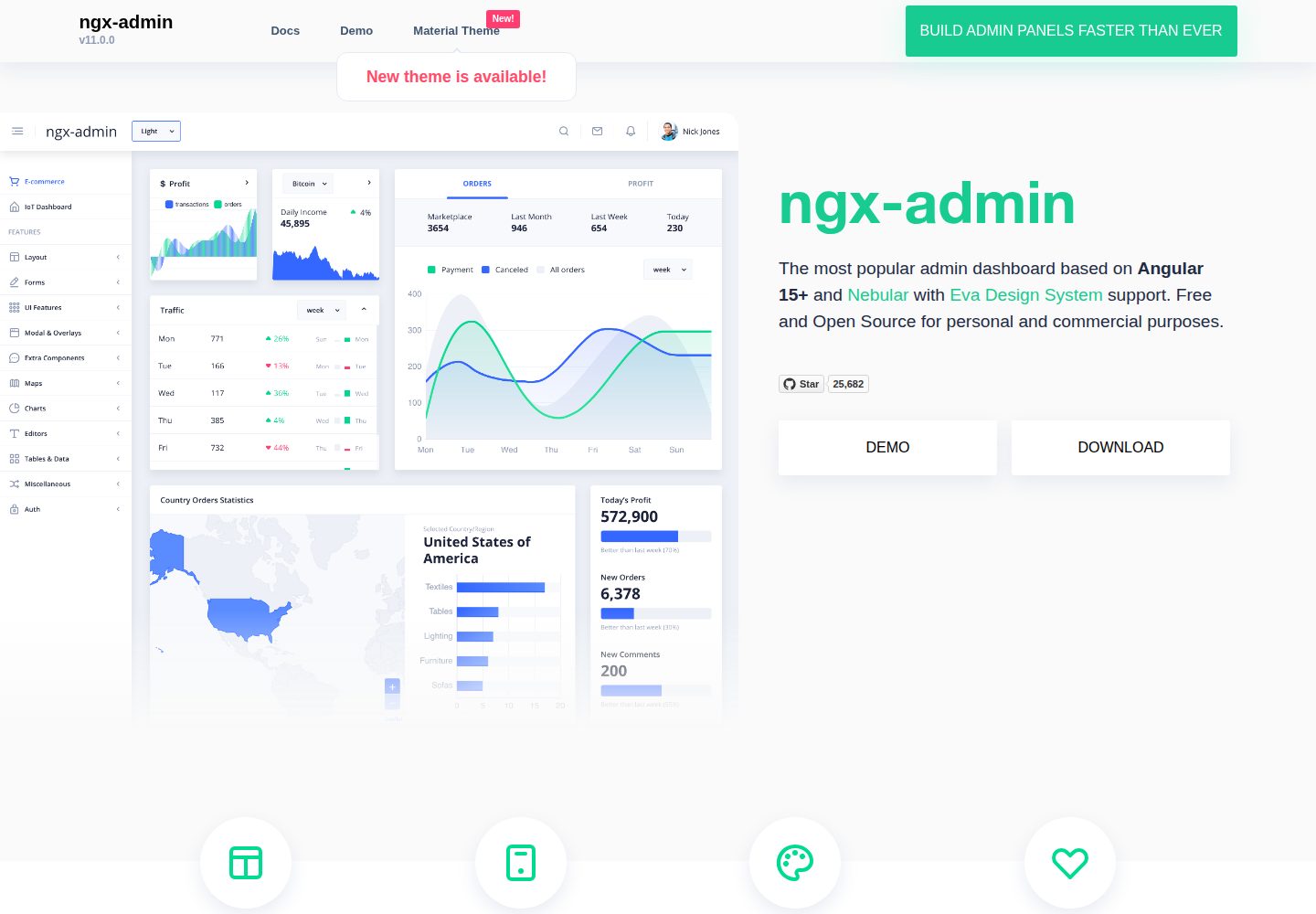
ngx-admin is an Angular admin dashboard template maintained by Akveo, built on the Nebular component library and released under the MIT license.
Angular · Admin dashboard
material-angular-dashboard
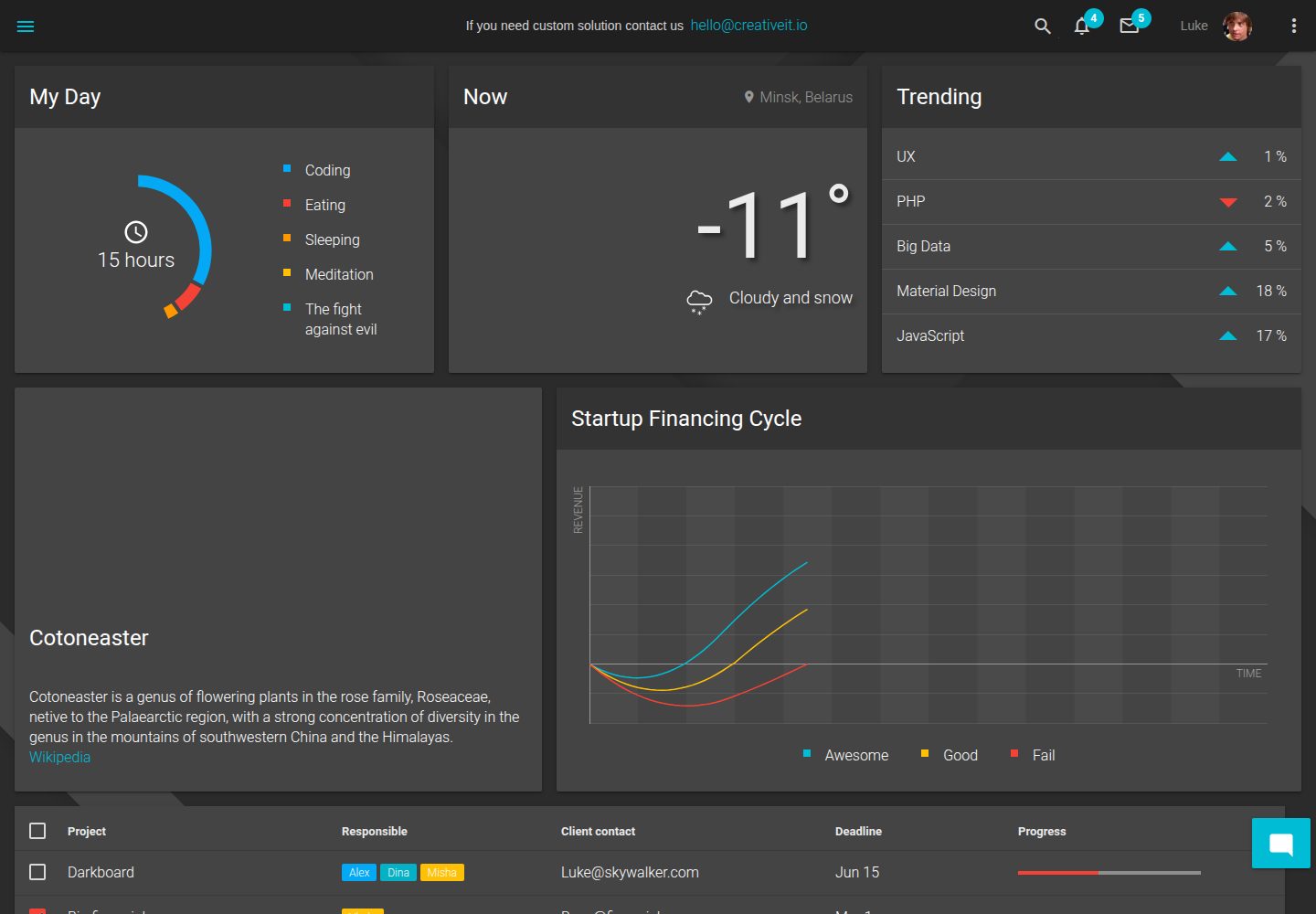
A dark-themed Angular admin template following Google Material Design, with dashboard pages, D3/NVD3 charts, ag-Grid tables, and a Sass/BEM theme. Released under the MIT license, it offers starter-kit, feature/backend, and feature/serverless branches.
Angular · Admin dashboard
ng-devui-admin
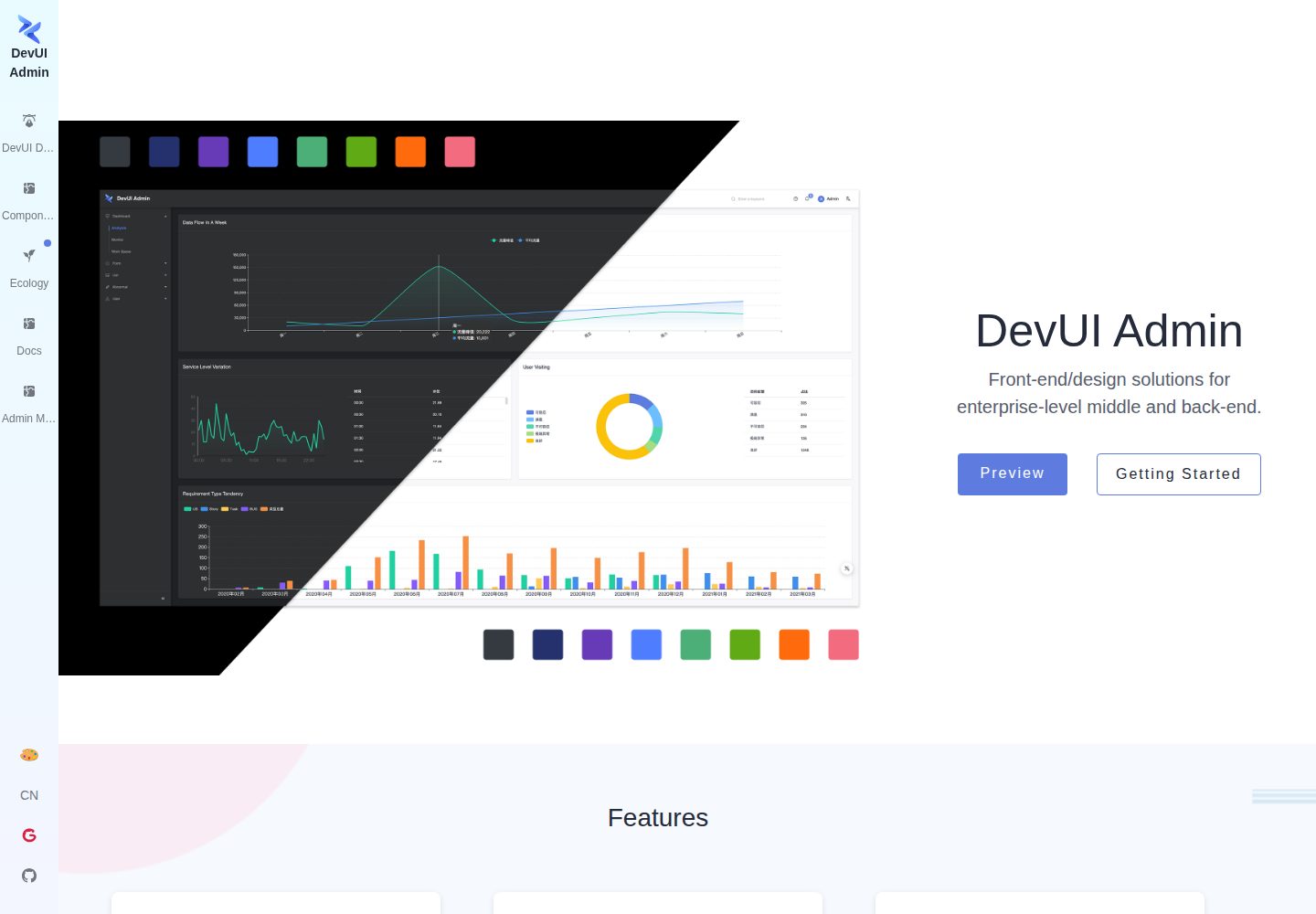
A customizable mid-to-back-office admin template built with Angular and DevUI, featuring configurable layouts, multi-theme switching, internationalization, and local mock data debugging.
Angular · Admin dashboard
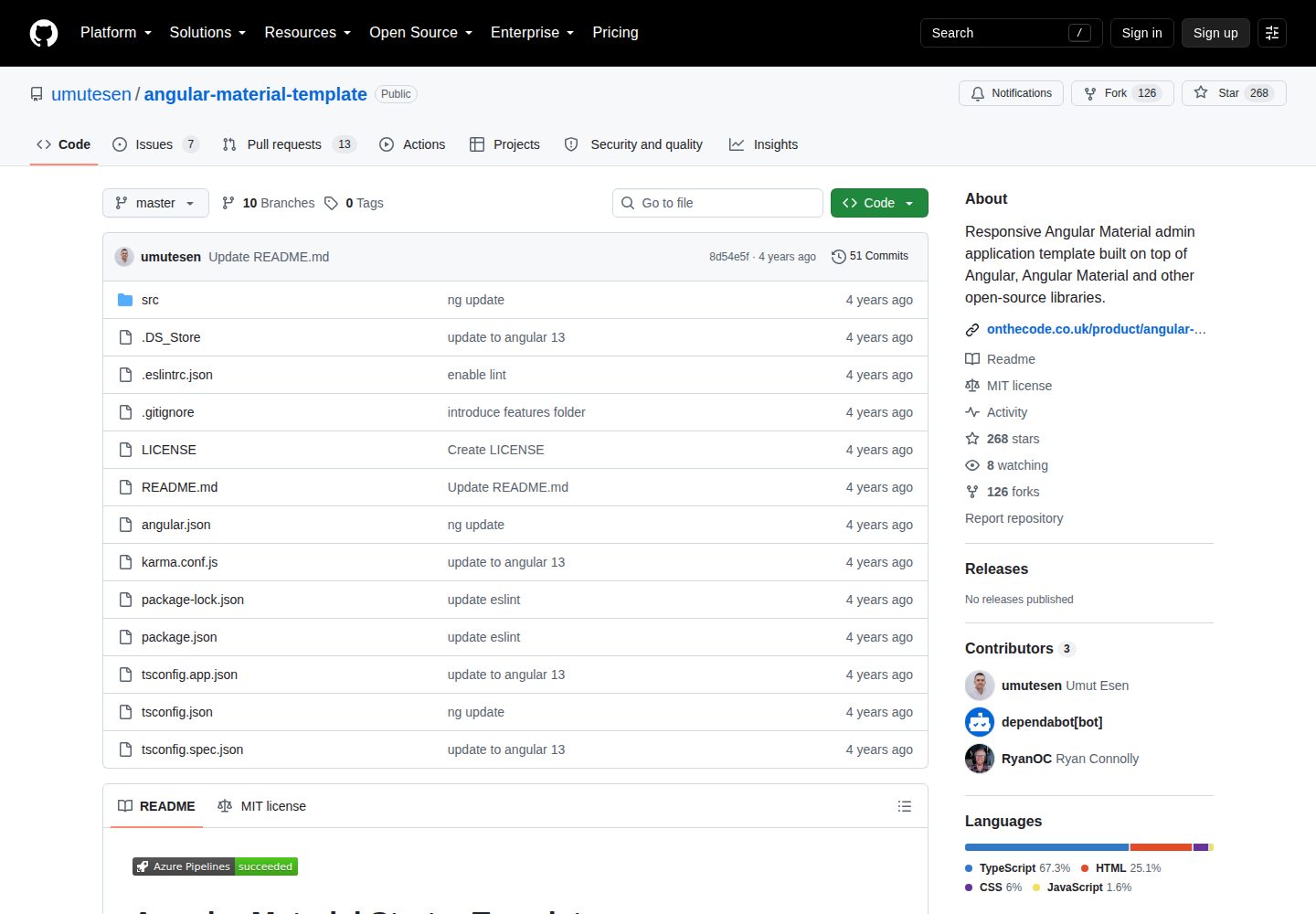
angular-material-template
A responsive Angular Material admin template with authentication, sidebar dashboard, account area, role guards, JWT interceptor, and lazy-loaded modules, under the MIT license.
Angular · Admin dashboard
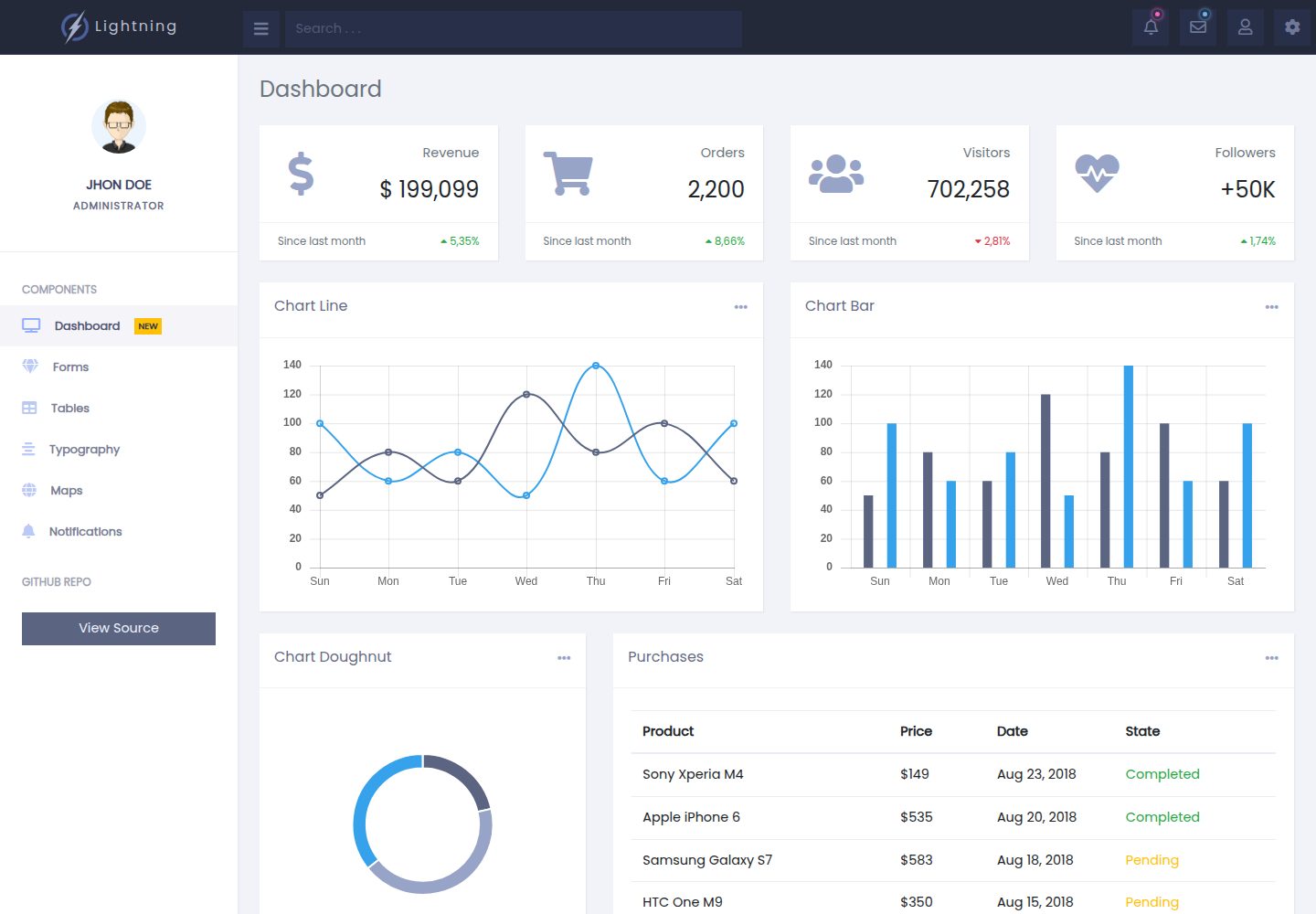
lightning-admin-angular
A mobile-first responsive admin template built with Angular and Bootstrap, offering data interface layouts such as dashboards.
Angular · Admin dashboard
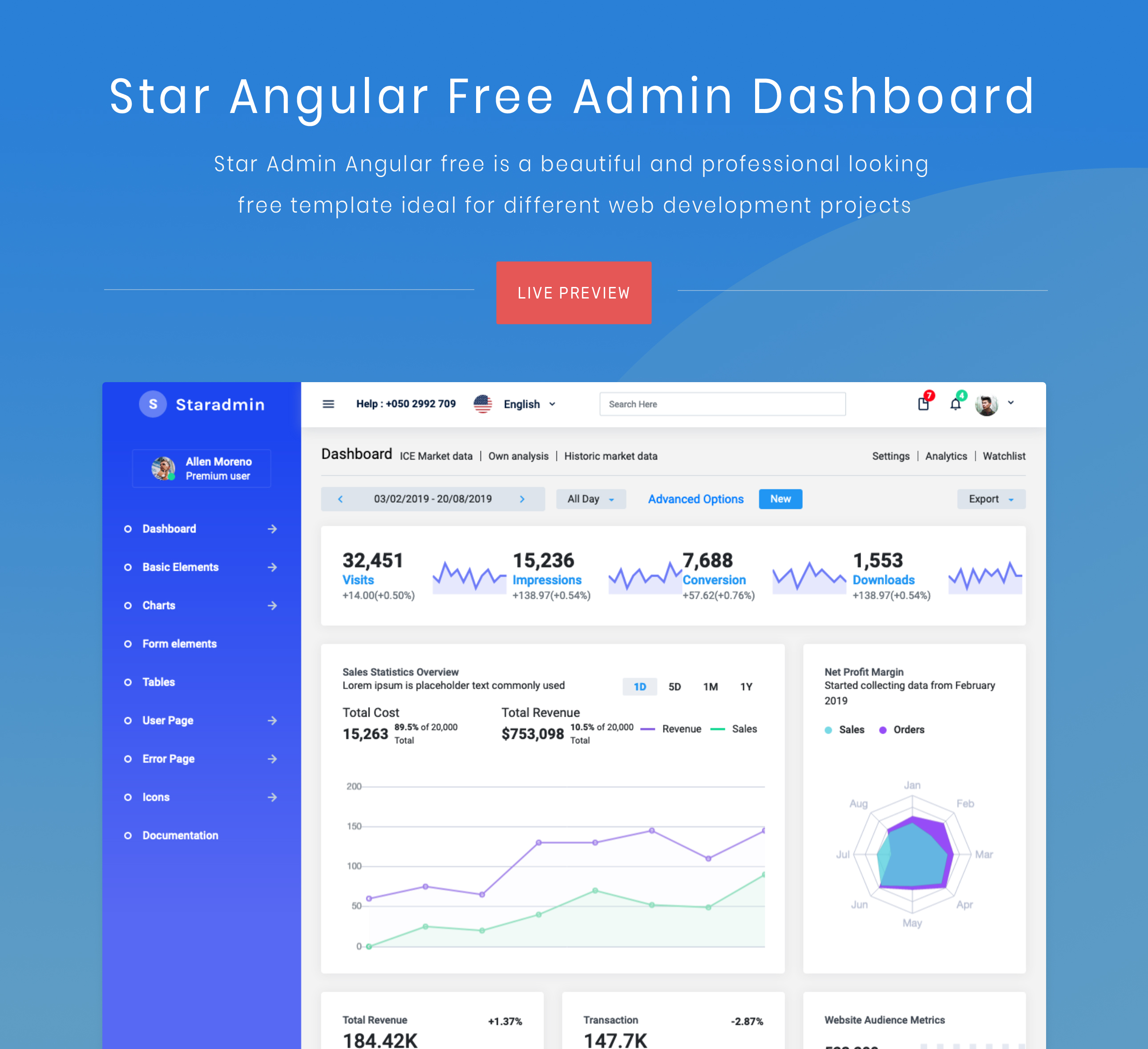
StarAdmin-Free-Angular-Admin-Template
A free admin template based on Angular 7 and Bootstrap 4, maintained by BootstrapDash.
Angular · Admin dashboard