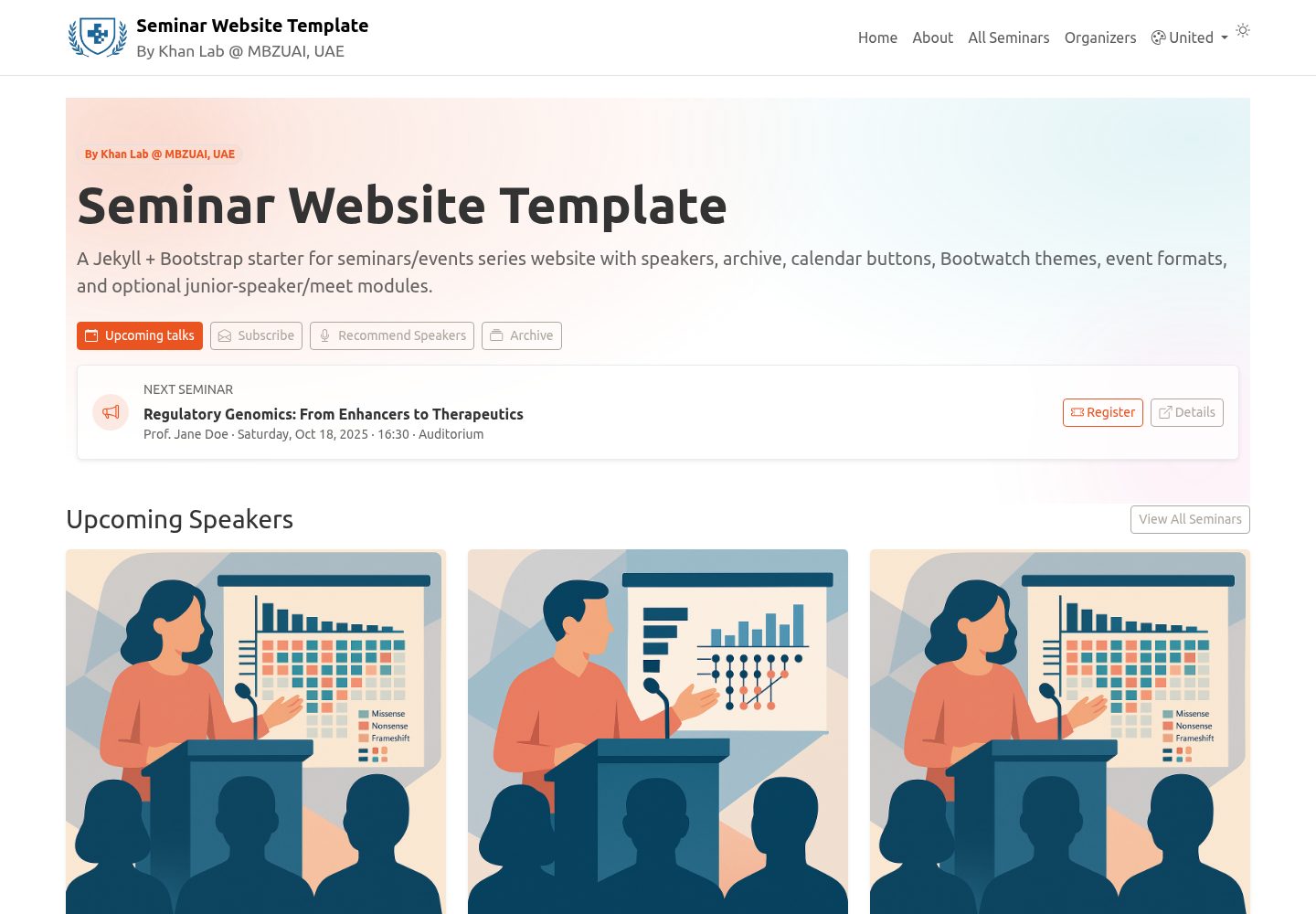
Event data is maintained centrally in _data/speakers.yml, and a Python generator automatically creates events/<id>.md pages
JekyllHTMLStarter
seminar-website-template — Jekyll Starter Template
By khan-lab
A Jekyll and Bootstrap template for academic seminar series websites. Event data is managed through _data/speakers.yml, and it includes upcoming talks on the homepage, searchable archives, add-to-calendar buttons, an organizers page, and a Docker development environment.
Explore the design
Compare the page layouts and mobile experience. Open any screenshot for a closer look.
Desktop homepage1 / 3
Desktop captureTop of page
Actual screenshot captured by the server browser.
All pages & views 3
Screenshots show visual appearance; interactive behavior may differ.
Recorded 2026-10-15View source
What stands out
A quick read of the recorded project description.
The homepage displays upcoming talks, and the archive page supports live search, dynamic year filtering, and pagination at 10 items per page
Event pages can include title, date and time, venue, abstract, speaker bio, and photo, and support online, in-person, and hybrid formats
Optional Meet the Speaker and Junior Speaker modules are provided, along with a registration button and Add-to-Calendar buttons (Google, Outlook Web, generic .ics)
Bootswatch themes are configured through _config.yml, with an optional navbar theme switcher
Includes a Docker development environment, started with docker compose up --build on local port 4000
Template Details
This template is intended for academic seminar series websites. It is built with Jekyll and styled with Bootstrap. The README explains its data-driven approach: all event information is centralized in _data/speakers.yml, and a Python generator automatically creates events/<id>.md pages from it. The homepage displays upcoming speakers. The archive page provides live search, dynamic filtering by year, and pagination at 10 items per page. Event pages can include title, date and time, venue, abstract, speaker bio, and photo, and support online, in-person, and hybrid formats with remote join links and passwords. The template also provides a Meet the Speaker module (Doodle/Calendly links and instructions), a Junior Speaker module, a registration button (shown when registration or rsvp is provided), Add-to-Calendar buttons (Google, Outlook Web, generic .ics), an organizers page (_data/organizers.yml), Bootswatch theme switching, SEO, and simple analytics inclusion. The development environment is started with Docker Compose, and the README recommends using docker compose up --build to preview locally on port 4000. To deploy to GitHub Pages, push the main branch and then select GitHub Actions or branch deployment in the repository Settings → Pages. The README does not state the template's production readiness, performance, or integration capabilities beyond those described above.
JekyllHTMLStarter
Is it right for your project?
Use Cases
- University departments or research labs building an academic seminar series website to centrally manage speakers and event information
- Needing to generate a separate page for each seminar and display the abstract, speaker bio, photo, and remote attendance options
- Wanting visitors to filter and search past events by year and add events to Google, Outlook, or .ics calendars
- Needing to display seminar organizer information and optionally offer a Meet the Speaker or Junior Speaker segment
Suitable For
- Academic teams using a Jekyll and Bootstrap stack who want to maintain event content through YAML data files
- Organizers who need archive search, calendar integration, and speaker display pages for a seminar series
- Users familiar with the GitHub Pages deployment process and willing to develop with Docker or a local Jekyll environment
Getting started & customization
Use these recorded setup notes alongside the repository instructions for your chosen version.
- 1
Click Use this template to create your own repository, then edit _data/speakers.yml to add or modify event entries
- 2
For local running, Docker is recommended: docker compose up --build, then visit http://localhost:4000
- 3
To deploy to GitHub Pages, push the main branch and select GitHub Actions or deploy from a branch in the repository Settings → Pages
- 4
Event ids must be unique; if missing, the generator creates a slug from the title and can optionally write it back
- 5
Set the default timezone in _config.yml under ilm.timezone and keep times consistent
License & source material
Usage conditions & limitations
Free to use · keep license noticeThis entry covers the free version in a public repository under the MIT license; the free scope is the code of that version and does not mean external services or third-party assets are free.
Must comply with when using
- Free use, modification, commercial use, and distribution of this version's code are permitted.
- When distributing copies or substantial portions of the code, retain the original author's copyright notice and the full MIT license notice.
- The code is provided as is; warranties and limitations of liability are governed by the original license and applicable law.
Additional costs & items to verify
- Demo images, fonts, icons, and other third-party assets must be checked under their respective licenses and cannot be judged solely by the code's MIT license.
- External services such as domains, hosting, databases, payments, or AI may incur separate charges.
- Remote/hybrid events can be configured with the Zoom platform, and you must provide the Zoom meeting link, meeting ID, and password yourself.
- The Meet the Speaker module uses external booking links such as Doodle/Calendly, and you must prepare and maintain that external service yourself.
- The registration button depends on an external registration link, and you must provide the registration page URL yourself.
- Bootstrap and Bootswatch CSS are loaded via CDN links, and site operation depends on external CDN availability.
View Original Text Basis
Permission is hereby granted, free of charge
Original License Text
platform: "Zoom"
Original README
meet_url: "https://doodle.com/…" # optional (Meet the Speaker)
Original README
registration: "https://example.com/register" # optional
Original README
https://github.com/khan-lab/seminar-website-template/blob/main/LICENSEhttps://github.com/khan-lab/seminar-website-template/blob/main/README.mdversion: "5.3.7" # used for both Bootstrap and Bootswatch CDN links
Original README
Compiled by DeepSeek based on repository license and README ·2026-10-15. Results only cover the materials read; dependencies, images, fonts, and subsequent term changes are subject to their respective original texts.
Project checks & description sources
Template Information
- Source platforms
- GitHub
- Documentation and maintenance reference score
- More documented · 79 / 100
- Technologies
- Jekyll · HTML
- Website type
- Starter
How this score is calculated
Our heuristic uses license records (up to 30), a demo link (12), a preview (10), stars (15), recorded maintenance (15), description completeness (8), feature records (5) and classification data (5). It is not a code, security or performance test, or a Google score. A link does not establish tested functionality.
What to verify for this project
- Repository update recorded
- 2025-09-02
- Screenshot last checked
- 2026-10-15
A demo link is listed. Check it with your own content and viewport sizes; its presence does not confirm that forms, authentication or payments work.
The catalog identifies Jekyll as the primary stack. Check the actual dependency manifest and lockfile for versions and hosting requirements. These notes use recorded metadata, not a code audit or a deployment test.
Use a selection guide →How this description was prepared
AI-assisted description based on catalog records and repository material. Repository authors are not automatically the reviewers of this description.
Review declaration: codex-user-requested-batch-review-20261017 · 2026-10-16
Inspect the recorded source material
SHA-256: 85374388188d3e83b7fa8c6af9b87aef519c97f5bbad62a135e89db5b909f1cf
2026-10-15T11:06:21.542Z
Source file / repository# Seminar Website Template (Jekyll + Bootstrap)
[](https://github.com/khan-lab/seminar-website-template/generate)
[](#license)
A ready-to-use template for academic **seminar series** websites. Built with **Jekyll** and **Bootstrap**, it includes upcoming speakers on the home page, a searchable **archive**, **Add-to-Calendar** buttons (Google, universal `.ics`), optional **Meet the Speaker** and **Junior Speaker** sections, circular speaker photos, **Bootswatch** theming, and a **Docker** dev environment.
**Repo:** https://github.com/khan-lab/seminar-website-template/
**Live demo:** https://khan-lab.github.io/seminar-website-template/
---

## Features
<ul class="list-unstyled lh-lg my-3">
<li><i class="fa-solid fa-database me-2" style="color:#6f42c1;"></i>Data-driven events from <code>_data/speakers.yml</code> (single source of truth)</li>
<li><i class="fa-brands fa-python me-2" style="color:#3776AB;"></i>Python generator auto-creates <code>events/<id>.md</code> (runs via <code>start.sh</code>)</li>
<li><i class="fa-solid fa-file-lines me-2" style="color:#0d6efd;"></i>Rich event pages: title, date/time, venue, abstract, speaker bio + photo</li>
<li><i class="fa-solid fa-calendar-check me-2" style="color:#20c997;"></i><strong>Meet the Speaker</strong> module (Doodle/Calendly link + description)</li>
<li><i class="fa-solid fa-user-graduate me-2" style="color:#fd7e14;"></i><strong>Junior Speaker</strong> module (name, affiliation, blurb, optional photo/url)</li>
<li><i class="fa-solid fa-ticket me-2" style="color:#198754;"></i>Register button (shows when <code>registration</code>/<code>rsvp</code> is provided)</li>
<li><i class="fa-solid fa-calendar-plus me-2" style="color:#0d6efd;"></i>Add-to-Calendar buttons (Google, Outlook Web, universal <code>.ics</code>)</li>
<li><i class="fa-solid fa-globe me-2" style="color:#0dcaf0;"></i>Event formats: in-person / remote / hybrid with join link & passcode</li>
<li><i class="fa-solid fa-table me-2" style="color:#6c757d;"></i>Archive table with live search, dynamic year filter, and pagination (10/page)</li>
<li><i class="fa-solid fa-users me-2" style="color:#0dcaf0;"></i>Organizers page powered by <code>_data/organizers.yml</code></li>
<li><i class="fa-solid fa-palette me-2" style="color:#d63384;"></i>Bootswatch theming via <code>_config.yml</code> + optional navbar theme switcher</li>
<li><i class="fa-solid fa-chart-line me-2" style="color:#198754;"></i>SEO via <code>{% raw %}{% seo %}{% endraw %}</code> and simple analytics include</li>
<li><i class="fa-solid fa-wand-magic-sparkles me-2" style="color:#ffc107;"></i>Sticky footer, compact buttons, circular speaker avatars</li>
<li><i class="fa-brands fa-docker me-2" style="color:#2496ED;"></i>Docker dev environment (<code>docker compose up --build</code>) for effency and more ...</li>
</ul>
---
## Quick start
### 1) Create your site from this template
- Click **Use this template** (button above) → create your repository.
### 2) Edit your seminar data
- Open `_data/speakers.yml`
- Add/edit entries (see **Data schema** below)
### 3) Run locally (Docker, recommended)
```bash
docker compose up --build # serves http://localhost:4000
```
This uses a robust setup where Ruby gems are stored in a Docker volume and won’t be masked by your bind mount.
### 4) Deploy to GitHub Pages
1. Push to `main`
2. In your repo: **Settings → Pages**
- **Build and deployment → Source:** GitHub Actions _(recommended)_ or **Deploy from branch**
3. Your site will appear at
`https://khan-lab.github.io/seminar-website-template/`
---
## Data schema (`_data/speakers.yml`)
```yaml
- id: my-unique-id
title: "Talk title"
abstract: "Summary…"
date: 2025-10-23 16:30:00 +04:00
duration_min: 60
venue: "Auditorium A"
format: "hybrid" # in_person | remote | hybrid (optional)
remote: # optional; used for remote/hybrid
platform: "Zoom"
url: "https://example.zoom.us/j/123"
meeting_id: "123 456 789"
passcode: "ILM2025"
instructions: "SSO required."
registration: "https://example.com/register" # optional
meet_url: "https://doodle.com/…" # optional (Meet the Speaker)
meet_desc: "Sign up for 1:1s." # optional
speaker:
name: "Full Name"
affiliation: "Department / University"
photo: "/assets/img/speaker.jpg" # or a full URL
bio: "Short bio…"
junior: # optional
name: "Junior Name"
affiliation: "Affiliation"
blurb: "One-sentence blurb."
photo: "/assets/img/junior.jpg" # optional
url: "https://example.com/profile" # optional
```
- **`id`** must be unique; if missing, the generator will slugify the title and assign it (and optionally write back).
- Use a **consistent timezone** (set default in `_config.yml → ilm.timezone`).
---
## Organizers data (`_data/organizers.yml`)
You can list the seminar series organizers in `_data/organizers.yml` to create a dedicated page.
```yaml
- name: "Organizer Name"
title: "Position / Role"
affiliation: "Department / University"
role: "Organizer role"
photo: "/assets/img/organizer.jpg" # or a full URL
url: "https://example.com/profile" # optional
orcid: "0000-0001-2345-6789" # optional
```
## Bootswatch configuration (and optional switcher)
`_config.yml`:
```yaml
bootswatch:
enabled_switcher: true # or false to hide the selector entirely
theme: "" # "" or "default" -> plain Bootstrap; or set a Bootswatch name e.g. "flatly"
version: "5.3.7" # used for both Bootstrap and Bootswatch CDN links
```
- The **head include** loads the correct CSS based on the config (and saved choice if the switcher is enabled).
- Add `{% raw %}{% include theme_switcher.html %}{% endraw %}` inside your navbar to show the dropdown when enabled.
---
## Local development
```bash
docker compose up --build
# open http://localhost:4000
```
- Gems are installed to a named volume so they persist across runs.
- `start.sh`: ensures gems, runs the event generator, then builds & serves with live reload.
---
## Contributing
Issues and PRs are always welcome!
---
Explore similar templates
Compare previews and descriptions within the same stack and category.
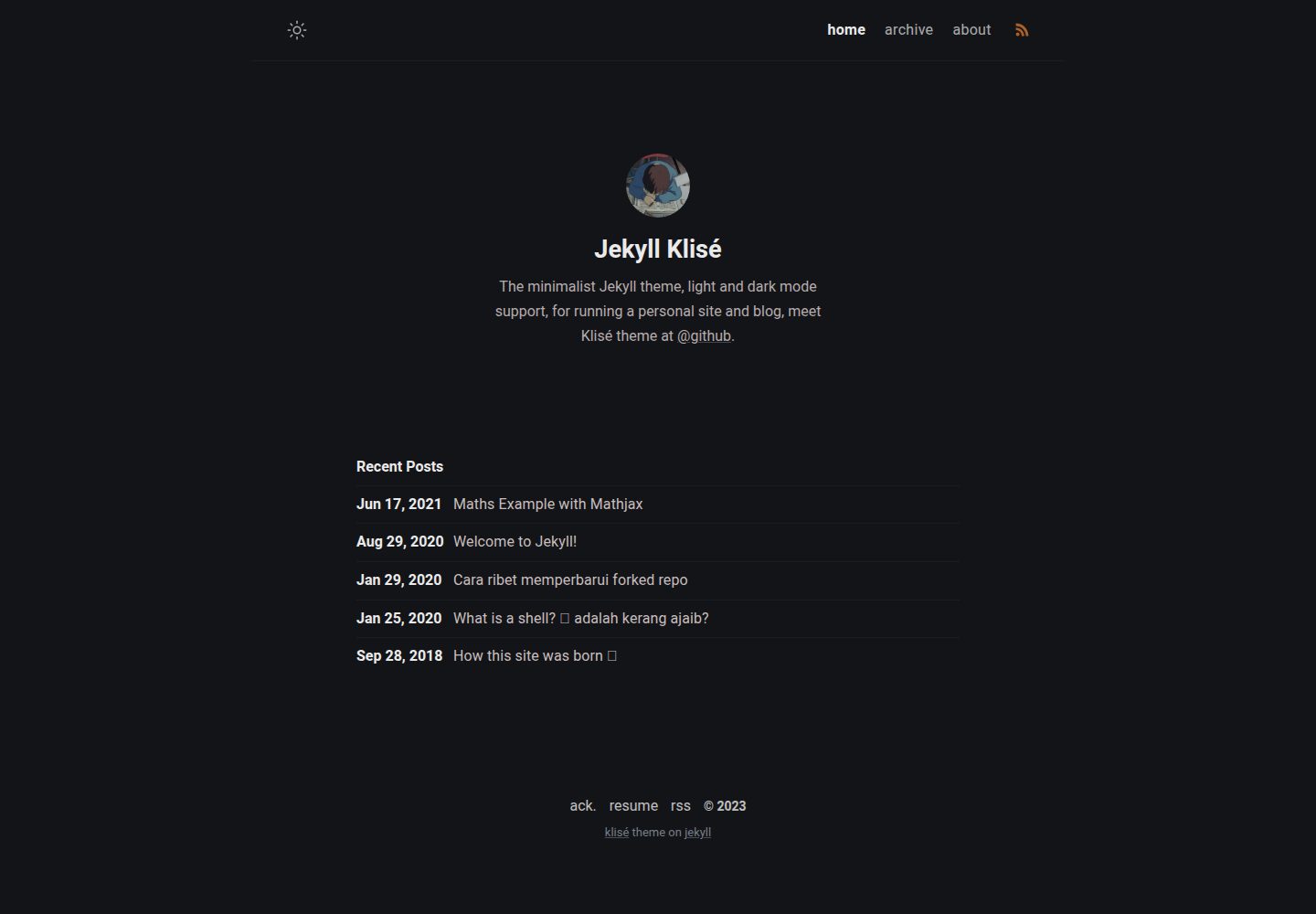
jekyll-klise
Klisé is a minimalist Jekyll theme for personal sites and blogs, with light and dark modes, a mobile-first responsive layout, and .scss-based styling.
Jekyll · Blog
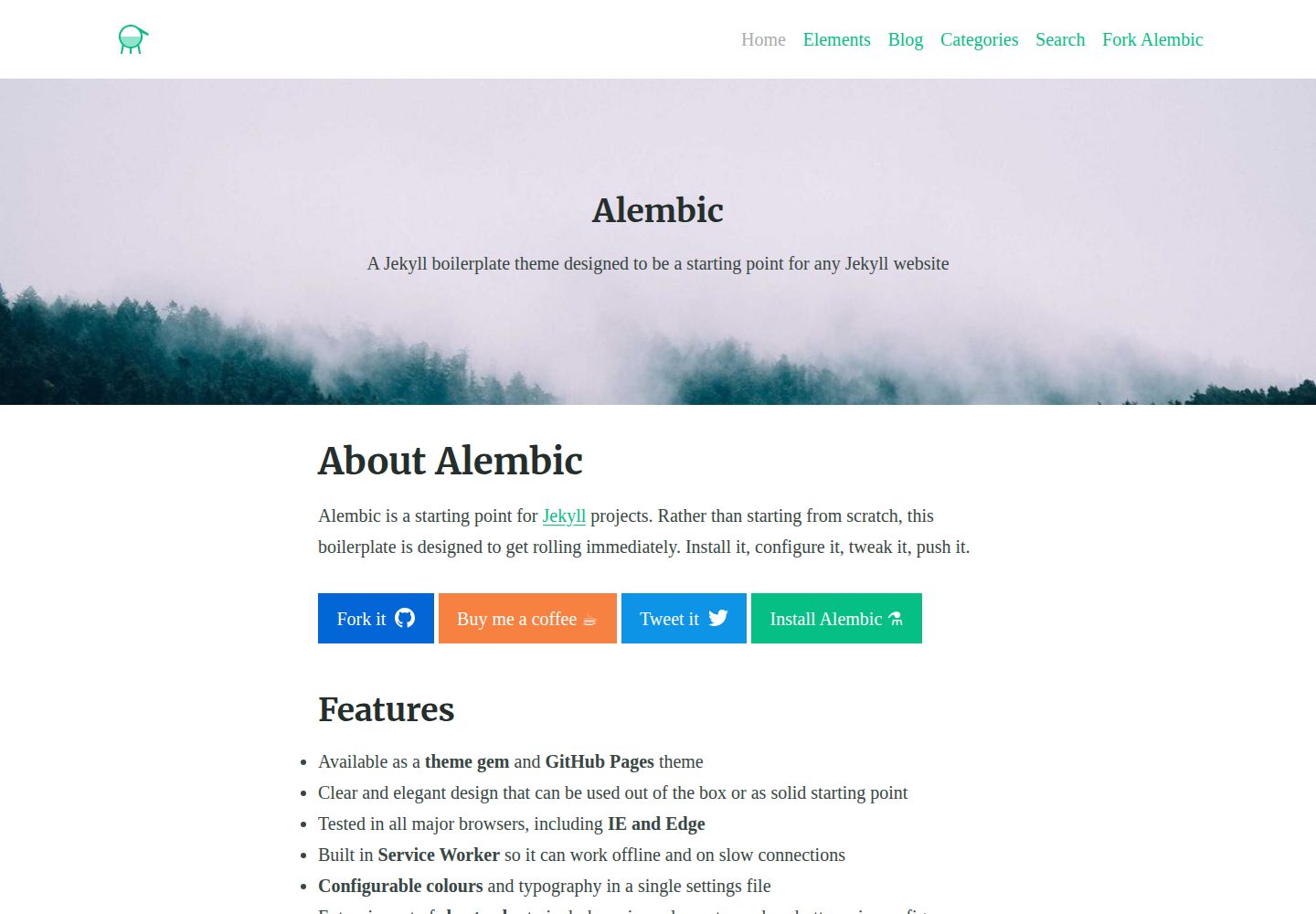
alembic
Alembic is an MIT-licensed Jekyll starter theme for quickly setting up a Jekyll site. It can be installed as a theme gem or a GitHub Pages remote theme, with centralized configuration via _config.yml for navigation, colors, fonts, language, and site information.
Jekyll · Starter
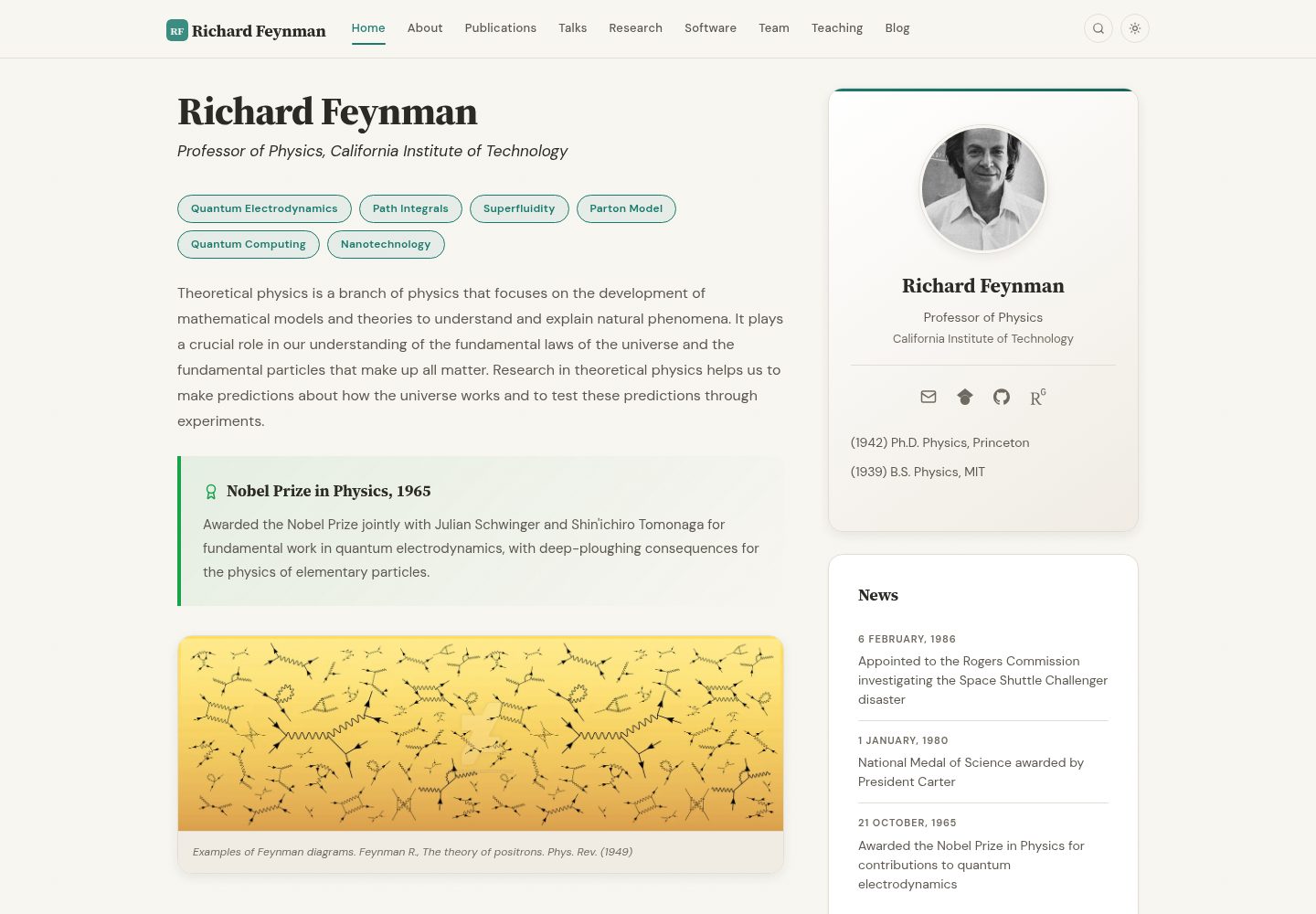
academic-website-template
A Jekyll static site template for academics and research groups, providing homepage, bio, and publication list pages. Content is maintained via configuration and data files, with a GitHub Actions workflow for deployment to GitHub Pages.
Jekyll · Starter
jekyll-course-website-template
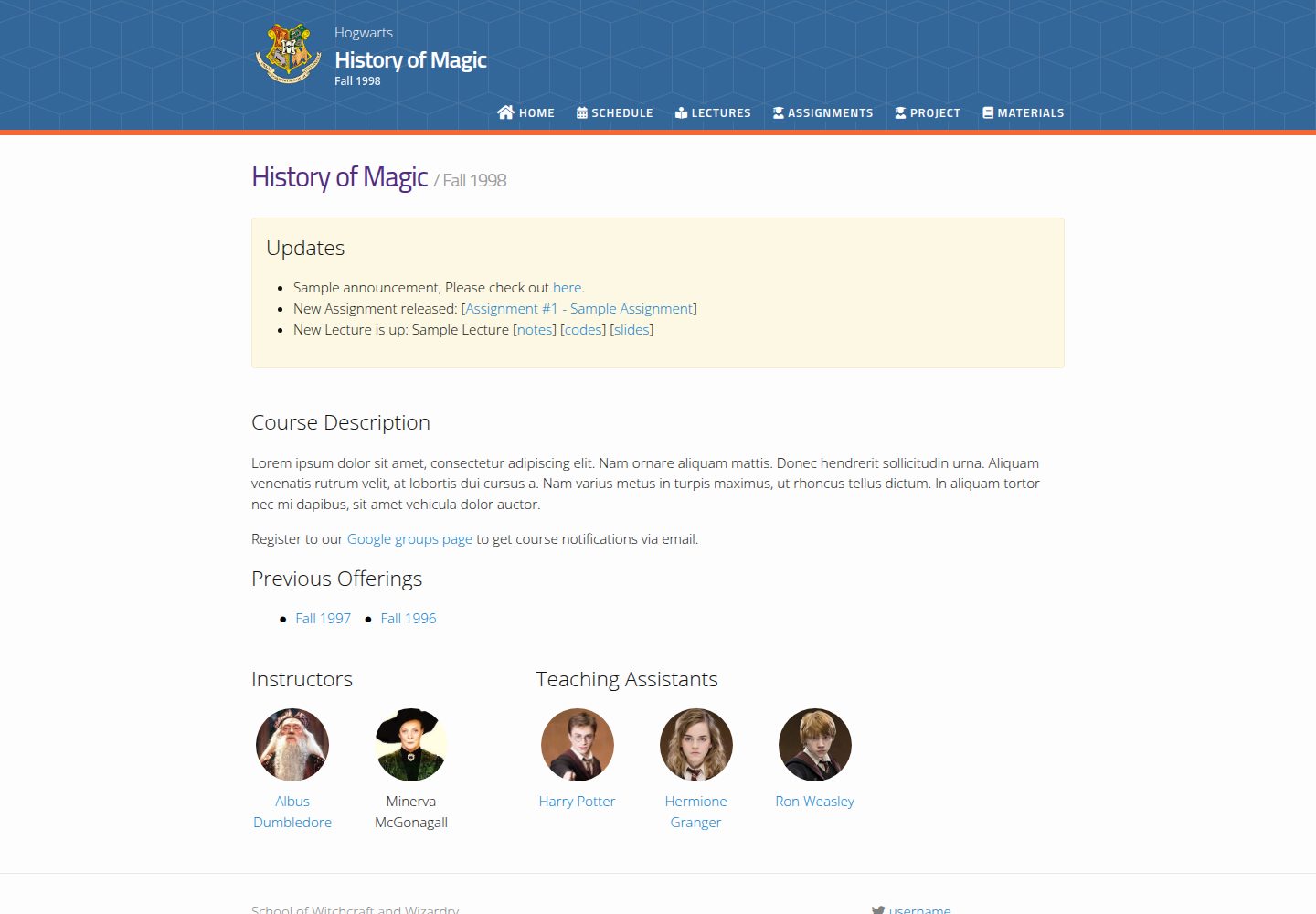
A Jekyll-based academic course website template with separate pages for lectures, assignments, schedule, course materials, and announcements, plus auto-generated schedule and updates sections. It is configured through _config.yml, _data/people.yml, and _sass/_user_vars.scss, and content is organized as Markdown with YAML front matter.
Jekyll · Starter

agency-jekyll-theme-starter
A Jekyll-based Agency theme starter template for GitHub Pages. Generate a repository via the template button, replace the sample content, and configure baseurl or a custom domain.
Jekyll · Corporate Website
research-lab-website
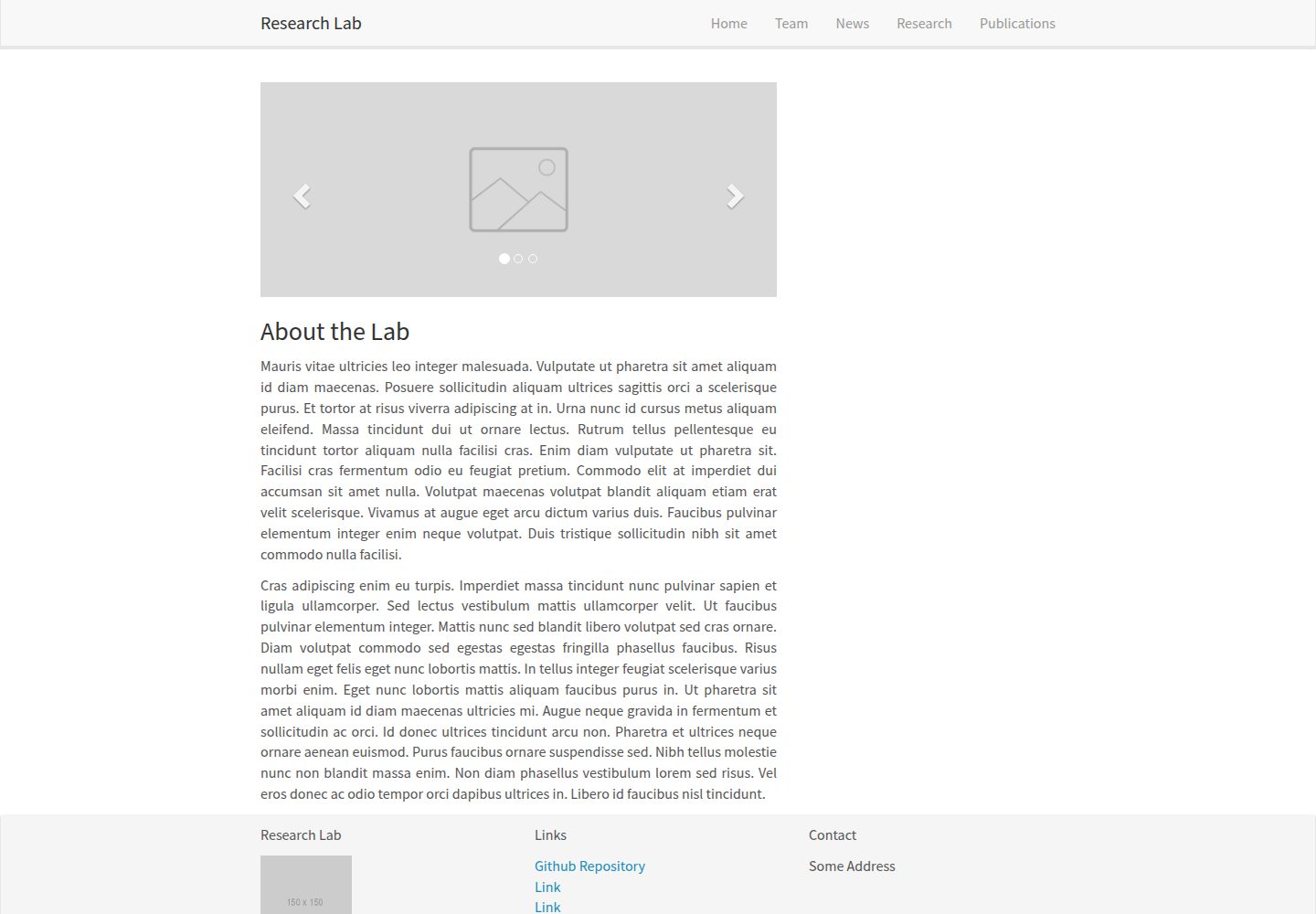
A Jekyll-based research lab website template derived from the Allan Lab template at Leiden University.
Jekyll · Starter