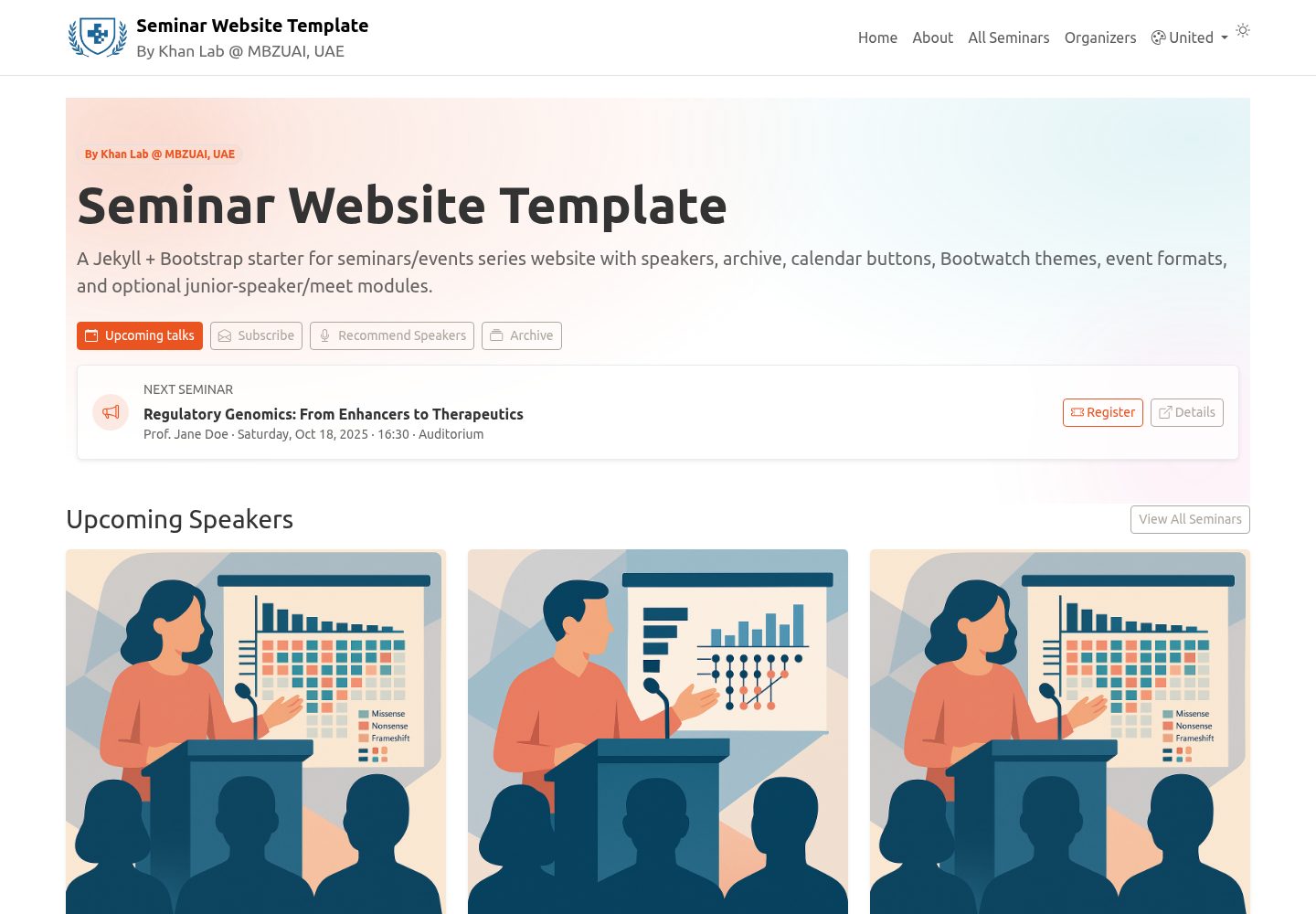
活动数据集中维护在 _data/speakers.yml,并由 Python 生成器自动创建 events/<id>.md 页面
JekyllHTML启动器
seminar-website-template — Jekyll 启动器模板
作者 khan-lab
基于 Jekyll 与 Bootstrap 的学术研讨会系列网站模板,通过 _data/speakers.yml 管理活动数据,包含首页即将举行的演讲、可搜索归档、日历添加按钮、组织者页面与 Docker 开发环境。
看看你的网站会是什么样
浏览真实页面截图,比较内容排版与手机效果。点击下方缩略图切换,放大查看整页细节。
全部页面与视图 3
截图用于了解视觉与布局,交互效果请以实际项目为准。
采集于 2026-10-15查看来源
值得关注的模板亮点
从已有项目资料中,快速了解它的特点。
首页展示即将举行的演讲,归档页支持实时搜索、动态年份筛选与每页 10 条的分页
活动页面可包含标题、日期时间、场地、摘要、演讲者简介与照片,并支持线上、线下、混合三种形式
提供 Meet the Speaker 与 Junior Speaker 可选模块,以及注册按钮和 Add-to-Calendar 按钮(Google、Outlook Web、通用 .ics)
通过 _config.yml 配置 Bootswatch 主题,并可选启用导航栏主题切换器
包含 Docker 开发环境,使用 docker compose up --build 在本地 4000 端口启动
模板详细介绍
该模板面向学术 seminar series 网站,使用 Jekyll 构建、Bootstrap 提供样式,README 说明其数据驱动方式:所有活动信息集中在 _data/speakers.yml,Python 生成器会据此自动创建 events/<id>.md 页面。首页展示即将举行的演讲者,归档页提供实时搜索、按年份动态筛选与每页 10 条的分页。活动页面可包含标题、日期时间、场地、摘要、演讲者简介与照片,并支持线上/线下/混合三种形式及远程加入链接和密码。模板还提供 Meet the Speaker 模块(Doodle/Calendly 链接与说明)、Junior Speaker 模块、注册按钮(当提供 registration 或 rsvp 时显示)、Add-to-Calendar 按钮(Google、Outlook Web、通用 .ics)、组织者页面(_data/organizers.yml)、Bootswatch 主题切换、SEO 与简单分析引入。开发环境通过 Docker Compose 启动,README 建议使用 docker compose up --build 在本地 4000 端口预览。部署到 GitHub Pages 的步骤为推送 main 分支后在仓库 Settings → Pages 中选择 GitHub Actions 或分支部署。README 未说明模板的生产就绪程度、性能表现或除上述之外的集成能力。
JekyllHTML启动器
适合你的项目吗?
适用场景
- 高校院系或研究实验室搭建学术研讨会系列网站,集中管理演讲者与活动信息
- 需要为每场研讨会生成独立页面,并展示摘要、演讲者简介、照片与远程参会方式
- 希望访客能按年份筛选和搜索历史活动,并将活动添加到 Google、Outlook 或 .ics 日历
- 需要展示研讨会组织者信息,并可选提供 Meet the Speaker 或 Junior Speaker 环节
适合人群
- 使用 Jekyll 和 Bootstrap 技术栈、希望通过 YAML 数据文件维护活动内容的学术团队
- 需要为研讨会系列提供归档搜索、日历集成和演讲者展示页面的组织者
- 熟悉 GitHub Pages 部署流程,并愿意使用 Docker 或本地 Jekyll 环境进行开发的用户
上手与定制指南
结合仓库当前版本的说明,按下面的资料检查内容、配置与运行要求。
- 1
点击 Use this template 创建自己的仓库,然后编辑 _data/speakers.yml 添加或修改活动条目
- 2
本地运行推荐使用 Docker:docker compose up --build,访问 http://localhost:4000
- 3
部署到 GitHub Pages 需推送 main 分支,并在仓库 Settings → Pages 中选择 GitHub Actions 或从分支部署
- 4
活动 id 必须唯一;若缺失,生成器会根据标题生成 slug 并可选写回
- 5
在 _config.yml 的 ilm.timezone 中设置默认时区,并保持时间一致
授权与来源资料
使用条件与限制
免费使用 · 保留许可声明本次收录的是公开仓库中采用 MIT 许可的免费版本;免费范围为该版本代码,不代表外部服务或第三方素材免费。
使用时需要遵守
- 允许免费使用、修改、商用和分发该版本代码。
- 分发代码副本或实质性部分时,保留原作者版权声明和完整 MIT 许可声明。
- 代码按现状提供;担保与责任限制以原许可证及适用法律为准。
额外费用与待核对事项
- 演示图片、字体、图标及其他第三方素材需按各自许可核对,不能仅凭代码的 MIT 许可判断。
- 域名、托管、数据库、支付或 AI 等外部服务可能另外收费。
- 远程/混合活动可配置 Zoom 平台,需自行提供 Zoom 会议链接、会议 ID 与密码。
- Meet the Speaker 模块使用 Doodle/Calendly 等外部预约链接,需自行准备并维护该外部服务。
- 注册按钮依赖外部 registration 链接,需自行提供注册页面地址。
- Bootstrap 与 Bootswatch 的 CSS 通过 CDN 链接加载,站点运行依赖外部 CDN 可用性。
查看原文依据
Permission is hereby granted, free of charge
许可证原文
platform: "Zoom"
README 原文
meet_url: "https://doodle.com/…" # optional (Meet the Speaker)
README 原文
registration: "https://example.com/register" # optional
README 原文
https://github.com/khan-lab/seminar-website-template/blob/main/LICENSEhttps://github.com/khan-lab/seminar-website-template/blob/main/README.mdversion: "5.3.7" # used for both Bootstrap and Bootswatch CDN links
README 原文
DeepSeek 根据仓库许可证和 README 整理 ·2026-10-15。结果仅覆盖已读取资料,依赖、图片、字体及后续条款变更以各自原文为准。
项目核对记录与介绍依据
模板资料
- 来源平台
- GitHub
- 资料与维护参考分
- 资料较完整 · 79 / 100
- 技术栈
- Jekyll · HTML
- 网站类型
- 启动器
这个分数如何计算
本站按许可资料(最高30分)、演示链接(12分)、预览图(10分)、Star数(15分)、记录的维护时间(15分)、描述完整度(8分)、功能记录(5分)和分类资料(5分)计算。它不是代码、安全或性能测试,也不是 Google 评分;有链接不代表已实测可用。
这个项目需要核对什么
- 记录的仓库更新时间
- 2025-09-02
- 截图检查日期
- 2026-10-15
已收录演示链接。请用你的内容与屏幕尺寸检查;有演示不代表表单、认证或支付已经可用。
目录记录的主要技术栈是 Jekyll。请通过依赖清单和锁文件核对实际版本与托管要求。这些说明基于收录资料,不代表代码审计或部署实测。
查看具体选型方法 →介绍的制作与核对状态
介绍由 AI 辅助整理目录与仓库资料。仓库作者不等于这篇介绍的审核者。
审核声明: codex-user-requested-batch-review-20261017 · 2026-10-16
查看当时使用的来源资料
SHA-256: 85374388188d3e83b7fa8c6af9b87aef519c97f5bbad62a135e89db5b909f1cf
2026-10-15T11:06:21.542Z
来源文件 / 仓库# Seminar Website Template (Jekyll + Bootstrap)
[](https://github.com/khan-lab/seminar-website-template/generate)
[](#license)
A ready-to-use template for academic **seminar series** websites. Built with **Jekyll** and **Bootstrap**, it includes upcoming speakers on the home page, a searchable **archive**, **Add-to-Calendar** buttons (Google, universal `.ics`), optional **Meet the Speaker** and **Junior Speaker** sections, circular speaker photos, **Bootswatch** theming, and a **Docker** dev environment.
**Repo:** https://github.com/khan-lab/seminar-website-template/
**Live demo:** https://khan-lab.github.io/seminar-website-template/
---

## Features
<ul class="list-unstyled lh-lg my-3">
<li><i class="fa-solid fa-database me-2" style="color:#6f42c1;"></i>Data-driven events from <code>_data/speakers.yml</code> (single source of truth)</li>
<li><i class="fa-brands fa-python me-2" style="color:#3776AB;"></i>Python generator auto-creates <code>events/<id>.md</code> (runs via <code>start.sh</code>)</li>
<li><i class="fa-solid fa-file-lines me-2" style="color:#0d6efd;"></i>Rich event pages: title, date/time, venue, abstract, speaker bio + photo</li>
<li><i class="fa-solid fa-calendar-check me-2" style="color:#20c997;"></i><strong>Meet the Speaker</strong> module (Doodle/Calendly link + description)</li>
<li><i class="fa-solid fa-user-graduate me-2" style="color:#fd7e14;"></i><strong>Junior Speaker</strong> module (name, affiliation, blurb, optional photo/url)</li>
<li><i class="fa-solid fa-ticket me-2" style="color:#198754;"></i>Register button (shows when <code>registration</code>/<code>rsvp</code> is provided)</li>
<li><i class="fa-solid fa-calendar-plus me-2" style="color:#0d6efd;"></i>Add-to-Calendar buttons (Google, Outlook Web, universal <code>.ics</code>)</li>
<li><i class="fa-solid fa-globe me-2" style="color:#0dcaf0;"></i>Event formats: in-person / remote / hybrid with join link & passcode</li>
<li><i class="fa-solid fa-table me-2" style="color:#6c757d;"></i>Archive table with live search, dynamic year filter, and pagination (10/page)</li>
<li><i class="fa-solid fa-users me-2" style="color:#0dcaf0;"></i>Organizers page powered by <code>_data/organizers.yml</code></li>
<li><i class="fa-solid fa-palette me-2" style="color:#d63384;"></i>Bootswatch theming via <code>_config.yml</code> + optional navbar theme switcher</li>
<li><i class="fa-solid fa-chart-line me-2" style="color:#198754;"></i>SEO via <code>{% raw %}{% seo %}{% endraw %}</code> and simple analytics include</li>
<li><i class="fa-solid fa-wand-magic-sparkles me-2" style="color:#ffc107;"></i>Sticky footer, compact buttons, circular speaker avatars</li>
<li><i class="fa-brands fa-docker me-2" style="color:#2496ED;"></i>Docker dev environment (<code>docker compose up --build</code>) for effency and more ...</li>
</ul>
---
## Quick start
### 1) Create your site from this template
- Click **Use this template** (button above) → create your repository.
### 2) Edit your seminar data
- Open `_data/speakers.yml`
- Add/edit entries (see **Data schema** below)
### 3) Run locally (Docker, recommended)
```bash
docker compose up --build # serves http://localhost:4000
```
This uses a robust setup where Ruby gems are stored in a Docker volume and won’t be masked by your bind mount.
### 4) Deploy to GitHub Pages
1. Push to `main`
2. In your repo: **Settings → Pages**
- **Build and deployment → Source:** GitHub Actions _(recommended)_ or **Deploy from branch**
3. Your site will appear at
`https://khan-lab.github.io/seminar-website-template/`
---
## Data schema (`_data/speakers.yml`)
```yaml
- id: my-unique-id
title: "Talk title"
abstract: "Summary…"
date: 2025-10-23 16:30:00 +04:00
duration_min: 60
venue: "Auditorium A"
format: "hybrid" # in_person | remote | hybrid (optional)
remote: # optional; used for remote/hybrid
platform: "Zoom"
url: "https://example.zoom.us/j/123"
meeting_id: "123 456 789"
passcode: "ILM2025"
instructions: "SSO required."
registration: "https://example.com/register" # optional
meet_url: "https://doodle.com/…" # optional (Meet the Speaker)
meet_desc: "Sign up for 1:1s." # optional
speaker:
name: "Full Name"
affiliation: "Department / University"
photo: "/assets/img/speaker.jpg" # or a full URL
bio: "Short bio…"
junior: # optional
name: "Junior Name"
affiliation: "Affiliation"
blurb: "One-sentence blurb."
photo: "/assets/img/junior.jpg" # optional
url: "https://example.com/profile" # optional
```
- **`id`** must be unique; if missing, the generator will slugify the title and assign it (and optionally write back).
- Use a **consistent timezone** (set default in `_config.yml → ilm.timezone`).
---
## Organizers data (`_data/organizers.yml`)
You can list the seminar series organizers in `_data/organizers.yml` to create a dedicated page.
```yaml
- name: "Organizer Name"
title: "Position / Role"
affiliation: "Department / University"
role: "Organizer role"
photo: "/assets/img/organizer.jpg" # or a full URL
url: "https://example.com/profile" # optional
orcid: "0000-0001-2345-6789" # optional
```
## Bootswatch configuration (and optional switcher)
`_config.yml`:
```yaml
bootswatch:
enabled_switcher: true # or false to hide the selector entirely
theme: "" # "" or "default" -> plain Bootstrap; or set a Bootswatch name e.g. "flatly"
version: "5.3.7" # used for both Bootstrap and Bootswatch CDN links
```
- The **head include** loads the correct CSS based on the config (and saved choice if the switcher is enabled).
- Add `{% raw %}{% include theme_switcher.html %}{% endraw %}` inside your navbar to show the dropdown when enabled.
---
## Local development
```bash
docker compose up --build
# open http://localhost:4000
```
- Gems are installed to a named volume so they persist across runs.
- `start.sh`: ensures gems, runs the event generator, then builds & serves with live reload.
---
## Contributing
Issues and PRs are always welcome!
---
看看同类模板
对比同技术栈与用途的模板,找到更适合的视觉与内容结构。
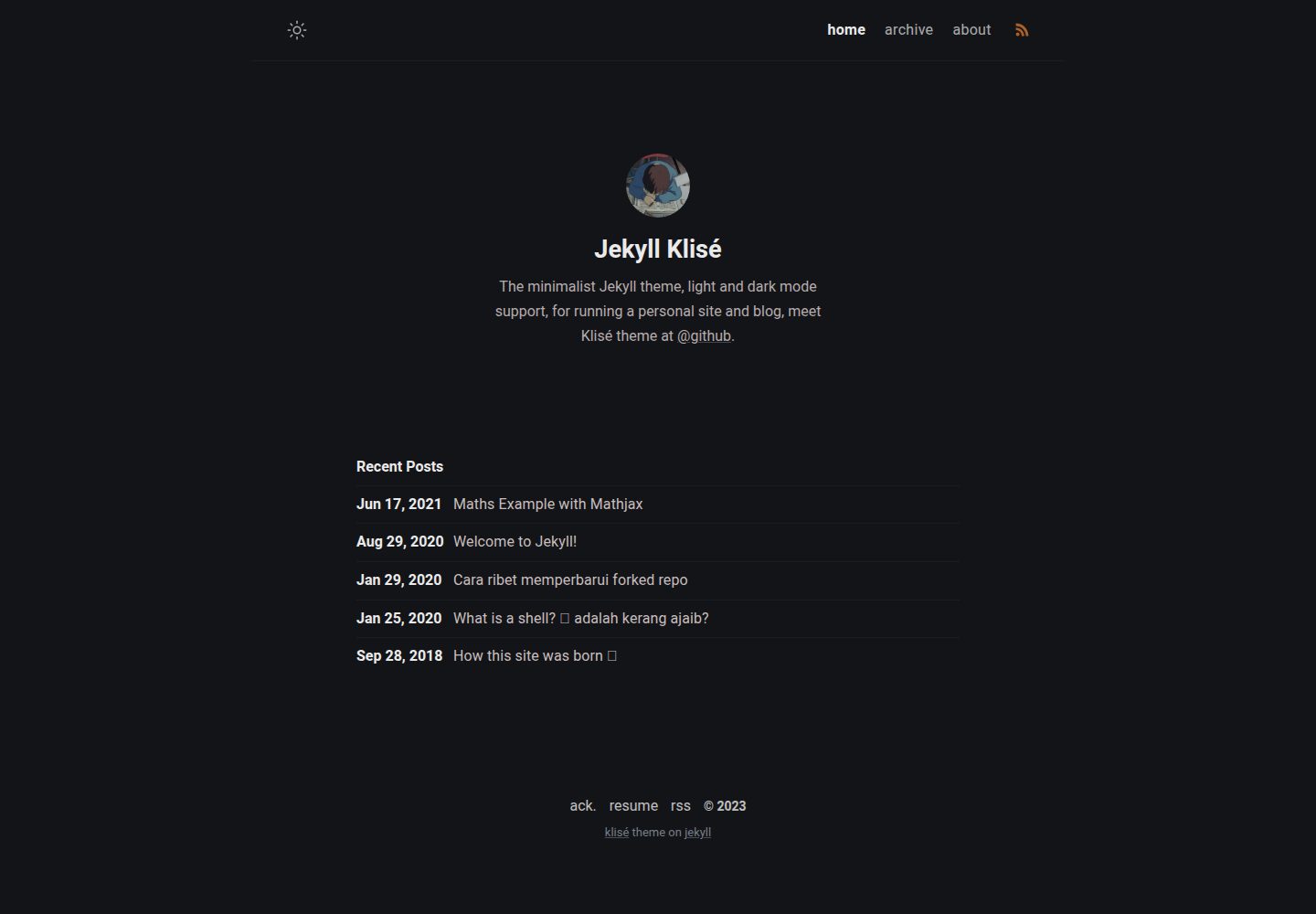
jekyll-klise
:beach_umbrella: Klisé is a minimalist Jekyll theme for running a personal site or blog, light & dark mode sup…
Jekyll · 博客
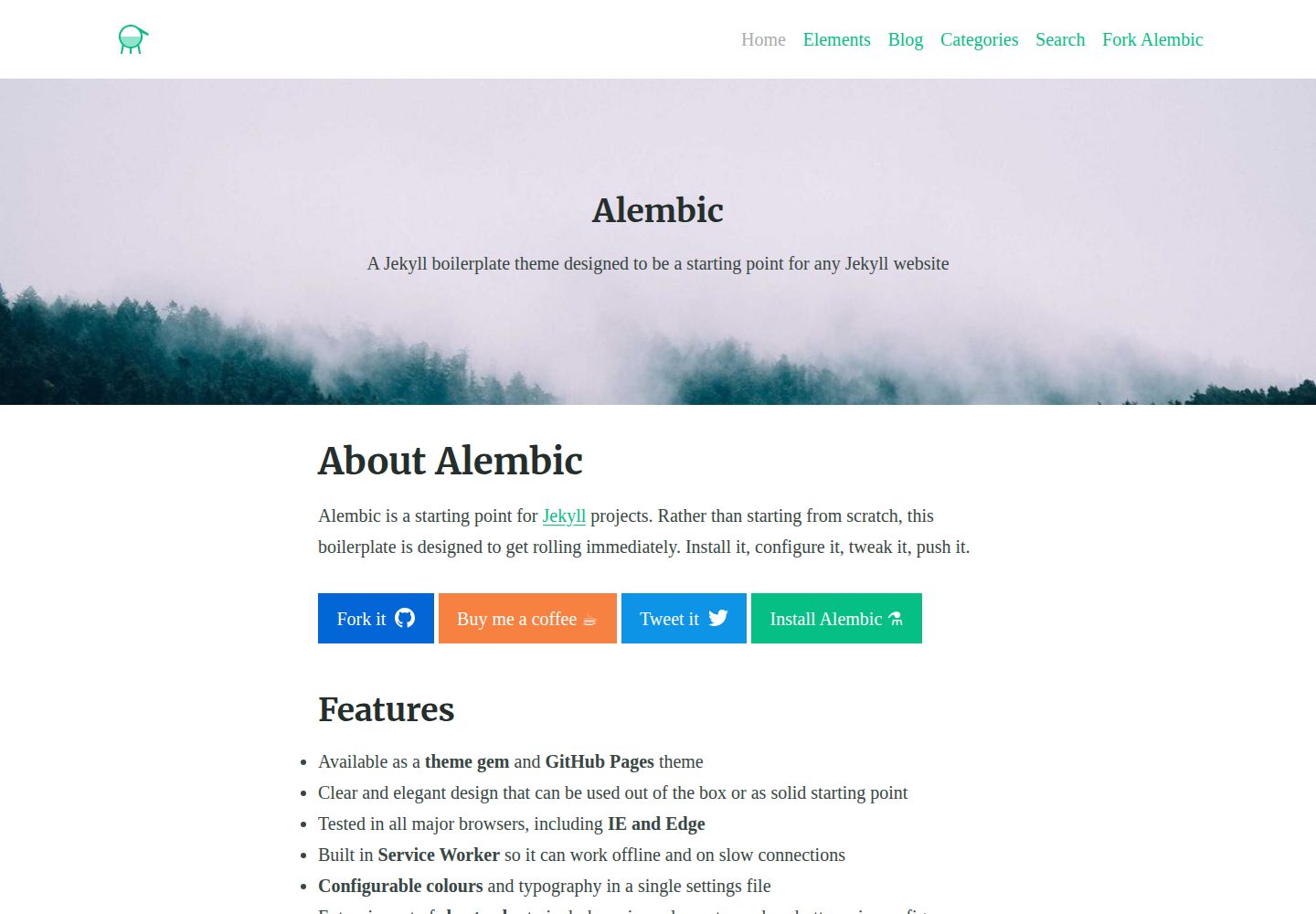
alembic
⚗️ A Jekyll boilerplate theme designed to be a starting point for any Jekyll website
Jekyll · 启动器
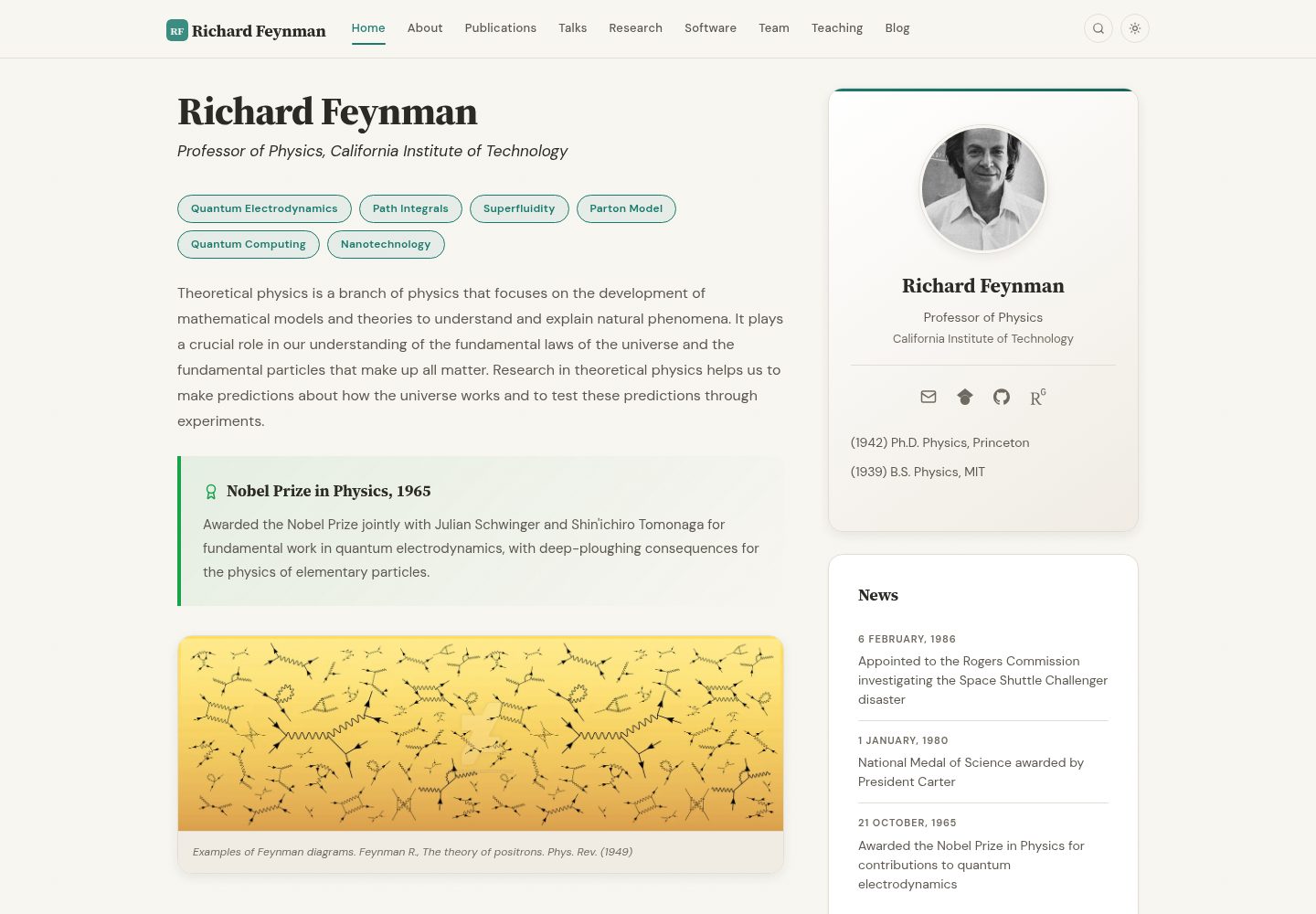
academic-website-template
Static web template for academics/research groups
Jekyll · 启动器
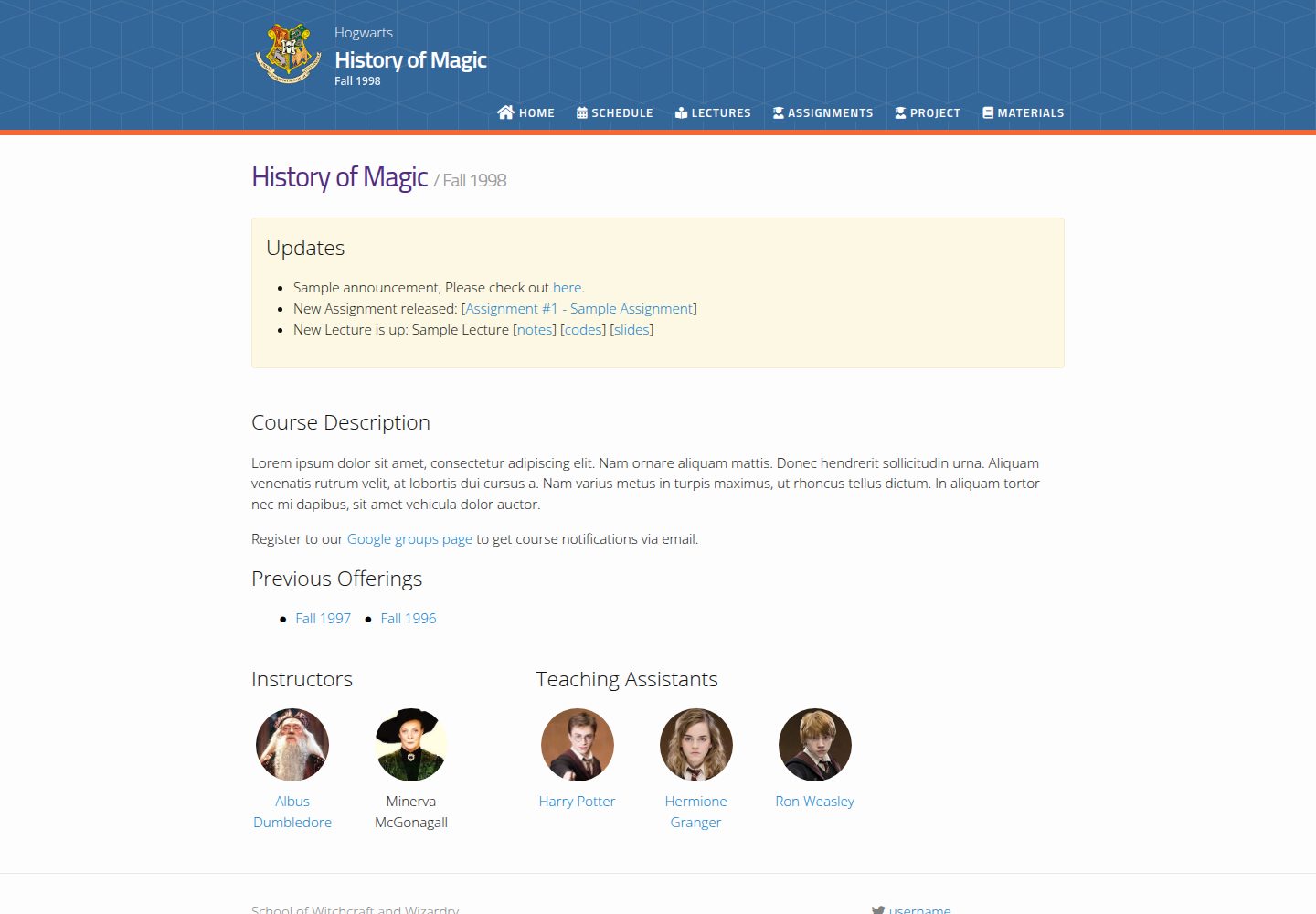
jekyll-course-website-template
Feature-rich and easy-to-use Jekyll website template for academic courses
Jekyll · 启动器

agency-jekyll-theme-starter
Agency Jekyll Theme starter template (optimized for GitHub Pages)
Jekyll · 企业官网
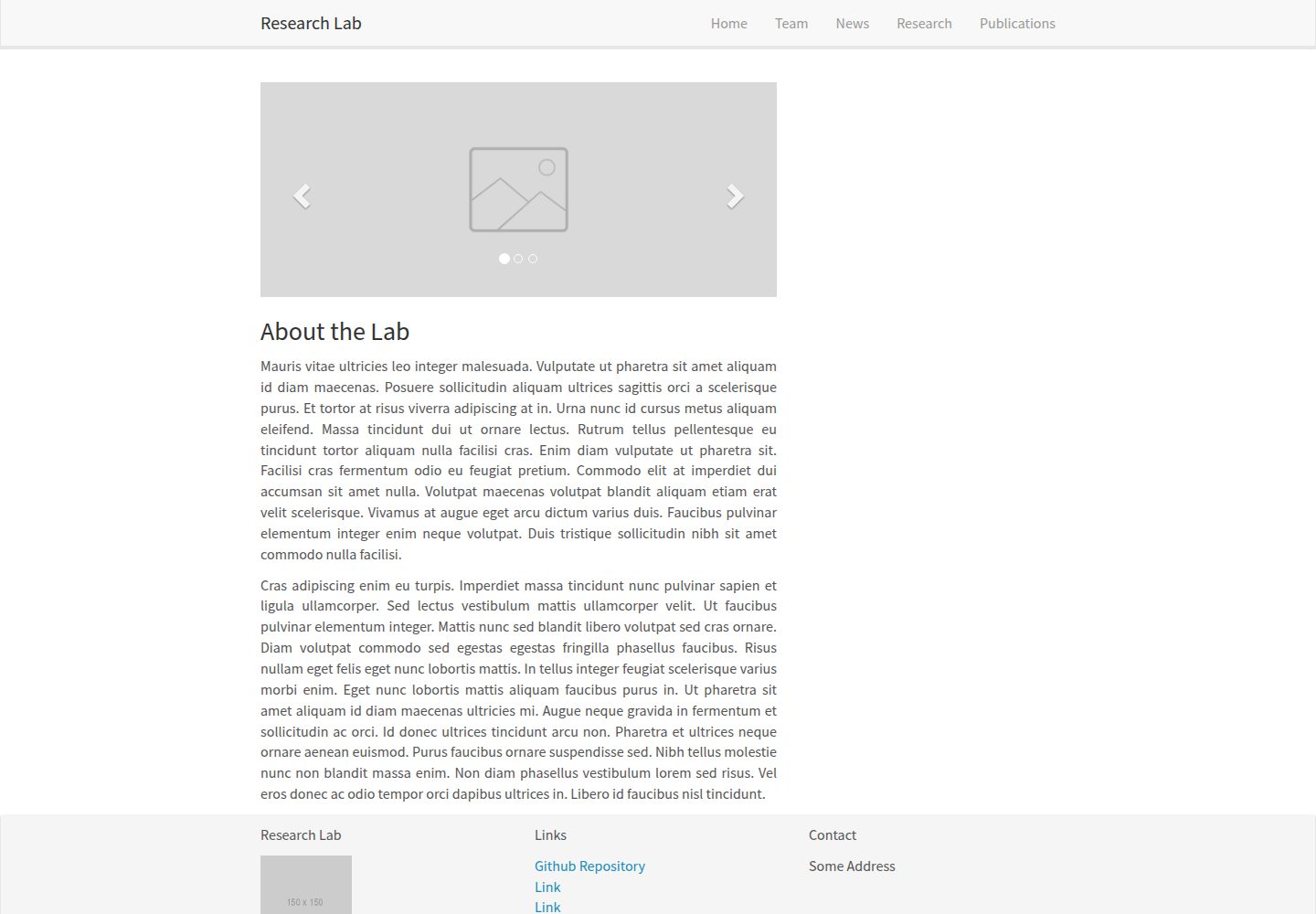
research-lab-website
A template for a Research Lab website, built with Jekyll.
Jekyll · 启动器