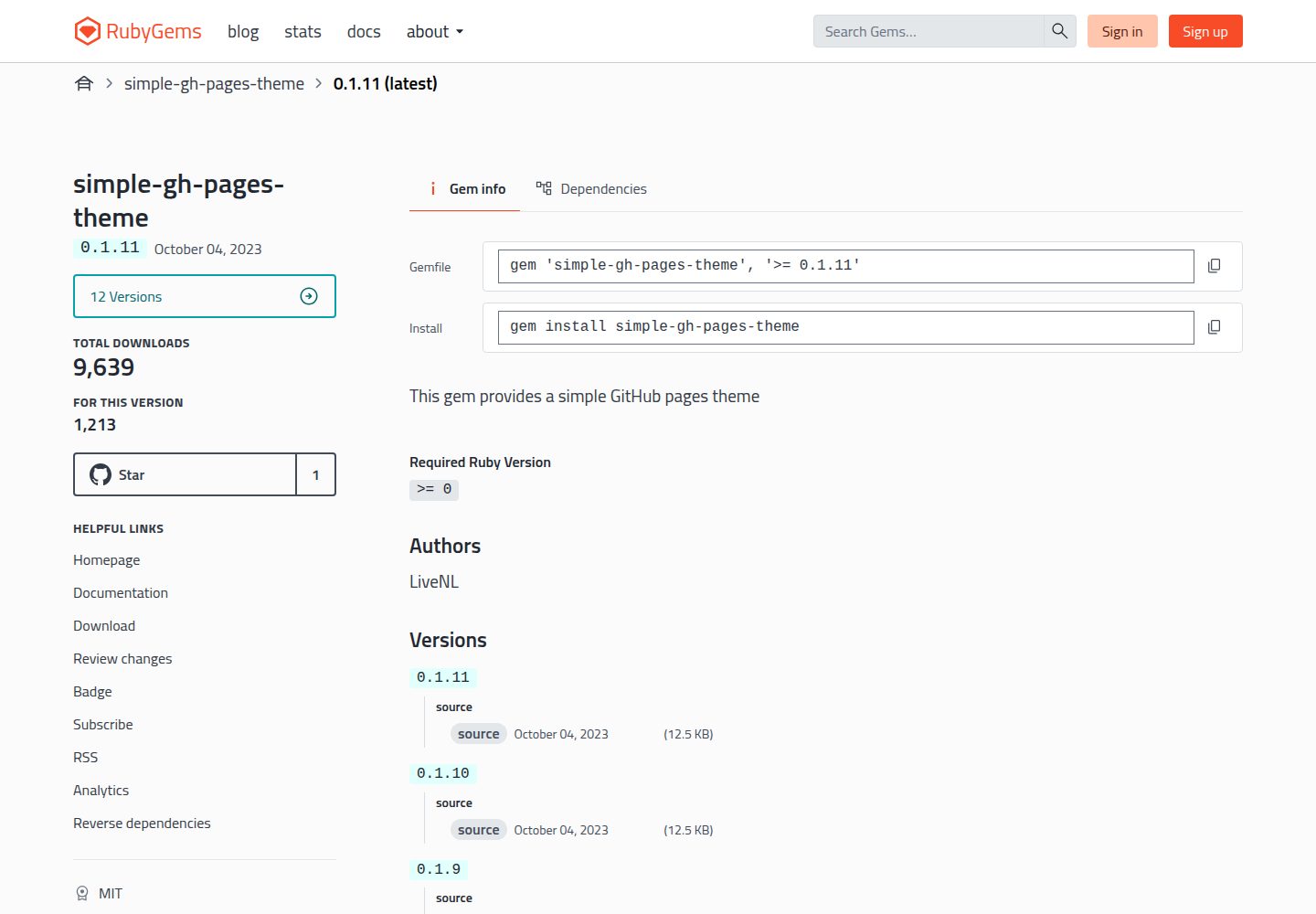
A Jekyll theme distributed as a Ruby Gem, enabled by configuring the Gemfile and _config.yml
JekyllHTMLStarter
simple-gh-pages-theme — Jekyll Starter Template
By LiveNL
A Jekyll theme for GitHub Pages, installed as a Gem, providing a basic blog structure with post lists, categories, tags and a short list on the home page.
Explore the design
Compare the page layouts and mobile experience. Open any screenshot for a closer look.
Desktop homepage1 / 3
Desktop captureTop of page
Actual screenshot captured by the server browser.
All pages & views 3
Screenshots show visual appearance; interactive behavior may differ.
Recorded 2026-10-12View source
What stands out
A quick read of the recorded project description.
Provides a bundle exec install-theme installation script to generate posts.md
Posts support metadata fields such as layout, title, image, categories, tags, highlight and short
Highlighted posts can be listed separately via {% include highlights.html %}, and short posts appear in the home page short list
The README gives GitHub Pages deployment steps using a branch and the /docs directory, and provides a script/deploy script
Template Details
simple-gh-pages-theme is a Jekyll theme positioned as a simple site theme for GitHub Pages. It is distributed as a Ruby Gem; installation involves adding gem "simple-gh-pages-theme" to the Gemfile of an existing Jekyll site, setting theme: simple-gh-pages-theme in _config.yml, then running bundle and bundle exec install-theme to generate posts.md, and finally using bundle exec jekyll serve to preview locally.
The theme's overridable configuration options are concentrated in the repository's _config.yml. Posts are created as docs/_posts/yyyy-mm-dd-postname.md, and each post supports metadata such as layout (post or page), title, image, categories, tags, highlight and short; posts with highlight set to true can be displayed via {% include highlights.html %}, and posts with short set to true appear in the short list on the home page.
The deployment process for GitHub Pages is: in the repository's settings > pages, select Deploy from a branch, choose the gh-pages branch (create it if it does not exist), select the /docs directory, then run script/deploy. The theme is open source under the MIT licence, and the repository provides contribution guidelines and references the Contributor Covenant code of conduct.
JekyllHTMLLauncher
Is it right for your project?
Use Cases
- Building a personal blog with Jekyll and publishing it to GitHub Pages
- Sites that need to organise posts by category and tag and distinguish a full list from a short list on the home page
- Blogs that want to mark key posts with highlight for separate display on a page
Suitable For
- Personal site authors using Jekyll and planning to deploy to GitHub Pages
- Users who accept adding the theme as a Gem and are willing to edit _config.yml
- Blogs that need post metadata (categories, tags, image, highlight, short) to control display
Getting started & customization
Use these recorded setup notes alongside the repository instructions for your chosen version.
- 1
First run jekyll new <SITENAME> locally to create a site and enter that directory
- 2
Add gem "simple-gh-pages-theme" to the Gemfile, set theme: simple-gh-pages-theme in _config.yml, and remove or disable any other enabled theme
- 3
Run bundle, then bundle exec install-theme to generate posts.md, then use bundle exec jekyll serve to preview at http://localhost:4000
- 4
On GitHub Pages, in settings > pages select Deploy from a branch, branch gh-pages, directory /docs, then run script/deploy
- 5
Place post files under docs/_posts/, named in the format yyyy-mm-dd-postname.md
License & source material
Usage conditions & limitations
Free to use · keep license noticeThis entry covers the free version under the MIT licence in the public repository; the free scope is the code of this version and does not mean external services or third-party assets are free.
Must comply with when using
- You may use, modify, commercialise and distribute the code of this version free of charge.
- When distributing copies or substantial portions of the code, retain the original author's copyright notice and the full MIT licence notice.
- The code is provided as is; warranties and limitations of liability are governed by the original licence and applicable law.
Additional costs & items to verify
- Demo images, fonts, icons and other third-party assets must be checked against their respective licences and cannot be judged solely by the code's MIT licence.
- External services such as domains, hosting, databases, payments or AI may incur separate charges.
View Original Text Basis
https://github.com/LiveNL/simple-gh-pages-theme/blob/main/LICENSE.txthttps://github.com/LiveNL/simple-gh-pages-theme/blob/main/README.mdPermission is hereby granted, free of charge
Original License Text
Compiled by DeepSeek based on repository license and README ·2026-10-12. Results only cover the materials read; dependencies, images, fonts, and subsequent term changes are subject to their respective original texts.
Project checks & description sources
Template Information
- Source platforms
- GitHub
- Documentation and maintenance reference score
- Partly documented · 73 / 100
- Technologies
- Jekyll · HTML
- Website type
- Starter
How this score is calculated
Our heuristic uses license records (up to 30), a demo link (12), a preview (10), stars (15), recorded maintenance (15), description completeness (8), feature records (5) and classification data (5). It is not a code, security or performance test, or a Google score. A link does not establish tested functionality.
What to verify for this project
- Repository update recorded
- 2023-10-04
- Screenshot last checked
- 2026-10-12
A demo link is listed. Check it with your own content and viewport sizes; its presence does not confirm that forms, authentication or payments work.
The catalog identifies Jekyll as the primary stack. Check the actual dependency manifest and lockfile for versions and hosting requirements. These notes use recorded metadata, not a code audit or a deployment test.
Use a selection guide →How this description was prepared
AI-assisted description based on catalog records and repository material. Repository authors are not automatically the reviewers of this description.
Review declaration: [email protected] · 2026-10-13
Inspect the recorded source material
SHA-256: a70335a6787f5e218ba249ed9720bb7c4fef29406ca71c9864d52768c0f6eea2
2026-10-12T22:28:55.474Z
Source file / repository# simple-gh-pages-theme
<table>
<tr><td>
<img width="500" alt="after installing the theme" src="https://user-images.githubusercontent.com/5443727/229901057-23be4caa-0c70-46c1-aa83-d60cbb1220ba.png">
</td><td>
<img width="500" alt="jordiwippert.nl" src="https://user-images.githubusercontent.com/5443727/229302812-d481eb40-b0ca-49cd-95d5-c7fef5228b7a.png">
</td>
<tr>
<td>
simple-gh-pages-theme, after install and first post setup
</td>
<td>
in-use: https://jordiwippert.nl
</td>
</tr>
</table>
## Quick installation
```shell
# 0. To create a new Jekyll site:
jekyll new <SITENAME>
cd <SITENAME>
```
```ruby
# 1. Add this line to your Jekyll site's `Gemfile`:
gem "simple-gh-pages-theme"
```
```yaml
# 2. Add this line to your Jekyll site's `_config.yml`. Remove/disable possibly already enabled themes:
theme: simple-gh-pages-theme
```
```shell
# 3. Execute on your command line:
bundle
# 4. Run install script to create 'posts.md'
bundle exec install-theme
# 5. When you now run your website locally on `http://localhost:4000`, it should show the theme:
bundle exec jekyll serve
```
## Configuration:
All configuration options that can be overwritten can be found [here](https://github.com/LiveNL/simple-gh-pages-theme/blob/main/_config.yml).
## Github Pages setup
Go to `settings` > `page` in your github-pages-repository.
1. Select source: `Deploy from a branch`
2. Select branch: `gh-pages` (create if non-existent)
3. Select `/docs` as folder
4. You can now run `script/deploy`
## Posts
Create your posts (files) like:
```
docs/_posts/yyyy-mm-dd-postname.md
```
Each post can have the following (metadata) options (with example values):
```yaml
layout: post # OR page
title: "Title here" # Used for post-titles
image: assets/images/image.png # OR images on urls like: https://example.com/image.png
categories: [category] # 'category' can be anything
tags: [tag] # 'tag' can be everything
highlight: false # if true: it will listed in highlights, which can be shown with: `{% include highlights.html %}`
short: false # if true: it shown in 'short' list on home page
```
## Contributing
Bug reports and pull requests are welcome on GitHub at https://github.com/LiveNL/simple-gh-pages-theme. This project is intended to be a safe, welcoming space for collaboration, and contributors are expected to adhere to the [Contributor Covenant](https://www.contributor-covenant.org/) code of conduct.
## License
The theme is available as open source under the terms of the [MIT License](https://opensource.org/licenses/MIT).
Explore similar templates
Compare previews and descriptions within the same stack and category.
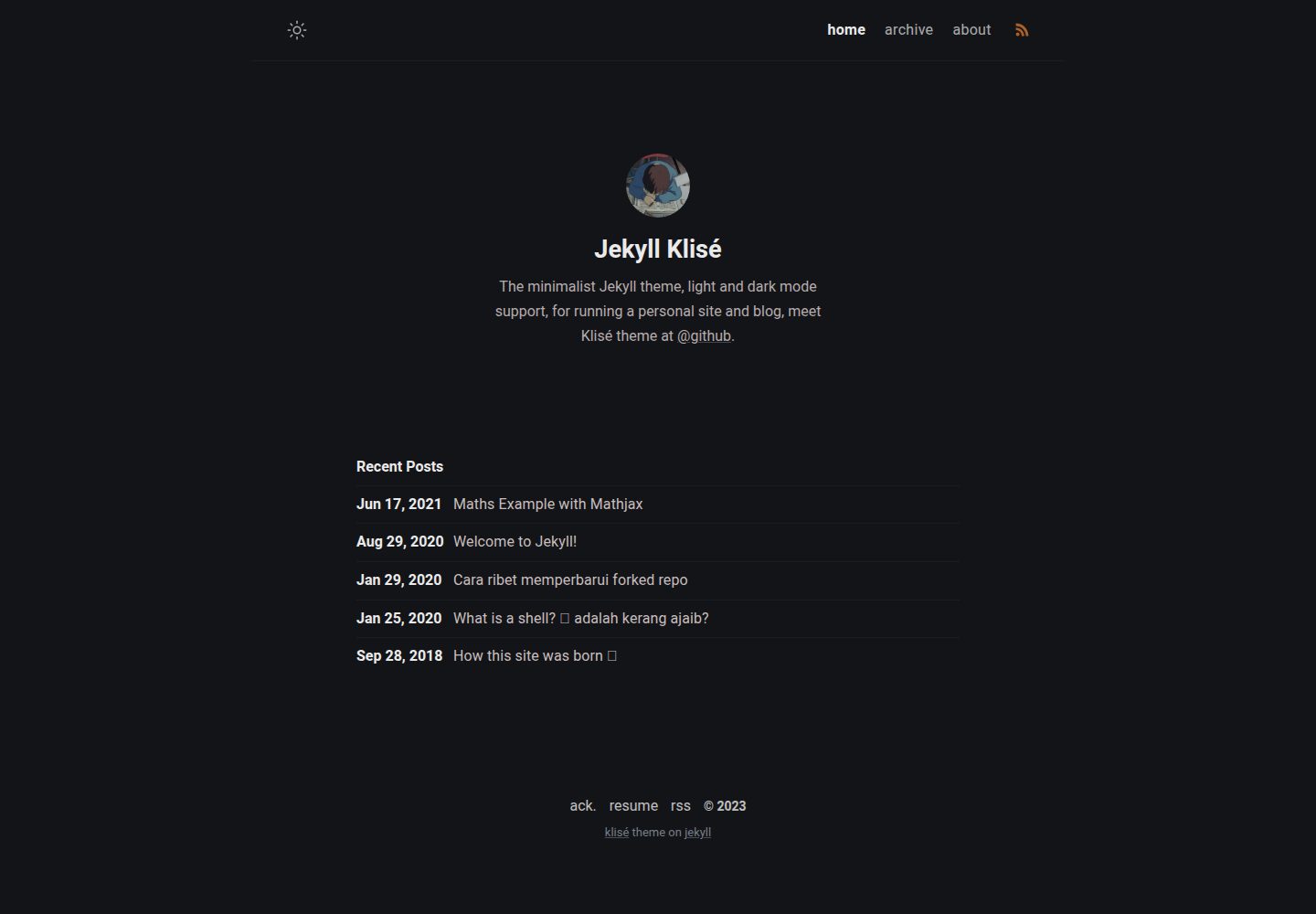
jekyll-klise
Klisé is a minimalist Jekyll theme for personal sites and blogs, with light and dark modes, a mobile-first responsive layout, and .scss-based styling.
Jekyll · Blog
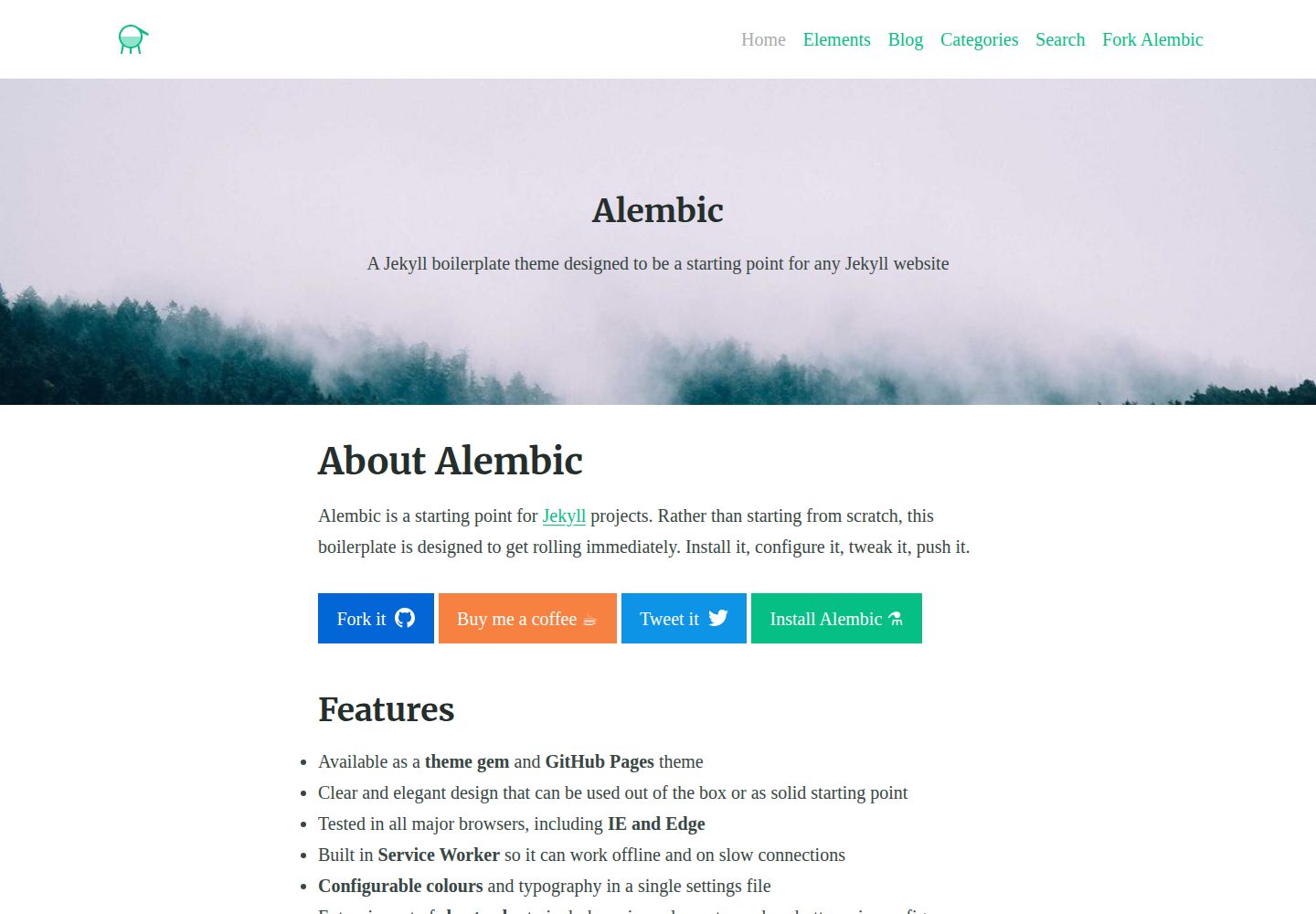
alembic
Alembic is an MIT-licensed Jekyll starter theme for quickly setting up a Jekyll site. It can be installed as a theme gem or a GitHub Pages remote theme, with centralized configuration via _config.yml for navigation, colors, fonts, language, and site information.
Jekyll · Starter
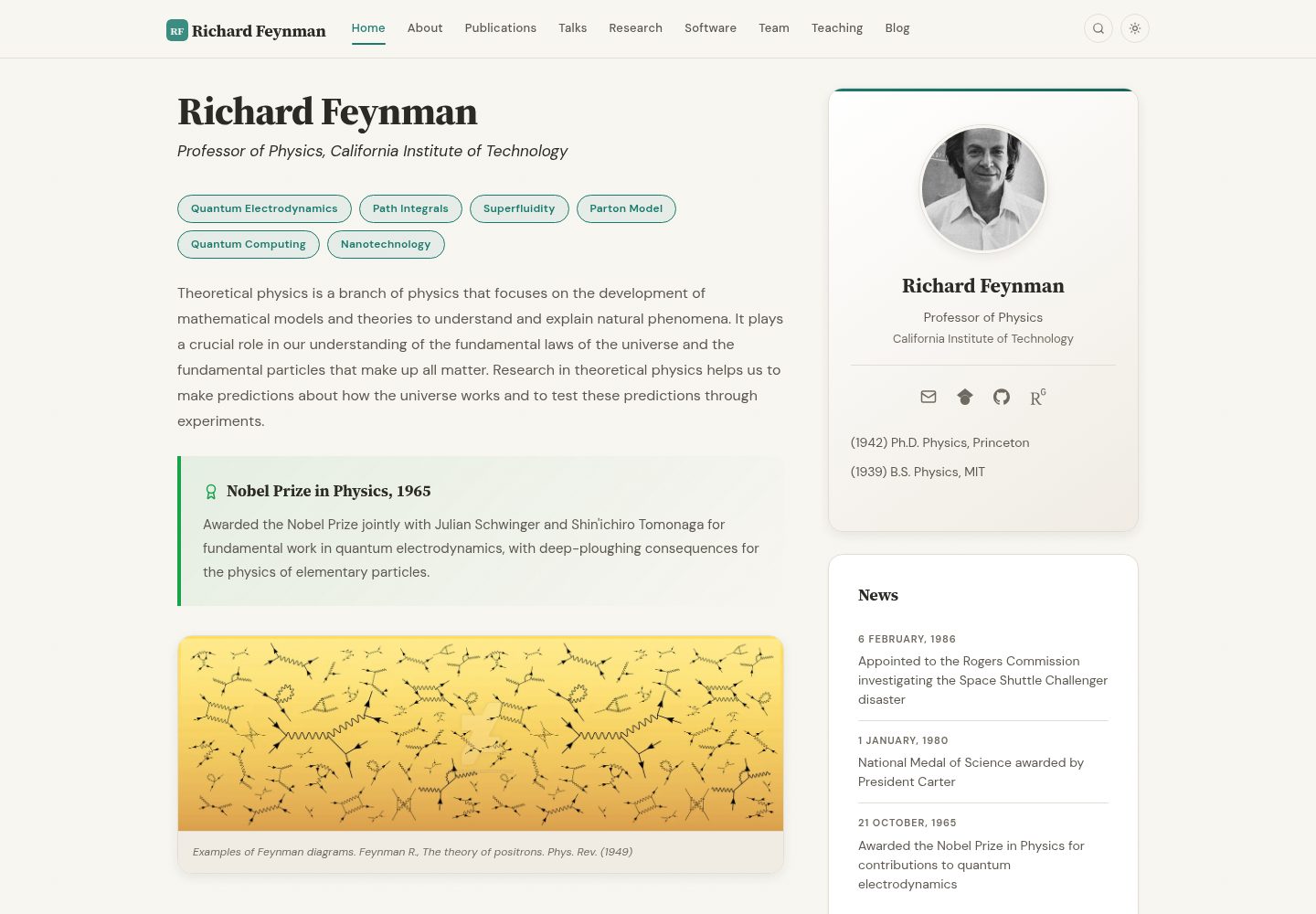
academic-website-template
A Jekyll static site template for academics and research groups, providing homepage, bio, and publication list pages. Content is maintained via configuration and data files, with a GitHub Actions workflow for deployment to GitHub Pages.
Jekyll · Starter

jekyll-course-website-template
A Jekyll-based academic course website template with separate pages for lectures, assignments, schedule, course materials, and announcements, plus auto-generated schedule and updates sections. It is configured through _config.yml, _data/people.yml, and _sass/_user_vars.scss, and content is organized as Markdown with YAML front matter.
Jekyll · Starter

agency-jekyll-theme-starter
A Jekyll-based Agency theme starter template for GitHub Pages. Generate a repository via the template button, replace the sample content, and configure baseurl or a custom domain.
Jekyll · Corporate Website
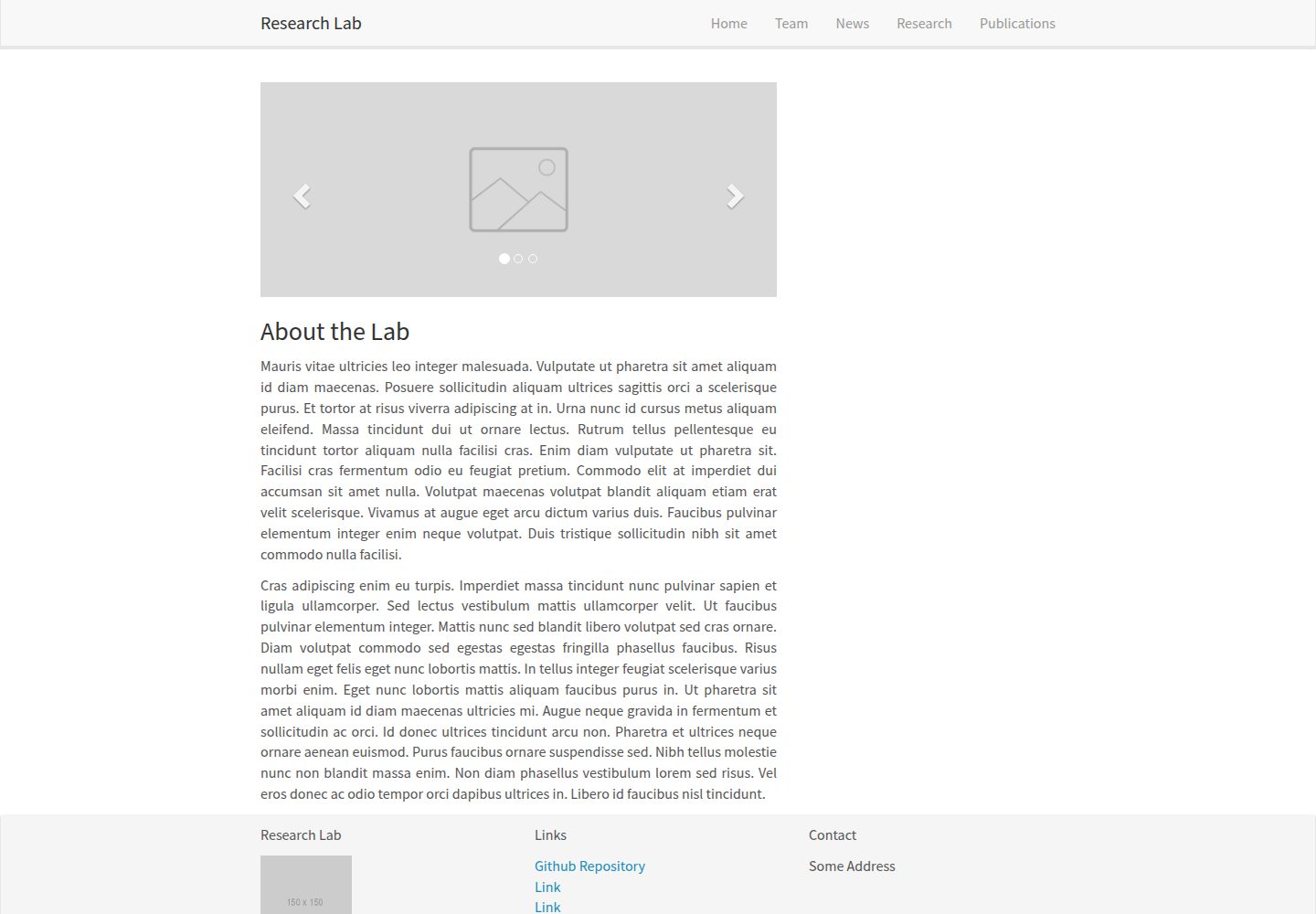
research-lab-website
A Jekyll-based research lab website template derived from the Allan Lab template at Leiden University.
Jekyll · Starter