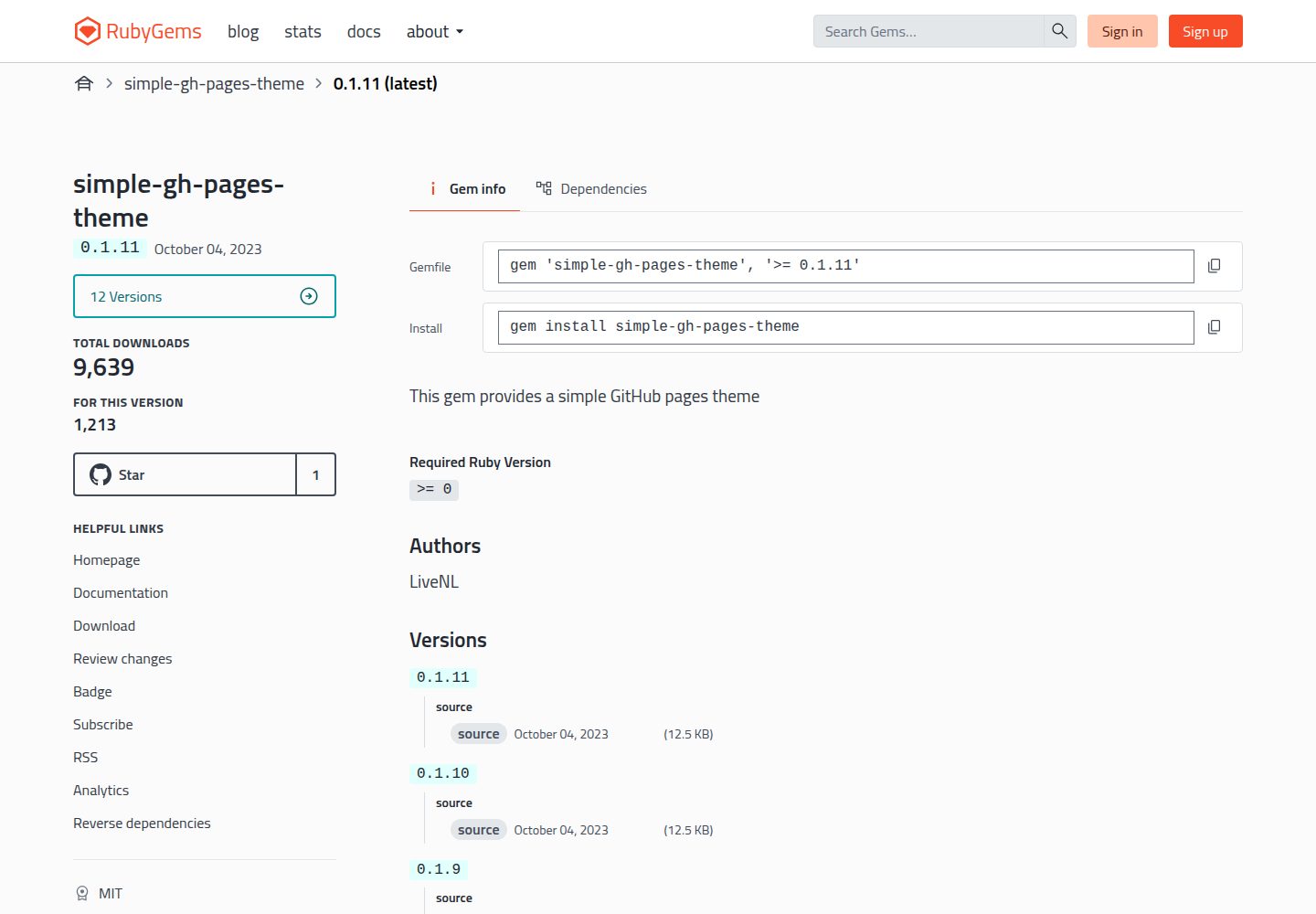
以 Ruby Gem 形式分发的 Jekyll 主题,通过 Gemfile 与 _config.yml 两处配置即可启用
JekyllHTML启动器
simple-gh-pages-theme — Jekyll 启动器模板
作者 LiveNL
面向 GitHub Pages 的 Jekyll 主题,通过 Gem 方式安装,提供文章列表、分类标签与首页短列表等基础博客结构。
看看你的网站会是什么样
浏览真实页面截图,比较内容排版与手机效果。点击下方缩略图切换,放大查看整页细节。
全部页面与视图 3
截图用于了解视觉与布局,交互效果请以实际项目为准。
采集于 2026-10-12查看来源
值得关注的模板亮点
从已有项目资料中,快速了解它的特点。
提供 bundle exec install-theme 安装脚本,用于生成 posts.md
文章支持 layout、title、image、categories、tags、highlight、short 等元数据字段
highlight 文章可通过 {% include highlights.html %} 单独列出,short 文章显示在首页短列表
README 给出 GitHub Pages 的分支与 /docs 目录部署步骤,并提供 script/deploy 脚本
模板详细介绍
simple-gh-pages-theme 是一个 Jekyll 主题,定位为面向 GitHub Pages 的简单站点主题。它通过 Ruby Gem 分发,安装方式是在已有 Jekyll 站点的 Gemfile 中加入 gem "simple-gh-pages-theme",并在 _config.yml 中设置 theme: simple-gh-pages-theme,随后执行 bundle 与 bundle exec install-theme 生成 posts.md,再用 bundle exec jekyll serve 在本地预览。
主题的可覆盖配置项集中在仓库的 _config.yml 中。文章以 docs/_posts/yyyy-mm-dd-postname.md 的形式创建,每篇文章支持 layout(post 或 page)、title、image、categories、tags、highlight、short 等元数据;highlight 为 true 的文章可通过 {% include highlights.html %} 展示,short 为 true 的文章会出现在首页的短列表中。
面向 GitHub Pages 的部署流程为:在仓库 settings > pages 中选择 Deploy from a branch,分支选 gh-pages(不存在则创建),目录选 /docs,然后运行 script/deploy。主题以 MIT 许可开源,仓库中提供贡献指引并引用 Contributor Covenant 行为准则。
JekyllHTML启动器
适合你的项目吗?
适用场景
- 用 Jekyll 搭建个人博客并发布到 GitHub Pages
- 需要按分类与标签组织文章、并在首页区分完整列表与短列表的站点
- 希望通过 highlight 标记在页面中单独展示重点文章的博客
适合人群
- 使用 Jekyll 并计划部署到 GitHub Pages 的个人站点作者
- 接受以 Gem 方式引入主题、并愿意编辑 _config.yml 的用户
- 需要文章元数据(分类、标签、图片、highlight、short)控制展示的博客
上手与定制指南
结合仓库当前版本的说明,按下面的资料检查内容、配置与运行要求。
- 1
先在本地执行 jekyll new <SITENAME> 创建站点并进入该目录
- 2
在 Gemfile 添加 gem "simple-gh-pages-theme",在 _config.yml 设置 theme: simple-gh-pages-theme 并移除或停用已启用的其他主题
- 3
依次执行 bundle、bundle exec install-theme 生成 posts.md,再用 bundle exec jekyll serve 在 http://localhost:4000 预览
- 4
GitHub Pages 端在 settings > pages 选择 Deploy from a branch、分支 gh-pages、目录 /docs,然后运行 script/deploy
- 5
文章文件放在 docs/_posts/ 下,命名格式为 yyyy-mm-dd-postname.md
授权与来源资料
使用条件与限制
免费使用 · 保留许可声明本次收录的是公开仓库中采用 MIT 许可的免费版本;免费范围为该版本代码,不代表外部服务或第三方素材免费。
使用时需要遵守
- 允许免费使用、修改、商用和分发该版本代码。
- 分发代码副本或实质性部分时,保留原作者版权声明和完整 MIT 许可声明。
- 代码按现状提供;担保与责任限制以原许可证及适用法律为准。
额外费用与待核对事项
- 演示图片、字体、图标及其他第三方素材需按各自许可核对,不能仅凭代码的 MIT 许可判断。
- 域名、托管、数据库、支付或 AI 等外部服务可能另外收费。
查看原文依据
https://github.com/LiveNL/simple-gh-pages-theme/blob/main/LICENSE.txthttps://github.com/LiveNL/simple-gh-pages-theme/blob/main/README.mdPermission is hereby granted, free of charge
许可证原文
DeepSeek 根据仓库许可证和 README 整理 ·2026-10-12。结果仅覆盖已读取资料,依赖、图片、字体及后续条款变更以各自原文为准。
项目核对记录与介绍依据
模板资料
- 来源平台
- GitHub
- 资料与维护参考分
- 资料一般 · 73 / 100
- 技术栈
- Jekyll · HTML
- 网站类型
- 启动器
这个分数如何计算
本站按许可资料(最高30分)、演示链接(12分)、预览图(10分)、Star数(15分)、记录的维护时间(15分)、描述完整度(8分)、功能记录(5分)和分类资料(5分)计算。它不是代码、安全或性能测试,也不是 Google 评分;有链接不代表已实测可用。
这个项目需要核对什么
- 记录的仓库更新时间
- 2023-10-04
- 截图检查日期
- 2026-10-12
已收录演示链接。请用你的内容与屏幕尺寸检查;有演示不代表表单、认证或支付已经可用。
目录记录的主要技术栈是 Jekyll。请通过依赖清单和锁文件核对实际版本与托管要求。这些说明基于收录资料,不代表代码审计或部署实测。
查看具体选型方法 →介绍的制作与核对状态
介绍由 AI 辅助整理目录与仓库资料。仓库作者不等于这篇介绍的审核者。
审核声明: [email protected] · 2026-10-13
查看当时使用的来源资料
SHA-256: a70335a6787f5e218ba249ed9720bb7c4fef29406ca71c9864d52768c0f6eea2
2026-10-12T22:28:55.474Z
来源文件 / 仓库# simple-gh-pages-theme
<table>
<tr><td>
<img width="500" alt="after installing the theme" src="https://user-images.githubusercontent.com/5443727/229901057-23be4caa-0c70-46c1-aa83-d60cbb1220ba.png">
</td><td>
<img width="500" alt="jordiwippert.nl" src="https://user-images.githubusercontent.com/5443727/229302812-d481eb40-b0ca-49cd-95d5-c7fef5228b7a.png">
</td>
<tr>
<td>
simple-gh-pages-theme, after install and first post setup
</td>
<td>
in-use: https://jordiwippert.nl
</td>
</tr>
</table>
## Quick installation
```shell
# 0. To create a new Jekyll site:
jekyll new <SITENAME>
cd <SITENAME>
```
```ruby
# 1. Add this line to your Jekyll site's `Gemfile`:
gem "simple-gh-pages-theme"
```
```yaml
# 2. Add this line to your Jekyll site's `_config.yml`. Remove/disable possibly already enabled themes:
theme: simple-gh-pages-theme
```
```shell
# 3. Execute on your command line:
bundle
# 4. Run install script to create 'posts.md'
bundle exec install-theme
# 5. When you now run your website locally on `http://localhost:4000`, it should show the theme:
bundle exec jekyll serve
```
## Configuration:
All configuration options that can be overwritten can be found [here](https://github.com/LiveNL/simple-gh-pages-theme/blob/main/_config.yml).
## Github Pages setup
Go to `settings` > `page` in your github-pages-repository.
1. Select source: `Deploy from a branch`
2. Select branch: `gh-pages` (create if non-existent)
3. Select `/docs` as folder
4. You can now run `script/deploy`
## Posts
Create your posts (files) like:
```
docs/_posts/yyyy-mm-dd-postname.md
```
Each post can have the following (metadata) options (with example values):
```yaml
layout: post # OR page
title: "Title here" # Used for post-titles
image: assets/images/image.png # OR images on urls like: https://example.com/image.png
categories: [category] # 'category' can be anything
tags: [tag] # 'tag' can be everything
highlight: false # if true: it will listed in highlights, which can be shown with: `{% include highlights.html %}`
short: false # if true: it shown in 'short' list on home page
```
## Contributing
Bug reports and pull requests are welcome on GitHub at https://github.com/LiveNL/simple-gh-pages-theme. This project is intended to be a safe, welcoming space for collaboration, and contributors are expected to adhere to the [Contributor Covenant](https://www.contributor-covenant.org/) code of conduct.
## License
The theme is available as open source under the terms of the [MIT License](https://opensource.org/licenses/MIT).
看看同类模板
对比同技术栈与用途的模板,找到更适合的视觉与内容结构。
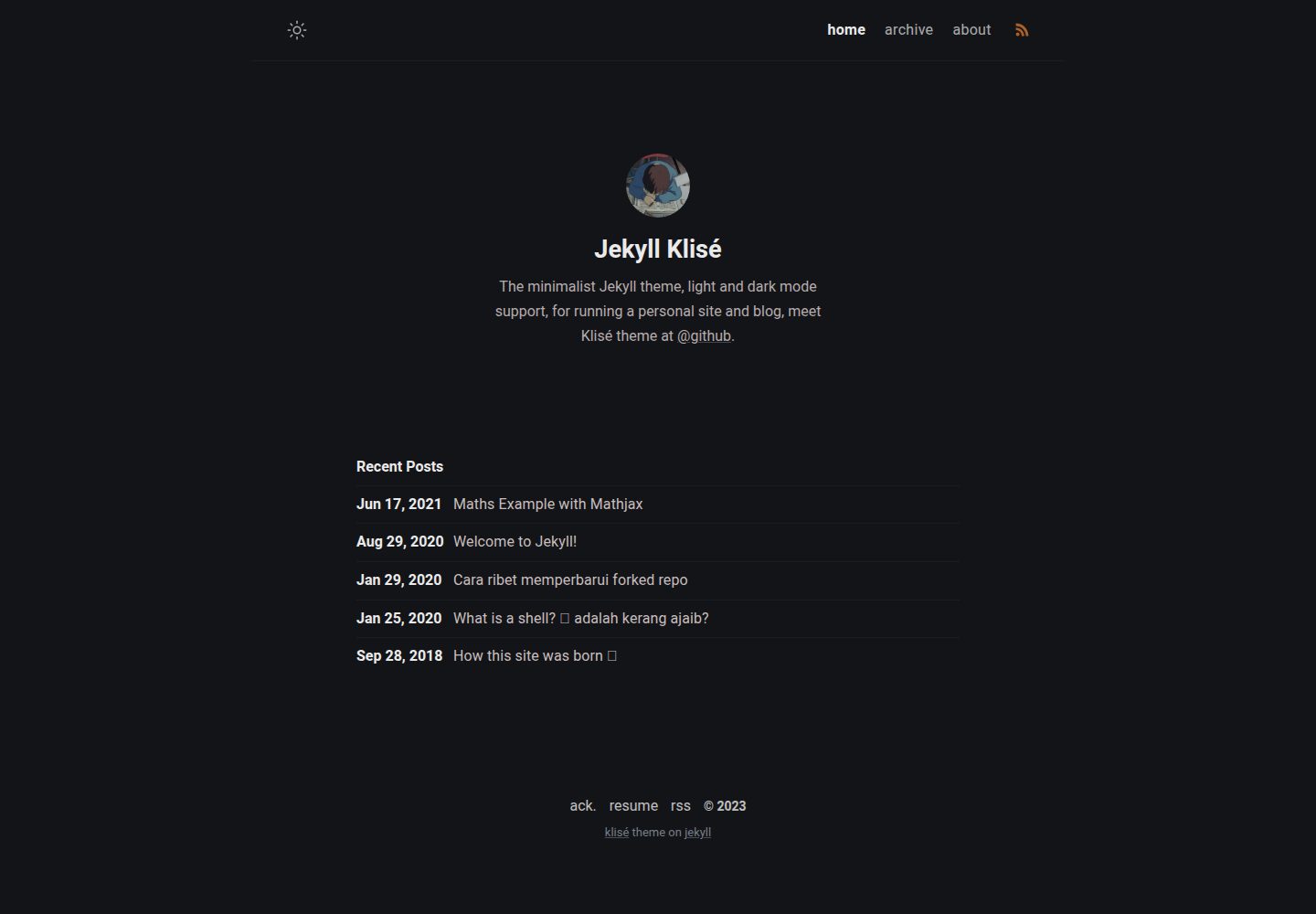
jekyll-klise
:beach_umbrella: Klisé is a minimalist Jekyll theme for running a personal site or blog, light & dark mode sup…
Jekyll · 博客
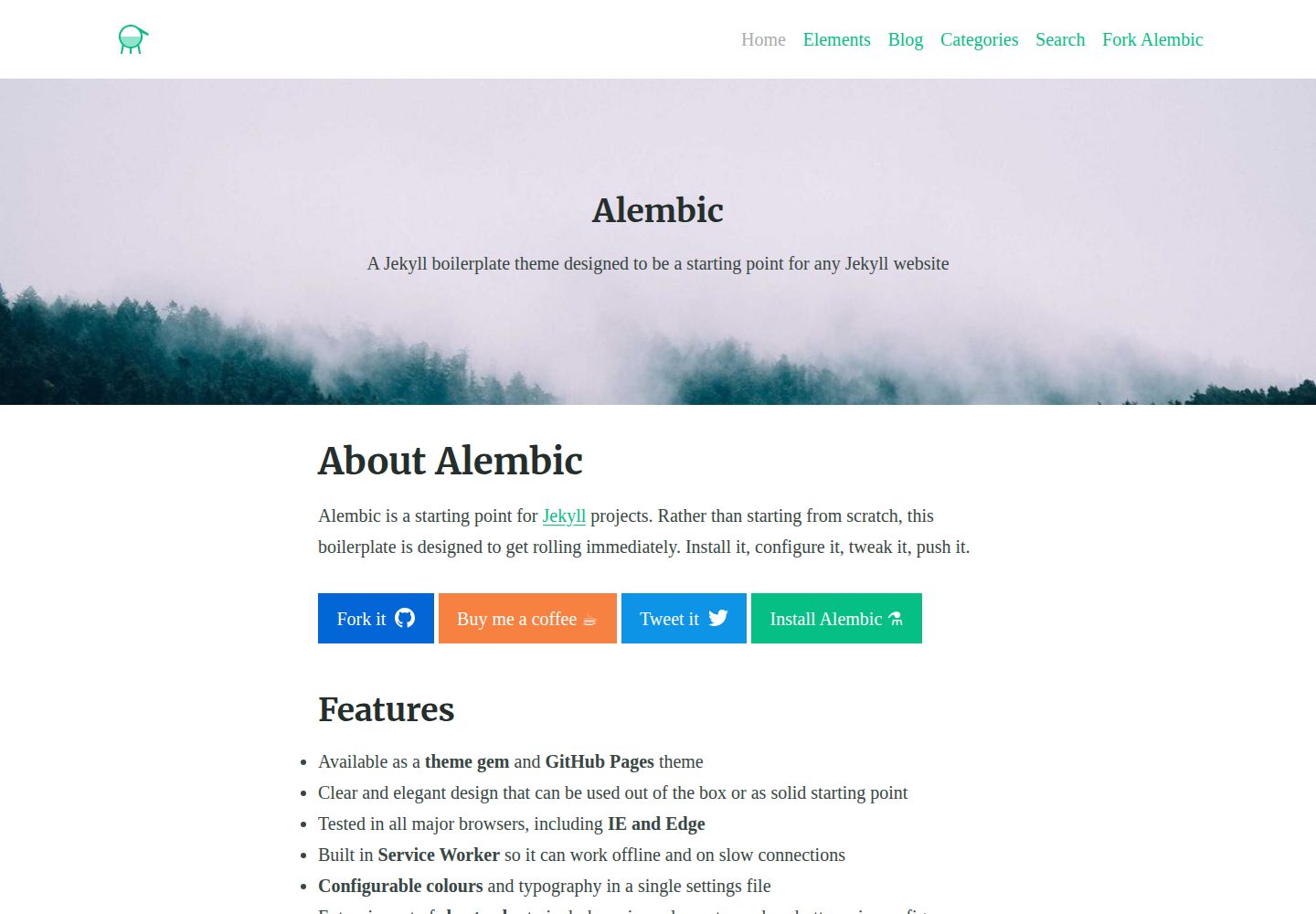
alembic
⚗️ A Jekyll boilerplate theme designed to be a starting point for any Jekyll website
Jekyll · 启动器
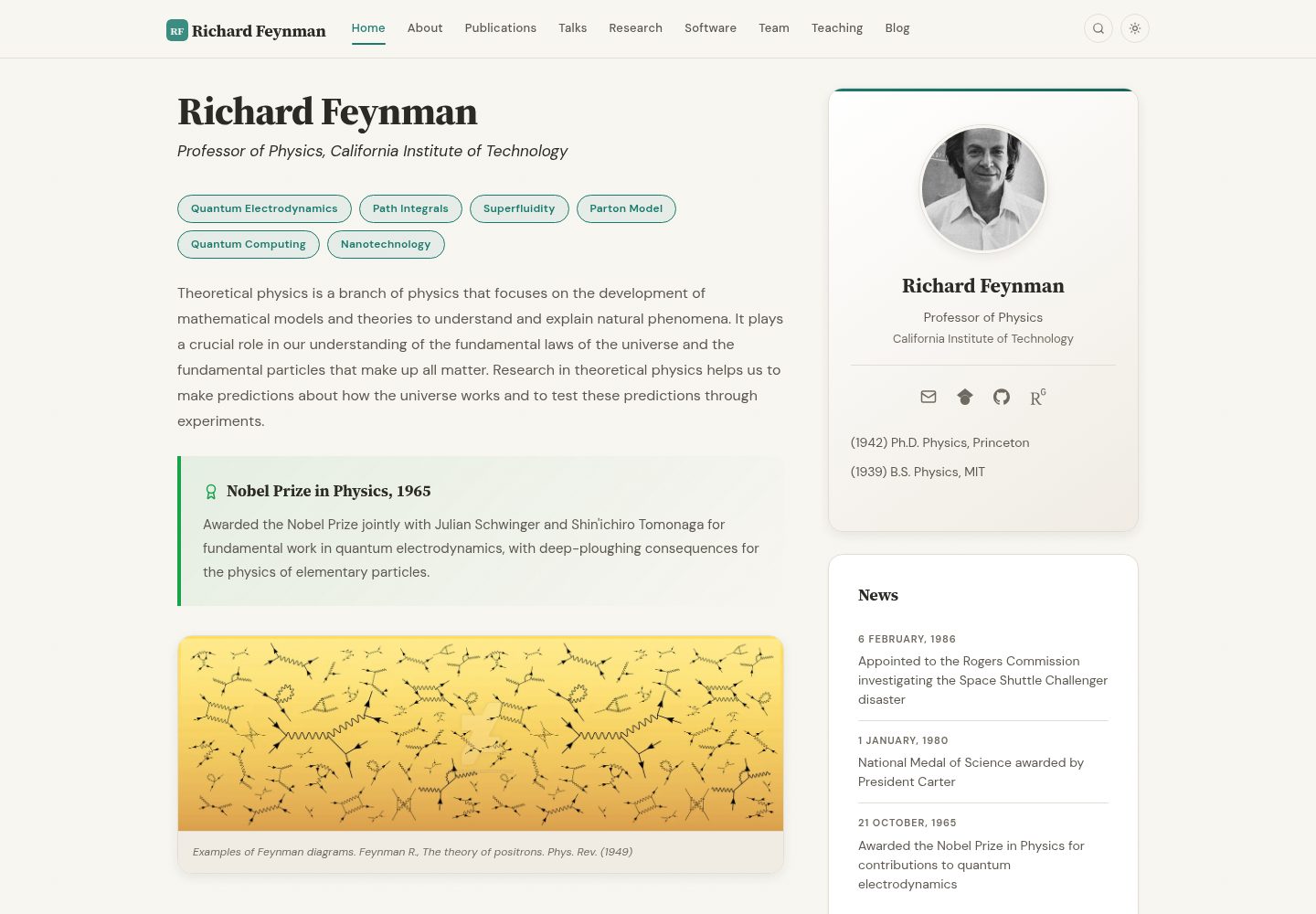
academic-website-template
Static web template for academics/research groups
Jekyll · 启动器

jekyll-course-website-template
Feature-rich and easy-to-use Jekyll website template for academic courses
Jekyll · 启动器

agency-jekyll-theme-starter
Agency Jekyll Theme starter template (optimized for GitHub Pages)
Jekyll · 企业官网
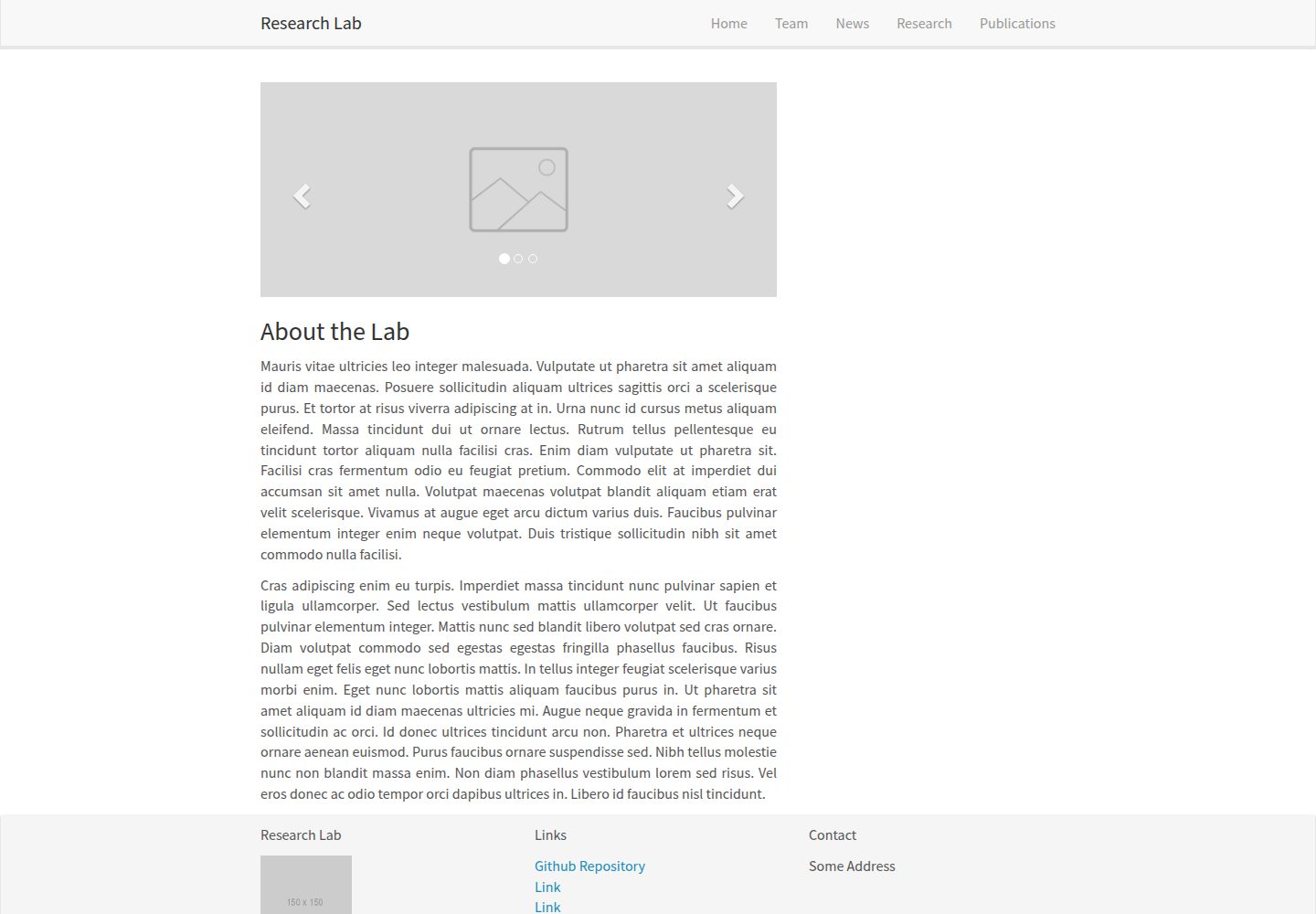
research-lab-website
A template for a Research Lab website, built with Jekyll.
Jekyll · 启动器