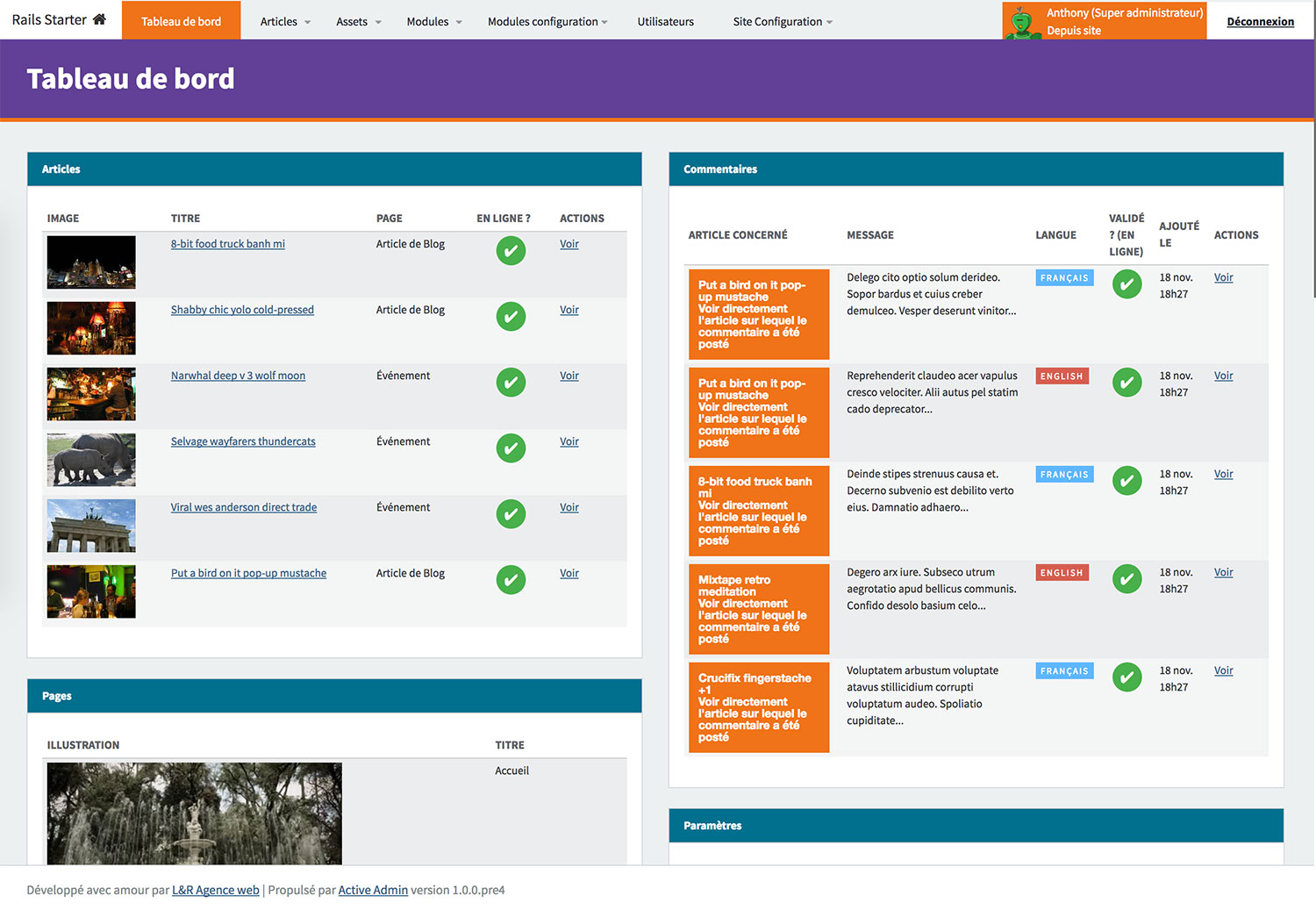
Preconfigured with common plugins such as ActiveAdmin, Devise, and Globalize, reducing repetitive setup for new projects
RailsStarter
rails-starter — Rails Starter Template
By lr-agenceweb
A Rails-based starter project preconfigured with common plugins such as ActiveAdmin, Devise, and Globalize to speed up new application setup.
Explore the design
Compare the page layouts and mobile experience. Open any screenshot for a closer look.
Author preview
Author-provided previewTop of page
Preview provided in the project README.
One original preview is available. Open the full image to inspect the design.
Screenshots show visual appearance; interactive behavior may differ.
Recorded 2026-10-02View source
What stands out
A quick read of the recorded project description.
Provides optional modules including Newsletter, Blog, Slider, Comment, Event, Map, RSS, and Search
Local development starts with Puma + Foreman, and email testing is provided by Maildev on port 1080
Views use Slim templates, styles use scss/sass, and scripts use CoffeeScript
Deployment-side Capistrano tasks cover configuration upload, Nginx/Puma control, and database backup
Template Details
This is a Rails starter project aimed at reducing the repetitive work of configuring common gems when creating a new application. The repository notes that it comes preconfigured with plugins such as activeadmin, devise, and globalize, along with a set of optional modules.
On the technical side, the project uses Puma as the local development server, started via foreman start; the database defaults to MySQL2, but can be switched to PostgreSQL, SQLite, or MariaDB; views use Slim templates, styles use scss/sass (libsass), and scripts use CoffeeScript; caching is handled by memcached with Dalli; local email testing uses Maildev, started alongside foreman and viewable on port 1080; deployment uses Capistrano, with provided task commands for uploading configuration, Nginx/Puma control, database backup, logrotate, and Paperclip refresh. Testing uses native Rails tests, run with rake test.
The module list includes Newsletter, Blog, Slider, Comment, Guest Book, Event, Map, Social Network, Breadcrumb, Video, Calendar, Background, QrCode, Adult, RSS, Search, Mailing, SocialConnect, Audio, and others; actual availability should be verified against the repository code.
Before use, you need to install Foreman, Maildev, and Memcached. After cloning the repository, copy .env.example, application.example.yml, and database.example.yml to the corresponding configuration files and fill in the environment variables, then run bundle install, rake db:create, rake db:schema:load, and rake db:seed in order, and finally run foreman start and visit localhost:3000. The demo site given in the README is protected by htpassword.
Note that the repository was last updated in 2017, and the Rails and Ruby versions noted in the README are old; the third-party services and gems it depends on may have changed, so you should verify dependencies and security status before using it directly in a new project.
RailsStarter
Is it right for your project?
Use Cases
- Quickly building a Rails application prototype with admin management and user authentication
- Referencing how common gems are preconfigured in a Rails project
- Needing starter code that includes modules such as blog, comments, events, and maps
- Deploying to a private VPS with Capistrano and needing accompanying operational task scripts
Suitable For
- Developers familiar with Rails who want to skip basic plugin configuration
- Internal projects that need admin management, user authentication, and multilingual support
- Teams using this repository as a reference for learning Rails project structure and deployment scripts
Getting started & customization
Use these recorded setup notes alongside the repository instructions for your chosen version.
- 1
Foreman, Maildev, and Memcached must be installed in advance
- 2
Copy .env.example, application.example.yml, and database.example.yml to actual configuration files and fill in variables such as database, secret key, and devise key
- 3
Run bundle install, rake db:create, rake db:schema:load, and rake db:seed in order
- 4
After running foreman start, visit http://localhost:3000; email can be viewed at http://localhost:1080
- 5
The repository was last updated in 2017, and the Rails and Ruby versions noted in the README are old; verify dependencies and security status before use
License & source material
Usage conditions & limitations
Free to use · keep license noticeThis entry covers the free version under the MIT license in a public repository; the free scope is the code of that version and does not mean external services or third-party assets are free.
Must comply with when using
- You may use, modify, commercialize, and distribute the code of this version for free.
- When distributing copies or substantial portions of the code, retain the original author's copyright notice and the full MIT license notice.
- The code is provided as is; warranties and limitations of liability are governed by the original license and applicable law.
Additional costs & items to verify
- When using the Newsletter module to send subscription emails, you must configure SPF and DKIM keys yourself and associate them with DNS, otherwise messages may be treated as spam.
- The Newsletter feature requires you to generate dkim.private.key and dkim.public.key yourself and place the private key in the config/dkim directory.
- The Map module depends on the Mapbox map service; using this module requires you to prepare the relevant Mapbox account or service.
- The SocialConnect module depends on third-party social login services from Facebook, Twitter, and Google; you must apply for and configure the corresponding credentials yourself.
- Running the project requires external dependencies such as Foreman, Maildev, and Memcached to be installed in advance.
- The deployment process targets a private VPS, using Capistrano to upload configuration and manage Nginx/Puma, and requires your own server environment.
- The online demo site is protected by htpassword and requires the demo account credentials given in the README.
- Demo images, fonts, icons, and other third-party assets must be checked against their respective licenses and cannot be judged solely by the code's MIT license.
- External services such as domains, hosting, databases, payments, or AI may incur additional charges.
View Original Text Basis
Permission is hereby granted, free of charge
Original License Text
In order to avoid spam email when sending newsletter to subscribers, you will need to sign your email address using SPF and DKIM keys and linked them to your DNS.
Original README
Be sure to generate a `dkim.private.key` and `dkim.public.key` and move the `dkim.private.key` in `config/dkim` folder.
Original README
Display a Mapbox map of your organization or business
Original README
Allow users to LINK their ALREADY EXISTING Devise account to Facebook, Twitter or Google Social Connect.
Original README
Install [Foreman](https://github.com/ddollar/foreman) Install [Maildev](https://github.com/djfarrelly/MailDev) Install [Memcached](http://memcached.org/)
Original README
`Capistrano` is used for an easy deploy to a private VPS
Original README
https://github.com/lr-agenceweb/rails-starter/blob/master/LICENSEhttps://github.com/lr-agenceweb/rails-starter/blob/master/README.mdA demonstration can be found at [https://demo.lr-agenceweb.fr](https://demo.lr-agenceweb.fr)
Original README
Compiled by DeepSeek based on repository license and README ·2026-10-02. Results only cover the materials read; dependencies, images, fonts, and subsequent term changes are subject to their respective original texts.
Project checks & description sources
Template Information
- Source platforms
- GitHub
- Documentation and maintenance reference score
- Partly documented · 56 / 100
- Technologies
- Rails
- Website type
- Starter
How this score is calculated
Our heuristic uses license records (up to 30), a demo link (12), a preview (10), stars (15), recorded maintenance (15), description completeness (8), feature records (5) and classification data (5). It is not a code, security or performance test, or a Google score. A link does not establish tested functionality.
What to verify for this project
- Repository update recorded
- 2017-01-15
- Screenshot last checked
- 2026-10-02
No demo link is recorded. Use the repository instructions to evaluate the project locally; the screenshot alone cannot establish interactive behavior.
The catalog identifies Rails as the primary stack. Check the actual dependency manifest and lockfile for versions and hosting requirements. These notes use recorded metadata, not a code audit or a deployment test.
Use a selection guide →How this description was prepared
AI-assisted description based on catalog records and repository material. Repository authors are not automatically the reviewers of this description.
Automatically checked against source and license rules; no manual editorial review.
Inspect the recorded source material
SHA-256: 3ddd88a6689583af1ae2c3ab6f387f49eea649573186c349a1f54e8ea059b720
2026-10-02T14:57:45.317Z
Source file / repository<p align="center">
<a href="https://circleci.com/gh/lr-agenceweb/rails-starter/tree/master">
<img src="https://circleci.com/gh/lr-agenceweb/rails-starter/tree/master.svg?style=svg" alt="Circle CI" />
</a>
<a href="https://travis-ci.org/lr-agenceweb/rails-starter">
<img src="https://img.shields.io/travis/lr-agenceweb/rails-starter/master.svg?style=flat-square" alt="Travis CI" />
</a>
<a href="https://codeclimate.com/github/lr-agenceweb/rails-starter">
<img src="https://img.shields.io/codeclimate/github/lr-agenceweb/rails-starter.svg?style=flat-square" alt="CodeClimate" />
</a>
<a href="https://codeclimate.com/github/lr-agenceweb/rails-starter/coverage">
<img src="https://img.shields.io/codeclimate/coverage/github/lr-agenceweb/rails-starter.svg?style=flat-square" alt="Test Coverage" />
</a>
</p>
<p align="center">
<a href="https://hakiri.io/github/lr-agenceweb/rails-starter/master">
<img src="https://hakiri.io/github/lr-agenceweb/rails-starter/master.svg" alt="Security Hakiri" />
</a>
<a href="https://gemnasium.com/lr-agenceweb/rails-starter">
<img src="https://gemnasium.com/lr-agenceweb/rails-starter.svg" alt="Gemnasium" />
</a>
<img src="https://img.shields.io/badge/Licence-MIT-3d8273.svg?style=flat-square" alt="Licence MIT" />
</p>
<h1 align='center'>
Rails Starter
</h1>
<p align='center'>
This project has been built to increase speed when creating a new application: <br /> it's annoying to reconfigure always and always the same gems so this starter pack comes with <br /> plugins already configured such as activeadmin, devise, globalize, and many others.
</p>
<p align='center'>
<img src="https://img.shields.io/badge/Rails%20starter-v0.0.5-blue.svg?style=flat-square" alt="Rails starter version" />
<img src="https://img.shields.io/badge/Ruby-2.3.3-5aaed7.svg?style=flat-square" alt="Ruby version" />
<img src="https://img.shields.io/badge/Rails-5.0.1-5aaed7.svg?style=flat-square" alt="Rails version" />
</p>
- [Demo](#demo)
- [Requirements](#requirements)
- [Usage](#usage)
- [Stack](#stack)
- [Tasks](#tasks)
- [Rails](#rails)
- [Capistrano](#capistrano)
- [Modules](#modules)
- [Screenshots](#screenshots)
- [Thanks](#thanks)
- [Contributing](#contributing)
### Demo
A demonstration can be found at [https://demo.lr-agenceweb.fr](https://demo.lr-agenceweb.fr)
```yaml
# htpassword protection
Login: demo
Password: 6c40a98438
```
### Requirements
Install [Foreman](https://github.com/ddollar/foreman)
Install [Maildev](https://github.com/djfarrelly/MailDev)
Install [Memcached](http://memcached.org/)
### Usage
Clone it: `git clone [email protected]:lr-agenceweb/rails-starter.git`
Duplicate `.env.example`, rename it in `.env` and set correct values
Duplicate `application.example.yml` and rename it in `application.yml`
Duplicate `database.example.yml` and rename it in `database.yml`
Setup your environment variable (database, secret key, devise key, ...)
Go to the application folder: `cd rails-starter`
Install gems: `bundle install`
Create database: `rake db:create`
Load schema: `rake db:schema:load`
Seed datas: `rake db:seed`
Run `foreman start`
Visit `http://localhost:3000`
That's it !
### Stack
Technology | Description
---------------------------------------------------------------------------------- | -----------
| This project use puma in local development. <br /> The server is launched using `foreman start`
 <br />  | It use `MySQL2` but you can choose to use `PostgreSQL`, `SQlite` or `MariaDB`. <br /> To create a dump of your database, run `rake db:backup`
 | It use [Slim](https://github.com/slim-template/slim-rails) template to write HTML views.
 | Style is writting in `scss` and `sass` (using libsass) <br /> Scripts are created in `coffeescript`
 | Caching is handled by `memcached` with [Dalli](https://github.com/petergoldstein/dalli)
 | It use [maildev](http://djfarrelly.github.io/MailDev/) NodeJS package to test emails in local. <br /> You don't have nothing to do, `maildev` server will be launched in the same time as the rails server with `foreman start`. <br /> To see your mails, visit `http://localhost:1080`
Units Tests | Vanilla rails tests are included, just run `rake test`
Code structure | This project follow most of [Rubocop](https://github.com/bbatsov/rubocop) rules
 | `Capistrano` is used for an easy deploy to a private VPS
### Tasks
#### Rails
* Color Routes: colored version of rake routes (run `rake color_routes`)
#### Capistrano
* **Core**
* `cap <env> core:upload:yml` : Upload yml configuration files such as application, database, secrets, sitemap, ...
* `cap <env> core:upload:dkim` : Upload DKIM private key
* `cap <env> core:upload:missing` : Upload default pictures when missing or unavailable paperclip model objects
* `cap <env> core:upload:all` : Execute all previous commands in one task
* **Nginx/Puma**
* `cap <env> nginx:start` : Start Nginx server
* `cap <env> nginx:stop` : Stop Nginx server
* `cap <env> nginx:restart` : Retart Nginx server
* `cap <env> nginx:reload` : Reload Nginx server
* `cap <env> nginx:status` : Get current Nginx status
* `cap <env> puma:config` : Upload puma config file
* `cap <env> puma:nginx_config` : Upload puma vhost config file
* **Database backup** (needs [Backup](http://backup.github.io/backup/v4/) gem to be installed)
* `cap <env> backup:upload:config` : Upload backup parent config file
* `cap <env> backup:upload:model` : Upload model file corresponding to a database
* `cap <env> backup:upload:all` : Upload both config and model files
* **Logrotate**
* `cap <env> logrotate:upload` : Upload logrotate config file
* **Paperclip**
* `cap <env> paperclip:refresh:all` : Regenerate all Paperclip styles
* `cap <env> paperclip:refresh:missing` : Regenerate only missing Paperclip styles
### Modules
Name | Description
------------------- | -----------
**Newsletter** | In order to avoid spam email when sending newsletter to subscribers, you will need to sign your email address using SPF and DKIM keys and linked them to your DNS. <br /> Be sure to generate a `dkim.private.key` and `dkim.public.key` and move the `dkim.private.key` in `config/dkim` folder.
**Blog** | Write blog articles.
**Slider** | Add a slider on the page you want and customize its options.
**Comment** | Add comments for posts or blogs articles.
**Guest Book** | Allow users (connected or not) to leave a message in the guest book.
**Event** | Create events (with start date and end date)
**Map** | Display a Mapbox map of your organization or business
**Social Network** | Display social networks icons to share your site or let users to follow you on this networks
**Breadcrumb** | Show a breadcrumb on the page of your site
**Video** | Upload your own videos or add it from video platform such as Youtube or Dailymotion
**Calendar** | Choose start date and end date for your Events
**Background** | Display a background image for your pages
**QrCode** | Show a contact QrCode on the website
**Adult** | Display a popup the first time you access the website to inform you than you must be over 18 to continue your visit
**RSS** | Add a RSS feed to the website
**Search** | Add a search form to look on title or content post articles
**Mailing** | Application developped to send heavy mails number to users
**SocialConnect** | Allow users to LINK their ALREADY EXISTING Devise account to Facebook, Twitter or Google Social Connect.
**Audio** | Upload audio files and play them in an HTML5 player.
### Screenshots
#### Frontend

#### Backend

### Thanks
A big thanks to [Grafikart](http://grafikart.fr) for all his amazing tutorials !
### Contributing
1. Fork it
2. Create your feature branch (`git checkout -b my-new-feature`)
3. Commit your changes (`git commit -am 'Add some feature'`)
4. Push to the branch (`git push origin my-new-feature`)
5. Create new Pull Request
Explore similar templates
Compare previews and descriptions within the same stack and category.
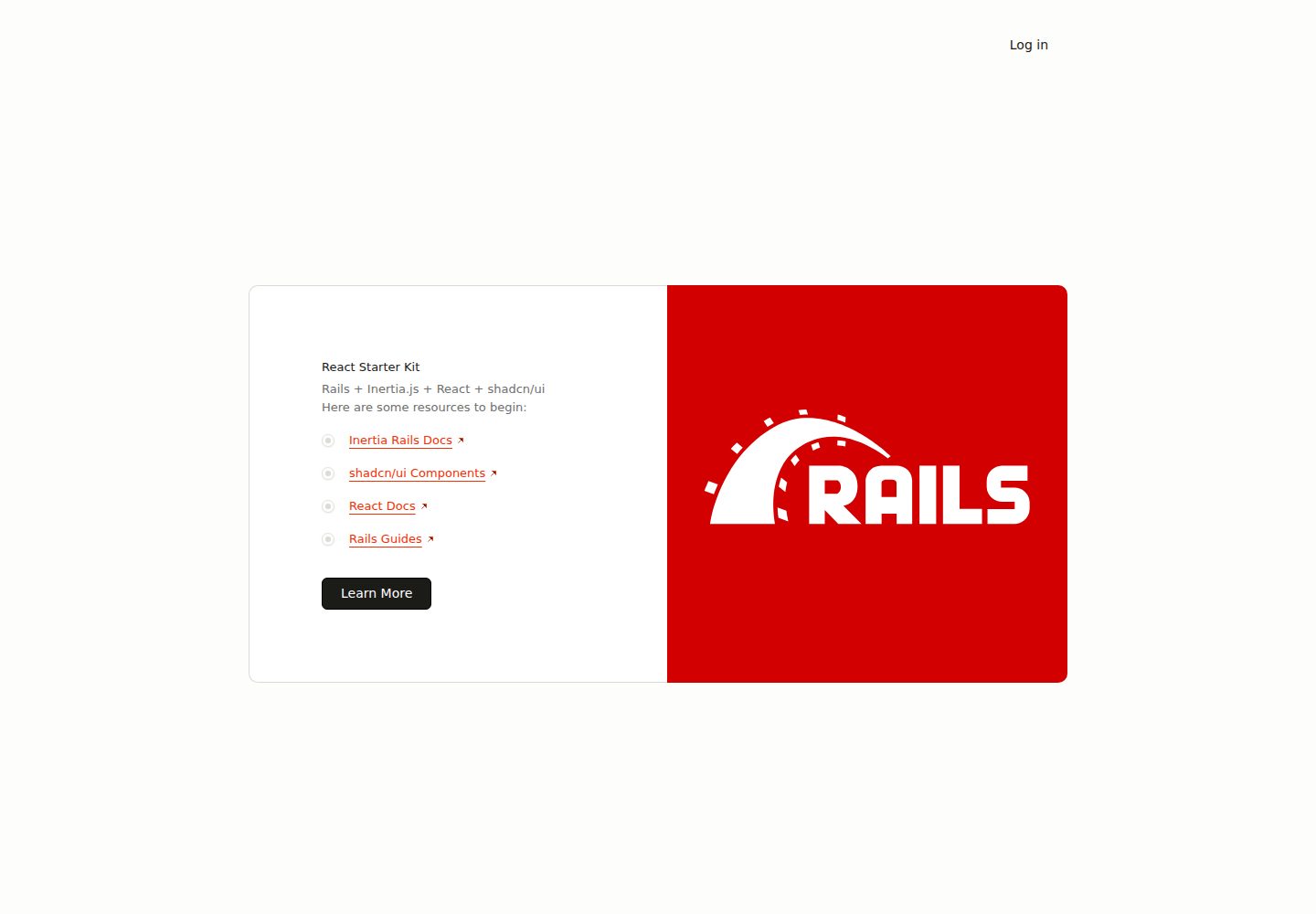
react-starter-kit
A full-stack Inertia.js starter with a Rails backend and React + TypeScript frontend, generated by inertia-rails/generator and automatically synced.
Rails · Starter
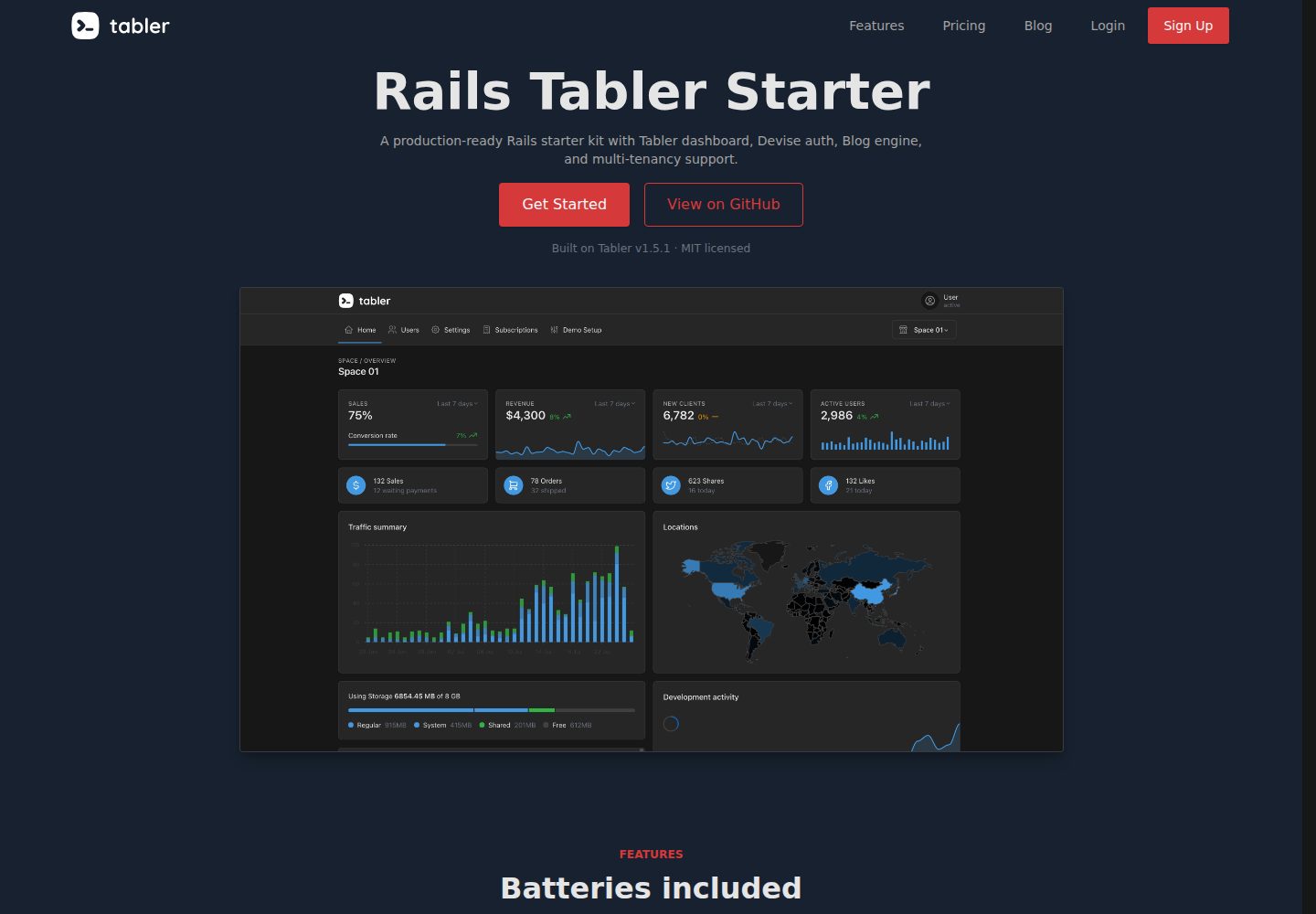
rails-tabler-starter
A free, open-source Ruby on Rails backend starter using Tabler (Bootstrap 5) with Hotwire/Turbo.
Rails · Admin dashboard
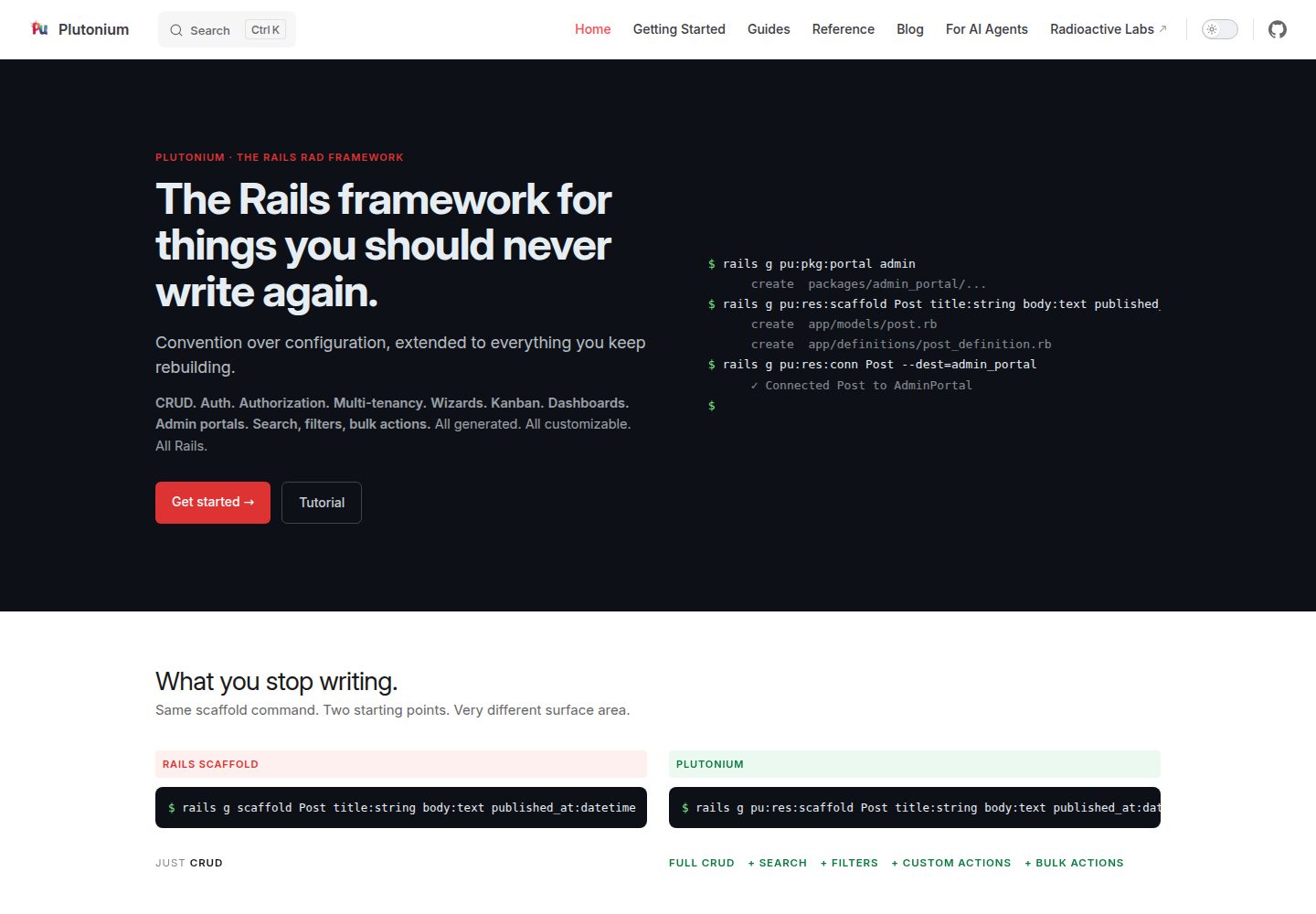
plutonium-core
Plutonium is a Rails-based admin and starter template that uses generators to write CRUD, authentication, authorization, multi-tenancy, portals, search and filtering, and bulk actions directly into project code.
Rails · Admin dashboard
ace-template
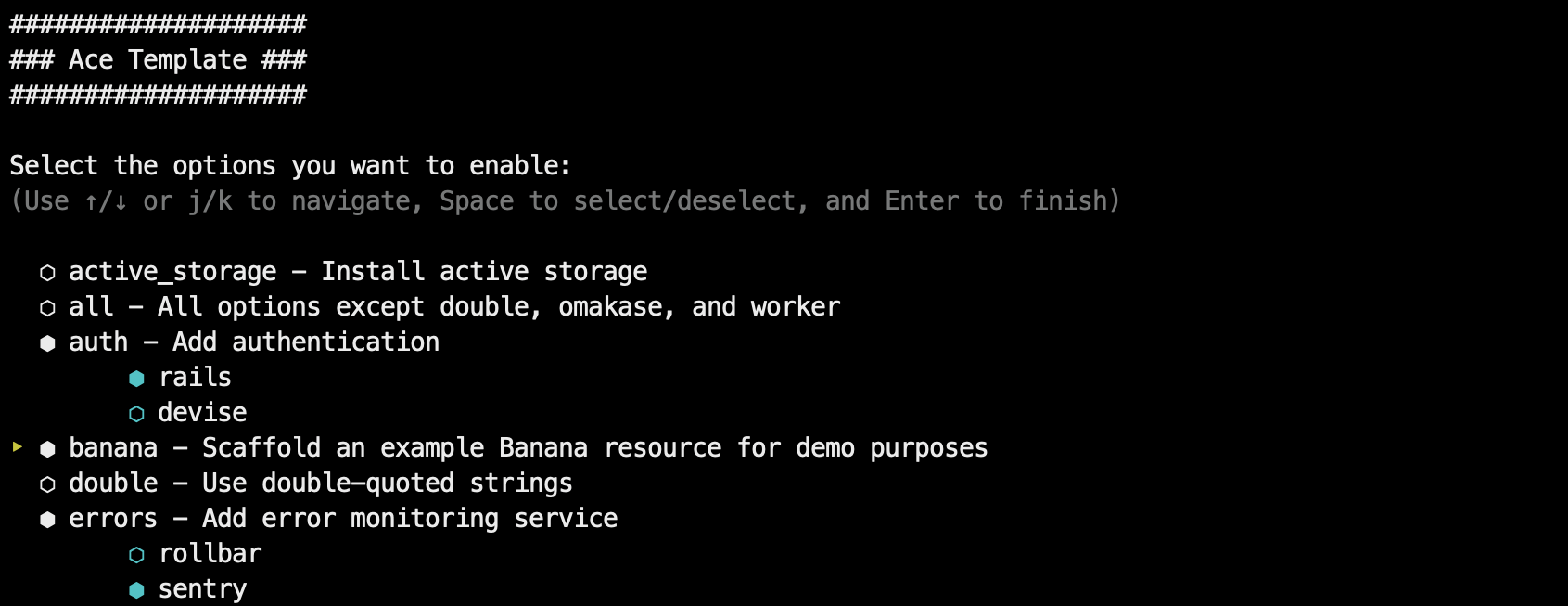
Ace Template is a Rails application template applied via rails new, supporting interactive mode and command-line options, with SQLite, Postgres, and MySQL support, Tailwind or Bootstrap styling, and deployment instructions for Kamal, Fly.io, and Heroku.
Rails · Starter
kern
Kern is a Rails engine that provides foundational SaaS features: authentication and user settings based on Rails' authentication generator, multi-tenancy via Workspace and Member with multiple Roles, team invitations, Stripe subscription billing configured through plans.yml and credentials, plus a form builder, basic…
Rails · SaaS
rails-react-starter
Rails React Starter is an MIT-licensed starter that pairs a Rails JSON API backend with a React frontend, including TailwindCSS and Docker configuration.
Rails · Starter