预配置 ActiveAdmin、Devise、Globalize 等常用插件,减少新项目重复配置
Rails启动器
rails-starter — Rails 启动器模板
作者 lr-agenceweb
基于 Rails 的启动器项目,预配置 ActiveAdmin、Devise、Globalize 等常用插件,用于加快新应用搭建。
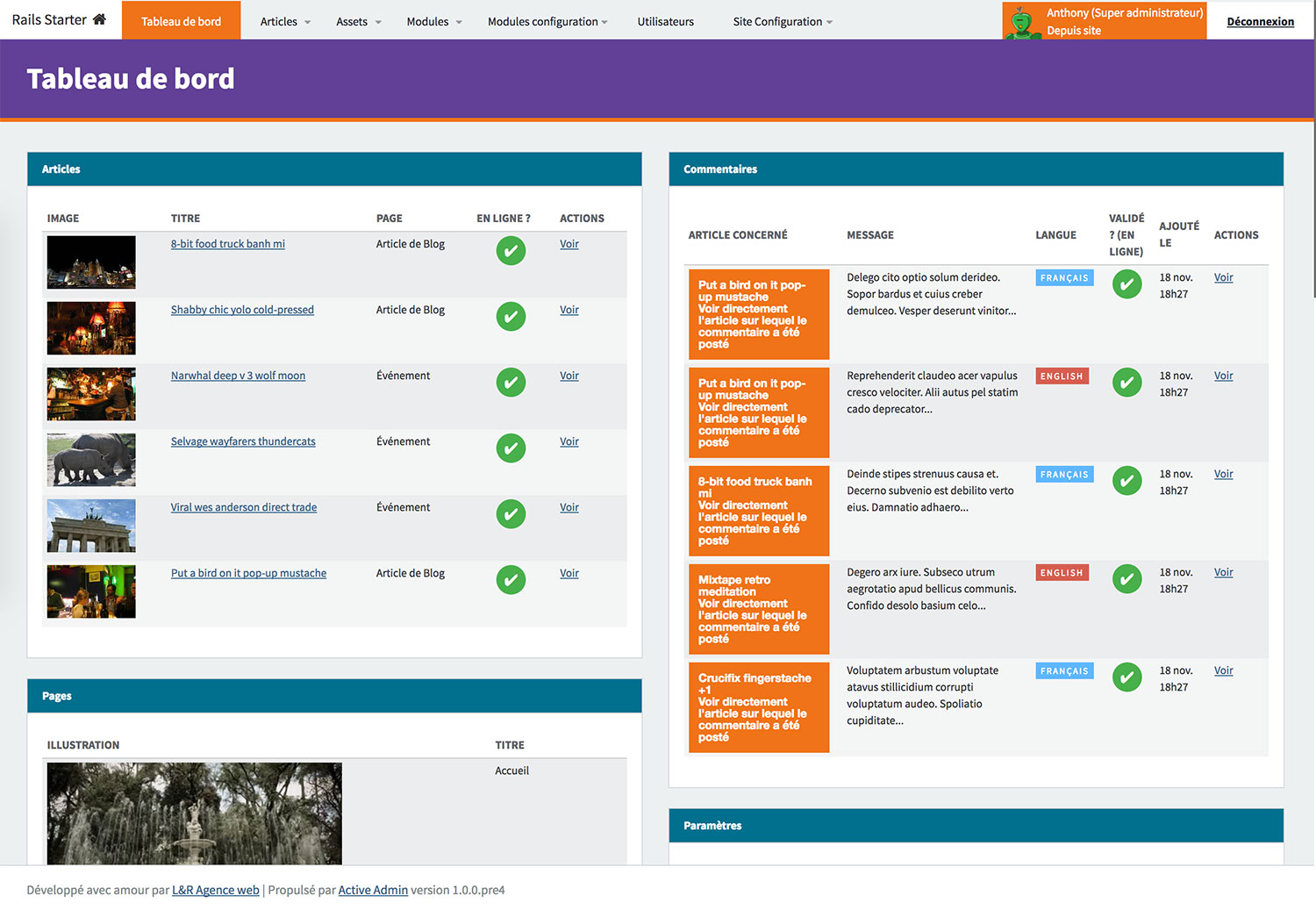
看看你的网站会是什么样
浏览真实页面截图,比较内容排版与手机效果。点击下方缩略图切换,放大查看整页细节。
目前有 1 张原始预览,可打开完整图片查看设计细节。
截图用于了解视觉与布局,交互效果请以实际项目为准。
采集于 2026-10-02查看来源
值得关注的模板亮点
从已有项目资料中,快速了解它的特点。
提供 Newsletter、Blog、Slider、Comment、Event、Map、RSS、Search 等可选模块
本地开发使用 Puma + Foreman 启动,邮件测试由 Maildev 在 1080 端口提供
视图使用 Slim 模板,样式使用 scss/sass,脚本使用 CoffeeScript
部署侧提供 Capistrano 任务,涵盖配置上传、Nginx/Puma 控制与数据库备份
模板详细介绍
这是一个 Rails 启动器(starter)项目,目标是在创建新应用时减少重复配置常用 gem 的工作。仓库说明中提到,它已预先配置好 activeadmin、devise、globalize 等插件,并附带一组可选模块。
技术栈方面,项目使用 Puma 作为本地开发服务器,通过 foreman start 启动;数据库默认使用 MySQL2,也可改用 PostgreSQL、SQLite 或 MariaDB;视图模板使用 Slim,样式使用 scss/sass(libsass),脚本使用 CoffeeScript;缓存由 memcached 配合 Dalli 处理;本地邮件测试使用 Maildev,随 foreman 一并启动,可在 1080 端口查看;部署使用 Capistrano,并提供了上传配置、Nginx/Puma 控制、数据库备份、logrotate、Paperclip 刷新等任务命令。测试为 Rails 原生测试,运行 rake test。
模块清单包括 Newsletter、Blog、Slider、Comment、Guest Book、Event、Map、Social Network、Breadcrumb、Video、Calendar、Background、QrCode、Adult、RSS、Search、Mailing、SocialConnect、Audio 等,具体可用程度需以仓库实际代码为准。
使用前需要安装 Foreman、Maildev 和 Memcached,克隆仓库后复制 .env.example、application.example.yml、database.example.yml 为对应配置文件并填写环境变量,然后依次执行 bundle install、rake db:create、rake db:schema:load、rake db:seed,最后运行 foreman start 并访问 localhost:3000。README 中给出的演示站点带 htpassword 保护。
需要注意,仓库最后更新时间为 2017 年,README 标注的 Rails 与 Ruby 版本较旧,依赖的第三方服务与 gem 可能已发生变化,直接用于新项目前应自行核对依赖与安全状况。
Rails启动器
适合你的项目吗?
适用场景
- 需要快速搭建带后台管理与用户认证的 Rails 应用原型
- 希望参考 Rails 项目中常用 gem 的预配置方式
- 需要一套包含博客、评论、事件、地图等模块的起步代码
- 使用 Capistrano 部署到私有 VPS 并需要配套运维任务脚本
适合人群
- 熟悉 Rails 并希望跳过基础插件配置的开发者
- 需要后台管理、用户认证与多语言支持的内部项目
- 以该仓库为参考学习 Rails 项目结构与部署脚本的团队
上手与定制指南
结合仓库当前版本的说明,按下面的资料检查内容、配置与运行要求。
- 1
需预先安装 Foreman、Maildev 与 Memcached
- 2
复制 .env.example、application.example.yml、database.example.yml 为实际配置文件并填写数据库、secret key、devise key 等变量
- 3
依次执行 bundle install、rake db:create、rake db:schema:load、rake db:seed
- 4
运行 foreman start 后访问 http://localhost:3000,邮件可在 http://localhost:1080 查看
- 5
仓库最后更新于 2017 年,README 标注的 Rails 与 Ruby 版本较旧,使用前应核对依赖与安全状况
授权与来源资料
使用条件与限制
免费使用 · 保留许可声明本次收录的是公开仓库中采用 MIT 许可的免费版本;免费范围为该版本代码,不代表外部服务或第三方素材免费。
使用时需要遵守
- 允许免费使用、修改、商用和分发该版本代码。
- 分发代码副本或实质性部分时,保留原作者版权声明和完整 MIT 许可声明。
- 代码按现状提供;担保与责任限制以原许可证及适用法律为准。
额外费用与待核对事项
- 使用 Newsletter 模块发送订阅邮件时,需自行配置 SPF 与 DKIM 密钥并关联到 DNS,否则可能被当作垃圾邮件。
- Newsletter 功能要求自行生成 dkim.private.key 与 dkim.public.key,并将私钥放入 config/dkim 目录。
- Map 模块依赖 Mapbox 地图服务,使用该模块需自行准备 Mapbox 相关账号或服务。
- SocialConnect 模块依赖 Facebook、Twitter、Google 的第三方社交登录服务,需自行申请并配置相应凭据。
- 运行项目需预先安装 Foreman、Maildev 与 Memcached 等外部依赖。
- 部署流程面向私有 VPS,使用 Capistrano 上传配置并管理 Nginx/Puma,需自备服务器环境。
- 在线演示站点受 htpassword 保护,需使用 README 中给出的 demo 账号密码访问。
- 演示图片、字体、图标及其他第三方素材需按各自许可核对,不能仅凭代码的 MIT 许可判断。
- 域名、托管、数据库、支付或 AI 等外部服务可能另外收费。
查看原文依据
Permission is hereby granted, free of charge
许可证原文
In order to avoid spam email when sending newsletter to subscribers, you will need to sign your email address using SPF and DKIM keys and linked them to your DNS.
README 原文
Be sure to generate a `dkim.private.key` and `dkim.public.key` and move the `dkim.private.key` in `config/dkim` folder.
README 原文
Display a Mapbox map of your organization or business
README 原文
Allow users to LINK their ALREADY EXISTING Devise account to Facebook, Twitter or Google Social Connect.
README 原文
Install [Foreman](https://github.com/ddollar/foreman) Install [Maildev](https://github.com/djfarrelly/MailDev) Install [Memcached](http://memcached.org/)
README 原文
`Capistrano` is used for an easy deploy to a private VPS
README 原文
https://github.com/lr-agenceweb/rails-starter/blob/master/LICENSEhttps://github.com/lr-agenceweb/rails-starter/blob/master/README.mdA demonstration can be found at [https://demo.lr-agenceweb.fr](https://demo.lr-agenceweb.fr)
README 原文
DeepSeek 根据仓库许可证和 README 整理 ·2026-10-02。结果仅覆盖已读取资料,依赖、图片、字体及后续条款变更以各自原文为准。
项目核对记录与介绍依据
模板资料
- 来源平台
- GitHub
- 资料与维护参考分
- 资料一般 · 56 / 100
- 技术栈
- Rails
- 网站类型
- 启动器
这个分数如何计算
本站按许可资料(最高30分)、演示链接(12分)、预览图(10分)、Star数(15分)、记录的维护时间(15分)、描述完整度(8分)、功能记录(5分)和分类资料(5分)计算。它不是代码、安全或性能测试,也不是 Google 评分;有链接不代表已实测可用。
这个项目需要核对什么
- 记录的仓库更新时间
- 2017-01-15
- 截图检查日期
- 2026-10-02
目前没有记录演示链接。请依据仓库说明在本地评估;仅凭截图无法确认交互行为。
目录记录的主要技术栈是 Rails。请通过依赖清单和锁文件核对实际版本与托管要求。这些说明基于收录资料,不代表代码审计或部署实测。
查看具体选型方法 →介绍的制作与核对状态
介绍由 AI 辅助整理目录与仓库资料。仓库作者不等于这篇介绍的审核者。
已完成服务器许可规则与 AI 来源核对;未经过人工编辑审核。
查看当时使用的来源资料
SHA-256: 3ddd88a6689583af1ae2c3ab6f387f49eea649573186c349a1f54e8ea059b720
2026-10-02T14:57:45.317Z
来源文件 / 仓库<p align="center">
<a href="https://circleci.com/gh/lr-agenceweb/rails-starter/tree/master">
<img src="https://circleci.com/gh/lr-agenceweb/rails-starter/tree/master.svg?style=svg" alt="Circle CI" />
</a>
<a href="https://travis-ci.org/lr-agenceweb/rails-starter">
<img src="https://img.shields.io/travis/lr-agenceweb/rails-starter/master.svg?style=flat-square" alt="Travis CI" />
</a>
<a href="https://codeclimate.com/github/lr-agenceweb/rails-starter">
<img src="https://img.shields.io/codeclimate/github/lr-agenceweb/rails-starter.svg?style=flat-square" alt="CodeClimate" />
</a>
<a href="https://codeclimate.com/github/lr-agenceweb/rails-starter/coverage">
<img src="https://img.shields.io/codeclimate/coverage/github/lr-agenceweb/rails-starter.svg?style=flat-square" alt="Test Coverage" />
</a>
</p>
<p align="center">
<a href="https://hakiri.io/github/lr-agenceweb/rails-starter/master">
<img src="https://hakiri.io/github/lr-agenceweb/rails-starter/master.svg" alt="Security Hakiri" />
</a>
<a href="https://gemnasium.com/lr-agenceweb/rails-starter">
<img src="https://gemnasium.com/lr-agenceweb/rails-starter.svg" alt="Gemnasium" />
</a>
<img src="https://img.shields.io/badge/Licence-MIT-3d8273.svg?style=flat-square" alt="Licence MIT" />
</p>
<h1 align='center'>
Rails Starter
</h1>
<p align='center'>
This project has been built to increase speed when creating a new application: <br /> it's annoying to reconfigure always and always the same gems so this starter pack comes with <br /> plugins already configured such as activeadmin, devise, globalize, and many others.
</p>
<p align='center'>
<img src="https://img.shields.io/badge/Rails%20starter-v0.0.5-blue.svg?style=flat-square" alt="Rails starter version" />
<img src="https://img.shields.io/badge/Ruby-2.3.3-5aaed7.svg?style=flat-square" alt="Ruby version" />
<img src="https://img.shields.io/badge/Rails-5.0.1-5aaed7.svg?style=flat-square" alt="Rails version" />
</p>
- [Demo](#demo)
- [Requirements](#requirements)
- [Usage](#usage)
- [Stack](#stack)
- [Tasks](#tasks)
- [Rails](#rails)
- [Capistrano](#capistrano)
- [Modules](#modules)
- [Screenshots](#screenshots)
- [Thanks](#thanks)
- [Contributing](#contributing)
### Demo
A demonstration can be found at [https://demo.lr-agenceweb.fr](https://demo.lr-agenceweb.fr)
```yaml
# htpassword protection
Login: demo
Password: 6c40a98438
```
### Requirements
Install [Foreman](https://github.com/ddollar/foreman)
Install [Maildev](https://github.com/djfarrelly/MailDev)
Install [Memcached](http://memcached.org/)
### Usage
Clone it: `git clone [email protected]:lr-agenceweb/rails-starter.git`
Duplicate `.env.example`, rename it in `.env` and set correct values
Duplicate `application.example.yml` and rename it in `application.yml`
Duplicate `database.example.yml` and rename it in `database.yml`
Setup your environment variable (database, secret key, devise key, ...)
Go to the application folder: `cd rails-starter`
Install gems: `bundle install`
Create database: `rake db:create`
Load schema: `rake db:schema:load`
Seed datas: `rake db:seed`
Run `foreman start`
Visit `http://localhost:3000`
That's it !
### Stack
Technology | Description
---------------------------------------------------------------------------------- | -----------
| This project use puma in local development. <br /> The server is launched using `foreman start`
 <br />  | It use `MySQL2` but you can choose to use `PostgreSQL`, `SQlite` or `MariaDB`. <br /> To create a dump of your database, run `rake db:backup`
 | It use [Slim](https://github.com/slim-template/slim-rails) template to write HTML views.
 | Style is writting in `scss` and `sass` (using libsass) <br /> Scripts are created in `coffeescript`
 | Caching is handled by `memcached` with [Dalli](https://github.com/petergoldstein/dalli)
 | It use [maildev](http://djfarrelly.github.io/MailDev/) NodeJS package to test emails in local. <br /> You don't have nothing to do, `maildev` server will be launched in the same time as the rails server with `foreman start`. <br /> To see your mails, visit `http://localhost:1080`
Units Tests | Vanilla rails tests are included, just run `rake test`
Code structure | This project follow most of [Rubocop](https://github.com/bbatsov/rubocop) rules
 | `Capistrano` is used for an easy deploy to a private VPS
### Tasks
#### Rails
* Color Routes: colored version of rake routes (run `rake color_routes`)
#### Capistrano
* **Core**
* `cap <env> core:upload:yml` : Upload yml configuration files such as application, database, secrets, sitemap, ...
* `cap <env> core:upload:dkim` : Upload DKIM private key
* `cap <env> core:upload:missing` : Upload default pictures when missing or unavailable paperclip model objects
* `cap <env> core:upload:all` : Execute all previous commands in one task
* **Nginx/Puma**
* `cap <env> nginx:start` : Start Nginx server
* `cap <env> nginx:stop` : Stop Nginx server
* `cap <env> nginx:restart` : Retart Nginx server
* `cap <env> nginx:reload` : Reload Nginx server
* `cap <env> nginx:status` : Get current Nginx status
* `cap <env> puma:config` : Upload puma config file
* `cap <env> puma:nginx_config` : Upload puma vhost config file
* **Database backup** (needs [Backup](http://backup.github.io/backup/v4/) gem to be installed)
* `cap <env> backup:upload:config` : Upload backup parent config file
* `cap <env> backup:upload:model` : Upload model file corresponding to a database
* `cap <env> backup:upload:all` : Upload both config and model files
* **Logrotate**
* `cap <env> logrotate:upload` : Upload logrotate config file
* **Paperclip**
* `cap <env> paperclip:refresh:all` : Regenerate all Paperclip styles
* `cap <env> paperclip:refresh:missing` : Regenerate only missing Paperclip styles
### Modules
Name | Description
------------------- | -----------
**Newsletter** | In order to avoid spam email when sending newsletter to subscribers, you will need to sign your email address using SPF and DKIM keys and linked them to your DNS. <br /> Be sure to generate a `dkim.private.key` and `dkim.public.key` and move the `dkim.private.key` in `config/dkim` folder.
**Blog** | Write blog articles.
**Slider** | Add a slider on the page you want and customize its options.
**Comment** | Add comments for posts or blogs articles.
**Guest Book** | Allow users (connected or not) to leave a message in the guest book.
**Event** | Create events (with start date and end date)
**Map** | Display a Mapbox map of your organization or business
**Social Network** | Display social networks icons to share your site or let users to follow you on this networks
**Breadcrumb** | Show a breadcrumb on the page of your site
**Video** | Upload your own videos or add it from video platform such as Youtube or Dailymotion
**Calendar** | Choose start date and end date for your Events
**Background** | Display a background image for your pages
**QrCode** | Show a contact QrCode on the website
**Adult** | Display a popup the first time you access the website to inform you than you must be over 18 to continue your visit
**RSS** | Add a RSS feed to the website
**Search** | Add a search form to look on title or content post articles
**Mailing** | Application developped to send heavy mails number to users
**SocialConnect** | Allow users to LINK their ALREADY EXISTING Devise account to Facebook, Twitter or Google Social Connect.
**Audio** | Upload audio files and play them in an HTML5 player.
### Screenshots
#### Frontend

#### Backend

### Thanks
A big thanks to [Grafikart](http://grafikart.fr) for all his amazing tutorials !
### Contributing
1. Fork it
2. Create your feature branch (`git checkout -b my-new-feature`)
3. Commit your changes (`git commit -am 'Add some feature'`)
4. Push to the branch (`git push origin my-new-feature`)
5. Create new Pull Request
看看同类模板
对比同技术栈与用途的模板,找到更适合的视觉与内容结构。
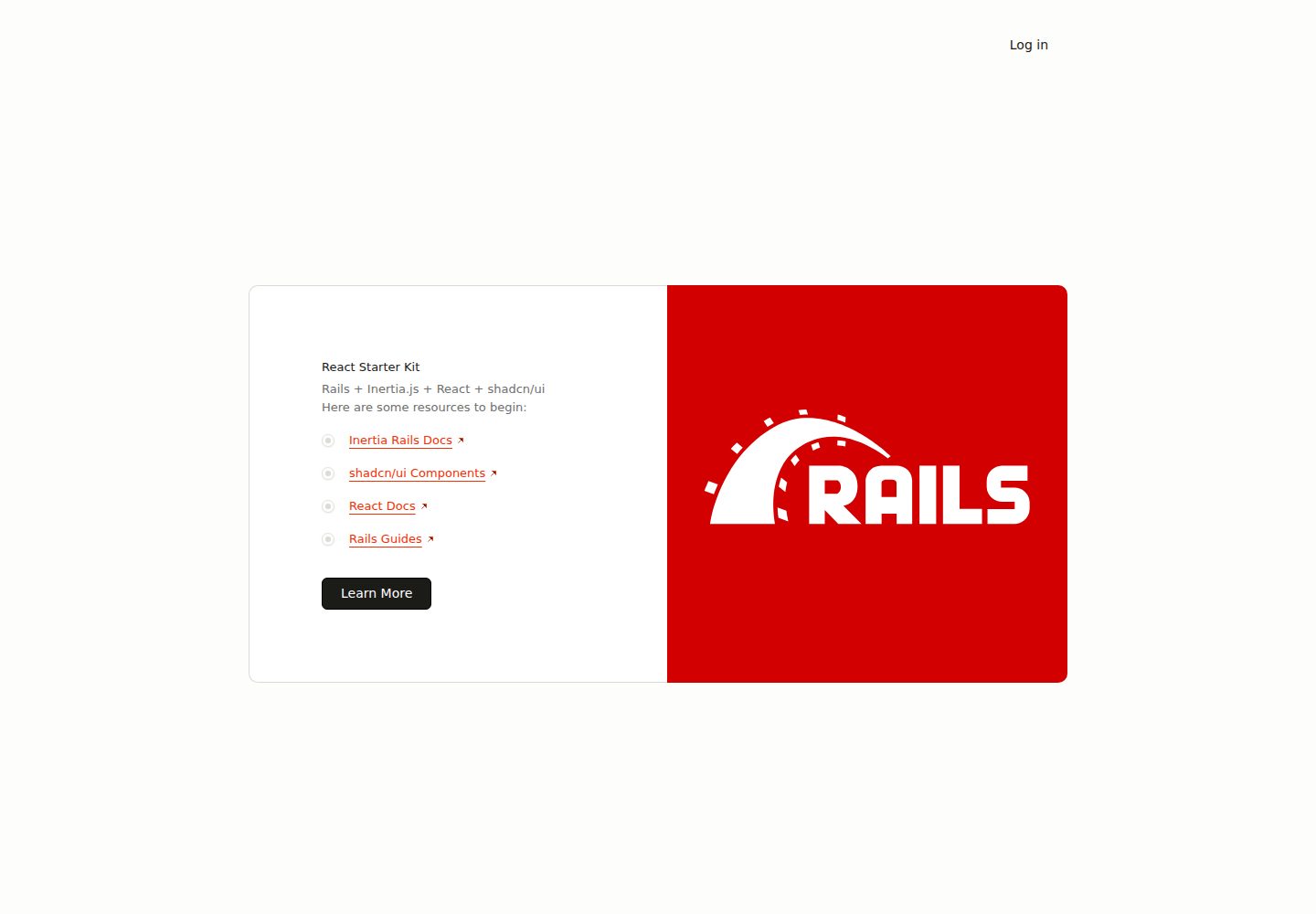
react-starter-kit
Inertia Rails React Starter Kit
Rails · 启动器
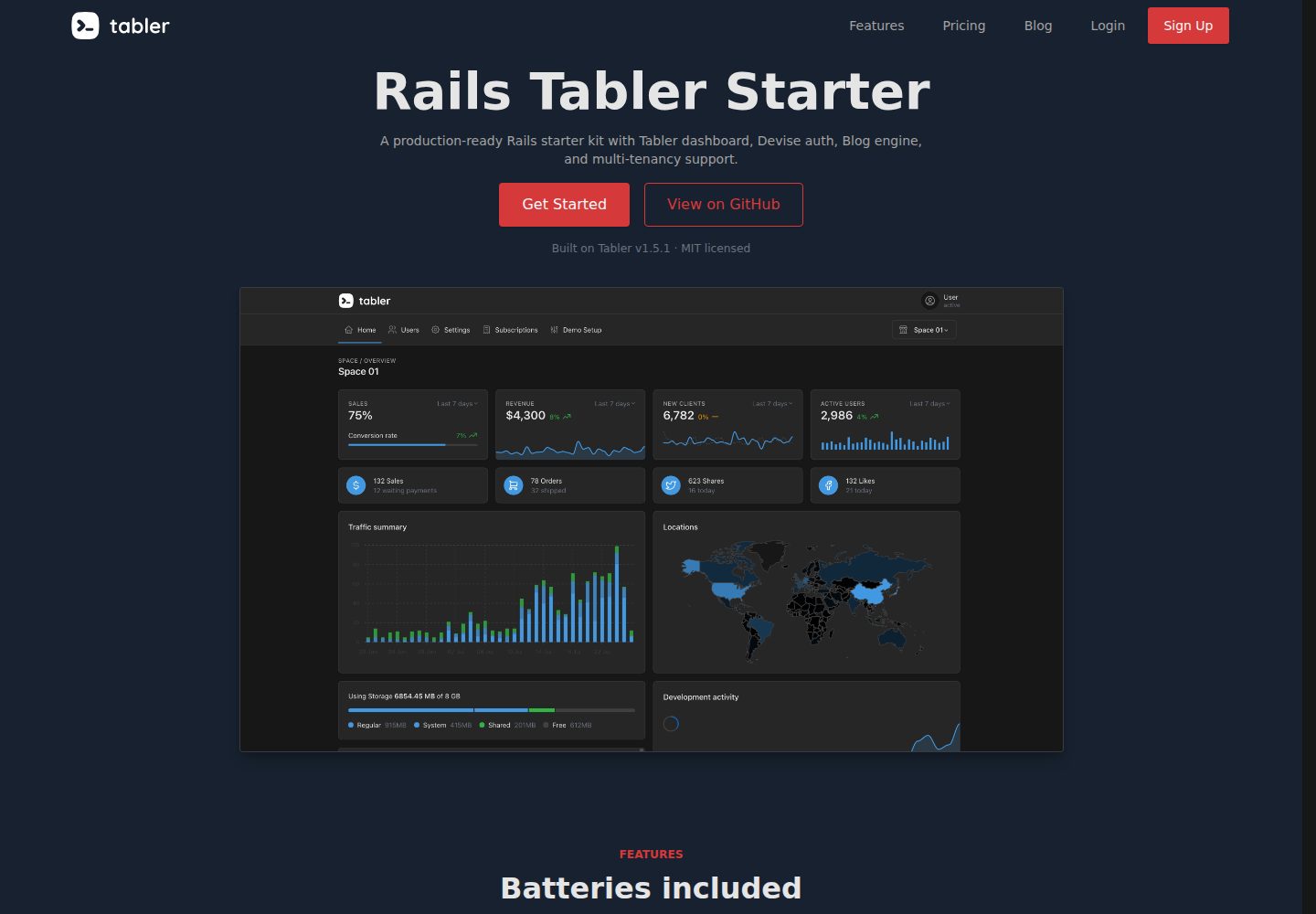
rails-tabler-starter
Free and open source Ruby on Rails starter kit built using Tabler
Rails · 后台
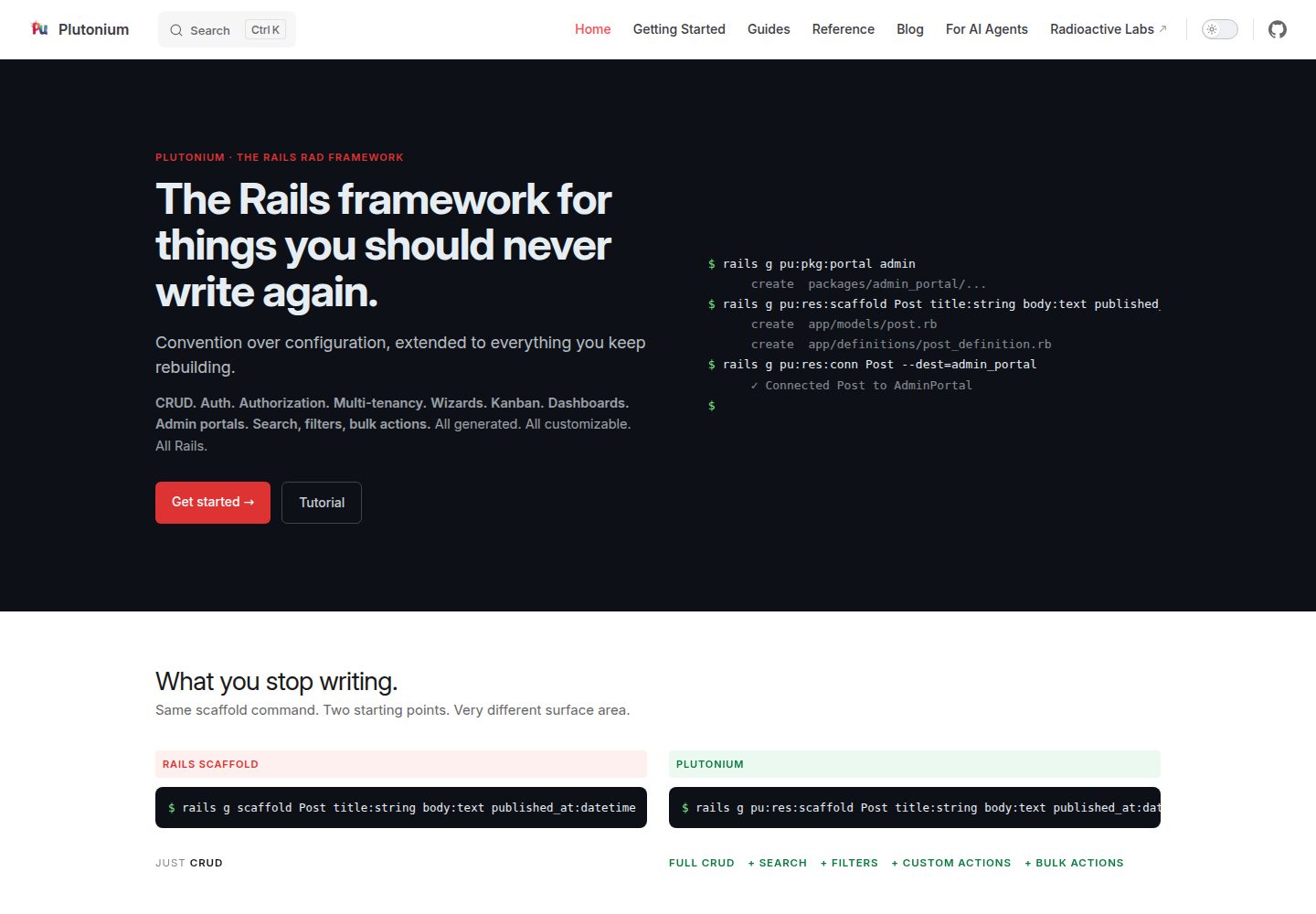
plutonium-core
Build production-ready Rails apps in minutes, not days. Convention-driven, fully customizable, AI-ready.
Rails · 后台
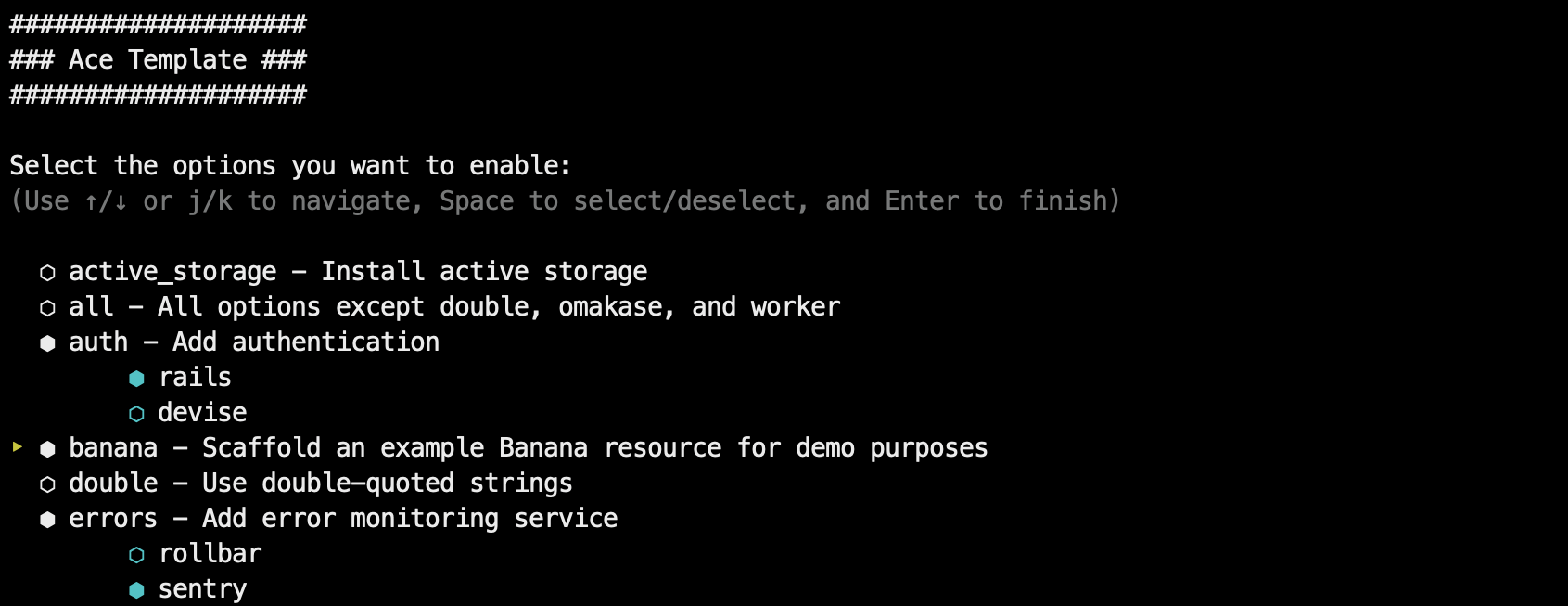
ace-template
Rails 8+ app template. Go from 0 to full-featured deployed app in less than 5 minutes (self-hosted or PaaS)
Rails · 启动器
kern
SaaS starter for Rails apps. Skip the boilerplate and start shipping the actual product.
Rails · SaaS
rails-react-starter
Simple React & Rails starter
Rails · 启动器