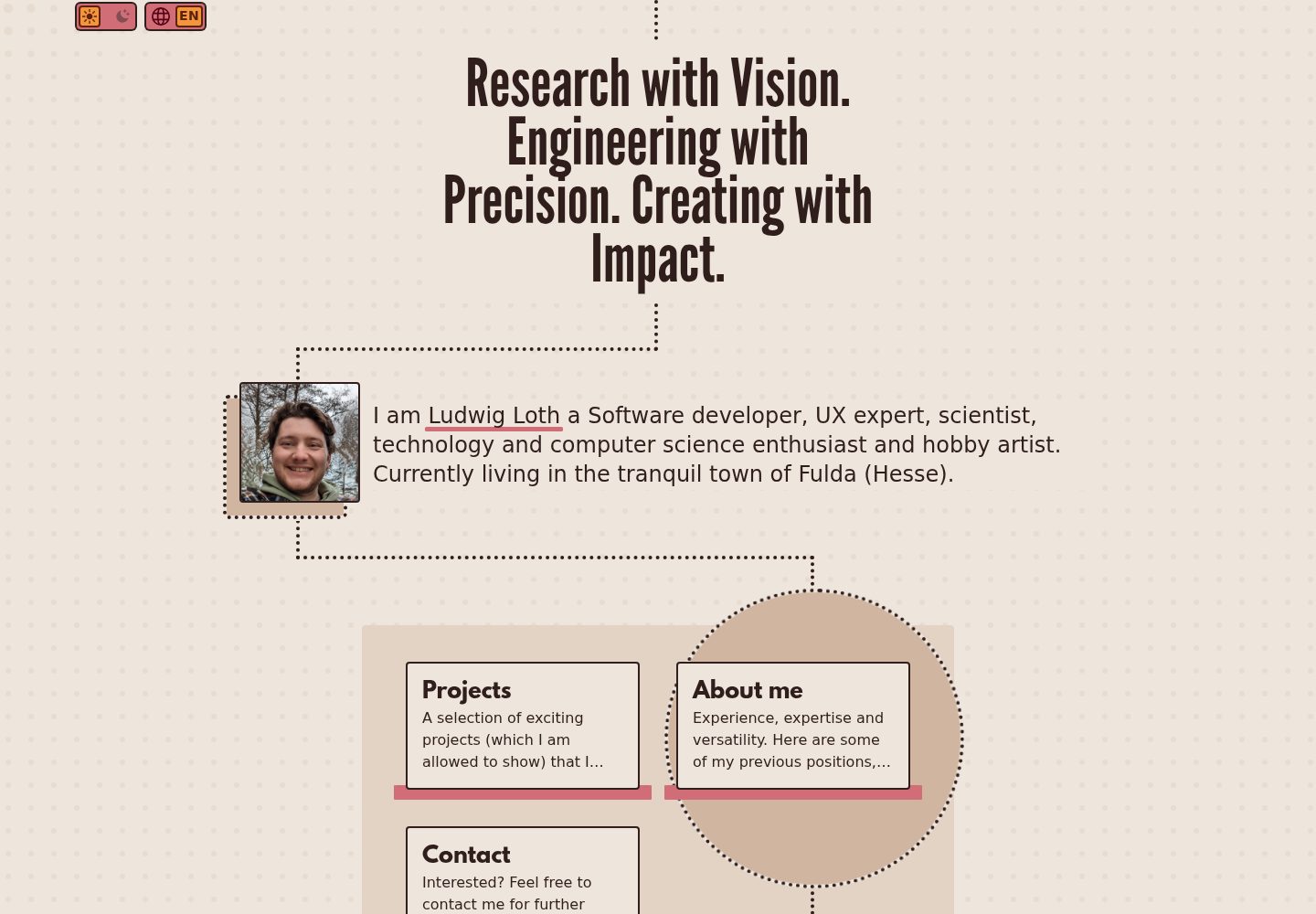
Built with Nuxt and Tailwind CSS, with a design system centered on dot-based visuals
NuxtVuePortfolio
punkt3 — Nuxt Portfolio Template
By ludwig-loth
PUNKT3 is a personal portfolio frontend template built with Nuxt and Tailwind CSS. It connects to a CMS through a backend-agnostic adapter approach, includes three page types—portfolio, about me, and contact—and supports i18n and SEO.
Explore the design
Compare the page layouts and mobile experience. Open any screenshot for a closer look.
Desktop homepage1 / 3
Desktop captureTop of page
Actual screenshot captured by the server browser.
All pages & views 3
Screenshots show visual appearance; interactive behavior may differ.
Recorded 2026-10-03View source
What stands out
A quick read of the recorded project description.
Backend-agnostic adapter architecture, with a Directus adapter already implemented in the repository
Includes pages such as landing, portfolio list and detail, about me, contact, and legal notice
Provides a sidebar layout and submenu for pages such as portfolio, about me, and contact
Built-in SEO composable and translation helper composable, with i18n support
Features an interactive dot background animation that changes with mouse position
Template Details
PUNKT3 is a personal website frontend template built with Nuxt and Tailwind CSS. Its design revolves around "dots," and the 3 in the name corresponds to the three main sections: portfolio, about me, and contact. The template itself is not tied to a specific backend; data access is handled through adapters. A Directus adapter is already implemented in the repository, and optional values such as supabase and nuxt_content are listed in the configuration.
In terms of pages, it includes a landing page, portfolio list and detail pages, about me, contact, legal notice, as well as blog and other project pages marked as WIP. Layouts are divided into a default layout and a sidebar layout. The sidebar layout is used for pages such as portfolio, about me, contact, and legal notice, and includes a submenu. For data flow, the Nitro server API calls the adapter, and the Pinia store loads data at application startup via useAsyncData, which is then rendered by pages and components.
Before use, you need to configure .env, where NUXT_BACKEND_ADAPTER is required. The Directus adapter also requires NUXT_PUBLIC_API_URL. Adding a new backend requires implementing the data-fetching and transformation methods in the adapter interface yourself, manually registering it in server/services/index.ts, and completing field mapping according to the types under shared/types. The blog and other project pages are not yet complete, and the licensing and fees for third-party assets and external services must be checked separately.
NuxtPortfolio
Is it right for your project?
Use Cases
- Building a personal portfolio website to showcase a project list and project details
- Connecting a personal website to a headless CMS such as Directus for content management
- Personal sites that require multilingual support and SEO metadata configuration
- Frontend projects that connect to a custom API or another CMS through adapters
Suitable For
- Frontend developers familiar with Nuxt and Tailwind CSS
- Developers who want to implement their own backend adapter and control data mapping
- Personal websites that need a fixed page structure such as portfolio, about me, and contact
Getting started & customization
Use these recorded setup notes alongside the repository instructions for your chosen version.
- 1
Copy example.env to .env and set NUXT_BACKEND_ADAPTER; the Directus adapter also requires NUXT_PUBLIC_API_URL
- 2
When using Directus, configure collections and fields according to the examples in the adapter, and convert responses to the types under shared/types
- 3
Adding a new backend adapter requires implementing data-fetching and transformation methods and registering it in server/services/index.ts
- 4
The blog and other project pages are marked as WIP in the repository; confirm their completeness before use
- 5
Third-party assets such as demo images, fonts, and icons must be checked against their respective licenses; external services such as domains and hosting may incur separate fees
License & source material
Usage conditions & limitations
Free to use · keep license noticeThis entry covers the free version under the MIT license in the public repository; the free scope applies to that version's code and does not mean that external services or third-party assets are free.
Must comply with when using
- You may use, modify, commercialize, and distribute this version's code for free.
- When distributing copies or substantial portions of the code, retain the original author's copyright notice and the complete MIT license notice.
- The code is provided as is; warranties and limitations of liability are governed by the original license and applicable law.
Additional costs & items to verify
- Demo images, fonts, icons, and other third-party assets must be checked against their respective licenses and cannot be judged solely by the code's MIT license.
- External services such as domains, hosting, databases, payments, or AI may incur separate fees.
- The NUXT_BACKEND_ADAPTER environment variable must be set; among the optional values, only the Directus adapter is currently implemented, while supabase and nuxt_content are not yet implemented and require custom development.
- When using the Directus adapter, NUXT_PUBLIC_API_URL must be provided, meaning you need your own accessible Directus backend service.
- When adding a new backend adapter, it currently must be manually added to the TypeScript interface and cannot be registered automatically.
- The blog page is marked as WIP (work in progress); its functionality is not yet complete, and its completeness should be confirmed before use.
- Other project pages are marked as WIP (work in progress); their functionality is not yet complete, and their completeness should be confirmed before use.
View Original Text Basis
Permission is hereby granted, free of charge
Original License Text
`NUXT_BACKEND_ADAPTER` must be set. Available values: see [server/services/index.ts](server/services/index.ts) (`directus`, `supabase`, `nuxt_content`). Currently implemented: `directus`.
Original README
`NUXT_PUBLIC_API_URL` is required by the Directus adapter: [server/services/directus.adapter.ts](server/services/directus.adapter.ts).
Original README
for now you have to add them to the TypeScript interface by hand
Original README
Blog (WIP): [app/pages/blog/index.vue](app/pages/blog/index.vue)
Original README
https://github.com/ludwig-loth/punkt3/blob/main/LICENSEhttps://github.com/ludwig-loth/punkt3/blob/main/README.mdOther Projects (WIP): [app/pages/other-projects/index.vue](app/pages/other-projects/index.vue)
Original README
Compiled by DeepSeek based on repository license and README ·2026-10-04. Results only cover the materials read; dependencies, images, fonts, and subsequent term changes are subject to their respective original texts.
Project checks & description sources
Template Information
- Source platforms
- GitHub
- Documentation and maintenance reference score
- More documented · 83 / 100
- Technologies
- Nuxt · Vue
- Website type
- Portfolio
How this score is calculated
Our heuristic uses license records (up to 30), a demo link (12), a preview (10), stars (15), recorded maintenance (15), description completeness (8), feature records (5) and classification data (5). It is not a code, security or performance test, or a Google score. A link does not establish tested functionality.
What to verify for this project
- Repository update recorded
- 2026-03-04
- Screenshot last checked
- 2026-10-04
A demo link is listed. Check it with your own content and viewport sizes; its presence does not confirm that forms, authentication or payments work.
The catalog identifies Nuxt as the primary stack. Check the actual dependency manifest and lockfile for versions and hosting requirements. These notes use recorded metadata, not a code audit or a deployment test.
Use a selection guide →How this description was prepared
AI-assisted description based on catalog records and repository material. Repository authors are not automatically the reviewers of this description.
Review declaration: [email protected] · 2026-10-04
Inspect the recorded source material
SHA-256: eceb0f37f4294747fe26d51fac5b74650818e39922cfda0ce0381f4413c53793
2026-10-04T07:35:24.749Z
Source file / repository# PUNKT3
*PUNKT3 (Punkte) [ˈpʊŋktə]* is a template for your personal website built with Nuxt and Tailwind CSS.
Punkte is the german word for "points" or "dots".
The whole design philosophy of this frontend template is based on dots.
The number 3 represents the three main aspects of the framework:
- Portfolio
- About me
- Contact
This frontend template is designed to be backend-agnostic. Data access is handled through adapters (e.g., Directus). The UI is based on Tailwind CSS with a consistent dot/points design system.
> You can see it in action at my personal website: [https://ludwigloth.de/](https://ludwigloth.de/)
---
## Features
- **Nuxt 4** with SSR, Pinia, SEO, i18n
- **Backend-agnostic** adapter system (Directus implemented, more coming)
- **Pages**:
- Landing: [app/pages/index.vue](app/pages/index.vue)
- Portfolio listing: [app/pages/portfolio/index.vue](app/pages/portfolio/index.vue)
- Portfolio detail: [app/pages/portfolio/[slug].vue](app/pages/portfolio/%5Bslug%5D.vue)
- About me: [app/pages/about-me.vue](app/pages/about-me.vue)
- Contact: [app/pages/contact.vue](app/pages/contact.vue)
- Blog (WIP): [app/pages/blog/index.vue](app/pages/blog/index.vue)
- Other Projects (WIP): [app/pages/other-projects/index.vue](app/pages/other-projects/index.vue)
- Legal Notice: [app/pages/legal-notice.vue](app/pages/legal-notice.vue)
- **Layouts**
- Default [app/layouts/default.vue](app/layouts/default.vue)
- Layout for the Landing Page
- honestly it is not used elsewhere
- Sidebars [app/layouts/sidebars.vue](app/layouts/sidebars.vue)
- layout for all Pages where a sidebar is needed
- Projects/Portfolio
- About me
- Contact
- Legal Notice
- **Submenus** for "sidebars" layout: [app/layouts/sidebars.vue](app/layouts/sidebars.vue)
- **Design system** via Tailwind and custom CSS: [app/assets/css/main.css](app/assets/css/main.css)
- **Interactive dots background**: [app/plugins/interactableDots.ts](app/plugins/interactableDots.ts)
- (just a little fun animation based on your mouse position)
- **SEO composables**: [app/composables/useSeo.ts](app/composables/useSeo.ts)
- **Translation helpers**: [app/composables/useTranslation.ts](app/composables/useTranslation.ts)
---
## Architecture Overview
**Data Flow (simplified):**
- **Server APIs** (Nitro) call the configured adapter:
- Landing: [server/api/landingPage.get.ts](server/api/landingPage.get.ts)
- Projects: [server/api/projects.get.ts](server/api/projects.get.ts)
- CV: [server/api/cv.get.ts](server/api/cv.get.ts)
- Contact: [server/api/contact.get.ts](server/api/contact.get.ts)
- Legal Notice: [server/api/legalNotice.get.ts](server/api/legalNotice.get.ts)
- **Adapter selection**: [server/services/index.ts](server/services/index.ts) via `NUXT_BACKEND_ADAPTER` env
- **Directus adapter**: [server/services/directus.adapter.ts](server/services/directus.adapter.ts)
- **Stores** (Pinia) initialize data at app level:
- App bootstrap: [app/app.vue](app/app.vue) loads data via `useAsyncData()` and populates stores (Landing, CV, Projects, Contact, LegalNotice)
- **Rendering** via pages + components:
- Timeline components: [app/components/stagesTimeline.vue](app/components/stagesTimeline.vue), [app/components/publicationsTimeline.vue](app/components/publicationsTimeline.vue)
- Lightbox: [app/components/lightBox.vue](app/components/lightBox.vue)
- Buttons: [app/components/linkButton.vue](app/components/linkButton.vue), [app/components/actionButton.vue](app/components/actionButton.vue)
- and much more
---
## Configuration (.env)
Create a `.env` file (or use `example.env` as template):
```env
NUXT_BACKEND_ADAPTER=directus
# Public URLs (needed on client-side)
NUXT_PUBLIC_API_URL=https://your-directus.example.com
NUXT_PUBLIC_SITE_URL=https://your-site.example.com
NUXT_PUBLIC_SITE_NAME=Your Site Name
NUXT_PUBLIC_SITE_DESCRIPTION=This is your site description.
# Optional: Node/Host/Port for Docker/Server
NODE_ENV=production
HOST=0.0.0.0
PORT=3000
```
**Important:**
- `NUXT_BACKEND_ADAPTER` must be set. Available values: see [server/services/index.ts](server/services/index.ts) (`directus`, `supabase`, `nuxt_content`). Currently implemented: `directus`.
- keep in mind that you can always implement new ones
- for now you have to add them to the TypeScript interface by hand
- `NUXT_PUBLIC_API_URL` is required by the Directus adapter: [server/services/directus.adapter.ts](server/services/directus.adapter.ts).
---
## Backend Adapters
- **Selection & Loading**: [server/services/index.ts](server/services/index.ts)
- **Directus**:
- Initialization: [server/services/directus.adapter.ts](server/services/directus.adapter.ts) (requires `NUXT_PUBLIC_API_URL`)
- **Setup your Collections/Fields**:
- Example for projects: [`getProjectData()`](server/services/directus.adapter.ts) (replace placeholder `<your project endpoint>` and adapt fields/relations)
- Convert responses to shared types under `shared/types/*` (e.g., [shared/types/project.ts](shared/types/project.ts), [shared/types/cv.ts](shared/types/cv.ts), [shared/types/contact.ts](shared/types/contact.ts), [shared/types/legalNotice.ts](shared/types/legalNotice.ts))
---
## Creating a New Backend Adapter
PUNKT3's adapter system allows you to connect to any headless CMS or API backend. Here's how to create your own adapter:
### 1. Understanding the Adapter Interface
Every adapter must implement these methods:
**Get methods for fetching data from your CMS:**
- `getAdapterName()` - Returns adapter name
- `getLandingPageData()` - Returns [`Landing`](shared/types/landing.ts) data
- `getContactData()` - Returns [`Contact`](shared/types/contact.ts) data
- `submitContactForm(formData)` - Handles contact form submissions
- `getProjectData()` - Returns [`Project[]`](shared/types/project.ts) array
- `getCVData()` - Returns [`CV`](shared/types/cv.ts) data
- `getLegalNoticeData()` - Returns [`LegalNotice`](shared/types/legalNotice.ts) data
**Private converter methods for transforming your CMS data to PUNKT3 structure:**
- `convertToLanding(backendData)` - Transforms raw CMS data to [`Landing`](shared/types/landing.ts) interface
- `convertToContact(backendData)` - Transforms raw CMS data to [`Contact`](shared/types/contact.ts) interface
- `convertToProject(backendData)` - Transforms raw CMS data to [`Project`](shared/types/project.ts) interface
- `convertToCV(backendData)` - Transforms raw CMS data to [`CV`](shared/types/cv.ts) interface
- `convertToLegalNotice(backendData)` - Transforms raw CMS data to [`LegalNotice`](shared/types/legalNotice.ts) interface
**Why converter methods are important:**
- They isolate the data transformation logic from API calls
- Make your adapter easier to test and debug
- Handle field mapping between your CMS structure and PUNKT3's expected types
- Manage translation/i18n data formatting
- Convert date formats, nested relationships, and media URLs
**Example converter pattern:**
```typescript
private convertToLanding(cmsData: any): Landing {
return {
id: cmsData.id,
status: cmsData.status || 'published',
date_updated: cmsData.updatedAt,
initials: cmsData.user_initials,
my_name: cmsData.full_name,
image: cmsData.profile_image?.url,
menu_items: cmsData.navigation?.map(item => ({
slug: item.page_slug,
icon: item.icon_name,
sort: item.order,
translations: item.localizations?.map(loc => ({
languages_code: loc.locale,
heading: loc.title,
description: loc.description
})) || []
})) || [],
translations: cmsData.localizations?.map(translation => ({
languages_code: translation.locale,
about_me_short: translation.bio_text,
opening_line: translation.intro_text,
seo: {
title: translation.meta_title,
meta_description: translation.meta_description,
keywords: translation.meta_keywords,
no_index: translation.no_index || false,
no_follow: translation.no_follow || false,
og_image: translation.social_image?.url
}
})) || []
}
}
```
### 2. Create Your Adapter File
Create a new file in [`server/services/`](server/services/) (e.g., `strapi.adapter.ts`):
```typescript
import type { Landing, Contact, Project, CV, LegalNotice } from '~/shared/types'
class StrapiAdapter {
private apiUrl: string
constructor() {
if (!process.env.NUXT_PUBLIC_API_URL) {
throw new Error('NUXT_PUBLIC_API_URL environment variable is required')
}
this.apiUrl = process.env.NUXT_PUBLIC_API_URL
}
async getAdapterName() {
return 'strapi'
}
async getLandingPageData(): Promise<Landing> {
// Fetch from your backend
const response = await fetch(`${this.apiUrl}/api/landing-page?populate=*`)
const data = await response.json()
// Convert to PUNKT3's Landing type
return this.convertToLanding(data.data)
}
private convertToLanding(backendData: any): Landing {
// Transform your backend's data structure to PUNKT3's Landing interface
return {
id: backendData.id,
status: backendData.attributes.status,
// ... map all required Landing fields
}
}
// Implement all other required methods...
}
export default StrapiAdapter
```
### 3. Register Your Adapter
Update [`server/services/index.ts`](server/services/index.ts):
```typescript
// Add your adapter to available types
const AVAILABLE_ADAPTERS = ['directus', 'supabase', 'nuxt_content', 'strapi'] as const
// Add case in loadAdapter() function
case 'strapi':
const { default: StrapiAdapter } = await import('./strapi.adapter')
adapterCache = new StrapiAdapter()
break
```
### 4. Data Type Mapping
The most crucial part is mapping your backend's data to PUNKT3's types. Study these interfaces:
- [`Landing`](shared/types/landing.ts) - Homepage content with menu items
- [`Project`](shared/types/project.ts) - Portfolio projects with content blocks
- [`CV`](shared/types/cv.ts) - Career stages, education, skills, publications
- [`Contact`](shared/types/contact.ts) - Contact info and social links
- [`LegalNotice`](shared/types/legalNotice.ts) - Legal information
### 5. Multilingual Support
PUNKT3 expects translations in this format:
```typescript
translations: [
{
languages_code: 'en-US',
title: 'English Title',
description: 'English description'
},
{
languages_code: 'de-DE',
title: 'German Title',
description: 'German description'
}
]
```
Map your CMS's i18n structure to this format in your conversion methods.
### 6. Environment Configuration
Update your `.env` file:
```env
NUXT_BACKEND_ADAPTER=strapi
NUXT_PUBLIC_API_URL=https://your-strapi-instance.com
# Add any adapter-specific environment variables
```
### 7. Testing Your Adapter
1. Set your adapter in `.env`: `NUXT_BACKEND_ADAPTER=your-adapter`
2. Run `npm run dev`
3. Check console output shows: `Using adapter: your-adapter`
4. Verify all pages load with your backend data
### 8. Error Handling Best Practices
```typescript
async getLandingPageData(): Promise<Landing> {
try {
const response = await fetch(`${this.apiUrl}/api/landing-page`)
if (!response.ok) {
throw new Error(`API error: ${response.status}`)
}
const data = await response.json()
return this.convertToLanding(data)
} catch (error) {
console.error('Error fetching landing page:', error)
throw error // Re-throw to let API endpoint handle it
}
}
```
### 9. Common Pitfalls
- **Missing environment variables** - Always validate required env vars in constructor
- **Incorrect type mapping** - Ensure your conversion methods return exactly what PUNKT3 expects
- **Missing translations** - All content should have proper language code mappings
- **Async/await issues** - All adapter methods should be properly async
- **Error boundaries** - Handle API failures gracefully
### Example Adapters
Check the existing implementations for guidance:
- [`server/services/directus.adapter.ts`](server/services/directus.adapter.ts) - Full Directus implementation
- more to follow
### Getting Help
Feel free to open a discussion here on GitHub.
---
## Contributing
We welcome contributions! Whether you're fixing bugs, adding features, or creating new backend adapters, your help is appreciated.
If you create an adapter for a popular CMS, consider contributing it back to the project!
**Quick start for adapter contributions:**
1. Fork the repository
2. Create your working adapter
3. Make a clean template version (no real API endpoints)
4. Submit a PR with the template only
See our detailed [Contributing Guide](CONTRIBUTING.md) for complete instructions.
---
## License
This project is licensed under the MIT License - see the [LICENSE](LICENSE) file for details.
MIT License allows you to:
- ✅ Use commercially
- ✅ Modify and distribute
- ✅ Include in private projects
- ✅ Sublicense
The only requirement is to include the original copyright notice.
Explore similar templates
Compare previews and descriptions within the same stack and category.

canvas
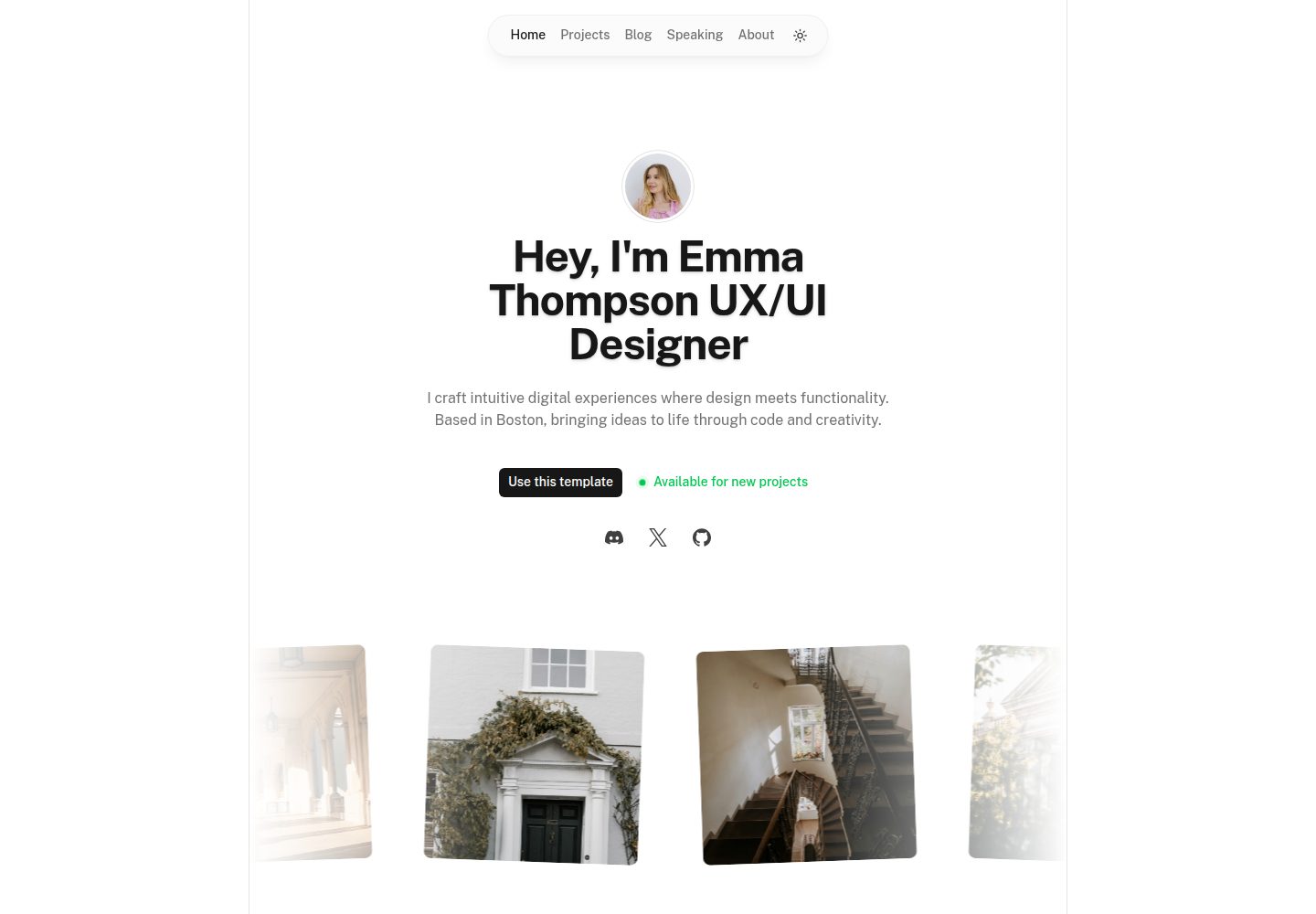
Canvas is a Nuxt-based portfolio template that uses Nuxt Content for content management and Nuxt UI with Tailwind CSS for pages.
Nuxt · Portfolio
portfolio
A Nuxt portfolio template using Nuxt UI for interface components and Nuxt Content for content, intended to showcase projects, skills, and blog.
Nuxt · Portfolio
nuxtjs-tailwindcss-portfolio
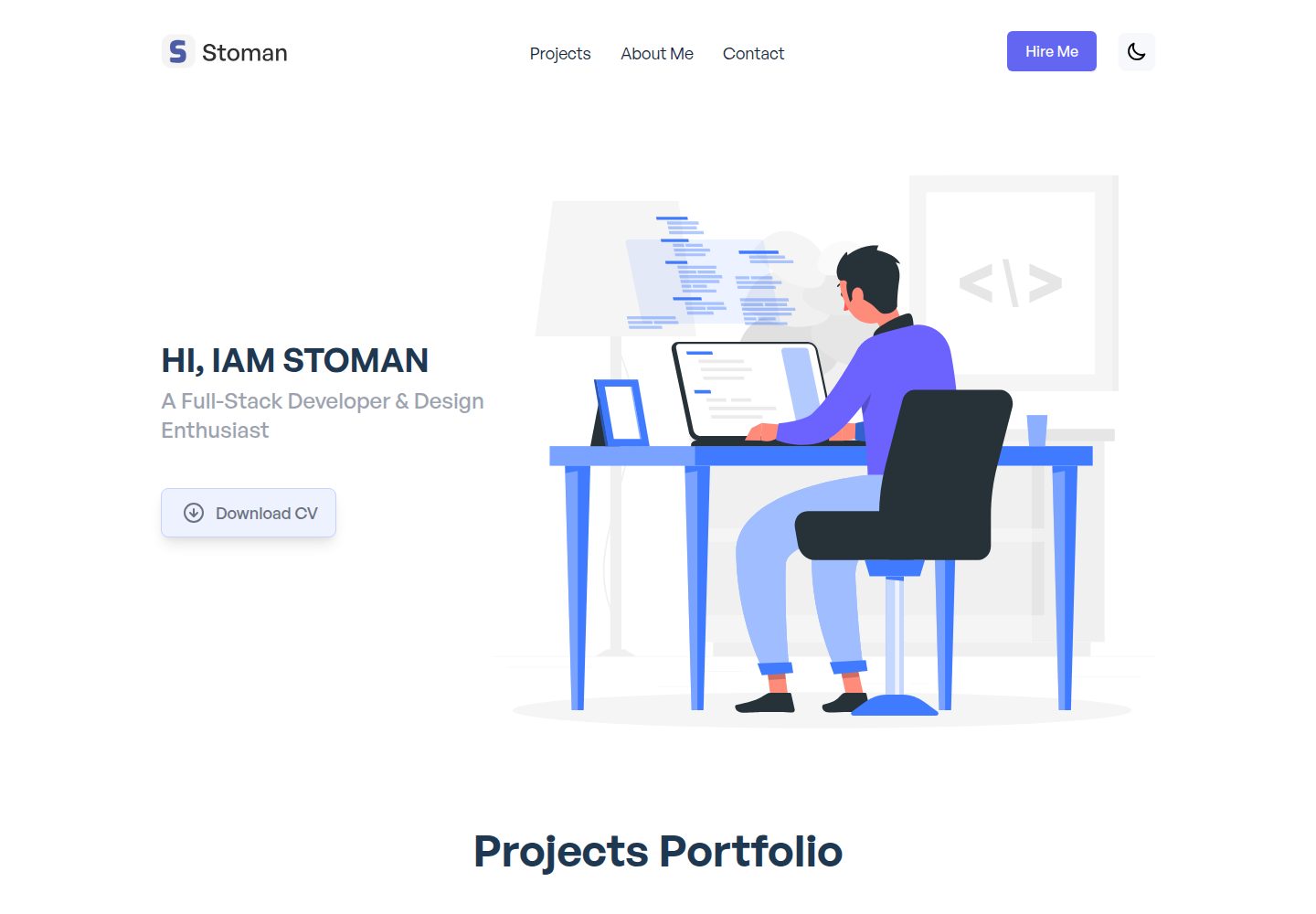
A Nuxt.js and Tailwind CSS personal portfolio starter theme with dark mode, theme switching, Vuex state management, reusable components, project category filtering and title search, Vue transition animations, a project carousel, smooth scrolling, a dynamic form, a counter, and back-to-top and download…
Nuxt · Portfolio
nuxt-resume
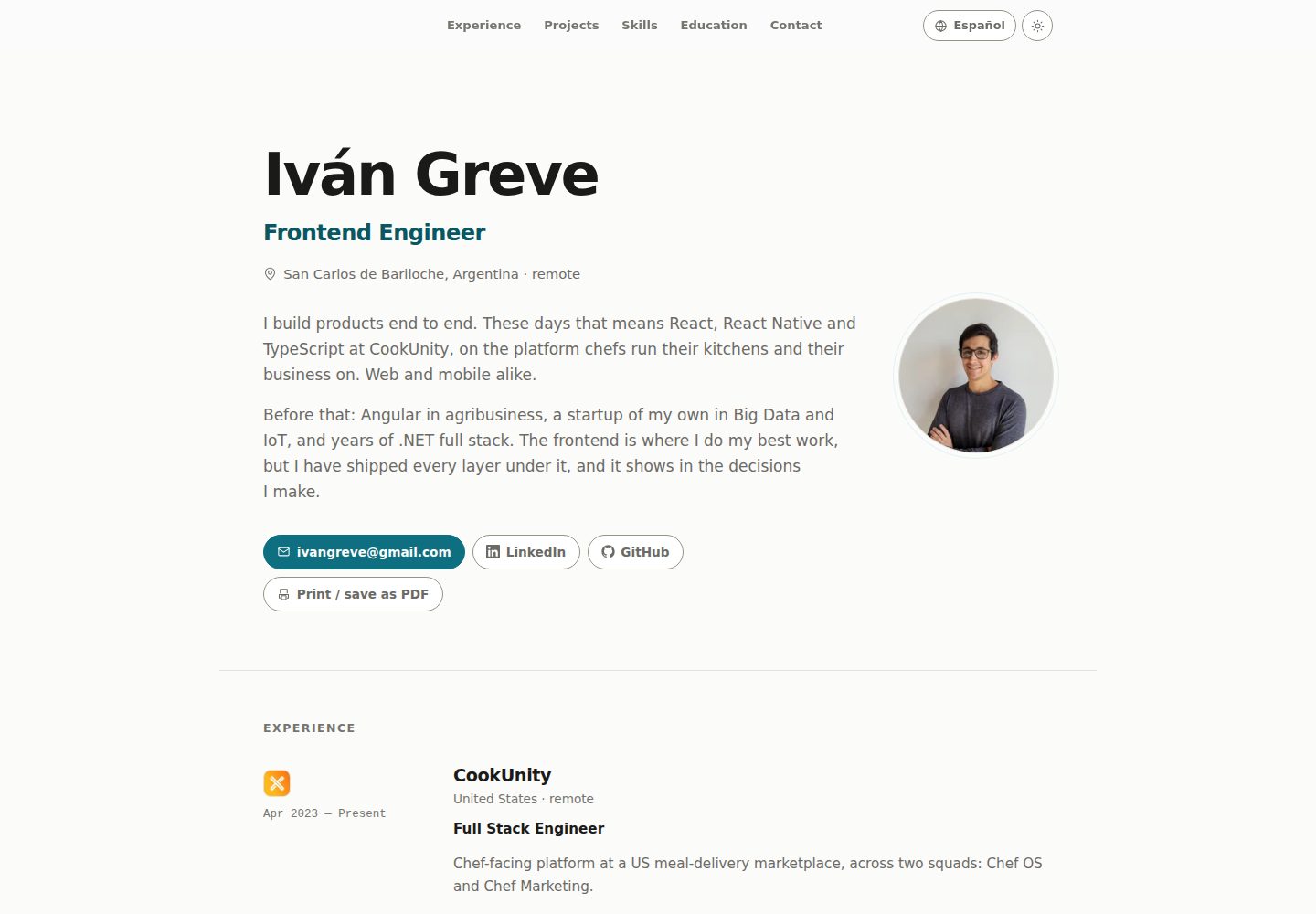
A personal resume website template built with Nuxt and Vue, with i18n multilingual support. Resume copy and page text are maintained through JSON files under locales, with English and Spanish provided by default; new languages can be registered in nuxt.config.js.
Nuxt · Portfolio
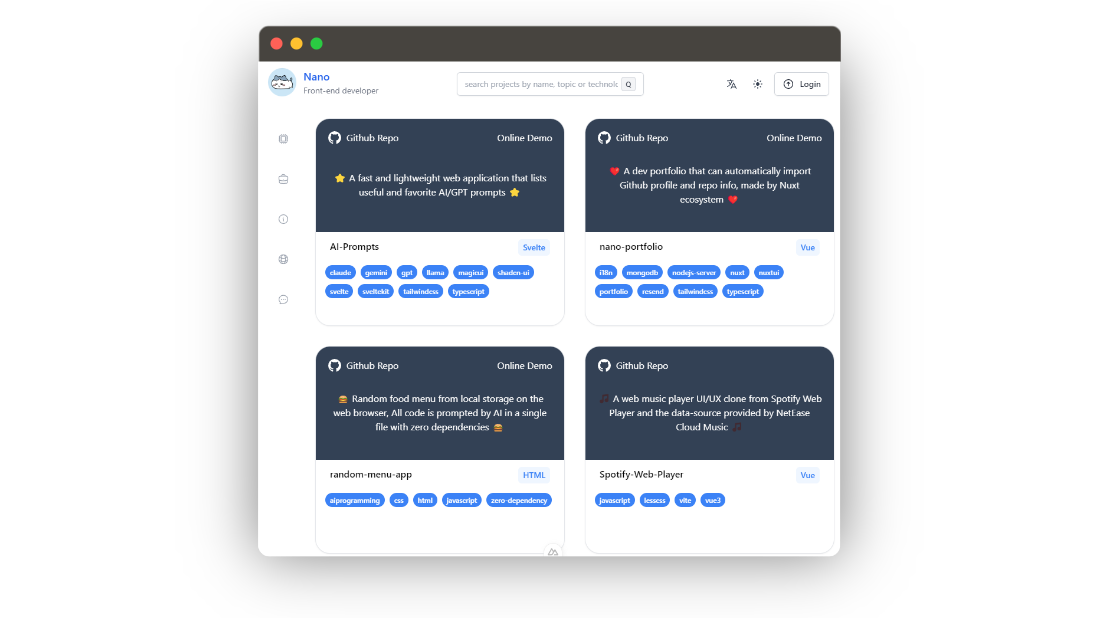
nano-portfolio
Nano Portfolio is an open-source developer portfolio template built on Nuxt 3, TypeScript, Nuxt UI, Tailwind, MongoDB, and Resend.
Nuxt · Portfolio
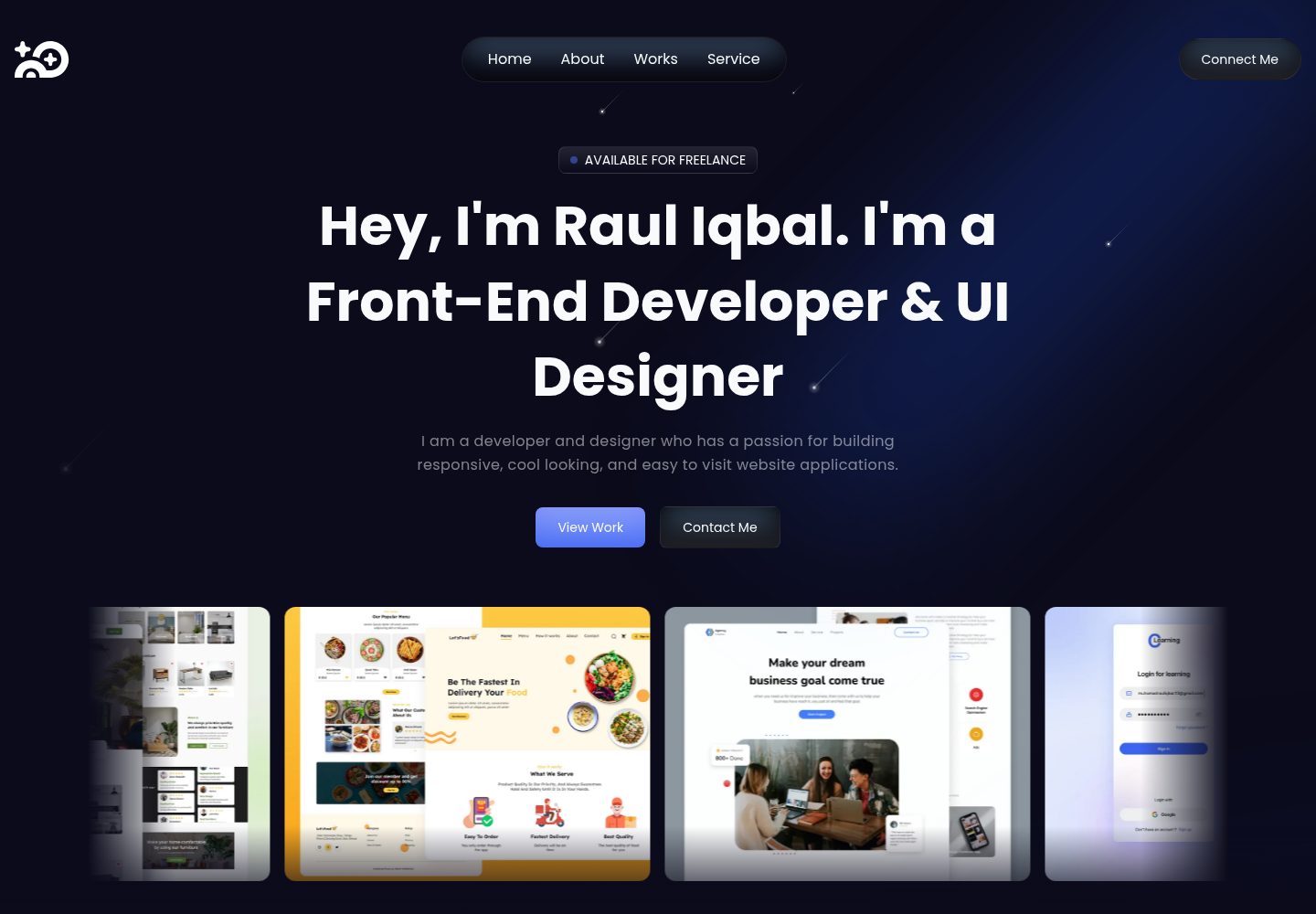
super-portfolio
Super Portfolio is a personal portfolio website template built with Nuxt 3, Tailwind CSS, and TypeScript, using Iconsax icons and Nuxt Google Font.
Nuxt · Portfolio