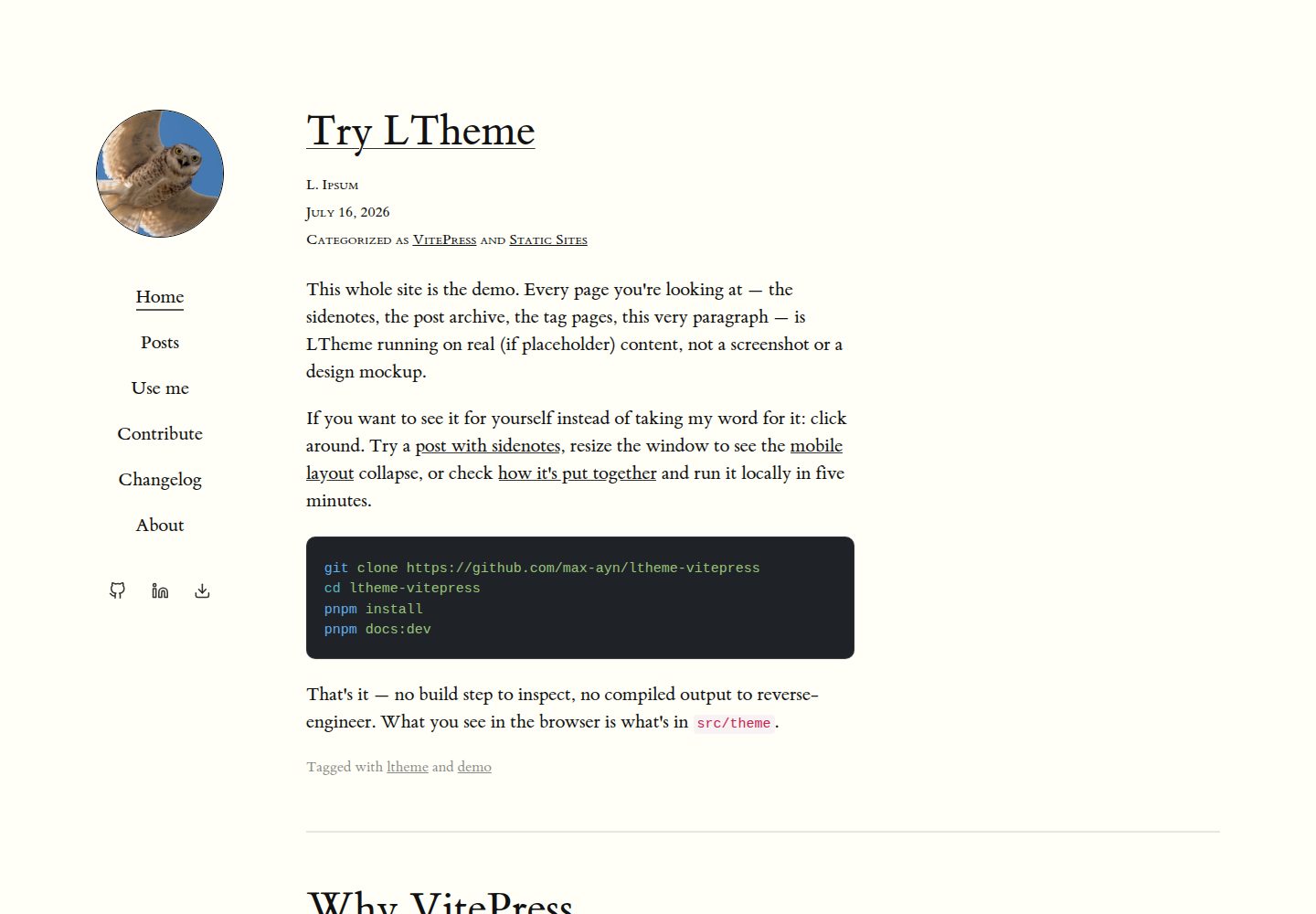
Tufte-style sidenotes that present supplementary content alongside the main text via the ^[...] syntax
VueVitePressBlog
ltheme-vitepress — Vue Blog Template
By max-ayn
LTheme is a VitePress-based blog theme for writers who want their blog to read like a book, offering Tufte-style sidenotes, book-like typography, paginated archives with tags and categories, and a mobile layout adjusted breakpoint by breakpoint.
Explore the design
Compare the page layouts and mobile experience. Open any screenshot for a closer look.
Desktop homepage1 / 3
Desktop captureTop of page
Actual screenshot captured by the server browser.
All pages & views 3
Screenshots show visual appearance; interactive behavior may differ.
Recorded 2026-10-01View source
What stands out
A quick read of the recorded project description.
Classic book-like typography, with the :::writing container for organizing writing content
Paginated post archives with tags and categories
Mobile layout adjusted breakpoint by breakpoint rather than simply scaled to fit
The repository contains both the theme source code and a live demo site
Template Details
LTheme is a VitePress-based blog theme for writers who want their blog to read like a book. It combines Tufte-style sidenotes, classic book typography, paginated post archives with tags and categories, and a mobile layout that is adjusted breakpoint by breakpoint rather than simply scaled down.
The repository contains both the theme itself (src/theme/) and its own live demo (docs/); every page shown in the demo is real content in the repository, not a mockup. The theme provides two Markdown plugins: the ^[...] sidenote syntax and the :::writing container. The specific syntax, post frontmatter, and full usage instructions are documented in docs/pages/use-me.md.
The theme has not yet been published to npm; publication has been intentionally delayed. To use it, you need to copy src/theme into your own VitePress project and reference it yourself via the package.json exports field, as this repository does; the author states that once published, installation will be npm install ltheme. Configuration is done through defineConfigWithTheme and the ThemeConfig type, and themeConfig allows setting the avatar, navigation, and social links.
The project is MIT-licensed, permitting free use, modification, commercial use, and distribution of this version of the code, provided the copyright notice and the full MIT license notice are retained when distributing. Third-party assets such as demo images, fonts, and icons must be checked separately under their respective licenses.
VueVitePressBlog
Is it right for your project?
Use Cases
- Building a personal blog focused on long-form reading with VitePress
- Adding sidenotes and marginal notes as supplementary explanations to technical articles
- Organizing and displaying post archives by tags and categories with pagination
- Maintaining a book-like reading experience on both desktop and mobile
Suitable For
- Writers who want their blog to have a book-like reading feel
- Developers using VitePress who are willing to manually copy the theme source code
- Bloggers who need Markdown extensions such as sidenotes and writing containers
Getting started & customization
Use these recorded setup notes alongside the repository instructions for your chosen version.
- 1
The theme has not been published to npm; you need to copy src/theme into your project and reference it yourself following the repository's package.json exports field
- 2
In .vitepress/config.mts, use defineConfigWithTheme and the ThemeConfig type, and register tufteSidenotePlugin and writingContainerPlugin
- 3
In .vitepress/theme/index.ts, import and export the theme
- 4
To run the demo, execute pnpm install followed by pnpm docs:dev
- 5
Full instructions for the sidenote syntax, the :::writing container, and post frontmatter are in docs/pages/use-me.md
License & source material
Usage conditions & limitations
Free to use · keep license noticeThis entry covers the free version under the MIT license in the public repository; the free scope is this version of the code and does not mean external services or third-party assets are free.
Must comply with when using
- Free use, modification, commercial use, and distribution of this version of the code are permitted.
- When distributing copies or substantial portions of the code, retain the original author's copyright notice and the full MIT license notice.
- The code is provided as is; warranties and limitations of liability are governed by the original license and applicable law.
Additional costs & items to verify
- The theme has not been published to npm and cannot be installed via npm install; currently you can only manually copy the src/theme directory into your own VitePress project and reference it yourself following the repository's package.json exports field.
- Demo images, fonts, icons, and other third-party assets must be checked under their respective licenses and cannot be judged solely by the code's MIT license.
- External services such as domains, hosting, databases, payments, or AI may incur additional charges.
View Original Text Basis
Permission is hereby granted, free of charge
Original License Text
https://github.com/max-ayn/ltheme-vitepress/blob/main/LICENSEhttps://github.com/max-ayn/ltheme-vitepress/blob/main/README.md**Not on npm yet — publishing it is deliberately deferred for now.** To use it today, copy `src/theme` into your project and self-reference it the same way this repo does
Original README
Compiled by DeepSeek based on repository license and README ·2026-10-01. Results only cover the materials read; dependencies, images, fonts, and subsequent term changes are subject to their respective original texts.
Project checks & description sources
Template Information
- Source platforms
- GitHub
- Documentation and maintenance reference score
- More documented · 85 / 100
- Technologies
- Vue · VitePress
- Website type
- Blog
How this score is calculated
Our heuristic uses license records (up to 30), a demo link (12), a preview (10), stars (15), recorded maintenance (15), description completeness (8), feature records (5) and classification data (5). It is not a code, security or performance test, or a Google score. A link does not establish tested functionality.
What to verify for this project
- Repository update recorded
- 2026-07-31
- Screenshot last checked
- 2026-10-01
A demo link is listed. Check it with your own content and viewport sizes; its presence does not confirm that forms, authentication or payments work.
The catalog identifies Vue as the primary stack. Check the actual dependency manifest and lockfile for versions and hosting requirements. These notes use recorded metadata, not a code audit or a deployment test.
Use a selection guide →How this description was prepared
AI-assisted description based on catalog records and repository material. Repository authors are not automatically the reviewers of this description.
Automatically checked against source and license rules; no manual editorial review.
Inspect the recorded source material
SHA-256: 5348c15e57c11f44491b90e88f511c31f17d76aaa7eb320f7022dff90b523a60
2026-10-01T03:58:01.892Z
Source file / repository# LTheme
A VitePress theme for writers who want their blog to read like a book: Tufte-style margin sidenotes, classic book typography, a paginated post archive with tags and categories, and a mobile layout tuned breakpoint by breakpoint instead of just squeezed to fit.
This repo is both the theme (`src/theme/`) and its own live demo (`docs/`) — every page you'd see running it is real content in this repo, not a mockup.
## Quick start (run the demo)
```sh
git clone https://github.com/max-ayn/ltheme-vitepress
cd ltheme-vitepress
pnpm install
pnpm docs:dev
```
## Use it in your own VitePress project
**Not on npm yet — publishing it is deliberately deferred for now.** To use it today, copy `src/theme` into your project and self-reference it the same way this repo does (see `package.json`'s `exports` field). Once it does get published, the install will just be:
```sh
npm install ltheme
```
```ts
// .vitepress/config.mts
import { defineConfigWithTheme } from "vitepress";
import type { ThemeConfig } from "ltheme/theme/types";
import { tufteSidenotePlugin, writingContainerPlugin } from "ltheme/theme/support/markdown-plugins";
export default defineConfigWithTheme<ThemeConfig>({
themeConfig: {
avatar: "/images/avatar.jpg",
nav: [{ text: "Home", link: "/" }],
socialLinks: [{ icon: "github", link: "https://github.com/you", ariaLabel: "GitHub" }],
},
markdown: {
config(md) {
md.use(tufteSidenotePlugin);
md.use(writingContainerPlugin);
},
},
});
```
```ts
// .vitepress/theme/index.ts
import Theme from "ltheme/theme";
export default Theme;
```
Full walkthrough — sidenote syntax, the `:::writing` container, post frontmatter — is at [`docs/pages/use-me.md`](docs/pages/use-me.md), or on the "Use me" page when running the demo.
## Project layout
- `src/theme/` — the theme: layout, styles, markdown plugins, Vue components.
- `src/theme/styles/components/` — one CSS file per component.
- `src/theme/support/markdown-plugins.ts` — the `^[...]` sidenote syntax and the `:::writing` container.
- `docs/pages/` — this site's actual content, and a live example of every theme feature.
## Contributing
See [`docs/pages/contribute.md`](docs/pages/contribute.md) — local setup, where things live, and what to check before opening a PR.
## License
MIT
Explore similar templates
Compare previews and descriptions within the same stack and category.
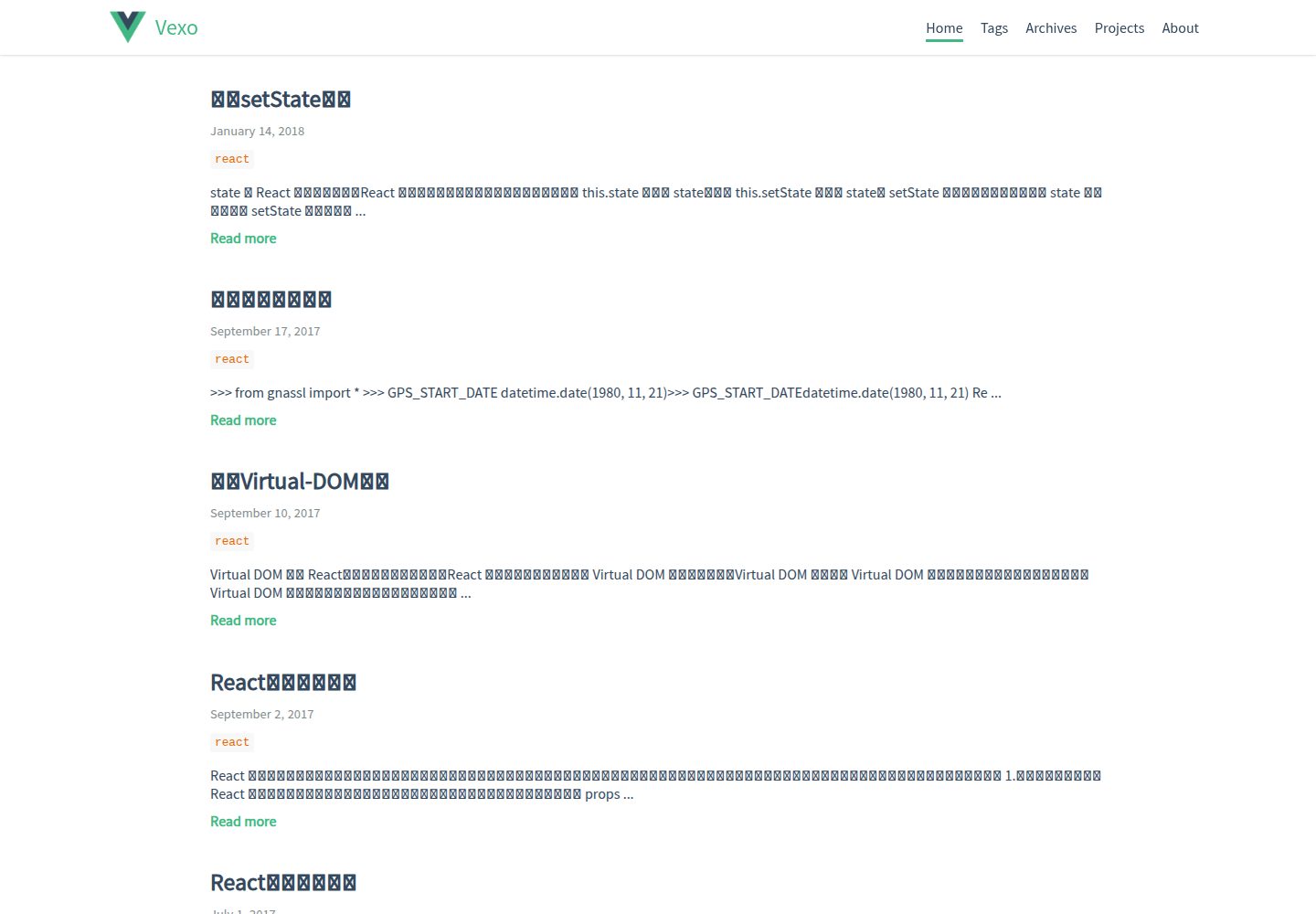
hexo-theme-vexo
Vexo is a Hexo blog theme inspired by the Vue.js official website, offering responsive layout, article table of contents, sharing QR codes, SEO configuration, Baidu Analytics, and switchable comment systems including Gitment, Utterances, Youyan, and Disqus. Local search requires installing hexo-generator-searchdb.
Vue · Blog
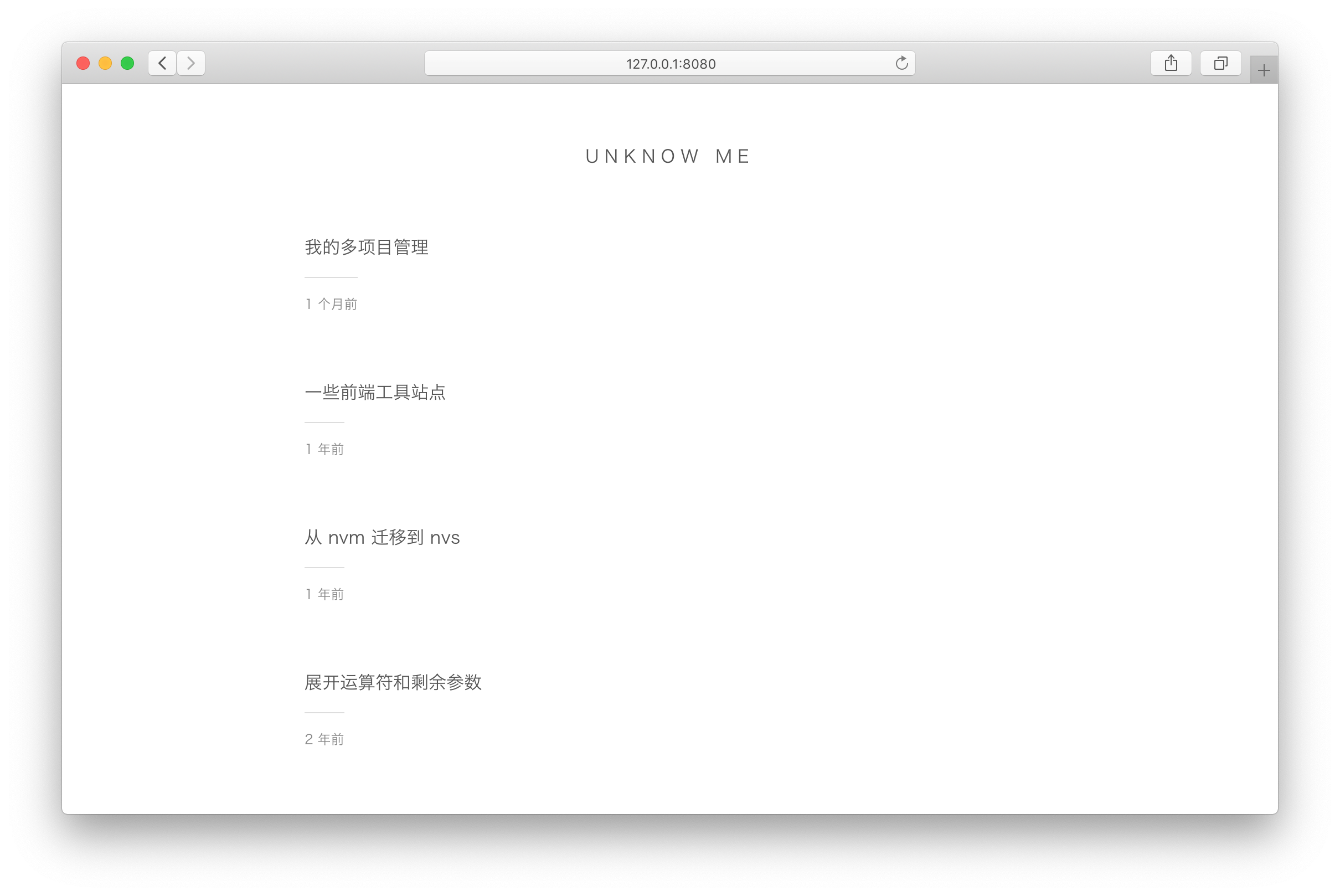
vuepress-theme-simple
A minimalist blog theme for VuePress 1.x that replaces the homepage README with an article list sorted by Git commit time or FrontMatter date.
Vue · Blog
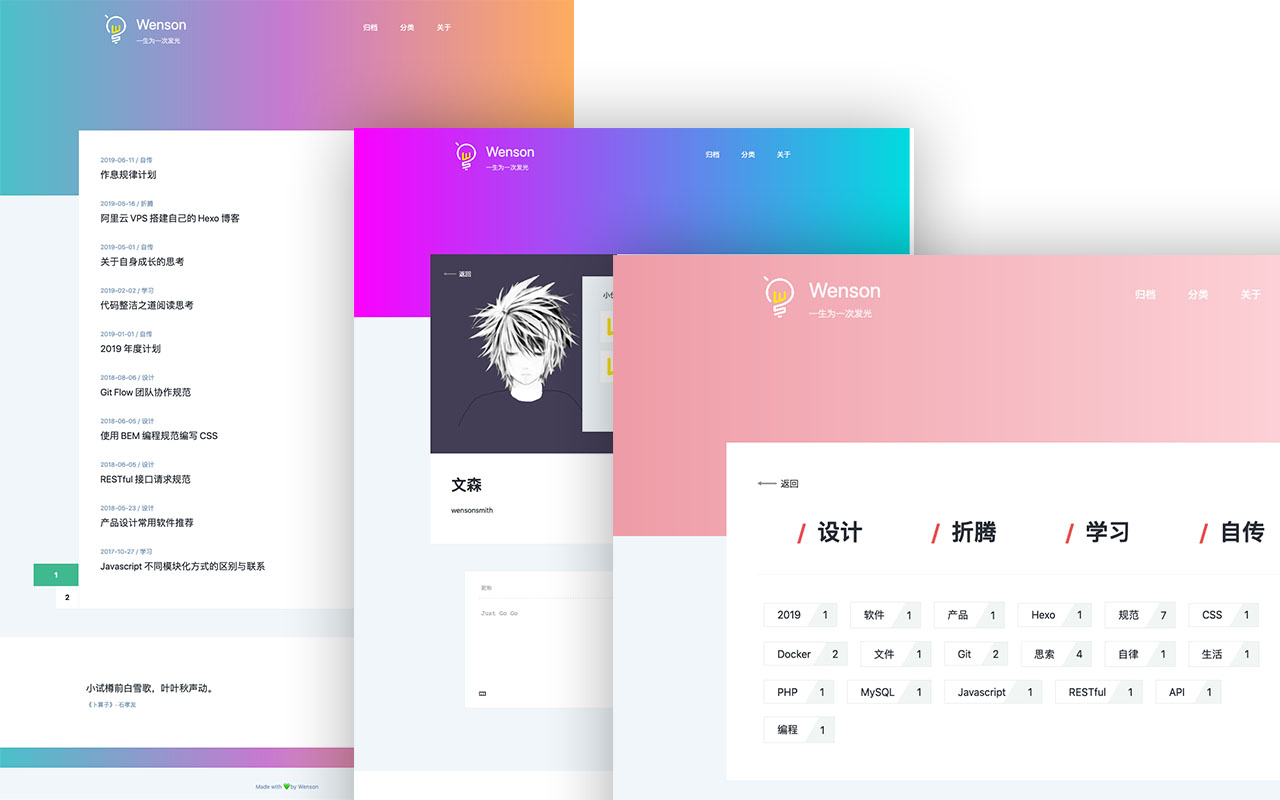
vuepress-theme-seeker
Seeker is a VuePress blog theme built around "colorful minimalism": each refresh randomly generates a color scheme, and the footer randomly shows classical Chinese poetry.
Vue · Blog
vitepress-template
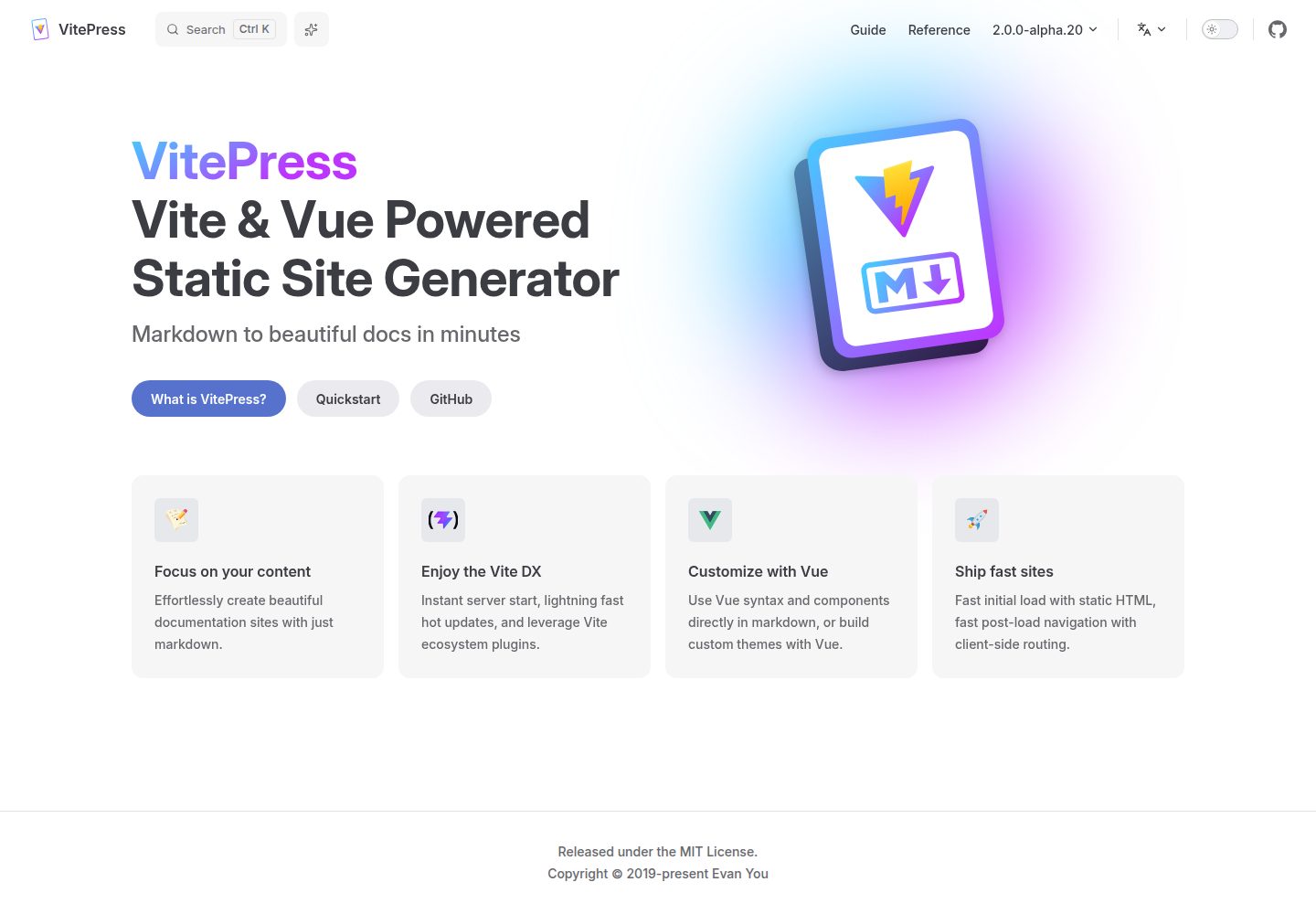
A VitePress-based template for static sites and blogs, built with Vue and Vite, with pnpm dev/build/serve scripts and support for using Vue components and setup syntax sugar directly in Markdown.
Vue · Blog
blog
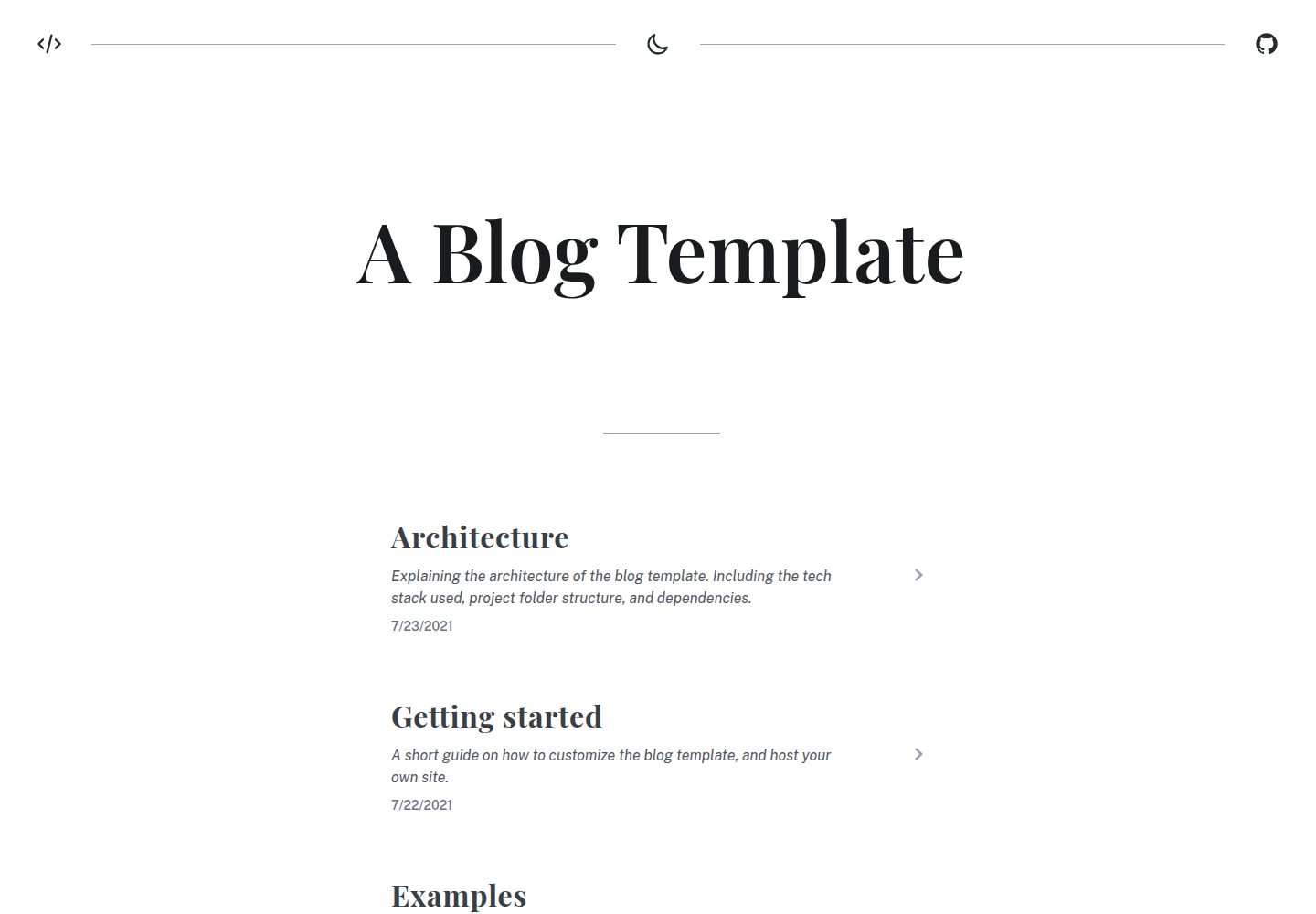
A static blog template built with Vue 3 and Vite, using Markdown for writing with optional Vue components.
Vue · Blog
Miracle
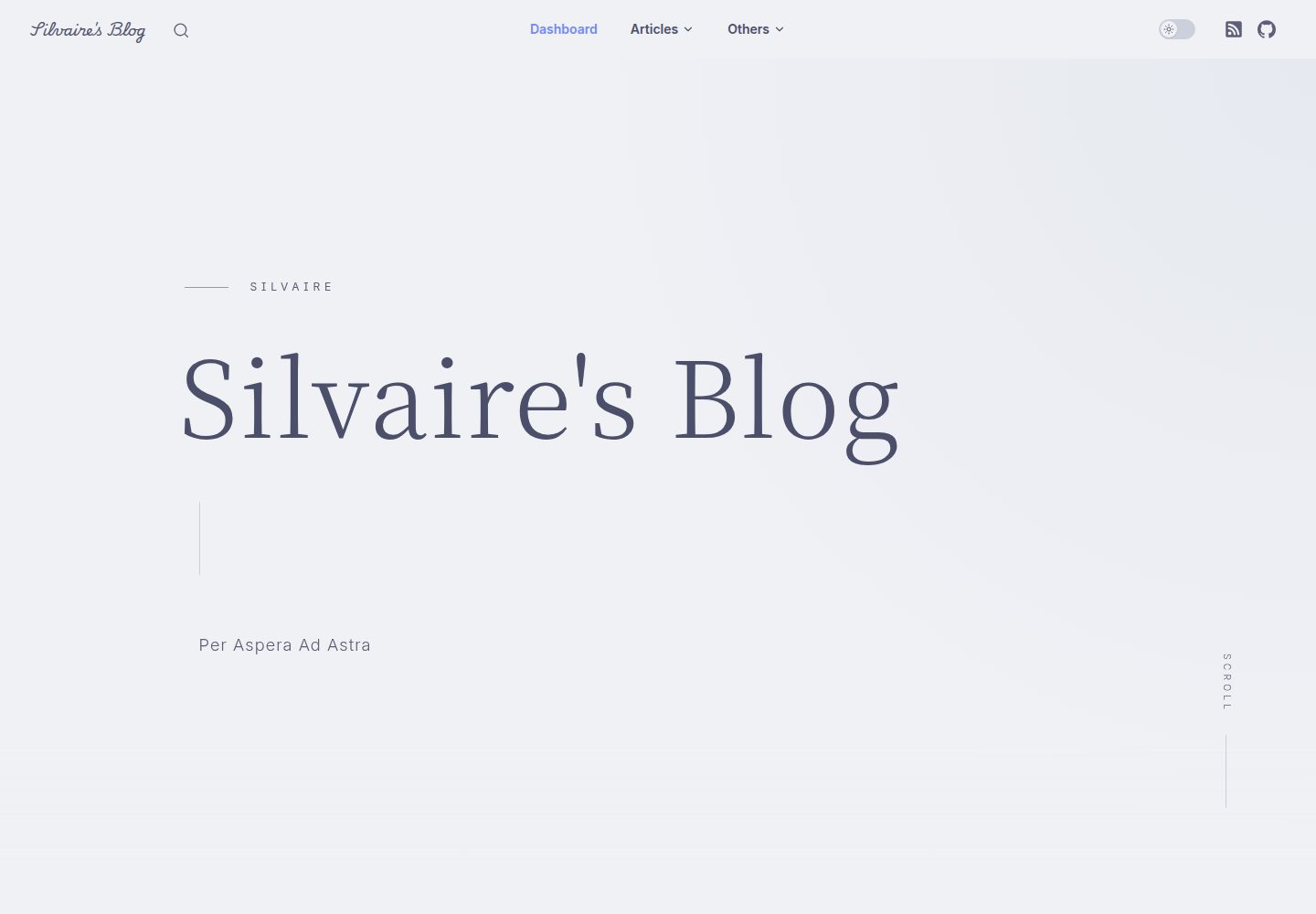
Miracle is a Vue blog theme built on VitePress and released under the MIT license. It can be generated from a template repository or forked, cloned locally, and customized through config.ts.
Vue · Blog