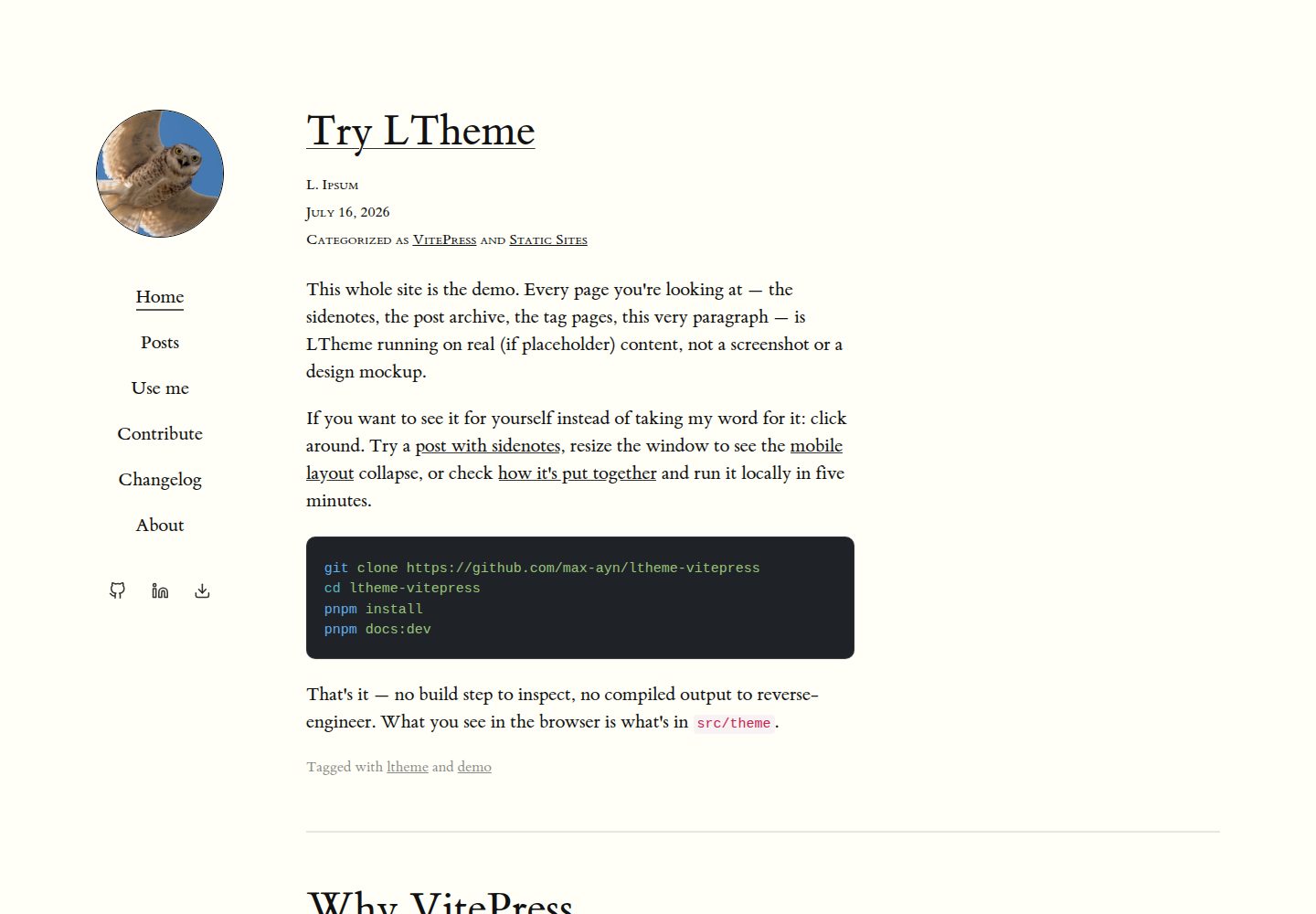
Tufte 风格页边注,通过 ^[...] 语法在正文旁呈现补充内容
VueVitePress博客
ltheme-vitepress — Vue 博客模板
作者 max-ayn
LTheme 是一个基于 VitePress 的博客主题,面向希望博客读起来像一本书的作者,提供 Tufte 风格边注、书籍式排版、带标签与分类的分页归档以及逐断点调整的移动端布局。
看看你的网站会是什么样
浏览真实页面截图,比较内容排版与手机效果。点击下方缩略图切换,放大查看整页细节。
全部页面与视图 3
截图用于了解视觉与布局,交互效果请以实际项目为准。
采集于 2026-10-01查看来源
值得关注的模板亮点
从已有项目资料中,快速了解它的特点。
经典书籍式排版,配合 :::writing 容器组织写作内容
带标签与分类的分页文章归档
移动端布局按断点逐一调整,而非简单缩放适配
仓库同时包含主题源码与真实运行的演示站点
模板详细介绍
LTheme 是一个基于 VitePress 的博客主题,面向希望博客读起来像一本书的作者。它把 Tufte 风格的页边注、经典书籍排版、带标签与分类的分页文章归档,以及按断点逐一调整而非简单压缩的移动端布局组合在一起。
仓库同时包含主题本身(src/theme/)和它自己的在线演示(docs/),演示中出现的每个页面都是仓库里的真实内容,而不是效果图。主题提供两个 Markdown 插件:^[...] 边注语法和 :::writing 容器,具体语法、文章 frontmatter 与完整使用说明写在 docs/pages/use-me.md 中。
主题目前尚未发布到 npm,发布被有意推迟。要使用它,需要把 src/theme 复制到自己的 VitePress 项目中,并像本仓库那样通过 package.json 的 exports 字段自行引用;作者说明将来发布后安装方式为 npm install ltheme。配置通过 defineConfigWithTheme 与 ThemeConfig 类型完成,themeConfig 中可设置头像、导航和社交链接。
项目采用 MIT 许可,允许免费使用、修改、商用和分发该版本代码,分发时需保留版权声明和完整 MIT 许可声明。演示图片、字体、图标等第三方素材需按各自许可单独核对。
VueVitePress博客
适合你的项目吗?
适用场景
- 用 VitePress 搭建以长文阅读为主的个人博客
- 为技术文章添加页边注、旁注等辅助说明
- 按标签和分类整理并分页展示文章归档
- 在桌面端与移动端都保持书籍式阅读体验
适合人群
- 希望博客呈现书籍阅读感的写作者
- 使用 VitePress 并愿意手动复制主题源码的开发者
- 需要页边注与写作容器等 Markdown 扩展的博客作者
上手与定制指南
结合仓库当前版本的说明,按下面的资料检查内容、配置与运行要求。
- 1
主题尚未发布到 npm,需将 src/theme 复制进项目并参照仓库 package.json 的 exports 字段自行引用
- 2
在 .vitepress/config.mts 中使用 defineConfigWithTheme 与 ThemeConfig 类型,并注册 tufteSidenotePlugin、writingContainerPlugin
- 3
在 .vitepress/theme/index.ts 中导入并导出主题
- 4
运行演示可执行 pnpm install 后 pnpm docs:dev
- 5
边注语法、:::writing 容器与文章 frontmatter 的完整说明见 docs/pages/use-me.md
授权与来源资料
使用条件与限制
免费使用 · 保留许可声明本次收录的是公开仓库中采用 MIT 许可的免费版本;免费范围为该版本代码,不代表外部服务或第三方素材免费。
使用时需要遵守
- 允许免费使用、修改、商用和分发该版本代码。
- 分发代码副本或实质性部分时,保留原作者版权声明和完整 MIT 许可声明。
- 代码按现状提供;担保与责任限制以原许可证及适用法律为准。
额外费用与待核对事项
- 主题尚未发布到 npm,无法通过 npm install 安装;当前只能手动复制 src/theme 目录到自己的 VitePress 项目,并参照仓库 package.json 的 exports 字段自行引用。
- 演示图片、字体、图标及其他第三方素材需按各自许可核对,不能仅凭代码的 MIT 许可判断。
- 域名、托管、数据库、支付或 AI 等外部服务可能另外收费。
查看原文依据
Permission is hereby granted, free of charge
许可证原文
https://github.com/max-ayn/ltheme-vitepress/blob/main/LICENSEhttps://github.com/max-ayn/ltheme-vitepress/blob/main/README.md**Not on npm yet — publishing it is deliberately deferred for now.** To use it today, copy `src/theme` into your project and self-reference it the same way this repo does
README 原文
DeepSeek 根据仓库许可证和 README 整理 ·2026-10-01。结果仅覆盖已读取资料,依赖、图片、字体及后续条款变更以各自原文为准。
项目核对记录与介绍依据
模板资料
- 来源平台
- GitHub
- 资料与维护参考分
- 资料较完整 · 85 / 100
- 技术栈
- Vue · VitePress
- 网站类型
- 博客
这个分数如何计算
本站按许可资料(最高30分)、演示链接(12分)、预览图(10分)、Star数(15分)、记录的维护时间(15分)、描述完整度(8分)、功能记录(5分)和分类资料(5分)计算。它不是代码、安全或性能测试,也不是 Google 评分;有链接不代表已实测可用。
这个项目需要核对什么
- 记录的仓库更新时间
- 2026-07-31
- 截图检查日期
- 2026-10-01
已收录演示链接。请用你的内容与屏幕尺寸检查;有演示不代表表单、认证或支付已经可用。
目录记录的主要技术栈是 Vue。请通过依赖清单和锁文件核对实际版本与托管要求。这些说明基于收录资料,不代表代码审计或部署实测。
查看具体选型方法 →介绍的制作与核对状态
介绍由 AI 辅助整理目录与仓库资料。仓库作者不等于这篇介绍的审核者。
已完成服务器许可规则与 AI 来源核对;未经过人工编辑审核。
查看当时使用的来源资料
SHA-256: 5348c15e57c11f44491b90e88f511c31f17d76aaa7eb320f7022dff90b523a60
2026-10-01T03:58:01.892Z
来源文件 / 仓库# LTheme
A VitePress theme for writers who want their blog to read like a book: Tufte-style margin sidenotes, classic book typography, a paginated post archive with tags and categories, and a mobile layout tuned breakpoint by breakpoint instead of just squeezed to fit.
This repo is both the theme (`src/theme/`) and its own live demo (`docs/`) — every page you'd see running it is real content in this repo, not a mockup.
## Quick start (run the demo)
```sh
git clone https://github.com/max-ayn/ltheme-vitepress
cd ltheme-vitepress
pnpm install
pnpm docs:dev
```
## Use it in your own VitePress project
**Not on npm yet — publishing it is deliberately deferred for now.** To use it today, copy `src/theme` into your project and self-reference it the same way this repo does (see `package.json`'s `exports` field). Once it does get published, the install will just be:
```sh
npm install ltheme
```
```ts
// .vitepress/config.mts
import { defineConfigWithTheme } from "vitepress";
import type { ThemeConfig } from "ltheme/theme/types";
import { tufteSidenotePlugin, writingContainerPlugin } from "ltheme/theme/support/markdown-plugins";
export default defineConfigWithTheme<ThemeConfig>({
themeConfig: {
avatar: "/images/avatar.jpg",
nav: [{ text: "Home", link: "/" }],
socialLinks: [{ icon: "github", link: "https://github.com/you", ariaLabel: "GitHub" }],
},
markdown: {
config(md) {
md.use(tufteSidenotePlugin);
md.use(writingContainerPlugin);
},
},
});
```
```ts
// .vitepress/theme/index.ts
import Theme from "ltheme/theme";
export default Theme;
```
Full walkthrough — sidenote syntax, the `:::writing` container, post frontmatter — is at [`docs/pages/use-me.md`](docs/pages/use-me.md), or on the "Use me" page when running the demo.
## Project layout
- `src/theme/` — the theme: layout, styles, markdown plugins, Vue components.
- `src/theme/styles/components/` — one CSS file per component.
- `src/theme/support/markdown-plugins.ts` — the `^[...]` sidenote syntax and the `:::writing` container.
- `docs/pages/` — this site's actual content, and a live example of every theme feature.
## Contributing
See [`docs/pages/contribute.md`](docs/pages/contribute.md) — local setup, where things live, and what to check before opening a PR.
## License
MIT
看看同类模板
对比同技术栈与用途的模板,找到更适合的视觉与内容结构。
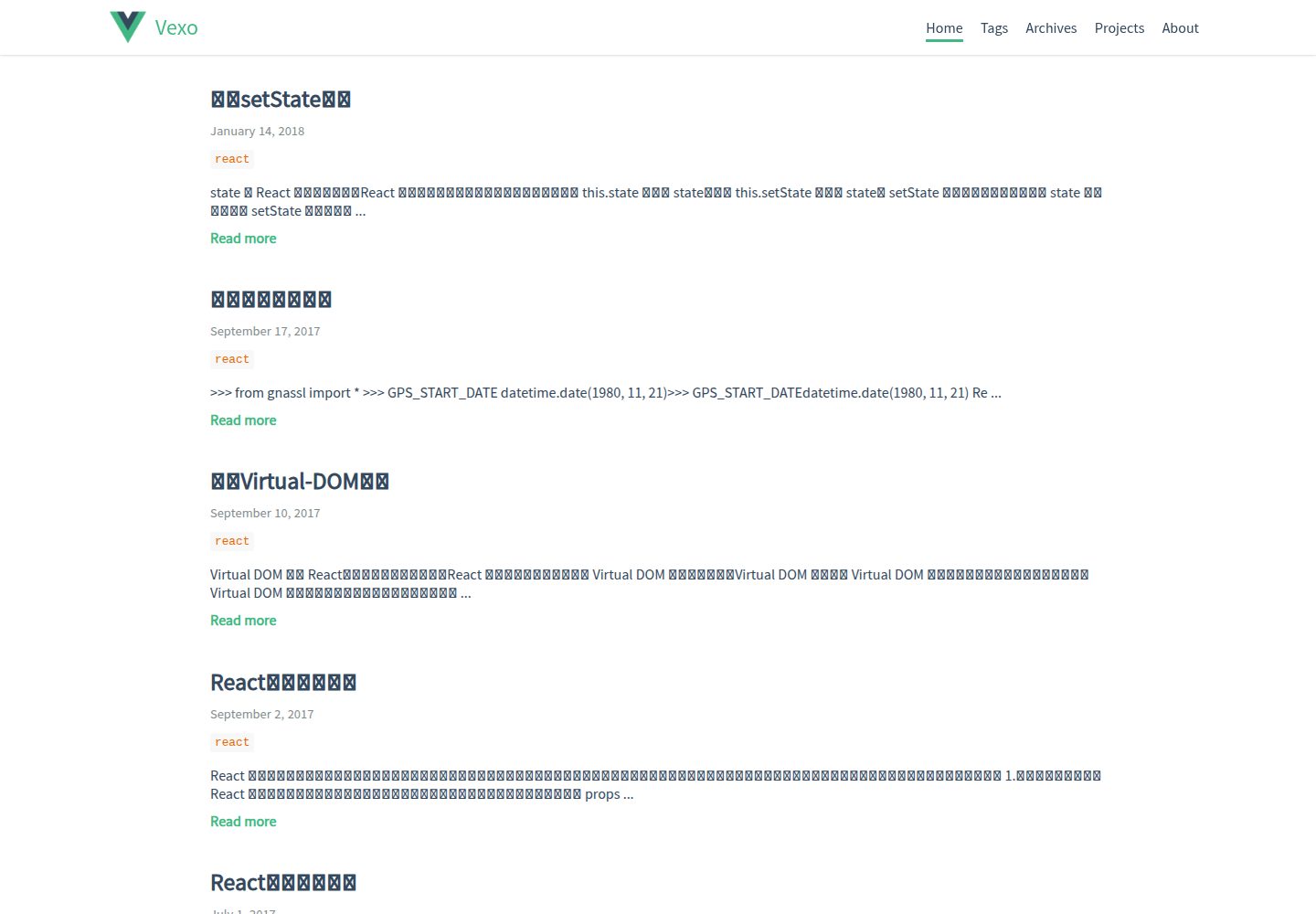
hexo-theme-vexo
🍟 Vexo is a Hexo theme inspired by Vue's official website.
Vue · 博客
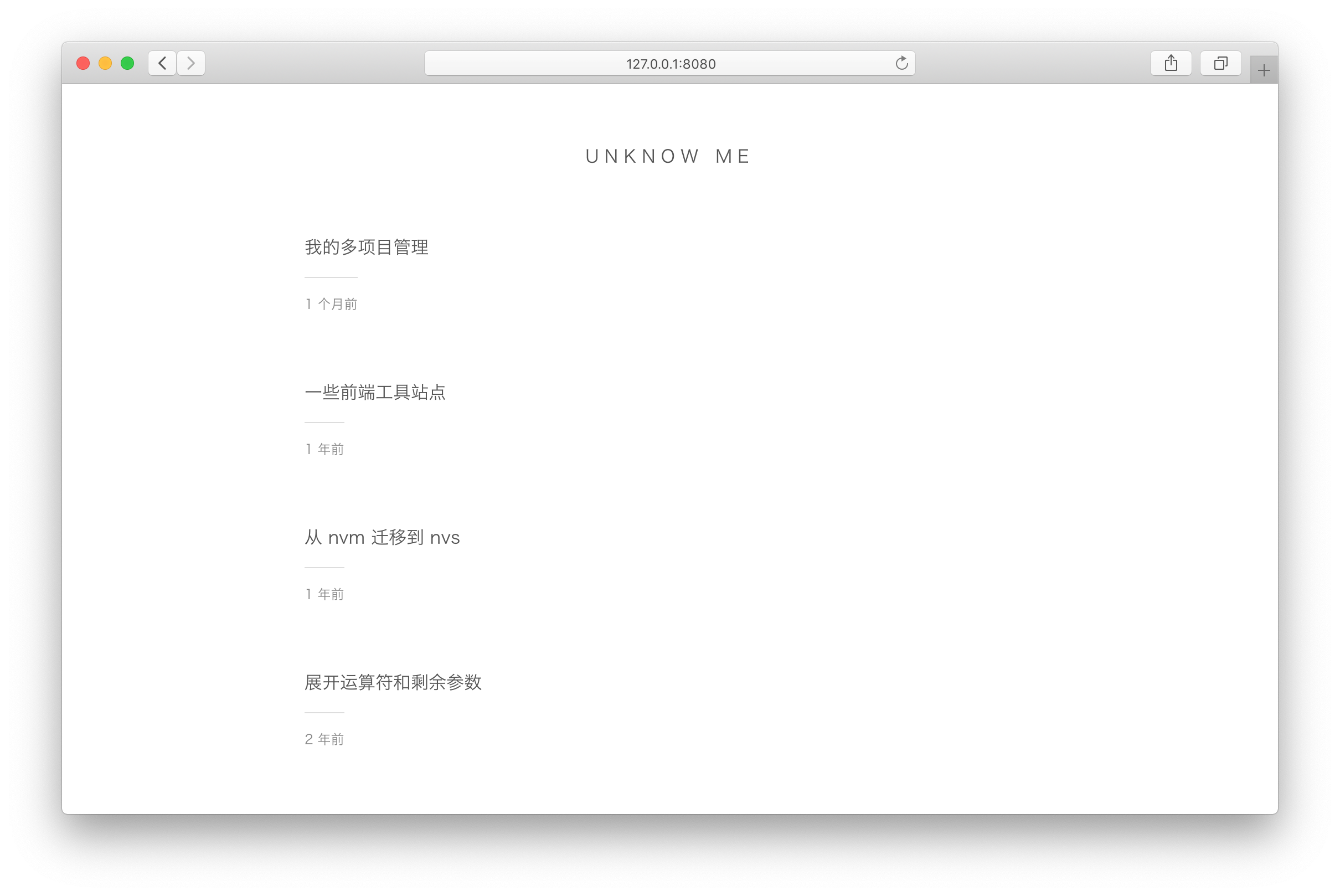
vuepress-theme-simple
vuepress-theme-simple 是一个为 VuePress 1.x 设计的博客主题,定位非常明确:把 VuePress 默认的文档站首页改造成文章列表。
Vue · 博客
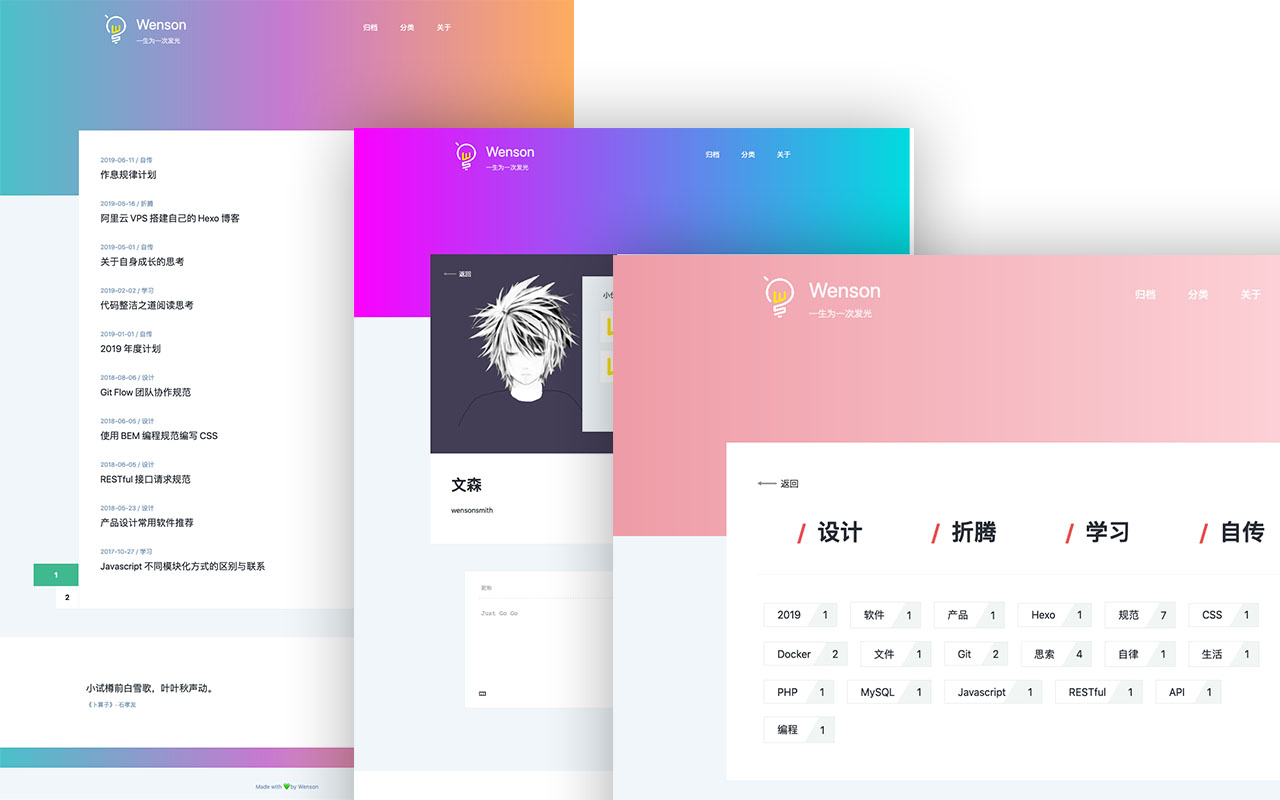
vuepress-theme-seeker
Seeker 是一款面向 VuePress 的博客主题,主打「五彩斑斓的简约」:每次刷新页面会随机生成一套配色,页脚则随机展示古诗词,这两点构成了它区别于多数静态博客主题的辨识度。
Vue · 博客
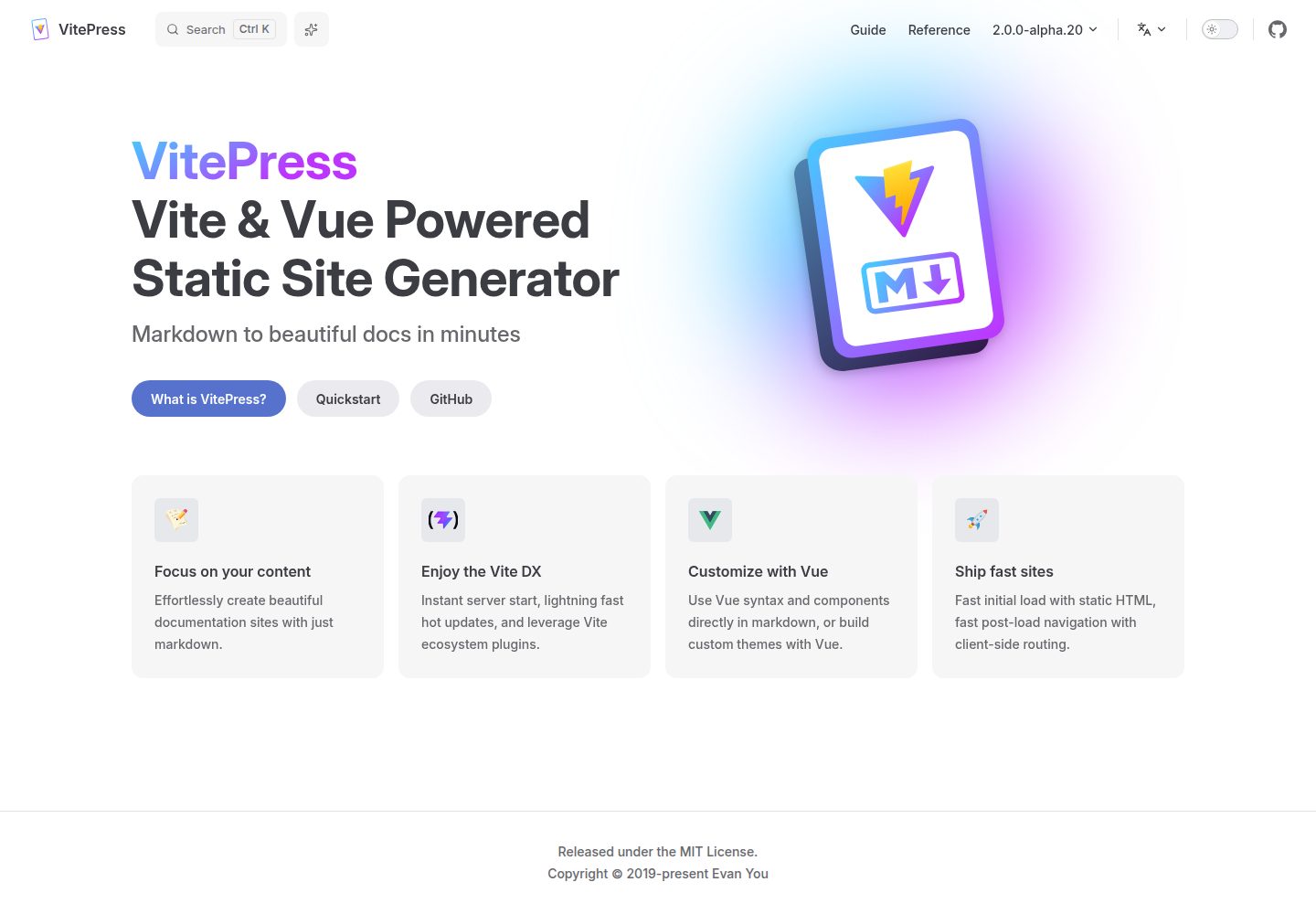
vitepress-template
🍀 Vitepress 模板,开箱即用,快速搭建你的静态网站和博客。
Vue · 博客
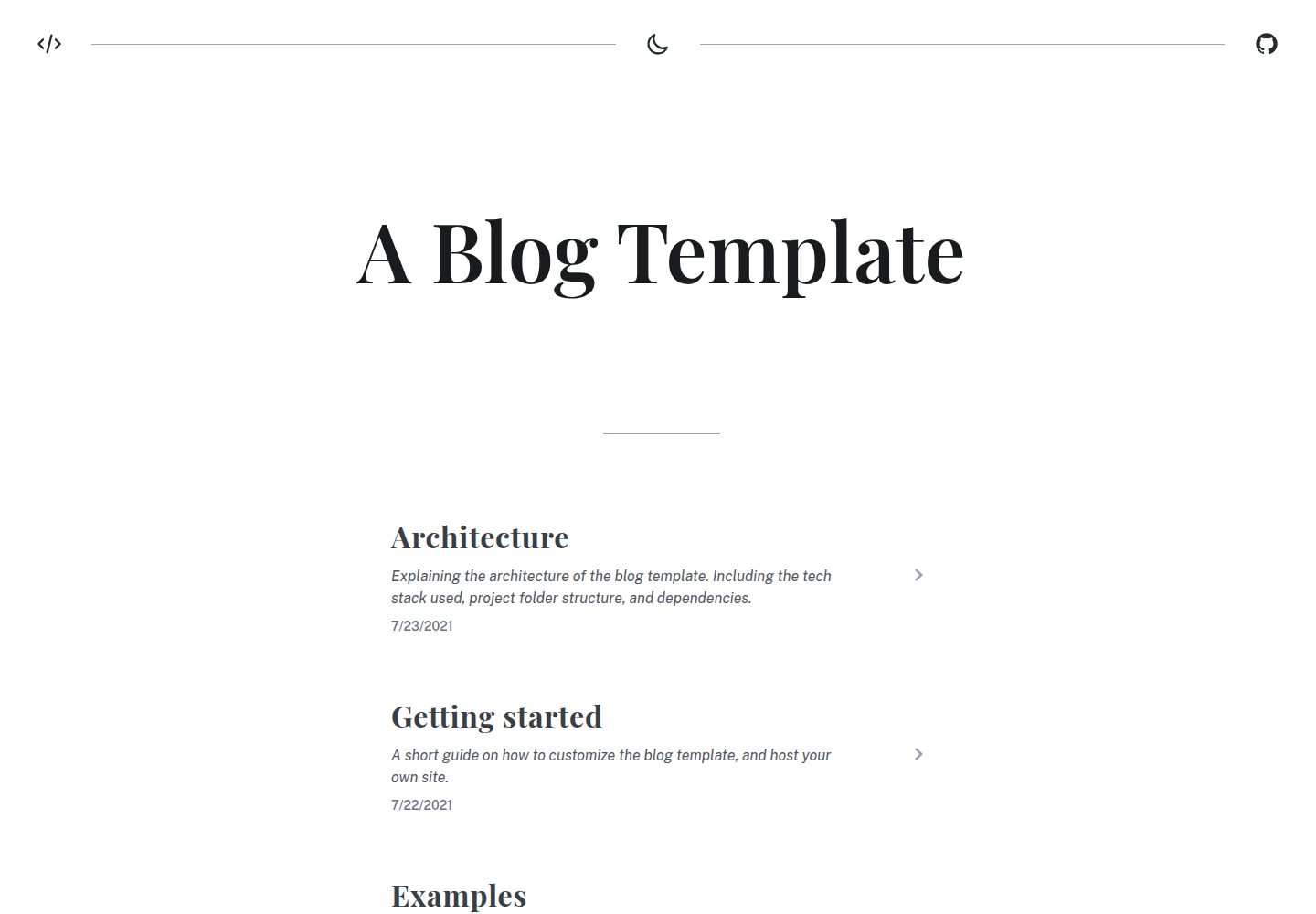
blog
A generated static site blog template, with Vite, Vue 3, markdown-it, and syntax highlighting.
Vue · 博客
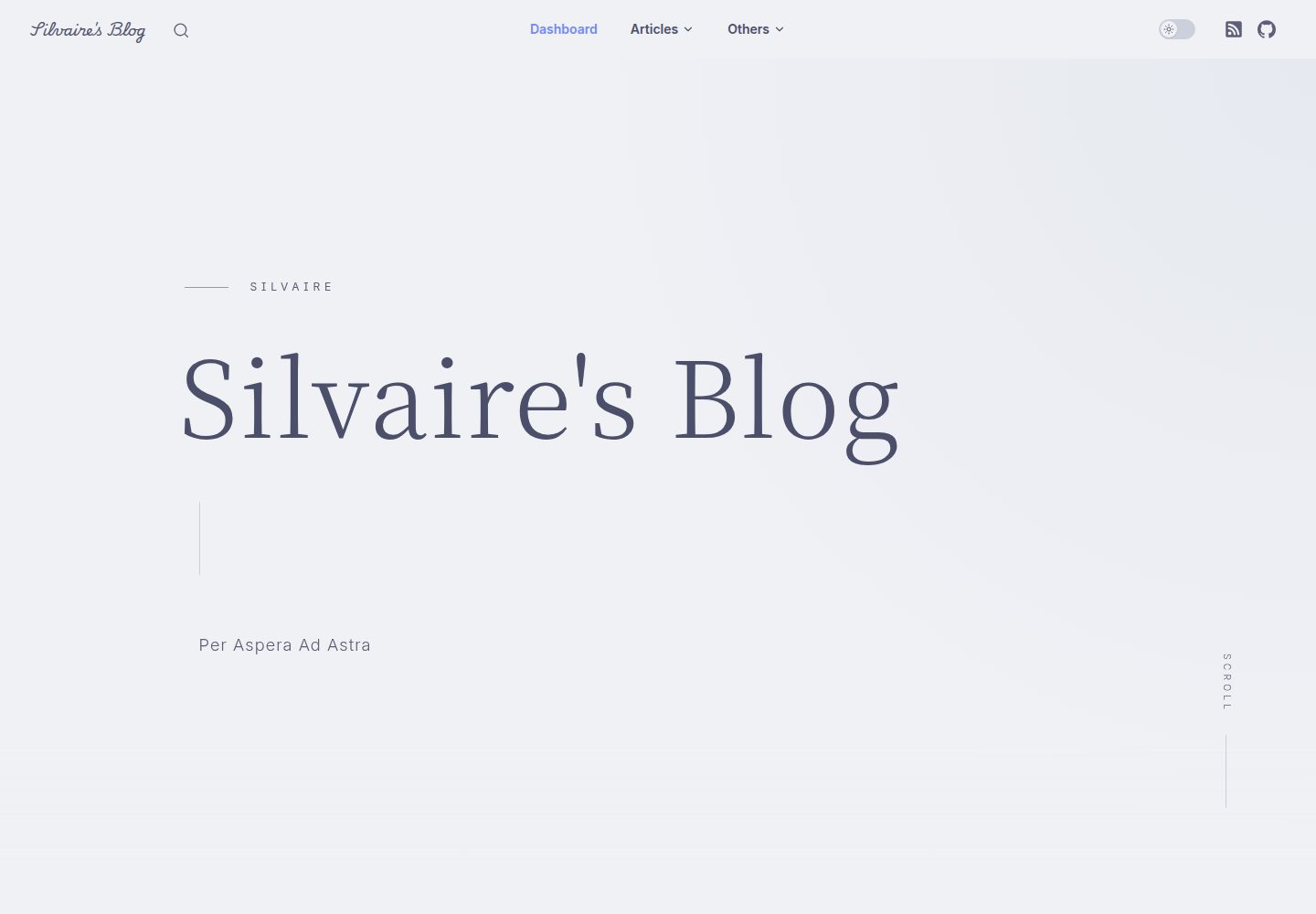
Miracle
A miracle blog theme based on VitePress after deleting accidentally.
Vue · 博客