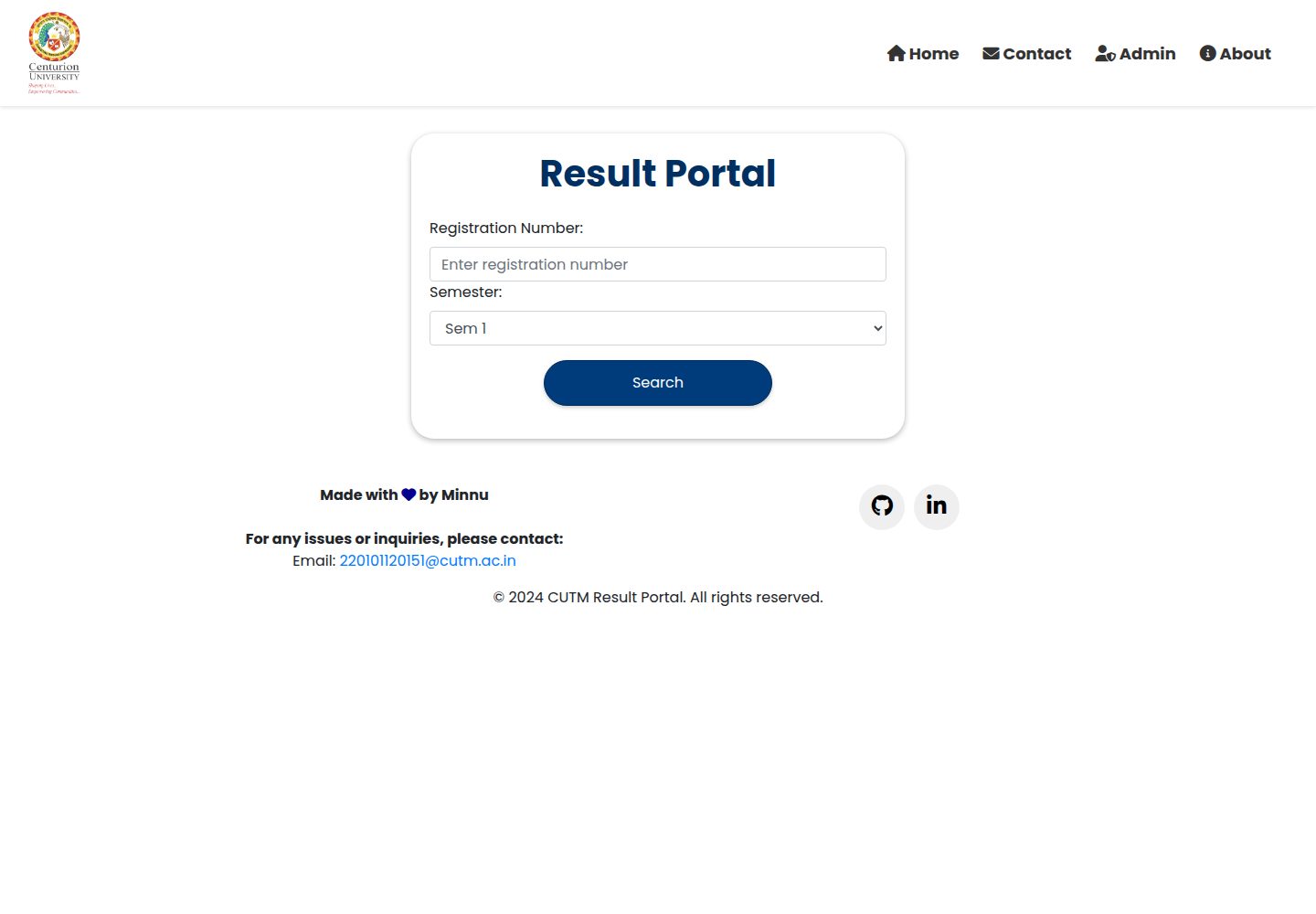
Students can query results by registration number and semester
FlaskHTMLAdmin dashboard
CUTM-Result-Portal — Flask Admin dashboard Template
By minnukota381
CUTM Result Portal is a Flask-based web application for academic result lookup and management. Students can view results by registration number and semester, while administrators can log in to the backend to manage student records and results.
Explore the design
Compare the page layouts and mobile experience. Open any screenshot for a closer look.
Desktop homepage1 / 3
Desktop captureTop of page
Actual screenshot captured by the server browser.
All pages & views 3
Screenshots show visual appearance; interactive behavior may differ.
Recorded 2026-10-03View source
What stands out
A quick read of the recorded project description.
Administrators can manage student records and update results after logging in
The backend uses Flask, combining SQLite and MongoDB for data storage
The frontend is based on Bootstrap 5, and the README states it supports responsive layout
The README lists multiple course programs and their 2021–2023 batches
Template Details
CUTM Result Portal is a web application for viewing and managing academic results. The codebase includes frontend templates, backend logic, and database configuration. The student side supports entering a registration number and selecting a semester to view results; the administrator side provides a login entry, after which administrators can manage student records, update results, and perform other administrative tasks. The project uses Flask for the backend, SQLite for relational data, MongoDB for user-input data, PyMongo to connect to MongoDB, and dotenv to parse environment variables. The frontend uses HTML/CSS, Bootstrap 5, and JavaScript, and the README states it has a responsive design. The README lists supported courses and batches, including 2021 to 2023 batches for BBA, BCA, BFSC, BSC(AG), BTECH, BTECH(AG), BTECH(DT), BTECH(PHYTO), Diploma, MSC(AG), and other programs (some program batches differ slightly). Installation steps are: clone the repository, install dependencies from requirements.txt, run python app.py, and visit http://localhost:5000 in a browser. The README does not provide database initialization, environment variable configuration examples, default administrator credentials, or deployment details.
FlaskHTMLBackend
Is it right for your project?
Use Cases
- Students querying their own results for their course and semester
- Administrators logging into the backend to maintain student records and result data
- Running the Flask application locally to view the result query workflow
Suitable For
- Institutions or course programs that need result query and management functionality
- Developers who want a reference for combining Flask + SQLite + MongoDB
- Scenarios that need a responsive management interface based on Bootstrap 5
Getting started & customization
Use these recorded setup notes alongside the repository instructions for your chosen version.
- 1
Clone the repository: git clone https://github.com/minnukota381/CUTM-Result-Portal.git
- 2
Install dependencies: pip install -r requirements.txt
- 3
Run the application: python app.py
- 4
Visit http://localhost:5000 in a browser
- 5
The README does not provide database initialization, environment variable examples, or default administrator credentials
License & source material
Usage conditions & limitations
Free to use · keep license noticeThis entry covers the free version of the public repository under the Apache-2.0 license; the free scope is the code of that version and does not mean that external services or third-party assets are free.
Must comply with when using
- Free use, modification, commercial use, and distribution are permitted; when distributing, the Apache-2.0 license must be included.
- Modified files must prominently indicate changes, and relevant copyright, patent, trademark, and attribution notices must be retained.
- If the original project includes a NOTICE file, applicable attribution notices in it must be retained when distributing derivative works.
- The license includes an applicable contributor patent grant; initiating patent litigation as described in the license terminates that patent grant, and no trademark use rights are granted.
- The code is provided as is; warranties and limitations of liability are governed by the original license and applicable law.
Additional costs & items to verify
- Demo images, fonts, icons, and other third-party assets must be checked against their respective licenses and cannot be judged solely by the code's Apache-2.0 license.
- External services such as domains, hosting, databases, payments, or AI may incur separate charges.
View Original Text Basis
https://github.com/minnukota381/CUTM-Result-Portal/blob/main/LICENSEhttps://github.com/minnukota381/CUTM-Result-Portal/blob/main/README.mdno-charge, royalty-free, irrevocable copyright license
Original License Text
Compiled by DeepSeek based on repository license and README ·2026-10-04. Results only cover the materials read; dependencies, images, fonts, and subsequent term changes are subject to their respective original texts.
Project checks & description sources
Template Information
- Source platforms
- GitHub
- Documentation and maintenance reference score
- More documented · 88 / 100
- Technologies
- Flask · HTML
- Website type
- Admin dashboard
How this score is calculated
Our heuristic uses license records (up to 30), a demo link (12), a preview (10), stars (15), recorded maintenance (15), description completeness (8), feature records (5) and classification data (5). It is not a code, security or performance test, or a Google score. A link does not establish tested functionality.
What to verify for this project
- Repository update recorded
- 2026-08-16
- Screenshot last checked
- 2026-10-04
A demo link is listed. Check it with your own content and viewport sizes; its presence does not confirm that forms, authentication or payments work.
The catalog identifies Flask as the primary stack. Check the actual dependency manifest and lockfile for versions and hosting requirements. These notes use recorded metadata, not a code audit or a deployment test.
Use a selection guide →How this description was prepared
AI-assisted description based on catalog records and repository material. Repository authors are not automatically the reviewers of this description.
Review declaration: codex-user-requested-batch-review-20261017 · 2026-10-16
Inspect the recorded source material
SHA-256: 2b0be836ce60c5c2ddb283fa84528d187da38518d6ac5f0abffd61ef09773cb6
2026-10-04T07:35:08.855Z
Source file / repository# CUTM Result Portal The CUTM Result Portal is a web application designed to help students and administrators view and manage academic results efficiently. This repository contains the codebase for the portal, including frontend templates, backend logic, and database configurations. [**Live Demo**](https://cutm-result-portal.onrender.com/) ## Features - **Student Result Display**: Students can view their academic results by entering their registration number and selecting the semester. - **Admin Panel**: Administrators can log in to access the admin panel, where they can manage student records, update results, and perform other administrative tasks. - **Responsive Design**: The portal is built using Bootstrap CSS, ensuring responsiveness across various devices and screen sizes. - **Dynamic Content**: Results are dynamically loaded and displayed based on user input, providing a seamless user experience. - **Security**: Authentication and authorization mechanisms are implemented to ensure that only authorized users can access sensitive functionalities. ## Technologies Used ### Backend - **Flask**: Python web framework used for building the backend of the application. - **SQLite**: SQL database engine used for storing and managing relational data. - **MongoDB**: NoSQL document-oriented database used for storing user input data. - **dotenv**: Python library for parsing environment variables from a .env file. - **PyMongo**: Python driver for working with MongoDB. - **Datetime**: Python module for working with dates and times. - **Jinja**: Templating engine for Python used for generating dynamic HTML content. ### Frontend - **HTML/CSS**: Used for frontend structure and styling. - **Bootstrap 5**: Frontend framework for designing responsive and mobile-first web pages. - **JavaScript**: Programming language for adding interactivity to web pages. ## Supported Batches ## BBA Program - BBA 2023 Batch - BBA 2022 Batch - BBA 2021 Batch ## BCA Program - BCA 2023 Batch - BCA 2022 Batch - BCA 2021 Batch ## BFSC Program - BFSC 2023 Batch - BFSC 2022 Batch - BFSC 2021 Batch ## BSC(AG) Program - BSC(AG) 2023 Batch - BSC(AG) 2022 Batch - BSC(AG) 2021 Batch ## BTECH Program - BTECH 2023 Batch - BTECH 2022 Batch - BTECH 2021 Batch ## BTECH(AG) Program - BTECH(AG) 2023 Batch - BTECH(AG) 2021 Batch ## BTECH(DT) Program - BTECH(DT) 2023 Batch - BTECH(DT) 2022 Batch - BTECH(DT) 2021 Batch ## BTECH(PHYTO) Program - BTECH(PHYTO) 2023 Batch - BTECH(PHYTO) 2022 Batch - BTECH(PHYTO) 2021 Batch ## Diploma Program - Diploma 2023 Batch - Diploma 2022 Batch - Diploma 2021 Batch ## MSC(AG) Program - MSC(AG) 2023 Batch - MSC(AG) 2022 Batch ## Installation 1. Clone the repository: `git clone https://github.com/minnukota381/CUTM-Result-Portal.git` 2. Install dependencies: `pip install -r requirements.txt` 3. Run the application: `python app.py` 4. Access the portal in your web browser at `http://localhost:5000` ## Usage - To access the student result portal, visit the homepage and enter your registration number and select the semester. - To log in as an admin, navigate to the admin login page and enter your credentials. - Once logged in, you can access the admin panel to manage student records, update results, etc. ## License This project is licensed under the [MIT License](LICENSE). ## Authors - [Minnu Madan Kota](https://github.com/minnukota381)
Explore similar templates
Compare previews and descriptions within the same stack and category.
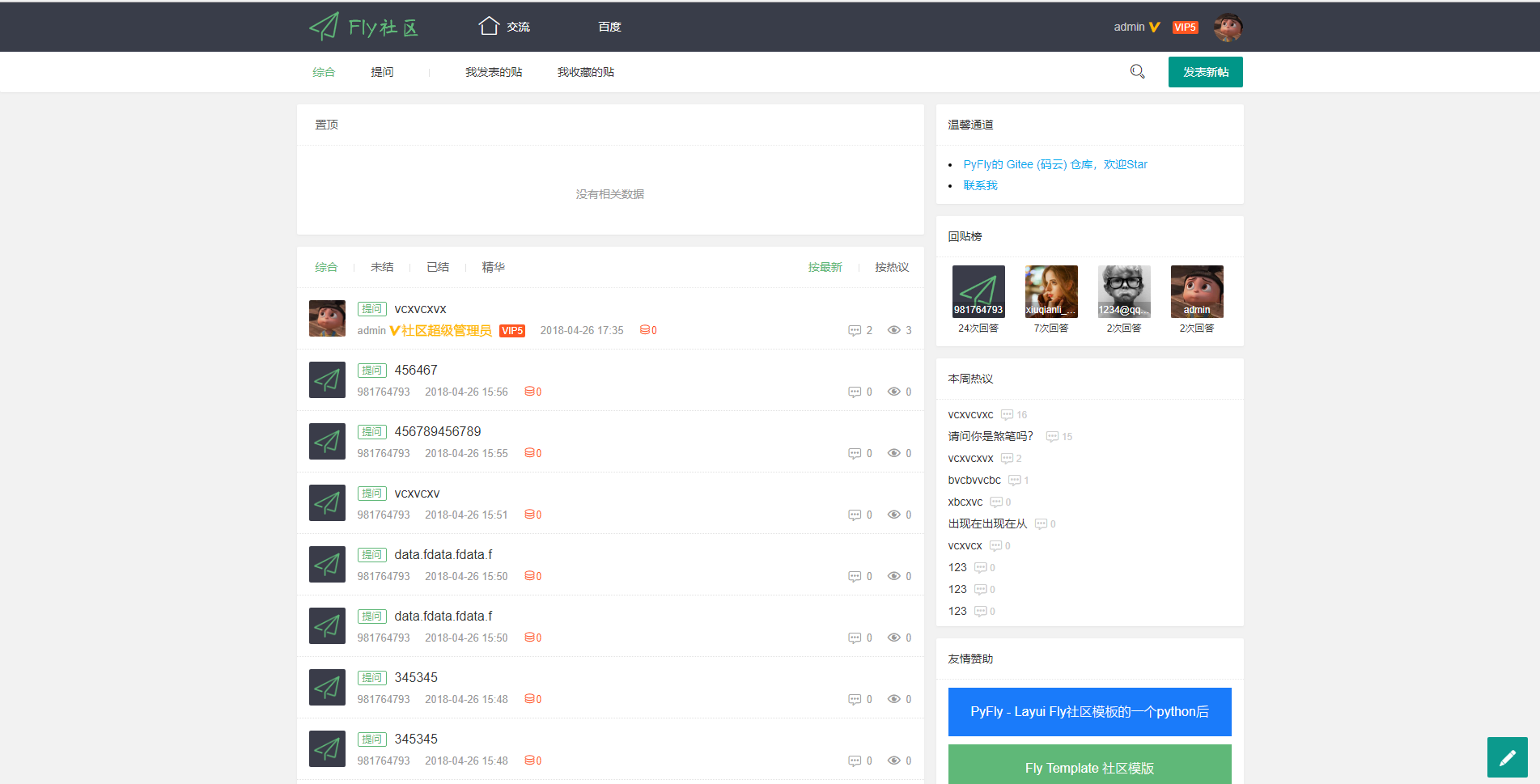
PyFly
PyFly is a Flask + MongoDB community forum project using the Layui Fly Template. The frontend covers registration, login, email activation, posting, replying, liking, accepting answers, deleting posts, and closing threads; the backend uses flask-admin for simple management.
Flask · Admin dashboard
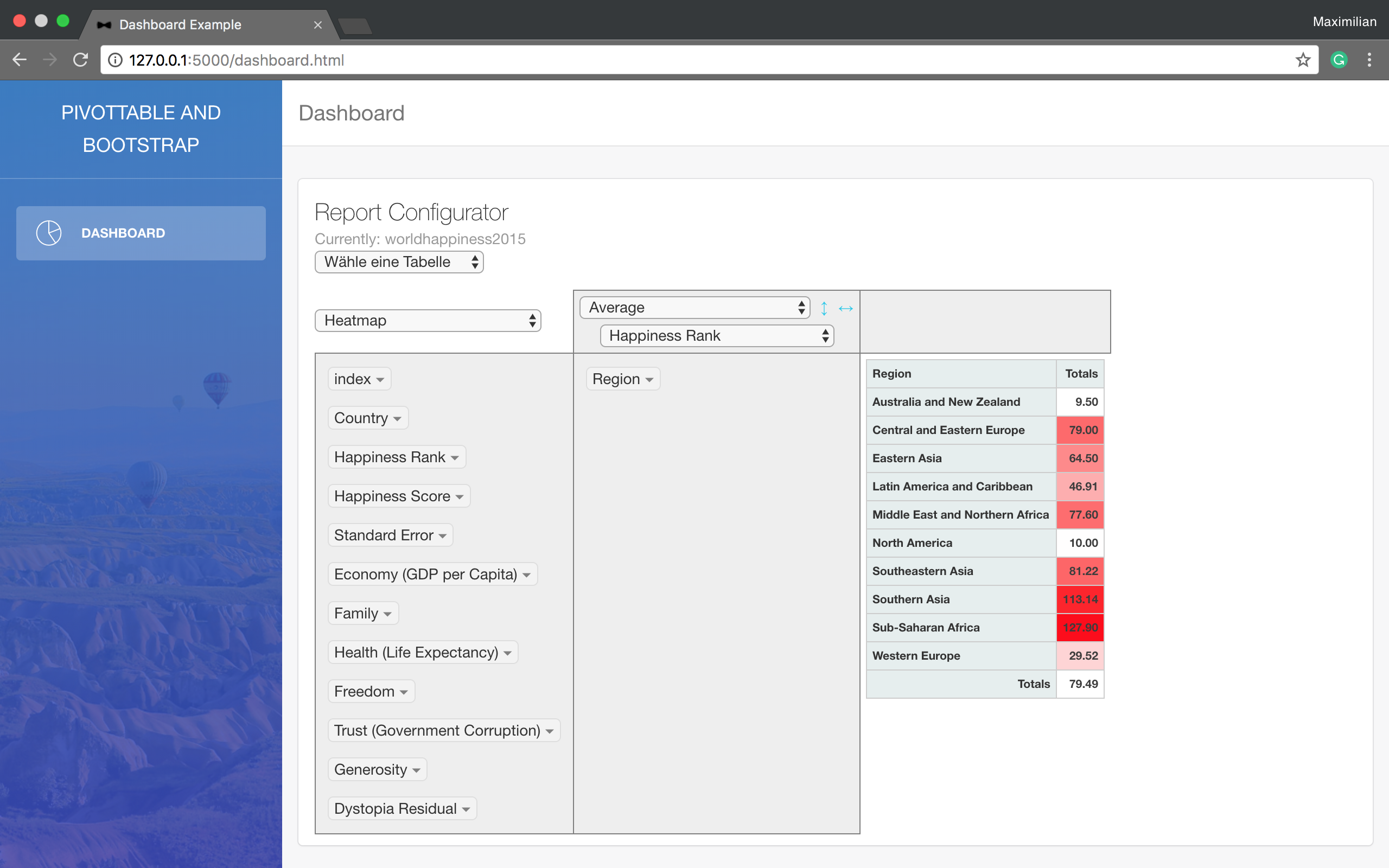
Dashboard
A minimal Flask example that reads data from a SQL database, processes it with Pandas, and displays it in a pivot table using a Bootstrap template. It requires your own SQL database and configuration changes at the TODO-marked positions in main.py.
Flask · Admin dashboard
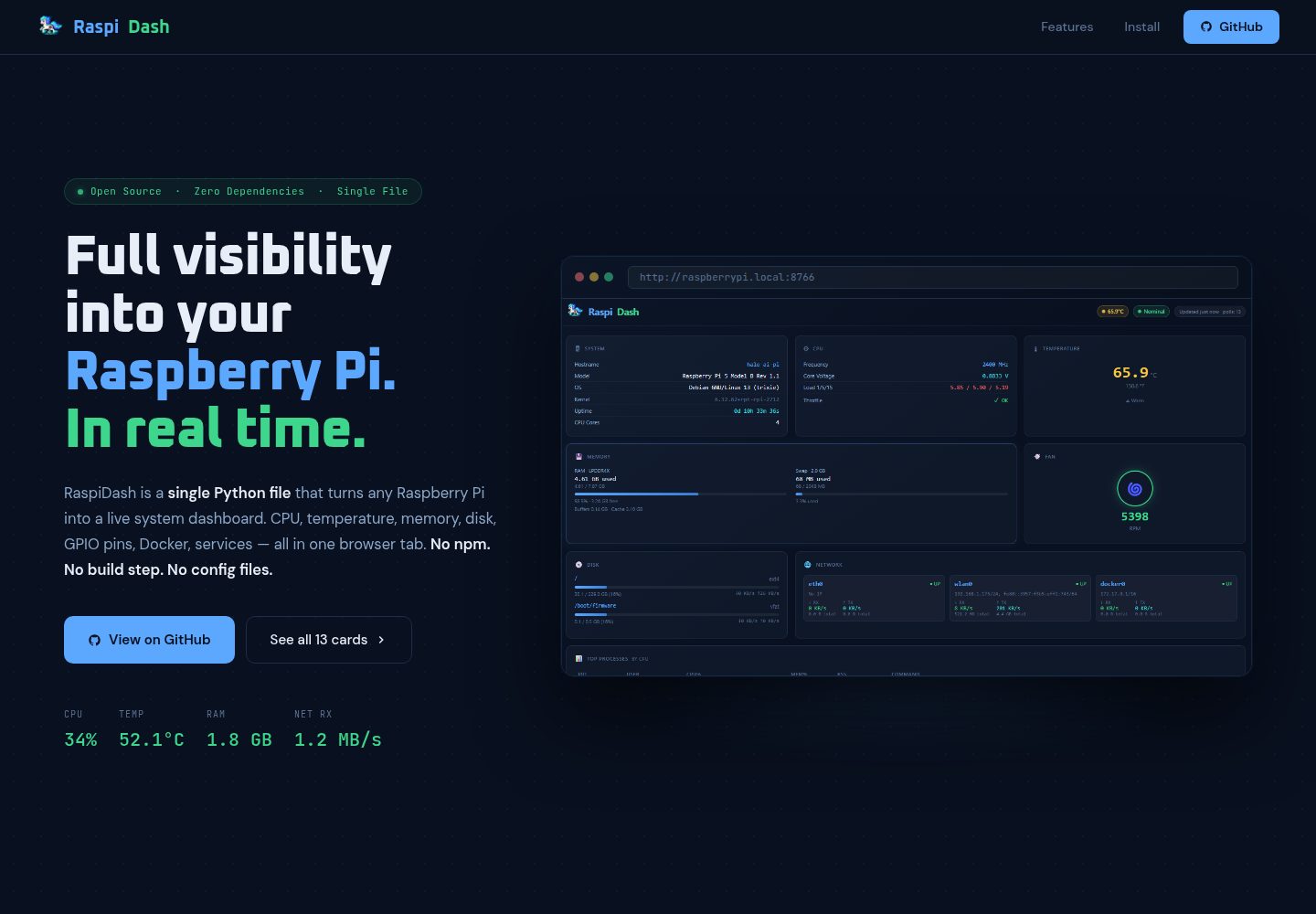
raspi-dash
RaspiDash is a real-time single-page monitoring dashboard for Raspberry Pi 5. It uses a Flask backend to collect data from native Pi interfaces such as /proc, vcgencmd, and pinctrl, and renders cards with Jinja2 templates without frontend dependencies.
Flask · Admin dashboard
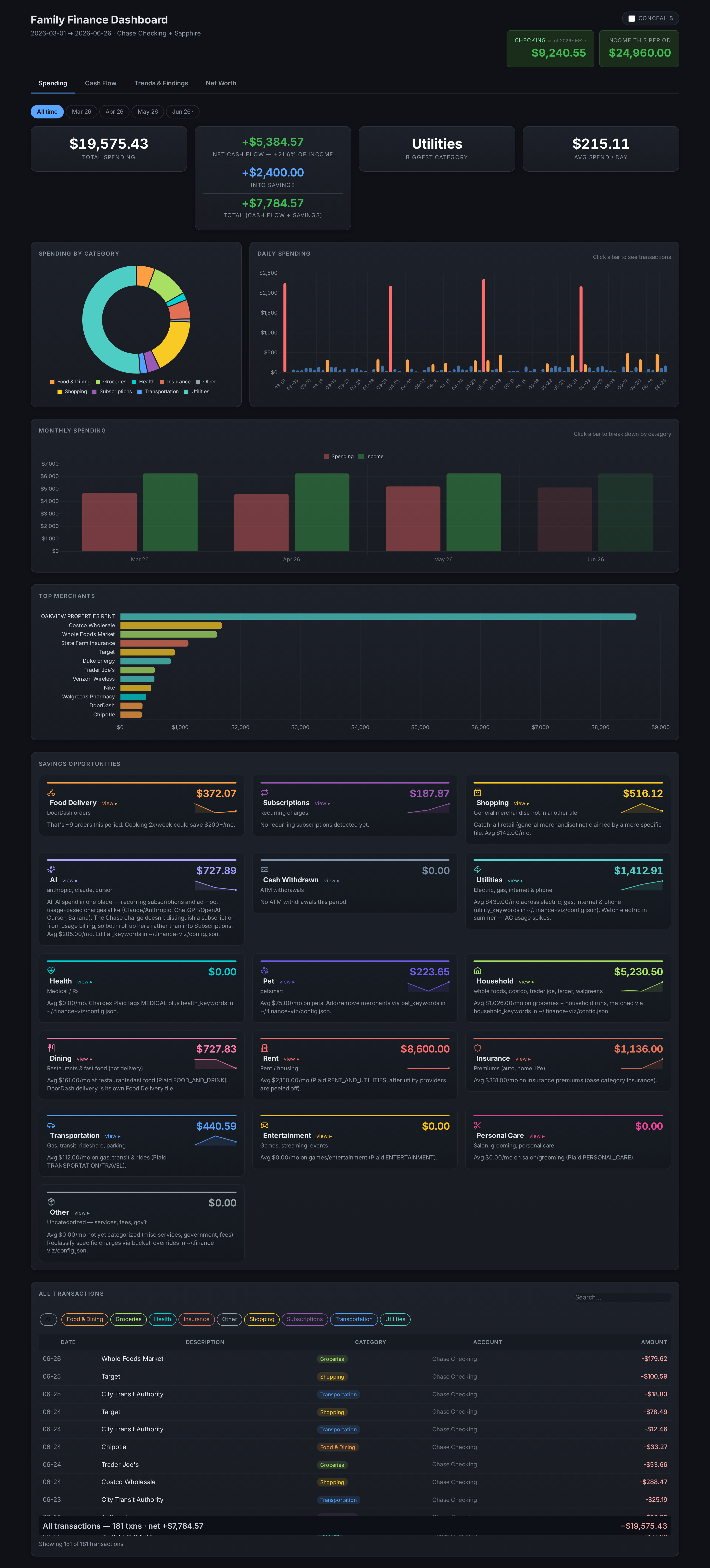
finance-dashboard-template
A Flask-based self-hosted personal finance dashboard template that aggregates bank, brokerage, and equity plan data via Plaid and custom scrapers, keeping all personal data local.
Flask · Admin dashboard
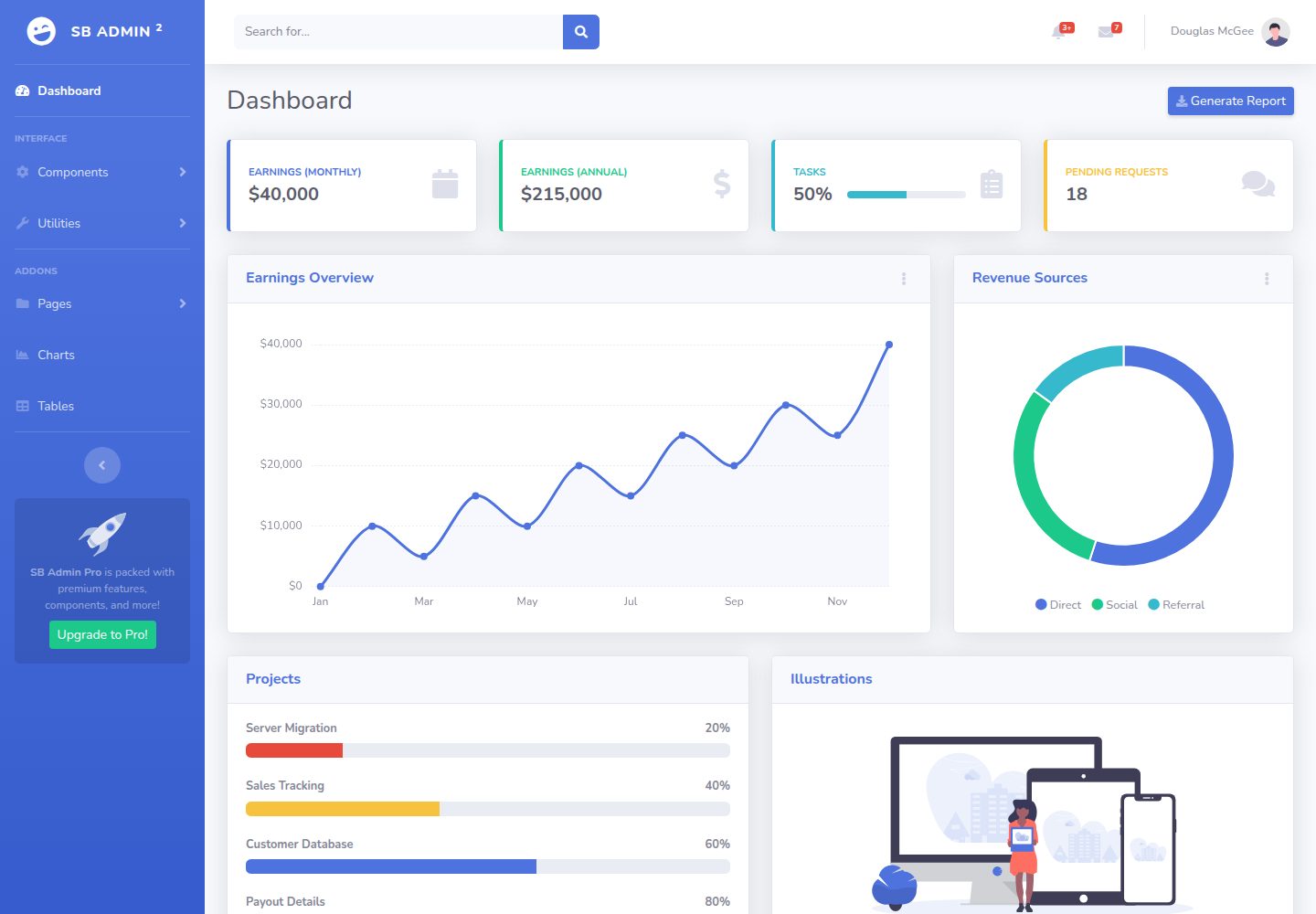
BootstrapFlask
BootstrapFlask adapts Start Bootstrap's SB Admin 2 admin theme into a Flask project template, offering a dashboard-style data management interface with a sidebar and stat cards.
Flask · Admin dashboard

AdminLTE
An HTML admin dashboard built with Bootstrap 5 and vanilla JavaScript. Astro builds the documentation; React, Vue and Angular editions live in separate repositories.
HTML · Admin dashboard