Root-level bootstrap.py handles environment creation, dependency installation, migrations, CSS build, and Django checks
DjangoStarter
django-tailwind-daisyui-template — Django Starter Template
By pranman
A Django-based starter template that integrates Tailwind CSS and daisyUI components, offering one-command initialization, development scripts, and a verification workflow.
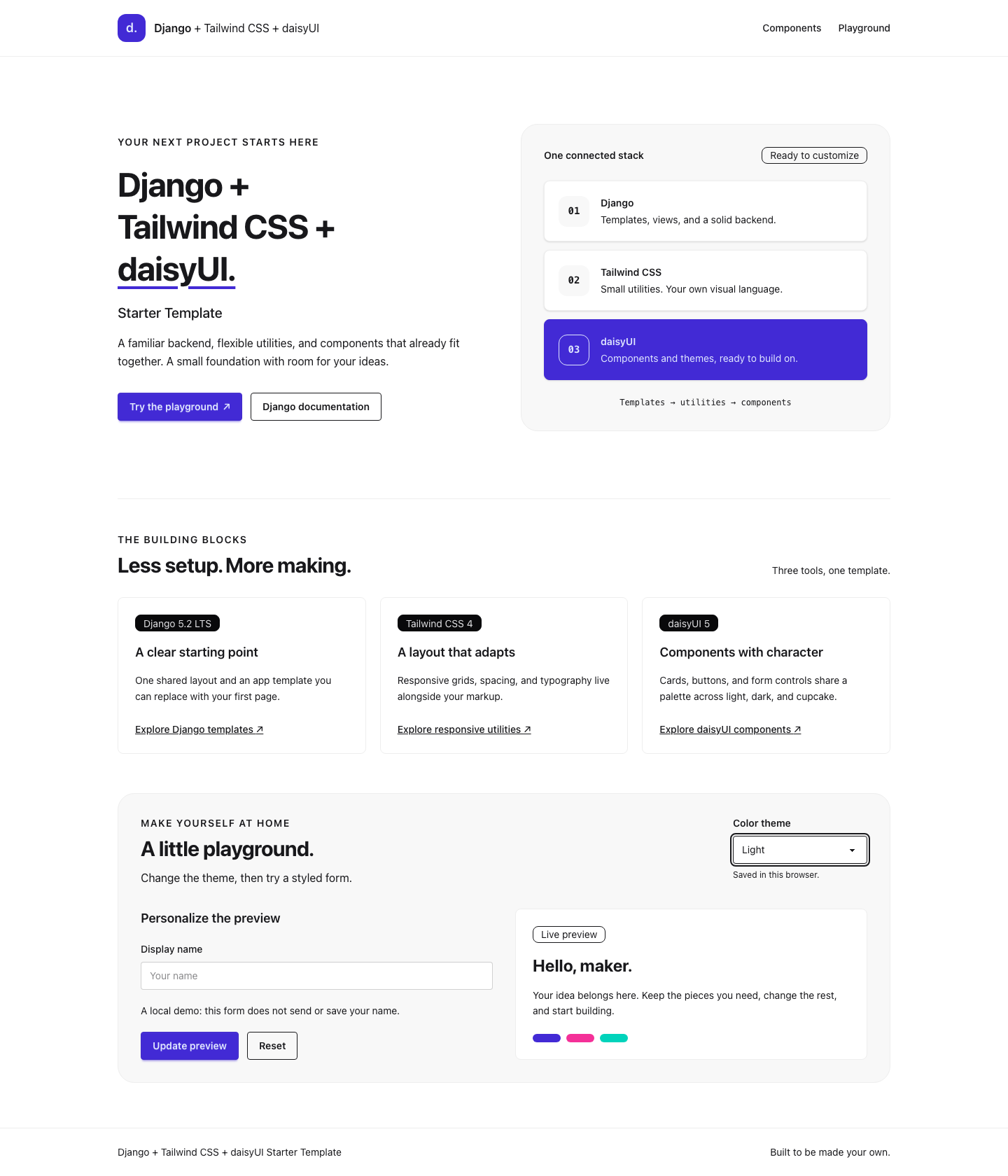
Explore the design
Compare the page layouts and mobile experience. Open any screenshot for a closer look.
Author preview
Author-provided previewTop of page
Preview provided in the project README.
One original preview is available. Open the full image to inspect the design.
Screenshots show visual appearance; interactive behavior may differ.
Recorded 2026-10-06View source
What stands out
A quick read of the recorded project description.
python bootstrap.py dev runs Django and CSS watching together and supports browser refresh
Integrates Tailwind CSS and daisyUI with three built-in themes: light, dark, and cupcake
Provides a responsive demo page, a shared base.html, and local static assets
Includes tests for cold start, safe re-runs, process cleanup, and rendered styles, plus GitHub Actions verification
Supports both uv and pip installation paths, and repeated runs preserve existing configuration and database records
Template Details
This is a starter for server-rendered Django applications, with build configuration for both Tailwind CSS and daisyUI included in the repository. The README states that it provides a bootstrap.py script at the project root, which creates a virtual environment, generates a private .env, installs locked dependencies, runs migrations, builds CSS, and runs Django checks; repeated execution preserves existing configuration, secrets, and database records. The development command python bootstrap.py dev starts Django and CSS watching together and refreshes the browser when template and style files change. The template includes a responsive demo page, a shared base.html, local static assets, and three daisyUI themes: light, dark, and cupcake. The repository also contains tests for cold start, safe re-runs, process cleanup, rendered styles, and themes, as well as a verification workflow on GitHub Actions.
Before use, you need Python 3.12, 3.13, or 3.14, Node.js 22.10 or later or 24 LTS, npm 10 or 11, and Git for cloning; uv is optional, and the script falls back to pip when it is missing. Linux, macOS, and Windows are supported, and the bootstrap script only checks prerequisites; it does not install system runtimes.
The template is positioned as an application starting point, and the README explicitly notes that you must configure and verify your hosting environment before deployment, and that the development server is for local use only. The repository does not provide a PyPI project generator, and licensing can be either MIT or GPLv3; third-party assets must be checked separately for their own licensing.
DjangoStarter
Is it right for your project?
Use Cases
- Quickly set up a new project using Django server-side rendering with Tailwind CSS and daisyUI
- Run Django and CSS build watching together in a local development environment with automatic browser refresh
- Customize pages and themes by editing theme/static_src/src/styles.css and MainApp templates
- Verify template initialization and rendering in CI by following the verify.yml workflow
Suitable For
- Developers who need Django with Tailwind CSS and daisyUI integrated out of the box
- Projects that prefer server-side rendering and starting with a local SQLite database
- Teams that want to complete environment initialization and development startup with a single command
- Maintainers who need reference tests and verification workflows to maintain a starter template
Getting started & customization
Use these recorded setup notes alongside the repository instructions for your chosen version.
- 1
Python 3.12/3.13/3.14, Node.js 22.10+ or 24 LTS, and npm 10/11 must be installed in advance; Git is used for cloning
- 2
Run python bootstrap.py in the project root to complete initialization, then run python bootstrap.py dev to start development
- 3
uv is optional; when it is not installed, the script uses pip; .python-version and .nvmrc specify Python 3.13 and Node 24 respectively
- 4
Re-running setup preserves the existing .env, secrets, and database records, and does not create an admin account
- 5
The development server is for local use only; before deployment, you must configure and verify your hosting environment yourself
License & source material
Usage conditions & limitations
Free to use · keep license noticeThis entry covers the free version in the public repository under the MIT license; the free scope is the code in that version and does not mean external services or third-party assets are free.
Must comply with when using
- You may use, modify, commercialize, and distribute the code in this version for free.
- When distributing copies or substantial portions of the code, retain the original author's copyright notice and the full MIT license notice.
- The code is provided as is; warranties and limitations of liability are governed by the original license and applicable law.
Additional costs & items to verify
- Demo images, fonts, icons, and other third-party assets must be checked under their respective licenses and cannot be judged solely by the code's MIT license.
- External services such as domains, hosting, databases, payments, or AI may incur separate charges.
- This template is only an application starting point; before deployment, you must configure and verify your hosting environment yourself, and the built-in development server is for local use only and cannot be used directly in production.
- The bootstrap script only checks prerequisites and does not automatically install system runtimes such as Python or Node.js; users must install them in advance.
- The initialization script does not create an admin account; users must create one themselves via Django management commands.
- The project is provided only as a source template and currently does not provide a PyPI project generator.
- The project uses dual licensing; users must choose between MIT and GPLv3 and comply with all terms of the chosen license.
View Original Text Basis
Permission is hereby granted, free of charge
Original License Text
This is an application starter. Configure and verify your hosting environment before deploying it; the development server is for local use.
Original README
The bootstrap script checks prerequisites and does not install system runtimes.
Original README
Setup does not create an administrator account.
Original README
This is a source template; a PyPI project generator is not currently provided.
Original README
https://github.com/pranman/django-tailwind-daisyui-template/blob/main/LICENSEhttps://github.com/pranman/django-tailwind-daisyui-template/blob/main/README.mdChoose either the [MIT License](LICENSE) or the [GNU General Public License v3.0](LICENSE.GPL), as documented in those files.
Original README
Compiled by DeepSeek based on repository license and README ·2026-10-06. Results only cover the materials read; dependencies, images, fonts, and subsequent term changes are subject to their respective original texts.
Project checks & description sources
Template Information
- Source platforms
- GitHub
- Documentation and maintenance reference score
- Partly documented · 71 / 100
- Technologies
- Django
- Website type
- Starter
How this score is calculated
Our heuristic uses license records (up to 30), a demo link (12), a preview (10), stars (15), recorded maintenance (15), description completeness (8), feature records (5) and classification data (5). It is not a code, security or performance test, or a Google score. A link does not establish tested functionality.
What to verify for this project
- Repository update recorded
- 2026-10-06
- Screenshot last checked
- 2026-10-06
No demo link is recorded. Use the repository instructions to evaluate the project locally; the screenshot alone cannot establish interactive behavior.
The catalog identifies Django as the primary stack. Check the actual dependency manifest and lockfile for versions and hosting requirements. These notes use recorded metadata, not a code audit or a deployment test.
Use a selection guide →How this description was prepared
AI-assisted description based on catalog records and repository material. Repository authors are not automatically the reviewers of this description.
Review declaration: [email protected] · 2026-10-06
Inspect the recorded source material
SHA-256: 2af8983ad07f864e3eb6dec67f523b30ebc6e0addae6fd0875642ee7578dd004
2026-10-06T14:15:55.989Z
Source file / repository# Django + Tailwind CSS + daisyUI Starter Template [](https://github.com/pranman/django-tailwind-daisyui-template/actions/workflows/verify.yml) A Django starter with Tailwind CSS, daisyUI components, one-command setup, and a tested development workflow. Start with server-rendered pages, a local SQLite database, and a CSS build you can customize. [Use this template](https://github.com/pranman/django-tailwind-daisyui-template/generate) · [Development](docs/development.md) · [Customization](docs/customization.md) · [Deployment](docs/deployment.md) · [Troubleshooting](docs/troubleshooting.md)  ## What is included - Django 5.2 LTS with explicit environment configuration and a unique local secret. - Tailwind CSS 4 and daisyUI 5, with working light, dark, and cupcake themes. - One root setup script, locked uv and pip installation paths, and no manual virtual-environment activation. - A development command that runs Django and the CSS watcher together, with browser refresh for template and stylesheet edits. - An accessible, responsive demo with local assets and one shared base template. - Tests for fresh setup, safe reruns, process cleanup, rendered styling and themes. This is an application starter. Configure and verify your hosting environment before deploying it; the development server is for local use. ## Prerequisites Install these tools and make them available in your terminal: | Tool | Supported versions | | --- | --- | | [Python](https://www.python.org/downloads/) | 3.12, 3.13 or 3.14; use a current patch | | [Node.js](https://nodejs.org/en/download) | 22.10 or newer in the 22 series, or 24 LTS | | npm | 10 or 11, normally supplied with Node.js | | [uv](https://docs.astral.sh/uv/getting-started/installation/) | Optional; setup uses pip when uv is absent | | [Git](https://git-scm.com/downloads) | Required for cloning and checkout verification; not for setup from a source archive | The supported platforms are Linux, macOS and Windows. `.python-version` selects Python 3.13 for uv; `.nvmrc` selects Node 24 for compatible version managers. The bootstrap script checks prerequisites and does not install system runtimes. The [verification matrix](docs/verification.md#hosted-matrix) records the tested combinations; browser automation uses Chromium on Linux. ## Start a project Choose **Use this template** on GitHub and clone your new repository, or clone this starter directly: ```bash git clone https://github.com/pranman/django-tailwind-daisyui-template.git my-project cd my-project python bootstrap.py python bootstrap.py dev ``` Here `python` means a supported Python interpreter. On macOS/Linux you may need `python3`; on Windows you can use `py -3.13` instead. Setup creates `.venv` and a private `.env`, installs locked Python and frontend dependencies, runs migrations, builds CSS, and checks Django. It prints `Setup complete` when all steps succeed. Re-running setup preserves existing configuration, secrets and database records. Open **http://127.0.0.1:8000/**. Try the theme selector and local form preview. Press **Ctrl+C** to stop both development processes. For later sessions, run `python bootstrap.py dev` again. ## Everyday commands ```bash python bootstrap.py check # Read-only diagnostics python bootstrap.py dev --port 8001 # Use another local port python bootstrap.py --installer pip # Explicit pip setup python bootstrap.py --installer uv # Explicit uv setup ``` You do not need to activate `.venv`. Setup does not create an administrator account. See [development](docs/development.md) for management commands, tests, and the project layout. ## Make it yours - Page content: `MainApp/templates/MainApp/home.html` - Shared layout: `templates/base.html` - Tailwind sources and daisyUI themes: `theme/static_src/src/styles.css` - Demo interactions: `MainApp/static/MainApp/js/demo.js` - Local settings: `.env`, using [the configuration reference](docs/configuration.md) [Customization](docs/customization.md) covers new pages, utilities and themes. [Deployment](docs/deployment.md) covers production settings, migrations, asset builds and static collection. [Troubleshooting](docs/troubleshooting.md) covers missing tools, failed installs and stale CSS. ## Verification and support [Verification](docs/verification.md) explains cold setup, safe reruns, process cleanup and production checks. [Browser checks](docs/browser-checks.md) cover rendered styling, theme changes, accessibility and real reload. The aggregate **Starter verification** check must pass before a release. See the [support policy](docs/support.md), [security reporting](SECURITY.md) and [changelog](CHANGELOG.md) for maintenance and release information. This is a source template; a PyPI project generator is not currently provided. ## License and acknowledgements Choose either the [MIT License](LICENSE) or the [GNU General Public License v3.0](LICENSE.GPL), as documented in those files. Thanks to [Tom Dekan](https://tomdekan.com/articles/tailwind-with-django) for the original article on integrating Tailwind with Django, and to the maintainers of [Django](https://www.djangoproject.com/), [django-tailwind](https://github.com/timonweb/django-tailwind), [Tailwind CSS](https://tailwindcss.com/) and [daisyUI](https://daisyui.com/).
Explore similar templates
Compare previews and descriptions within the same stack and category.
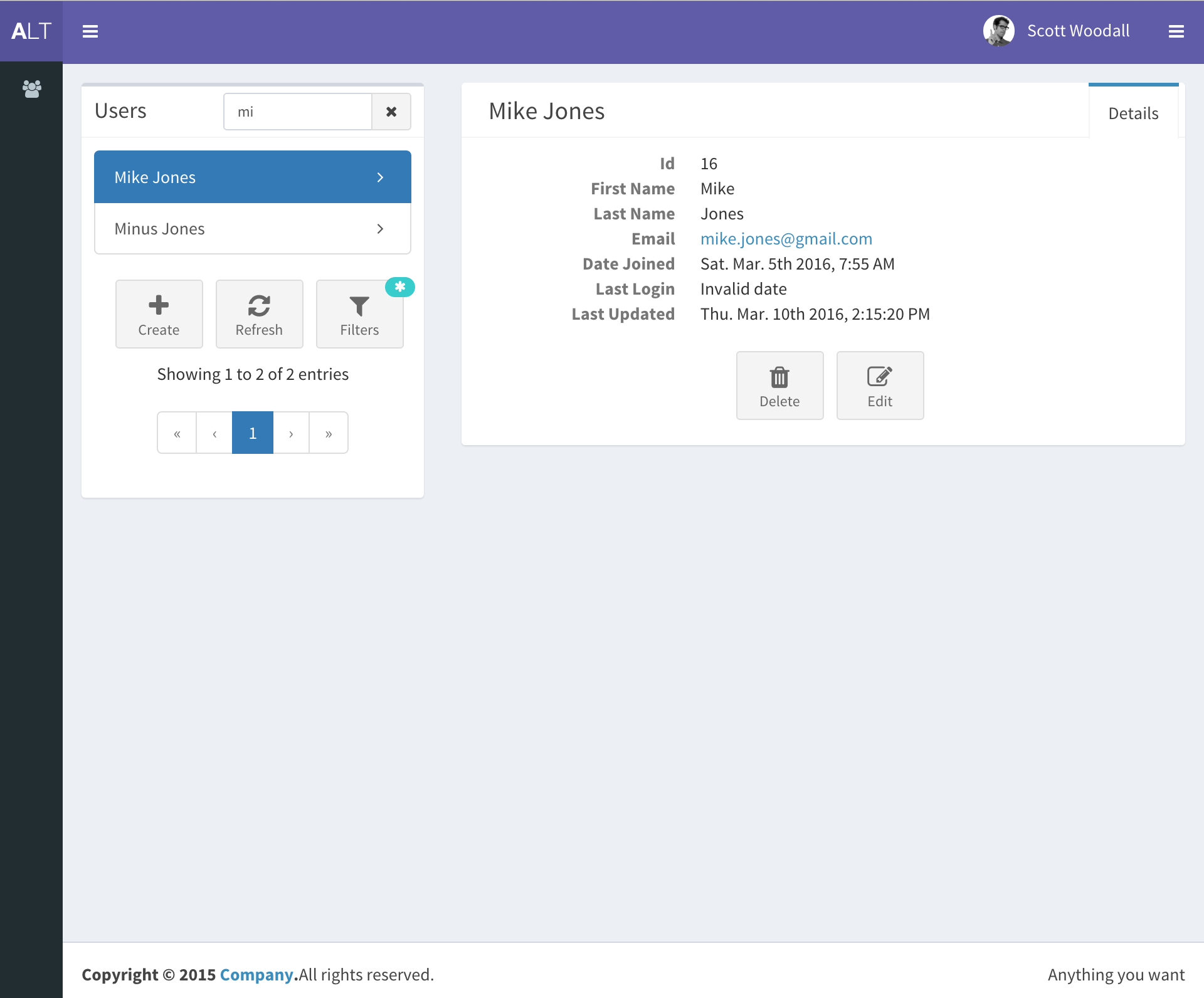
django-react-template
A starter template that integrates Django backend and React frontend in one repository, generated via Django's startproject command. It provides a clear backend/frontend structure with separate READMEs, aiming to reduce initial setup work.
Django · Starter
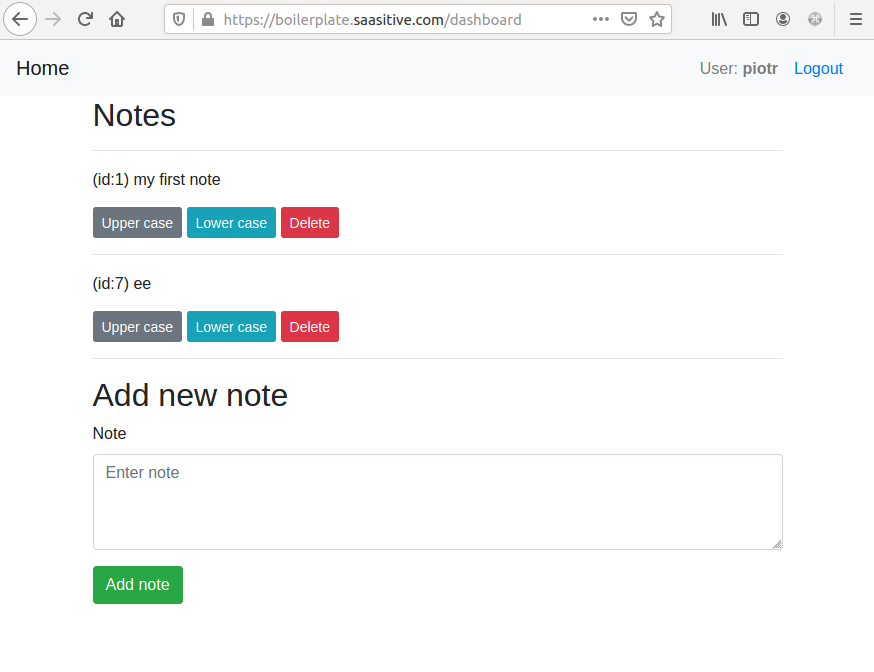
django-react-boilerplate
A DIY Django + React SaaS starter built through step-by-step tutorials, featuring a Django REST Framework backend, React frontend, Bootstrap styling, Djoser token authentication, email verification, password reset, and docker-compose deployment to a single VPS with Nginx and Let's Encrypt SSL.
Django · SaaS
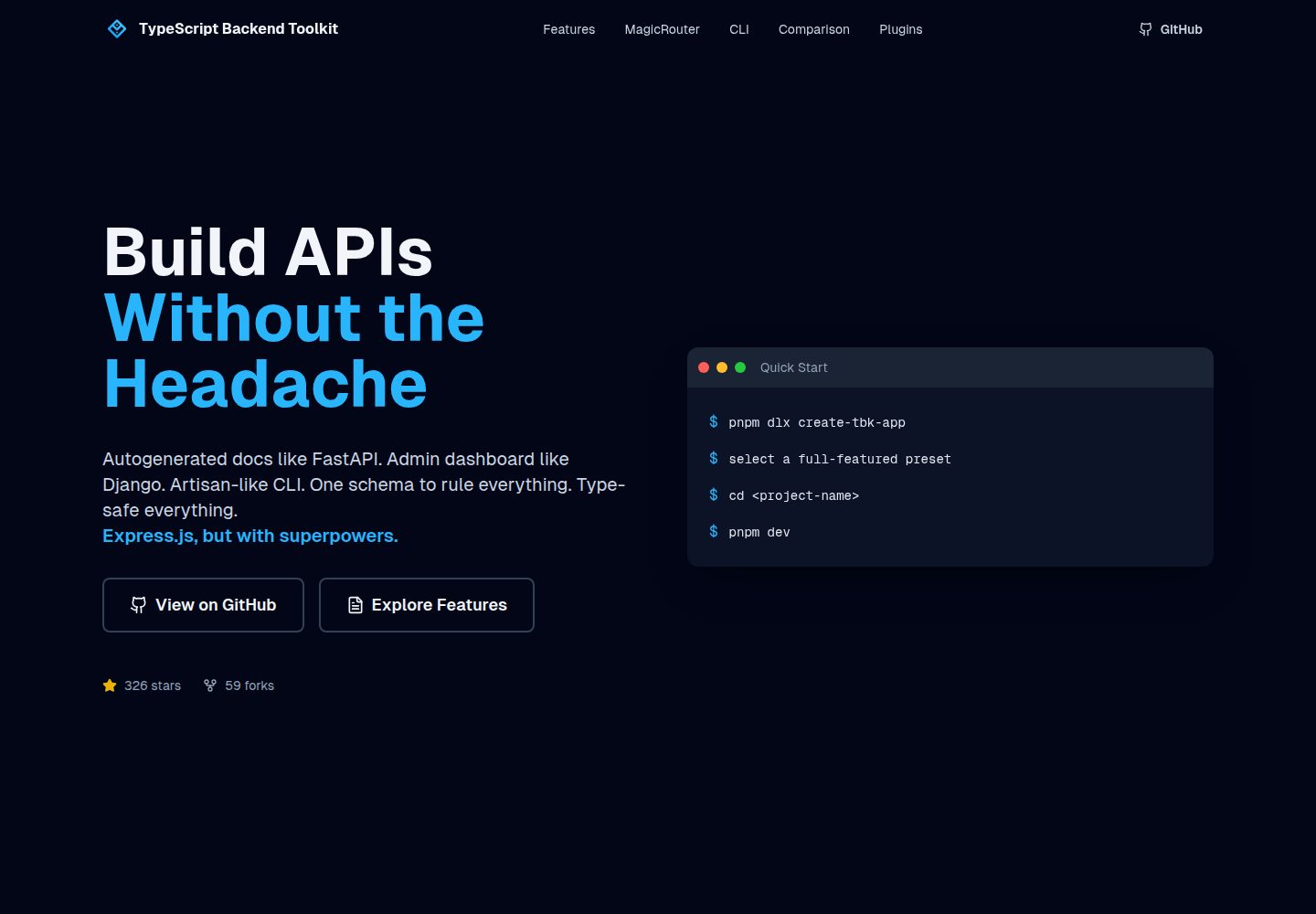
typescript-backend-toolkit
An Express.js and TypeScript backend toolkit with auto-generated OpenAPI documentation, a Django-style admin panel, an Artisan-style tbk CLI, and a plugin architecture. It integrates Zod validation, JWT and Google login, BullMQ queues with BullBoard, Socket.IO, and multi-provider storage/cache/email.
Django · Admin dashboard
django-saas-boilerplate
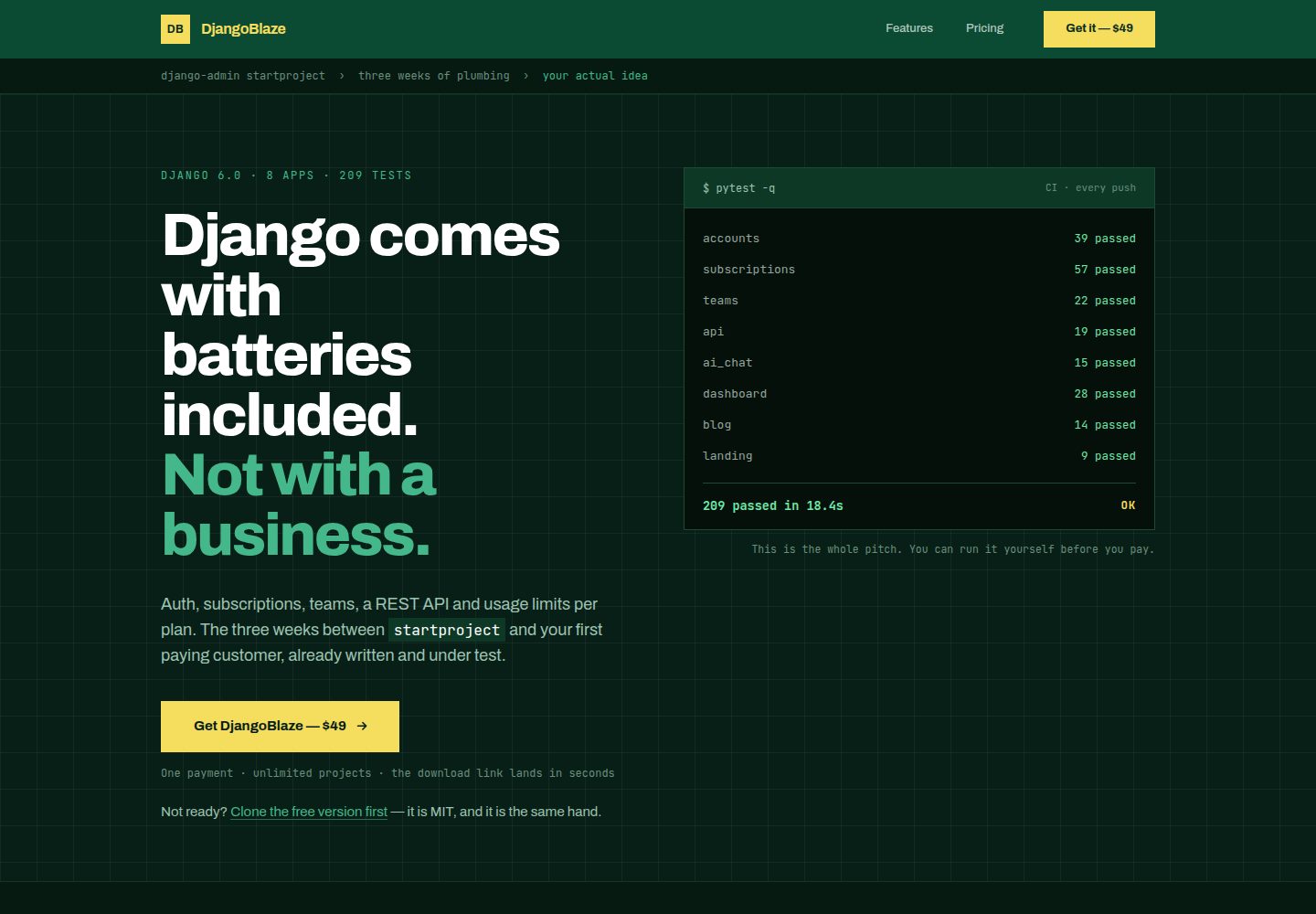
A Django SaaS starter template with email-only login, django-allauth authentication, Stripe subscription payments, a user dashboard, and a public landing page.
Django · SaaS
django-starter-template
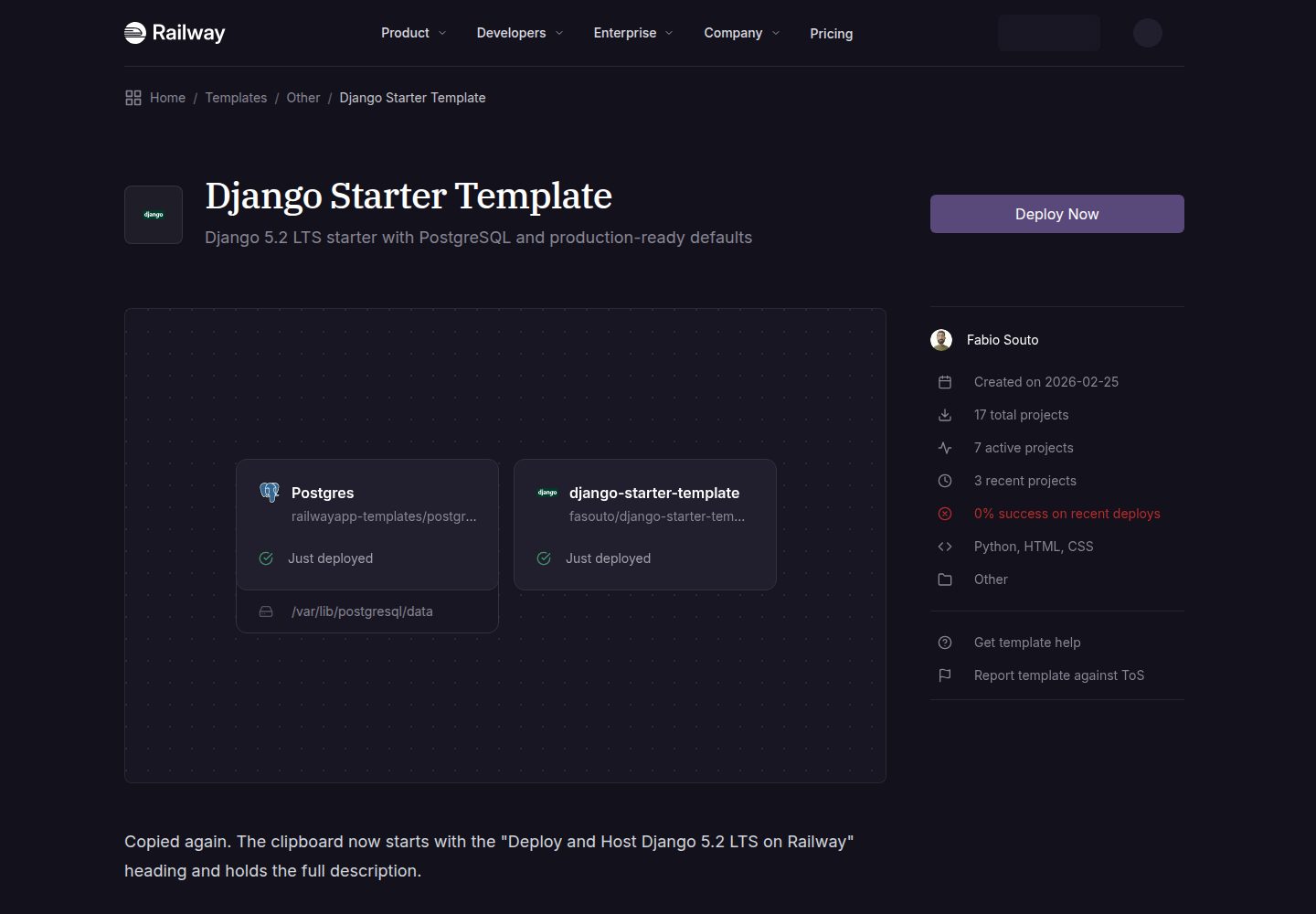
A Django 5.2 LTS starter template for Railway deployment, using PostgreSQL via psycopg3, gunicorn, and WhiteNoise, with settings split into base, development, and production.
Django · Starter
Django-website-template
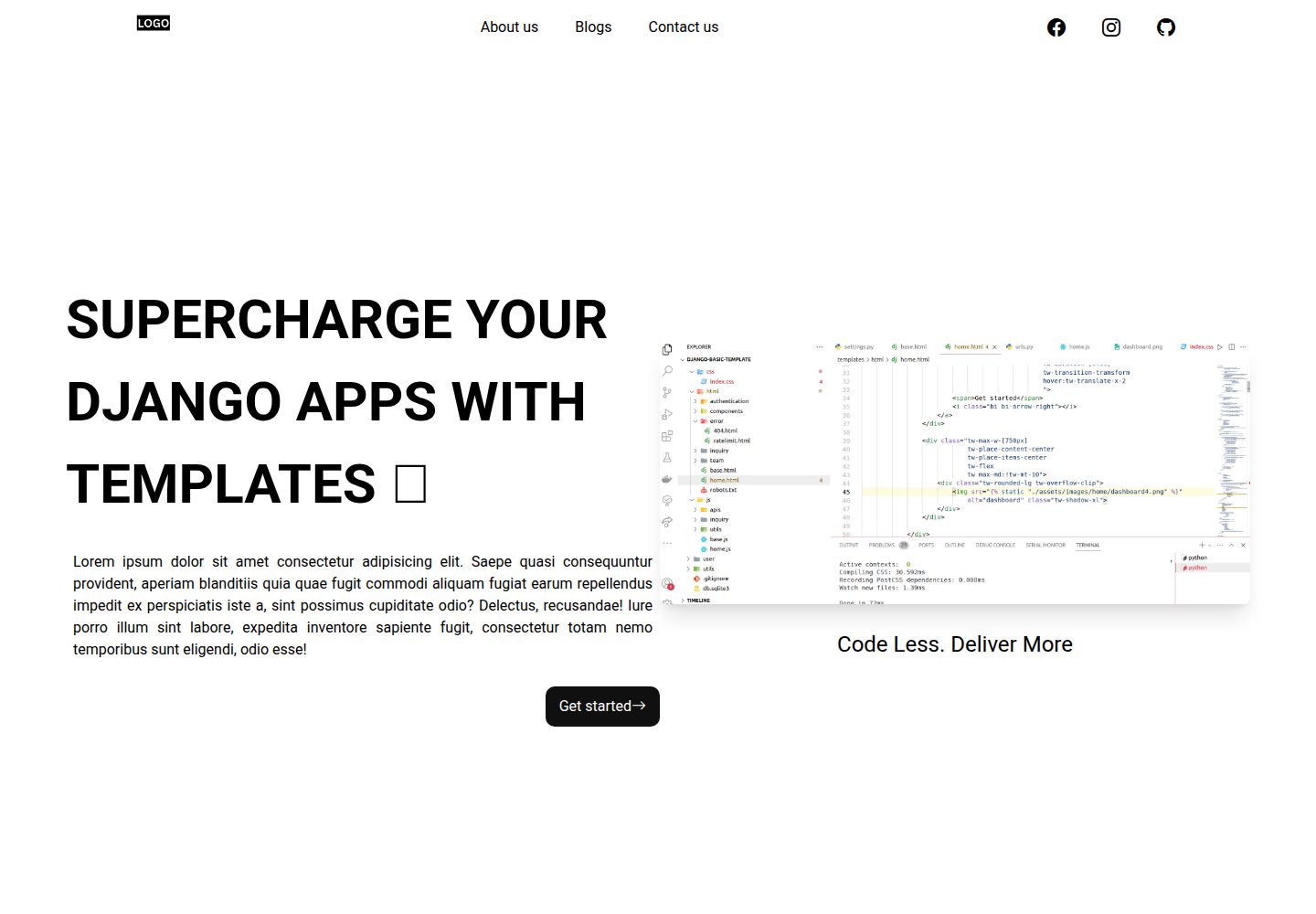
A Django website starter template for freelancers and agencies, including landing pages, contact page, 404 page, and a blog with Trix editor in the admin.
Django · Starter