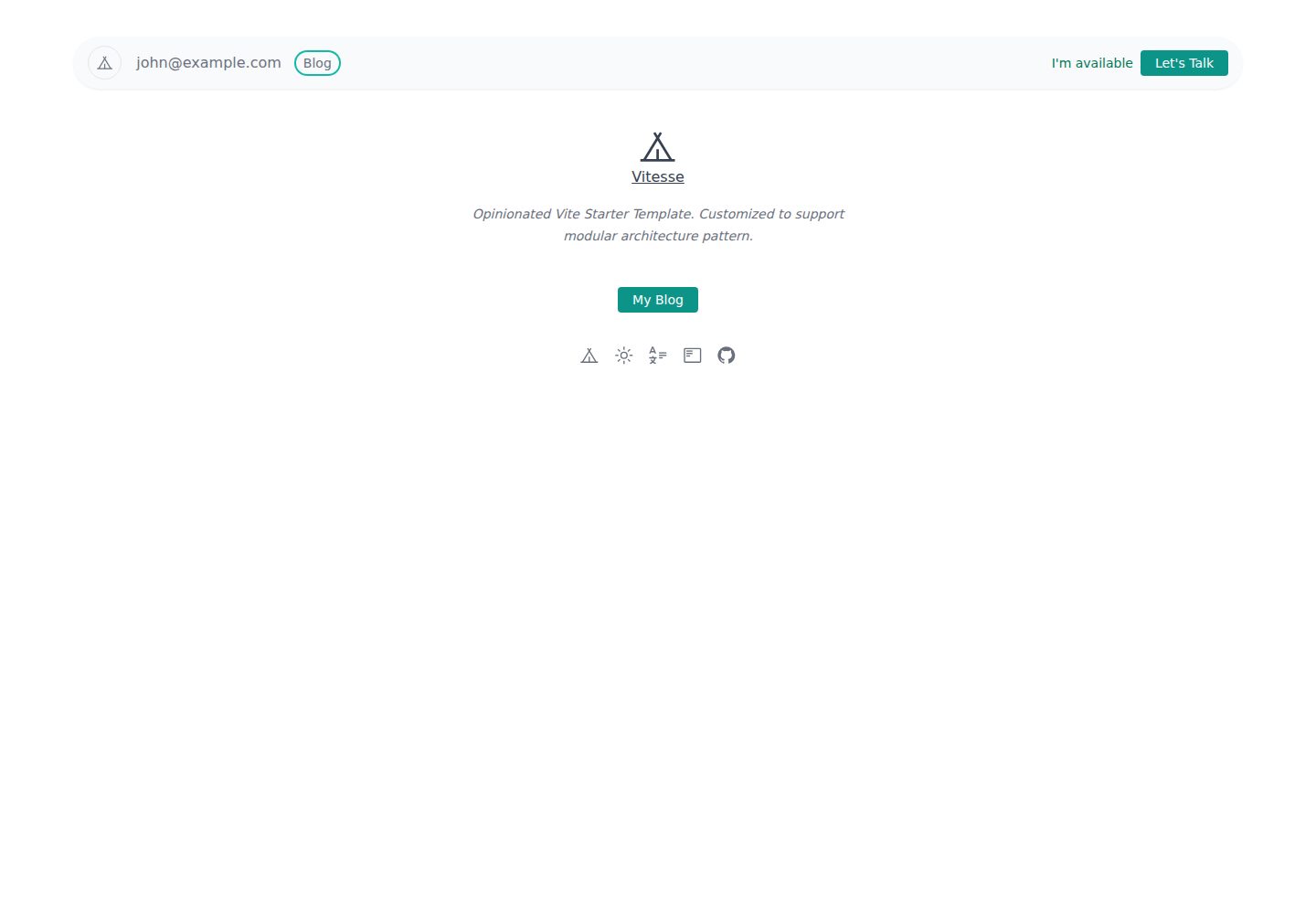
Written in Vue 3 and TypeScript, with Vite as the build tool
VueViteBlog
vite-medium-like-blog-ts — Vue Blog Template
By shamscorner
A Medium-style blog template built with Vue 3 and TypeScript, supporting dark mode, using Vite for builds, and adapted from the Vitesse starter template.
Explore the design
Compare the page layouts and mobile experience. Open any screenshot for a closer look.
Desktop homepage1 / 3
Desktop captureTop of page
Actual screenshot captured by the server browser.
All pages & views 3
Screenshots show visual appearance; interactive behavior may differ.
Recorded 2026-10-13View source
What stands out
A quick read of the recorded project description.
Provides a Medium-style blog page layout with built-in dark mode
Based on the Vitesse starter template, with Markdown support out of the box
Articles are stored as Markdown files and indexed in data.json
Page scaffolding and homepage list are centralized in BlogScaffold.vue and index.vue respectively
MIT licensed, free to use, modify, and distribute
Template Details
This is a Medium-style blog template written in Vue 3 and TypeScript, with built-in dark mode. The project is built on the Vitesse starter template, includes Markdown support out of the box, and provides example article files in the repository for direct reference.
Content organization is straightforward: articles are stored as Markdown files under the src/blog/pages/blog/ directory, and an article index object is registered in data.json in the same directory, maintaining the established object structure. The overall page layout is controlled by src/blog/components/BlogScaffold.vue, and the homepage list is located in src/blog/pages/blog/index.vue, which can be adjusted as needed.
Development and building are done via pnpm. The development server runs on port 3333 by default, and build output goes to the dist directory. The README also provides brief steps for deploying on Netlify. The template is MIT licensed, and the repository was last updated in 2021, making it an earlier example project.
VueViteBlog
Is it right for your project?
Use Cases
- Building a personal blog with content written in Markdown
- Needing a reference for a Medium-style reading interface with dark mode
- Front-end practice or prototype validation using the Vue 3 + TypeScript + Vite combination
- Quickly deploying a static blog site on Netlify
Suitable For
- Developers familiar with Vue 3 and TypeScript who want to modify the template directly
- Personal bloggers who manage articles in Markdown and do not need a backend management system
- Front-end learners who need a Medium-style layout and dark mode interface
Getting started & customization
Use these recorded setup notes alongside the repository instructions for your chosen version.
- 1
Install pnpm first, then run pnpm install to install dependencies
- 2
During development, run pnpm dev, accessible by default at http://localhost:3333
- 3
Build with pnpm build, with output generated in the dist directory
- 4
To add an article, add a Markdown file under src/blog/pages/blog/ and register its index in data.json following the existing object structure
- 5
The repository was last updated in 2021; before use, check dependency and environment compatibility
License & source material
Usage conditions & limitations
Free to use · keep license noticeThis entry covers the free version under the MIT license in the public repository; the free scope is the code of this version and does not imply that external services or third-party assets are free.
Must comply with when using
- Free to use, modify, commercially use, and distribute the code of this version.
- When distributing copies or substantial portions of the code, retain the original author's copyright notice and the full MIT license notice.
- The code is provided as is; warranties and limitations of liability are governed by the original license and applicable law.
Additional costs & items to verify
- Demo images, fonts, icons, and other third-party assets must be checked against their respective licenses and cannot be judged solely by the code's MIT license.
- External services such as domains, hosting, databases, payments, or AI may incur additional charges.
- Using this template requires installing the pnpm package manager first and obtaining the code by cloning the repository; no instructions for other installation methods such as npm/yarn are provided.
- The deployment method given in the README relies on the third-party hosting service Netlify, requiring registration and use of an account, and may involve that platform's own terms of service and fees.
View Original Text Basis
Permission is hereby granted, free of charge
Original License Text
Clone this repository and install [pnpm](https://pnpm.io/)
Original README
https://github.com/shamscorner/vite-medium-like-blog-ts/blob/main/LICENSEhttps://github.com/shamscorner/vite-medium-like-blog-ts/blob/main/README.mdGo to [Netlify](https://app.netlify.com/start) and select your clone, `OK` along the way, and your App will be live in a minute.
Original README
Compiled by DeepSeek based on repository license and README ·2026-10-13. Results only cover the materials read; dependencies, images, fonts, and subsequent term changes are subject to their respective original texts.
Project checks & description sources
Template Information
- Source platforms
- GitHub
- Documentation and maintenance reference score
- Partly documented · 73 / 100
- Technologies
- Vue · Vite
- Website type
- Blog
How this score is calculated
Our heuristic uses license records (up to 30), a demo link (12), a preview (10), stars (15), recorded maintenance (15), description completeness (8), feature records (5) and classification data (5). It is not a code, security or performance test, or a Google score. A link does not establish tested functionality.
What to verify for this project
- Repository update recorded
- 2021-10-24
- Screenshot last checked
- 2026-10-13
A demo link is listed. Check it with your own content and viewport sizes; its presence does not confirm that forms, authentication or payments work.
The catalog identifies Vue as the primary stack. Check the actual dependency manifest and lockfile for versions and hosting requirements. These notes use recorded metadata, not a code audit or a deployment test.
Use a selection guide →How this description was prepared
AI-assisted description based on catalog records and repository material. Repository authors are not automatically the reviewers of this description.
Review declaration: [email protected] · 2026-10-13
Inspect the recorded source material
SHA-256: 53b783b3e6f449881cf1f52e1c4fde77aa4cea09a4213fcfe9565fb6da2972ff
2026-10-13T01:39:16.393Z
Source file / repository<p align='center'>
<img src='https://raw.githubusercontent.com/shamscorner/images/main/vitesse-medium-blog.png' alt='A Medium like blog template made by Vue + Typescript + Dark mode' width='600'/>
</p>
<p align='center'>
Medium like blog template made with (Vue 3 + Typescript) with Dark mode.
</p>
<br>
<p align='center'>
<a href="https://vite-vue3-medium-blog.netlify.app/" target="_blank">Live Demo</a>
</p>
<br>
# Introduction
This template is made by [Vitesse](https://github.com/antfu/vitesse) starter template. It has a pretty great setup with markdown support out of the box. Check out the [github repository](https://github.com/antfu/vitesse) for more information.
## Usage
Clone this repository and install [pnpm](https://pnpm.io/)
```
git clone https://github.com/shamscorner/vite-medium-like-blog-ts.git
pnpm install
```
### Development
Just run and visit http://localhost:3333
```bash
pnpm dev
```
### Build
To build the App, run
```bash
pnpm build
```
And you will see the generated file in `dist` that ready to be served.
### Project structure
- src
- blog
- components
- BlogScaffold.vue
- pages
- blog
- data.json
- index.vue
- some-markdown-file-1.md
- some-markdown-file-2.md
- some-markdown-file-3.md
- so on . . .
- common
Follow the provided demo markdown file under `/src/blog/pages/blog/` to setup your article. If you need to change the default design, you can change in the `/src/blog/components/BlogScaffold.vue` file. Also don't forget to add the article index object into the `/src/blog/pages/blog/data.json` file. Modify the `data.json` file according to your articles. However, keep the object structure as mentioned in the `data.json` file. Finally, you can change the home blog page if you want. You will find the file in here, `/src/blog/pages/blog/index.vue`.
### Deploy on Netlify
Go to [Netlify](https://app.netlify.com/start) and select your clone, `OK` along the way, and your App will be live in a minute.
Explore similar templates
Compare previews and descriptions within the same stack and category.
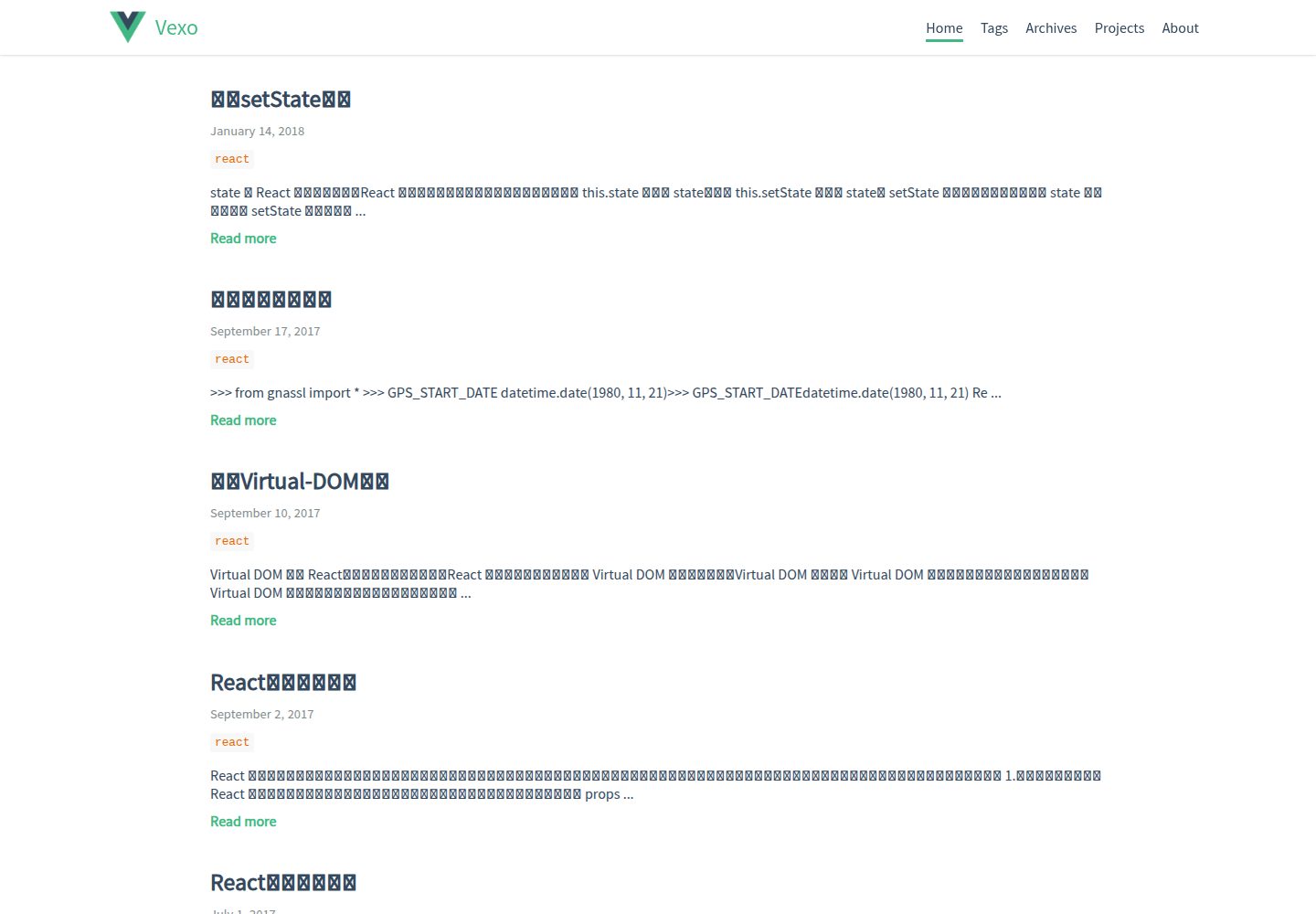
hexo-theme-vexo
Vexo is a Hexo blog theme inspired by the Vue.js official website, offering responsive layout, article table of contents, sharing QR codes, SEO configuration, Baidu Analytics, and switchable comment systems including Gitment, Utterances, Youyan, and Disqus. Local search requires installing hexo-generator-searchdb.
Vue · Blog
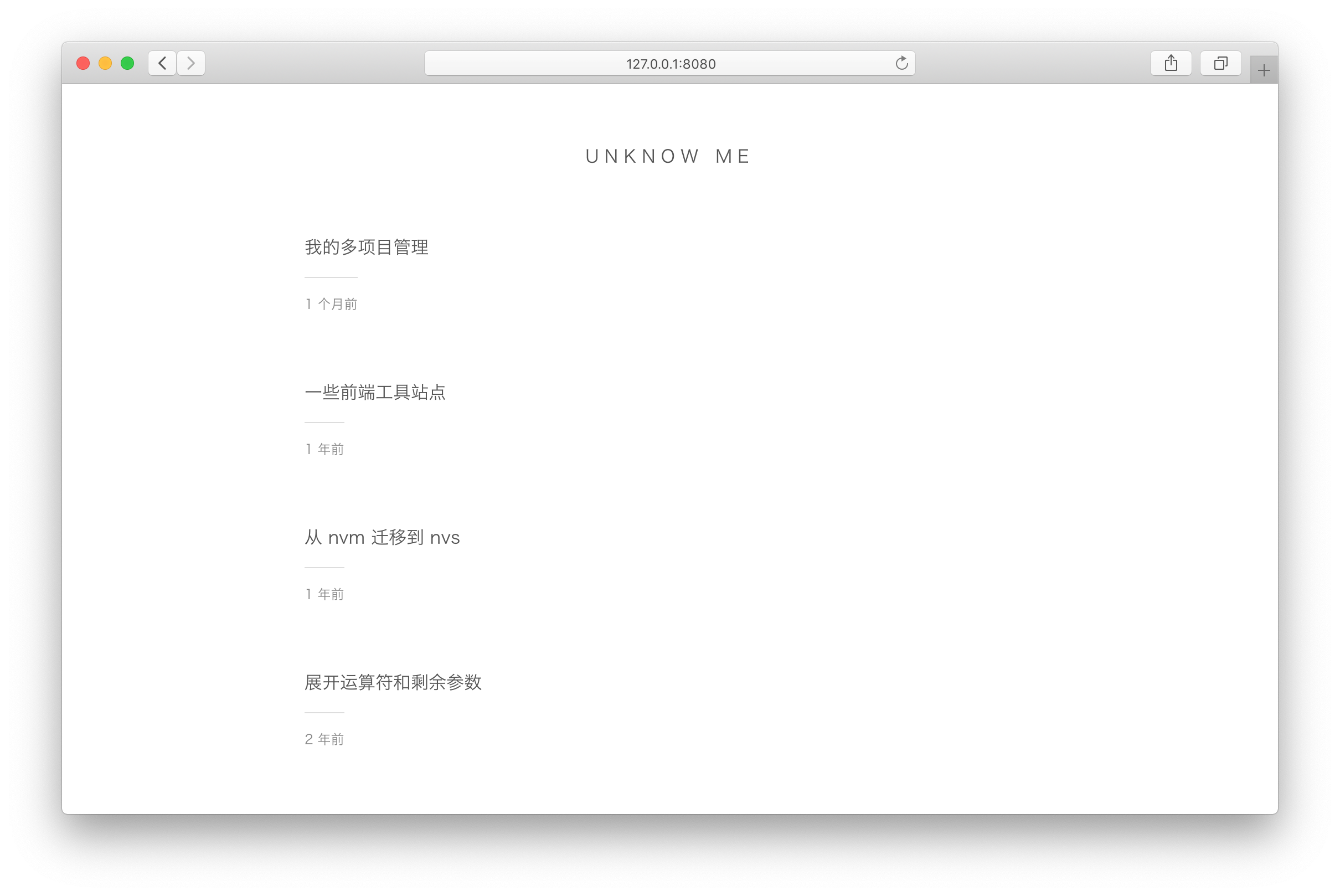
vuepress-theme-simple
A minimalist blog theme for VuePress 1.x that replaces the homepage README with an article list sorted by Git commit time or FrontMatter date.
Vue · Blog
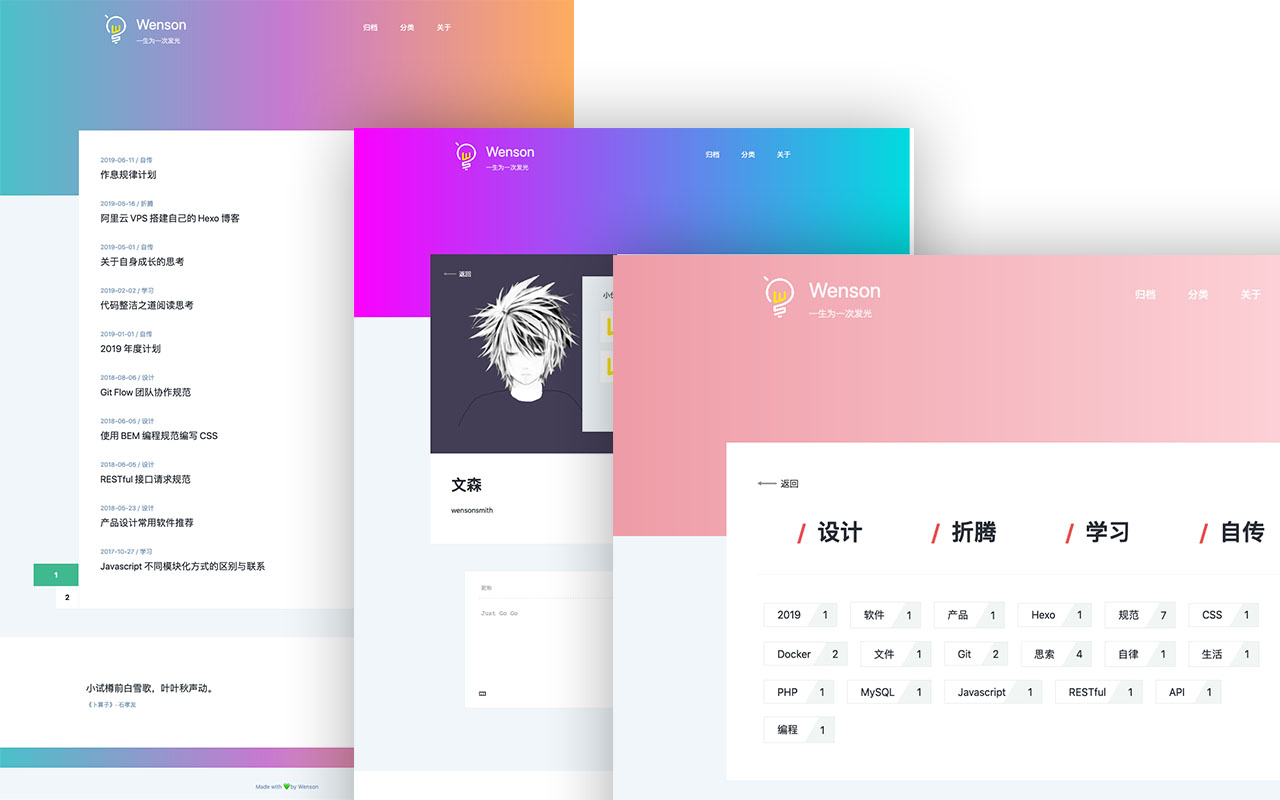
vuepress-theme-seeker
Seeker is a VuePress blog theme built around "colorful minimalism": each refresh randomly generates a color scheme, and the footer randomly shows classical Chinese poetry.
Vue · Blog
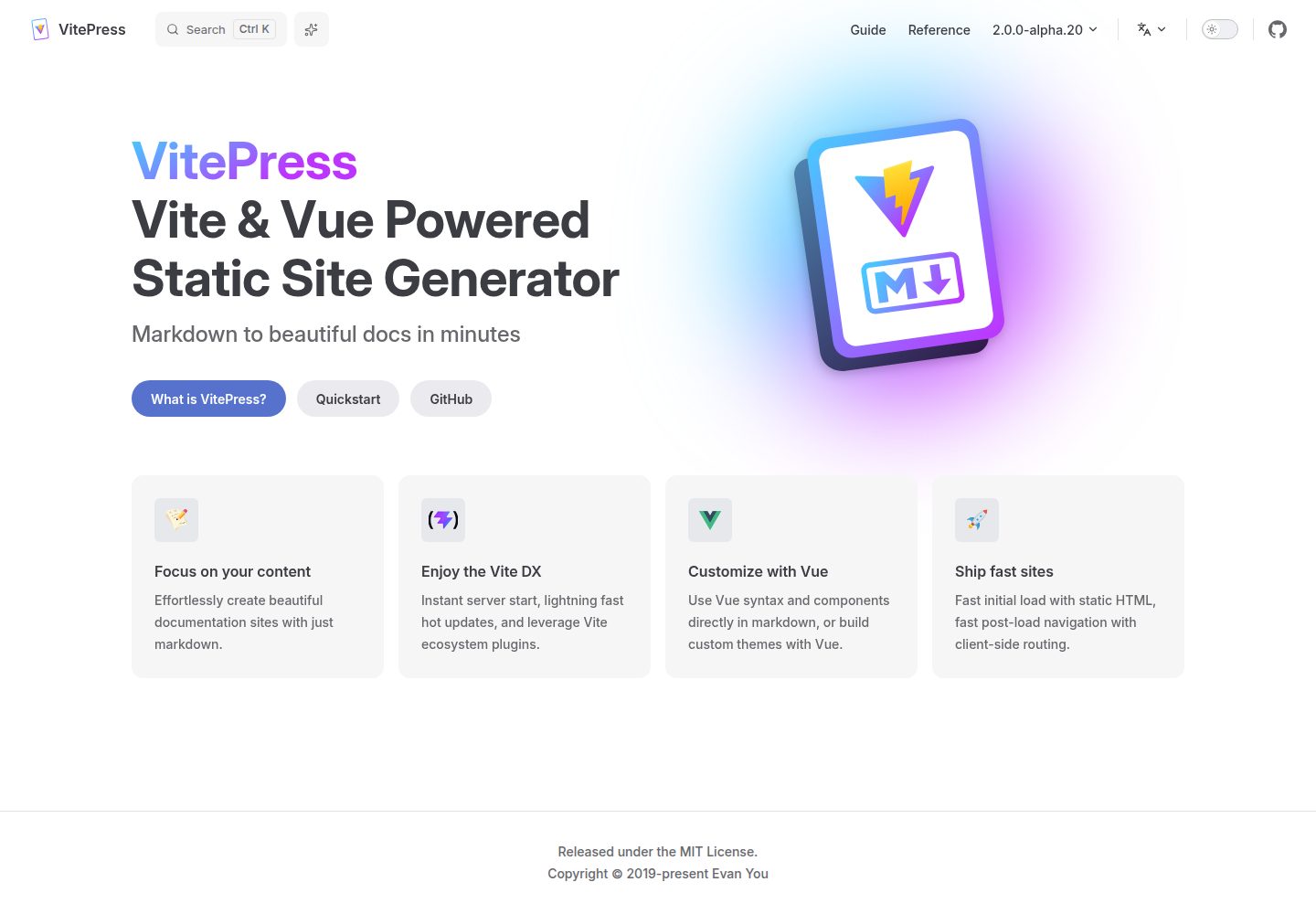
vitepress-template
A VitePress-based template for static sites and blogs, built with Vue and Vite, with pnpm dev/build/serve scripts and support for using Vue components and setup syntax sugar directly in Markdown.
Vue · Blog
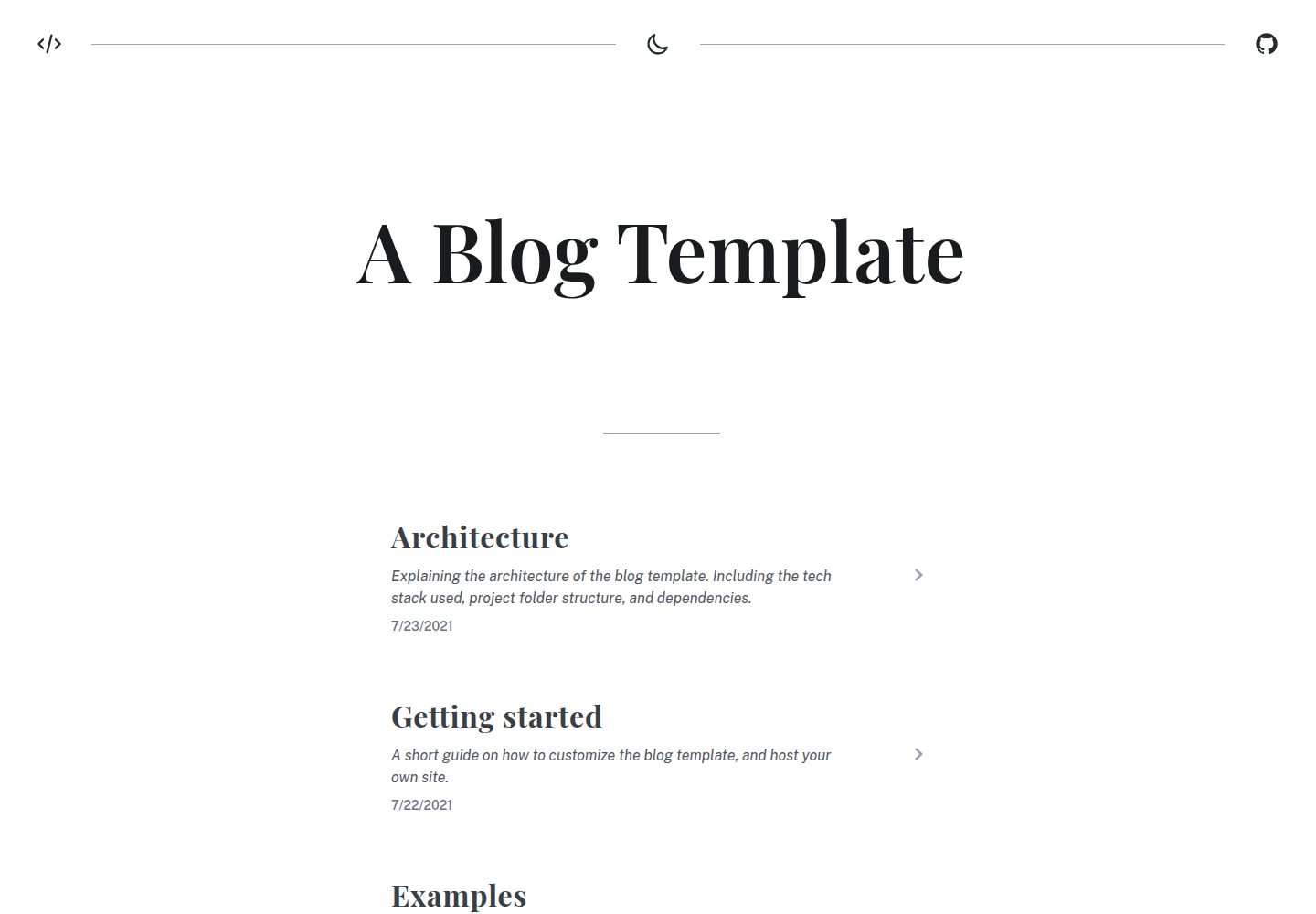
blog
A static blog template built with Vue 3 and Vite, using Markdown for writing with optional Vue components.
Vue · Blog
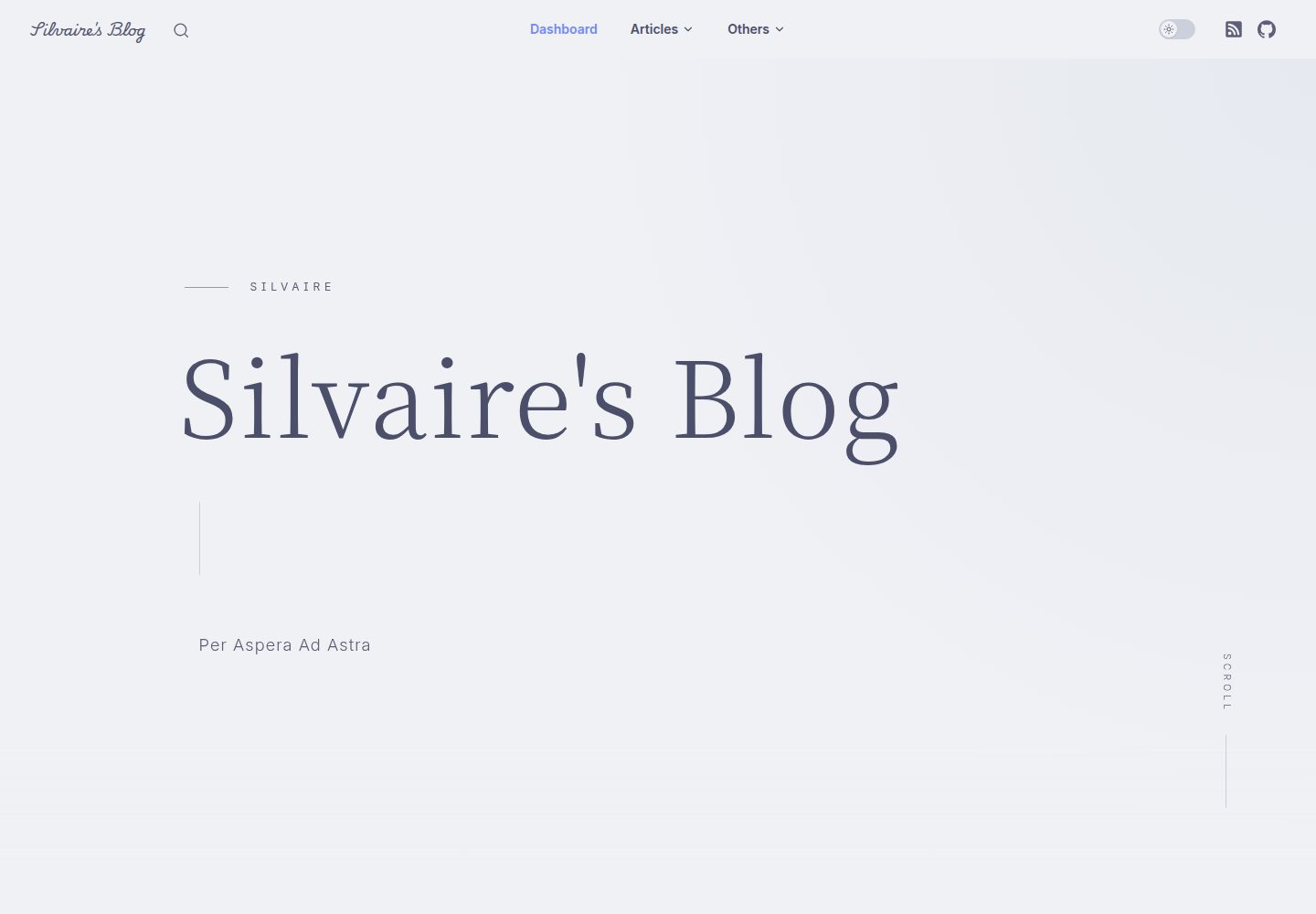
Miracle
Miracle is a Vue blog theme built on VitePress and released under the MIT license. It can be generated from a template repository or forked, cloned locally, and customized through config.ts.
Vue · Blog