使用 Vue 3 与 TypeScript 编写,构建工具为 Vite
VueVite博客
vite-medium-like-blog-ts — Vue 博客模板
作者 shamscorner
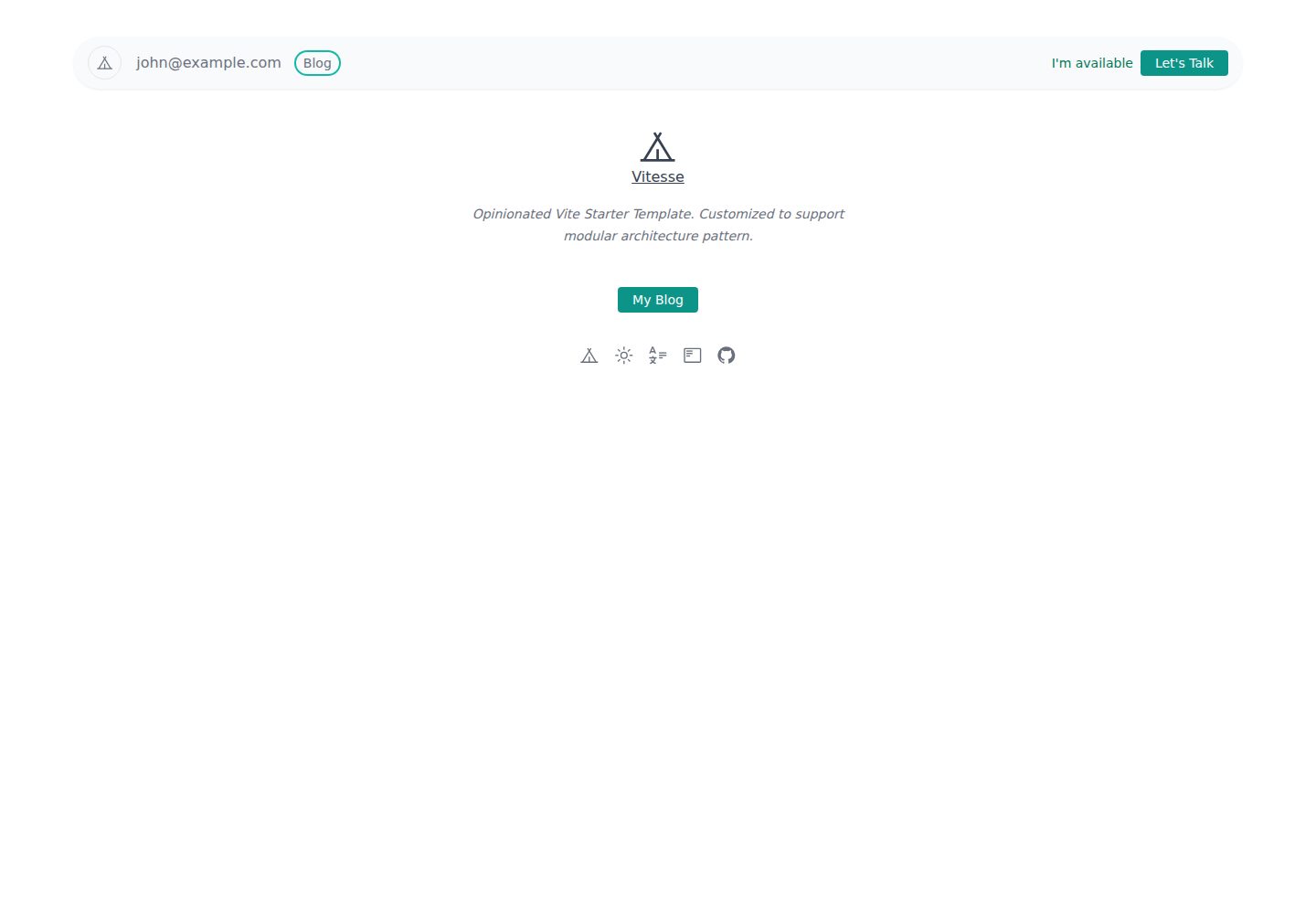
基于 Vue 3 与 TypeScript 的 Medium 风格博客模板,支持深色模式,使用 Vite 构建,由 Vitesse 起步模板改造而来。
看看你的网站会是什么样
浏览真实页面截图,比较内容排版与手机效果。点击下方缩略图切换,放大查看整页细节。
全部页面与视图 3
截图用于了解视觉与布局,交互效果请以实际项目为准。
采集于 2026-10-13查看来源
值得关注的模板亮点
从已有项目资料中,快速了解它的特点。
提供 Medium 风格的博客页面布局,并内置深色模式
基于 Vitesse 起步模板,开箱带有 Markdown 支持
文章以 Markdown 文件存放,并在 data.json 中登记索引
页面脚手架与首页列表分别集中在 BlogScaffold.vue 和 index.vue 中
采用 MIT 许可,可免费使用、修改与分发
模板详细介绍
这是一个 Medium 风格的博客模板,使用 Vue 3 与 TypeScript 编写,并内置深色模式。项目基于 Vitesse 起步模板搭建,自带 Markdown 支持,仓库中提供了可直接参考的示例文章文件。
内容组织方式较为直接:文章以 Markdown 文件形式放在 src/blog/pages/blog/ 目录下,同时在同目录的 data.json 中登记文章索引对象,并保持既定的对象结构。页面整体布局由 src/blog/components/BlogScaffold.vue 控制,首页列表位于 src/blog/pages/blog/index.vue,可按需调整。
开发与构建通过 pnpm 完成,开发服务器默认运行在 3333 端口,构建产物输出到 dist 目录。README 还给出了在 Netlify 上部署的简要步骤。模板采用 MIT 许可,仓库最近更新时间为 2021 年,属于较早的示例项目。
VueVite博客
适合你的项目吗?
适用场景
- 搭建以 Markdown 撰写内容的个人博客
- 需要一个带深色模式的 Medium 风格阅读界面参考
- 以 Vue 3 + TypeScript + Vite 组合进行前端练手或原型验证
- 在 Netlify 上快速部署一个静态博客站点
适合人群
- 熟悉 Vue 3 与 TypeScript、希望直接改模板的开发者
- 以 Markdown 管理文章、不需要后台管理系统的个人博主
- 需要 Medium 式排版与深色模式界面的前端学习者
上手与定制指南
结合仓库当前版本的说明,按下面的资料检查内容、配置与运行要求。
- 1
需要先安装 pnpm,再执行 pnpm install 安装依赖
- 2
开发时运行 pnpm dev,默认访问 http://localhost:3333
- 3
构建使用 pnpm build,产物生成在 dist 目录
- 4
新增文章需在 src/blog/pages/blog/ 下添加 Markdown 文件,并在 data.json 中按原有对象结构登记索引
- 5
仓库最后更新于 2021 年,使用前建议核对依赖与自身环境的兼容情况
授权与来源资料
使用条件与限制
免费使用 · 保留许可声明本次收录的是公开仓库中采用 MIT 许可的免费版本;免费范围为该版本代码,不代表外部服务或第三方素材免费。
使用时需要遵守
- 允许免费使用、修改、商用和分发该版本代码。
- 分发代码副本或实质性部分时,保留原作者版权声明和完整 MIT 许可声明。
- 代码按现状提供;担保与责任限制以原许可证及适用法律为准。
额外费用与待核对事项
- 演示图片、字体、图标及其他第三方素材需按各自许可核对,不能仅凭代码的 MIT 许可判断。
- 域名、托管、数据库、支付或 AI 等外部服务可能另外收费。
- 使用该模板需先安装 pnpm 包管理器,并通过克隆仓库的方式获取代码,未提供 npm/yarn 等其他安装方式的说明。
- README 给出的部署方式依赖 Netlify 这一第三方托管服务,需要注册并使用其账号,可能涉及该平台自身的服务条款与费用。
查看原文依据
Permission is hereby granted, free of charge
许可证原文
Clone this repository and install [pnpm](https://pnpm.io/)
README 原文
https://github.com/shamscorner/vite-medium-like-blog-ts/blob/main/LICENSEhttps://github.com/shamscorner/vite-medium-like-blog-ts/blob/main/README.mdGo to [Netlify](https://app.netlify.com/start) and select your clone, `OK` along the way, and your App will be live in a minute.
README 原文
DeepSeek 根据仓库许可证和 README 整理 ·2026-10-13。结果仅覆盖已读取资料,依赖、图片、字体及后续条款变更以各自原文为准。
项目核对记录与介绍依据
模板资料
- 来源平台
- GitHub
- 资料与维护参考分
- 资料一般 · 73 / 100
- 技术栈
- Vue · Vite
- 网站类型
- 博客
这个分数如何计算
本站按许可资料(最高30分)、演示链接(12分)、预览图(10分)、Star数(15分)、记录的维护时间(15分)、描述完整度(8分)、功能记录(5分)和分类资料(5分)计算。它不是代码、安全或性能测试,也不是 Google 评分;有链接不代表已实测可用。
这个项目需要核对什么
- 记录的仓库更新时间
- 2021-10-24
- 截图检查日期
- 2026-10-13
已收录演示链接。请用你的内容与屏幕尺寸检查;有演示不代表表单、认证或支付已经可用。
目录记录的主要技术栈是 Vue。请通过依赖清单和锁文件核对实际版本与托管要求。这些说明基于收录资料,不代表代码审计或部署实测。
查看具体选型方法 →介绍的制作与核对状态
介绍由 AI 辅助整理目录与仓库资料。仓库作者不等于这篇介绍的审核者。
审核声明: [email protected] · 2026-10-13
查看当时使用的来源资料
SHA-256: 53b783b3e6f449881cf1f52e1c4fde77aa4cea09a4213fcfe9565fb6da2972ff
2026-10-13T01:39:16.393Z
来源文件 / 仓库<p align='center'>
<img src='https://raw.githubusercontent.com/shamscorner/images/main/vitesse-medium-blog.png' alt='A Medium like blog template made by Vue + Typescript + Dark mode' width='600'/>
</p>
<p align='center'>
Medium like blog template made with (Vue 3 + Typescript) with Dark mode.
</p>
<br>
<p align='center'>
<a href="https://vite-vue3-medium-blog.netlify.app/" target="_blank">Live Demo</a>
</p>
<br>
# Introduction
This template is made by [Vitesse](https://github.com/antfu/vitesse) starter template. It has a pretty great setup with markdown support out of the box. Check out the [github repository](https://github.com/antfu/vitesse) for more information.
## Usage
Clone this repository and install [pnpm](https://pnpm.io/)
```
git clone https://github.com/shamscorner/vite-medium-like-blog-ts.git
pnpm install
```
### Development
Just run and visit http://localhost:3333
```bash
pnpm dev
```
### Build
To build the App, run
```bash
pnpm build
```
And you will see the generated file in `dist` that ready to be served.
### Project structure
- src
- blog
- components
- BlogScaffold.vue
- pages
- blog
- data.json
- index.vue
- some-markdown-file-1.md
- some-markdown-file-2.md
- some-markdown-file-3.md
- so on . . .
- common
Follow the provided demo markdown file under `/src/blog/pages/blog/` to setup your article. If you need to change the default design, you can change in the `/src/blog/components/BlogScaffold.vue` file. Also don't forget to add the article index object into the `/src/blog/pages/blog/data.json` file. Modify the `data.json` file according to your articles. However, keep the object structure as mentioned in the `data.json` file. Finally, you can change the home blog page if you want. You will find the file in here, `/src/blog/pages/blog/index.vue`.
### Deploy on Netlify
Go to [Netlify](https://app.netlify.com/start) and select your clone, `OK` along the way, and your App will be live in a minute.
看看同类模板
对比同技术栈与用途的模板,找到更适合的视觉与内容结构。
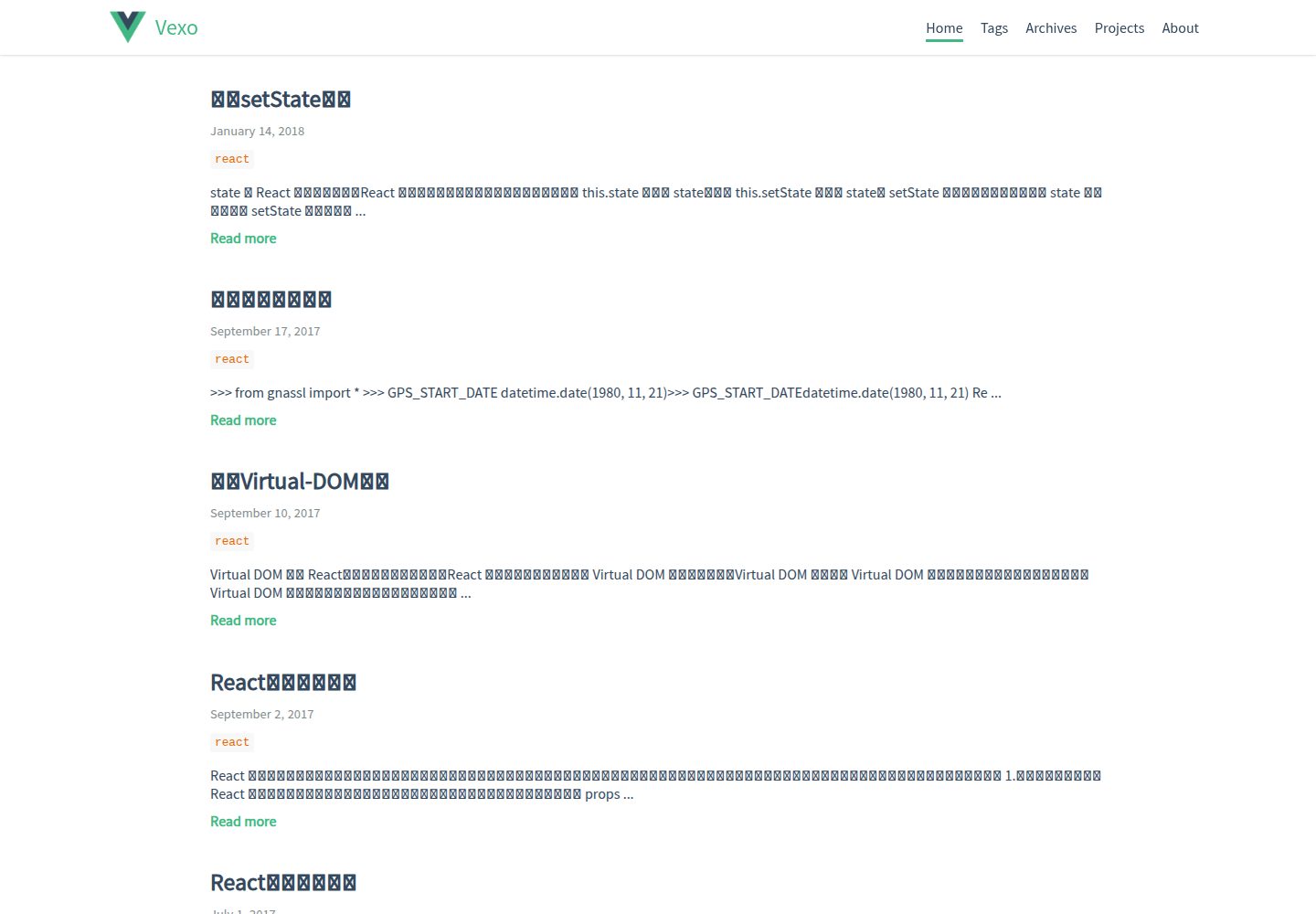
hexo-theme-vexo
🍟 Vexo is a Hexo theme inspired by Vue's official website.
Vue · 博客
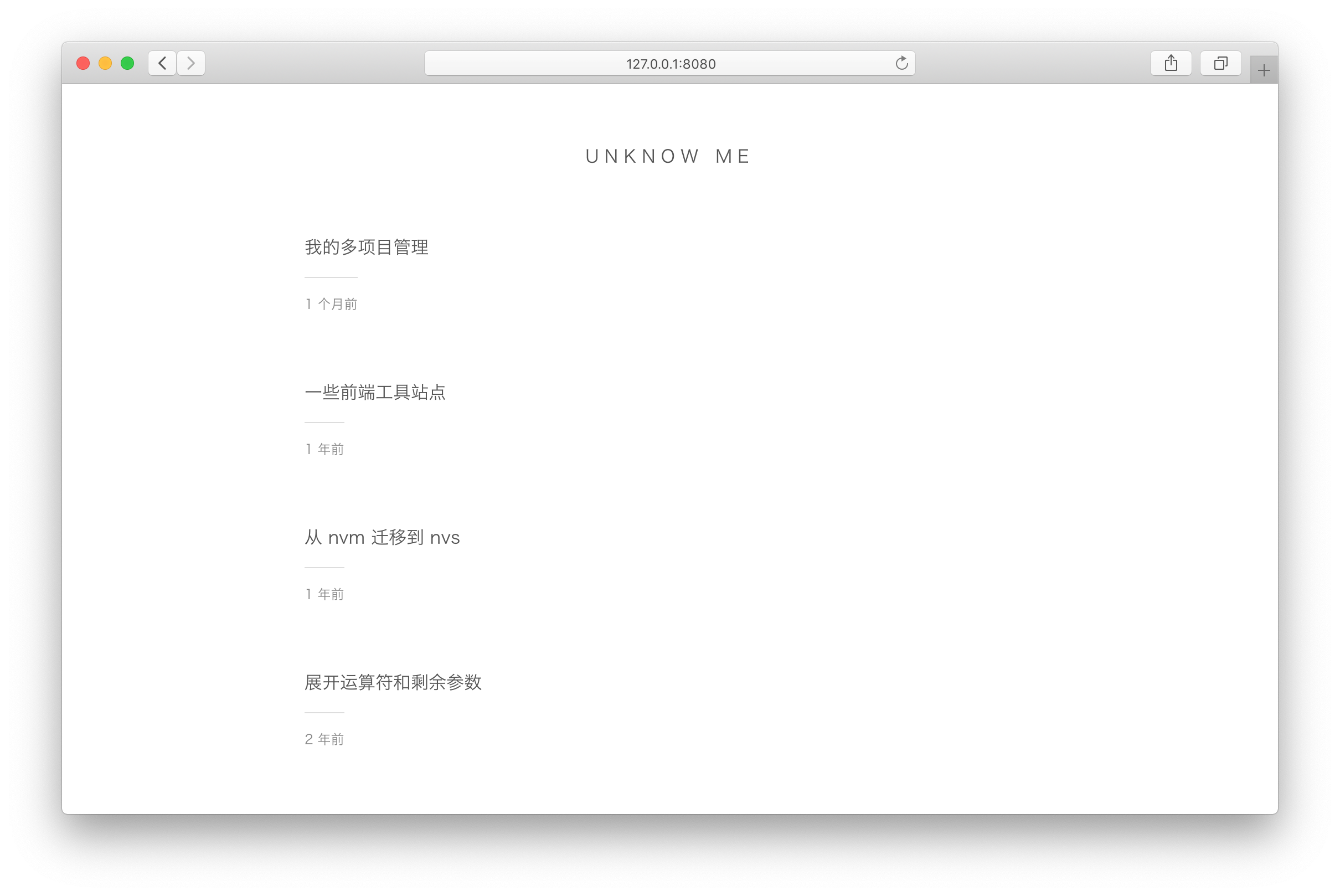
vuepress-theme-simple
vuepress-theme-simple 是一个为 VuePress 1.x 设计的博客主题,定位非常明确:把 VuePress 默认的文档站首页改造成文章列表。
Vue · 博客
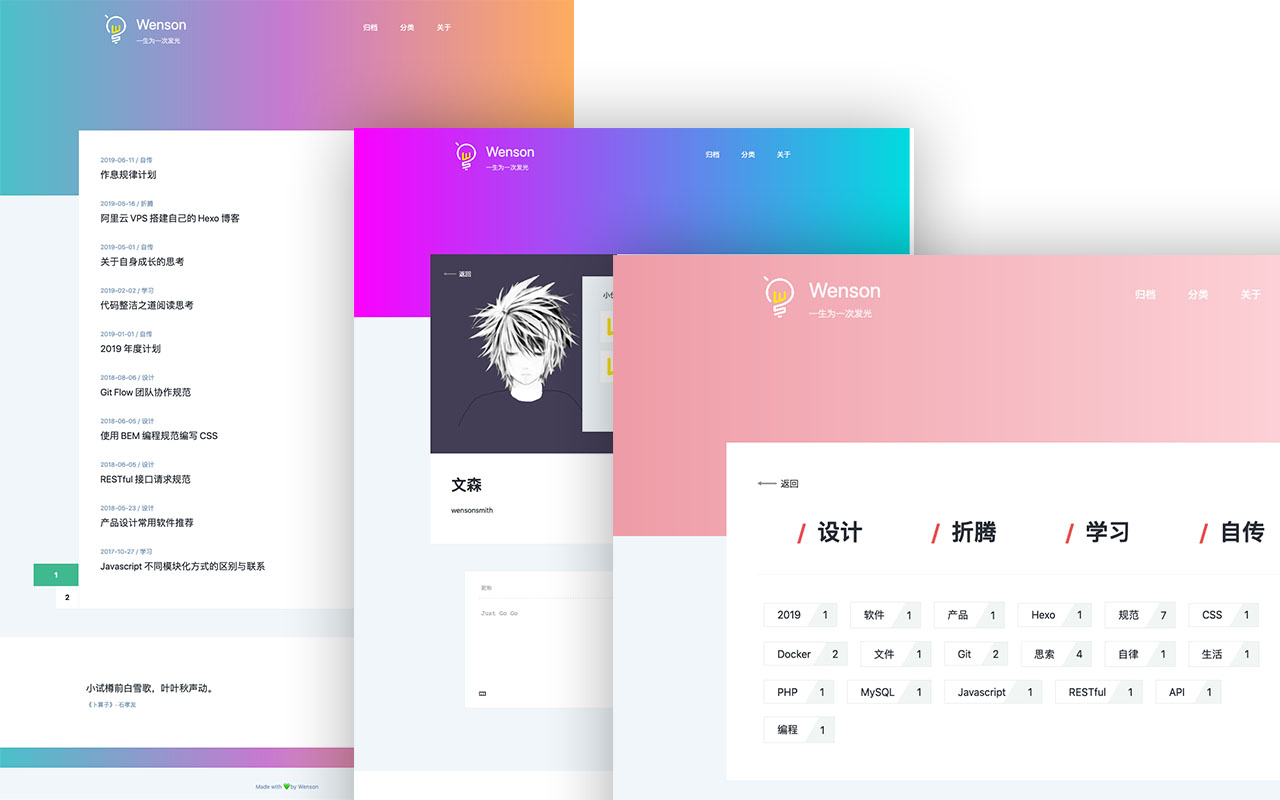
vuepress-theme-seeker
Seeker 是一款面向 VuePress 的博客主题,主打「五彩斑斓的简约」:每次刷新页面会随机生成一套配色,页脚则随机展示古诗词,这两点构成了它区别于多数静态博客主题的辨识度。
Vue · 博客
vitepress-template
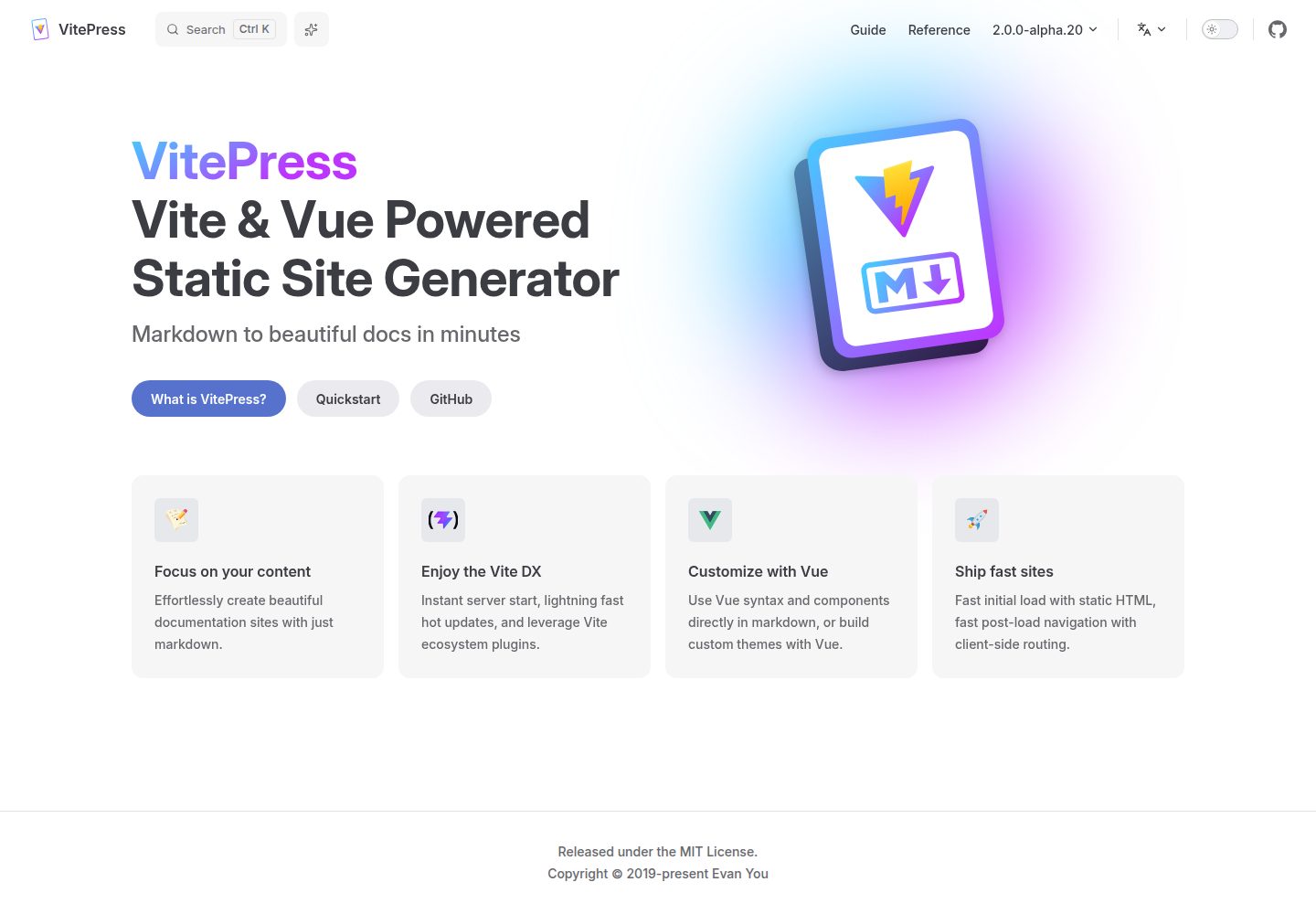
🍀 Vitepress 模板,开箱即用,快速搭建你的静态网站和博客。
Vue · 博客
blog
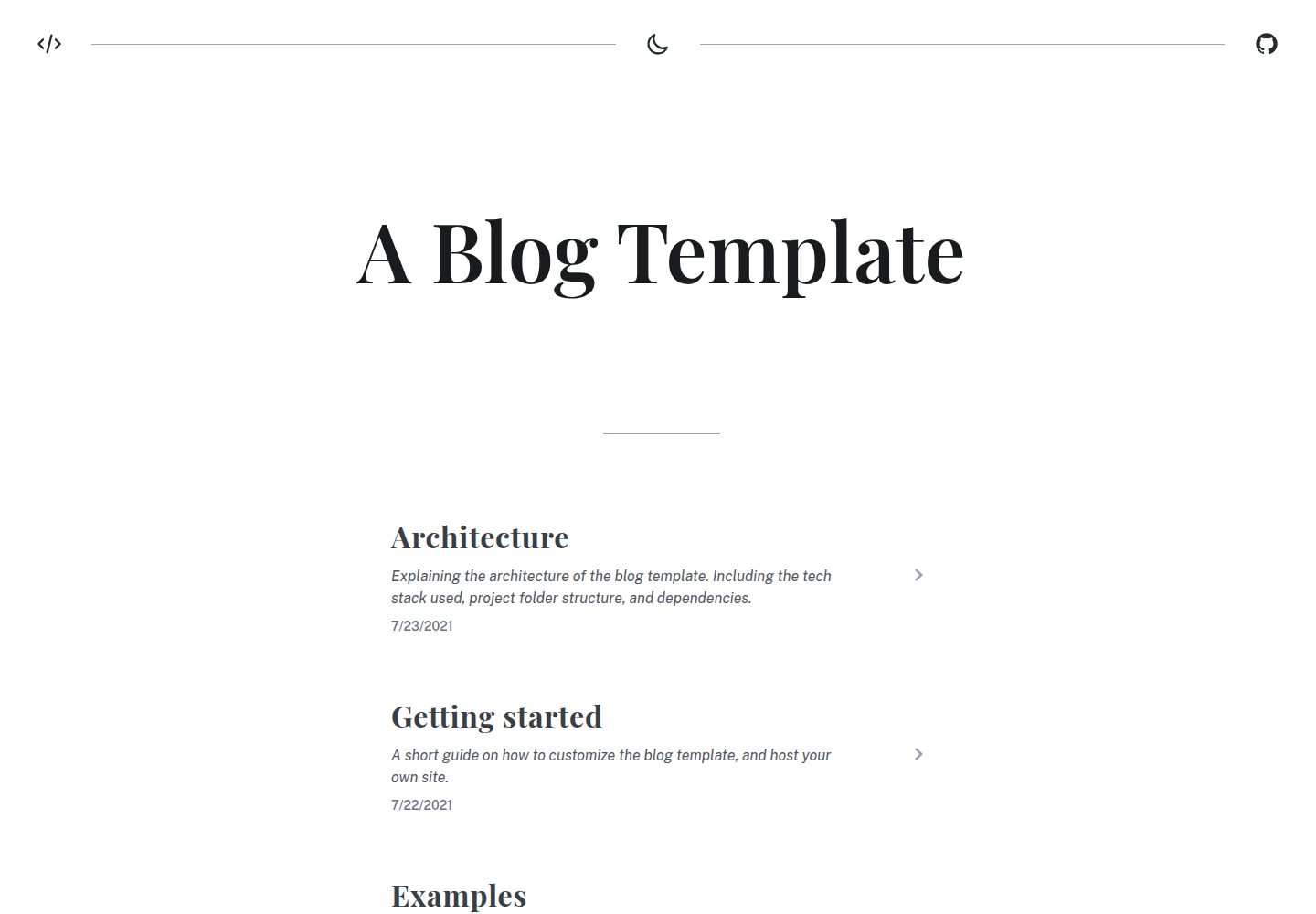
A generated static site blog template, with Vite, Vue 3, markdown-it, and syntax highlighting.
Vue · 博客
Miracle
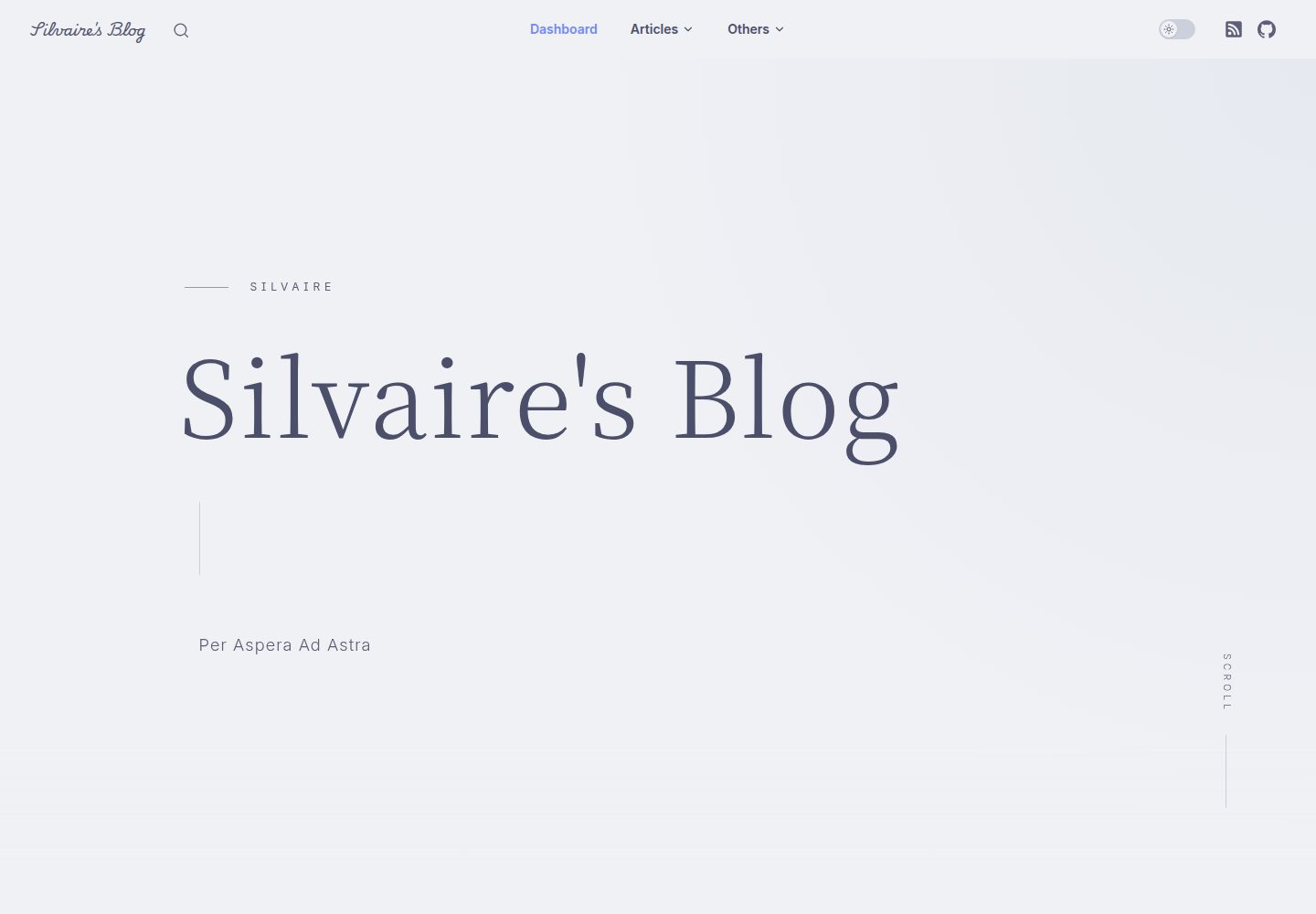
A miracle blog theme based on VitePress after deleting accidentally.
Vue · 博客