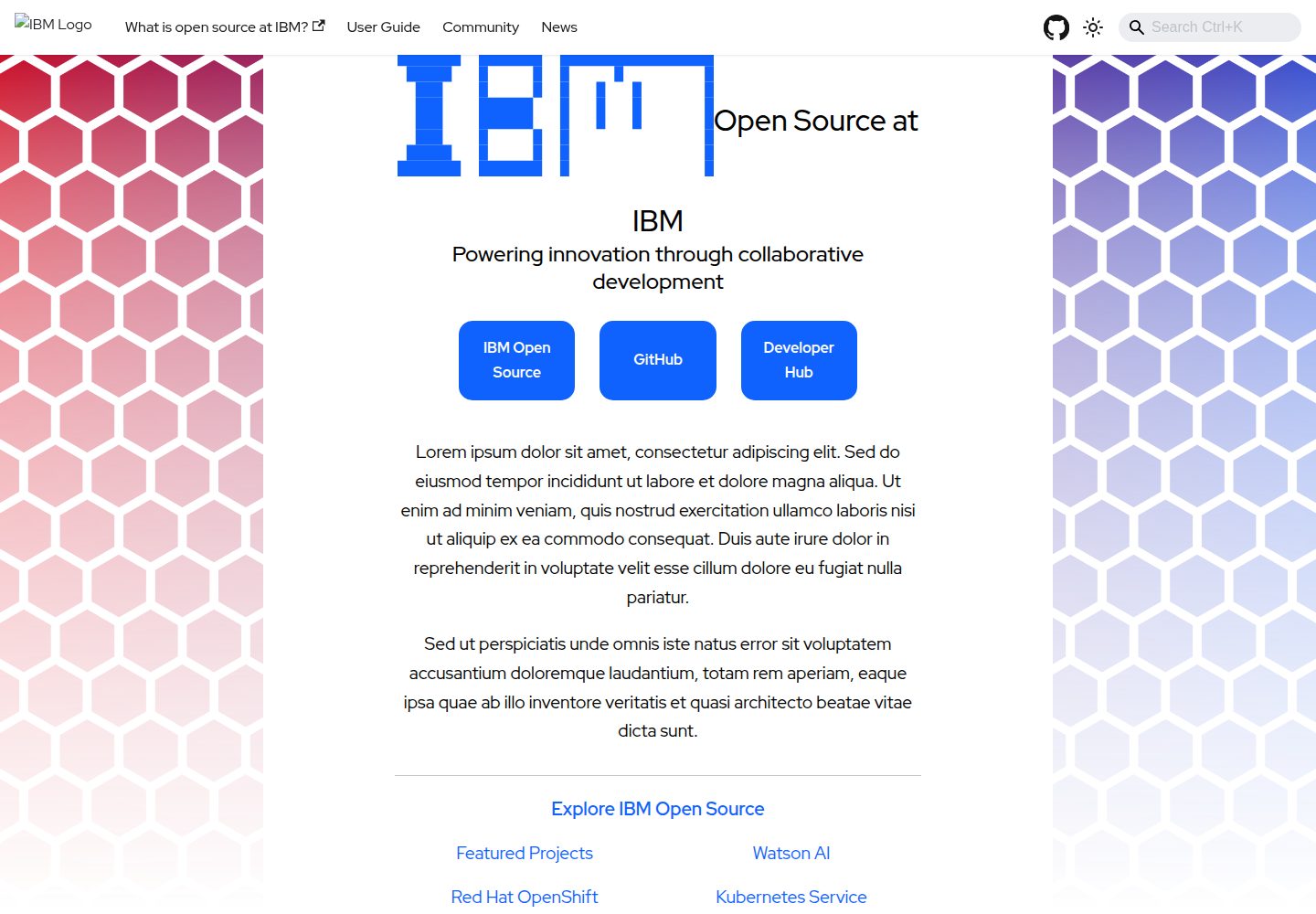
基于 Docusaurus 的静态文档站点模板,定位为“大型项目”的独立文档网站
Docusaurus文档
project-documentation-template — Docusaurus 文档模板
作者 IBM
IBM 开源的 Docusaurus 文档站点模板,面向需要独立文档页面的“大型项目”,提供本地开发、PR 预览与 DCO 签署等协作流程。
看看你的网站会是什么样
浏览真实页面截图,比较内容排版与手机效果。点击下方缩略图切换,放大查看整页细节。
全部页面与视图 3
截图用于了解视觉与布局,交互效果请以实际项目为准。
采集于 2026-10-01查看来源
值得关注的模板亮点
从已有项目资料中,快速了解它的特点。
提供 npm install / npm start 的本地开发流程,多数改动可热更新
PR 自动生成并部署预览站点,预览链接以评论形式发布
要求所有改动走 Pull Request、经维护者审核并通过自动化检查
提交需带 DCO 签署(git commit -s),源文件需含 SPDX 许可头
采用 Apache-2.0 许可,仓库含在线预览站点与页面截图
模板详细介绍
这是一个基于 Docusaurus 的静态文档站点模板,仓库定位为“大型项目”的独立文档网站。README 明确说明:只有当项目需要单独的文档页面/站点时才应使用本模板;如果只是单个仓库的文档,建议改用 IBM 的 workshop-template。
模板提供完整的本地开发流程:npm install 安装依赖,npm start 启动本地开发服务器并打开浏览器,多数改动可热更新而无需重启。贡献流程要求先 fork 仓库、创建分支、提交带 DCO 签署的 commit(git commit -s),再向主仓库发起 Pull Request。
仓库对协作有明确约束:所有代码改动必须通过 PR 提交,不得直接推送;改动需经维护者审核批准并通过自动化检查;提交信息需包含简短标题、改动原因和足够细节。PR 打开后会自动生成并部署预览站点,预览地址以评论形式发布在 PR 上,随新提交更新,PR 关闭后移除。README 还提醒贡献者熟悉 Docusaurus 的菜单与图片链接机制,并避免在 Markdown 中留下指向 IBM 组件仓库的相对链接。
许可证为 Apache-2.0,源文件需包含版权与 SPDX 许可头。仓库提供在线预览站点,并附有桌面端与移动端首页截图及一个代表性内页截图。
Docusaurus文档
适合你的项目吗?
适用场景
- 为需要独立文档站点的大型开源项目搭建文档网站
- 在 IBM 开源项目体系中统一文档站点的结构与贡献流程
- 需要 PR 预览环境以便评审文档改动的团队协作
- 按 Apache-2.0 与 DCO 要求管理文档仓库贡献
适合人群
- 需要独立文档页面/站点的大型项目维护者
- 采用 Docusaurus 并希望复用现成文档站点骨架的团队
- 要求 PR 审核、自动检查与 DCO 签署的开源项目
- 在 IBM 开源生态中维护文档站点的贡献者
上手与定制指南
结合仓库当前版本的说明,按下面的资料检查内容、配置与运行要求。
- 1
使用前先确认项目是否需要独立文档站点;单仓库文档建议改用 IBM 的 workshop-template
- 2
执行 npm install 安装依赖,npm start 启动本地开发服务器
- 3
贡献前先 fork 仓库并创建分支,提交时使用 git commit -s 添加 DCO 签署
- 4
所有改动须通过 Pull Request 提交,经维护者审核并通过自动化检查
- 5
Markdown 中避免出现指向 IBM 组件仓库的相对链接,并熟悉 Docusaurus 的菜单与图片链接机制
授权与来源资料
使用条件与限制
免费使用 · 保留许可声明本次收录的是公开仓库中采用 Apache-2.0 许可的免费版本;免费范围为该版本代码,不代表外部服务或第三方素材免费。
使用时需要遵守
- 允许免费使用、修改、商用和分发;分发时需随附 Apache-2.0 许可证。
- 修改过的文件需显著标明改动,并保留相关版权、专利、商标及归属声明。
- 若原项目附有 NOTICE 文件,分发衍生作品时需保留其中适用的归属声明。
- 许可包含适用的贡献者专利授权;发起许可所述专利诉讼会终止该专利授权,且不授予商标使用权。
- 代码按现状提供;担保与责任限制以原许可证及适用法律为准。
额外费用与待核对事项
- 使用范围限制:该模板仅适用于需要独立文档页面/站点的“大型项目”;若只是单仓库文档,README 建议改用 IBM 的 workshop-template。
- 协作限制:所有代码改动必须通过 Pull Request 提交,禁止直接推送到仓库。
- 协作限制:所有改动必须经维护者审核批准后方可合并。
- 贡献限制:所有提交必须包含有效的 DCO 签署行(可用 git commit -s 自动添加)。
- 内容限制:Markdown 中不得包含指向 IBM 组件仓库的相对链接。
- 演示图片、字体、图标及其他第三方素材需按各自许可核对,不能仅凭代码的 Apache-2.0 许可判断。
- 域名、托管、数据库、支付或 AI 等外部服务可能另外收费。
查看原文依据
no-charge, royalty-free, irrevocable copyright license
许可证原文
This repo should only be used if you are doing a "large project" that requires it's own Documentation page/site.
README 原文
All code changes** must be submitted as pull requests (no direct pushes)
README 原文
All changes** must be reviewed and approved by a maintainer
README 原文
DCO Sign-off**: All commits must include a valid DCO sign-off line
README 原文
https://github.com/IBM/project-documentation-template/blob/main/LICENSEhttps://github.com/IBM/project-documentation-template/blob/main/README.mdMake sure there are no relative links to any of the IBM component repositories in your markdown.
README 原文
DeepSeek 根据仓库许可证和 README 整理 ·2026-10-01。结果仅覆盖已读取资料,依赖、图片、字体及后续条款变更以各自原文为准。
项目核对记录与介绍依据
模板资料
- 来源平台
- GitHub
- 资料与维护参考分
- 资料较完整 · 83 / 100
- 技术栈
- Docusaurus
- 网站类型
- 文档
这个分数如何计算
本站按许可资料(最高30分)、演示链接(12分)、预览图(10分)、Star数(15分)、记录的维护时间(15分)、描述完整度(8分)、功能记录(5分)和分类资料(5分)计算。它不是代码、安全或性能测试,也不是 Google 评分;有链接不代表已实测可用。
这个项目需要核对什么
- 记录的仓库更新时间
- 2026-09-30
- 截图检查日期
- 2026-10-01
已收录演示链接。请用你的内容与屏幕尺寸检查;有演示不代表表单、认证或支付已经可用。
目录记录的主要技术栈是 Docusaurus。请通过依赖清单和锁文件核对实际版本与托管要求。这些说明基于收录资料,不代表代码审计或部署实测。
查看具体选型方法 →介绍的制作与核对状态
介绍由 AI 辅助整理目录与仓库资料。仓库作者不等于这篇介绍的审核者。
已完成服务器许可规则与 AI 来源核对;未经过人工编辑审核。
查看当时使用的来源资料
SHA-256: 0e1952b81ebfdf156b10cdd7655380929f599c0c5fc83c716a4fefc8d3a43059
2026-10-01T03:51:00.334Z
来源文件 / 仓库# project-documentation-template This website is built using [Docusaurus](https://docusaurus.io/), a modern static website generator. The site may be previewed at <https://ibm.github.io/project-documentation-template>. If you spot any errors or ommisions in the site, please open an issue at [github.com/ibm/project-documentation-template](https://github.com/ibm/project-documentation-template/issues) > [!NOTE] > This repo should only be used if you are doing a "large project" that requires it's own Documentation page/site. If you are doing > "one repo" documentation take a look at something like the "[workshop-template](https://github.com/ibm/workshop-template) for > single repo documentation. ## BEFORE DOING A PULL REQUEST 1. Make sure you are familiar with how docusaurus builds menus and links to images 2. Make sure there are no relative links to any of the IBM component repositories in your markdown. 3. Fork the website repo and deploy a preview version of your proposed change for reviewers to check. This will make obvious any missed links from step 2 ### Installation ``` $ npm install ``` ### Local Development ``` $ npm start ``` This command starts a local development server and opens up a browser window. Most changes are reflected live without having to restart the server. ### Making Changes 1. **Fork the Repository** - Click the "Fork" button on the <https://github.com/ibm/project-documentation-template> GitHub repo. - Clone your fork locally: `git clone https://github.com/YOUR-USERNAME/project-documentation-template.git` 2. **Create a Branch** - Create a new branch for your changes: `git checkout -b feature/your-feature-name` - Make your changes locally 3. **Commit Your Changes** - Stage your changes: `git add .` - Commit with sign-off: `git commit -s -m "Your commit message"` - Push to your fork: `git push origin feature/your-feature-name` 4. **Open a Pull Request** - Go to your fork on GitHub - Click "New Pull Request" - Select the main branch of ibm/project-documentation-template as the base - Fill out the pull request template with details about your changes ### Pull Request Preview When you open a pull request, a preview of your changes will be automatically generated and deployed. This allows reviewers to see your changes in a live environment before they are merged into the main website. - The preview URL will be posted as a comment on your pull request - The preview site will be automatically updated as you push new commits - The preview will be removed when the pull request is closed ### Code Review Requirements - **All code changes** must be submitted as pull requests (no direct pushes) - **All changes** must be reviewed and approved by a maintainer - **All changes** must pass automated checks and tests - **Commit messages** should have: - Short, descriptive titles - Description of why the change was needed - Enough detail for someone reviewing git history to understand the scope - **DCO Sign-off**: All commits must include a valid DCO sign-off line (`Signed-off-by: Name <[email protected]>`) - Add automatically with `git commit -s` - Required for all contributions per [Developer Certificate of Origin](https://developercertificate.org/) ## License All source files must include a Copyright and License header. The SPDX license header is preferred because it can be easily scanned. If you would like to see the detailed LICENSE click [here](LICENSE). ```text # # Copyright IBM Corp. {Year project was created} - {Current Year} # SPDX-License-Identifier: Apache-2.0 # ``` ## Authors Optionally, you may include a list of authors, though this is redundant with the built-in GitHub list of contributors. - Author: New OpenSource IBMer <[email protected]> [issues]: https://github.com/IBM/repo-template/issues/new
看看同类模板
对比同技术栈与用途的模板,找到更适合的视觉与内容结构。
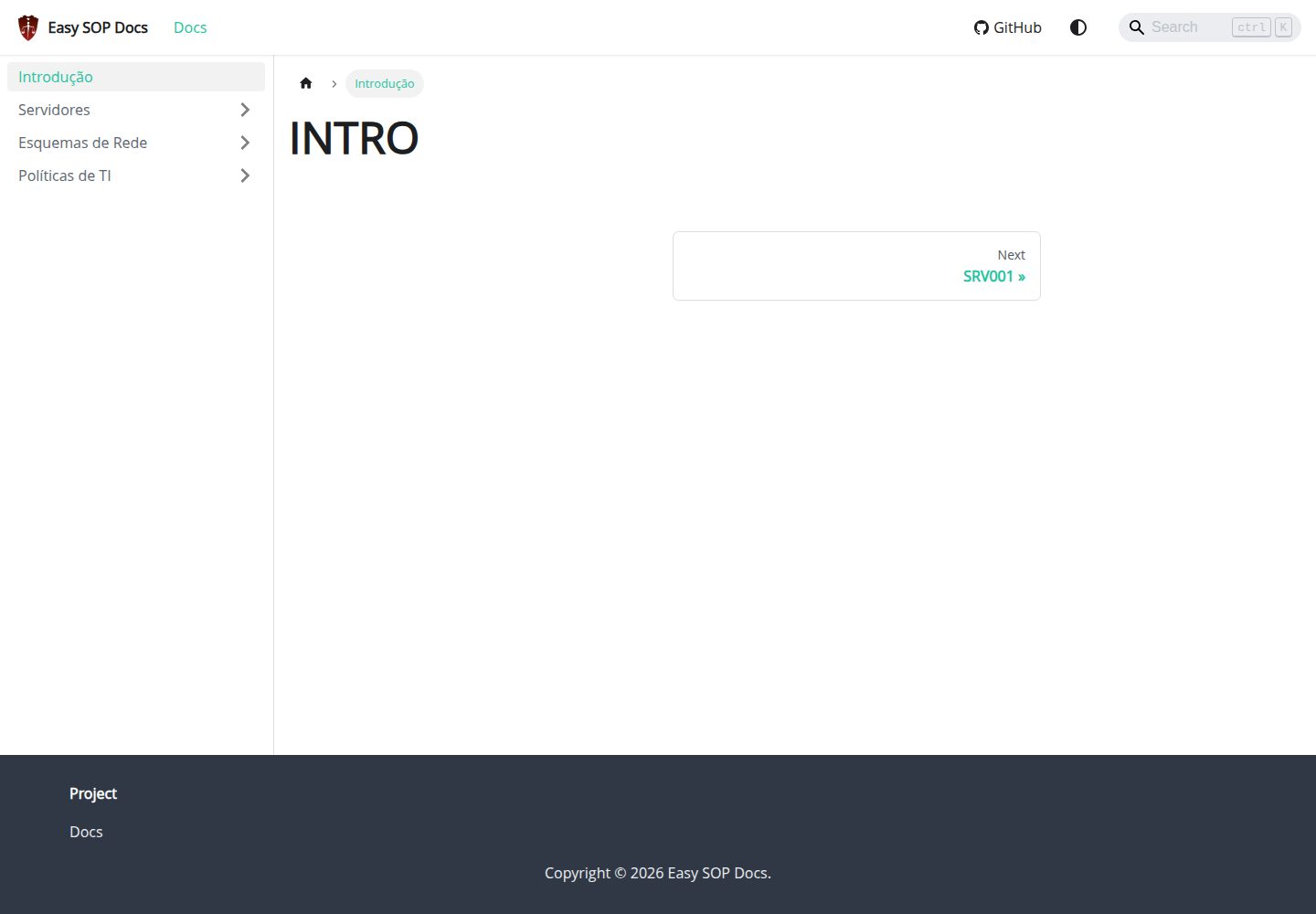
easy-sop-docs
Easy SOP Docs: template Docusaurus para documentacao SOP, runbooks, servidores, politicas de TI e operacoes.
Docusaurus · 文档
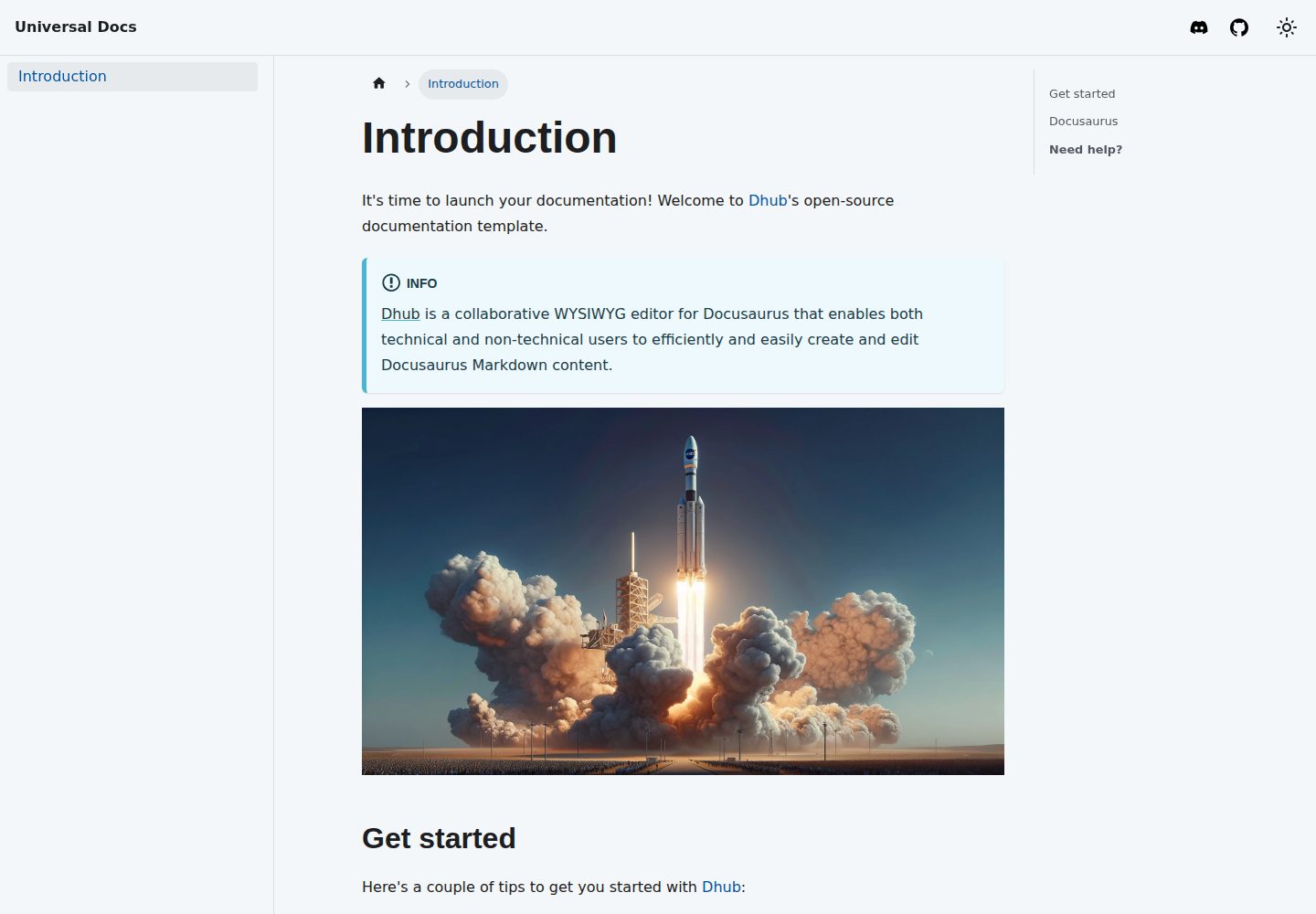
template-docusaurus-docs
Docusaurus Docs template for dhub.dev
Docusaurus · 文档
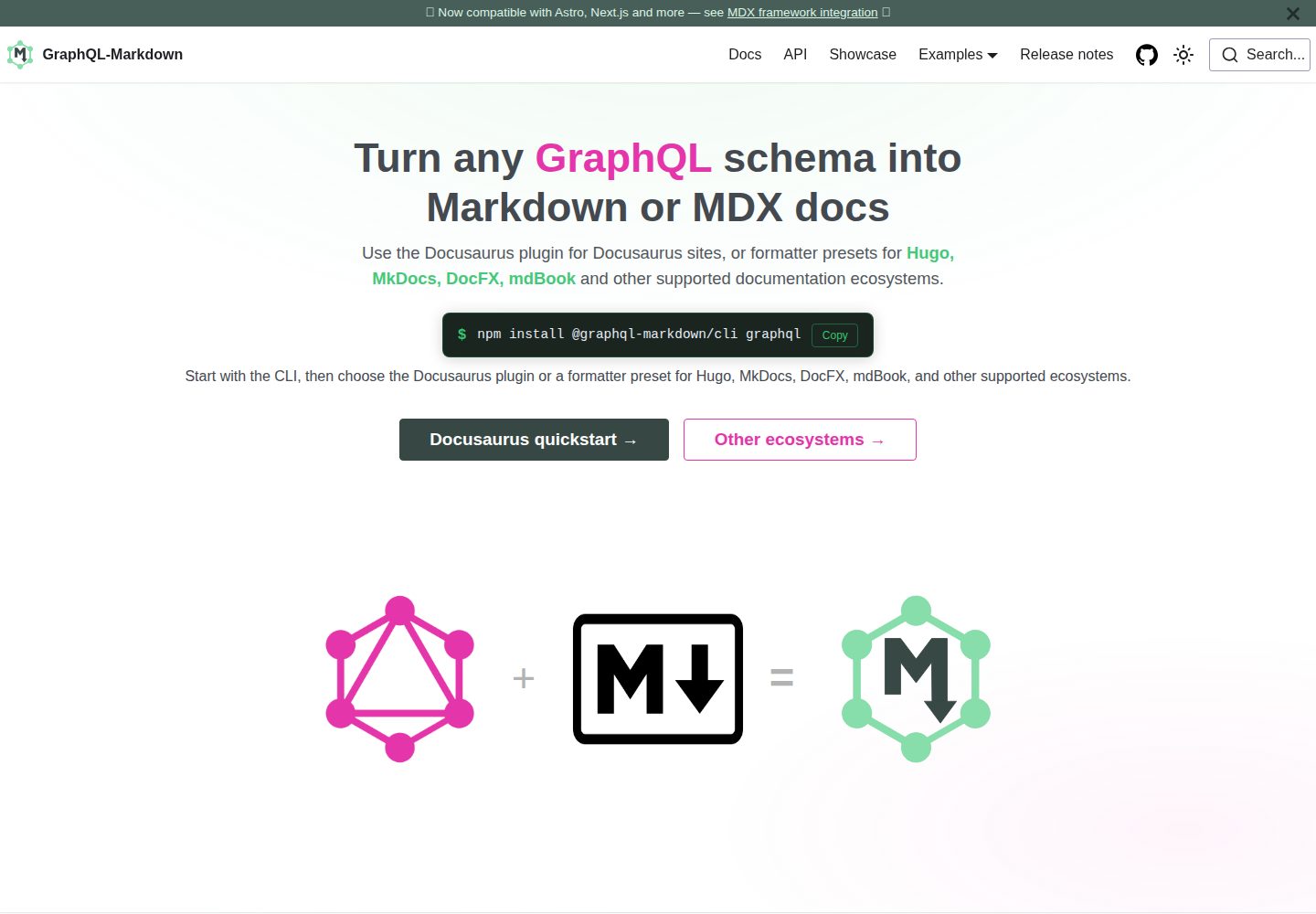
template
Docusaurus template for GraphQL-Markdown
Docusaurus · 文档
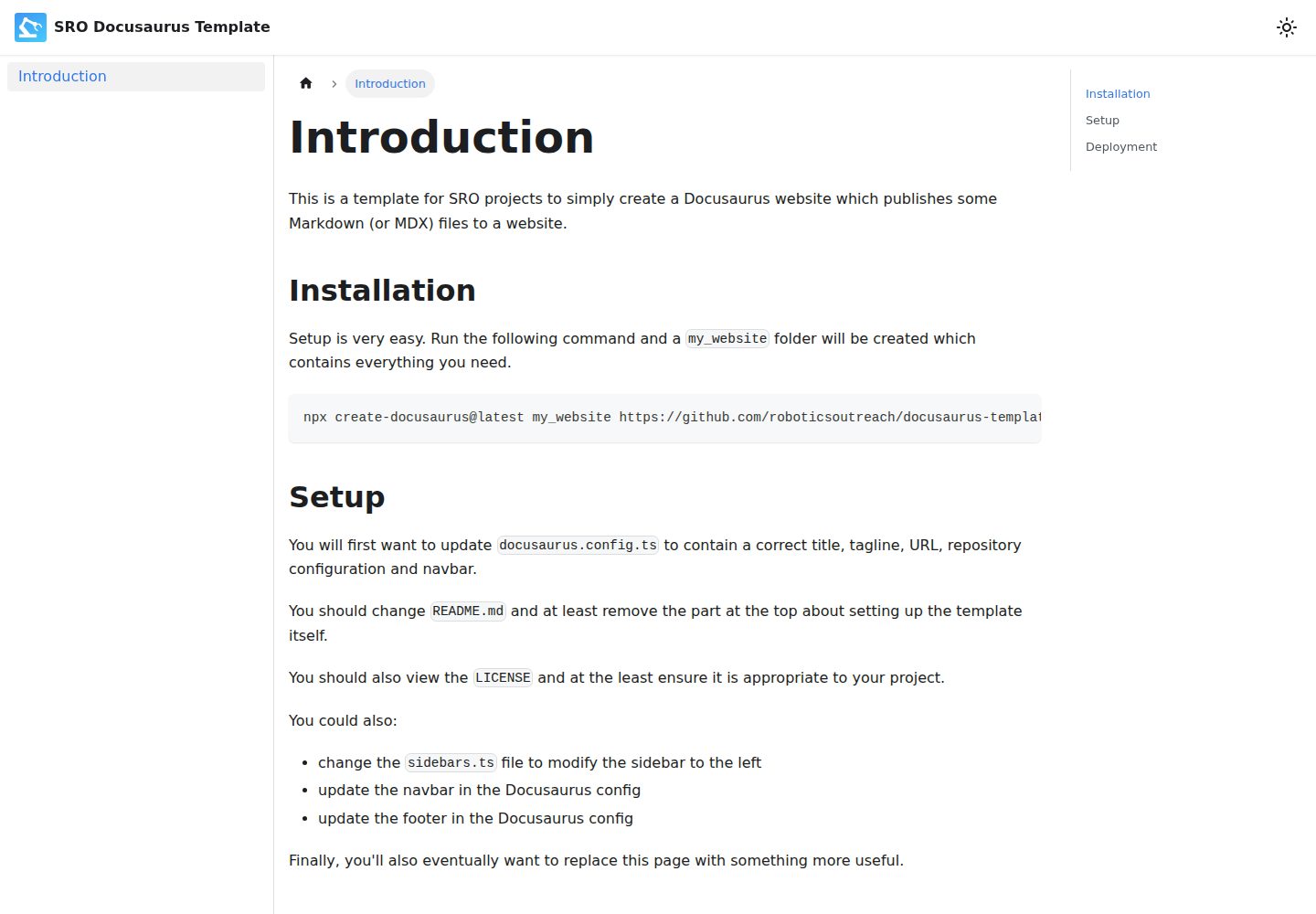
docusaurus-template
A template for simple Docusaurus-based SRO "documentation" websites.
Docusaurus · 文档
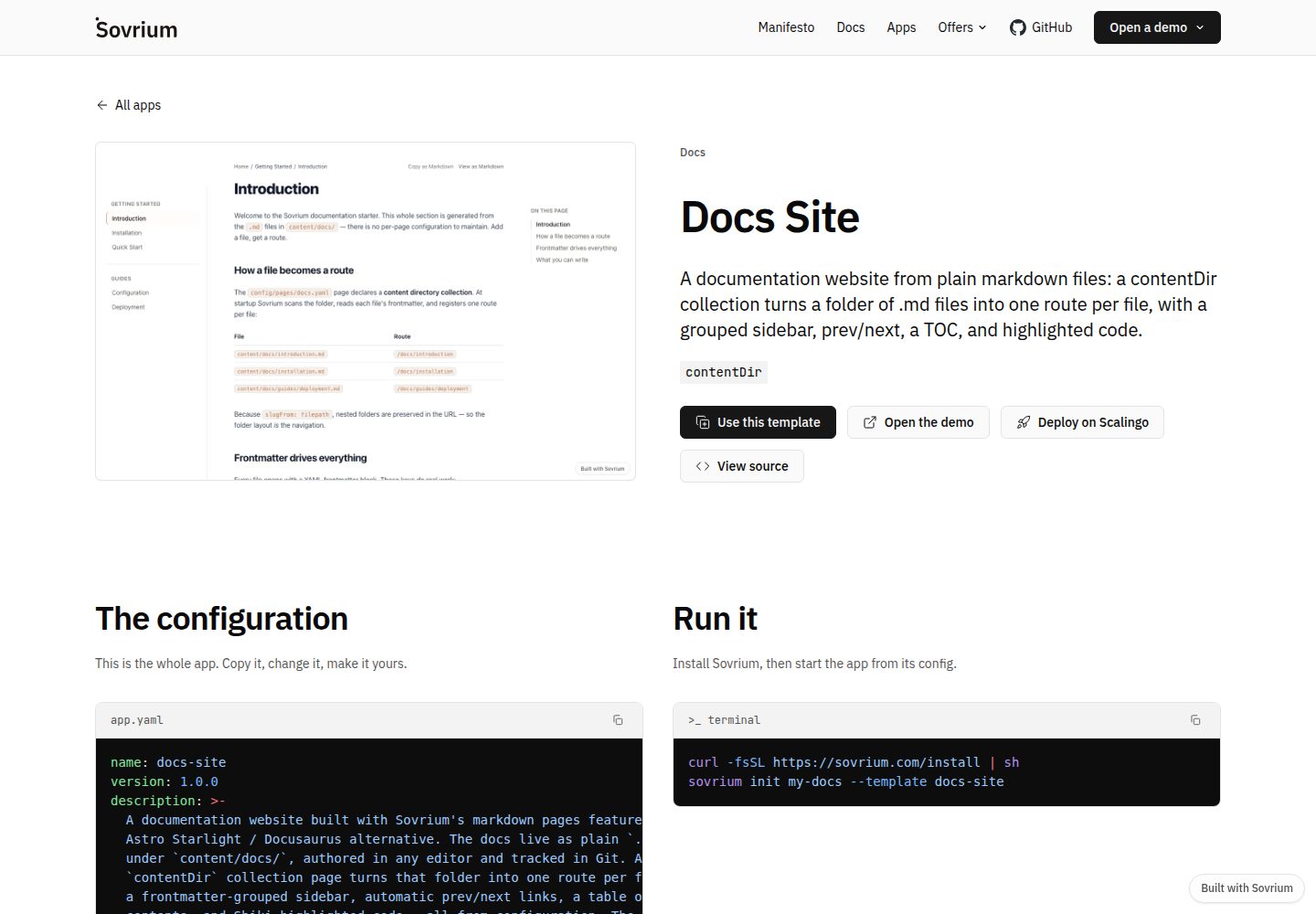
docs-site-template
A docs website from markdown: a Docusaurus alternative.
Docusaurus · 文档
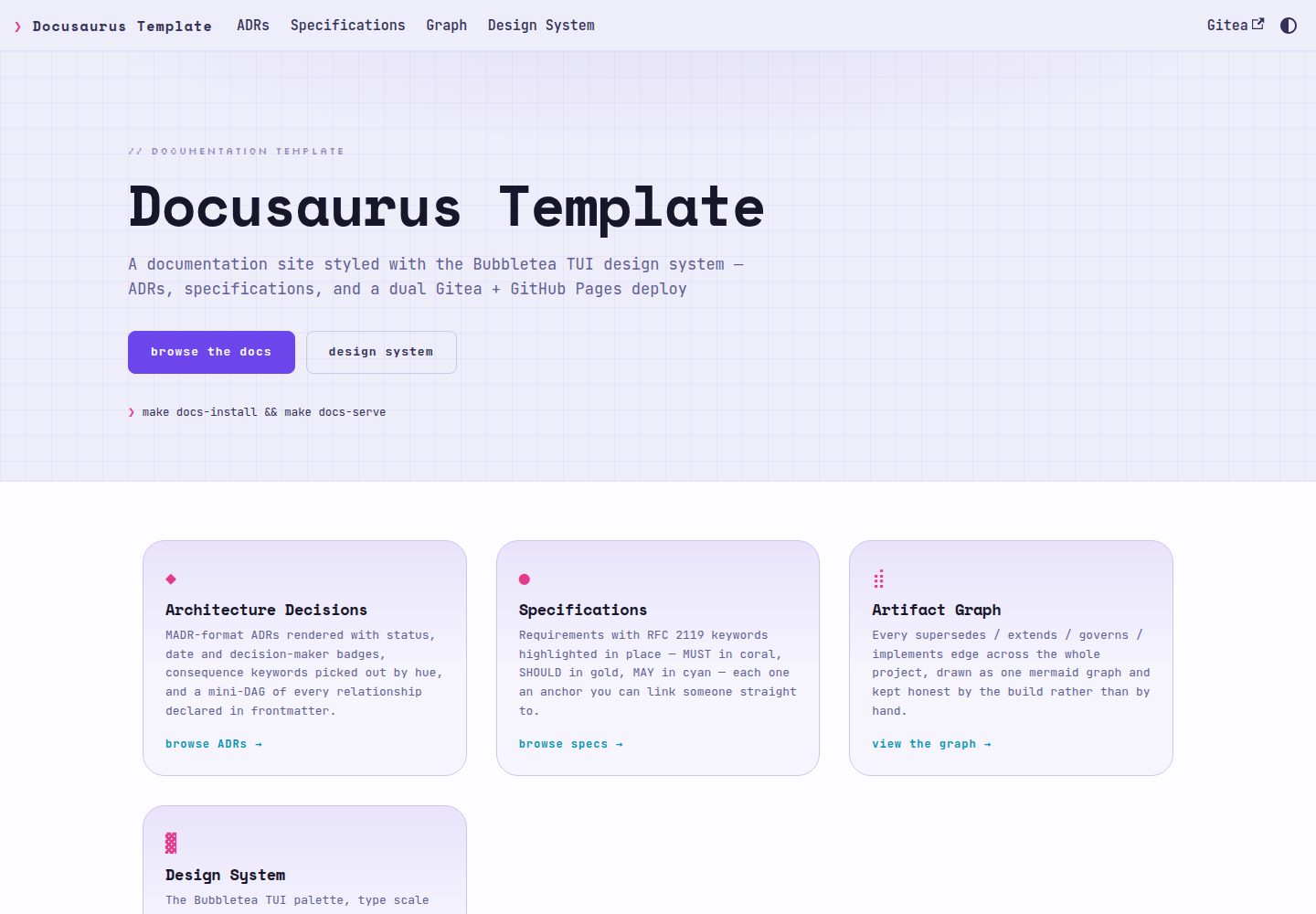
docusaurus-template
Docusaurus documentation template styled with the Bubbletea TUI design system — ADRs, specs, dual Gitea + GitH…
Docusaurus · 文档