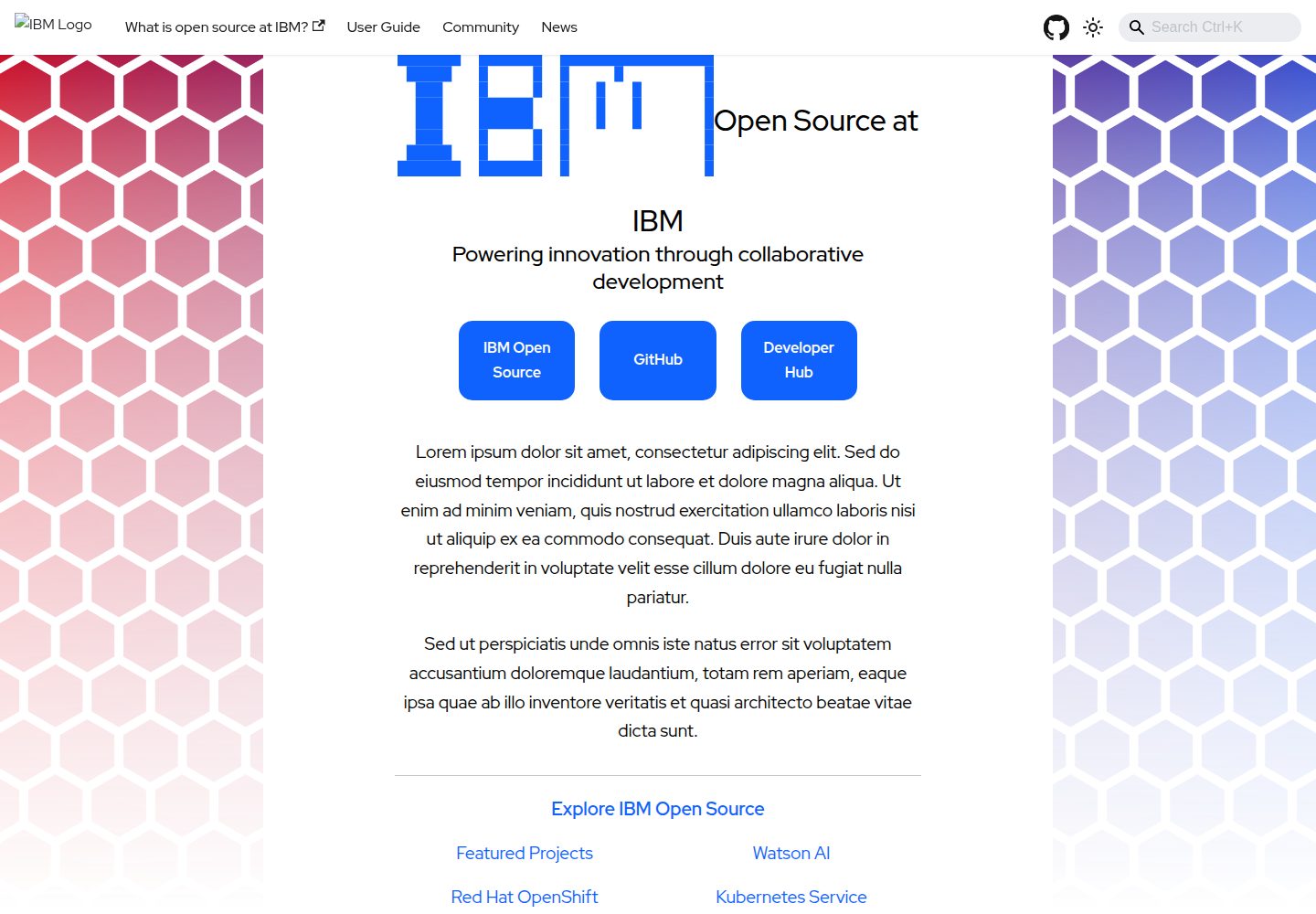
A static documentation site template based on Docusaurus, positioned as a standalone documentation website for "large projects"
DocusaurusDocumentation
project-documentation-template — Docusaurus Documentation Template
By IBM
An IBM open-source Docusaurus documentation site template for "large projects" that need standalone documentation pages, offering local development, PR previews, and DCO sign-off workflows.
Explore the design
Compare the page layouts and mobile experience. Open any screenshot for a closer look.
Desktop homepage1 / 3
Desktop captureTop of page
Actual screenshot captured by the server browser.
All pages & views 3
Screenshots show visual appearance; interactive behavior may differ.
Recorded 2026-10-01View source
What stands out
A quick read of the recorded project description.
Provides a local development workflow with npm install / npm start, with most changes hot-reloading
PRs automatically generate and deploy a preview site, with the preview link posted as a comment
Requires all changes to go through Pull Requests, maintainer review, and automated checks
Commits require DCO sign-off (git commit -s), and source files must include SPDX license headers
Licensed under Apache-2.0, with an online preview site and page screenshots included in the repository
Template Details
This is a static documentation site template built on Docusaurus, positioned as a standalone documentation website for "large projects." The README explicitly states that this template should only be used when a project needs separate documentation pages/site; if it is just documentation for a single repository, IBM's workshop-template is recommended instead.
The template provides a complete local development workflow: npm install to install dependencies, npm start to launch the local development server and open the browser, with most changes hot-reloading without a restart. The contribution process requires forking the repository, creating a branch, committing with DCO sign-off (git commit -s), and then opening a Pull Request to the main repository.
The repository has clear collaboration constraints: all code changes must be submitted via PR and must not be pushed directly; changes require maintainer review and approval and must pass automated checks; commit messages need a short title, the reason for the change, and sufficient detail. Once a PR is opened, a preview site is automatically generated and deployed, with the preview URL posted as a comment on the PR, updated with new commits, and removed after the PR is closed. The README also reminds contributors to become familiar with Docusaurus's menu and image linking mechanisms, and to avoid leaving relative links to IBM component repositories in Markdown.
The license is Apache-2.0, and source files must include copyright and SPDX license headers. The repository provides an online preview site and includes desktop and mobile homepage screenshots plus a representative inner page screenshot.
DocusaurusDocumentation
Is it right for your project?
Use Cases
- Building a documentation website for a large open-source project that needs a standalone documentation site
- Standardizing documentation site structure and contribution workflows within the IBM open-source project ecosystem
- Team collaboration that needs a PR preview environment to review documentation changes
- Managing documentation repository contributions under Apache-2.0 and DCO requirements
Suitable For
- Maintainers of large projects that need standalone documentation pages/sites
- Teams using Docusaurus that want to reuse an existing documentation site skeleton
- Open-source projects requiring PR review, automated checks, and DCO sign-off
- Contributors maintaining documentation sites within the IBM open-source ecosystem
Getting started & customization
Use these recorded setup notes alongside the repository instructions for your chosen version.
- 1
Before use, confirm whether the project needs a standalone documentation site; for single-repository documentation, IBM's workshop-template is recommended instead
- 2
Run npm install to install dependencies, and npm start to launch the local development server
- 3
Before contributing, fork the repository and create a branch, and use git commit -s to add DCO sign-off when committing
- 4
All changes must be submitted via Pull Request, reviewed by maintainers, and pass automated checks
- 5
Avoid relative links to IBM component repositories in Markdown, and become familiar with Docusaurus's menu and image linking mechanisms
License & source material
Usage conditions & limitations
Free to use · keep license noticeThis entry covers the free version of the public repository licensed under Apache-2.0; the free scope is the code of that version and does not mean external services or third-party assets are free.
Must comply with when using
- Free use, modification, commercial use, and distribution are permitted; the Apache-2.0 license must be included when distributing.
- Modified files must be prominently marked as changed, and relevant copyright, patent, trademark, and attribution notices must be retained.
- If the original project includes a NOTICE file, applicable attribution notices must be retained when distributing derivative works.
- The license includes an applicable contributor patent grant; initiating patent litigation as described in the license terminates that patent grant, and no trademark rights are granted.
- The code is provided as-is; warranties and limitations of liability are governed by the original license and applicable law.
Additional costs & items to verify
- Scope limitation: this template is only for "large projects" that need standalone documentation pages/sites; for single-repository documentation, the README recommends IBM's workshop-template instead.
- Collaboration limitation: all code changes must be submitted via Pull Request; direct pushes to the repository are prohibited.
- Collaboration limitation: all changes must be reviewed and approved by maintainers before merging.
- Contribution limitation: all commits must include a valid DCO sign-off line (which can be added automatically with git commit -s).
- Content limitation: Markdown must not contain relative links to IBM component repositories.
- Demo images, fonts, icons, and other third-party assets must be checked against their respective licenses; they cannot be assumed to be covered solely by the code's Apache-2.0 license.
- External services such as domains, hosting, databases, payments, or AI may incur separate charges.
View Original Text Basis
no-charge, royalty-free, irrevocable copyright license
Original License Text
This repo should only be used if you are doing a "large project" that requires it's own Documentation page/site.
Original README
All code changes** must be submitted as pull requests (no direct pushes)
Original README
All changes** must be reviewed and approved by a maintainer
Original README
DCO Sign-off**: All commits must include a valid DCO sign-off line
Original README
https://github.com/IBM/project-documentation-template/blob/main/LICENSEhttps://github.com/IBM/project-documentation-template/blob/main/README.mdMake sure there are no relative links to any of the IBM component repositories in your markdown.
Original README
Compiled by DeepSeek based on repository license and README ·2026-10-01. Results only cover the materials read; dependencies, images, fonts, and subsequent term changes are subject to their respective original texts.
Project checks & description sources
Template Information
- Source platforms
- GitHub
- Documentation and maintenance reference score
- More documented · 83 / 100
- Technologies
- Docusaurus
- Website type
- Documentation
How this score is calculated
Our heuristic uses license records (up to 30), a demo link (12), a preview (10), stars (15), recorded maintenance (15), description completeness (8), feature records (5) and classification data (5). It is not a code, security or performance test, or a Google score. A link does not establish tested functionality.
What to verify for this project
- Repository update recorded
- 2026-09-30
- Screenshot last checked
- 2026-10-01
A demo link is listed. Check it with your own content and viewport sizes; its presence does not confirm that forms, authentication or payments work.
The catalog identifies Docusaurus as the primary stack. Check the actual dependency manifest and lockfile for versions and hosting requirements. These notes use recorded metadata, not a code audit or a deployment test.
Use a selection guide →How this description was prepared
AI-assisted description based on catalog records and repository material. Repository authors are not automatically the reviewers of this description.
Automatically checked against source and license rules; no manual editorial review.
Inspect the recorded source material
SHA-256: 0e1952b81ebfdf156b10cdd7655380929f599c0c5fc83c716a4fefc8d3a43059
2026-10-01T03:51:00.334Z
Source file / repository# project-documentation-template This website is built using [Docusaurus](https://docusaurus.io/), a modern static website generator. The site may be previewed at <https://ibm.github.io/project-documentation-template>. If you spot any errors or ommisions in the site, please open an issue at [github.com/ibm/project-documentation-template](https://github.com/ibm/project-documentation-template/issues) > [!NOTE] > This repo should only be used if you are doing a "large project" that requires it's own Documentation page/site. If you are doing > "one repo" documentation take a look at something like the "[workshop-template](https://github.com/ibm/workshop-template) for > single repo documentation. ## BEFORE DOING A PULL REQUEST 1. Make sure you are familiar with how docusaurus builds menus and links to images 2. Make sure there are no relative links to any of the IBM component repositories in your markdown. 3. Fork the website repo and deploy a preview version of your proposed change for reviewers to check. This will make obvious any missed links from step 2 ### Installation ``` $ npm install ``` ### Local Development ``` $ npm start ``` This command starts a local development server and opens up a browser window. Most changes are reflected live without having to restart the server. ### Making Changes 1. **Fork the Repository** - Click the "Fork" button on the <https://github.com/ibm/project-documentation-template> GitHub repo. - Clone your fork locally: `git clone https://github.com/YOUR-USERNAME/project-documentation-template.git` 2. **Create a Branch** - Create a new branch for your changes: `git checkout -b feature/your-feature-name` - Make your changes locally 3. **Commit Your Changes** - Stage your changes: `git add .` - Commit with sign-off: `git commit -s -m "Your commit message"` - Push to your fork: `git push origin feature/your-feature-name` 4. **Open a Pull Request** - Go to your fork on GitHub - Click "New Pull Request" - Select the main branch of ibm/project-documentation-template as the base - Fill out the pull request template with details about your changes ### Pull Request Preview When you open a pull request, a preview of your changes will be automatically generated and deployed. This allows reviewers to see your changes in a live environment before they are merged into the main website. - The preview URL will be posted as a comment on your pull request - The preview site will be automatically updated as you push new commits - The preview will be removed when the pull request is closed ### Code Review Requirements - **All code changes** must be submitted as pull requests (no direct pushes) - **All changes** must be reviewed and approved by a maintainer - **All changes** must pass automated checks and tests - **Commit messages** should have: - Short, descriptive titles - Description of why the change was needed - Enough detail for someone reviewing git history to understand the scope - **DCO Sign-off**: All commits must include a valid DCO sign-off line (`Signed-off-by: Name <[email protected]>`) - Add automatically with `git commit -s` - Required for all contributions per [Developer Certificate of Origin](https://developercertificate.org/) ## License All source files must include a Copyright and License header. The SPDX license header is preferred because it can be easily scanned. If you would like to see the detailed LICENSE click [here](LICENSE). ```text # # Copyright IBM Corp. {Year project was created} - {Current Year} # SPDX-License-Identifier: Apache-2.0 # ``` ## Authors Optionally, you may include a list of authors, though this is redundant with the built-in GitHub list of contributors. - Author: New OpenSource IBMer <[email protected]> [issues]: https://github.com/IBM/repo-template/issues/new
Explore similar templates
Compare previews and descriptions within the same stack and category.
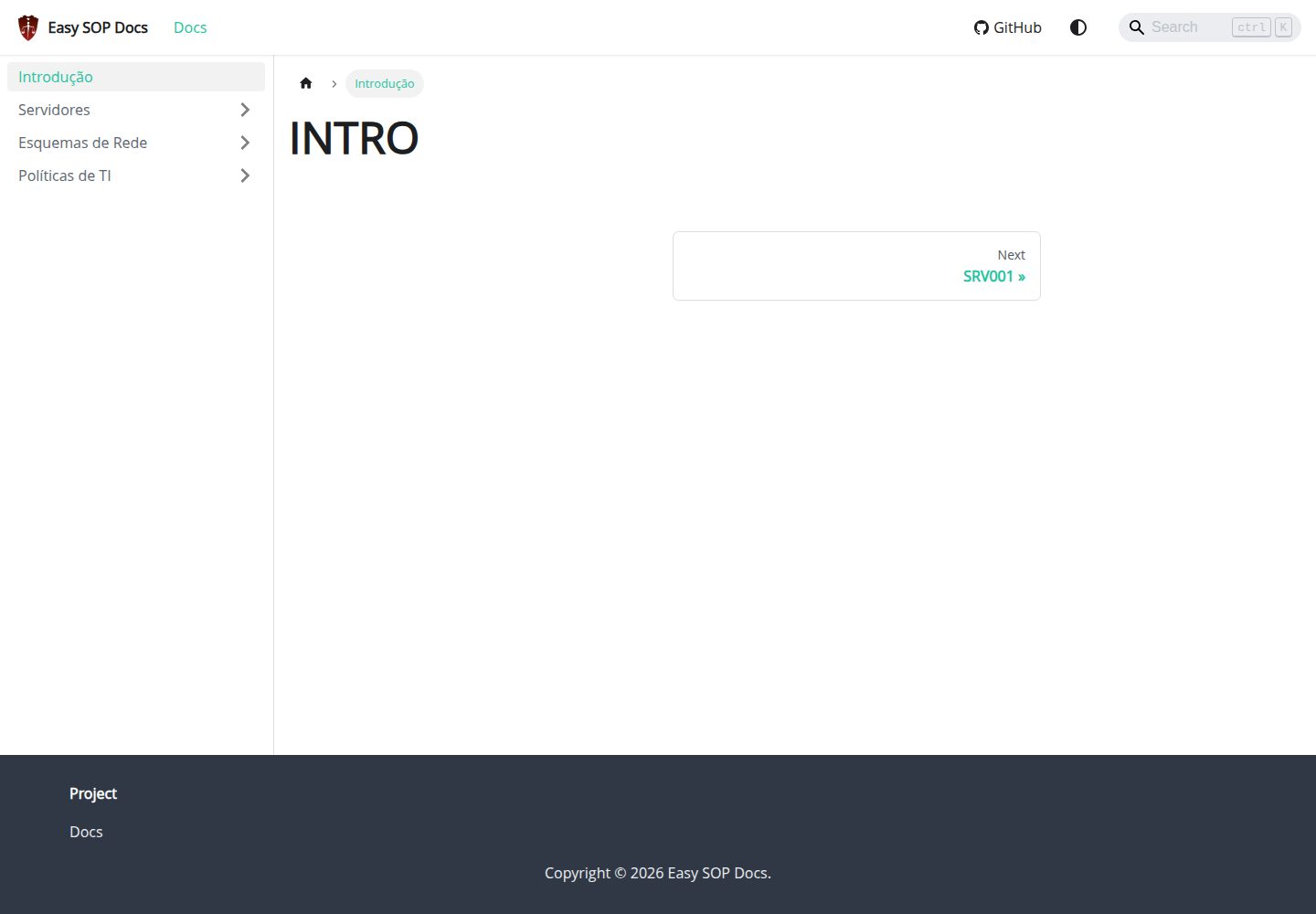
easy-sop-docs
A Docusaurus and React documentation site template for SOPs, runbooks, server descriptions, IT policies, and operations documentation. It includes local search via @easyops-cn/docusaurus-search-local (English and Portuguese, index generated only in production builds) and Mermaid diagrams via @docusaurus/theme-mermaid.
Docusaurus · Documentation
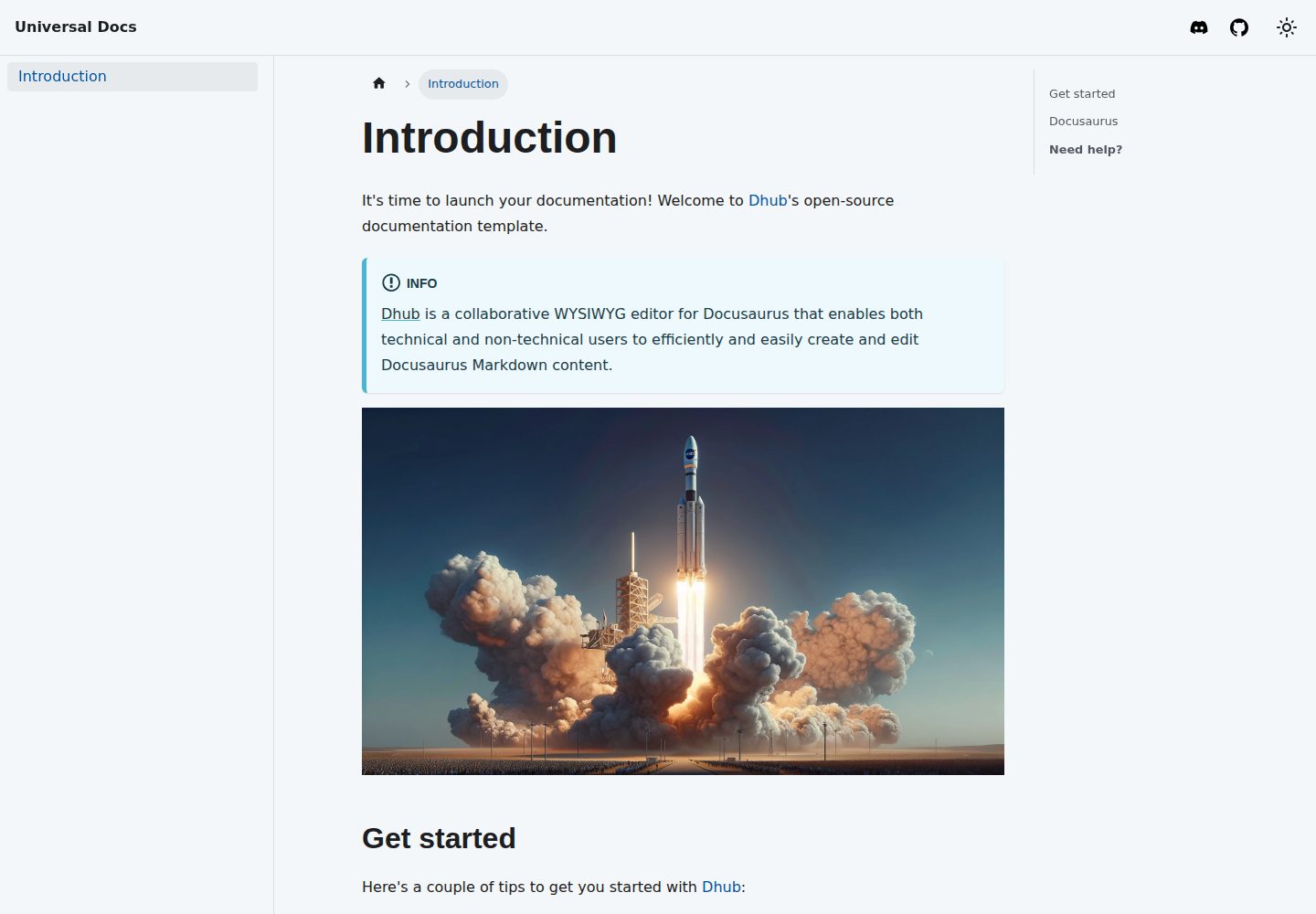
template-docusaurus-docs
A Docusaurus documentation site template from dhub.dev, written in MDX and licensed under MIT. It provides an online preview and runs locally via npm install and npm start.
Docusaurus · Documentation
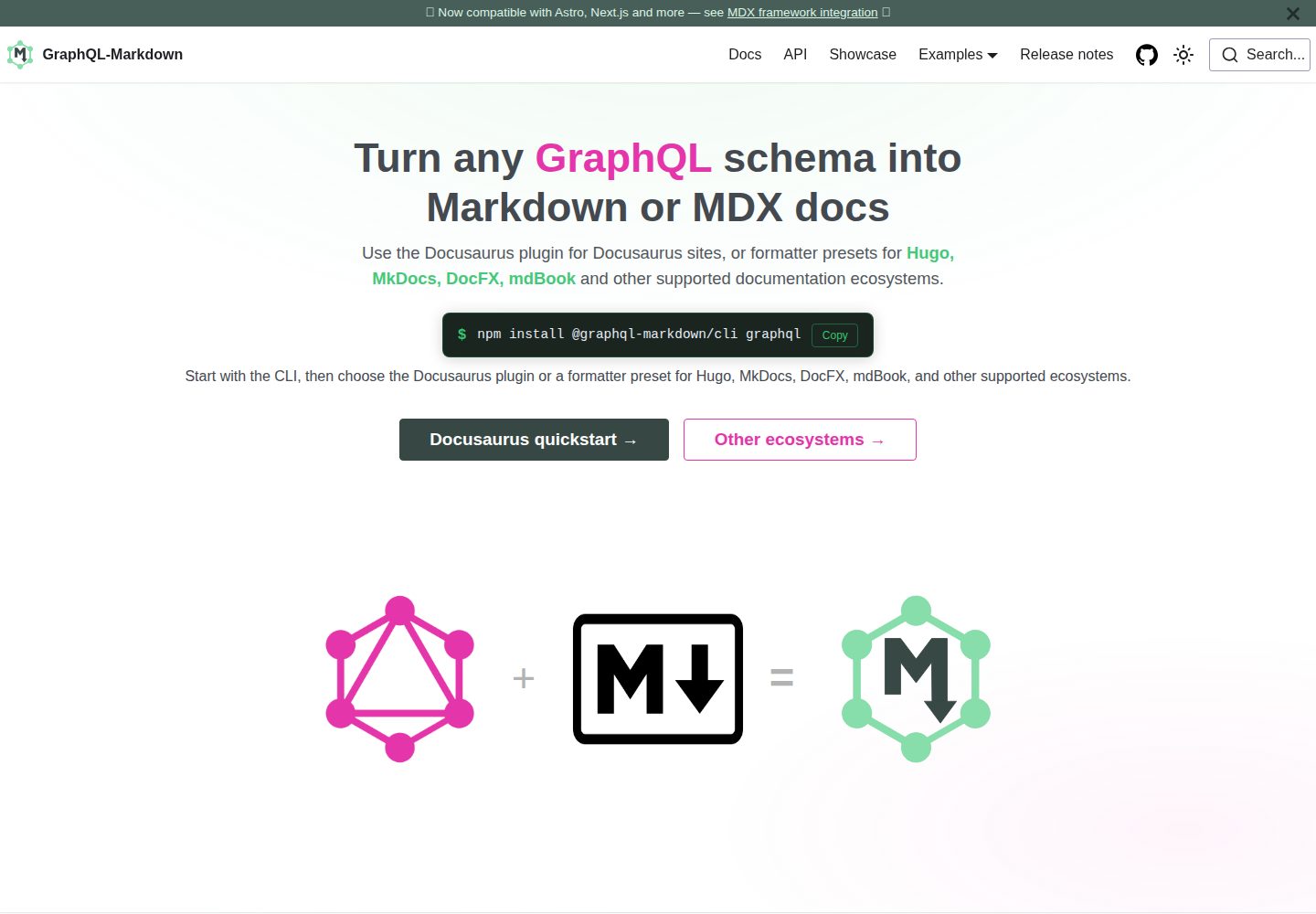
template
The official GraphQL-Markdown Docusaurus template for building documentation sites from a GraphQL schema.
Docusaurus · Documentation
docusaurus-template
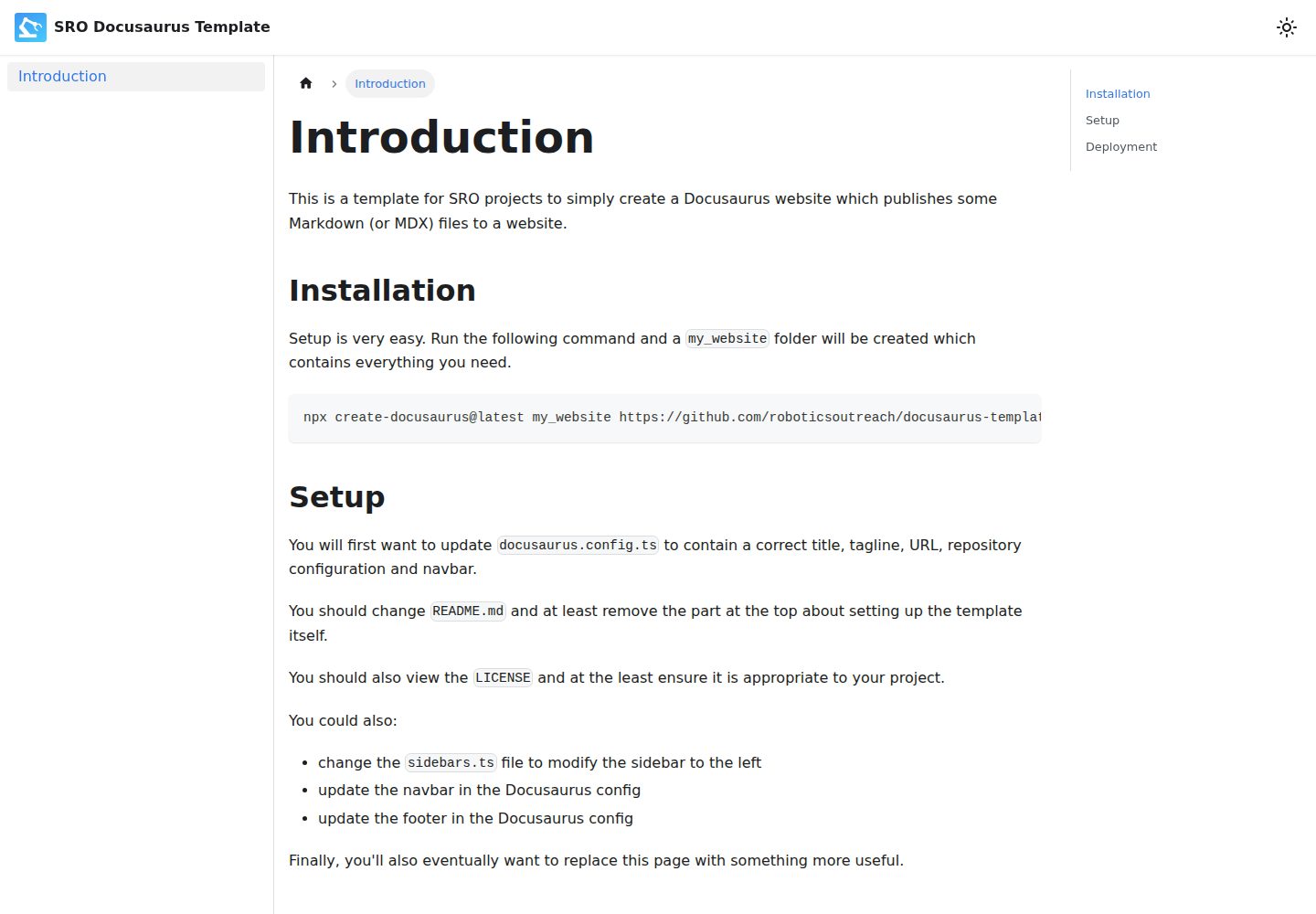
A Docusaurus-based Markdown documentation website template, preconfigured by SRO, with a GitHub Pages deployment workflow. It generates a project via create-docusaurus, provides centralized configuration through docusaurus.config.ts and sidebars.ts, and is licensed under ISC.
Docusaurus · Documentation
docs-site-template
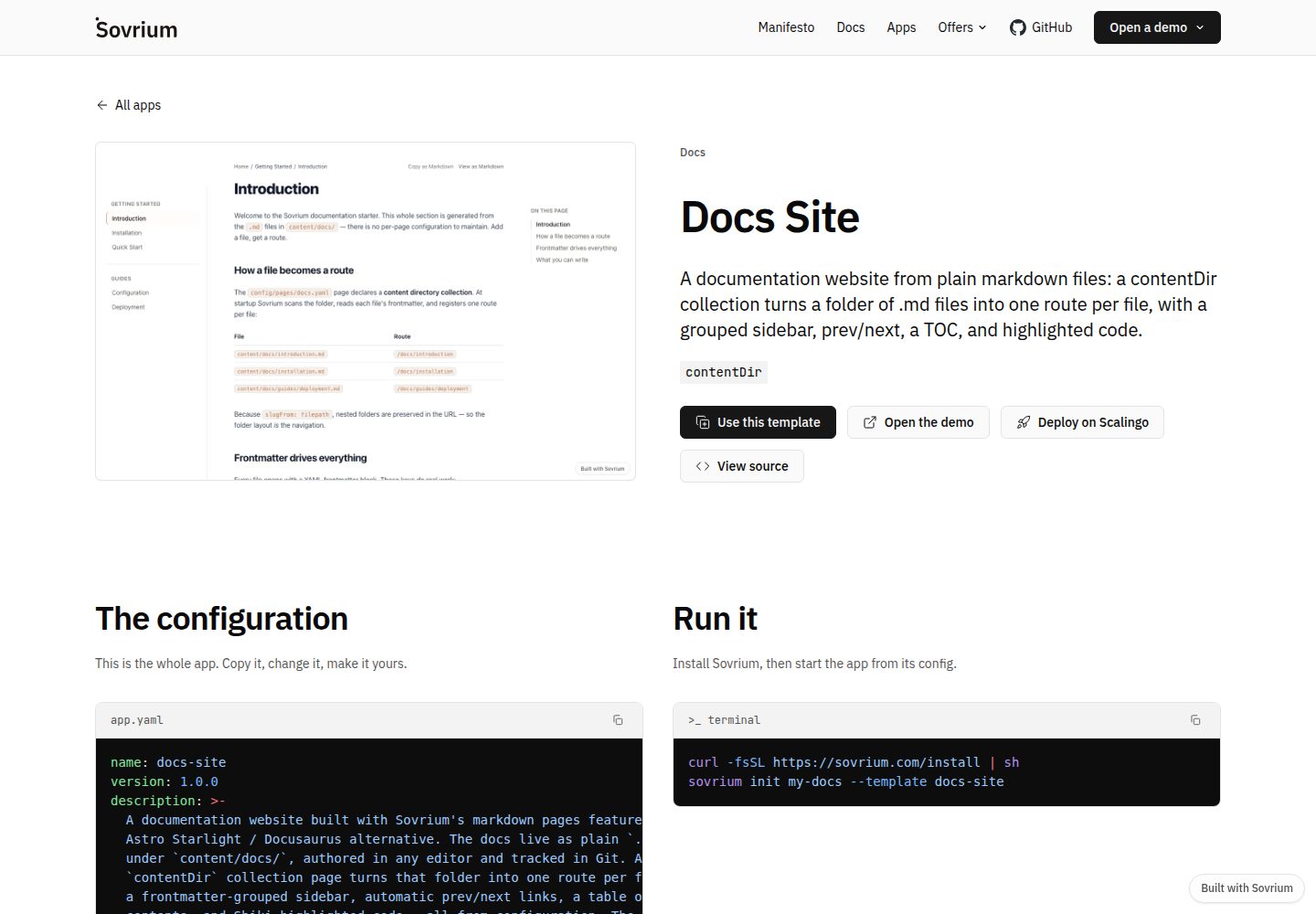
A documentation site template built on the Sovrium configuration-as-code engine, positioned as a Docusaurus alternative.
Docusaurus · Documentation
docusaurus-template
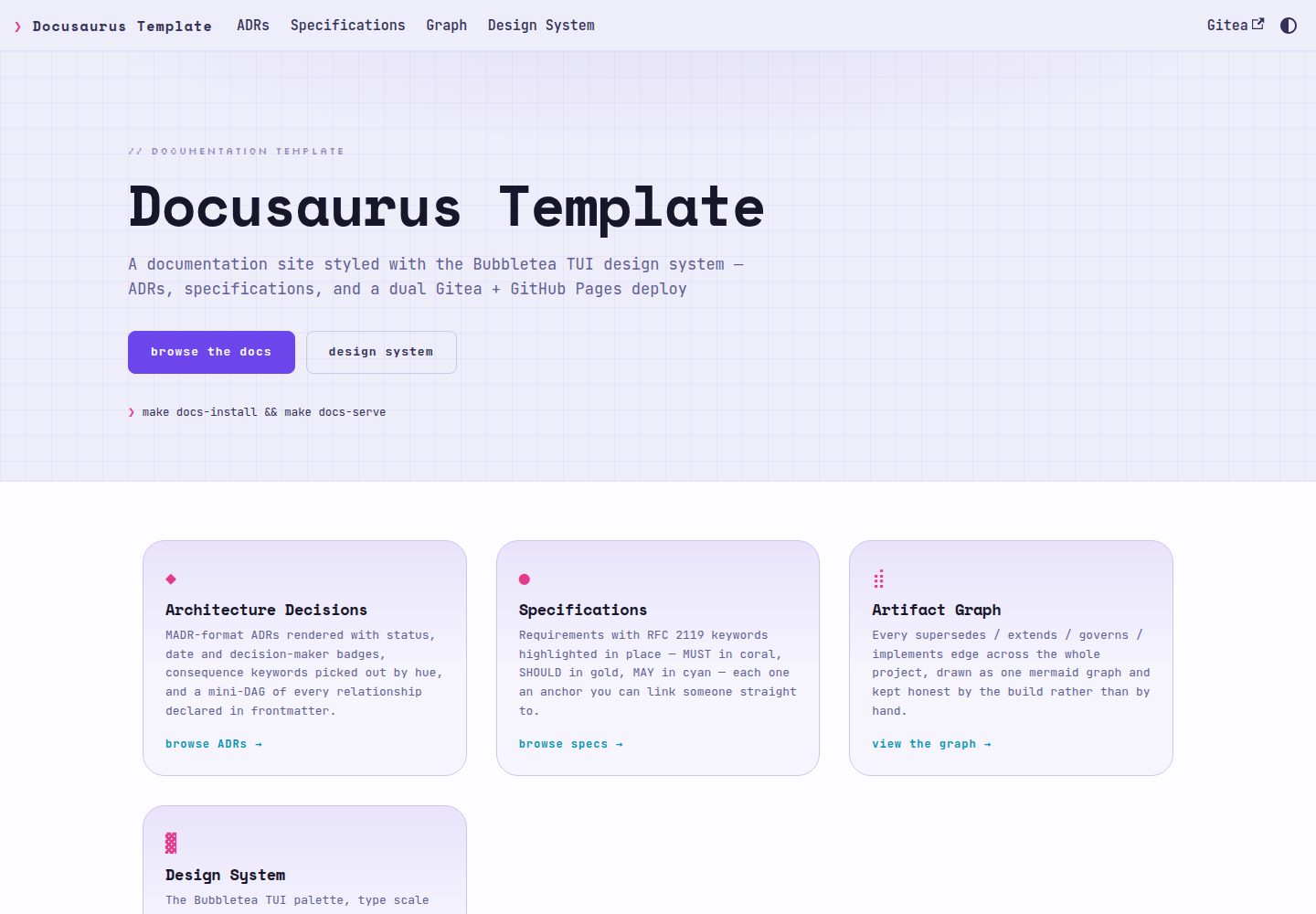
A Docusaurus documentation template using the Bubbletea TUI design system, rendering ADRs in MADR format and RFC 2119 specifications as first-class content with auto-linked ADR references, relationship diagrams, and dual publishing to Gitea Pages and GitHub Pages.
Docusaurus · Documentation