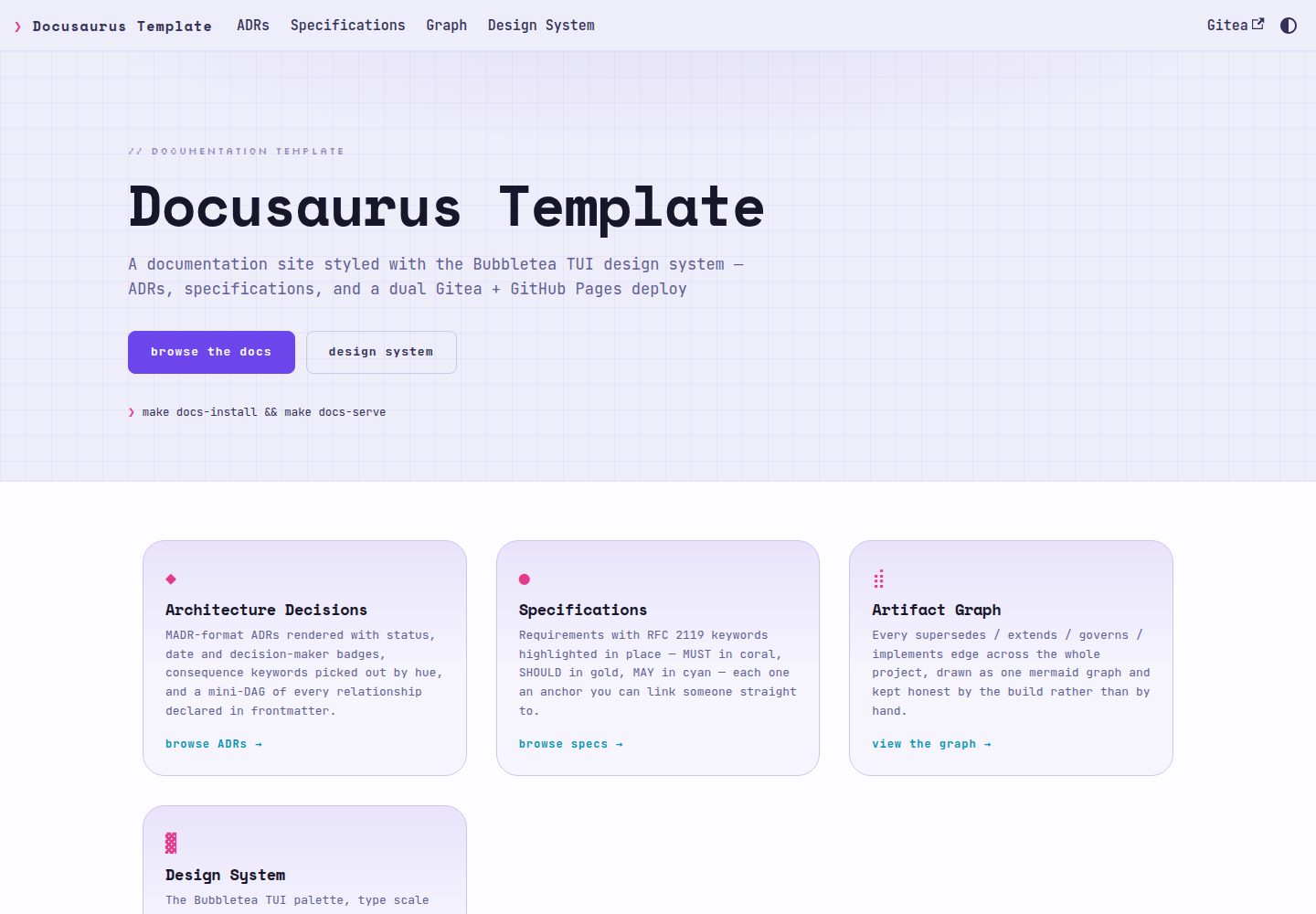
ADRs render in MADR format with status, date, and decider badges, plus consequence entries colored by keyword
DocusaurusDocumentation
docusaurus-template — Docusaurus Documentation Template
By stump-wtf
A Docusaurus-based documentation site template that uses the Bubbletea TUI design system, renders ADRs and specification documents as first-class content, and supports dual publishing to Gitea Pages and GitHub Pages.
Explore the design
Compare the page layouts and mobile experience. Open any screenshot for a closer look.
Desktop homepage1 / 3
Desktop captureTop of page
Actual screenshot captured by the server browser.
All pages & views 3
Screenshots show visual appearance; interactive behavior may differ.
Recorded 2026-10-01View source
What stands out
A quick read of the recorded project description.
Specification documents highlight MUST, SHOULD, and MAY according to RFC 2119 obligations, and each requirement can be anchored individually
Bare ADR numbers in body text automatically become link chips, without re-linking content already inside links or code snippets
Generates project-level mermaid diagrams and per-ADR mini DAGs from frontmatter relationships, and infers reverse relationships
A single build publishes simultaneously to Gitea Pages and GitHub Pages, differing only in url
Provides a design system gallery page that displays all tokens, badges, and components in both light and dark themes
Template Details
This is a documentation site template built with Docusaurus, visually adopting the Bubbletea TUI design system: rounded Lip Gloss borders, monospace fonts, and ANSI neon colors on a blue-black background. It renders architecture decision records (ADRs) and specifications as dedicated content types rather than ordinary pages. ADRs use the MADR format, with status, date, and decider badges, consequence entries colored by keyword, and a mini DAG generated from relationships declared in frontmatter. Specification documents highlight RFC 2119 keywords (MUST, SHOULD, MAY) according to obligation, and each requirement can be anchored individually. Bare ADR-0001 mentions in body text automatically become link chips, but content already inside links or code snippets is not linked again. Project-level mermaid diagrams summarize relationship edges such as supersedes, extends, governs, and implements, and infer reverse relationships.
The site content source is plain markdown under docs/, and at build time docs-site/plugins/sdd-content/ generates MDX into docs-generated/ (gitignored, not committed). Project-related configuration is centralized in four constants at the top of docs-site/docusaurus.config.ts: PROJECT_TITLE, PROJECT_TAGLINE, GITEA_URL, and REPO_NAME; baseUrl is derived from REPO_NAME. Design tokens are placed in src/css/tokens/, come from design system exports, and should not be edited directly; project styles should be written into src/css/custom.css.
For publishing, a single build can output simultaneously to a LAN-only Gitea Pages site and a public GitHub Pages site, differing only in url. Gitea Pages deployment requires PAGES_ACCESS_KEY_ID and PAGES_SECRET_ACCESS_KEY to be configured in the repository Actions secrets; these credentials come from the pages.users list in the infrastructure manifest. If credentials are missing, the build still passes and only the deployment step fails. GitHub Pages requires no credentials, but Pages must be enabled on the mirror repository with the source set to GitHub Actions.
Local development uses make commands: docs-install runs npm ci, docs-serve starts the development server with hot reload when docs/ changes, docs runs a production build to docs-site/build, and check runs type checking and a build. Node 20 or later is required; Node 23 is not usable, and CI is pinned to 22. The repository treats Gitea as the single source of truth; the copy on GitHub is a read-only push mirror, and each sync force-replaces history.
DocusaurusDocumentation
Is it right for your project?
Use Cases
- Maintaining architecture decision records for a software project and wanting to visualize relationships between ADRs
- Writing specifications with RFC 2119 obligation keywords and needing each requirement to be individually citable
- Needing documentation published both to Gitea Pages on a LAN and to public GitHub Pages
- Wanting a documentation site with a terminal-style visual language while retaining light and dark theme switching
Suitable For
- Documentation sites for software projects where ADRs and specification documents are core content
- Teams using Gitea as the primary repository and GitHub as a public mirror
- Those who accept maintaining content as plain markdown under docs/ and generating MDX at build time
- Those who want to customize styles based on an existing Docusaurus project while keeping design tokens separate from project styles
Getting started & customization
Use these recorded setup notes alongside the repository instructions for your chosen version.
- 1
Create a new repository via Gitea's Use this template or git clone, then remove .git and reinitialize
- 2
Modify the four constants PROJECT_TITLE, PROJECT_TAGLINE, GITEA_URL, and REPO_NAME at the top of docs-site/docusaurus.config.ts
- 3
Replace the sample content under docs/adrs/ and docs/specs/; the sidebar, index, and diagrams are generated automatically from the existing files
- 4
Gitea Pages deployment requires PAGES_ACCESS_KEY_ID and PAGES_SECRET_ACCESS_KEY in the repository Actions secrets; the credentials come from the pages.users list in the infrastructure manifest
- 5
GitHub Pages requires enabling Pages on the mirror repository and setting the source to GitHub Actions; locally, Node 20 or later is required, Node 23 is not usable
License & source material
Usage conditions & limitations
Free to use · keep license noticeThis listing covers the free version under the MIT license in the public repository; the free scope is the code of that version and does not mean external services or third-party assets are free.
Must comply with when using
- Free use, modification, commercial use, and distribution of this version's code are permitted.
- When distributing copies or substantial portions of the code, retain the original author's copyright notice and the complete MIT license notice.
- The code is provided as is; warranties and limitations of liability are governed by the original license and applicable law.
Additional costs & items to verify
- Using the Gitea Pages deployment feature requires configuring the two credentials PAGES_ACCESS_KEY_ID and PAGES_SECRET_ACCESS_KEY in the repository Actions secrets; otherwise the deployment step fails (the build still passes).
- GitHub Pages publishing requires no credentials, but Pages must be enabled on the mirror repository and the source set to GitHub Actions.
- Local development requires Node 20 or later; Node 23 is not usable, and CI is pinned to 22.
- The Gitea repository is the single source of truth; branches, pushes, PRs, and issues should all be handled on Gitea. The GitHub copy is a read-only push mirror whose history is force-replaced on each sync.
- The design tokens under src/css/tokens/ are imported as is and should not be edited directly; project styles should be written into src/css/custom.css.
- docs-generated/ is a build artifact, is gitignored, and should not be committed to the repository.
- Demo images, fonts, icons, and other third-party assets must be checked against their respective licenses; they cannot be judged solely by the code's MIT license.
- External services such as domains, hosting, databases, payments, or AI may incur separate charges.
View Original Text Basis
Permission is hereby granted, free of charge
Original License Text
The Gitea Pages deploy needs `PAGES_ACCESS_KEY_ID` and `PAGES_SECRET_ACCESS_KEY` in the repo's Actions secrets.
Original README
GitHub Pages needs no credentials, but Pages must be enabled on the mirror with **Source: GitHub Actions**.
Original README
Node 20+ required. Node 23 does **not** work
Original README
Gitea (`stump.wtf/docusaurus-template`) is the source of truth — branch, push, PR and file issues there.
Original README
**Never edit `src/css/tokens/`.** They are vendored verbatim from the design system export.
Original README
https://github.com/stump-wtf/docusaurus-template/blob/main/LICENSEhttps://github.com/stump-wtf/docusaurus-template/blob/main/README.md**Never commit `docs-generated/`.**
Original README
Compiled by DeepSeek based on repository license and README ·2026-10-01. Results only cover the materials read; dependencies, images, fonts, and subsequent term changes are subject to their respective original texts.
Project checks & description sources
Template Information
- Source platforms
- GitHub
- Documentation and maintenance reference score
- More documented · 80 / 100
- Technologies
- Docusaurus
- Website type
- Documentation
How this score is calculated
Our heuristic uses license records (up to 30), a demo link (12), a preview (10), stars (15), recorded maintenance (15), description completeness (8), feature records (5) and classification data (5). It is not a code, security or performance test, or a Google score. A link does not establish tested functionality.
What to verify for this project
- Repository update recorded
- 2026-08-26
- Screenshot last checked
- 2026-10-01
A demo link is listed. Check it with your own content and viewport sizes; its presence does not confirm that forms, authentication or payments work.
The catalog identifies Docusaurus as the primary stack. Check the actual dependency manifest and lockfile for versions and hosting requirements. These notes use recorded metadata, not a code audit or a deployment test.
Use a selection guide →How this description was prepared
AI-assisted description based on catalog records and repository material. Repository authors are not automatically the reviewers of this description.
Automatically checked against source and license rules; no manual editorial review.
Inspect the recorded source material
SHA-256: 6f0def1904178a8d54ff82256d3e2d4c53df14ca57a051fc173efcbf7a6e4c6e
2026-10-01T03:46:43.859Z
Source file / repository# docusaurus-template A Docusaurus documentation template styled with the **Bubbletea TUI design system** — a terminal-native visual language of rounded Lip Gloss borders, monospace type, and ANSI neon on blue-black. It renders ADRs and specifications as first-class artifacts rather than as generic pages, and publishes from one build to both a LAN-only Gitea Pages host and a public GitHub Pages host. **Live:** https://stump-wtf.github.io/docusaurus-template/ (public) · https://stump-wtf.pages.stump.rocks/docusaurus-template/ (LAN) This repository is its own demo: the ADRs and the specification it publishes are the real decisions behind the template. ## What you get | | | |---|---| | **ADR rendering** | MADR format with status / date / decision-maker badges, consequence bullets colour-coded by keyword, and a mini-DAG of every relationship declared in frontmatter | | **Spec rendering** | RFC 2119 keywords highlighted by obligation — `MUST` coral, `SHOULD` gold, `MAY` cyan — with every requirement individually anchorable | | **Cross-references** | A bare `ADR-0001` in prose becomes a chip linking to it, without double-linking anything already in a link or code span | | **Artifact graph** | A project-wide mermaid graph of every `supersedes` / `extends` / `governs` / `implements` edge, with inverses derived | | **Landing page** | A real landing page, not a generated index | | **Design gallery** | Every token, badge and component on one page, in both themes — see `/design-system` | | **Dual publishing** | Gitea Pages and GitHub Pages from one build; only `url` differs | | **Light and dark** | Dark by default, respecting `prefers-color-scheme`; every colour is a token, so the toggle repaints everything | ## Using it ### 1. Generate a repository This is a Gitea template repository — use **Use this template** on https://gitea.stump.rocks/stump.wtf/docusaurus-template, or: ```sh git clone https://gitea.stump.rocks/stump.wtf/docusaurus-template.git my-project cd my-project && rm -rf .git && git init ``` ### 2. Rename four constants Everything project-specific lives in one block at the top of `docs-site/docusaurus.config.ts`: ```ts const PROJECT_TITLE = 'My Project'; const PROJECT_TAGLINE = 'What it does, in one line'; const GITEA_URL = 'https://gitea.stump.rocks/stump.wtf/my-project'; const REPO_NAME = 'my-project'; ``` That is the whole "make it mine" step. `baseUrl` derives from `REPO_NAME`, and both Pages hosts serve under it. ### 3. Replace the content ``` docs/adrs/ADR-0001-*.md your decisions docs/specs/<domain>/spec.md your requirements docs/specs/<domain>/design.md how you built it ``` Delete the two ADRs and the spec that ship here. Nothing references them by name — sidebars, indexes and the graph are all generated from whatever is present. ### 4. Get Pages credentials provisioned The Gitea Pages deploy needs `PAGES_ACCESS_KEY_ID` and `PAGES_SECRET_ACCESS_KEY` in the repo's Actions secrets. They come from the `pages.users` list in the infrastructure inventory — add the repo there and run the pages playbook. Skip this and the site still builds green on every push; only the deploy step fails, with `Garage does not support anonymous access yet`. That 403 is rclone falling back to anonymous — it names the symptom, not the missing secret. GitHub Pages needs no credentials, but Pages must be enabled on the mirror with **Source: GitHub Actions**. ## Local development ```sh make docs-install # npm ci make docs-serve # dev server, hot reload on docs/ changes make docs # production build into docs-site/build make check # typecheck + build — what CI gates on ``` Node 20+ required. Node 23 does **not** work: Docusaurus fails on ProgressPlugin validation, which is why CI pins 22. ## How it fits together ``` docs/ source of truth — plain markdown, readable on the forge adrs/ MADR-format decisions specs/<domain>/ spec.md + design.md docs-generated/ MDX generated on every build — gitignored, never committed docs-site/ docusaurus.config.ts the four constants, and nothing else you need to touch plugins/sdd-content/ frontmatter → MDX: badges, RFC 2119, graph, mini-DAGs src/css/tokens/ vendored design tokens — DO NOT EDIT src/css/custom.css the Infima bridge + page styles — edit this instead src/components/ badge and layout components used from MDX src/pages/ landing page and design-system gallery .gitea/workflows/ the real CI: secret scan, build, Gitea Pages .github/workflows/ public GitHub Pages twin only ``` Two rules keep this maintainable: - **Never edit `src/css/tokens/`.** They are vendored verbatim from the design system export. Project styling goes in `custom.css`, so a token refresh is a clean re-copy rather than a merge. - **Never commit `docs-generated/`.** `docs/` is the source of truth; the generated MDX is a build artifact. For the design rationale, read [ADR-0001](docs/adrs/ADR-0001-docusaurus-and-the-bubbletea-design-system.md) and [ADR-0002](docs/adrs/ADR-0002-vendored-plugin-over-published-package.md); for how the pieces fit, [the design doc](docs/specs/documentation-site/design.md). ## Canonical repo Gitea (`stump.wtf/docusaurus-template`) is the source of truth — branch, push, PR and file issues there. The GitHub copy under `stump-wtf/docusaurus-template` is a read-only push mirror whose history is force-replaced on every sync; a PR opened against it targets a branch that will be overwritten. ## Credits The Bubbletea TUI design system is original work inspired by the open-source [Charm](https://charm.sh) ecosystem — Bubble Tea, Bubbles, Lip Gloss, Gum, Glow. It is not the official Charm brand and reproduces neither Charm's logo nor its commercial typefaces; the type is the closest free substitute (JetBrains Mono, Space Mono, Silkscreen).
Explore similar templates
Compare previews and descriptions within the same stack and category.
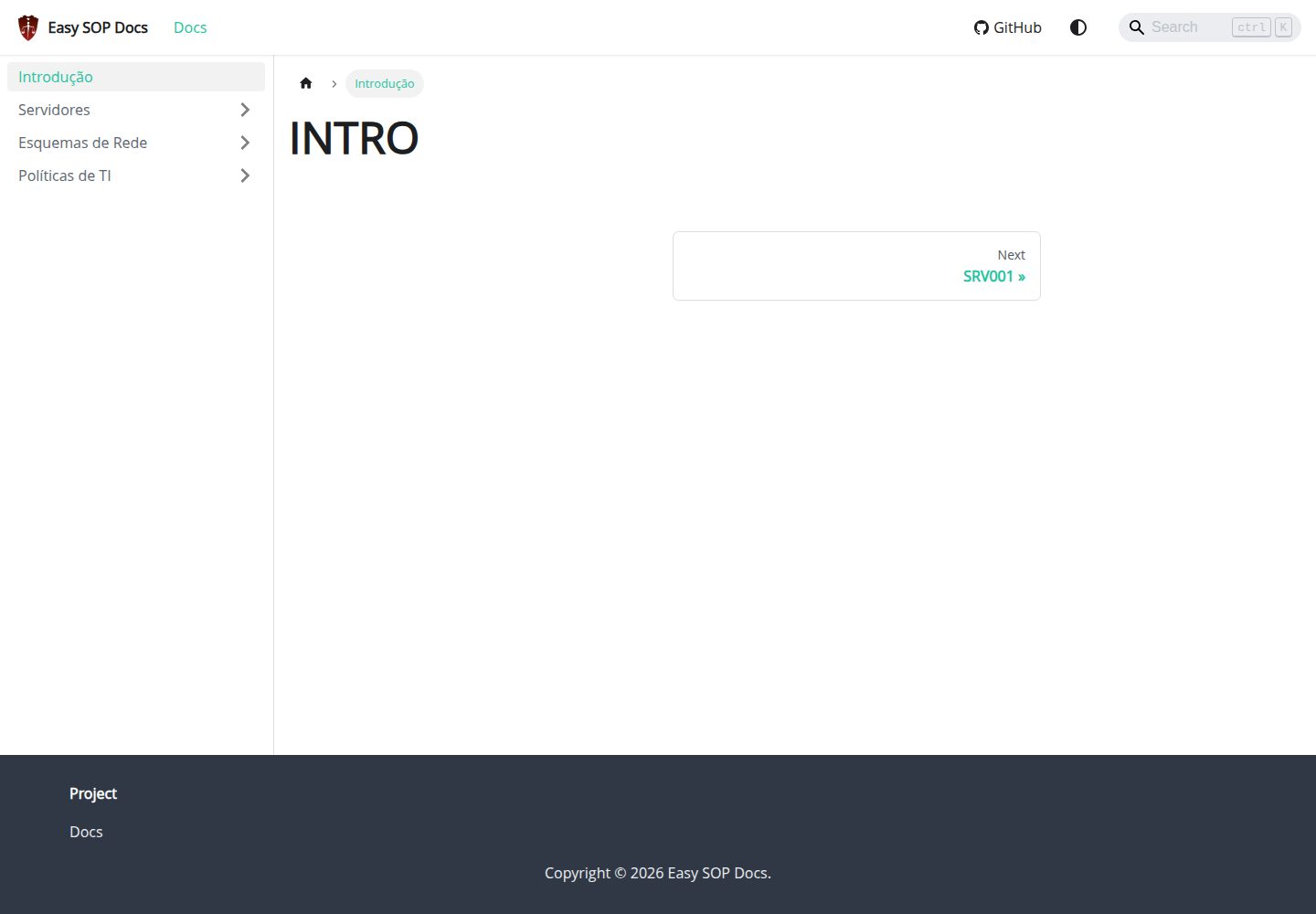
easy-sop-docs
A Docusaurus and React documentation site template for SOPs, runbooks, server descriptions, IT policies, and operations documentation. It includes local search via @easyops-cn/docusaurus-search-local (English and Portuguese, index generated only in production builds) and Mermaid diagrams via @docusaurus/theme-mermaid.
Docusaurus · Documentation
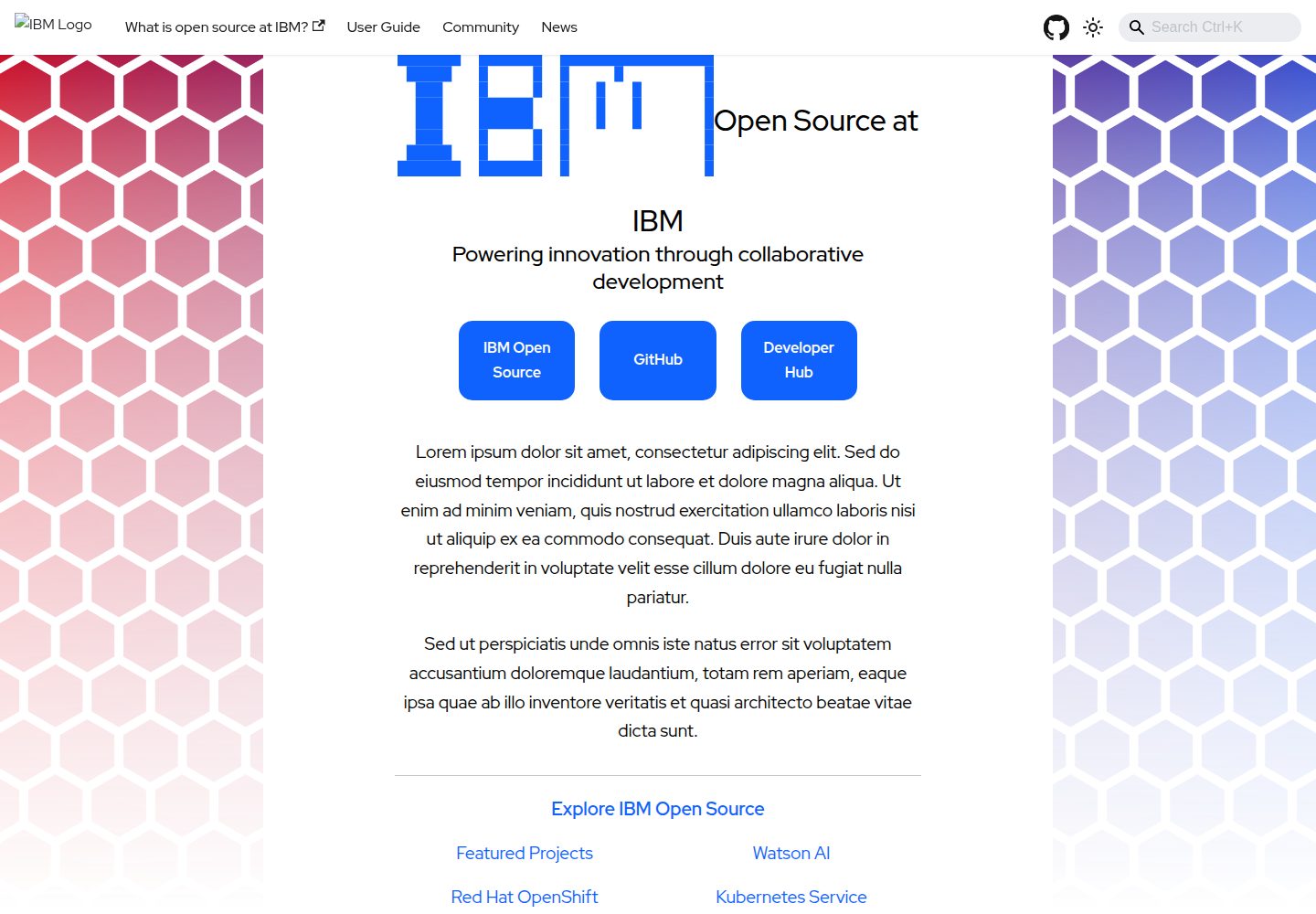
project-documentation-template
An IBM open-source Docusaurus documentation site template for large projects that need standalone documentation pages.
Docusaurus · Documentation
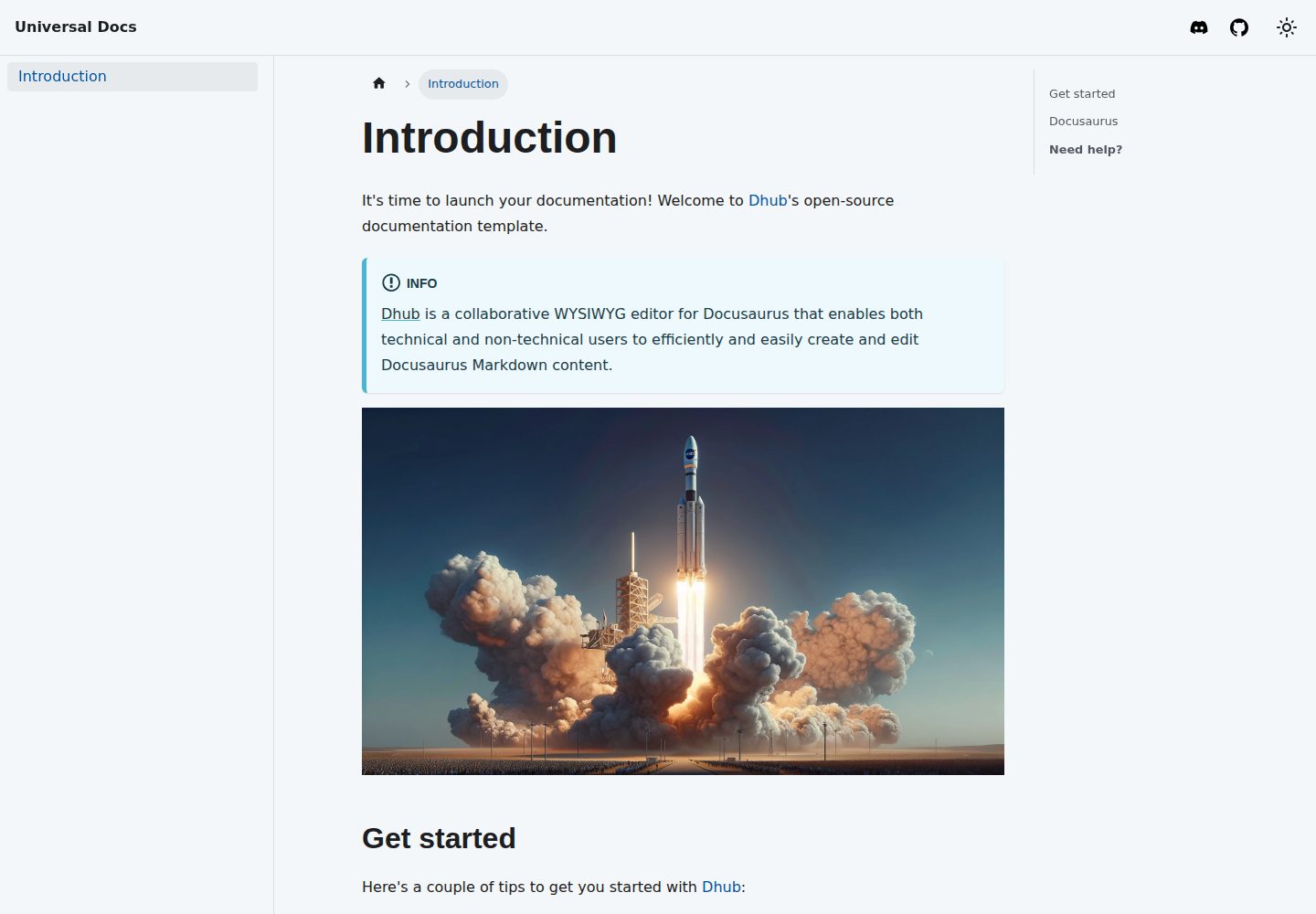
template-docusaurus-docs
A Docusaurus documentation site template from dhub.dev, written in MDX and licensed under MIT. It provides an online preview and runs locally via npm install and npm start.
Docusaurus · Documentation
template
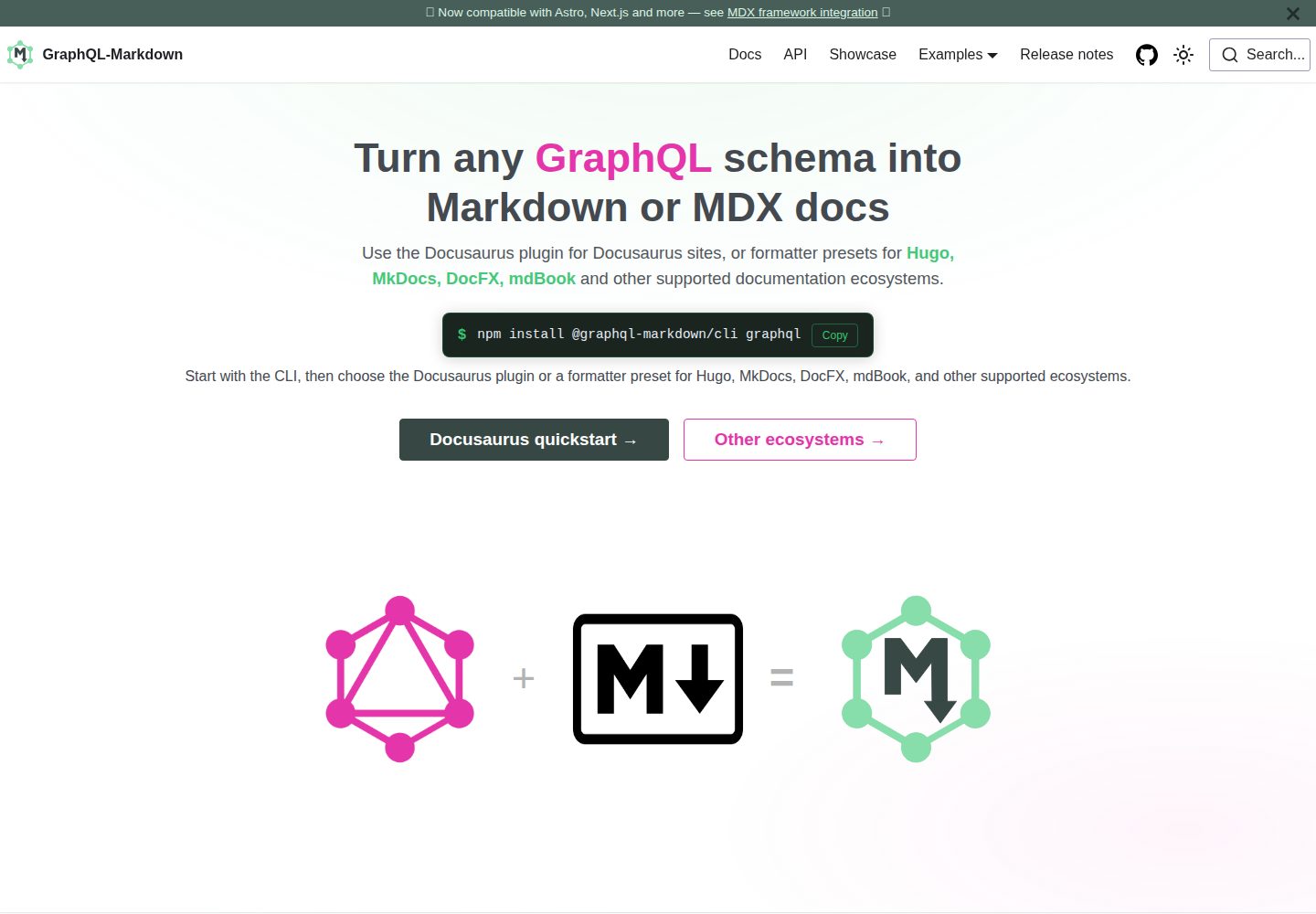
The official GraphQL-Markdown Docusaurus template for building documentation sites from a GraphQL schema.
Docusaurus · Documentation
docusaurus-template
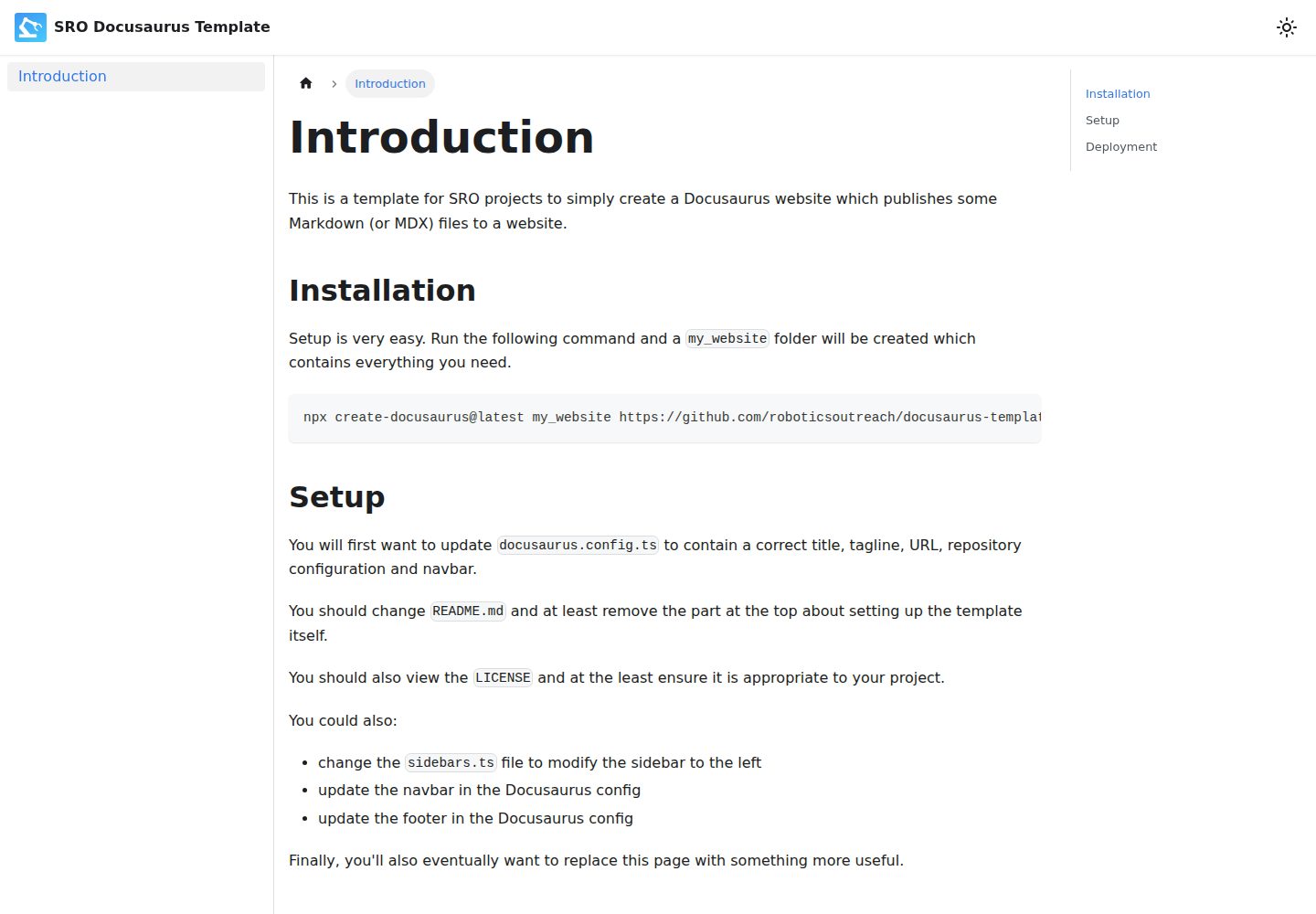
A Docusaurus-based Markdown documentation website template, preconfigured by SRO, with a GitHub Pages deployment workflow. It generates a project via create-docusaurus, provides centralized configuration through docusaurus.config.ts and sidebars.ts, and is licensed under ISC.
Docusaurus · Documentation
docs-site-template
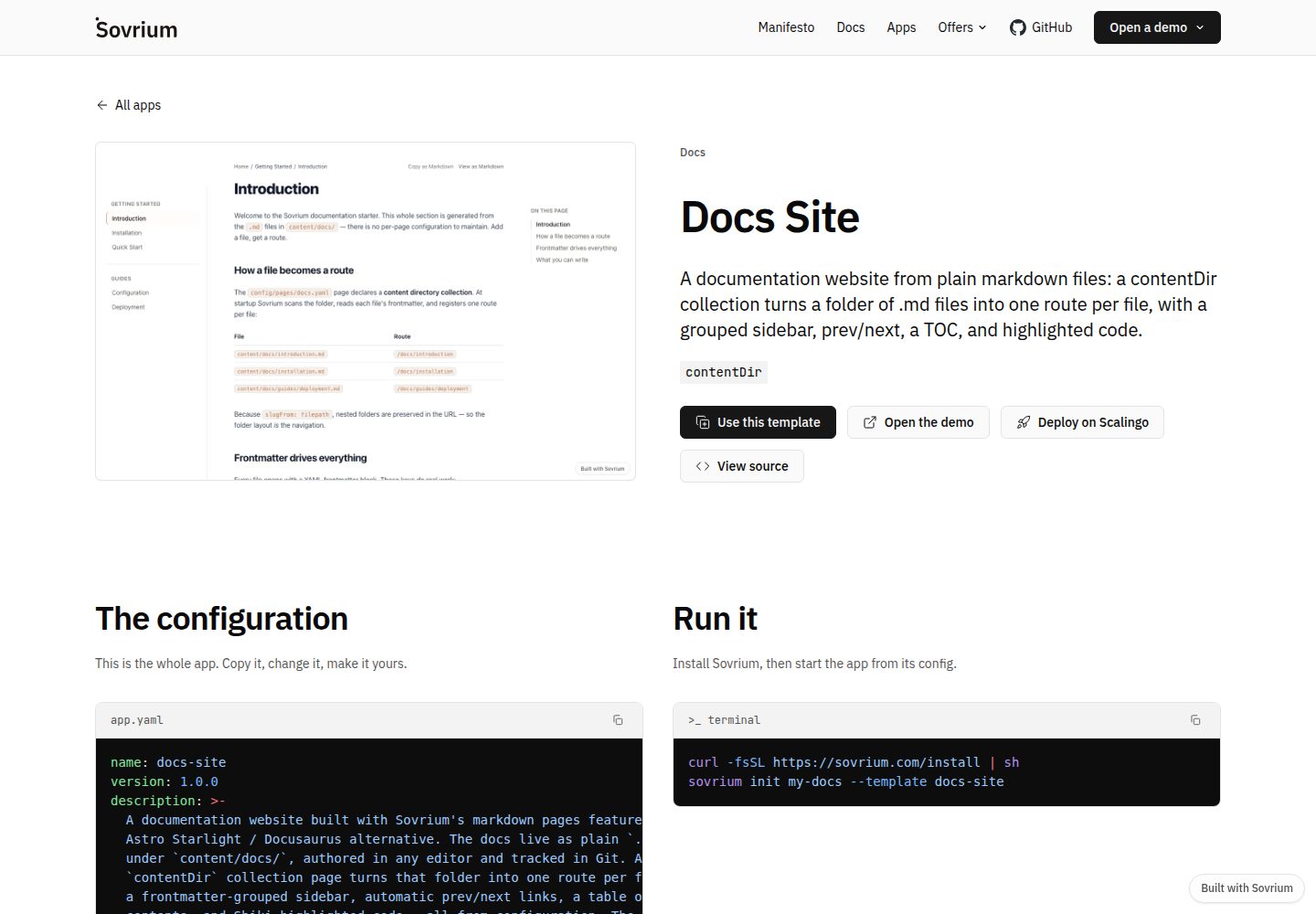
A documentation site template built on the Sovrium configuration-as-code engine, positioned as a Docusaurus alternative.
Docusaurus · Documentation