A Markdown documentation site template based on Docusaurus
DocusaurusDocumentation
docusaurus-template — Docusaurus Documentation Template
By roboticsoutreach
A Docusaurus-based Markdown documentation website template, preconfigured by SRO, with a GitHub Pages deployment workflow.
Explore the design
Compare the page layouts and mobile experience. Open any screenshot for a closer look.
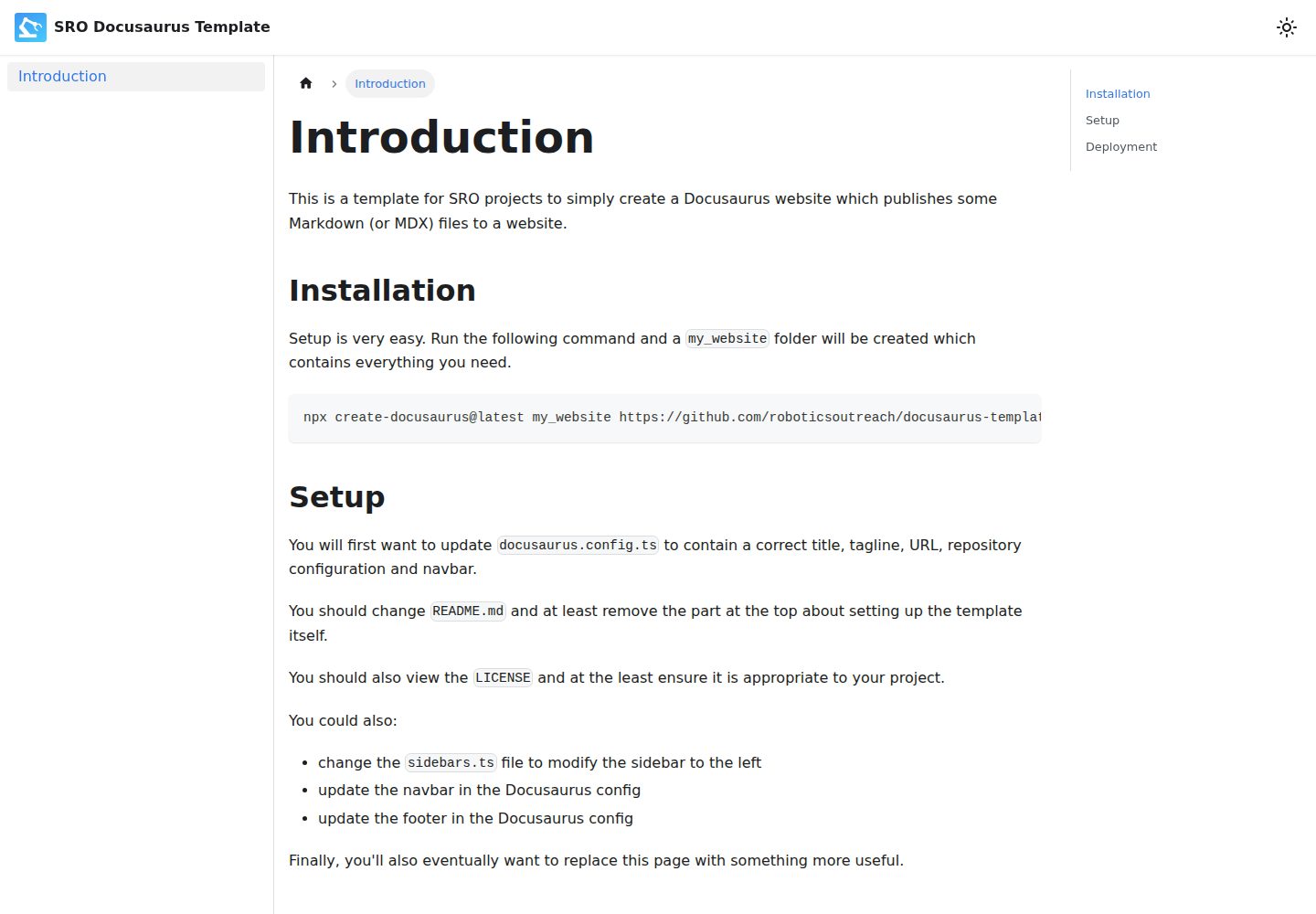
Desktop homepage1 / 2
Desktop captureTop of page
Actual screenshot captured by the server browser.
All pages & views 2
Screenshots show visual appearance; interactive behavior may differ.
Recorded 2026-10-02View source
What stands out
A quick read of the recorded project description.
Generate a project by pulling the repository directly via the create-docusaurus command
Includes a GitHub Actions workflow for deploying to GitHub Pages
Provides centralized configuration entry points such as docusaurus.config.ts and sidebars.ts
Licensed under ISC, permitting free use, modification, and distribution
Template Details
This is a Docusaurus-based documentation website template for building simple sites with Markdown as the content source; the repository description states that it is preconfigured for use by SRO. The template creates the project directory via the `npx create-docusaurus@latest` command, generating a complete site skeleton containing the files needed to run.
The template presets configuration items that you need to modify yourself: the title, tagline, URL, repository configuration, and navbar in `docusaurus.config.ts`; the template description paragraph at the top of `README.md`; and the `LICENSE` file. The sidebar is controlled by `sidebars.ts`, while the navbar and footer are adjusted in the Docusaurus configuration. The repository also includes a GitHub Actions workflow for building and deploying the site to GitHub Pages; you need to set the build source to GitHub Actions in the repository Settings under GitHub Pages, and you can optionally configure a custom domain.
For local development, use `npm start` to launch the development server, and `npm run build` to generate static files into the build directory, which can be served by any static hosting service. The repository does not provide a description of the template's own interface style; the actual appearance is based on the demo site screenshots.
DocusaurusDocumentation
Is it right for your project?
Use Cases
- Building a simple Markdown documentation website for an organization or project
- Repositories that need to automatically deploy a documentation site to GitHub Pages
- Starting from a ready-made configuration and then adjusting the navbar, sidebar, and footer
Suitable For
- Teams writing Markdown documentation with Docusaurus
- Projects that need GitHub Pages to host a static documentation site
- Developers who want to start from a preconfigured template and modify the configuration themselves
Getting started & customization
Use these recorded setup notes alongside the repository instructions for your chosen version.
- 1
Run npx create-docusaurus@latest my_website https://github.com/roboticsoutreach/docusaurus-template.git to generate the project directory
- 2
Modify the title, tagline, URL, repository configuration, navbar, and footer in docusaurus.config.ts
- 3
Adjust sidebars.ts as needed to change the left sidebar
- 4
Replace the description at the top of README.md about the template's own setup, and check whether LICENSE applies to your project
- 5
In the repository Settings under GitHub Pages, set the build source to GitHub Actions, and configure a custom domain as needed
License & source material
Usage conditions & limitations
Free to use · keep license noticeThis entry covers the free version under the ISC license in the public repository; the free scope is the code of that version and does not mean that external services or third-party assets are free.
Must comply with when using
- Permits free use, copying, modification, and distribution for any purpose, including commercial use.
- All copies must retain the original copyright notice and license notice.
- The code is provided as is; warranties and limitations of liability are governed by the original license and applicable law.
Additional costs & items to verify
- Demo images, fonts, icons, and other third-party assets must be checked against their respective licenses; the ISC license of the code alone is not sufficient to determine this.
- External services such as domains, hosting, databases, payments, or AI may incur separate charges.
View Original Text Basis
https://github.com/roboticsoutreach/docusaurus-template/blob/main/LICENSEhttps://github.com/roboticsoutreach/docusaurus-template/blob/main/README.mdfor any purpose with or without fee is hereby granted
Original License Text
Compiled by DeepSeek based on repository license and README ·2026-10-02. Results only cover the materials read; dependencies, images, fonts, and subsequent term changes are subject to their respective original texts.
Project checks & description sources
Template Information
- Source platforms
- GitHub
- Documentation and maintenance reference score
- Partly documented · 65 / 100
- Technologies
- Docusaurus
- Website type
- Documentation
How this score is calculated
Our heuristic uses license records (up to 30), a demo link (12), a preview (10), stars (15), recorded maintenance (15), description completeness (8), feature records (5) and classification data (5). It is not a code, security or performance test, or a Google score. A link does not establish tested functionality.
What to verify for this project
- Repository update recorded
- 2024-06-09
- Screenshot last checked
- 2026-10-02
A demo link is listed. Check it with your own content and viewport sizes; its presence does not confirm that forms, authentication or payments work.
The catalog identifies Docusaurus as the primary stack. Check the actual dependency manifest and lockfile for versions and hosting requirements. These notes use recorded metadata, not a code audit or a deployment test.
Use a selection guide →How this description was prepared
AI-assisted description based on catalog records and repository material. Repository authors are not automatically the reviewers of this description.
Automatically checked against source and license rules; no manual editorial review.
Inspect the recorded source material
SHA-256: a031c7c452594a2f0bc48ebda2e62d5e7f7bee328ccb199731ec0af596ce9e02
2026-10-02T08:54:12.753Z
Source file / repository# SRO Docusaurus Template This is a template for building simple Markdown-based websites with Docusaurus, preconfigured for use by SRO. ### Installation Setup is very easy. Run the following command and a `my_website` folder will be created which contains everything you need. ``` npx create-docusaurus@latest my_website https://github.com/roboticsoutreach/docusaurus-template.git ``` ### Setup You will first want to update `docusaurus.config.ts` to contain a correct title, tagline, URL, repository configuration and navbar. You should change `README.md` and at least remove the part at the top about setting up the template itself. You should also view the `LICENSE` and at the least ensure it is appropriate to your project. You could also: - change the `sidebars.ts` file to modify the sidebar to the left - update the navbar in the Docusaurus config - update the footer in the Docusaurus config Finally, you'll also eventually want to replace this page with something more useful. ### Deployment The template comes with some GitHub Actions templates to deploy the site to GitHub Pages. In the repisitory **Settings** > **GitHub Pages**, make sure the build source is set to **GitHub Actions**, and configure a custom domain if you want. --- # Website This website is built using [Docusaurus](https://docusaurus.io/), a modern static website generator. ### Installation ``` $ npm ``` ### Local Development ``` $ npm start ``` This command starts a local development server and opens up a browser window. Most changes are reflected live without having to restart the server. ### Build ``` $ npm run build ``` This command generates static content into the `build` directory and can be served using any static contents hosting service. ### Deployment This repository contains CI pipelines to build and deploy the website from the `main` branch.
Explore similar templates
Compare previews and descriptions within the same stack and category.
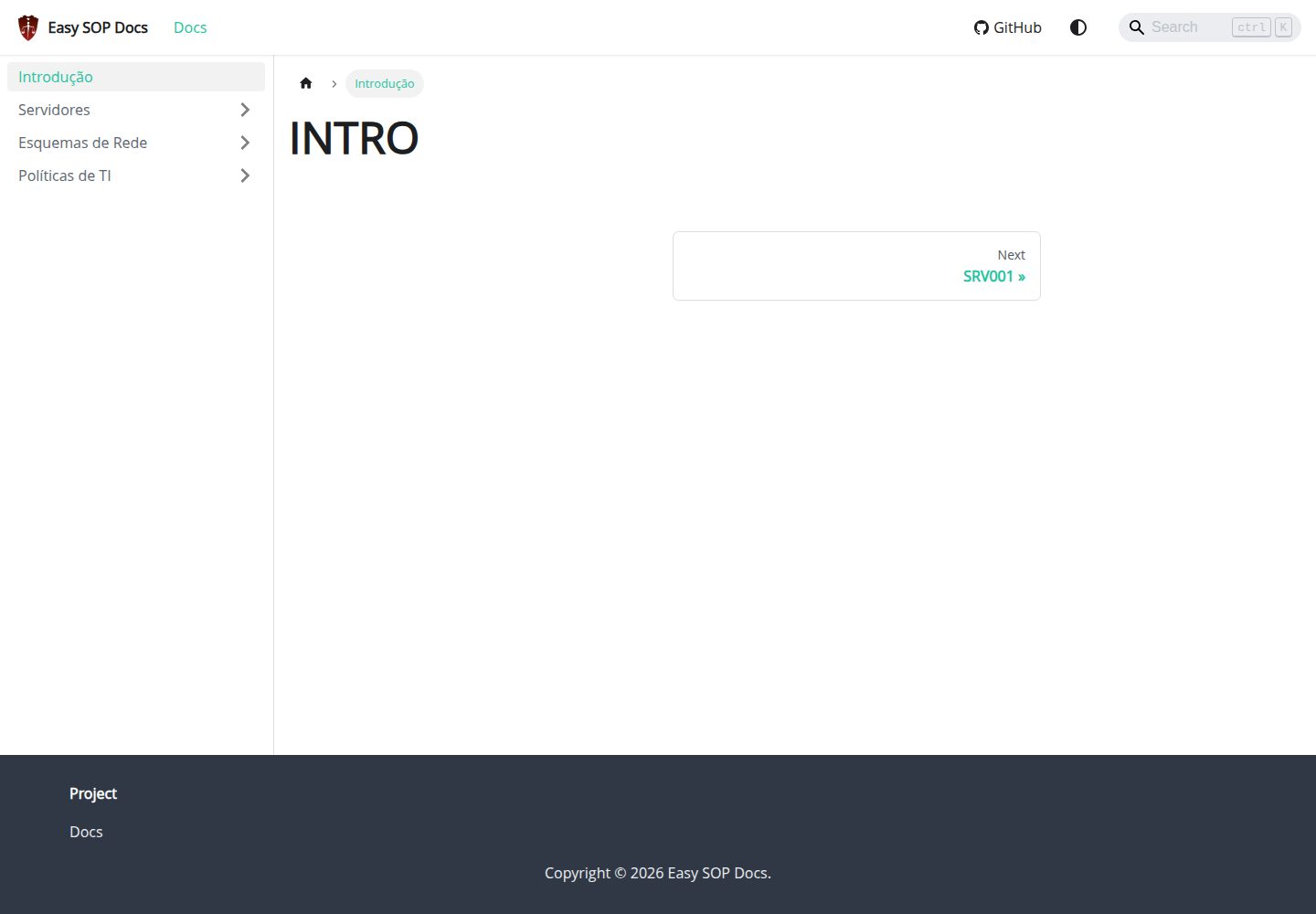
easy-sop-docs
A Docusaurus and React documentation site template for SOPs, runbooks, server descriptions, IT policies, and operations documentation. It includes local search via @easyops-cn/docusaurus-search-local (English and Portuguese, index generated only in production builds) and Mermaid diagrams via @docusaurus/theme-mermaid.
Docusaurus · Documentation
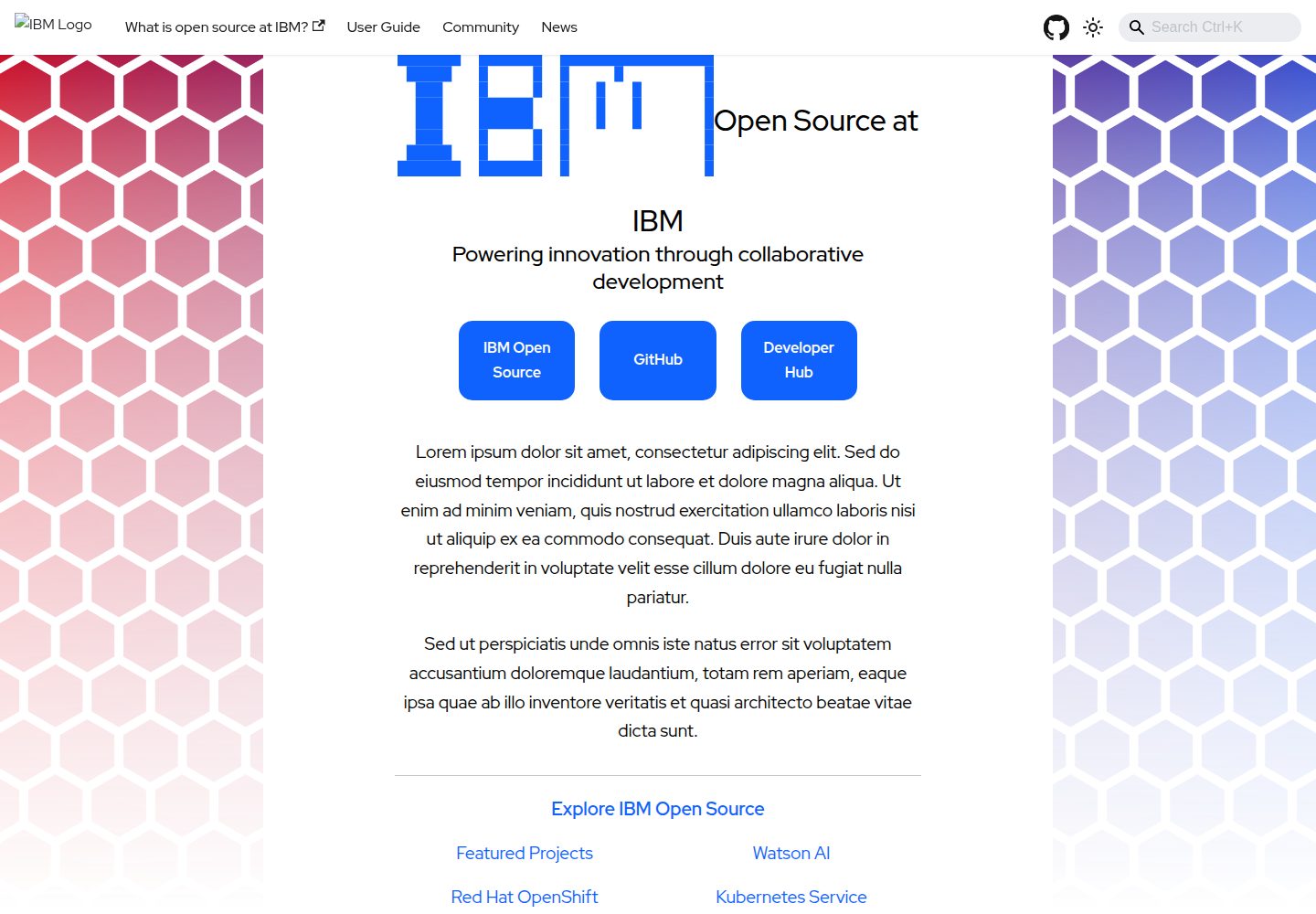
project-documentation-template
An IBM open-source Docusaurus documentation site template for large projects that need standalone documentation pages.
Docusaurus · Documentation
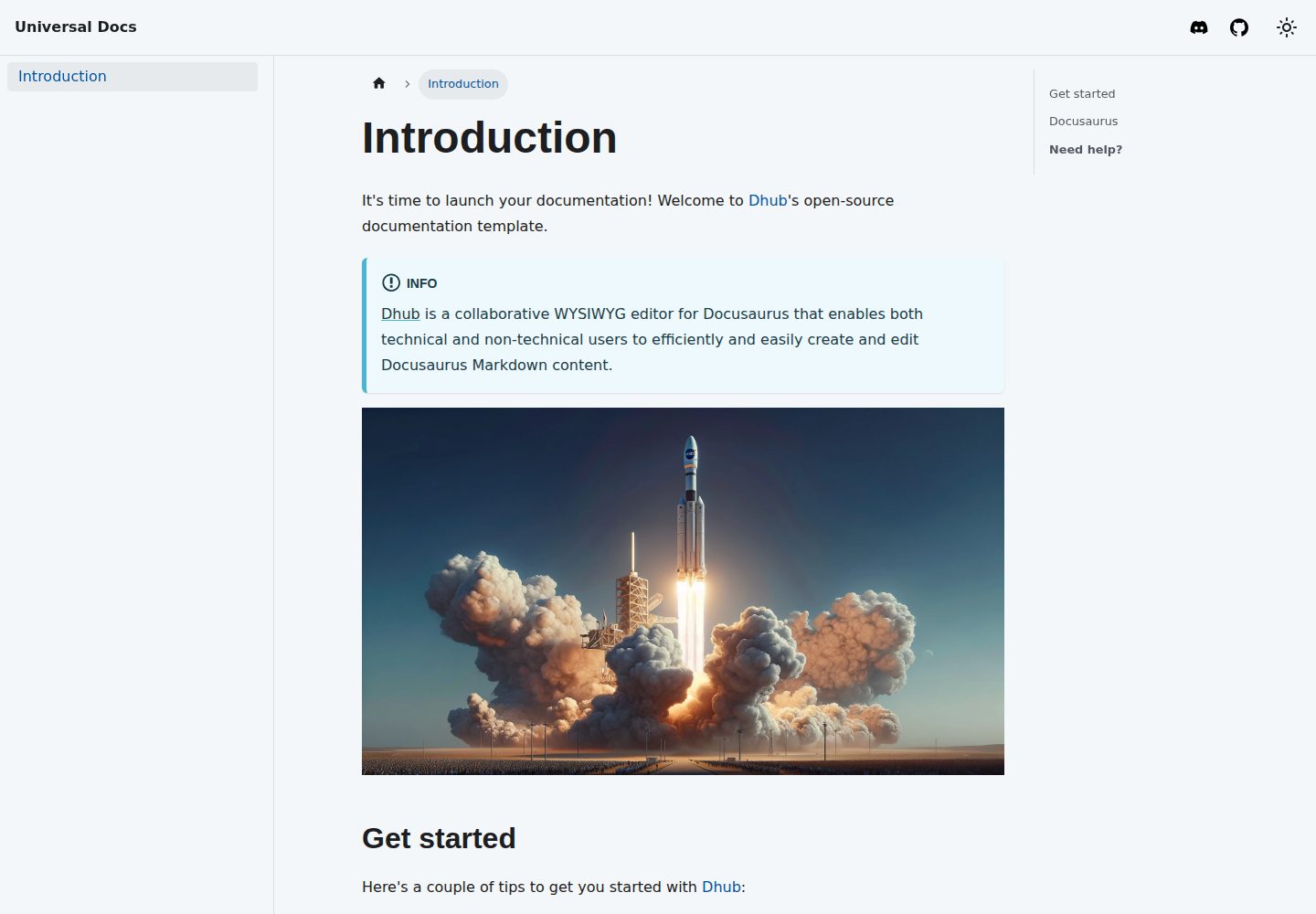
template-docusaurus-docs
A Docusaurus documentation site template from dhub.dev, written in MDX and licensed under MIT. It provides an online preview and runs locally via npm install and npm start.
Docusaurus · Documentation
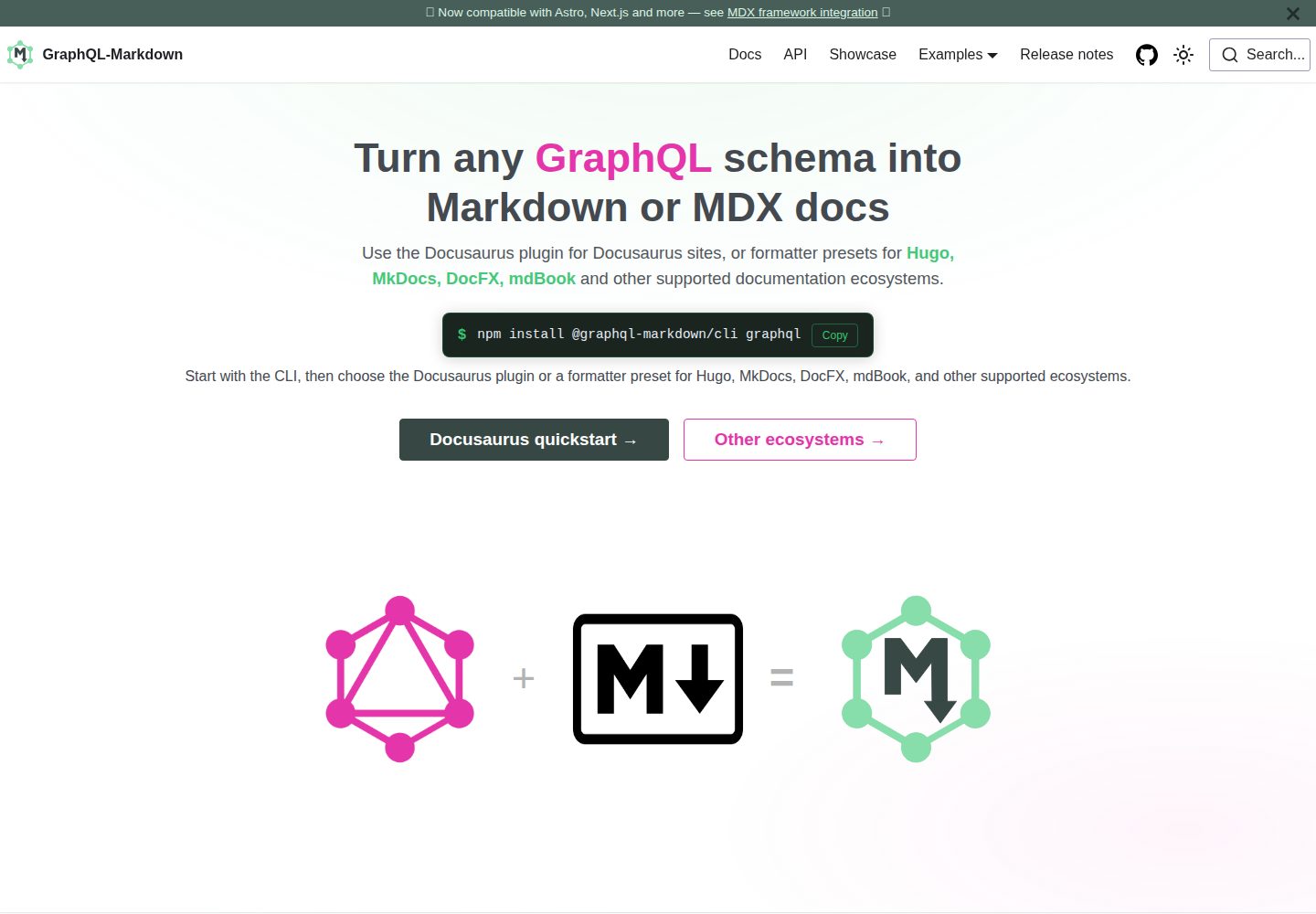
template
The official GraphQL-Markdown Docusaurus template for building documentation sites from a GraphQL schema.
Docusaurus · Documentation
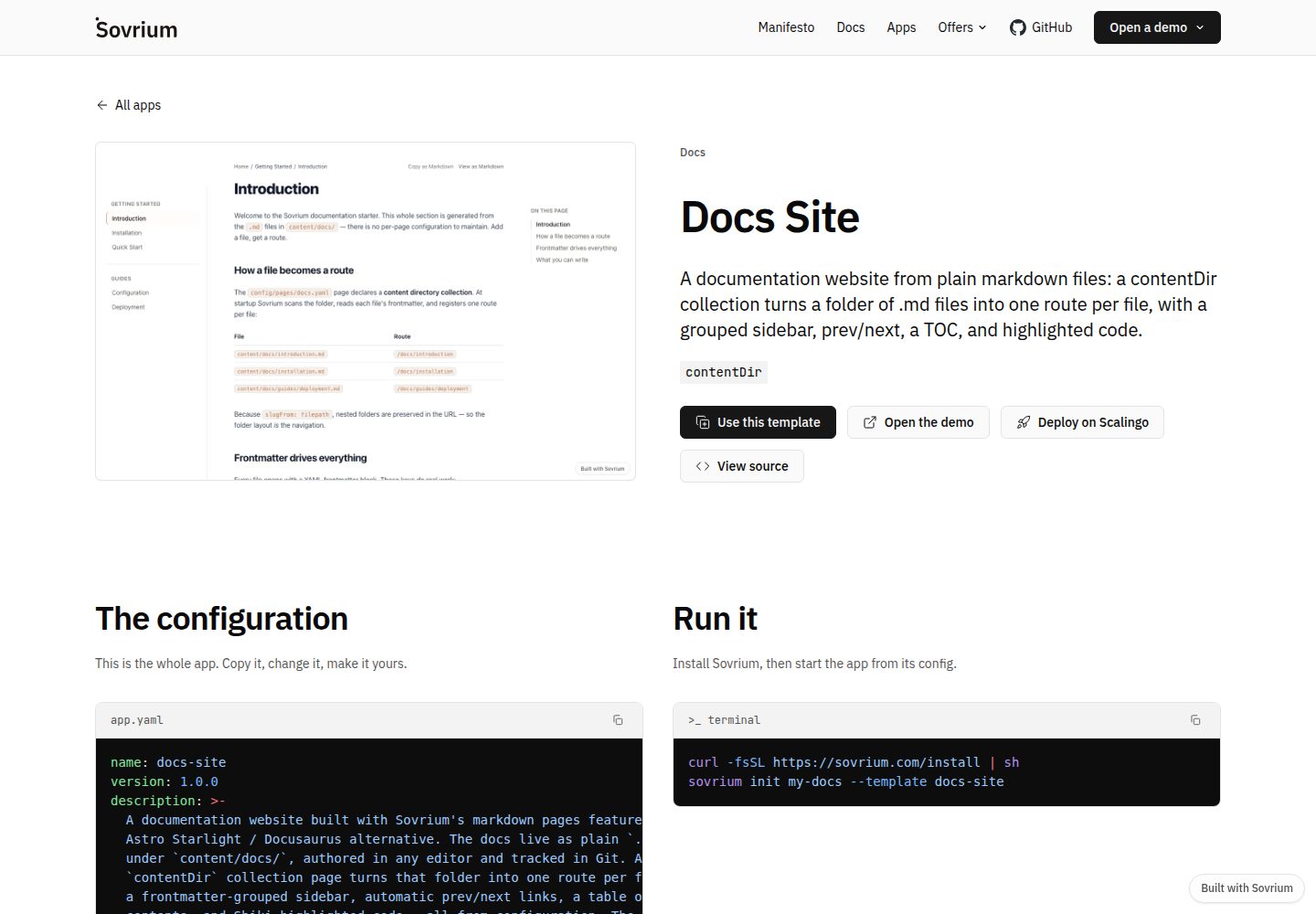
docs-site-template
A documentation site template built on the Sovrium configuration-as-code engine, positioned as a Docusaurus alternative.
Docusaurus · Documentation
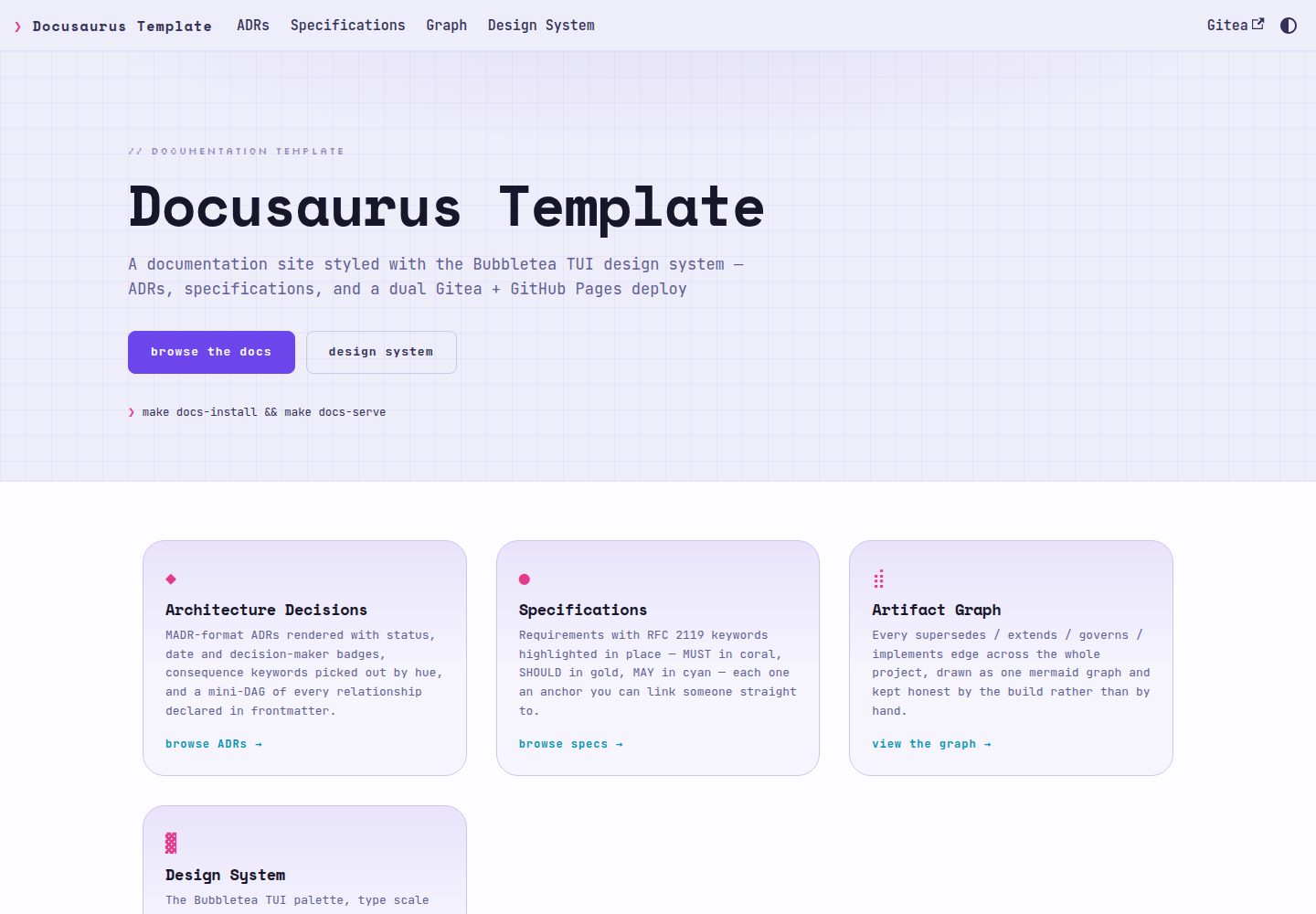
docusaurus-template
A Docusaurus documentation template using the Bubbletea TUI design system, rendering ADRs in MADR format and RFC 2119 specifications as first-class content with auto-linked ADR references, relationship diagrams, and dual publishing to Gitea Pages and GitHub Pages.
Docusaurus · Documentation