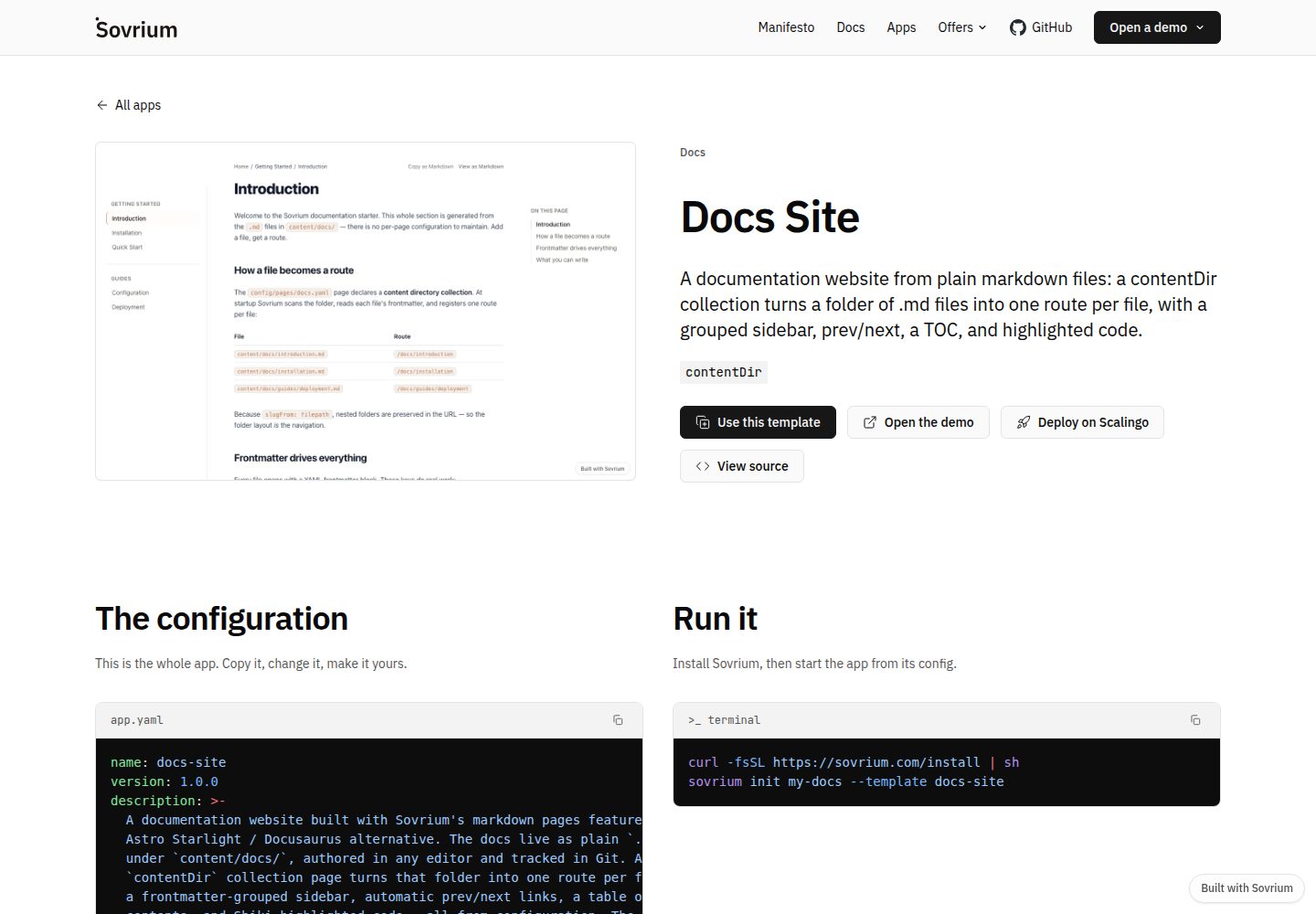
Markdown files as routes: each file under content/docs/ generates a page
DocusaurusDocumentation
docs-site-template — Docusaurus Documentation Template
By sovrium
A documentation site template built on the Sovrium configuration-as-code engine that turns Markdown files under content/docs/ into a documentation site with a grouped sidebar, previous/next navigation, table of contents, and Shiki code blocks.
Explore the design
Compare the page layouts and mobile experience. Open any screenshot for a closer look.
Desktop homepage1 / 2
Desktop captureTop of page
Actual screenshot captured by the server browser.
All pages & views 2
Screenshots show visual appearance; interactive behavior may differ.
Recorded 2026-10-01View source
What stands out
A quick read of the recorded project description.
Automatically generated grouped sidebar, previous/next navigation, and table of contents (TOC)
Code block highlighting with Shiki
The site is fully declared by app.yaml and config/, with no application code required
Zero-configuration local startup: embedded SQLite and local file storage, no environment variables required
One-click deploy button for Scalingo, with automatically generated secrets and a PostgreSQL add-on
Template Details
This is a documentation site template positioned as an alternative to Docusaurus. It does not rely on traditional front-end application code; instead, the entire site is declared through app.yaml and configuration under the config/ directory, and the Sovrium engine interprets the configuration to generate a self-hosted web application. At the content level, each Markdown file under content/docs/ corresponds to a route and automatically receives a grouped sidebar, previous/next navigation, a table of contents (TOC), and Shiki code highlighting.
To use it, you can click Use this template on GitHub to copy the repository, or initialize locally with sovrium init my-docs-site --template docs-site. Running locally only requires sovrium start app.yaml; by default it uses embedded SQLite and local file storage, and startup does not require environment variables. Optional database, authentication bootstrap, email, and AI-related variables are listed in .env.example.
For deployment, the README provides a one-click deploy button for Scalingo, which includes a PostgreSQL add-on because the Scalingo filesystem is ephemeral; the database is used to retain data across deployments, and file uploads are also stored in Postgres. Secrets are generated automatically, and you only need to fill in BASE_URL. Other hosts can likewise run the sovrium binary and load this configuration. The repository is published automatically by the main Sovrium repository on each release; issues can be filed here, while code contributions must go back to the upstream main repository. The engine version is pinned in .sovrium-version.
DocusaurusDocumentation
Is it right for your project?
Use Cases
- Building a self-hosted Markdown documentation site for an open-source project or product
- Quickly previewing and iterating on documentation content and sidebar structure locally
- Deploying a documentation site with a database via Scalingo or another host
- Comparing and evaluating documentation site options beyond Docusaurus
Suitable For
- Teams that want to maintain documentation in Markdown without writing front-end application code
- Users who need a self-hosted documentation site and accept the Sovrium configuration approach
- Developers willing to adjust site behavior by modifying app.yaml and config/
Getting started & customization
Use these recorded setup notes alongside the repository instructions for your chosen version.
- 1
Click Use this template on GitHub to copy the repository, or run sovrium init my-docs-site --template docs-site to initialize locally
- 2
Run locally with sovrium start app.yaml; by default it uses embedded SQLite and local file storage, with no environment variables required
- 3
Optional configuration is described in .env.example, covering database, authentication bootstrap, email, and AI-related variables
- 4
When deploying to Scalingo, use the button in the README; it includes a PostgreSQL add-on, and you need to fill in BASE_URL
- 5
The engine version is pinned in .sovrium-version; code contributions must be submitted to the upstream main Sovrium repository
License & source material
Usage conditions & limitations
Free to use · keep license noticeThis listing covers the free version of the public repository under the MIT license; the free scope is the code of this version and does not mean that external services or third-party assets are free.
Must comply with when using
- You may use, modify, commercialize, and distribute the code of this version for free.
- When distributing copies or substantial portions of the code, retain the original author's copyright notice and the full MIT license notice.
- The code is provided as is; warranties and limitations of liability are governed by the original license and applicable law.
Additional costs & items to verify
- The template code is under the MIT license, but the Sovrium engine required to run it is licensed separately (BSL 1.1) and is not MIT; using this template in practice depends on and is subject to the engine's own license terms.
- The repository is published automatically by the main Sovrium repository, and code contributions must be submitted to the upstream main repository; local modifications may be overwritten on the next release.
- Code contributions must be submitted to the upstream monorepo, not to this repository.
- The template is bound to a specific engine version (recorded in .sovrium-version) and must be run with the corresponding version of the Sovrium engine.
- When deploying to Scalingo, the filesystem is ephemeral, so data persistence depends on the PostgreSQL add-on, and file uploads are also stored in Postgres, requiring additional database configuration.
- Demo images, fonts, icons, and other third-party assets must be checked against their respective licenses; the MIT license of the code alone is not sufficient to determine their terms.
- External services such as domains, hosting, databases, payments, or AI may incur separate charges.
View Original Text Basis
Permission is hereby granted, free of charge
Original License Text
The Sovrium engine itself is licensed separately ([BSL 1.1](https://github.com/sovrium/sovrium/blob/main/LICENSE.md)).
Original README
This repository is **auto-published from the [Sovrium monorepo](https://github.com/sovrium/sovrium)** on every release
Original README
please send code contributions upstream to the monorepo so the template stays in sync with the engine.
Original README
The pinned engine release lives in `.sovrium-version`.
Original README
https://github.com/sovrium/docs-site-template/blob/main/LICENSEhttps://github.com/sovrium/docs-site-template/blob/main/README.mdScalingo's filesystem is ephemeral — the database keeps your data across deploys; file uploads are stored in Postgres too
Original README
Compiled by DeepSeek based on repository license and README ·2026-10-01. Results only cover the materials read; dependencies, images, fonts, and subsequent term changes are subject to their respective original texts.
Project checks & description sources
Template Information
- Source platforms
- GitHub
- Documentation and maintenance reference score
- More documented · 80 / 100
- Technologies
- Docusaurus
- Website type
- Documentation
How this score is calculated
Our heuristic uses license records (up to 30), a demo link (12), a preview (10), stars (15), recorded maintenance (15), description completeness (8), feature records (5) and classification data (5). It is not a code, security or performance test, or a Google score. A link does not establish tested functionality.
What to verify for this project
- Repository update recorded
- 2026-09-27
- Screenshot last checked
- 2026-10-01
A demo link is listed. Check it with your own content and viewport sizes; its presence does not confirm that forms, authentication or payments work.
The catalog identifies Docusaurus as the primary stack. Check the actual dependency manifest and lockfile for versions and hosting requirements. These notes use recorded metadata, not a code audit or a deployment test.
Use a selection guide →How this description was prepared
AI-assisted description based on catalog records and repository material. Repository authors are not automatically the reviewers of this description.
Automatically checked against source and license rules; no manual editorial review.
Inspect the recorded source material
SHA-256: 81e6992082fe5adf03e20f2ce5c14030d0633e8d9d21f14bf78ef2ca3dd5ada5
2026-10-01T03:43:04.107Z
Source file / repository# Sovrium Docs Site > A docs website from markdown — a Docusaurus alternative. Built with [Sovrium](https://sovrium.com) — a configuration-as-code interpreter: one config file in, a complete self-hosted web application out. [](https://dashboard.scalingo.com/create/app?source=https://github.com/sovrium/docs-site-template) ## Use this template Click **Use this template** on GitHub to copy this app into your own repository (clean history, yours to modify), or scaffold it locally: ```bash curl -fsSL https://sovrium.com/install | sh sovrium init my-docs-site --template docs-site ``` ## What's inside Markdown files under `content/docs/` become one route per file with a grouped sidebar, prev/next, a TOC, and Shiki code blocks. Everything is declared in [`app.yaml`](./app.yaml) and the [`config/`](./config) tree — no application code. Edit the config, restart, done. ## Run locally ```bash sovrium start app.yaml ``` Zero-config: embedded SQLite, local file storage, no env vars required to boot. See [`.env.example`](./.env.example) for the optional variables (database, auth bootstrap, email, AI). ## Deploy The **Deploy on Scalingo** button above provisions the app with a PostgreSQL addon (Scalingo's filesystem is ephemeral — the database keeps your data across deploys; file uploads are stored in Postgres too). Secrets are generated automatically; you only fill in `BASE_URL`. Any other host works the same way: run the `sovrium` binary with this config (see the [deployment guides](https://sovrium.com/en/docs/installation)). ## About this repository This repository is **auto-published from the [Sovrium monorepo](https://github.com/sovrium/sovrium)** on every release (source: [`templates/docs-site`](https://github.com/sovrium/sovrium/tree/main/templates/docs-site)). Issues are welcome here; please send code contributions upstream to the monorepo so the template stays in sync with the engine. The pinned engine release lives in `.sovrium-version`. License: [MIT](./LICENSE). The Sovrium engine itself is licensed separately ([BSL 1.1](https://github.com/sovrium/sovrium/blob/main/LICENSE.md)).
Explore similar templates
Compare previews and descriptions within the same stack and category.
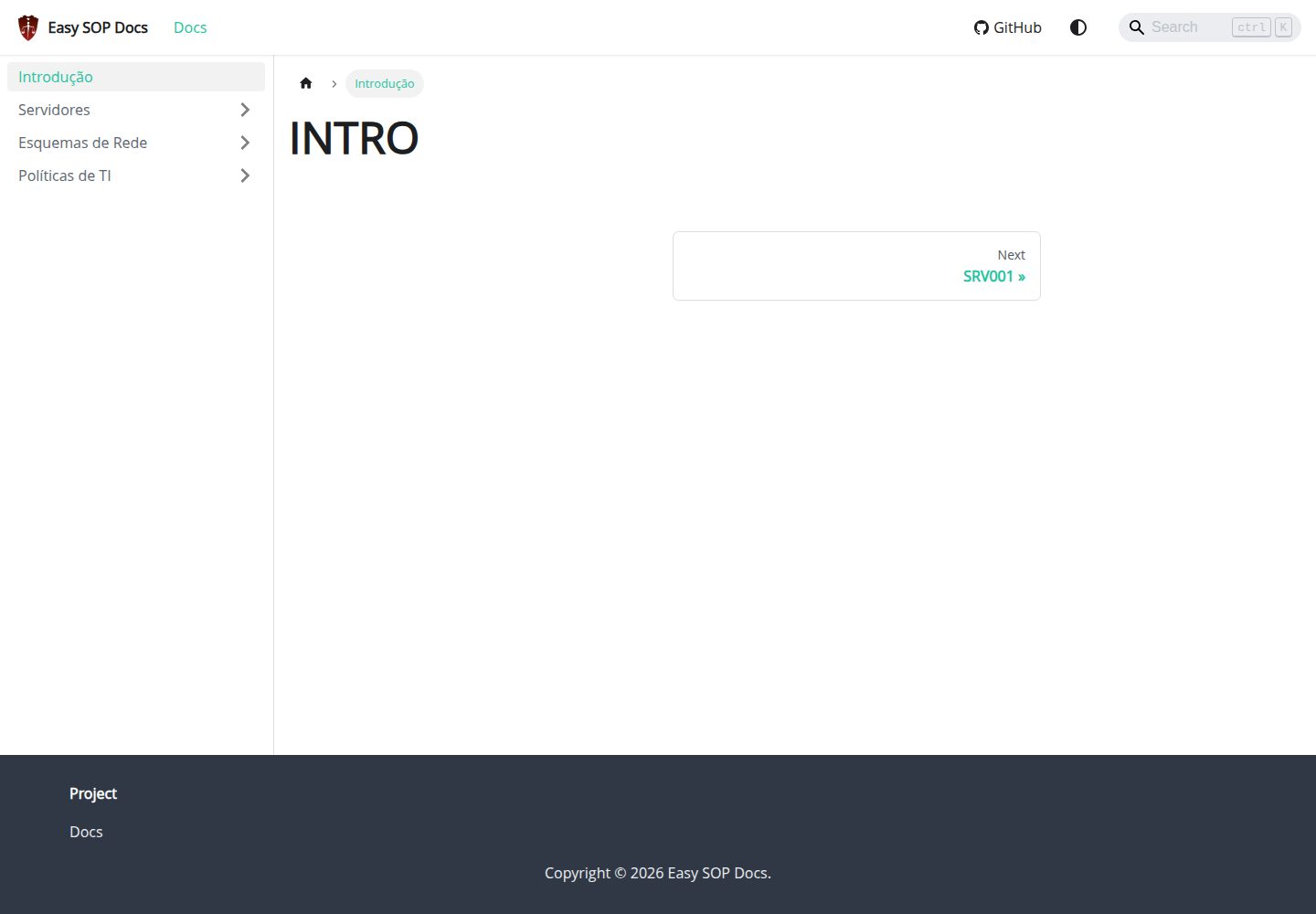
easy-sop-docs
A Docusaurus and React documentation site template for SOPs, runbooks, server descriptions, IT policies, and operations documentation. It includes local search via @easyops-cn/docusaurus-search-local (English and Portuguese, index generated only in production builds) and Mermaid diagrams via @docusaurus/theme-mermaid.
Docusaurus · Documentation
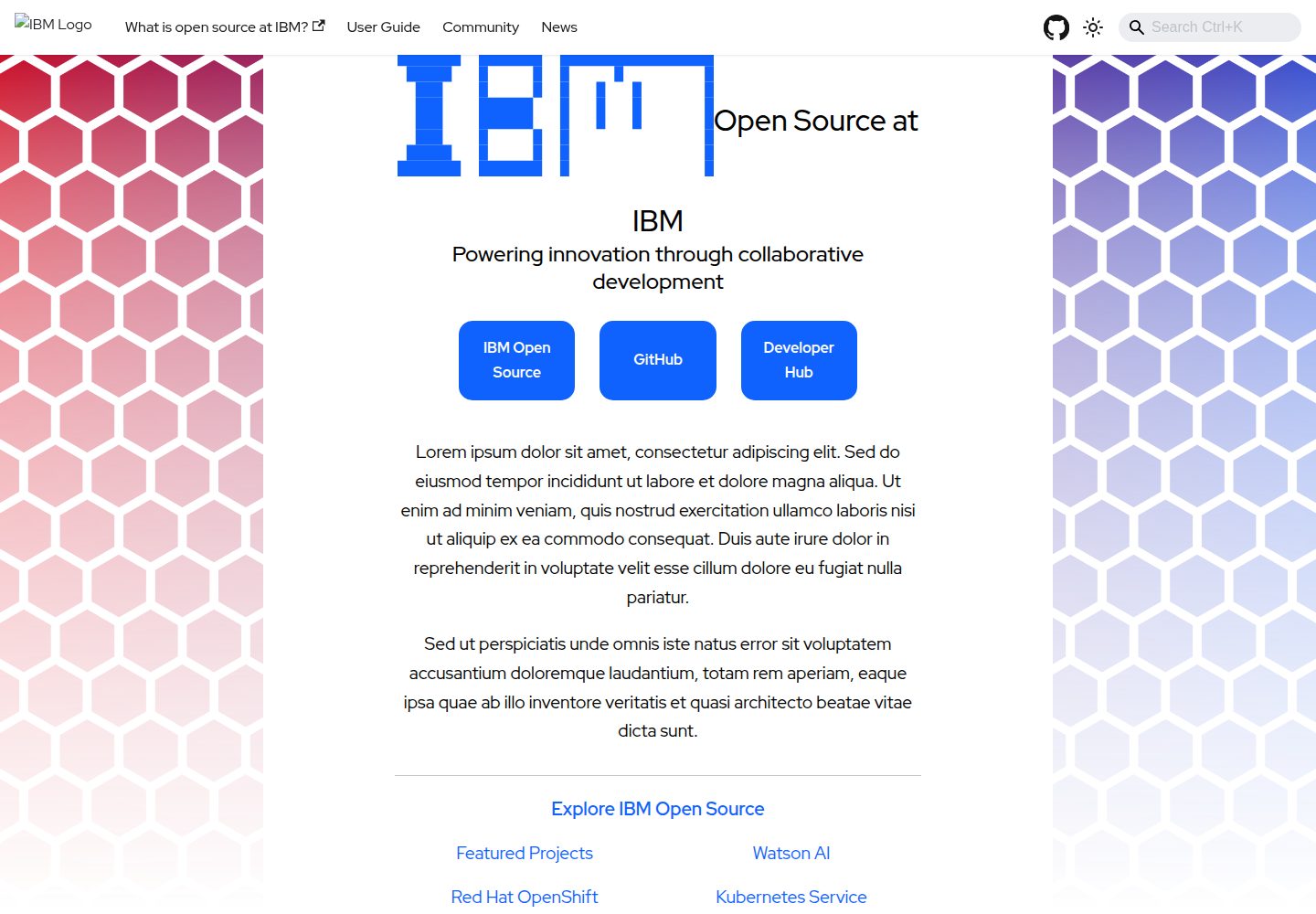
project-documentation-template
An IBM open-source Docusaurus documentation site template for large projects that need standalone documentation pages.
Docusaurus · Documentation
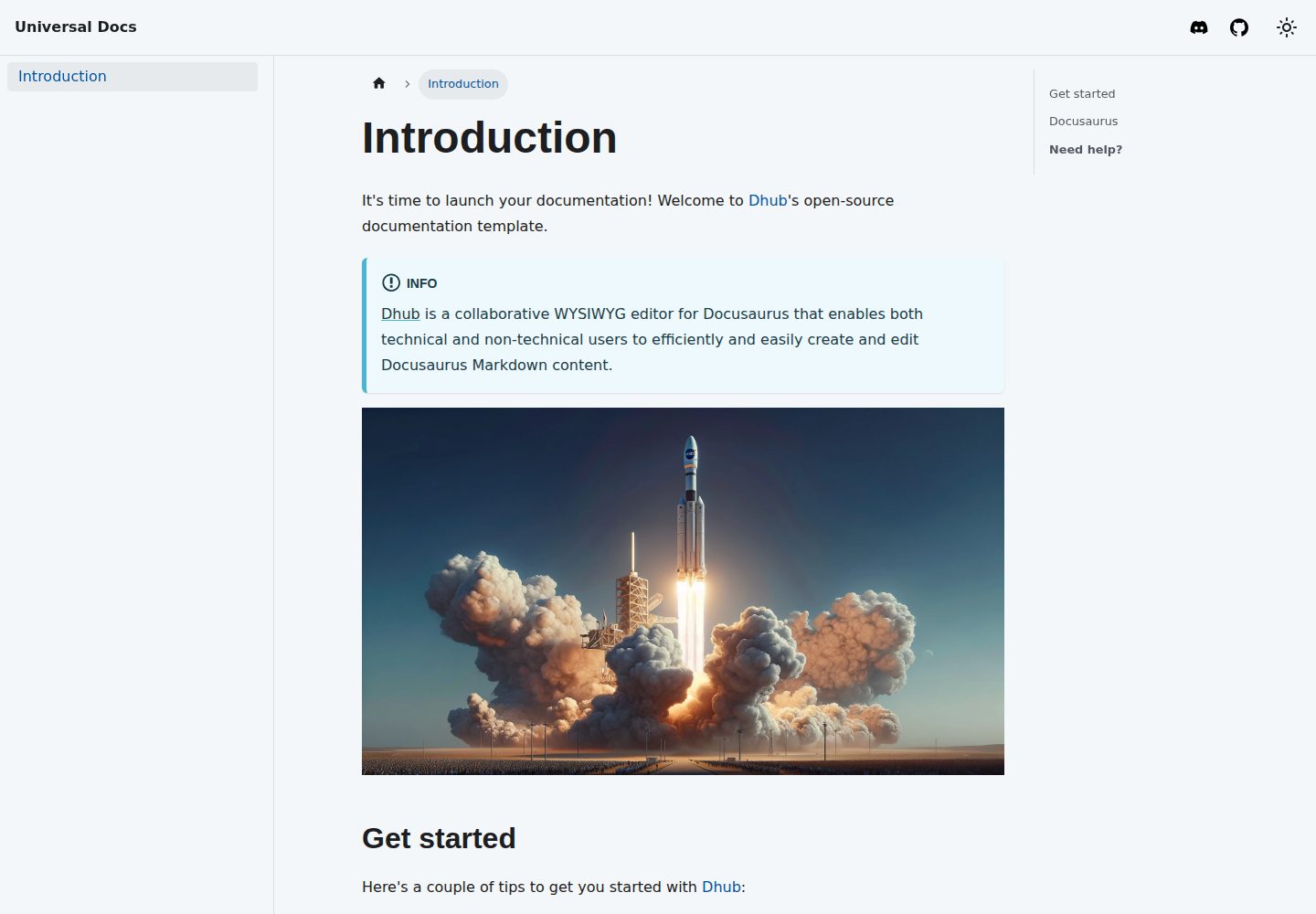
template-docusaurus-docs
A Docusaurus documentation site template from dhub.dev, written in MDX and licensed under MIT. It provides an online preview and runs locally via npm install and npm start.
Docusaurus · Documentation
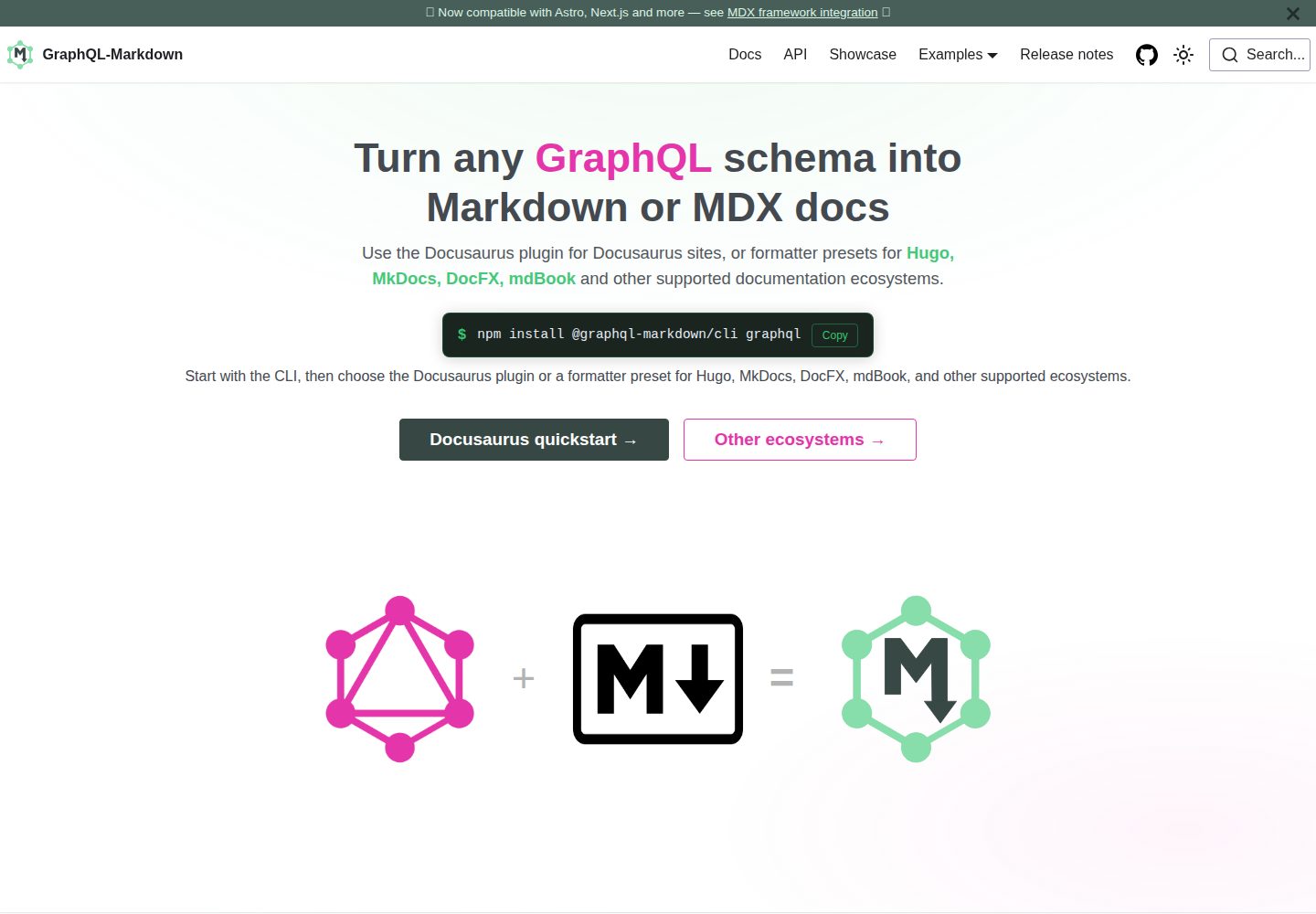
template
The official GraphQL-Markdown Docusaurus template for building documentation sites from a GraphQL schema.
Docusaurus · Documentation
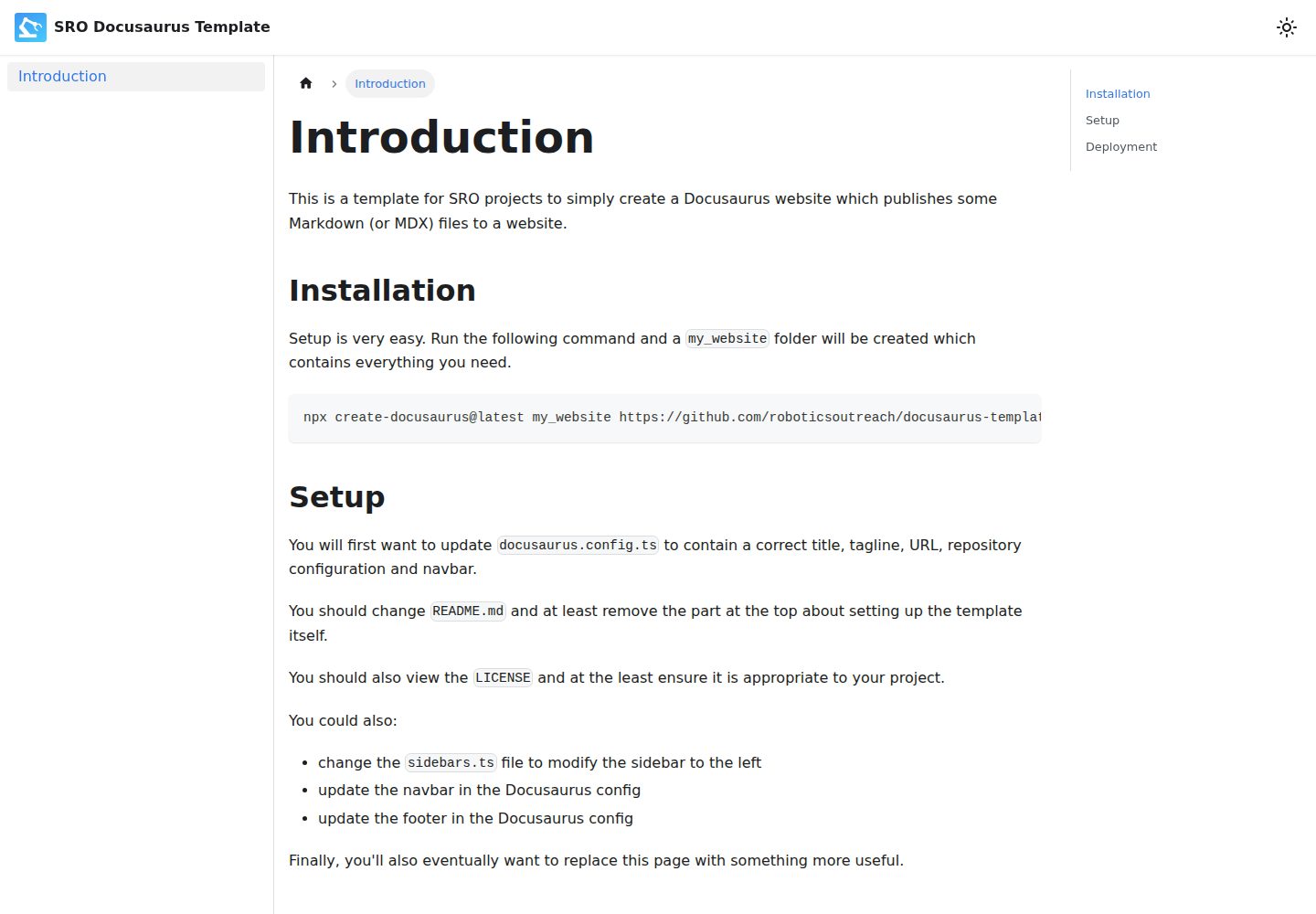
docusaurus-template
A Docusaurus-based Markdown documentation website template, preconfigured by SRO, with a GitHub Pages deployment workflow. It generates a project via create-docusaurus, provides centralized configuration through docusaurus.config.ts and sidebars.ts, and is licensed under ISC.
Docusaurus · Documentation
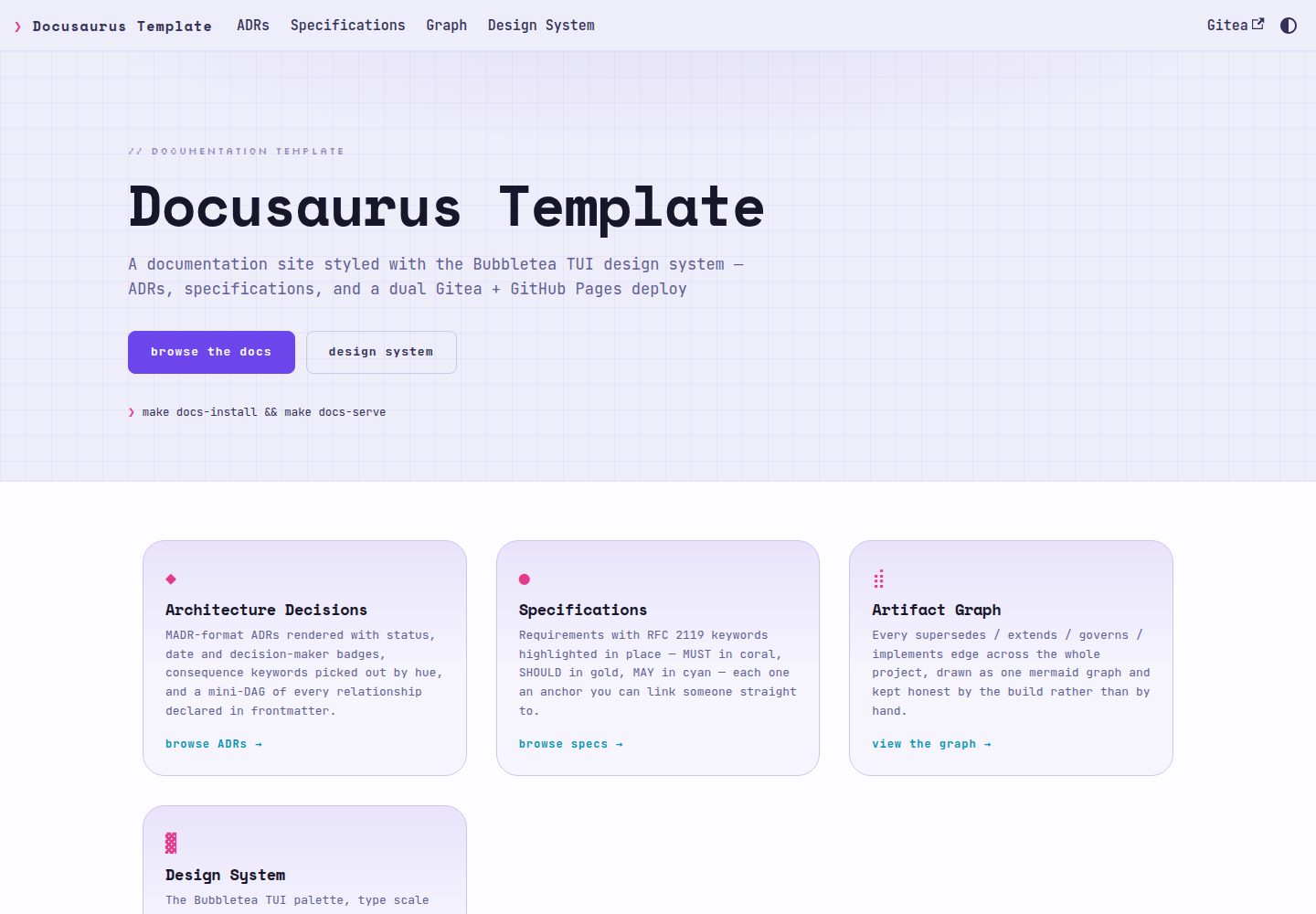
docusaurus-template
A Docusaurus documentation template using the Bubbletea TUI design system, rendering ADRs in MADR format and RFC 2119 specifications as first-class content with auto-linked ADR references, relationship diagrams, and dual publishing to Gitea Pages and GitHub Pages.
Docusaurus · Documentation