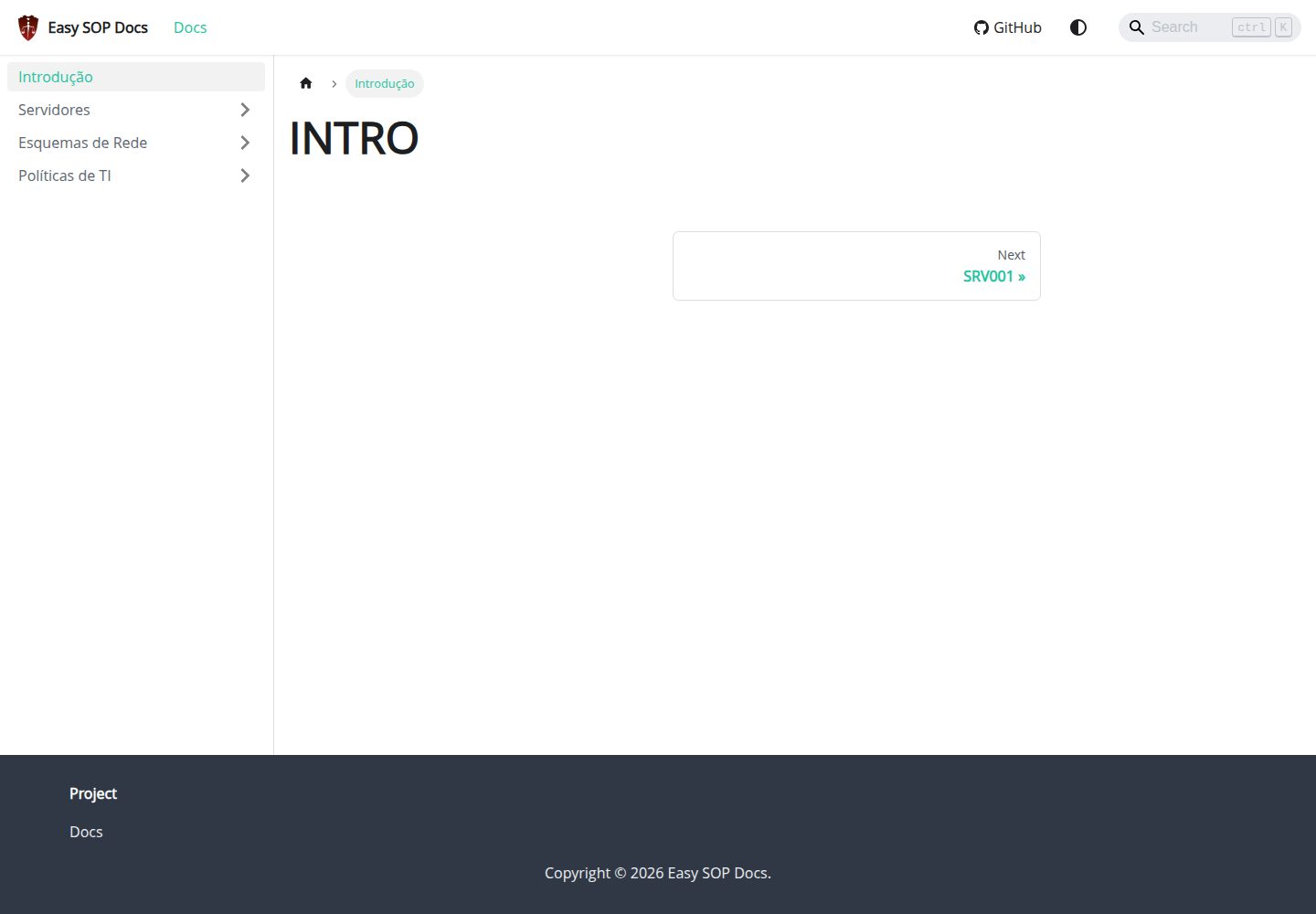
A documentation site template built on Docusaurus and React, aimed at SOPs, runbooks, servers, and IT policy content
DocusaurusReactDocumentation
easy-sop-docs — Docusaurus Documentation Template
By paulo-amaral
A documentation template built on Docusaurus and React for writing SOPs, operations manuals, server descriptions, and IT policies.
Explore the design
Compare the page layouts and mobile experience. Open any screenshot for a closer look.
Desktop homepage1 / 2
Desktop captureTop of page
Actual screenshot captured by the server browser.
All pages & views 2
Screenshots show visual appearance; interactive behavior may differ.
Recorded 2026-10-01View source
What stands out
A quick read of the recorded project description.
Built-in @easyops-cn/docusaurus-search-local local search, configured for English and Portuguese, with the index generated only during production builds
Mermaid enabled via @docusaurus/theme-mermaid, allowing flowcharts and other diagrams in Markdown
Provides Docker Compose deployment, with the site listening on port 3000 by default after container startup
Includes a GitHub Pages workflow and an Ansible deployment playbook, covering both static hosting and server deployment paths
Template Details
This is a Docusaurus documentation site template aimed at writing and publishing SOPs (standard operating procedures), runbooks, server descriptions, IT policies, and day-to-day operations documentation. The repository describes it as a "Simple Docusaurus 3 template," with a tech stack of Docusaurus and React.
The template includes built-in local search and Mermaid diagram support. Search uses the community-maintained @easyops-cn/docusaurus-search-local, configured as a theme in docusaurus.config.js, with English and Portuguese languages, no blog or page indexing, and the docs route base path set to root; the search index is generated only during production builds. Mermaid is enabled via the @docusaurus/theme-mermaid theme, allowing flowcharts and other diagrams to be drawn in Markdown using mermaid code blocks.
Three deployment methods are provided: local development using npm install and npm run start; production build using npm run build and npm run serve; containerized deployment via Docker Compose (docker-compose up -d --build or docker compose up -d --build), with the site accessible by default at http://localhost:3000; it also provides a GitHub Pages workflow (.github/workflows/pages.yml, publishing the main branch, requiring the Pages source to be set to GitHub Actions) and an Ansible deployment playbook (deploy/ansible/deploy.yml, requiring modification of the hosts in inventory.example.ini before running).
The runtime requires Node.js 18+ and npm. The code is MIT-licensed, allowing free use, modification, commercial use, and distribution, but third-party assets such as demo images, fonts, and icons require separate license verification; external services such as domains and hosting may incur additional charges.
DocusaurusReactDocumentation
Is it right for your project?
Use Cases
- Writing and publishing internal standard operating procedures (SOPs) and operational guidelines
- Organizing server inventories, runbooks, and incident handling processes
- Centrally maintaining IT policies, compliance requirements, and operational process documentation
- Using Mermaid to draw process, architecture, or incident handling diagrams within documentation
Suitable For
- Teams that need to consolidate operations and IT processes in the form of a documentation site
- Users familiar with Node.js and npm who can execute build and deployment commands themselves
- Projects that want to quickly launch a documentation site using Docker Compose or GitHub Pages
- Technical writing scenarios that require embedding flowcharts and supporting in-site search
Getting started & customization
Use these recorded setup notes alongside the repository instructions for your chosen version.
- 1
Requires Node.js 18+ and npm; for local development, run npm install then npm run start
- 2
The search index is generated only during production builds; run npm run build then npm run serve to verify search
- 3
For Docker deployment, run docker-compose up -d --build (or docker compose up -d --build); the site is accessible by default at http://localhost:3000
- 4
For GitHub Pages, set the Pages source to GitHub Actions; the workflow publishes the main branch
- 5
Before running the Ansible playbook, modify the target hosts in deploy/ansible/inventory.example.ini
License & source material
Usage conditions & limitations
Free to use · keep license noticeThis entry covers the free version in a public repository under the MIT license; the free scope is the code of that version and does not imply that external services or third-party assets are free.
Must comply with when using
- The code of this version may be used, modified, used commercially, and distributed free of charge.
- When distributing copies or substantial portions of the code, retain the original author's copyright notice and the full MIT license notice.
- The code is provided as is; warranties and limitations of liability are governed by the original license and applicable law.
Additional costs & items to verify
- Local/offline search relies on the community-maintained third-party package @easyops-cn/docusaurus-search-local, which is not an official Docusaurus feature; its availability and maintenance status are not controlled by the template author.
- The in-site search index is generated only when running a production build (npm run build); search cannot be verified or used in development mode (npm run start).
- Docker deployment requires installing docker-ce and Docker Compose yourself and relies on the external gist script given in the README, which is an external service/tool dependency.
- Before using Ansible deployment, you must manually modify the target hosts in inventory.example.ini, otherwise the playbook cannot execute correctly.
- GitHub Pages deployment requires manually setting the Pages source to GitHub Actions in the repository settings, which is a platform-side configuration requirement.
- Demo images, fonts, icons, and other third-party assets must be checked against their respective licenses; the code's MIT license alone cannot be used to judge them.
- External services such as domains, hosting, databases, payments, or AI may incur additional charges.
View Original Text Basis
Permission is hereby granted, free of charge
Original License Text
Docusaurus 3.10.1 provides first-class support for Algolia DocSearch, but local/offline search is still community-maintained.
Original README
Search indexes are generated only from a production build:
Original README
Install `docker-ce` and Docker Compose with this script:
Original README
Edit the host in `deploy/ansible/inventory.example.ini` before running it.
Original README
https://github.com/paulo-amaral/easy-sop-docs/blob/main/LICENSEhttps://github.com/paulo-amaral/easy-sop-docs/blob/main/README.mdEnable GitHub Pages with `GitHub Actions` as the source.
Original README
Compiled by DeepSeek based on repository license and README ·2026-10-01. Results only cover the materials read; dependencies, images, fonts, and subsequent term changes are subject to their respective original texts.
Project checks & description sources
Template Information
- Source platforms
- GitHub
- Documentation and maintenance reference score
- More documented · 88 / 100
- Technologies
- Docusaurus · React
- Website type
- Documentation
How this score is calculated
Our heuristic uses license records (up to 30), a demo link (12), a preview (10), stars (15), recorded maintenance (15), description completeness (8), feature records (5) and classification data (5). It is not a code, security or performance test, or a Google score. A link does not establish tested functionality.
What to verify for this project
- Repository update recorded
- 2026-07-01
- Screenshot last checked
- 2026-10-01
A demo link is listed. Check it with your own content and viewport sizes; its presence does not confirm that forms, authentication or payments work.
The catalog identifies Docusaurus as the primary stack. Check the actual dependency manifest and lockfile for versions and hosting requirements. These notes use recorded metadata, not a code audit or a deployment test.
Use a selection guide →How this description was prepared
AI-assisted description based on catalog records and repository material. Repository authors are not automatically the reviewers of this description.
Automatically checked against source and license rules; no manual editorial review.
Inspect the recorded source material
SHA-256: ff4a20c35a5e27b9bfaa31c980179f404bfaadd164c2a7349d6f74fab38e80fa
2026-10-01T03:46:01.161Z
Source file / repository# Easy SOP Docs
Simple Docusaurus 3 template for SOP documentation, runbooks, servers, IT policies, and operations.
## Requirements
- Node.js 18+
- npm
## Development
```bash
npm install
npm run start
```
## Build
```bash
npm run build
npm run serve
```
## Install Search
Docusaurus 3.10.1 provides first-class support for Algolia DocSearch, but local/offline search is still community-maintained. This project uses:
https://github.com/easyops-cn/docusaurus-search-local
The package is already installed and configured as a theme in `docusaurus.config.js`:
```js
themes: [
'@docusaurus/theme-mermaid',
[
require.resolve('@easyops-cn/docusaurus-search-local'),
{
hashed: true,
language: ['en', 'pt'],
indexBlog: false,
indexPages: true,
docsRouteBasePath: '/',
},
],
],
```
Search indexes are generated only from a production build:
```bash
npm run build
npm run serve
```
## Mermaid
Mermaid diagrams are already enabled:
````md
```mermaid
graph TD;
A[Incident] --> B[Triage];
B --> C[Resolution];
```
````
## Deployment with Docker and Docker Compose
Install `docker-ce` and Docker Compose with this script:
https://gist.github.com/paulo-amaral/d8995b42d6fc3b7a0984ee39ac927550
Clone the repository:
```bash
git clone https://github.com/paulo-amaral/easy-sop-docs.git
cd easy-sop-docs
docker-compose up -d --build
```
The site is available at http://localhost:3000.
With the newer Docker Compose plugin, this also works:
```bash
docker compose up -d --build
```
## GitHub Pages
The `.github/workflows/pages.yml` workflow publishes the `main` branch automatically.
Enable GitHub Pages with `GitHub Actions` as the source.
## Ansible
```bash
ansible-playbook -i deploy/ansible/inventory.example.ini deploy/ansible/deploy.yml
```
Edit the host in `deploy/ansible/inventory.example.ini` before running it.
Explore similar templates
Compare previews and descriptions within the same stack and category.
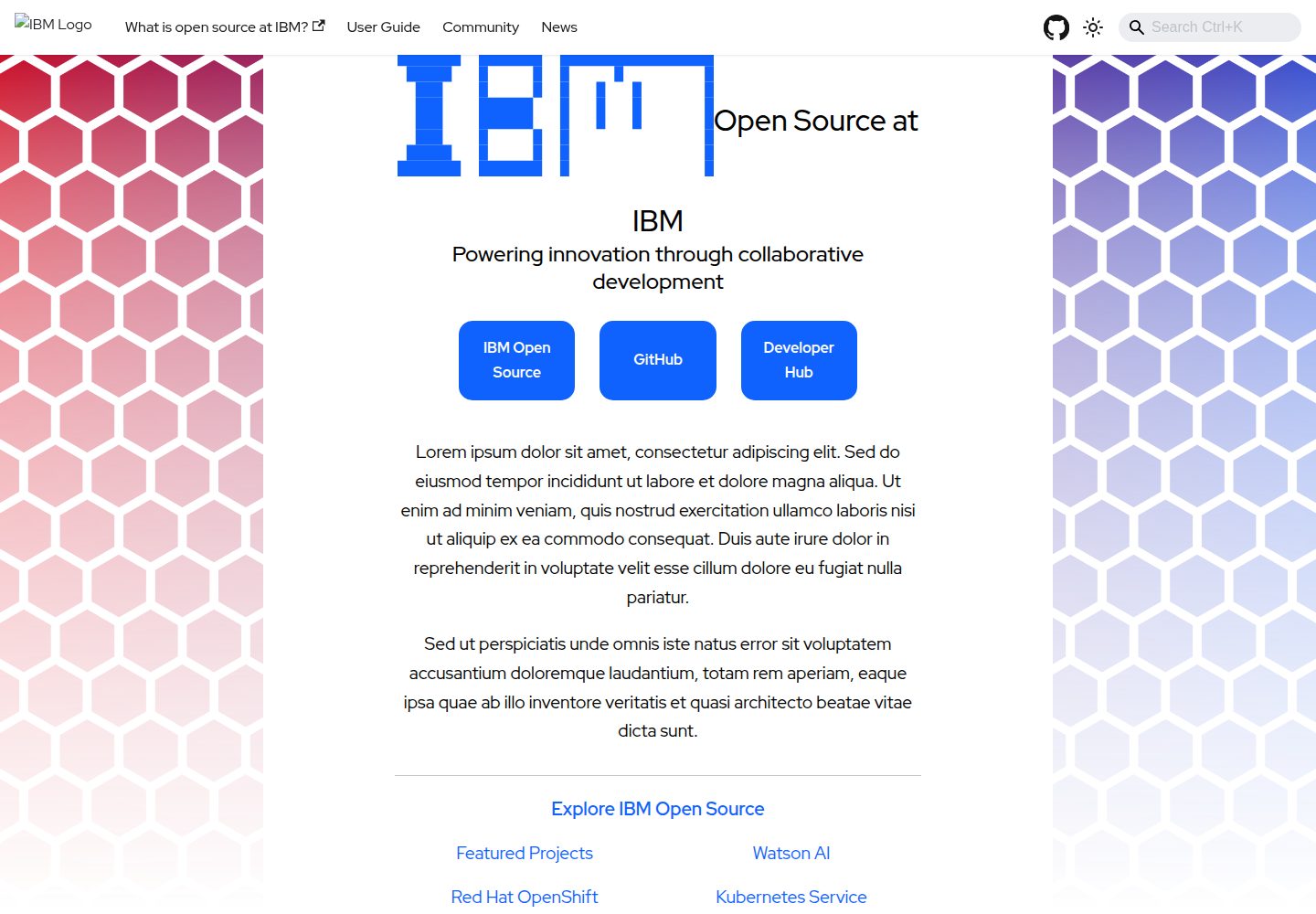
project-documentation-template
An IBM open-source Docusaurus documentation site template for large projects that need standalone documentation pages.
Docusaurus · Documentation
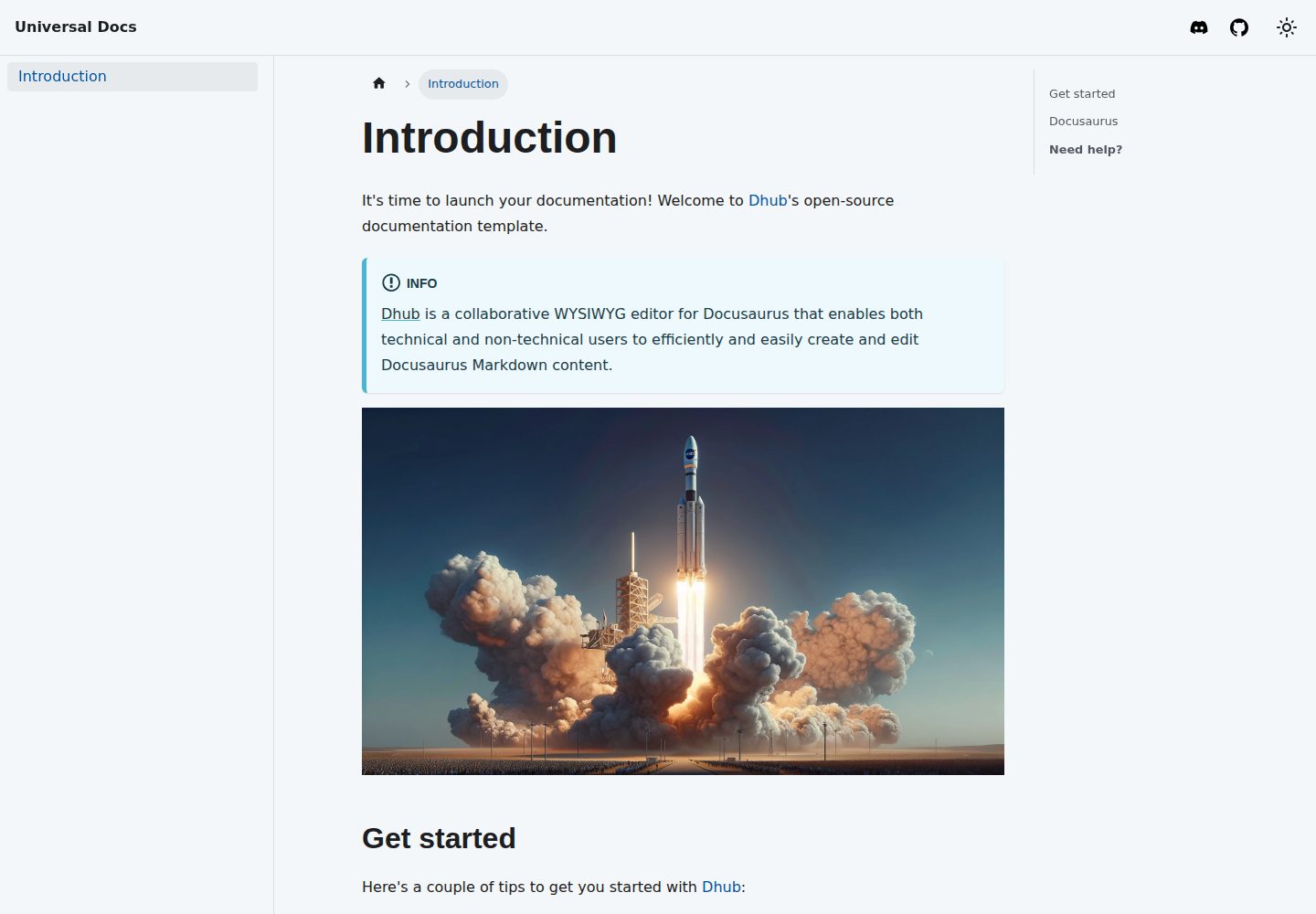
template-docusaurus-docs
A Docusaurus documentation site template from dhub.dev, written in MDX and licensed under MIT. It provides an online preview and runs locally via npm install and npm start.
Docusaurus · Documentation
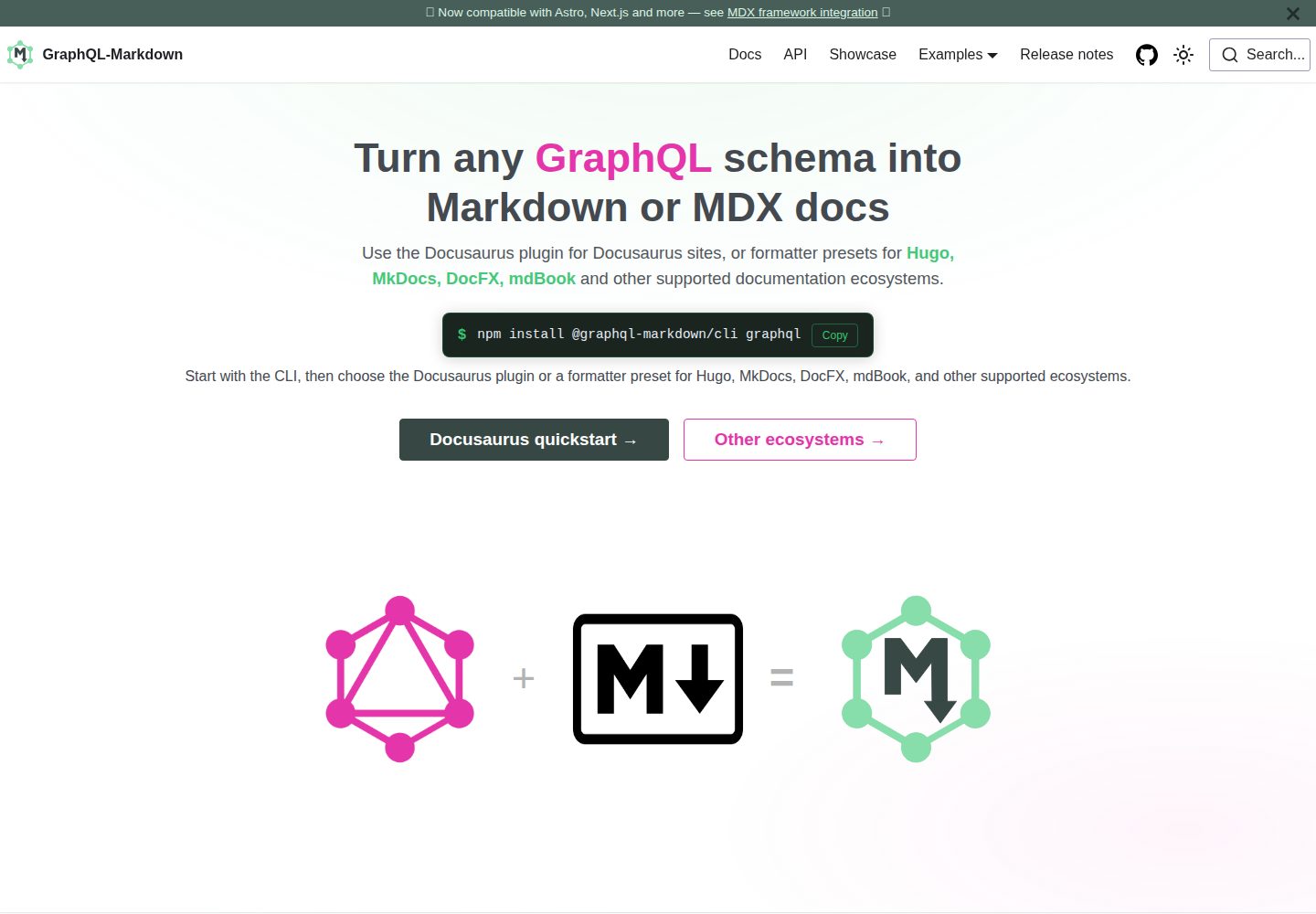
template
The official GraphQL-Markdown Docusaurus template for building documentation sites from a GraphQL schema.
Docusaurus · Documentation
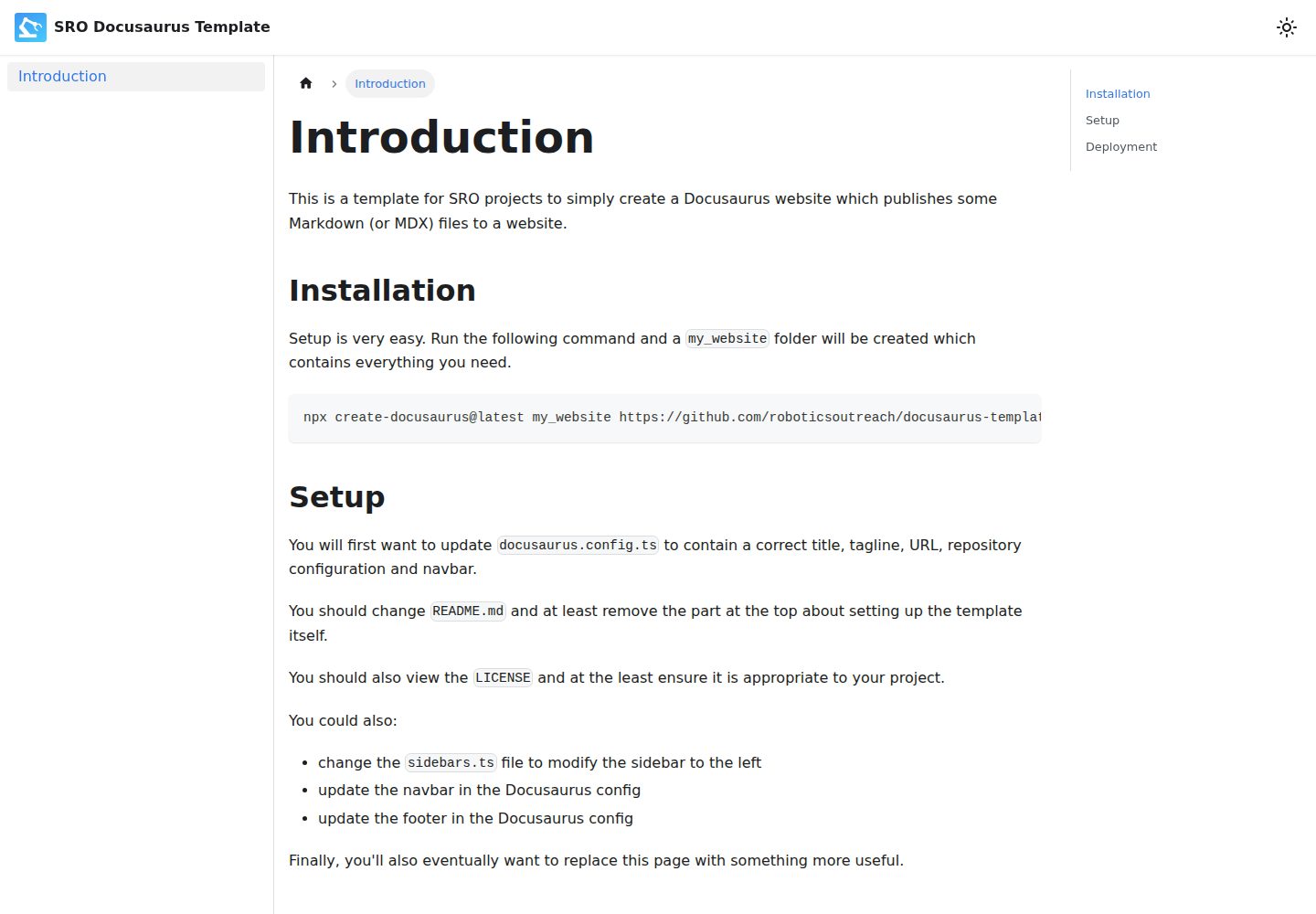
docusaurus-template
A Docusaurus-based Markdown documentation website template, preconfigured by SRO, with a GitHub Pages deployment workflow. It generates a project via create-docusaurus, provides centralized configuration through docusaurus.config.ts and sidebars.ts, and is licensed under ISC.
Docusaurus · Documentation
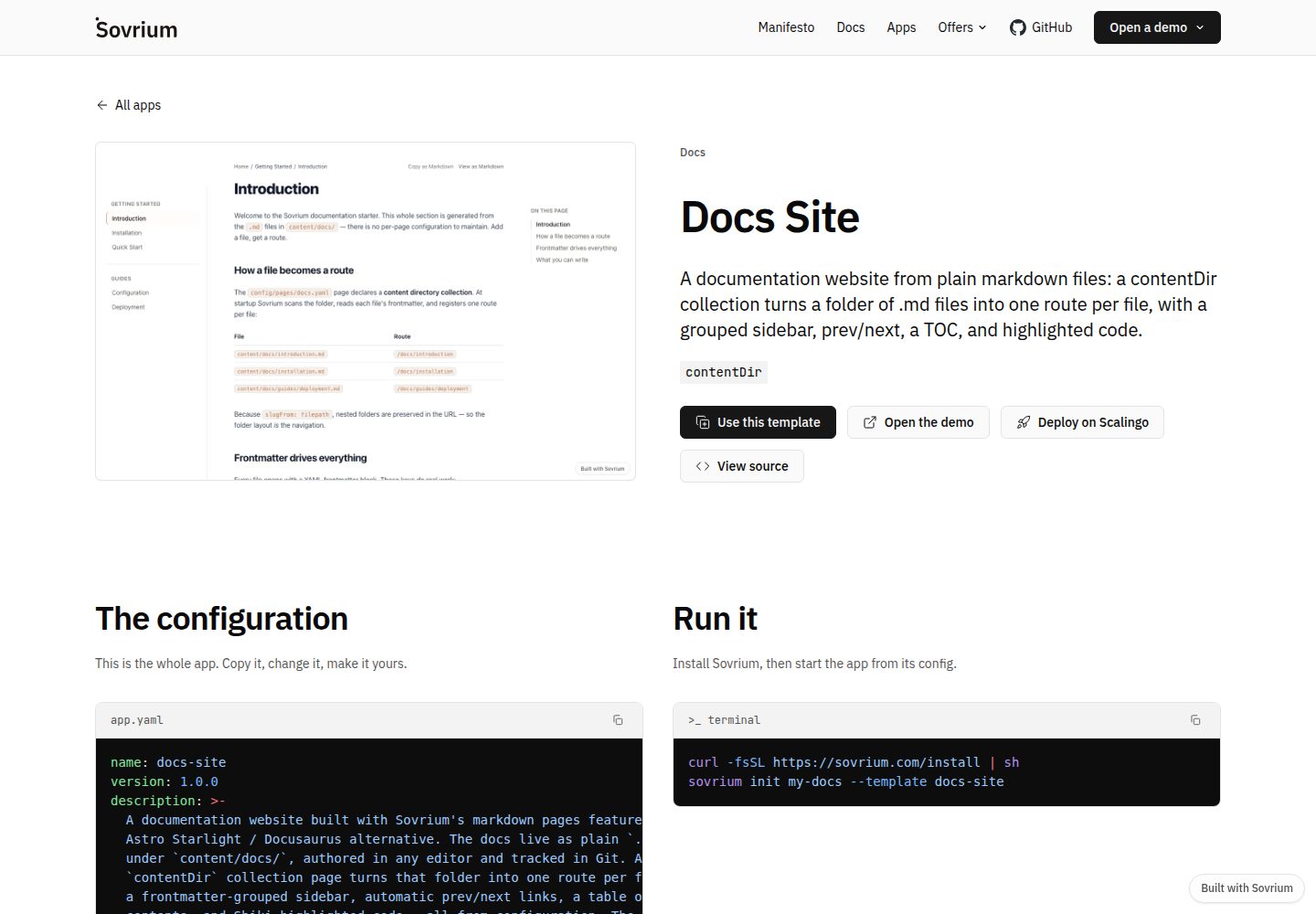
docs-site-template
A documentation site template built on the Sovrium configuration-as-code engine, positioned as a Docusaurus alternative.
Docusaurus · Documentation
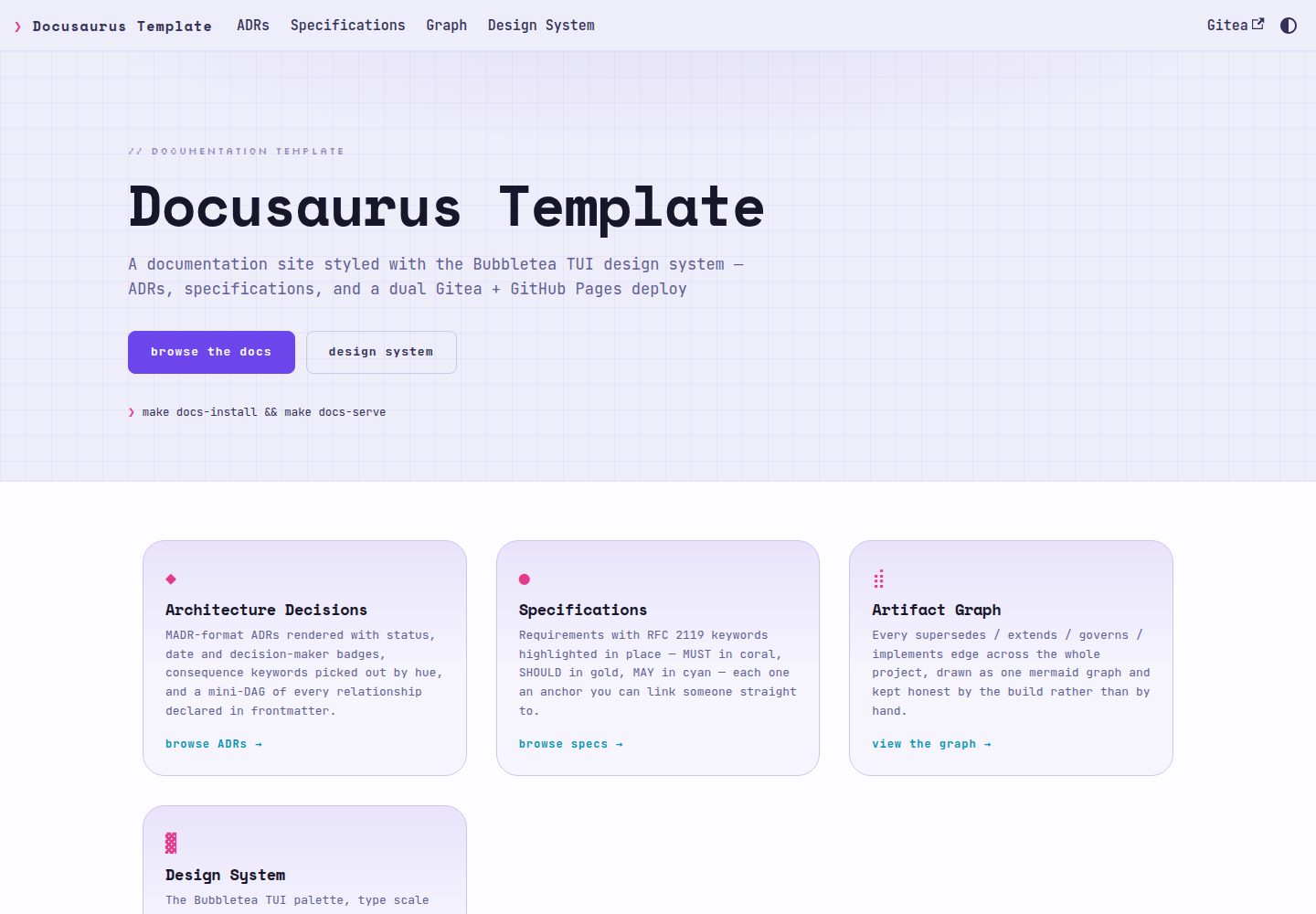
docusaurus-template
A Docusaurus documentation template using the Bubbletea TUI design system, rendering ADRs in MADR format and RFC 2119 specifications as first-class content with auto-linked ADR references, relationship diagrams, and dual publishing to Gitea Pages and GitHub Pages.
Docusaurus · Documentation