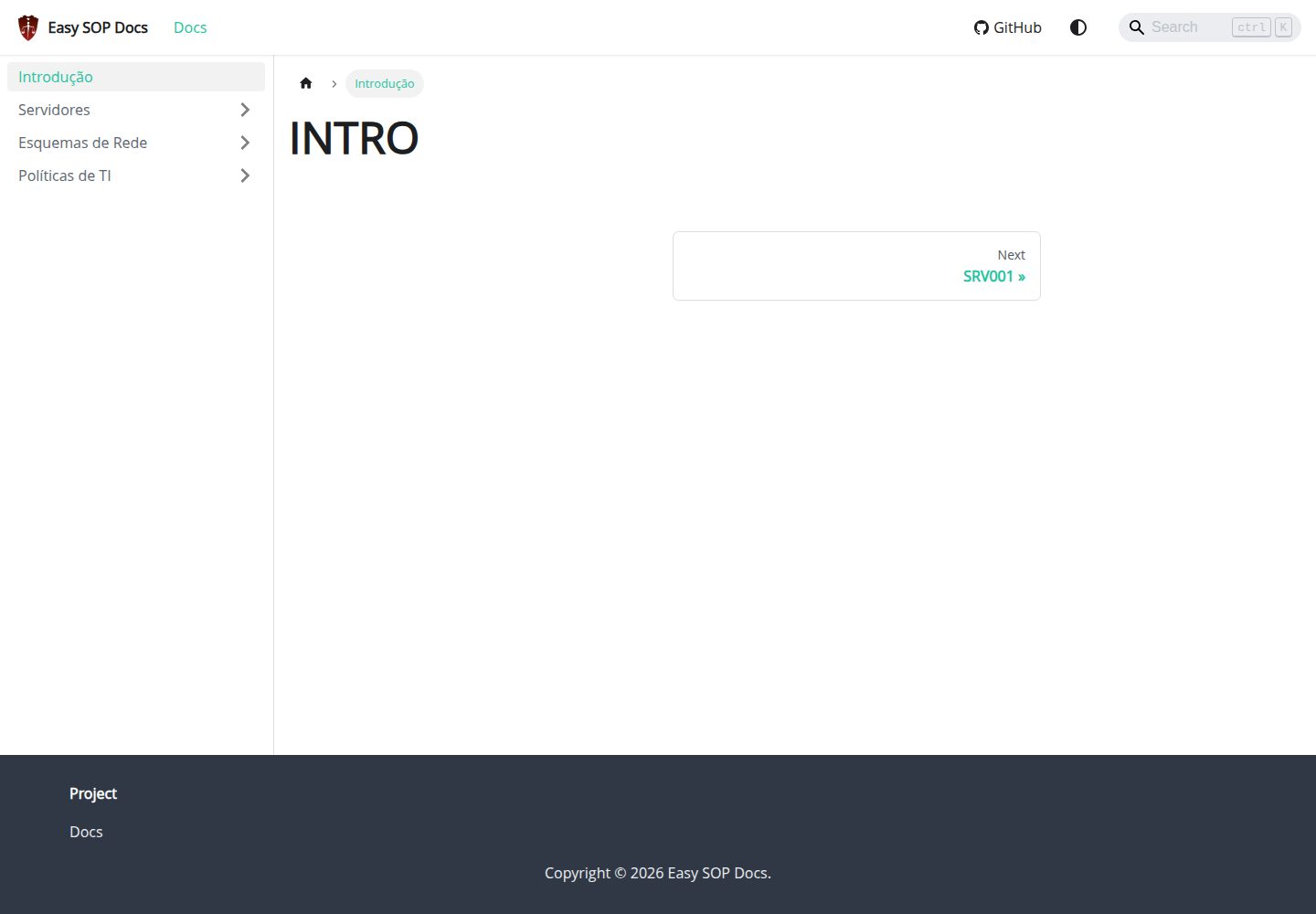
基于 Docusaurus 与 React 的文档站点模板,面向 SOP、runbook、服务器与 IT 政策类内容
DocusaurusReact文档
easy-sop-docs — Docusaurus 文档模板
作者 paulo-amaral
基于 Docusaurus 与 React 的文档模板,用于编写 SOP、运维手册、服务器说明与 IT 政策等运营文档。
看看你的网站会是什么样
浏览真实页面截图,比较内容排版与手机效果。点击下方缩略图切换,放大查看整页细节。
全部页面与视图 2
截图用于了解视觉与布局,交互效果请以实际项目为准。
采集于 2026-10-01查看来源
值得关注的模板亮点
从已有项目资料中,快速了解它的特点。
内置 @easyops-cn/docusaurus-search-local 本地搜索,语言配置为英语与葡萄牙语,索引仅在生产构建时生成
通过 @docusaurus/theme-mermaid 启用 Mermaid,可在 Markdown 中绘制流程图等图表
提供 Docker Compose 部署方式,容器启动后站点默认监听 3000 端口
附带 GitHub Pages 工作流与 Ansible 部署剧本,覆盖静态托管与服务器部署两种路径
模板详细介绍
这是一个 Docusaurus 文档站点模板,面向 SOP(标准作业程序)、runbook、服务器说明、IT 政策与日常运营文档的编写与发布。仓库说明中将其定位为「Simple Docusaurus 3 template」,技术栈为 Docusaurus 与 React。
模板已内置本地搜索与 Mermaid 图表能力。搜索使用社区维护的 @easyops-cn/docusaurus-search-local,已在 docusaurus.config.js 中作为主题配置,语言为英语和葡萄牙语,不索引博客、索引页面,docs 路由基础路径为根路径;搜索索引只在生产构建时生成。Mermaid 通过 @docusaurus/theme-mermaid 主题启用,可在 Markdown 中使用 mermaid 代码块绘制流程图等图表。
部署方式提供三种:本地开发使用 npm install 与 npm run start;生产构建使用 npm run build 与 npm run serve;容器化部署通过 Docker Compose(docker-compose up -d --build 或 docker compose up -d --build),站点默认在 http://localhost:3000 访问;同时提供 GitHub Pages 工作流(.github/workflows/pages.yml,发布 main 分支,需将 Pages 来源设为 GitHub Actions)和 Ansible 部署剧本(deploy/ansible/deploy.yml,运行前需修改 inventory.example.ini 中的主机)。
运行环境要求 Node.js 18+ 与 npm。代码采用 MIT 许可,可免费使用、修改、商用和分发,但演示图片、字体、图标等第三方素材需单独核对许可;域名、托管等外部服务可能另行收费。
DocusaurusReact文档
适合你的项目吗?
适用场景
- 编写并发布企业内部的标准作业程序(SOP)与操作规范
- 整理服务器清单、运维手册(runbook)与故障处理流程
- 集中维护 IT 政策、合规要求与运营流程文档
- 用 Mermaid 在文档中绘制流程、架构或事件处理示意图
适合人群
- 需要以文档站点形式沉淀运维与 IT 流程的团队
- 熟悉 Node.js 与 npm,能自行执行构建与部署命令的使用者
- 希望用 Docker Compose 或 GitHub Pages 快速上线文档站点的项目
- 需要在文档中嵌入流程图并支持站内搜索的技术写作场景
上手与定制指南
结合仓库当前版本的说明,按下面的资料检查内容、配置与运行要求。
- 1
环境要求 Node.js 18+ 与 npm;本地开发执行 npm install 后运行 npm run start
- 2
搜索索引只在生产构建时生成,需先执行 npm run build 再运行 npm run serve 验证搜索
- 3
Docker 部署执行 docker-compose up -d --build(或 docker compose up -d --build),站点默认在 http://localhost:3000
- 4
GitHub Pages 需将 Pages 来源设置为 GitHub Actions,工作流会发布 main 分支
- 5
运行 Ansible 剧本前先修改 deploy/ansible/inventory.example.ini 中的目标主机
授权与来源资料
使用条件与限制
免费使用 · 保留许可声明本次收录的是公开仓库中采用 MIT 许可的免费版本;免费范围为该版本代码,不代表外部服务或第三方素材免费。
使用时需要遵守
- 允许免费使用、修改、商用和分发该版本代码。
- 分发代码副本或实质性部分时,保留原作者版权声明和完整 MIT 许可声明。
- 代码按现状提供;担保与责任限制以原许可证及适用法律为准。
额外费用与待核对事项
- 本地/离线搜索依赖社区维护的第三方包 @easyops-cn/docusaurus-search-local,非 Docusaurus 官方功能,其可用性与维护状态不受模板作者控制。
- 站内搜索索引仅在执行生产构建(npm run build)时生成,开发模式(npm run start)下无法验证或使用搜索功能。
- Docker 部署需先自行安装 docker-ce 与 Docker Compose,并依赖 README 中给出的外部 gist 脚本,属于外部服务/工具依赖。
- 使用 Ansible 部署前必须手动修改 inventory.example.ini 中的目标主机,否则剧本无法正确执行。
- GitHub Pages 部署需在仓库设置中手动将 Pages 来源设为 GitHub Actions,属于平台侧配置要求。
- 演示图片、字体、图标及其他第三方素材需按各自许可核对,不能仅凭代码的 MIT 许可判断。
- 域名、托管、数据库、支付或 AI 等外部服务可能另外收费。
查看原文依据
Permission is hereby granted, free of charge
许可证原文
Docusaurus 3.10.1 provides first-class support for Algolia DocSearch, but local/offline search is still community-maintained.
README 原文
Search indexes are generated only from a production build:
README 原文
Install `docker-ce` and Docker Compose with this script:
README 原文
Edit the host in `deploy/ansible/inventory.example.ini` before running it.
README 原文
https://github.com/paulo-amaral/easy-sop-docs/blob/main/LICENSEhttps://github.com/paulo-amaral/easy-sop-docs/blob/main/README.mdEnable GitHub Pages with `GitHub Actions` as the source.
README 原文
DeepSeek 根据仓库许可证和 README 整理 ·2026-10-01。结果仅覆盖已读取资料,依赖、图片、字体及后续条款变更以各自原文为准。
项目核对记录与介绍依据
模板资料
- 来源平台
- GitHub
- 资料与维护参考分
- 资料较完整 · 88 / 100
- 技术栈
- Docusaurus · React
- 网站类型
- 文档
这个分数如何计算
本站按许可资料(最高30分)、演示链接(12分)、预览图(10分)、Star数(15分)、记录的维护时间(15分)、描述完整度(8分)、功能记录(5分)和分类资料(5分)计算。它不是代码、安全或性能测试,也不是 Google 评分;有链接不代表已实测可用。
这个项目需要核对什么
- 记录的仓库更新时间
- 2026-07-01
- 截图检查日期
- 2026-10-01
已收录演示链接。请用你的内容与屏幕尺寸检查;有演示不代表表单、认证或支付已经可用。
目录记录的主要技术栈是 Docusaurus。请通过依赖清单和锁文件核对实际版本与托管要求。这些说明基于收录资料,不代表代码审计或部署实测。
查看具体选型方法 →介绍的制作与核对状态
介绍由 AI 辅助整理目录与仓库资料。仓库作者不等于这篇介绍的审核者。
已完成服务器许可规则与 AI 来源核对;未经过人工编辑审核。
查看当时使用的来源资料
SHA-256: ff4a20c35a5e27b9bfaa31c980179f404bfaadd164c2a7349d6f74fab38e80fa
2026-10-01T03:46:01.161Z
来源文件 / 仓库# Easy SOP Docs
Simple Docusaurus 3 template for SOP documentation, runbooks, servers, IT policies, and operations.
## Requirements
- Node.js 18+
- npm
## Development
```bash
npm install
npm run start
```
## Build
```bash
npm run build
npm run serve
```
## Install Search
Docusaurus 3.10.1 provides first-class support for Algolia DocSearch, but local/offline search is still community-maintained. This project uses:
https://github.com/easyops-cn/docusaurus-search-local
The package is already installed and configured as a theme in `docusaurus.config.js`:
```js
themes: [
'@docusaurus/theme-mermaid',
[
require.resolve('@easyops-cn/docusaurus-search-local'),
{
hashed: true,
language: ['en', 'pt'],
indexBlog: false,
indexPages: true,
docsRouteBasePath: '/',
},
],
],
```
Search indexes are generated only from a production build:
```bash
npm run build
npm run serve
```
## Mermaid
Mermaid diagrams are already enabled:
````md
```mermaid
graph TD;
A[Incident] --> B[Triage];
B --> C[Resolution];
```
````
## Deployment with Docker and Docker Compose
Install `docker-ce` and Docker Compose with this script:
https://gist.github.com/paulo-amaral/d8995b42d6fc3b7a0984ee39ac927550
Clone the repository:
```bash
git clone https://github.com/paulo-amaral/easy-sop-docs.git
cd easy-sop-docs
docker-compose up -d --build
```
The site is available at http://localhost:3000.
With the newer Docker Compose plugin, this also works:
```bash
docker compose up -d --build
```
## GitHub Pages
The `.github/workflows/pages.yml` workflow publishes the `main` branch automatically.
Enable GitHub Pages with `GitHub Actions` as the source.
## Ansible
```bash
ansible-playbook -i deploy/ansible/inventory.example.ini deploy/ansible/deploy.yml
```
Edit the host in `deploy/ansible/inventory.example.ini` before running it.
看看同类模板
对比同技术栈与用途的模板,找到更适合的视觉与内容结构。
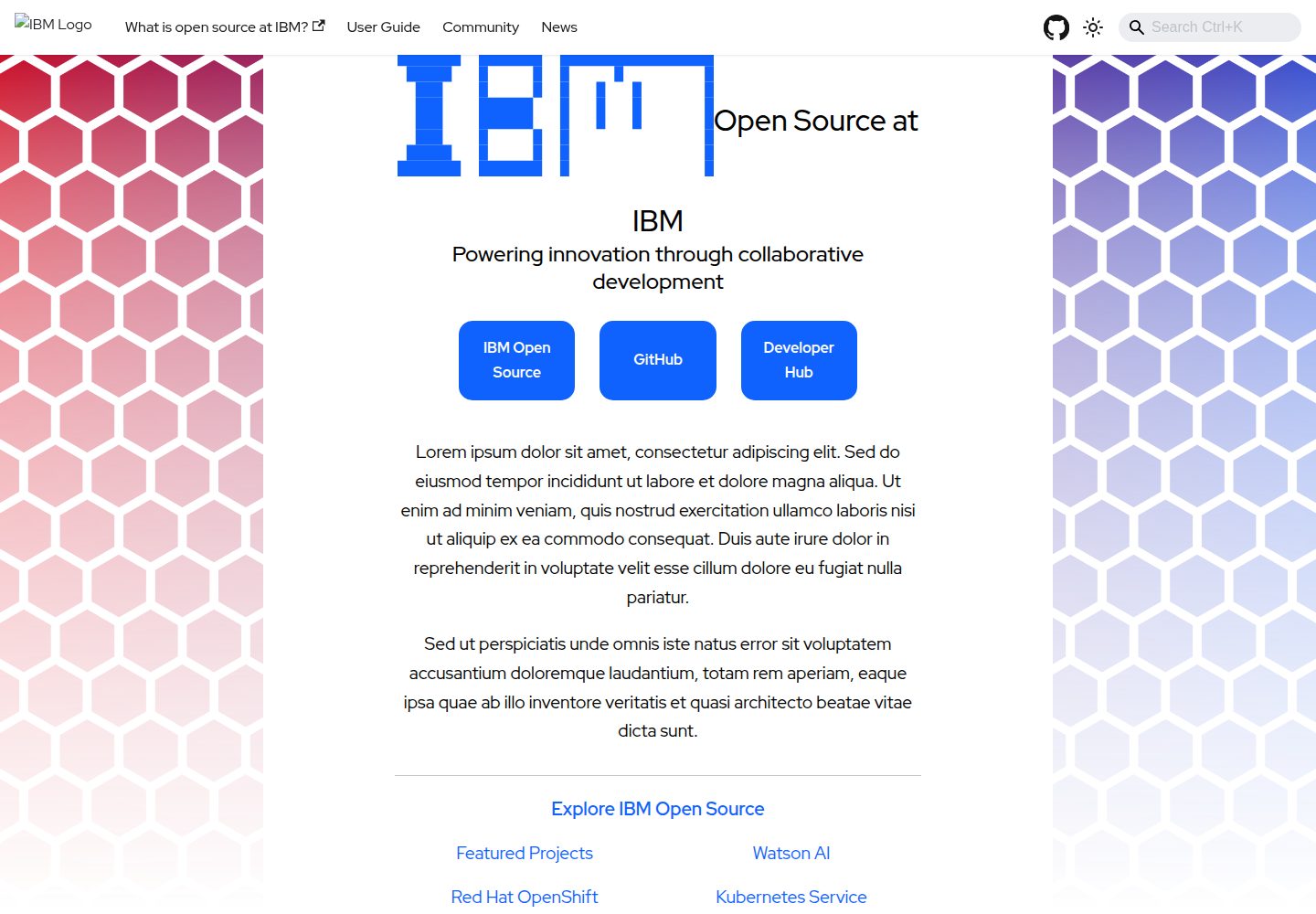
project-documentation-template
A template repo for a "large" project website
Docusaurus · 文档
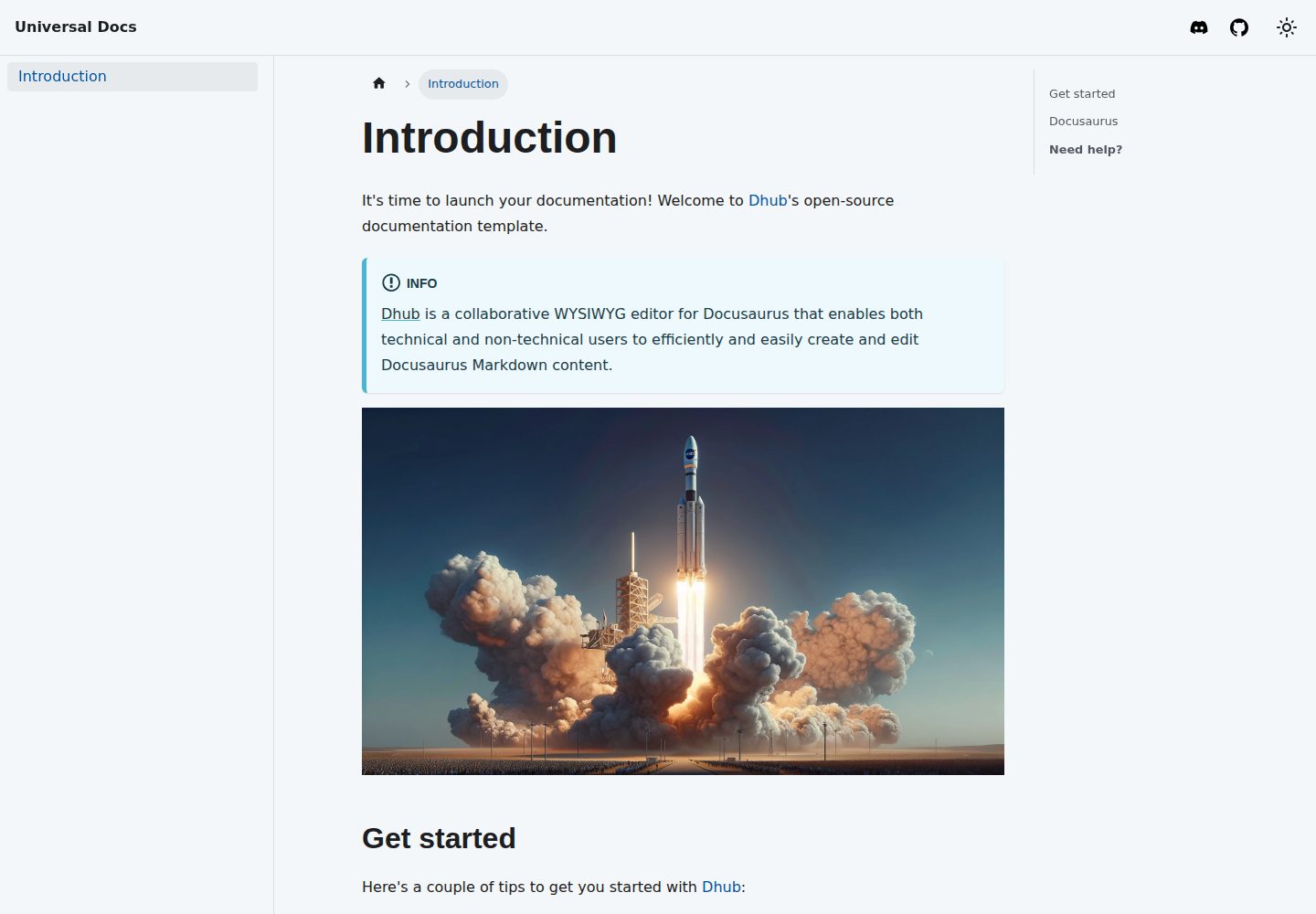
template-docusaurus-docs
Docusaurus Docs template for dhub.dev
Docusaurus · 文档
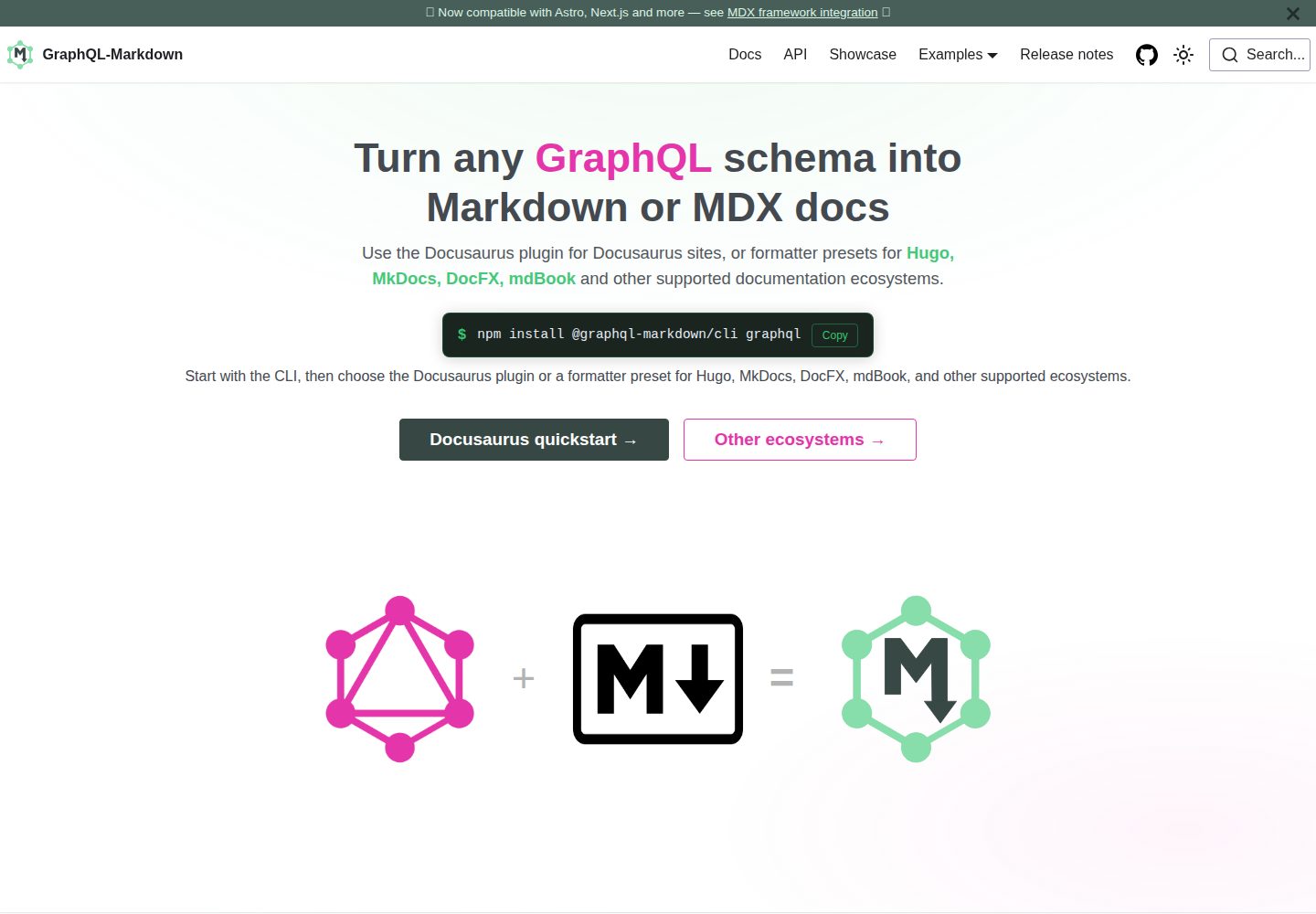
template
Docusaurus template for GraphQL-Markdown
Docusaurus · 文档
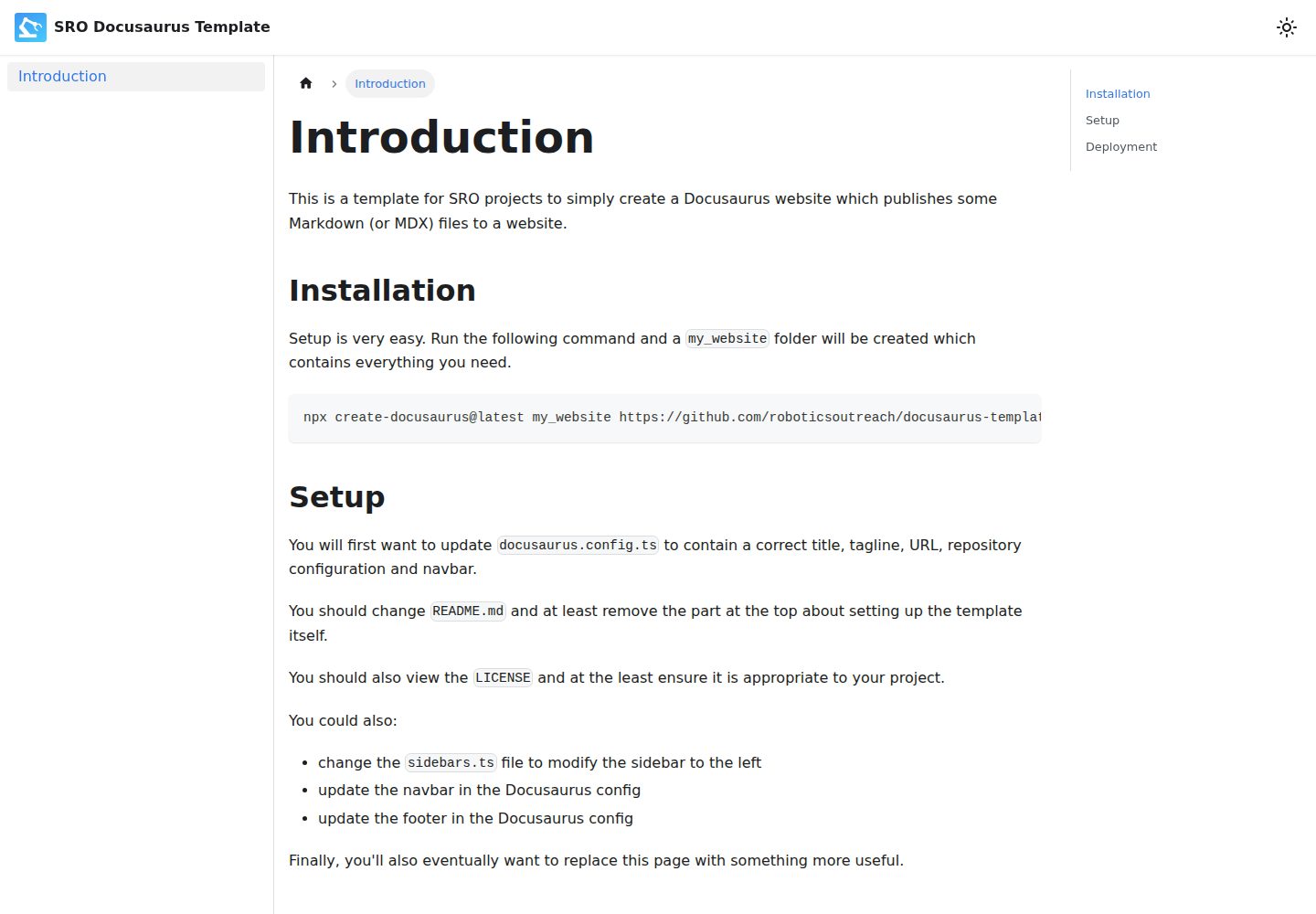
docusaurus-template
A template for simple Docusaurus-based SRO "documentation" websites.
Docusaurus · 文档
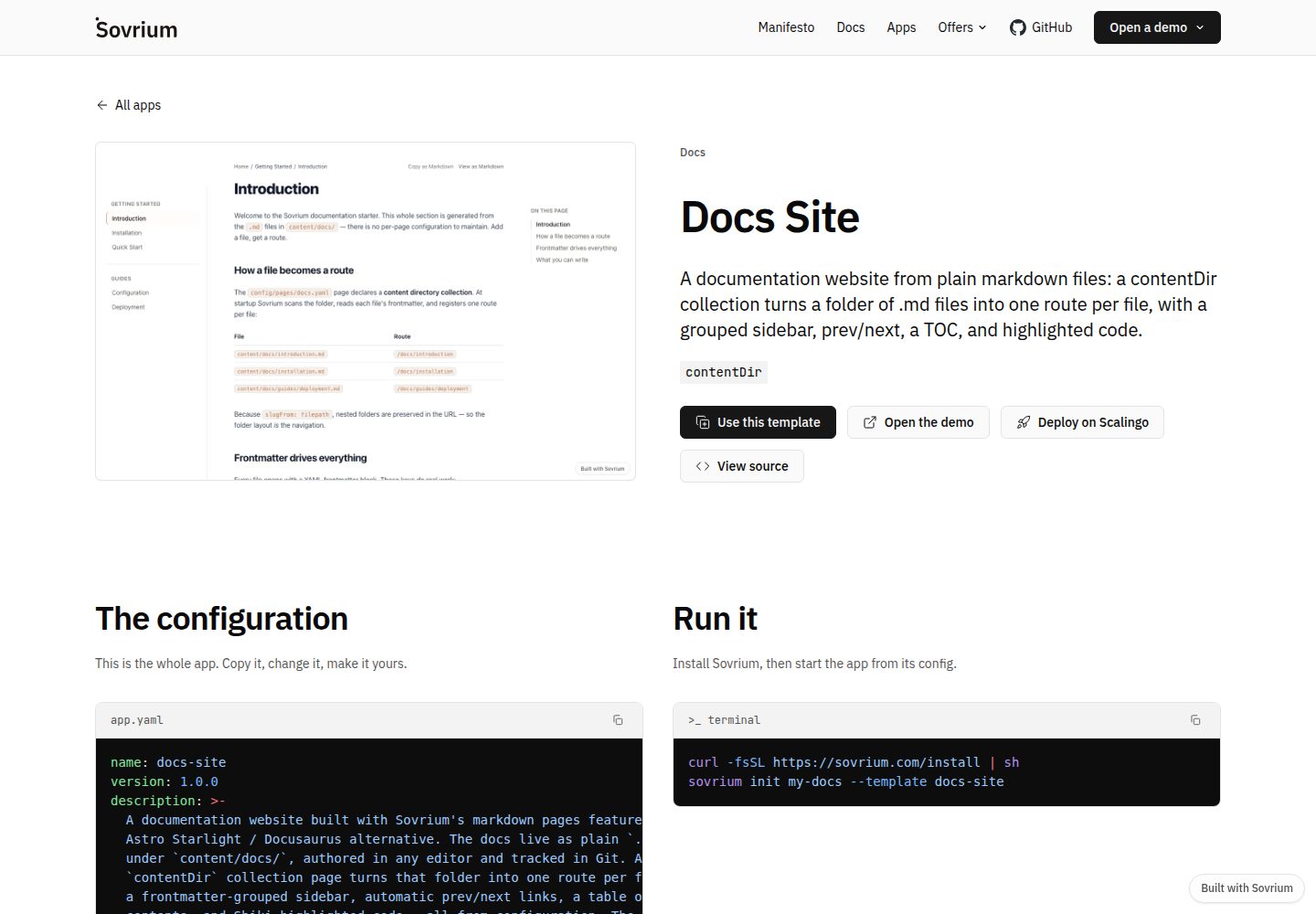
docs-site-template
A docs website from markdown: a Docusaurus alternative.
Docusaurus · 文档
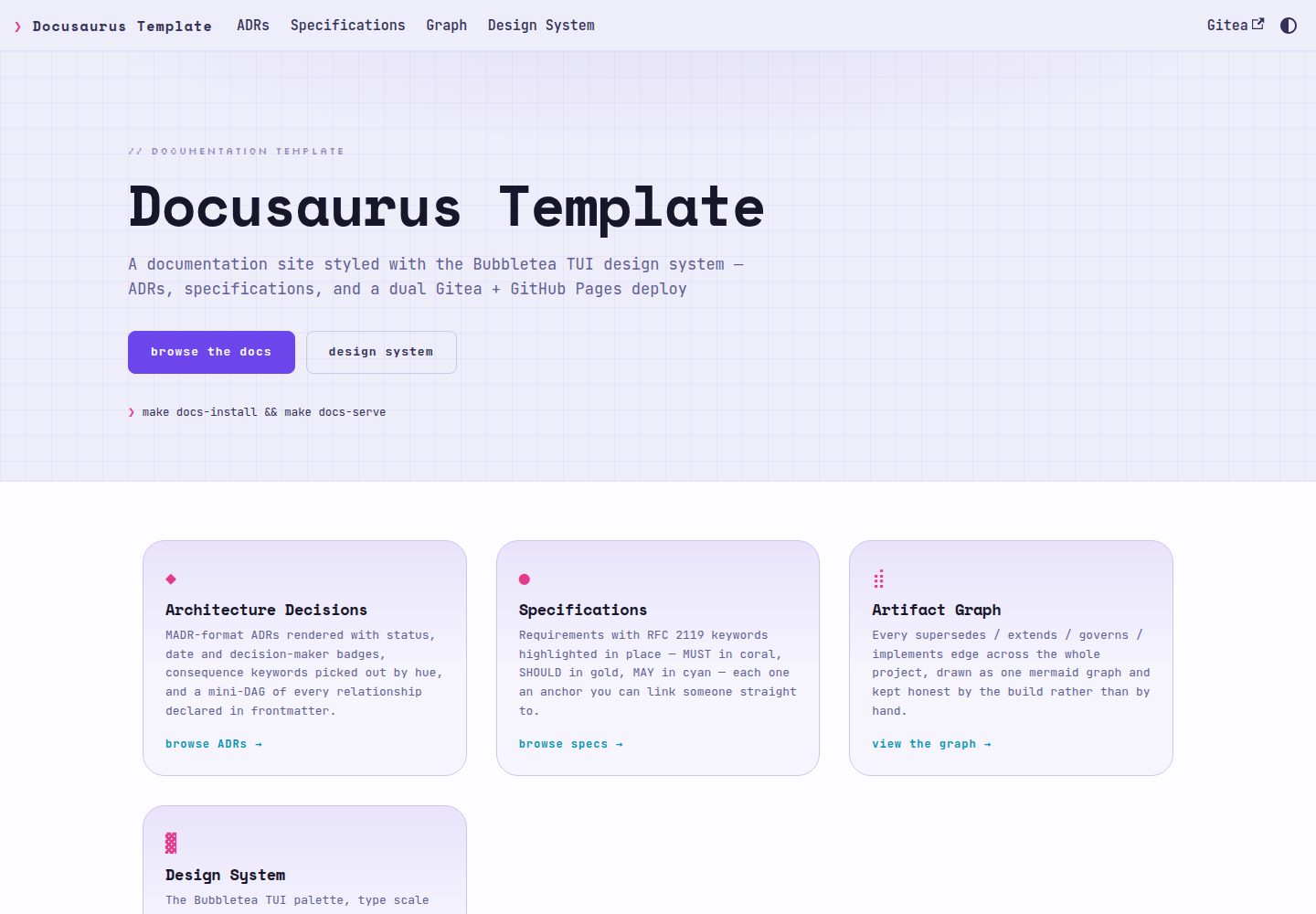
docusaurus-template
Docusaurus documentation template styled with the Bubbletea TUI design system — ADRs, specs, dual Gitea + GitH…
Docusaurus · 文档