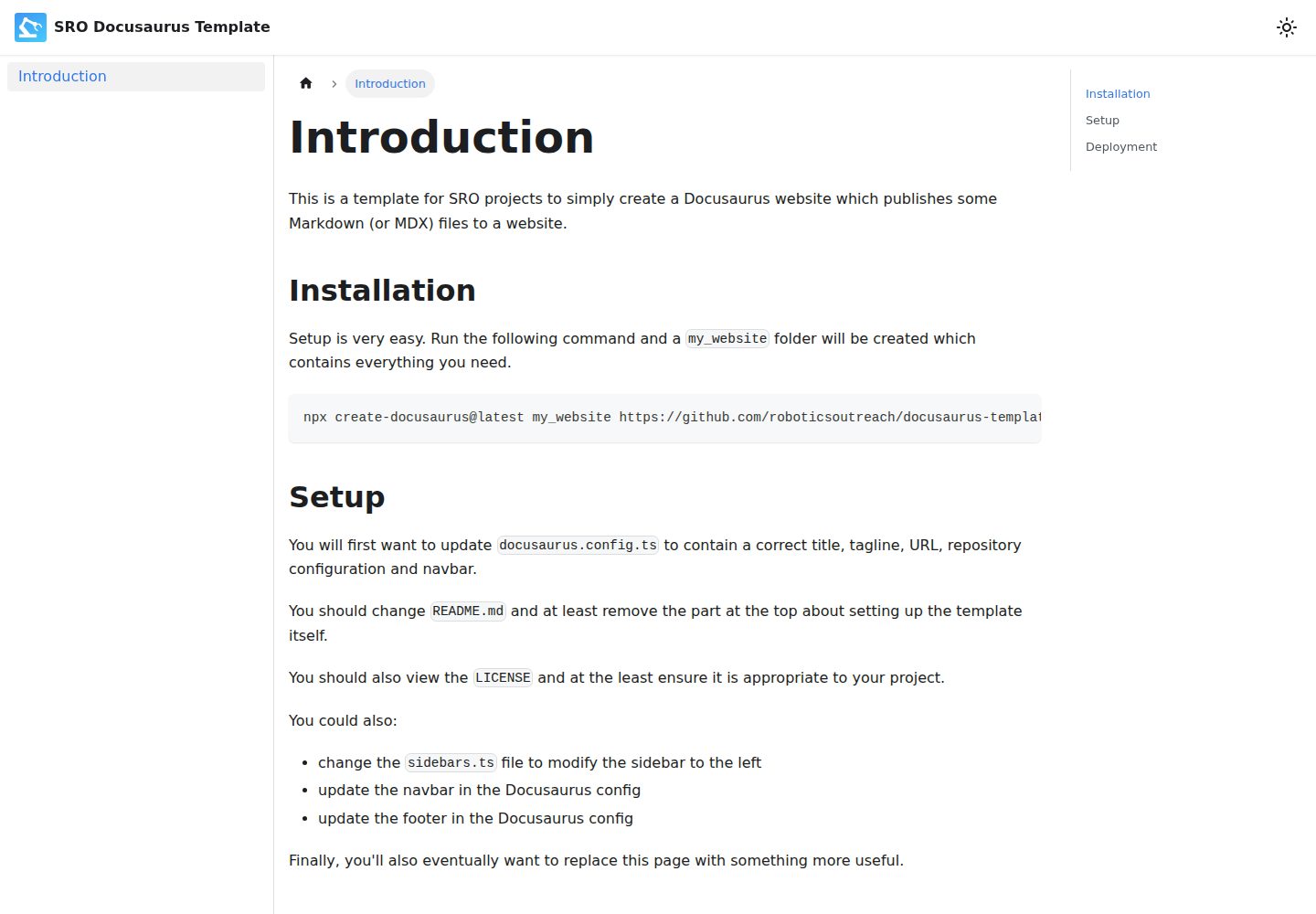
基于 Docusaurus 的 Markdown 文档站点模板
Docusaurus文档
docusaurus-template — Docusaurus 文档模板
作者 roboticsoutreach
基于 Docusaurus 的 Markdown 文档网站模板,由 SRO 预配置,附带 GitHub Pages 部署工作流。
看看你的网站会是什么样
浏览真实页面截图,比较内容排版与手机效果。点击下方缩略图切换,放大查看整页细节。
全部页面与视图 2
截图用于了解视觉与布局,交互效果请以实际项目为准。
采集于 2026-10-02查看来源
值得关注的模板亮点
从已有项目资料中,快速了解它的特点。
通过 create-docusaurus 命令直接拉取仓库生成项目
附带部署到 GitHub Pages 的 GitHub Actions 工作流
提供 docusaurus.config.ts、sidebars.ts 等集中配置入口
采用 ISC 许可,允许免费使用、修改与分发
模板详细介绍
这是一个基于 Docusaurus 的文档网站模板,用于搭建以 Markdown 为内容来源的简单站点,仓库说明中写明它由 SRO 预配置使用。模板通过 `npx create-docusaurus@latest` 命令创建项目目录,生成包含运行所需文件的完整站点骨架。
模板预设了需要自行修改的配置项:`docusaurus.config.ts` 中的标题、标语、URL、仓库配置与导航栏,`README.md` 顶部的模板说明段落,以及 `LICENSE` 文件。侧边栏由 `sidebars.ts` 控制,导航栏和页脚在 Docusaurus 配置中调整。仓库还包含 GitHub Actions 工作流,用于将站点构建并部署到 GitHub Pages,需要在仓库 Settings 的 GitHub Pages 中将构建来源设为 GitHub Actions,并可选择配置自定义域名。
本地开发使用 `npm start` 启动开发服务器,`npm run build` 生成静态文件到 build 目录,可交由任意静态托管服务提供访问。仓库未提供模板自身的界面风格说明,实际外观以演示站点截图为准。
Docusaurus文档
适合你的项目吗?
适用场景
- 为组织或项目搭建简单的 Markdown 文档网站
- 需要将文档站点自动部署到 GitHub Pages 的仓库
- 希望以现成配置为起点,再调整导航栏、侧边栏与页脚
适合人群
- 使用 Docusaurus 编写 Markdown 文档的团队
- 需要 GitHub Pages 托管静态文档站点的项目
- 希望从预配置模板起步并自行修改配置的开发者
上手与定制指南
结合仓库当前版本的说明,按下面的资料检查内容、配置与运行要求。
- 1
运行 npx create-docusaurus@latest my_website https://github.com/roboticsoutreach/docusaurus-template.git 生成项目目录
- 2
修改 docusaurus.config.ts 中的标题、标语、URL、仓库配置以及导航栏和页脚
- 3
按需调整 sidebars.ts 以改变左侧侧边栏
- 4
替换 README.md 顶部关于模板自身设置的说明,并核对 LICENSE 是否适用于你的项目
- 5
在仓库 Settings 的 GitHub Pages 中将构建来源设为 GitHub Actions,按需配置自定义域名
授权与来源资料
使用条件与限制
免费使用 · 保留许可声明本次收录的是公开仓库中采用 ISC 许可的免费版本;免费范围为该版本代码,不代表外部服务或第三方素材免费。
使用时需要遵守
- 允许为任何目的免费使用、复制、修改和分发,包括商用。
- 所有副本均需保留原版权声明和许可声明。
- 代码按现状提供;担保与责任限制以原许可证及适用法律为准。
额外费用与待核对事项
- 演示图片、字体、图标及其他第三方素材需按各自许可核对,不能仅凭代码的 ISC 许可判断。
- 域名、托管、数据库、支付或 AI 等外部服务可能另外收费。
查看原文依据
https://github.com/roboticsoutreach/docusaurus-template/blob/main/LICENSEhttps://github.com/roboticsoutreach/docusaurus-template/blob/main/README.mdfor any purpose with or without fee is hereby granted
许可证原文
DeepSeek 根据仓库许可证和 README 整理 ·2026-10-02。结果仅覆盖已读取资料,依赖、图片、字体及后续条款变更以各自原文为准。
项目核对记录与介绍依据
模板资料
- 来源平台
- GitHub
- 资料与维护参考分
- 资料一般 · 65 / 100
- 技术栈
- Docusaurus
- 网站类型
- 文档
这个分数如何计算
本站按许可资料(最高30分)、演示链接(12分)、预览图(10分)、Star数(15分)、记录的维护时间(15分)、描述完整度(8分)、功能记录(5分)和分类资料(5分)计算。它不是代码、安全或性能测试,也不是 Google 评分;有链接不代表已实测可用。
这个项目需要核对什么
- 记录的仓库更新时间
- 2024-06-09
- 截图检查日期
- 2026-10-02
已收录演示链接。请用你的内容与屏幕尺寸检查;有演示不代表表单、认证或支付已经可用。
目录记录的主要技术栈是 Docusaurus。请通过依赖清单和锁文件核对实际版本与托管要求。这些说明基于收录资料,不代表代码审计或部署实测。
查看具体选型方法 →介绍的制作与核对状态
介绍由 AI 辅助整理目录与仓库资料。仓库作者不等于这篇介绍的审核者。
已完成服务器许可规则与 AI 来源核对;未经过人工编辑审核。
查看当时使用的来源资料
SHA-256: a031c7c452594a2f0bc48ebda2e62d5e7f7bee328ccb199731ec0af596ce9e02
2026-10-02T08:54:12.753Z
来源文件 / 仓库# SRO Docusaurus Template This is a template for building simple Markdown-based websites with Docusaurus, preconfigured for use by SRO. ### Installation Setup is very easy. Run the following command and a `my_website` folder will be created which contains everything you need. ``` npx create-docusaurus@latest my_website https://github.com/roboticsoutreach/docusaurus-template.git ``` ### Setup You will first want to update `docusaurus.config.ts` to contain a correct title, tagline, URL, repository configuration and navbar. You should change `README.md` and at least remove the part at the top about setting up the template itself. You should also view the `LICENSE` and at the least ensure it is appropriate to your project. You could also: - change the `sidebars.ts` file to modify the sidebar to the left - update the navbar in the Docusaurus config - update the footer in the Docusaurus config Finally, you'll also eventually want to replace this page with something more useful. ### Deployment The template comes with some GitHub Actions templates to deploy the site to GitHub Pages. In the repisitory **Settings** > **GitHub Pages**, make sure the build source is set to **GitHub Actions**, and configure a custom domain if you want. --- # Website This website is built using [Docusaurus](https://docusaurus.io/), a modern static website generator. ### Installation ``` $ npm ``` ### Local Development ``` $ npm start ``` This command starts a local development server and opens up a browser window. Most changes are reflected live without having to restart the server. ### Build ``` $ npm run build ``` This command generates static content into the `build` directory and can be served using any static contents hosting service. ### Deployment This repository contains CI pipelines to build and deploy the website from the `main` branch.
看看同类模板
对比同技术栈与用途的模板,找到更适合的视觉与内容结构。
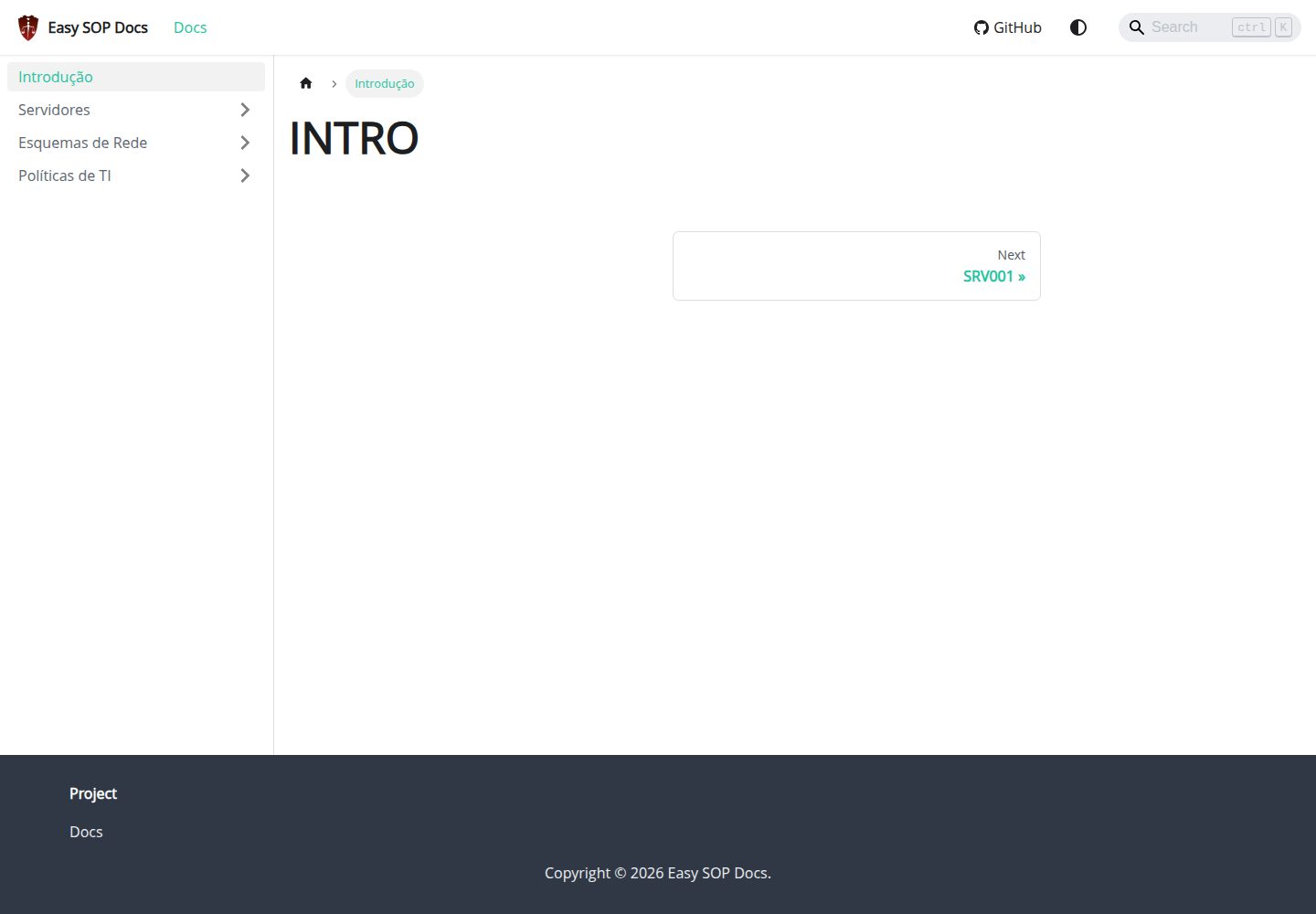
easy-sop-docs
Easy SOP Docs: template Docusaurus para documentacao SOP, runbooks, servidores, politicas de TI e operacoes.
Docusaurus · 文档
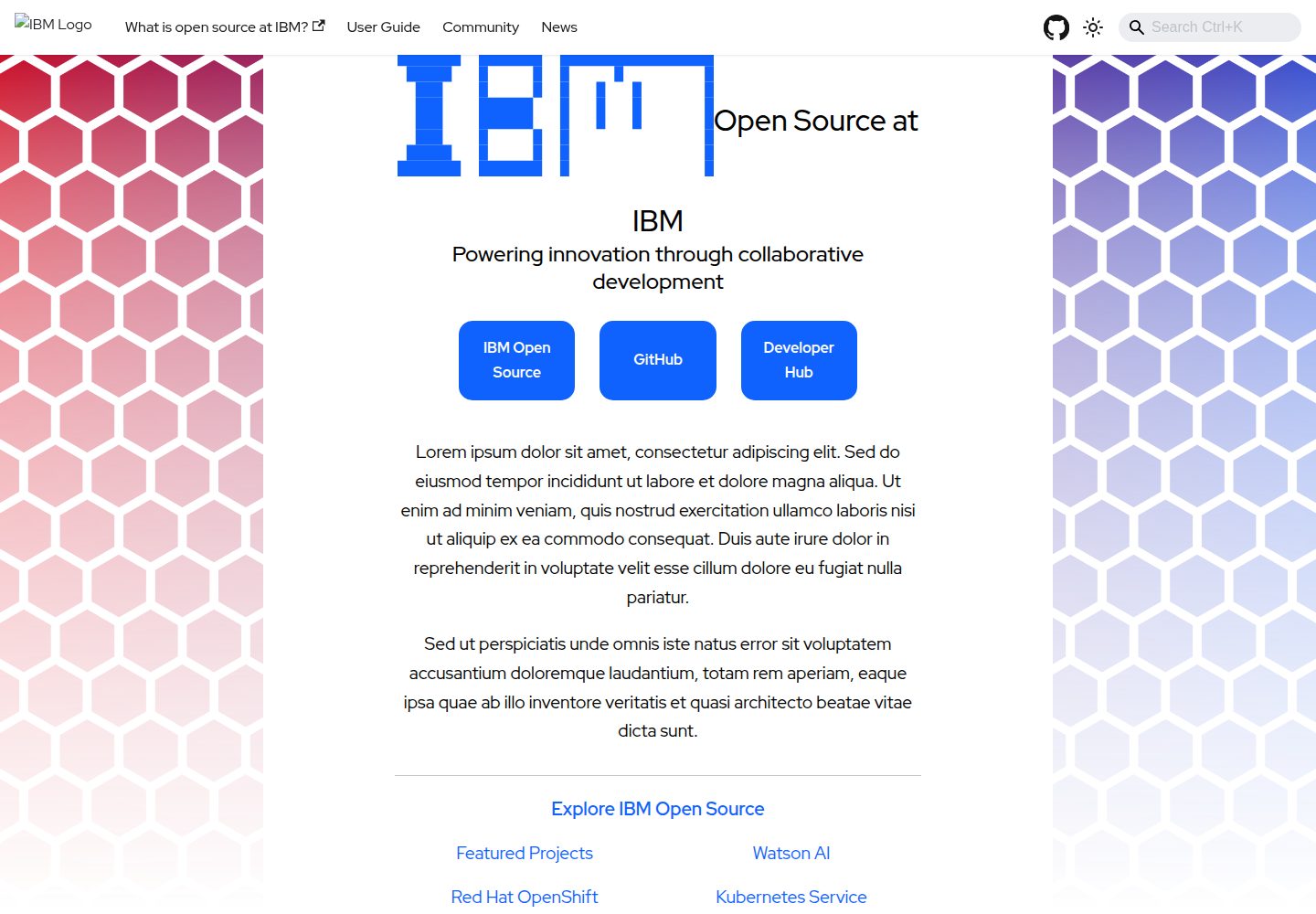
project-documentation-template
A template repo for a "large" project website
Docusaurus · 文档
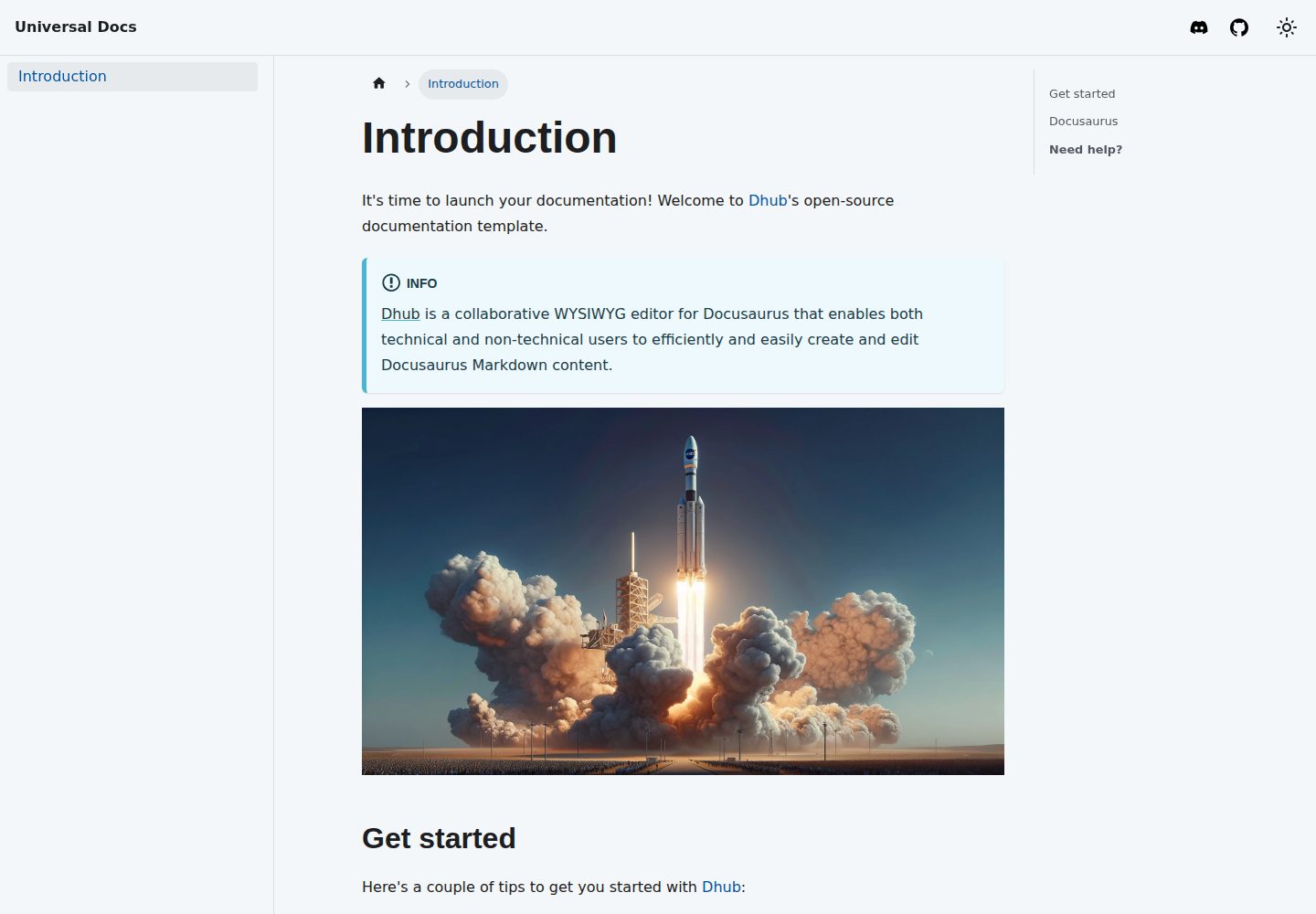
template-docusaurus-docs
Docusaurus Docs template for dhub.dev
Docusaurus · 文档
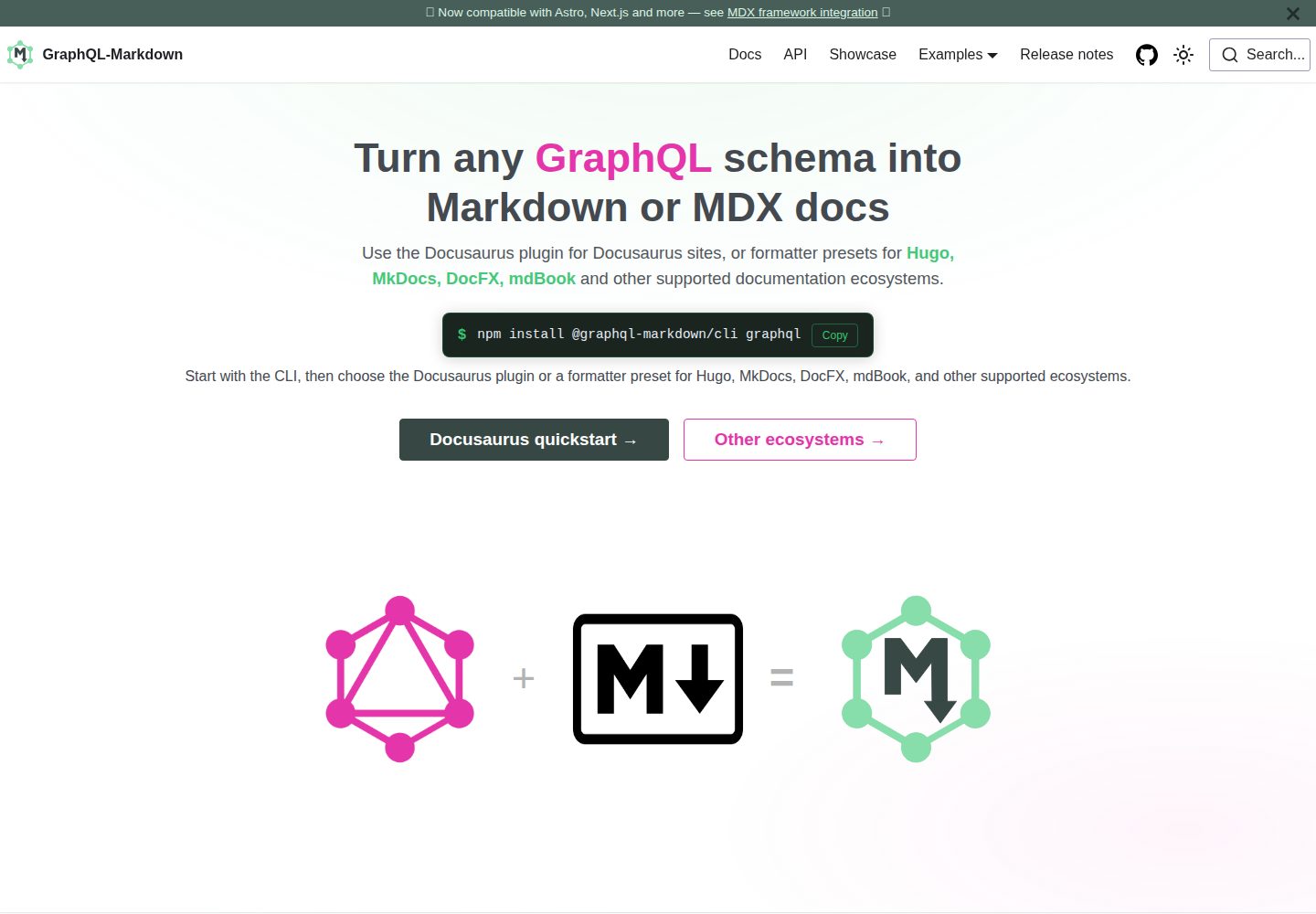
template
Docusaurus template for GraphQL-Markdown
Docusaurus · 文档
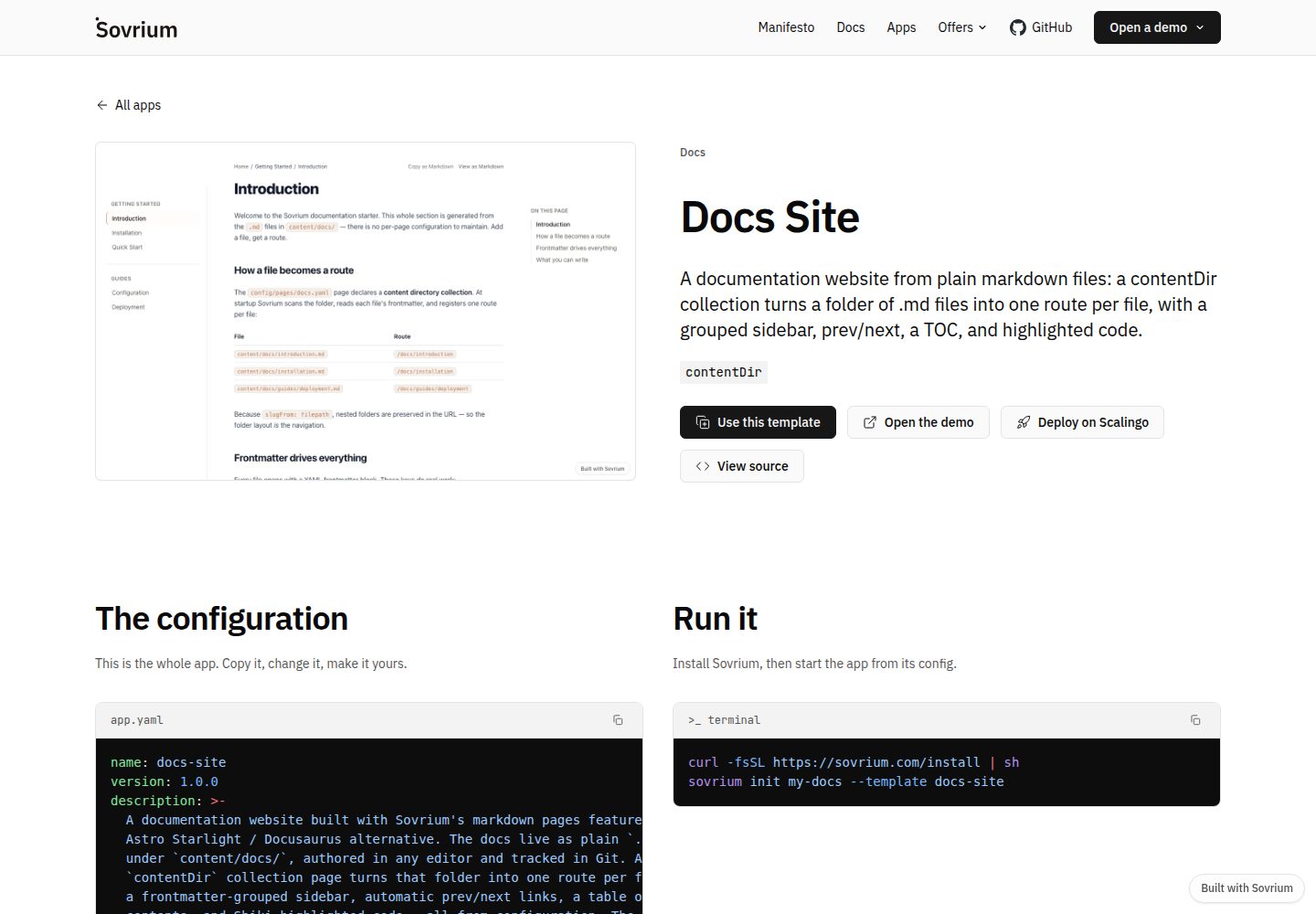
docs-site-template
A docs website from markdown: a Docusaurus alternative.
Docusaurus · 文档
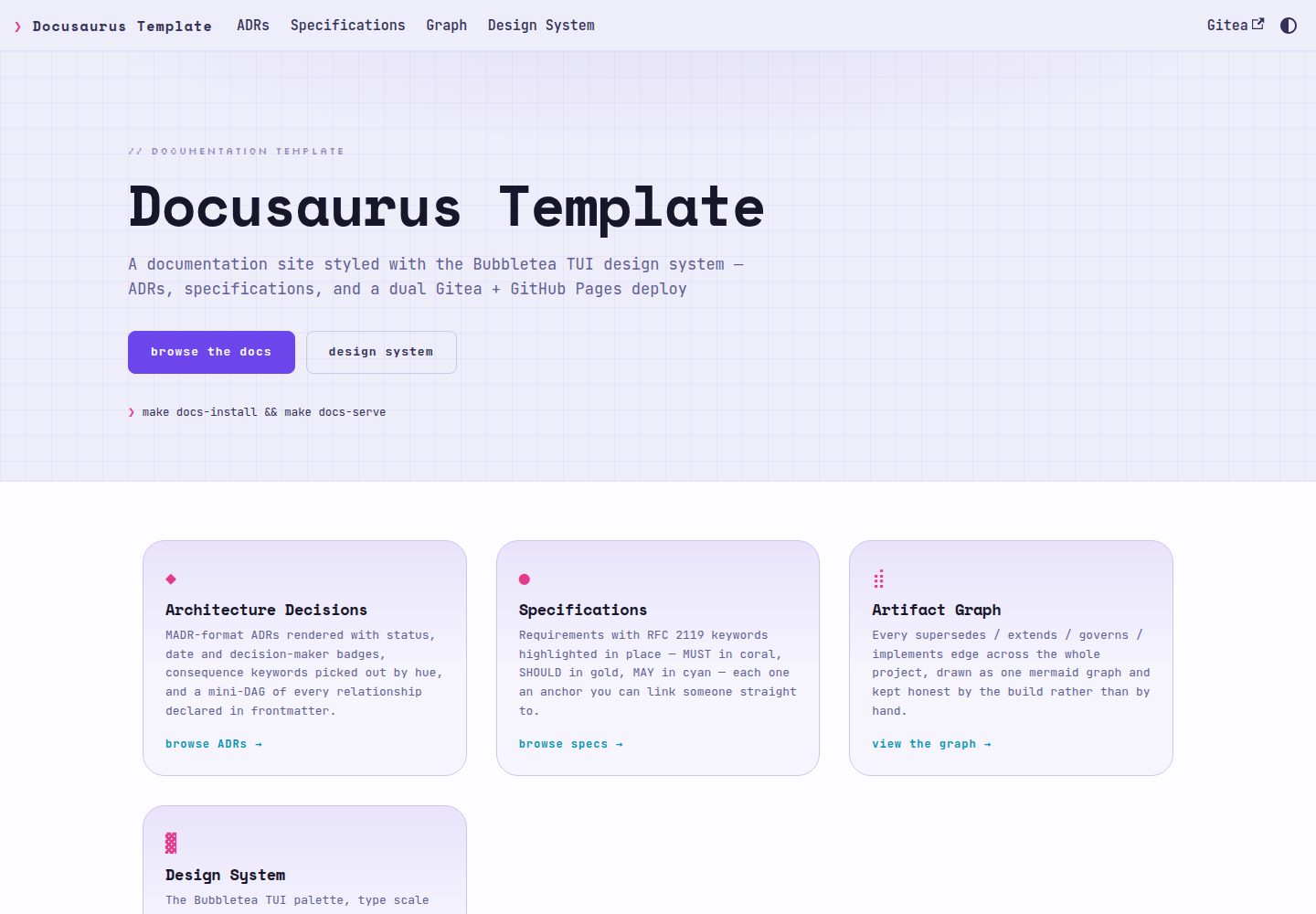
docusaurus-template
Docusaurus documentation template styled with the Bubbletea TUI design system — ADRs, specs, dual Gitea + GitH…
Docusaurus · 文档