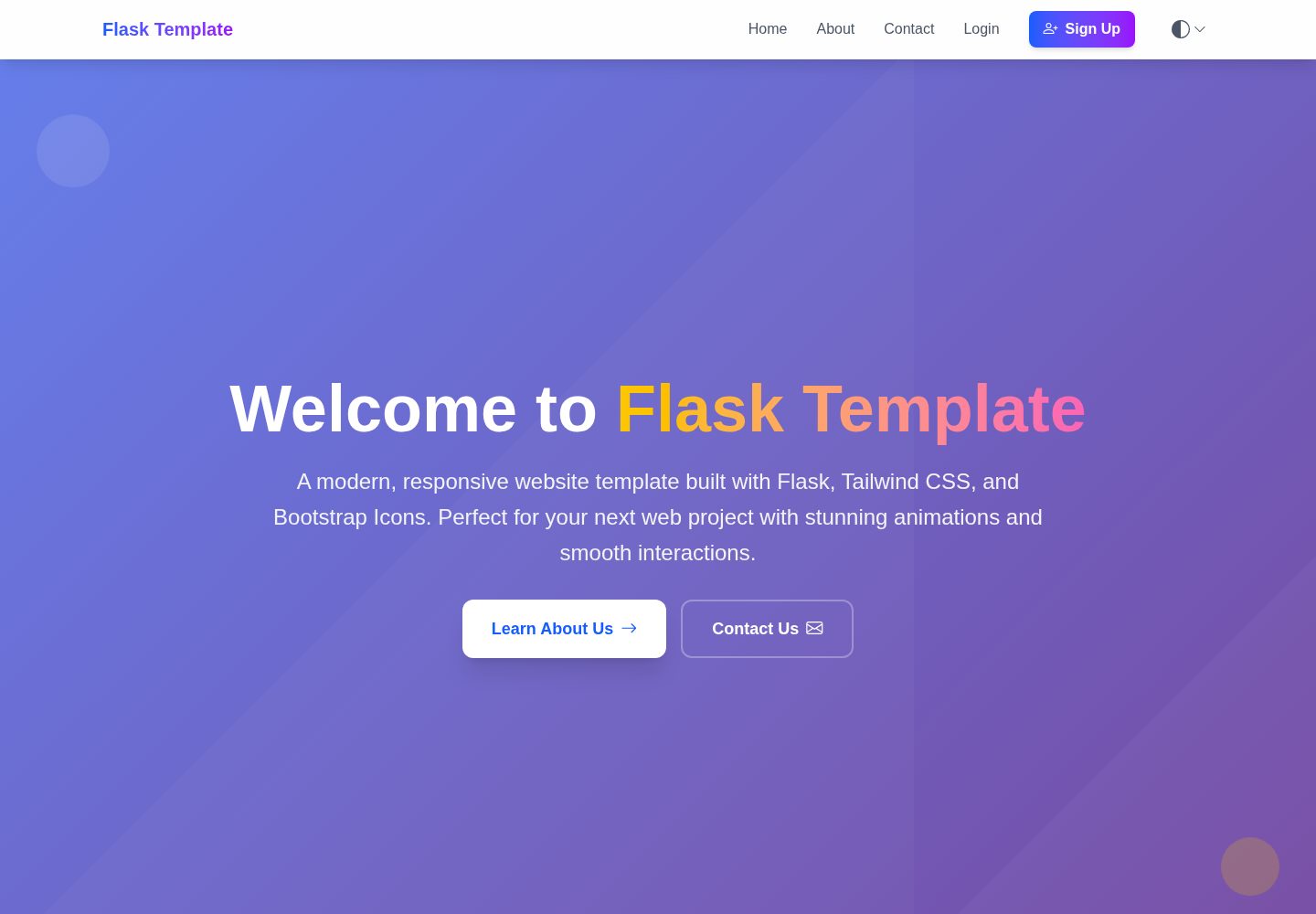
采用 Flask 应用工厂模式与蓝图组织路由、模型和模板
Flask启动器
flask-website-template — Flask 启动器模板
作者 MACantara
基于 Flask 工厂模式与蓝图的网站模板,README 列出注册登录、邮箱验证、密码重置、管理后台、主题切换、hCaptcha 与部署配置等模块,并附有本地运行与数据库迁移步骤。
看看你的网站会是什么样
浏览真实页面截图,比较内容排版与手机效果。点击下方缩略图切换,放大查看整页细节。
全部页面与视图 3
截图用于了解视觉与布局,交互效果请以实际项目为准。
采集于 2026-10-15查看来源
值得关注的模板亮点
从已有项目资料中,快速了解它的特点。
包含注册、登录、密码重置与强制邮箱验证的完整认证流程
提供管理后台,支持用户管理、统计面板、安全日志与联系表单管理
内置账户锁定、IP 限流、CSRF 防护、安全响应头与可选 hCaptcha
支持浅色、深色、跟随系统三种主题,偏好持久化到 localStorage
README 给出 Vercel 无服务器与传统托管两种部署路径及生产检查清单
模板详细介绍
该模板是一个 Flask 网站起始项目,README 说明其采用应用工厂模式与蓝图组织代码,前端使用 Tailwind CSS 与 Bootstrap Icons,数据库通过 SQLAlchemy 与 Flask-Migrate 管理。功能层面涵盖用户注册、登录、密码重置、强制邮箱验证、账户锁定、基于 IP 的限流、hCaptcha 表单保护、CSRF 防护、安全响应头,以及管理后台中的用户管理、统计面板、安全日志与联系表单管理。主题系统提供浅色、深色与跟随系统三种模式,偏好保存在 localStorage。
README 给出的快速开始流程包括克隆仓库、创建并激活虚拟环境、安装 requirements.txt 依赖、复制 .env.template 为 .env 并填写配置、执行 flask db init/migrate/upgrade 初始化数据库,最后运行 run.py 并在 localhost:5000 访问。环境变量覆盖 Flask 核心设置、数据库连接、SMTP 邮件、登录尝试次数与锁定时间,以及可选的 hCaptcha 键值。
部署方面,README 区分 Vercel 无服务器与传统托管两种方式:Vercel 下自动禁用数据库相关功能,联系表单改为记录提交而非入库;传统托管可保留完整数据库与认证功能。README 还列出生产环境检查清单,包括更换默认管理员凭据、配置 HTTPS、设置强 SECRET_KEY、启用 hCaptcha、配置邮件服务与监控日志。项目结构、文档目录与 MIT 许可证在 README 中有说明。
Flask启动器
适合你的项目吗?
适用场景
- 需要带用户注册、登录与邮箱验证的 Flask 网站起始项目
- 需要管理后台进行用户管理和查看安全日志的站点
- 需要浅色/深色主题切换与响应式前端的项目
- 计划部署到 Vercel 或传统 VPS 托管的 Flask 应用
- 需要集成 SMTP 邮件发送密码重置与验证邮件的场景
适合人群
- 熟悉 Python 与 Flask 的开发者
- 需要快速搭建带认证与后台的网站原型
- 希望参考工厂模式与蓝图组织结构的项目
- 需要同时评估无服务器与传统托管部署方式的团队
上手与定制指南
结合仓库当前版本的说明,按下面的资料检查内容、配置与运行要求。
- 1
克隆仓库后创建并激活 Python 虚拟环境,再执行 pip install -r requirements.txt
- 2
复制 .env.template 为 .env,并按 README 填写 SECRET_KEY、DATABASE_URL、邮件与安全相关变量
- 3
执行 flask db init、flask db migrate 与 flask db upgrade 初始化数据库
- 4
运行 python run.py,在 http://localhost:5000 访问
- 5
README 提示默认管理员为 admin/admin123,生产环境必须更换,并配置 HTTPS、强密钥与 hCaptcha
授权与来源资料
使用条件与限制
免费使用 · 保留许可声明本次收录的是公开仓库中采用 MIT 许可的免费版本;免费范围为该版本代码,不代表外部服务或第三方素材免费。
使用时需要遵守
- 允许免费使用、修改、商用和分发该版本代码。
- 分发代码副本或实质性部分时,保留原作者版权声明和完整 MIT 许可声明。
- 代码按现状提供;担保与责任限制以原许可证及适用法律为准。
额外费用与待核对事项
- 演示图片、字体、图标及其他第三方素材需按各自许可核对,不能仅凭代码的 MIT 许可判断。
- 域名、托管、数据库、支付或 AI 等外部服务可能另外收费。
- 默认管理员账号为 admin / admin123,README 明确提示生产环境必须修改该默认凭据。
- 邮件功能依赖外部 SMTP 服务,示例使用 smtp.gmail.com,需要自行提供邮箱账号与应用密码。
- 需配置真实的邮箱账号(MAIL_USERNAME)才能发送验证与密码重置邮件。
- 需提供邮箱应用专用密码(MAIL_PASSWORD),属于外部邮件服务的凭据要求。
- hCaptcha 为可选功能,启用后需自行申请并配置站点密钥与密钥。
- 启用 hCaptcha 需提供外部服务生成的 HCAPTCHA_SITE_KEY。
- 启用 hCaptcha 需提供外部服务生成的 HCAPTCHA_SECRET_KEY。
- 部署到 Vercel 无服务器环境时会自动禁用数据库相关功能,功能范围受限。
- Vercel 部署下联系表单仅记录提交内容,不再写入数据库存储。
- 生产环境需自行配置可用的邮件服务,属于外部服务依赖。
- 生产部署需自行配置 HTTPS 与有效 SSL 证书。
- 生产环境数据库需使用 PostgreSQL 或 MySQL,而非开发用的 SQLite。
查看原文依据
Permission is hereby granted, free of charge
许可证原文
- **Default Login**: username: `admin`, password: `admin123` ⚠️ *Change in production!*
README 原文
MAIL_SERVER=smtp.gmail.com
README 原文
README 原文
MAIL_PASSWORD=your-app-password
README 原文
HCAPTCHA_ENABLED=true
README 原文
HCAPTCHA_SITE_KEY=your-site-key
README 原文
HCAPTCHA_SECRET_KEY=your-secret-key
README 原文
- **Environment Adaptation**: Auto-disables database features
README 原文
- **Contact Form**: Logs submissions instead of database storage
README 原文
5. **Configure Email**: Set up production email service
README 原文
- [ ] HTTPS configured with valid SSL certificate
README 原文
https://github.com/MACantara/flask-website-template/blob/main/LICENSEhttps://github.com/MACantara/flask-website-template/blob/main/README.md- **Database**: SQLite (dev), PostgreSQL/MySQL (production)
README 原文
DeepSeek 根据仓库许可证和 README 整理 ·2026-10-15。结果仅覆盖已读取资料,依赖、图片、字体及后续条款变更以各自原文为准。
项目核对记录与介绍依据
模板资料
- 来源平台
- GitHub
- 资料与维护参考分
- 资料一般 · 74 / 100
- 技术栈
- Flask
- 网站类型
- 启动器
这个分数如何计算
本站按许可资料(最高30分)、演示链接(12分)、预览图(10分)、Star数(15分)、记录的维护时间(15分)、描述完整度(8分)、功能记录(5分)和分类资料(5分)计算。它不是代码、安全或性能测试,也不是 Google 评分;有链接不代表已实测可用。
这个项目需要核对什么
- 记录的仓库更新时间
- 2025-06-12
- 截图检查日期
- 2026-10-15
已收录演示链接。请用你的内容与屏幕尺寸检查;有演示不代表表单、认证或支付已经可用。
目录记录的主要技术栈是 Flask。请通过依赖清单和锁文件核对实际版本与托管要求。这些说明基于收录资料,不代表代码审计或部署实测。
查看具体选型方法 →介绍的制作与核对状态
介绍由 AI 辅助整理目录与仓库资料。仓库作者不等于这篇介绍的审核者。
审核声明: codex-user-requested-batch-review-20261017 · 2026-10-16
查看当时使用的来源资料
SHA-256: a418e5dfe8d9d8fa8feb43e09264f075cf7b3f5d2a41f0bb7020335f7f609ea5
2026-10-15T16:26:12.851Z
来源文件 / 仓库# Flask Website Template A modern, production-ready Flask website template featuring comprehensive authentication, admin panel, and responsive design. ## ✨ Key Features - **🏗️ Modern Architecture**: Flask factory pattern with blueprints - **🎨 Responsive Design**: Tailwind CSS with Bootstrap Icons - **🔐 Complete Authentication**: Registration, login, password reset, email verification - **👥 Admin Panel**: User management, system monitoring, security logs - **🛡️ Advanced Security**: Account lockout, rate limiting, hCaptcha integration - **🌓 Theme System**: Light/Dark/System modes with persistent preferences - **📧 Email Integration**: Contact forms, password reset, verification emails - **📋 Legal Compliance**: Privacy policy, terms of service, cookie policy - **🚀 Deployment Ready**: Vercel serverless and traditional hosting support ## 🚀 Quick Start ### 1. Clone Repository ```bash git clone <repository-url> cd flask-website-template ``` ### 2. Create Virtual Environment ```bash python -m venv venv ``` ### 3. Activate Virtual Environment ```bash # On Windows venv\Scripts\activate # On macOS/Linux source venv/bin/activate ``` ### 4. Install Dependencies ```bash pip install -r requirements.txt ``` ### 2. Configuration ```bash # On Windows copy .env.template .env # On macOS/Linux cp .env.template .env # Edit .env with your settings ``` ### 3. Initialize Database ```bash flask db init flask db migrate -m "Initial migration" flask db upgrade ``` ### 4. Run Application ```bash python run.py ``` Visit `http://localhost:5000` to view the website. ## 📚 Documentation ### Core Documentation - **[Authentication System](docs/AUTHENTICATION.md)** - Complete authentication with email verification - **[Admin Panel](docs/ADMIN_PANEL.md)** - User management and system monitoring - **[hCaptcha Integration](docs/HCAPTCHA.md)** - Bot protection and security - **[Deployment Guide](docs/DEPLOYMENT.md)** - Vercel, VPS, and production deployment ### Features Overview #### 🔐 Authentication & Security - User registration with mandatory email verification - Secure login with username or email - Password reset functionality - Account lockout protection (IP-based) - Argon2 password hashing - Session management with security headers #### 👥 Admin Panel - **Default Login**: username: `admin`, password: `admin123` ⚠️ *Change in production!* - User management (activate/deactivate, admin privileges) - Real-time dashboard with statistics - Security logs and monitoring - Automated cleanup tools - Contact form management #### 🛡️ Security Features - **Account Lockout**: 5 failed attempts = 15-minute lockout (configurable) - **hCaptcha Protection**: Bot prevention on forms - **Rate Limiting**: IP-based request limiting - **CSRF Protection**: Built-in CSRF protection - **Secure Headers**: Security headers for production #### 📧 Email Verification System - **Verification Pending Page**: Clear instructions and status - **Auto-refresh**: Automatic verification status checking - **Resend Functionality**: Easy verification email resending - **Login Blocking**: Prevents login until email verified - **24-hour Expiration**: Secure, time-limited tokens #### 🌓 Theme System - **Light Mode**: Clean, bright interface - **Dark Mode**: Modern dark theme - **System Mode**: Follows OS theme preference - **Persistent Settings**: Saved in localStorage - **Smooth Transitions**: Elegant theme switching ## 🔧 Environment Configuration ### Required Variables ```bash # Core Settings FLASK_ENV=development DEBUG=True SECRET_KEY=your-secret-key # Database DATABASE_URL=sqlite:///app.db # Email Configuration MAIL_SERVER=smtp.gmail.com MAIL_PORT=587 MAIL_USE_TLS=true [email protected] MAIL_PASSWORD=your-app-password # Security Settings MAX_LOGIN_ATTEMPTS=5 LOGIN_LOCKOUT_MINUTES=15 # hCaptcha (optional) HCAPTCHA_ENABLED=true HCAPTCHA_SITE_KEY=your-site-key HCAPTCHA_SECRET_KEY=your-secret-key ``` ## 📁 Project Structure ``` flask-website-template/ ├── app/ # Main application package │ ├── models/ # Database models │ ├── routes/ # Application routes │ ├── static/ # Static files (CSS, JS, images) │ │ ├── css/ # CSS files │ │ ├── images/ # Image files │ │ └── js/ # JavaScript files │ │ ├── components/ # Reusable JavaScript components │ │ ├── utils/ # Utility JavaScript files │ │ │ ├── pagination/ # Pagination utilities │ │ │ └── theme/ # Theme utilities │ │ └── main.js # Main JavaScript file │ ├── templates/ # HTML templates │ │ ├── admin/ # Admin panel templates │ │ ├── auth/ # Authentication templates │ │ ├── partials/ # Reusable template components │ │ │ ├── admin/ # Admin panel components │ │ │ │ ├── dashboard/ # Admin dashboard components │ │ │ │ ├── logs/ # Admin logs components │ │ │ │ ├── user-details/ # User details components │ │ │ │ └── users/ # User management components │ │ │ ├── shared/ # Shared components │ │ │ ├── footer.html # Footer component │ │ │ └── navbar.html # Navbar component │ │ ├── password/ # Password reset templates │ │ ├── policy-pages/ # Policy page templates │ │ ├── profile/ # Profile templates │ │ ├── about.html # About page template │ │ ├── base.html # Base template │ │ ├── contact.html # Contact page template │ │ └── home.html # Home page template │ ├── utils/ # Utility modules │ └── __init__.py # Application factory ├── docs/ # Documentation files ├── instance/ # Instance-specific files ├── migrations/ # Database migrations ├── .env.template # Environment variables template ├── .gitignore # Git ignore file ├── .vercelignore # Vercel ignore file ├── config.py # Configuration ├── LICENSE # MIT License file ├── README.md # Project README ├── requirements.txt # Dependencies ├── run.py # Application entry point └── vercel.json # Vercel deployment config ``` ## 🚀 Deployment Options ### Vercel (Serverless) - **One-click Deploy**: Automatic detection and deployment - **Environment Adaptation**: Auto-disables database features - **Contact Form**: Logs submissions instead of database storage - **Zero Configuration**: Works out of the box ### Traditional Hosting - **Full Features**: Complete database and authentication - **VPS/Dedicated**: Full control and customization - **Shared Hosting**: Basic hosting compatibility See the [Deployment Guide](docs/DEPLOYMENT.md) for detailed instructions. ## 🛡️ Security in Production ### Essential Steps 1. **Change Default Credentials**: Update admin username/password 2. **Configure HTTPS**: Essential for secure cookies and authentication 3. **Set Strong Secret Key**: Use a cryptographically secure secret 4. **Enable hCaptcha**: Protect forms from bot submissions 5. **Configure Email**: Set up production email service 6. **Monitor Logs**: Regular review of security and access logs ### Production Checklist - [ ] HTTPS configured with valid SSL certificate - [ ] Environment variables secured - [ ] Default admin credentials changed - [ ] Database credentials secured - [ ] Email service configured - [ ] hCaptcha enabled and configured - [ ] Security headers configured - [ ] Backup strategy implemented - [ ] Monitoring and alerting set up ## 🔨 Technologies - **Backend**: Python Flask, SQLAlchemy, Flask-Migrate - **Frontend**: Tailwind CSS, Bootstrap Icons, Vanilla JavaScript - **Database**: SQLite (dev), PostgreSQL/MySQL (production) - **Security**: Argon2, Flask-WTF, hCaptcha - **Email**: Flask-Mail with SMTP support - **Deployment**: Vercel, traditional hosting ## 📝 License MIT License - see [LICENSE](LICENSE) file for details. ## 🤝 Contributing Contributions are welcome! Please feel free to submit a Pull Request. ## 📞 Support - **Documentation**: Check the [docs/](docs/) directory for detailed guides - **Issues**: Open an issue on GitHub for bug reports or feature requests - **Email**: Contact form available in the application --- **⚡ Quick Deploy**: [](https://vercel.com/new/clone?repository-url=https://github.com/MACantara/flask-website-template)
看看同类模板
对比同技术栈与用途的模板,找到更适合的视觉与内容结构。
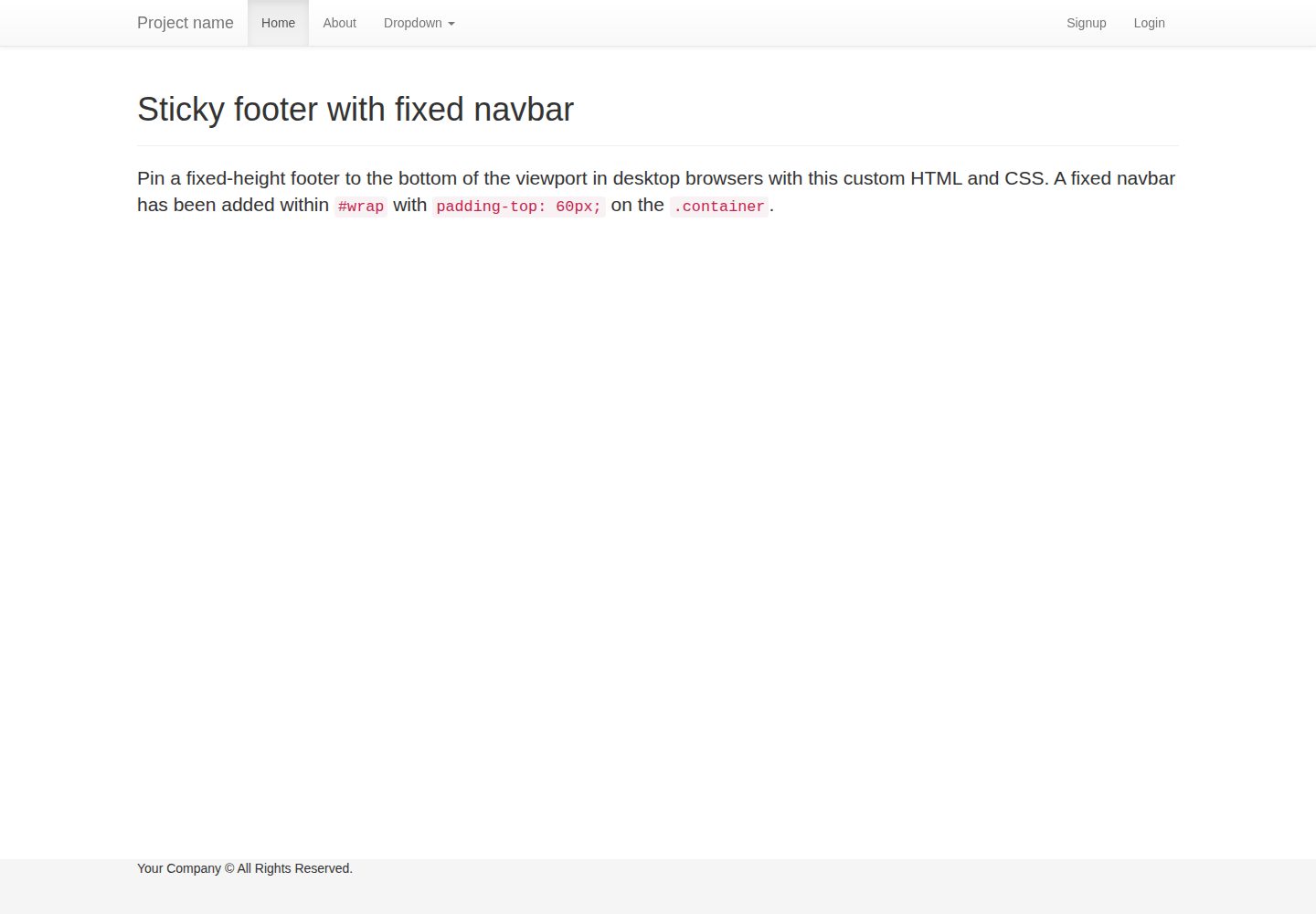
flask-boilerplate
Boilerplate template for a Python Flask application with Flask-SQLAlchemy, Flask-WTF, Fabric, Coverage, and Bo…
Flask · 启动器
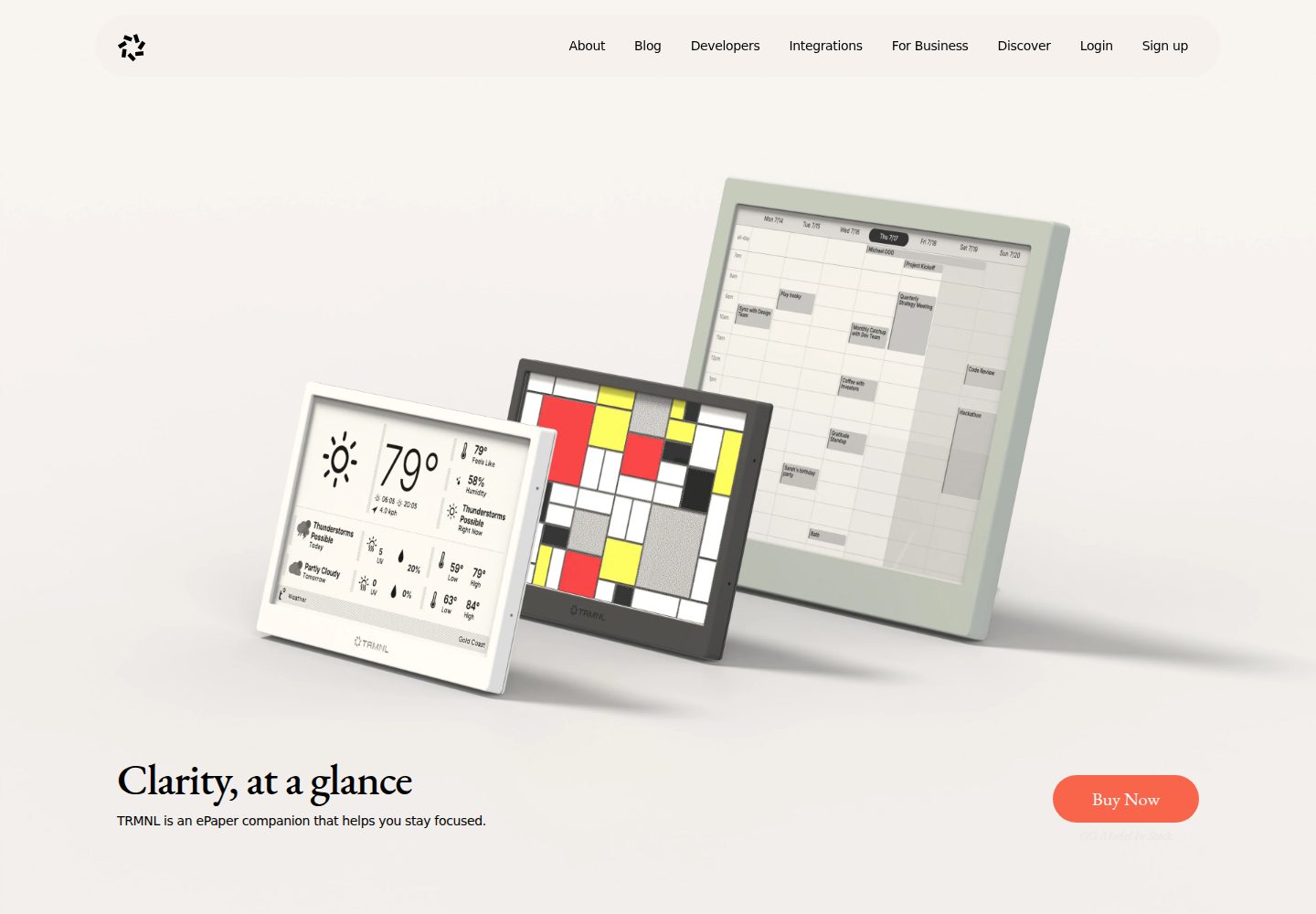
TRMNL-Boilerplate
A boilerplate template for building TRMNL e-ink display plugins. Features Flask webhooks, display optimization…
Flask · 启动器
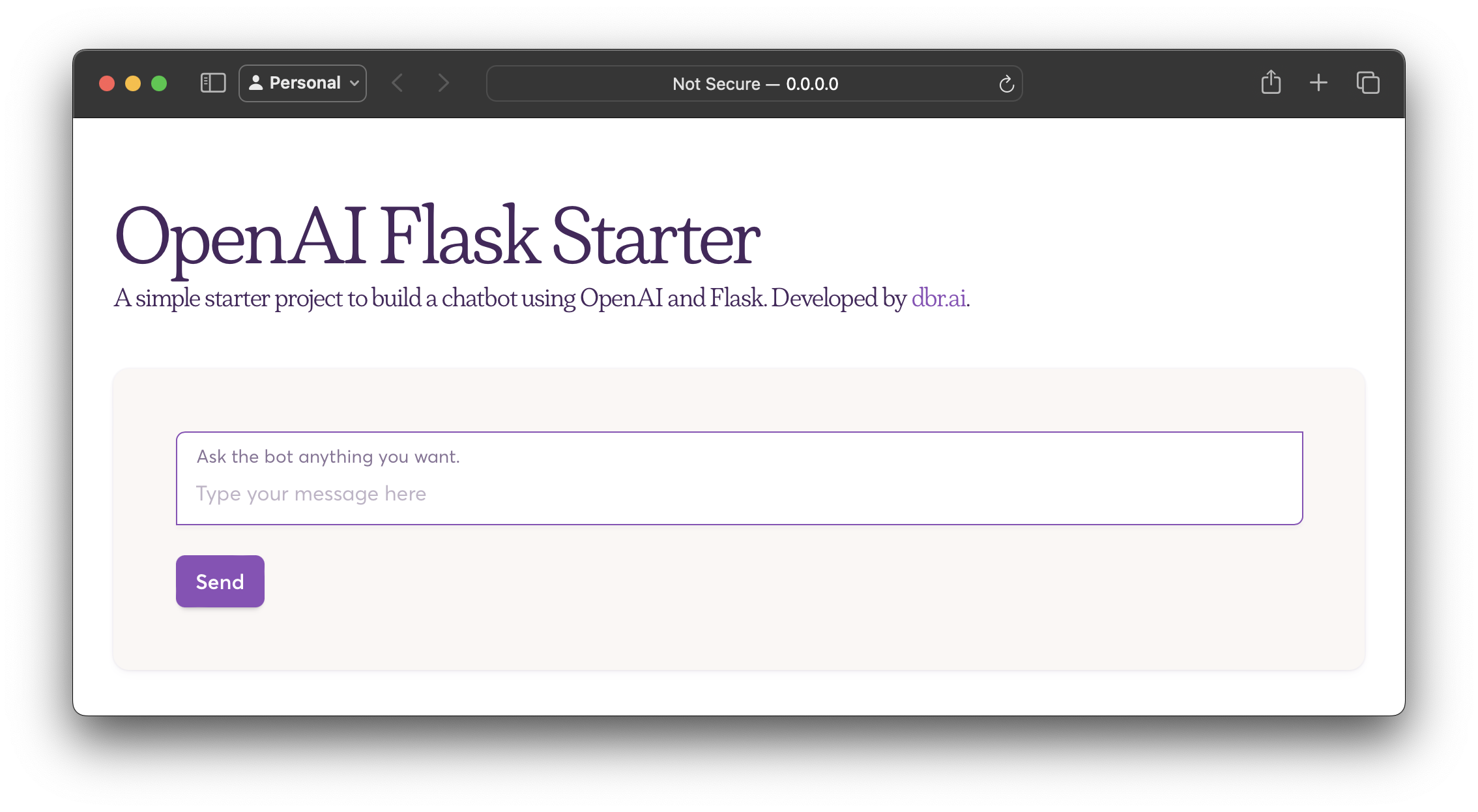
openai-flask-starter
Starter project with OpenAI + Flask and template HTML.
Flask · 启动器
app-engine-starter
A basic template for App Engine projects.
Flask · 启动器
flask-account-starter
flexible and extensible Flask boilerplate template
Flask · 启动器
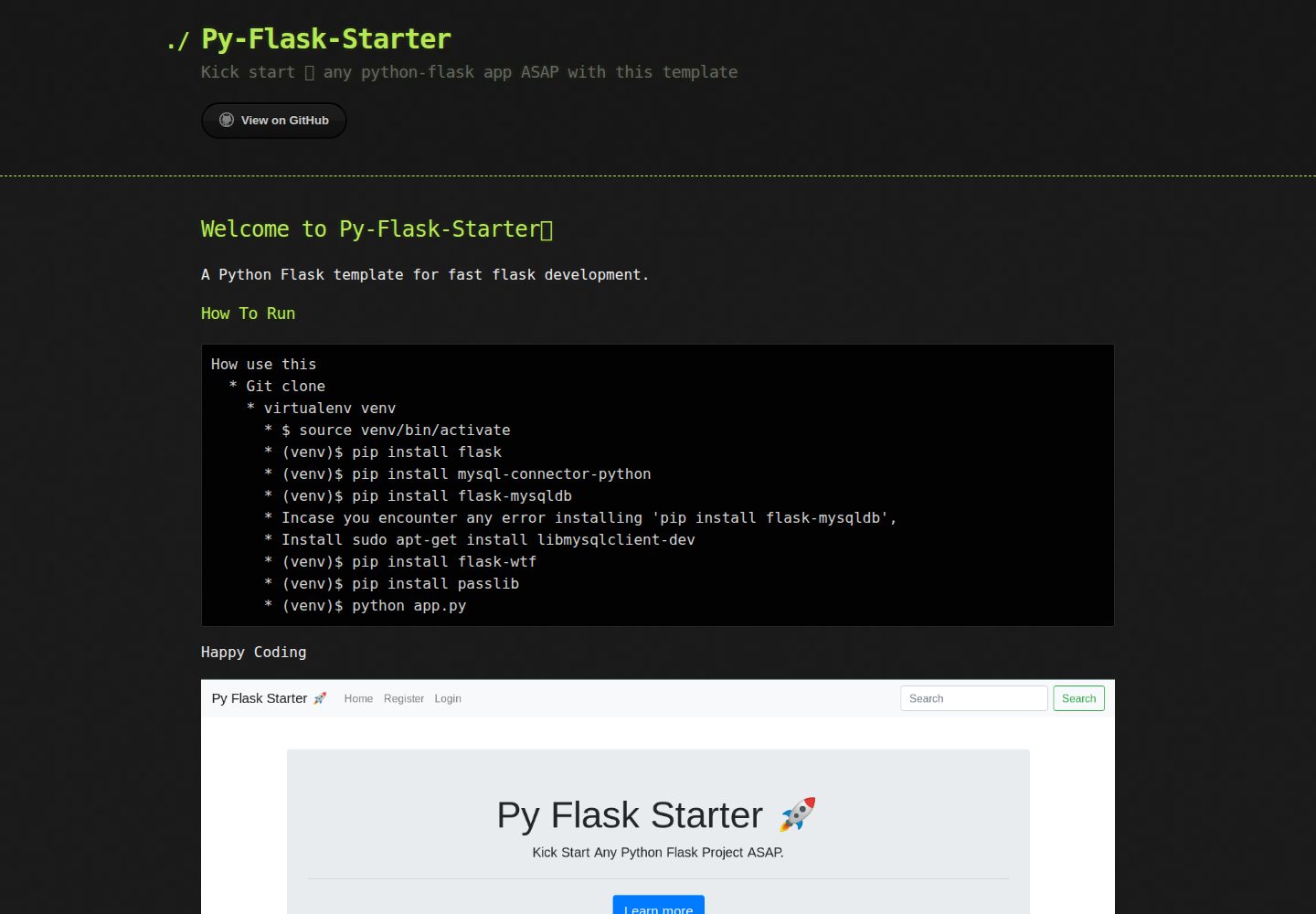
Py-Flask-Starter
Kick start 🚀 any python-flask app ASAP with this template
Flask · 启动器