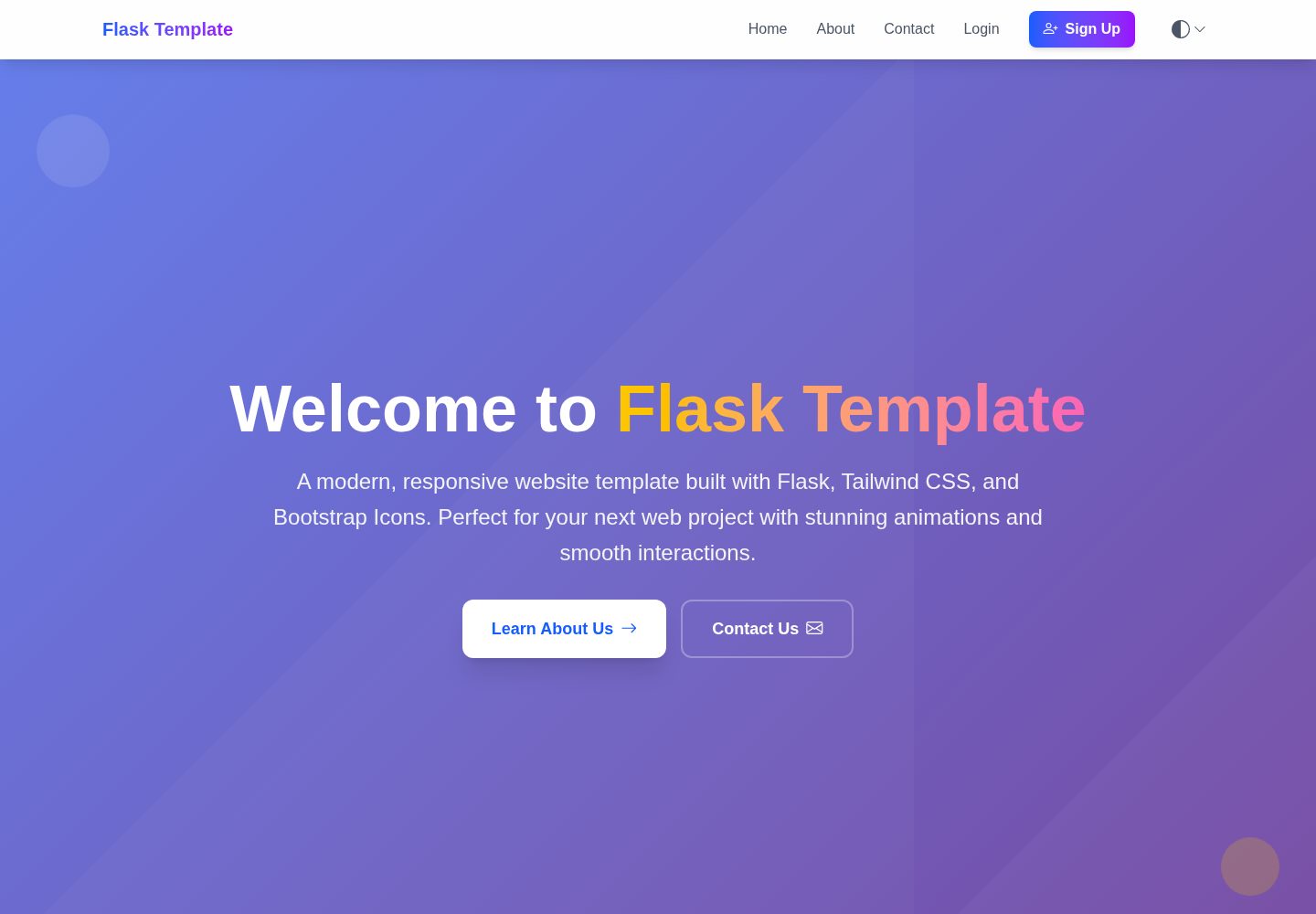
Uses the Flask application factory pattern and blueprints to organize routes, models, and templates
FlaskStarter
flask-website-template — Flask Starter Template
By MACantara
A website template based on the Flask factory pattern and blueprints. The README lists modules such as registration and login, email verification, password reset, admin dashboard, theme switching, hCaptcha, and deployment configuration, along with local run and database migration steps.
Explore the design
Compare the page layouts and mobile experience. Open any screenshot for a closer look.
Desktop homepage1 / 3
Desktop captureTop of page
Actual screenshot captured by the server browser.
All pages & views 3
Screenshots show visual appearance; interactive behavior may differ.
Recorded 2026-10-15View source
What stands out
A quick read of the recorded project description.
Includes a complete authentication flow for registration, login, password reset, and enforced email verification
Provides an admin dashboard supporting user management, a statistics dashboard, security logs, and contact form management
Built-in account lockout, IP rate limiting, CSRF protection, security response headers, and optional hCaptcha
Supports three themes: light, dark, and follow system, with preferences persisted to localStorage
The README gives two deployment paths, Vercel serverless and traditional hosting, plus a production checklist
Template Details
This template is a Flask website starter project. The README states that it uses the application factory pattern and blueprints to organize code, uses Tailwind CSS and Bootstrap Icons on the front end, and manages the database through SQLAlchemy and Flask-Migrate. Functionally, it covers user registration, login, password reset, enforced email verification, account lockout, IP-based rate limiting, hCaptcha form protection, CSRF protection, security response headers, and user management, a statistics dashboard, security logs, and contact form management in the admin dashboard. The theme system provides three modes: light, dark, and follow system, with preferences saved in localStorage.
The quick start process given in the README includes cloning the repository, creating and activating a virtual environment, installing dependencies from requirements.txt, copying .env.template to .env and filling in the configuration, running flask db init/migrate/upgrade to initialize the database, and finally running run.py and accessing it at localhost:5000. Environment variables cover Flask core settings, database connection, SMTP email, login attempt count and lockout time, and optional hCaptcha keys.
For deployment, the README distinguishes between Vercel serverless and traditional hosting: under Vercel, database-related features are automatically disabled, and the contact form records submissions instead of storing them in the database; traditional hosting can retain the full database and authentication features. The README also lists a production environment checklist, including changing the default admin credentials, configuring HTTPS, setting a strong SECRET_KEY, enabling hCaptcha, configuring email services, and monitoring logs. The project structure, documentation directory, and MIT license are explained in the README.
FlaskLauncher
Is it right for your project?
Use Cases
- A Flask website starter project that needs user registration, login, and email verification
- A site that needs an admin dashboard for user management and viewing security logs
- A project that needs light/dark theme switching and a responsive front end
- A Flask application planned for deployment to Vercel or traditional VPS hosting
- A scenario that needs SMTP email sending for password reset and verification emails
Suitable For
- Developers familiar with Python and Flask
- Those who need to quickly build a website prototype with authentication and an admin dashboard
- Projects that want to reference the factory pattern and blueprint organization structure
- Teams that need to evaluate both serverless and traditional hosting deployment approaches
Getting started & customization
Use these recorded setup notes alongside the repository instructions for your chosen version.
- 1
After cloning the repository, create and activate a Python virtual environment, then run pip install -r requirements.txt
- 2
Copy .env.template to .env, and fill in SECRET_KEY, DATABASE_URL, email, and security-related variables according to the README
- 3
Run flask db init, flask db migrate, and flask db upgrade to initialize the database
- 4
Run python run.py and access it at http://localhost:5000
- 5
The README notes that the default admin is admin/admin123, which must be changed in production, and that HTTPS, a strong key, and hCaptcha should be configured
License & source material
Usage conditions & limitations
Free to use · keep license noticeThis entry covers the free version under the MIT license in the public repository; the free scope is the code of this version and does not mean that external services or third-party assets are free.
Must comply with when using
- Free use, modification, commercial use, and distribution of this version's code are allowed.
- When distributing copies or substantial portions of the code, retain the original author's copyright notice and the complete MIT license notice.
- The code is provided as is; warranties and limitations of liability are governed by the original license and applicable law.
Additional costs & items to verify
- Demo images, fonts, icons, and other third-party assets must be checked against their respective licenses and cannot be judged solely by the code's MIT license.
- External services such as domains, hosting, databases, payments, or AI may incur additional charges.
- The default admin account is admin / admin123, and the README explicitly states that this default credential must be changed in production.
- Email functionality depends on an external SMTP service; the example uses smtp.gmail.com, and you must provide your own email account and app password.
- A real email account (MAIL_USERNAME) must be configured to send verification and password reset emails.
- An email app-specific password (MAIL_PASSWORD) must be provided, which is a credential requirement of the external email service.
- hCaptcha is an optional feature; once enabled, you must apply for and configure the site key and secret key yourself.
- Enabling hCaptcha requires providing the HCAPTCHA_SITE_KEY generated by the external service.
- Enabling hCaptcha requires providing the HCAPTCHA_SECRET_KEY generated by the external service.
- When deployed to the Vercel serverless environment, database-related features are automatically disabled, limiting the feature scope.
- Under Vercel deployment, the contact form only records submission content and no longer writes it to database storage.
- The production environment requires configuring a usable email service yourself, which is an external service dependency.
- Production deployment requires configuring HTTPS and a valid SSL certificate yourself.
- The production database must use PostgreSQL or MySQL rather than the SQLite used for development.
View Original Text Basis
Permission is hereby granted, free of charge
Original License Text
- **Default Login**: username: `admin`, password: `admin123` ⚠️ *Change in production!*
Original README
MAIL_SERVER=smtp.gmail.com
Original README
Original README
MAIL_PASSWORD=your-app-password
Original README
HCAPTCHA_ENABLED=true
Original README
HCAPTCHA_SITE_KEY=your-site-key
Original README
HCAPTCHA_SECRET_KEY=your-secret-key
Original README
- **Environment Adaptation**: Auto-disables database features
Original README
- **Contact Form**: Logs submissions instead of database storage
Original README
5. **Configure Email**: Set up production email service
Original README
- [ ] HTTPS configured with valid SSL certificate
Original README
https://github.com/MACantara/flask-website-template/blob/main/LICENSEhttps://github.com/MACantara/flask-website-template/blob/main/README.md- **Database**: SQLite (dev), PostgreSQL/MySQL (production)
Original README
Compiled by DeepSeek based on repository license and README ·2026-10-15. Results only cover the materials read; dependencies, images, fonts, and subsequent term changes are subject to their respective original texts.
Project checks & description sources
Template Information
- Source platforms
- GitHub
- Documentation and maintenance reference score
- Partly documented · 74 / 100
- Technologies
- Flask
- Website type
- Starter
How this score is calculated
Our heuristic uses license records (up to 30), a demo link (12), a preview (10), stars (15), recorded maintenance (15), description completeness (8), feature records (5) and classification data (5). It is not a code, security or performance test, or a Google score. A link does not establish tested functionality.
What to verify for this project
- Repository update recorded
- 2025-06-12
- Screenshot last checked
- 2026-10-15
A demo link is listed. Check it with your own content and viewport sizes; its presence does not confirm that forms, authentication or payments work.
The catalog identifies Flask as the primary stack. Check the actual dependency manifest and lockfile for versions and hosting requirements. These notes use recorded metadata, not a code audit or a deployment test.
Use a selection guide →How this description was prepared
AI-assisted description based on catalog records and repository material. Repository authors are not automatically the reviewers of this description.
Review declaration: codex-user-requested-batch-review-20261017 · 2026-10-16
Inspect the recorded source material
SHA-256: a418e5dfe8d9d8fa8feb43e09264f075cf7b3f5d2a41f0bb7020335f7f609ea5
2026-10-15T16:26:12.851Z
Source file / repository# Flask Website Template A modern, production-ready Flask website template featuring comprehensive authentication, admin panel, and responsive design. ## ✨ Key Features - **🏗️ Modern Architecture**: Flask factory pattern with blueprints - **🎨 Responsive Design**: Tailwind CSS with Bootstrap Icons - **🔐 Complete Authentication**: Registration, login, password reset, email verification - **👥 Admin Panel**: User management, system monitoring, security logs - **🛡️ Advanced Security**: Account lockout, rate limiting, hCaptcha integration - **🌓 Theme System**: Light/Dark/System modes with persistent preferences - **📧 Email Integration**: Contact forms, password reset, verification emails - **📋 Legal Compliance**: Privacy policy, terms of service, cookie policy - **🚀 Deployment Ready**: Vercel serverless and traditional hosting support ## 🚀 Quick Start ### 1. Clone Repository ```bash git clone <repository-url> cd flask-website-template ``` ### 2. Create Virtual Environment ```bash python -m venv venv ``` ### 3. Activate Virtual Environment ```bash # On Windows venv\Scripts\activate # On macOS/Linux source venv/bin/activate ``` ### 4. Install Dependencies ```bash pip install -r requirements.txt ``` ### 2. Configuration ```bash # On Windows copy .env.template .env # On macOS/Linux cp .env.template .env # Edit .env with your settings ``` ### 3. Initialize Database ```bash flask db init flask db migrate -m "Initial migration" flask db upgrade ``` ### 4. Run Application ```bash python run.py ``` Visit `http://localhost:5000` to view the website. ## 📚 Documentation ### Core Documentation - **[Authentication System](docs/AUTHENTICATION.md)** - Complete authentication with email verification - **[Admin Panel](docs/ADMIN_PANEL.md)** - User management and system monitoring - **[hCaptcha Integration](docs/HCAPTCHA.md)** - Bot protection and security - **[Deployment Guide](docs/DEPLOYMENT.md)** - Vercel, VPS, and production deployment ### Features Overview #### 🔐 Authentication & Security - User registration with mandatory email verification - Secure login with username or email - Password reset functionality - Account lockout protection (IP-based) - Argon2 password hashing - Session management with security headers #### 👥 Admin Panel - **Default Login**: username: `admin`, password: `admin123` ⚠️ *Change in production!* - User management (activate/deactivate, admin privileges) - Real-time dashboard with statistics - Security logs and monitoring - Automated cleanup tools - Contact form management #### 🛡️ Security Features - **Account Lockout**: 5 failed attempts = 15-minute lockout (configurable) - **hCaptcha Protection**: Bot prevention on forms - **Rate Limiting**: IP-based request limiting - **CSRF Protection**: Built-in CSRF protection - **Secure Headers**: Security headers for production #### 📧 Email Verification System - **Verification Pending Page**: Clear instructions and status - **Auto-refresh**: Automatic verification status checking - **Resend Functionality**: Easy verification email resending - **Login Blocking**: Prevents login until email verified - **24-hour Expiration**: Secure, time-limited tokens #### 🌓 Theme System - **Light Mode**: Clean, bright interface - **Dark Mode**: Modern dark theme - **System Mode**: Follows OS theme preference - **Persistent Settings**: Saved in localStorage - **Smooth Transitions**: Elegant theme switching ## 🔧 Environment Configuration ### Required Variables ```bash # Core Settings FLASK_ENV=development DEBUG=True SECRET_KEY=your-secret-key # Database DATABASE_URL=sqlite:///app.db # Email Configuration MAIL_SERVER=smtp.gmail.com MAIL_PORT=587 MAIL_USE_TLS=true [email protected] MAIL_PASSWORD=your-app-password # Security Settings MAX_LOGIN_ATTEMPTS=5 LOGIN_LOCKOUT_MINUTES=15 # hCaptcha (optional) HCAPTCHA_ENABLED=true HCAPTCHA_SITE_KEY=your-site-key HCAPTCHA_SECRET_KEY=your-secret-key ``` ## 📁 Project Structure ``` flask-website-template/ ├── app/ # Main application package │ ├── models/ # Database models │ ├── routes/ # Application routes │ ├── static/ # Static files (CSS, JS, images) │ │ ├── css/ # CSS files │ │ ├── images/ # Image files │ │ └── js/ # JavaScript files │ │ ├── components/ # Reusable JavaScript components │ │ ├── utils/ # Utility JavaScript files │ │ │ ├── pagination/ # Pagination utilities │ │ │ └── theme/ # Theme utilities │ │ └── main.js # Main JavaScript file │ ├── templates/ # HTML templates │ │ ├── admin/ # Admin panel templates │ │ ├── auth/ # Authentication templates │ │ ├── partials/ # Reusable template components │ │ │ ├── admin/ # Admin panel components │ │ │ │ ├── dashboard/ # Admin dashboard components │ │ │ │ ├── logs/ # Admin logs components │ │ │ │ ├── user-details/ # User details components │ │ │ │ └── users/ # User management components │ │ │ ├── shared/ # Shared components │ │ │ ├── footer.html # Footer component │ │ │ └── navbar.html # Navbar component │ │ ├── password/ # Password reset templates │ │ ├── policy-pages/ # Policy page templates │ │ ├── profile/ # Profile templates │ │ ├── about.html # About page template │ │ ├── base.html # Base template │ │ ├── contact.html # Contact page template │ │ └── home.html # Home page template │ ├── utils/ # Utility modules │ └── __init__.py # Application factory ├── docs/ # Documentation files ├── instance/ # Instance-specific files ├── migrations/ # Database migrations ├── .env.template # Environment variables template ├── .gitignore # Git ignore file ├── .vercelignore # Vercel ignore file ├── config.py # Configuration ├── LICENSE # MIT License file ├── README.md # Project README ├── requirements.txt # Dependencies ├── run.py # Application entry point └── vercel.json # Vercel deployment config ``` ## 🚀 Deployment Options ### Vercel (Serverless) - **One-click Deploy**: Automatic detection and deployment - **Environment Adaptation**: Auto-disables database features - **Contact Form**: Logs submissions instead of database storage - **Zero Configuration**: Works out of the box ### Traditional Hosting - **Full Features**: Complete database and authentication - **VPS/Dedicated**: Full control and customization - **Shared Hosting**: Basic hosting compatibility See the [Deployment Guide](docs/DEPLOYMENT.md) for detailed instructions. ## 🛡️ Security in Production ### Essential Steps 1. **Change Default Credentials**: Update admin username/password 2. **Configure HTTPS**: Essential for secure cookies and authentication 3. **Set Strong Secret Key**: Use a cryptographically secure secret 4. **Enable hCaptcha**: Protect forms from bot submissions 5. **Configure Email**: Set up production email service 6. **Monitor Logs**: Regular review of security and access logs ### Production Checklist - [ ] HTTPS configured with valid SSL certificate - [ ] Environment variables secured - [ ] Default admin credentials changed - [ ] Database credentials secured - [ ] Email service configured - [ ] hCaptcha enabled and configured - [ ] Security headers configured - [ ] Backup strategy implemented - [ ] Monitoring and alerting set up ## 🔨 Technologies - **Backend**: Python Flask, SQLAlchemy, Flask-Migrate - **Frontend**: Tailwind CSS, Bootstrap Icons, Vanilla JavaScript - **Database**: SQLite (dev), PostgreSQL/MySQL (production) - **Security**: Argon2, Flask-WTF, hCaptcha - **Email**: Flask-Mail with SMTP support - **Deployment**: Vercel, traditional hosting ## 📝 License MIT License - see [LICENSE](LICENSE) file for details. ## 🤝 Contributing Contributions are welcome! Please feel free to submit a Pull Request. ## 📞 Support - **Documentation**: Check the [docs/](docs/) directory for detailed guides - **Issues**: Open an issue on GitHub for bug reports or feature requests - **Email**: Contact form available in the application --- **⚡ Quick Deploy**: [](https://vercel.com/new/clone?repository-url=https://github.com/MACantara/flask-website-template)
Explore similar templates
Compare previews and descriptions within the same stack and category.
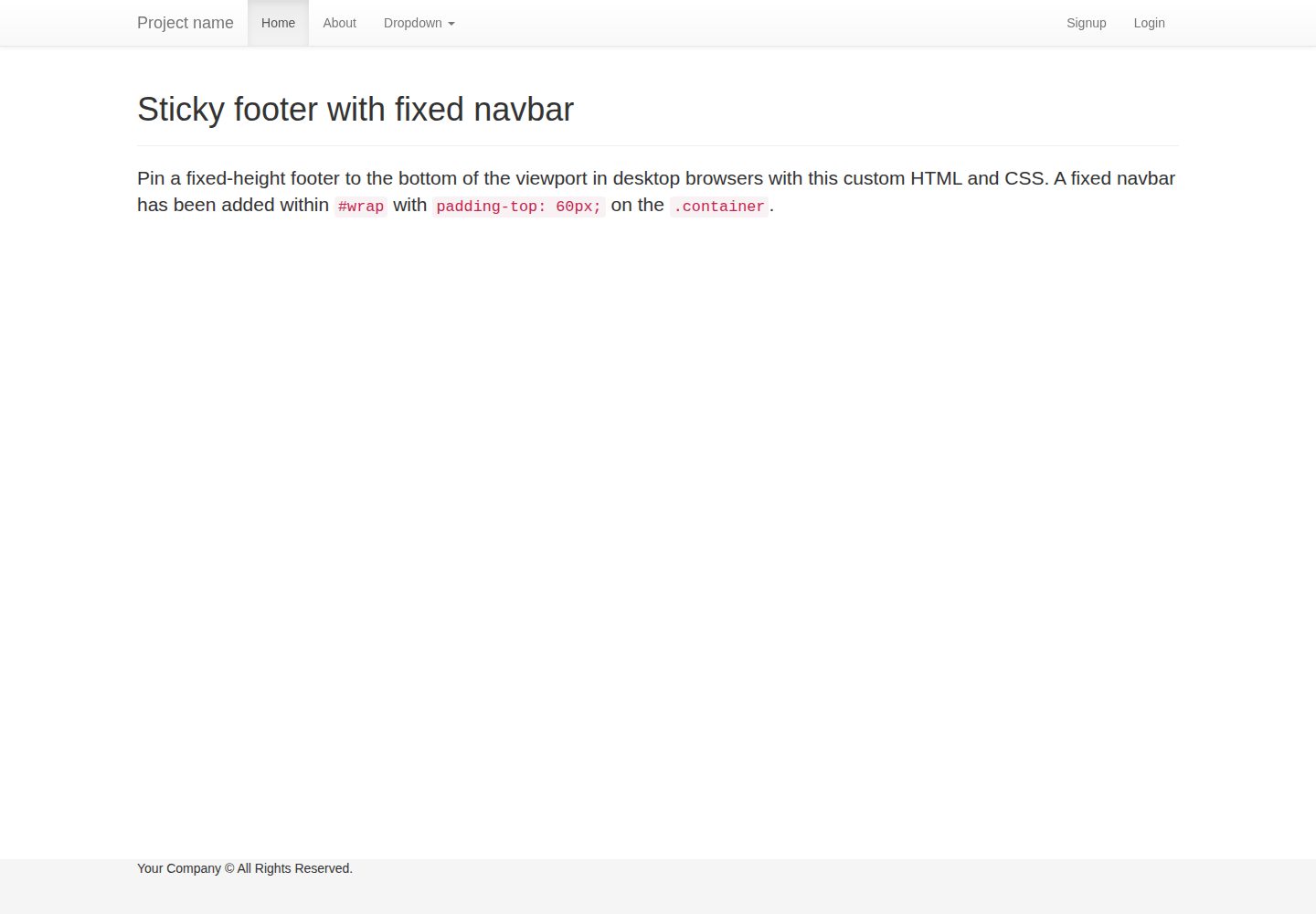
flask-boilerplate
A Flask starter template from Real Python, preconfigured with Flask-SQLAlchemy, Flask-WTF, Fabric, Coverage, and a Bootstrap frontend. It includes organized templates for errors, forms, layouts, and pages, plus static assets and README deployment instructions for Heroku and PythonAnywhere.
Flask · Starter
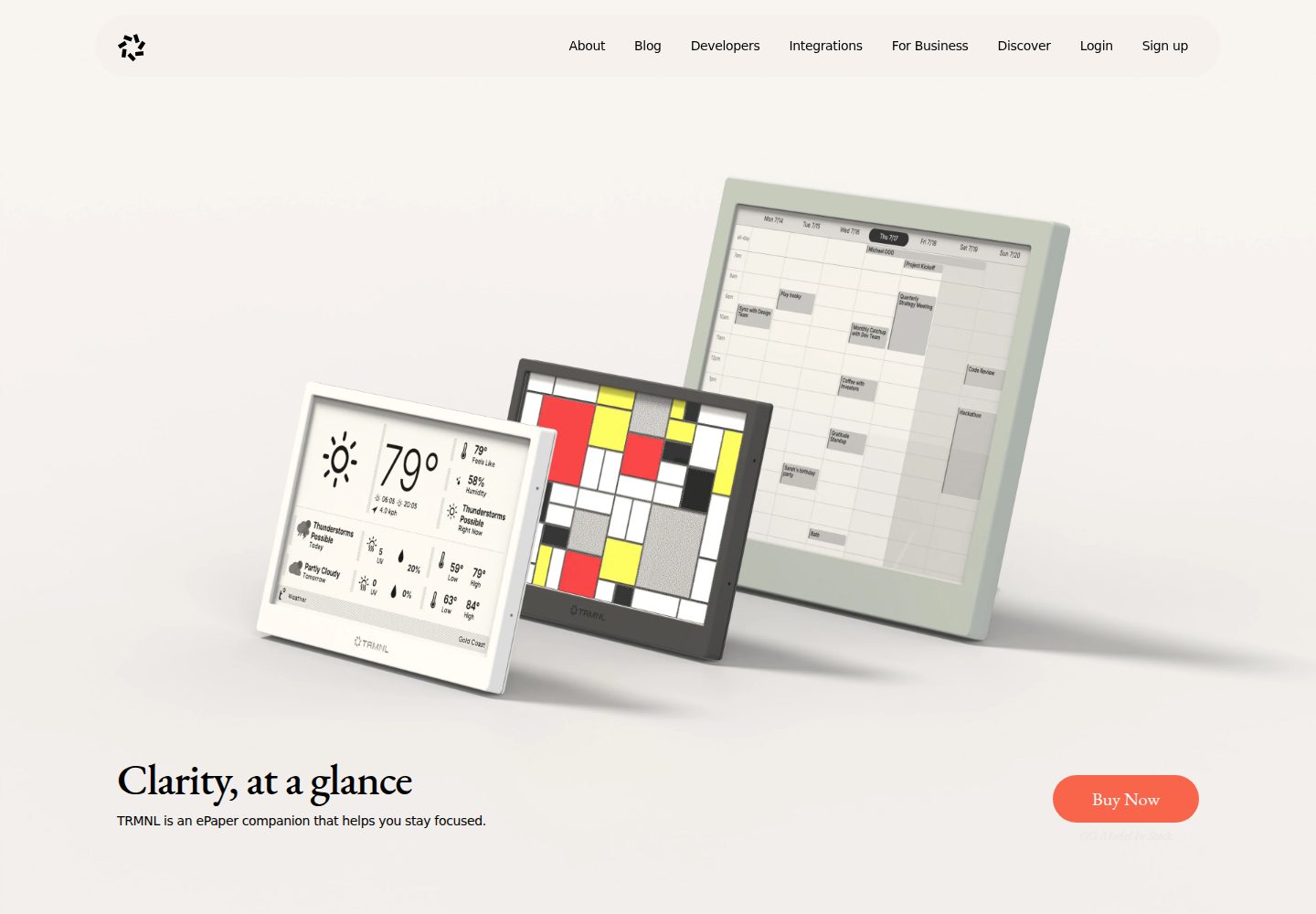
TRMNL-Boilerplate
A Flask starter template for TRMNL e-ink display plugins, offering webhook endpoints with CORS, display generation, caching, configuration management, and pytest tests.
Flask · Starter
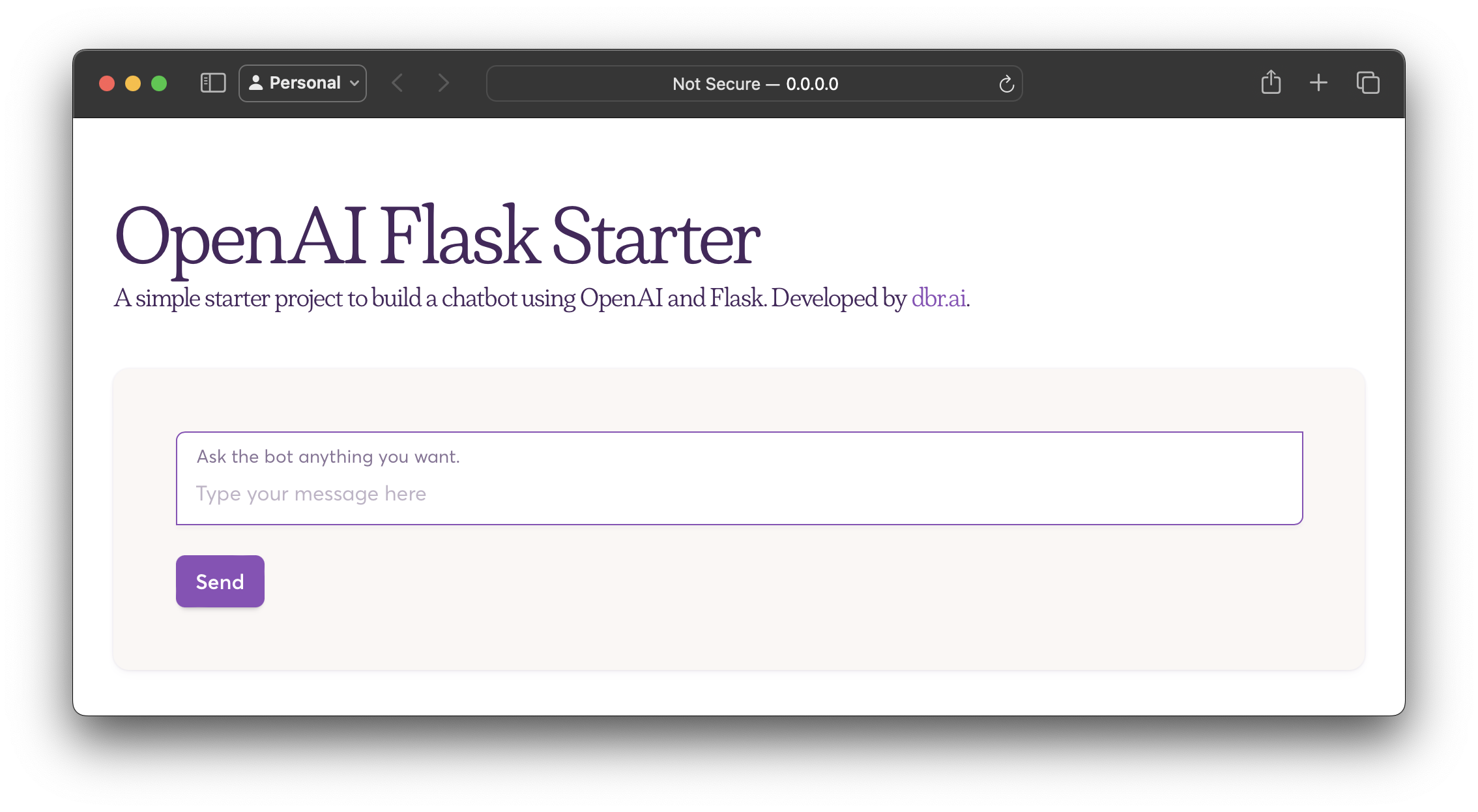
openai-flask-starter
A Flask-based chatbot starter that calls the OpenAI chat completion API, with an HTML interface, .env.sample for the API key and HTTP_PORT, and Dockerfile/docker-compose for containerized runs.
Flask · Starter
app-engine-starter
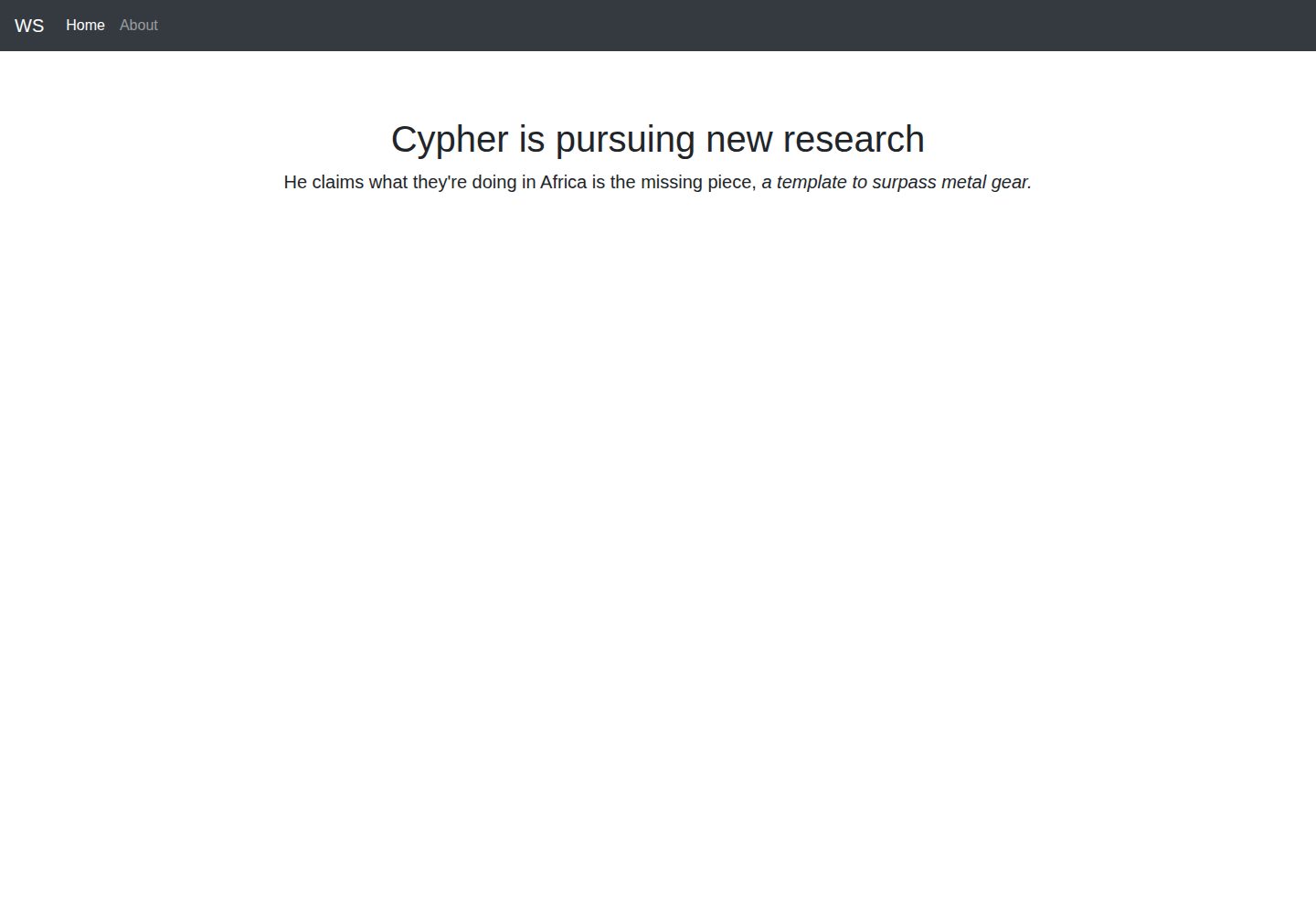
A Flask starter template for Google App Engine standard environment, using Python 3, with a Bootstrap page skeleton, Jinja2 semi-automated navigation, pipenv local development, and gcloud deployment instructions.
Flask · Starter
flask-account-starter
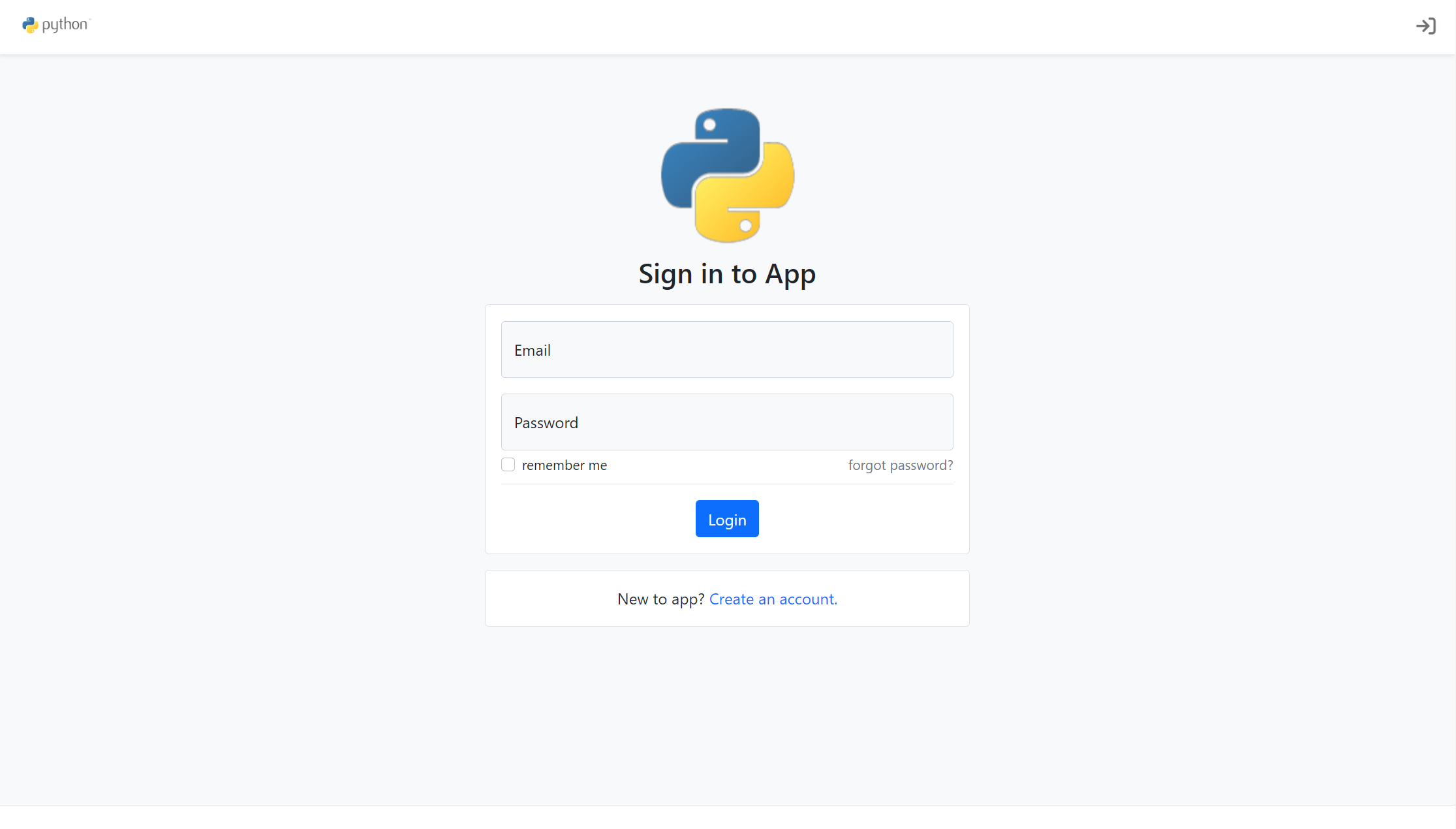
A Flask account system starter template using the application factory pattern, with built-in registration, toggleable account verification, password reset, new IP login verification, failed login lockout, activity logs, and automated emails.
Flask · Starter
Py-Flask-Starter
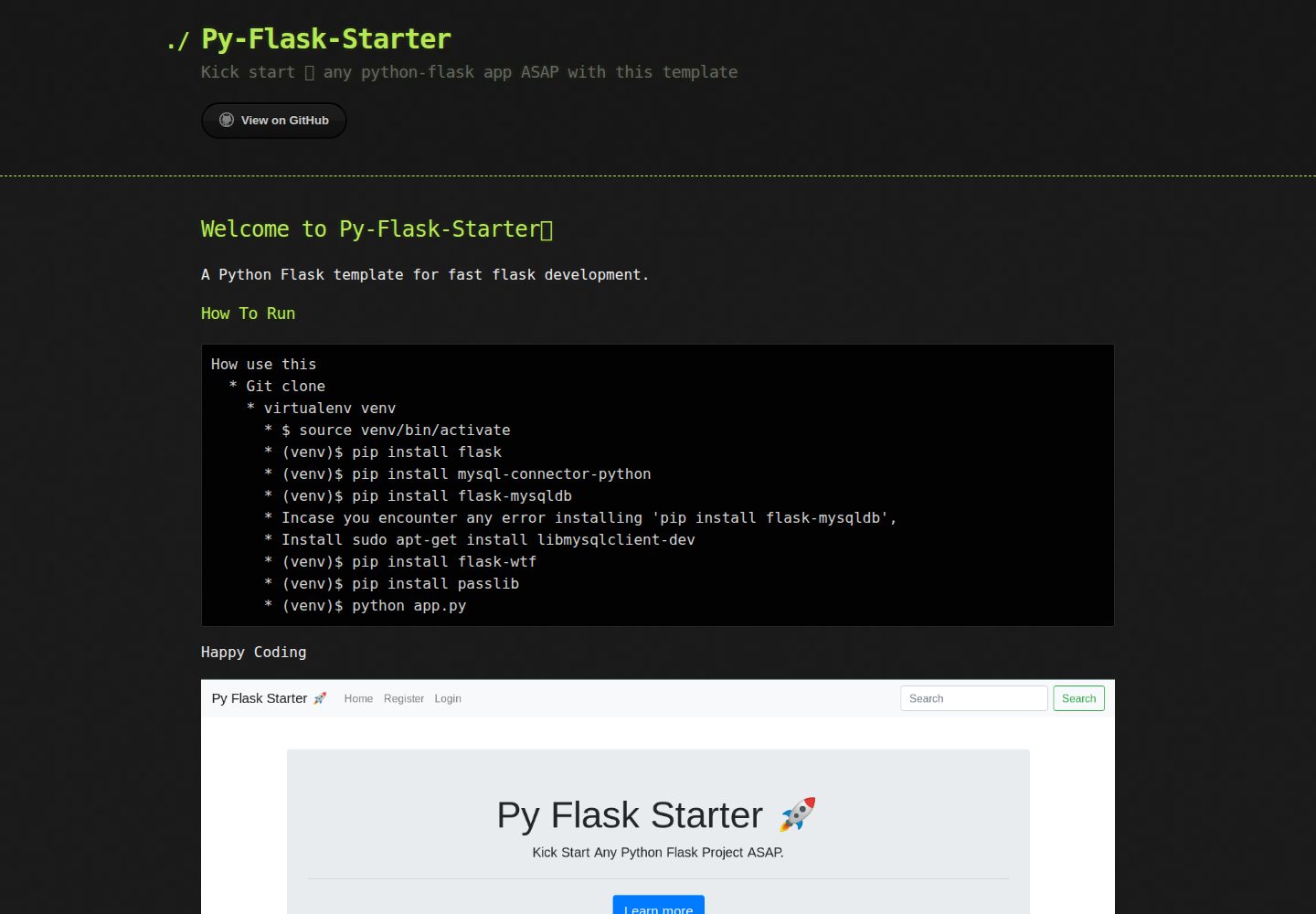
Py-Flask-Starter is an MIT-licensed starter template for Python Flask applications, maintained by MartMbithi. The README outlines a virtualenv-based setup and installs flask, mysql-connector-python, flask-mysqldb, flask-wtf, and passlib, indicating MySQL connectivity, WTForms forms, and password hashing as intended needs.
Flask · Starter