使用 SvelteKit 静态适配器构建单页前端,由 Tauri WebView 加载
Svelte启动器
tauri-sveltekit — Svelte 启动器模板
作者 Stijn-B
基于 Tauri 2 与 SvelteKit 的桌面应用启动模板,使用静态适配器将 SvelteKit 前端打包进 Tauri 的 WebView,附带配置、CSP 与 CI 说明。
看看你的网站会是什么样
浏览真实页面截图,比较内容排版与手机效果。点击下方缩略图切换,放大查看整页细节。
目前有 1 张原始预览,可打开完整图片查看设计细节。
截图用于了解视觉与布局,交互效果请以实际项目为准。
采集于 2026-10-10查看来源
值得关注的模板亮点
从已有项目资料中,快速了解它的特点。
区分开发与打包两套 CSP,开发环境额外允许本地 Vite WebSocket
在 tauri.conf.json 中集中配置应用标识、产品名、版本与窗口标题
提供 npm run check、lint、sveltekit:build 与 cargo fmt/clippy/test 等检查命令
CI 在 Linux、macOS、Windows 上审计依赖并执行前端检查与原生打包验证
包含 TUTORIAL.md,说明如何手动搭建同样的 Tauri 2 与 SvelteKit 组合
模板详细介绍
这是一个把 SvelteKit 前端与 Tauri 桌面外壳组合起来的最小启动模板。SvelteKit 通过 @sveltejs/adapter-static 构建为静态单页应用,由 Tauri 的 WebView 直接加载预构建文件,因此运行时不包含 SvelteKit 服务端,SSR 与服务端端点不可用。仓库提供开发与构建脚本、应用标识与产品信息等需要替换的占位配置,以及图标替换命令。README 还说明了打包应用与开发环境各自的 CSP 策略、各平台 WebView 的最低兼容要求,以及 CI 覆盖的检查与打包范围。
Svelte启动器
适合你的项目吗?
适用场景
- 想用 SvelteKit 作为前端、Tauri 作为桌面外壳新建项目
- 把已有的 SvelteKit 项目改造成桌面应用
- 为已有的 Tauri 项目接入 SvelteKit 前端
- 需要参考打包应用与开发环境 CSP 配置差异的桌面项目
适合人群
- 熟悉 SvelteKit 与前端构建流程的开发者
- 能按 Tauri 前置要求安装 Rust 与受支持 Node.js 版本的开发者
- 需要桌面端静态前端、不依赖运行时服务端的项目
- 希望以 MIT 许可使用并自行修改模板代码的个人或团队
上手与定制指南
结合仓库当前版本的说明,按下面的资料检查内容、配置与运行要求。
- 1
使用 GitHub 的 Use this template 创建仓库后克隆,并安装 Tauri 前置依赖,包括 Rust 与受支持的 Node.js 版本
- 2
运行 npm ci 安装依赖;仓库的 Node 与 Rust 工具链版本记录在 .nvmrc 与 rust-toolchain.toml 中
- 3
分发前替换 src-tauri/tauri.conf.json 中的 identifier、productName、version 与窗口标题,并同步 package.json 与 src-tauri/Cargo.toml 的元数据
- 4
用 npm run tauri -- icon path/to/your-icon.png 替换启动器图标
- 5
桌面开发服务器使用 5173 端口,端口被占用时会启动失败;仅前端开发可用 npm run sveltekit:dev,但该模式不提供 Tauri 原生 API
授权与来源资料
使用条件与限制
免费使用 · 保留许可声明本次收录的是公开仓库中采用 MIT 许可的免费版本;免费范围为该版本代码,不代表外部服务或第三方素材免费。
使用时需要遵守
- 允许免费使用、修改、商用和分发该版本代码。
- 分发代码副本或实质性部分时,保留原作者版权声明和完整 MIT 许可声明。
- 代码按现状提供;担保与责任限制以原许可证及适用法律为准。
额外费用与待核对事项
- 演示图片、字体、图标及其他第三方素材需按各自许可核对,不能仅凭代码的 MIT 许可判断。
- 域名、托管、数据库、支付或 AI 等外部服务可能另外收费。
- 在 SPA 模式下,依赖服务端的功能(如服务端渲染 SSR 和服务端端点)在运行时不可用,因为 Tauri 直接加载预构建的静态文件。
- 仅前端开发模式(npm run sveltekit:dev 与 npm run preview)不提供 Tauri 原生 API,无法调用桌面端能力。
- 桌面开发服务器固定使用 5173 端口,若该端口已被占用则启动失败。
- 打包应用默认的 CSP 会阻止远程脚本和前端网络请求,添加远程 API 或资源时需手动在 CSP 指令中加入对应来源。
- CI 仅验证编译与打包,不启动应用,也不覆盖签名、公证、Windows MSI 安装包或 macOS DMG 镜像。
- CI 不覆盖 Intel macOS、Windows ARM、Linux ARM 以及移动端目标平台。
- macOS 端要求 13.3 或更新版本,以提供与 Safari 16.4 等效的系统 WebKit。
- Windows 端要求 Windows 10/11 且 WebView2 版本为 111 或更新,并需保持 Evergreen 运行时更新。
- Linux 端要求 WebKitGTK 具备与 Safari 16.4 等效或更新的 Web 平台支持,并需保持发行版 WebKitGTK 包更新。
- 分发自有应用前,必须将占位标识符替换为唯一的反向域名标识。
查看原文依据
Permission is hereby granted, free of charge
许可证原文
In SPA mode, SvelteKit features that require a server, such as server-side rendering (SSR) and server endpoints, are not available at runtime.
README 原文
These browser modes do not provide Tauri native APIs.
README 原文
The desktop development server uses port 5173 and fails if it is already occupied.
README 原文
remote scripts and frontend network requests are blocked by default
README 原文
These checks validate compilation and packaging; they do not launch the app or cover signing, notarization, Windows MSI installers, or macOS DMG images.
README 原文
CI does not cover Intel macOS, Windows ARM, Linux ARM, or mobile targets.
README 原文
macOS 13.3 or newer, which provides Safari 16.4-equivalent system WebKit
README 原文
Windows 10/11 with WebView2 111 or newer; keep the Evergreen runtime updated
README 原文
WebKitGTK with Safari 16.4-equivalent or newer web-platform support; keep the distribution's WebKitGTK packages updated
README 原文
https://github.com/Stijn-B/tauri-sveltekit/blob/main/LICENSEhttps://github.com/Stijn-B/tauri-sveltekit/blob/main/README.mdreplace its identifier with a unique reverse-domain name
README 原文
DeepSeek 根据仓库许可证和 README 整理 ·2026-10-10。结果仅覆盖已读取资料,依赖、图片、字体及后续条款变更以各自原文为准。
项目核对记录与介绍依据
模板资料
- 来源平台
- GitHub
- 资料与维护参考分
- 资料较完整 · 79 / 100
- 技术栈
- Svelte
- 网站类型
- 启动器
这个分数如何计算
本站按许可资料(最高30分)、演示链接(12分)、预览图(10分)、Star数(15分)、记录的维护时间(15分)、描述完整度(8分)、功能记录(5分)和分类资料(5分)计算。它不是代码、安全或性能测试,也不是 Google 评分;有链接不代表已实测可用。
这个项目需要核对什么
- 记录的仓库更新时间
- 2026-10-10
- 截图检查日期
- 2026-10-10
目前没有记录演示链接。请依据仓库说明在本地评估;仅凭截图无法确认交互行为。
目录记录的主要技术栈是 Svelte。请通过依赖清单和锁文件核对实际版本与托管要求。这些说明基于收录资料,不代表代码审计或部署实测。
查看具体选型方法 →介绍的制作与核对状态
介绍由 AI 辅助整理目录与仓库资料。仓库作者不等于这篇介绍的审核者。
审核声明: [email protected] · 2026-10-11
查看当时使用的来源资料
SHA-256: 05dfc5462af0b2607500c650b00190586ad7cfd2503d663f9caf2ae6821313d8
2026-10-10T15:57:52.480Z
来源文件 / 仓库
# Tauri x SvelteKit
1. [Getting Started](#getting-started)
2. [How it Works](#how-it-works)
3. [About the Frameworks](#about-the-frameworks)
4. [Desktop Apps with SvelteKit and Tauri - Step-by-Step Tutorial](#desktop-apps-with-sveltekit-and-tauri---step-by-step-tutorial)
## Getting Started
Use GitHub's **Use this template** button to create your own repository, then clone it
and open a terminal in the project directory.
Install the current [Tauri prerequisites](https://v2.tauri.app/start/prerequisites/), including
Rust and a supported Node.js release (22.17 or newer within Node 22, or Node 24+). The
repository's recommended Node and Rust toolchains are recorded in `.nvmrc` and
`rust-toolchain.toml`.
**Install the packages**
```shell
npm ci
```
**Customize your application**
The starter runs with its placeholder settings. Before distributing your own app,
replace its identifier with a unique reverse-domain name (e.g. `com.example.my-tauri-app`).
It may contain alphanumeric characters (A–Z, a–z, and 0–9), hyphens (-), and periods (.).
Set your application identifier in `src-tauri/tauri.conf.json`:
```json
{
"identifier": "com.example.my-tauri-app"
}
```
Also customize `productName`, `version`, and the window title in that file, the name
and version in `package.json`, and the package metadata in `src-tauri/Cargo.toml`.
Replace the starter icons with `npm run tauri -- icon path/to/your-icon.png`.
**Run the Tauri app**
For development, run the following command:
```shell
npm run dev
```
**Build the Tauri app**
For building the app into a distributable package, run the following command:
```shell
npm run build
```
**The initial app should look like this:**

For frontend-only development, use `npm run sveltekit:dev`; `npm run preview` serves
the built frontend in a browser. These browser modes do not provide Tauri native APIs.
The desktop development server uses port 5173 and fails if it is already occupied.
Before submitting changes, run:
```shell
npm run check
npm run lint
npm run sveltekit:build
cd src-tauri
cargo fmt --check
cargo clippy --locked --all-targets --all-features -- -D warnings
cargo test --locked --all-targets --all-features
```
CI audits dependencies and runs frontend checks on Linux, macOS, and Windows. Native
release builds verify Linux DEB/AppImage/RPM packages, a macOS app bundle, and a Windows
NSIS installer. These checks validate compilation and packaging; they do not launch
the app or cover signing, notarization, Windows MSI installers, or macOS DMG images.
## How it works
Tauri can integrate any frontend framework that compiles to HTML, JS and CSS. SvelteKit can be configured to build a static single-page app using the [@sveltejs/adapter-static adapter](https://svelte.dev/docs/kit/adapter-static). This enables us to use Tauri with SvelteKit.
> [!IMPORTANT]
> In SPA mode, SvelteKit features that require a server, such as server-side rendering (SSR) and server endpoints, are not available at runtime. Tauri loads the pre-built static files directly in its webview instead of running a SvelteKit server.
## Runtime requirements
Tauri uses the operating system's WebView rather than bundling a browser. This
starter's frontend targets Chromium 111 and Safari/WebKit 16.4, matching the
[Tailwind CSS compatibility requirements](https://tailwindcss.com/docs/compatibility).
| Platform | Frontend runtime requirement |
| -------- | ----------------------------------------------------------------------------------------------------------------------- |
| macOS | macOS 13.3 or newer, which provides Safari 16.4-equivalent system WebKit |
| Windows | Windows 10/11 with WebView2 111 or newer; keep the Evergreen runtime updated |
| Linux | WebKitGTK with Safari 16.4-equivalent or newer web-platform support; keep the distribution's WebKitGTK packages updated |
The macOS bundle declares 13.3 as its minimum system version. Windows installers
check `minimumWebview2Version` against `111.0.0.0`. Vite's JavaScript targets are
explicit so future Vite upgrades cannot silently change this frontend baseline.
On Linux, `webkit2gtk-4.1` is the API/ABI package name, not a browser-engine version;
installing a package with that name alone does not establish frontend compatibility.
See [Tauri's WebView version guide](https://v2.tauri.app/reference/webview-versions/).
These are the starter's compatibility requirements, not a claim that every older
platform or minimum-version runtime is tested. CI builds on the current hosted
runners; test your packaged app on the oldest systems you intend to support, especially
when adding browser APIs or changing dependencies. CI does not cover Intel macOS,
Windows ARM, Linux ARM, or mobile targets.
## Content Security Policy
The packaged app uses a [Content Security Policy](https://v2.tauri.app/security/csp/)
in `src-tauri/tauri.conf.json`. It permits local frontend assets and Tauri IPC; remote
scripts and frontend network requests are blocked by default. Tauri adds hashes and
nonces for its bundled scripts and styles. Inline style attributes remain allowed for
Svelte's DOM styling and this starter's gradient.
A separate `devCsp` permits inline script/style elements and the local Vite WebSocket
on port 5173 for development and hot reload. These allowances are not part of the
packaged app's policy. Update the WebSocket sources if you change the development port.
When adding an API or remote asset, add only the required origin to the appropriate
CSP directive. Native plugin permissions are configured separately through Tauri
capabilities. Test both `npm run dev` and a packaged build after changing the policy.
## About the frameworks
[**Tauri**](https://v2.tauri.app/) is a framework for building desktop applications with a Rust backend and a web frontend. See its [security documentation](https://v2.tauri.app/security/) and [architecture guide](https://v2.tauri.app/concept/architecture/) to understand how the webview and native backend interact.
[**SvelteKit**](https://svelte.dev/docs/kit/introduction) provides routing, build tooling, and application structure for [Svelte](https://svelte.dev/docs/svelte/overview). This template uses its static adapter and client-side routing to run inside Tauri's webview.
## Desktop Apps with SvelteKit and Tauri - Step-by-Step Tutorial
The [TUTORIAL.md](/TUTORIAL.md) file contains a current Tauri 2 and SvelteKit 3 guide for manually creating the same setup. It is useful when you want to turn an existing SvelteKit project into a desktop app, or add SvelteKit to an existing Tauri project.
> [!NOTE]
> Clone this repository to get the final result of the tutorial.
## License
This template is licensed under the [MIT License](LICENSE). You may use it for personal
and commercial projects; retain the copyright and license notice in copies or
substantial portions of the template. Your own application may use a different license.
看看同类模板
对比同技术栈与用途的模板,找到更适合的视觉与内容结构。

CMSaasStarter
A modern SaaS template/boilerplate built with SvelteKit, Tailwind, and Supabase. Includes marketing page, blog…
Svelte · 后台
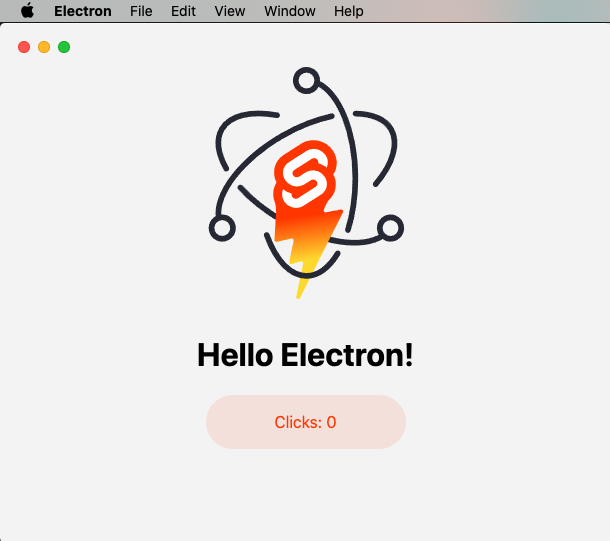
sveltekit-electron
Minimal Sveltekit + Electron starter template.
Svelte · 启动器
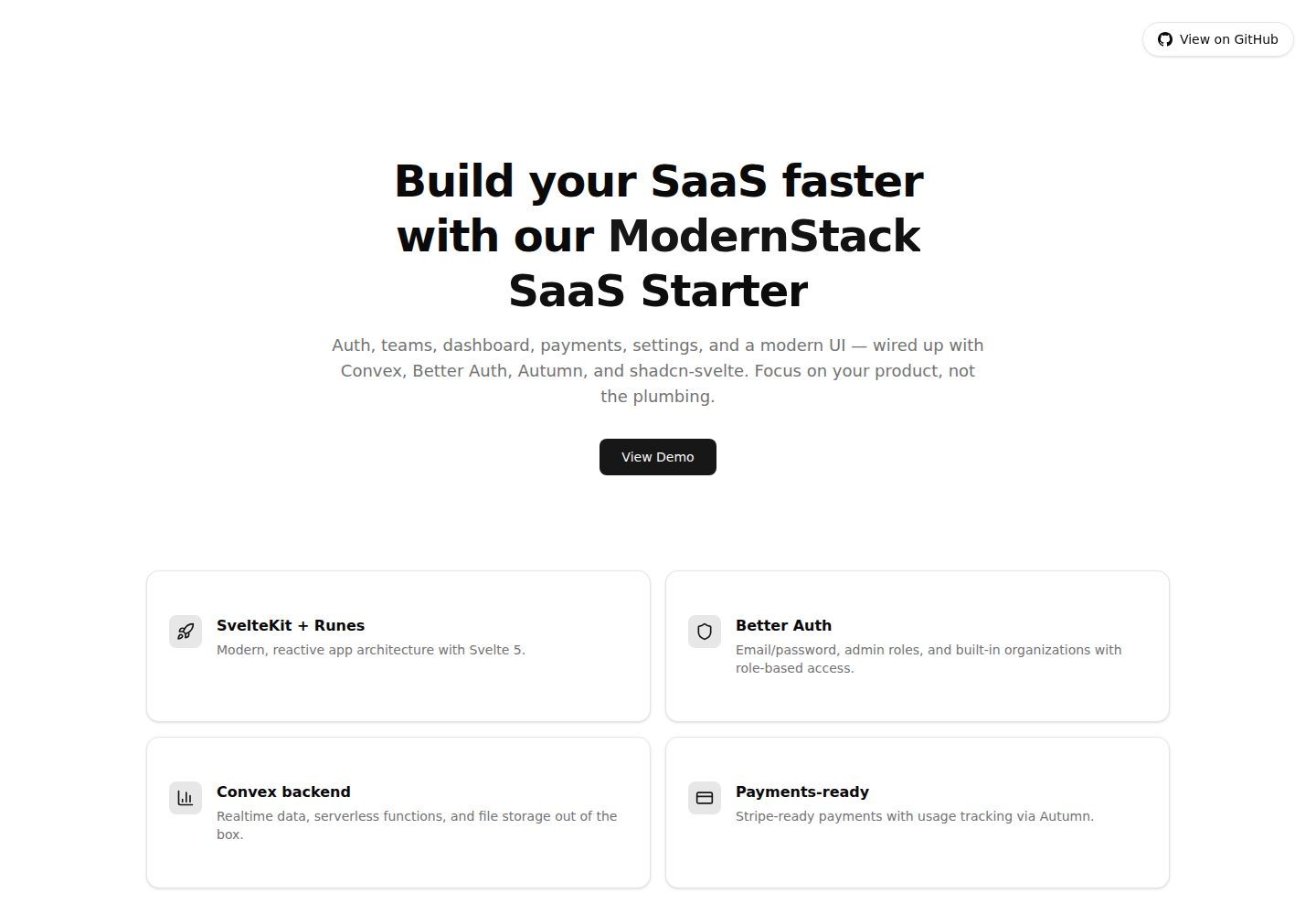
modernstack-saas
A modern SaaS template/boilerplate built with SvelteKit, Convex, Better Auth, and shadcn-svelte. Includes subs…
Svelte · 后台

sveltekit-mdsvex-blog-template
MDsveX blog starter template built with Sveltekit & Tailwind
Svelte · 作品集
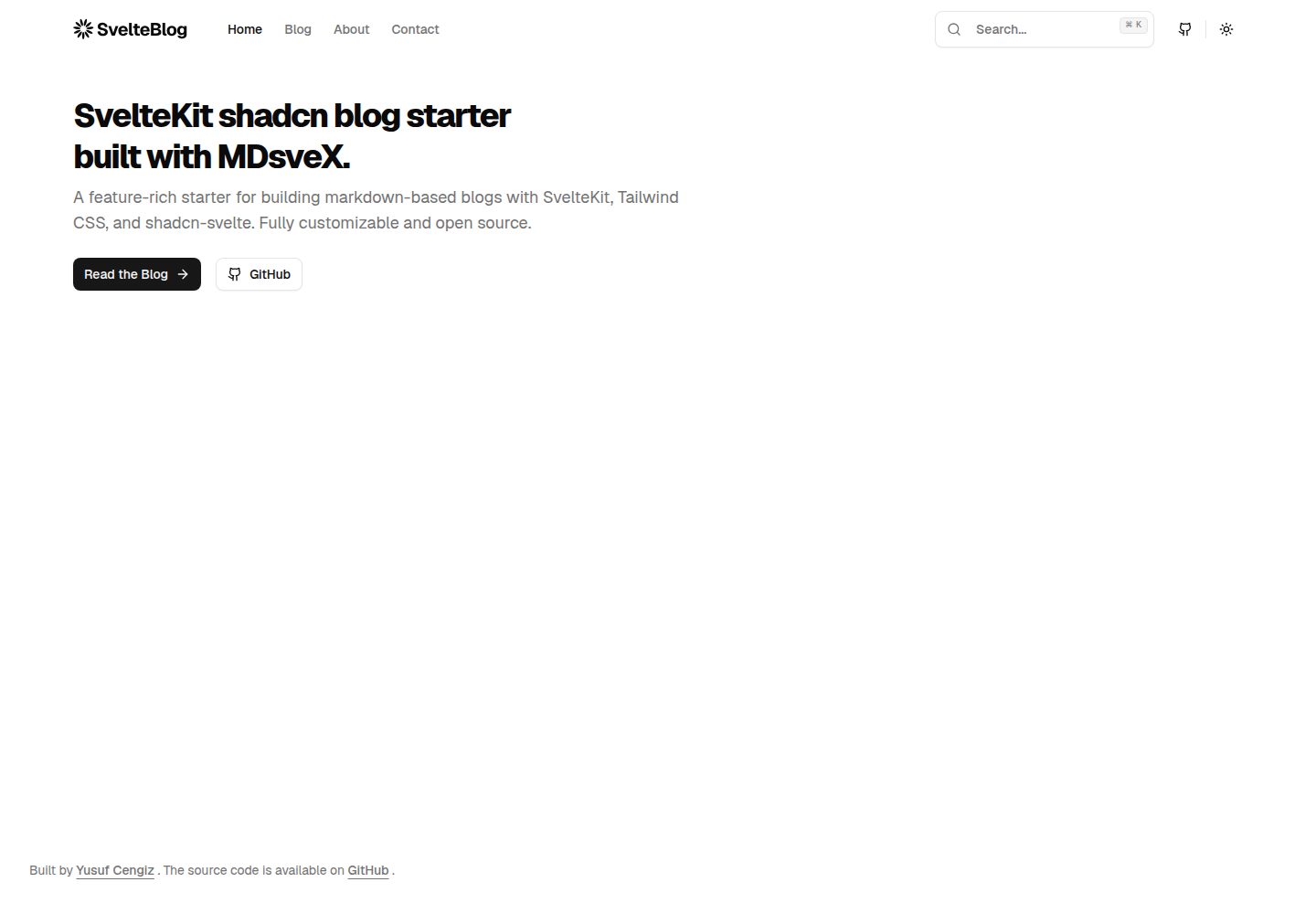
sveltekit-shadcn-blog-starter
Production-ready SvelteKit blog starter featuring shadcn-svelte UI, MDsveX for Markdown, Tailwind CSS styling,…
Svelte · 博客
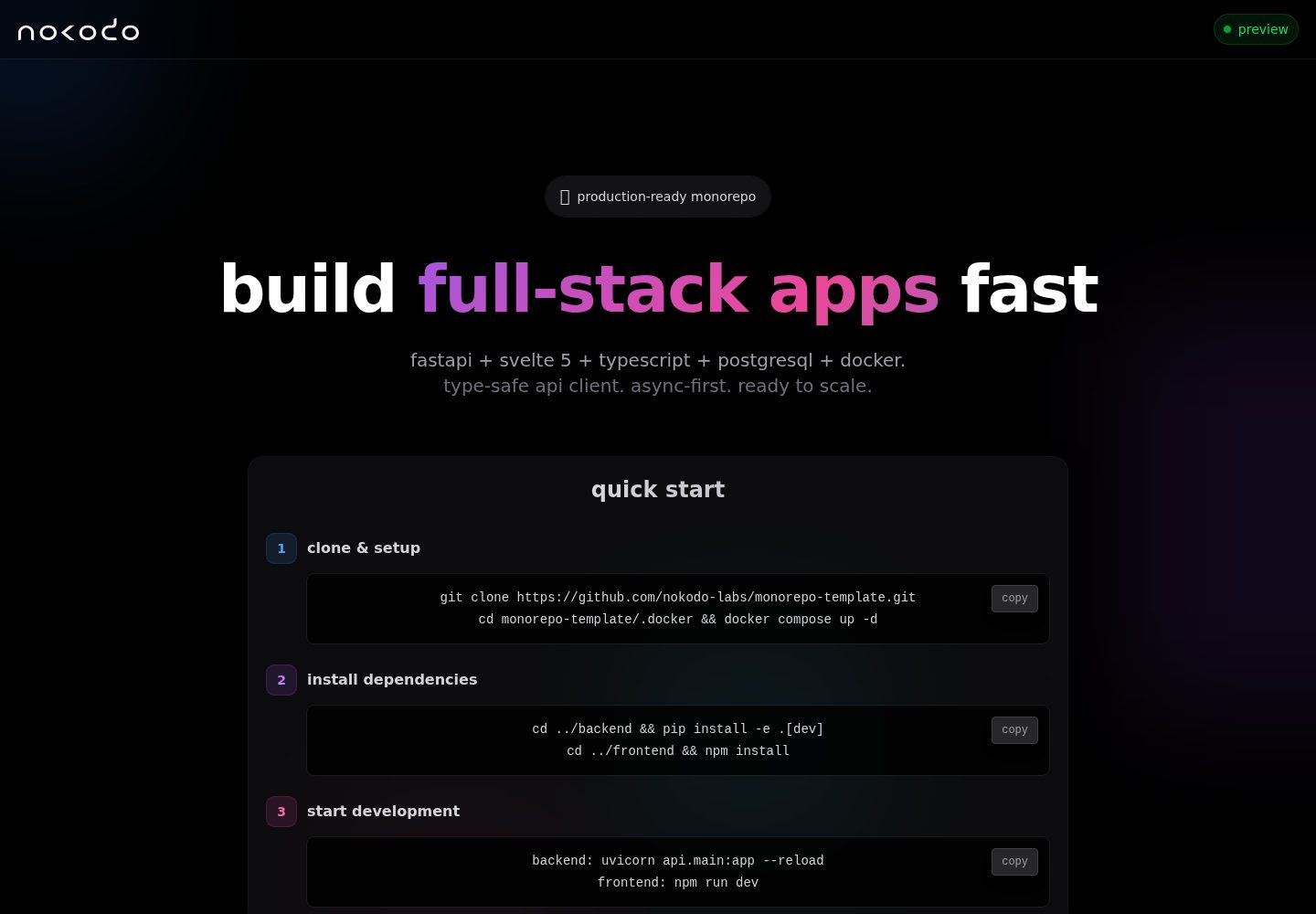
monorepo-template
Modern full-stack boilerplate: FastAPI + Svelte 5. Production-ready with multi-stage builds.
Svelte · 启动器