采用 Eleventy 作为静态站点生成器,Nunjucks 作为模板语言
Eleventy作品集
jamstack-portfolio-template — Eleventy 作品集模板
作者 Xenoty
基于 Eleventy、Nunjucks 与 Netlify CMS 的 Jamstack 静态作品集模板,通过 Netlify 提供免费托管与内容管理,并内置 SEO 与移动端适配。
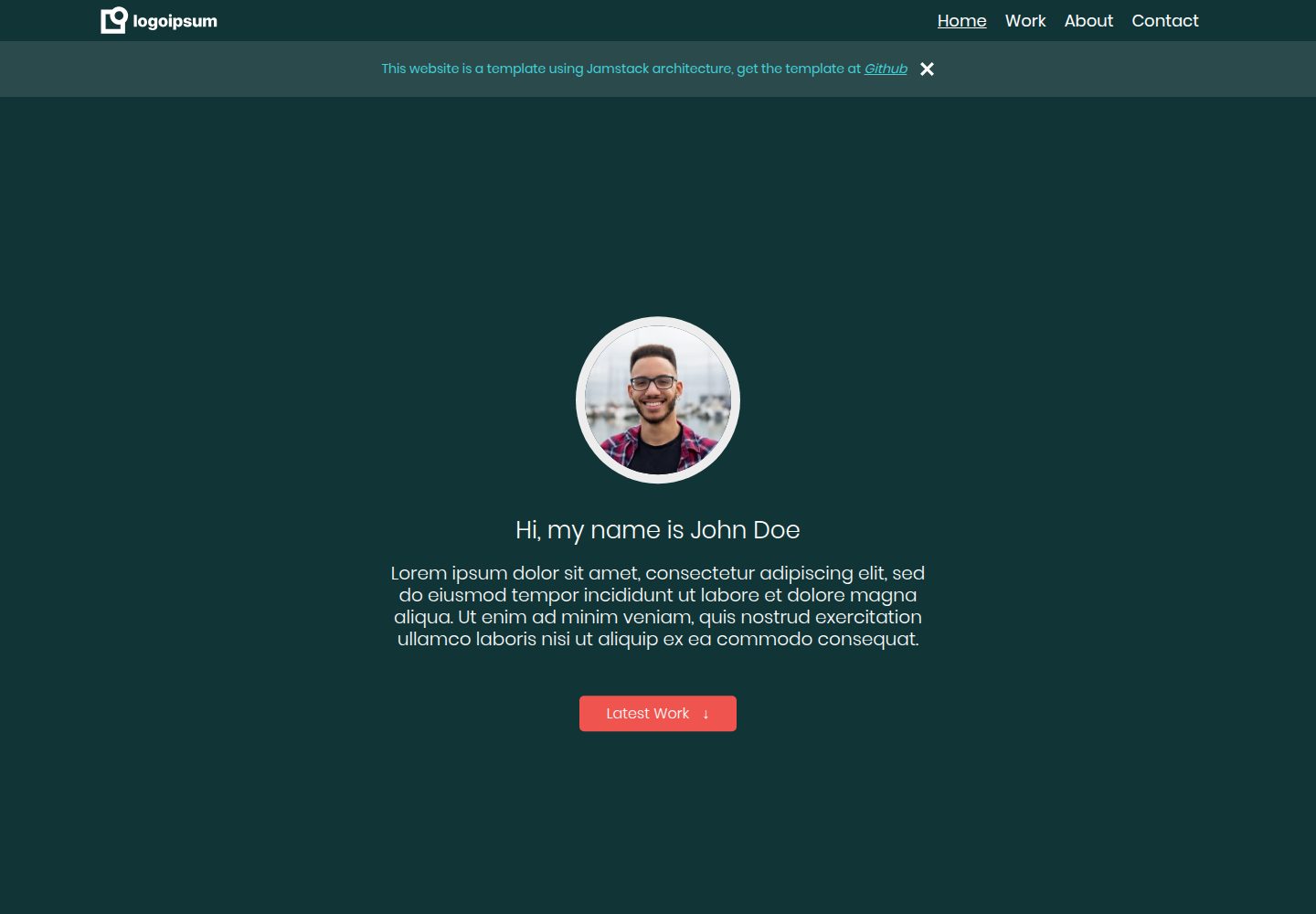
看看你的网站会是什么样
浏览真实页面截图,比较内容排版与手机效果。点击下方缩略图切换,放大查看整页细节。
全部页面与视图 3
截图用于了解视觉与布局,交互效果请以实际项目为准。
采集于 2026-10-16查看来源
值得关注的模板亮点
从已有项目资料中,快速了解它的特点。
通过 Netlify 提供免费托管,Netlify CMS 作为无头内容管理系统
publish_mode 设置为 editorial_workflow,支持保存草稿和预览部署链接
集成可自定义的 SEO 设置,并针对移动设备优化
使用 prism.js 自动为 Markdown 代码块添加样式,并提供自定义脚本处理 pre 标签
README 说明所有使用的内容均无版权限制
模板详细介绍
这是一个用于搭建可自定义静态网站的作品集模板,而非个人网站成品。README 说明其采用 Jamstack 架构,核心思路是预渲染与解耦。技术栈包括 Node.js、Eleventy 静态站点生成器、Nunjucks 模板语言、Netlify 托管以及 Netlify CMS 无头内容管理系统。
工作流程方面:开发者修改 src 文件夹中的内容,通过 npm start 或 eleventy --serve 构建,生成到 public 文件夹并输出为 HTML 文件;admin 文件夹中的 config.yml 用于定义 Netlify CMS 可编辑的内容及其属性。模板提供免费托管与 CMS,publish_mode 设为 editorial_workflow 以支持草稿和预览部署链接,并集成了可自定义的 SEO 与移动端优化。
使用前需要 GitHub 账号、Netlify 账号、Node.js 和代码编辑器。README 给出了从模板创建仓库、安装依赖、本地运行、部署到 Netlify、配置 CMS 访问权限以及可选的外部 OAuth 和表单通知的步骤。README 未提供关于性能、浏览器兼容性或生产就绪程度的说明。
Eleventy作品集
适合你的项目吗?
适用场景
- 希望基于 Jamstack 架构搭建可自定义静态作品集网站的开发者
- 需要免费托管与无头 CMS 来管理内容并支持草稿工作流的个人项目
- 想参考 Eleventy、Nunjucks 与 Netlify CMS 组合实现方式的初学者
适合人群
- 具备 GitHub 与 Netlify 账号、愿意按 README 步骤配置托管和 CMS 的用户
- 使用 Node.js 与代码编辑器进行本地开发的前端学习者或开发者
- 需要移动端适配和可自定义 SEO 的静态作品集站点
上手与定制指南
结合仓库当前版本的说明,按下面的资料检查内容、配置与运行要求。
- 1
需准备 GitHub 账号、Netlify 账号、Node.js 和代码编辑器(README 推荐 VSCode)
- 2
通过 GitHub 的 Use Template 创建仓库,运行 npm install 安装依赖,再运行 npm start 本地验证
- 3
在 Netlify 从 Git 新建站点,将 Publish Directory 改为 public,部署后更新 src/admin/config.yml 中的 site_url 与 logo_url 并推送至 master
- 4
在 Netlify 的 Identity 中邀请用户并启用 Git Gateway 以访问 CMS;外部 OAuth 提供商和表单通知为可选项
- 5
更换 Markdown 代码主题时,需删除 src/assets/themes 中现有的 prism.css 与 prism.js
授权与来源资料
使用条件与限制
免费使用 · 保留许可声明本次收录的是公开仓库中采用 MIT 许可的免费版本;免费范围为该版本代码,不代表外部服务或第三方素材免费。
使用时需要遵守
- 允许免费使用、修改、商用和分发该版本代码。
- 分发代码副本或实质性部分时,保留原作者版权声明和完整 MIT 许可声明。
- 代码按现状提供;担保与责任限制以原许可证及适用法律为准。
额外费用与待核对事项
- 演示图片、字体、图标及其他第三方素材需按各自许可核对,不能仅凭代码的 MIT 许可判断。
- 域名、托管、数据库、支付或 AI 等外部服务可能另外收费。
- 模板的免费托管与 CMS 依赖 Netlify 服务,使用前需注册 Netlify 账号。
- 使用该模板需要拥有 GitHub 账号,用于从模板创建仓库。
- 使用该模板需要拥有 Netlify 账号,用于托管站点和配置 CMS。
- 本地开发需要安装 Node.js 运行环境。
- 若使用 OAuth 提供商登录 CMS,需使用该提供商对应的邮箱地址。
- 更换 Markdown 代码主题时,必须先删除 src/assets/themes 中现有的 prism.css 与 prism.js。
查看原文依据
Permission is hereby granted, free of charge
许可证原文
- The following project template provides free hosting and CMS through Netlify.
README 原文
- [Github account](https://github.com/)
README 原文
- [Netify Account](https://app.netlify.com/)
README 原文
- [nodejs](https://nodejs.org/en/download/)
README 原文
1. *NOTE: if you are using OAuth providers, make sure to use the email address of the provider.*
README 原文
https://github.com/Xenoty/jamstack-portfolio-template/blob/master/LICENSE.mdhttps://github.com/Xenoty/jamstack-portfolio-template/blob/master/README.mdMore themes and options can be found at [prism.js downloads](https://prismjs.com/download.html#themes=prism-okaidia&languages=markup+css+clike+javascript). Make sure to delete the existing 'prism.css' & 'prism.js' in 'src\assets\themes\\'.
README 原文
DeepSeek 根据仓库许可证和 README 整理 ·2026-10-16。结果仅覆盖已读取资料,依赖、图片、字体及后续条款变更以各自原文为准。
项目核对记录与介绍依据
模板资料
- 来源平台
- GitHub
- 资料与维护参考分
- 资料一般 · 68 / 100
- 技术栈
- Eleventy
- 网站类型
- 作品集
这个分数如何计算
本站按许可资料(最高30分)、演示链接(12分)、预览图(10分)、Star数(15分)、记录的维护时间(15分)、描述完整度(8分)、功能记录(5分)和分类资料(5分)计算。它不是代码、安全或性能测试,也不是 Google 评分;有链接不代表已实测可用。
这个项目需要核对什么
- 记录的仓库更新时间
- 2022-08-27
- 截图检查日期
- 2026-10-16
已收录演示链接。请用你的内容与屏幕尺寸检查;有演示不代表表单、认证或支付已经可用。
目录记录的主要技术栈是 Eleventy。请通过依赖清单和锁文件核对实际版本与托管要求。这些说明基于收录资料,不代表代码审计或部署实测。
查看具体选型方法 →介绍的制作与核对状态
介绍由 AI 辅助整理目录与仓库资料。仓库作者不等于这篇介绍的审核者。
审核声明: codex-user-requested-batch-review-20261017 · 2026-10-16
查看当时使用的来源资料
SHA-256: 0b949913d8ad33f46181354225f70fd63c60c973e9de4d7cc258473086949cba
2026-10-16T01:53:58.159Z
来源文件 / 仓库# Jamstack Portfolio Template

1. [Summary](#summary)
1. [Key Notes](#key-notes)
2. [Tech Stack](#tech-stack)
2. [How does it work?](#in-short-how-does-it-work)
3. [Getting Started](#getting-started)
1. [Requirements](#requirements)
2. [Project Setup](#setup)
3. [Setup Netlify Hosting and CMS](#setup-netlify-hosting-and-cms)
4. [Theme for Code in Markdown](#theme-for-code-in-markdown)
5. [Links To Useful Resources](#links-to-useful-resources)
## Summary
This is not a personal website, but a template or guide for anyone wants to build an easily customizable static website using the [Jamstack](https://jamstack.org/) architecture.
> *"The core principles of pre-rendering, and decoupling, enable sites and applications to be delivered with greater confidence and resilience than ever before"* - (Jamstack, 2021)
This is based on my implementation of the tech stack and is not the only way or technologies. I hope this can provide some help on your project.
### Key Notes
- The following project template provides free hosting and CMS through Netlify.
- *publish_mode* has been set to *editorial_workflow*, this allows to save drafts and provide preview deploy links.
- SEO has been integrated with user customizability.
- Site optimized for mobile devices.
- All content used is copyright free.
### Tech Stack
I found the following tech stack very easy to use and understand, especially for a beginner.
1. Nodejs (*back-end*)
2. Eleventy (*static site generator*)
3. Nunjucks (*templating language*)
4. Netlify (*hosting*)
5. Netlify CMS (*headless CMS*)
#### More info the about the tech stack
- [Static Site Generators](https://www.netlify.com/blog/2020/04/14/what-is-a-static-site-generator-and-3-ways-to-find-the-best-one/)
- [Templating Language](https://en.wikipedia.org/wiki/Template_processor)
- [Headless CMS](https://www.sanity.io/blog/headless-cms-explained)
## In Short, how does it work?
The pre-compiled content sits in a folder named 'src'. In this folder is all the content you modify as a developer.
When you 'build' the project using 'npm start' or 'eleventy --serve', all the data and content in the 'src' folder is processed and compiled into another folder called 'public', which can be accessed by the public. If you open this folder, you will see that all the templating done in the src folder is outputted as html files.
The 'admin' folder contains a config.yml file, which netlify CMS uses to identify which content is customizable and properties associated with it.
## Getting Started
There is a great tutorial video I started off from by Kevin Powell on [YouTube](https://www.youtube.com/watch?v=4wD00RT6d-g). He explains the entire system quite thoroughly and provides a good base understanding.
For help, view [Links to useful Resources](#links-to-useful-resources)
### Requirements
- [Github account](https://github.com/)
- [Netify Account](https://app.netlify.com/)
- [nodejs](https://nodejs.org/en/download/)
- Code Editor (*VSCode recommended*)
### Setup
1. Click [Use Tempalate](https://docs.github.com/en/repositories/creating-and-managing-repositories/creating-a-repository-from-a-template#creating-a-repository-from-a-template) to create a repository from the repo.
2. In VSCode (or another code editor), install app's dependencies using the following CLI command
> npm install
3. Run the following in the CLI
> npm start
4. Validate the website is working with the dummy data provided already in the project.
### Setup Netlify (Hosting and CMS)
#### Adding Site to Netlify
1. In Netlify, in your 'Team Overview', click the 'New Site from Git' button.
2. Select 'GitHub' and choose the repository of the forked/cloned repo.
3. Under 'Basic build settings', make sure to change the 'Publish Directory' to 'public'
4. Click 'Deploy site'.
5. Open '/src/admin/config.yml' file in your project.
6. Update the site url for 'site_url' & 'logo_url' to your published site name.
7. Push the latest changes to 'master'.
#### Setup access to CMS
1. In your team, select the site you just deployed.
2. Select 'Identity' in the top menu bar.
3. Select 'Invite users' and enter your own email address.
1. *NOTE: if you are using OAuth providers, make sure to use the email address of the provider.*
4. Navigate to 'Site Settings' in the top menu bar.
5. Select 'Identity' in the left menu bar.
6. Scroll all the way down until you find 'Git Gateway' and make sure its enabled.
#### Setup external OAuth providers *(Optional)*
1. Select 'Site Settings' in the top menu bar.
2. Select 'Identity' in the left menu bar.
3. Scroll down until you reach 'External Providers' and click 'Add Provider'.
#### Setup Form Notification *(Optional)*
1. Select 'Site Settings' in the top menu bar.
2. Select 'Forms' in the left menu bar.
3. Scroll down to 'Form Notifications' and select 'Add notification'.
## Theme for Code in Markdown
I used a [prism.js](https://prismjs.com/) to automatically stylize the code block in the markdown file and a custom script to wrap code tags with <pre> if non-existent.
More themes and options can be found at [prism.js downloads](https://prismjs.com/download.html#themes=prism-okaidia&languages=markup+css+clike+javascript). Make sure to delete the existing 'prism.css' & 'prism.js' in 'src\assets\themes\\'.
## Links To Useful Resources
Here are some resources that helped me along the way.
1. [Eleventy](https://www.11ty.dev/docs/)
1. [Template and Directory Specific Data Files](https://www.11ty.dev/docs/data-template-dir/)
2. [Global Data Files](https://www.11ty.dev/docs/data-global/)
3. [Computed Data](https://www.11ty.dev/docs/data-computed/)
4. [Pagination](https://www.11ty.dev/docs/pagination/nav/)
5. [Custom Data File Formats](https://www.11ty.dev/docs/data-custom/)
2. [11ty Rocks](https://11ty.rocks/)
3. [Netlify CMS](https://www.netlifycms.org/docs/intro/)
1. [Adding to your Site](https://www.netlifycms.org/docs/add-to-your-site/)
2. [Collection Types](https://www.netlifycms.org/docs/collection-types/)
3. [Widgets](https://www.netlifycms.org/docs/widgets/#header)
4. [Nunjucks](https://mozilla.github.io/nunjucks/templating.html)
5. [Github - webstoemp (jeromecoup personal website)](https://github.com/jeromecoupe/webstoemp)
看看同类模板
对比同技术栈与用途的模板,找到更适合的视觉与内容结构。
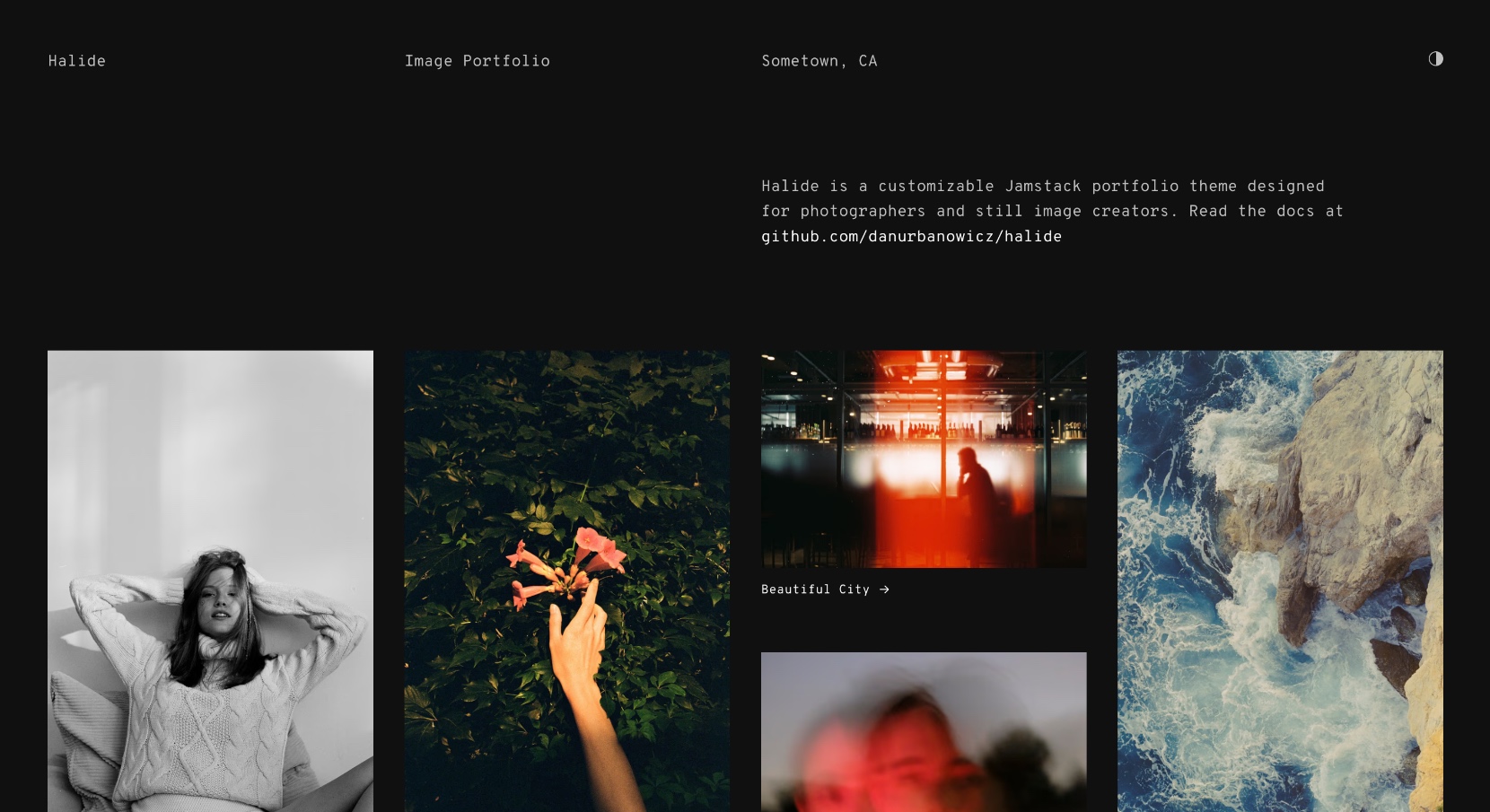
halide
Halide 是一个为图像作品集设计的极简模板,基于 Eleventy 静态站点生成器构建,并预配置了 Tina CMS 作为可选的内容管理后端。
Eleventy · 作品集
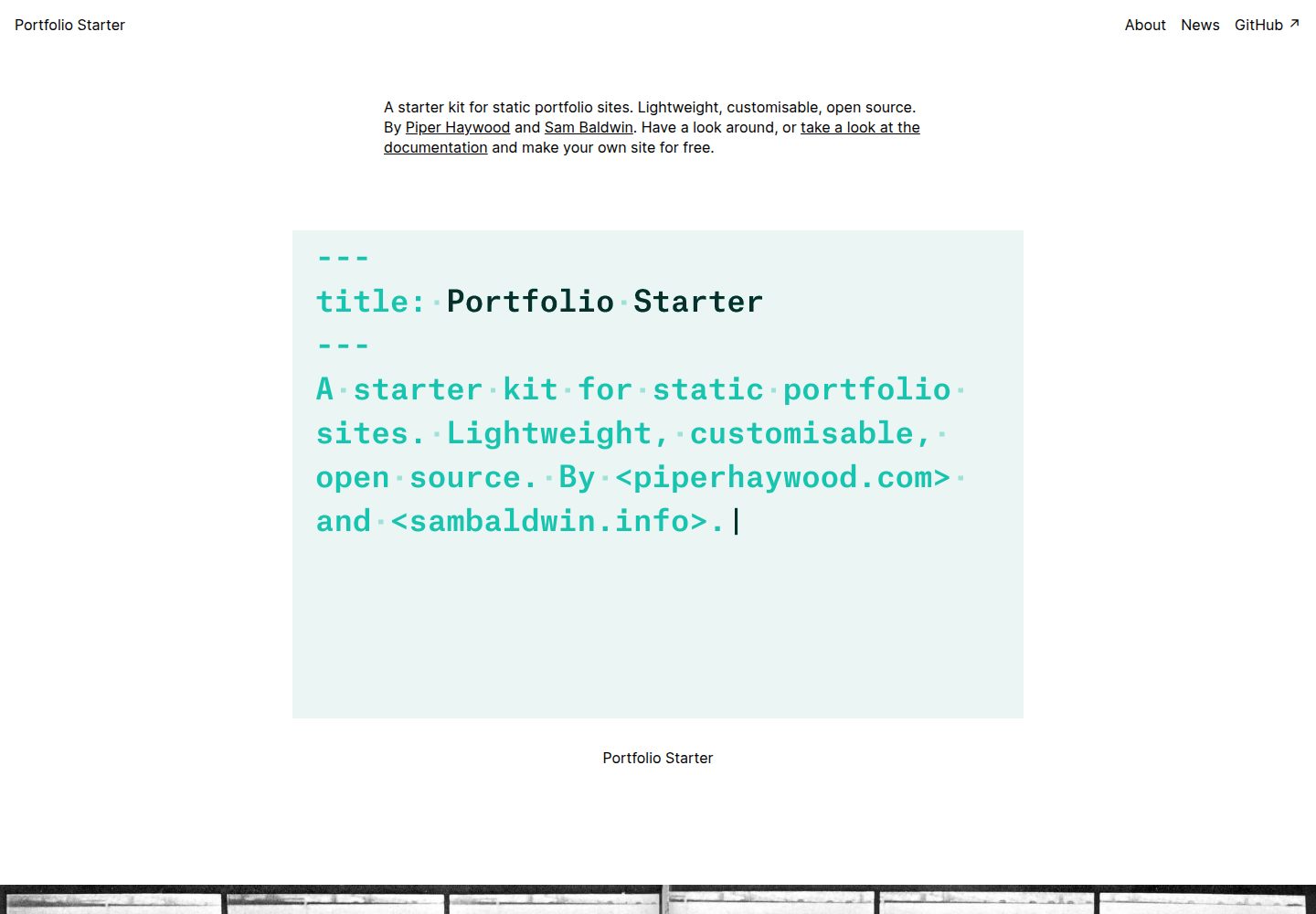
portfolio-starter
A starter kit for static portfolio sites
Eleventy · 作品集
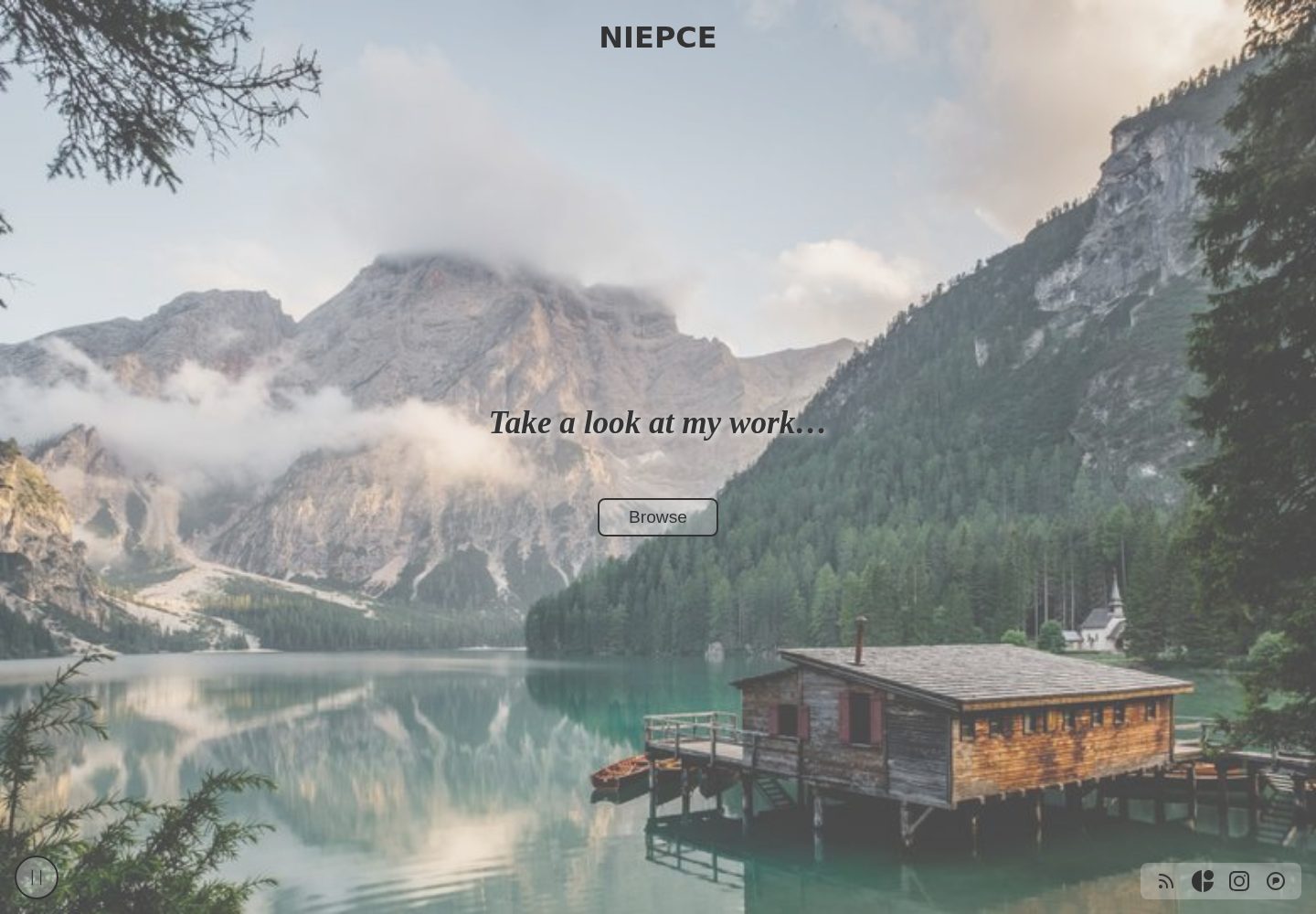
Niepce
Eleventy Starter kit for a portfolio site
Eleventy · 作品集
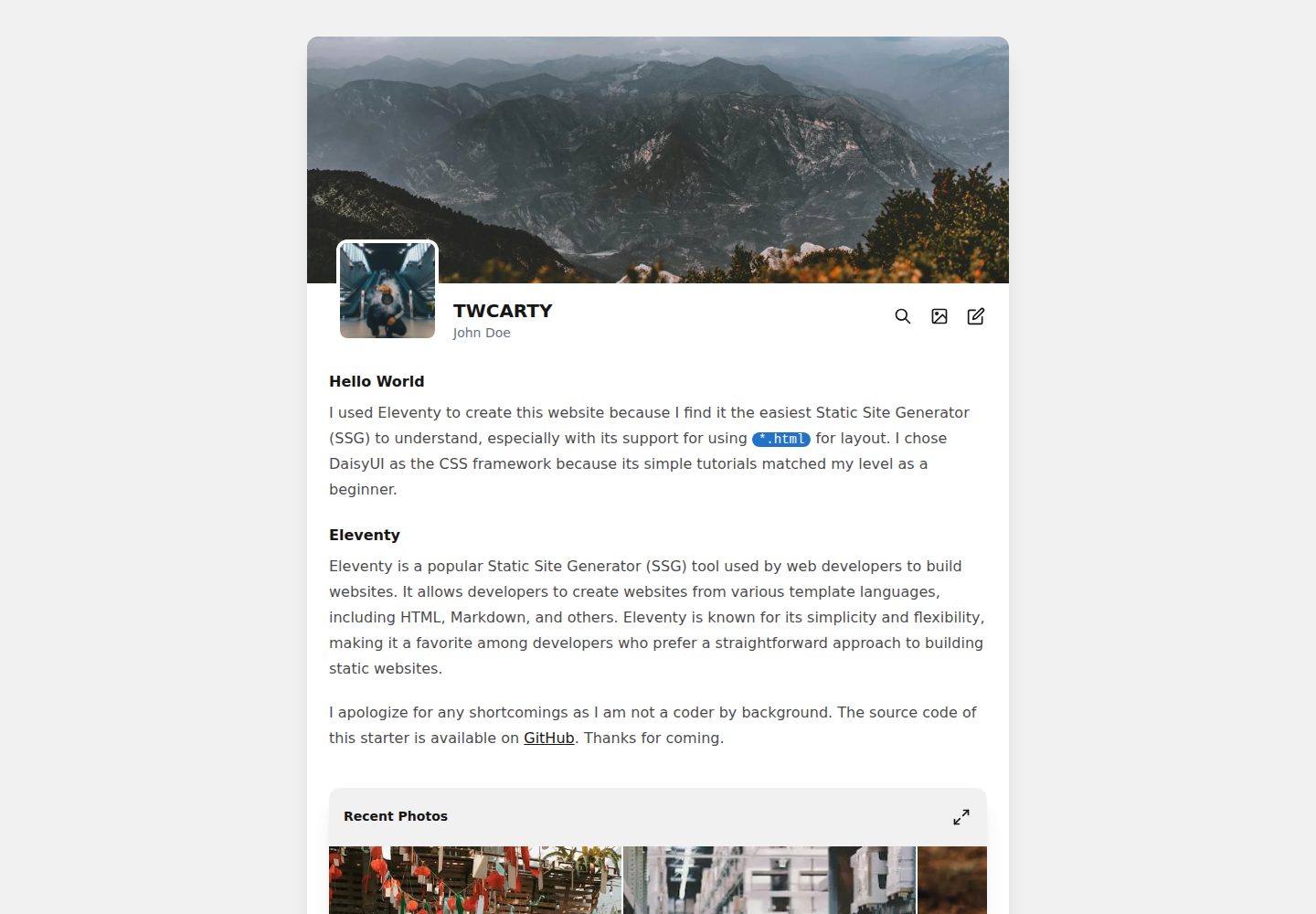
TWCARTY
An eleventy starter project for photographers or artists to showcase their work and blog.
Eleventy · 作品集
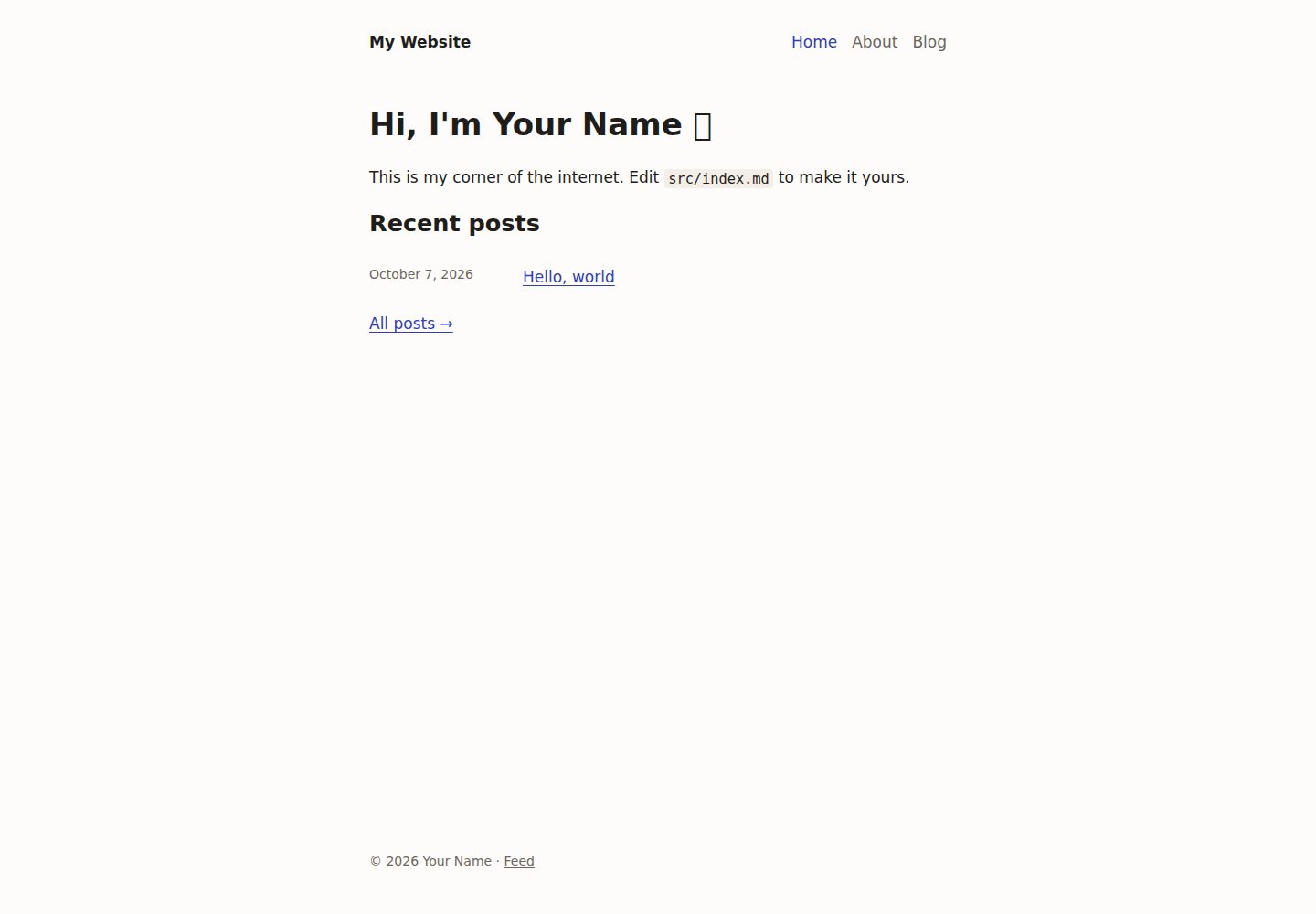
personal-site-starter
A personal website starter using Eleventy, based on my personal site codebase.
Eleventy · 作品集
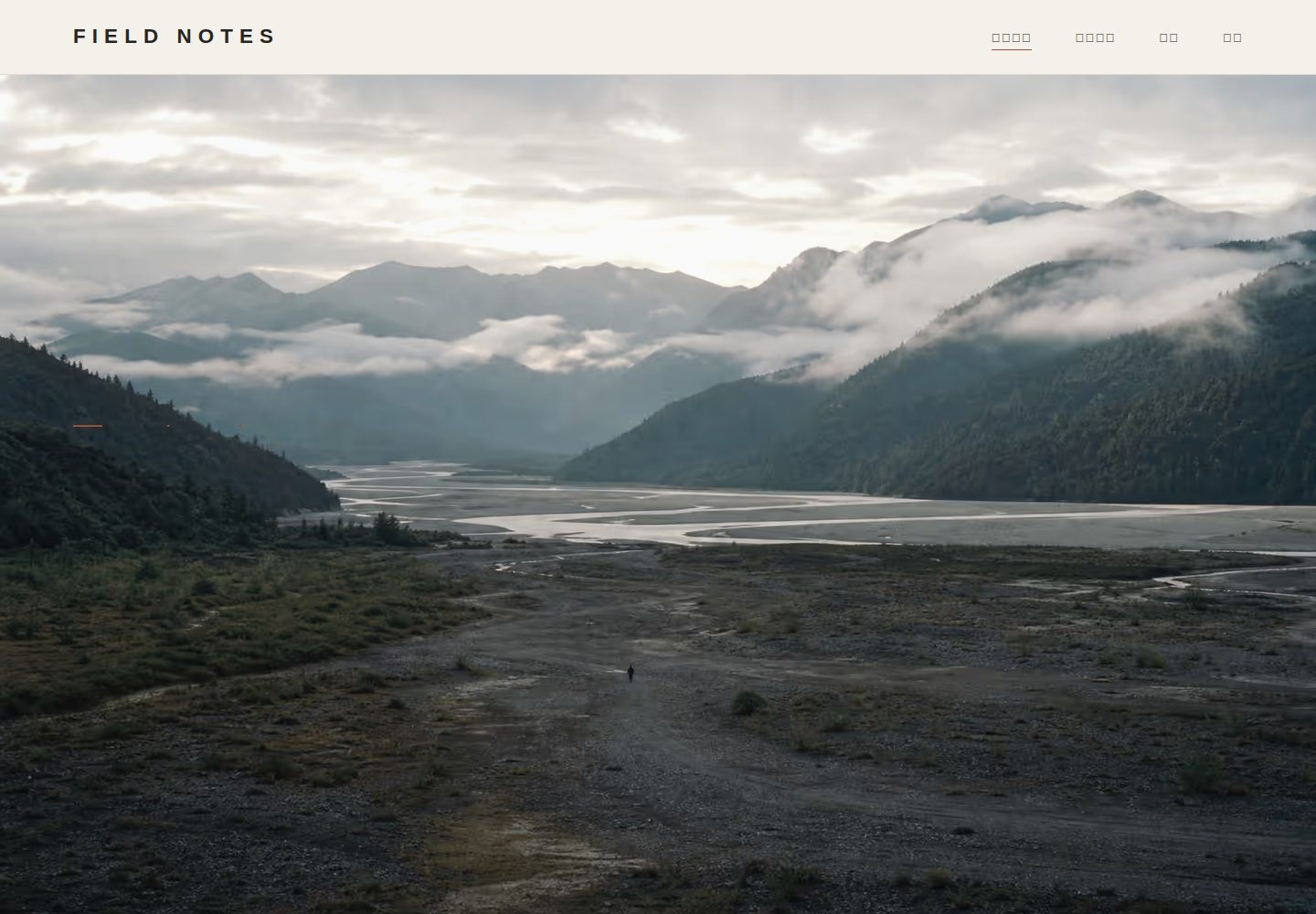
photography-portfolio-template
Open-source editorial photography portfolio template with Eleventy, Pages CMS, and GitHub Pages
Eleventy · 作品集