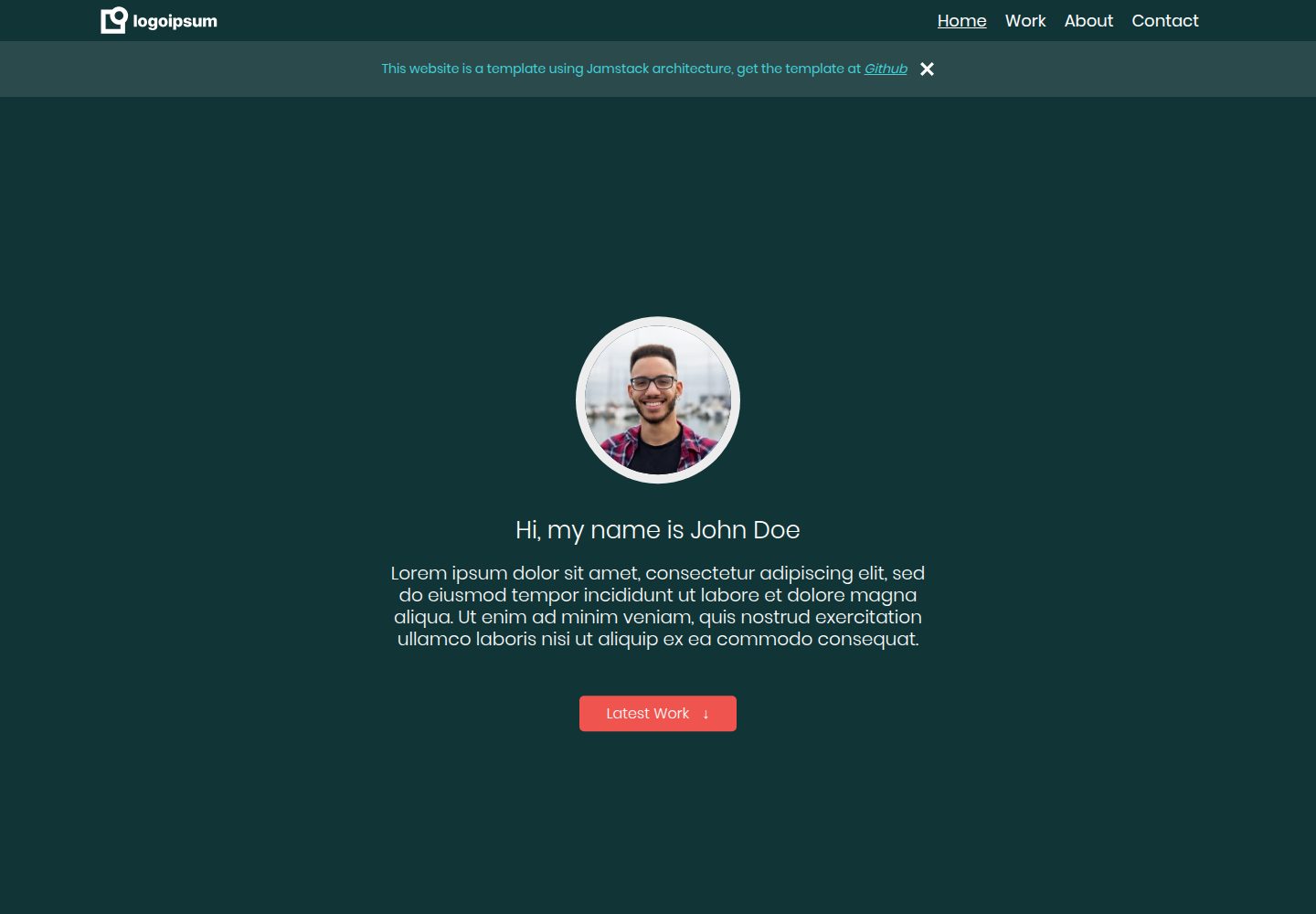
Uses Eleventy as the static site generator and Nunjucks as the templating language
EleventyPortfolio
jamstack-portfolio-template — Eleventy Portfolio Template
By Xenoty
A Jamstack static portfolio template built on Eleventy, Nunjucks, and Netlify CMS, offering free hosting and content management via Netlify, with built-in SEO and mobile adaptation.
Explore the design
Compare the page layouts and mobile experience. Open any screenshot for a closer look.
Desktop homepage1 / 3
Desktop captureTop of page
Actual screenshot captured by the server browser.
All pages & views 3
Screenshots show visual appearance; interactive behavior may differ.
Recorded 2026-10-16View source
What stands out
A quick read of the recorded project description.
Provides free hosting via Netlify, with Netlify CMS as the headless content management system
publish_mode is set to editorial_workflow, supporting saved drafts and preview deployment links
Integrates customizable SEO settings and is optimized for mobile devices
Uses prism.js to automatically style Markdown code blocks and provides a custom script to handle pre tags
The README states that all content used is free of copyright restrictions
Template Details
This is a portfolio template for building a customizable static website, not a finished personal site. The README states it uses Jamstack architecture, with the core idea being pre-rendering and decoupling. The tech stack includes Node.js, the Eleventy static site generator, the Nunjucks templating language, Netlify hosting, and the Netlify CMS headless content management system.
In terms of workflow: developers edit content in the src folder, build via npm start or eleventy --serve, which generates output to the public folder as HTML files; the config.yml in the admin folder defines the content and its properties that Netlify CMS can edit. The template provides free hosting and CMS, with publish_mode set to editorial_workflow to support drafts and preview deployment links, and integrates customizable SEO and mobile optimization.
Before use, you need a GitHub account, a Netlify account, Node.js, and a code editor. The README provides steps for creating a repository from the template, installing dependencies, running locally, deploying to Netlify, configuring CMS access permissions, and optional external OAuth and form notifications. The README does not provide information on performance, browser compatibility, or production readiness.
EleventyPortfolio
Is it right for your project?
Use Cases
- Developers who want to build a customizable static portfolio website based on Jamstack architecture
- Personal projects that need free hosting and a headless CMS to manage content with draft workflow support
- Beginners who want to see how Eleventy, Nunjucks, and Netlify CMS are combined
Suitable For
- Users with GitHub and Netlify accounts who are willing to follow the README steps to configure hosting and CMS
- Front-end learners or developers using Node.js and a code editor for local development
- Static portfolio sites that need mobile adaptation and customizable SEO
Getting started & customization
Use these recorded setup notes alongside the repository instructions for your chosen version.
- 1
Requires a GitHub account, a Netlify account, Node.js, and a code editor (the README recommends VSCode)
- 2
Create a repository via GitHub's Use Template, run npm install to install dependencies, then run npm start to verify locally
- 3
On Netlify, create a new site from Git, change the Publish Directory to public, and after deployment update site_url and logo_url in src/admin/config.yml and push to master
- 4
In Netlify's Identity, invite users and enable Git Gateway to access the CMS; external OAuth providers and form notifications are optional
- 5
When changing the Markdown code theme, you must delete the existing prism.css and prism.js in src/assets/themes
License & source material
Usage conditions & limitations
Free to use · keep license noticeThis entry covers the free version under the MIT license in a public repository; the free scope is the code of this version and does not mean external services or third-party assets are free.
Must comply with when using
- You are allowed to use, modify, commercialize, and distribute the code of this version for free.
- When distributing copies or substantial portions of the code, retain the original author's copyright notice and the full MIT license notice.
- The code is provided as is; warranties and limitations of liability are governed by the original license and applicable law.
Additional costs & items to verify
- Demo images, fonts, icons, and other third-party assets must be checked against their respective licenses and cannot be judged solely by the code's MIT license.
- External services such as domains, hosting, databases, payments, or AI may incur additional charges.
- The template's free hosting and CMS depend on Netlify services, and you need to register a Netlify account before use.
- Using this template requires a GitHub account to create a repository from the template.
- Using this template requires a Netlify account to host the site and configure the CMS.
- Local development requires installing the Node.js runtime environment.
- If you use an OAuth provider to log in to the CMS, you need to use the email address associated with that provider.
- When changing the Markdown code theme, you must first delete the existing prism.css and prism.js in src/assets/themes.
View Original Text Basis
Permission is hereby granted, free of charge
Original License Text
- The following project template provides free hosting and CMS through Netlify.
Original README
- [Github account](https://github.com/)
Original README
- [Netify Account](https://app.netlify.com/)
Original README
- [nodejs](https://nodejs.org/en/download/)
Original README
1. *NOTE: if you are using OAuth providers, make sure to use the email address of the provider.*
Original README
https://github.com/Xenoty/jamstack-portfolio-template/blob/master/LICENSE.mdhttps://github.com/Xenoty/jamstack-portfolio-template/blob/master/README.mdMore themes and options can be found at [prism.js downloads](https://prismjs.com/download.html#themes=prism-okaidia&languages=markup+css+clike+javascript). Make sure to delete the existing 'prism.css' & 'prism.js' in 'src\assets\themes\\'.
Original README
Compiled by DeepSeek based on repository license and README ·2026-10-16. Results only cover the materials read; dependencies, images, fonts, and subsequent term changes are subject to their respective original texts.
Project checks & description sources
Template Information
- Source platforms
- GitHub
- Documentation and maintenance reference score
- Partly documented · 68 / 100
- Technologies
- Eleventy
- Website type
- Portfolio
How this score is calculated
Our heuristic uses license records (up to 30), a demo link (12), a preview (10), stars (15), recorded maintenance (15), description completeness (8), feature records (5) and classification data (5). It is not a code, security or performance test, or a Google score. A link does not establish tested functionality.
What to verify for this project
- Repository update recorded
- 2022-08-27
- Screenshot last checked
- 2026-10-16
A demo link is listed. Check it with your own content and viewport sizes; its presence does not confirm that forms, authentication or payments work.
The catalog identifies Eleventy as the primary stack. Check the actual dependency manifest and lockfile for versions and hosting requirements. These notes use recorded metadata, not a code audit or a deployment test.
Use a selection guide →How this description was prepared
AI-assisted description based on catalog records and repository material. Repository authors are not automatically the reviewers of this description.
Review declaration: codex-user-requested-batch-review-20261017 · 2026-10-16
Inspect the recorded source material
SHA-256: 0b949913d8ad33f46181354225f70fd63c60c973e9de4d7cc258473086949cba
2026-10-16T01:53:58.159Z
Source file / repository# Jamstack Portfolio Template

1. [Summary](#summary)
1. [Key Notes](#key-notes)
2. [Tech Stack](#tech-stack)
2. [How does it work?](#in-short-how-does-it-work)
3. [Getting Started](#getting-started)
1. [Requirements](#requirements)
2. [Project Setup](#setup)
3. [Setup Netlify Hosting and CMS](#setup-netlify-hosting-and-cms)
4. [Theme for Code in Markdown](#theme-for-code-in-markdown)
5. [Links To Useful Resources](#links-to-useful-resources)
## Summary
This is not a personal website, but a template or guide for anyone wants to build an easily customizable static website using the [Jamstack](https://jamstack.org/) architecture.
> *"The core principles of pre-rendering, and decoupling, enable sites and applications to be delivered with greater confidence and resilience than ever before"* - (Jamstack, 2021)
This is based on my implementation of the tech stack and is not the only way or technologies. I hope this can provide some help on your project.
### Key Notes
- The following project template provides free hosting and CMS through Netlify.
- *publish_mode* has been set to *editorial_workflow*, this allows to save drafts and provide preview deploy links.
- SEO has been integrated with user customizability.
- Site optimized for mobile devices.
- All content used is copyright free.
### Tech Stack
I found the following tech stack very easy to use and understand, especially for a beginner.
1. Nodejs (*back-end*)
2. Eleventy (*static site generator*)
3. Nunjucks (*templating language*)
4. Netlify (*hosting*)
5. Netlify CMS (*headless CMS*)
#### More info the about the tech stack
- [Static Site Generators](https://www.netlify.com/blog/2020/04/14/what-is-a-static-site-generator-and-3-ways-to-find-the-best-one/)
- [Templating Language](https://en.wikipedia.org/wiki/Template_processor)
- [Headless CMS](https://www.sanity.io/blog/headless-cms-explained)
## In Short, how does it work?
The pre-compiled content sits in a folder named 'src'. In this folder is all the content you modify as a developer.
When you 'build' the project using 'npm start' or 'eleventy --serve', all the data and content in the 'src' folder is processed and compiled into another folder called 'public', which can be accessed by the public. If you open this folder, you will see that all the templating done in the src folder is outputted as html files.
The 'admin' folder contains a config.yml file, which netlify CMS uses to identify which content is customizable and properties associated with it.
## Getting Started
There is a great tutorial video I started off from by Kevin Powell on [YouTube](https://www.youtube.com/watch?v=4wD00RT6d-g). He explains the entire system quite thoroughly and provides a good base understanding.
For help, view [Links to useful Resources](#links-to-useful-resources)
### Requirements
- [Github account](https://github.com/)
- [Netify Account](https://app.netlify.com/)
- [nodejs](https://nodejs.org/en/download/)
- Code Editor (*VSCode recommended*)
### Setup
1. Click [Use Tempalate](https://docs.github.com/en/repositories/creating-and-managing-repositories/creating-a-repository-from-a-template#creating-a-repository-from-a-template) to create a repository from the repo.
2. In VSCode (or another code editor), install app's dependencies using the following CLI command
> npm install
3. Run the following in the CLI
> npm start
4. Validate the website is working with the dummy data provided already in the project.
### Setup Netlify (Hosting and CMS)
#### Adding Site to Netlify
1. In Netlify, in your 'Team Overview', click the 'New Site from Git' button.
2. Select 'GitHub' and choose the repository of the forked/cloned repo.
3. Under 'Basic build settings', make sure to change the 'Publish Directory' to 'public'
4. Click 'Deploy site'.
5. Open '/src/admin/config.yml' file in your project.
6. Update the site url for 'site_url' & 'logo_url' to your published site name.
7. Push the latest changes to 'master'.
#### Setup access to CMS
1. In your team, select the site you just deployed.
2. Select 'Identity' in the top menu bar.
3. Select 'Invite users' and enter your own email address.
1. *NOTE: if you are using OAuth providers, make sure to use the email address of the provider.*
4. Navigate to 'Site Settings' in the top menu bar.
5. Select 'Identity' in the left menu bar.
6. Scroll all the way down until you find 'Git Gateway' and make sure its enabled.
#### Setup external OAuth providers *(Optional)*
1. Select 'Site Settings' in the top menu bar.
2. Select 'Identity' in the left menu bar.
3. Scroll down until you reach 'External Providers' and click 'Add Provider'.
#### Setup Form Notification *(Optional)*
1. Select 'Site Settings' in the top menu bar.
2. Select 'Forms' in the left menu bar.
3. Scroll down to 'Form Notifications' and select 'Add notification'.
## Theme for Code in Markdown
I used a [prism.js](https://prismjs.com/) to automatically stylize the code block in the markdown file and a custom script to wrap code tags with <pre> if non-existent.
More themes and options can be found at [prism.js downloads](https://prismjs.com/download.html#themes=prism-okaidia&languages=markup+css+clike+javascript). Make sure to delete the existing 'prism.css' & 'prism.js' in 'src\assets\themes\\'.
## Links To Useful Resources
Here are some resources that helped me along the way.
1. [Eleventy](https://www.11ty.dev/docs/)
1. [Template and Directory Specific Data Files](https://www.11ty.dev/docs/data-template-dir/)
2. [Global Data Files](https://www.11ty.dev/docs/data-global/)
3. [Computed Data](https://www.11ty.dev/docs/data-computed/)
4. [Pagination](https://www.11ty.dev/docs/pagination/nav/)
5. [Custom Data File Formats](https://www.11ty.dev/docs/data-custom/)
2. [11ty Rocks](https://11ty.rocks/)
3. [Netlify CMS](https://www.netlifycms.org/docs/intro/)
1. [Adding to your Site](https://www.netlifycms.org/docs/add-to-your-site/)
2. [Collection Types](https://www.netlifycms.org/docs/collection-types/)
3. [Widgets](https://www.netlifycms.org/docs/widgets/#header)
4. [Nunjucks](https://mozilla.github.io/nunjucks/templating.html)
5. [Github - webstoemp (jeromecoup personal website)](https://github.com/jeromecoupe/webstoemp)
Explore similar templates
Compare previews and descriptions within the same stack and category.
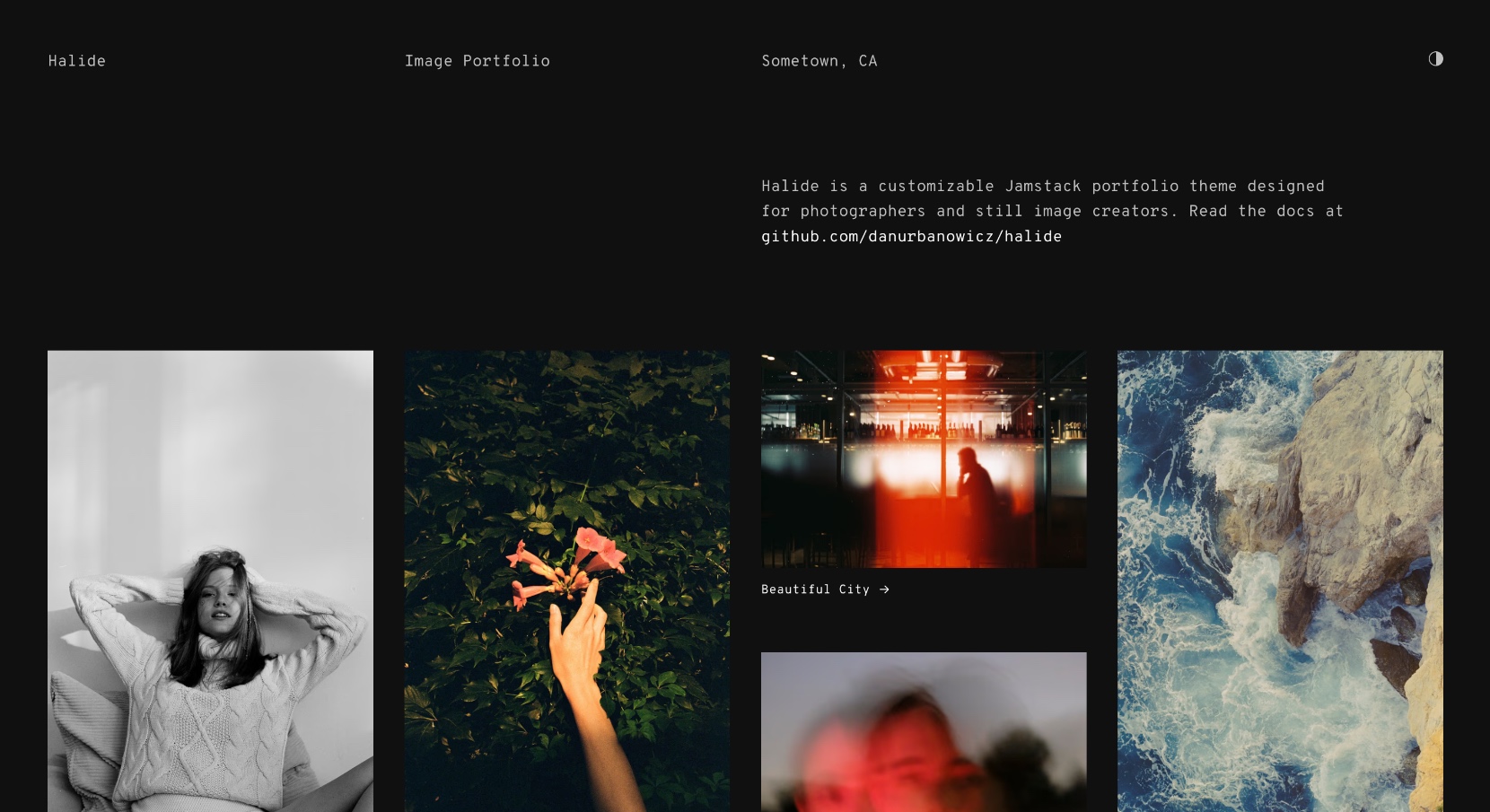
halide
A minimal, responsive image portfolio template built with Eleventy and Tina CMS.
Eleventy · Portfolio
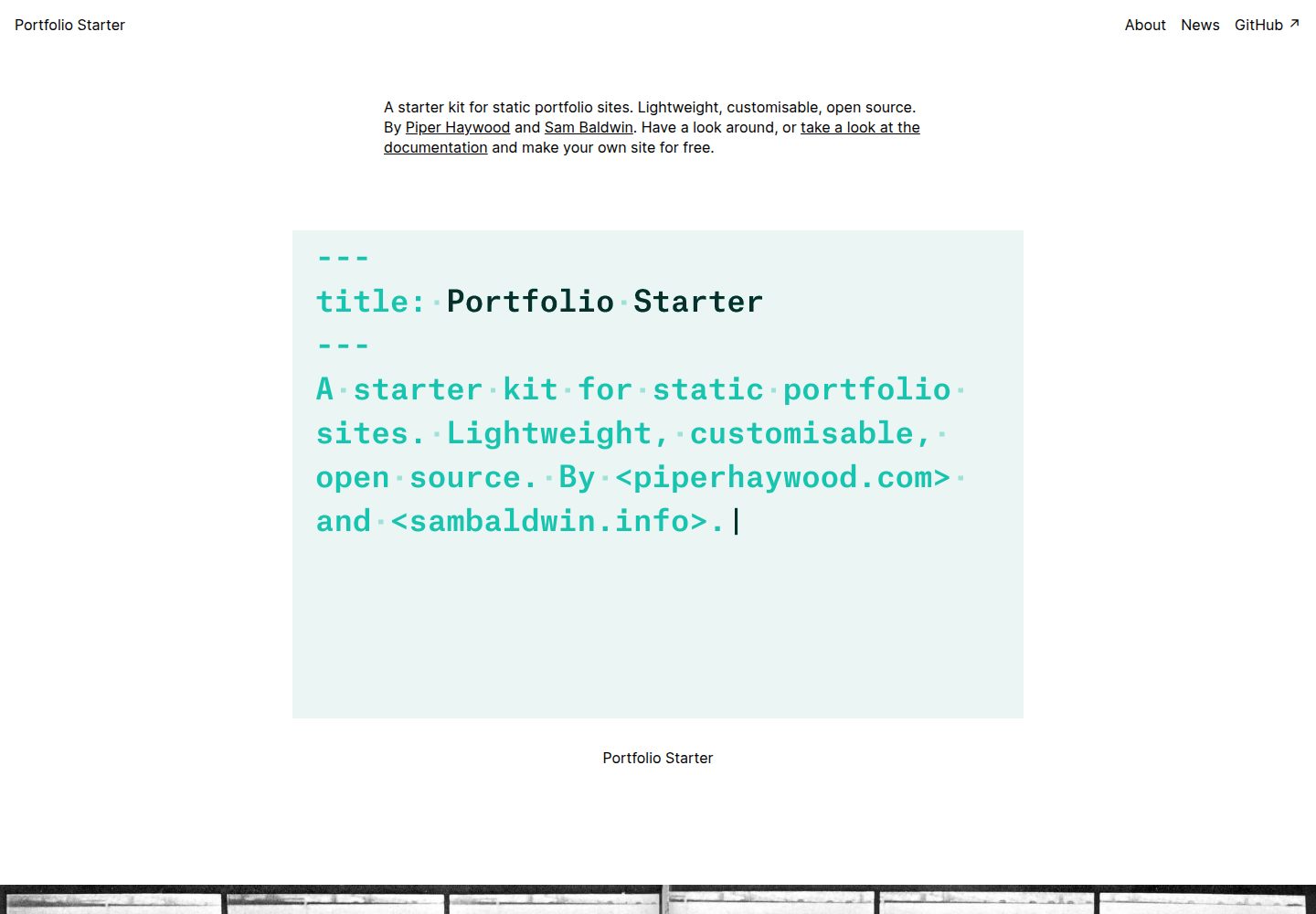
portfolio-starter
An Eleventy-based static portfolio starter for designers, illustrators, and architects who prefer Markdown over programming. Content lives in /content, with built-in posts, projects, pages, a single-level menu, and RSS.
Eleventy · Portfolio
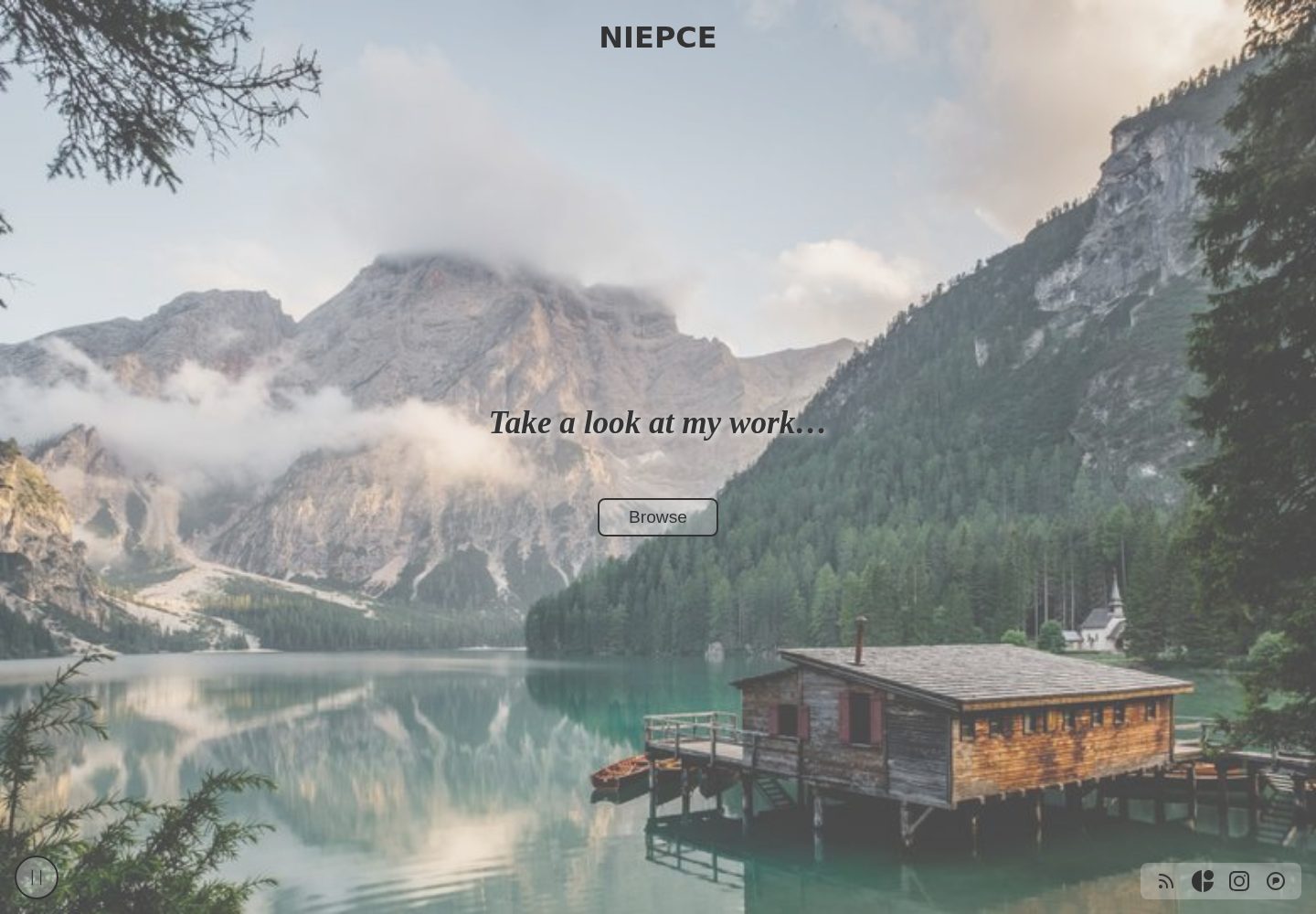
Niepce
Niepce is an Eleventy-based static portfolio and photography gallery starter template.
Eleventy · Portfolio
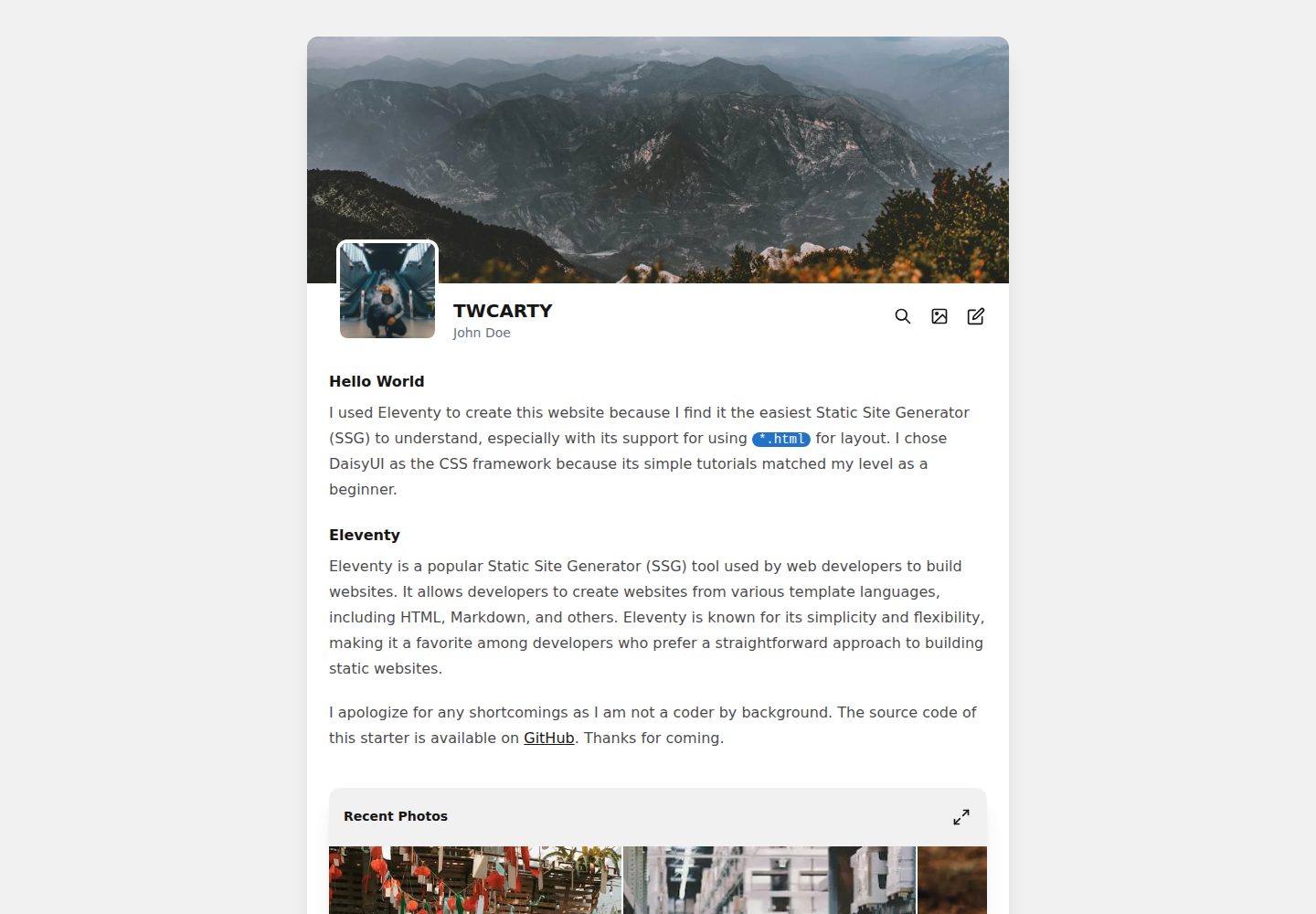
TWCARTY
TWCARTY is an Eleventy starter template for photographers and artists, combining a portfolio showcase with a blog. It uses TailwindCSS and DaisyUI, and includes a carousel gallery, image lazy loading, a simple comment system, a simple CMS, and automatic HTML/CSS/JS minification.
Eleventy · Portfolio
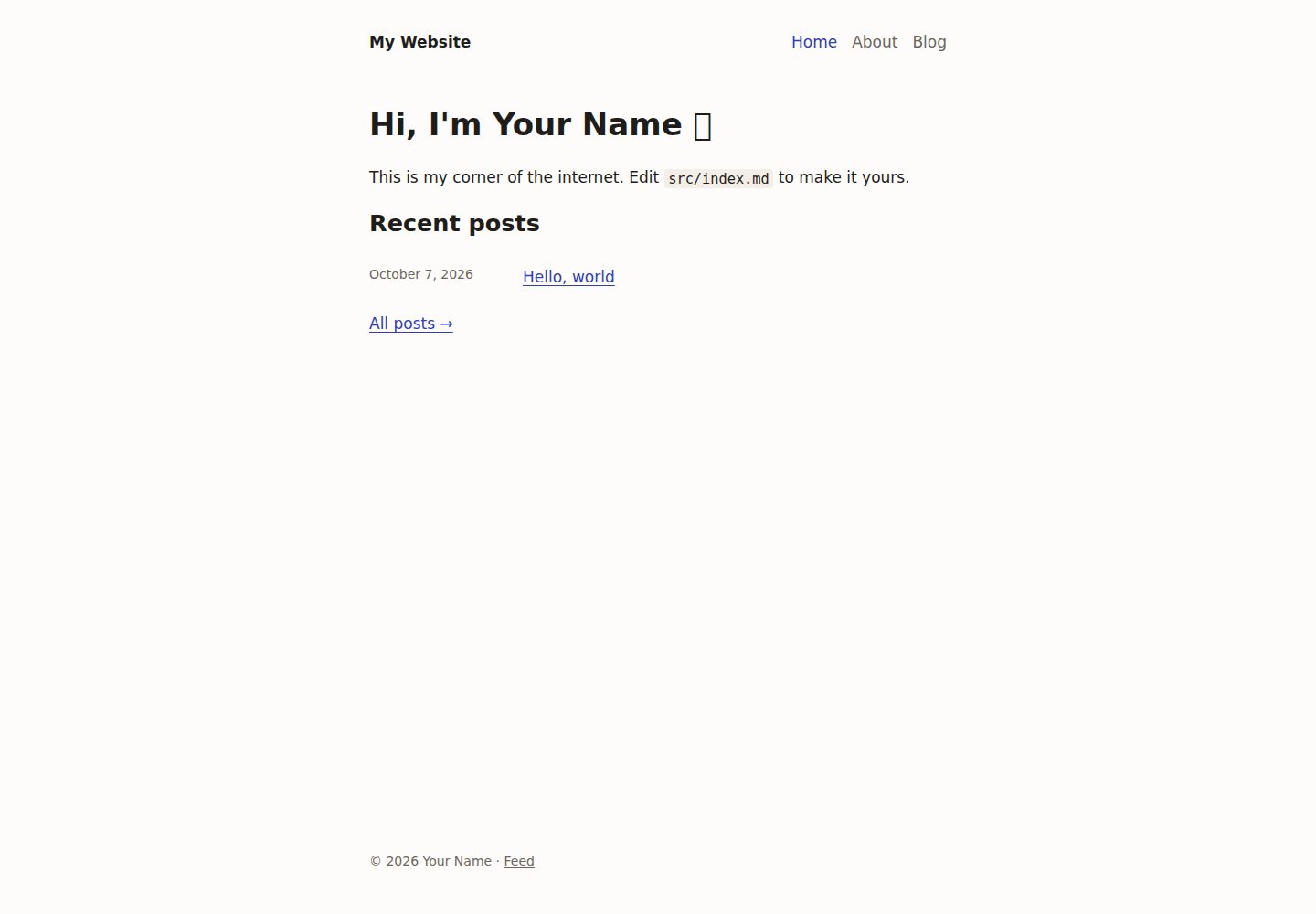
personal-site-starter
A personal website and blog starter template built with Eleventy, TypeScript, and pnpm, with Markdown content, draft previews, Atom feed, sitemap, SEO and social sharing tags, and tools for generating favicons and 1200×630 share images from site.yml brand colors.
Eleventy · Portfolio
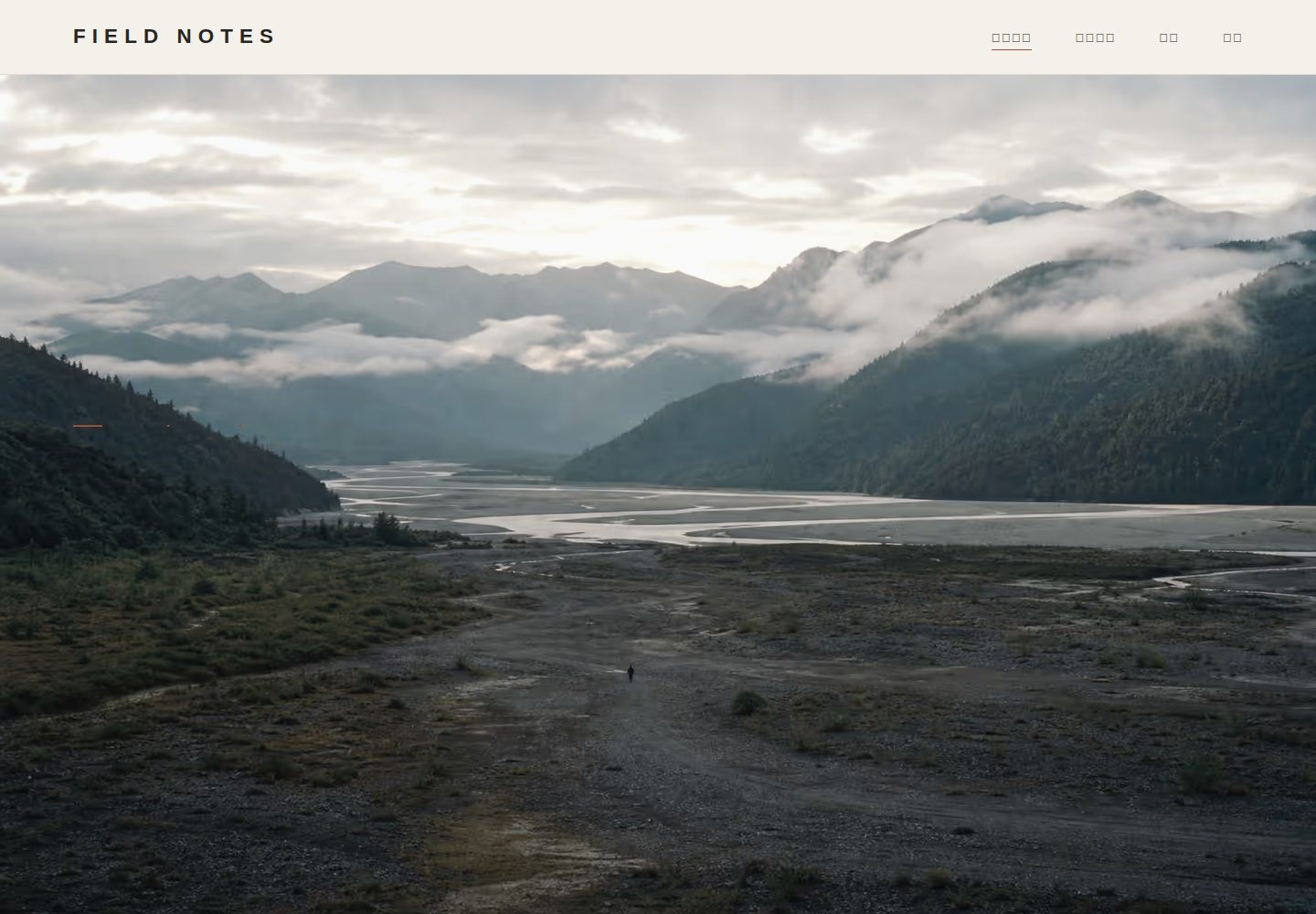
photography-portfolio-template
An open-source editorial photography portfolio template built with Eleventy, Pages CMS, and GitHub Pages.
Eleventy · Portfolio