Demonstrates the complete Django flow from HTTP request to template rendering
DjangoAdmin dashboard
m6-l1-p1-explorador-django — Django Admin dashboard Template
By Blandskron
A Django teaching project for observing the complete flow from HTTP request to template rendering, including Docker and local run instructions.
Explore the design
Compare the page layouts and mobile experience. Open any screenshot for a closer look.
Desktop homepage1 / 3
Desktop captureTop of page
Actual screenshot captured by the server browser.
All pages & views 3
Screenshots show visual appearance; interactive behavior may differ.
Recorded 2026-10-15View source
What stands out
A quick read of the recorded project description.
Provides a one-click Docker Compose startup that automatically performs migrations and creates an administrator
Includes local venv run steps covering Windows, Linux, and macOS
Comes with automated tests to verify URLs and data display
Offers a classroom practice guide for building the project from scratch
Template Details
This is a minimal Django project aimed at teaching, designed to visually demonstrate Django's internal process from receiving a URL to rendering a template and generating an HTML response. The project uses a classic monolithic architecture, comprising the project configuration directory explorador_django, the application module arquitectura, the templates directory templates, as well as a Dockerfile and docker-compose.yml. The README provides two ways to run: quick start using Docker Compose, or locally installing dependencies via venv and running the development server. The project also includes automated tests, along with a theoretical guide and Docker teaching documentation. The README does not specify the Django version, performance metrics, or production deployment plans.
DjangoAdmin panel
Is it right for your project?
Use Cases
- Classroom teaching to demonstrate Django's request-response cycle and MTV architecture
- Students building a Django project step by step from scratch to understand the initialization process
- Using Docker to quickly start an environment for development or learning
- Verifying URL routing and view data display through automated tests
Suitable For
- Django beginners
- Teachers explaining Django's internal flow
- Developers needing a minimal runnable example
Getting started & customization
Use these recorded setup notes alongside the repository instructions for your chosen version.
- 1
Docker method: run docker compose up --build in the project root, visit http://127.0.0.1:8000/, administrator account admin, password adminpass123
- 2
Local method: requires Python 3.10 or higher, create and activate a venv, run pip install -r requirements.txt, then python manage.py migrate
- 3
Run the local development server: python manage.py runserver, visit http://127.0.0.1:8000/
- 4
Run tests: locally use python manage.py test, in Docker use docker compose exec web python manage.py test
- 5
The README does not provide production deployment instructions or a specific Django version number
License & source material
Usage conditions & limitations
Free to use · keep license noticeThis entry covers the free version under the MIT license from a public repository; the free scope is the code of this version and does not imply that external services or third-party assets are free.
Must comply with when using
- Free use, modification, commercial use, and distribution of this version's code are permitted.
- When distributing copies or substantial portions of the code, retain the original author's copyright notice and the full MIT license notice.
- The code is provided as is; warranties and limitations of liability are governed by the original license and applicable law.
Additional costs & items to verify
- Demo images, fonts, icons, and other third-party assets must be checked against their respective licenses; they cannot be judged solely by the code's MIT license.
- External services such as domains, hosting, databases, payments, or AI may incur additional charges.
- The quick run method depends on Docker Desktop, which must be installed on the local machine first.
- The administrator account automatically created by the Docker method is fixed as admin.
- The administrator password automatically created by the Docker method is fixed as adminpass123, suitable only for teaching demonstrations.
- Local running requires Python 3.10 or higher.
- Local running requires updating the pip package manager.
- Local running requires installing the dependencies in requirements.txt first.
- Local running requires performing database migrations first.
- Local access to the admin backend requires creating a superuser yourself.
View Original Text Basis
Permission is hereby granted, free of charge
Original License Text
La vía más rápida e independiente del sistema operativo. No requiere instalar Python o Django en tu máquina real, solo tener instalado [Docker Desktop](https://www.docker.com/products/docker-desktop/).
Original README
* **Usuario:** `admin`
Original README
* **Contraseña:** `adminpass123`
Original README
* Python 3.10 o superior instalado.
Original README
* Gestor de paquetes `pip` actualizado.
Original README
pip install -r requirements.txt
Original README
python manage.py migrate
Original README
https://github.com/Blandskron/m6-l1-p1-explorador-django/blob/main/LICENSEhttps://github.com/Blandskron/m6-l1-p1-explorador-django/blob/main/README.mdpython manage.py createsuperuser
Original README
Compiled by DeepSeek based on repository license and README ·2026-10-15. Results only cover the materials read; dependencies, images, fonts, and subsequent term changes are subject to their respective original texts.
Project checks & description sources
Template Information
- Source platforms
- GitHub
- Documentation and maintenance reference score
- More documented · 83 / 100
- Technologies
- Django
- Website type
- Admin dashboard
How this score is calculated
Our heuristic uses license records (up to 30), a demo link (12), a preview (10), stars (15), recorded maintenance (15), description completeness (8), feature records (5) and classification data (5). It is not a code, security or performance test, or a Google score. A link does not establish tested functionality.
What to verify for this project
- Repository update recorded
- 2026-06-07
- Screenshot last checked
- 2026-10-15
A demo link is listed. Check it with your own content and viewport sizes; its presence does not confirm that forms, authentication or payments work.
The catalog identifies Django as the primary stack. Check the actual dependency manifest and lockfile for versions and hosting requirements. These notes use recorded metadata, not a code audit or a deployment test.
Use a selection guide →How this description was prepared
AI-assisted description based on catalog records and repository material. Repository authors are not automatically the reviewers of this description.
Review declaration: codex-user-requested-batch-review-20261017 · 2026-10-16
Inspect the recorded source material
SHA-256: b5eaaf3fe0fb5270e5d8b81d82804c7ed8cfd057aaad2597d513760a3821b486
2026-10-15T14:29:21.023Z
Source file / repository# Explorador de Arquitectura y Flujo de Django
Proyecto didáctico **mínimo** para observar de manera práctica y visual cómo funciona Django internamente desde que llega una URL (HTTP Request) hasta que se renderiza un template y se genera el HTML de respuesta (HTTP Response).
---
## 📂 Estructura del Proyecto
Este proyecto está organizado bajo una arquitectura monolítica clásica:
* `explorador_django/`: Directorio raíz del proyecto Django (configuraciones, enrutador global `urls.py`, `settings.py`).
* `arquitectura/`: Aplicación modular de Django que maneja el enrutamiento interno, vistas (`views.py`), modelos (`models.py`) y pruebas (`tests.py`).
* `templates/`: Plantillas HTML organizadas con herencia de componentes (`base.html` y plantillas de vista).
* `Dockerfile` & `docker-compose.yml`: Configuración de dockerización para automatizar el desarrollo.
* `introduccion_django.md`: Guía de estudio teórica sobre conceptos clave de Django, arquitectura MTV y entornos virtuales.
* `docker_guide.md`: Guía didáctica específica sobre el uso y configuración de Docker para estudiantes.
---
## ⚡ Opción A: Ejecución Rápida con Docker (Recomendado)
La vía más rápida e independiente del sistema operativo. No requiere instalar Python o Django en tu máquina real, solo tener instalado [Docker Desktop](https://www.docker.com/products/docker-desktop/).
### 1. Iniciar el contenedor
Abre la terminal en la carpeta raíz del proyecto y ejecuta:
```bash
docker compose up --build
```
*Este comando compilará la imagen de Python, instalará las librerías, aplicará las migraciones y configurará un superusuario administrador automáticamente.*
### 2. Acceder a la aplicación
* **Sitio Web:** [http://127.0.0.1:8000/](http://127.0.0.1:8000/)
* **Panel de Administración:** [http://127.0.0.1:8000/admin/](http://127.0.0.1:8000/admin/)
* **Usuario:** `admin`
* **Contraseña:** `adminpass123`
### 3. Detener la ejecución
Para detener los contenedores y liberar los puertos, presiona `CTRL + C` en tu terminal, o ejecuta:
```bash
docker compose down
```
---
## 🛠️ Opción B: Ejecución en Entorno Local (Tradicional)
Si prefieres ejecutar el proyecto utilizando un entorno virtual local (`venv`):
### Requisitos previos
* Python 3.10 o superior instalado.
* Gestor de paquetes `pip` actualizado.
### Paso 1: Crear y activar el entorno virtual
En la raíz del proyecto, ejecuta:
* **Windows (PowerShell):**
```powershell
python -m venv venv
.\venv\Scripts\Activate.ps1
```
* **Windows (CMD):**
```cmd
python -m venv venv
venv\Scripts\activate.bat
```
* **Linux / macOS:**
```bash
python3 -m venv venv
source venv/bin/activate
```
### Paso 2: Instalar dependencias
```bash
pip install -r requirements.txt
```
### Paso 3: Aplicar migraciones iniciales
```bash
python manage.py migrate
```
### Paso 4: Crear superusuario (Opcional)
Para acceder al panel de administración `/admin/` localmente:
```bash
python manage.py createsuperuser
```
*(Ingresa el usuario, correo electrónico y contraseña que prefieras).*
### Paso 5: Levantar el servidor de desarrollo
```bash
python manage.py runserver
```
* Abre tu navegador en [http://127.0.0.1:8000/](http://127.0.0.1:8000/)
* Para apagar el servidor local, presiona `CTRL + C`.
* Para desactivar el entorno virtual, escribe `deactivate`.
---
## 🧪 Pruebas Unitarias Automatizadas
El proyecto incluye pruebas automatizadas para validar el correcto funcionamiento de las URLs y la visualización de datos:
* **Ejecutar pruebas localmente:**
```bash
python manage.py test
```
* **Ejecutar pruebas dentro de Docker:**
```bash
docker compose exec web python manage.py test
```
---
## 📝 Taller Práctico: Construcción del Proyecto desde Cero
Si deseas replicar este proyecto paso a paso en clase con tus estudiantes para enseñar la fase de inicialización, sigue esta guía:
1. **Crear carpeta del proyecto y entrar:**
```bash
mkdir explorador_django
cd explorador_django
```
2. **Crear y activar el entorno virtual (`venv`):**
*(Ver los comandos de activación según el sistema operativo en la Sección Opción B).*
3. **Instalar Django:**
```bash
pip install django
```
4. **Inicializar el proyecto Django:**
```bash
django-admin startproject explorador_django .
```
*(El punto `.` al final es crucial para crear el proyecto en el directorio actual).*
5. **Crear la aplicación modular:**
```bash
python manage.py startapp arquitectura
```
6. **Registrar la aplicación y configurar plantillas:**
* En `explorador_django/settings.py`, agrega `'arquitectura'` en `INSTALLED_APPS`.
* En la misma sección `settings.py`, configura `'DIRS': [BASE_DIR / 'templates']` dentro de la lista `TEMPLATES`.
7. **Configurar el enrutador global y local:**
* En `explorador_django/urls.py`, incluye las URLs de la aplicación usando `include("arquitectura.urls")`.
* Crea el archivo `arquitectura/urls.py` y define las rutas (`home`, `flujo`, `mvc`) mapeándolas a `views.py`.
8. **Crear carpetas de templates:**
* Crea un directorio `templates/` en la raíz.
* Crea un subdirectorio `templates/arquitectura/` para organizar los templates de la app.
9. **Implementar Vistas, Modelos y Plantillas:**
* Desarrolla la clase del modelo en `models.py`.
* Genera y aplica los archivos de migración:
```bash
python manage.py makemigrations arquitectura
python manage.py migrate
```
* Registra el modelo en `admin.py` para habilitar su edición desde el panel.
* Define la lógica de respuesta en `views.py` e implementa los templates HTML correspondientes.
---
## 📚 Documentación Complementaria de Estudio
* 📖 **Guía Teórica de Django y MTV:** Consulta [introduccion_django.md](file:///c:/Users/BlandskronNotebook/Documents/updatesGitHubs/Django/M6/M6-L1-D1-ExploradorDjango/introduccion_django.md) para estudiar a fondo el ciclo Request-Response, el patrón MTV, el principio DRY y el manejo de entornos virtuales.
* 🐳 **Guía Didáctica de Docker:** Consulta [docker_guide.md](file:///c:/Users/BlandskronNotebook/Documents/updatesGitHubs/Django/M6/M6-L1-D1-ExploradorDjango/docker_guide.md) para aprender detalladamente cómo Docker encapsula y automatiza la ejecución del servidor de Django.
---
## 📄 Licencia
Este proyecto está bajo la **Licencia MIT**. Siéntete libre de utilizarlo, modificarlo y distribuirlo de forma gratuita en tus lecciones y cursos. Consulta el archivo [LICENSE](file:///c:/Users/BlandskronNotebook/Documents/updatesGitHubs/Django/M6/M6-L1-D1-ExploradorDjango/LICENSE) para más detalles.
Explore similar templates
Compare previews and descriptions within the same stack and category.
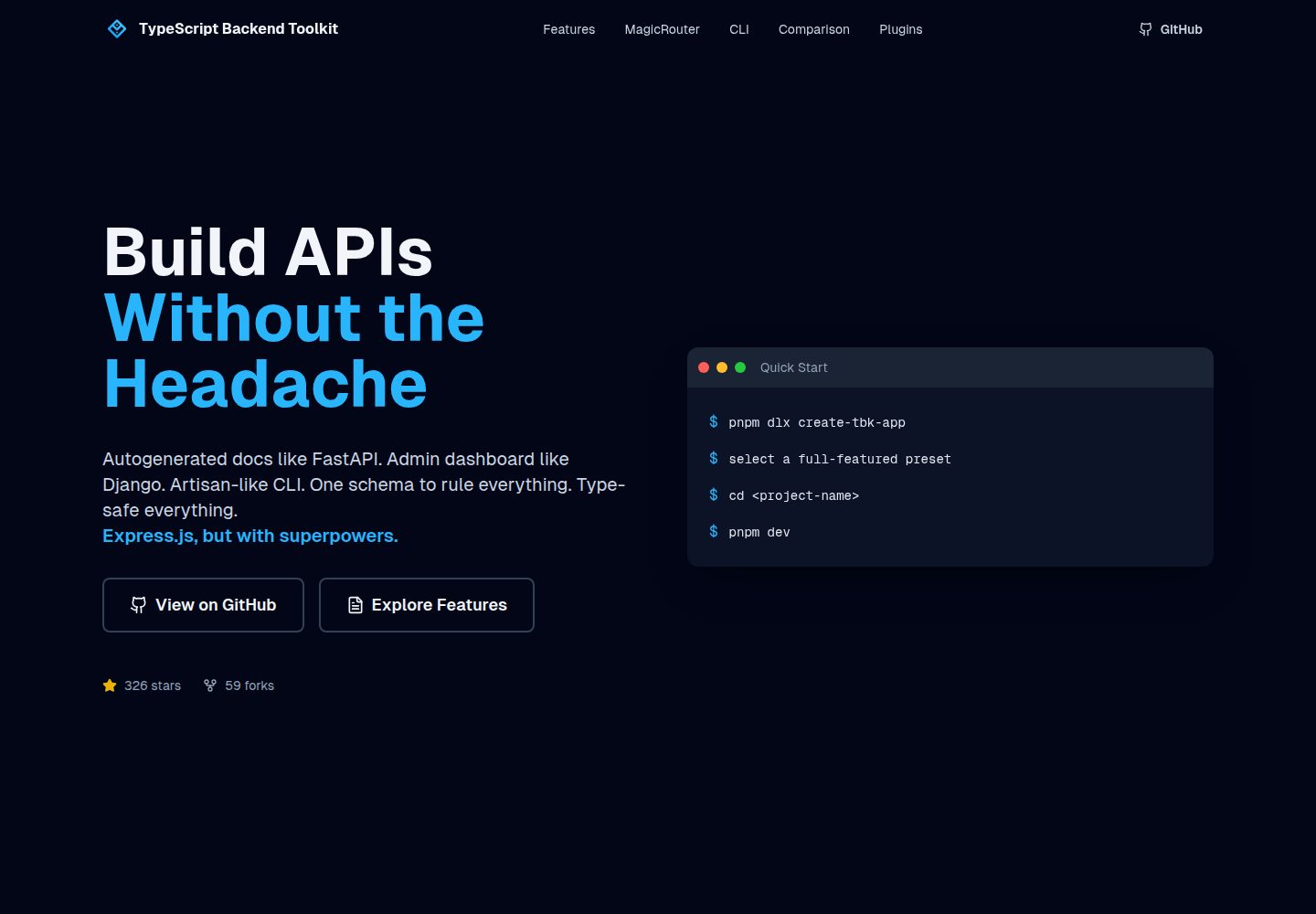
typescript-backend-toolkit
An Express.js and TypeScript backend toolkit with auto-generated OpenAPI documentation, a Django-style admin panel, an Artisan-style tbk CLI, and a plugin architecture. It integrates Zod validation, JWT and Google login, BullMQ queues with BullBoard, Socket.IO, and multi-provider storage/cache/email.
Django · Admin dashboard
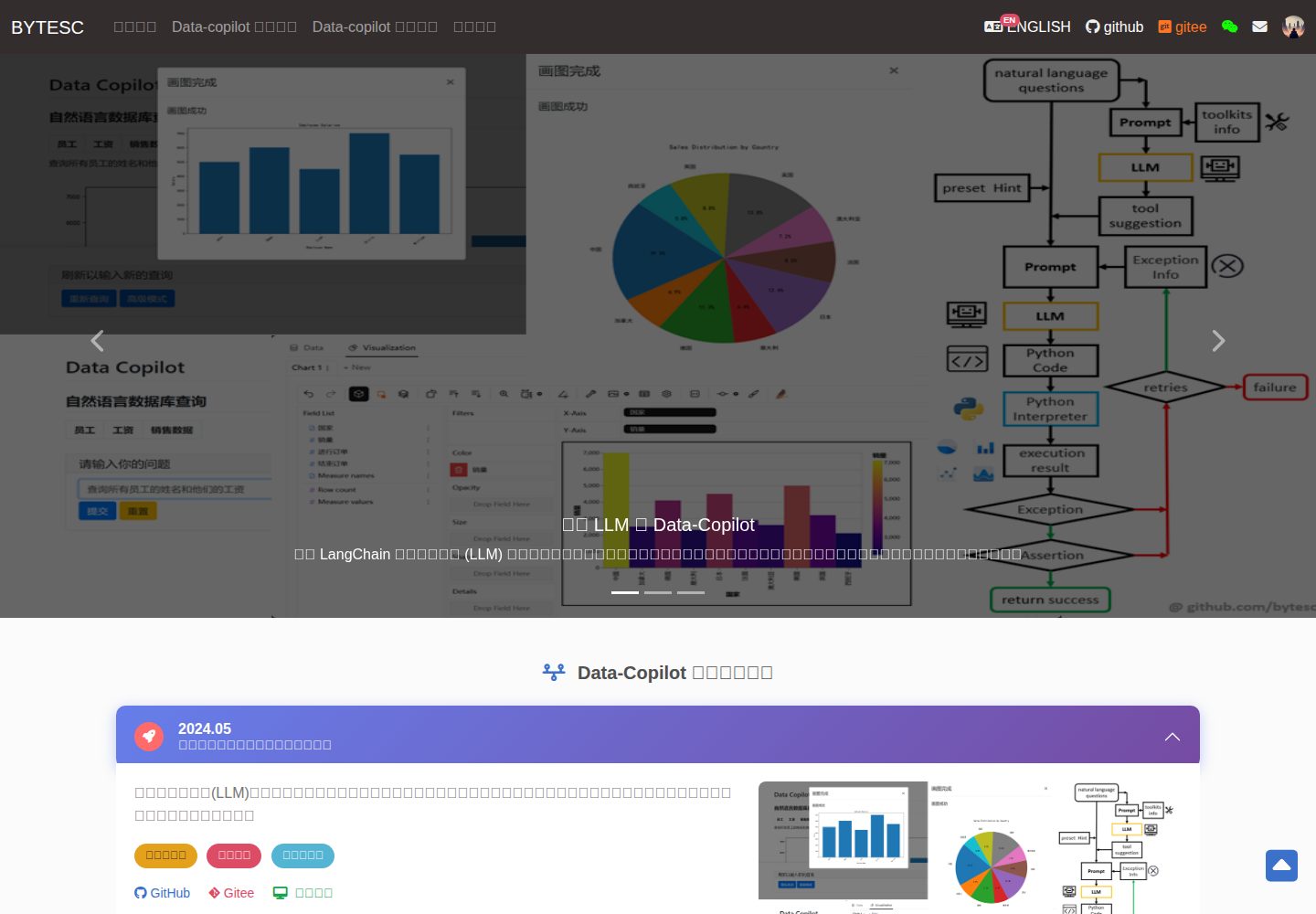
Django_Management_System_template
A Django and MySQL-based non-separated frontend-backend information management system template. It includes CRUD pages and forms for users, departments, numbers, and tasks, cookie-based login authentication with middleware redirection, pagination navigation, MD5 encryption, and Bootstrap form utilities.
Django · Admin dashboard
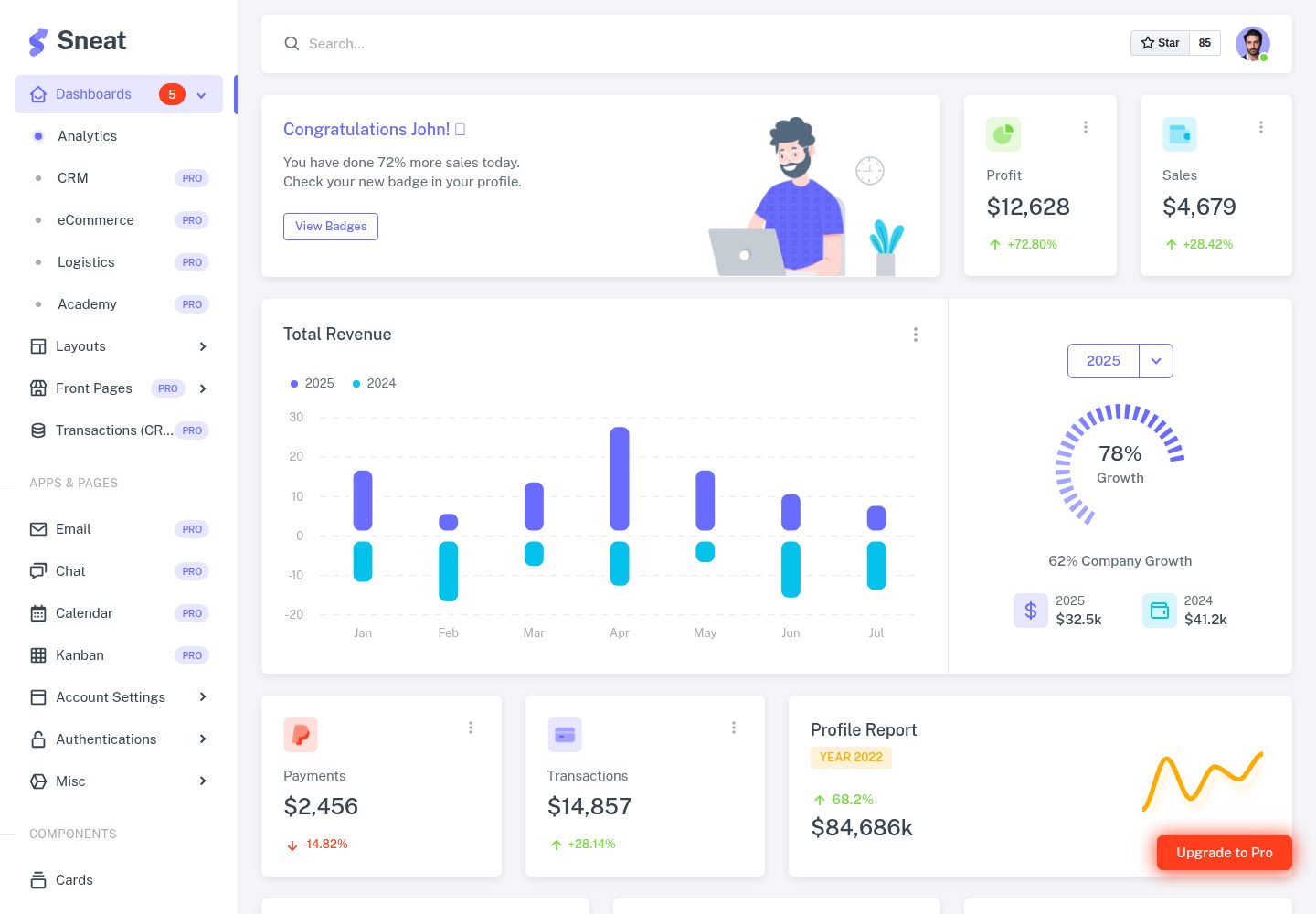
sneat-bootstrap-html-django-admin-template-free
Sneat Free is a Django and Bootstrap 5 admin template under the MIT license, offering an Analytics dashboard, multiple layouts, authentication pages, forms, tables, and extended UI.
Django · Admin dashboard
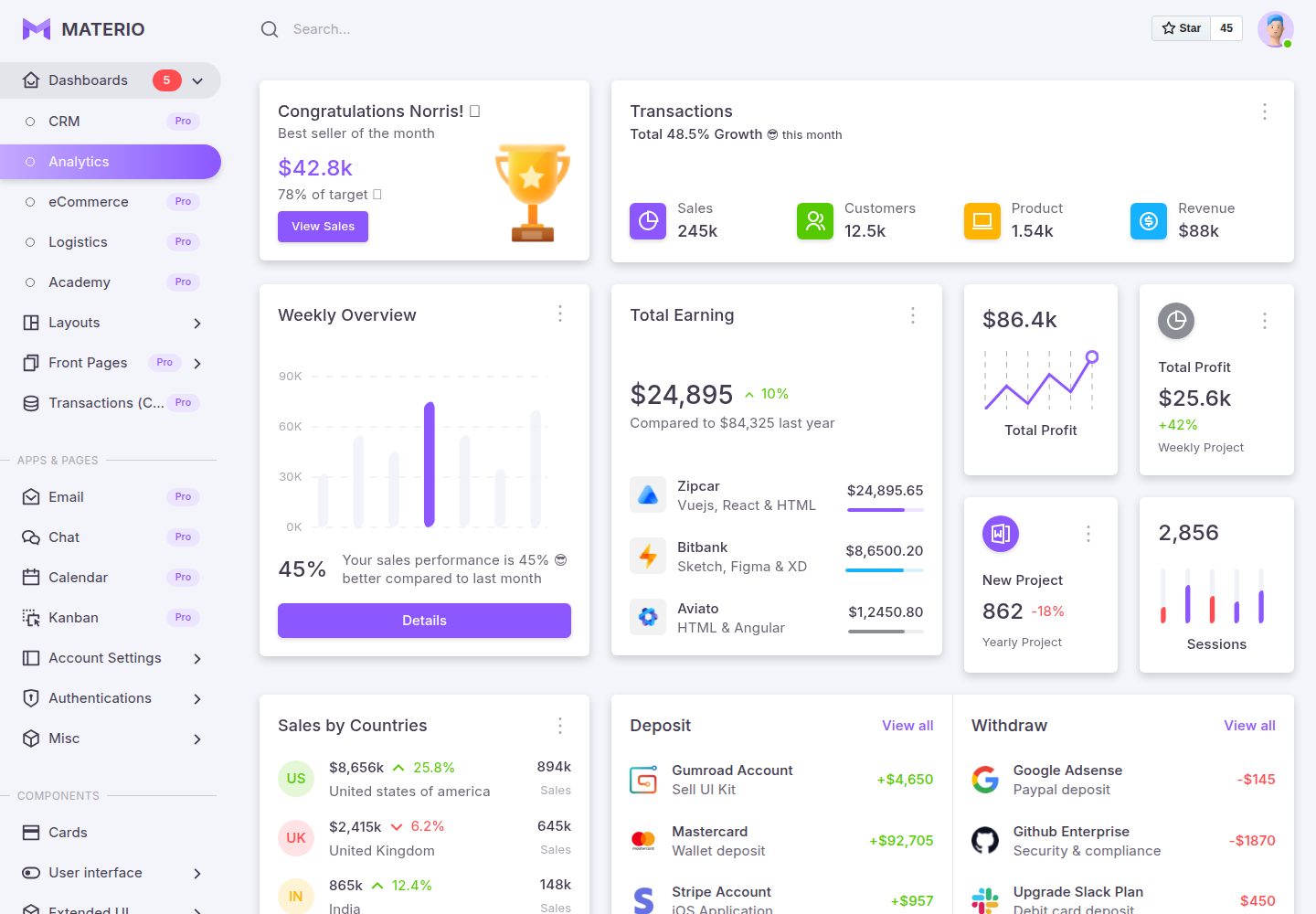
materio-bootstrap-html-django-admin-template-free
Materio Free is a Django admin template with a Bootstrap frontend, released under the MIT license.
Django · Admin dashboard
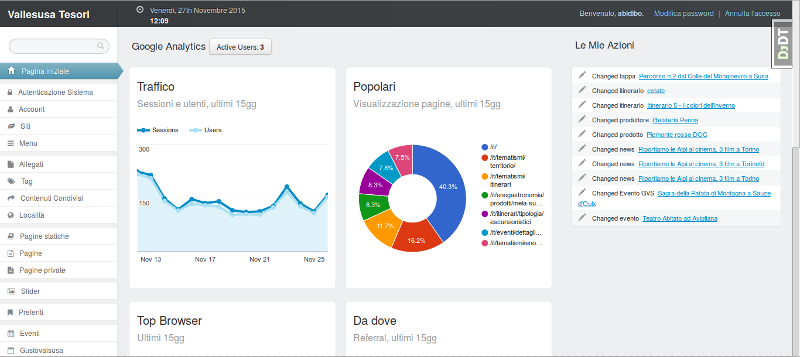
django-otto-admin
An MIT-licensed Django admin customization app that embeds a Google Analytics data panel into the django-suit admin index page. It shows real-time active users, last-15-day traffic, top pages, browsers, referrals, visitor countries, and social interactions via the Google Analytics Embed API.
Django · Admin dashboard
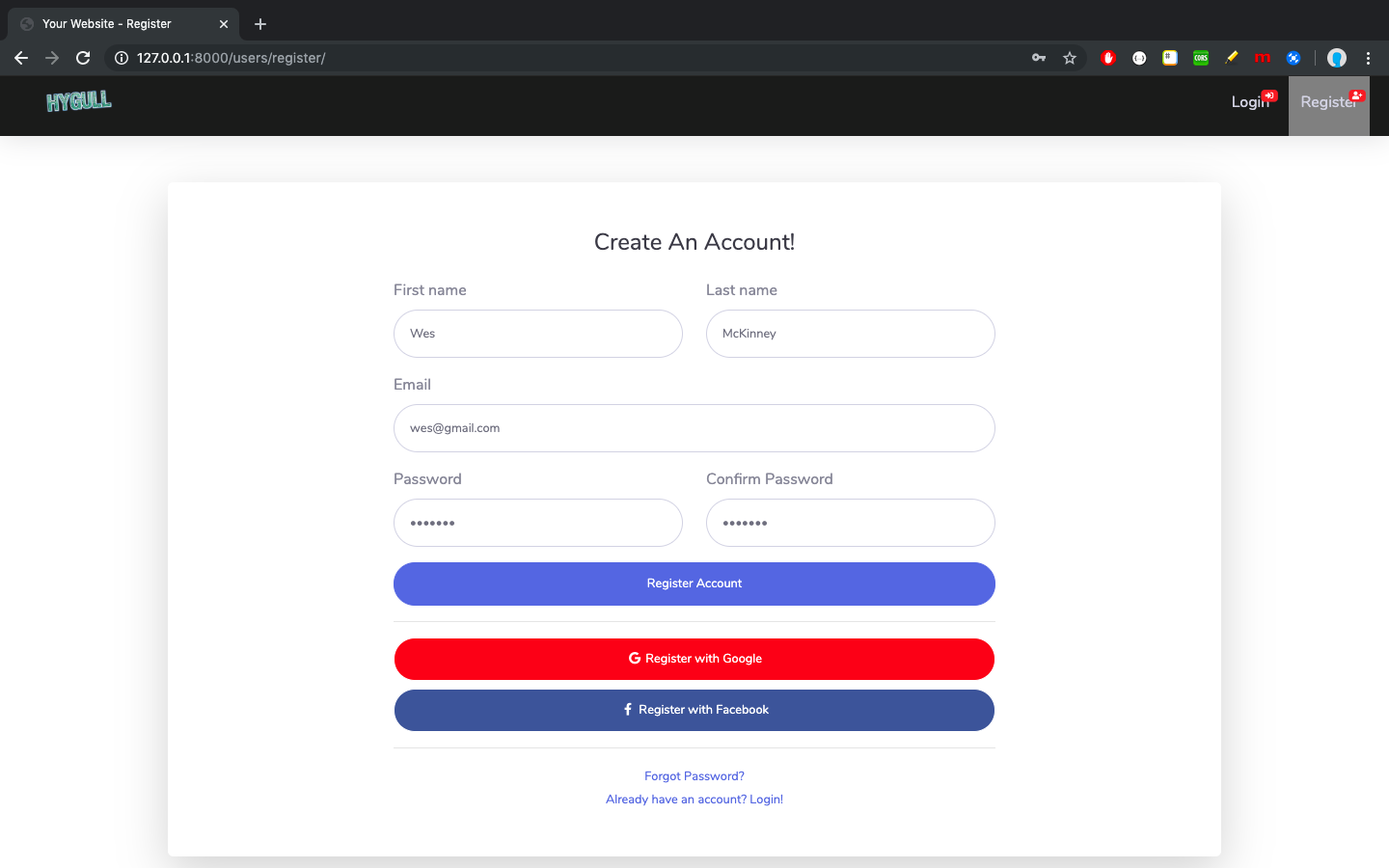
sbadmin
A Django sample project that integrates all pages of the free Bootstrap admin theme SB Admin 2 into Django templates, covering login, registration, password recovery, dashboard, tables, and charts.
Django · Admin dashboard