Laravel-based backend dashboard template with a frontend built in HTML for a data interface
LaravelHTMLAdmin dashboard
veyaz — Laravel Admin dashboard Template
By rdp77
Veyaz is a Laravel-based backend dashboard template initialized via a custom Artisan command, with default credentials admin/admin.
Explore the design
Compare the page layouts and mobile experience. Open any screenshot for a closer look.
Desktop homepage1 / 3
Desktop captureTop of page
Actual screenshot captured by the server browser.
All pages & views 3
Screenshots show visual appearance; interactive behavior may differ.
Recorded 2026-10-03View source
What stands out
A quick read of the recorded project description.
Provides a custom Artisan command veyaz:setup to initialize the project
Default login credentials are admin for both username and password
Uses Laravel migrations and can adapt to various relational databases
Node.js is marked as optional in the dependency requirements
The repository uses the MIT license and includes a third-party library list file library.md
Template Details
Veyaz is a Laravel-oriented backend dashboard template maintained by rdp77 and released under the MIT license. The template uses Laravel as its core and HTML to build data-interface-style backend pages, making it suitable as an administrative starting point for Laravel projects.
The usage flow is clearly described in the README: clone the repository, run composer install, optionally run npm install (or pnpm/yarn), then run the custom command php artisan veyaz:setup to initialize the project, and finally start it with php artisan serve or your own web server. The default login credentials are admin for the username and admin for the password.
Environment requirements include Composer, PHP, a web server (such as XAMPP or Laragon), and a database management system; Node.js is marked as optional. Because it uses Laravel migrations, any corresponding relational database can be used. The template also references several third-party libraries as helpers, with the specific list provided in the repository's library.md.
Limitations to note: the README does not itemize the functional scope of each backend page, nor does it provide guidance on production deployment, permission systems, or security hardening; the default admin/admin account is only for initial local login and should be changed before actual use. The licensing of third-party assets such as demo images, fonts, and icons must be verified separately and cannot be judged solely by the code's MIT license.
LaravelHTMLBackend
Is it right for your project?
Use Cases
- Building a starting administrative interface for a Laravel project
- Running a Laravel backend example locally by following the README steps
- Using it as a reference for learning Laravel backend page organization and initialization commands
- Quickly establishing a backend foundation in a relational database environment
Suitable For
- Developers using Laravel to build backend management interfaces
- Teams needing a ready-made dashboard template as a project starting point
- Laravel users who want to simplify initialization with a custom Artisan command
Getting started & customization
Use these recorded setup notes alongside the repository instructions for your chosen version.
- 1
Clone the repository: git clone https://github.com/rdp77/veyaz.git
- 2
Run composer install to install dependencies; optionally run npm install (or pnpm/yarn)
- 3
Run php artisan veyaz:setup to initialize the project
- 4
Start the application with php artisan serve or your own web server
- 5
Log in with admin/admin and change the default credentials before actual use
License & source material
Usage conditions & limitations
Free to use · keep license noticeThis entry covers the free version in the public repository under the MIT license; the free scope applies to that version's code and does not imply that external services or third-party assets are free.
Must comply with when using
- Free use, modification, commercial use, and distribution of this version's code are permitted.
- When distributing copies or substantial portions of the code, retain the original author's copyright notice and the full MIT license notice.
- The code is provided as is; warranties and liability limitations are governed by the original license and applicable law.
Additional costs & items to verify
- The default login credentials are admin/admin, intended only for initial login; change them before actual use, otherwise there is a security risk.
- Node.js is an optional dependency, used only when running npm/pnpm/yarn to install frontend modules.
- The template uses several third-party libraries; see the repository's library.md for the specific list, and verify each library's license and usage conditions before use.
- Demo images, fonts, icons, and other third-party assets must be checked against their respective licenses and cannot be judged solely by the code's MIT license.
- External services such as domains, hosting, databases, payments, or AI may incur additional charges.
View Original Text Basis
Permission is hereby granted, free of charge
Original License Text
Login using username `admin` and password `admin`
Original README
Node JS](https://nodejs.org/en/) (Optional)
Original README
https://github.com/rdp77/veyaz/blob/master/LICENSEhttps://github.com/rdp77/veyaz/blob/master/README.mdThis template uses several libraries as helpers to improve the template, and can be seen [here](/library.md)
Original README
Compiled by DeepSeek based on repository license and README ·2026-10-03. Results only cover the materials read; dependencies, images, fonts, and subsequent term changes are subject to their respective original texts.
Project checks & description sources
Template Information
- Source platforms
- GitHub
- Documentation and maintenance reference score
- Partly documented · 73 / 100
- Technologies
- Laravel · HTML
- Website type
- Admin dashboard
How this score is calculated
Our heuristic uses license records (up to 30), a demo link (12), a preview (10), stars (15), recorded maintenance (15), description completeness (8), feature records (5) and classification data (5). It is not a code, security or performance test, or a Google score. A link does not establish tested functionality.
What to verify for this project
- Repository update recorded
- 2024-02-12
- Screenshot last checked
- 2026-10-03
A demo link is listed. Check it with your own content and viewport sizes; its presence does not confirm that forms, authentication or payments work.
The catalog identifies Laravel as the primary stack. Check the actual dependency manifest and lockfile for versions and hosting requirements. These notes use recorded metadata, not a code audit or a deployment test.
Use a selection guide →How this description was prepared
AI-assisted description based on catalog records and repository material. Repository authors are not automatically the reviewers of this description.
Review declaration: [email protected] · 2026-10-04
Inspect the recorded source material
SHA-256: f1cb609541bfed499c7ee25f3c30b5e8fcb12ab4cf5d8203863ba76760f60aee
2026-10-03T19:52:52.109Z
Source file / repository<p align="center"><a href="https://laravel.com" target="_blank"><img src="veyaz.png" width="400"></a></p> <p align="center"> <img alt="Laravel Version" src="https://img.shields.io/badge/Laravel%20Version-9.34.0-informational"> <img alt="GitHub repo size" src="https://img.shields.io/github/repo-size/rdp77/veyaz"> <img alt="GitHub release (latest by date)" src="https://img.shields.io/github/v/release/rdp77/veyaz"> <a href="https://www.codacy.com/gh/rdp77/veyaz/dashboard?utm_source=github.com&utm_medium=referral&utm_content=rdp77/veyaz&utm_campaign=Badge_Grade"><img src="https://app.codacy.com/project/badge/Grade/d998aaac69b646dd9c5b06c9b386db04"/></a> <a href="https://github.com/rdp77/veyaz/actions/workflows/laravel.yml"><img src="https://github.com/rdp77/veyaz/actions/workflows/laravel.yml/badge.svg" alt="License"></a> <a href="https://github.com/rdp77/veyaz/blob/master/LICENSE"><img src="https://img.shields.io/packagist/l/laravel/framework" alt="License"></a> </p> ## Requirement - [Composer](https://getcomposer.org/). - [Node JS](https://nodejs.org/en/) (Optional). - Code editor for doing coding activities [Visual Studio Code](https://code.visualstudio.com/) or [Sublime](https://www.sublimetext.com/) or [Atom](https://atom.io/). - Php and Web server for running laravel in web browser, can use [XAMPP](https://www.apachefriends.org/) or [Laragon](https://laragon.org/). - Database Management System. Because it uses Laravel migrations feature it can use any type of DBMS as long as it's a Relational Database. ## Getting Started 1. Clone repository with the command `git clone https://github.com/rdp77/veyaz.git` 2. Installing package form Composer with command `composer install` 3. Installing package module node js with command `npm install` (Optional) => `pnpm install` `yarn install` 4. Run command `php artisan veyaz:setup` to setup the project 5. Running web application using commands `php artisan serve` or running manually with web server. Login using username `admin` and password `admin` ## Command Reference ``` php artisan command:name ``` | Name | Description | | :------------ | :---------- | | `veyaz:setup` | Setup Veyaz | ## Third-party Library This template uses several libraries as helpers to improve the template, and can be seen [here](/library.md) ## Code of Conduct In order to ensure that the Laravel community is welcoming to all, please review and abide by the [Code of Conduct](https://laravel.com/docs/contributions#code-of-conduct) or veyaz [Code of Conduct](https://github.com/rdp77/veyaz/blob/master/CODE_OF_CONDUCT.md). ## Security Vulnerabilities If you discover a security vulnerability within Laravel, please send an e-mail to Taylor Otwell via [[email protected]](mailto:[email protected]). All security vulnerabilities will be promptly addressed. ## License The Laravel framework is open-sourced software licensed under the [MIT license](https://opensource.org/licenses/MIT).
Explore similar templates
Compare previews and descriptions within the same stack and category.

coreui-free-laravel-admin-template
A free MIT-licensed Laravel admin template using CoreUI Bootstrap styles, with a sample login account and management examples for users, menus, roles, media, BREAD, and email templates.
Laravel · Admin dashboard

sneat-bootstrap-html-laravel-admin-template-free
Sneat Free is a Laravel admin template with a Bootstrap 5 frontend, MIT-licensed, offering a dashboard, multiple layouts, authentication pages, forms, and tables.
Laravel · Admin dashboard
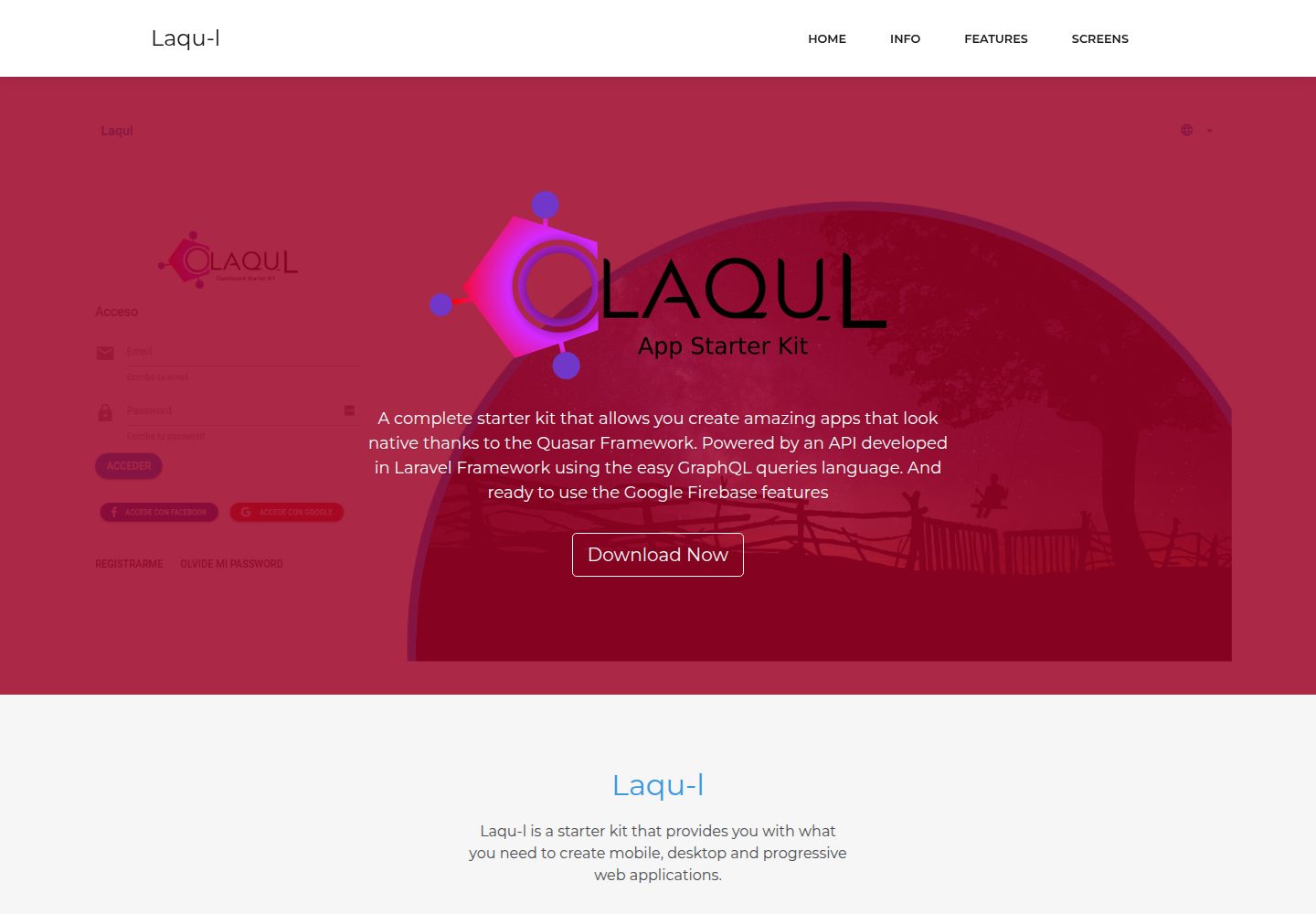
laqul
Laqul is an MIT-licensed Laravel + GraphQL + Quasar full-stack starter kit for backend/admin projects. It separates a Laravel GraphQL API, a Quasar dashboard client buildable as SPA, PWA, desktop, or mobile app, and a client-backend PHP relay for OAUTH2 credentials.
Laravel · Admin dashboard
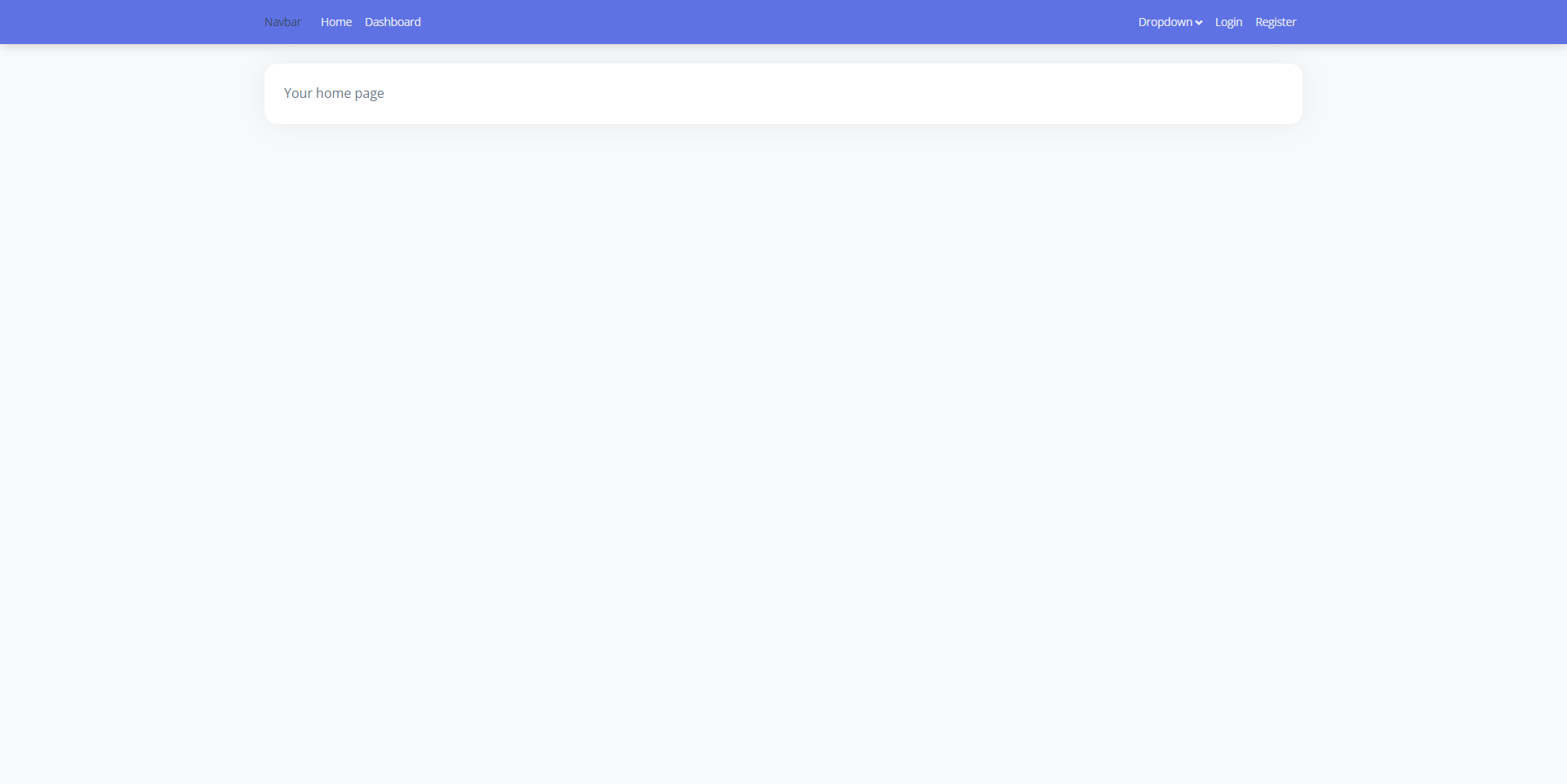
laravel9-inertiajs-reactjs-starter
A Laravel 9 + Inertia.js + React admin starter with Guest, Base, and Auth layouts, login, registration, Google login, user management, and profile pages, styled with Bootstrap 5 and Argon Dashboard 2. Activity Log and Roles and Permissions are not yet implemented.
Laravel · Admin dashboard
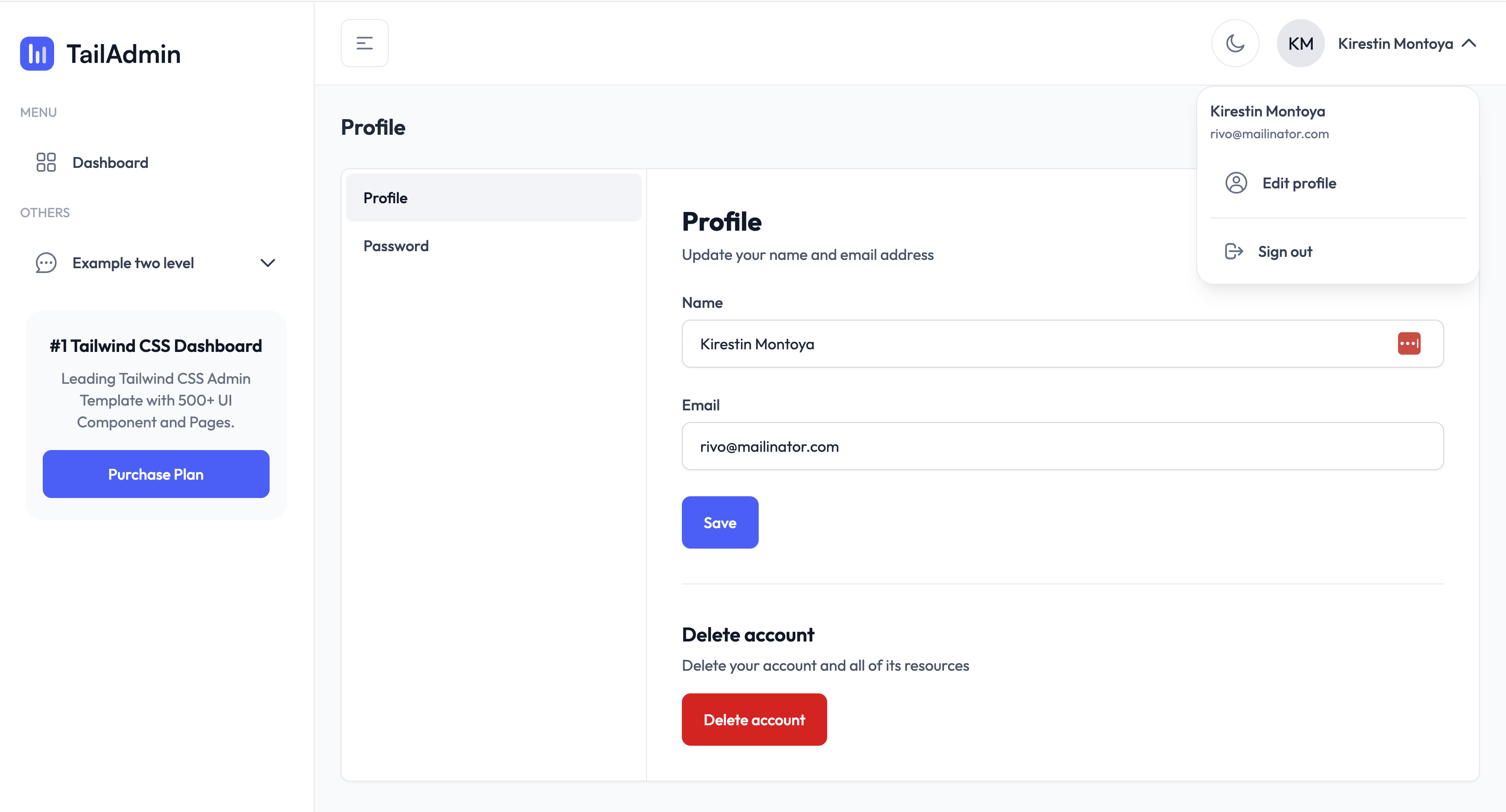
TailAdmin-Laravel-Starter-Kit
A Laravel admin starter maintained by LaravelDaily that merges LaravelDaily/starter-kit with TailAdmin Laravel free dashboard components.
Laravel · Admin dashboard
laravel-sentinel-crud-starter
A Laravel admin starter project that combines Cartalyst Sentinel authentication with user, role, and permission management, plus an Artisan command-driven CRUD generator. It includes user, role, permission assignment, and dashboard pages, a Datatables Bundle, and optional Gentelella Dashboard styling.
Laravel · Admin dashboard