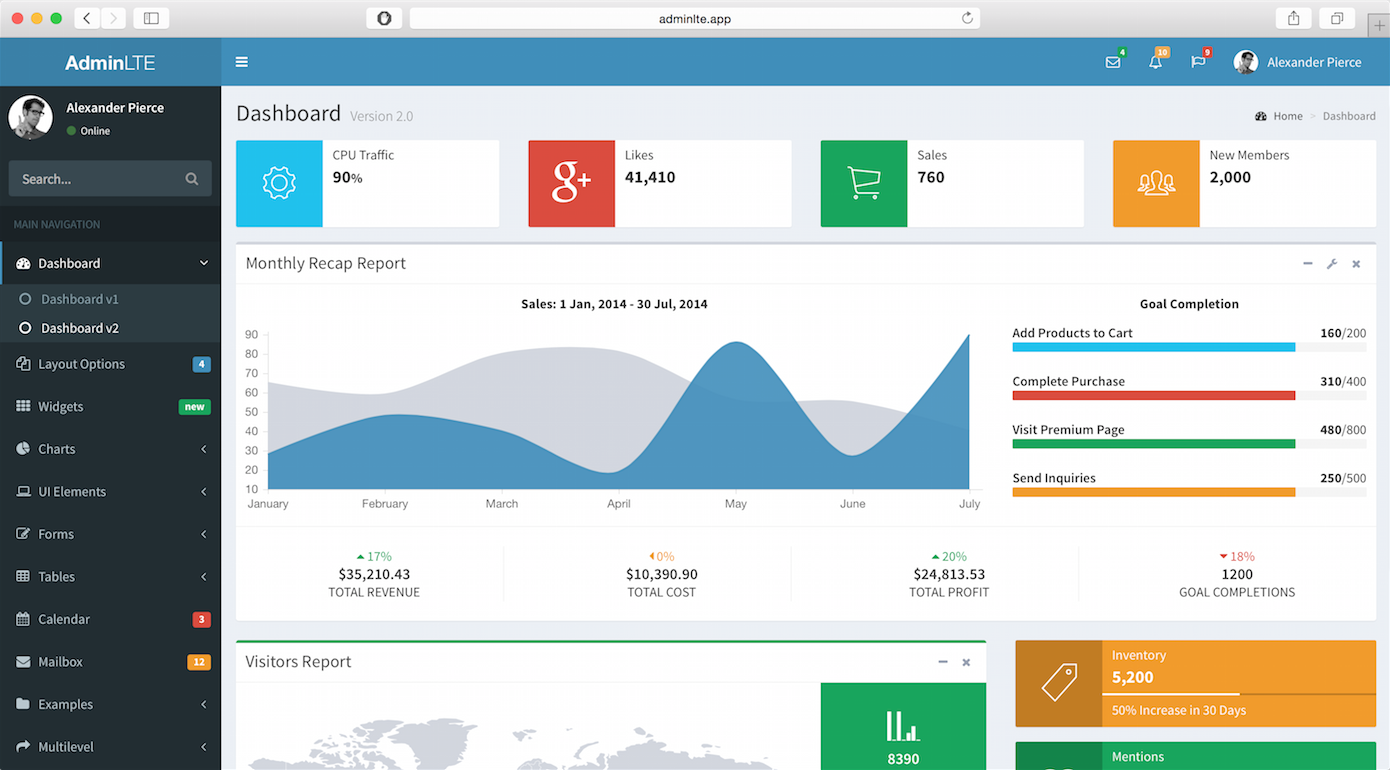
Laravel backend and AngularJS frontend bound together through a Gulp workflow
AngularLaravelStarter
Laravel-Angular-Starter — Angular Starter Template
By tomdavison12
A Laravel and AngularJS admin dashboard starter that integrates Bootstrap, AdminLTE, and a Gulp workflow, with JWT and OAuth authentication.
Explore the design
Compare the page layouts and mobile experience. Open any screenshot for a closer look.
Author preview
Author-provided preview
Preview provided in the project README.
One original preview is available. Open the full image to inspect the design.
Screenshots show visual appearance; interactive behavior may differ.
Recorded 2026-10-11View source
What stands out
A quick read of the recorded project description.
Integrates Bootstrap and the AdminLTE admin interface theme
Provides both JWT-Auth and Socialite OAuth login
Uses Dingo/API, Restangular, and UI-Router to organize APIs and frontend routing
Implements access control lists through Romanbican/Roles and Angular ACL
Provides Angular code generation commands such as ng:page, ng:dialog, and ng:component
Template Details
This is an admin dashboard starter that combines a Laravel backend with an AngularJS frontend through a Gulp workflow, with an interface based on Bootstrap and the AdminLTE theme. For authentication, the project provides both JWT-Auth and OAuth login via Laravel Socialite, and it organizes APIs with Dingo/API while handling frontend requests and routing with Restangular and UI-Router. Access control lists are implemented through a combination of Romanbican/Roles and Angular ACL. The repository provides Angular code generation commands for creating pages, dialogs, components, services, filters, and configurations. The README gives local installation steps (composer install and npm install, configuring .env, running migrate and db:seed), the development workflow (php artisan serve together with gulp and gulp watch), and instructions for deploying to Heroku. The default account is [email protected] / password. The project was released in 2016 and uses AngularJS rather than modern Angular; the demo site and documentation links in the README point to external addresses whose availability is not guaranteed by this repository.
AngularLaravelStarter
Is it right for your project?
Use Cases
- Needing a starting point for an admin dashboard with login and permission control
- Wanting to use Laravel to provide APIs and AngularJS to render the admin interface
- Backend projects that need JWT or third-party OAuth login
- Planning to deploy to Heroku and reuse the deployment steps in the repository
Suitable For
- Developers familiar with Laravel and AngularJS
- Individuals or small teams needing an admin dashboard scaffold
- Projects that want to reference the Laravel + AngularJS + AdminLTE combination
- Maintenance-oriented projects that accept using an earlier frontend technology stack
Getting started & customization
Use these recorded setup notes alongside the repository instructions for your chosen version.
- 1
Run composer install && npm install to install dependencies
- 2
Configure database and OAuth Provider parameters in .env
- 3
Run php artisan migrate and php artisan db:seed to initialize data
- 4
During development, first run php artisan serve --host=0, then in another terminal run gulp && gulp watch
- 5
The default login account is [email protected] / password, which should be changed before deployment
License & source material
Usage conditions & limitations
Free to use · keep license noticeThis entry covers the free version under the MIT license in the public repository; the free scope is that version's code and does not mean external services or third-party assets are free.
Must comply with when using
- The code of this version may be used, modified, used commercially, and distributed free of charge.
- When distributing copies or substantial portions of the code, retain the original author's copyright notice and the full MIT license notice.
- The code is provided as is; warranties and limitations of liability are governed by the original license and applicable law.
Additional costs & items to verify
- Demo images, fonts, icons, and other third-party assets must be checked against their respective licenses and cannot be judged solely by the code's MIT license.
- External services such as domains, hosting, databases, payments, or AI may incur separate charges.
- When registering on the demo site or logging in via OAuth, user information is visible in the public user list component, so real or sensitive personal information should not be submitted in the demo environment.
- Running locally requires configuring the database connection yourself and filling in OAuth provider credentials (such as client ID and secret) to use third-party login features.
- Deploying to Heroku requires configuring the database connection yourself, either based on the CLEARDB_DATABASE_URL provided by ClearDB or a self-hosted database, which is an external service dependency.
View Original Text Basis
Permission is hereby granted, free of charge
Original License Text
*Note: If you register or use Oauth to sign-in your info will be available on public under user lists component, you can use credentials below.*
Original README
Open ```.env``` and enter necessary config for DB and Oauth Providers Settings.
Original README
https://github.com/tomdavison12/Laravel-Angular-Starter/blob/master/LICENSEhttps://github.com/tomdavison12/Laravel-Angular-Starter/blob/master/README.md4. Set necessary config for DB based from CLEARDB_DATABASE_URL or from your custom database
Original README
Compiled by DeepSeek based on repository license and README ·2026-10-11. Results only cover the materials read; dependencies, images, fonts, and subsequent term changes are subject to their respective original texts.
Project checks & description sources
Template Information
- Source platforms
- GitHub
- Documentation and maintenance reference score
- Partly documented · 58 / 100
- Technologies
- Angular · Laravel
- Website type
- Starter
How this score is calculated
Our heuristic uses license records (up to 30), a demo link (12), a preview (10), stars (15), recorded maintenance (15), description completeness (8), feature records (5) and classification data (5). It is not a code, security or performance test, or a Google score. A link does not establish tested functionality.
What to verify for this project
- Repository update recorded
- 2016-08-12
- Screenshot last checked
- 2026-10-11
No demo link is recorded. Use the repository instructions to evaluate the project locally; the screenshot alone cannot establish interactive behavior.
The catalog identifies Angular as the primary stack. Check the actual dependency manifest and lockfile for versions and hosting requirements. These notes use recorded metadata, not a code audit or a deployment test.
Use a selection guide →How this description was prepared
AI-assisted description based on catalog records and repository material. Repository authors are not automatically the reviewers of this description.
Review declaration: [email protected] · 2026-10-13
Inspect the recorded source material
SHA-256: 12620fd458821214843768ff56e9b1d4a6363a574088fa9a361053d30f08cec5
2026-10-11T16:46:25.191Z
Source file / repository# Laravel Angular Starter Laravel + Angularjs + Bootstrap + AdminLTE binded by Gulp workflow Admin Dashboard Boilerplate. Plus Oauth and JWT authentication on the side. ## Screenshots   ## Demo [Click here for a live demo](http://laravel-admin.herokuapp.com) *Note: If you register or use Oauth to sign-in your info will be available on public under user lists component, you can use credentials below.* > [email protected] / password  ## Installation ``` $ composer install && npm install ``` Open ```.env``` and enter necessary config for DB and Oauth Providers Settings. ``` $ php artisan migrate $ php artisan db:seed ``` ## Work Flow **General Workflow** ``` $ php artisan serve --host=0 ``` Open new terminal ``` $ gulp && gulp watch ``` > Default Username/Password: [email protected] / password **Angular Generators** ``` $ artisan ng:page name #New page inside angular/app/pages/ $ artisan ng:dialog name #New custom dialog inside angular/dialogs/ $ artisan ng:component name #New component inside angular/app/components/ $ artisan ng:service name #New service inside angular/services/ $ artisan ng:filter name #New filter inside angular/filters/ $ artisan ng:config name #New config inside angular/config/ ``` [Laravel Angular Generator] (https://github.com/jadjoubran/laravel-ng-artisan-generators) #### [Read Full Documentation] (http://silverbux.github.io/laravel-angular-admin) ## Need Help? You need help customizing? You have an awesome project and you need to hire a coder? hit me up with a message my email address is indicated on my [Github Profile] (https://github.com/silverbux) OR send me a message on skype: **silverbux** ## Features * [JWT-Auth] (https://github.com/tymondesigns/jwt-auth) * [Socialite] (https://github.com/laravel/socialite) * [Dingo/API] (https://github.com/dingo/api) * [Restangular] (https://github.com/mgonto/restangular) * [UI-Router] (https://github.com/angular-ui/ui-router/) * Access Control List * [Romanbican/Roles] (https://github.com/romanbican/roles) * [Angular ACL] (https://github.com/mikemclin/angular-acl) ## Built With * [Laravel] (http://laravel.com) * [Angularjs] (https://angularjs.org) * [Twitter Bootstrap] (https://getbootstrap.com) * [Composer] (https://getcomposer.org/) * [Gulp.JS] (http://gulpjs.com/) * [BOWER] (http://bower.io/) * [NPM] (https://www.npmjs.com/) ## Deploy to heroku [](https://heroku.com/deploy) 1. Click deploy button 2. After build and "successfully deployed", Click Manage App 3. Go to settings and click "Reveal Config Vars" 4. Set necessary config for DB based from CLEARDB_DATABASE_URL or from your custom database 5. Execute migration and db seed with the following commands **Database Migration** ``` $ heroku run php artisan migrate --app your_app_name ``` **Database Seeds** ``` $ heroku run php artisan migrate --app your_app_name ``` ## Contributing Thank you for contributing to this repository. ## Acknowledgments / Credits This project wont be possible without the following, We acknowledge and are grateful to these developers for their contributions to open source. **All necessary credits are given**. * [Laravel-Angular (Material)] (https://laravel-angular.readme.io) * [AdminLTE] (https://github.com/almasaeed2010/AdminLTE) ## License This project is licensed under the MIT License - see the [LICENSE](LICENSE) file for details
Explore similar templates
Compare previews and descriptions within the same stack and category.
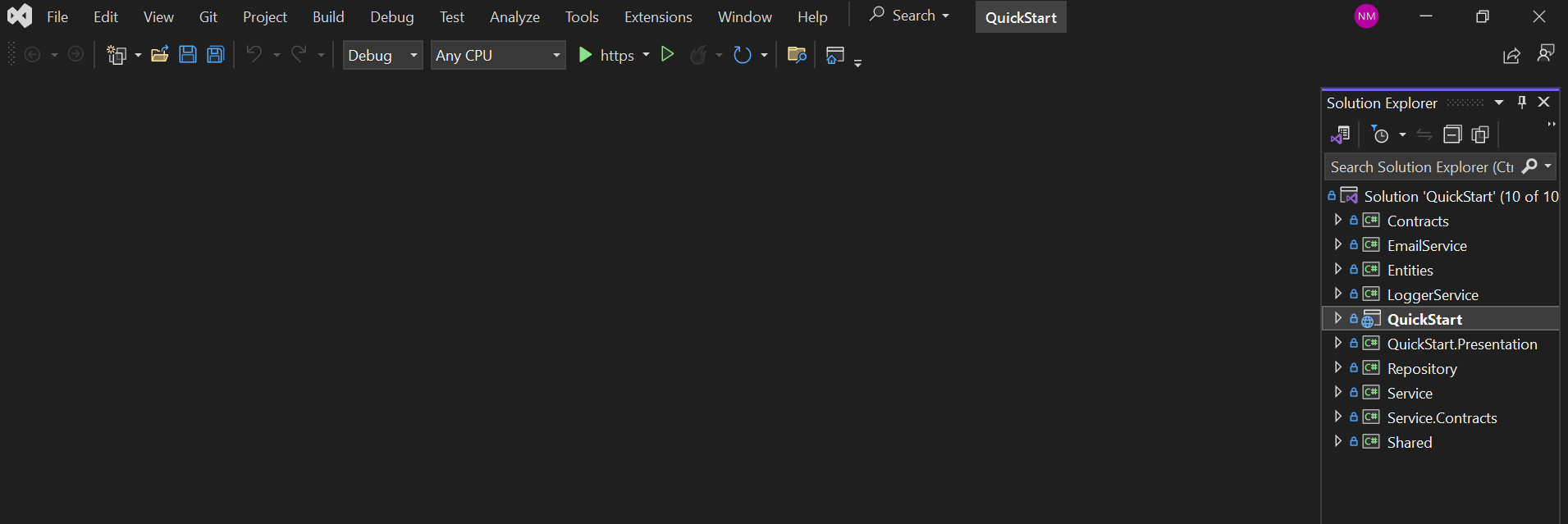
QuickStart
Matech QuickStart is an ASP.NET Core Web API and Angular admin starter project using onion architecture and EF Core Code First migrations.
Angular · Admin dashboard
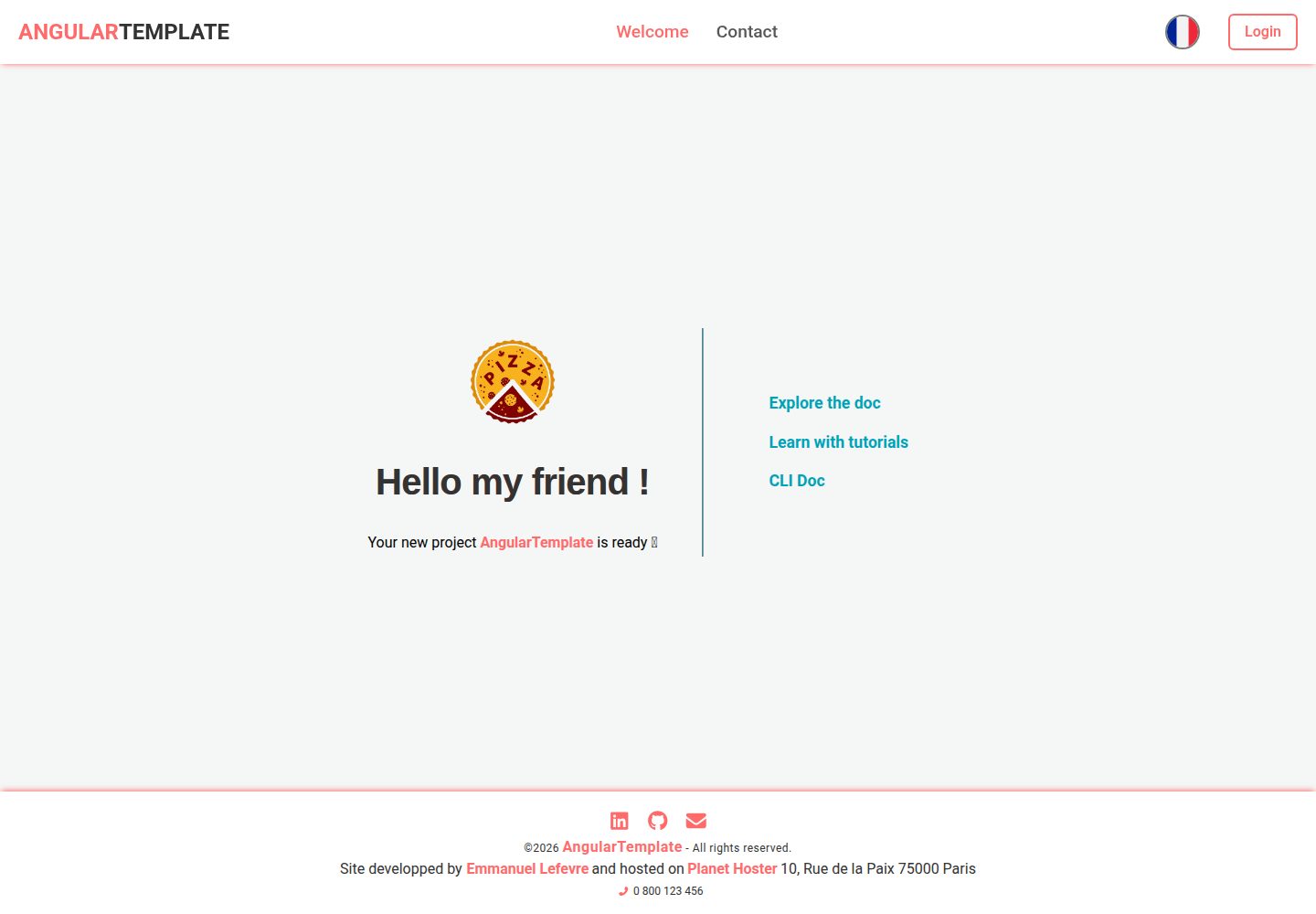
AngularTemplate
An Angular starter template under the MIT license, preconfigured with ESLint, Prettier, Vitest, Supabase authentication, I18n, SEO/PWA, and GitHub Actions pipelines.
Angular · Starter
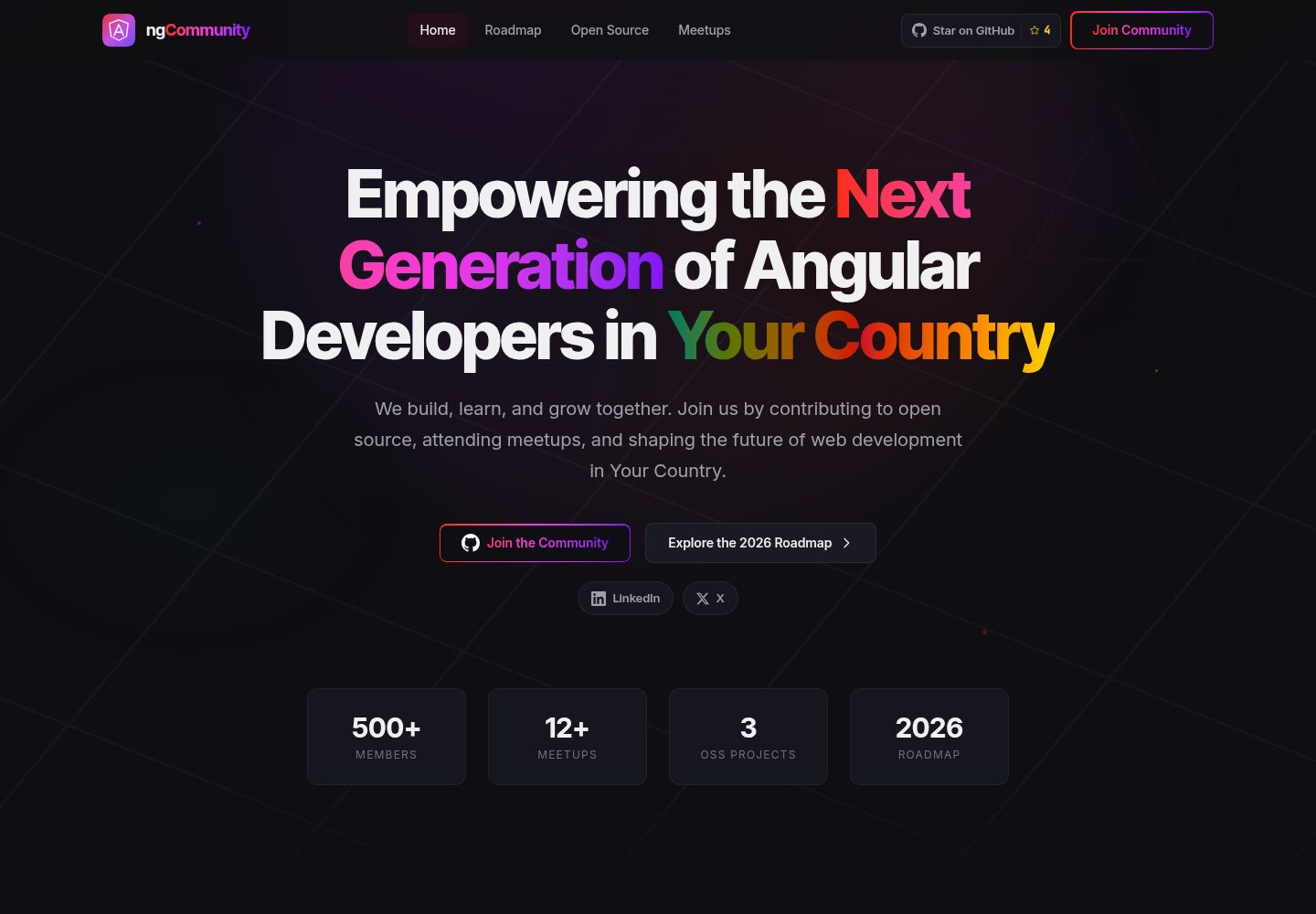
angular-community-website-template
An MIT-licensed Angular community website template maintained by Angular Cameroon, originally used for the ngCameroon site. It includes four pages: home, roadmap, meetup schedule, and open-source project showcase.
Angular · Starter
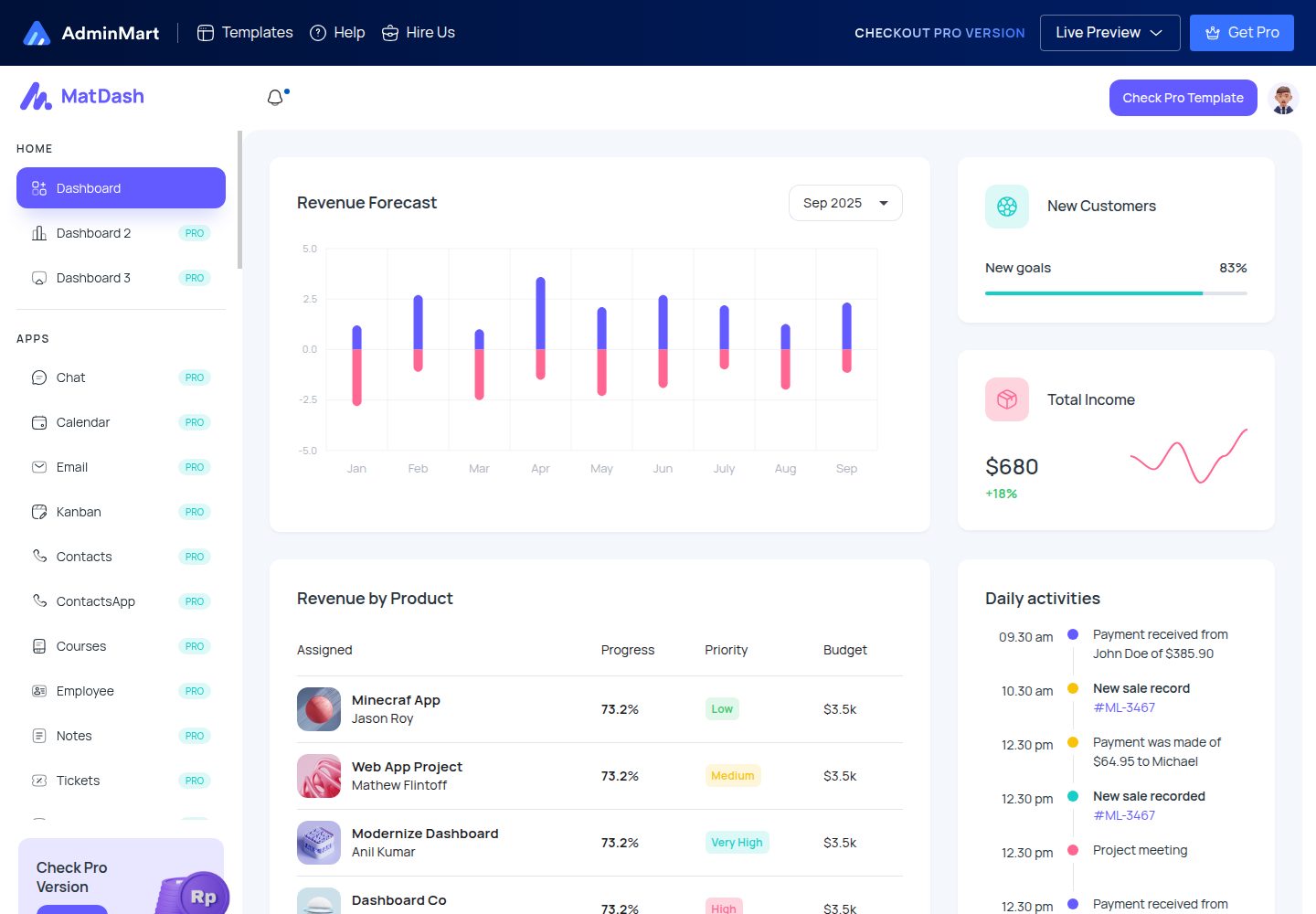
matdash-angular-free
MatDash Angular Free is a free Angular admin dashboard template from AdminMart, built with Angular and Angular Material and integrated with ApexCharts. It provides prebuilt pages, basic components, and a responsive layout under the MIT license.
Angular · Admin dashboard
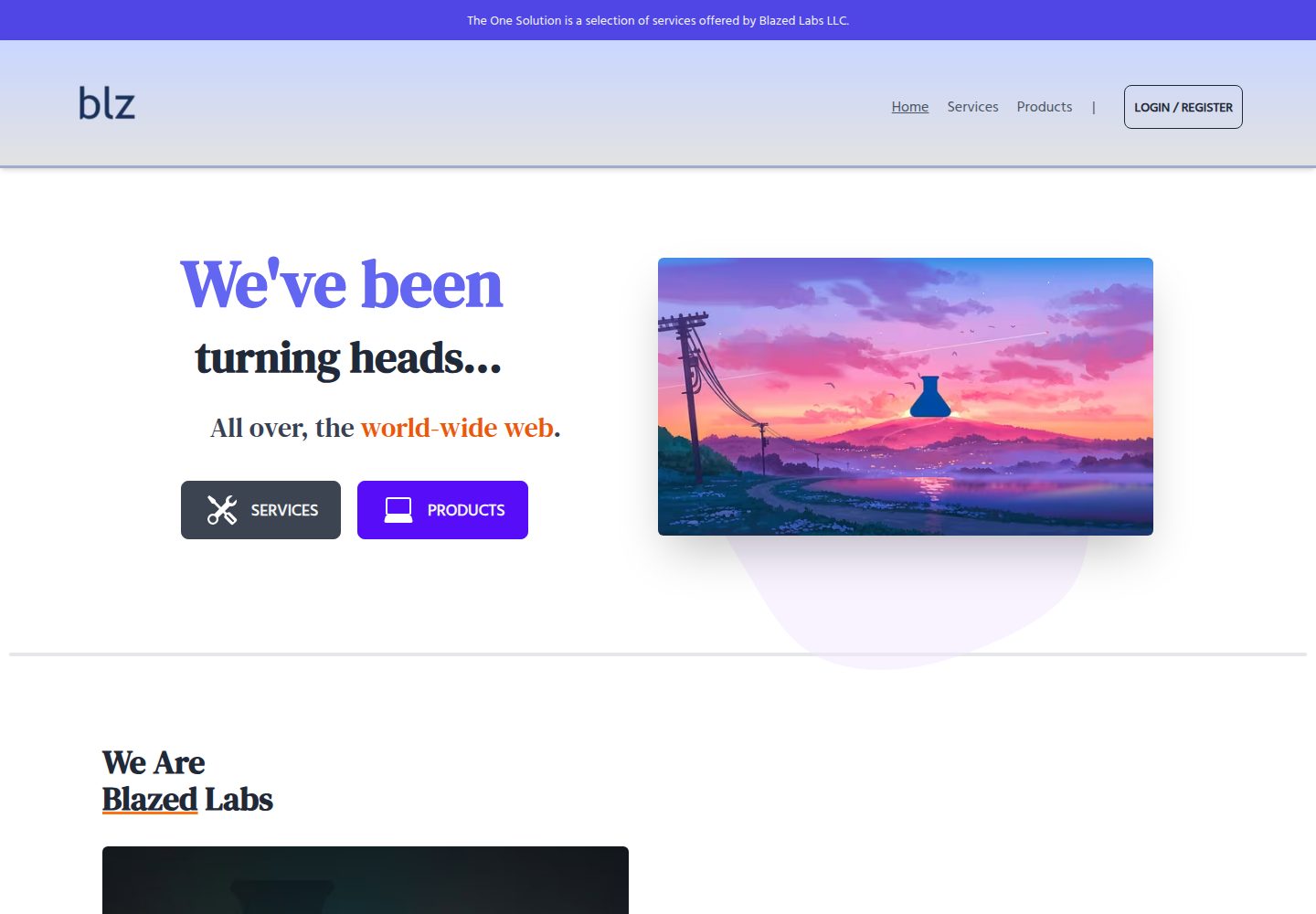
fire-angular
fire-angular is an Angular starter template from Blazed Space that bundles TailwindCSS, a mobile hamburger menu, a 404 page (Unknown Module), Blazed custom-scrollbar and blink-stop styles, fire-ng, HTML Monolith Boilerplate, and Netlify deployment configuration.
Angular · Starter
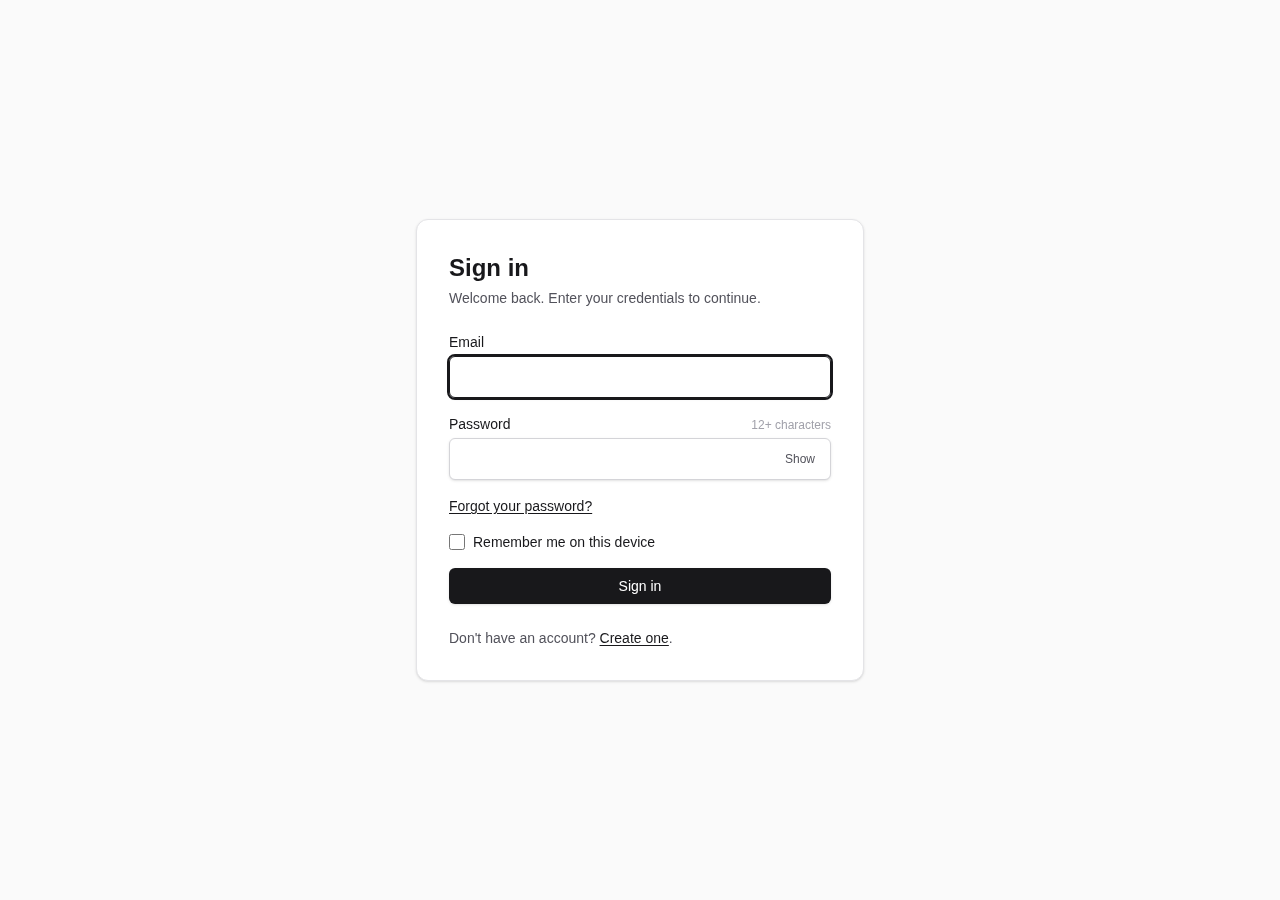
claude-starter
A single-project .NET 10 + Angular 22 starter template for backend applications, with Dapper/Npgsql on PostgreSQL, DbUp startup migrations, cookie authentication with BCrypt and Data Protection keys in PostgreSQL, closed registration with an admin bootstrap link, and optional passkeys, SMTP-based email verification…
Angular · Admin dashboard