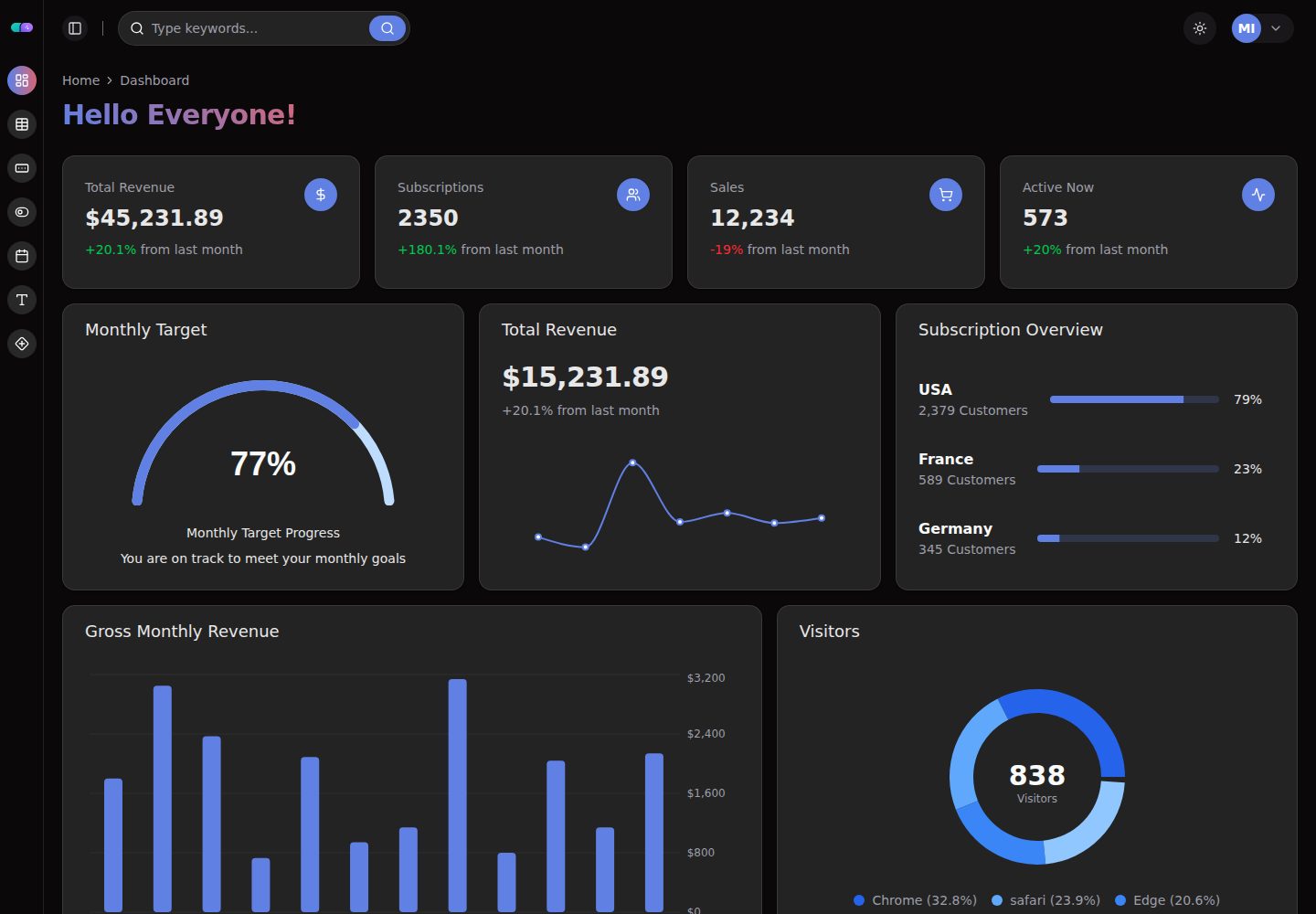
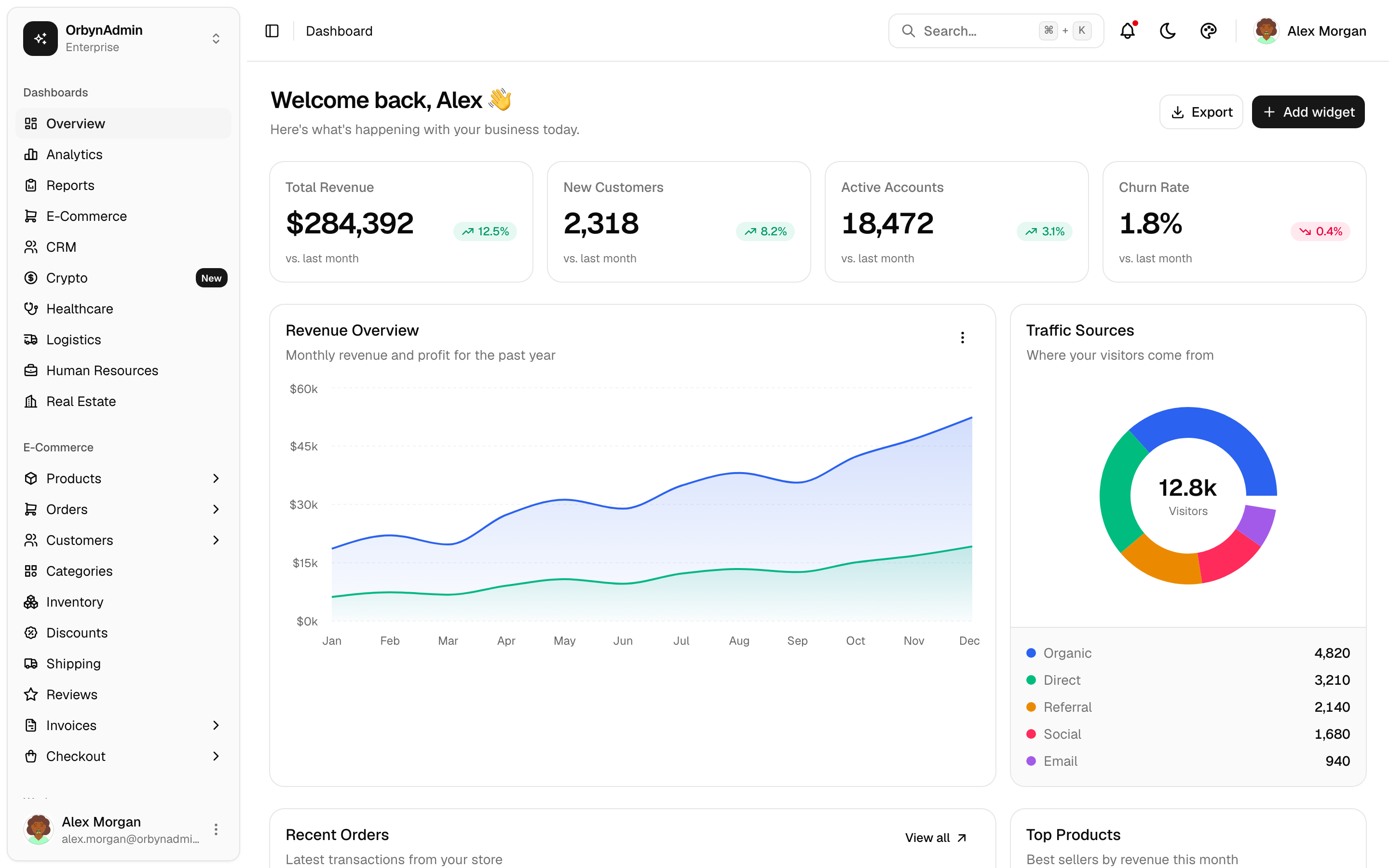
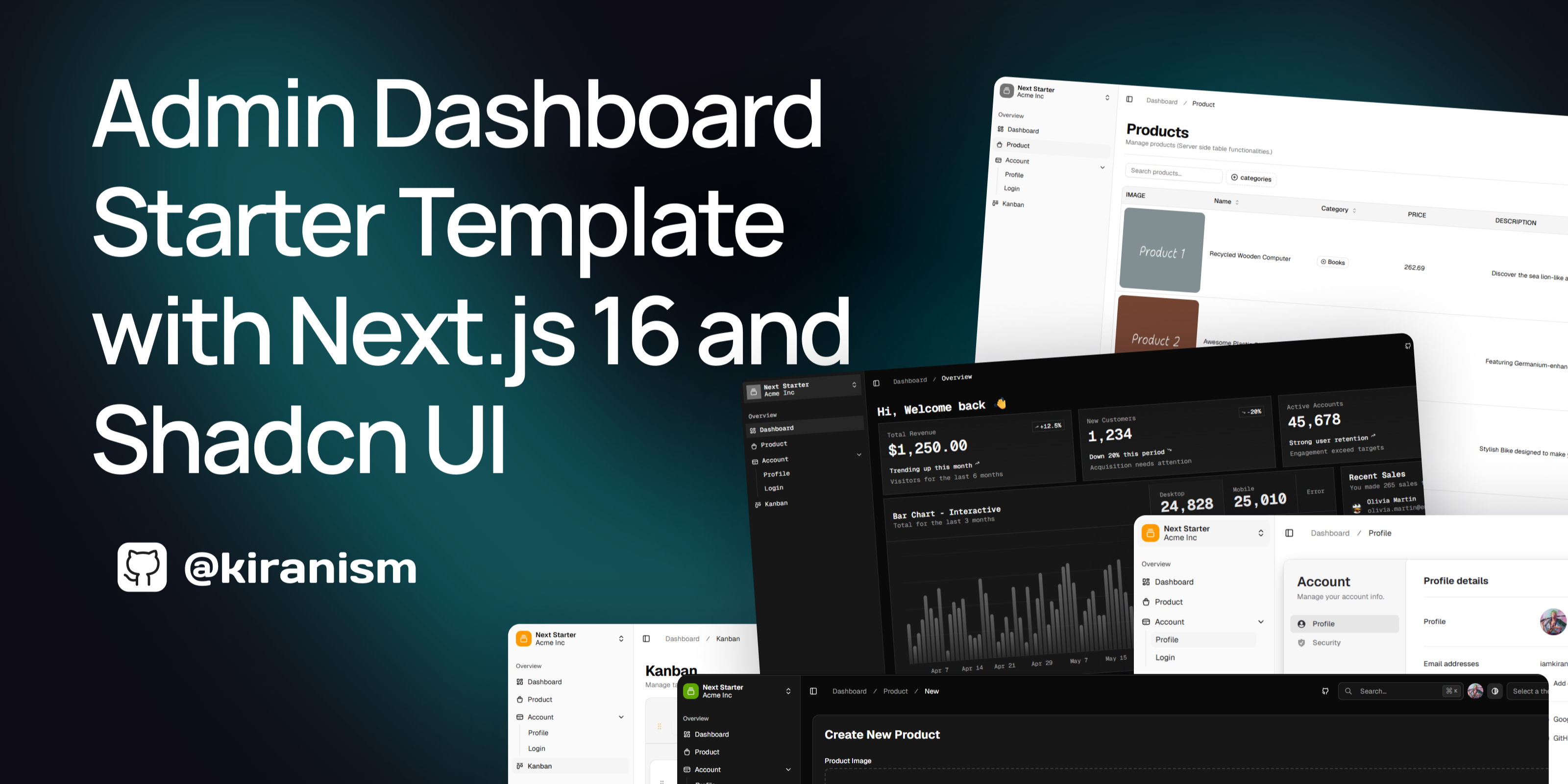
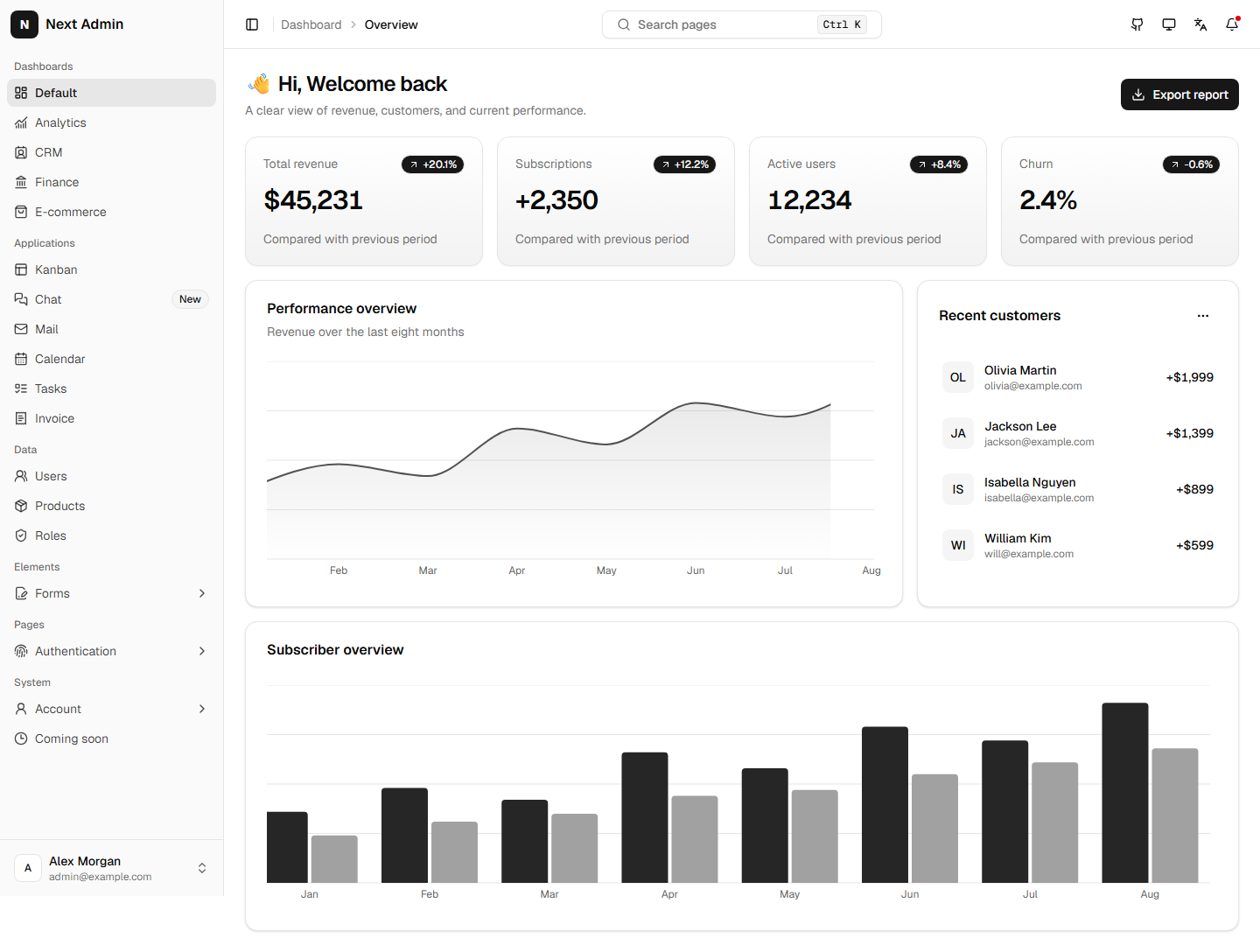
shadcn dashboard template

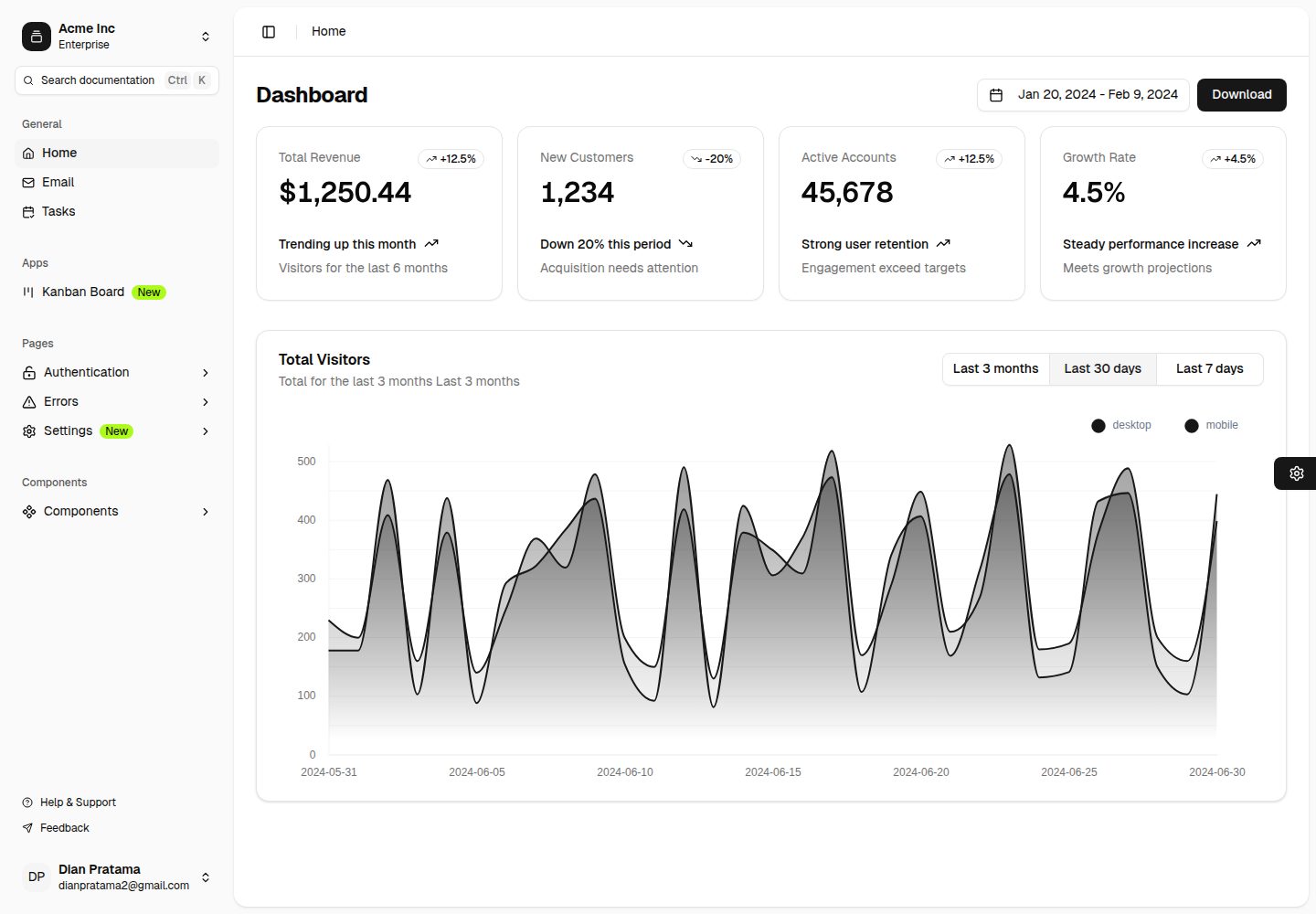
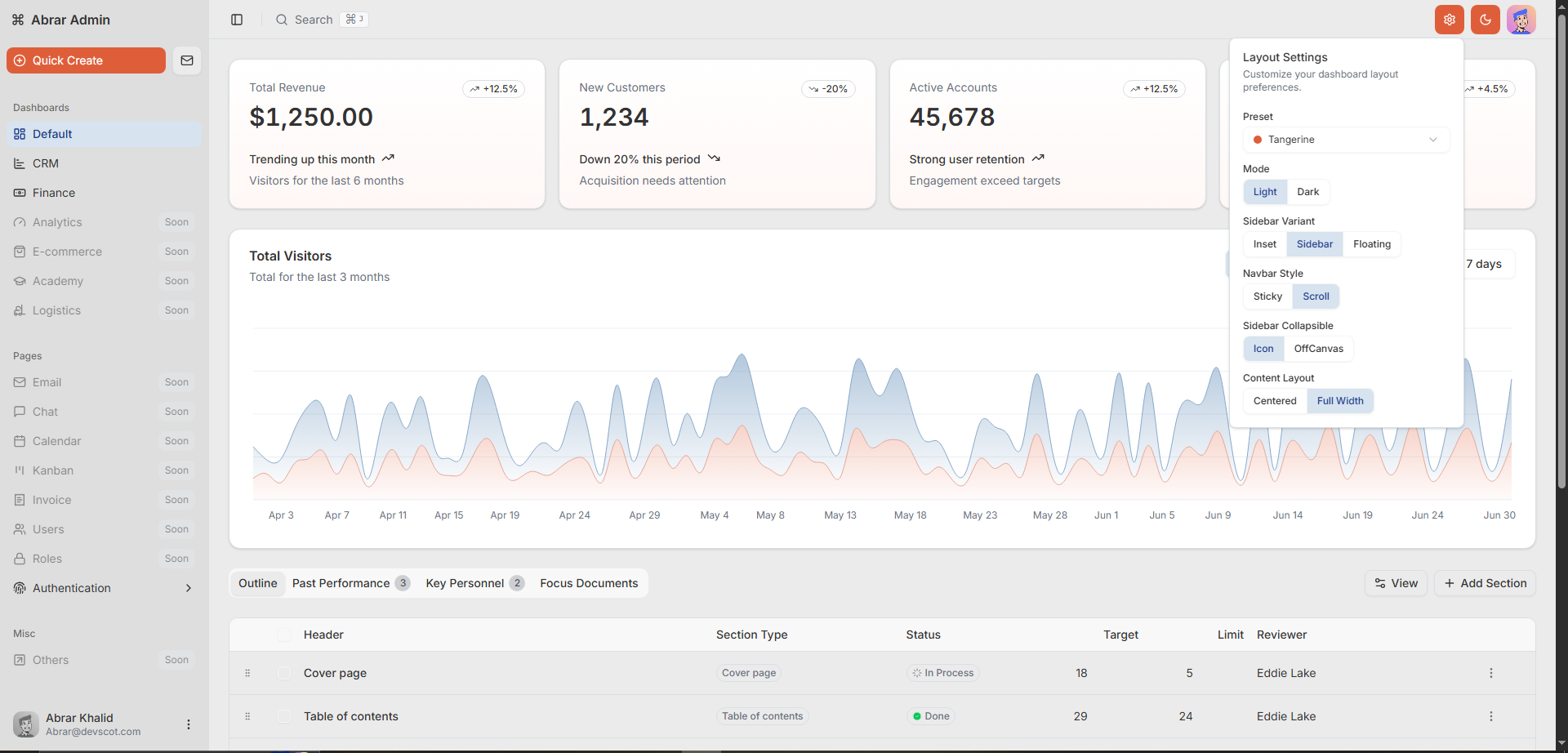
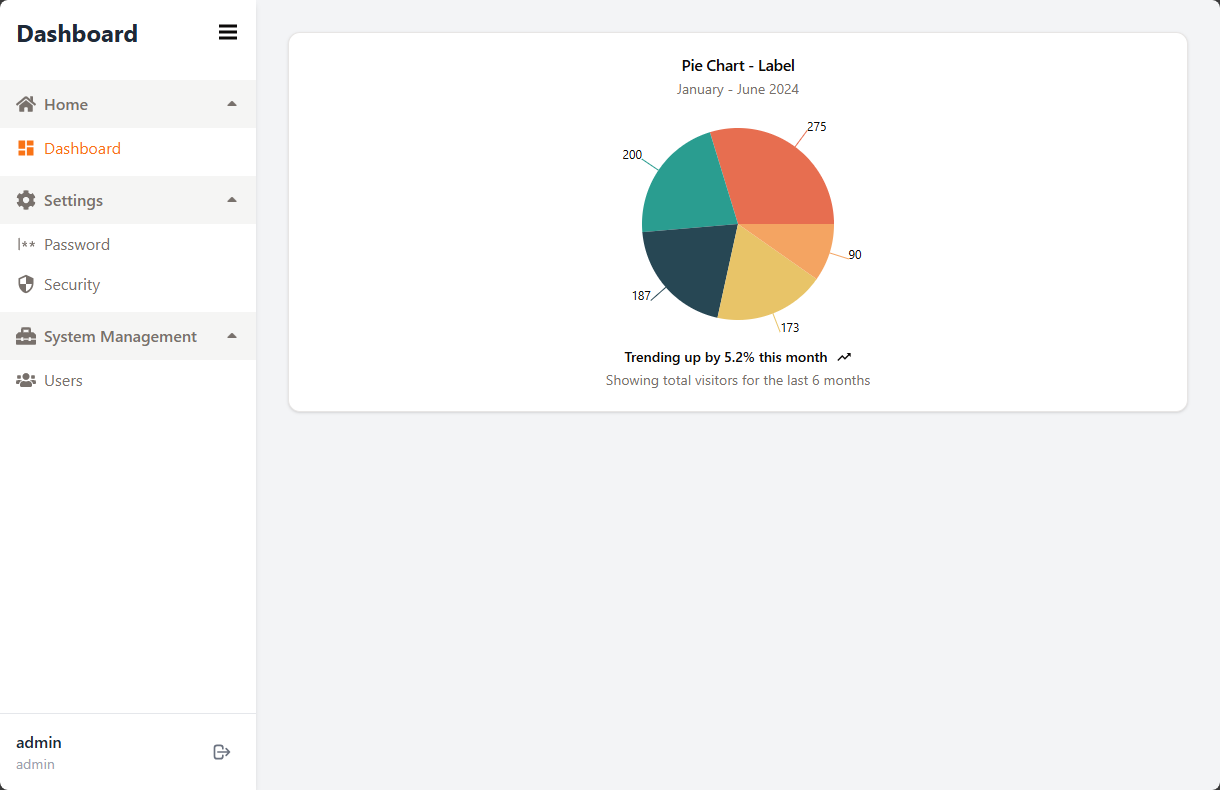
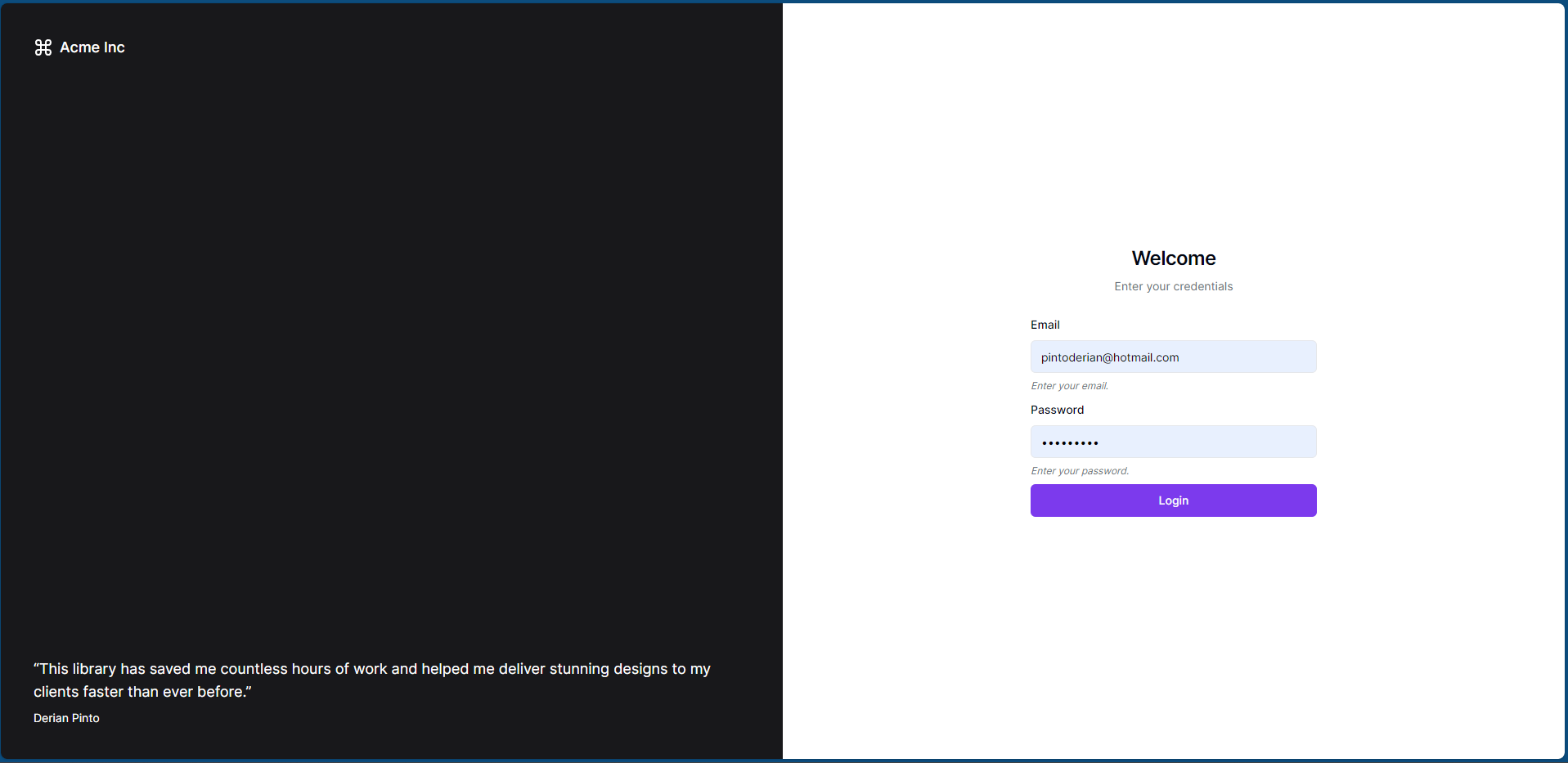
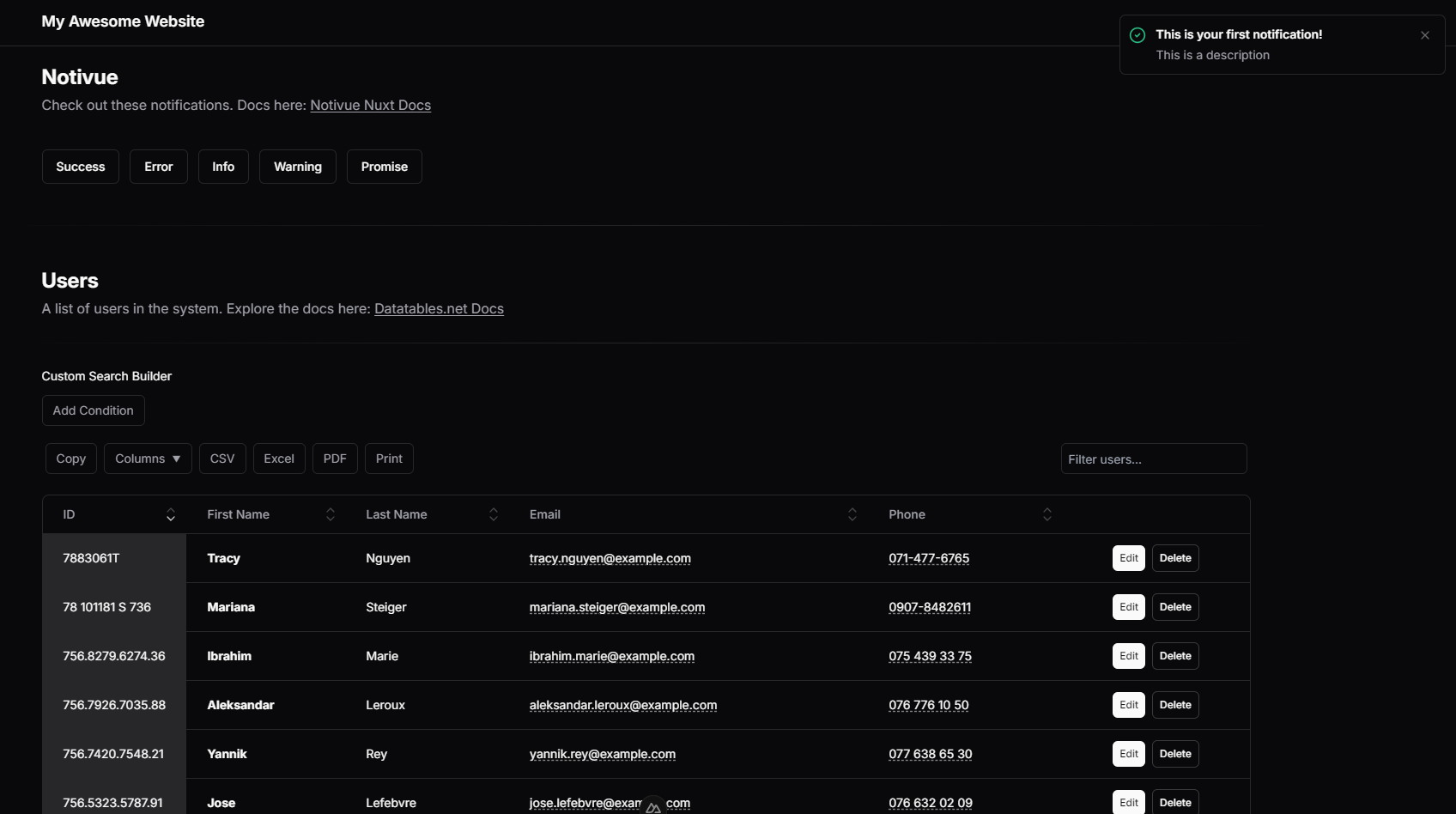
Choose a shadcn dashboard template around the records and workflows your team handles every day. This category uses recorded shadcn mentions and dashboard classifications, so inspect the repository to confirm the component primitives and package versions. Compare tables, forms, navigation, charts, and mobile behavior with realistic data. A login screen does not establish working authentication or permissions. Review the license, demo, and update date, then test a representative workflow against your own API before adopting the template.

Before you choose

Start with the tasks your operators perform every day: finding records, editing data and handling exceptions. A polished chart is useful only when the surrounding workflow fits your product.

Show selection checklist
  • Map one real workflow before choosing a design. Check long tables, empty states, validation messages and mobile navigation in the demo; screenshots cannot establish whether those interactions work.
  • Separate UI from services. A login screen does not establish authentication, and a role selector does not establish server-side permissions. Read the repository for the API contract and confirm where access checks run.
  • Compare the free edition with the components you need. Check the package manifest and lockfile against your existing React and styling dependencies, then try one representative screen before migrating the rest of the product.
How to choose a React admin dashboard →
Compare a sample from this category

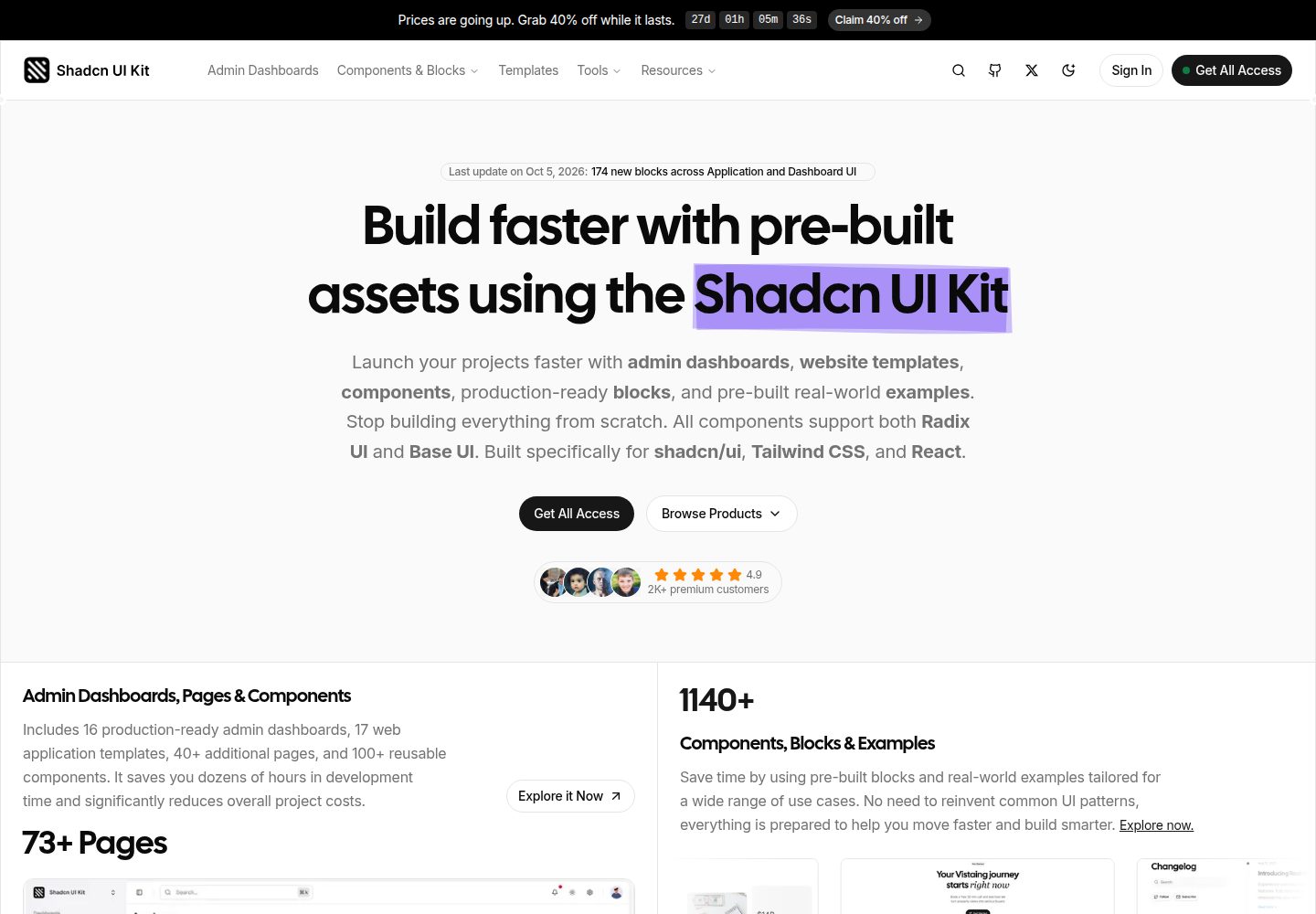
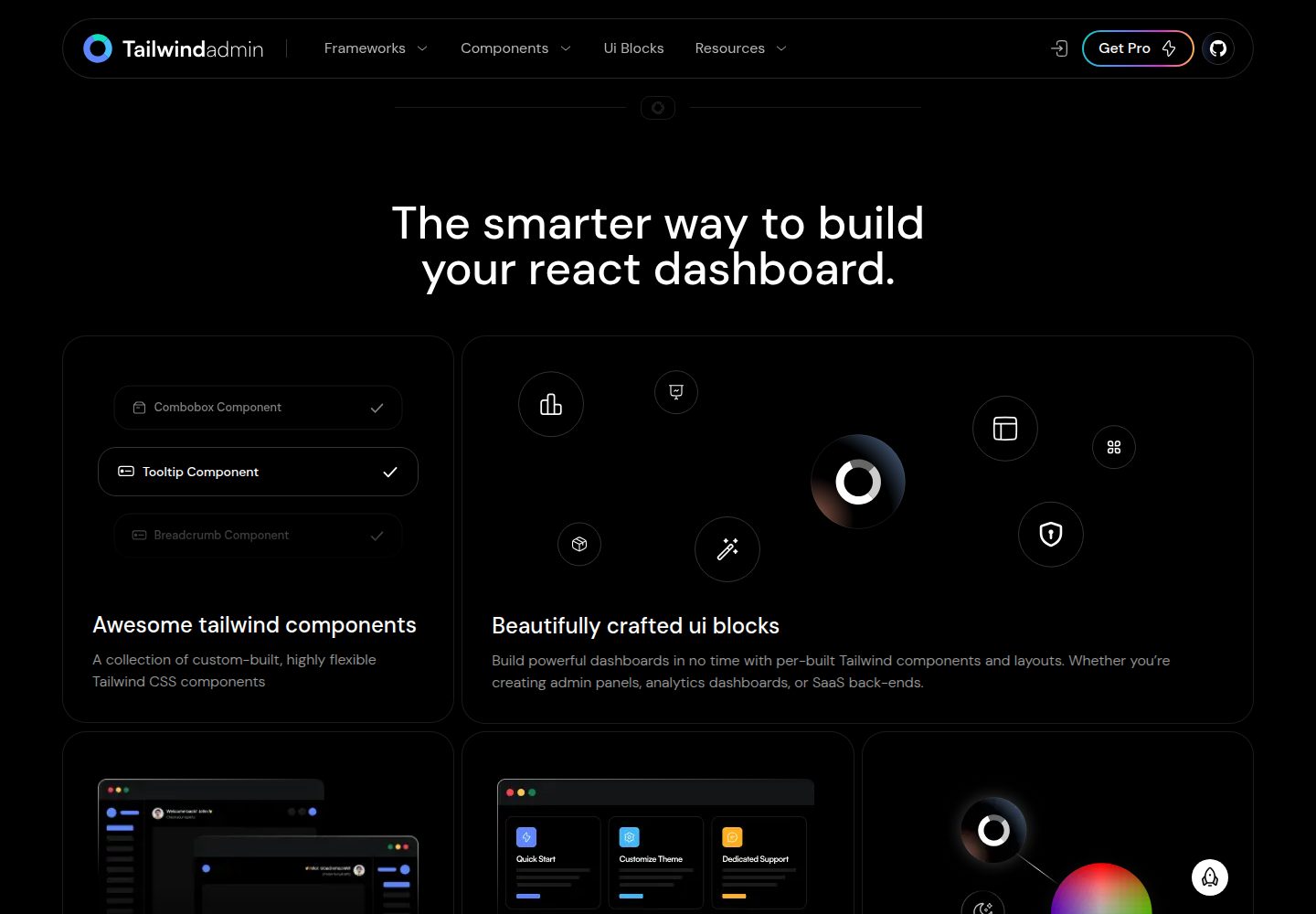
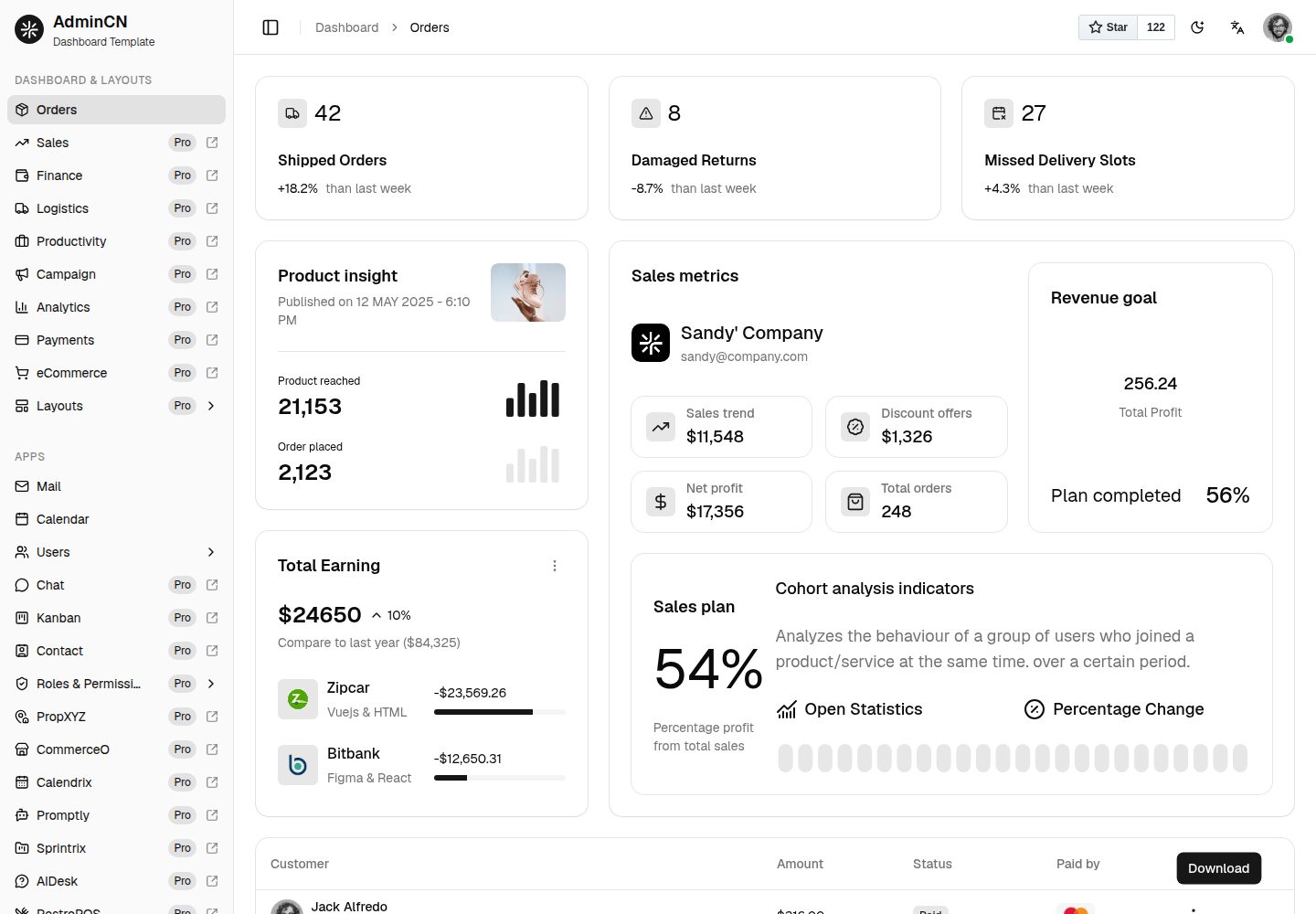
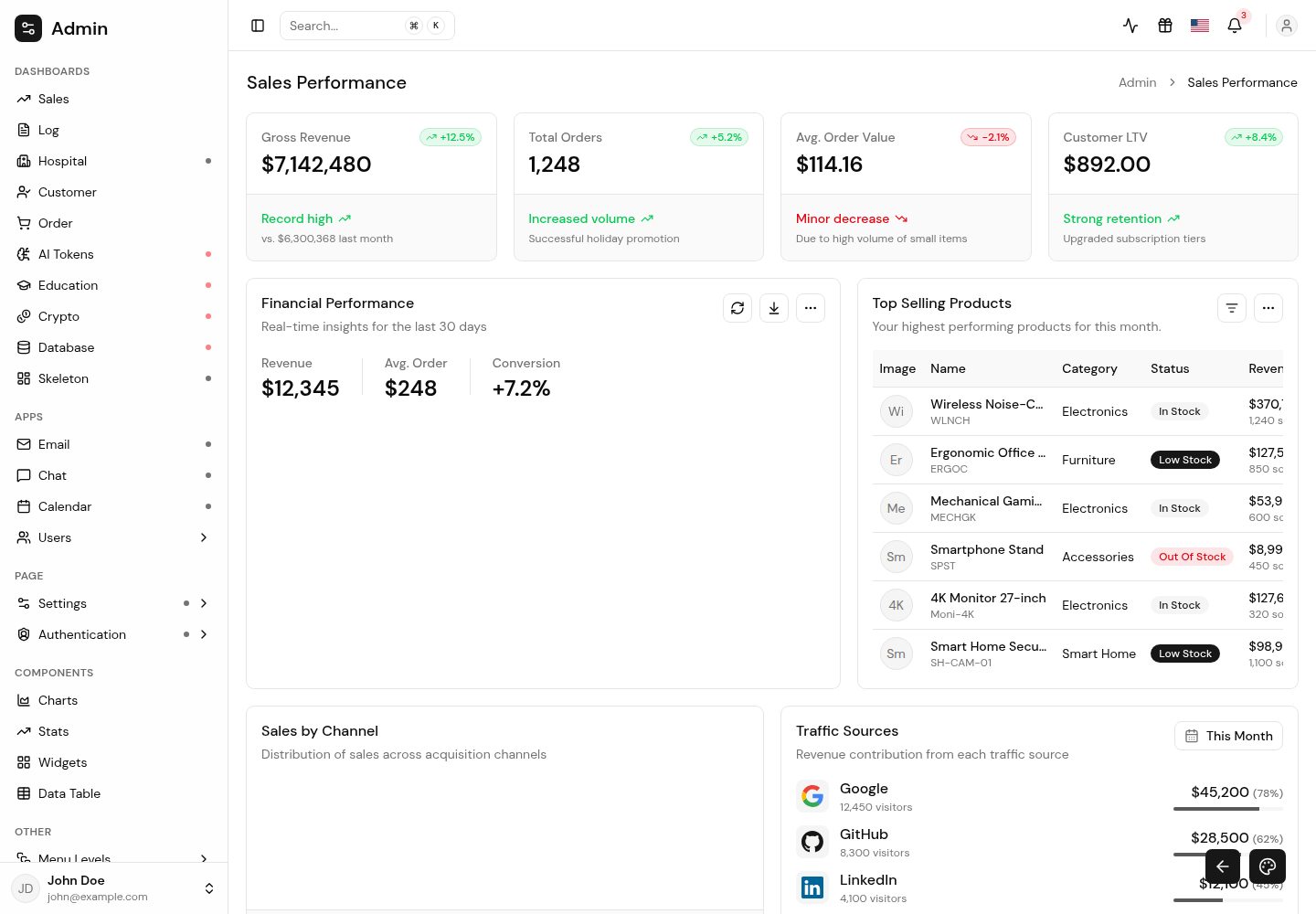
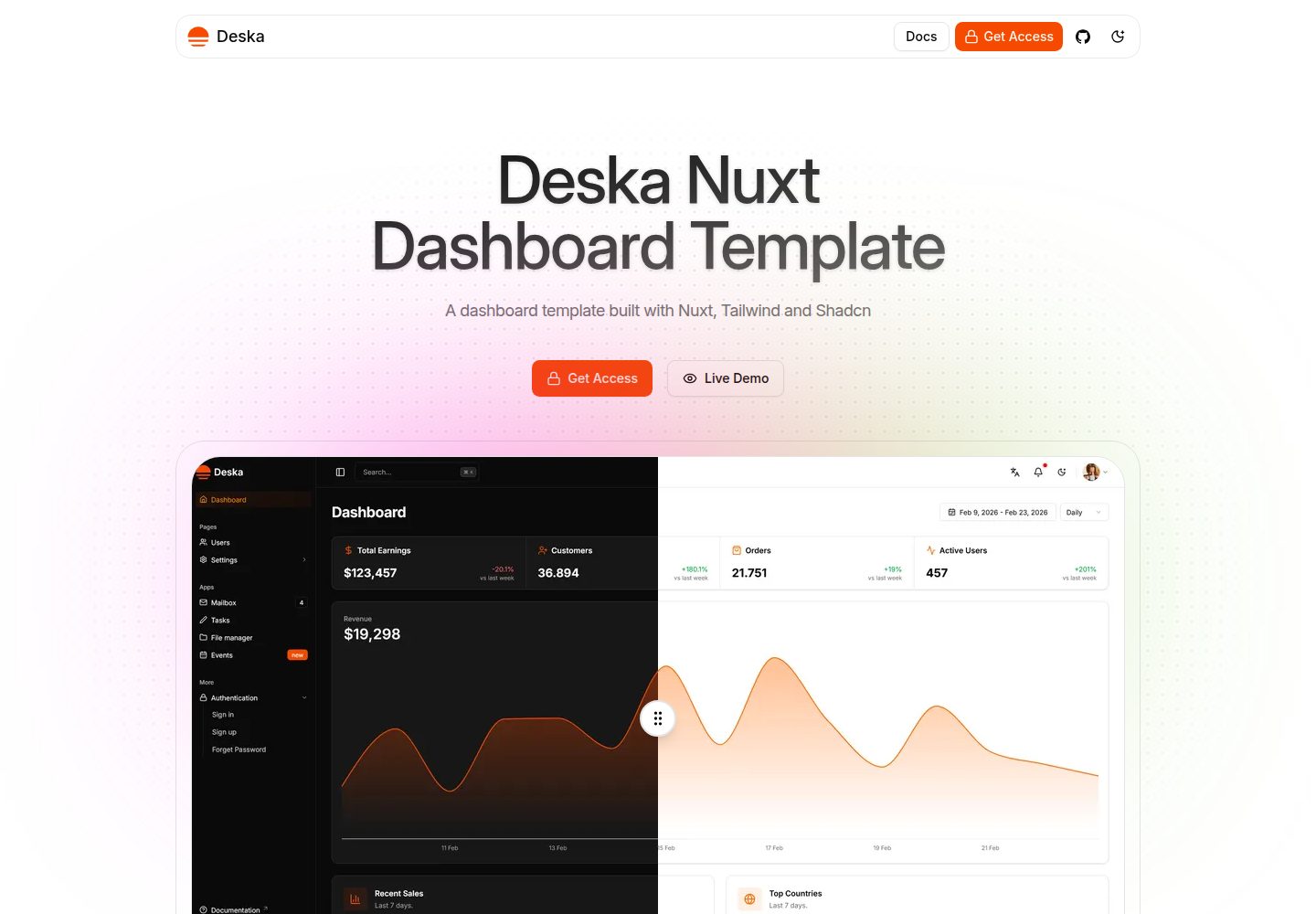
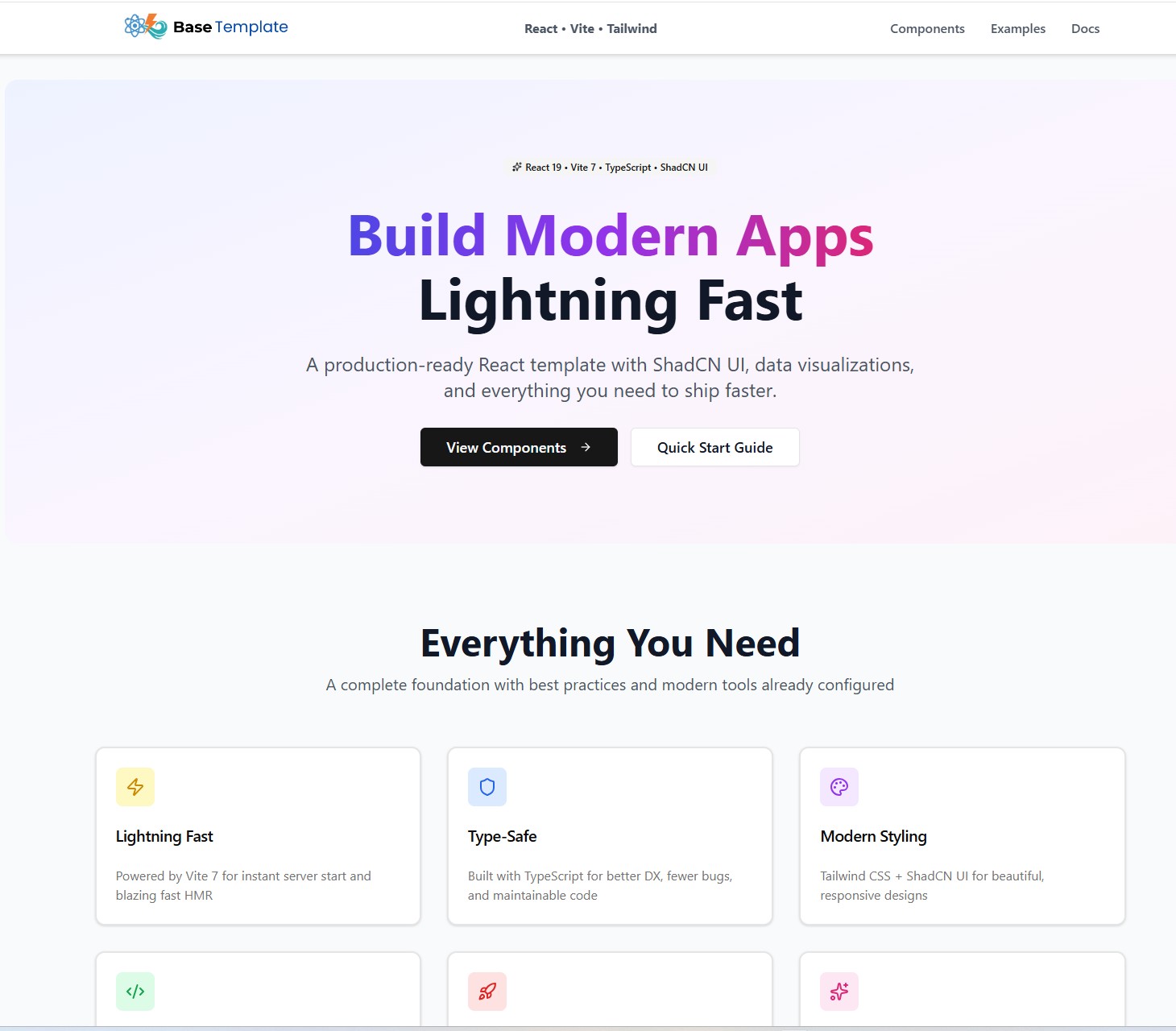
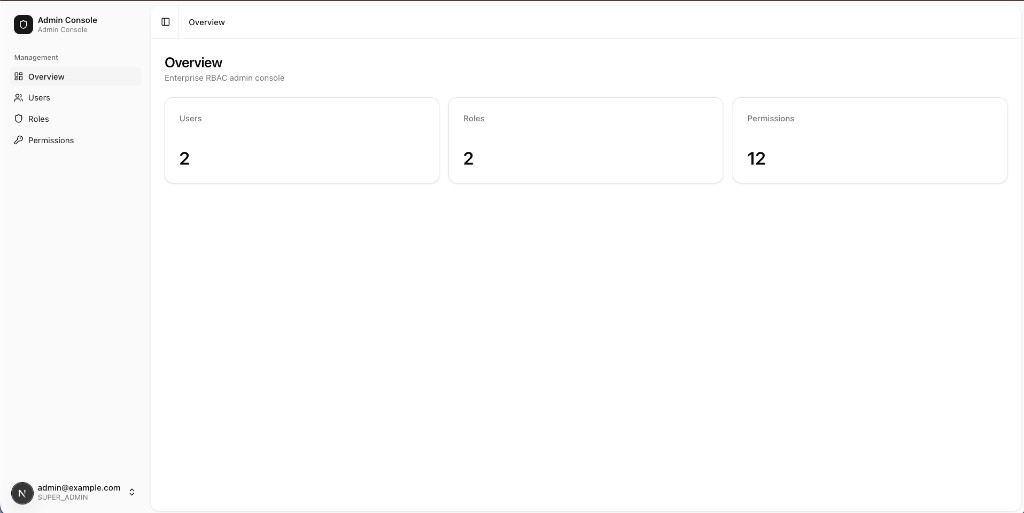
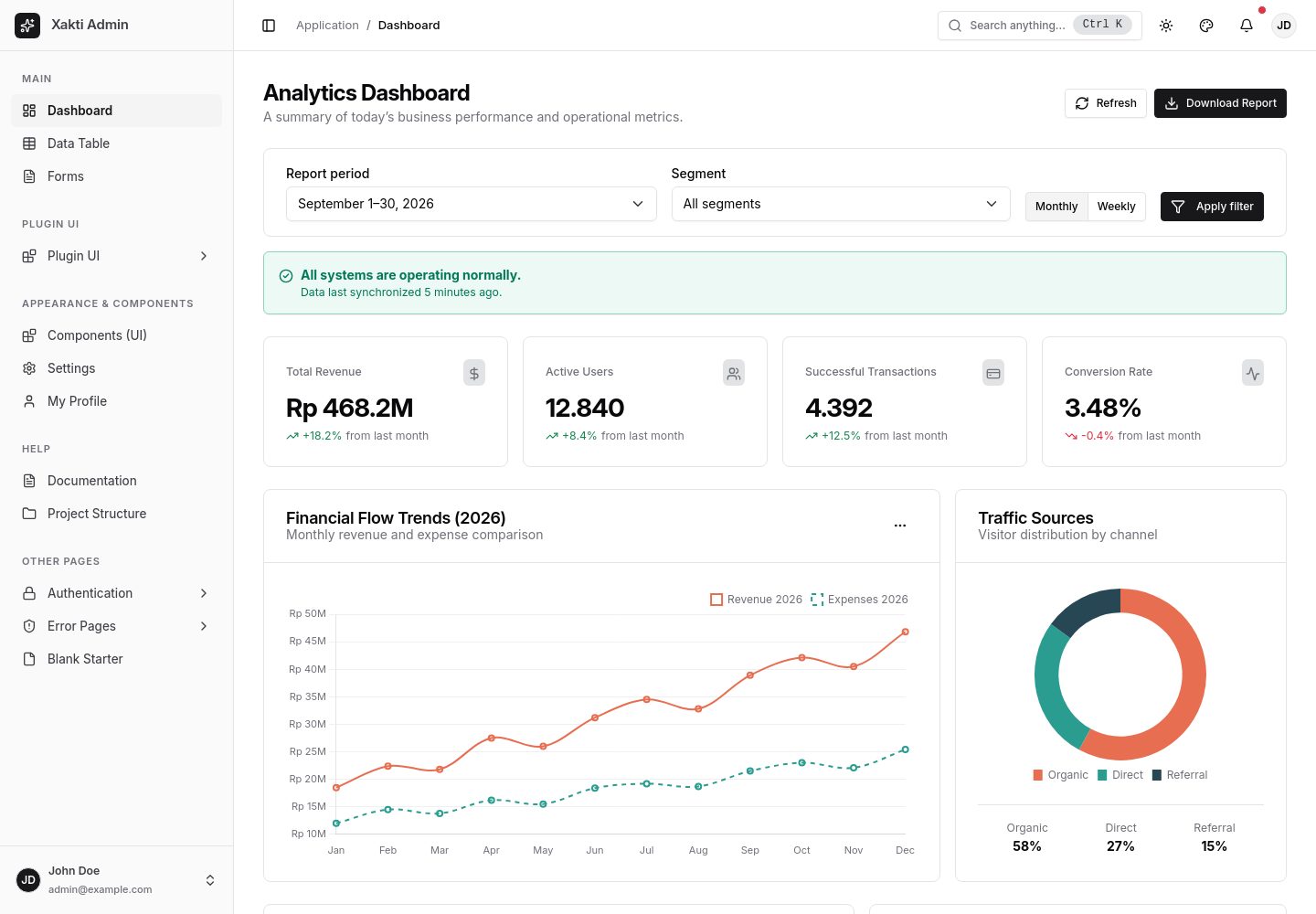
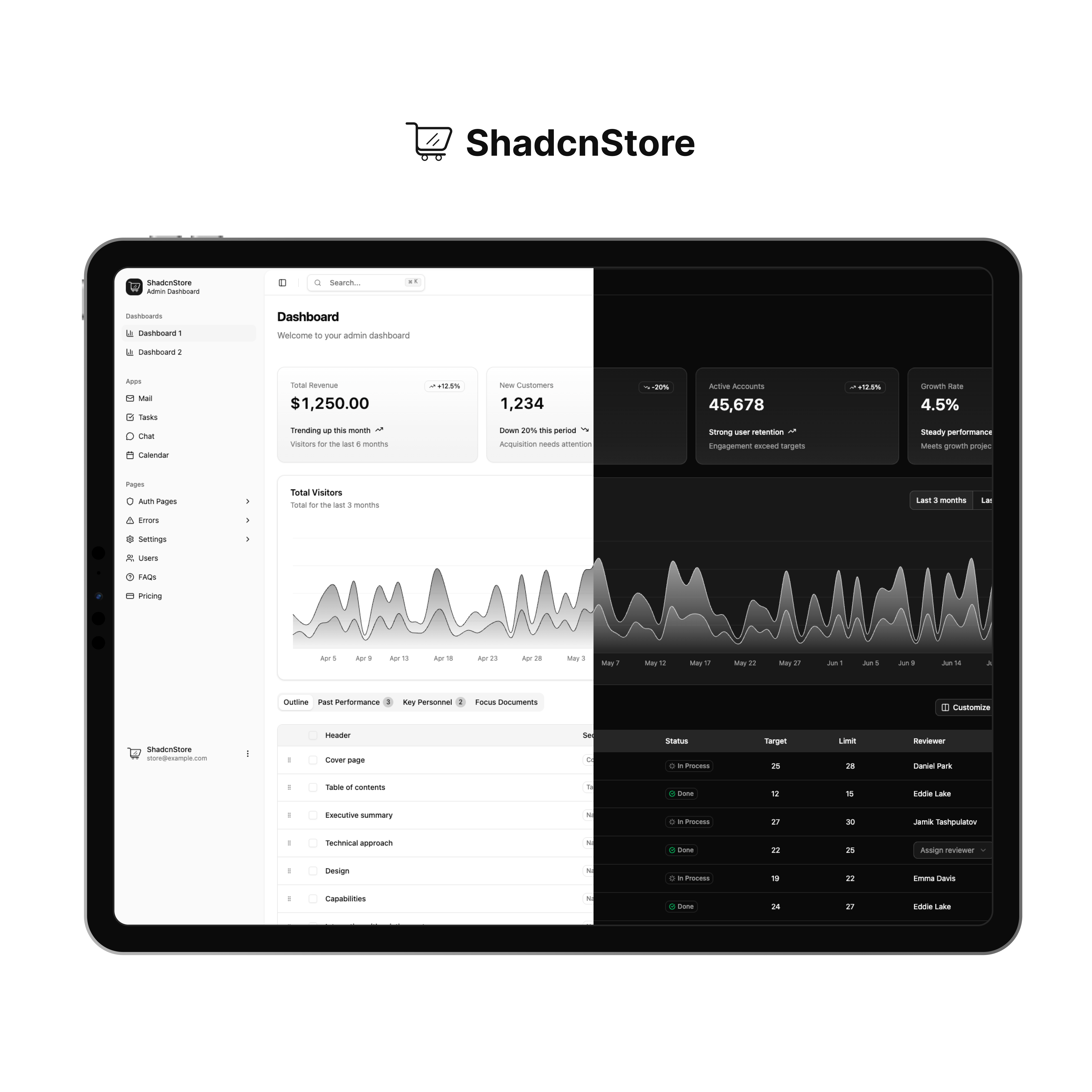
First six results in catalog order, not a ranking. Listed features come from repository records and still need verification.

39 templates available in English · Page 1 / 2