集成 TailWindCSS 用于样式开发
Django启动器
DjangoTailwindTemplate — Django 启动器模板
作者 collove
基于 Django 的启动器项目,集成 TailWindCSS、Django Allauth 用户认证、Django Compressor 静态文件合并、Python Decouple 配置分离与 Crispy Forms 表单样式。
看看你的网站会是什么样
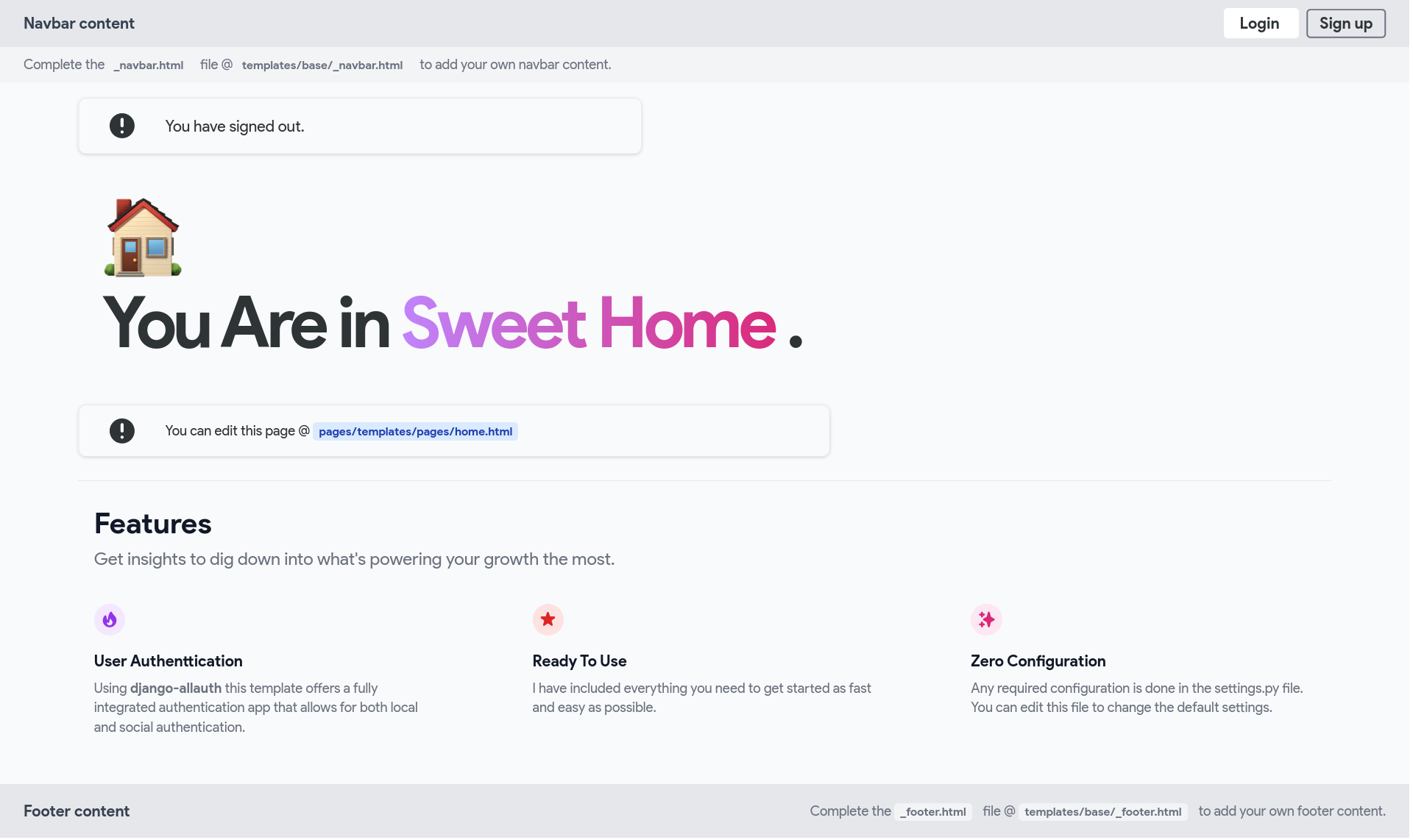
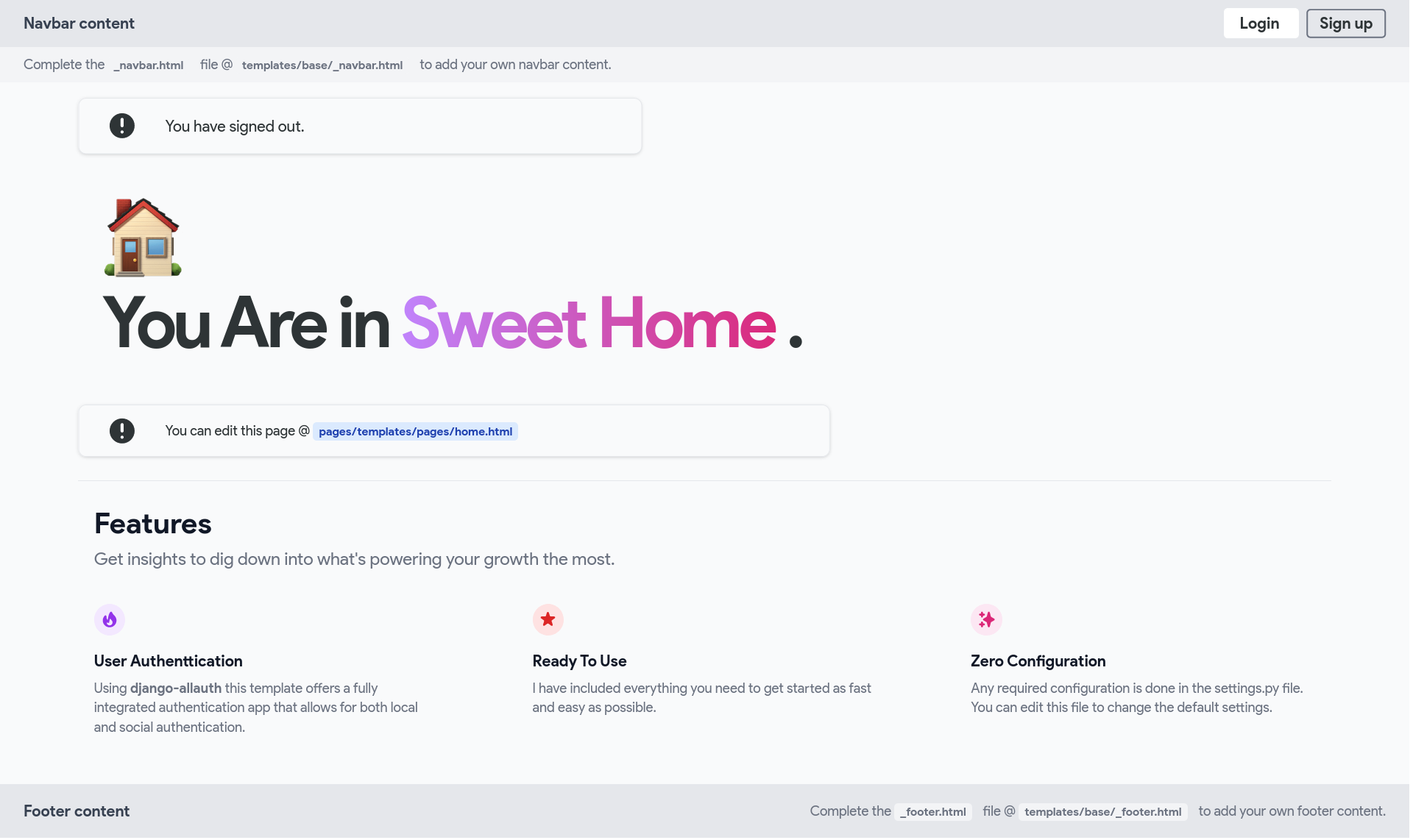
浏览真实页面截图,比较内容排版与手机效果。点击下方缩略图切换,放大查看整页细节。
目前有 1 张原始预览,可打开完整图片查看设计细节。
截图用于了解视觉与布局,交互效果请以实际项目为准。
采集于 2026-10-03查看来源
值得关注的模板亮点
从已有项目资料中,快速了解它的特点。
通过 Django Allauth 提供登录、登出等完整用户认证
使用 Django Compressor 合并静态文件
通过 Python Decouple 将配置与代码分离
使用 Django Crispy Forms 与 crispy-tailwind 输出 TailWind 风格表单
README 说明运行环境为 Django 4.0 与 Python 3.10
模板详细介绍
这是一个 Django 启动器项目,仓库描述为“Django Starter Project, including TailWindCSS and all other useful modules”。README 说明项目仍处于早期开发阶段,欢迎贡献。
项目在 Django 基础上集成了若干常用模块:使用 TailWindCSS 进行样式开发;通过 Django Allauth 提供完整的用户认证(登录、登出等);使用 Django Compressor 合并静态文件;通过 Python Decouple 将配置与代码严格分离;借助 Django Crispy Forms 与 crispy-tailwind 生成带 TailWind 样式的表单。README 中给出的运行环境为 Django 4.0 与 Python 3.10。
使用流程为:克隆仓库后创建 .venv 虚拟环境、安装 requirements.txt 与 tailwind 依赖、创建 config/local_settings.py 与 .env 文件(写入 DEBUG、ALLOWED_HOSTS 与 SECRET_KEY)、创建应用并注册到 INSTALLED_APPS、执行 makemigrations 与 migrate、分别启动 tailwind 与 Django 本地服务器。模板可继承 base/_base.html。表单样式可通过 {% load tailwind_filters %} 配合 {{ form|crispy }},或使用 {% crispy %} 标签配合 FormHelper 与 Layout。
README 的 Next Steps 列出了尚未包含的内容:生产环境 Web 服务器(gunicorn)、邮件后端配置、admin 安全加固,以及 django-allauth 的社交登录支持。项目采用 MIT 许可。
Django启动器
适合你的项目吗?
适用场景
- 需要以 Django 为基础快速搭建带用户认证的项目骨架
- 希望在前端使用 TailWindCSS 而非 Bootstrap 的 Django 项目
- 需要将配置从代码中分离到 .env 与 local_settings.py 的项目
- 需要在 Django 表单中直接应用 TailWind 样式
适合人群
- 熟悉 Django 基本开发流程的开发者
- 希望以 MIT 许可代码作为起点的个人或团队项目
- 需要内置登录/登出等认证流程的项目
- 使用 TailWindCSS 作为样式方案的项目
上手与定制指南
结合仓库当前版本的说明,按下面的资料检查内容、配置与运行要求。
- 1
克隆仓库后创建 .venv 虚拟环境并激活
- 2
执行 pip install -r requirements.txt 与 python3 manage.py tailwind install
- 3
创建 config/local_settings.py 与 .env,写入 DEBUG、ALLOWED_HOSTS 与 SECRET_KEY
- 4
执行 makemigrations 与 migrate 完成数据库迁移
- 5
分别运行 python3 manage.py tailwind start 与 python3 manage.py runserver 启动开发环境
授权与来源资料
使用条件与限制
免费使用 · 保留许可声明本次收录的是公开仓库中采用 MIT 许可的免费版本;免费范围为该版本代码,不代表外部服务或第三方素材免费。
使用时需要遵守
- 允许免费使用、修改、商用和分发该版本代码。
- 分发代码副本或实质性部分时,保留原作者版权声明和完整 MIT 许可声明。
- 代码按现状提供;担保与责任限制以原许可证及适用法律为准。
额外费用与待核对事项
- 项目仍处于早期开发阶段,README 明确说明尚未成熟,不应视为生产就绪;用于正式项目前需自行评估与完善。
- 项目未内置生产环境 Web 服务器,README 将添加 gunicorn 列为后续步骤,部署生产环境需自行配置。
- 邮件功能未配置,需自行更新 EMAIL_BACKEND 并接入第三方邮件服务商,可能产生外部服务费用。
- Django admin 默认安全性不足,README 建议自行加固,使用前需按指引提升管理后台安全性。
- 社交登录未默认启用,如需使用需自行配置 django-allauth 的社交认证提供方,并可能依赖外部账号与 API 凭据。
- 运行前必须自行生成并配置 SECRET_KEY,写入 .env 文件,否则项目无法正常启动。
- 演示图片、字体、图标及其他第三方素材需按各自许可核对,不能仅凭代码的 MIT 许可判断。
- 域名、托管、数据库、支付或 AI 等外部服务可能另外收费。
查看原文依据
Permission is hereby granted, free of charge
许可证原文
This project is still in its early stages of development.
README 原文
Add [gunicorn](https://pypi.org/project/gunicorn/) as the production web server.
README 原文
Update the [EMAIL_BACKEND](https://docs.djangoproject.com/en/4.0/topics/email/#module-django.core.mail) and connect with a mail provider.
README 原文
Make the [admin more secure](https://opensource.com/article/18/1/10-tips-making-django-admin-more-secure).
README 原文
`django-allauth` supports [social authentication](https://django-allauth.readthedocs.io/en/latest/providers.html) if you need that.
README 原文
https://github.com/collove/DjangoTailwindTemplate/blob/main/LICENSEhttps://github.com/collove/DjangoTailwindTemplate/blob/main/README.mdGenerate a new Django `SECRET_KEY` using [Djecrety](https://djecrety.ir/)
README 原文
DeepSeek 根据仓库许可证和 README 整理 ·2026-10-03。结果仅覆盖已读取资料,依赖、图片、字体及后续条款变更以各自原文为准。
项目核对记录与介绍依据
模板资料
- 来源平台
- GitHub
- 资料与维护参考分
- 资料一般 · 60 / 100
- 技术栈
- Django
- 网站类型
- 启动器
这个分数如何计算
本站按许可资料(最高30分)、演示链接(12分)、预览图(10分)、Star数(15分)、记录的维护时间(15分)、描述完整度(8分)、功能记录(5分)和分类资料(5分)计算。它不是代码、安全或性能测试,也不是 Google 评分;有链接不代表已实测可用。
这个项目需要核对什么
- 记录的仓库更新时间
- 2022-07-31
- 截图检查日期
- 2026-10-03
目前没有记录演示链接。请依据仓库说明在本地评估;仅凭截图无法确认交互行为。
目录记录的主要技术栈是 Django。请通过依赖清单和锁文件核对实际版本与托管要求。这些说明基于收录资料,不代表代码审计或部署实测。
查看具体选型方法 →介绍的制作与核对状态
介绍由 AI 辅助整理目录与仓库资料。仓库作者不等于这篇介绍的审核者。
已完成服务器许可规则与 AI 来源核对;未经过人工编辑审核。
查看当时使用的来源资料
SHA-256: a961e4286fa887972b0d04109f2f15281c88ab408a46a6dff60f21685470c501
2026-10-03T07:45:53.880Z
来源文件 / 仓库<p align="center">
<img src="https://raw.githubusercontent.com/Farhaduneci/DjangoTailwindTemplate/main/.images/Icon.png">
</p>
<p align="center">
<img src="https://repobeats.axiom.co/api/embed/395952b048f3ea06d8d2f7501940b3a1a283943c.svg">
</p>
<br>
> This project is still in its early stages of development. Any
> contributions to the repo is very welcomed. :white_heart:
Django Starter Project, Including [TailWindCSS](https://tailwindcss.com/) and all other useful modules used in my projects.
## :toolbox: Features
- Django 4.0 & Python 3.10
- Styling with [TailWindCSS](https://tailwindcss.com/)
- Complete user authentication (Log-in/Log-out, ...) via [Django Allauth](https://github.com/pennersr/django-allauth)
- Static file combine with [Django Compressor](https://django-compressor.readthedocs.io/en/)
- Strict separation of settings from code by using [Python Decouple](https://pypi.org/project/python-decouple/)
- TailWind-styled crispy forms via [Django Crispy Forms](https://django-crispy-forms.readthedocs.io/en/latest/)
## :film_projector: Demo
## :scroll: How to Run
Clone the repository and follow the steps bellow:
### 1. Create a new virtual environment `.venv` for your project
```shell
virtualenv .venv && source .venv/bin/activate
```
### 2. Install the requirements
```shell
python3 -m pip install -r requirements.txt
```
```shell
python3 manage.py tailwind install
```
### 3. Create both `./config/local_settings.py` and `.env` files and write the following contents in them
```shell
touch ./config/local_settings.py && touch .env
```
```python
# local_settings.py
DEBUG = True
ALLOWED_HOSTS = []
```
Generate a new Django `SECRET_KEY` using [Djecrety](https://djecrety.ir/) and paste it in the `.env` file in the root path of the project as follows
```shell
SECRET_KEY=<COPIED SECRET_KEY HERE>
```
### 4. Create an application
Create a new Django app in your project
```shell
python3 manage.py startapp myapp
```
> Append your local application to `INSTALLED_APPS` inside `settings.py`
#### Create your URL, Template and views
You can extend your templates from `base/_base.html`
### 5. Migrate :butterfly:
You need to create migration files (if you have any changes in your
models) and run `migrate` command to apply them.
```shell
python3 manage.py makemigrations
```
```shell
python3 manage.py migrate
```
### 6. Run your local server
Start TailWindCSS by running the following command in your terminal:
```shell
python3 manage.py tailwind start
```
Then you simply need to run Django's local server:
```shell
python3 manage.py runserver
```
### 7. Start Exploring :rocket:
That's all you need to do for having a ready-to-develop Django project with some :battery: included.
## :question: How to use Crispy Forms
Current version (crispy-tailwind/0.5) allows the `|crispy` filter to be used to style your
form. In your template:
1. Load the filter: `{% load tailwind_filters %}`
2. Apply the crispy filter: `{{ form|crispy }}`
You can also use the `{% crispy %}` tag to allow usage of crispy-forms'
`FormHelper` and `Layout`. In your template:
1. Load the crispy tag: `{% load crispy_forms_tags %}`
2. Add `FormHelper` to your form and use crispy-forms to set-up your form
3. Use the crispy tag `{% crispy form %}` in your template
> Visit [Crispy Forms Documentation](https://django-crispy-forms.readthedocs.io/en/latest/index.html)
> and [crispy-tailwind](https://github.com/django-crispy-forms/crispy-tailwind)
> repository for more information.
## :rainbow: Next Steps
- Add [gunicorn](https://pypi.org/project/gunicorn/) as the production web server.
- Update the [EMAIL_BACKEND](https://docs.djangoproject.com/en/4.0/topics/email/#module-django.core.mail) and connect with a mail provider.
- Make the [admin more secure](https://opensource.com/article/18/1/10-tips-making-django-admin-more-secure).
- `django-allauth` supports [social authentication](https://django-allauth.readthedocs.io/en/latest/providers.html) if you need that.
## :tickets: Contributing
Contributions, issues and feature requests are welcome! See [CONTRIBUTING](https://github.com/farhaduneci/DjangoTailwindTemplate/blob/main/CONTRIBUTING.md).
## :star2: Support
Give the repository a :star: if you found it helpful please.
## :shield: License
This project is being licensed under the [MIT License](https://github.com/farhaduneci/DjangoTailwindTemplate/blob/main/LICENSE).
## :paperclip: Links
- I recommend you to have a :eyes: at [DjangoX](https://github.com/wsvincent/djangox), one of the best starter project repos for Django. This repository uses Bootstrap and inspired me to create what you are looking at now.
看看同类模板
对比同技术栈与用途的模板,找到更适合的视觉与内容结构。
django-react-template
django-react-template 是一个面向 Django 与 React 开发者的启动模板,旨在减少新项目初始化时的重复工作。
Django · 启动器
django-react-boilerplate
django-react-boilerplate 是一个面向 SaaS 应用的 Django + React 启动器,其核心思路是“自己动手”。
Django · SaaS
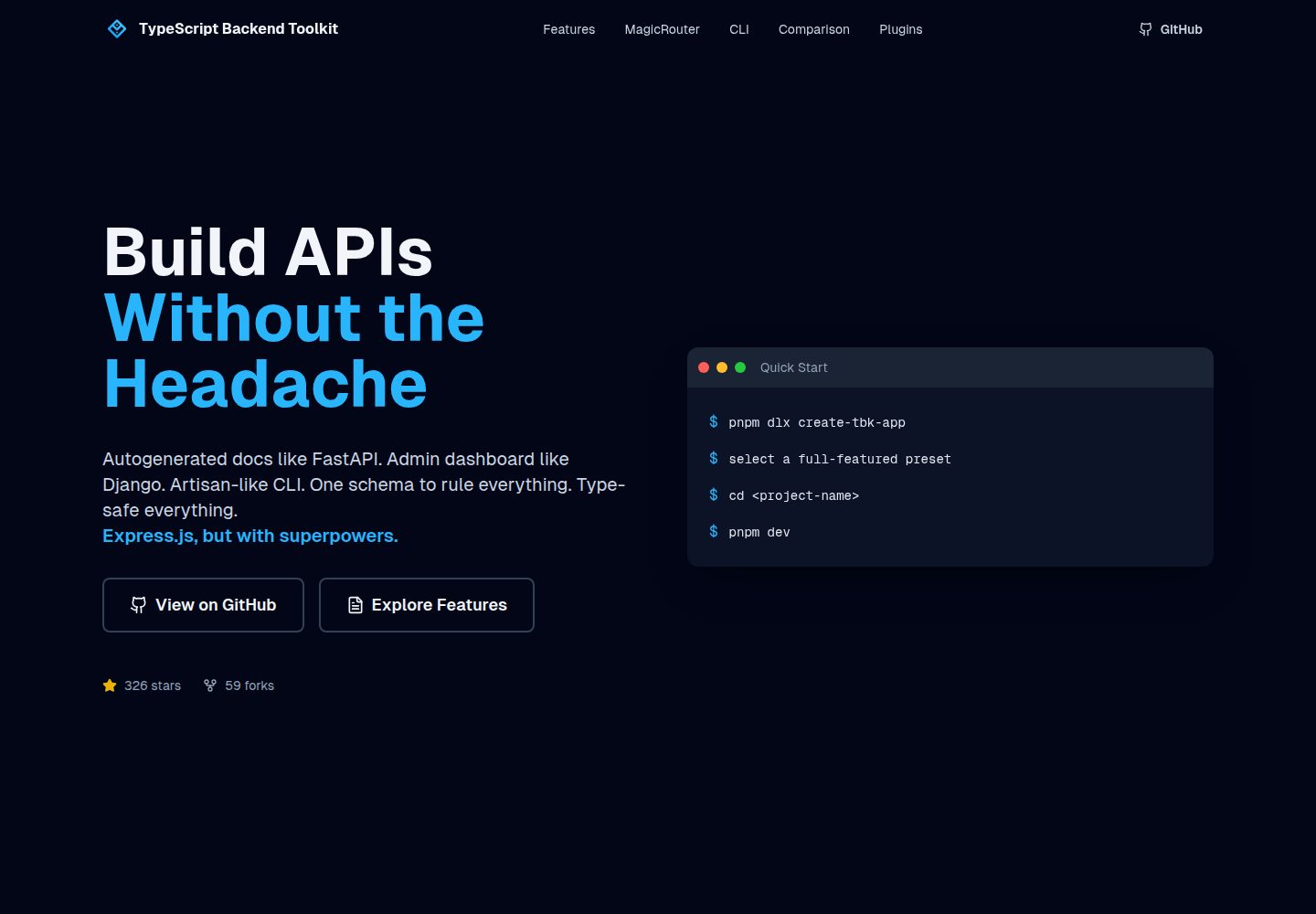
typescript-backend-toolkit
Production-ready Express.js/TypeScript framework with auto-generated OpenAPI, Artisan-style CLI, plugin system…
Django · 后台
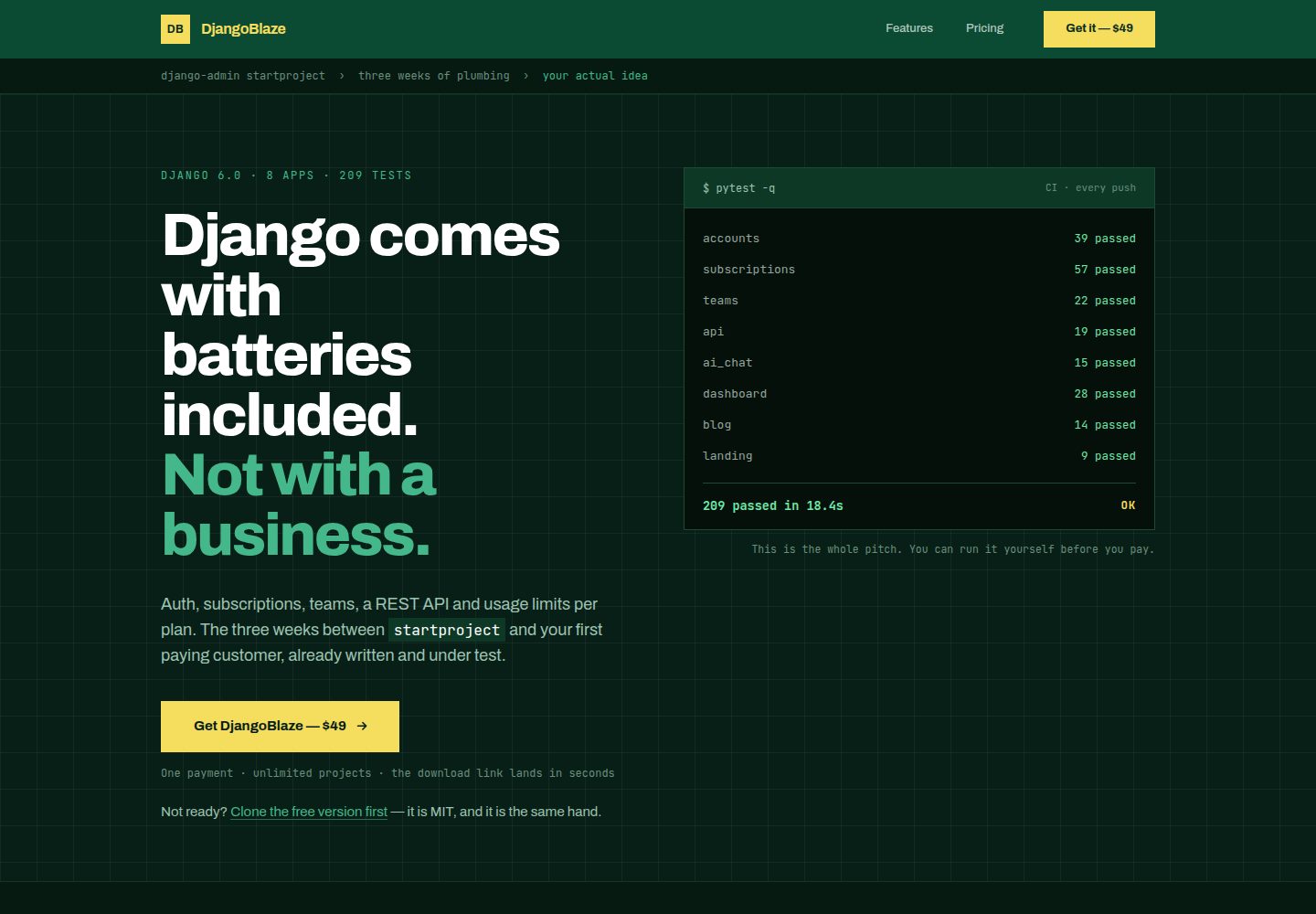
django-saas-boilerplate
A modern, production-ready Django boilerplate for building SaaS applications with HTMX, Tailwind CSS, and Alpi…
Django · SaaS
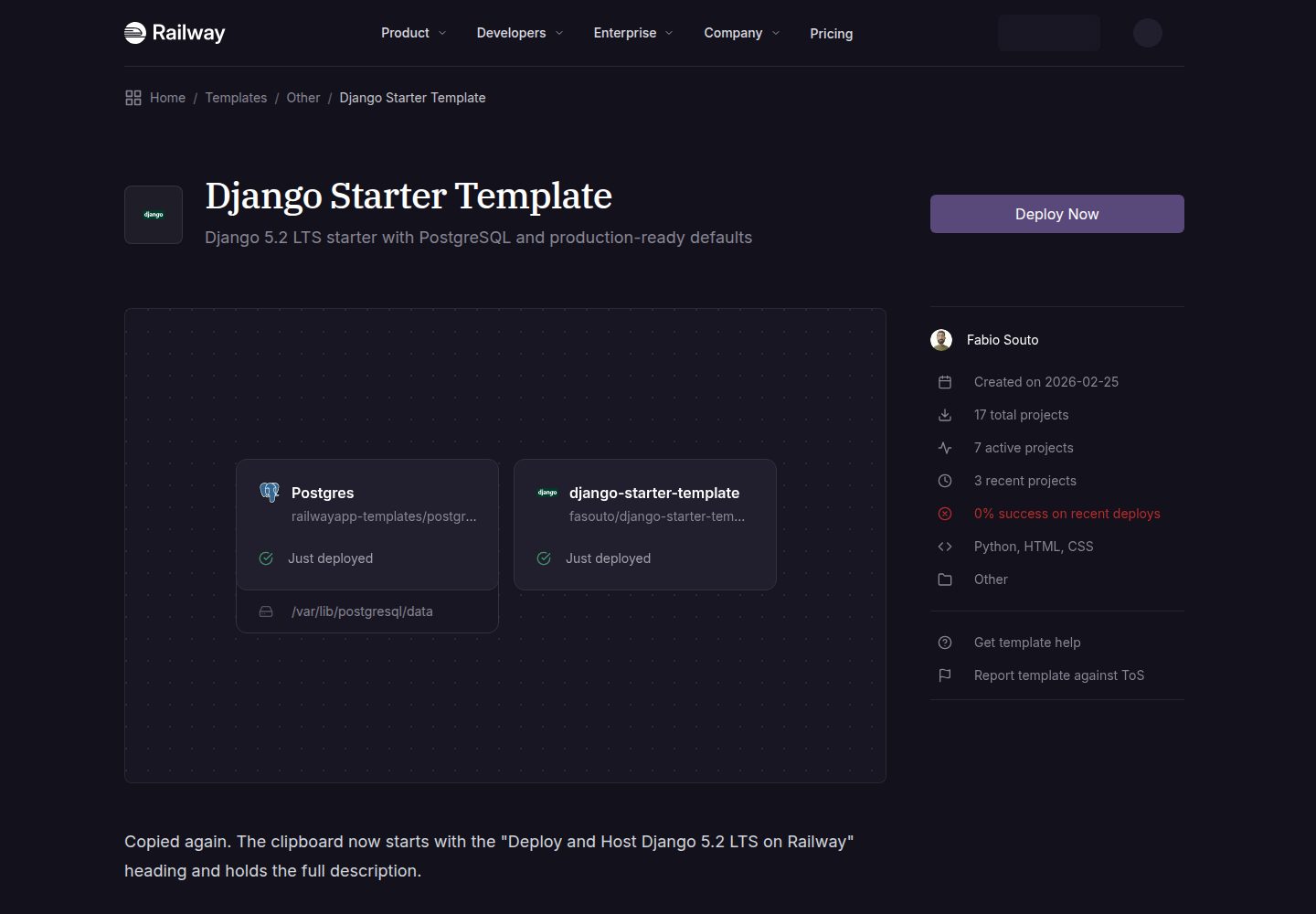
django-starter-template
A production-ready Django 5.2 LTS template
Django · 启动器
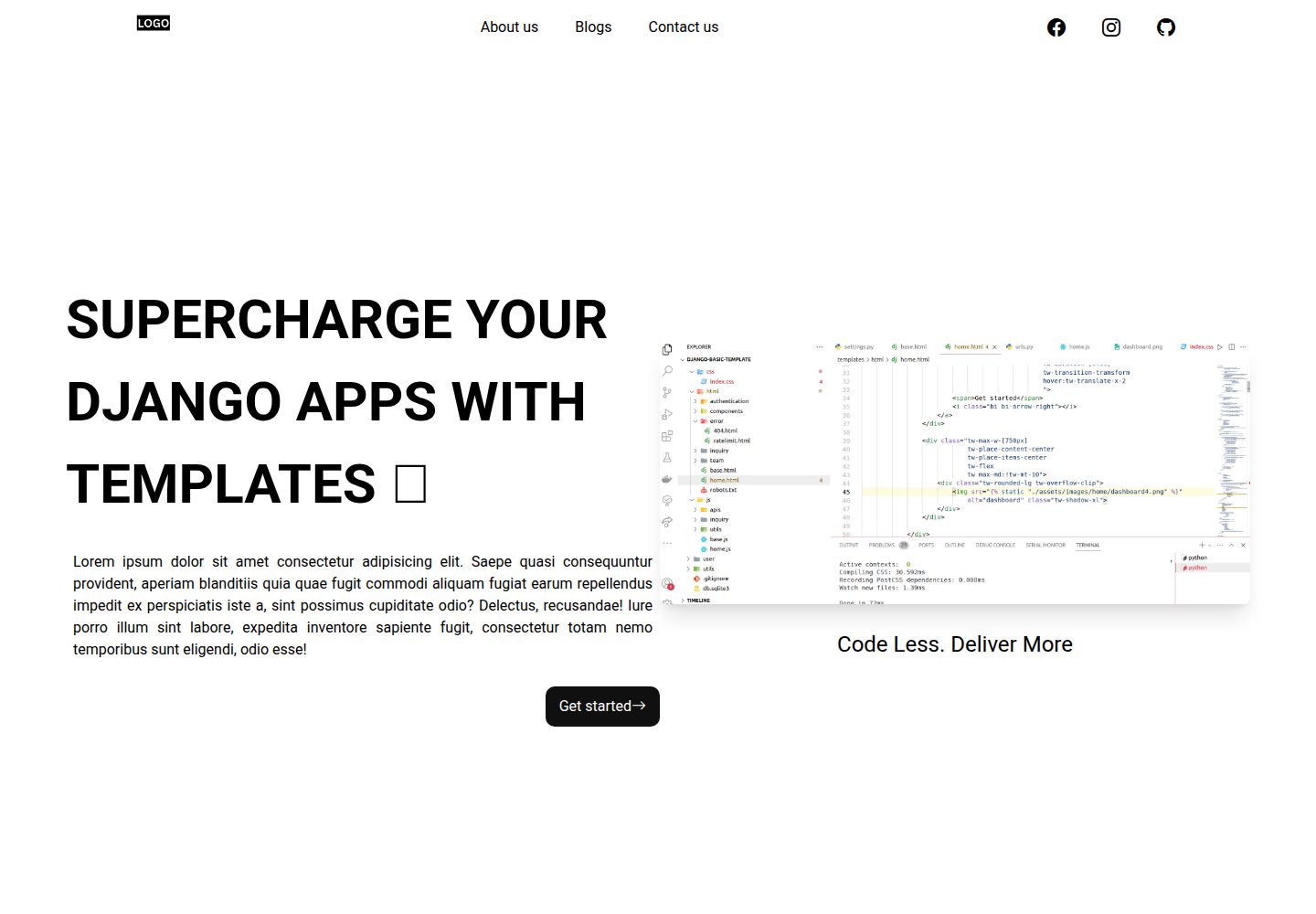
Django-website-template
Django templates for freelancer's, agencies to supercharge development
Django · 启动器