前端基于 React、TypeScript、Vite、Tailwind CSS 与 shadcn/ui 构建
ViteReact电商
de-commerce — Vite 电商模板
作者 natededev
DE-Commerce 是一个基于 React、Node.js/Express、TypeScript 与 Supabase 的全栈电商平台模板,包含前端、后端、数据库与测试配置。
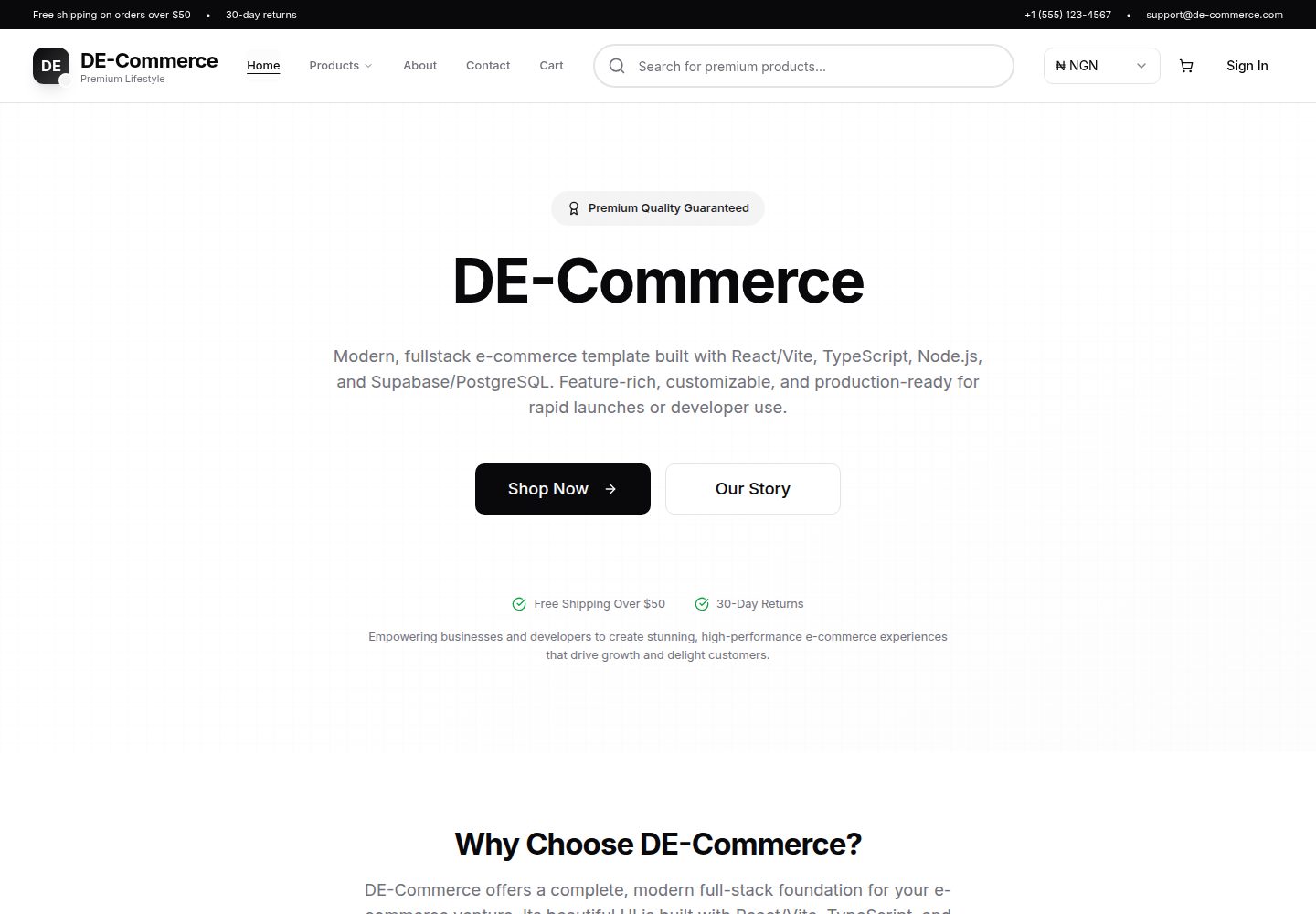
看看你的网站会是什么样
浏览真实页面截图,比较内容排版与手机效果。点击下方缩略图切换,放大查看整页细节。
全部页面与视图 3
截图用于了解视觉与布局,交互效果请以实际项目为准。
采集于 2026-10-16查看来源
值得关注的模板亮点
从已有项目资料中,快速了解它的特点。
后端使用 Node.js、Express 与 TypeScript 提供 RESTful API
数据库采用 Supabase 的 PostgreSQL,并启用行级安全(RLS)
使用 JWT 认证(Supabase Auth)保护用户会话
站点品牌、导航、SEO、功能开关等集中在 site.ts 配置文件中
包含 Vitest 测试、ESLint、Prettier、Husky 等开发与代码质量工具
模板详细介绍
DE-Commerce 是一个开源的全栈电商平台模板,前端使用 React、TypeScript、Vite、Tailwind CSS 与 shadcn/ui,后端使用 Node.js、Express 与 TypeScript,数据库通过 Supabase 使用 PostgreSQL,并配置了行级安全(RLS)。模板包含购物车、订单与商品管理,使用 JWT 认证(Supabase Auth),并提供演示数据播种脚本。README 提到 Stripe 支付集成仅有 API 存根(stubs),并未启用。站点品牌、导航、SEO、功能开关、货币、运费等静态配置集中在 frontend/src/config/site.ts 中管理。项目包含 Vitest 测试、ESLint、Prettier、Husky 等开发工具,并提供了开发、部署、播种和项目结构等文档。README 未说明模板的视觉设计细节或具体页面数量。
ViteReact电商
适合你的项目吗?
适用场景
- 作为全栈电商平台的基础模板进行二次开发
- 学习 React 与 Express 前后端分离架构的参考项目
- 需要购物车、订单与商品管理功能的电商应用原型
- 使用 Supabase 作为后端数据库与认证服务的项目
适合人群
- 熟悉 React、TypeScript 与 Node.js 的全栈开发者
- 希望基于现有电商模板快速启动项目的团队
- 需要 Supabase 与 PostgreSQL 集成示例的开发者
- 对 Stripe 支付集成有后续扩展计划的开发者
上手与定制指南
结合仓库当前版本的说明,按下面的资料检查内容、配置与运行要求。
- 1
克隆仓库后,Windows 用户可运行 setup.bat 安装依赖并生成 .env 文件;Mac/Linux 用户需参考 DEVELOPMENT.md 手动配置
- 2
分别进入 backend 和 frontend 目录运行 npm run dev 启动开发服务器
- 3
前端默认运行在 http://localhost:5173,后端 API 默认运行在 http://localhost:3000/api
- 4
可选:参考 SEEDING_GUIDE.md 播种演示用户、商品和订单数据
- 5
部署步骤参见 DEPLOYMENT.md,涉及 Vercel、Render/Railway 与 Supabase 的环境配置
授权与来源资料
使用条件与限制
免费使用 · 保留许可声明本次收录的是公开仓库中采用 MIT 许可的免费版本;免费范围为该版本代码,不代表外部服务或第三方素材免费。
使用时需要遵守
- 允许免费使用、修改、商用和分发该版本代码。
- 分发代码副本或实质性部分时,保留原作者版权声明和完整 MIT 许可声明。
- 代码按现状提供;担保与责任限制以原许可证及适用法律为准。
额外费用与待核对事项
- 演示图片、字体、图标及其他第三方素材需按各自许可核对,不能仅凭代码的 MIT 许可判断。
- 域名、托管、数据库、支付或 AI 等外部服务可能另外收费。
- Stripe 支付集成仅有 API 存根,并未启用;如需真实支付功能需自行接入并承担相关服务费用。
- 数据库依赖 Supabase 提供的 PostgreSQL 服务,使用前需注册 Supabase 账号并配置相应凭据。
- 认证使用 Supabase Auth,需要 Supabase 账号与相关配置才能正常使用。
- 演示商品图片来自 Unsplash,实际使用时需自行确认并遵守第三方图片的授权条款。
- 商品图片由 Unsplash 提供,属于第三方资源,需自行核实其许可与使用条件。
- UI 组件基于 shadcn/ui,使用相关组件时需遵守其自身的许可条款。
查看原文依据
Permission is hereby granted, free of charge
许可证原文
- Stripe payment integration (API stubs present, not active; see docs)
README 原文
- 🗄️ **Database**: PostgreSQL with Supabase integration
README 原文
- JWT authentication (Supabase Auth)
README 原文
- 📊 **Real Data**: Seeded with 12 realistic products and Unsplash images
README 原文
- Product images provided by [Unsplash](https://unsplash.com)
README 原文
https://github.com/natededev/de-commerce/blob/main/LICENSEhttps://github.com/natededev/de-commerce/blob/main/README.md- UI components based on [shadcn/ui](https://ui.shadcn.com)
README 原文
DeepSeek 根据仓库许可证和 README 整理 ·2026-10-16。结果仅覆盖已读取资料,依赖、图片、字体及后续条款变更以各自原文为准。
项目核对记录与介绍依据
模板资料
- 来源平台
- GitHub
- 资料与维护参考分
- 资料较完整 · 85 / 100
- 技术栈
- Vite · React
- 网站类型
- 电商
这个分数如何计算
本站按许可资料(最高30分)、演示链接(12分)、预览图(10分)、Star数(15分)、记录的维护时间(15分)、描述完整度(8分)、功能记录(5分)和分类资料(5分)计算。它不是代码、安全或性能测试,也不是 Google 评分;有链接不代表已实测可用。
这个项目需要核对什么
- 记录的仓库更新时间
- 2026-01-22
- 截图检查日期
- 2026-10-16
已收录演示链接。请用你的内容与屏幕尺寸检查;有演示不代表表单、认证或支付已经可用。
目录记录的主要技术栈是 Vite。请通过依赖清单和锁文件核对实际版本与托管要求。这些说明基于收录资料,不代表代码审计或部署实测。
查看具体选型方法 →介绍的制作与核对状态
介绍由 AI 辅助整理目录与仓库资料。仓库作者不等于这篇介绍的审核者。
审核声明: codex-user-requested-batch-review-20261017 · 2026-10-16
查看当时使用的来源资料
SHA-256: 0ecec13f65d408911eb4f40f6dde88ce0fd05717604216cb39d5b12525b96c65
2026-10-16T11:57:54.945Z
来源文件 / 仓库# DE-Commerce - Modern E-commerce Platform
[](https://www.typescriptlang.org/)
[](https://reactjs.org/)
[](https://nodejs.org/)
[](https://vitejs.dev/)
[](https://tailwindcss.com/)
A production-ready, full-stack e-commerce platform built with modern web technologies. Features a React frontend with TypeScript, Node.js/Express backend, and PostgreSQL database through Supabase.
## ✨ Features
> ⚡️ **Centralized Site Settings:**
> All branding, navigation, SEO, and feature flags are managed in one place—[`site.ts`](frontend/src/config/site.ts). Edit this file to instantly update your site's identity, navigation, and more!
### Frontend
- 🎨 **Modern UI**: Built with React 19, TypeScript, and Tailwind CSS
- 📱 **Responsive Design**: Mobile-first approach with beautiful UX
- 🛒 **Shopping Cart**: Real-time cart management with persistent state
- 🔐 **Authentication**: Secure JWT-based user authentication
- 🎯 **State Management**: Context API with optimized performance
- 🧪 **Testing**: Comprehensive test suite with Vitest and Testing Library
- ⚡ **Performance**: Optimized with Vite, code splitting, and lazy loading
### Backend
- 🚀 **Express.js API**: RESTful API with TypeScript
- 🗄️ **Database**: PostgreSQL with Supabase integration
- 🔒 **Security**: JWT authentication, CORS, and input validation
- 📊 **Real Data**: Seeded with 12 realistic products and Unsplash images
- 🧪 **Testing**: Unit and integration tests with Vitest
- 📝 **Type Safety**: Strict TypeScript with comprehensive type definitions
## 🚀 Quick Start
### Prerequisites
# DE-Commerce
An open-source, full-stack e-commerce platform built with **React 19**, **Node.js/Express**, **TypeScript**, and **Supabase**. Modular, testable, and production-ready.
---
## 🚀 Features
- Modern React 19 frontend (Vite, Tailwind CSS, shadcn/ui)
- Node.js + Express backend (TypeScript)
- Supabase/PostgreSQL with Row Level Security (RLS)
- JWT authentication (Supabase Auth)
- Modular, testable codebase (see [PROJECT_STRUCTURE.md](PROJECT_STRUCTURE.md))
- Stripe payment integration (API stubs present, not active; see docs)
- Cart, order, and product management
- Full TypeScript coverage
- ESLint, Prettier, Husky, Vitest
- One-click demo data seeding
- Production-ready deployment (Vercel, Railway, Supabase)
---
## 🏁 Quick Start
### 1. Clone the repo
```bash
git clone https://github.com/natede/de-commerce.git
cd de-commerce
```
### 2. Run the setup script (Windows)
```bash
./setup.bat
```
This will:
- Install all dependencies (frontend & backend)
- Create `.env` files if missing (with helpful prompts)
- Print next steps for development and seeding
> **Note:** For Mac/Linux, follow the manual steps in [DEVELOPMENT.md](DEVELOPMENT.md).
### 3. Start development servers
```bash
cd backend && npm run dev
# In a new terminal:
cd frontend && npm run dev
```
### 4. Seed demo data (optional)
See [SEEDING_GUIDE.md](SEEDING_GUIDE.md) for instructions on seeding demo users, products, and orders.
### 5. Open the app
- Frontend: http://localhost:5173
- Backend: http://localhost:3000/api
---
## 🏗️ Project Structure
See [PROJECT_STRUCTURE.md](PROJECT_STRUCTURE.md) for a detailed breakdown of the modular architecture, including services, routes, utilities, and type definitions.
---
## 📚 Documentation
- [Development Guide](DEVELOPMENT.md) — local setup, scripts, and workflow
- [Deployment Guide](DEPLOYMENT.md) — production deployment steps
- [Seeding Guide](SEEDING_GUIDE.md) — demo data and database seeding
- [Project Structure](PROJECT_STRUCTURE.md) — modular codebase overview
- [Contributing](CONTRIBUTING.md) — code style, PRs, and community
---
## 🗂️ Site Configuration (`site.ts`)
The file `frontend/src/config/site.ts` centralizes all site-wide settings for the e-commerce platform. It acts as the single source of truth for branding, navigation, SEO, feature flags, colors, company info, contact details, legal pages, currency, shipping, and more.
### How to Use
- **Import the config:**
```ts
import { siteConfig } from '@/config/site';
```
- **Access settings:** Use `siteConfig` properties throughout your frontend (e.g., for navigation menus, branding, SEO, feature toggles, etc.).
- **Customize:**
- Update branding, company info, and contact details for your project.
- Adjust navigation, colors, and feature flags as needed.
- Set up currencies, shipping rates, and legal URLs for your market.
- **Best Practice:**
- Treat `site.ts` as the master config for all static site data.
- Avoid hardcoding these values elsewhere in the codebase.
See the top comments in `site.ts` for a full customization guide and property documentation.
---
## 🛠️ Technology Stack
**Frontend:** React 19, TypeScript, Vite, Tailwind CSS, shadcn/ui, React Router, Zustand
**Backend:** Node.js, Express, TypeScript, Supabase, JWT, Vitest
**Database:** PostgreSQL (via Supabase), RLS, real-time subscriptions
---
## 🤝 Contributing
See [CONTRIBUTING.md](CONTRIBUTING.md) for guidelines, code style, and PR process.
---
## 📄 License
MIT
│ ├── .gitignore # Global ignore patterns
│ ├── .prettierrc # Code formatting rules
│ ├── setup.bat # Windows setup script
│ └── tsconfig.base.json # Base TypeScript config
│
├── 📖 Documentation
│ ├── README.md # Main documentation
│ ├── PROJECT_STRUCTURE.md # Detailed structure guide
│ ├── DEPLOYMENT.md # Deployment instructions
│ └── SEEDING_GUIDE.md # Database setup guide
│
├── 🎨 frontend/ # React frontend application
│ ├── src/
│ │ ├── components/ # Reusable UI components
│ │ ├── features/ # Feature-based modules
│ │ ├── pages/ # Page components
│ │ ├── contexts/ # React Context providers
│ │ ├── hooks/ # Custom React hooks
│ │ ├── lib/ # Utility libraries
│ │ ├── types/ # TypeScript type definitions
│ │ └── test/ # Test files and setup
│ ├── public/ # Static assets
│ └── package.json
├── backend/ # Express.js backend API
│ ├── src/
│ │ ├── routes/ # API route handlers
│ │ ├── services/ # Business logic layer
│ │ ├── middleware/ # Express middleware
│ │ ├── config/ # Configuration files
│ │ ├── database/ # Database setup and seeding
│ │ ├── types/ # TypeScript type definitions
│ │ └── test/ # Test files and setup
│ └── package.json
└── docs/ # Documentation
```
## 🧪 Testing
Run the complete test suite:
```bash
# All tests
npm run test
# Frontend tests only
npm run test:frontend
# Backend tests only
npm run test:backend
# Test with coverage
npm run test:coverage
```
## � Code Quality
This project maintains high code quality standards:
```bash
# Linting
npm run lint
# Type checking
npm run type-check
# Code formatting
npm run format
# Format check
npm run format:check
```
## 📦 Building for Production
```bash
# Build both frontend and backend
npm run build
# Frontend only
npm run build:frontend
# Backend only
npm run build:backend
```
## 🚢 Deployment
See [DEPLOYMENT.md](./DEPLOYMENT.md) for detailed deployment instructions covering:
- Vercel (Frontend)
- Render/Railway (Backend)
- Supabase (Database)
- Environment configuration
## 🛠️ Technology Stack
### Frontend Technologies
- **React 19** - Modern React with hooks and concurrent features
- **TypeScript** - Type-safe JavaScript development
- **Vite** - Fast build tool and development server
- **Tailwind CSS** - Utility-first CSS framework
- **React Router** - Declarative routing
- **React Query** - Server state management
- **Vitest** - Fast unit testing framework
### Backend Technologies
- **Node.js** - JavaScript runtime
- **Express.js** - Web application framework
- **TypeScript** - Type-safe JavaScript development
- **Supabase** - Backend-as-a-Service with PostgreSQL
- **JWT** - JSON Web Token authentication
- **bcryptjs** - Password hashing
- **Vitest** - Fast unit testing framework
### Development Tools
- **ESLint** - Code linting and quality
- **Prettier** - Code formatting
- **Husky** - Git hooks
- **Concurrently** - Run multiple commands
## 🤝 Contributing
We welcome contributions! Please see [CONTRIBUTING.md](./CONTRIBUTING.md) for guidelines.
1. Fork the repository
2. Create your feature branch: `git checkout -b feature/AmazingFeature`
3. Commit your changes: `git commit -m 'Add some AmazingFeature'`
4. Push to the branch: `git push origin feature/AmazingFeature`
5. Open a Pull Request
## � License
This project is licensed under the MIT License - see the [LICENSE](LICENSE) file for details.
## 🙏 Acknowledgments
- Design inspiration from modern e-commerce platforms
- Product images provided by [Unsplash](https://unsplash.com)
- Icons by [Lucide React](https://lucide.dev)
- UI components based on [shadcn/ui](https://ui.shadcn.com)
## 📞 Support
For support, visit and contact me at (https://natede.dev)
or create an issue on GitHub.
---
**Built with ❤️ by [Nate De Developer](https://github.com/natededev)**
看看同类模板
对比同技术栈与用途的模板,找到更适合的视觉与内容结构。
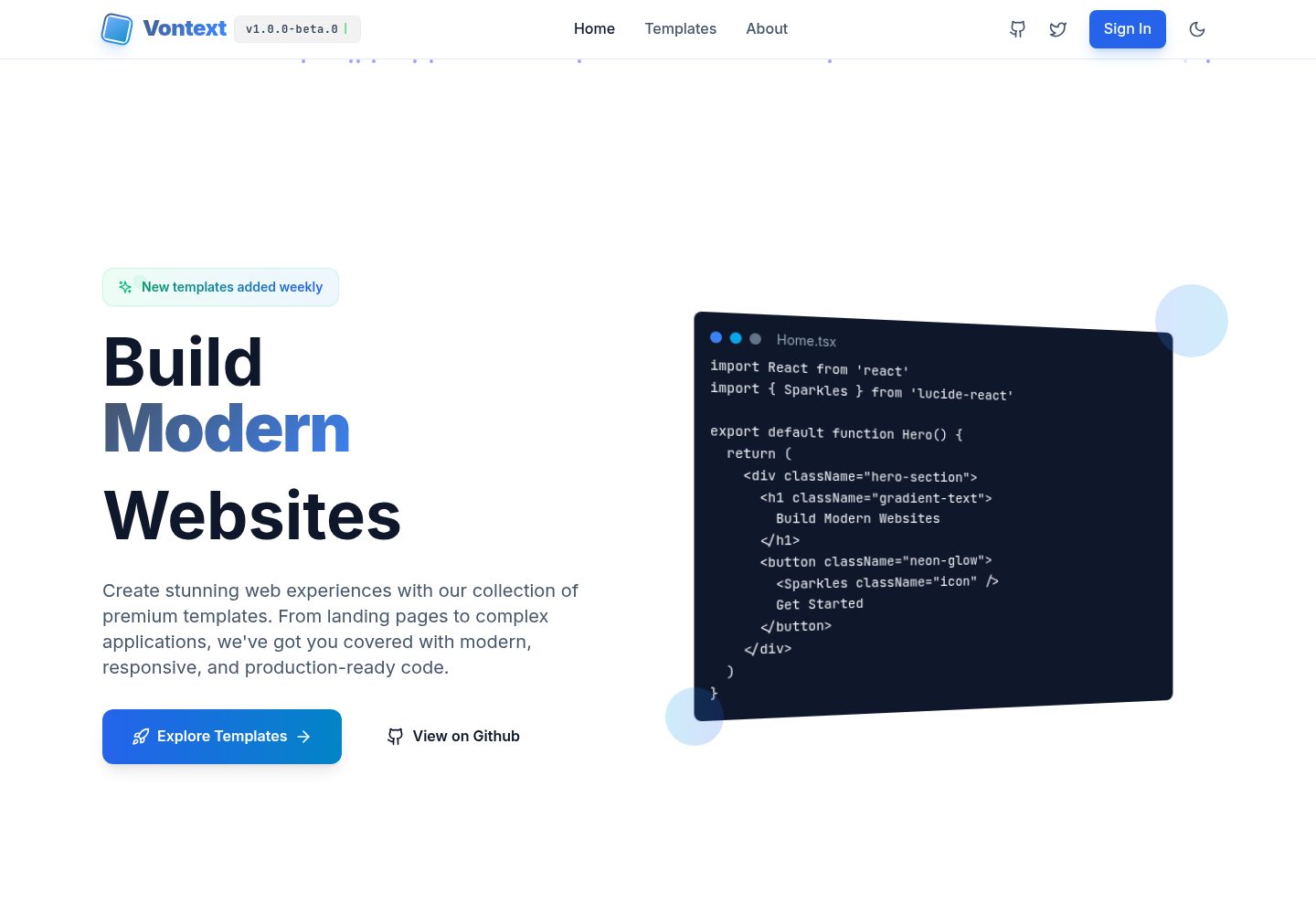
free.website.templates
Free OpenSource Website Page Templates Collection by Vontext: Vite + React + TypeScript + TailwindCSS
Vite · 后台
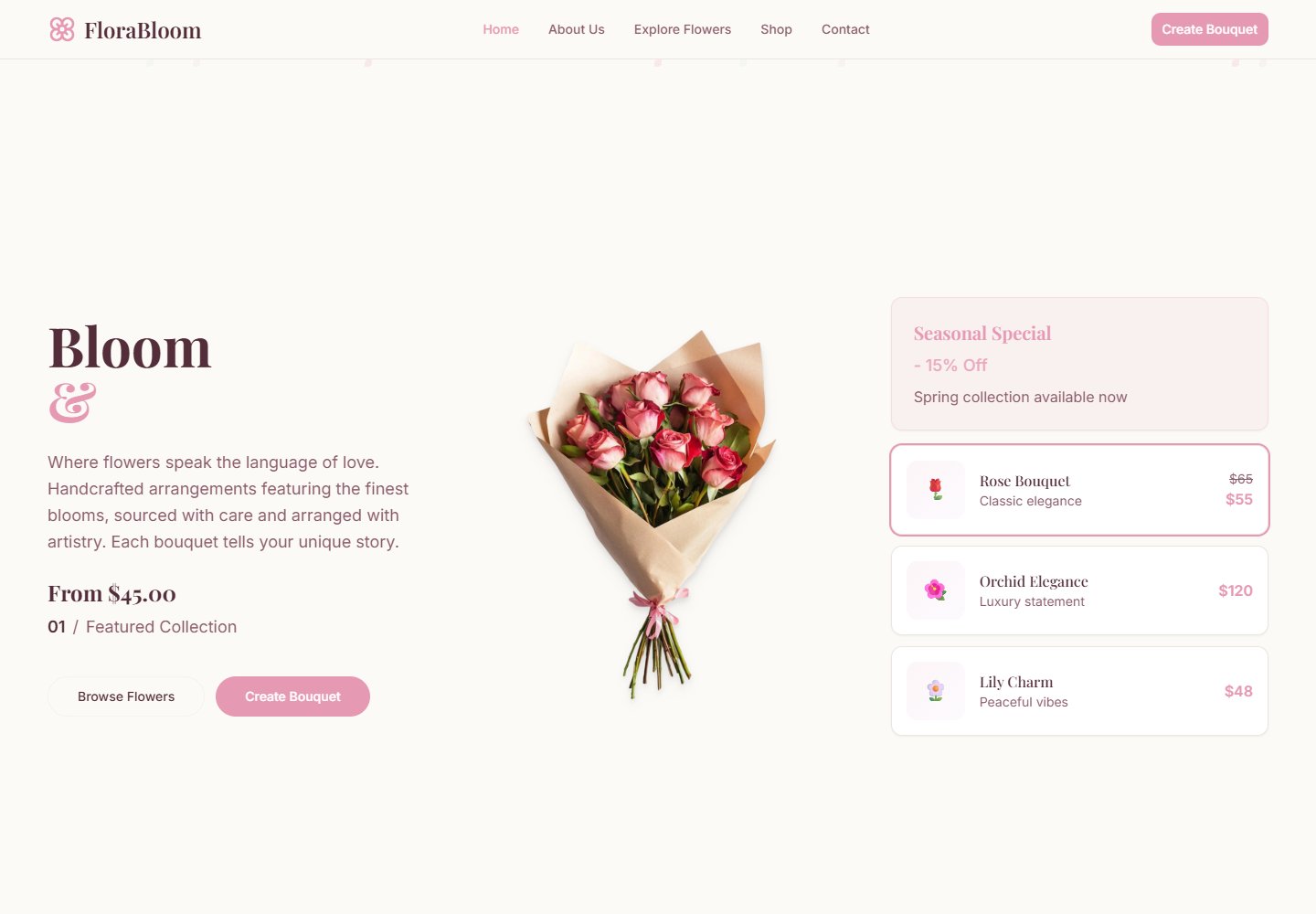
react-flower-shop-website-template
A Morden React template for flower shops, florists, and online bouquet stores – built with Tailwind CSS, Vite,…
Vite · 电商

BerryBliss
BERRYBLISS WEBSITE: a sleek online store template built with React.js, React Router DOM, and Vite server. Enjo…
Vite · 电商
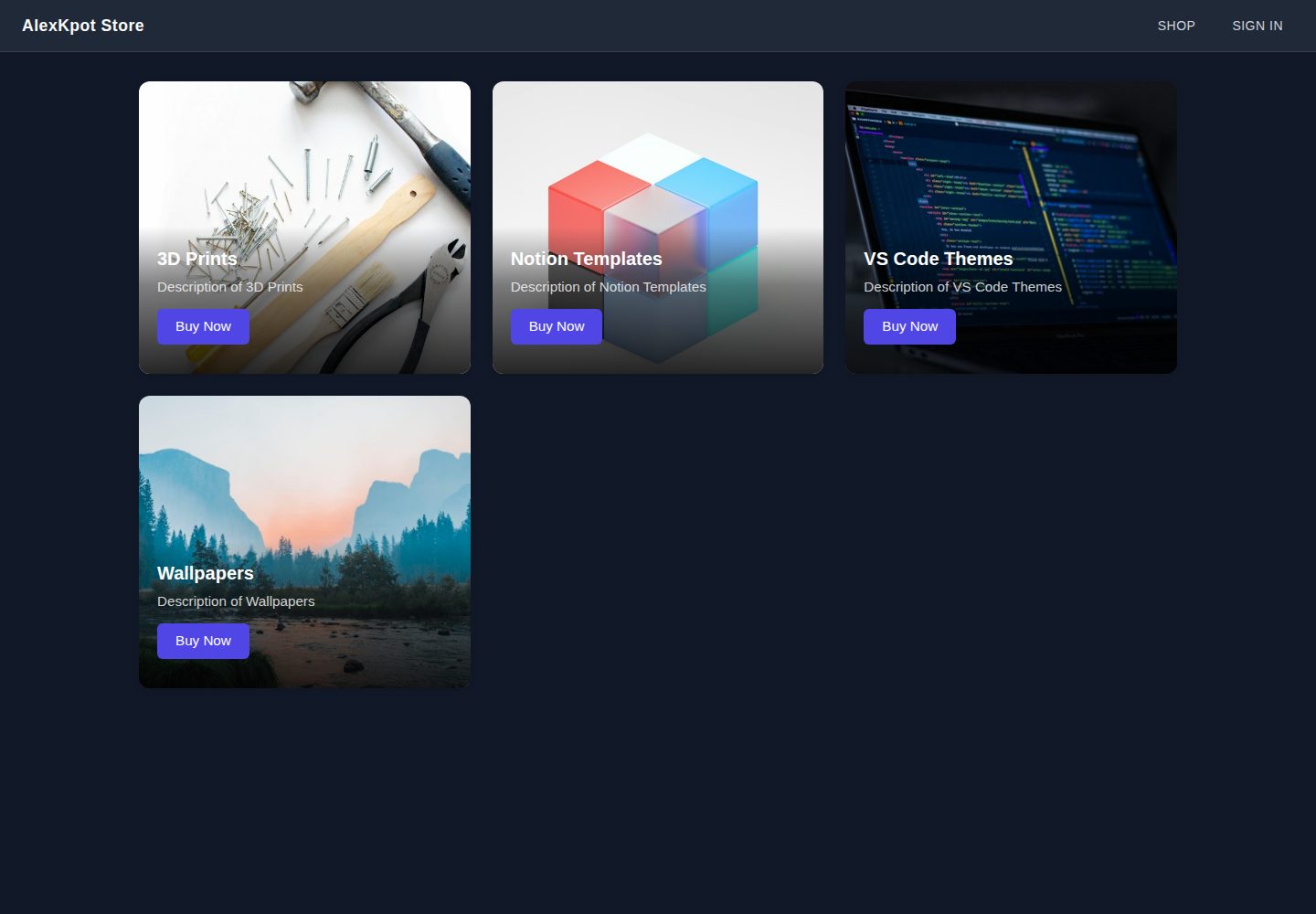
alexkpotstore
Digital storefront for 3D prints, Notion templates, VS Code themes, and wallpapers built with React and Vite
Vite · 电商
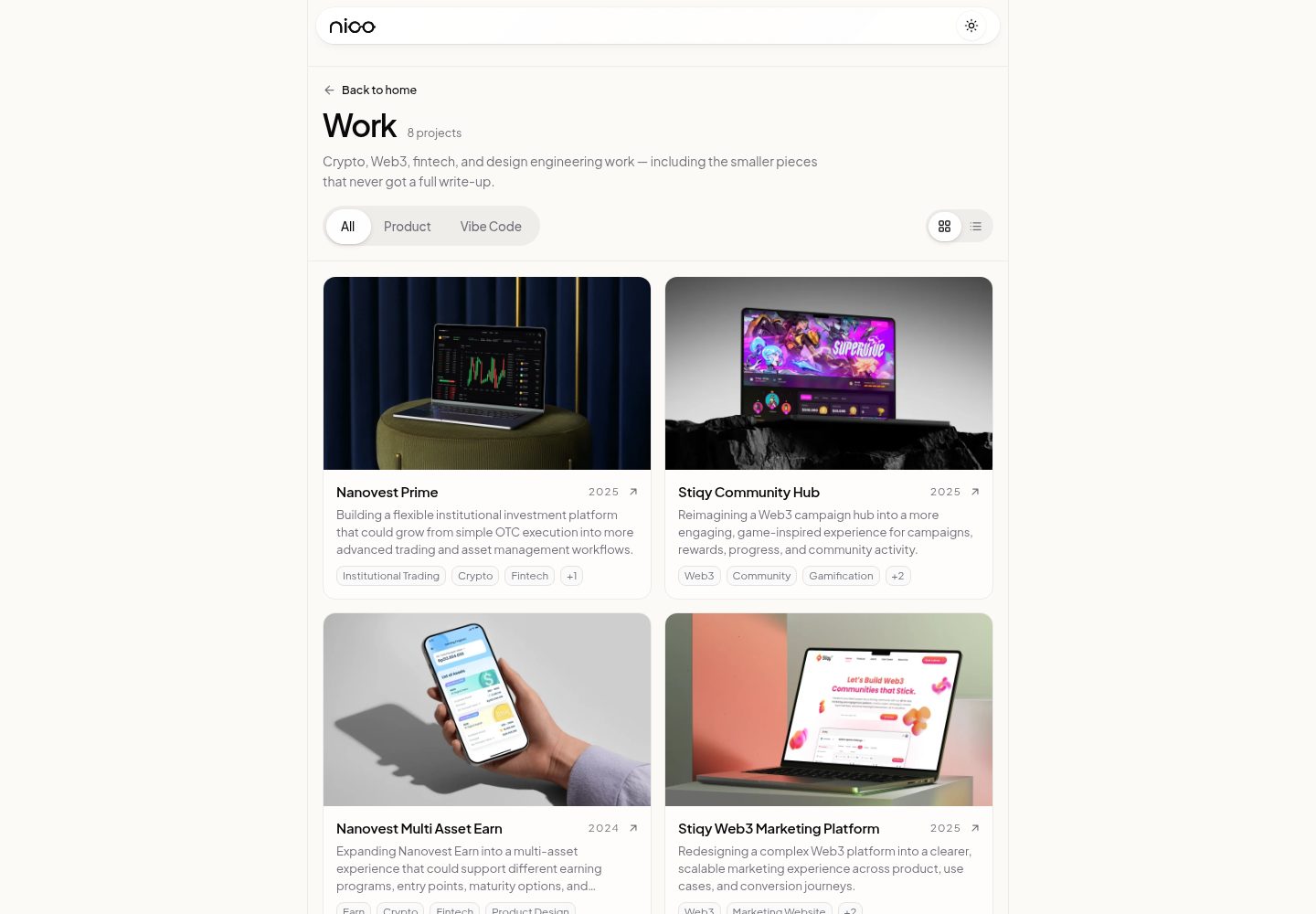
templatevibecode
Free, MIT-licensed website templates (landing pages, company profile, storefront) built with React, Vite and T…
Vite · 电商
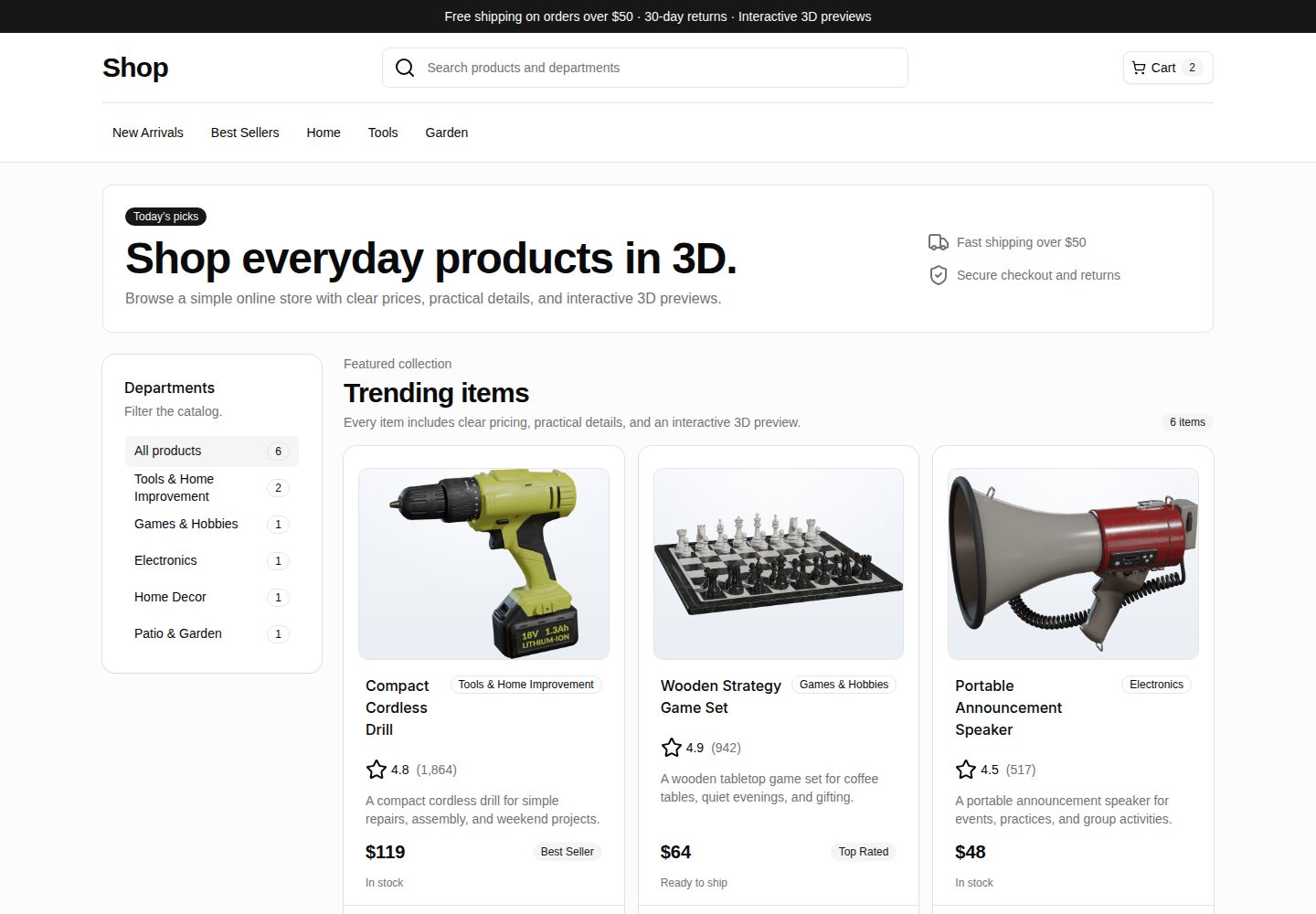
webspatial-shop
WebSpatial storefront starter with React and 3D product previews.
Vite · 电商