Frontend built with React, TypeScript, Vite, Tailwind CSS, and shadcn/ui
ViteReactE-commerce
de-commerce — Vite Ecommerce Template
By natededev
DE-Commerce is a fullstack e-commerce platform template based on React, Node.js/Express, TypeScript, and Supabase, including frontend, backend, database, and test configurations.
Explore the design
Compare the page layouts and mobile experience. Open any screenshot for a closer look.
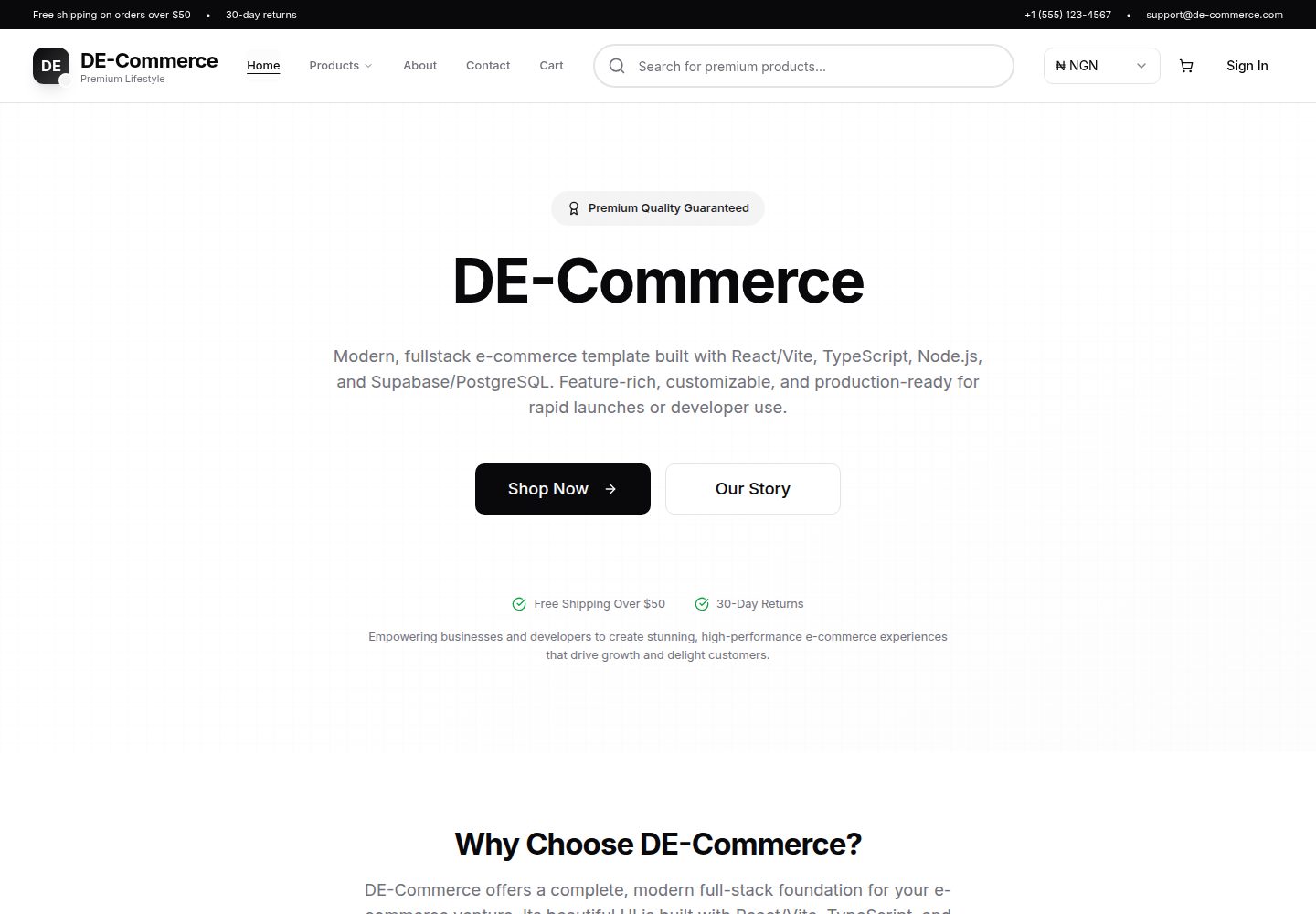
Desktop homepage1 / 3
Desktop captureTop of page
Actual screenshot captured by the server browser.
All pages & views 3
Screenshots show visual appearance; interactive behavior may differ.
Recorded 2026-10-16View source
What stands out
A quick read of the recorded project description.
Backend provides RESTful API using Node.js, Express, and TypeScript
Database uses Supabase's PostgreSQL with row-level security (RLS) enabled
Uses JWT authentication (Supabase Auth) to protect user sessions
Site branding, navigation, SEO, feature flags, etc. are centralized in the site.ts configuration file
Includes development and code quality tools such as Vitest tests, ESLint, Prettier, and Husky
Template Details
DE-Commerce is an open-source fullstack e-commerce platform template. The frontend uses React, TypeScript, Vite, Tailwind CSS, and shadcn/ui; the backend uses Node.js, Express, and TypeScript; the database uses PostgreSQL via Supabase with row-level security (RLS) configured. The template includes cart, order, and product management, uses JWT authentication (Supabase Auth), and provides demo data seeding scripts. The README notes that the Stripe payment integration only has API stubs and is not enabled. Static configurations such as site branding, navigation, SEO, feature flags, currency, and shipping are centrally managed in frontend/src/config/site.ts. The project includes development tools such as Vitest tests, ESLint, Prettier, and Husky, and provides documentation for development, deployment, seeding, and project structure. The README does not describe the template's visual design details or the specific number of pages.
ViteReactE-commerce
Is it right for your project?
Use Cases
- As a base template for fullstack e-commerce platforms for secondary development
- As a reference project for learning React and Express frontend-backend separation architecture
- For e-commerce application prototypes requiring cart, order, and product management features
- For projects using Supabase as the backend database and authentication service
Suitable For
- Fullstack developers familiar with React, TypeScript, and Node.js
- Teams looking to quickly start projects based on an existing e-commerce template
- Developers needing examples of Supabase and PostgreSQL integration
- Developers with plans to extend Stripe payment integration later
Getting started & customization
Use these recorded setup notes alongside the repository instructions for your chosen version.
- 1
After cloning the repository, Windows users can run setup.bat to install dependencies and generate the .env file; Mac/Linux users need to refer to DEVELOPMENT.md for manual configuration
- 2
Enter the backend and frontend directories respectively and run npm run dev to start the development servers
- 3
The frontend runs by default at http://localhost:5173, and the backend API runs by default at http://localhost:3000/api
- 4
Optional: refer to SEEDING_GUIDE.md to seed demo users, products, and order data
- 5
For deployment steps, see DEPLOYMENT.md, which involves environment configuration for Vercel, Render/Railway, and Supabase
License & source material
Usage conditions & limitations
Free to use · keep license noticeThis entry covers the free version under the MIT license in the public repository; the free scope is the code of this version and does not mean external services or third-party assets are free.
Must comply with when using
- Free use, modification, commercial use, and distribution of this version's code are permitted.
- When distributing copies or substantial portions of the code, retain the original author's copyright notice and the full MIT license notice.
- The code is provided as-is; warranties and limitations of liability are governed by the original license and applicable law.
Additional costs & items to verify
- Demo images, fonts, icons, and other third-party assets must be checked against their respective licenses; they cannot be judged solely by the code's MIT license.
- External services such as domains, hosting, databases, payments, or AI may incur additional charges.
- The Stripe payment integration only has API stubs and is not enabled; if real payment functionality is needed, you must integrate it yourself and bear the related service costs.
- The database relies on the PostgreSQL service provided by Supabase; before use, you need to register a Supabase account and configure the corresponding credentials.
- Authentication uses Supabase Auth, which requires a Supabase account and related configuration to work properly.
- Demo product images are from Unsplash; in actual use, you must confirm and comply with the third-party image licensing terms.
- Product images are provided by Unsplash and are third-party resources; you must verify their licensing and usage conditions yourself.
- UI components are based on shadcn/ui; when using related components, you must comply with their own licensing terms.
View Original Text Basis
Permission is hereby granted, free of charge
Original License Text
- Stripe payment integration (API stubs present, not active; see docs)
Original README
- 🗄️ **Database**: PostgreSQL with Supabase integration
Original README
- JWT authentication (Supabase Auth)
Original README
- 📊 **Real Data**: Seeded with 12 realistic products and Unsplash images
Original README
- Product images provided by [Unsplash](https://unsplash.com)
Original README
https://github.com/natededev/de-commerce/blob/main/LICENSEhttps://github.com/natededev/de-commerce/blob/main/README.md- UI components based on [shadcn/ui](https://ui.shadcn.com)
Original README
Compiled by DeepSeek based on repository license and README ·2026-10-16. Results only cover the materials read; dependencies, images, fonts, and subsequent term changes are subject to their respective original texts.
Project checks & description sources
Template Information
- Source platforms
- GitHub
- Documentation and maintenance reference score
- More documented · 85 / 100
- Technologies
- Vite · React
- Website type
- E-commerce
How this score is calculated
Our heuristic uses license records (up to 30), a demo link (12), a preview (10), stars (15), recorded maintenance (15), description completeness (8), feature records (5) and classification data (5). It is not a code, security or performance test, or a Google score. A link does not establish tested functionality.
What to verify for this project
- Repository update recorded
- 2026-01-22
- Screenshot last checked
- 2026-10-16
A demo link is listed. Check it with your own content and viewport sizes; its presence does not confirm that forms, authentication or payments work.
The catalog identifies Vite as the primary stack. Check the actual dependency manifest and lockfile for versions and hosting requirements. These notes use recorded metadata, not a code audit or a deployment test.
Use a selection guide →How this description was prepared
AI-assisted description based on catalog records and repository material. Repository authors are not automatically the reviewers of this description.
Review declaration: codex-user-requested-batch-review-20261017 · 2026-10-16
Inspect the recorded source material
SHA-256: 0ecec13f65d408911eb4f40f6dde88ce0fd05717604216cb39d5b12525b96c65
2026-10-16T11:57:54.945Z
Source file / repository# DE-Commerce - Modern E-commerce Platform
[](https://www.typescriptlang.org/)
[](https://reactjs.org/)
[](https://nodejs.org/)
[](https://vitejs.dev/)
[](https://tailwindcss.com/)
A production-ready, full-stack e-commerce platform built with modern web technologies. Features a React frontend with TypeScript, Node.js/Express backend, and PostgreSQL database through Supabase.
## ✨ Features
> ⚡️ **Centralized Site Settings:**
> All branding, navigation, SEO, and feature flags are managed in one place—[`site.ts`](frontend/src/config/site.ts). Edit this file to instantly update your site's identity, navigation, and more!
### Frontend
- 🎨 **Modern UI**: Built with React 19, TypeScript, and Tailwind CSS
- 📱 **Responsive Design**: Mobile-first approach with beautiful UX
- 🛒 **Shopping Cart**: Real-time cart management with persistent state
- 🔐 **Authentication**: Secure JWT-based user authentication
- 🎯 **State Management**: Context API with optimized performance
- 🧪 **Testing**: Comprehensive test suite with Vitest and Testing Library
- ⚡ **Performance**: Optimized with Vite, code splitting, and lazy loading
### Backend
- 🚀 **Express.js API**: RESTful API with TypeScript
- 🗄️ **Database**: PostgreSQL with Supabase integration
- 🔒 **Security**: JWT authentication, CORS, and input validation
- 📊 **Real Data**: Seeded with 12 realistic products and Unsplash images
- 🧪 **Testing**: Unit and integration tests with Vitest
- 📝 **Type Safety**: Strict TypeScript with comprehensive type definitions
## 🚀 Quick Start
### Prerequisites
# DE-Commerce
An open-source, full-stack e-commerce platform built with **React 19**, **Node.js/Express**, **TypeScript**, and **Supabase**. Modular, testable, and production-ready.
---
## 🚀 Features
- Modern React 19 frontend (Vite, Tailwind CSS, shadcn/ui)
- Node.js + Express backend (TypeScript)
- Supabase/PostgreSQL with Row Level Security (RLS)
- JWT authentication (Supabase Auth)
- Modular, testable codebase (see [PROJECT_STRUCTURE.md](PROJECT_STRUCTURE.md))
- Stripe payment integration (API stubs present, not active; see docs)
- Cart, order, and product management
- Full TypeScript coverage
- ESLint, Prettier, Husky, Vitest
- One-click demo data seeding
- Production-ready deployment (Vercel, Railway, Supabase)
---
## 🏁 Quick Start
### 1. Clone the repo
```bash
git clone https://github.com/natede/de-commerce.git
cd de-commerce
```
### 2. Run the setup script (Windows)
```bash
./setup.bat
```
This will:
- Install all dependencies (frontend & backend)
- Create `.env` files if missing (with helpful prompts)
- Print next steps for development and seeding
> **Note:** For Mac/Linux, follow the manual steps in [DEVELOPMENT.md](DEVELOPMENT.md).
### 3. Start development servers
```bash
cd backend && npm run dev
# In a new terminal:
cd frontend && npm run dev
```
### 4. Seed demo data (optional)
See [SEEDING_GUIDE.md](SEEDING_GUIDE.md) for instructions on seeding demo users, products, and orders.
### 5. Open the app
- Frontend: http://localhost:5173
- Backend: http://localhost:3000/api
---
## 🏗️ Project Structure
See [PROJECT_STRUCTURE.md](PROJECT_STRUCTURE.md) for a detailed breakdown of the modular architecture, including services, routes, utilities, and type definitions.
---
## 📚 Documentation
- [Development Guide](DEVELOPMENT.md) — local setup, scripts, and workflow
- [Deployment Guide](DEPLOYMENT.md) — production deployment steps
- [Seeding Guide](SEEDING_GUIDE.md) — demo data and database seeding
- [Project Structure](PROJECT_STRUCTURE.md) — modular codebase overview
- [Contributing](CONTRIBUTING.md) — code style, PRs, and community
---
## 🗂️ Site Configuration (`site.ts`)
The file `frontend/src/config/site.ts` centralizes all site-wide settings for the e-commerce platform. It acts as the single source of truth for branding, navigation, SEO, feature flags, colors, company info, contact details, legal pages, currency, shipping, and more.
### How to Use
- **Import the config:**
```ts
import { siteConfig } from '@/config/site';
```
- **Access settings:** Use `siteConfig` properties throughout your frontend (e.g., for navigation menus, branding, SEO, feature toggles, etc.).
- **Customize:**
- Update branding, company info, and contact details for your project.
- Adjust navigation, colors, and feature flags as needed.
- Set up currencies, shipping rates, and legal URLs for your market.
- **Best Practice:**
- Treat `site.ts` as the master config for all static site data.
- Avoid hardcoding these values elsewhere in the codebase.
See the top comments in `site.ts` for a full customization guide and property documentation.
---
## 🛠️ Technology Stack
**Frontend:** React 19, TypeScript, Vite, Tailwind CSS, shadcn/ui, React Router, Zustand
**Backend:** Node.js, Express, TypeScript, Supabase, JWT, Vitest
**Database:** PostgreSQL (via Supabase), RLS, real-time subscriptions
---
## 🤝 Contributing
See [CONTRIBUTING.md](CONTRIBUTING.md) for guidelines, code style, and PR process.
---
## 📄 License
MIT
│ ├── .gitignore # Global ignore patterns
│ ├── .prettierrc # Code formatting rules
│ ├── setup.bat # Windows setup script
│ └── tsconfig.base.json # Base TypeScript config
│
├── 📖 Documentation
│ ├── README.md # Main documentation
│ ├── PROJECT_STRUCTURE.md # Detailed structure guide
│ ├── DEPLOYMENT.md # Deployment instructions
│ └── SEEDING_GUIDE.md # Database setup guide
│
├── 🎨 frontend/ # React frontend application
│ ├── src/
│ │ ├── components/ # Reusable UI components
│ │ ├── features/ # Feature-based modules
│ │ ├── pages/ # Page components
│ │ ├── contexts/ # React Context providers
│ │ ├── hooks/ # Custom React hooks
│ │ ├── lib/ # Utility libraries
│ │ ├── types/ # TypeScript type definitions
│ │ └── test/ # Test files and setup
│ ├── public/ # Static assets
│ └── package.json
├── backend/ # Express.js backend API
│ ├── src/
│ │ ├── routes/ # API route handlers
│ │ ├── services/ # Business logic layer
│ │ ├── middleware/ # Express middleware
│ │ ├── config/ # Configuration files
│ │ ├── database/ # Database setup and seeding
│ │ ├── types/ # TypeScript type definitions
│ │ └── test/ # Test files and setup
│ └── package.json
└── docs/ # Documentation
```
## 🧪 Testing
Run the complete test suite:
```bash
# All tests
npm run test
# Frontend tests only
npm run test:frontend
# Backend tests only
npm run test:backend
# Test with coverage
npm run test:coverage
```
## � Code Quality
This project maintains high code quality standards:
```bash
# Linting
npm run lint
# Type checking
npm run type-check
# Code formatting
npm run format
# Format check
npm run format:check
```
## 📦 Building for Production
```bash
# Build both frontend and backend
npm run build
# Frontend only
npm run build:frontend
# Backend only
npm run build:backend
```
## 🚢 Deployment
See [DEPLOYMENT.md](./DEPLOYMENT.md) for detailed deployment instructions covering:
- Vercel (Frontend)
- Render/Railway (Backend)
- Supabase (Database)
- Environment configuration
## 🛠️ Technology Stack
### Frontend Technologies
- **React 19** - Modern React with hooks and concurrent features
- **TypeScript** - Type-safe JavaScript development
- **Vite** - Fast build tool and development server
- **Tailwind CSS** - Utility-first CSS framework
- **React Router** - Declarative routing
- **React Query** - Server state management
- **Vitest** - Fast unit testing framework
### Backend Technologies
- **Node.js** - JavaScript runtime
- **Express.js** - Web application framework
- **TypeScript** - Type-safe JavaScript development
- **Supabase** - Backend-as-a-Service with PostgreSQL
- **JWT** - JSON Web Token authentication
- **bcryptjs** - Password hashing
- **Vitest** - Fast unit testing framework
### Development Tools
- **ESLint** - Code linting and quality
- **Prettier** - Code formatting
- **Husky** - Git hooks
- **Concurrently** - Run multiple commands
## 🤝 Contributing
We welcome contributions! Please see [CONTRIBUTING.md](./CONTRIBUTING.md) for guidelines.
1. Fork the repository
2. Create your feature branch: `git checkout -b feature/AmazingFeature`
3. Commit your changes: `git commit -m 'Add some AmazingFeature'`
4. Push to the branch: `git push origin feature/AmazingFeature`
5. Open a Pull Request
## � License
This project is licensed under the MIT License - see the [LICENSE](LICENSE) file for details.
## 🙏 Acknowledgments
- Design inspiration from modern e-commerce platforms
- Product images provided by [Unsplash](https://unsplash.com)
- Icons by [Lucide React](https://lucide.dev)
- UI components based on [shadcn/ui](https://ui.shadcn.com)
## 📞 Support
For support, visit and contact me at (https://natede.dev)
or create an issue on GitHub.
---
**Built with ❤️ by [Nate De Developer](https://github.com/natededev)**
Explore similar templates
Compare previews and descriptions within the same stack and category.
free.website.templates
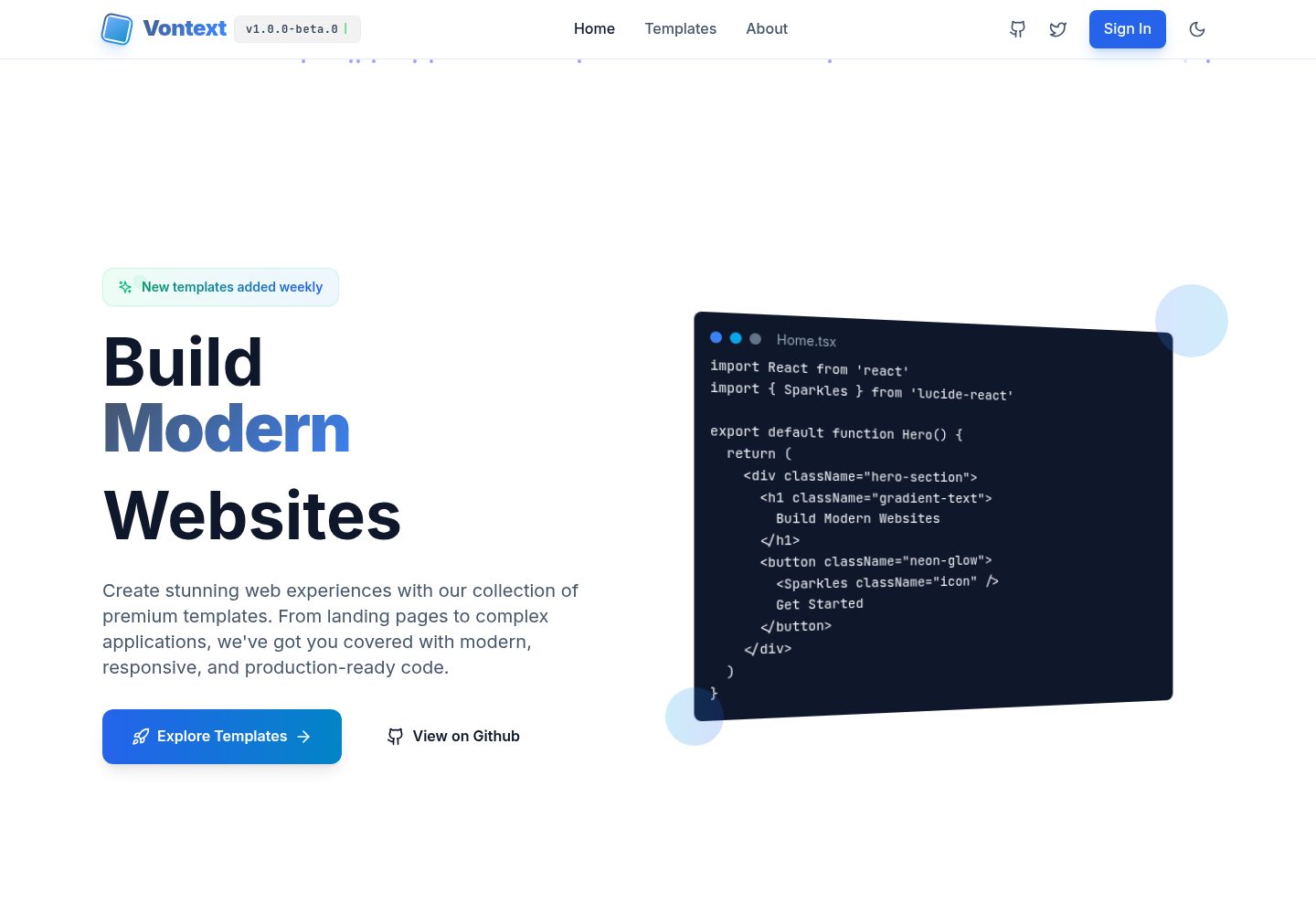
A free open-source web template collection maintained by Vontext, built on Vite, React, TypeScript, and TailwindCSS. It currently offers 8 independent landing page templates covering SaaS, AI, blogs, design tools, and more, each installable and runnable separately.
Vite · Admin dashboard
react-flower-shop-website-template
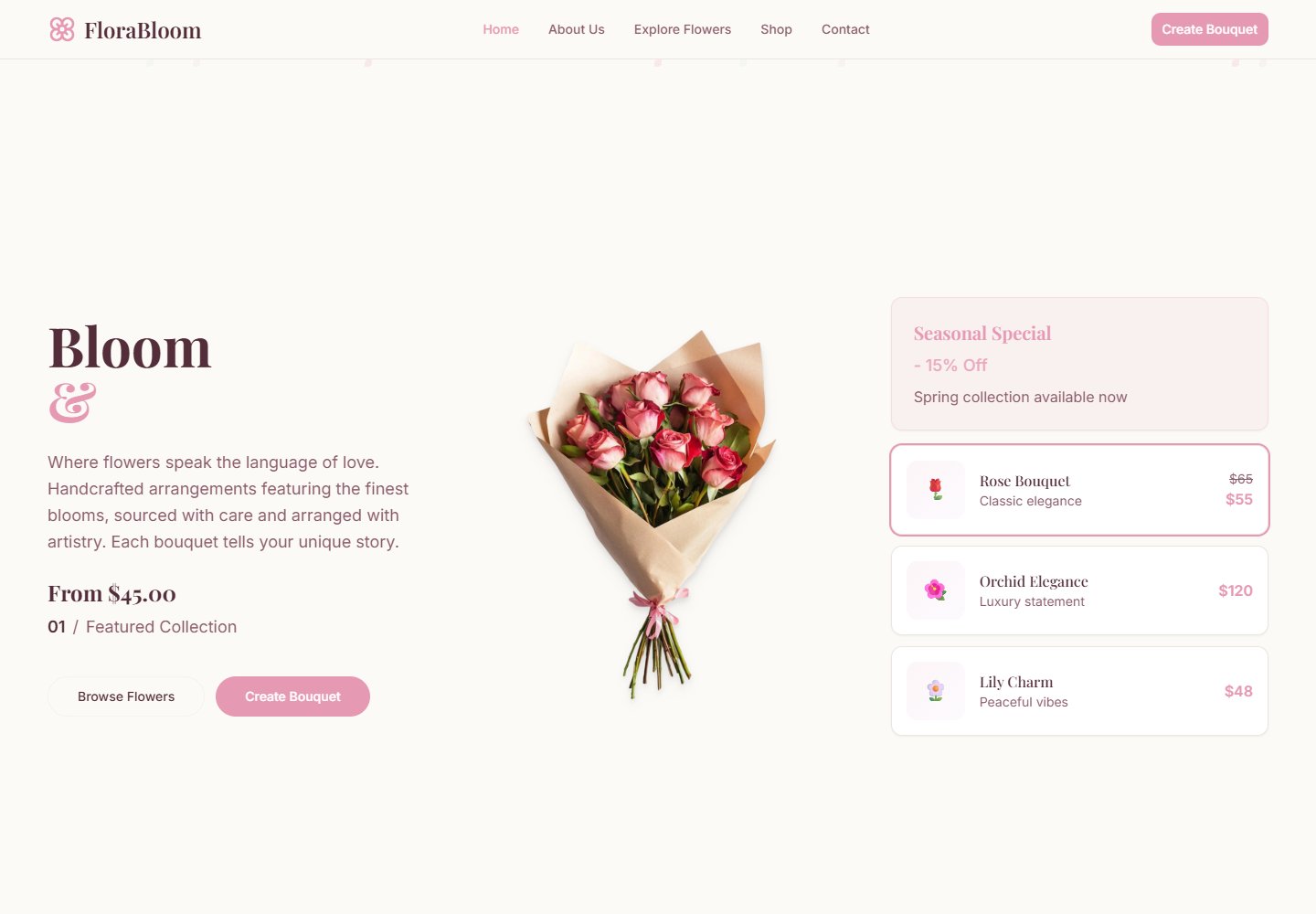
Flora Bloom is a React, TypeScript, Vite, and Tailwind CSS template for flower shops, florists, and bouquet stores.
Vite · E-commerce

BerryBliss
BerryBliss is an online store template built with React.js, React Router DOM, and Vite. It includes product catalog browsing, shopping cart and favorites management, user profile, and Google Maps address display, with responsive design for mobile and tablet.
Vite · E-commerce
alexkpotstore
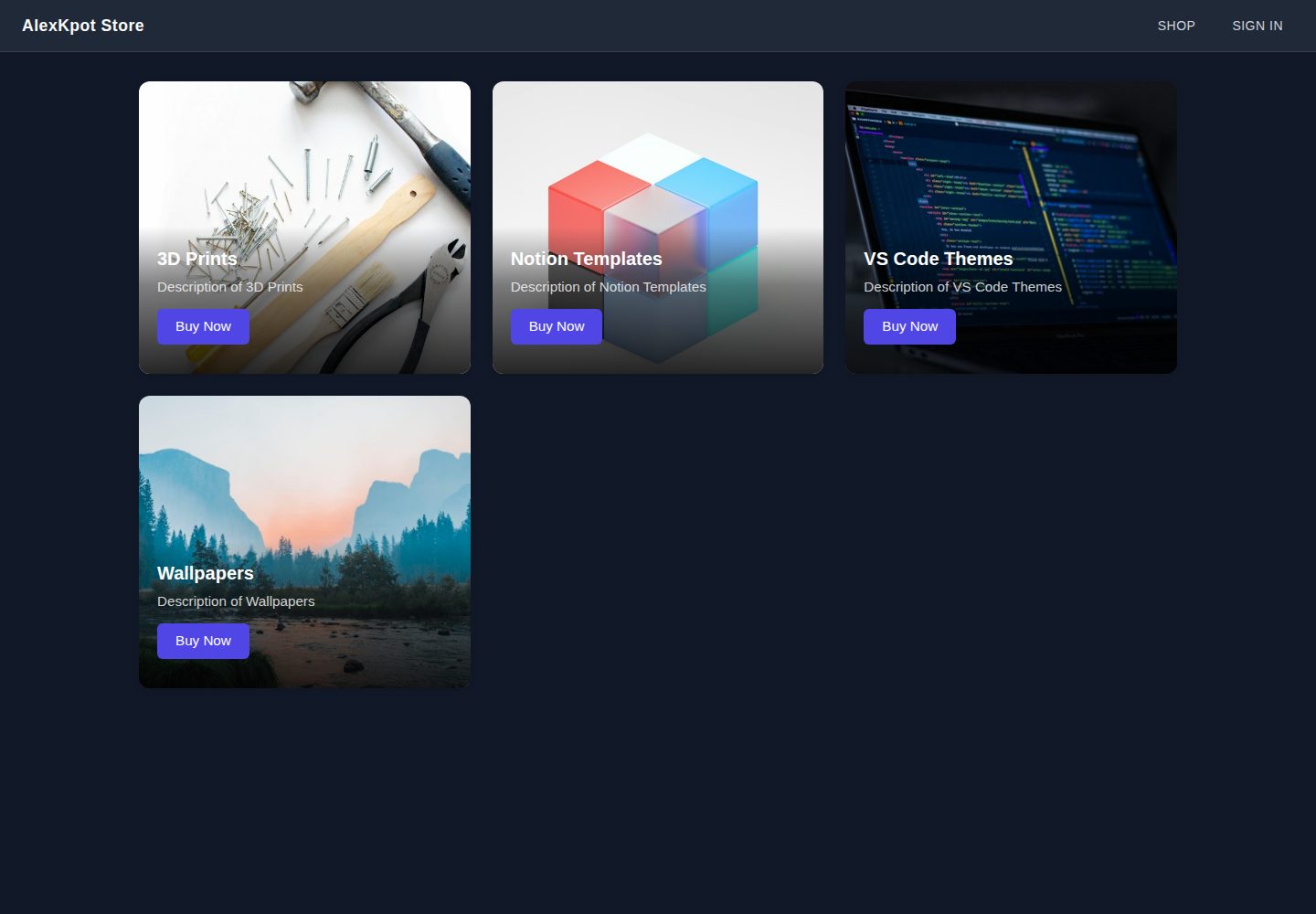
A React and Vite e-commerce front-end learning project that presents 3D prints, Notion templates, VS Code themes, and wallpapers in a responsive homepage grid, with React Router layout routes, SCSS theming, and Firebase Google sign-in plus Firestore user documents.
Vite · E-commerce
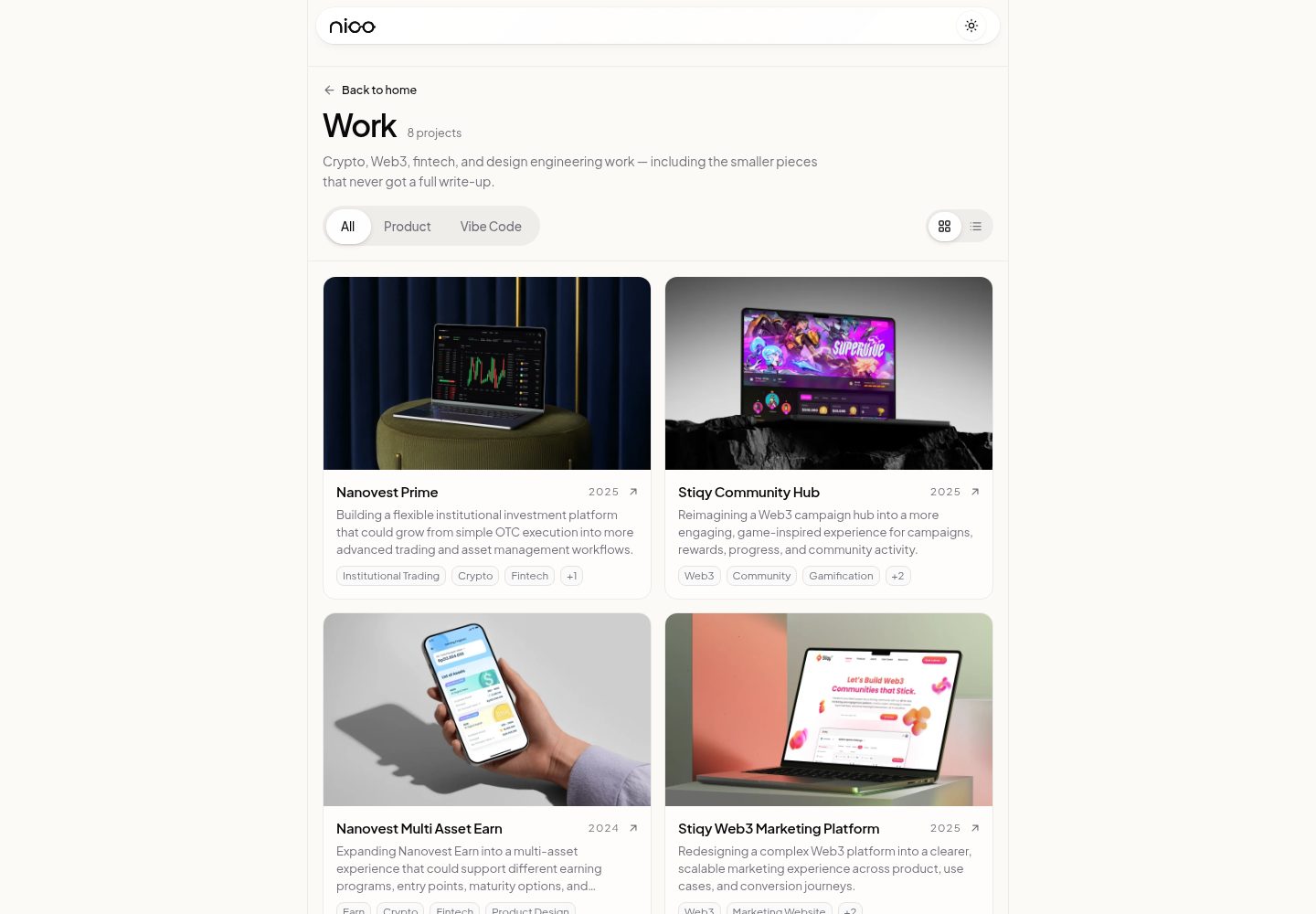
templatevibecode
A free, MIT-licensed collection of four independent React website templates under apps/: a SaaS landing page, a beauty storefront, a fashion editorial page, and an interior design company profile.
Vite · E-commerce
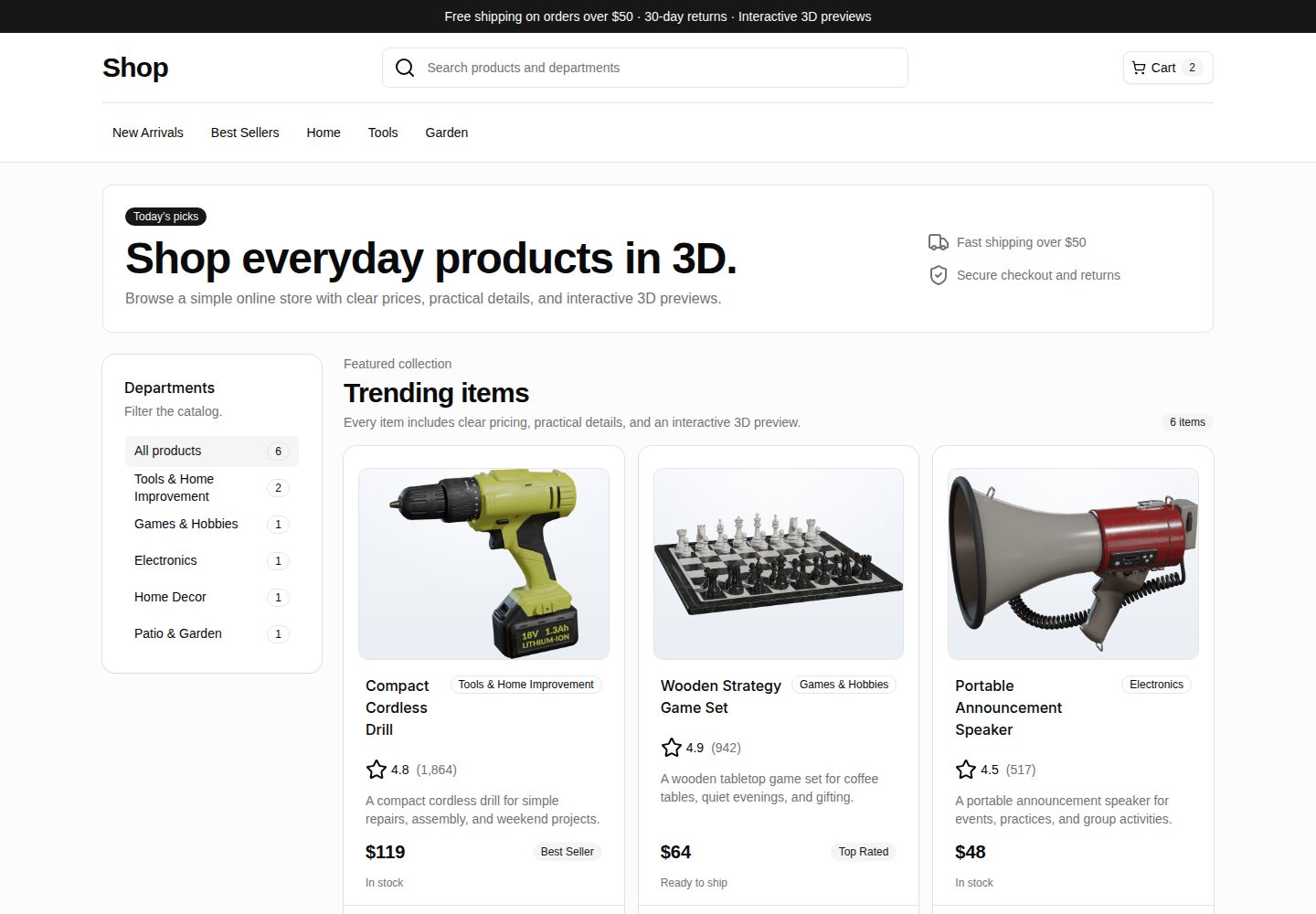
webspatial-shop
WebSpatial Shop is a Vite and React e-commerce storefront starter that shows a product catalog with responsive browsing, category filtering, product cards, and detail routes.
Vite · E-commerce