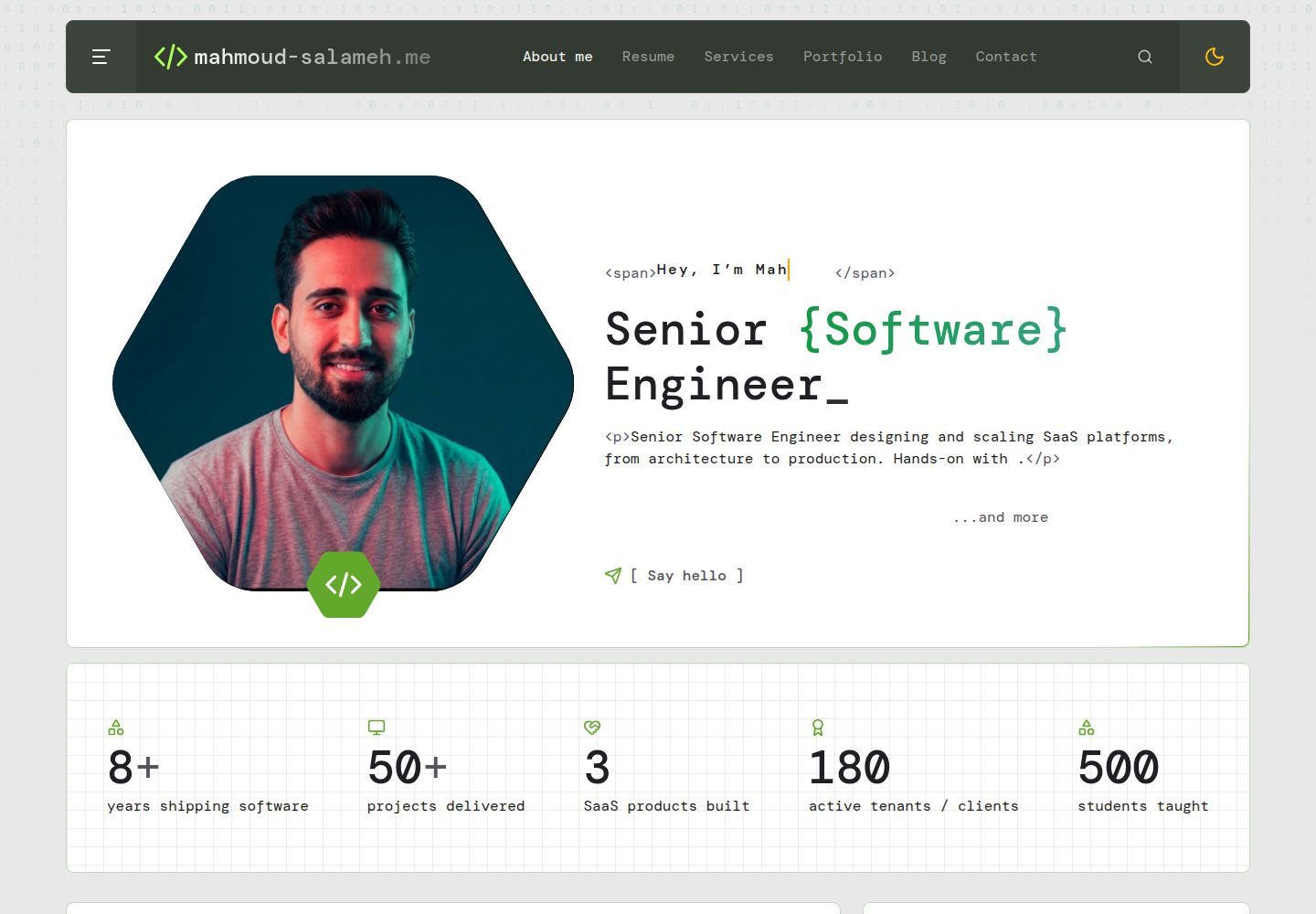
Filament admin panel manages bio, experience, projects, articles, books, skills, testimonials and inbox; content is not hard-coded
LaravelReactAdmin dashboardPortfolio
portfolio (MahmoudSlameh) — Laravel Admin dashboard Template
By MahmoudSlameh
A self-hosted developer portfolio built on Laravel and React, with a Filament admin panel, swappable templates, an AI template builder and one-click ATS-friendly CV generation.
Explore the design
Compare the page layouts and mobile experience. Open any screenshot for a closer look.
Desktop homepage1 / 3
Desktop captureTop of page
Actual screenshot captured by the server browser.
All pages & views 3
Screenshots show visual appearance; interactive behavior may differ.
Recorded 2026-10-02View source
What stands out
A quick read of the recorded project description.
Multiple built-in templates (such as Changelog, Playground, Terminal, Minimal); switch the same content with one click, with private preview after logging in
AI template builder: generate a schema-validated template specification from a description or reference screenshot, rendered by the React engine without writing code directly
One-click ATS-friendly CV PDF from site data, with Classic, Modern and Compact layouts and A4/Letter paper options
Supports SSR, Open Graph, JSON-LD, sitemap, RSS, self-hosted fonts and responsive WebP images
Provides a make:template command and template contract; start from Minimal or derive custom templates from existing ones
Template Details
This is a self-hosted developer portfolio project: the backend uses Laravel, the frontend uses React, and the admin interface is provided by Filament. Site content (bio, experience, projects, articles, books, skills, testimonials, etc.) is edited in the admin panel; personal information is not hard-coded. The frontend offers multiple built-in templates, so the same content can be switched between different designs, and after logging in you can privately preview other templates via /?template=<id>.
The project includes an AI template builder: from a natural-language description or an uploaded reference screenshot, AI generates a validated template specification (design tokens, layout and block variants, UI copy, optional stylesheet), which is then rendered by the built-in React engine; it does not generate code directly. Generation runs in a background queue and supports version rollback, manual editing of the JSON specification, and export/import of .studio.json files.
The CV feature generates a PDF from site data, offering Classic, Modern and Compact layouts with A4/Letter paper selection, following common ATS requirements such as single-column selectable text, standard section headings, MMM YYYY dates, and no tables, images or icons.
The tech stack involves Laravel, Filament, React, Inertia, Spatie Media Library and others; exact version numbers were not verified in the dependency manifest, so they are not listed here. The repository uses the MIT license, but third-party assets such as demo images, fonts and icons require separate license checks; external services such as domain, hosting, database and AI may incur costs.
LaravelReactAdmin panelPortfolio
Is it right for your project?
Use Cases
- Developers building a personal portfolio site and maintaining projects, articles and experience through the admin panel
- Those who want to quickly switch or preview different visual styles with the same content without changing data
- Those who need to export a PDF CV from site data that meets common ATS requirements
- Those who want AI to generate a new template design from a description or reference screenshot, then decide whether to convert it to code
- Self-hosted deployments that need SSR, SEO metadata, sitemap and RSS as baseline capabilities
Suitable For
- Developers familiar with Laravel and React who are willing to deploy and maintain it themselves
- Portfolio sites that need admin-managed content rather than direct code edits
- Developers interested in template swappability and AI-assisted design
- Users who need to generate an ATS-friendly CV from the same data source
Getting started & customization
Use these recorded setup notes alongside the repository instructions for your chosen version.
- 1
Requirements: PHP 8.4+ (gd or imagick must support WebP, plus intl and exif), Composer 2, Node.js 22
- 2
Run composer setup to complete installation, .env, key, migrations and frontend build, then run db:seed to create the admin and default settings
- 3
The default local admin account is [email protected] / password; it can be changed via ADMIN_NAME, ADMIN_EMAIL and ADMIN_PASSWORD in .env
- 4
To use the AI template builder, configure the provider and key under Site → AI and keep a queue process running (e.g. composer dev)
- 5
For production, configure APP_URL, ADMIN_EMAILS, MEDIA_DISK, MAIL_*, QUEUE_CONNECTION and other variables according to .env.example
License & source material
Usage conditions & limitations
Free to use · keep license noticeThis listing covers the free version in the public repository under the MIT license; the free scope is that version's code and does not mean external services or third-party assets are free.
Must comply with when using
- You may use, modify, commercialize and distribute this version's code for free.
- When distributing copies or substantial portions of the code, retain the original author's copyright notice and the full MIT license notice.
- The code is provided as is; warranties and limitations of liability are governed by the original license and applicable law.
Additional costs & items to verify
- The AI template builder is optional and requires configuring a third-party AI provider (such as Anthropic, OpenAI, Gemini, etc.) and its API key, which may incur external service costs.
- Production deployment requires a VPS or similar platform that supports a long-running Node process; shared hosting cannot run SSR.
- If s3 is used for media storage, you must provide and bear the corresponding cloud storage service costs.
- Contact form email notifications require configuring an email service, which may involve external email service costs.
- Demo images, fonts, icons and other third-party assets must be checked against their respective licenses; the code's MIT license alone is not sufficient.
- External services such as domain, hosting, database, payment or AI may incur additional charges.
View Original Text Basis
Permission is hereby granted, free of charge
Original License Text
Want the AI builder? Add a provider in **Site → AI** (or `STUDIO_AI_PROVIDER` and the provider's key in `.env`)
Original README
SSR needs a long-running Node process, so use a VPS or a platform like Laravel Forge, Ploi or Laravel Cloud (shared hosting won't work).
Original README
`MEDIA_DISK` | `public` or `s3` for uploaded images
Original README
https://github.com/MahmoudSlameh/portfolio/blob/main/LICENSEhttps://github.com/MahmoudSlameh/portfolio/blob/main/README.md`MAIL_*` | Contact-form notifications
Original README
Compiled by DeepSeek based on repository license and README ·2026-10-02. Results only cover the materials read; dependencies, images, fonts, and subsequent term changes are subject to their respective original texts.
Project checks & description sources
Template Information
- Source platforms
- GitHub
- Documentation and maintenance reference score
- More documented · 88 / 100
- Technologies
- Laravel · React
- Website type
- Admin dashboard · Portfolio
How this score is calculated
Our heuristic uses license records (up to 30), a demo link (12), a preview (10), stars (15), recorded maintenance (15), description completeness (8), feature records (5) and classification data (5). It is not a code, security or performance test, or a Google score. A link does not establish tested functionality.
What to verify for this project
- Repository update recorded
- 2026-10-01
- Screenshot last checked
- 2026-10-02
A demo link is listed. Check it with your own content and viewport sizes; its presence does not confirm that forms, authentication or payments work.
The catalog identifies Laravel as the primary stack. Check the actual dependency manifest and lockfile for versions and hosting requirements. These notes use recorded metadata, not a code audit or a deployment test.
Use a selection guide →How this description was prepared
AI-assisted description based on catalog records and repository material. Repository authors are not automatically the reviewers of this description.
Automatically checked against source and license rules; no manual editorial review.
Inspect the recorded source material
SHA-256: 29c566e3aee7541110c4702fae3be4c04b519af5d045c0dfa601e11240c6e9d7
2026-10-02T09:53:23.513Z
Source file / repository<div align="center">
# Portfolio
### The developer portfolio you run like a CMS, and redesign with one prompt.
A self-hosted Laravel + React portfolio with a real admin panel, swappable
templates, an **AI template builder** and a **one-click ATS-friendly CV**.
Server-rendered, SEO-ready, and yours to extend.
[](https://github.com/MahmoudSlameh/portfolio/actions/workflows/tests.yml)
[](LICENSE)


[Highlights](#-highlights) · [Templates](#-templates) · [AI builder](#-ai-template-builder) ·
[CV](#-ats-friendly-cv-in-one-click) · [Quick start](#-quick-start) ·
[Build a template](#-build-your-own-template) · [Docs](docs/README.md)
<img src="docs/images/hero.webp" alt="Four portfolio designs rendering the same content: Changelog, Playground, Terminal and an AI-generated studio template" width="100%">
**If this saves you a weekend, please ⭐ star the repo. It helps others find it.**
</div>
---
## ✨ Highlights
- 🎨 **Switch the whole design in one click.** Four built-in templates, plus
your own, all rendering the same content. Preview any of them privately
before visitors see it.
- 🤖 **Generate new templates with AI.** Describe a look or drop in a
screenshot; bring any provider (Anthropic, OpenAI, Gemini, Ollama, …). The AI
writes a validated design spec, never code.
- 📄 **An ATS-friendly CV from your data.** Pick one of three templates and
download a PDF, or make it the site's "Download CV" file.
- 🛠 **A real admin panel.** Bio, experience, projects, articles, books,
skills, testimonials, … everything is editable in Filament; nothing
personal is hard-coded. Paste articles straight from any web page.
- 🚀 **Fast and SEO-first.** Server-side rendering, Open Graph, JSON-LD,
sitemap, RSS, self-hosted fonts and responsive WebP images.
- 🧩 **Built to be extended.** `php artisan make:template`, a typed template
contract, a shared kit of hooks, and `template:eject` to turn an AI design
into React code.
- ✅ **Production-grade.** 450+ Pest tests, Larastan level 7, TypeScript,
CI on every push, and a full deployment guide.
## 🎨 Templates
| Changelog | Playground | Terminal |
| ----------------------------------------------------------------- | ------------------------------------------------------------- | ---------------------------------------------------------------- |
|  |  |  |
| Editorial "engineer's changelog" with a git-graph career timeline | Playful bento layout with stickers, career tickets and a dock | Dark developer-terminal look with mono type and a project slider |
Plus **Minimal**, a plain, fully commented starter to copy when you build
your own. Every template has a light and a dark theme (no flash on load):
<img src="docs/images/light-dark.webp" alt="The Changelog template in light and dark mode" width="100%">
<details>
<summary><b>Every page, in every template</b></summary>
Home, project archive, case studies (architecture diagram, metrics,
gallery), writing archive, articles (table of contents, code blocks),
bookshelf, `/uses`, `/now` and a custom 404. Writing, Books, Uses and Now can
be switched off. There's also a command palette (<kbd>Ctrl</kbd>/<kbd>⌘</kbd> +
<kbd>K</kbd>), archive filters kept in the URL, and a contact form that lands
in the panel's inbox and your email.
Visitors always see the template you activated. While you're signed in,
`/?template=<id>` previews another one just for you (`noindex`), and
`/?template=reset` ends the preview.
</details>
## 🤖 AI template builder
Describe the design you want, attach up to three screenshots you like, and
get a complete new template (every page, light and dark) that renders
**your** real content. It runs in the background; the card on **Site →
Appearance** shows live progress and you get a notification when it's
ready.
<img src="docs/images/admin-generate.webp" alt="The Generate with AI dialog: name, prompt, reference images and a starting template" width="100%">
**How it stays safe and fast:** the AI never writes code. It fills in a
_Template Spec_: design tokens, layout and section variants, UI copy and an
optional stylesheet. The spec is validated against a schema; if it fails,
the errors go back to the AI to fix (up to twice). The CSS is sanitised,
scoped to the template, and may not load fonts, images or anything else from
the internet. One built-in React engine renders any spec, so generated
templates keep SSR and SEO, need no build step, and survive deploys.
<img src="docs/images/studio-templates.webp" alt="Four studio templates rendered by the spec engine" width="100%">
- **Any provider**, via the official [Laravel AI SDK](https://laravel.com/ai):
Anthropic, OpenAI, Gemini, xAI, Mistral, DeepSeek, Groq, OpenRouter, a
local Ollama model or any OpenAI-compatible endpoint. Set it in **Site →
AI** (the key is encrypted and never shown again) with a **Test
connection** button, or in `.env`.
- **Iterate:** **Refine** ("make it darker, use a serif headline") creates a
new version; the live site keeps the current one until you activate it.
**Versions** lets you preview and roll back any version.
- **Edit by hand:** the spec is JSON, editable in the panel with
validation on save.
- **Share:** export and import templates as `.studio.json` files
([guide](docs/templates/sharing-studio-templates.md)).
- **Keep costs predictable:** a daily generation limit, and token usage shown
on every version.
- **Graduate to code:** `php artisan template:eject "Night Shift" night-shift`
turns a generated design into a regular React template you own.
Full design: [docs/12-ai-templates.md](docs/12-ai-templates.md).
## 📄 ATS-friendly CV in one click
Your CV is built from the same data as your site, so it's never out of date.
On **Profile → CV**, pick **Classic**, **Modern** or **Compact**, A4 or US
Letter and the sections to include; check the live preview; then **Generate
PDF**, or **Use as my resume** to make it the file behind the site's
"Download CV" link.
<img src="docs/images/admin-cv.webp" alt="The CV page: template choice, options and a live preview" width="100%">
The templates follow the rules applicant-tracking systems care about:
- a single column of real, selectable text;
- standard section headings;
- `MMM YYYY` dates;
- no tables, images or icons;
- contact details in the body, not a header or footer.
Tests extract the PDF text and check that it reads in order. Scripting?
`php artisan cv:generate --template=modern --paper=letter`.
## 🛠 The admin panel
<img src="docs/images/admin-dashboard.webp" alt="The Filament admin dashboard with stats, latest messages and a content health checklist" width="100%">
<details>
<summary><b>Everything you can manage</b></summary>
- **Profile & bio**, social links, now page, resume/CV.
- **Career:** work experience (with a changelog-style timeline), education,
certifications, companies & clients, testimonials.
- **Work:** projects with case studies, architecture diagrams, metrics and
galleries; skills and categories.
- **Content:** articles in a rich editor (paste from any page or Google
Docs, import Markdown, callouts and code blocks with file names), books,
uses.
- **Inbox** for contact messages, and a **dashboard** with a content-health
checklist.
- **Site:** Appearance (templates, AI, versions, import/export), SEO &
settings (meta defaults, favicon, OG image, verification codes, analytics,
page toggles), AI provider settings.
- All media go through Spatie Media Library, with responsive WebP
conversions and alt text.
</details>
<img src="docs/images/admin-editor.webp" alt="The article editor: rich text with headings, formatting and a code block with a file name" width="100%">
## 🚀 Quick start
**Requirements:**
- PHP 8.4+ with `gd` or `imagick` built with WebP support, plus `intl` and `exif`
- Composer 2
- Node.js 22
```bash
git clone https://github.com/MahmoudSlameh/portfolio.git
cd portfolio
composer setup # install, .env, key, migrate, npm install, build
php artisan db:seed # admin user + default settings
php artisan storage:link
php artisan db:seed --class=DemoContentSeeder # optional: a complete demo portfolio
composer dev # server + queue worker + Vite
```
Open <http://localhost:8000> for the site and <http://localhost:8000/admin>
for the panel. Locally the admin is `[email protected]` / `password` (set
`ADMIN_NAME`, `ADMIN_EMAIL` and `ADMIN_PASSWORD` in `.env` to change it).
Want the AI builder? Add a provider in **Site → AI** (or `STUDIO_AI_PROVIDER` and
the provider's key in `.env`) and keep `composer dev` running for the queue.
To run with SSR like production: `npm run build:ssr && php artisan inertia:start-ssr`.
## ⚙️ Configuration
The important `.env` values (see [`.env.example`](.env.example)):
| Variable | Purpose |
| ----------------------------------------------- | ----------------------------------------------------------------- |
| `APP_URL` | Canonical URLs, sitemap and Open Graph images use it |
| `ADMIN_NAME` / `ADMIN_EMAIL` / `ADMIN_PASSWORD` | First admin user created by the seeder |
| `ADMIN_EMAILS` | Comma-separated emails allowed into `/admin` in production |
| `MEDIA_DISK` | `public` or `s3` for uploaded images |
| `MAIL_*` | Contact-form notifications |
| `QUEUE_CONNECTION` | Queue for notifications, image conversions and AI generation |
| `STUDIO_AI_PROVIDER` / `STUDIO_AI_MODEL` | AI template builder defaults (Site → AI overrides them) |
| `STUDIO_SCREENSHOT_CHROME` | Optional Chromium path for template-card screenshots and SVG favicons |
Everything else (site name, SEO defaults, favicon, analytics, enabled pages,
active template) is edited in the panel.
## 🧑💻 Build your own template
A template is a set of React components that receive typed props from
Laravel (the _template contract_) and only decide how things look. Behaviour
comes from the kit: `useContactForm`, `useArchiveFilters`, `useSiteSearch`,
`useTheme`, `ArticleBlocks`, `InlineText`, `ResponsiveImage` and more.
```bash
php artisan make:template magazine --name="Magazine" # copies the commented `minimal` starter
php artisan make:template retro --from=terminal # or start from any template
composer dev # then preview /?template=magazine
```
No PHP changes are needed: the template is discovered automatically, and the
test suite renders every page of it. Open
<http://localhost:8000/dev/templates> (local only) to compare every page of
every template side by side, light or dark, desktop or mobile.
**Step-by-step guide:
[docs/templates/building-a-template.md](docs/templates/building-a-template.md)**
## 🧱 Tech stack
| Layer | Tools |
| -------- | ---------------------------------------------------------------------------------------- |
| Backend | PHP 8.4, Laravel 13, Filament 5, Laravel AI SDK, Spatie Media Library, dompdf, Wayfinder |
| Frontend | React 19 (React Compiler), Inertia 3 with SSR, Tailwind CSS 4, Motion, Vite+ |
| Data | SQLite for local development and CI, MySQL 8 in production |
| Quality | Pest 5, Larastan (level 7), Pint, TypeScript, Vite+ lint & format, GitHub Actions |
## 🧪 Testing
```bash
composer ci:check # everything CI runs: format, lint, types, Larastan, Pest
composer test # Pint (check), Larastan, Pest
```
## 🌍 Deployment
SSR needs a long-running Node process, so use a VPS or a platform like
Laravel Forge, Ploi or Laravel Cloud (shared hosting won't work). The guide
covers server requirements, environment, build steps, Supervisor programs for
SSR and the queue worker, Nginx, backups and a launch checklist:
[docs/10-deployment.md](docs/10-deployment.md).
## 📚 Documentation
[`docs/`](docs/README.md) holds the full design documentation: architecture,
data model, admin panel, media, templates, SEO, conventions, the decision log
and the phased [task board](docs/tasks/README.md).
## 🗺 Roadmap
| Phase | Status | What |
| ----- | ------ | ------------------------------------------------------------------------------------ |
| P0–P5 | Done | Data layer, admin panel, three templates, SEO & performance, tests, deployment guide |
| P6 | Done | Open-source release |
| P7 | Done | Template kit: registry, shared hooks, `make:template`, starter template, guide |
| P8 | Done | Studio engine: templates stored as a JSON spec and rendered by one React engine |
| P9 | Done | AI template builder with the Laravel AI SDK |
| P10 | Done | Refine & versions, export/import, card screenshots, eject to code |
| P11 | Done | Paste-friendly article editor; ATS-friendly CV generated as PDF from the panel |
Ideas and requests are welcome in the
[issues](https://github.com/MahmoudSlameh/portfolio/issues).
## 🤝 Contributing
Contributions are welcome, especially new templates. Read
[CONTRIBUTING.md](CONTRIBUTING.md), then pick an open task from the
[task board](docs/tasks/README.md). Please follow the
[Code of Conduct](CODE_OF_CONDUCT.md); report vulnerabilities as described in
[SECURITY.md](SECURITY.md).
## ⭐ Support
If you use this for your own portfolio, or it taught you something about
Laravel, Filament, Inertia or AI tooling, a star is the best way to say
thanks and helps other developers find it.
[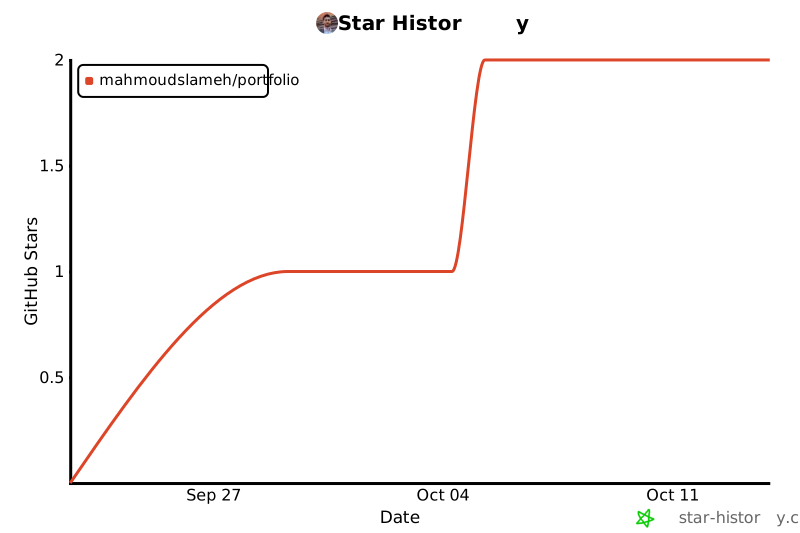](https://star-history.com/#MahmoudSlameh/portfolio&Date)
## 📝 License
Released under the [MIT License](LICENSE).
Explore similar templates
Compare previews and descriptions within the same stack and category.

coreui-free-laravel-admin-template
A free MIT-licensed Laravel admin template using CoreUI Bootstrap styles, with a sample login account and management examples for users, menus, roles, media, BREAD, and email templates.
Laravel · Admin dashboard

sneat-bootstrap-html-laravel-admin-template-free
Sneat Free is a Laravel admin template with a Bootstrap 5 frontend, MIT-licensed, offering a dashboard, multiple layouts, authentication pages, forms, and tables.
Laravel · Admin dashboard
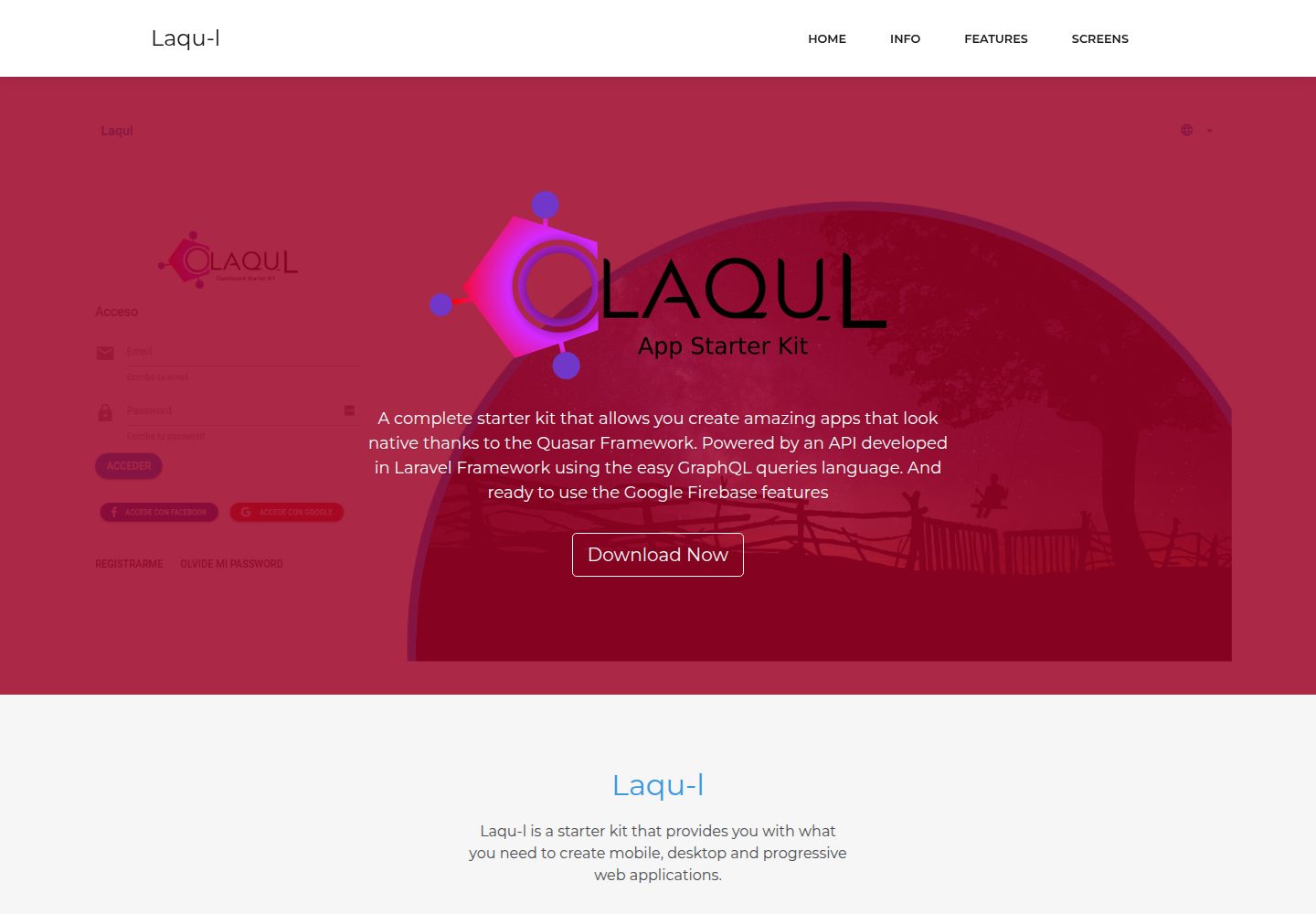
laqul
Laqul is an MIT-licensed Laravel + GraphQL + Quasar full-stack starter kit for backend/admin projects. It separates a Laravel GraphQL API, a Quasar dashboard client buildable as SPA, PWA, desktop, or mobile app, and a client-backend PHP relay for OAUTH2 credentials.
Laravel · Admin dashboard
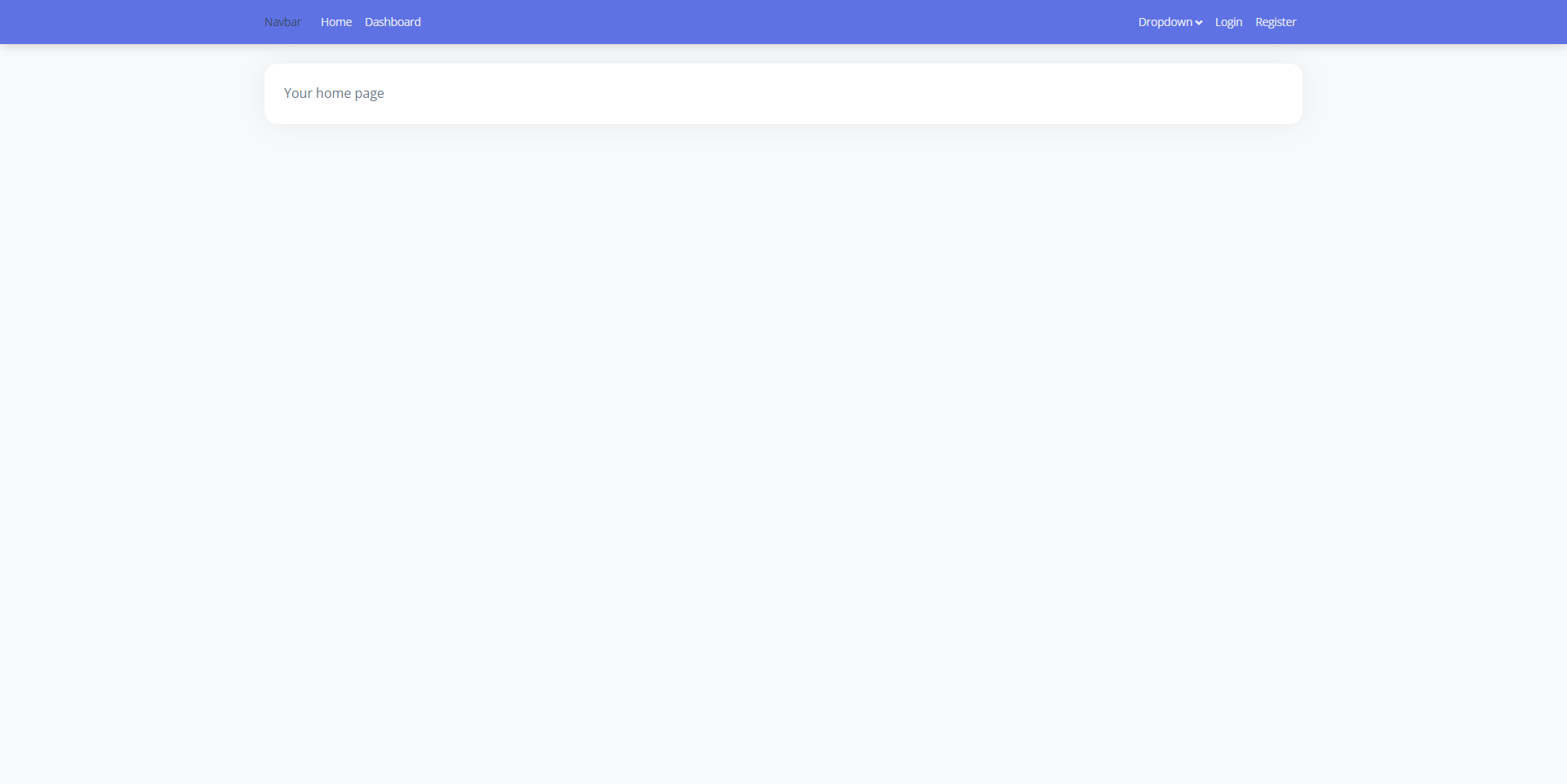
laravel9-inertiajs-reactjs-starter
A Laravel 9 + Inertia.js + React admin starter with Guest, Base, and Auth layouts, login, registration, Google login, user management, and profile pages, styled with Bootstrap 5 and Argon Dashboard 2. Activity Log and Roles and Permissions are not yet implemented.
Laravel · Admin dashboard
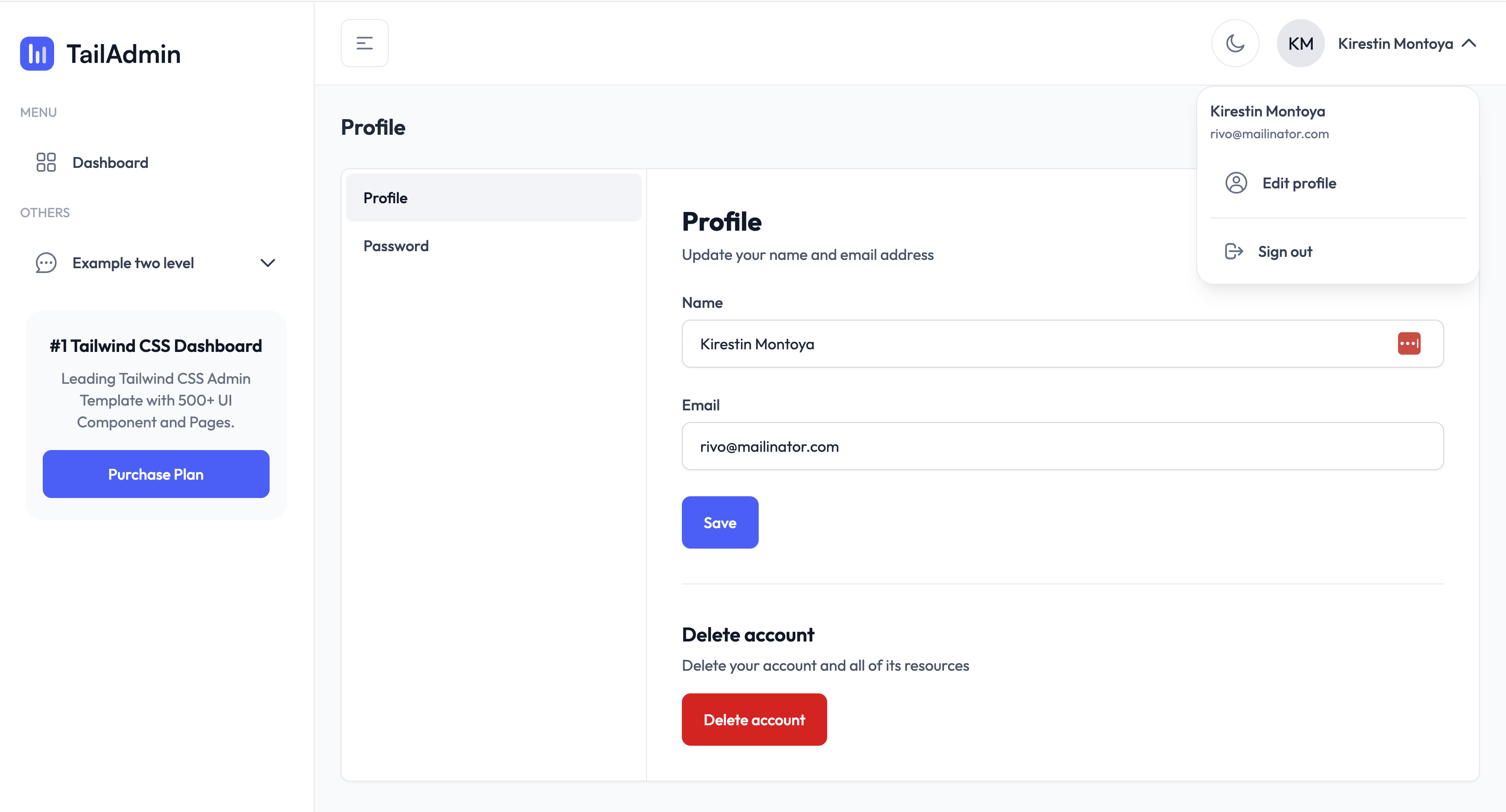
TailAdmin-Laravel-Starter-Kit
A Laravel admin starter maintained by LaravelDaily that merges LaravelDaily/starter-kit with TailAdmin Laravel free dashboard components.
Laravel · Admin dashboard
laravel-sentinel-crud-starter
A Laravel admin starter project that combines Cartalyst Sentinel authentication with user, role, and permission management, plus an Artisan command-driven CRUD generator. It includes user, role, permission assignment, and dashboard pages, a Datatables Bundle, and optional Gentelella Dashboard styling.
Laravel · Admin dashboard