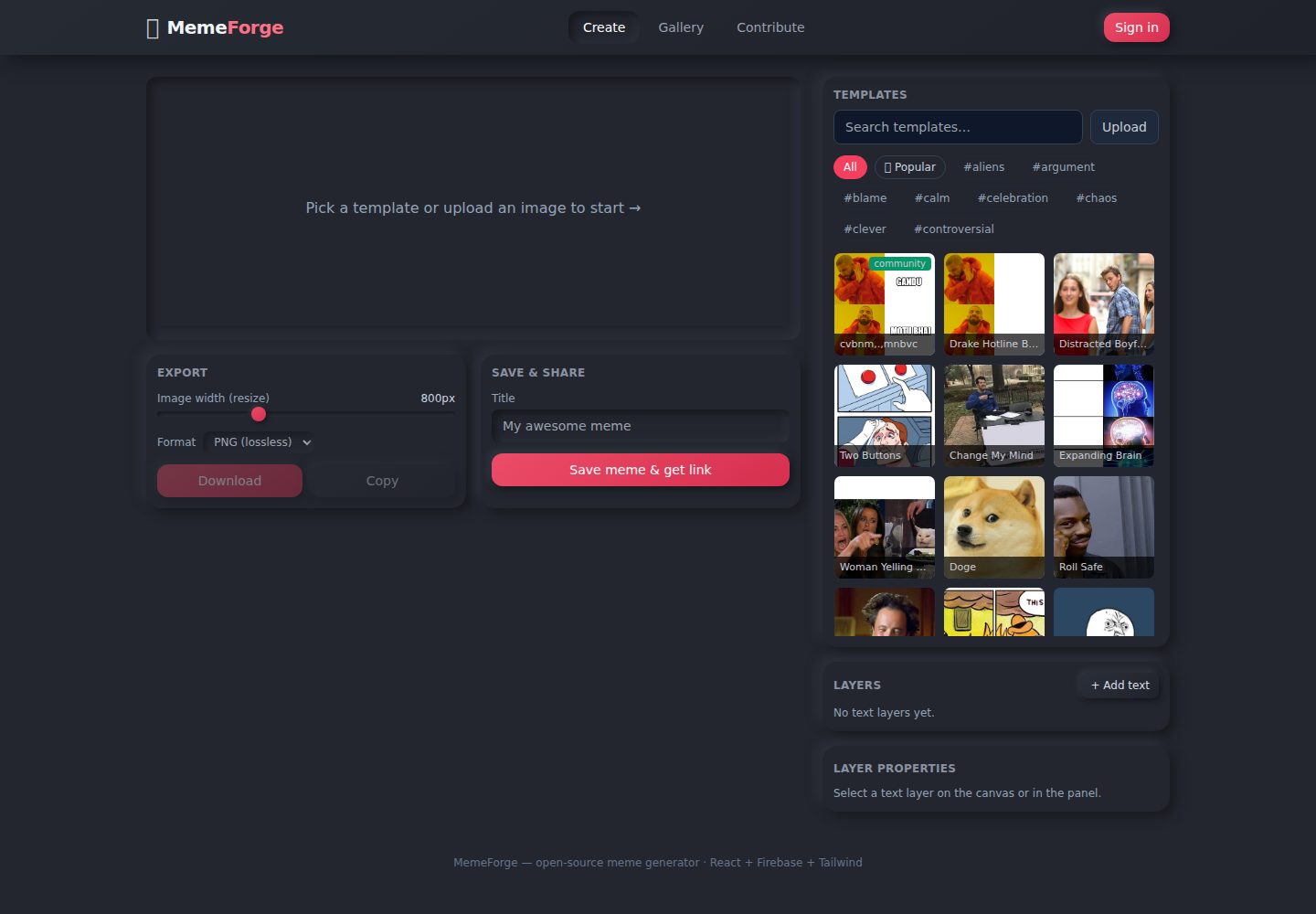
14 built-in popular templates, custom image upload support, and real-time search and filtering by name/tag
ViteReactTool Site
meme-generator — Vite Tool Template
By trippusultan
MemeForge is an open-source meme generator based on React and Firebase, supporting template selection, free-text layer editing, export, and link sharing. When Firebase is not configured, it runs in a local demo mode.
Explore the design
Compare the page layouts and mobile experience. Open any screenshot for a closer look.
Desktop homepage1 / 2
Desktop captureTop of page
Actual screenshot captured by the server browser.
All pages & views 2
Screenshots show visual appearance; interactive behavior may differ.
Recorded 2026-10-17View source
What stands out
A quick read of the recorded project description.
Text layers can be freely dragged, scaled, reordered, shown/hidden, and deleted; each layer can independently set font, color, stroke, size, and alignment
Export supports 200–2000px width and PNG/JPEG formats, with download or copy to clipboard
With Firebase configured, memes can be uploaded to Storage and #/m/<id> share links generated; without configuration, it automatically uses IndexedDB local demo mode
A Contribute tab allows submitting new templates, which are stored in Firestore and appear in the selector
Template Details
MemeForge is an open-source meme generator offering 14 built-in templates and custom image uploads. Users can add freely draggable text layers on the canvas, adjust font, color, stroke, size, and alignment, and reorder, show/hide, or delete layers. Export options include 200–2000px width and PNG/JPEG formats, with download and copy-to-clipboard support. The sharing feature relies on Firebase Storage and Firestore to upload rendered images and generate #/m/<id> links; when Firebase is not configured, the app automatically enters a local demo mode using IndexedDB and data URL storage, suitable for development and demos. The README explicitly states that the built-in security rules allow unauthenticated writes and are suitable only for demos; before public deployment, Firebase Auth should be added and the rules tightened.
ViteReactUtility site
Is it right for your project?
Use Cases
- Quickly creating memes with custom text and exporting them as images
- Developing and demonstrating meme editing features in a local environment without Firebase configuration
- Sending generated memes to others via share links
- Community users submitting new templates to expand the template library
Suitable For
- General users who need a lightweight meme creation tool
- Developers learning HTML5 Canvas image manipulation and Firebase integration
- Teams that want to self-host a meme generator and accept open-source contributions
Getting started & customization
Use these recorded setup notes alongside the repository instructions for your chosen version.
- 1
Run npm install and npm run dev to start the local development server; no Firebase configuration is required
- 2
To enable cloud sharing, fill in the Firebase Web API Key in .env.local and enable Storage and Firestore in the Firebase console
- 3
It is recommended to deploy the repository's firestore.rules and storage.rules using the Firebase CLI, or manually paste them into the console rules editor
- 4
The built-in security rules allow unauthenticated writes and are suitable only for demos; before public deployment, add Firebase Auth and modify the rules to require authentication
License & source material
Usage conditions & limitations
Free to use · keep license noticeThis listing covers the free version under the MIT license in the public repository; the free scope is the code of this version and does not imply that external services or third-party assets are free.
Must comply with when using
- Free use, modification, commercial use, and distribution of this version's code are permitted.
- When distributing copies or substantial portions of the code, retain the original author's copyright notice and the complete MIT license notice.
- The code is provided as-is; warranties and limitations of liability are governed by the original license and applicable law.
Additional costs & items to verify
- The README mentions Firebase integration; before enabling related dynamic features, you must configure it yourself and check Firebase quotas and billing.
- Demo images, fonts, icons, and other third-party assets must be checked against their respective licenses and cannot be judged solely by the code's MIT license.
- External services such as domains, hosting, databases, payments, or AI may incur separate charges.
- The built-in security rules allow unauthenticated writes; the README explicitly states they are suitable only for demos, and before public deployment, Firebase Auth should be added and the rules tightened.
- The link sharing feature relies on Firebase Storage and Firestore to upload rendered images; Firebase must be configured to share across users.
- To enable cloud sharing, fill in the Firebase Web API Key in .env.local and enable the Storage and Firestore services.
- Built-in templates use Imgflip CDN images, and exports handle CORS through a proxy; the licenses of these external image resources must be verified independently.
View Original Text Basis
Permission is hereby granted, free of charge
Original License Text
> **Security note:** The bundled rules allow **open (unauthenticated) writes**
Original README
- **Save & share with links** — rendered memes upload to Firebase Storage and
Original README
2. Copy `apiKey` and replace `PASTE_API_KEY_HERE` in `.env.local`:
Original README
https://github.com/trippusultan/meme-generator/blob/main/LICENSEhttps://github.com/trippusultan/meme-generator/blob/main/README.md`src/data/templates.js` (Imgflip CDN URLs are auto-proxied for CORS-safe
Original README
Compiled by DeepSeek based on repository license and README ·2026-10-17. Results only cover the materials read; dependencies, images, fonts, and subsequent term changes are subject to their respective original texts.
Project checks & description sources
Template Information
- Source platforms
- GitHub
- Documentation and maintenance reference score
- More documented · 88 / 100
- Technologies
- Vite · React
- Website type
- Tool Site
How this score is calculated
Our heuristic uses license records (up to 30), a demo link (12), a preview (10), stars (15), recorded maintenance (15), description completeness (8), feature records (5) and classification data (5). It is not a code, security or performance test, or a Google score. A link does not establish tested functionality.
What to verify for this project
- Repository update recorded
- 2026-07-18
- Screenshot last checked
- 2026-10-17
A demo link is listed. Check it with your own content and viewport sizes; its presence does not confirm that forms, authentication or payments work.
The catalog identifies Vite as the primary stack. Check the actual dependency manifest and lockfile for versions and hosting requirements. These notes use recorded metadata, not a code audit or a deployment test.
Use a selection guide →How this description was prepared
AI-assisted description based on catalog records and repository material. Repository authors are not automatically the reviewers of this description.
Review declaration: codex-user-requested-batch-review-20261018 · 2026-10-18
Inspect the recorded source material
SHA-256: 865363e2fcffeb79b08e40d2e7549a90255f7dd686da8a72e5f52d34f248a255
2026-10-17T21:52:36.246Z
Source file / repository# 🔥 MemeForge — Meme Generator with Templates
A friendly, open-source meme generator. Pick a template (or upload your own),
add **free Photoshop-style text layers** you can drag anywhere, resize with a
handle, restyle, then **save & share** via a link.
**Tech stack:** React 18 · Firebase (Storage + Firestore) · Tailwind CSS · Vite
---
## ✨ Features
- **Template selection & custom images** — 14 popular built-in templates
(Drake, Distracted Boyfriend, Expanding Brain, …) plus your own uploads.
- **Photoshop-style text layers** — drag any text anywhere on the canvas,
drag the pink handle to resize, click to select. Add/reorder/show-hide/delete
layers, each with its own font, color, outline, size, alignment, and ALL-CAPS.
- **Image resizing & formatting** — export at any width (200–2000 px) as PNG or
JPEG, with one-click download and clipboard copy.
- **Save & share with links** — rendered memes upload to Firebase Storage and
get a shareable URL (`#/m/<id>`) that opens a clean viewer for anyone.
- **Search & filter templates** — live search by name/tag, plus “Popular” and
tag-chip filters.
- **Open-source contributions** — users can **submit new templates** from the
Contribute tab; they're stored in Firestore and appear in the picker.
- **Works offline/local** — with no Firebase config the app runs in **local
demo mode** (IndexedDB + data URLs), so it's fully usable for development and
demos. Add Firebase for real cloud storage & cross-user sharing.
---
## 🚀 Quick start
```bash
npm install
npm run dev
# open the printed http://localhost:5173
```
No Firebase setup needed for local/demo use.
### Build for production
```bash
npm run build # outputs to dist/
npm run preview # serves dist/ on http://localhost:4173
```
---
## ☁️ Enable Firebase (already configured for "memegen")
This project's web app **MemeForge** is already registered in the
**memegen** project (project ID `memegen-7b3d4`). To turn on real cloud
sharing you only need two things:
### 1. Paste your API key
The other config values are already written into `.env.local`. You just need
to paste the web API key:
1. Firebase Console → **Project settings** → **Your apps** → **MemeForge** →
SDK setup (`firebaseConfig`).
2. Copy `apiKey` and replace `PASTE_API_KEY_HERE` in `.env.local`:
```
VITE_FIREBASE_API_KEY=AIza...your_key
```
(Firebase web API keys are **not secret** — access is controlled by the
security rules below, not by hiding this key.)
### 2. Enable the two services
In the Firebase console, for the **memegen** project:
- **Storage** → Get started (default bucket `memegen-7b3d4.appspot.com`,
lock access to authed/validated — but this app writes unauthenticated, so
keep the bundled `storage.rules` which allows validated writes).
- **Firestore Database** → Create database (production mode) → publish the
bundled `firestore.rules`.
### 3. Deploy the rules (optional, recommended)
If you have the Firebase CLI:
```bash
npm install -g firebase-tools
firebase login
firebase use memegen-7b3d4
firebase deploy --only firestore:rules,storage
```
The rule files (`firestore.rules`, `storage.rules`) are already in the repo.
Without the CLI, you can paste them into the console's Rules editor instead.
### 4. Restart and verify
```bash
npm run dev
```
The "Local demo mode" banner should disappear and saving a meme returns a
real `#/m/<id>` link that works on any device.
> **Security note:** The bundled rules allow **open (unauthenticated) writes**
> so the app works with no login. This is fine for a demo but is abuseable.
> Before real public deployment, add **Firebase Auth** and require it in the
> rules (see `firestore.rules` / `storage.rules` comments).
---
## 🗂️ Project structure
```
meme-generator/
├─ index.html
├─ vite.config.js
├─ tailwind.config.js
├─ postcss.config.js
├─ firebase.json # points at firestore.rules / storage.rules
├─ firestore.rules # memes + templates collections
├─ storage.rules # memes/<id>.png images
├─ .env.example
├─ .env.local # your Firebase keys (gitignored)
├─ public/favicon.svg
└─ src/
├─ main.jsx
├─ App.jsx # layout, tabs, hash routing for share links
├─ index.css # Tailwind + neumorphism theme
├─ firebase.js # Firebase init (graceful null if unconfigured)
├─ data/templates.js # built-in template library + search/filter
├─ lib/
│ ├─ utils.js # uid, slugify, formatDate, clamp
│ ├─ storage.js # Firebase + IndexedDB fallback (unified API)
│ └─ renderMeme.js # canvas draw, free-layer text-wrap, export
└─ components/
├─ MemeCanvas.jsx # interactive canvas: select/move/resize layers
├─ TemplatePicker.jsx # search, filters, upload, community templates
├─ LayersPanel.jsx # add/select/reorder/show/delete + properties
├─ ExportControls.jsx # resize width, format, download, copy
├─ ShareControls.jsx # save + shareable link
├─ Gallery.jsx # recent memes
├─ ContributeForm.jsx # submit a new template
└─ MemeViewer.jsx # standalone share-link viewer
```
---
## 🧠 Learning path covered
- **Image manipulation** — HTML5 Canvas: drawing, text wrapping, outlines,
drag-to-position, scaling for export.
- **Firebase storage** — uploading data URLs to Storage, metadata in Firestore,
with a robust local (IndexedDB) fallback when unconfigured.
- **User interaction** — live layer editing, sliders, search/filter, drag
gestures, clipboard & download.
---
## 🤝 Contributing
Open-source contributions are welcome:
- **Add new templates** — submit via the Contribute tab, or add an entry to
`src/data/templates.js` (Imgflip CDN URLs are auto-proxied for CORS-safe
export).
- **Improve sharing** — add Firebase Auth, nicer share pages, or OG meta tags.
- **Advanced text editing** — rotation, per-line control, font uploads, etc.
1. Fork & clone.
2. `npm install && npm run dev`.
3. Make your change, open a PR.
---
## 📄 License
MIT — do what you like, just keep the memes funny.
Explore similar templates
Compare previews and descriptions within the same stack and category.

vituum
Vituum is a static site generator for Vite, provided as a Vite plugin. It integrates template engines into Vite for rapid prototyping and static page development such as email templates.
Vite · Tool Site

tropical
Tropical is a Vite-based static site template for HTML-first sites with client-side JS islands where interactivity is needed. It supports React components, includes dev, build, stories, page, and component scripts, outputs builds to dist/static, and is MIT licensed.
Vite · Tool Site
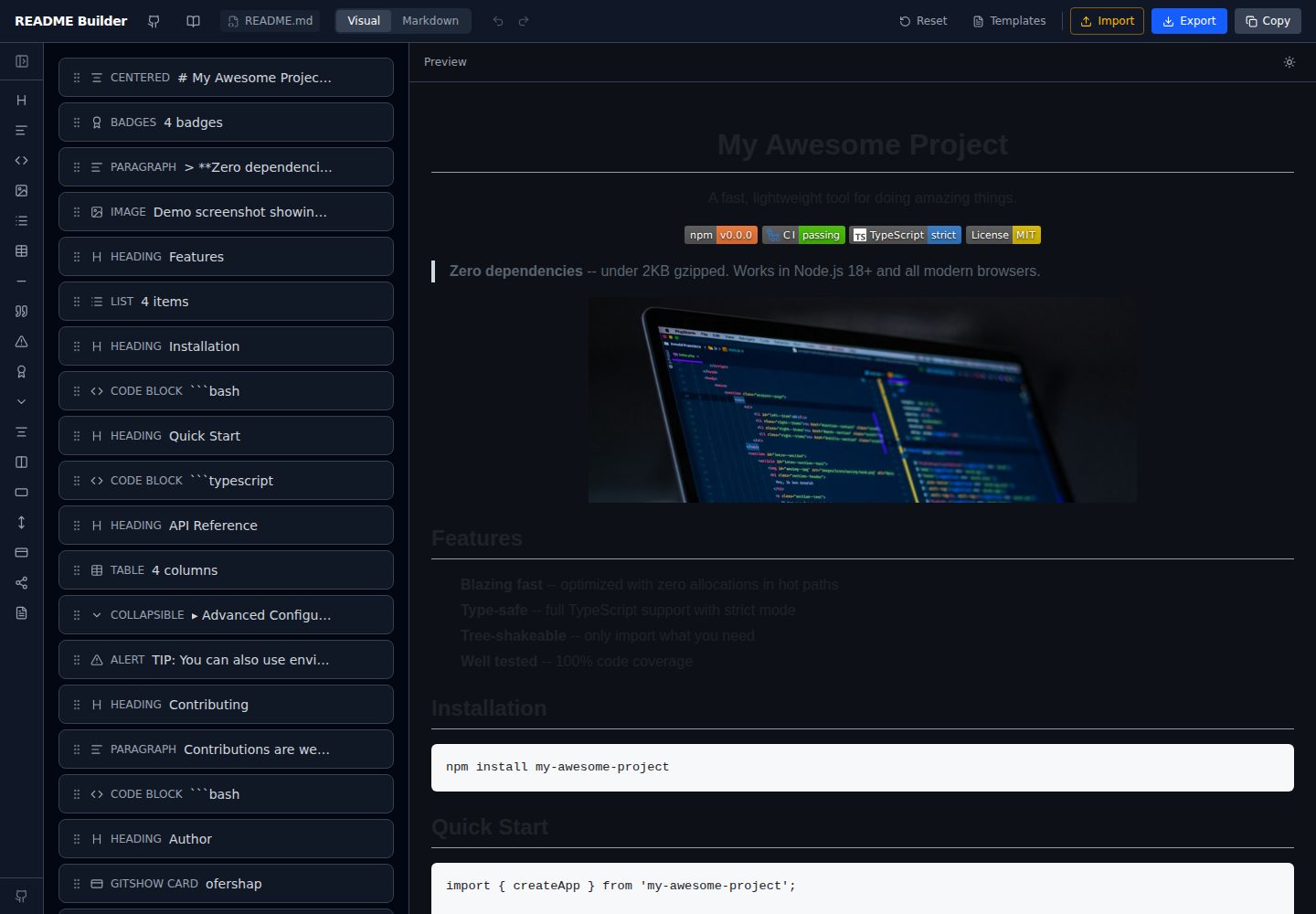
readme-builder
A purely front-end README visual editor built on Vite and React. It generates GitHub-flavored Markdown by dragging blocks, with live preview, four templates, badge editing, Markdown import/export, undo/redo, and localStorage autosave.
Vite · Tool Site
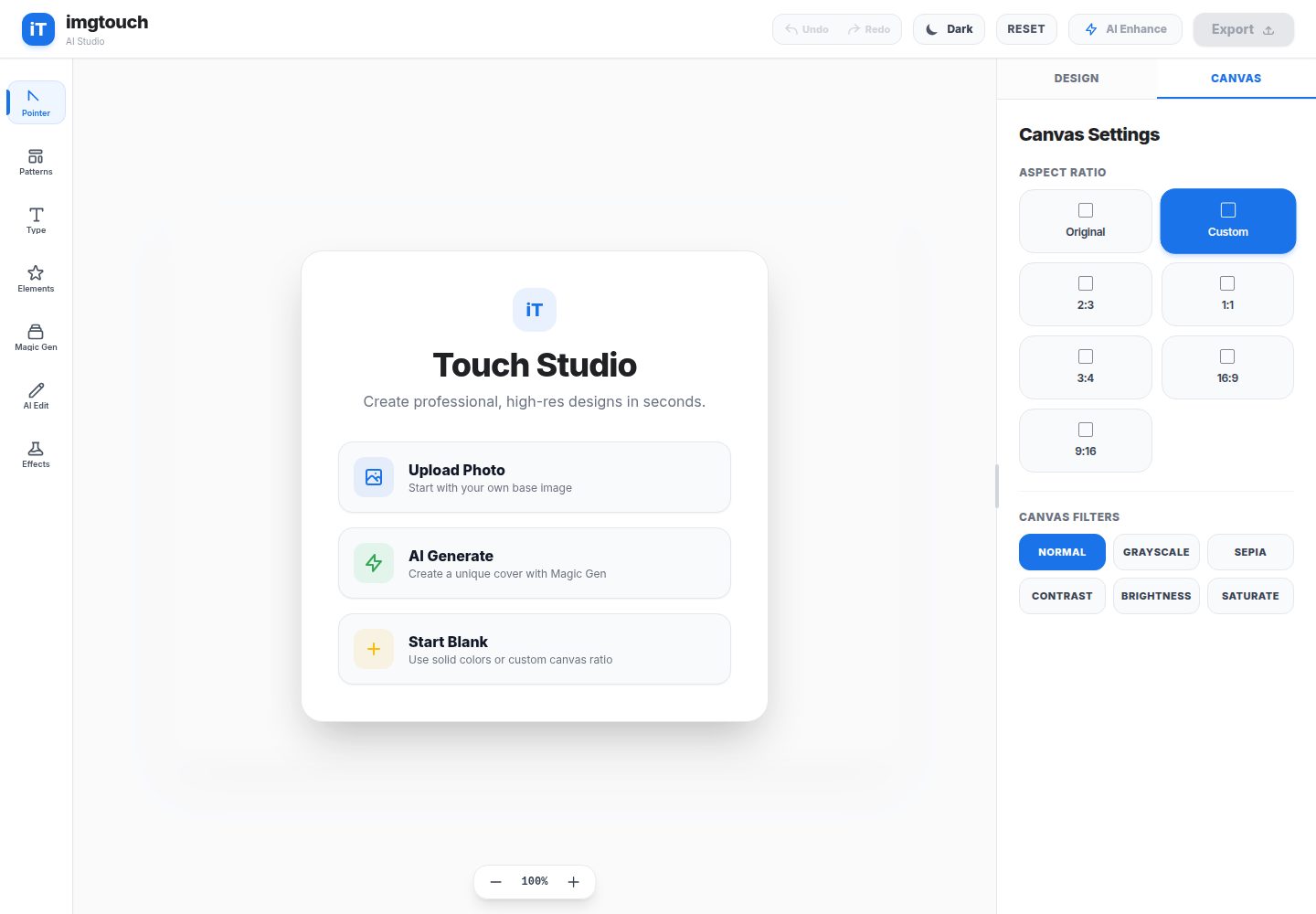
imgtouch
ImgTouch is an AI creative studio powered by Google Gemini 2.5, combining text-to-image generation, natural-language image editing, and super-resolution enhancement with canvas-based layer editing, design templates, and custom typography.
Vite · Tool Site
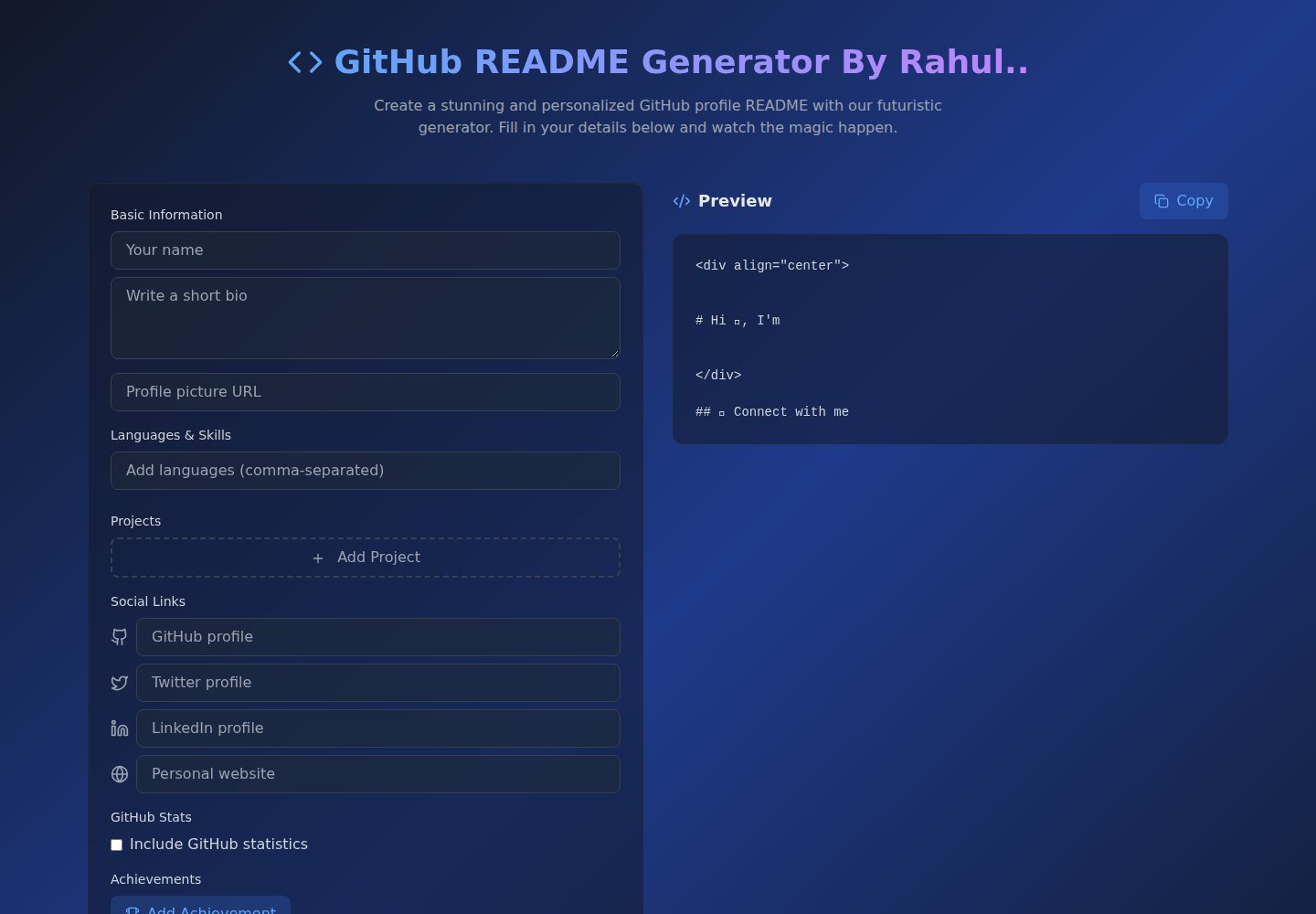
Github-Readme-Generator
A React and TypeScript web tool for generating GitHub project READMEs, with template selection, real-time Markdown preview, dark/light mode, responsive design, and export to multiple formats.
Vite · Documentation
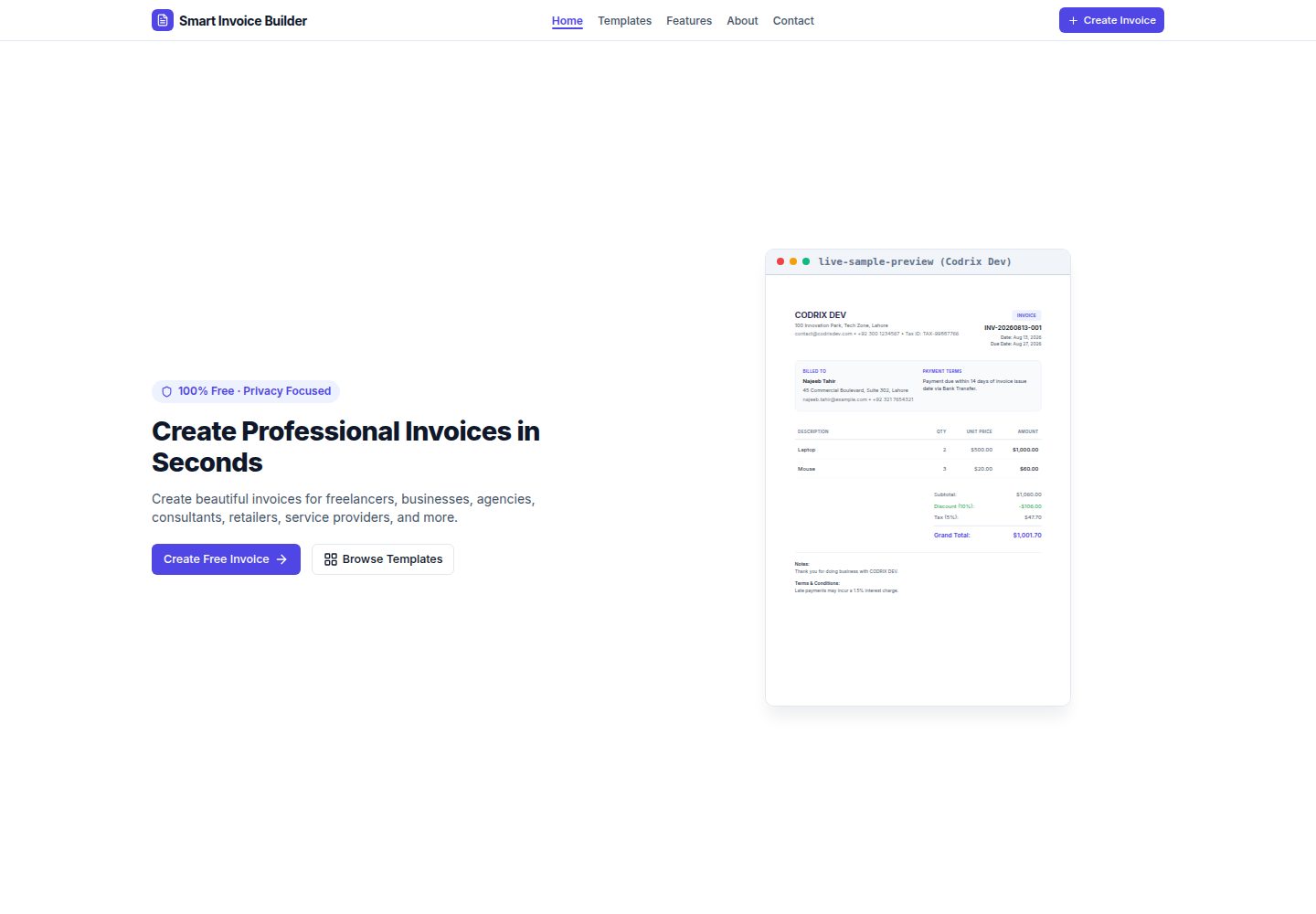
Smart-Invoice-Builder
Smart Invoice Builder is a local-first invoice generator built with React 18, TypeScript, and Vite.
Vite · Tool Site