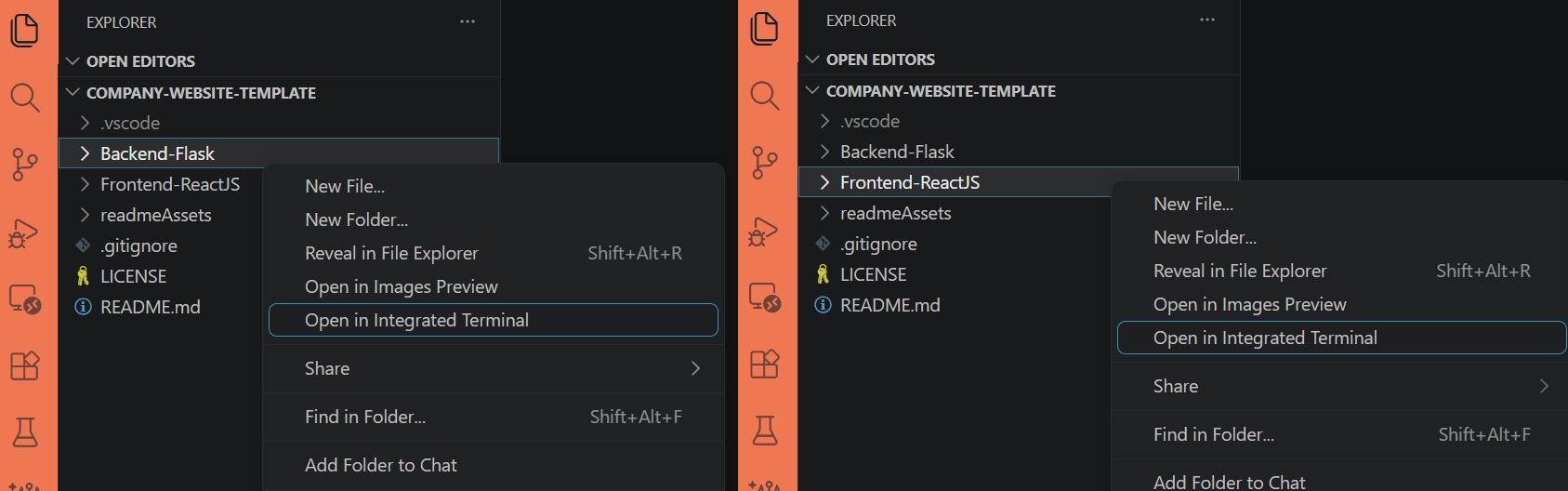
Monorepo structure with separated frontend and backend, Frontend-ReactJS and Backend-Flask are independent and each has separate documentation
FlaskViteReactStarter
company-website-template — Flask Starter Template
By bgtti
A full-stack corporate website template based on Flask and React/Vite, including page skeletons for home, services, and contact form, with separated frontend and backend and accompanying documentation.
Explore the design
Compare the page layouts and mobile experience. Open any screenshot for a closer look.
Author preview
Author-provided preview
Preview provided in the project README.
One original preview is available. Open the full image to inspect the design.
Screenshots show visual appearance; interactive behavior may differ.
Recorded 2026-10-02View source
What stands out
A quick read of the recorded project description.
Built-in page skeletons for home, about, services/portfolio, contact, privacy policy, legal notice, and 404
Contact form email forwarding handled by Flask-Mail, with Json Schema for input validation
Rate limiting implemented using Flask-limiter with Redis
Frontend uses React Router, Redux Toolkit, Axios, and PropTypes, with native CSS and mobile-first styling
Code uses the Unlicense, allowing copying, modification, and distribution including commercial use
Template Details
This is a corporate website starter template with separated frontend and backend. The repository is divided into two independent applications: Frontend-ReactJS and Backend-Flask, each with its own readme documentation. The frontend uses React Router for client-side routing, Redux Toolkit for state management, Axios for requests, and PropTypes for property validation. Styling is done with native CSS and built mobile-first. The backend is based on Flask, using Flask-Mail to forward contact form emails, Json Schema for validation, and Flask-limiter with Redis for rate limiting. The template provides basic structures and placeholder content for home, about, services/portfolio, contact, privacy policy, Impressum/legal notice, and 404 pages. Its positioning is to serve as a starting point for other Flask + React projects.
There are several usage limitations to note. Email sending from the contact form is actively short-circuited by the frontend code by default. You need to follow the README instructions to remove the code segment in contactSubmission.js that returns a simulated success, and configure the email credentials in the backend .env before it will actually call the backend. Rate limiting depends on Redis, so you need to prepare a working instance yourself. The README explicitly states that this is a first draft of the author's personal project. Before use, you should adjust the .env and configuration data for both frontend and backend, and replace placeholder text and images.
Regarding licensing, the code uses the Unlicense, allowing copying, modification, publication, sale, and distribution, including commercial use. However, third-party assets such as demo images, fonts, and icons need to be checked separately for their licenses. External services such as domain, hosting, and database may also incur costs.
FlaskViteReactStarter
Is it right for your project?
Use Cases
- Need a starting point for a corporate showcase website with a contact form, and want frontend and backend code managed in separate repositories
- Quickly build a multi-page site skeleton under the Flask + React stack, then replace with your own content
- Use as a reference project for learning frontend-backend separation, form email forwarding, and rate limiting configuration
- Set up a demo site that can receive form submissions, provided you already have Redis and an email service
Suitable For
- Developers familiar with React and Flask who want to adjust configurations themselves
- Small teams or individuals who need a basic page structure for a corporate website and plan to do secondary development
- Users who can prepare Redis and email sending credentials themselves
Getting started & customization
Use these recorded setup notes alongside the repository instructions for your chosen version.
- 1
Install dependencies separately in Backend-Flask and Frontend-ReactJS: for the backend, create a virtual environment and run pip install -r requirements.txt; for the frontend, run npm install
- 2
Create a .env in the Backend-Flask root directory, referring to .env.example to fill in email credentials
- 3
Run the backend with python run.py, and the frontend with npm run dev
- 4
To test email sending, you need to remove the code segment in Frontend-ReactJS/src/api/handlers/contactSubmission.js that returns a simulated success response; otherwise the frontend will not actually request the backend
- 5
Before use, replace placeholder text and images, and check the licenses of demo assets; the rate limiting feature requires a working Redis instance
License & source material
Usage conditions & limitations
Free to use · keep license noticeThis entry covers the free version in the public repository under the Unlicense; the free scope is the code of this version and does not mean external services or third-party assets are free.
Must comply with when using
- You are allowed to freely copy, modify, publish, use, compile, sell, and distribute the code of this version, including for commercial purposes.
- The author waives related copyright through a public domain dedication; the legal effect of this dedication depends on the applicable jurisdiction.
- The code is provided as is; warranties and limitations of liability are governed by the original license and applicable law.
Additional costs & items to verify
- The contact form email function is short-circuited by the frontend code by default. You need to follow the README instructions to remove the code segment in contactSubmission.js that returns a simulated success, and configure the backend .env email credentials before it will actually call the backend to send emails.
- The rate limiting feature depends on Redis. You need to prepare a working Redis instance before use; otherwise the related rate limiting capability will not work properly.
- Before use, you must adjust the .env and configuration data for both frontend and backend, and replace placeholder text and images. The template itself is only a starting skeleton.
- Demo images, fonts, icons, and other third-party assets need to be checked according to their respective licenses; you cannot judge solely based on the code's Unlicense.
- External services such as domain, hosting, database, payment, or AI may incur additional charges.
View Original Text Basis
for any purpose, commercial or non-commercial, and by any means
Original License Text
To test the email feature, you should first enable requests from the front end's API handler.
Original README
Redis – to be used with rate -limiter
Original README
https://github.com/bgtti/company-website-template/blob/main/LICENSEhttps://github.com/bgtti/company-website-template/blob/main/README.mdBe certain to adapt the .env files and configuration data in both backend and front end prior to using.
Original README
Compiled by DeepSeek based on repository license and README ·2026-10-02. Results only cover the materials read; dependencies, images, fonts, and subsequent term changes are subject to their respective original texts.
Project checks & description sources
Template Information
- Source platforms
- GitHub
- Documentation and maintenance reference score
- More documented · 76 / 100
- Technologies
- Flask · Vite · React
- Website type
- Starter
How this score is calculated
Our heuristic uses license records (up to 30), a demo link (12), a preview (10), stars (15), recorded maintenance (15), description completeness (8), feature records (5) and classification data (5). It is not a code, security or performance test, or a Google score. A link does not establish tested functionality.
What to verify for this project
- Repository update recorded
- 2026-06-21
- Screenshot last checked
- 2026-10-02
No demo link is recorded. Use the repository instructions to evaluate the project locally; the screenshot alone cannot establish interactive behavior.
The catalog identifies Flask as the primary stack. Check the actual dependency manifest and lockfile for versions and hosting requirements. These notes use recorded metadata, not a code audit or a deployment test.
Use a selection guide →How this description was prepared
AI-assisted description based on catalog records and repository material. Repository authors are not automatically the reviewers of this description.
Automatically checked against source and license rules; no manual editorial review.
Inspect the recorded source material
SHA-256: 36862f400dda447889d499dfb2653e2885d1b01e307e3648a27405ccb6491709
2026-10-02T09:06:21.156Z
Source file / repository<div align="center">
<br>
<h1><b>Fullstack Company Website Template</b></h1>
<strong>Template Website and Contact Form</strong>
</div>
<br>
<table align="center" style="border-collapse:separate;">
<tr>
<td style="background: #344955; border-radius:20px; border: 5px solid transparent"><small>React JS</small></td>
<td style="background: #344955; border-radius:20px"><small>Vite</small></td>
<td style="background: #344955; border-radius:20px"><small>Redux</small></td>
<td style="background: #344955; border-radius:20px"><small>Python Flask</small></td>
<td style="background: #344955; border-radius:20px"><small>Flask Mail</small></td>
<td style="background: #344955; border-radius:20px"><small>Flask Limiter</small></td>
<td style="background: #344955; border-radius:20px"><small>Redis</small></td>
</tr>
</table>
<hr>

<hr>
Live preview: https://bgtti.github.io/company-website-template
<hr>
# Table of Contents
- [Introduction](#introduction)
- [Functionality](#functionality)
- [Tech Stack and Tools](#tech-stack-and-tools)
- [Installation](#installation)
- [Project Structure and Documentation](#project-structure-and-documentation)
- [Frontend-ReactJS](#frontend-reactjs)
- [Backend-Flask](#backend-flask)
- [readmeAssets](#readmeassets)
- [The App](#the-app)
- [About and license](#about-and-license)
<br>
# Introduction
A full-stack boilerplate project featuring homepage, contact form functionality and more. Built with **Flask** and **React.js**.
This monorepo contains separate frontend and backend apps, structured to help you kickstart a fullstack website.
The codebase is clean and modular, with a straightforward folder structure and clear documentation, making it easy to build upon and extend with your own features.
## Fuctionality
This project contains the base functionality and styling for:
- Homepage
- About page
- What We Do / Services / Portfolio page
- Contact page
- Privacy Policy page
- Impressum / Legal page
- 404 Page
## Tech Stack and Tools
**Backend:**
- Flask-Mail – contact form forwarding
- Json Schema – validation
- Flask-limiter – rate-limiter
- Redis – to be used with rate -limiter
**Frontend:**
- React Router – client-side routing
- Redux Toolkit – state management
- Axios – HTTP requests
- PropTypes – prop validation
**Styling:**
Plain CSS (no frameworks), UI built mobile-first.
# Installation
<details>
<summary>1. Clone this repository</summary>
>\
> More information on how to clone this repository [available here](https://docs.github.com/en/repositories/creating-and-managing-repositories/cloning-a-repository)
><br/>
</details>
<details>
<summary>2. Open the Back-end and Front-end terminals</summary>
>\
> If using Visual Studio Code, right-click on each folder and select **Open in Integraded Terminal**.
>
>
>
><br/>
</details>
<details>
<summary>2. Install dependencies</summary>
>\
> Create a virtual environment.
> Next, install the app dependencies for both the Back- and Front-end apps.
>
> **Backend-Flask**
> ```pwsh
>cd Backend-Flask
>python -m venv env
>.\env\Scripts\activate
>pip install -r requirements.txt
>```
> **Frontend-ReactJS**
> ```pwsh
>cd Frontend-ReactJS
>npm install
>```
><br/>
</details>
<details>
<summary>3. Create an env file</summary>
>\
> You can create a .env file in the root of the `Backend-Flask` folder, the content should be similar to that of the `.env.example` file provided. Replace the email credentials as indicated.
>
><br/>
</details>
<details>
<summary>4. Run both apps</summary>
>\
> **Backend-Flask**
> ```pwsh
>python run.py
>```
> **Frontend-ReactJS**
> ```pwsh
>npm run dev
>```
>
>
>
><br/>
</details>
<br/>
<details>
<summary>5. Enable the FE API handler</summary>
>\
>To test the email feature, you should first enable requests from the front end's API handler.
>Navigate to `Frontend-ReactJS/src/api/handlers/contactSubmission.js` and delete the following code:
> ```pwsh
>//DELETE THIS PART BELLOW (BACKEND DE-ACTIVATION)
>return Promise.resolve({
> response: true,
> message: "Message sent successfully."
>});
>//DELETE THIS PART ABOVE (SO EMAIL SENDING CAN WORK)
>```
>
>
>
><br/>
</details>
# Project Structure and Documentation
This repo contains both the front- and back-ends of the application, and each app contains its own documentation (`readme.md` files). From the root directory, apart from the `.gitignore` and `LICENSE`, you will find the following folders:
## Frontend-ReactJS
Contains the front-end part of the application.
You can see detailed information about the front-end app [in it's documentation](Frontend-ReactJS/README.md).
## Backend-Flask
Contains the back-end part of the application.
You can see detailed information about the the server and testing [in it's documentation](Backend-Flask/README.md).
## readmeAssets
Contains the images used in this readme file.
# The app
The apps contains basic website functionality and placeholder text/image thought to be used as a starter template in other Flask + React projects.
Be certain to adapt the .env files and configuration data in both backend and front end prior to using.
# About and license
This is the first draft of an app template in React/Flask.
This is a personal project completed by the author, which you are welcome to use and modify at your discretion.Explore similar templates
Compare previews and descriptions within the same stack and category.
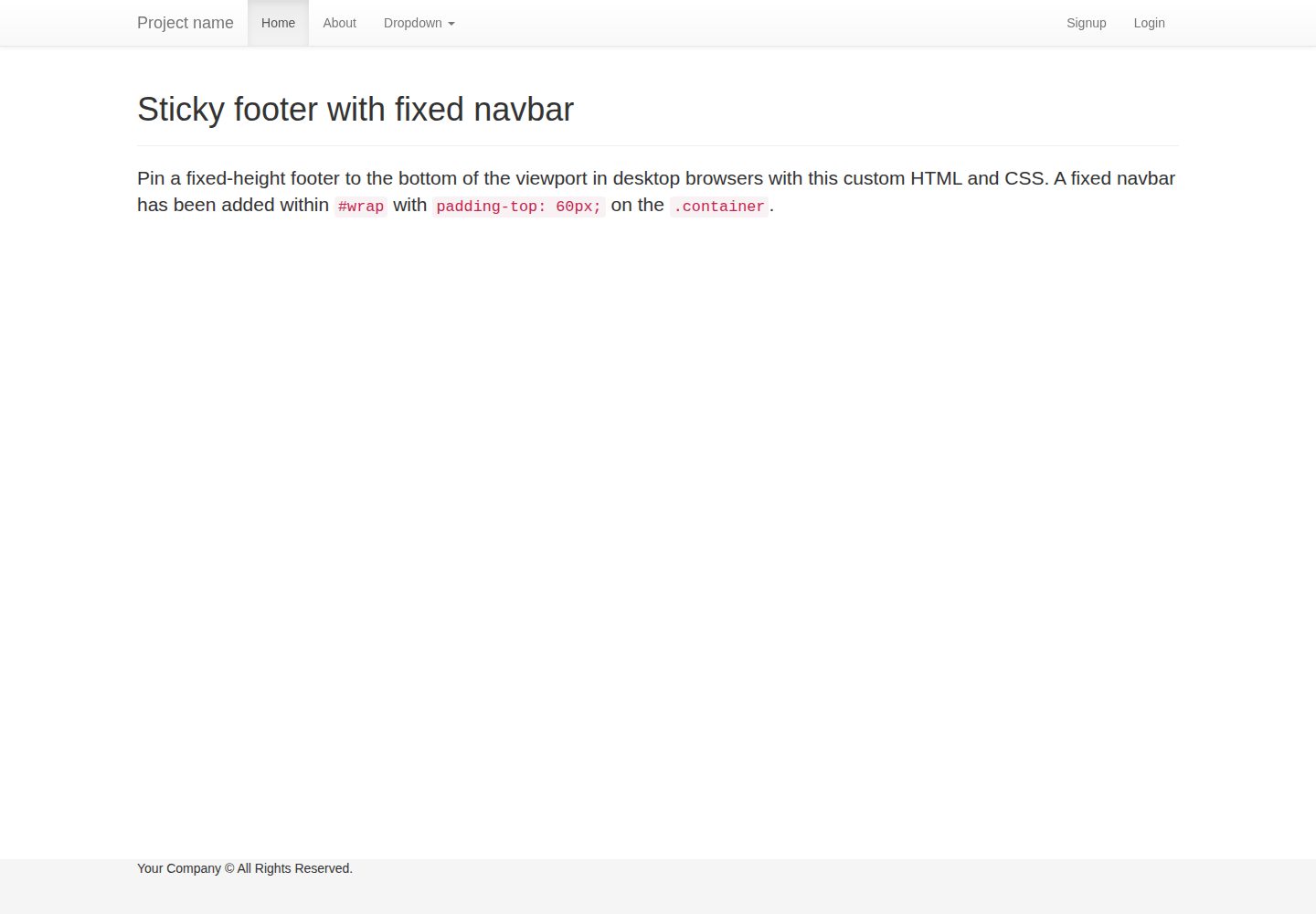
flask-boilerplate
A Flask starter template from Real Python, preconfigured with Flask-SQLAlchemy, Flask-WTF, Fabric, Coverage, and a Bootstrap frontend. It includes organized templates for errors, forms, layouts, and pages, plus static assets and README deployment instructions for Heroku and PythonAnywhere.
Flask · Starter
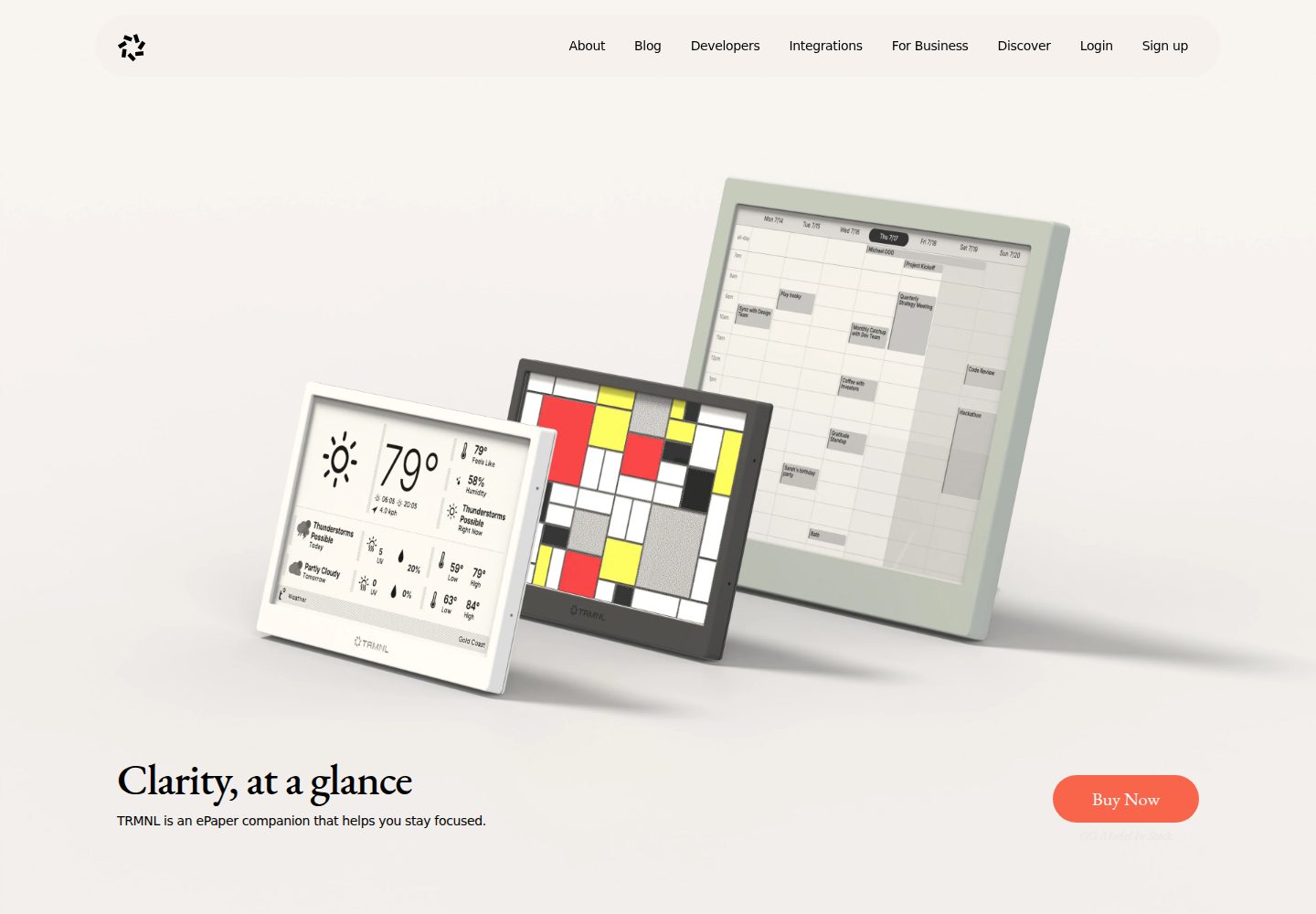
TRMNL-Boilerplate
A Flask starter template for TRMNL e-ink display plugins, offering webhook endpoints with CORS, display generation, caching, configuration management, and pytest tests.
Flask · Starter
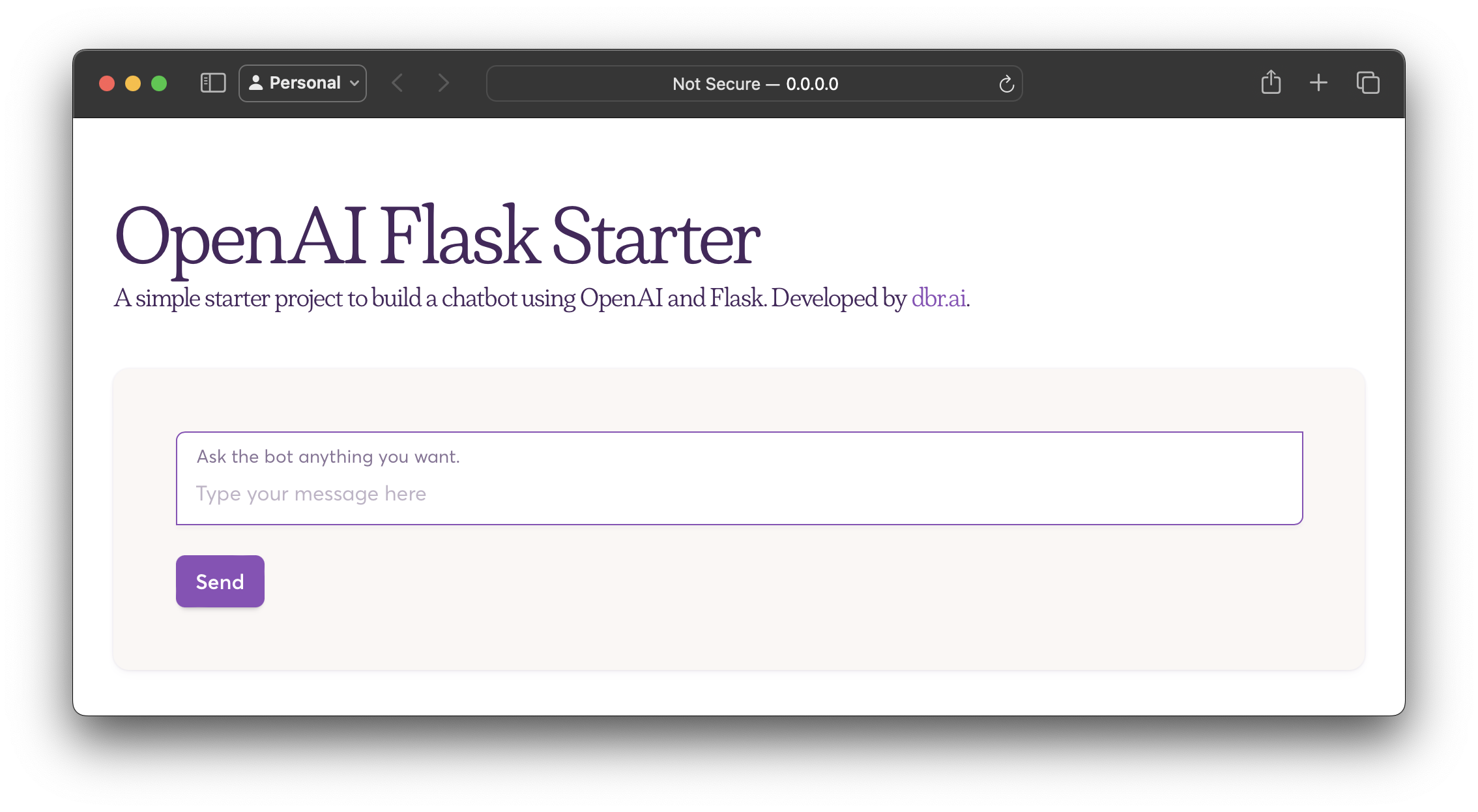
openai-flask-starter
A Flask-based chatbot starter that calls the OpenAI chat completion API, with an HTML interface, .env.sample for the API key and HTTP_PORT, and Dockerfile/docker-compose for containerized runs.
Flask · Starter
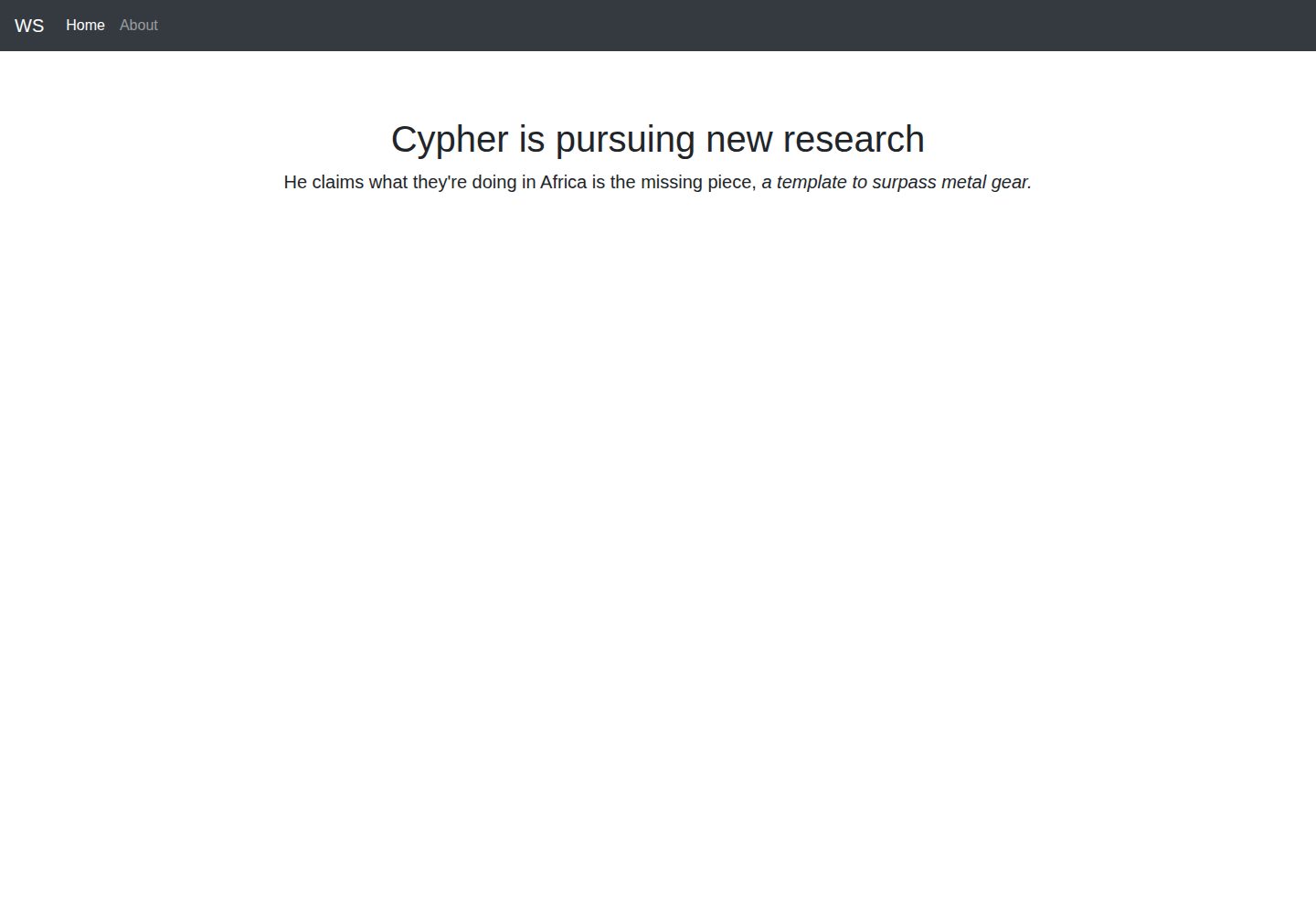
app-engine-starter
A Flask starter template for Google App Engine standard environment, using Python 3, with a Bootstrap page skeleton, Jinja2 semi-automated navigation, pipenv local development, and gcloud deployment instructions.
Flask · Starter
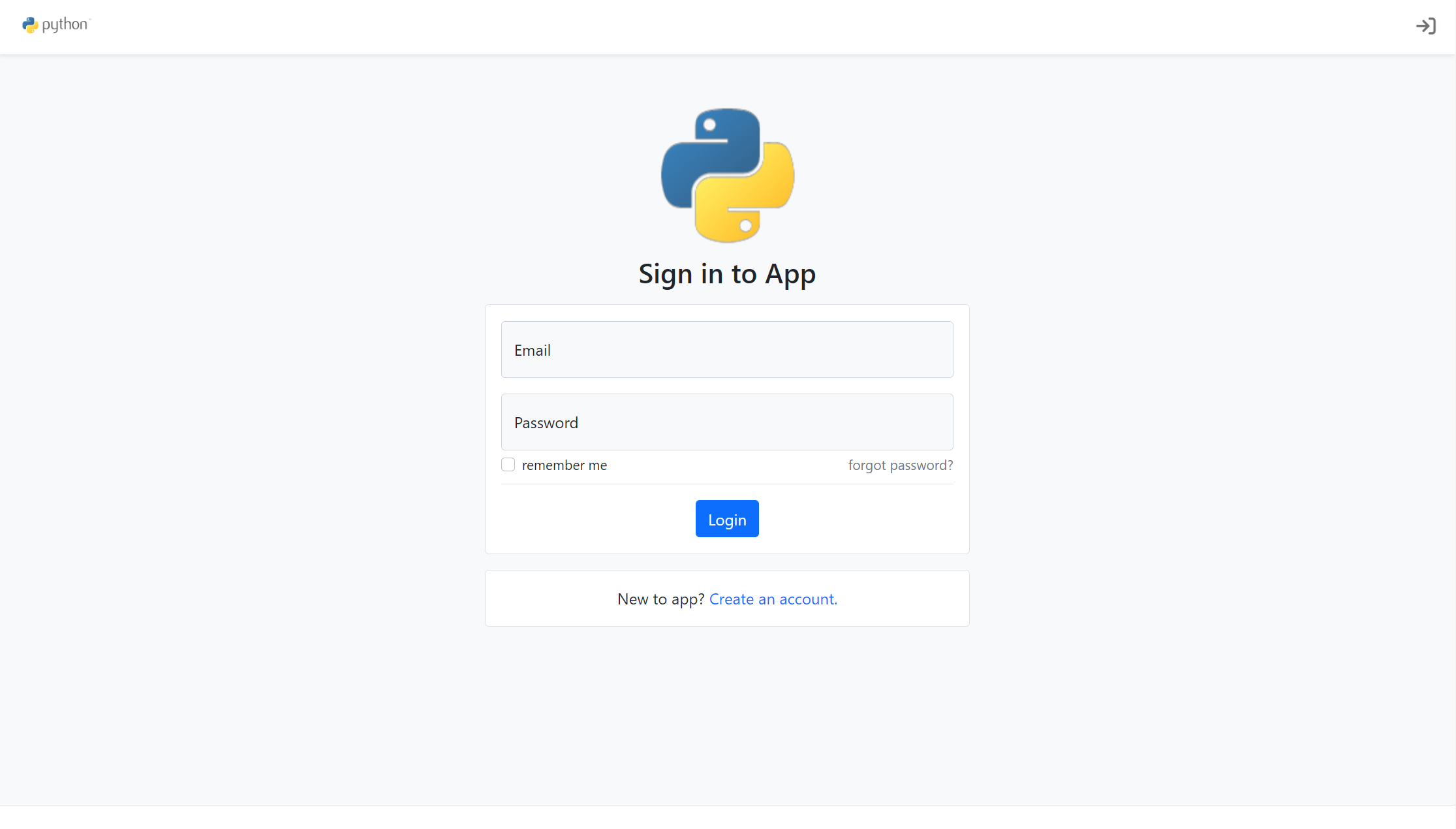
flask-account-starter
A Flask account system starter template using the application factory pattern, with built-in registration, toggleable account verification, password reset, new IP login verification, failed login lockout, activity logs, and automated emails.
Flask · Starter
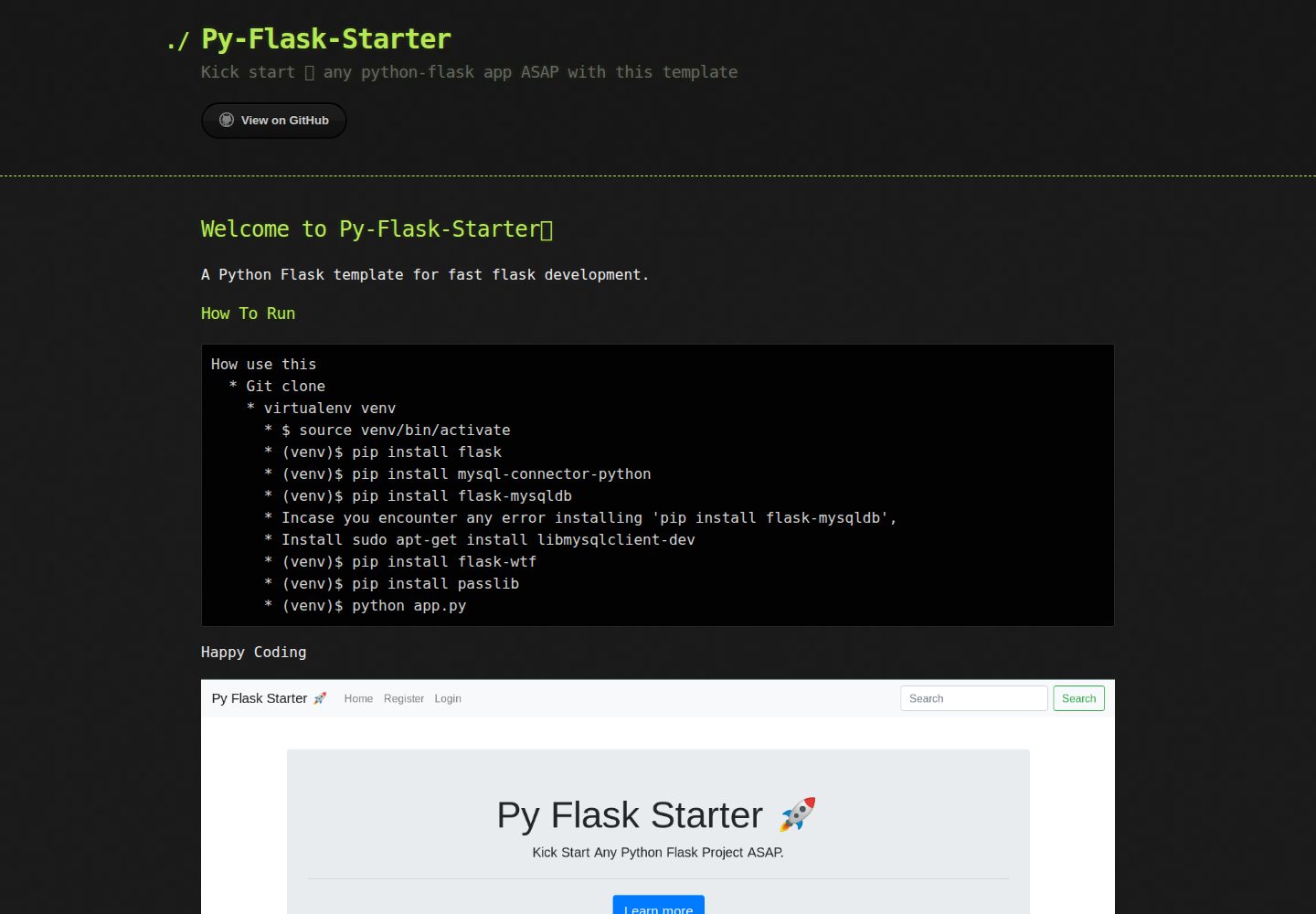
Py-Flask-Starter
Py-Flask-Starter is an MIT-licensed starter template for Python Flask applications, maintained by MartMbithi. The README outlines a virtualenv-based setup and installs flask, mysql-connector-python, flask-mysqldb, flask-wtf, and passlib, indicating MySQL connectivity, WTForms forms, and password hashing as intended needs.
Flask · Starter