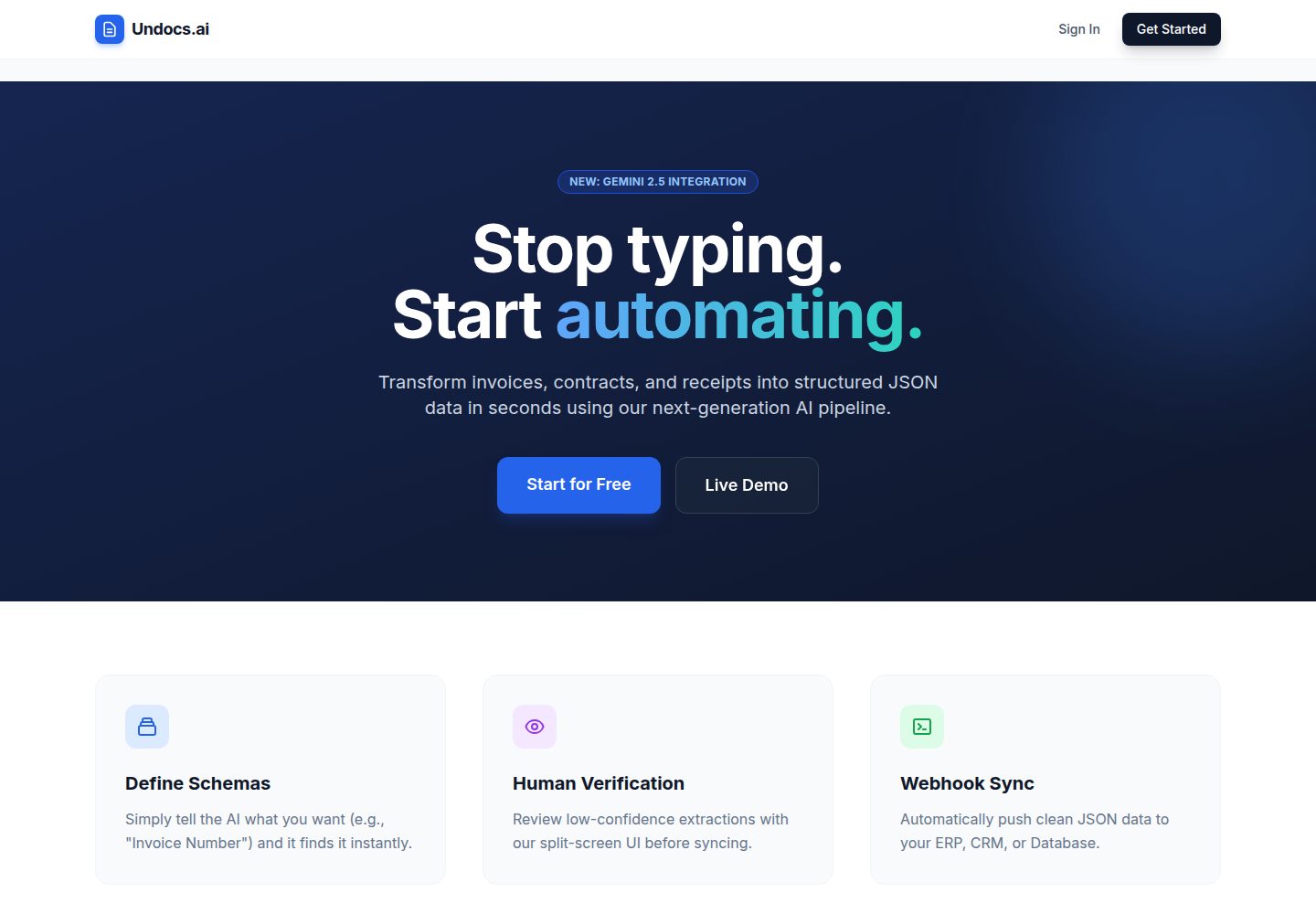
Uses the Google Gemini 2.5 Flash multimodal model to extract data from PDFs and images, supporting nested JSON Schemas and date, number, and boolean type constraints
FlaskDocumentationSaaSStarter
undocs-saas — Flask Documentation Template
By vladyslawwww
Undocs.ai is a Flask-based SaaS template for document data extraction that uses Gemini 2.5 Flash to extract structured data from PDFs and images according to a JSON Schema, and includes multi-tenant workspaces, role-based permissions, Stripe subscriptions, and API access.
Explore the design
Compare the page layouts and mobile experience. Open any screenshot for a closer look.
Desktop homepage1 / 2
Desktop captureTop of page
Actual screenshot captured by the server browser.
All pages & views 2
Screenshots show visual appearance; interactive behavior may differ.
Recorded 2026-10-15View source
What stands out
A quick read of the recorded project description.
Multi-tenant workspace model, supporting joining via invitation codes and four role-based permissions: Owner, Admin, Verifier, and Watcher
Provides a POST /api/ingest endpoint that authenticates with X-API-Key to submit files and schema_name, with results returned via Webhook
Stripe Checkout and Webhooks handle subscriptions and billing, while Resend sends a 6-digit email OTP to complete account activation
Documents are stored in a private Cloudflare R2 bucket and accessed via presigned URLs; background tasks are processed by an Upstash QStash queue with automatic retries
API keys are verified using SHA-256 hashing and stored with AES-256 encryption to support display in the interface; usage is counted by page to limit trials
Template Details
Undocs.ai is a SaaS platform template for document data extraction, positioned in the README as a production-grade application. It extracts data from PDFs and images using the Google Gemini 2.5 Flash multimodal model. Users can define JSON Schemas (supporting nested structures such as arrays and objects, as well as date, number, and boolean types), submit documents via API, and receive results through Webhooks. The platform uses a multi-tenant workspace model, supports joining via invitation codes, and defines four roles: Owner, Admin, Verifier, and Watcher. Subscriptions and billing are handled through Stripe Checkout and Webhooks, and account activation uses a 6-digit email OTP sent by Resend.
Architecturally, the README describes v2.0 as using Upstash QStash for the background task queue and retries, storing documents in a private Cloudflare R2 bucket accessed via presigned URLs, using PostgreSQL on Supabase as the database, and deploying the application on Render. The README mentions using a single-worker Gunicorn with lazy loading to fit within 512MB of memory. API keys are verified using SHA-256 hashing and stored with AES-256 encryption to support display in the interface; usage is counted by page (PyMuPDF) and trials are limited based on identity.
Running locally requires configuring database, Gemini, R2, QStash, Stripe, and Resend credentials in .env yourself. The README provides steps for cloning, installing dependencies, running python app.py, and forwarding Webhooks with the Stripe CLI. The README does not describe the test suite, CI pipeline details, rate limiting, data retention policies, or specific production deployment configurations; these aspects must be evaluated independently.
FlaskDocumentsSaaSStarter
Is it right for your project?
Use Cases
- Teams that need to batch-extract structured fields from PDFs or images such as invoices and forms, and want to constrain the output format with a JSON Schema
- Developers who want to integrate document extraction capabilities into their own scripts or ERP systems via API and receive results through Webhooks
- Document processing teams that need multi-member collaboration and role-based assignment of viewing and verification permissions
- Developers who want to build a document processing SaaS with subscription billing and trial limits based on existing Flask code
Suitable For
- Developers familiar with Python and Flask who can configure Supabase, Cloudflare R2, Upstash, Stripe, Resend, and the Gemini API themselves
- Small and medium-sized teams that need document data extraction and a human-in-the-loop verification process
- Technical teams that want to embed document extraction into existing business processes through API integration
Getting started & customization
Use these recorded setup notes alongside the repository instructions for your chosen version.
- 1
After cloning the repository, create a virtual environment and run pip install -r requirements.txt to install dependencies
- 2
Create .env based on .env.example and fill in SECRET_KEY, DATABASE_URL, BASE_URL, ENV, GEMINI_API_KEY, R2, QSTASH, Stripe, and Resend credentials
- 3
Run python app.py; the application is accessible by default at http://127.0.0.1:5000
- 4
To test payment status updates locally, run stripe login and stripe listen --forward-to localhost:5000/hooks/stripe
- 5
The README does not provide specific commands for running database migrations, nor does it explain how to run the test suite or CI pipeline
License & source material
Usage conditions & limitations
Free to use · keep license noticeThis listing covers the free version of the public repository under the MIT license; the free scope is the code of this version and does not mean that external services or third-party assets are free.
Must comply with when using
- You may use, modify, commercialize, and distribute the code of this version for free.
- When distributing copies or substantial portions of the code, retain the original author's copyright notice and the complete MIT license notice.
- The code is provided as is; warranties and limitations of liability are governed by the original license and applicable law.
Additional costs & items to verify
- Demo images, fonts, icons, and other third-party assets must be checked against their respective licenses and cannot be judged solely by the code's MIT license.
- External services such as domains, hosting, databases, payments, or AI may incur separate charges.
- The online demo's Sandbox tier provides only 10 free AI extractions; beyond that, a paid workspace is required.
- Workspaces are paid: users can create multiple paid workspaces or join an existing workspace via invitation code; after the trial, it becomes an unlimited Pro workspace (subscription required).
- Subscriptions and billing depend on the Stripe payment service, and you must configure a Stripe account and keys yourself.
- Account activation depends on an email OTP sent by Resend, and you must configure the Resend service and API key yourself.
- The AI extraction feature requires you to apply for and configure a GEMINI_API_KEY from Google AI Studio yourself.
- Document storage depends on the Cloudflare R2 service, and you must provide the R2 endpoint, access keys, and bucket yourself.
- The background task queue depends on the Upstash QStash service, and you must configure the QStash URL, token, and signing key yourself.
- The database depends on PostgreSQL on Supabase, and you must provide the DATABASE_URL connection string yourself.
- Email sending depends on the Resend API, and you must configure RESEND_API_KEY and the sender address yourself.
View Original Text Basis
Permission is hereby granted, free of charge
Original License Text
*Try the Sandbox Tier: 10 free AI extractions, no credit card required.*
Original README
* **Workspace Model:** Users can create multiple paid workspaces or join existing ones via invite codes. Identity-based "Sandbox" trial followed by unlimited Pro workspaces.
Original README
* **Stripe Subscriptions:** Async payment processing using Webhooks (Checkout Sessions & lifecycle management).
Original README
* **OTP Verification:** Email-based 6-digit Time-based One-Time Password (TOTP) for account activation.
Original README
GEMINI_API_KEY=your-api-key
Original README
R2_ENDPOINT_URL=https://<id>.r2.cloudflarestorage.com
Original README
QSTASH_URL=...
Original README
DATABASE_URL=your-supabase-connection-string
Original README
https://github.com/vladyslawwww/undocs-saas/blob/develop/LICENSEhttps://github.com/vladyslawwww/undocs-saas/blob/develop/README.mdRESEND_API_KEY=re_...
Original README
Compiled by DeepSeek based on repository license and README ·2026-10-15. Results only cover the materials read; dependencies, images, fonts, and subsequent term changes are subject to their respective original texts.
Project checks & description sources
Template Information
- Source platforms
- GitHub
- Documentation and maintenance reference score
- More documented · 85 / 100
- Technologies
- Flask
- Website type
- Documentation · SaaS · Starter
How this score is calculated
Our heuristic uses license records (up to 30), a demo link (12), a preview (10), stars (15), recorded maintenance (15), description completeness (8), feature records (5) and classification data (5). It is not a code, security or performance test, or a Google score. A link does not establish tested functionality.
What to verify for this project
- Repository update recorded
- 2026-04-07
- Screenshot last checked
- 2026-10-15
A demo link is listed. Check it with your own content and viewport sizes; its presence does not confirm that forms, authentication or payments work.
The catalog identifies Flask as the primary stack. Check the actual dependency manifest and lockfile for versions and hosting requirements. These notes use recorded metadata, not a code audit or a deployment test.
Use a selection guide →How this description was prepared
AI-assisted description based on catalog records and repository material. Repository authors are not automatically the reviewers of this description.
Review declaration: codex-user-requested-batch-review-20261017 · 2026-10-16
Inspect the recorded source material
SHA-256: e4255c8bd703e0986c83a9454c0b8b66194b0b20492526f76af2b2ddd8bc6f6c
2026-10-15T18:30:12.461Z
Source file / repository# Undocs.ai - Intelligent Document Processing Platform
<p align="center">
<!-- Core Stack -->
<img src="https://img.shields.io/badge/Python-3.12-3776AB?style=for-the-badge&logo=python&logoColor=white" alt="Python">
<img src="https://img.shields.io/badge/Flask-000000?style=for-the-badge&logo=flask&logoColor=white" alt="Flask">
<img src="https://img.shields.io/badge/Tailwind_CSS-38B2AC?style=for-the-badge&logo=tailwind-css&logoColor=white" alt="Tailwind">
<br>
<!-- Infrastructure -->
<img src="https://img.shields.io/badge/PostgreSQL-Supabase-3ECF8E?style=for-the-badge&logo=supabase&logoColor=white" alt="PostgreSQL">
<img src="https://img.shields.io/badge/Cloudflare_R2-F38020?style=for-the-badge&logo=cloudflare&logoColor=white" alt="Cloudflare">
<img src="https://img.shields.io/badge/Upstash_QStash-00E9A3?style=for-the-badge&logo=upstash&logoColor=white" alt="Upstash">
<img src="https://img.shields.io/badge/Render-46E3B7?style=for-the-badge&logo=render&logoColor=white" alt="Render">
<br>
<!-- Services -->
<img src="https://img.shields.io/badge/Gemini_2.5_Flash-8E75B2?style=for-the-badge&logo=google&logoColor=white" alt="Gemini AI">
<img src="https://img.shields.io/badge/Stripe_Live-626CD9?style=for-the-badge&logo=Stripe&logoColor=white" alt="Stripe">
<img src="https://img.shields.io/badge/Resend_API-000000?style=for-the-badge&logo=resend&logoColor=white" alt="Resend">
<br>
<!-- Standards -->
<img src="https://img.shields.io/github/license/vladyslawwww/undocs-saas?style=for-the-badge&color=blue" alt="License">
</p>
<p align="center">
<img src="./assets/hero.png" alt="Undocs Dashboard" width="100%">
</p>
**Undocs.ai** is a production-grade SaaS platform for automating data extraction from documents (PDFs, Images) using Multimodal AI. Optimized for a $0-overhead serverless architecture, it features a complete "Human-in-the-loop" workflow, enabling users to define JSON schemas, ingest via API, and sync results via Webhooks.
## 🚀 Live Demo
**[Launch Undocs.ai](https://undocs-ai.onrender.com/)**
*Try the Sandbox Tier: 10 free AI extractions, no credit card required.*
## 🎬 See it in action (30s Demo)
<p align="center">
<video src="https://github.com/user-attachments/assets/1e1ade6a-0751-4e42-a003-f838c023cf8a" autoplay loop muted playsinline width="100%"></video>
</p>
## 🏗️ v2.0 Architecture Highlights
The platform was recently refactored from a v1.0 prototype to a robust, scalable v2.0 architecture:
* **Serverless Queue (Upstash QStash):** Decoupled background processing. AI jobs are handled via regional EU-central endpoints with automatic retries.
* **Zero-Egress Storage (Cloudflare R2):** S3-compatible private storage for user documents, preventing unauthorized access via pre-signed URLs.
* **Usage Metering:** Strict page-level counting (PyMuPDF) and identity-based trial enforcement to prevent abuse.
* **Encrypted Secrets:** API Keys are SHA-256 hashed for verification and AES-256 encrypted for secure UI "Reveal."
* **Memory Optimized:** Lazy-loading and single-worker Gunicorn configuration to run reliably on Render's 512MB RAM tier.
## 🚀 Key Features
### 🧠 AI & Data Extraction
* **Gemini 2.5 Flash Integration:** Uses Google's multimodal model for high-accuracy vision extraction.
* **JSON Schema Engine:** Supports complex nested schemas (Arrays, Objects) and strictly enforces data types (Date, Number, Boolean).
* **Schema Sanitizer:** Automatically injects descriptions into schemas to optimize AI prompting.
<table align="center">
<tr>
<td align="center">
<img src="./assets/user-dashboard.png" width="100%" />
<br>
<em>Every Document Workflow in a Single Dashboard</em>
</td>
</tr>
</table>
### 🏢 Multi-Tenant SaaS Architecture
* **Workspace Model:** Users can create multiple paid workspaces or join existing ones via invite codes. Identity-based "Sandbox" trial followed by unlimited Pro workspaces.
* **Role-Based Access Control (RBAC):**
* 👑 **Owner:** Full control, billing management, deletion.
* 🛡️ **Admin:** Manage schemas and users.
* ✍️ **Verifier:** Correct data and process queue.
* 👀 **Watcher:** View-only access.
* **Stripe Subscriptions:** Async payment processing using Webhooks (Checkout Sessions & lifecycle management).
<table align="center">
<tr>
<td align="center">
<img src="./assets/workspace-settings.png" width="100%" />
<br>
<em>Invite Team Members & Set Roles</em>
</td>
<td align="center">
<img src="./assets/join-workspace.png" width="100%" />
<br>
<em>Join Workspaces via Invite Codes</em>
</td>
<td align="center">
<img src="./assets/workspace-view.png" width="100%" />
<br>
<em>See Document Queue & Define Schemas</em>
</td>
</tr>
</table>
### 🔒 Security & Auth
* **Secure Authentication:** Email/Password with Hash (Werkzeug) and session management.
* **OTP Verification:** Email-based 6-digit Time-based One-Time Password (TOTP) for account activation.
* **Project Isolation:** Strict database filtering ensures users only access data within their assigned scope.
<table align="center">
<tr>
<td align="center">
<img src="./assets/email-verification.png" width="100%" />
<br>
<em>Verify Your E-mail</em>
</td>
</table>
### 🎨 Modern UI/UX
* **Responsive Design:** Fully mobile-compatible dashboard and verification tools (Tailwind CSS).
* **Split-Screen Verifier:** Auto-switching UI that renders Form Inputs for simple data and a Monaco-style JSON Editor for complex nested data.
* **Visual Schema Builder:** No-code interface for defining data structures.
<table align="center">
<tr>
<td align="center">
<img src="./assets/welcome-screen.png" width="100%" />
<br>
<em>Welcome to Undocs.ai...</em>
</td>
</tr>
</table>
## 🛠️ Tech Stack
- **Backend:** Python 3.12, Flask, SQLAlchemy, Flask-Migrate (Alembic)
- **Database:** PostgreSQL (Supabase) with Transaction Pooling
- **Storage:** Cloudflare R2 (S3-Compatible)
- **Queue/Crons:** Upstash QStash
- **AI:** Google Generative AI (google-genai SDK)
- **Payments:** Stripe API (Checkout & Billing Portal)
- **Email:** Resend API (Transactional OTP)
## 📂 System Architecture
The following diagram illustrates the event-driven, serverless-first architecture of Undocs.ai v2.0:
```mermaid
graph LR
subgraph User_Zone [Client Interface]
U[Web Browser]
API[External API Client]
end
subgraph Core_App [Render - Flask Application]
F[Flask Web Server]
W[Internal AI Webhook]
end
subgraph Storage_Layer [Data Persistence]
DB[(Supabase - Postgres)]
R2[Cloudflare R2 - S3 Storage]
end
subgraph Async_Processing [Serverless Queue]
QS[Upstash QStash]
end
subgraph External_Providers [Cloud Services]
G[Google Gemini 2.5 Flash]
S[Stripe Payments]
RS[Resend Email]
end
%% Flow: Ingestion
U -->|UI Management| F
API -->|POST /api/ingest| F
F -->|1. Store Metadata| DB
F -->|2. Upload File| R2
F -->|3. Trigger Job| QS
%% Flow: Async Loop
QS -->|4. HTTP Callback| W
W -->|5. Fetch Bytes| R2
W -->|6. Vision Extraction| G
G -->|7. JSON Result| W
W -->|8. Update Status| DB
W -->|9. Webhook Out| API
%% Flow: Auth/Billing
F --- S
F --- RS
```
## 📂 Project Architecture
```text
undocs-saas/
├── .github/workflows/ # CI/CD Pipelines
├── assets/ # Demo media & UI Showcase
├── demo_scripts/ # API sender/receiver webhooks for E2E testing
├── instance/ # SQLite Database (GitIgnored)
├── routes/ # Flask Blueprints (API & Frontend Routing)
├── services/ # Core business logic (Gemini AI & Email integrations)
├── static/ # CSS (Tailwind) & JS (Alpine)
├── templates/ # Jinja2 HTML Views
├── tools/ # Utility & testing scripts
├── app.py # Application factory & entry point
├── requirements.txt # Dependencies
└── .env.example # Environment variables template
```
## ⚙️ Installation & Local Setup
### 1. Clone & Env
```bash
git clone https://github.com/vladyslawwww/undocs-saas
cd undocs-saas
python -m venv .venv
source .venv/bin/activate # Windows: .venv\Scripts\activate
pip install -r requirements.txt
```
### 2. Configuration
Create a `.env` file based on `.env.example`:
```ini
# --- CORE ---
SECRET_KEY=generate-a-random-string
DATABASE_URL=your-supabase-connection-string
BASE_URL=https://your-app-name.koyeb.app
ENV=development/production
# --- AI (Google AI Studio) ---
GEMINI_API_KEY=your-api-key
# --- STORAGE (Cloudflare R2) ---
R2_ENDPOINT_URL=https://<id>.r2.cloudflarestorage.com
R2_ACCESS_KEY=...
R2_SECRET_KEY=...
R2_BUCKET_NAME=undocs-storage
# --- QUEUE (Upstash QStash) ---
QSTASH_URL=...
QSTASH_TOKEN=...
QSTASH_CURRENT_SIGNING_KEY=...
QSTASH_NEXT_SIGNING_KEY=...
# --- PAYMENTS (Stripe) ---
STRIPE_PUBLISHABLE_KEY=pk_test_...
STRIPE_SECRET_KEY=sk_test_...
STRIPE_WEBHOOK_SECRET=whsec_...
# --- EMAIL (Resend) ---
RESEND_API_KEY=re_...
[email protected]
```
### 3. Run Application
```bash
python app.py
```
Access the app at `http://127.0.0.1:5000`.
### 4. Process Payments (Local)
To make the "Pending Payment" status update to "Active", run the Stripe CLI:
```bash
stripe login
stripe listen --forward-to localhost:5000/hooks/stripe
```
---
### `requirements.txt`
```text
alembic==1.18.4
annotated-types==0.7.0
anyio==4.13.0
blinker==1.9.0
boto3==1.42.83
botocore==1.42.83
certifi==2026.2.25
cffi==2.0.0
charset-normalizer==3.4.7
click==8.3.2
colorama==0.4.6
cryptography==46.0.6
distro==1.9.0
Flask==3.1.3
Flask-Login==0.6.3
Flask-Migrate==4.1.0
Flask-SQLAlchemy==3.1.1
google-auth==2.49.1
google-genai==1.70.0
greenlet==3.3.2
gunicorn==25.3.0
h11==0.16.0
httpcore==1.0.9
httpx==0.28.1
idna==3.11
itsdangerous==2.2.0
Jinja2==3.1.6
jmespath==1.1.0
Mako==1.3.10
MarkupSafe==3.0.3
packaging==26.0
psycopg2-binary==2.9.11
pyasn1==0.6.3
pyasn1_modules==0.4.2
pycparser==3.0
pydantic==2.12.5
pydantic_core==2.41.5
PyJWT==2.12.1
PyMuPDF==1.27.2.2
python-dateutil==2.9.0.post0
python-dotenv==1.2.2
qstash==3.4.0
requests==2.33.1
resend==2.27.0
s3transfer==0.16.0
six==1.17.0
sniffio==1.3.1
SQLAlchemy==2.0.49
stripe==15.0.1
tenacity==9.1.4
typing-inspection==0.4.2
typing_extensions==4.15.0
urllib3==2.6.3
websockets==16.0
Werkzeug==3.1.8
```
## 📖 API Documentation
The platform exposes an ingestion endpoint for scripts/ERPs to push documents.
### Ingest Document
**POST** `/api/ingest`
**Headers:**
* `X-API-Key`: `(Get this from Workspace Settings)`
**Body (Multipart/Form-Data):**
* `file`: The PDF or Image file.
* `schema_name`: The exact name of the schema to use.
**Example (Python):**
```python
import requests
url = "http://localhost:5000/api/ingest"
headers = {"X-API-Key": "your-uuid-key"}
files = {"file": open("invoice.pdf", "rb")}
data = {"schema_name": "Invoice v1"}
response = requests.post(url, headers=headers, files=files, data=data)
print(response.json())
```
## ⚖️ License
Academic Project - MIT License.
Explore similar templates
Compare previews and descriptions within the same stack and category.
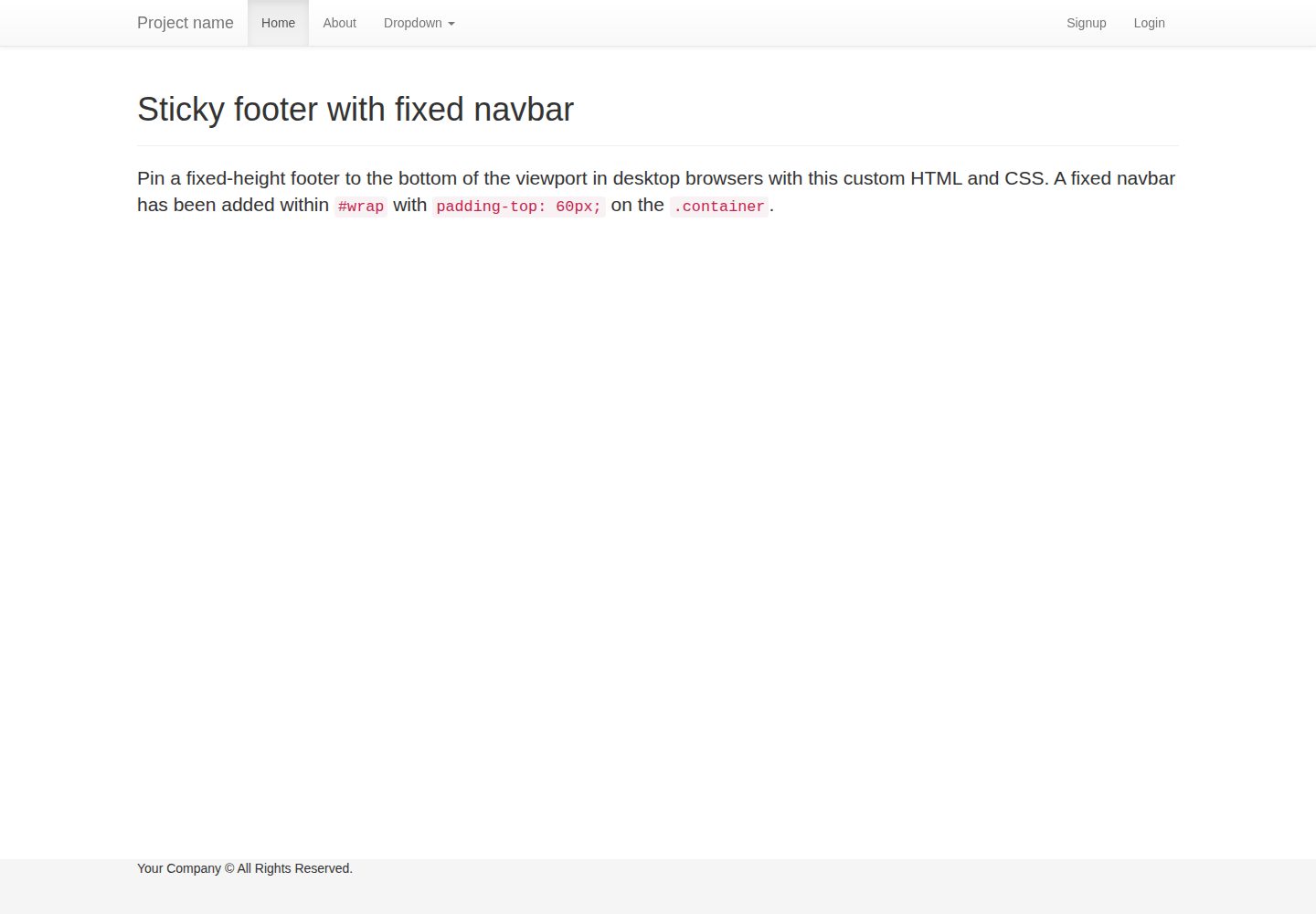
flask-boilerplate
A Flask starter template from Real Python, preconfigured with Flask-SQLAlchemy, Flask-WTF, Fabric, Coverage, and a Bootstrap frontend. It includes organized templates for errors, forms, layouts, and pages, plus static assets and README deployment instructions for Heroku and PythonAnywhere.
Flask · Starter
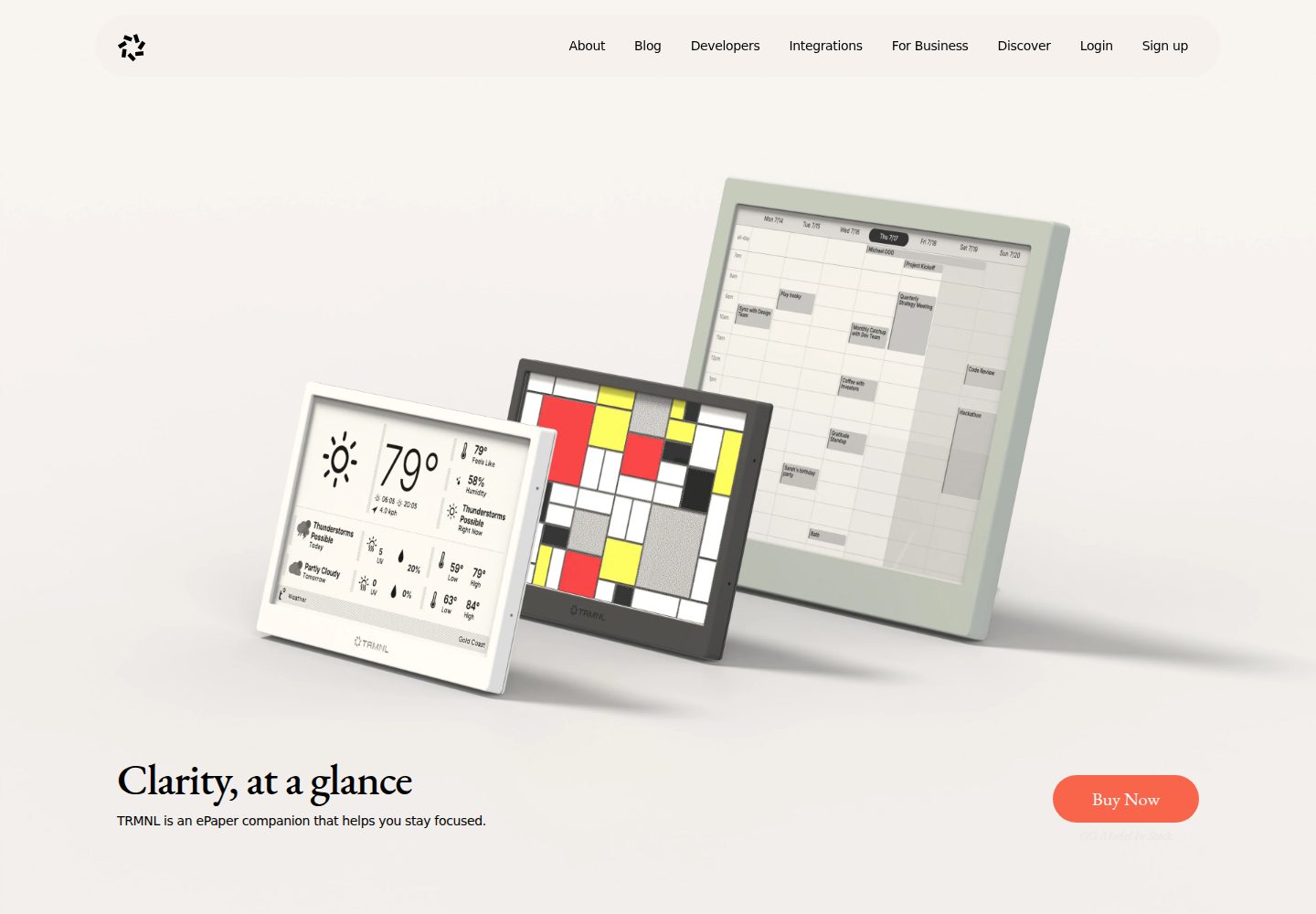
TRMNL-Boilerplate
A Flask starter template for TRMNL e-ink display plugins, offering webhook endpoints with CORS, display generation, caching, configuration management, and pytest tests.
Flask · Starter
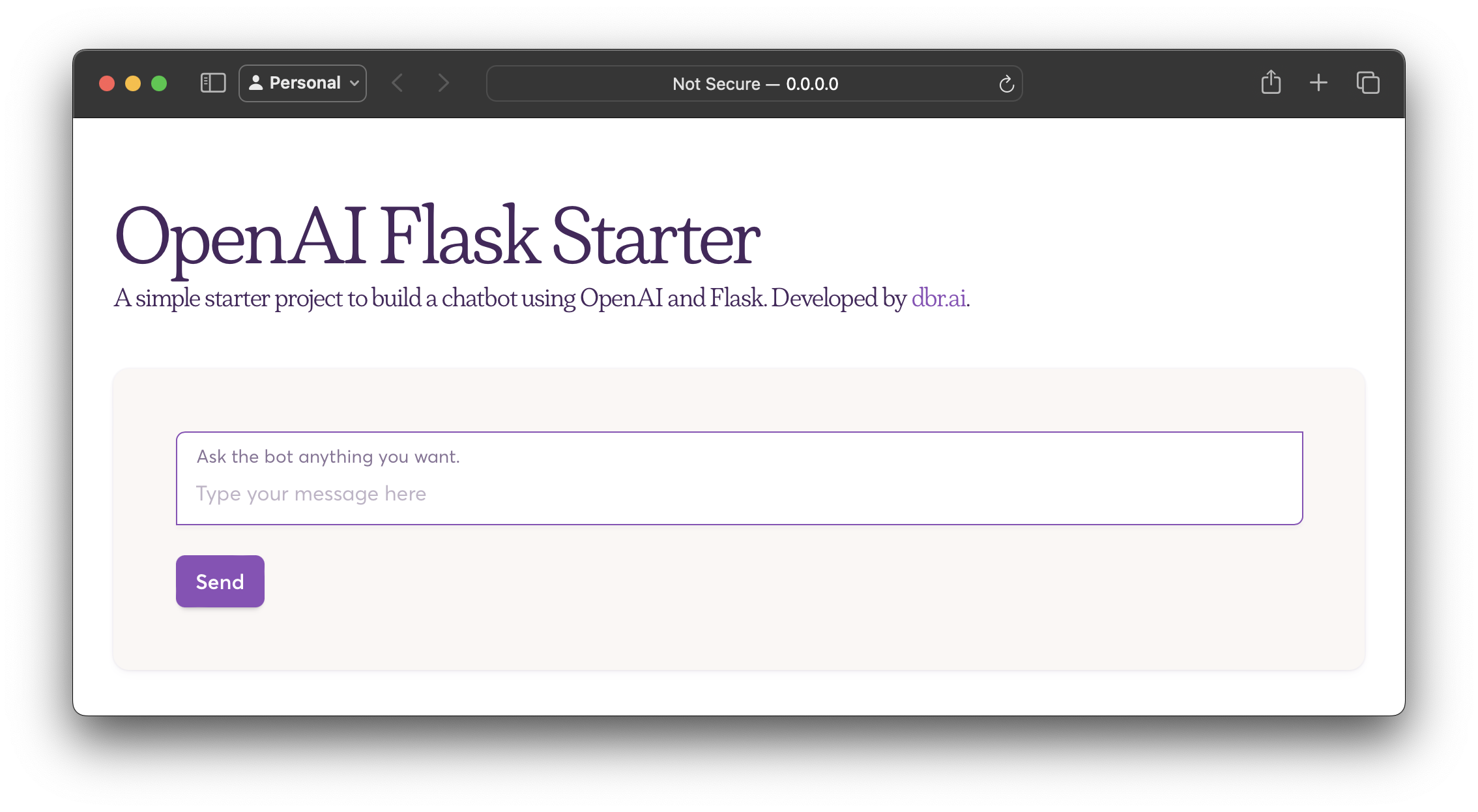
openai-flask-starter
A Flask-based chatbot starter that calls the OpenAI chat completion API, with an HTML interface, .env.sample for the API key and HTTP_PORT, and Dockerfile/docker-compose for containerized runs.
Flask · Starter
app-engine-starter
A Flask starter template for Google App Engine standard environment, using Python 3, with a Bootstrap page skeleton, Jinja2 semi-automated navigation, pipenv local development, and gcloud deployment instructions.
Flask · Starter
flask-account-starter
A Flask account system starter template using the application factory pattern, with built-in registration, toggleable account verification, password reset, new IP login verification, failed login lockout, activity logs, and automated emails.
Flask · Starter
Py-Flask-Starter
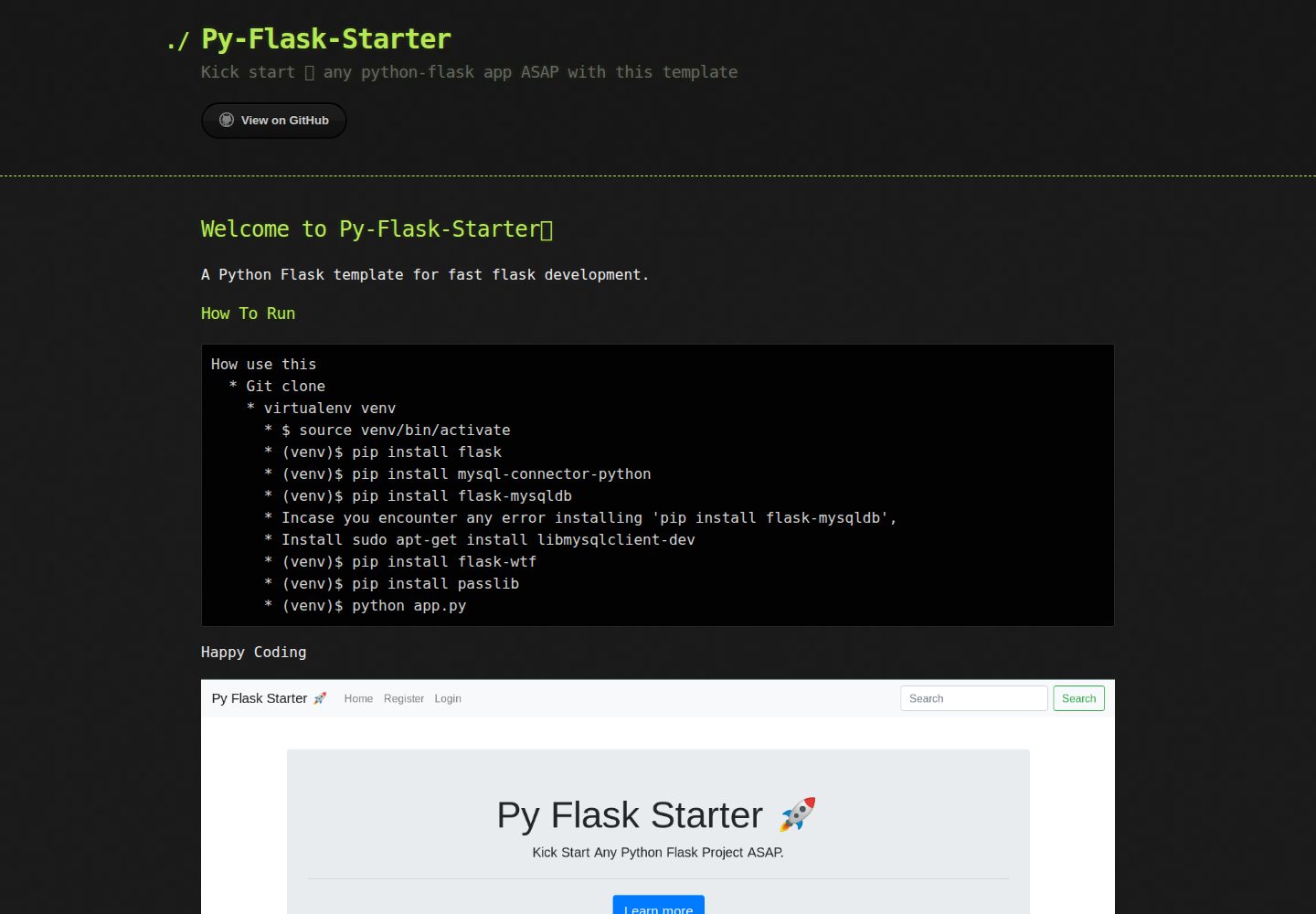
Py-Flask-Starter is an MIT-licensed starter template for Python Flask applications, maintained by MartMbithi. The README outlines a virtualenv-based setup and installs flask, mysql-connector-python, flask-mysqldb, flask-wtf, and passlib, indicating MySQL connectivity, WTForms forms, and password hashing as intended needs.
Flask · Starter